
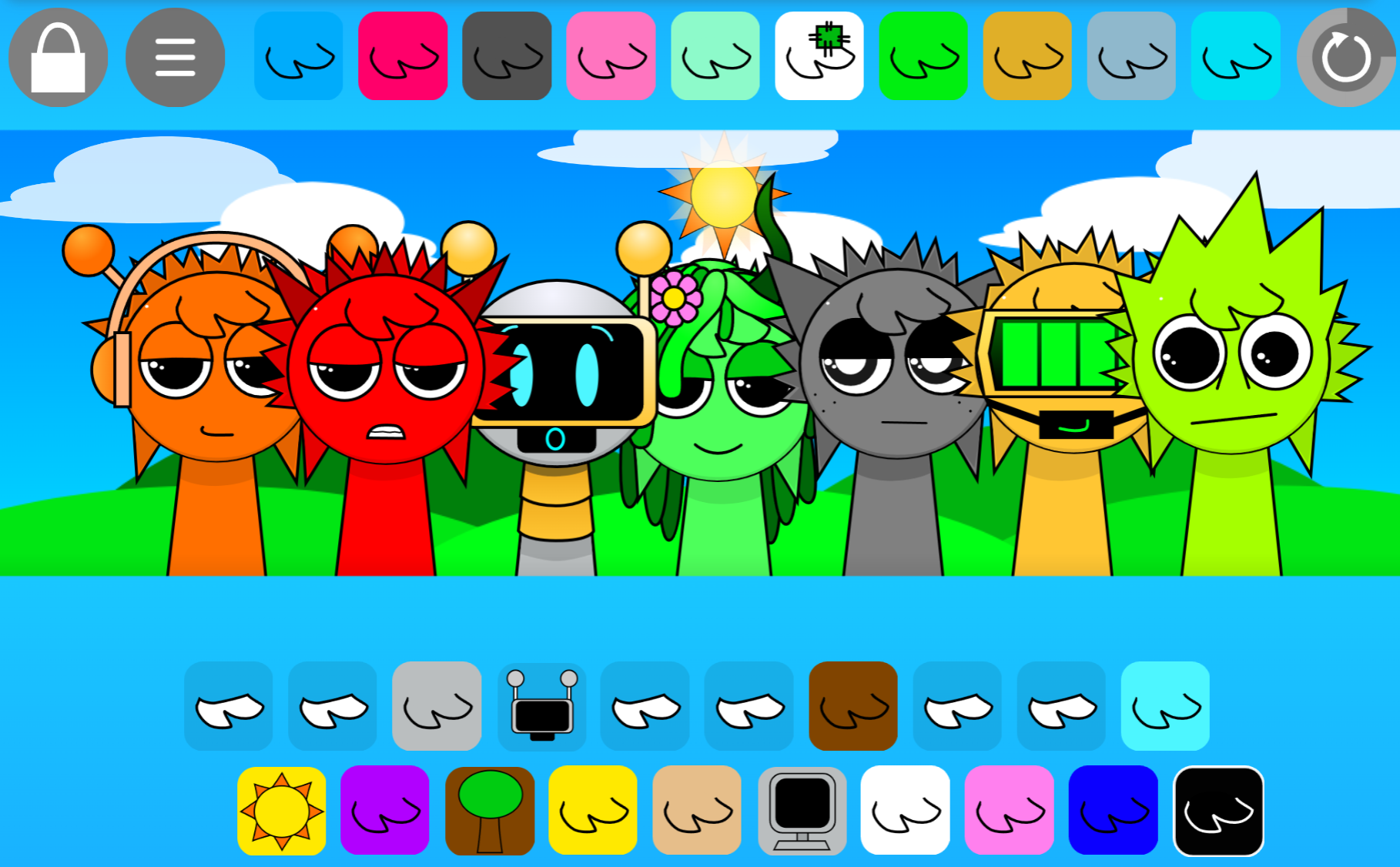
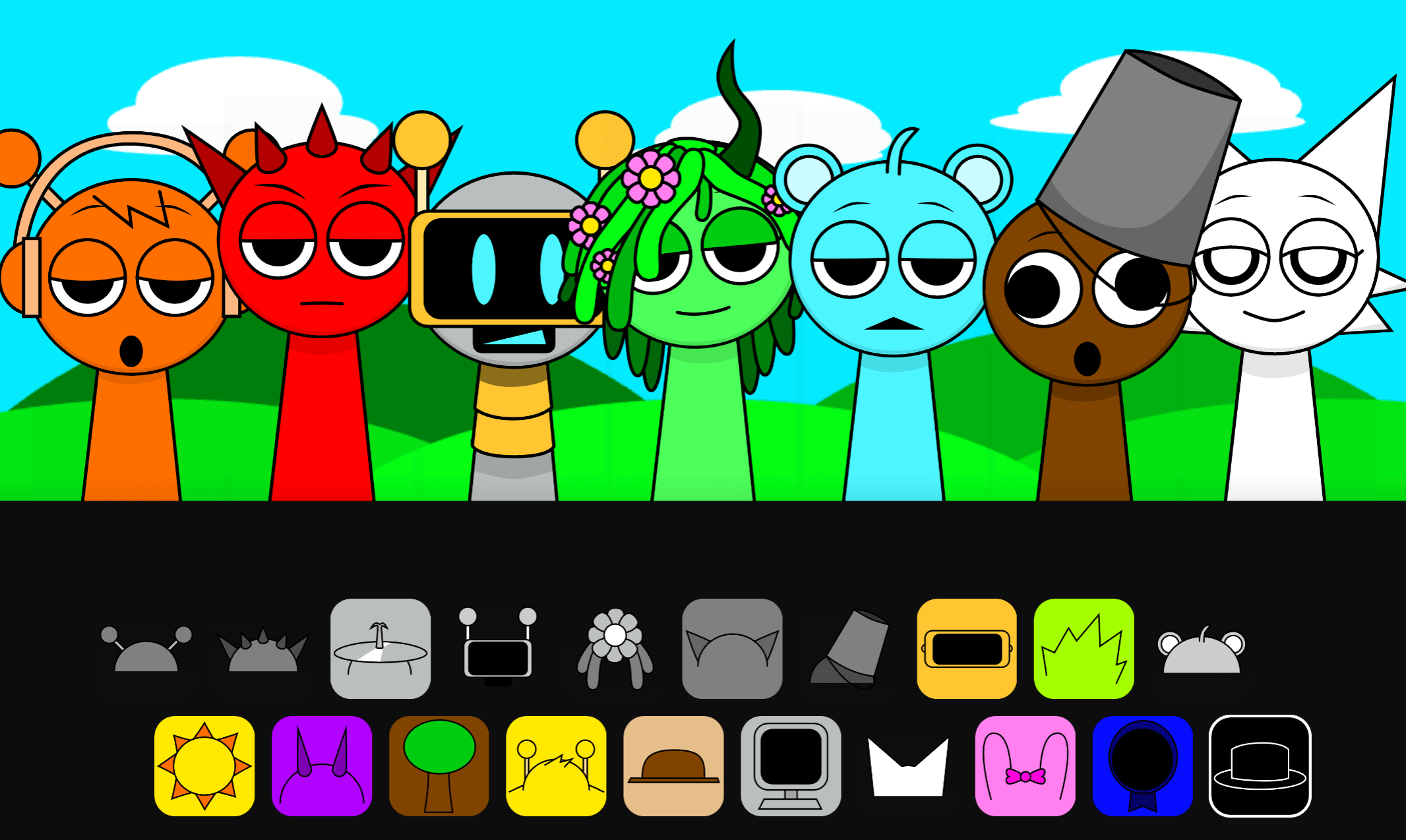
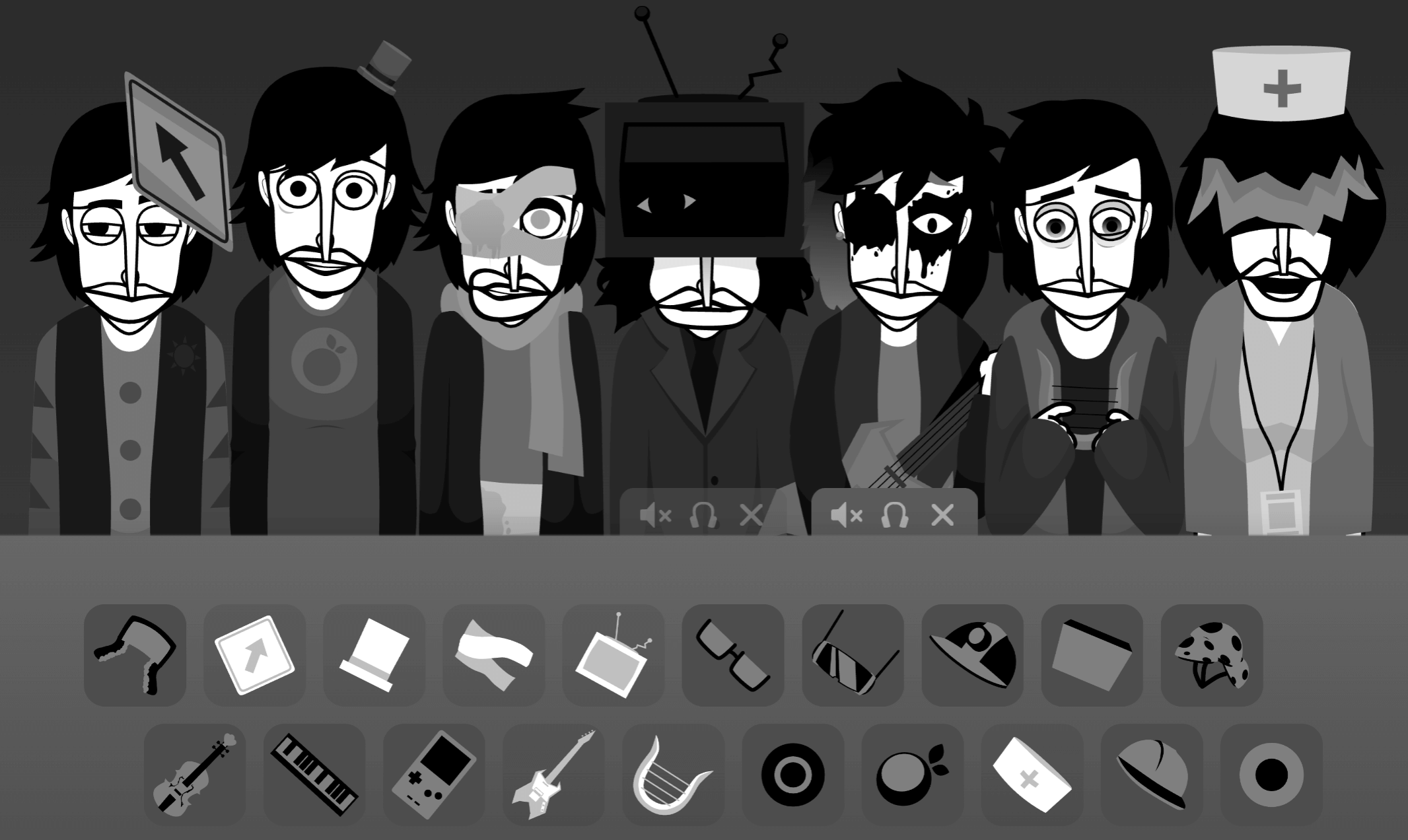
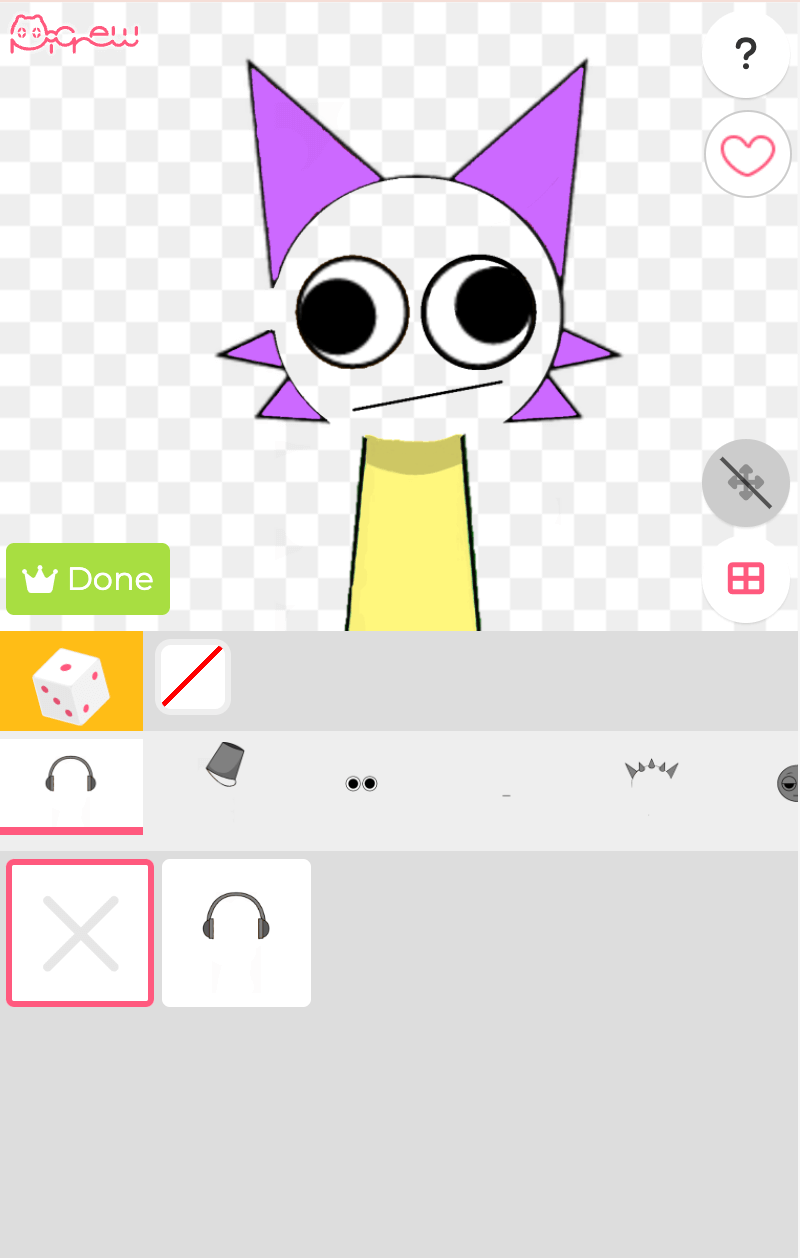
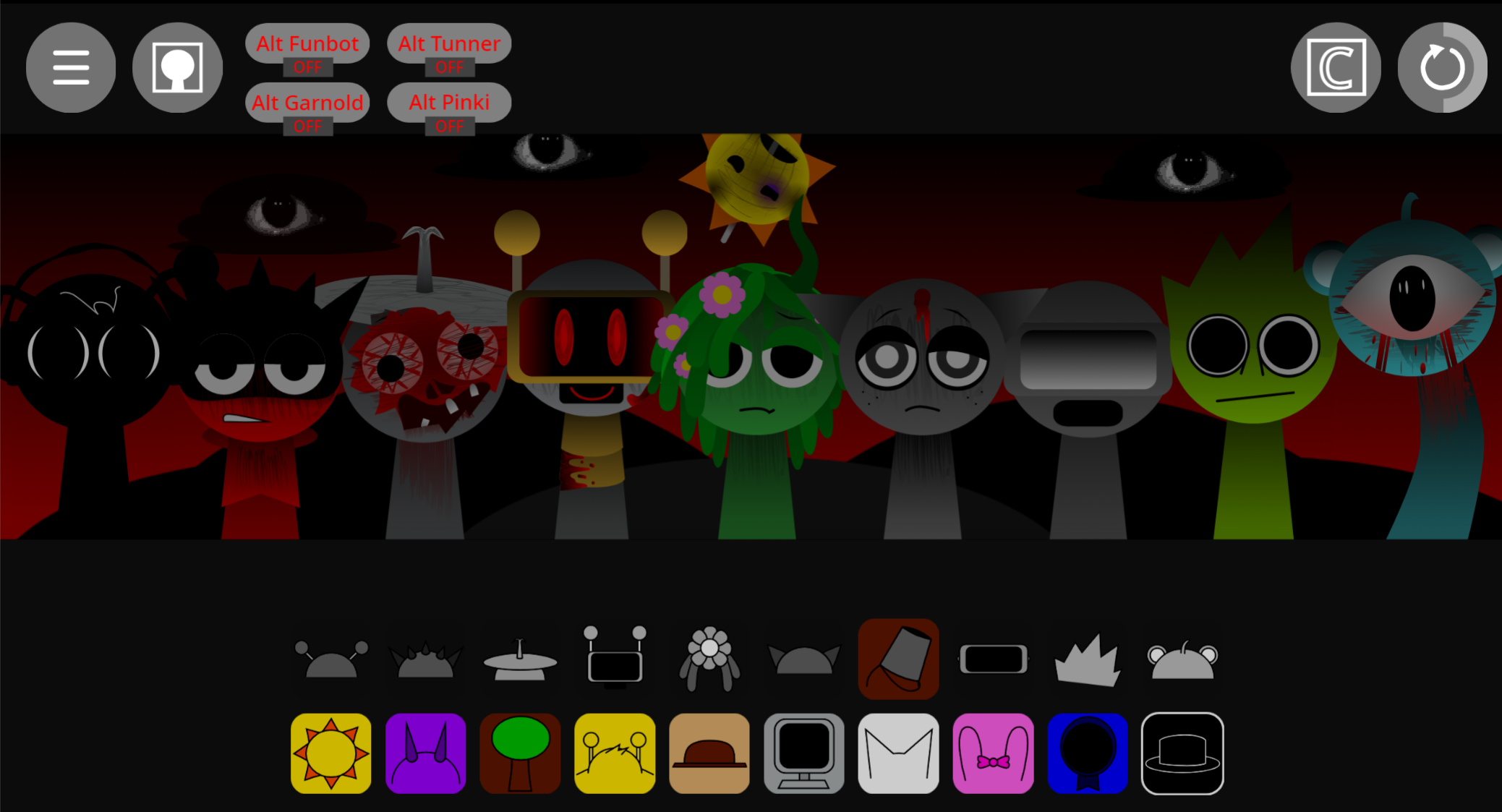
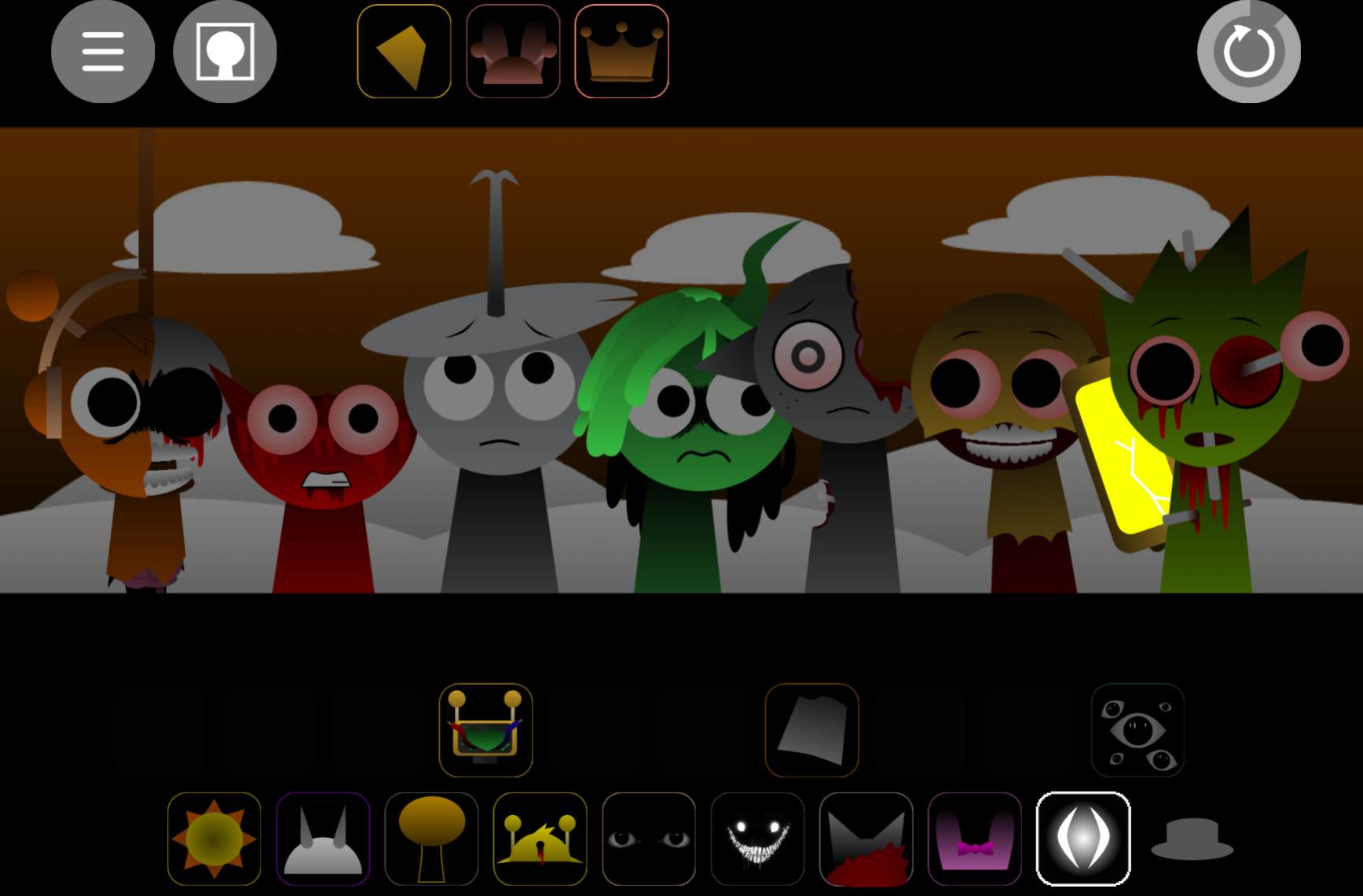


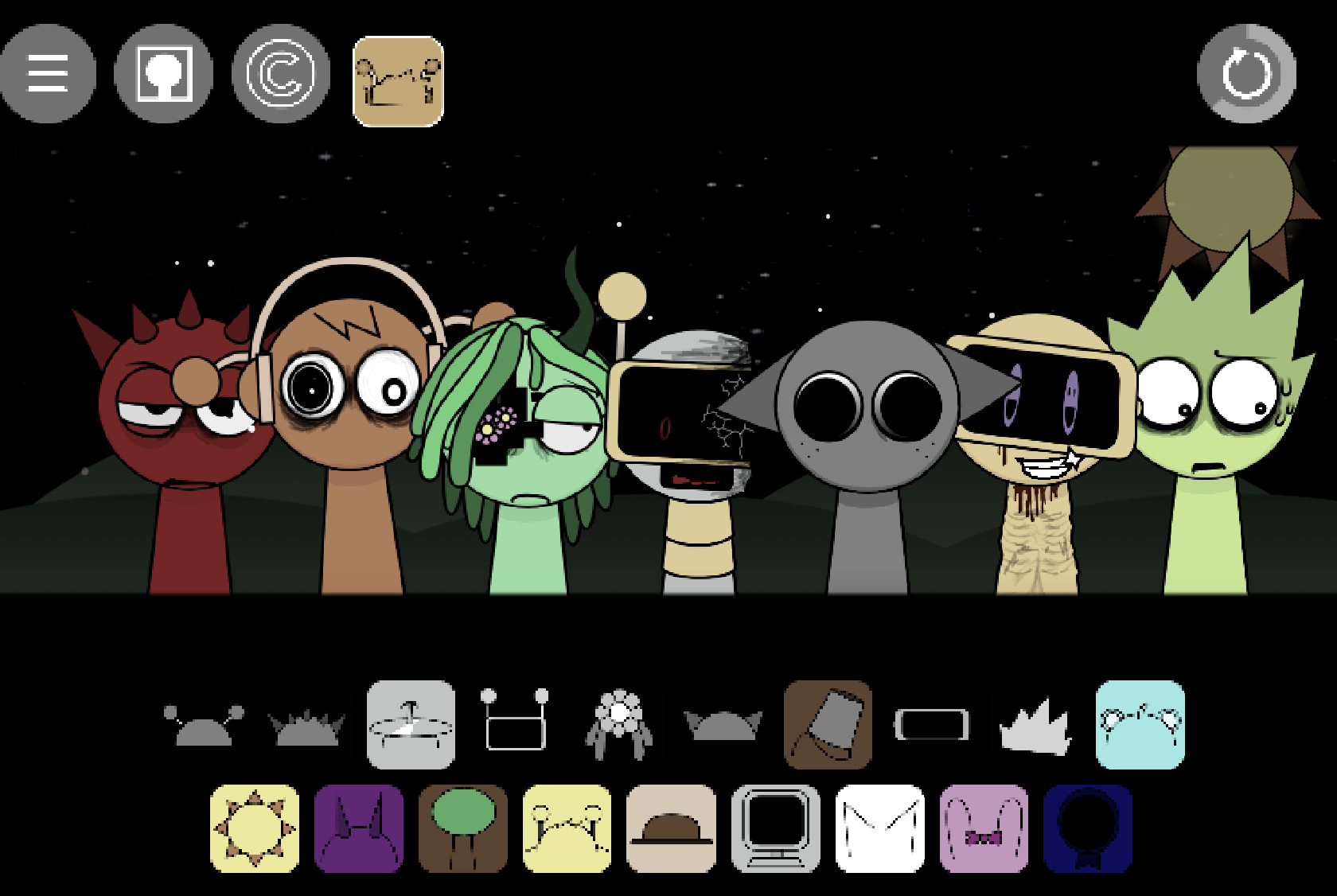
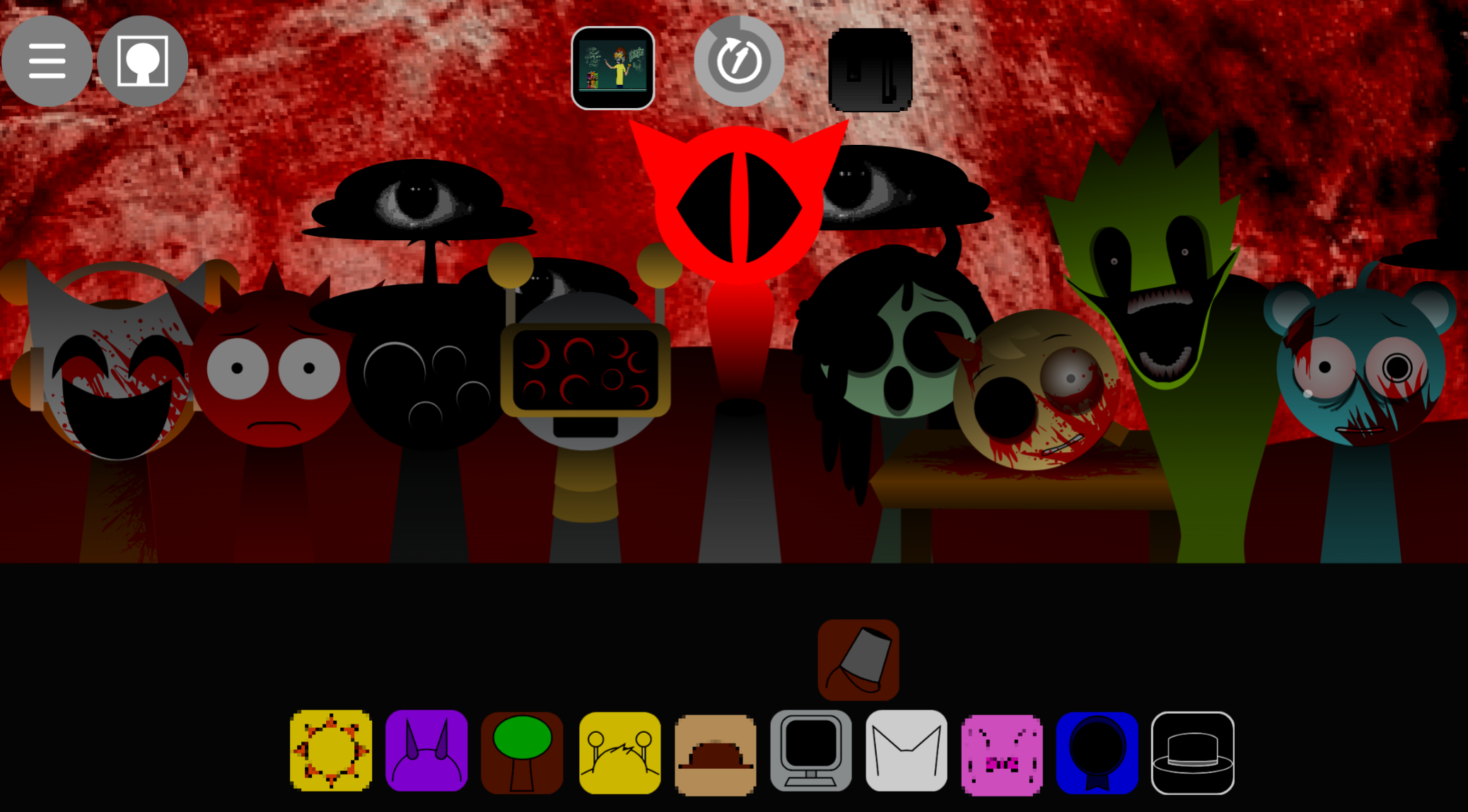
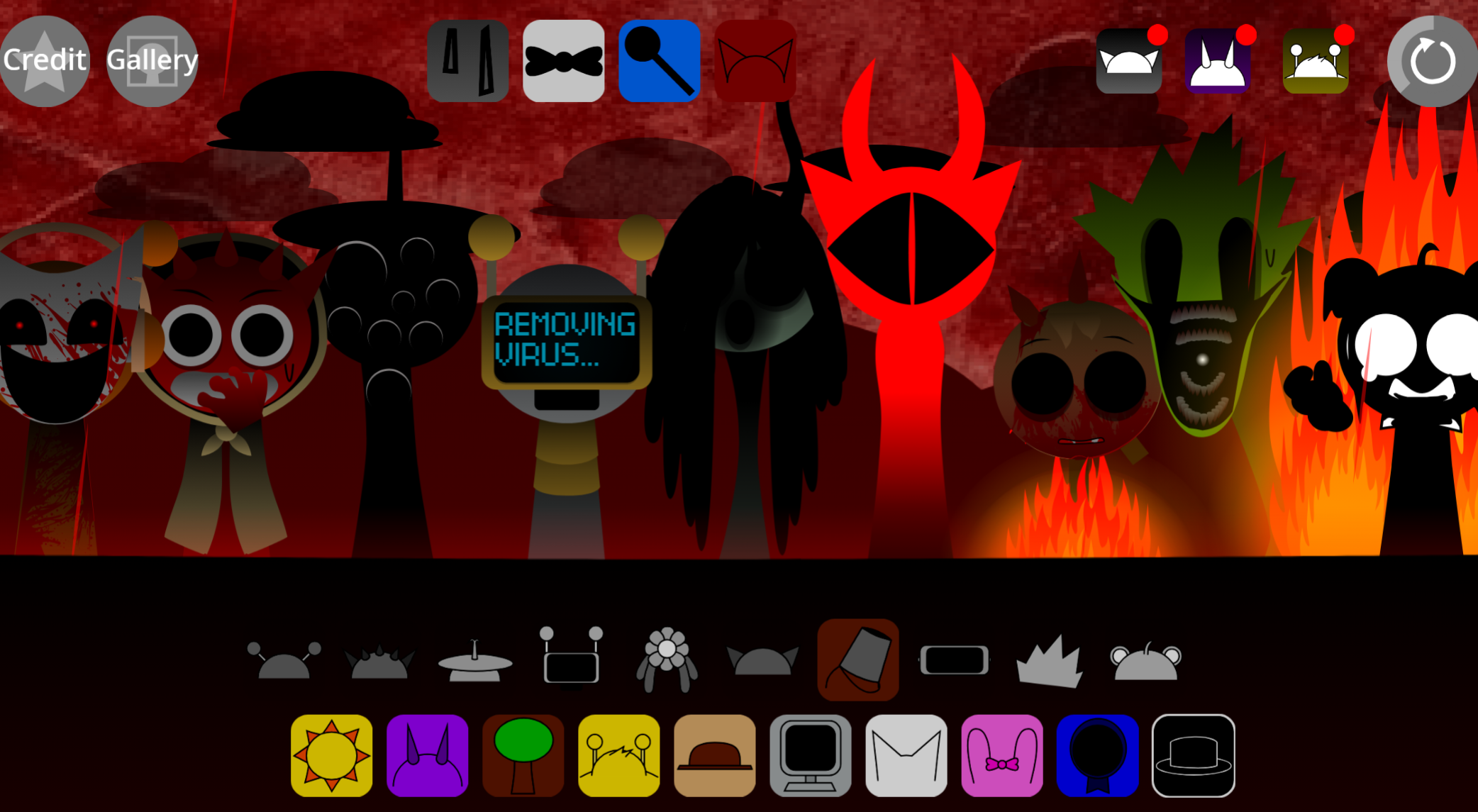
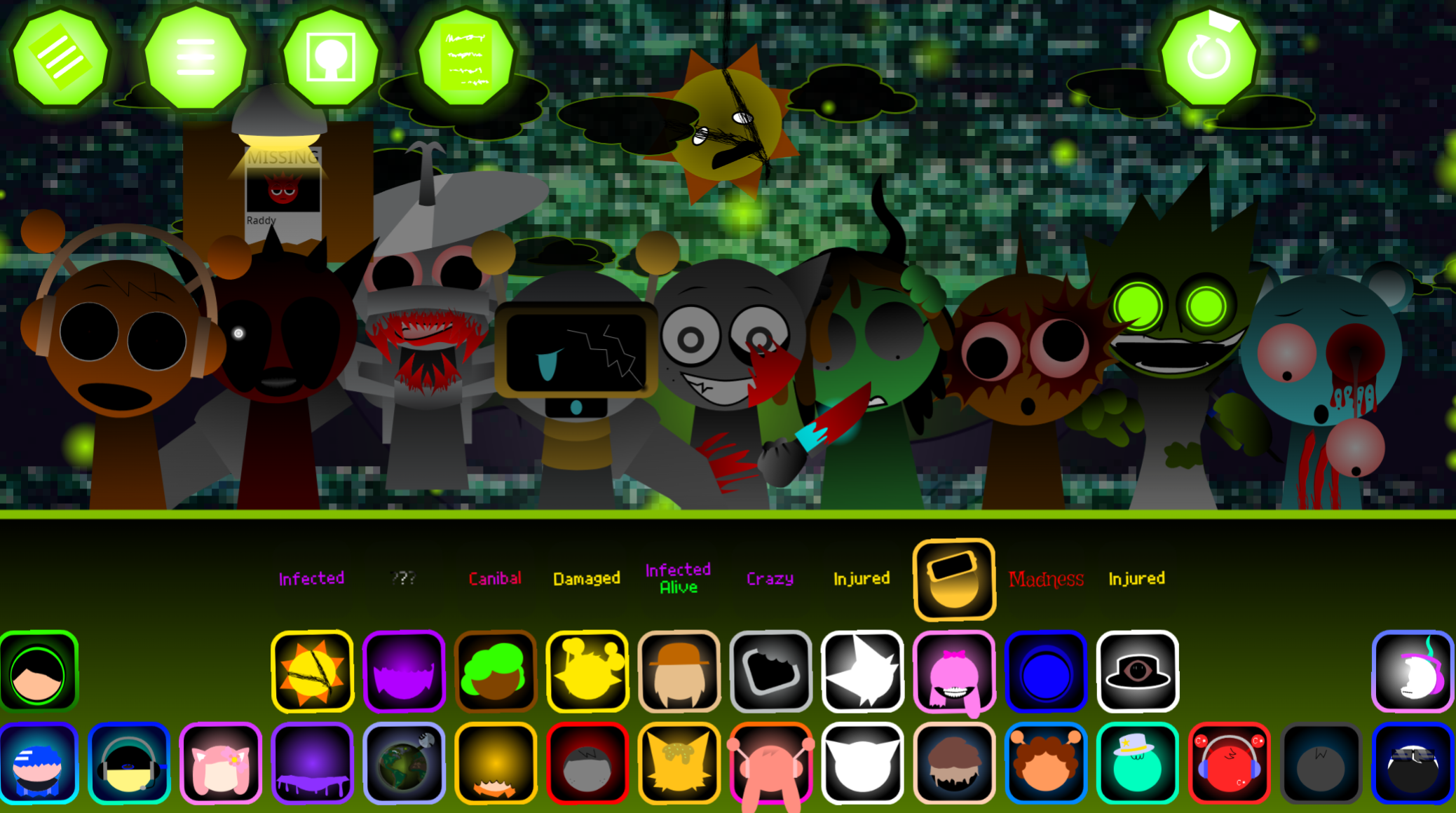
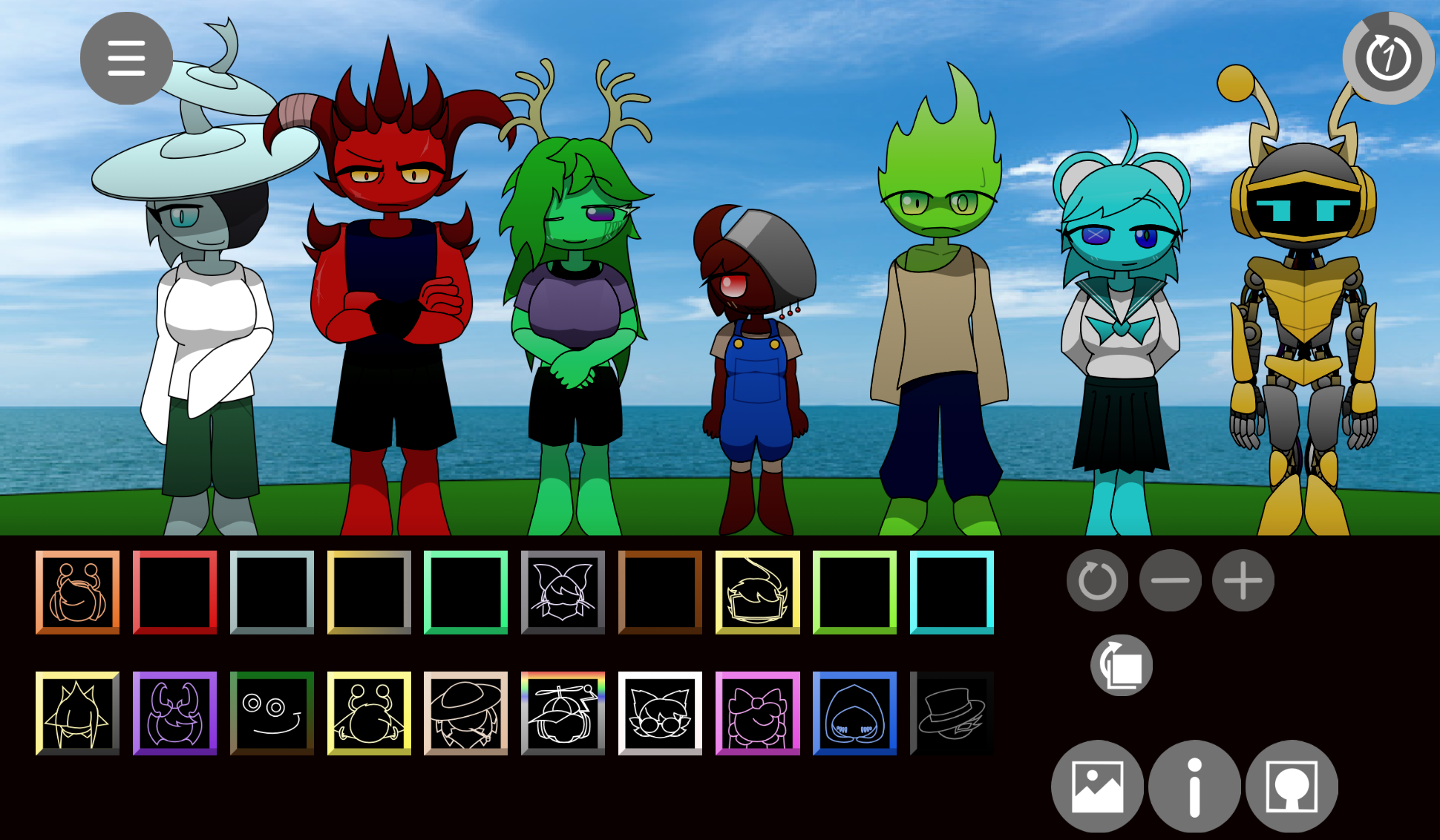
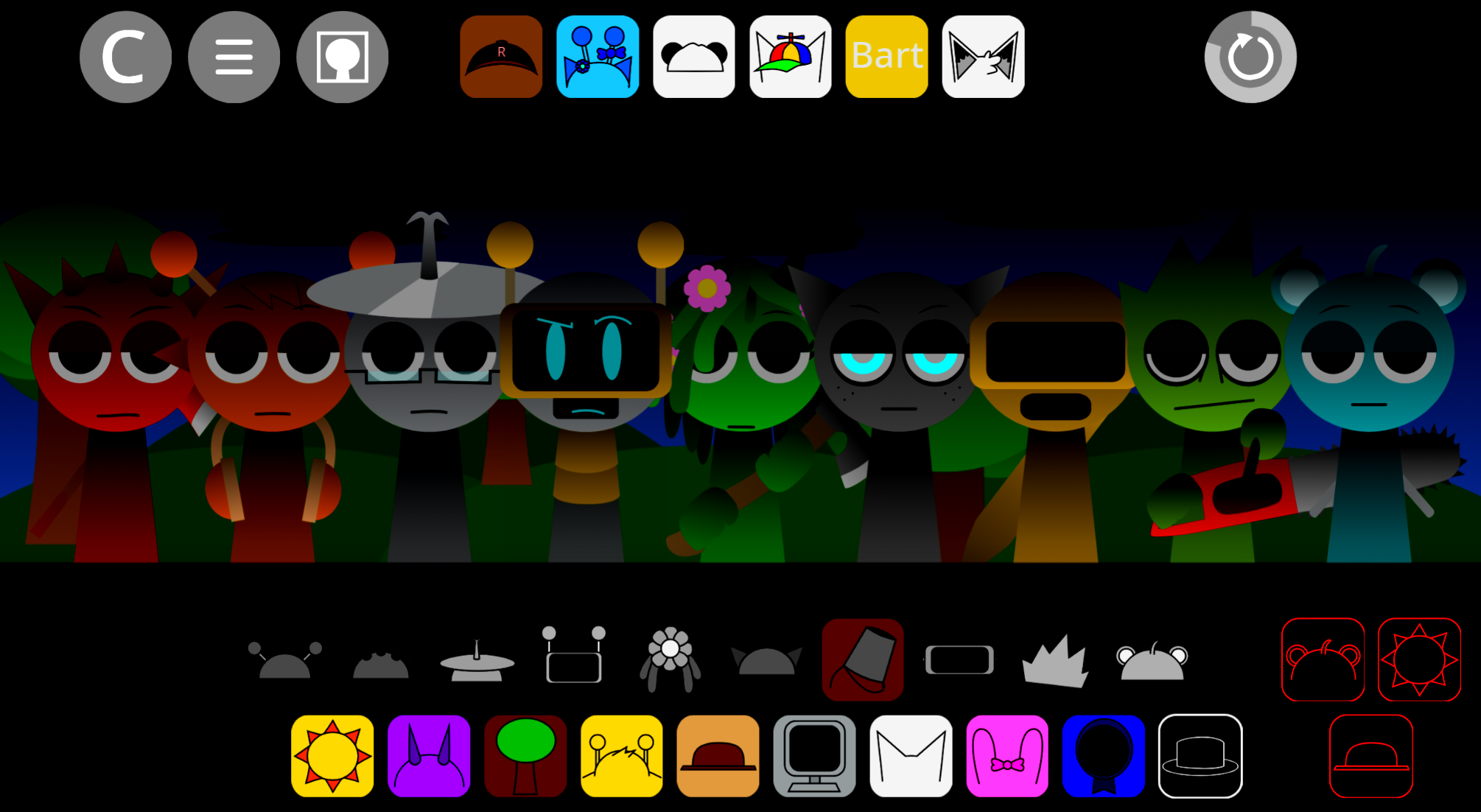
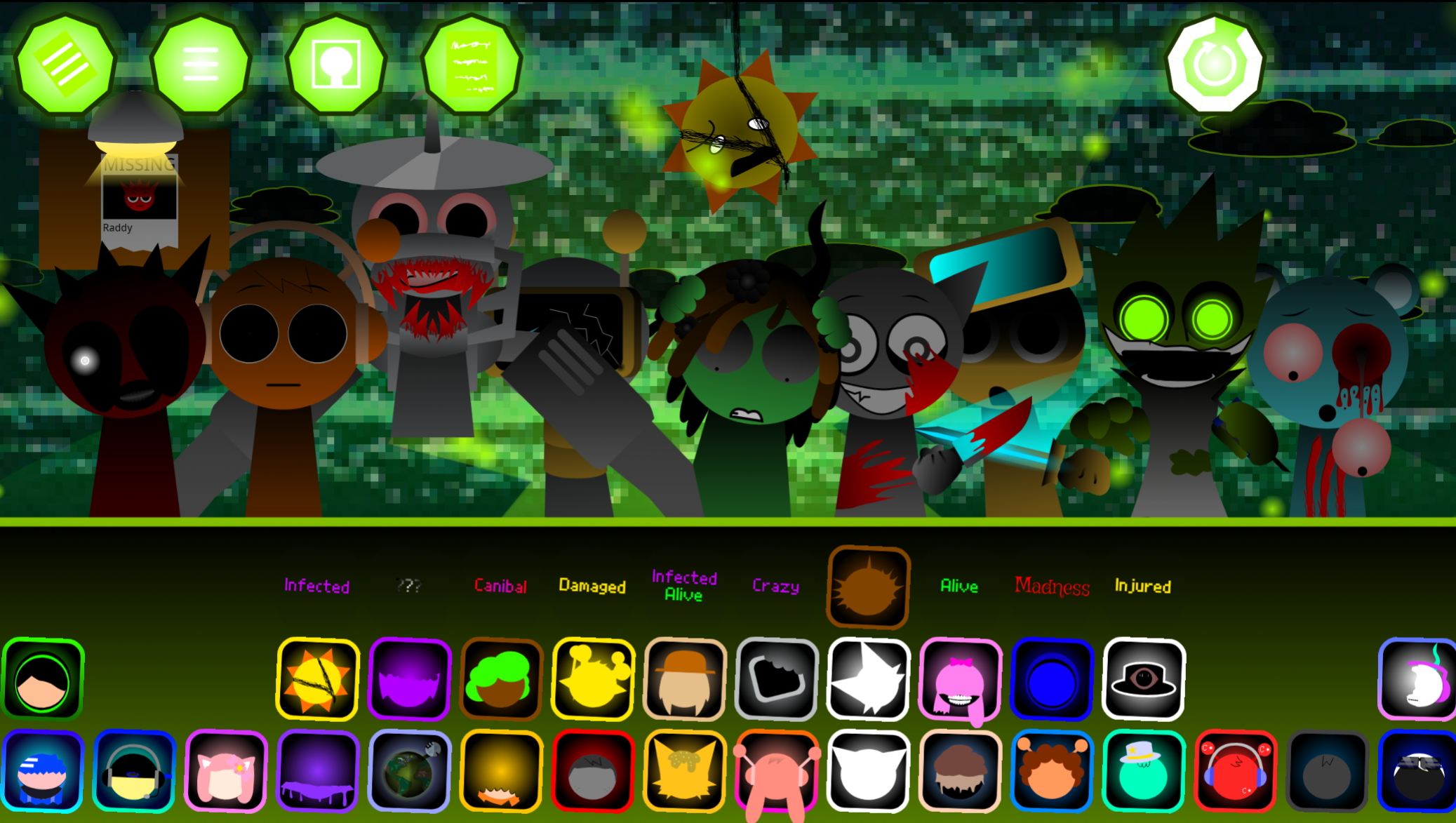
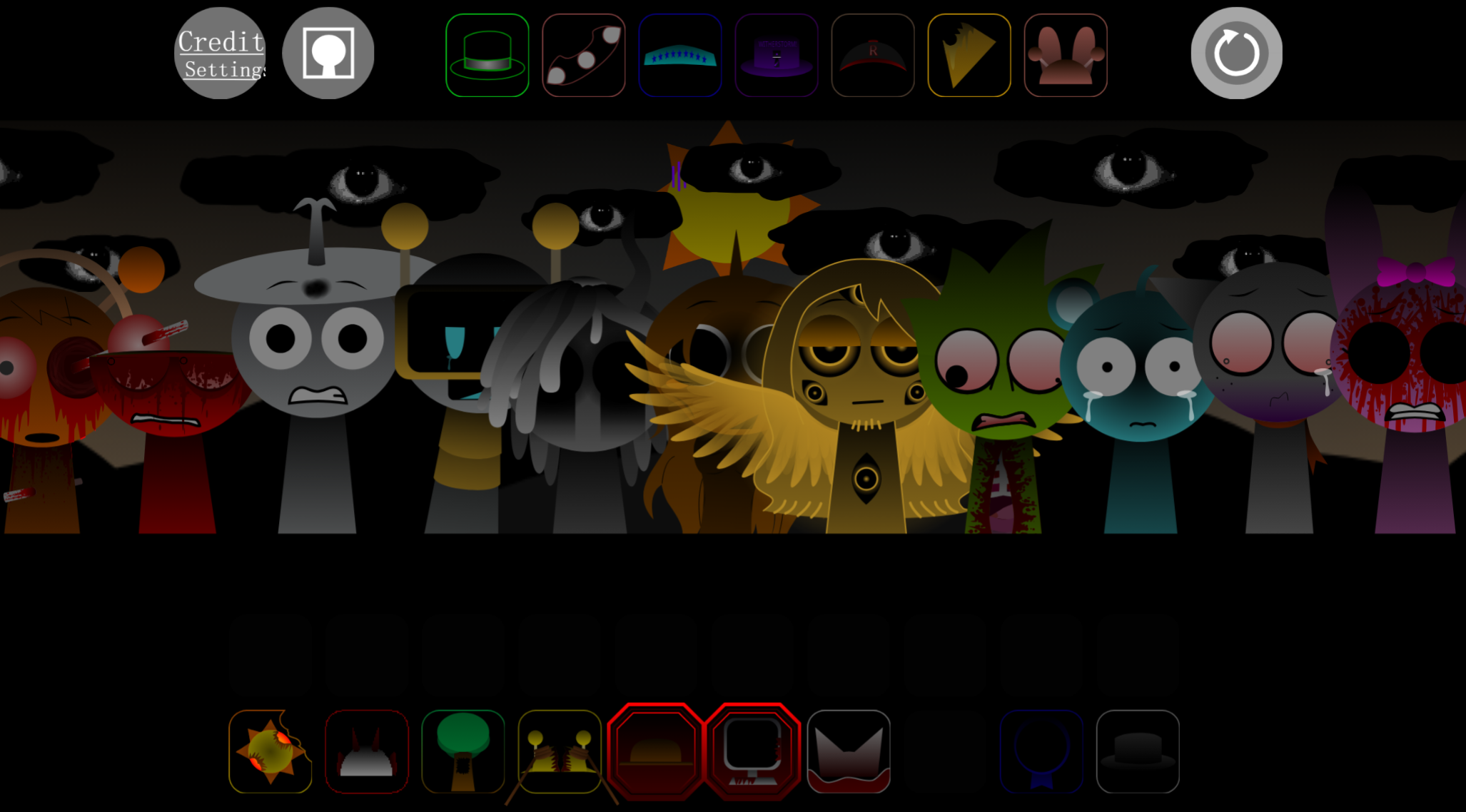
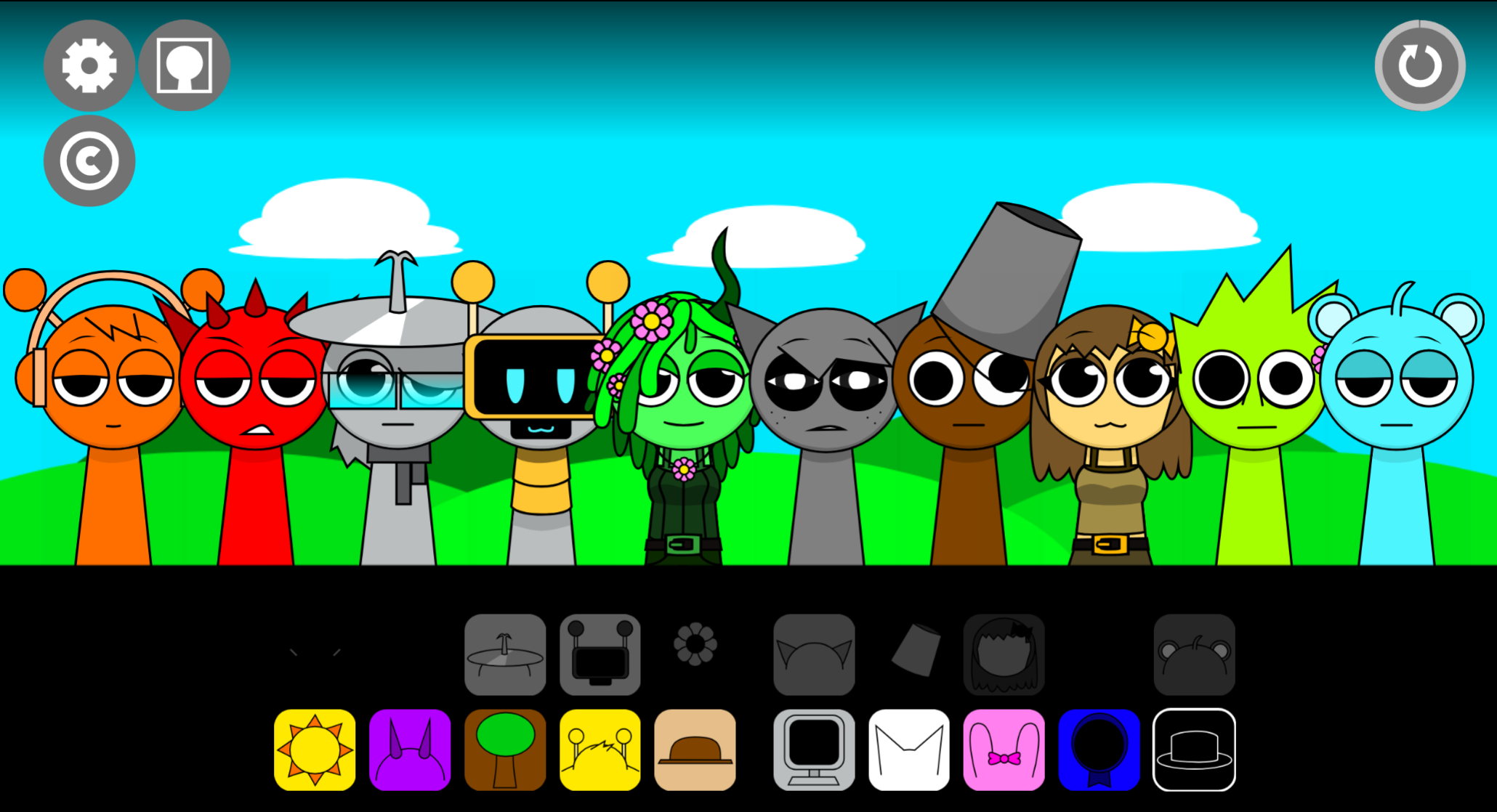
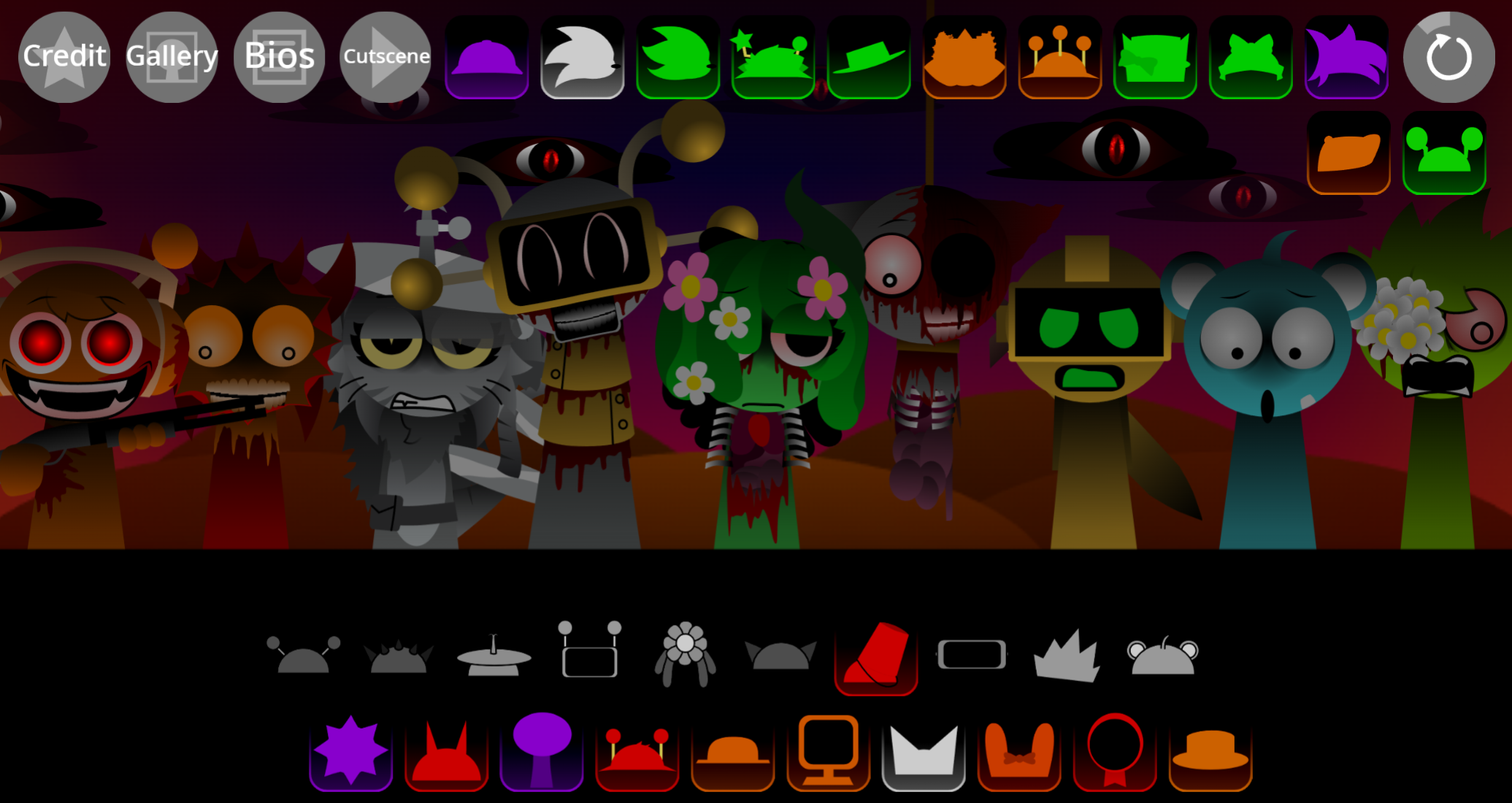
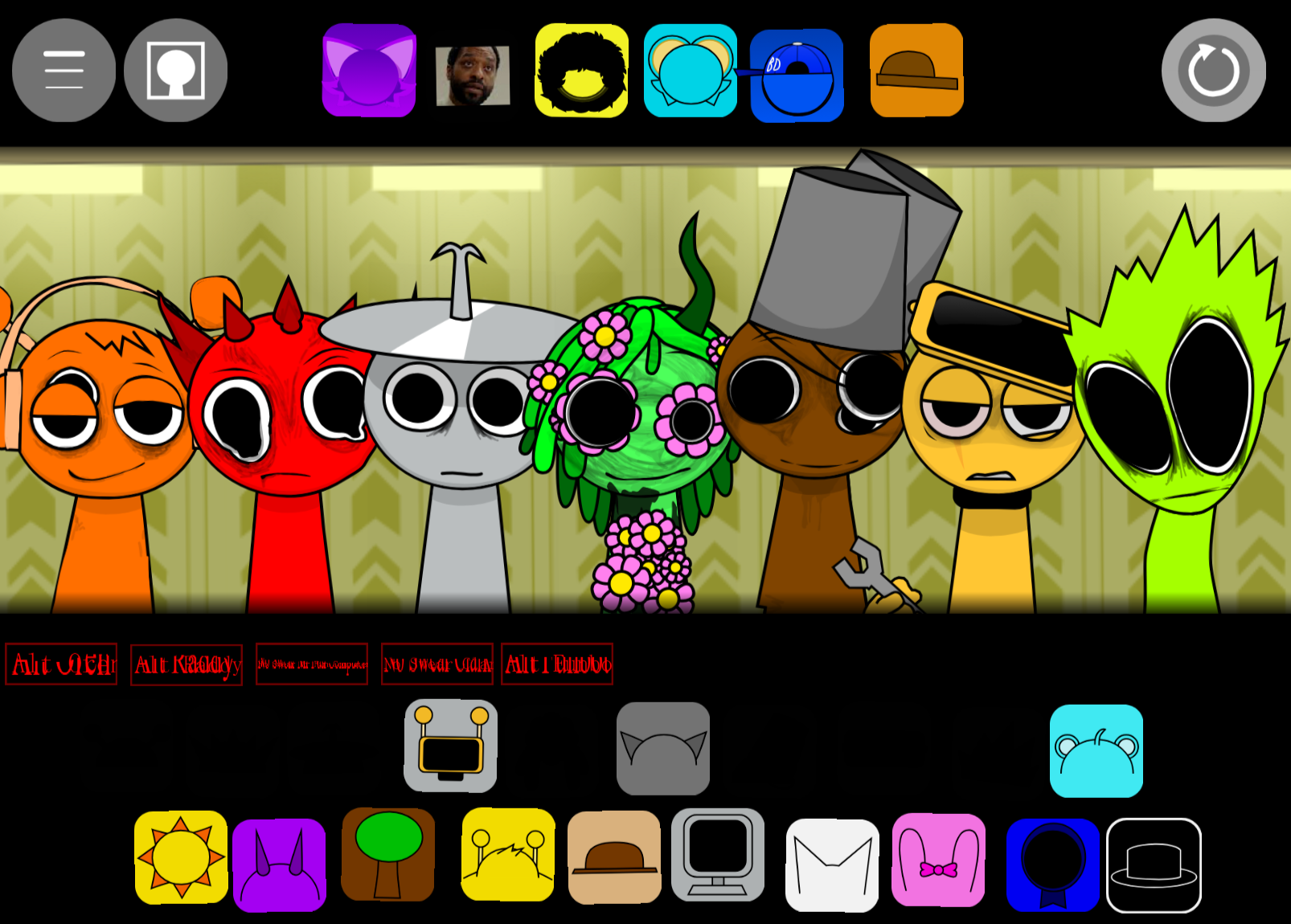
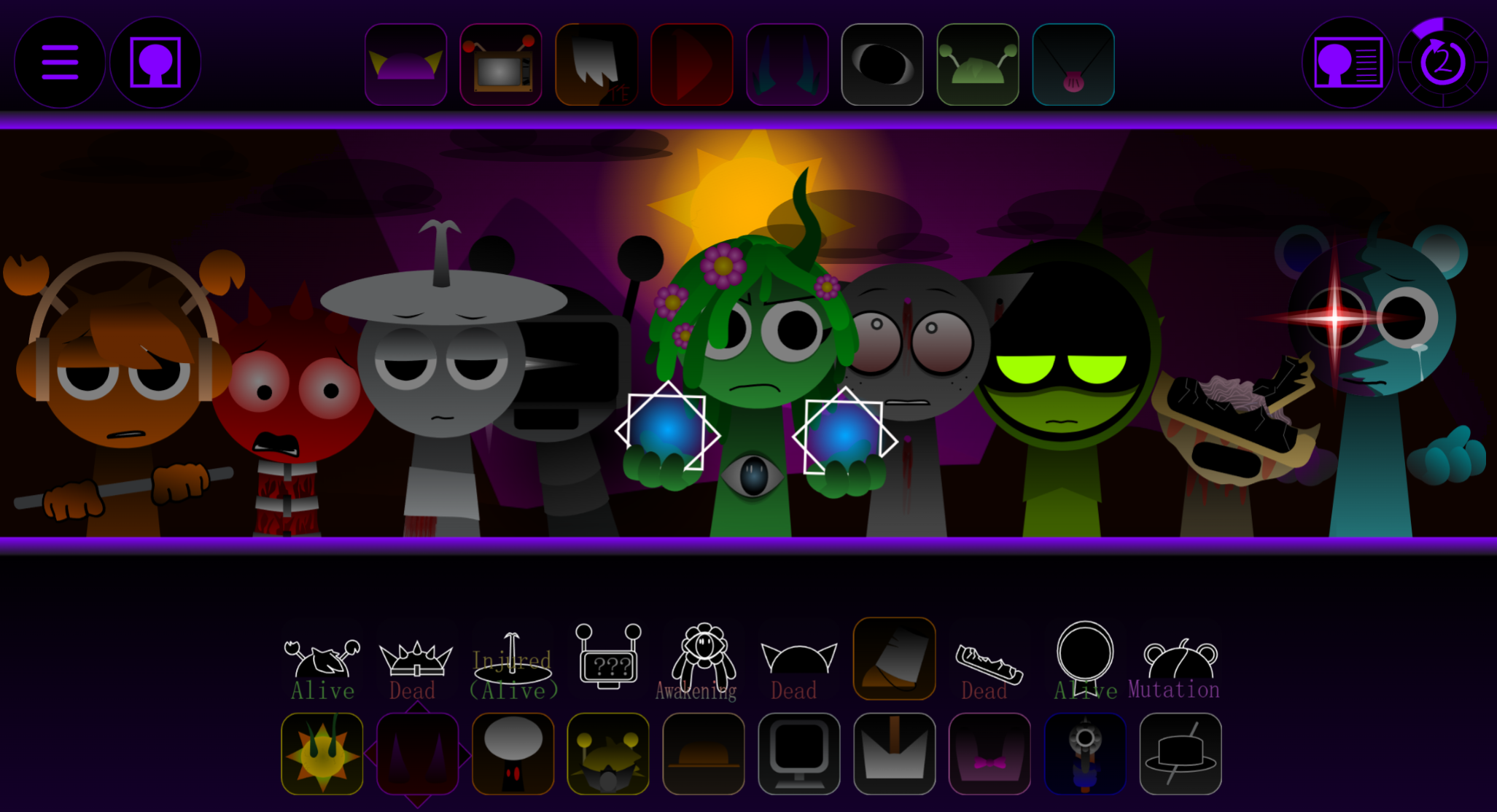
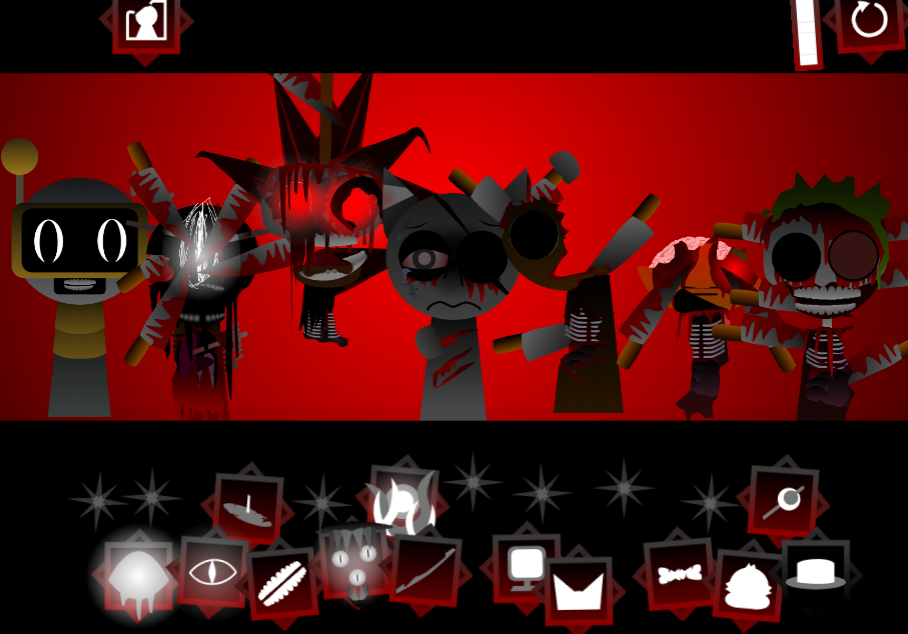
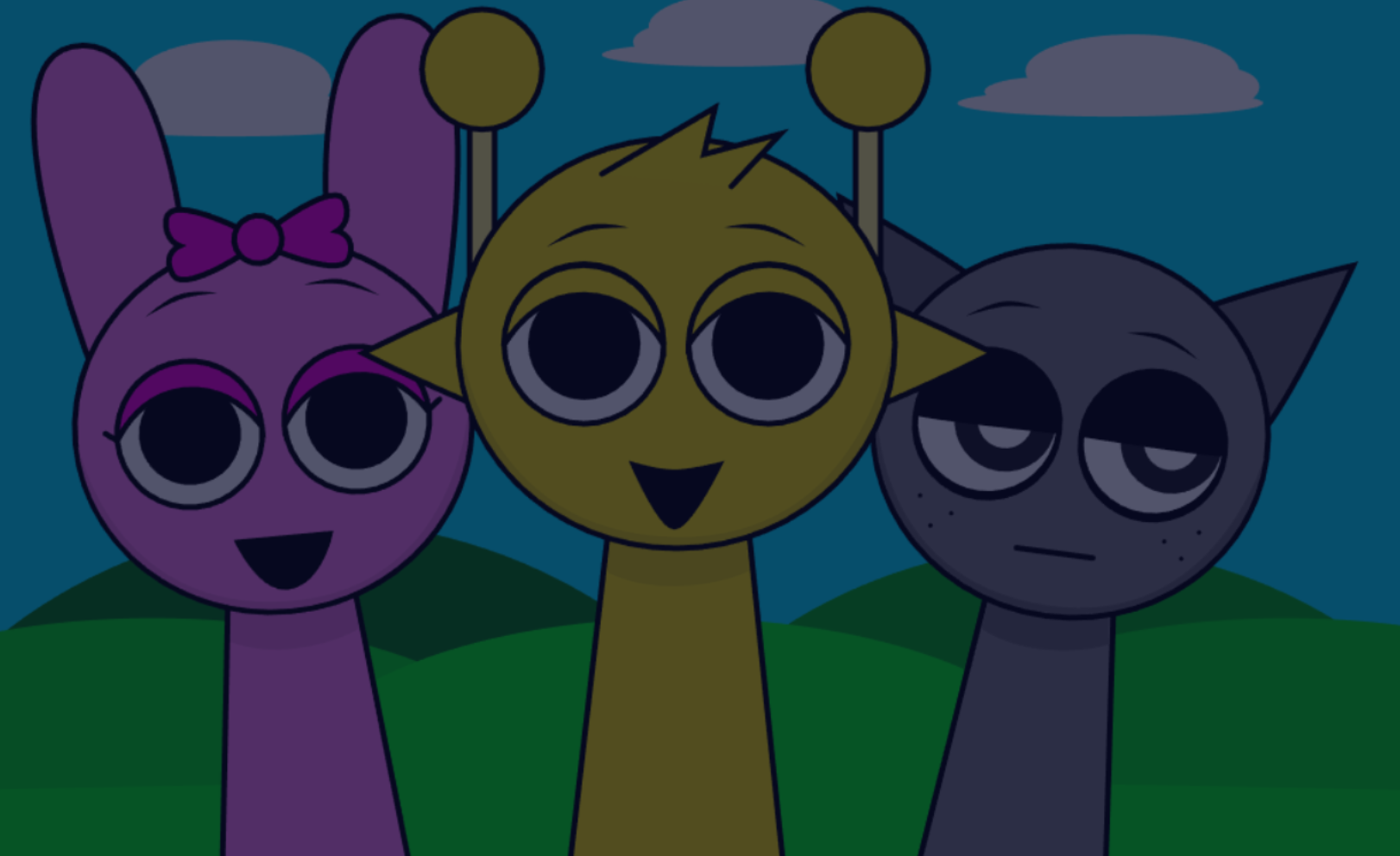
Sprunki Arthur Time is a fan-made Sprunki mod built around Arthur, a community-created character developed by Ska9/B.
The mod drops Arthur into the familiar Sprunki music-mixing format, giving players a character-specific experience layered on top of the core gameplay loop. This article covers the practical side of playing Sprunki Arthur Time — how the mod works, what makes Arthur’s mechanics distinct, and the details that matter most when you sit down to play.
If you’re looking for a clear, fast breakdown of what to expect and how to get the most out of your time with the mod, that’s exactly what’s here.
What Is Sprunki Arthur Time?
Sprunki Arthur Time is a fan-made Sprunki mod centered on Arthur, a community-created character built by Ska9/B. Zuka rather than an official base-game addition. The name refers to Arthur-focused mods, character pages, and mixes that build on the standard Sprunki loop format with added emphasis on Time-based interactions.
Arthur is treated as a beat-focused character, so his role ties to pacing as much as appearance. “Arthur Time” tends to imply more than a cosmetic swap: in some versions, players can pause, speed up, or rewind parts of the action while building a track, which changes how the mix develops.
This is a work in progress from a community team, so some elements may feel unfinished. It fits into the wider fan-made side of the Sprunki scene, where creators build their own characters and phases outside the base game.
How to Play Sprunki Arthur Time
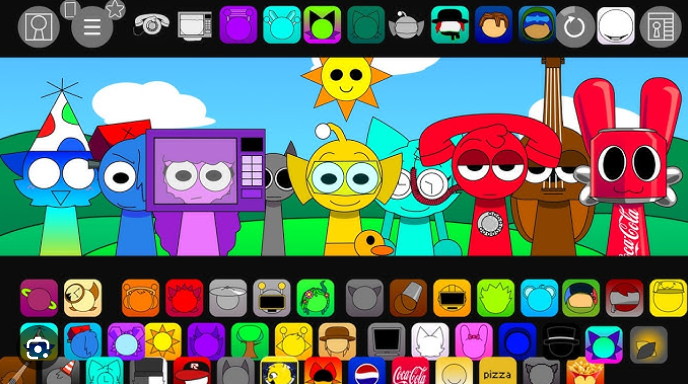
You Play it like other Sprunki mods: Choose a character, place them into a slot, and activate their loop. What changes in Arthur Time is that you are managing timing effects alongside stacking sounds.
Pick a character and trigger the loop.
Each character adds a beat, melody, vocal, or effect. In Arthur-focused versions, some may also connect to time-manipulation behavior.
Build around the time controls.
Use the Time mechanics to pause events, speed them up, or rewind them. Some interactions and progress checks depend on when you use those actions.
Solve time-based puzzle moments.
Some sections function as small timing puzzles. You may need to freeze a beat, rewind a move, or shift the pace to unlock the next part.
Layer new sounds as they open up.
Swap characters in and out and listen for where each part fits. Testing one change at a time usually produces a cleaner result.
The setup is straightforward, but getting the music and timing mechanics to work together takes some trial and error.
How to Mix in Arthur Time
The most effective way to Mix in Arthur Time is to give each sound a clear job and build the arrangement gradually rather than filling every slot at once.
Choose a base layer first.
Start with a beat or main rhythm so the track has a stable center.
Add contrast, not duplicates.
Bring in a melody, vocal, or effect that fills a gap rather than another loop covering the same ground.
Test characters on and off.
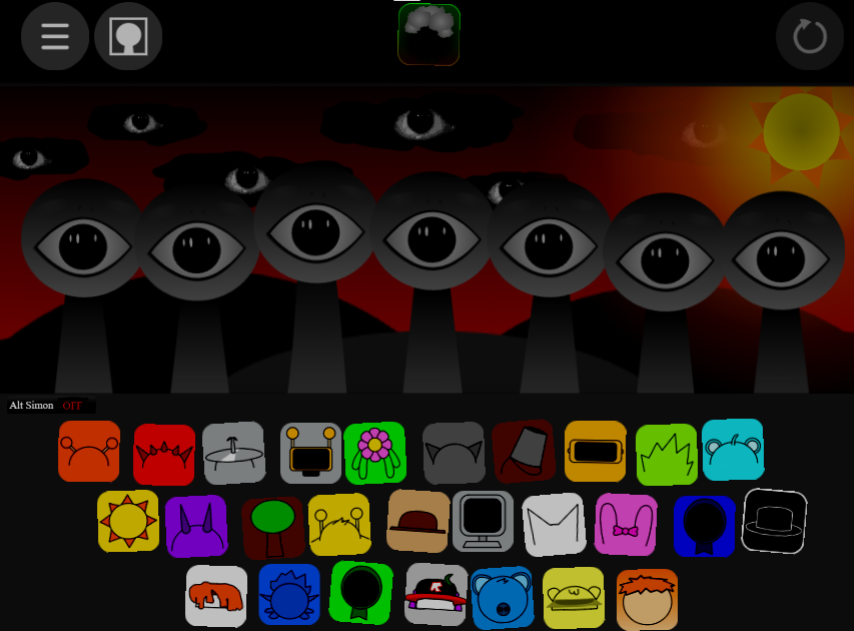
Drag characters onto the stage, then tap them on or off to hear whether the loop helps or crowds the groove.
Time changes to the beat.
Activations tend to land better when they happen in rhythm. Wait for the loop cycle before switching parts when possible.
Experiment with combinations.
Some versions support hybrid combinations or character fusions, which can produce new sound blends and visual changes.
Pro Mixing Tips
For a more Pro approach to Mixing, focus on arrangement clarity over density.
- Start with a simple backbone. One or two rhythm-focused characters first, then let that groove settle before adding anything else.
- Give sounds clear roles. One loop carries rhythm, another melody, another vocals or effects. Too many similar parts blur together quickly.
- Add layers gradually. Drop in one new character, listen for a few beats, then decide whether it supports the track.
- Mix with the beat, not against it. Clean activations and attention to visual cues help the loop stay locked in.
- Keep combinations that already work. If a pairing blends well, use it as a base for refinement rather than rebuilding from scratch each time.
What Makes Arthur Time Different?
Sprunki Arthur Time adds light strategy to the standard music-building loop. The result depends not only on what you place, but on when you pause, rewind, or speed things up, which gives the mod a more active feel without making it hard to follow.
New players can start with simple combinations and listen for how the loops fit together. More experienced players can spend longer refining patterns and testing how Arthur’s timing identity shifts the flow of a mix. Visual feedback helps throughout, and the mod works well for players who prefer experimenting with different setups over repeating one fixed arrangement.
For comparison, Sprunki Pinki Time Phase 3 Big Update takes a similar time-themed approach and is worth checking alongside this one to see how different mods handle the format.
Related Games
- Sprunki Brud Time Nikis Take — This is the closest follow-up because it is another character-focused “Time” variant, letting you compare how a different fan creator reshapes the same drag-and-drop loop formula with a new sound palette.
- Sprunke Phases But In ONE Mod — If Arthur Time got you interested in fan-made phases, this mod is a strong next step because it bundles multiple phase styles into one place for broader experimentation with community remix content.
- Sprunki The Definitive Phase 7 Better Sound But Remix — This fits the article’s gameplay angle by focusing on remixing and improved sound layering, making it a useful pick for players who mainly enjoy testing how different loops combine into a cleaner beat.
Is There More Arthur Content Planned?
Since this is listed as a work in progress by its community team, the current build may expand. If you are tracking fan-made phases in the wider wiki community, Arthur Time sits alongside other OC-driven content where players follow development from early phases through updates. Player reactions so far, including brief responses from users like JS_Factory, suggest a quiet but curious reception rather than a finished, settled release.
Discuss
Loading comments...
Failed to load comments. Please try refreshing the page.