
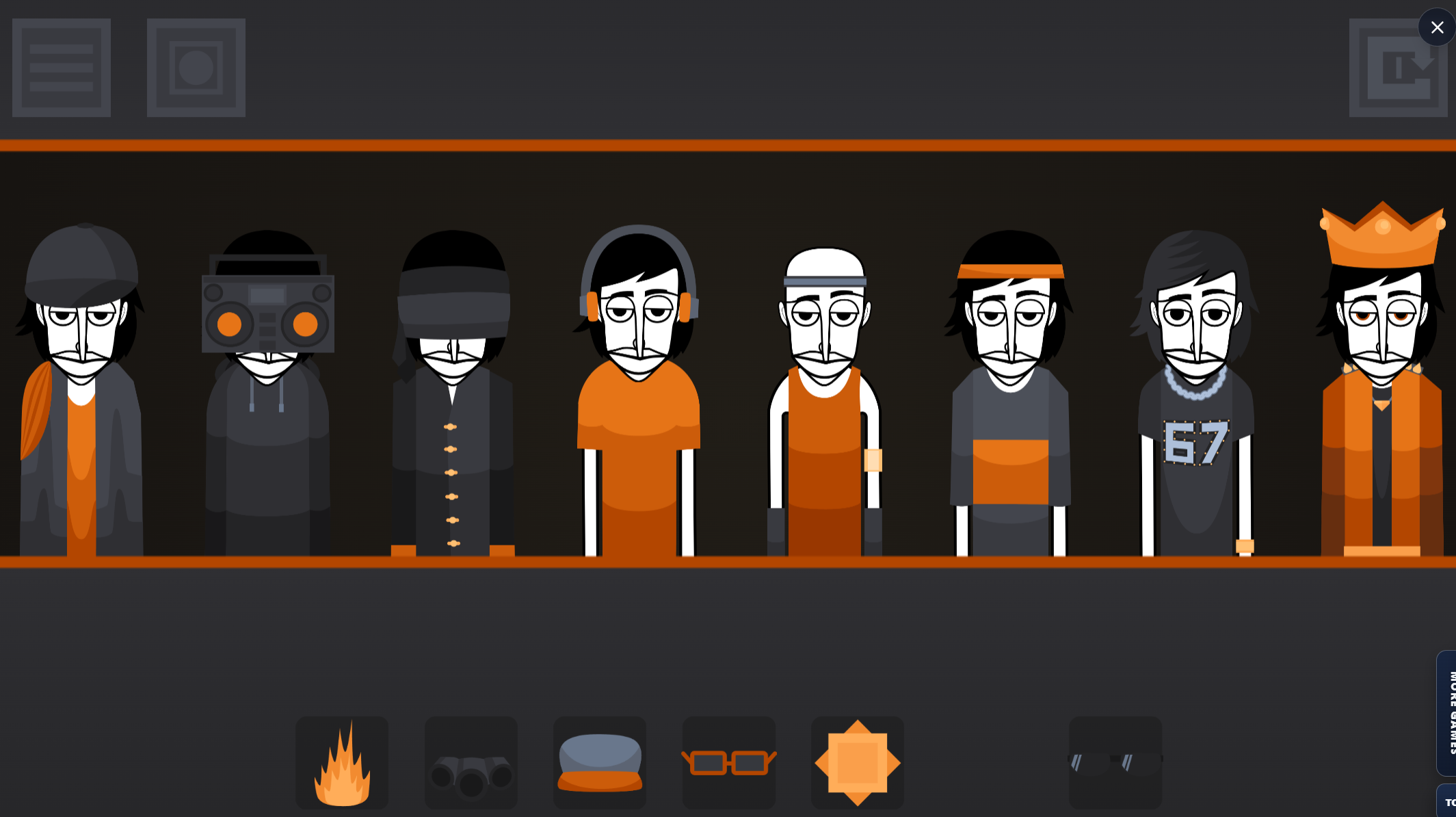
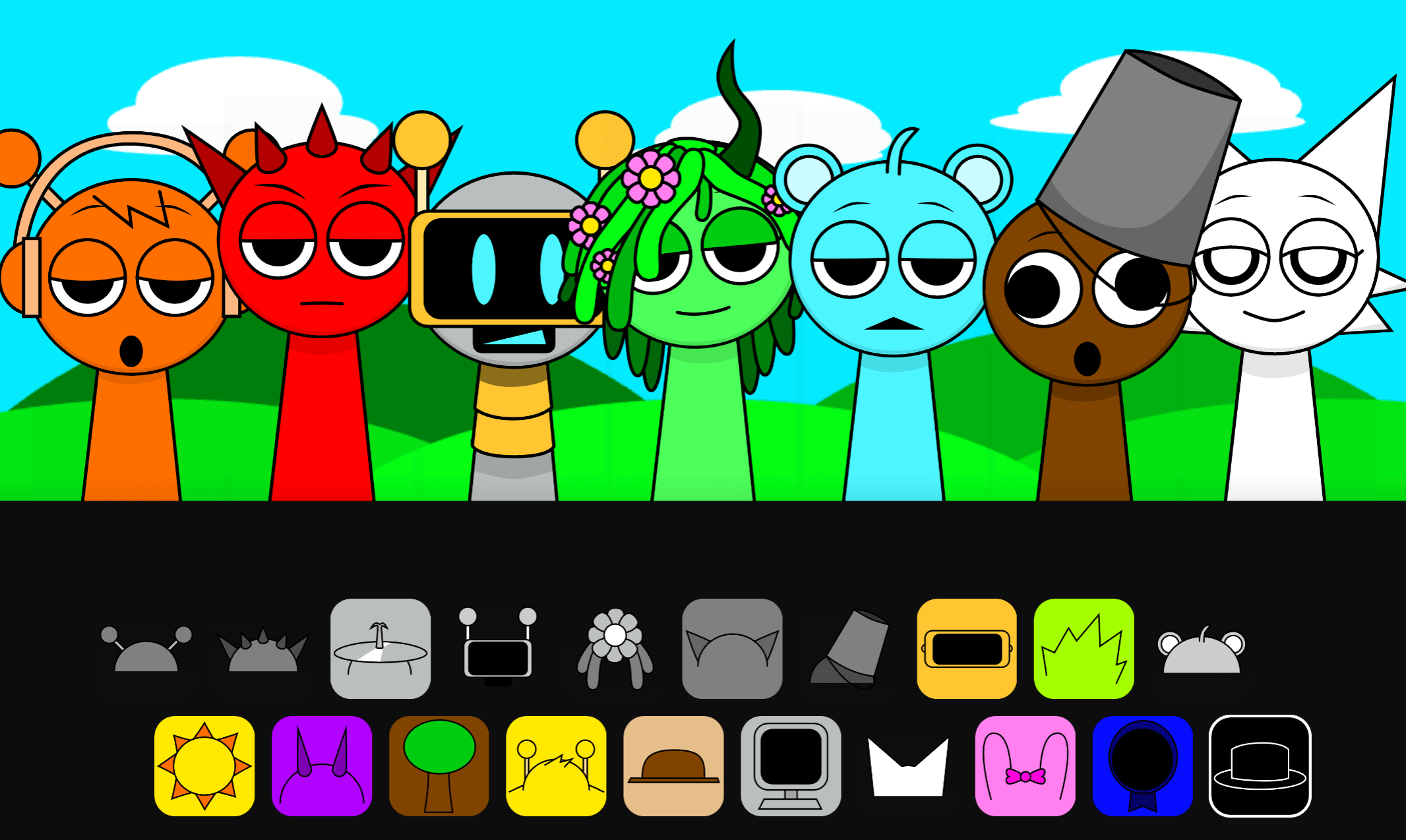
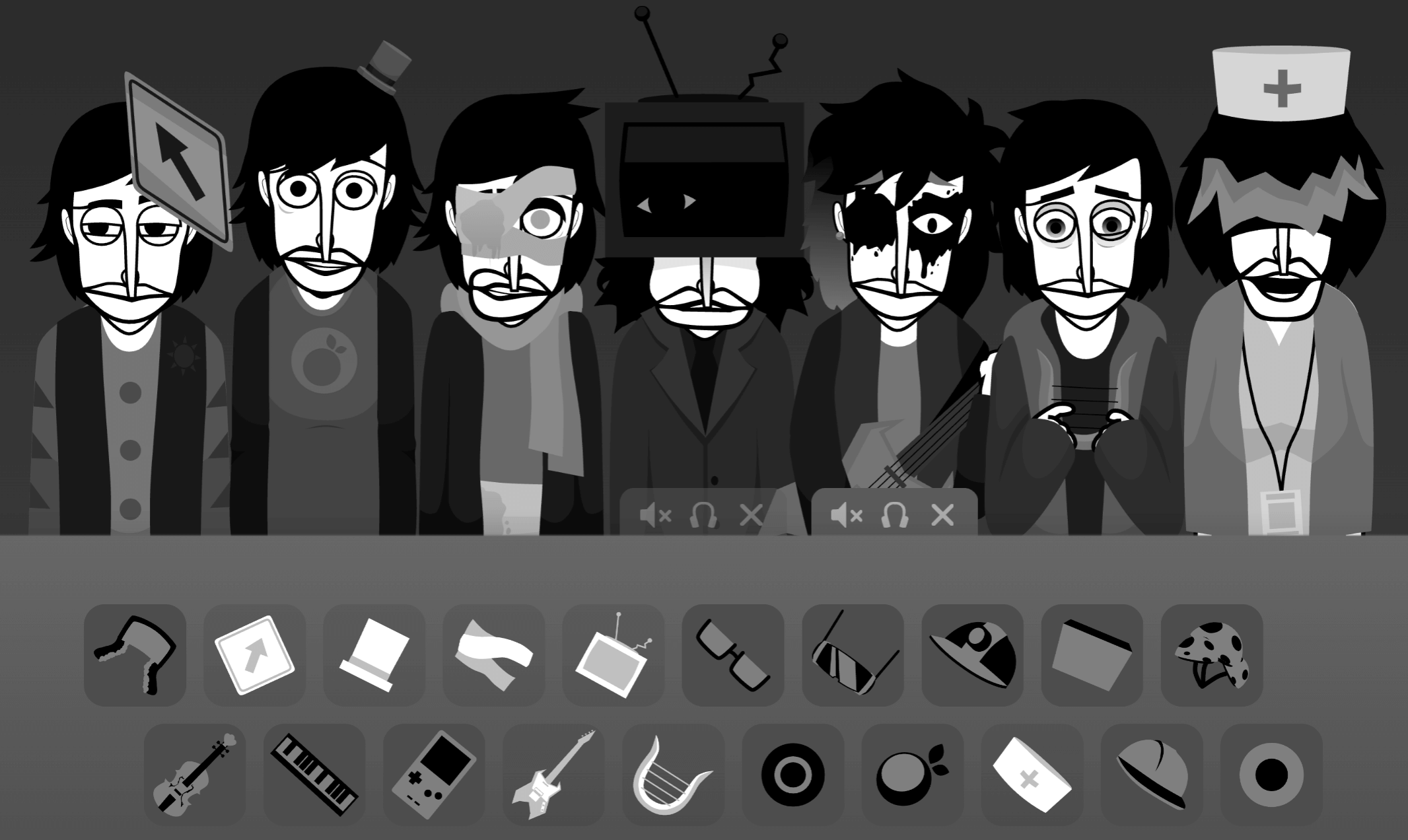
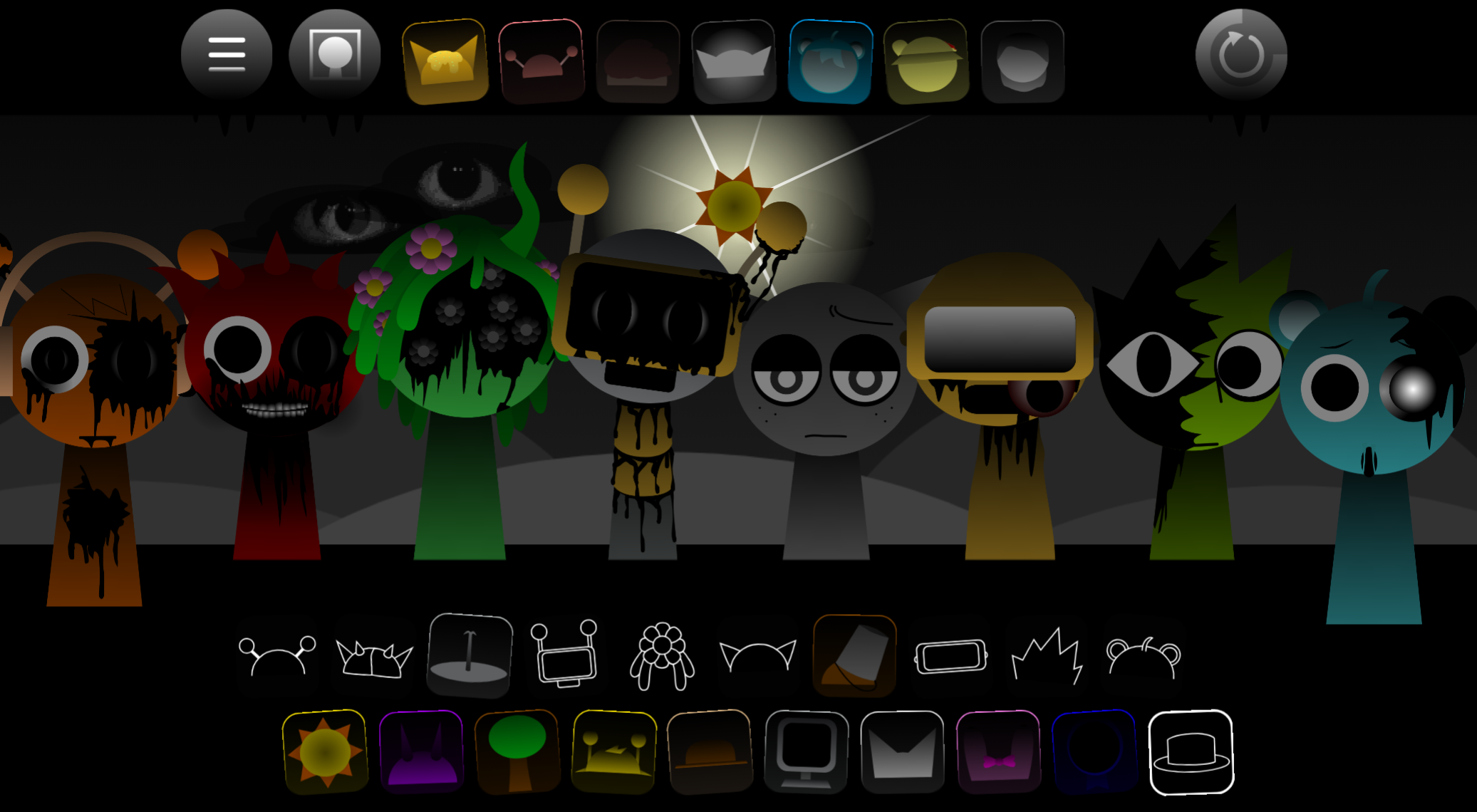
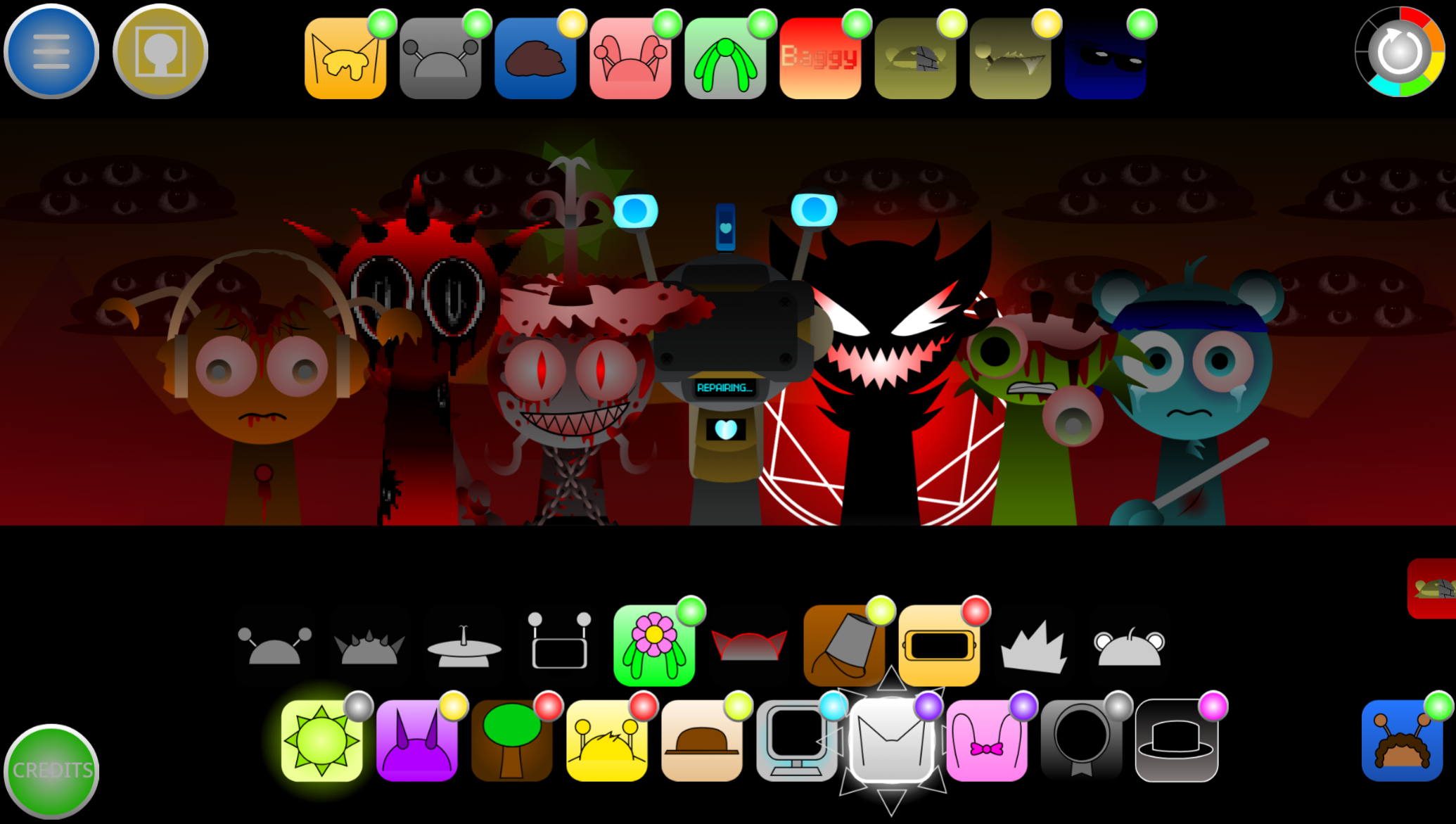
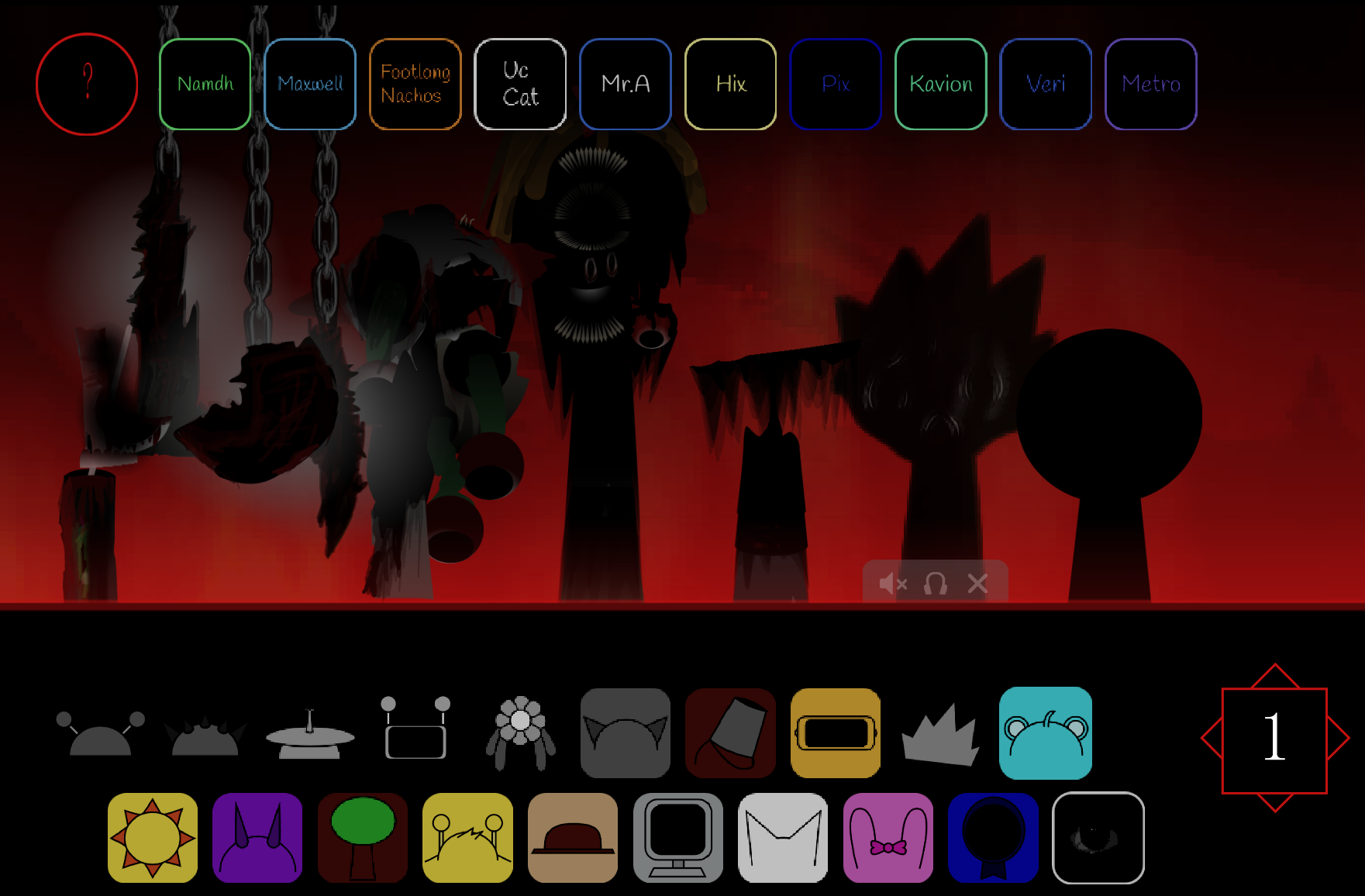
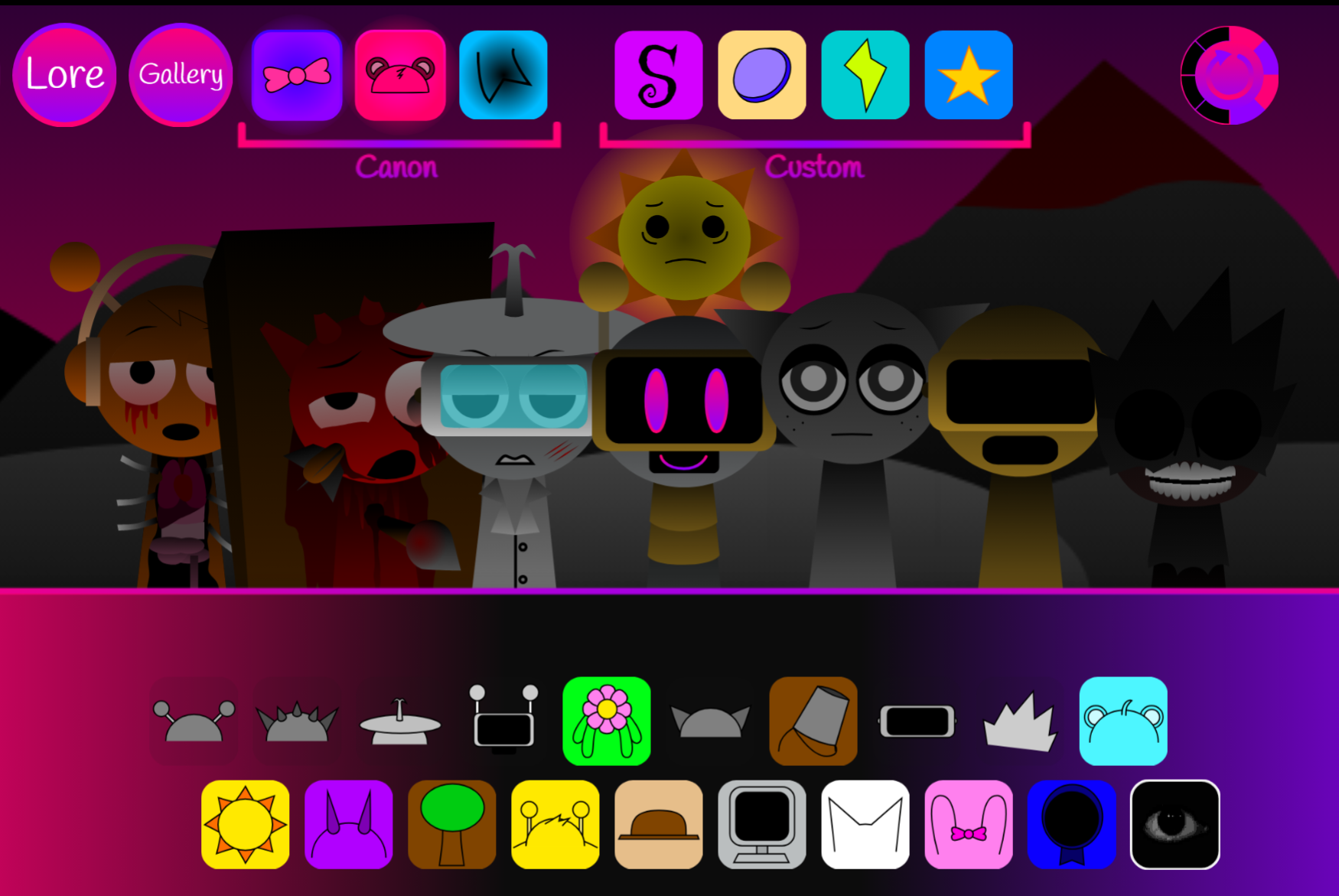
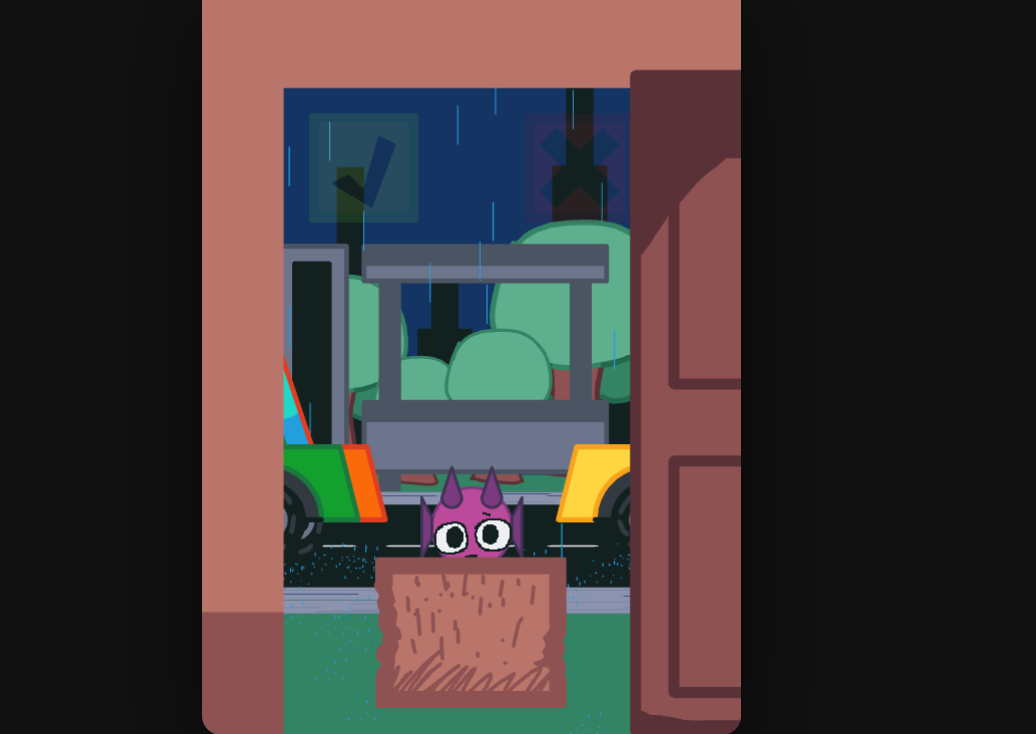
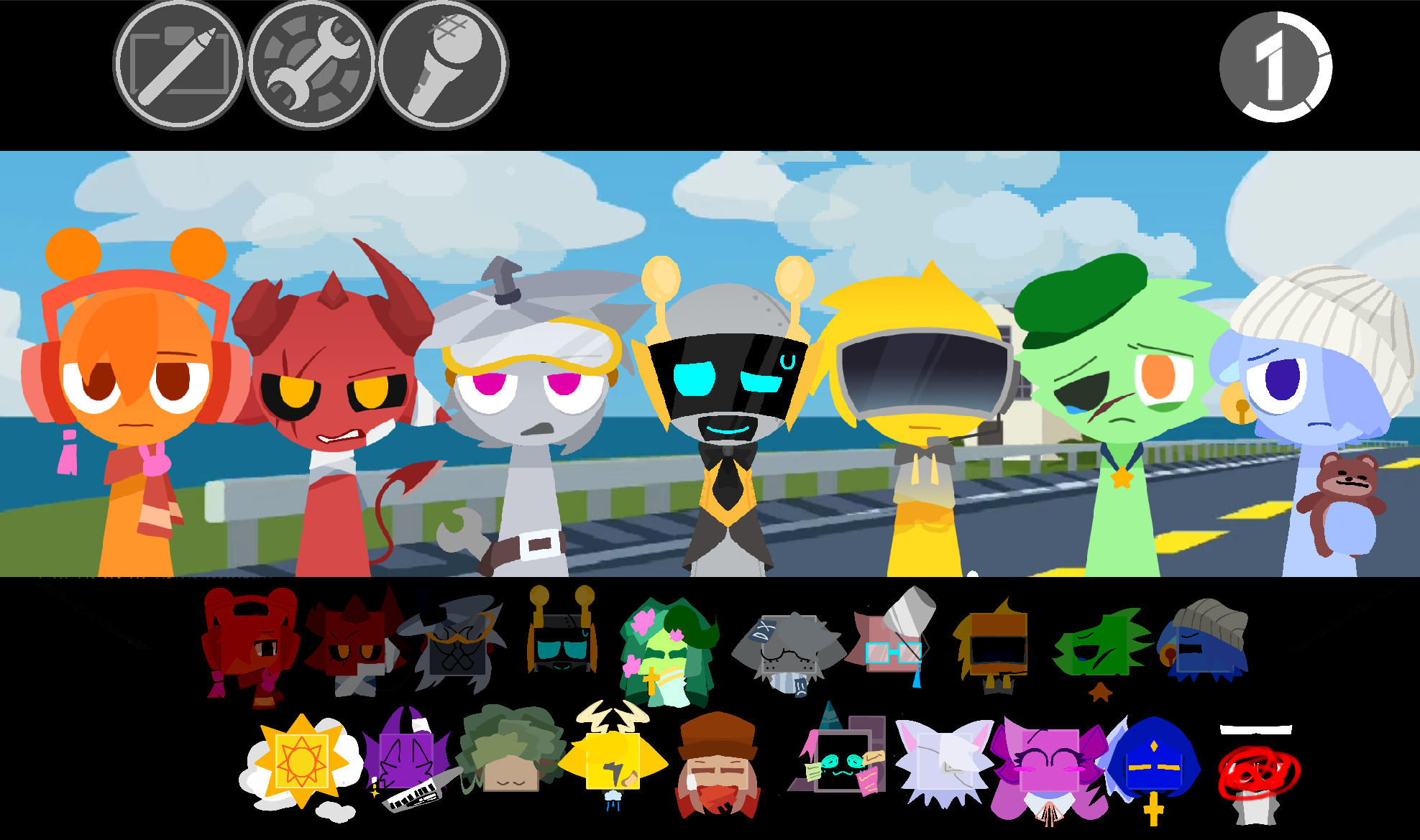
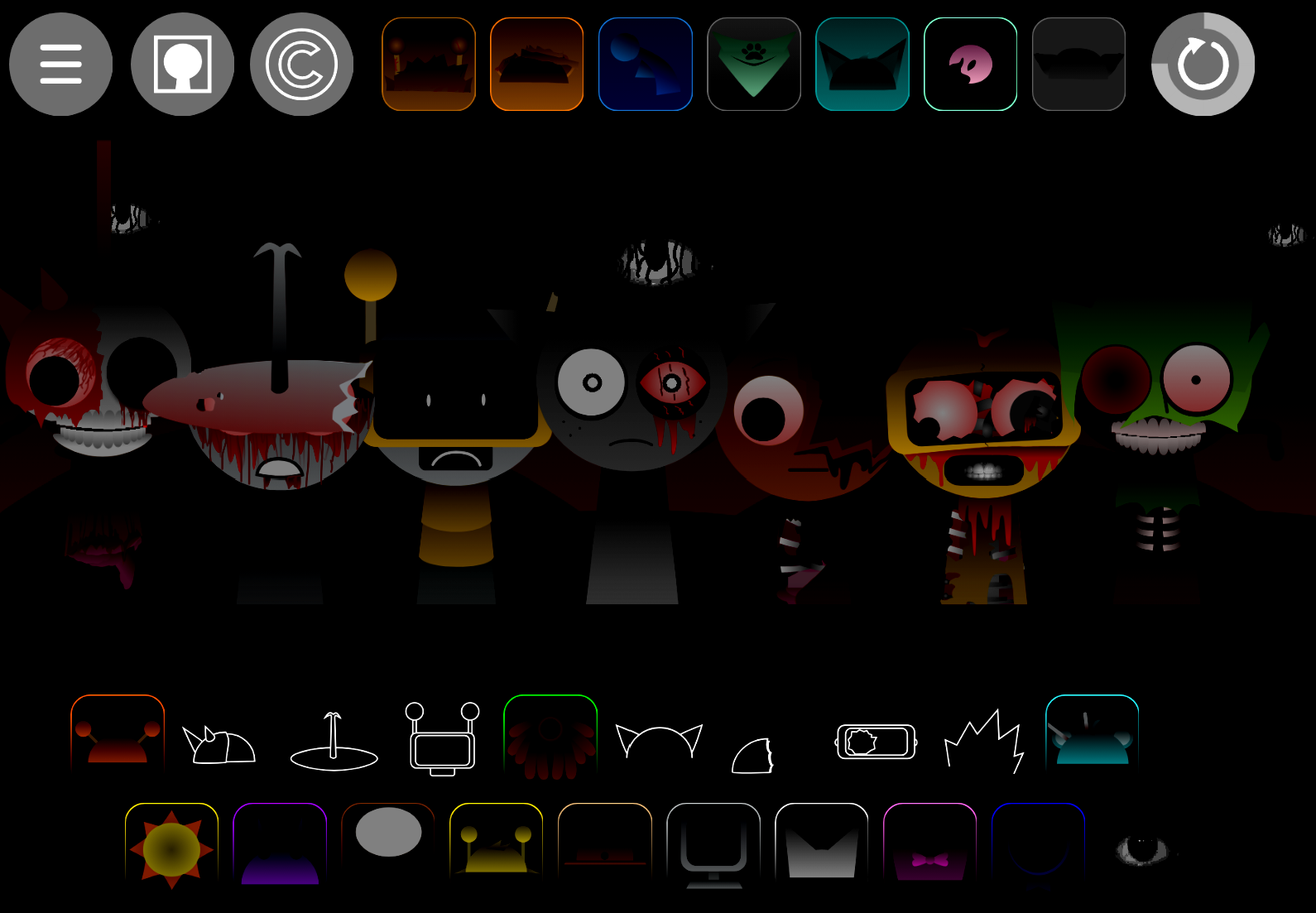
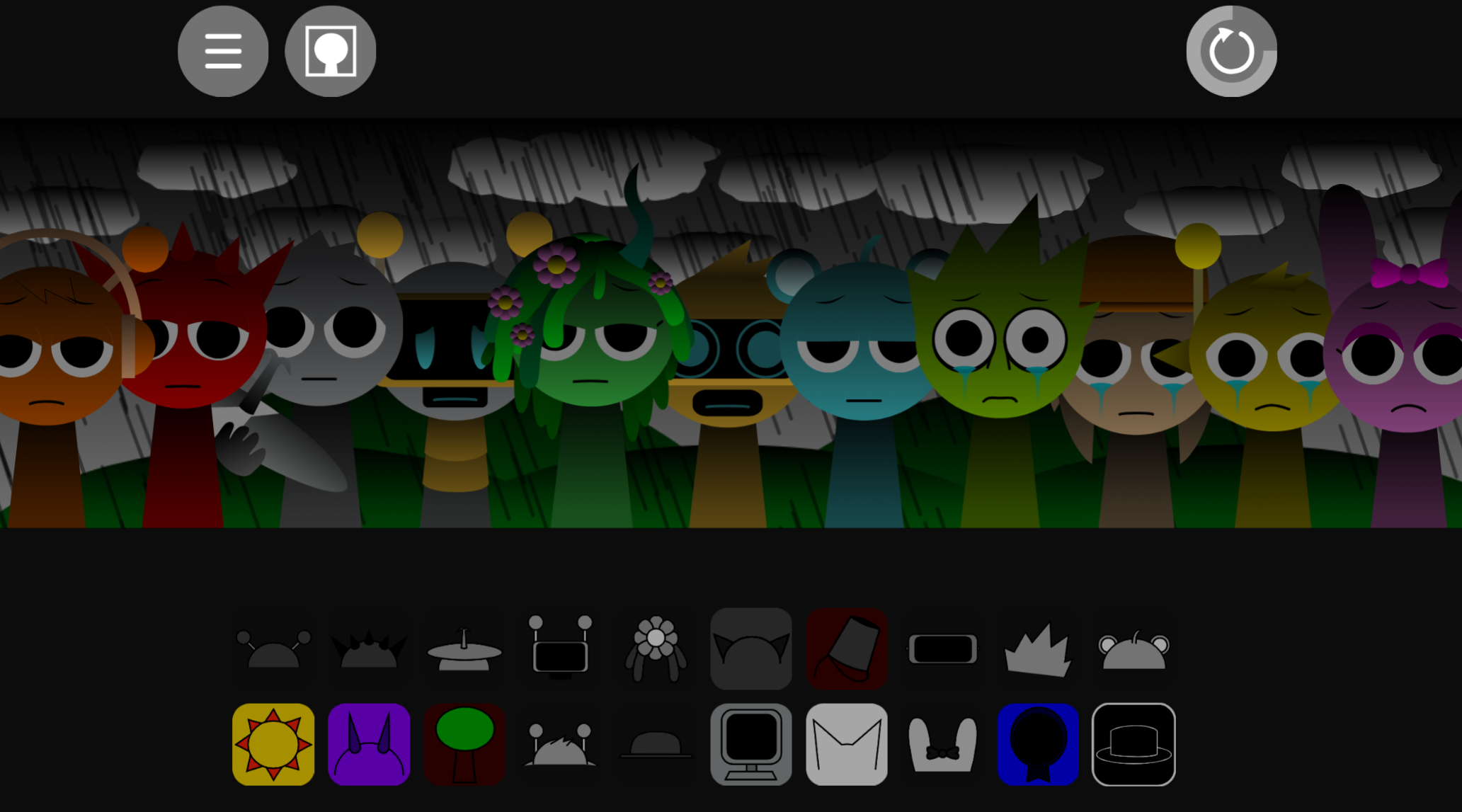
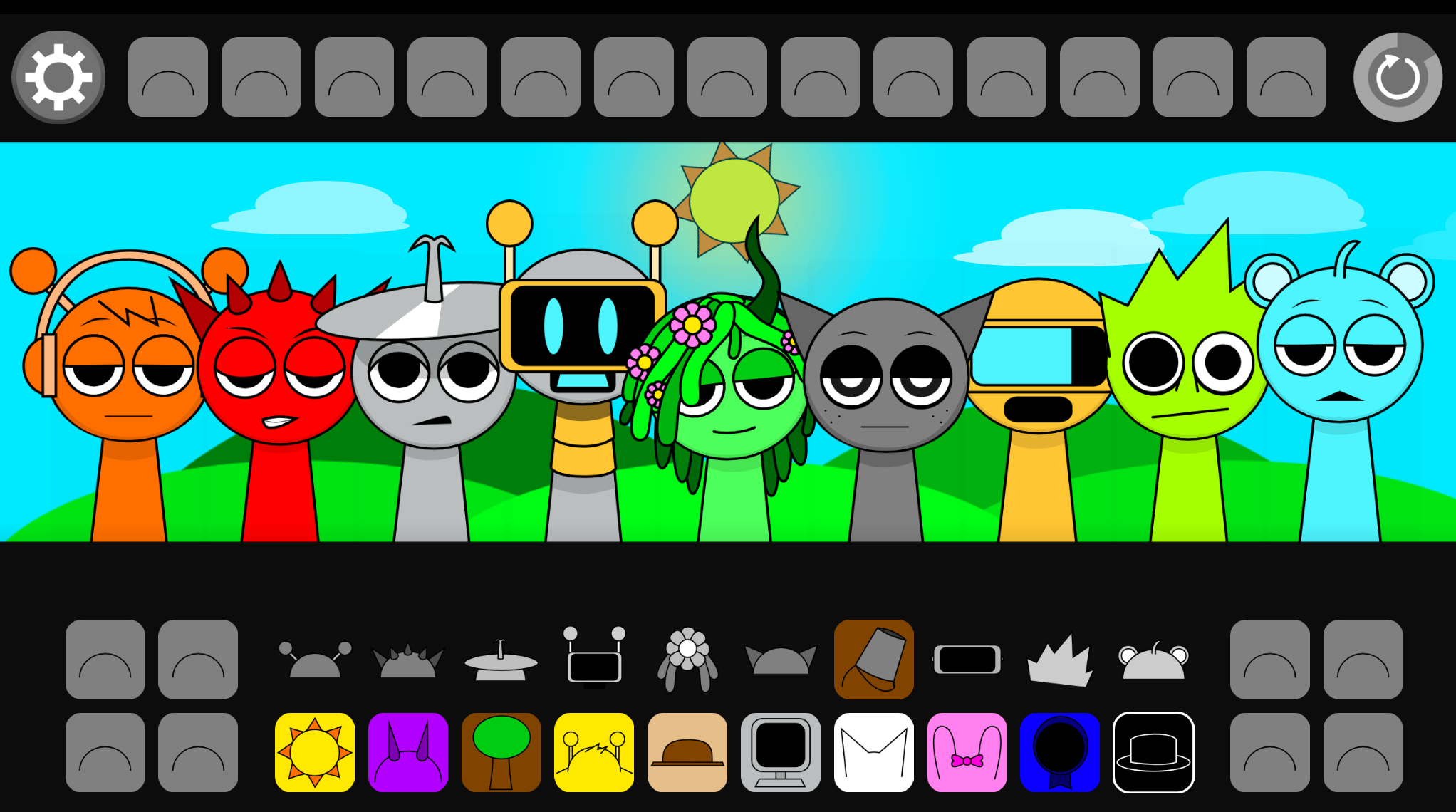
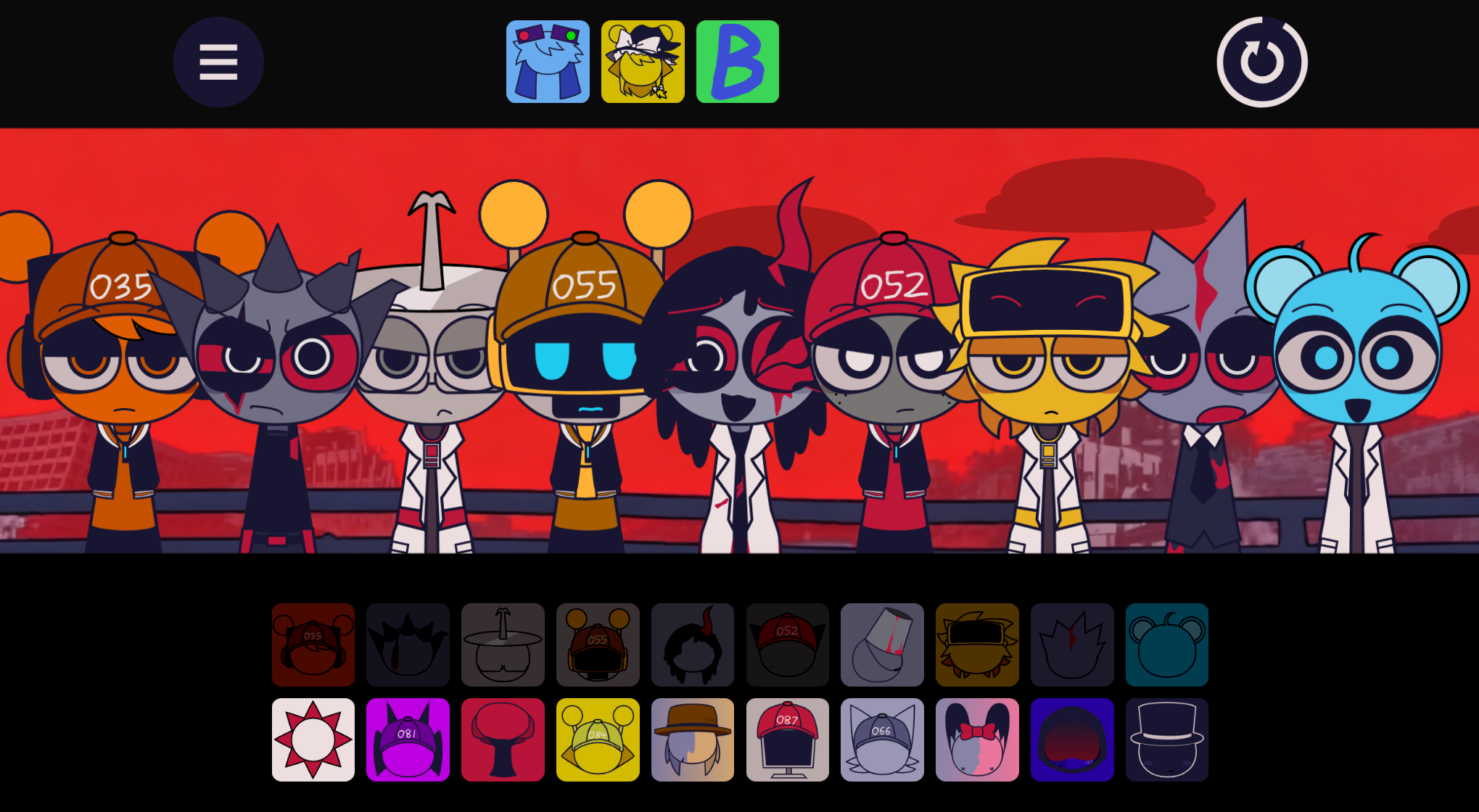
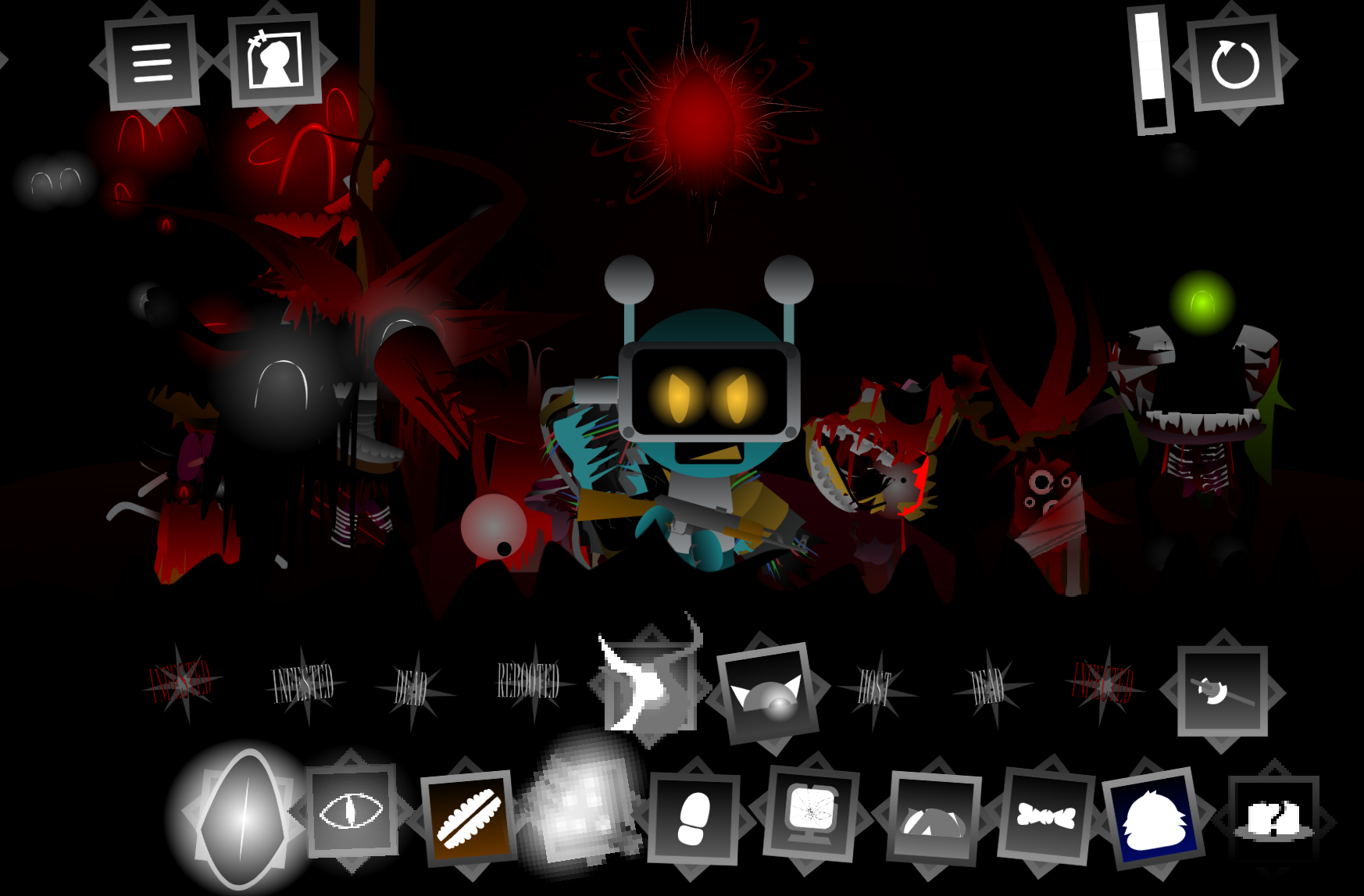
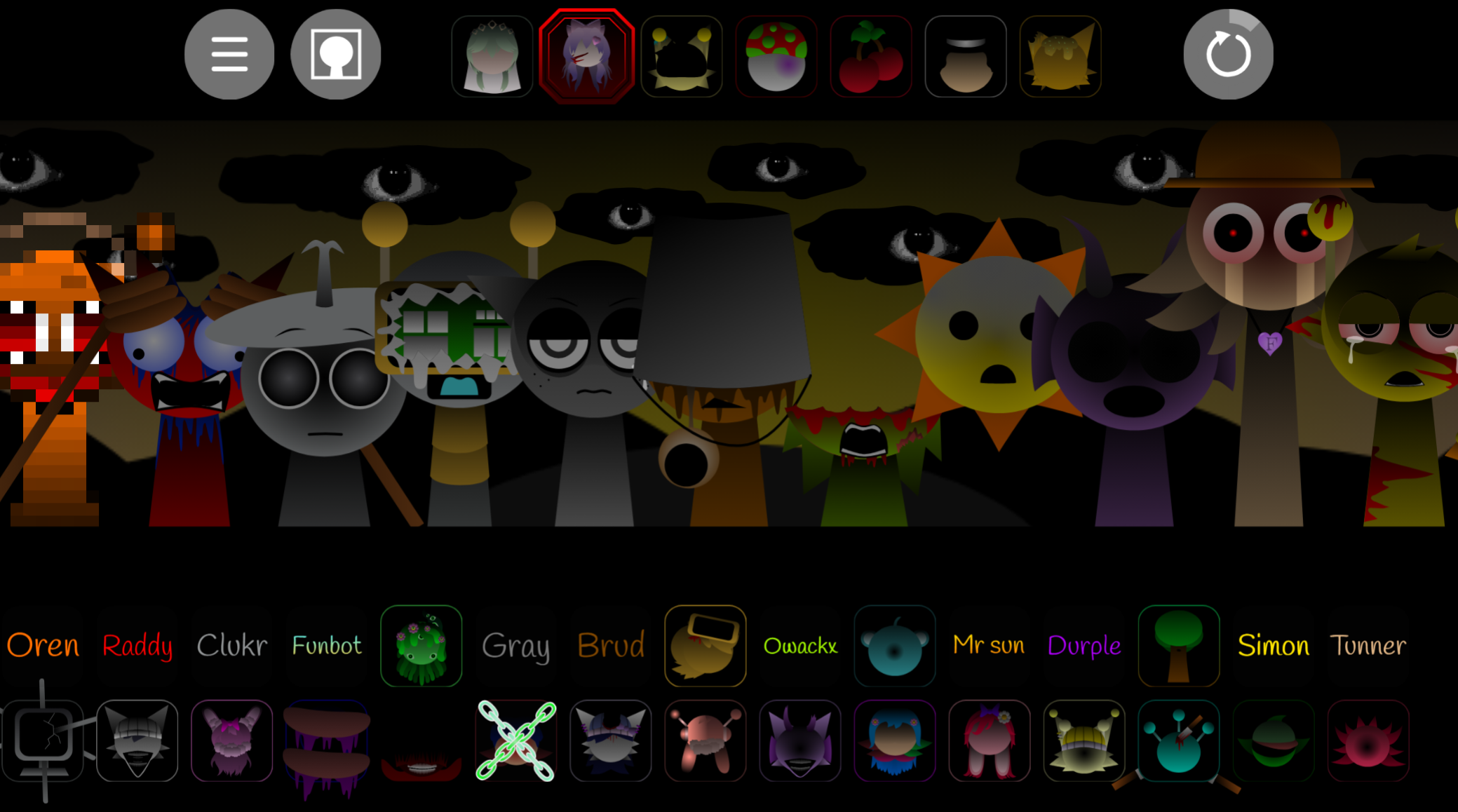
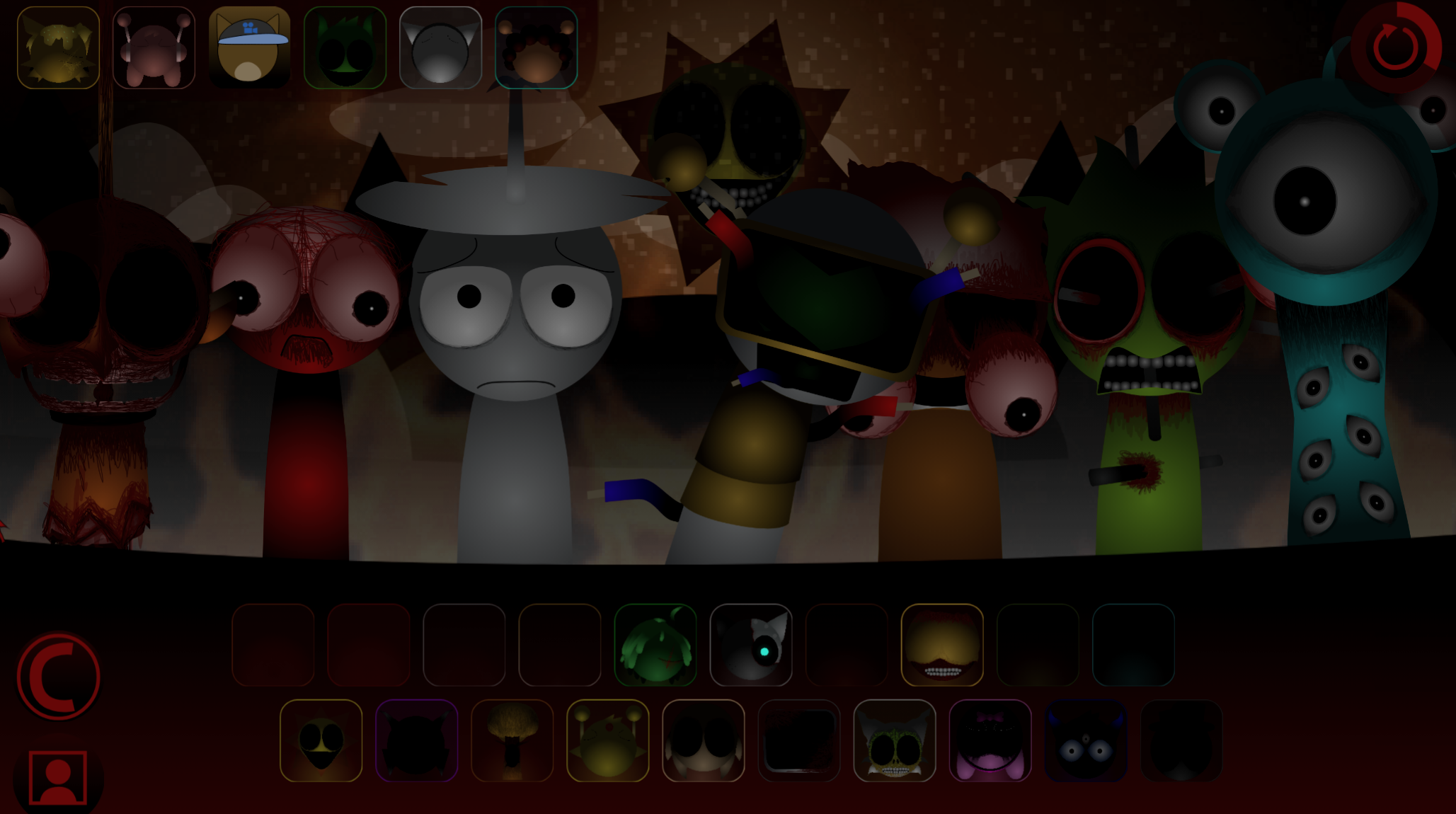
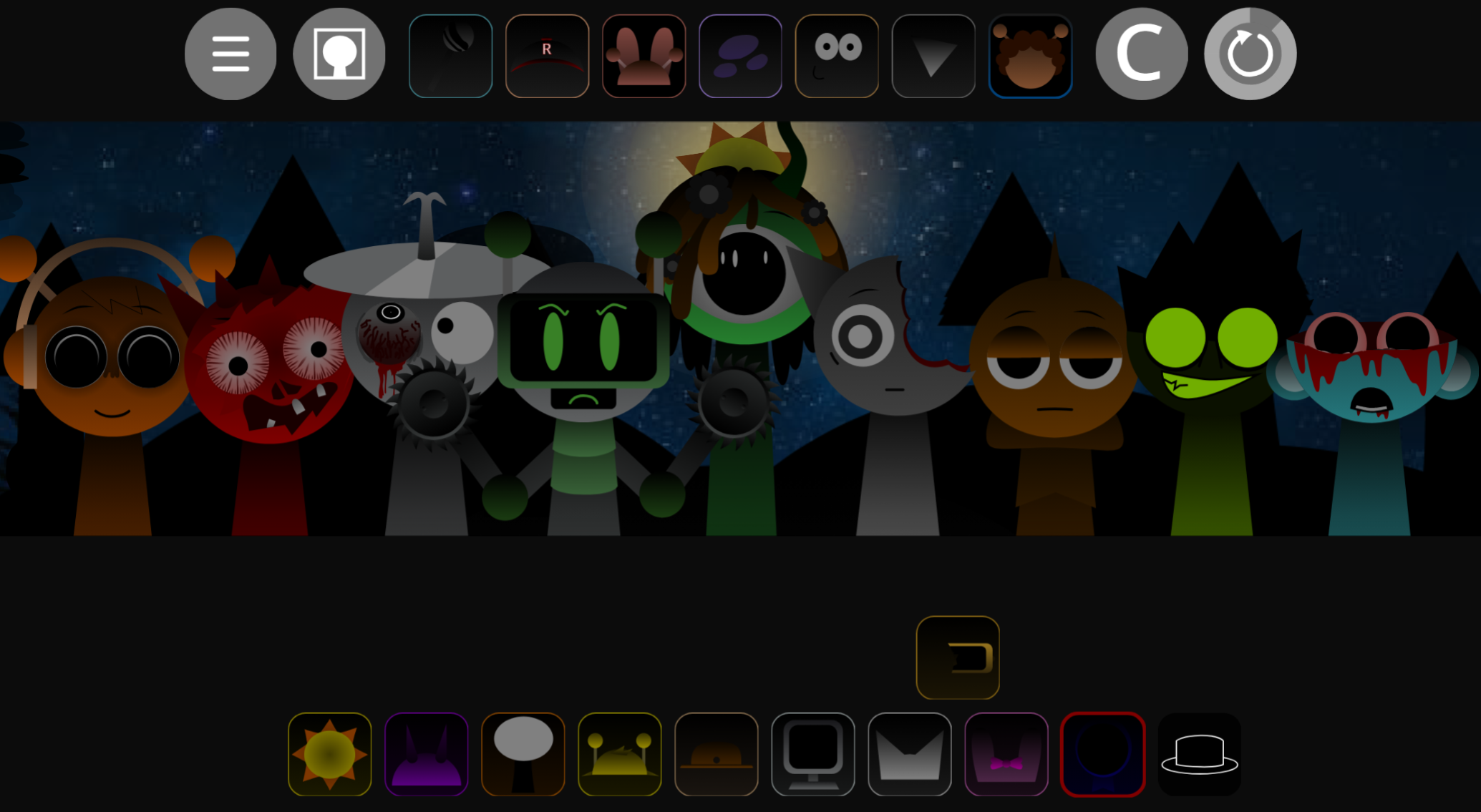
Incredibox - Not To Flex is a compact browser-play music mod that works best when you treat it as a fast sound-layering session rather than a full production tool. The abgernygames.org page positions it as a beginner-friendly remix by @Chartreuse, and that framing fits: this is a mod built for quick results, clean combinations, and low-friction experimentation.
What makes it stand out is the sound identity. Instead of chasing a loose beatbox feel or trying to simulate a deep DAW workflow, Not To Flex leans into a more synthetic, polished, preset-like palette. That is why the FL Studio / Flex comparison makes sense: the appeal is less about complexity and more about getting a crisp electronic texture quickly.
What Is Incredibox - Not To Flex?
Incredibox - Not To Flex is a small Incredibox-style mod that keeps the familiar drag-and-drop mixing loop intact. You assign sounds to characters, stack layers, listen for what blends well, and keep adjusting until the groove feels coherent. The key difference is not a huge ruleset. It is the tighter and more electronic sound profile.
That smaller scale is actually part of the value. Because the sound set is more focused, new players can hear changes more clearly and shape a listenable mix faster. Instead of getting lost in a giant sandbox, you are working inside a narrower palette where texture and consistency matter more than sheer variety.
What Playing Not To Flex Actually Feels Like
In practice, this mod feels closer to arranging a neat packet of digital sounds than building a chaotic vocal jam. The best mixes usually come from restraint. When you add too many competing layers, the polished identity starts to blur; when you stay selective, the electronic tone becomes much more satisfying.
That is also why the session feels approachable. The controls are simple, the feedback is immediate, and the small sound pool makes it easier to tell which addition improved the track and which one diluted it. For readers who want something fast, light, and easy to read by ear, that is a real advantage.
How to Start Your First Mix
Open the mod on abgernygames.org, drag one sound onto a character, and use that first loop to define the direction of the track.
- Begin with one beat or core tone. A clear base makes every later choice easier to judge.
- Add layers one at a time. This helps you hear whether each new sound supports the clean electronic feel or muddies it.
- Swap weak parts early. A small mod gets better fast when you remove clashing sounds instead of trying to force them to work.
- Aim for texture, not maximum density. The strongest mixes usually sound programmed and intentional rather than crowded.
Why the Flex-Inspired Sound Feels Different
The Flex comparison is useful because it points to the kind of listening experience readers should expect. This is not a deep workstation with endless editing. It is a quick-access mod whose tone feels more preset-driven, synthetic, and studio-clean than many casual beatbox variants.
That difference matters because it changes what counts as a good mix. In a rougher or more organic mod, variety alone can be charming. Here, coherence matters more. Tracks tend to work best when the layers feel like they belong in the same digital environment.
Beginner Tips for Cleaner Mixes
If you are new to the mod, a few habits help immediately:
- Build around the electronic tone first rather than trying to force every slot into the mix.
- Treat each layer as part of one texture so the final result feels consistent instead of busy.
- Use the limited sound set as an advantage because it makes small improvements easier to hear.
- Restart freely when the groove gets muddy since this mod rewards fast experimentation more than long recovery attempts.
Related Games
- Sprunki WEXDY RE MIX — This is the closest follow-up because it also centers on remixing sounds and experimenting with layered audio, which matches the beat-building loop of Incredibox Not To Flex.
- Sprunke All in One — If you like testing lots of sound combinations in one place, this is a strong next click because its all-in-one format supports the same quick experimentation that makes this mini music mod appealing.
- Just Sprunkin Around — This fits the light, low-pressure vibe of Not To Flex by offering a more casual Sprunki experience for players who want to keep playing around with the format without needing deep lore or horror elements.
Is It Worth Trying?
Yes—especially if you want a small browser mod that can produce satisfying results fast. Incredibox - Not To Flex works because it knows its lane: a tidy, synthetic, beginner-friendly mix toy that rewards restraint, coherence, and quick experimentation more than complexity for its own sake.

Discuss
Loading comments...
Failed to load comments. Please try refreshing the page.