
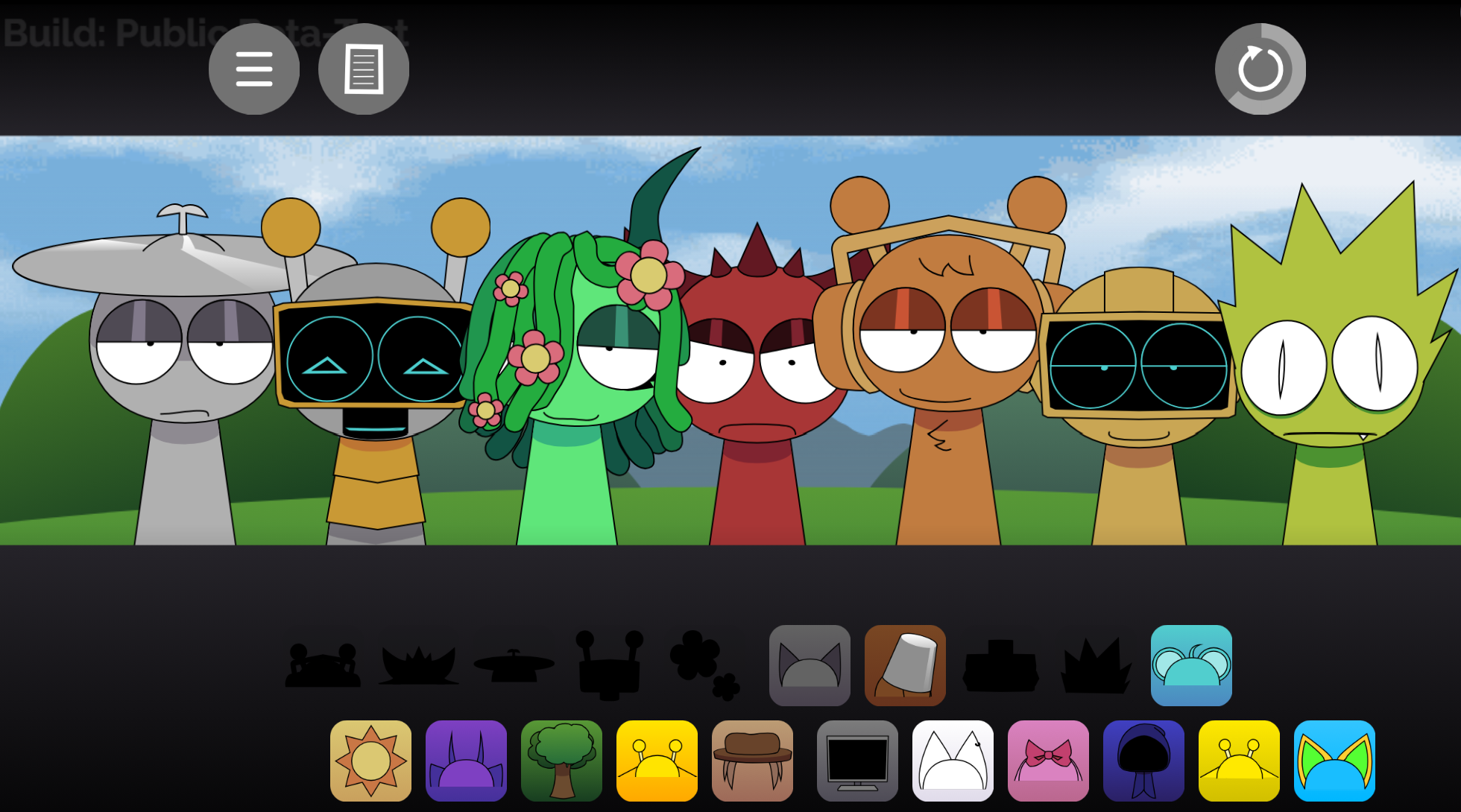
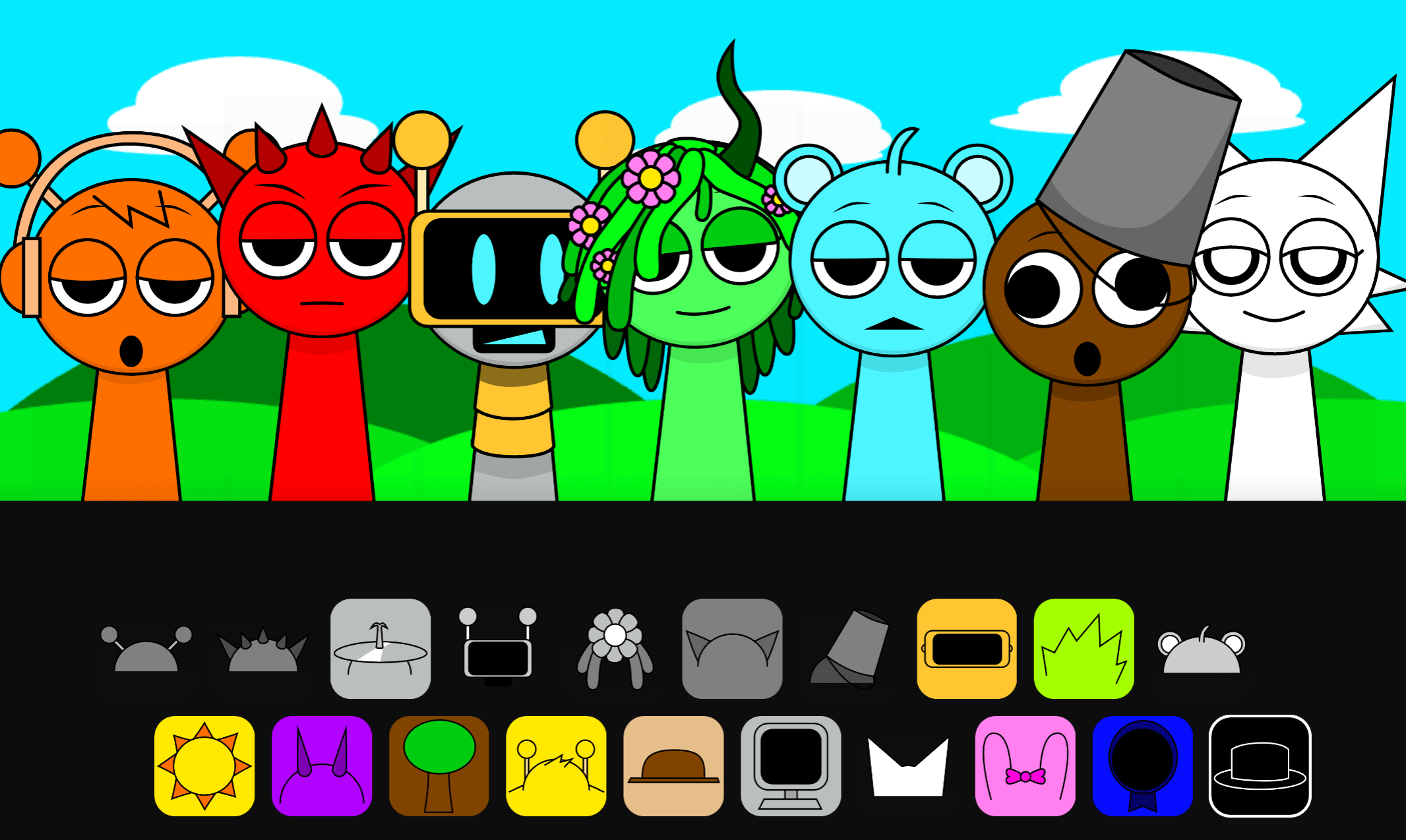
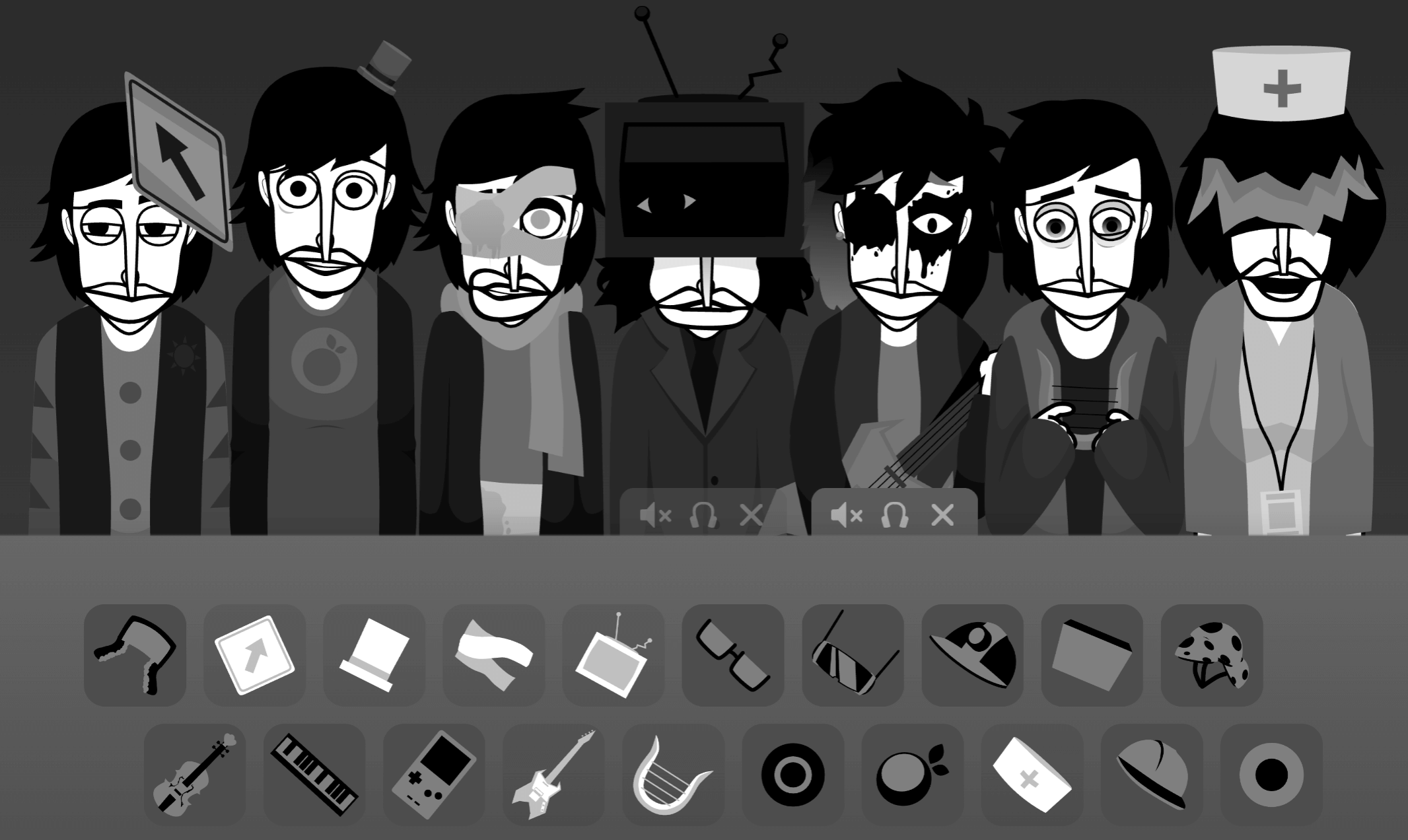


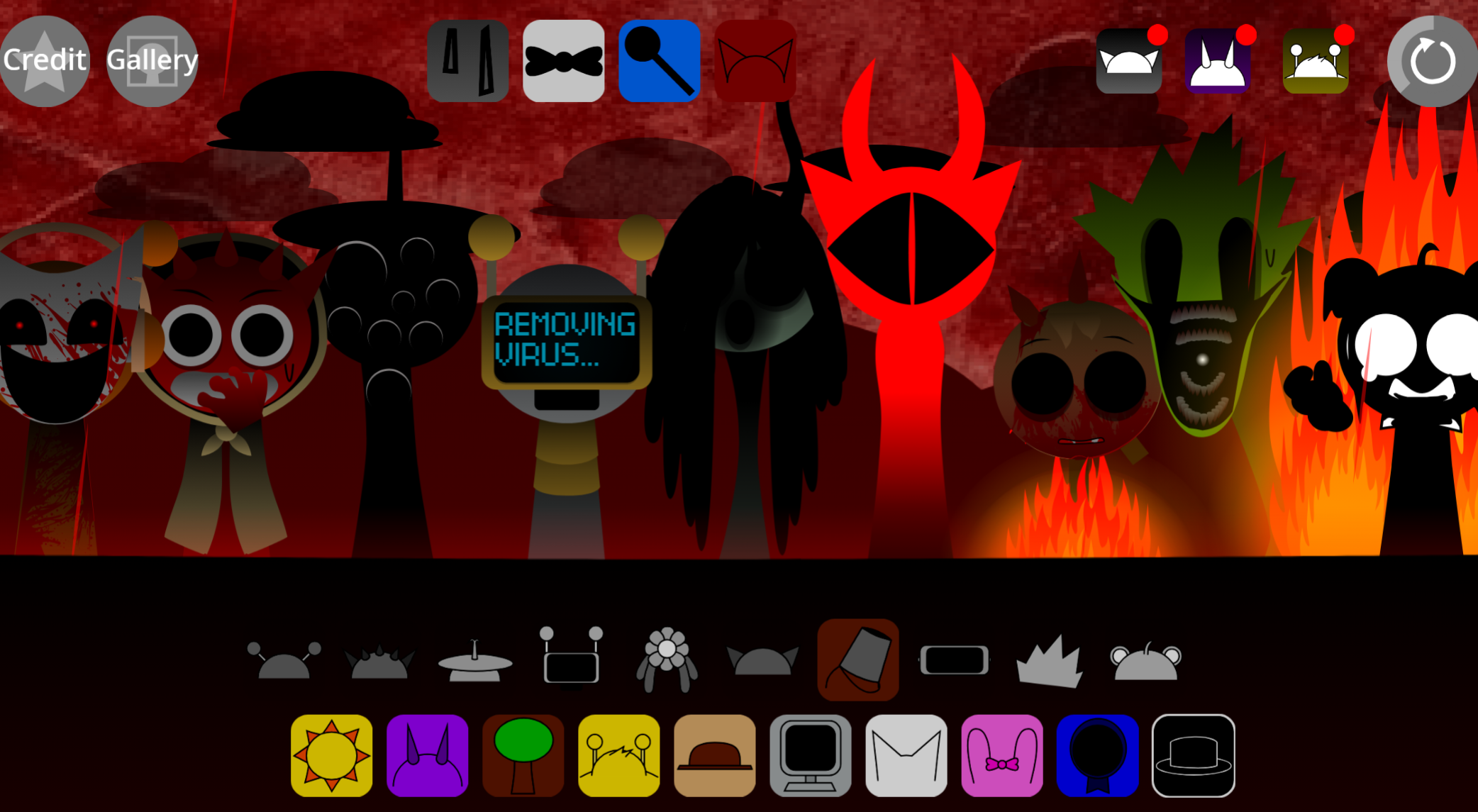
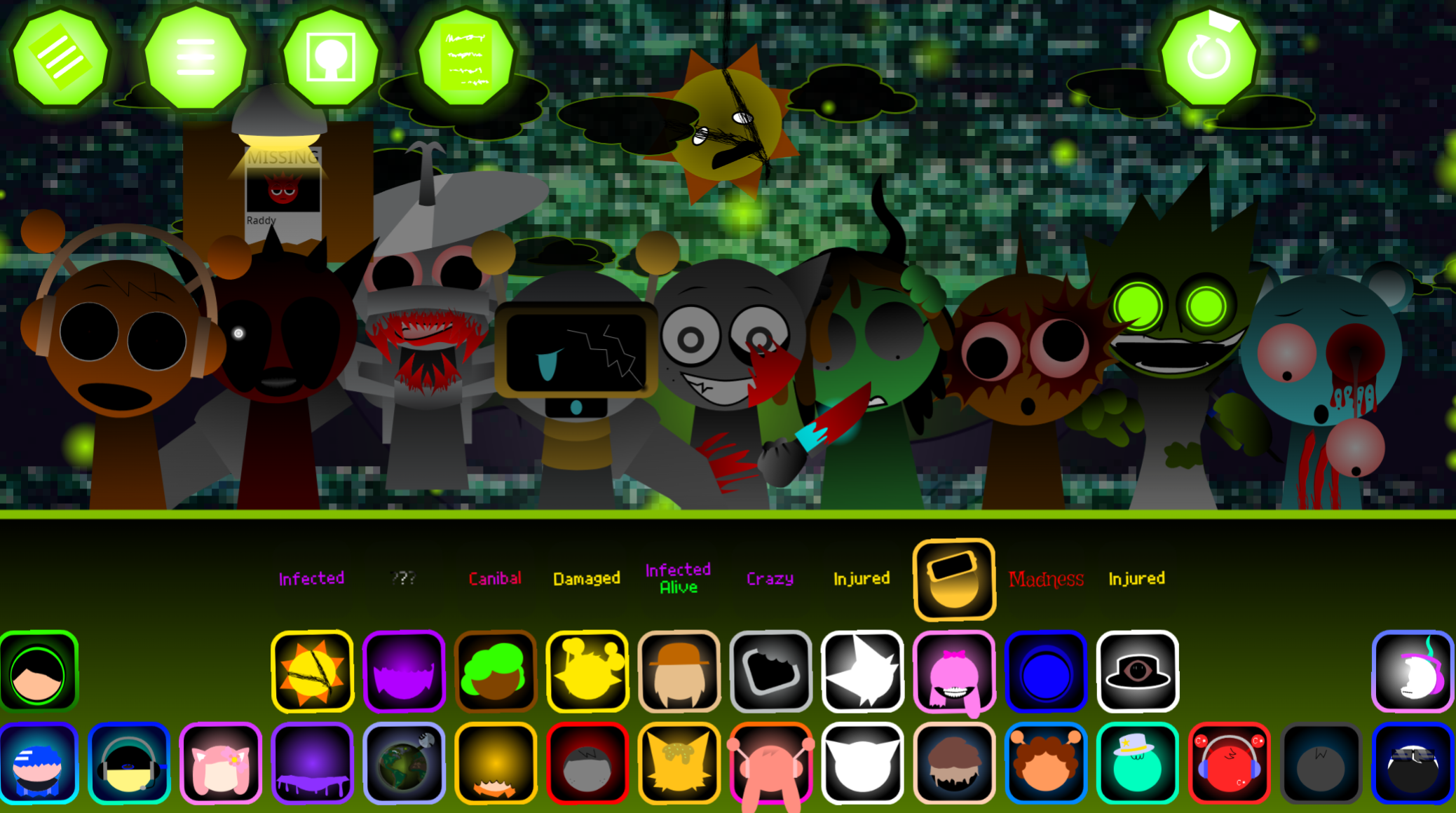
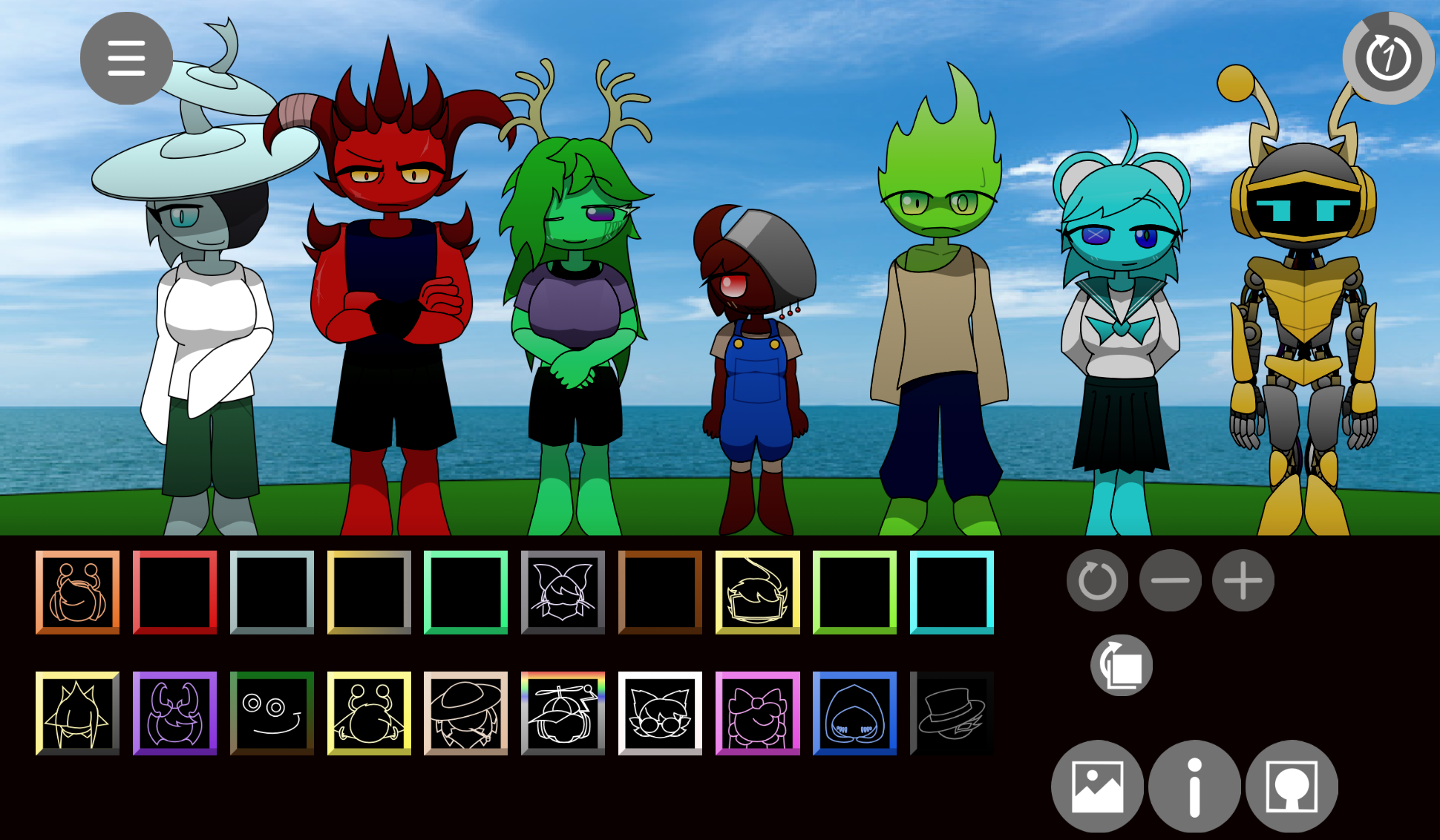
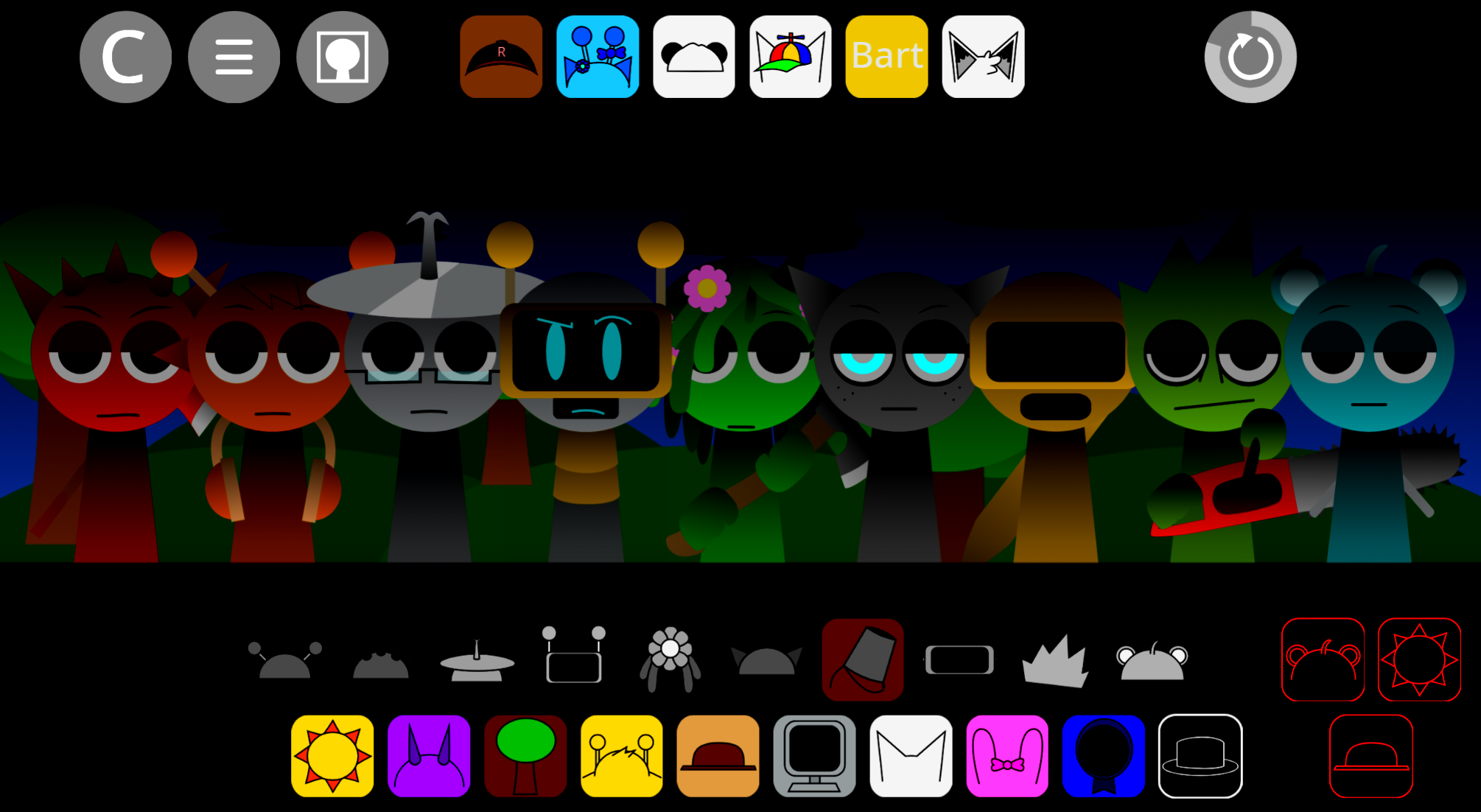
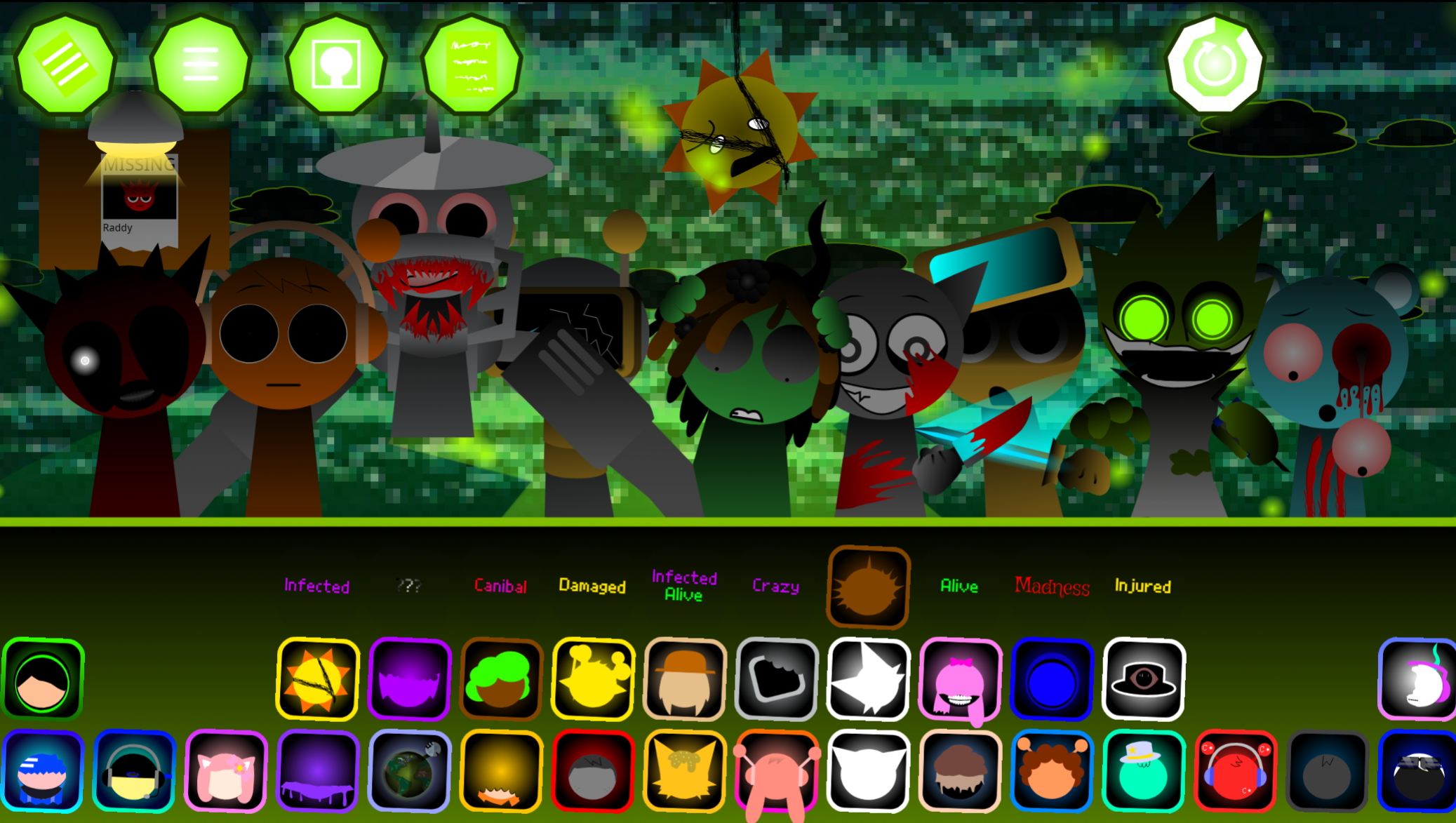
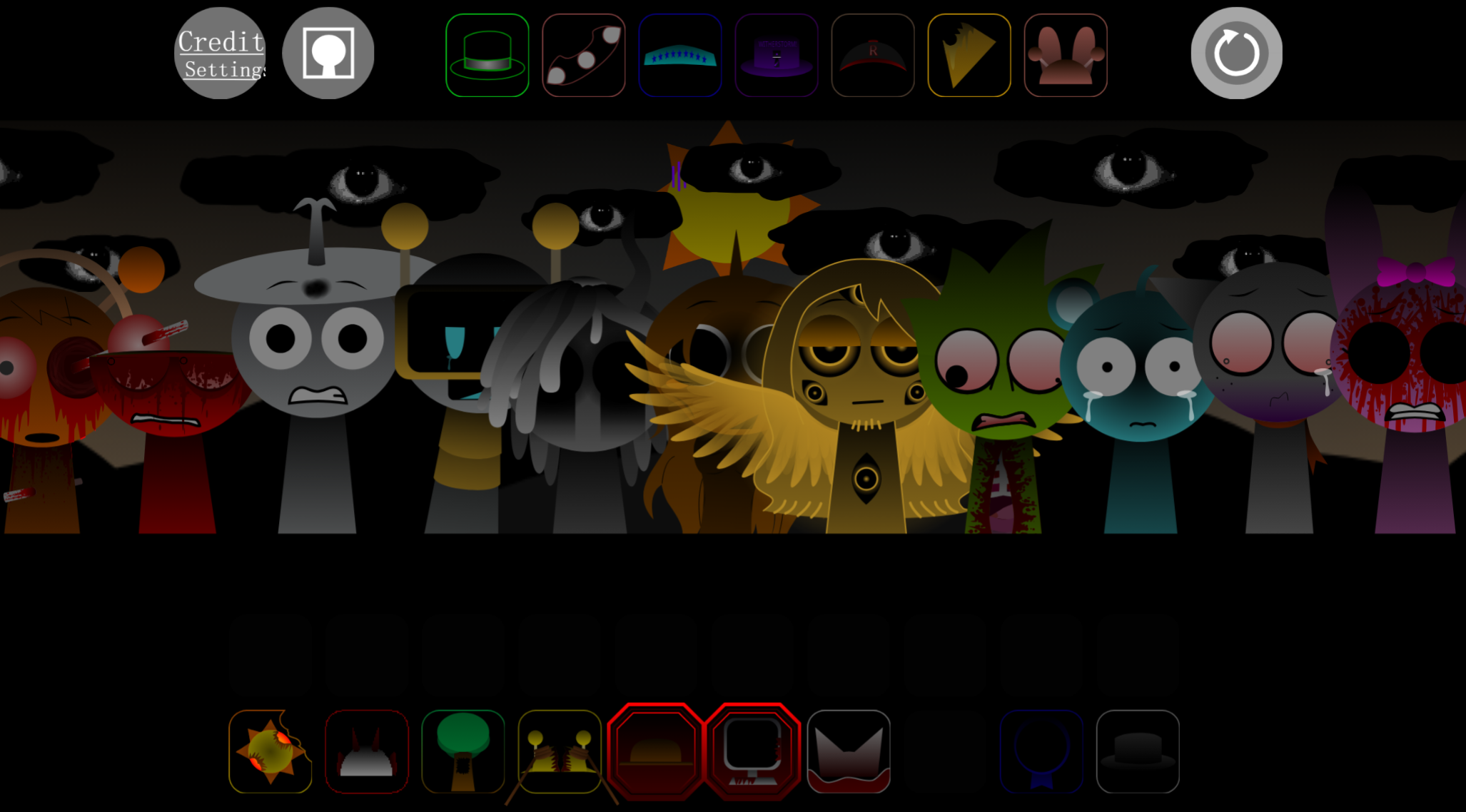
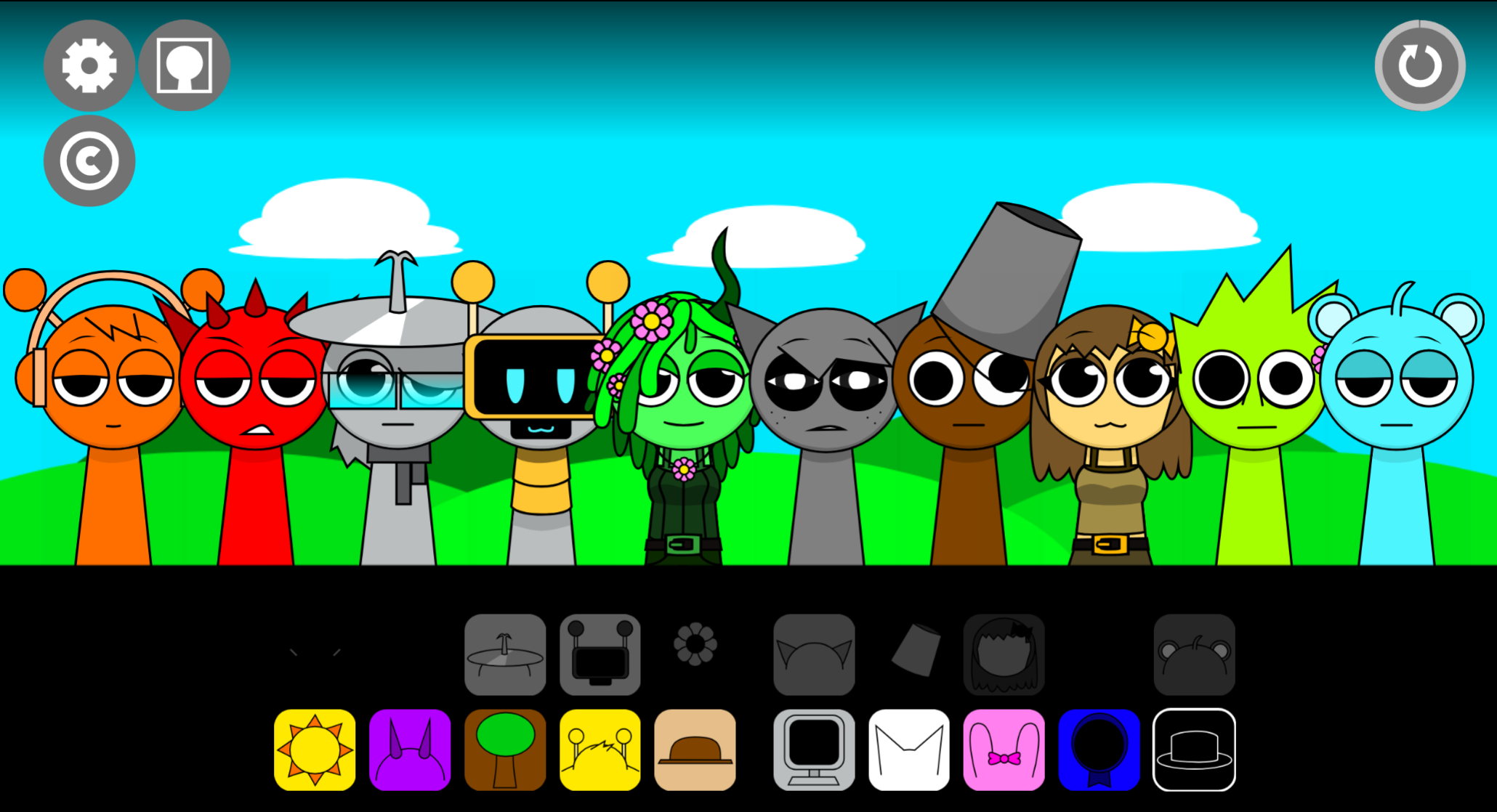
Simons Realm Rewritten is a fan-made mod that transforms the original Incredibox experience by replacing its polished beatboxers with quirky, hand-drawn sprites that react to your musical choices in real time.
Created by Simon, this rewrite strips away the horror elements some players expected and instead delivers a playful, animation-focused music creation tool where each sound you layer triggers unique visual responses from the characters on screen. The mod appeals most to casual players who prioritize creative expression and visual feedback over narrative depth or polished production values.
This article breaks down what makes Simons Realm Rewritten distinct from both the original Incredibox and other horror-themed mods, covering its core gameplay loop, the sprite animation system that defines its identity, and why it works best as a low-stakes creative playground rather than a story-driven experience.
What Is Simon’s Realm Rewritten?
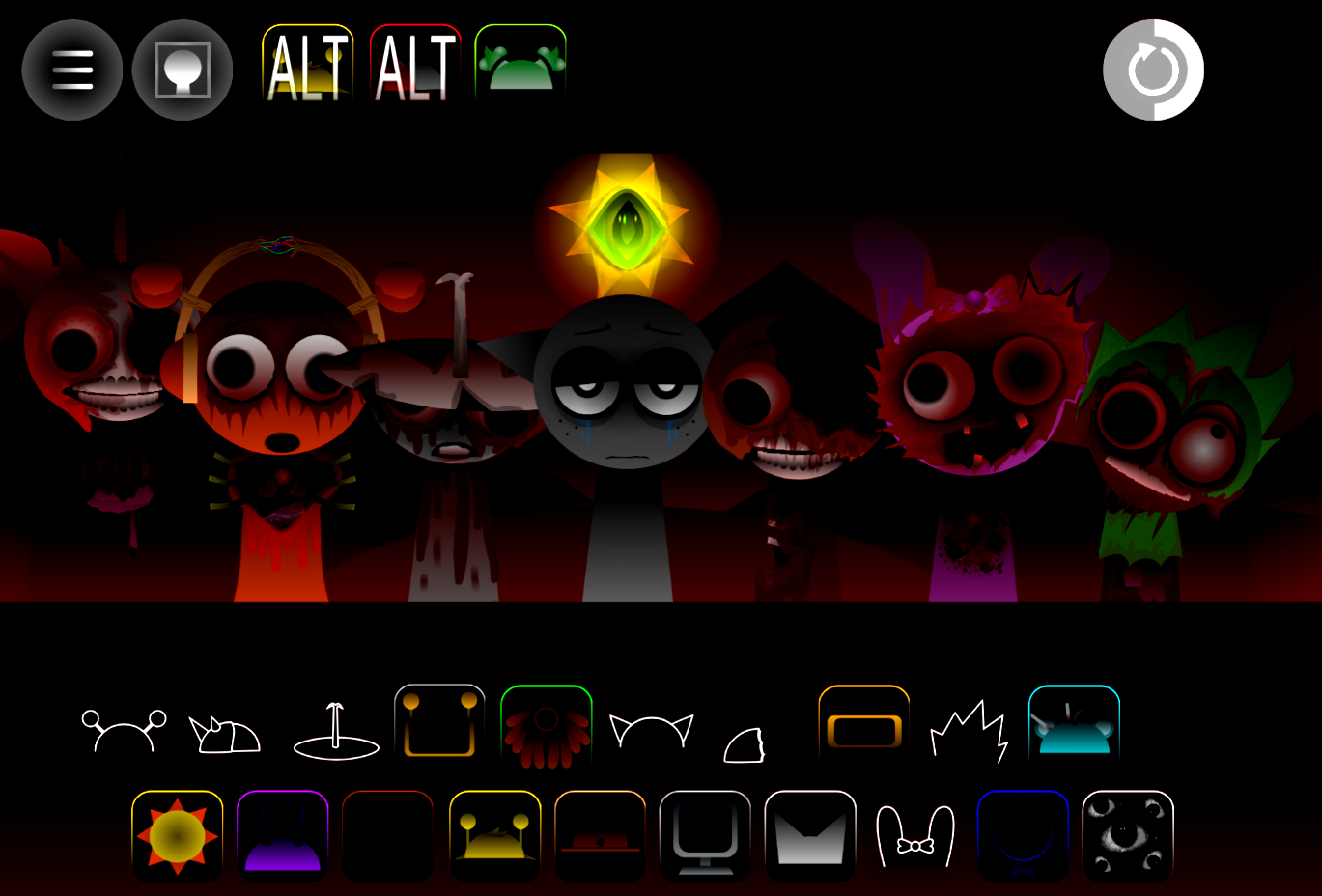
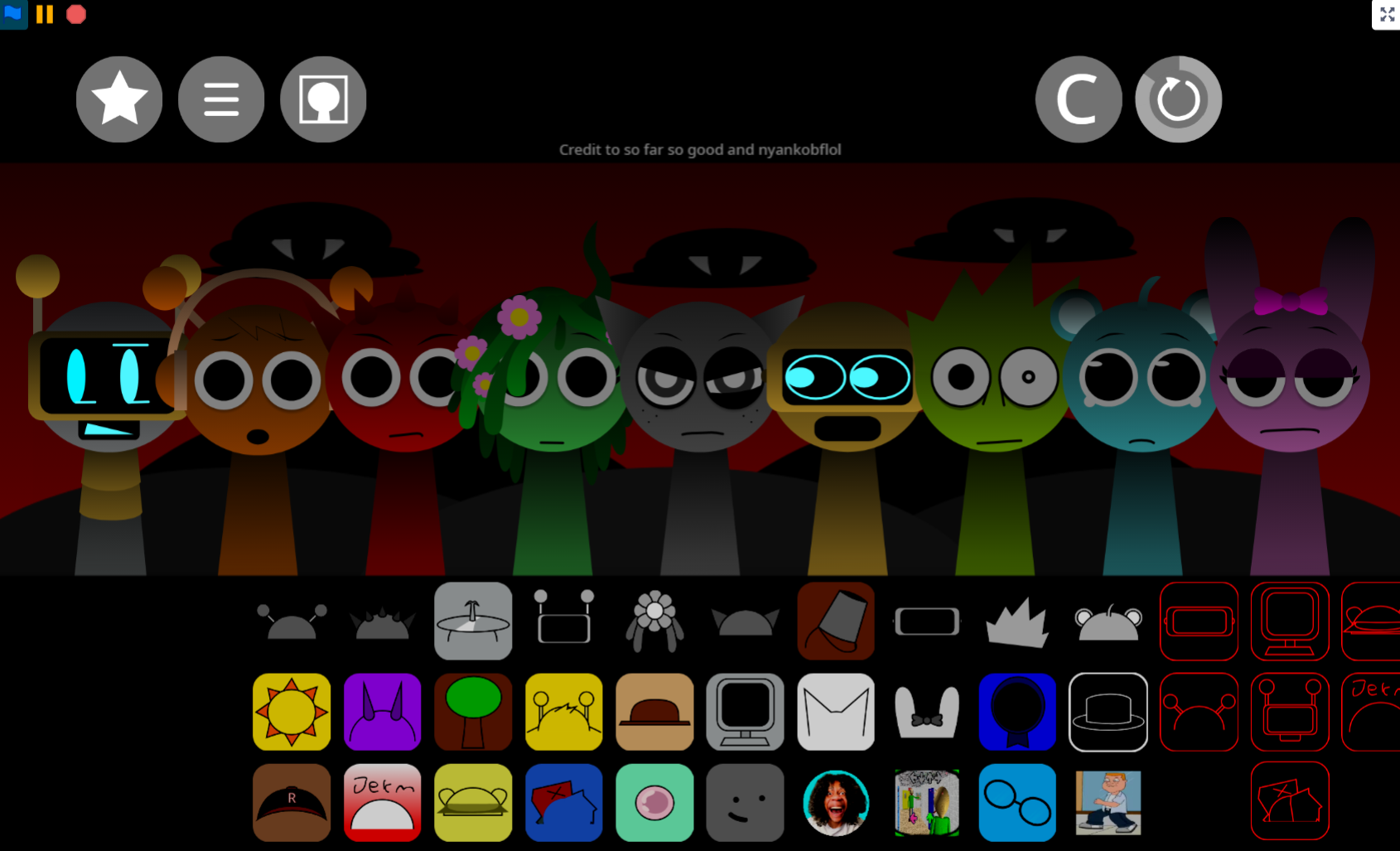
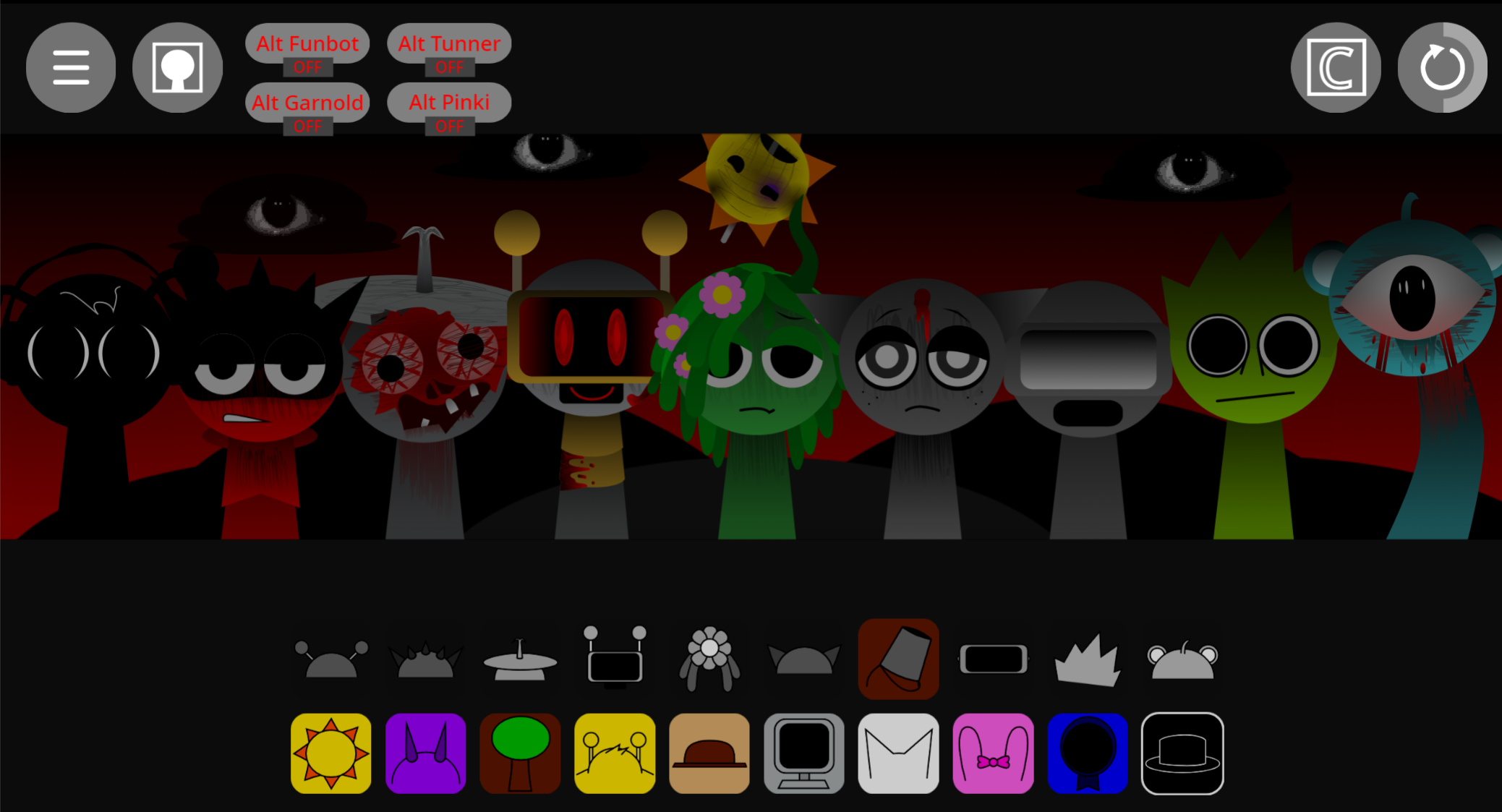
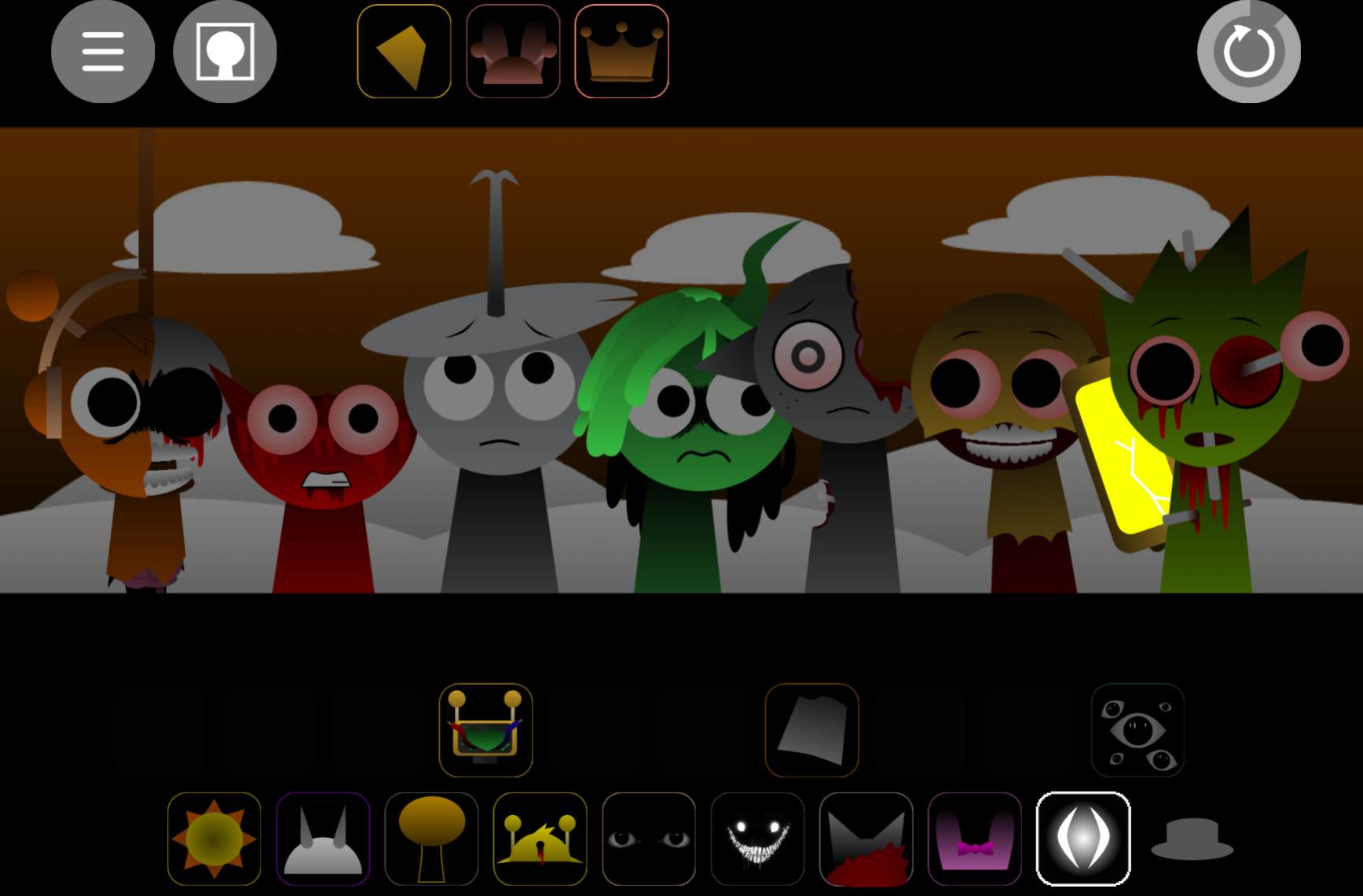
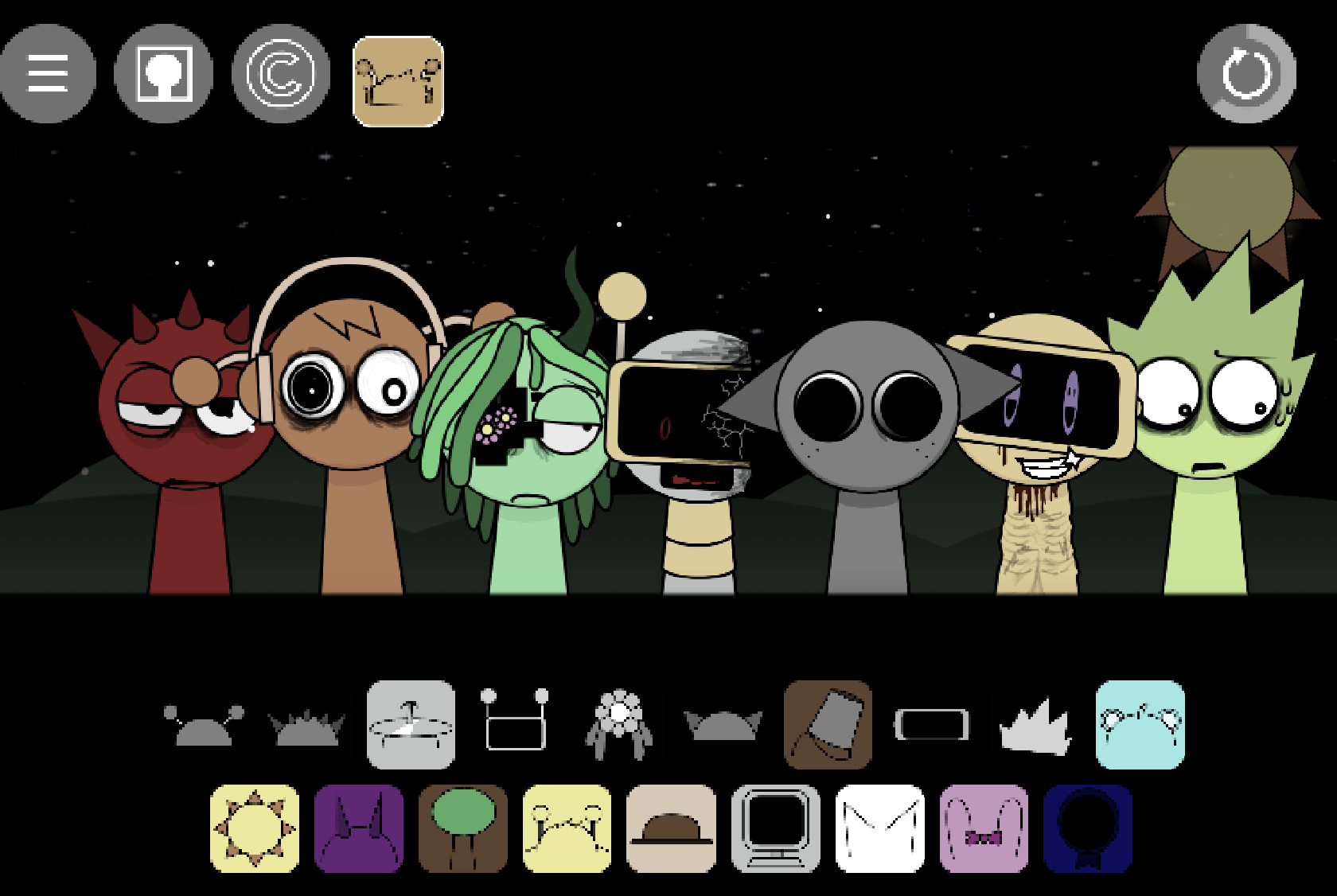
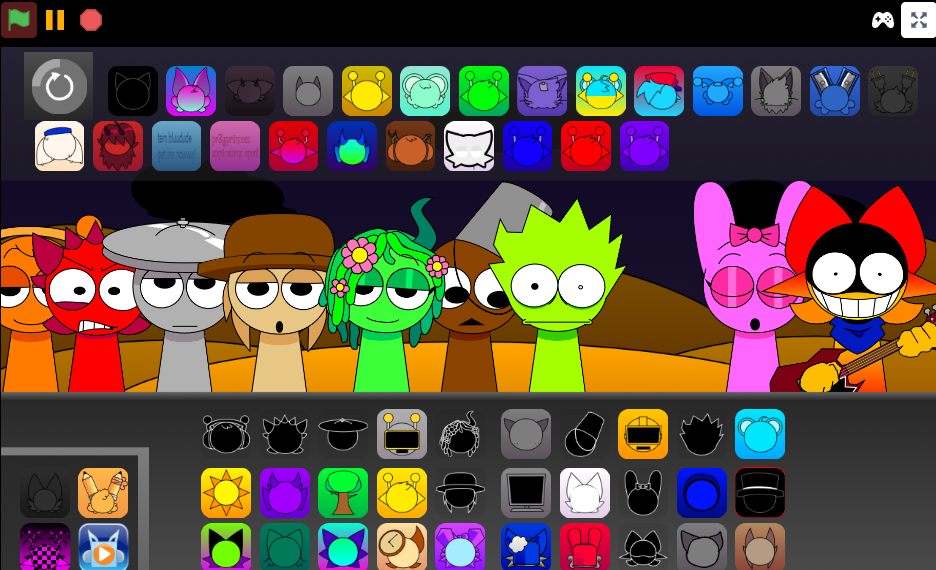
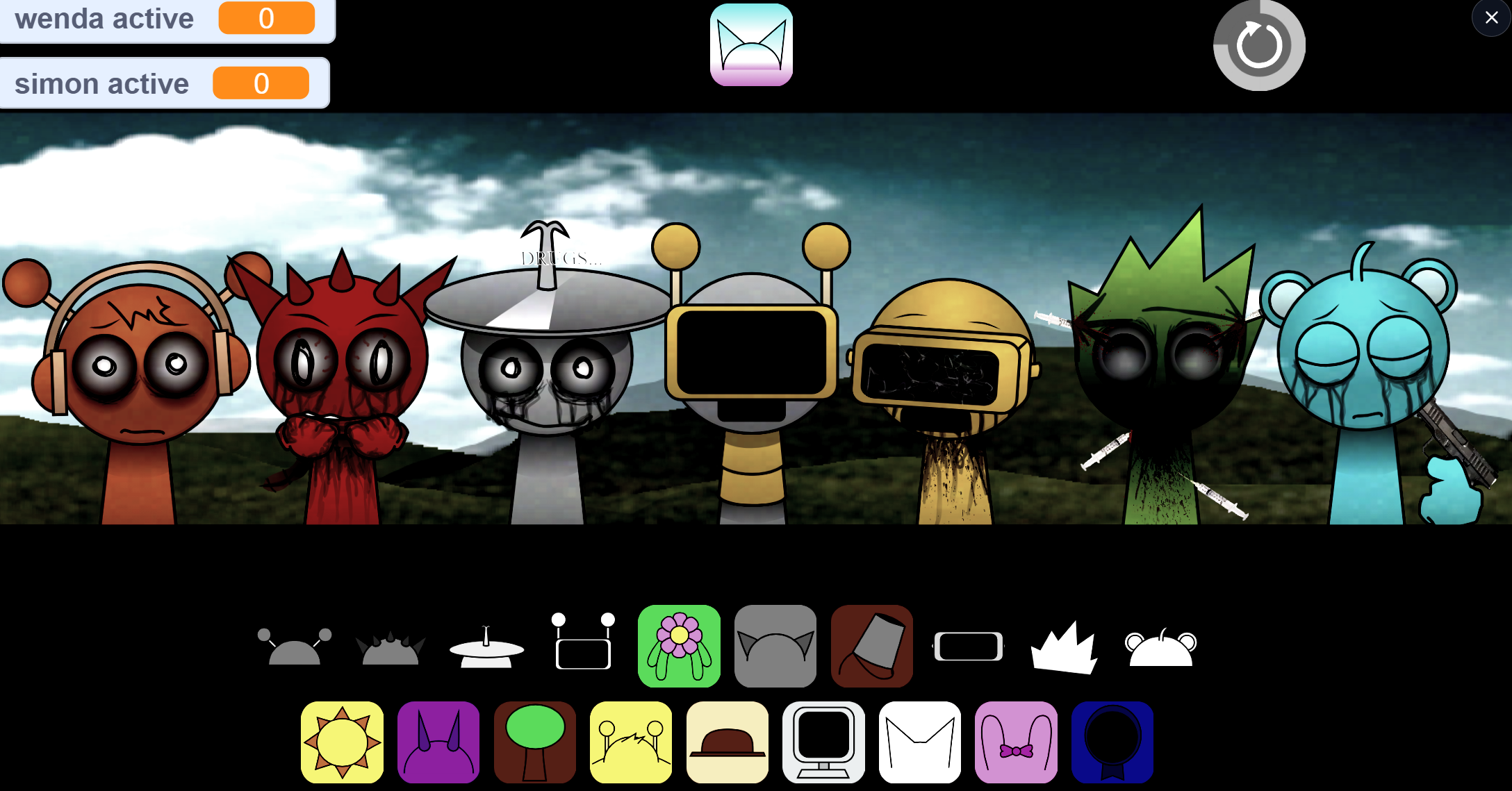
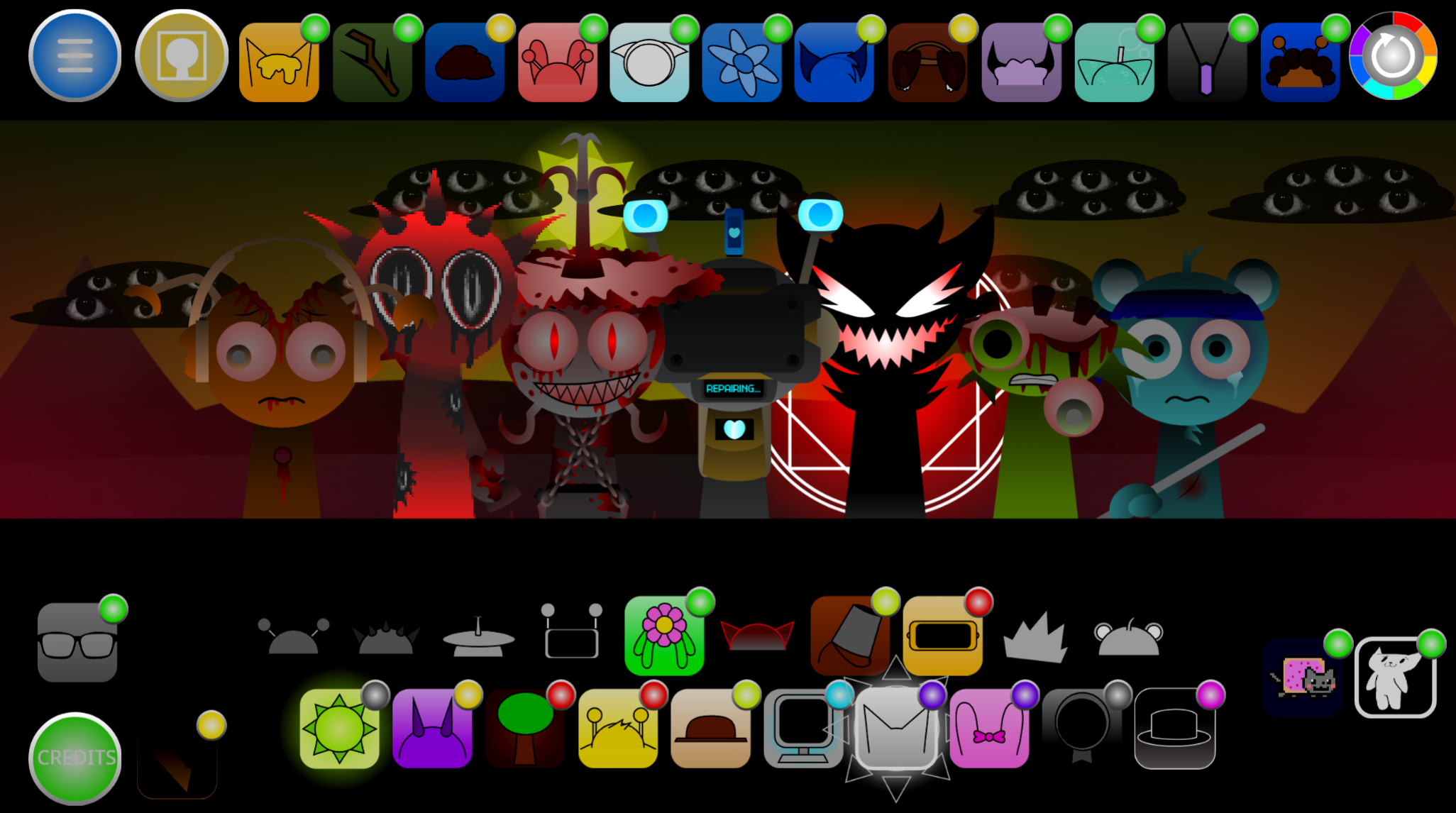
Simon’s Realm Rewritten is a fan-made Sprunki-style music mod created by @BlueXcats that rebuilds the earlier Simon’s Realm experience with animated character loops, reworked audio files, and cleaner sound balance. Unlike the static character layouts found in Simons Realm Remake Pokes Take, this version introduces movement to major characters like Simon, Oren, and Gray, making the interactive board feel more responsive when you drop sound icons onto your cast.
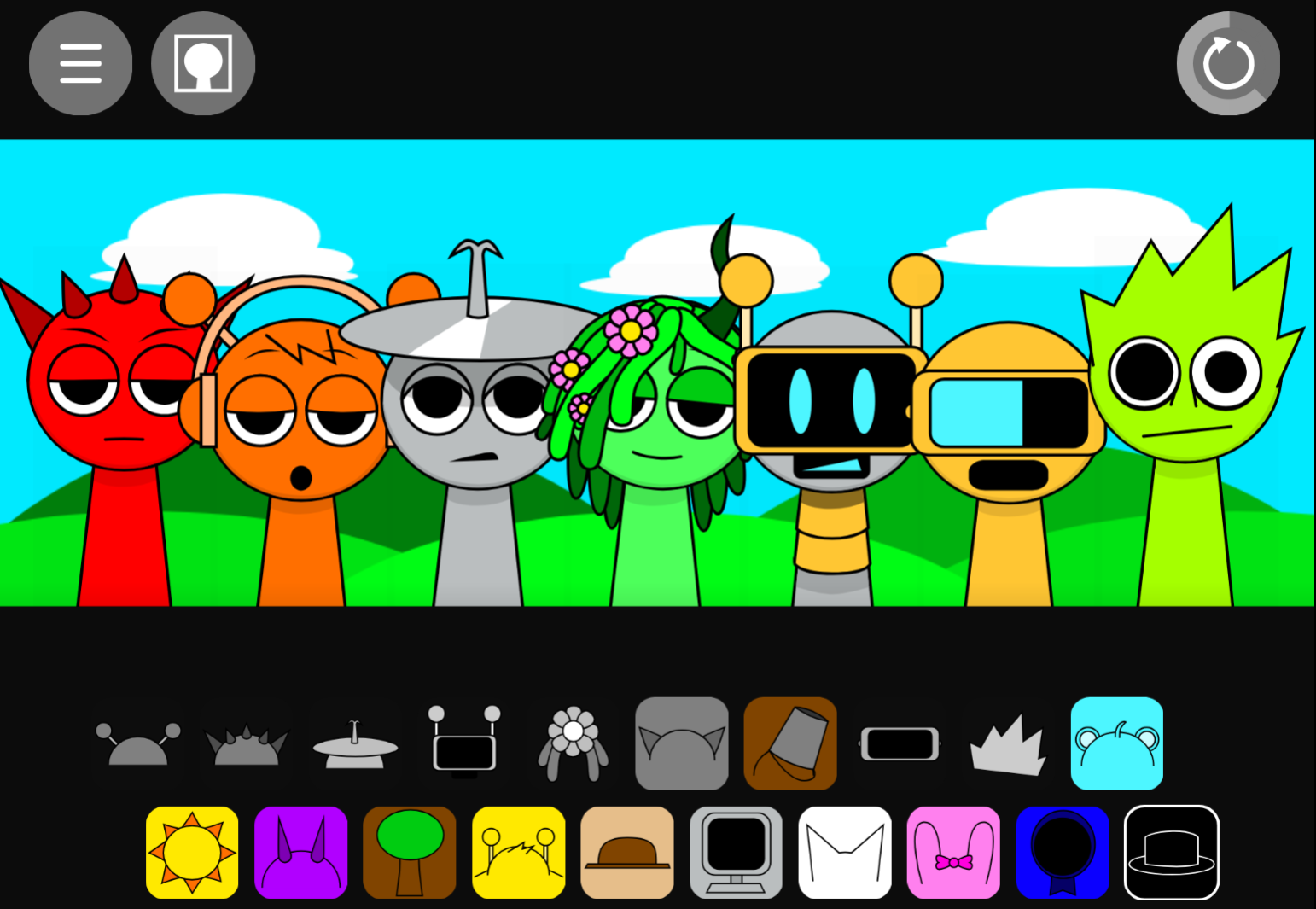
At its core, it uses the familiar drag-and-drop rhythm sandbox format. You choose sound icons, place them onto characters, and layer loops until the track develops its own rhythm, vocals, and mood. There is no traditional “win” state; the point is to experiment and shape a mix through trial and error.
What makes this version stand out is its stronger sense of performance. Characters now react dynamically to your inputs, and the visual feedback helps you track which loops are active without constantly muting and unmuting tracks. The developer actively engaged with player feedback during this cycle, stating, “OK i updated it, added animations and more” while urging fans to report any glitches they encounter.
It is still unfinished in places. Some characters like Salmon Melons and Charlotte remain static, and certain muting actions can trigger visual bugs. Even so, Simon’s Realm Rewritten works well as a highly visual, experimental entry in the Sprunki fan-mod scene.
Why Play Simon’s Realm Rewritten?
The biggest reason to try it is the visual feedback. Animated characters make it easier to read the mix while it is happening: you can see who is performing, which loops are active, and how the stage changes as you add or remove parts. For newer players, that makes the format easier to understand; for returning Sprunki players, it gives familiar loop-building a stronger sense of direction.
The audio changes also matter. Reworked character sounds make the mix feel cleaner, and some characters now have a clearer effect on mood. Players have pointed out that Gray “feels like the one that changes the tune” from a happy vibe to a serious atmosphere, especially when paired with the transition sounds of other characters. Simon’s updated role also feels more defined when you compare his part against other characters.
You can play it instantly on abgernygames.org with no download, making it practical for quick sessions or comparing Rewritten with older builds. If you are a newcomer looking for a polished entry point into this specific fan-made universe, starting with normal mode here is recommended before the creator finishes reworking the highly anticipated horror flp.
Major Features of Simon’s Realm Rewritten
Simon’s Realm Rewritten focuses on making The Realm feel more active, readable, and responsive. Its major changes are fresh animations, cleaner audio balance, and better feedback when players build layered mixes.
Animated character loops: Simon, Oren, Gray, and several other characters now have movement loops that make the stage feel less flat. These animations help players track active sounds.
More responsive interactions: Dropping icons onto characters feels closer to directing a small performance. The board reacts more clearly as each loop enters the mix, turning a simple drag-and-drop session into a highly visual performance.
Cleaner audio balance: Reworked sounds and character-specific tweaks help beats, vocals, and effects sit together more smoothly, making layered mixes easier to control and less muddy.
Mood-shifting character roles: Gray is especially useful for changing the atmosphere, while Simon’s updated sound and presentation make him feel more central to the Rewritten identity.
- Unfinished but playable edges: Some characters are still static, and a few visual bugs can appear around muting. These rough spots are noticeable, but they usually feel like fan-mod quirks rather than session-breaking problems.
How to Play Simon’s Realm Rewritten
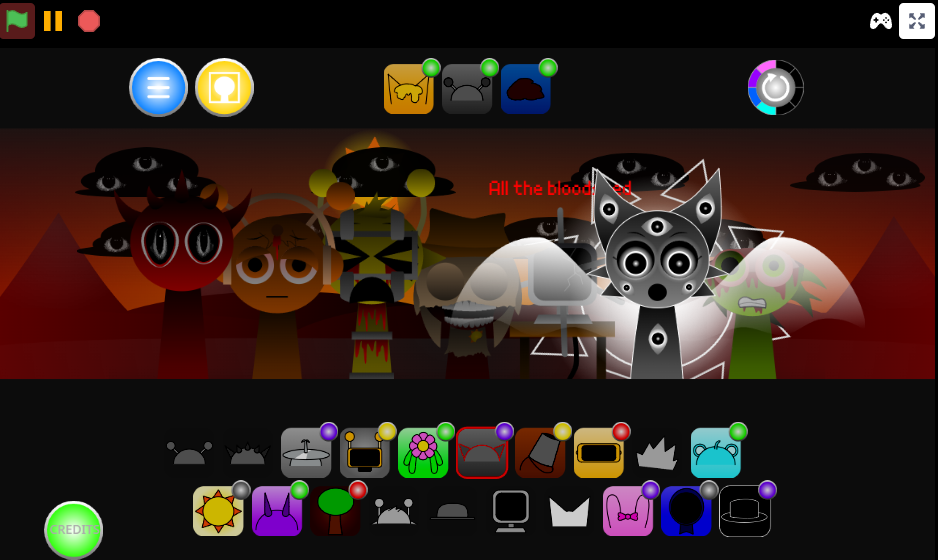
To play Simon’s Realm Rewritten, treat it as a drag-and-drop music sandbox. Choose a sound icon, place it onto a character, and listen as that character adds a loop to the track. Repeat the process to layer beats, melodies, vocals, and effects until the mix takes shape.
Start in normal mode if you are new to Sprunki-style mods. It is the clearest place to learn how the sounds fit together and offers the best view of the Rewritten animation flow. Drop in one icon at a time rather than filling every slot immediately. This lets you hear what each character contributes before the arrangement becomes too crowded.
As you play, watch the animations as well as the audio. The moving characters show which parts are active, making it easier to follow the structure of the track. Pairing different characters can shift the atmosphere from light and playful to strange, serious, or distorted.
Use the basic controls to refine your mix:
- Mute a character when the track feels too busy.
- Solo a character when you need to identify exactly what their loop adds.
- Remove a character if the arrangement loses its rhythm or mood.
- Rebuild gradually after testing a dense combination, especially if the sound becomes mudy.
Expect a few rough edges. Some muting actions may cause small visual glitches, so if something looks off, it is likely a build quirk.
Simon’s Realm Rewritten Guide: Master the New Animations
To master the new animations in Simon’s Realm Rewritten, first learn which characters are animated and which ones are still static. Animated characters give stronger visual and audio feedback, while static characters can feel less responsive during fast experimentation.
Currently animated characters include:
- Oren
- Raddy
- Clurk
- Fun Bot
- Vineria
- Gray
- Brud
- Sky
- Mr. Sun
- Mr. Tree
- Simon
- MFC
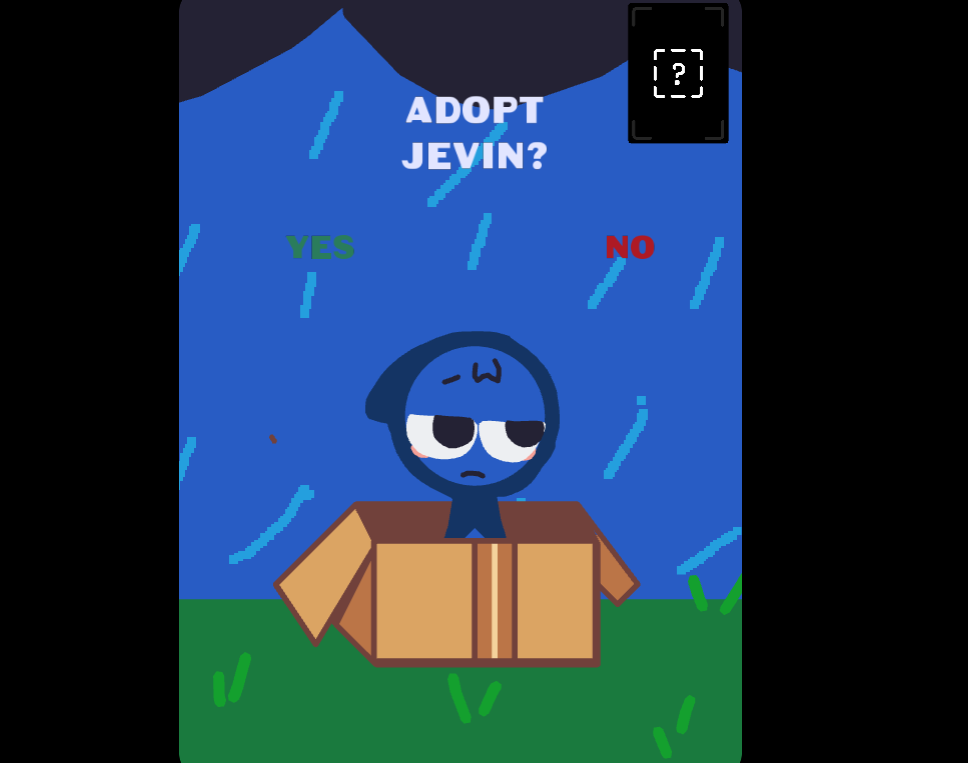
- Jevin
Characters that remain static for now include:
- Garnold
- OWACKX
- Durple
- Tunner
- Wenda
- Pinki
- Salmon Melons
- Charlotte
A smart way to learn the animation system is to test animated characters in small groups. Start with Simon and Gray, because both received new sounds and their changes are especially useful for understanding the update’s mood control. Simon anchors the Rewritten identity, while Gray can make the mix feel more serious when paired with brighter or stranger loops.
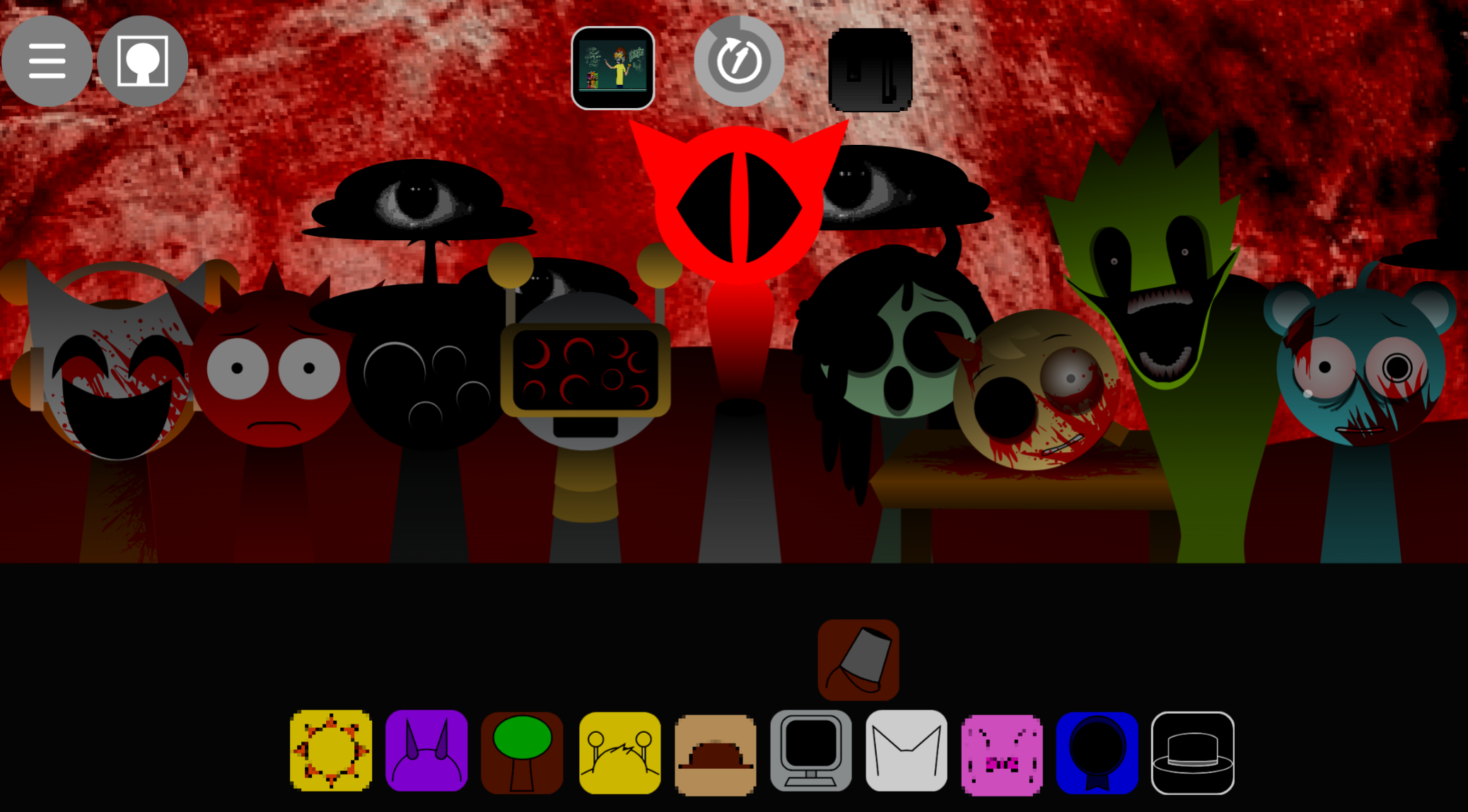
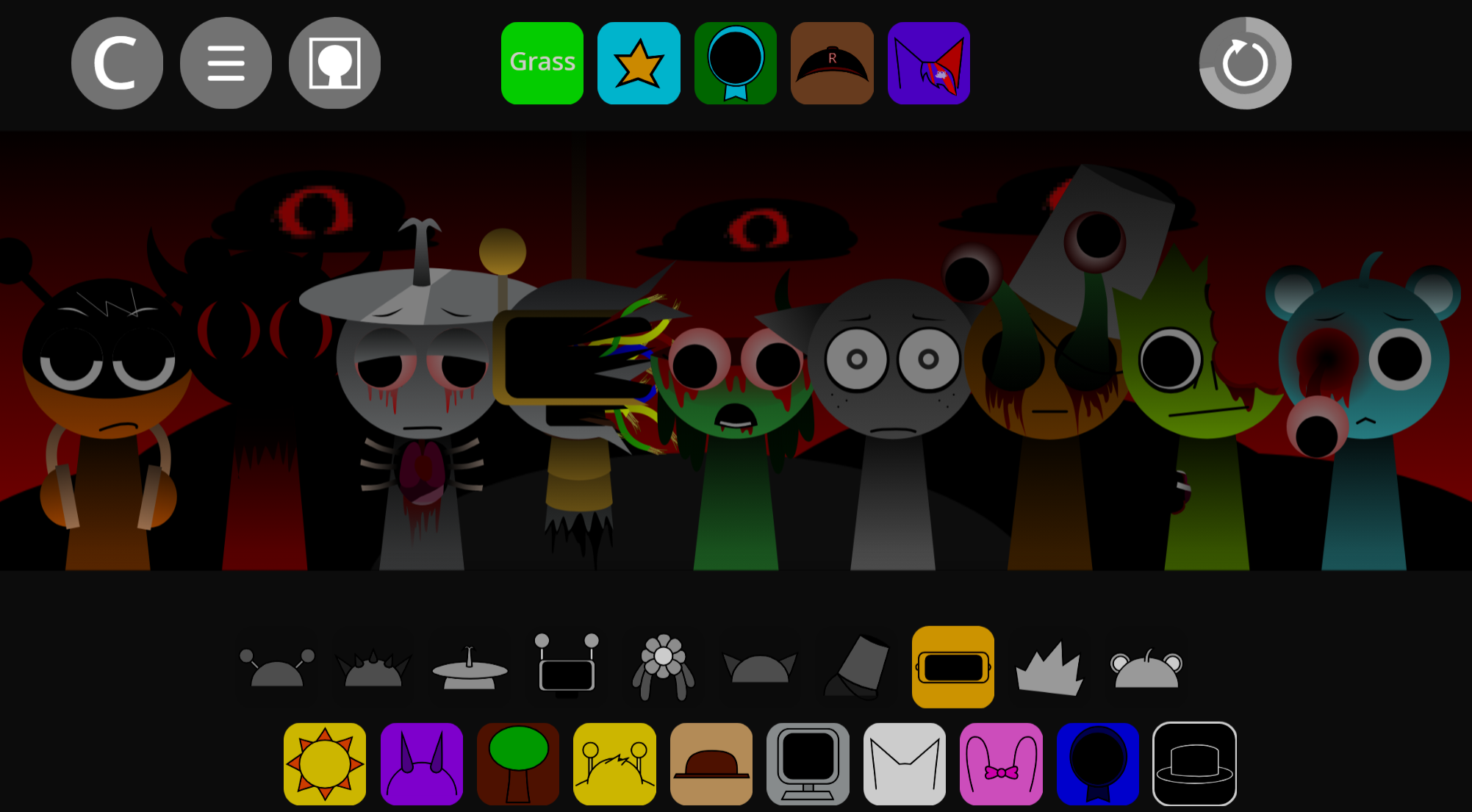
Normal mode is the better place to study these changes. Horror mode exists and Simon has a separate new horror design, but that side of the mod feels less fully realized for now.
One known issue involves Mr. Fun Computer: muting him in normal mode can cause him to flicker between idle and animated states. Avoid using him as your main reference when checking whether animations are behaving cleanly.
How to Build Your First Simon’s Realm Rewritten Mix
To build your first Simon’s Realm Rewritten mix, place characters onto the stage one at a time and listen carefully before adding another layer. The safest approach is to create a simple base, then shape the track gradually.
Set a clean foundation.
Choose one character with a steady loop and let it define the rhythm. This gives your mix a readable center, which matters because warped effects, stutters, and distorted melodies can become busy quickly.
Add Simon-focused texture.
Bring in Simon or another character with a stronger melodic, vocal, or glitch-heavy part once the base feels stable. Listen for how the mood changes. A single warped voice or broken-sounding beat can turn a simple pattern into something stranger and more atmospheric.
Introduce contrast with Gray or brighter loops.
Gray is useful when you want the mix to feel more serious, while brighter characters can keep the track playful. Pairing these tones helps you understand the dynamic range of the Rewritten version.
Use mute, solo, and remove controls.
Solo a sound when you are not sure what it contributes, mute it if the arrangement feels crowded, and remove it if the mix loses its shape. These controls are especially helpful because some animated feedback can be visually busy.
Test odd pairings on purpose.
Simon’s Realm Rewritten rewards trial and error. Unusual combinations can create surprising changes in rhythm, mood, or visual behavior, making the process feel more like discovery than a fixed recipe.
Rebuild after messy experiments.
If a mix becomes too crowded, clear a few parts and return to the strongest loop. The mod works best when you compare sounds patiently instead of assuming every character should be active at once.
Related Games
- sprunky simons realm update — This is the closest follow-up for players who want more of the same Simon’s Realm loop-building style with updated character behavior and sound tweaks.
- Sprunki Simons Realm Retake — It fits as a strong next play because it reinterprets the same Simon’s Realm setup, making it useful for comparing how different versions handle mood, sprites, and musical pacing.
- Sprunki Simons Realm Remake With Real Simon — This is a relevant companion if you want to revisit the remake side of the concept while focusing specifically on Simon’s role in the mix.
Enjoy it!
Discuss
Loading comments...
Failed to load comments. Please try refreshing the page.