
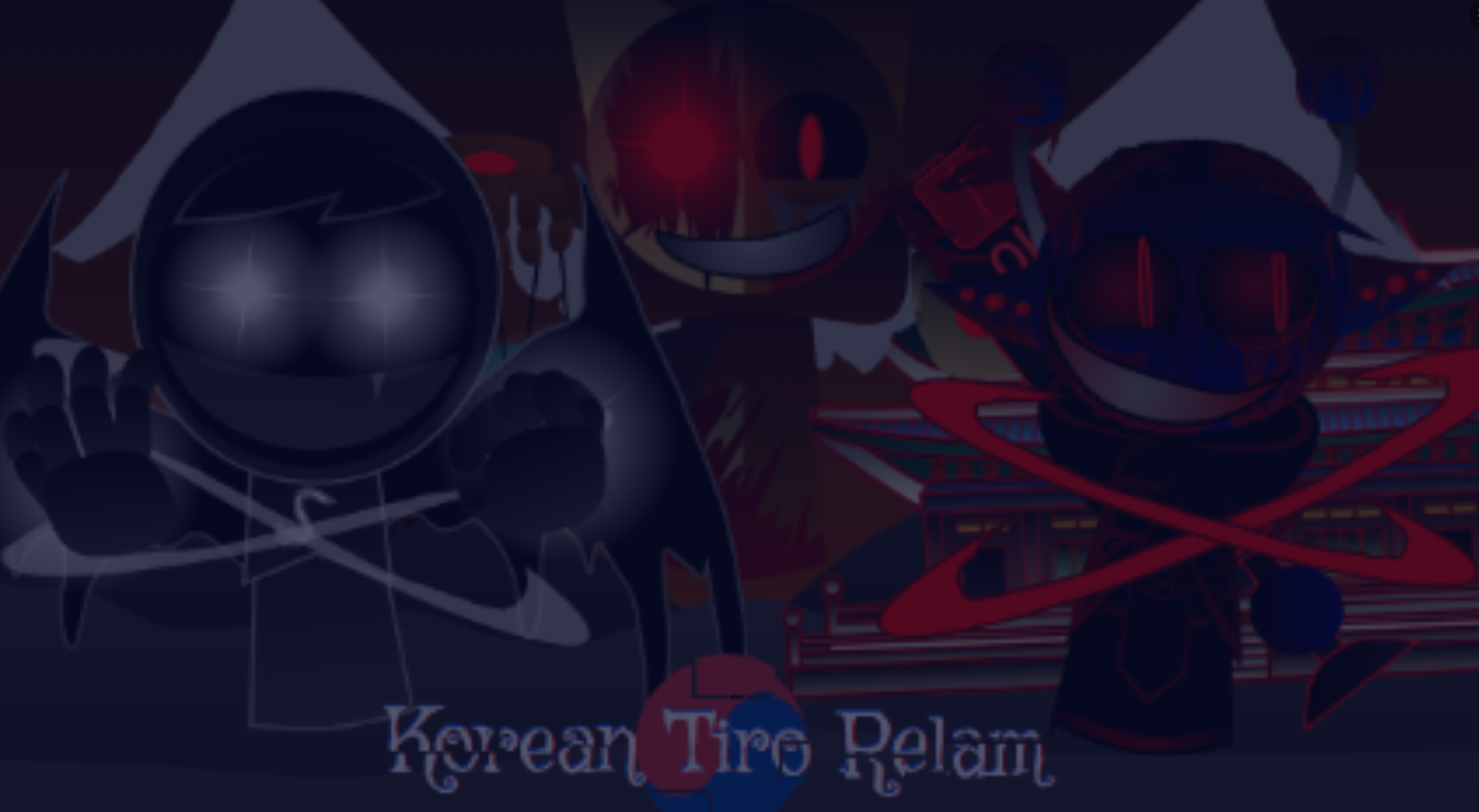
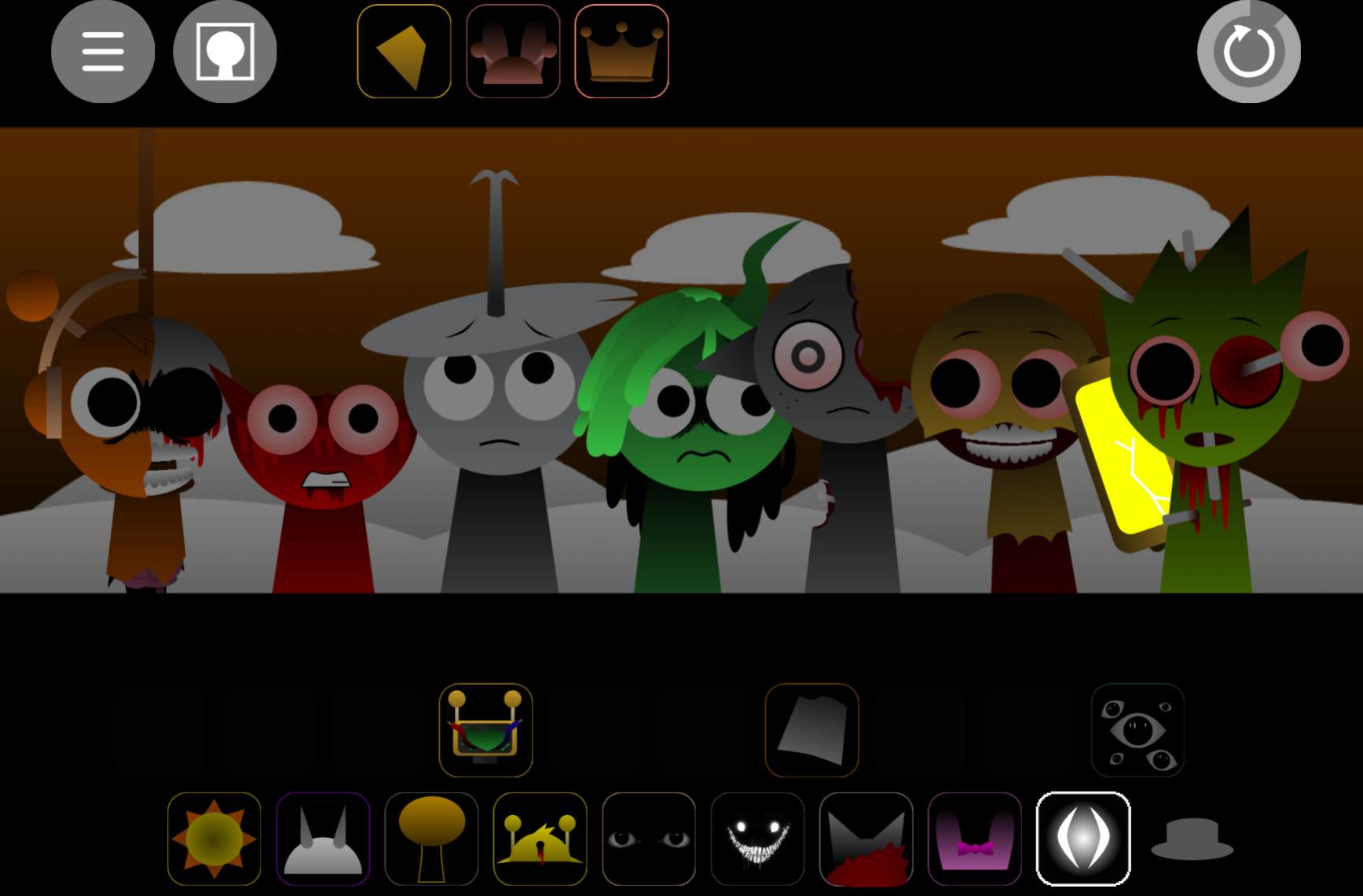


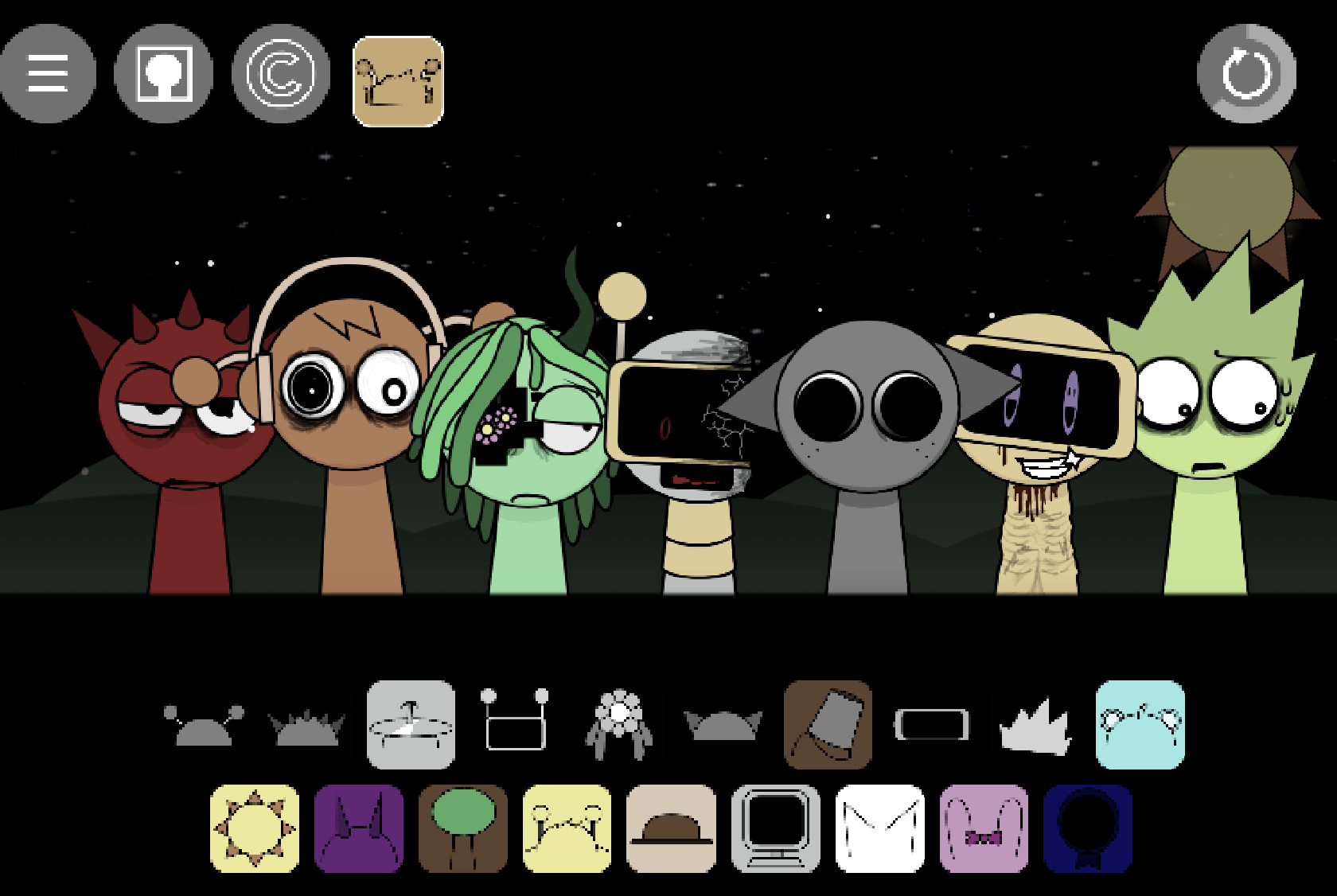
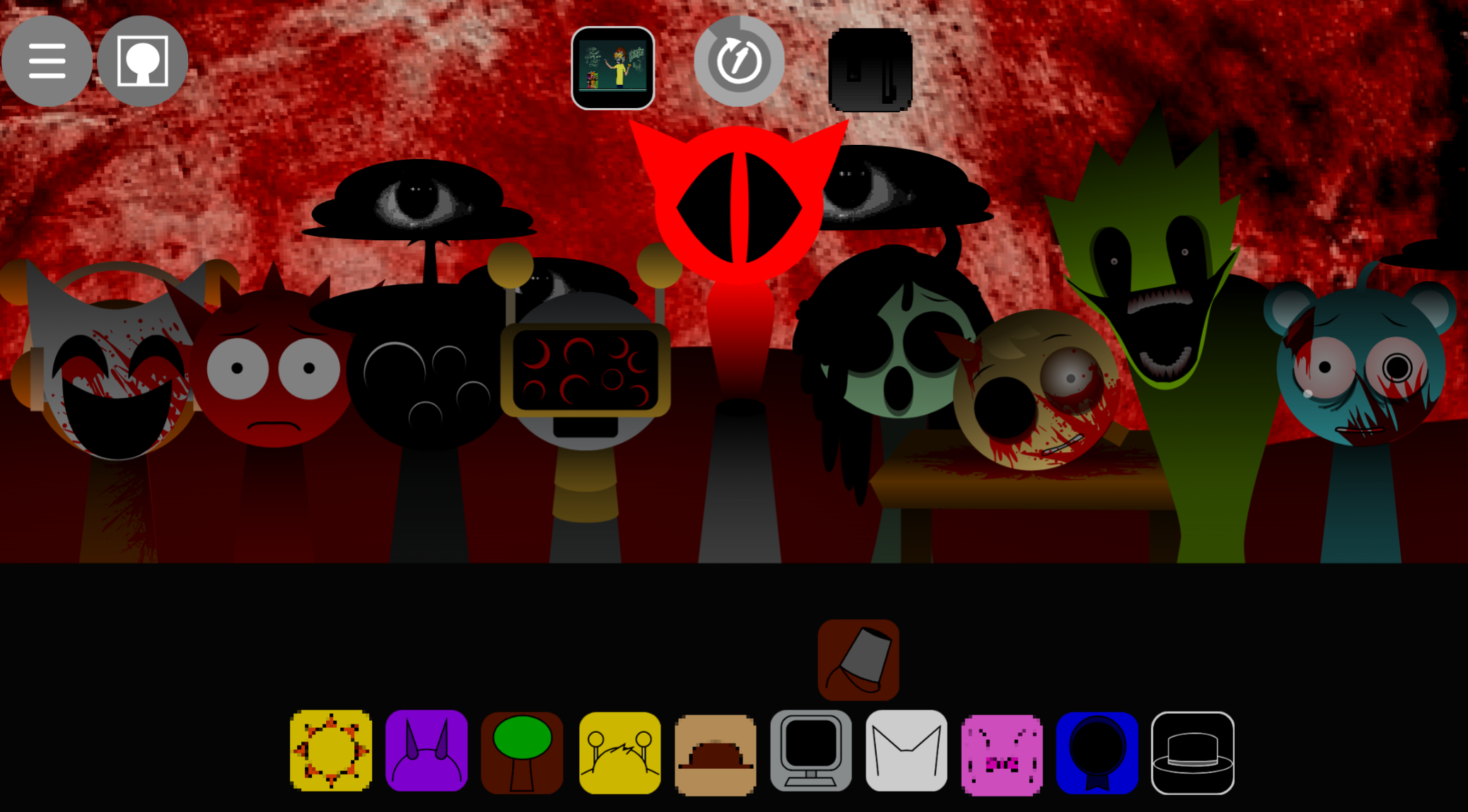
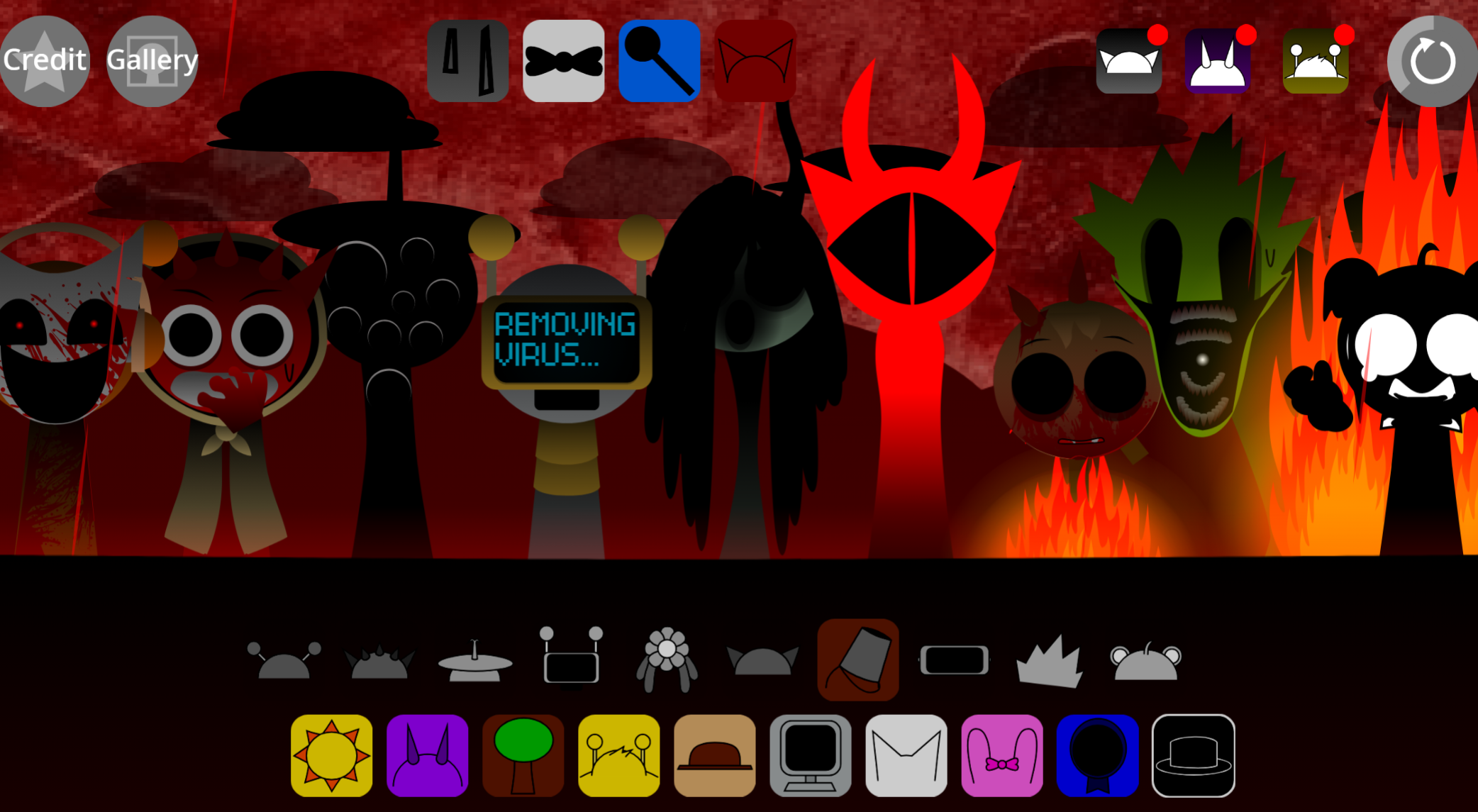
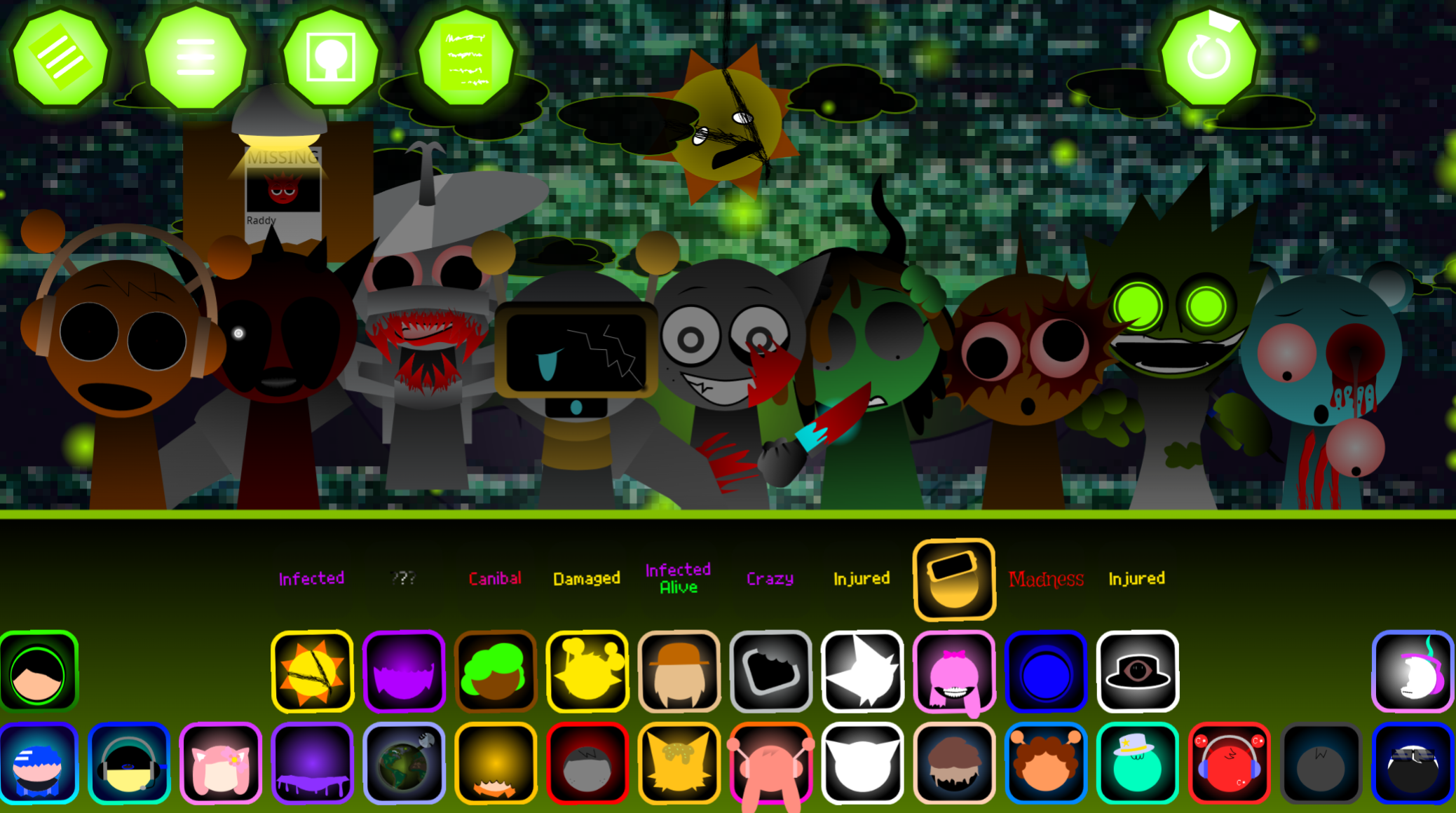
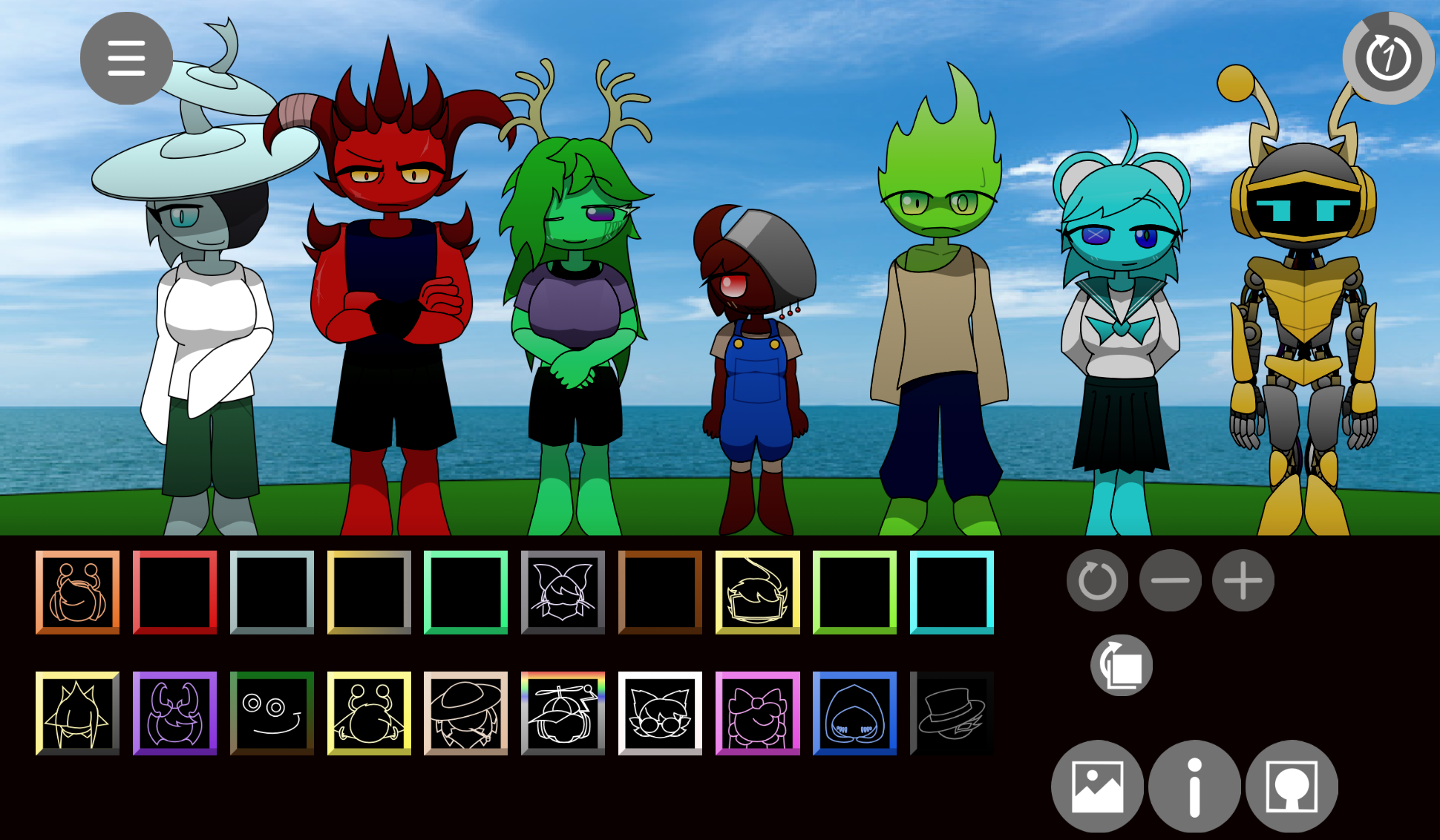
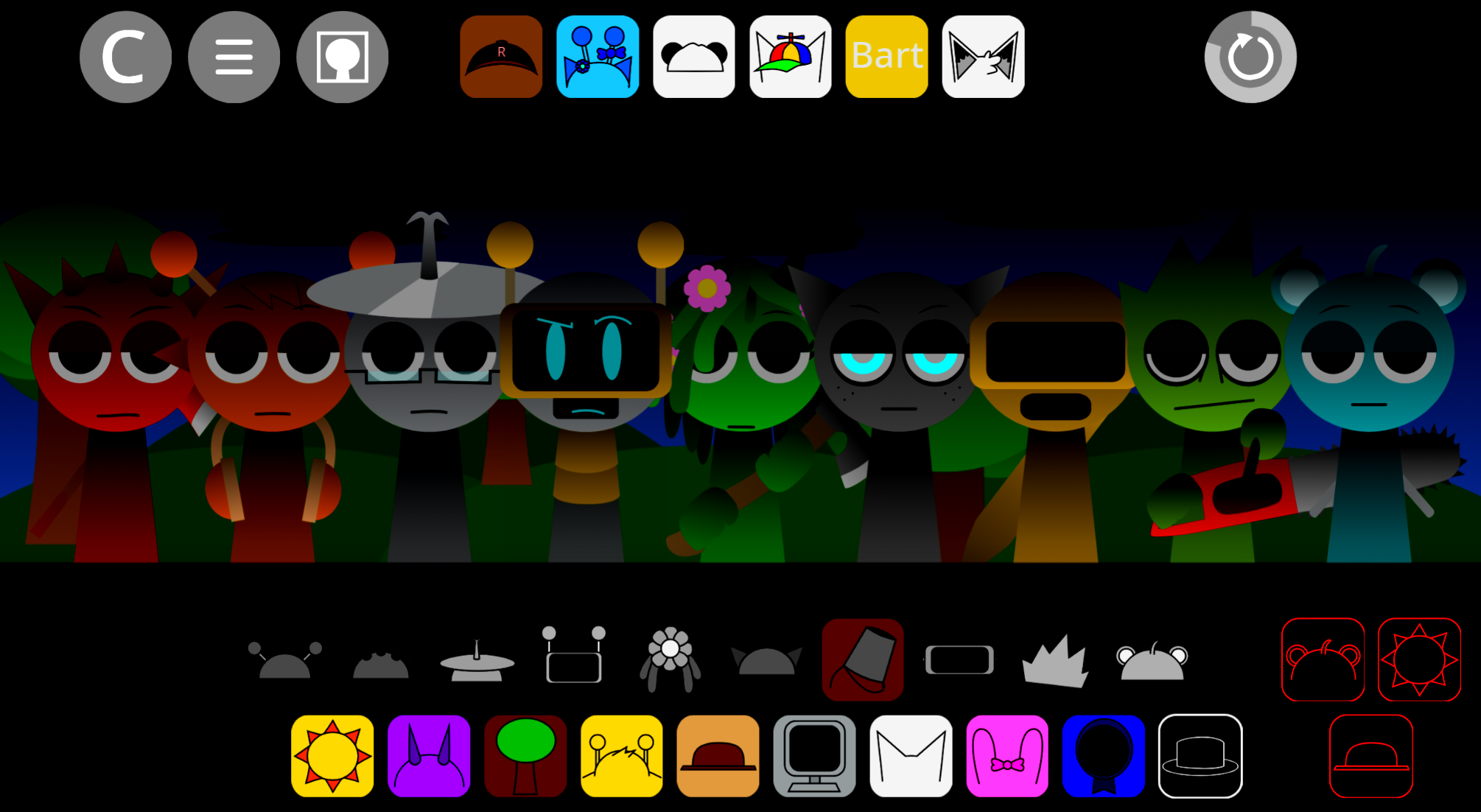
Sprunki Blackness Chaos is a community-made browser music mod that reimagines Sprunki’s character-mixing gameplay through a gothic underground aesthetic.
Players drag dark-themed sound characters onto a stage to build layered tracks, unlocking hidden animations and bonus loops as they experiment with combinations. This mod strips away bright visuals in favor of shadowy palettes and heavier audio textures, creating a stark contrast to the original’s lighter tone.
This article walks through what makes Sprunki Blackness Chaos distinct—from its visual overhaul and expanded sound library to the mechanical tweaks that reward discovery.
What Is Sprunki - Blackness Chaos?
Sprunki - Blackness Chaos is a community-made browser music mod that transforms Sprunki’s character-mixing format into a gothic underground performance. It uses the drag-and-drop approach of Incredibox, letting players build layered tracks from beats, melodies, vocals, and effects without conventional music-production skills.
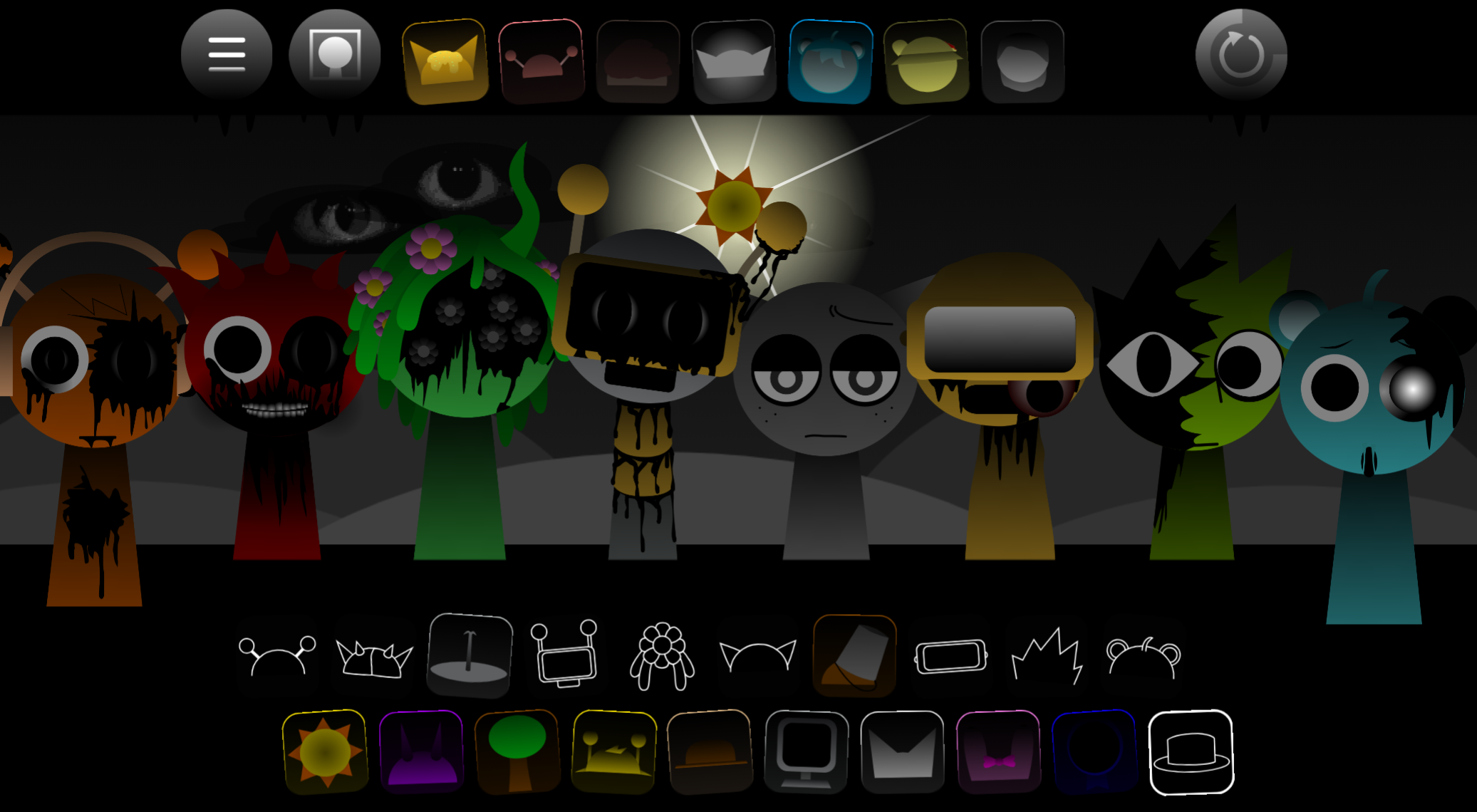
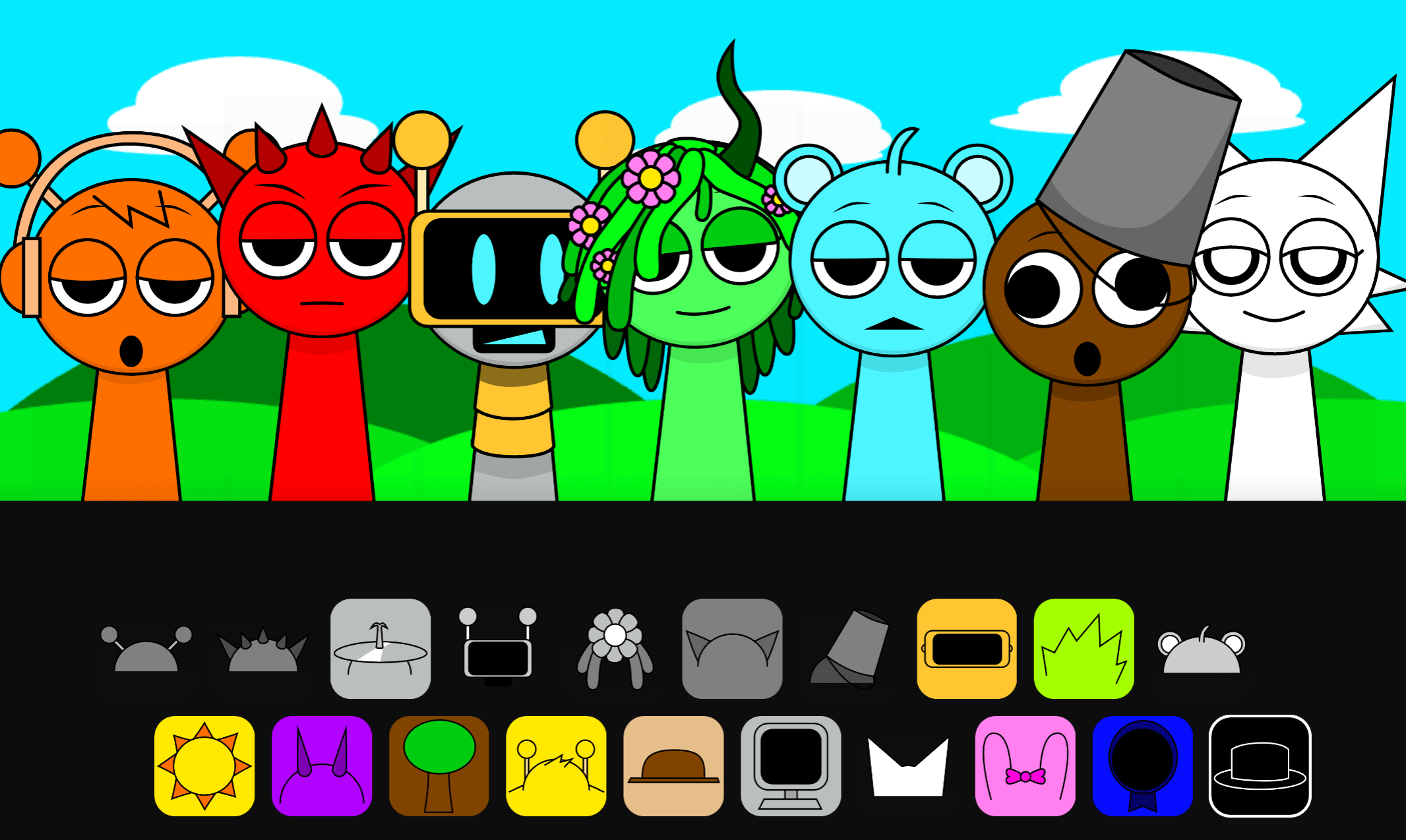
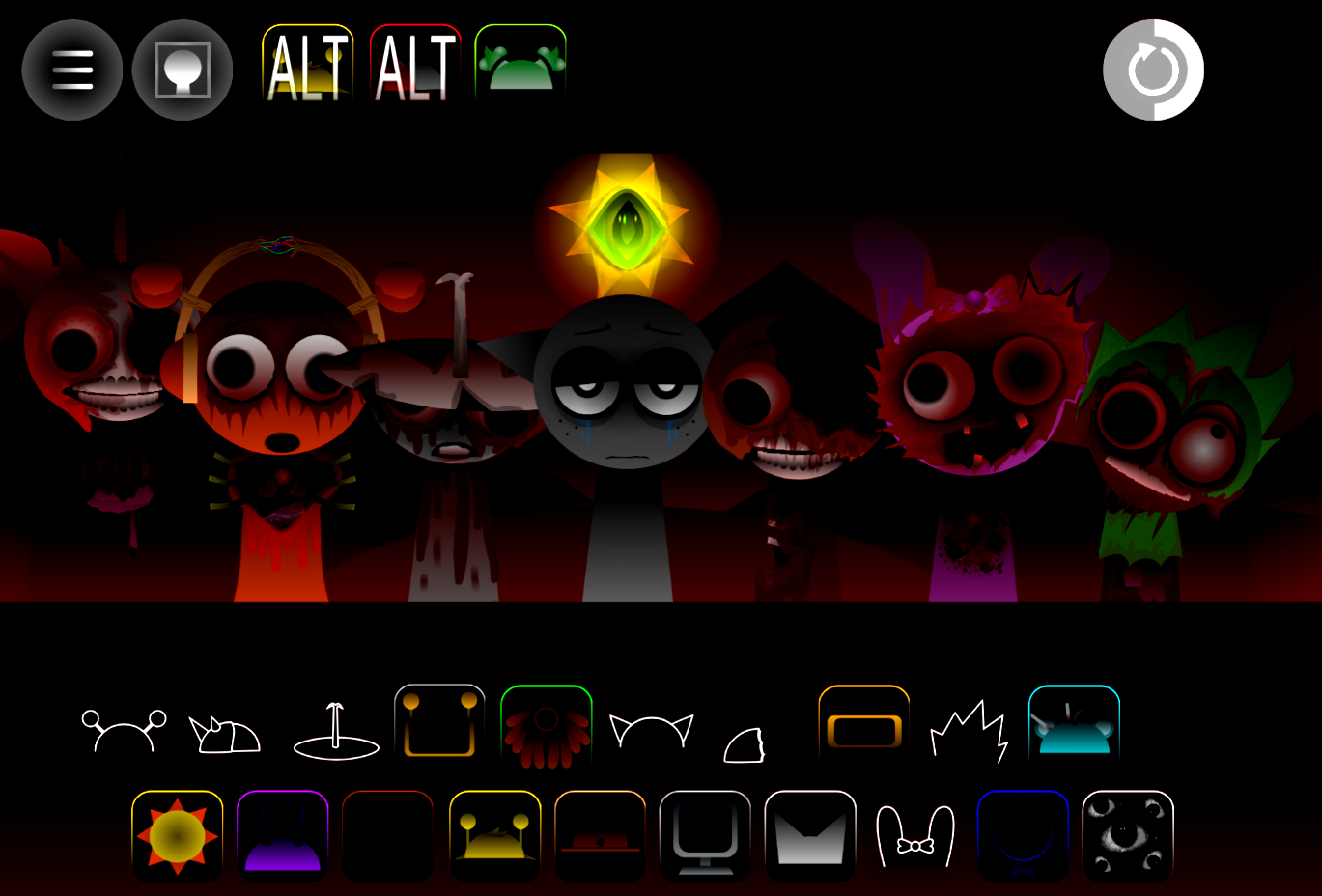
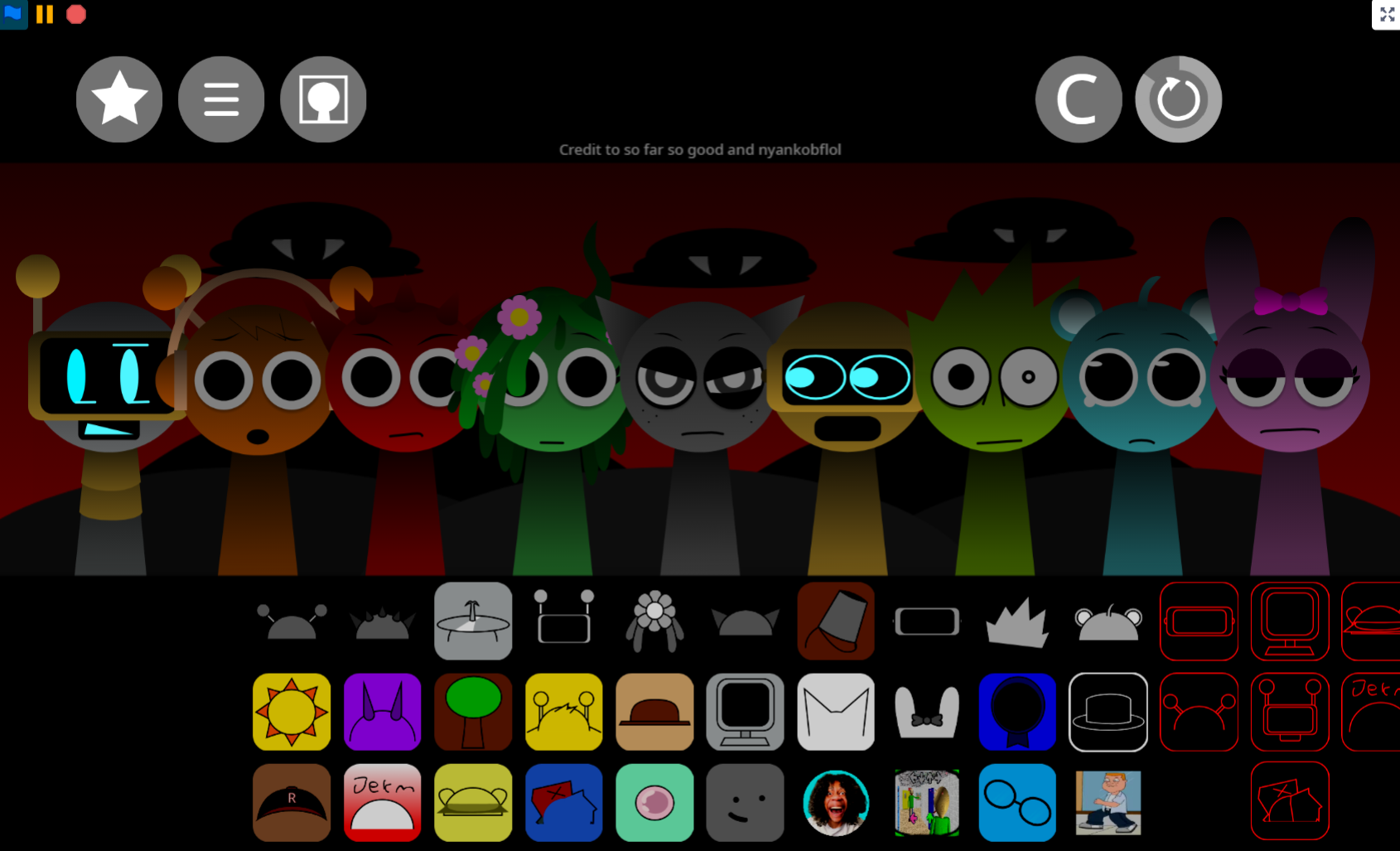
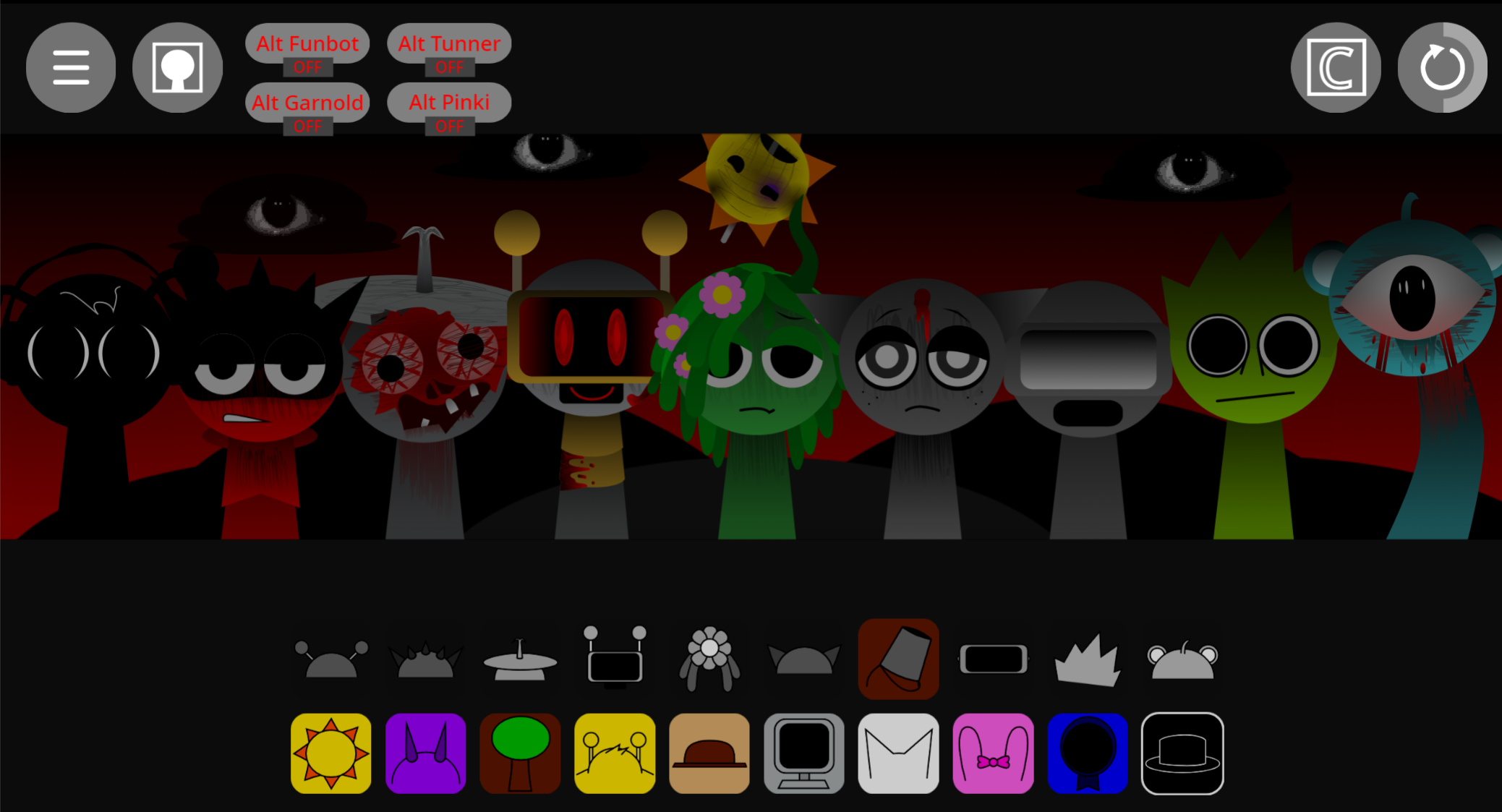
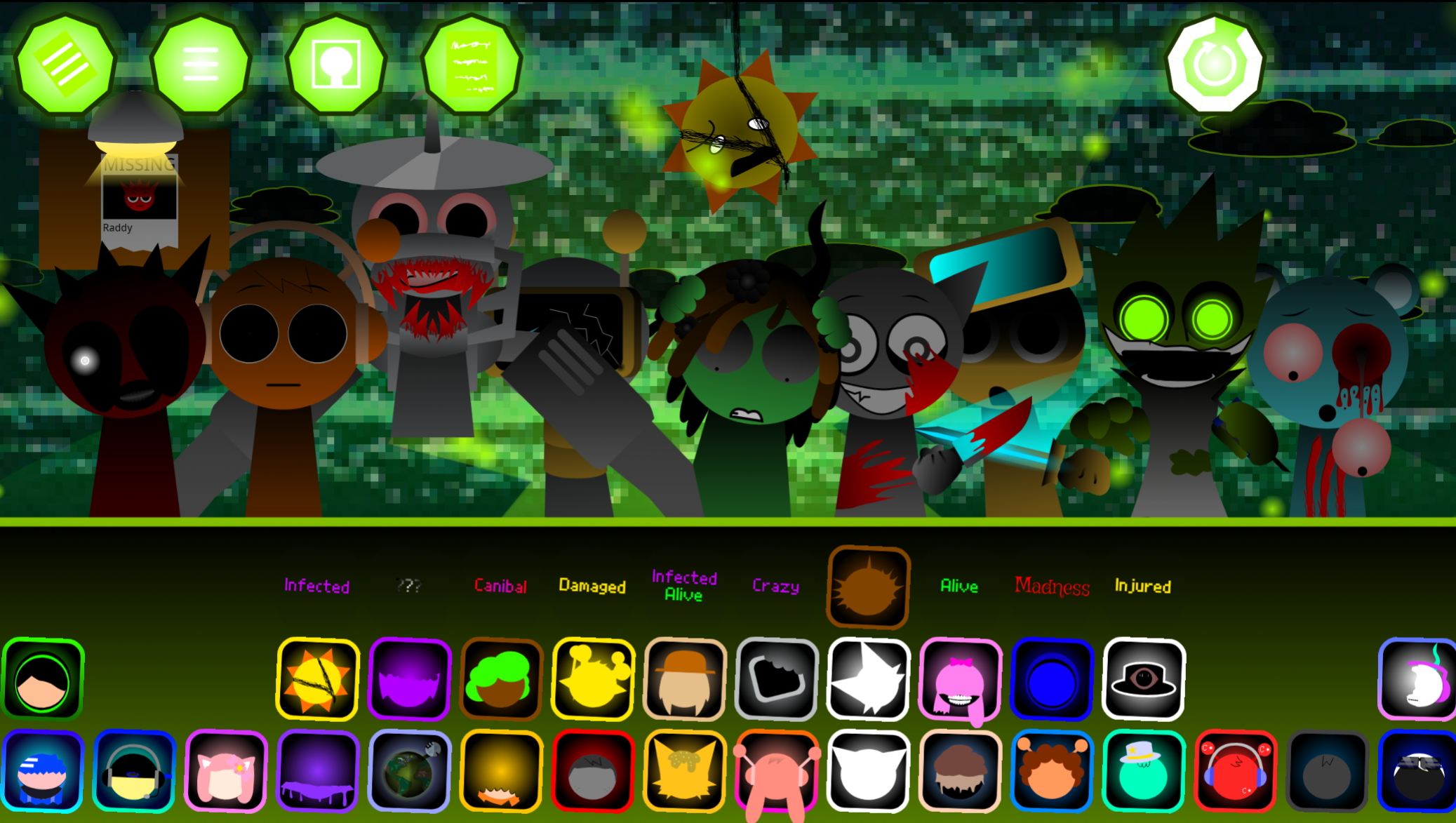
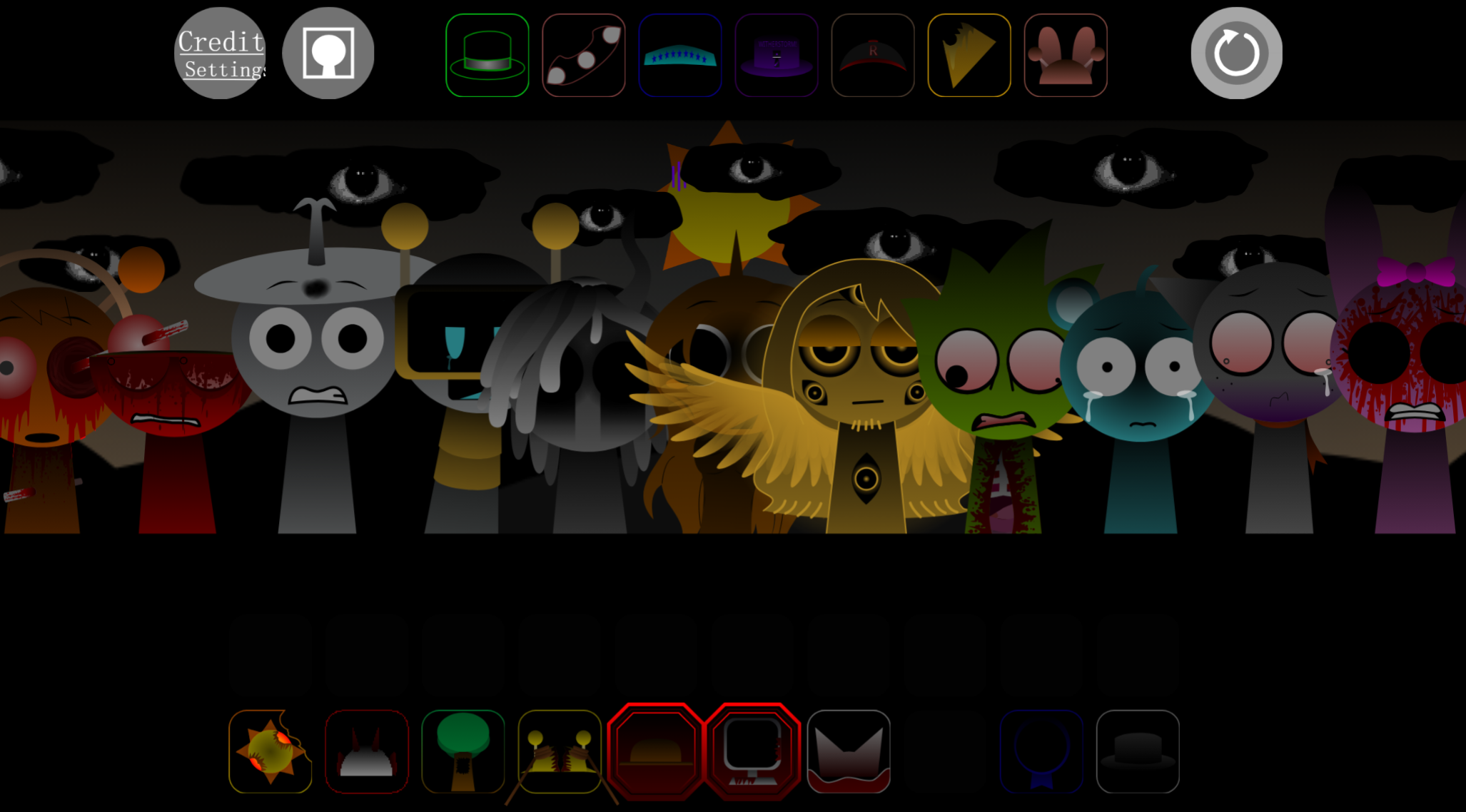
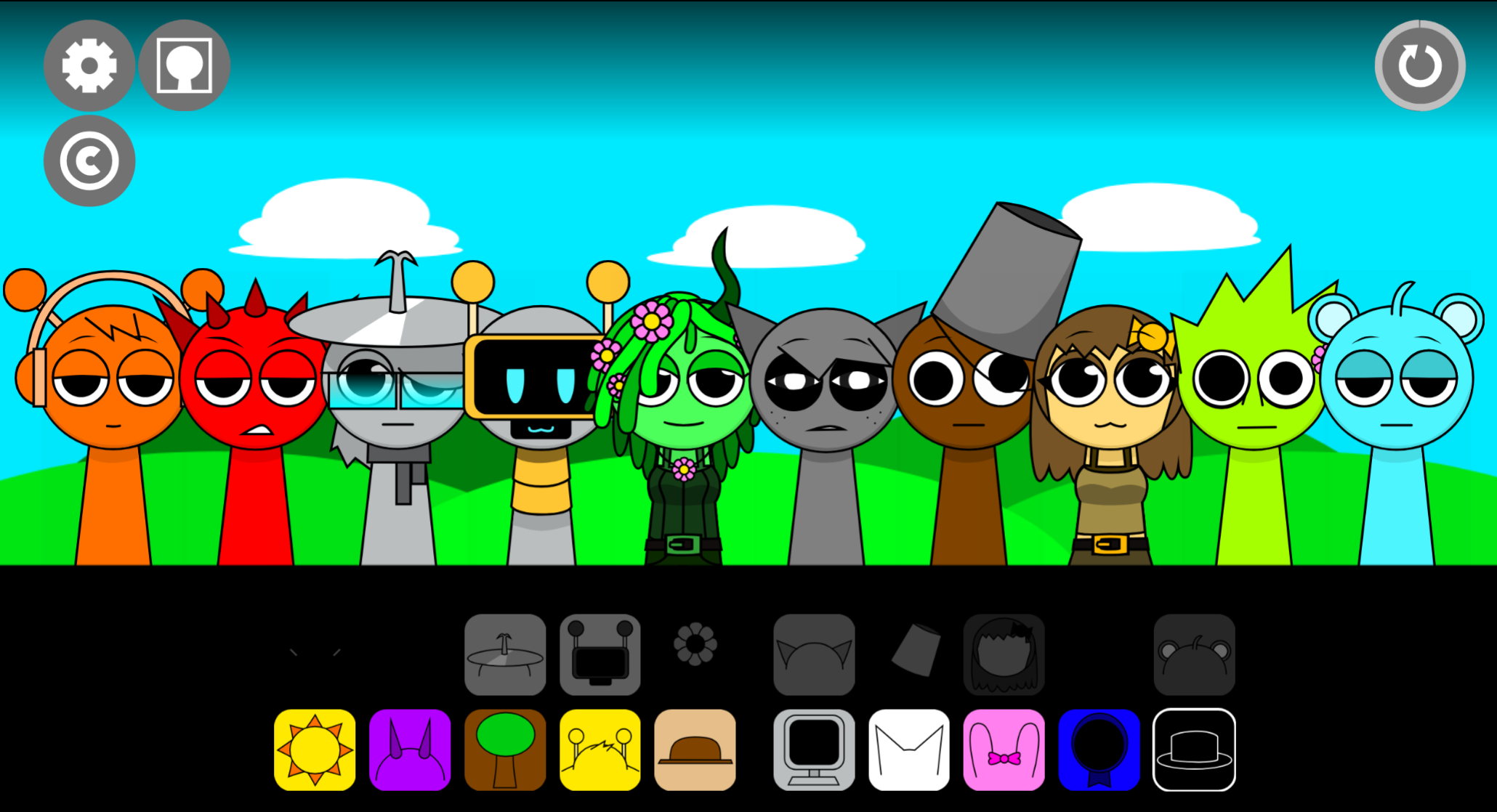
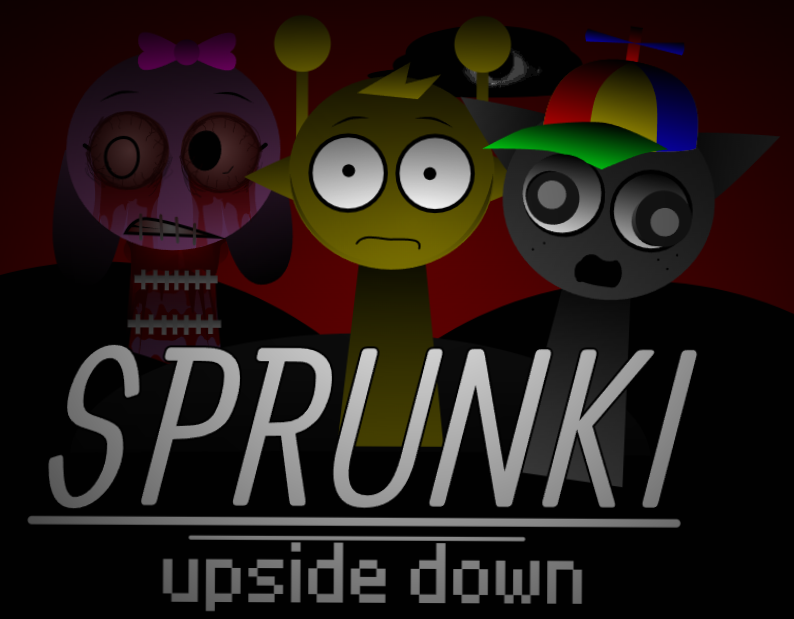
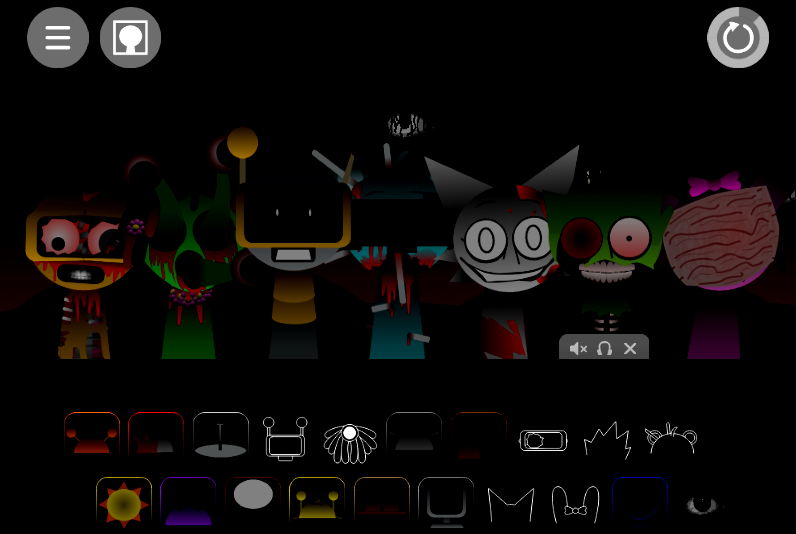
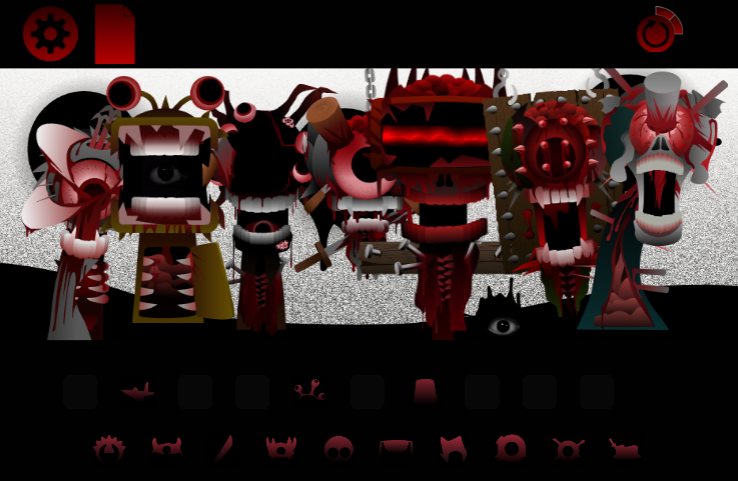
The mod begins in Normal Mode, where characters bounce on metal springs as their loops combine into a growing arrangement. In Horror/Black Mode, the stage descends into a shadow-heavy abyss with muted gothic colors, shifting light, and haunting synchronized audio. The mixing system remains the same, but the mood shifts sharply from lighthearted rhythm-building to unsettling performance.
Created as V1.0 by @Boxdudsprunki182 and inspired by @SPRUNKENOS’s Sprunke Tri-Shifted, Blackness Chaos is available to play online through abgernygames.org.
How to Play Sprunki - Blackness Chaos
Open the mod in your browser and use the available sound elements to activate the performers. The objective is to experiment with arrangements and discover how sound layers interact.
-
Choose sounds and place them on performers. Drag beats, melodies, effects, and vocal elements onto the spring-loaded cast. Each character adds a different loop.
-
Build a simple foundation. Start with one rhythmic part, then add a melody or effect that supports it. Listening after each placement clarifies what every layer contributes.
-
Swap or remove sounds freely. If the arrangement becomes crowded, replace a dominant part or remove one entirely. Leaving space can make a metallic beat, distant melody, or eerie vocal detail more noticeable.
-
Experiment with combinations. Some character pairings produce distinctive results, including unexpected sound changes and horror-themed phase interactions. A sound that feels awkward alone may work well beside a specific beat or melody.
-
Enter Horror/Black Mode when ready. Activating Blackness changes the atmosphere from a sunlit town into a gothic abyss. Explore the bright setup first, then use the darker phase to hear how the mood shifts.
Important: Black Mode is irreversible for the current session. Once activated, refreshing the page is required to return to Normal Mode.
Key Features of the Chaos
-
Creative drag-and-drop mixing: Characters function as musical layers, allowing players to assemble a track from percussion, melodic loops, voices, and effects. Changing one performer can alter the rhythm, texture, or emotional tone.
-
Normal and Horror/Black Mode contrast: Normal Mode emphasizes bright visuals and upbeat sounds, while Blackness introduces dynamic lighting, darker colors, and ominous audio synchronization. The transition is central to the mod’s identity.
-
Spring-mounted animated performers: The cast bounces in time with the mix, giving each arrangement a theatrical visual rhythm as well as an audio structure.
-
Hidden combinations and phase discoveries: Testing unusual placements can reveal changes that aren’t apparent from individual sounds alone.
-
Browser-based access: Blackness Chaos can be played online without installation, suited to quick experiments or longer sound-combination searches.
Characters and the Blackness Transformation
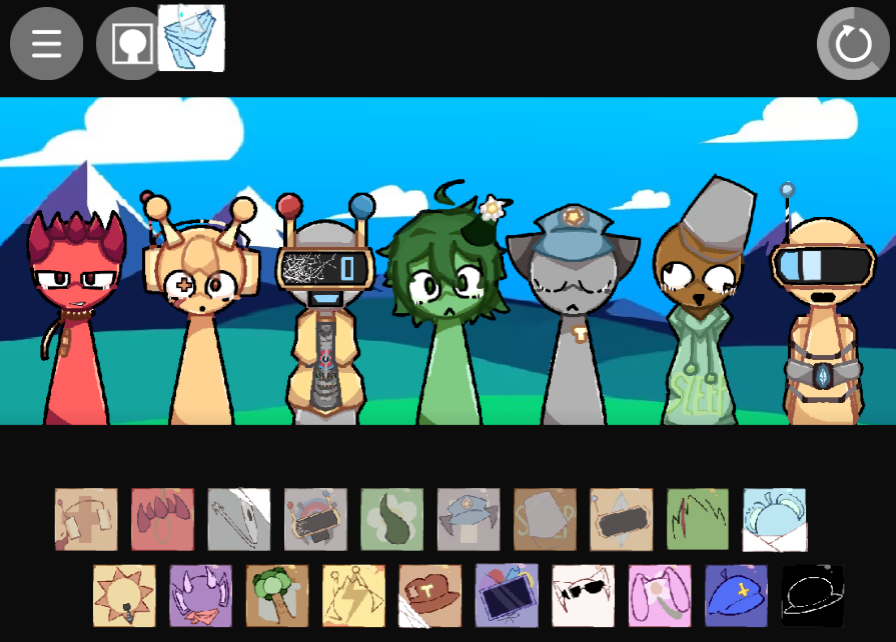
Blackness Chaos uses a roster that balances playful animation with unsettling imagery. Sky, the 14-year-old cyan bear with round ears and a single strand of hair, receives a dramatically distorted Phase 2 form once the darker transformation takes hold—his face warps completely and he loses his standard Sprunki shape. Other performers include Mr. Sun, marked by eight vibrant orange spikes; Derpal, the silent purple dragon; and Tanner, the stern sheriff who stands guard with his gun.
Their contrasting designs support the mod’s core idea: a familiar Sprunki performance can look harmless while its sounds and visuals gradually move into stranger territory. Each performer represents a possible part of the arrangement, making character selection part of the musical decision-making process.
Survival & Mixing Tips
In this game, “survival” means maintaining control over a dense and unpredictable soundscape.
-
Add layers gradually. Begin with three or four characters instead of filling every slot. Learn the role of the beat before introducing competing melodies or effects.
-
Prioritize balance over volume. A full arrangement doesn’t always make a better one. If a layer dominates the mix, swap it out or simplify the surrounding parts.
-
Use contrast deliberately. Bright loops can become more effective beside an eerie effect, while harsher Blackness sounds may stand out better against a simple rhythm. The strongest combinations often depend on tension rather than uniformity.
-
Test character pairings in different orders. Try placing an unusual sound beside a steady beat, then replace the melody, effect, or vocal layer one at a time to identify what changes.
-
Explore Normal Mode before committing to Blackness. Since Horror/Black Mode requires a page refresh to undo, use the normal stage to establish a base mix and understand the roster first.
-
Save or share mixes worth revisiting. Strong arrangements can be useful reference points when refining future combinations or comparing results with other community creations.
Related Games
- Sprunki Pramixed Horror Mr Sun — This horror-focused Sprunki variation is the most direct follow-up for players interested in Blackness Chaos’s sinister Black Mode and its prominent Mr. Sun character.
- Sprunki dark mode treatment — Its dark-mode premise closely matches the article’s central appeal of transforming an upbeat music-making stage into a shadowy, atmospheric horror performance.
- Sprunki Kats Horror Mode — Players seeking more gothic visuals and unsettling sound-combination experimentation after entering Blackness Chaos’s abyss will find a closely aligned horror-mode experience here.
What Makes the Blackness Different?
The irreversible descent into Horror/Black Mode is Blackness Chaos’s defining mechanic. Once you activate the transformation, the only way back is refreshing the page—losing your current arrangement in the process. This forces a commitment: explore the bright town fully, or dive into the abyss knowing you’ll need to rebuild if you want to return. That constraint shapes how players approach mixing, turning the mod into a deliberate choice between safety and atmospheric risk.
Discuss
Loading comments...
Failed to load comments. Please try refreshing the page.