
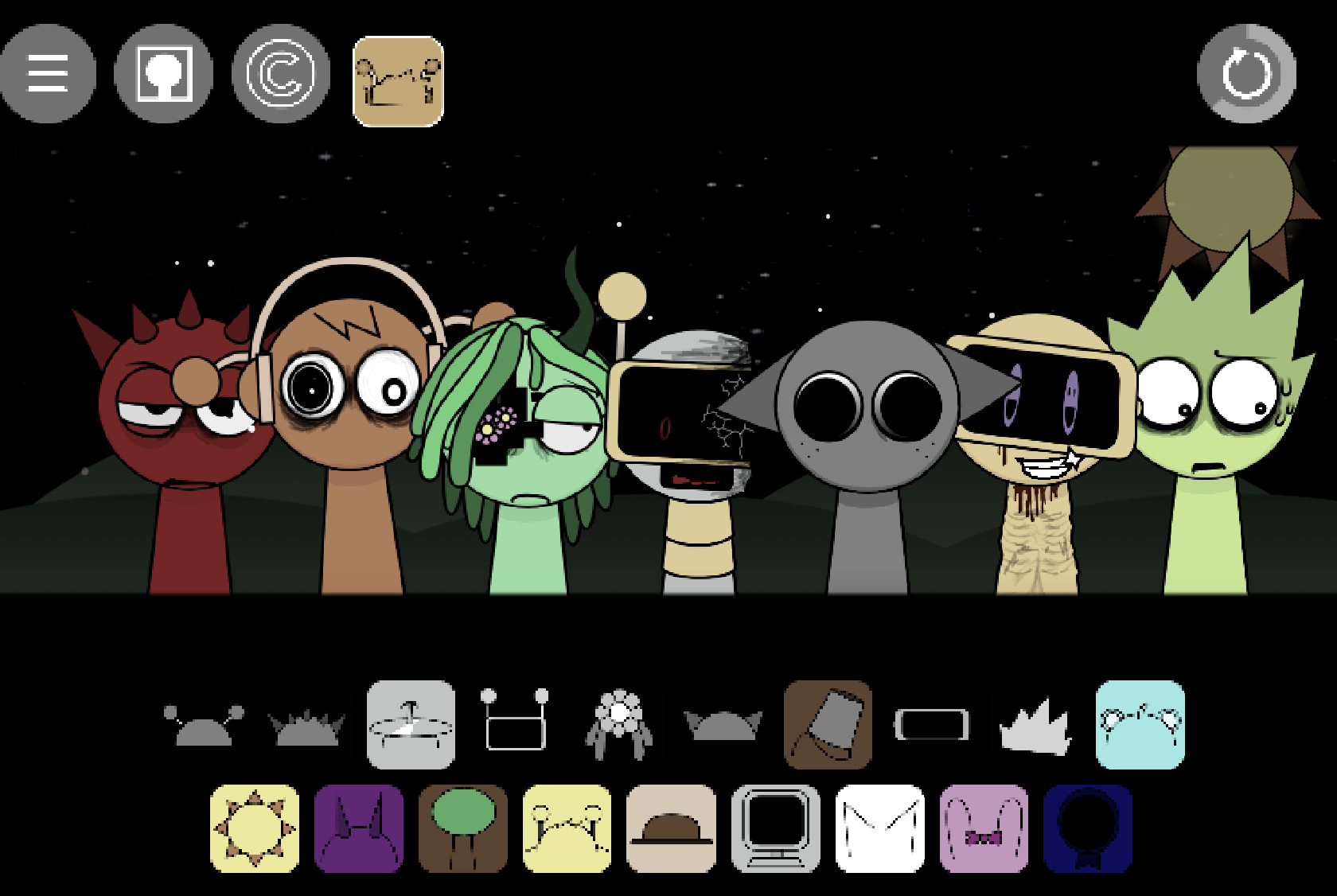
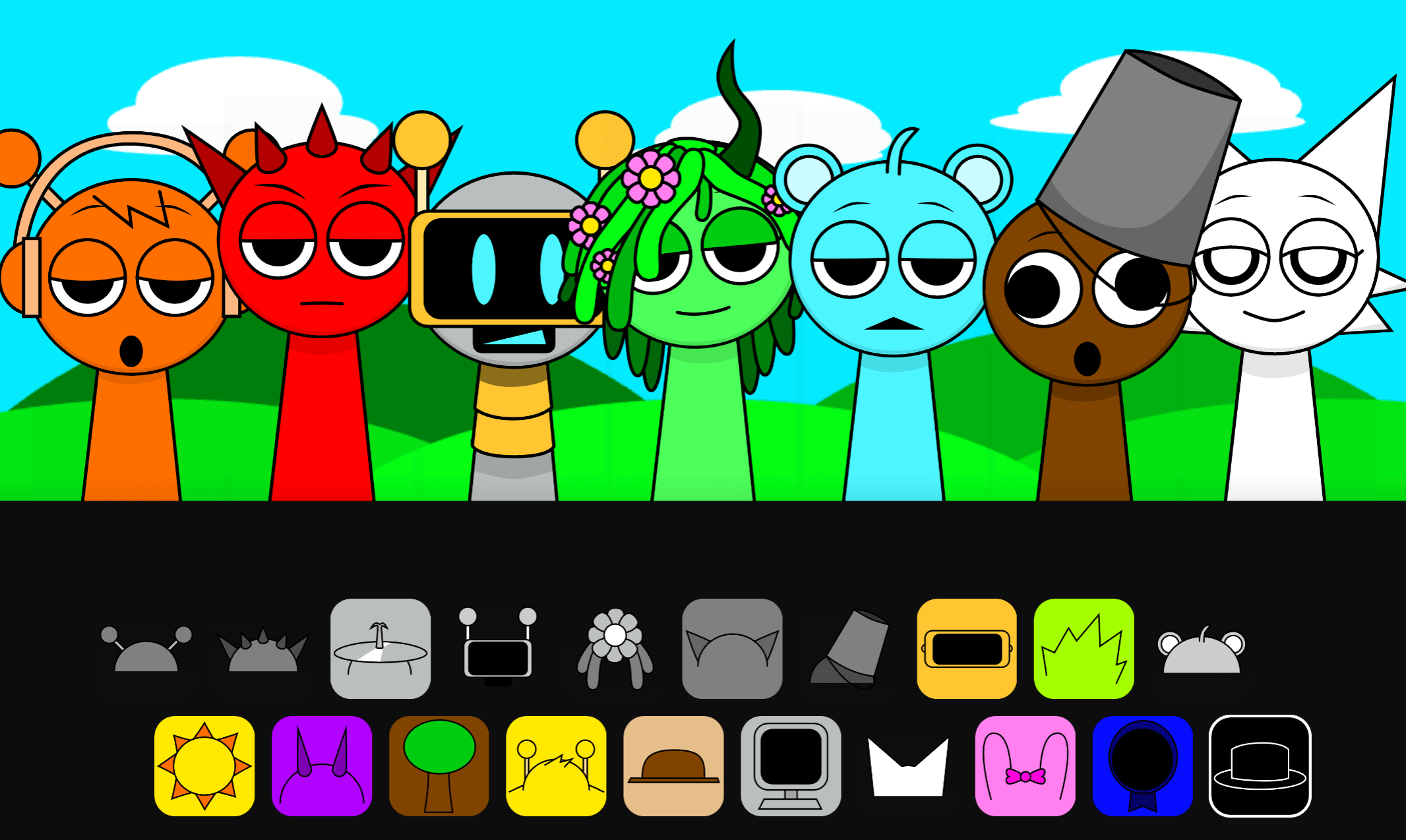
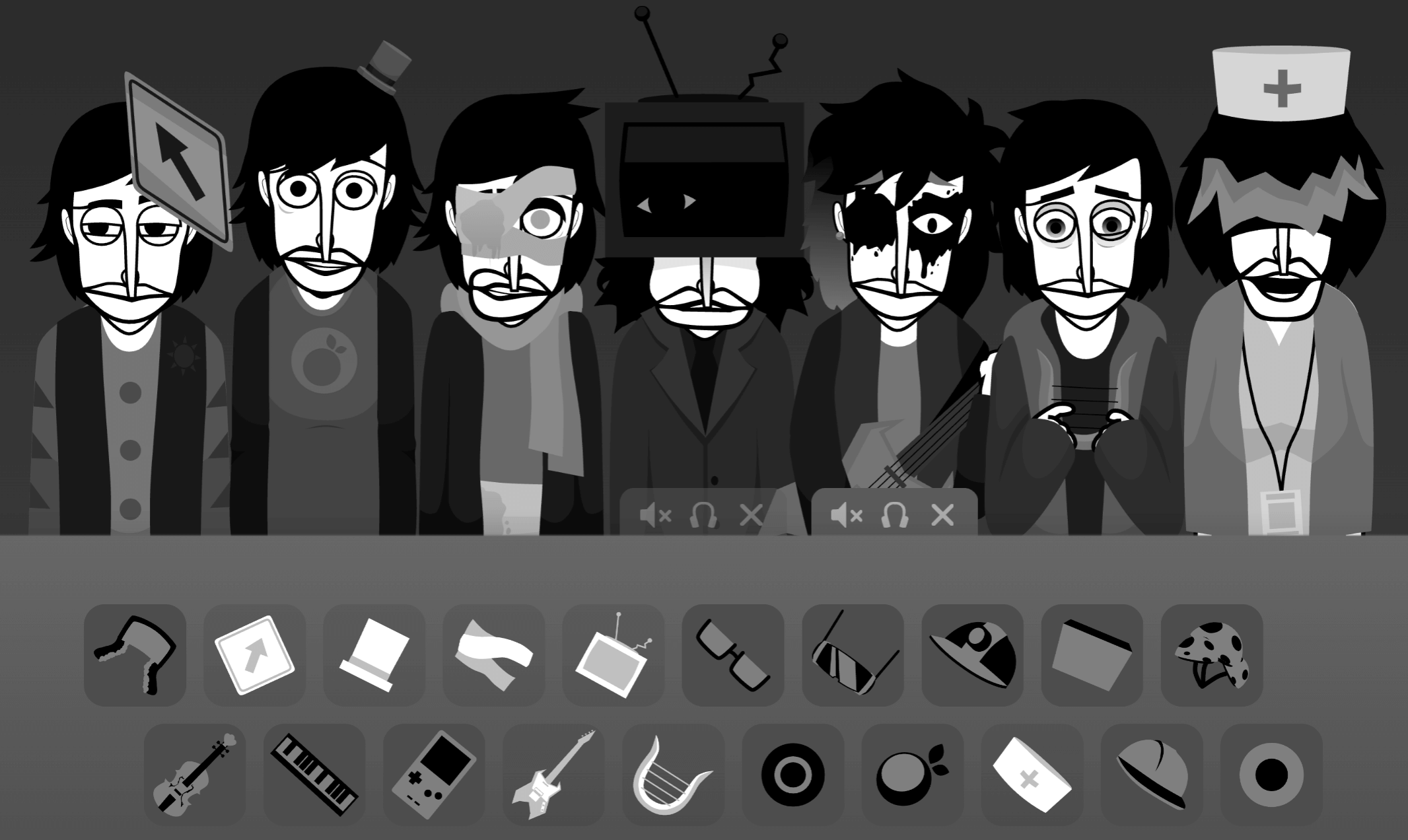
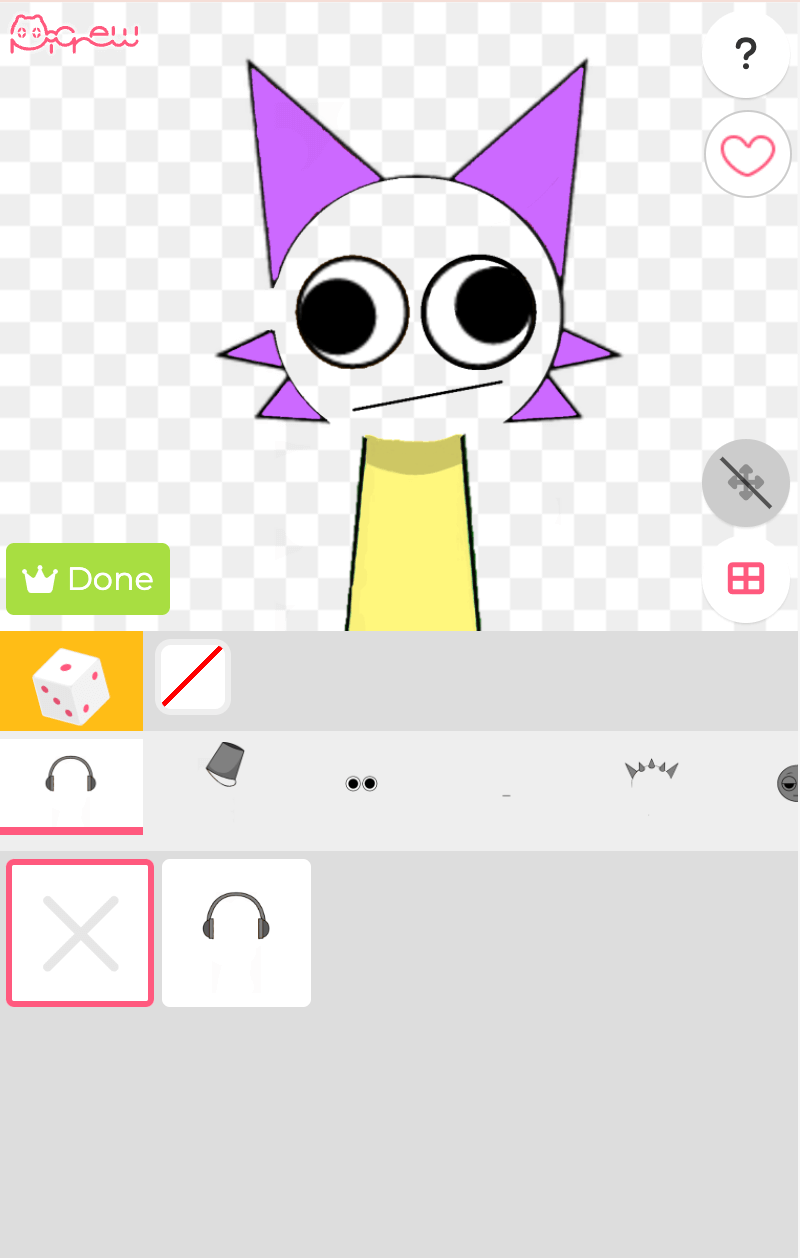
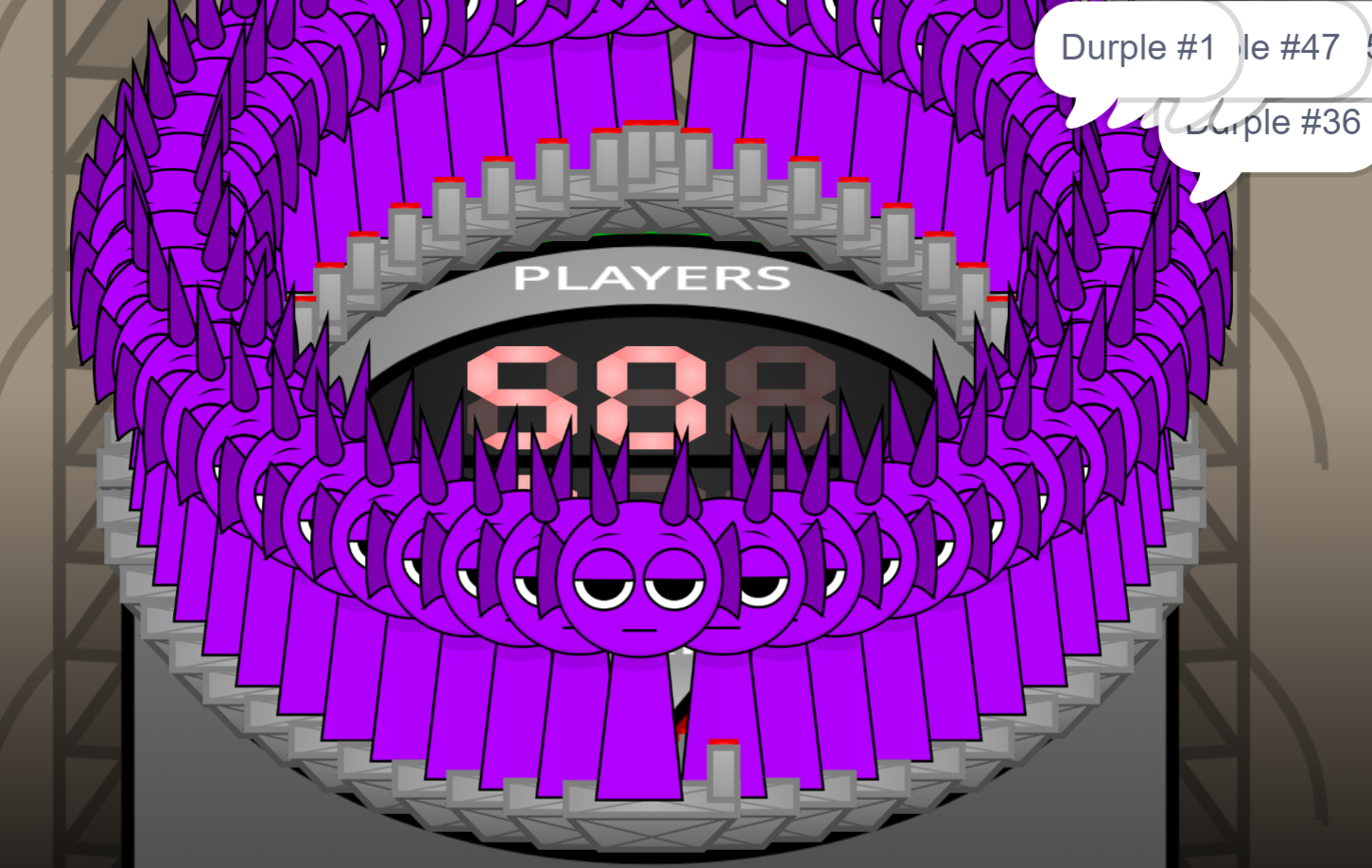
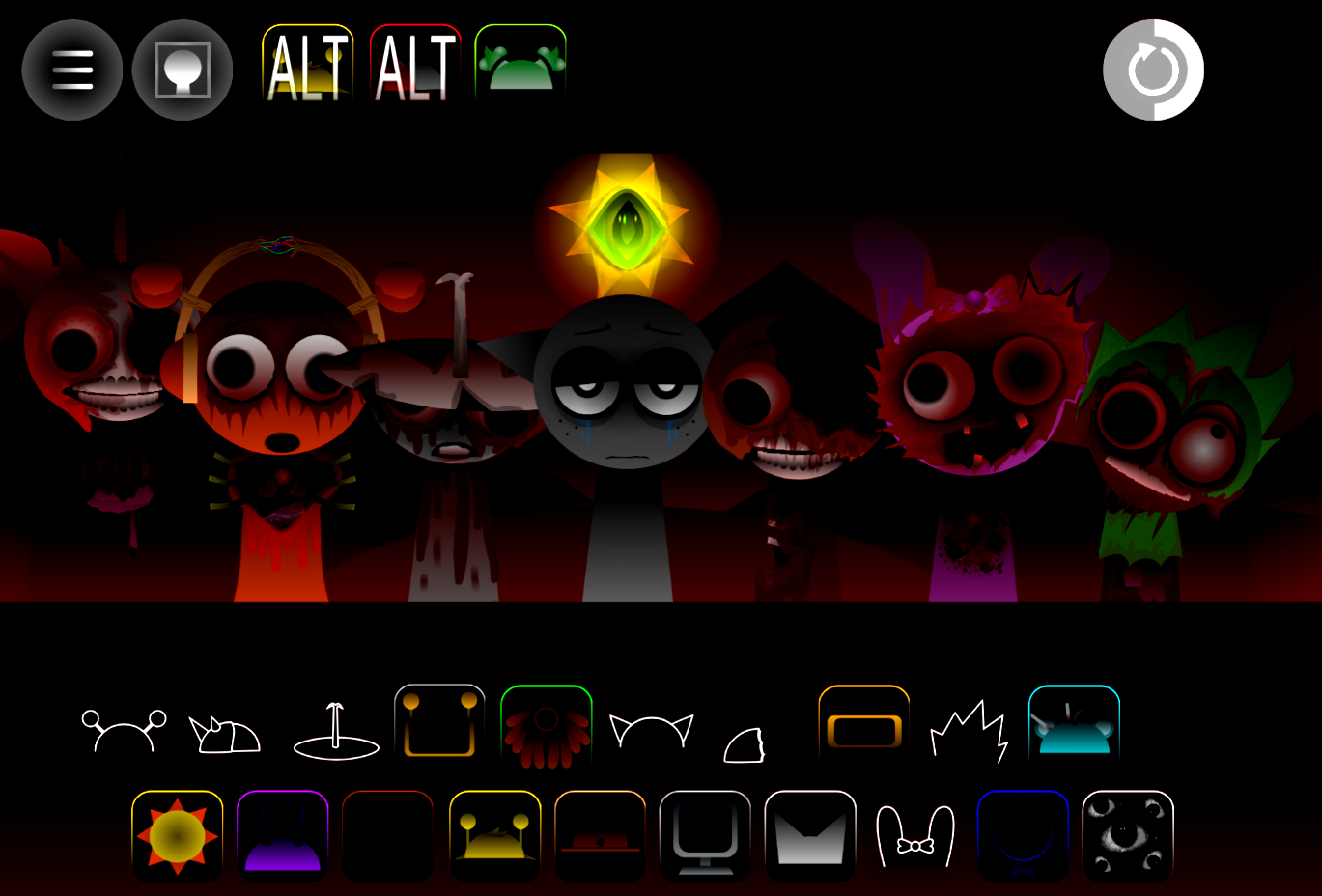
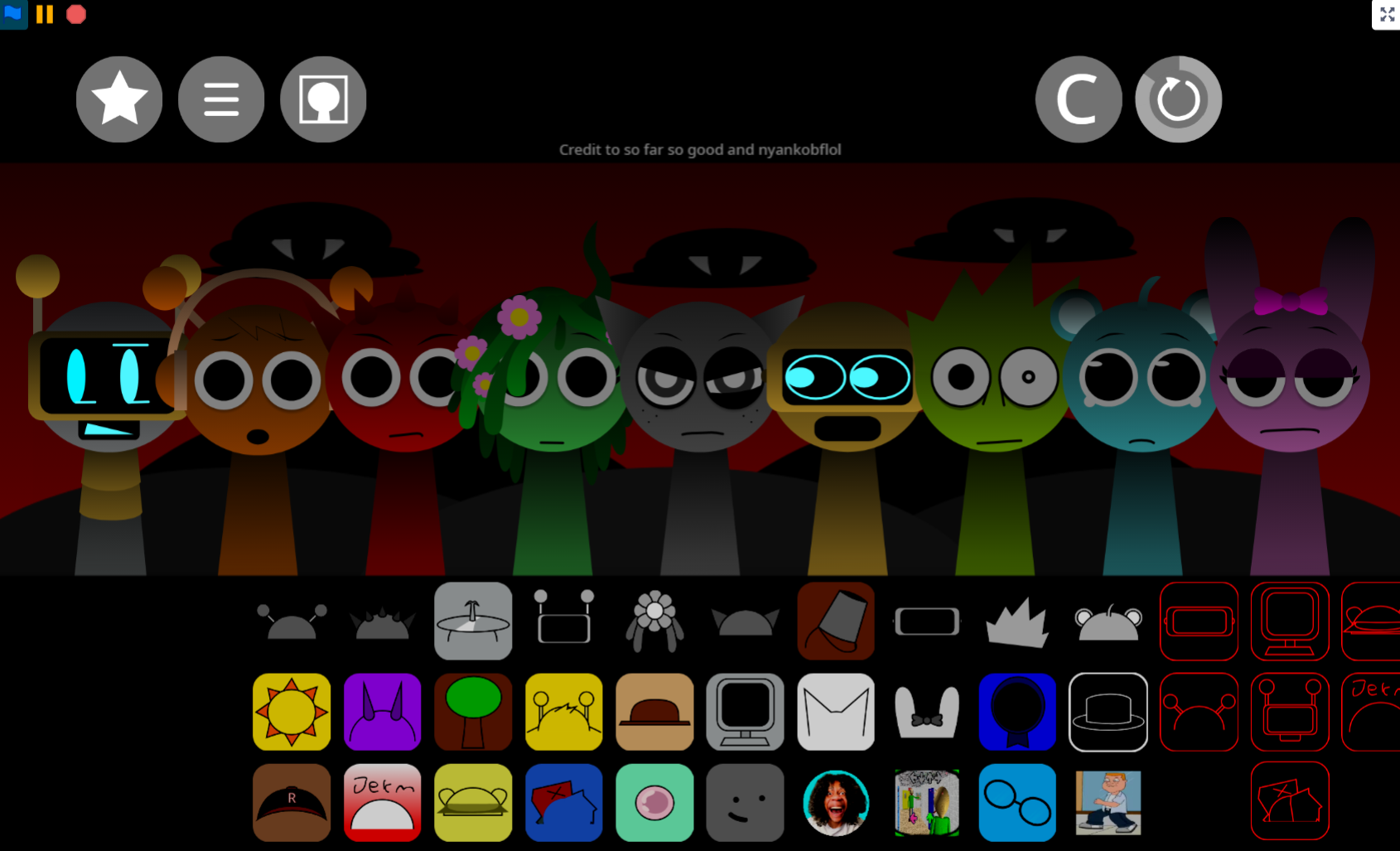
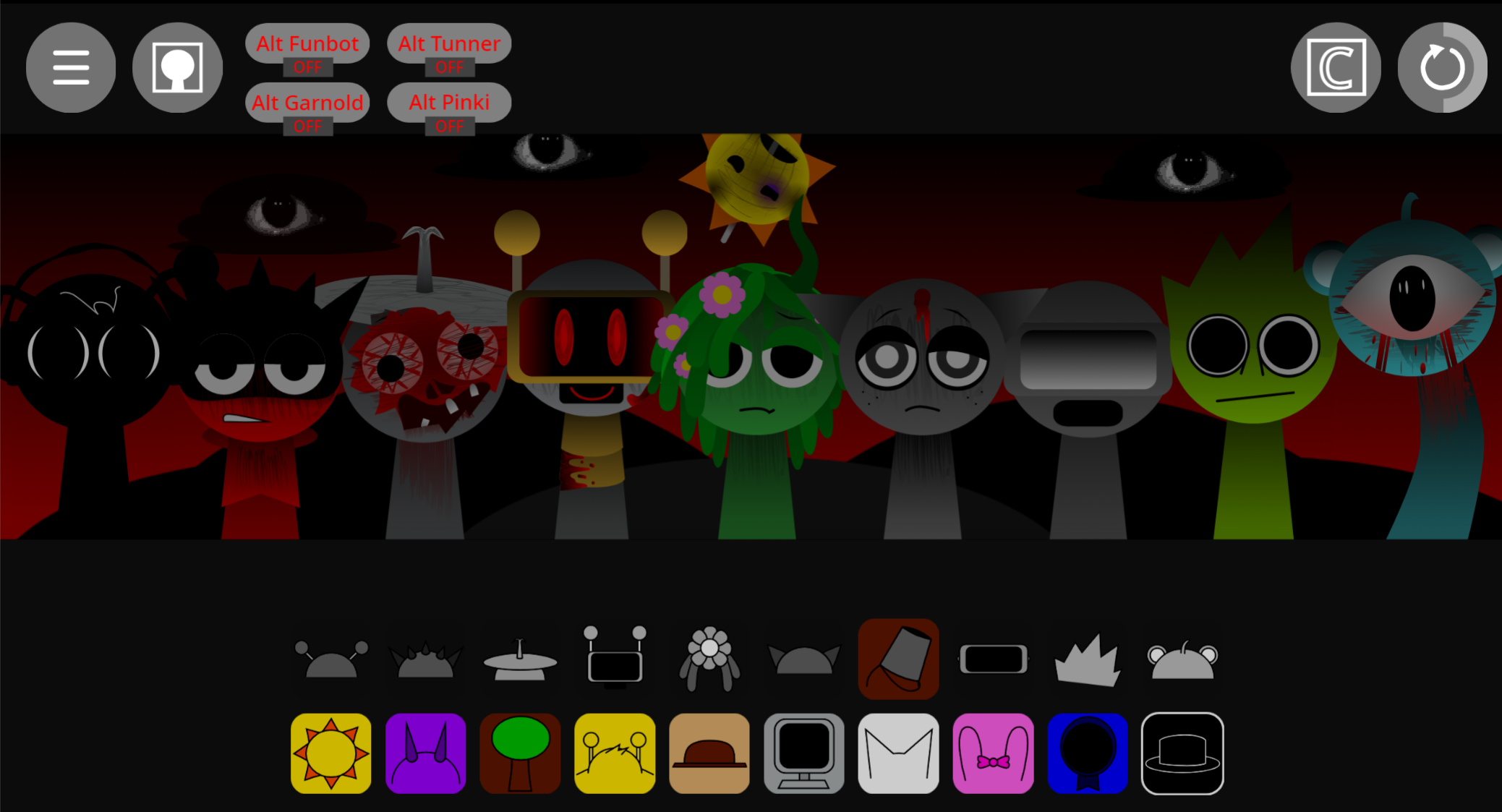


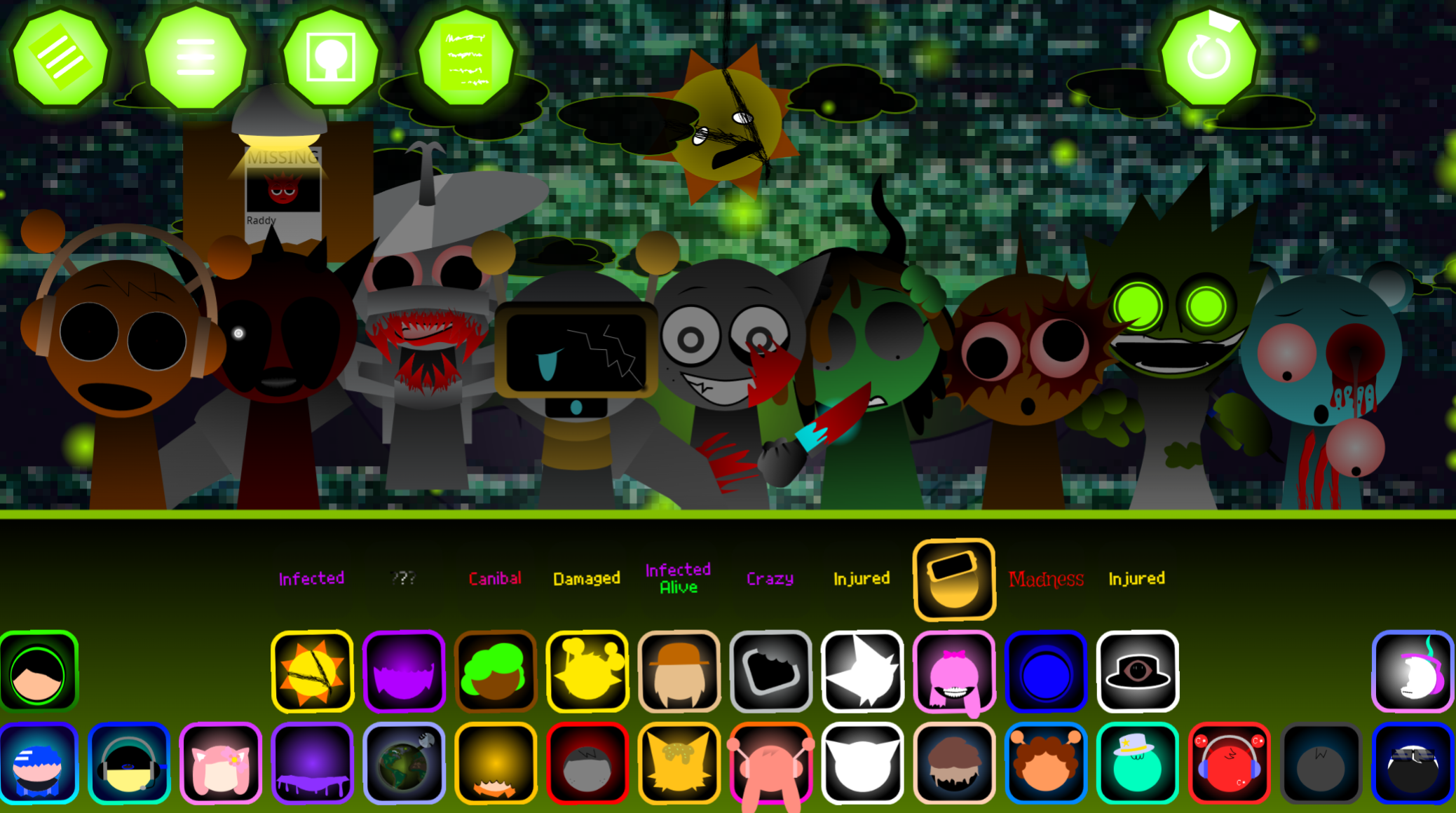
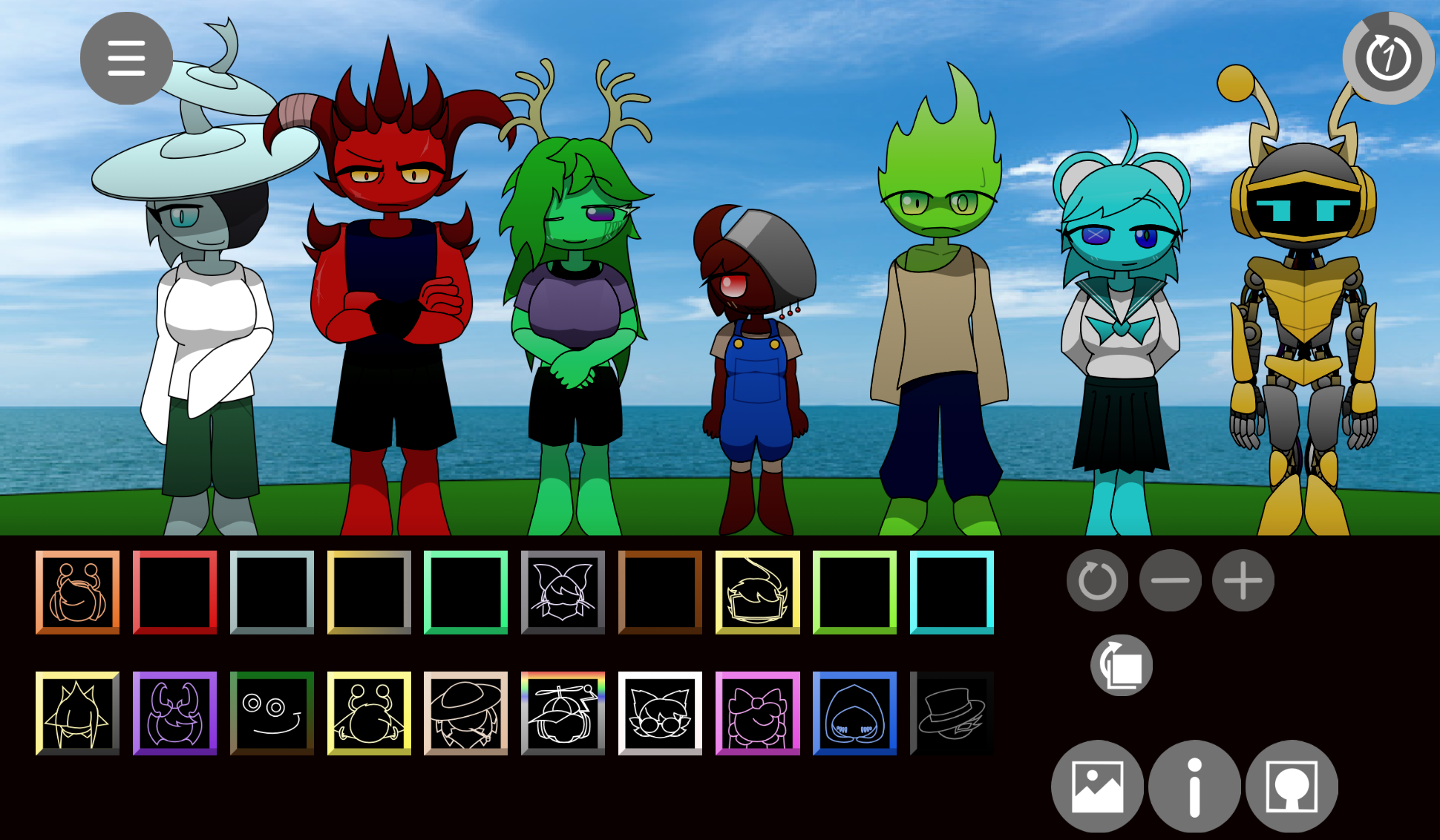
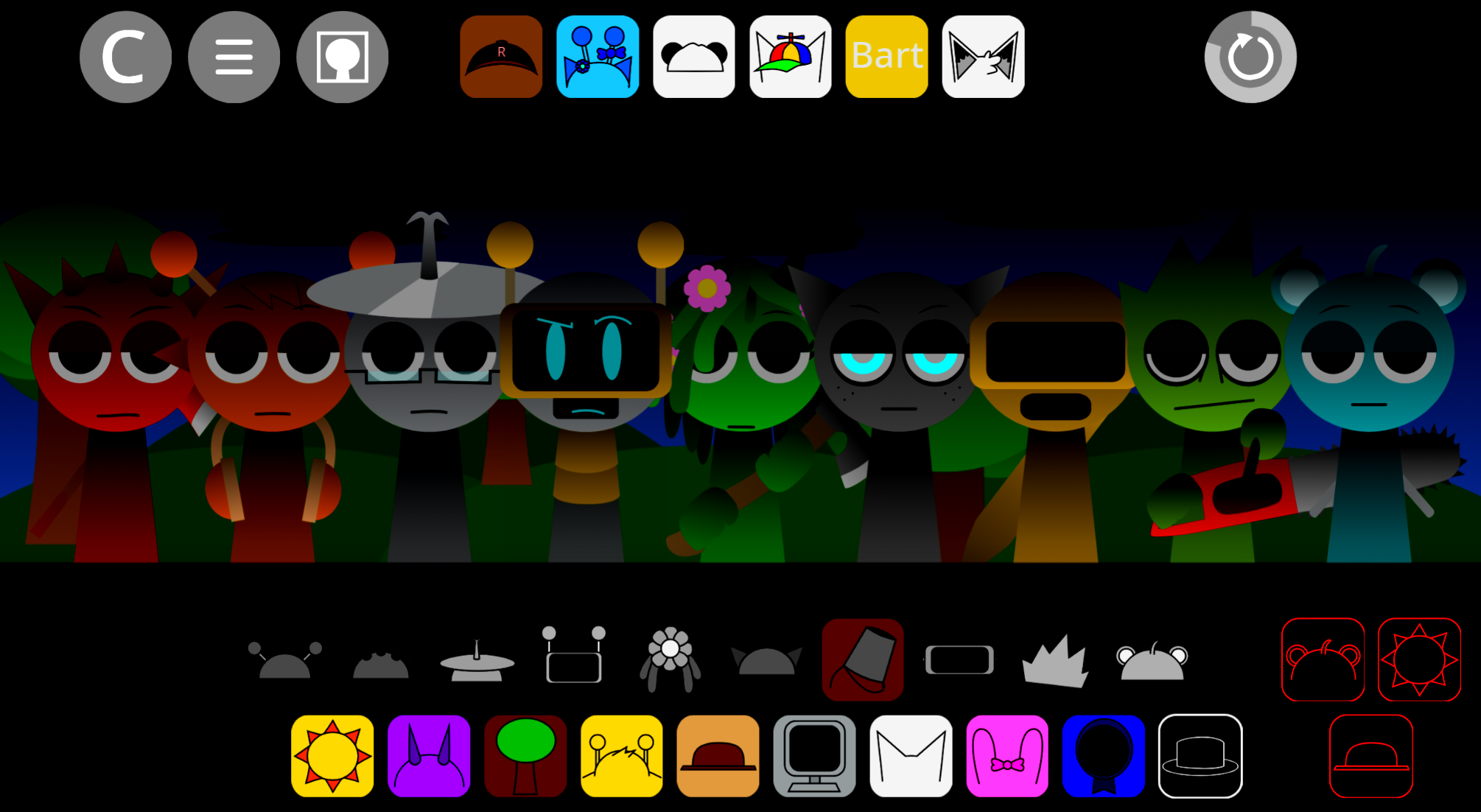
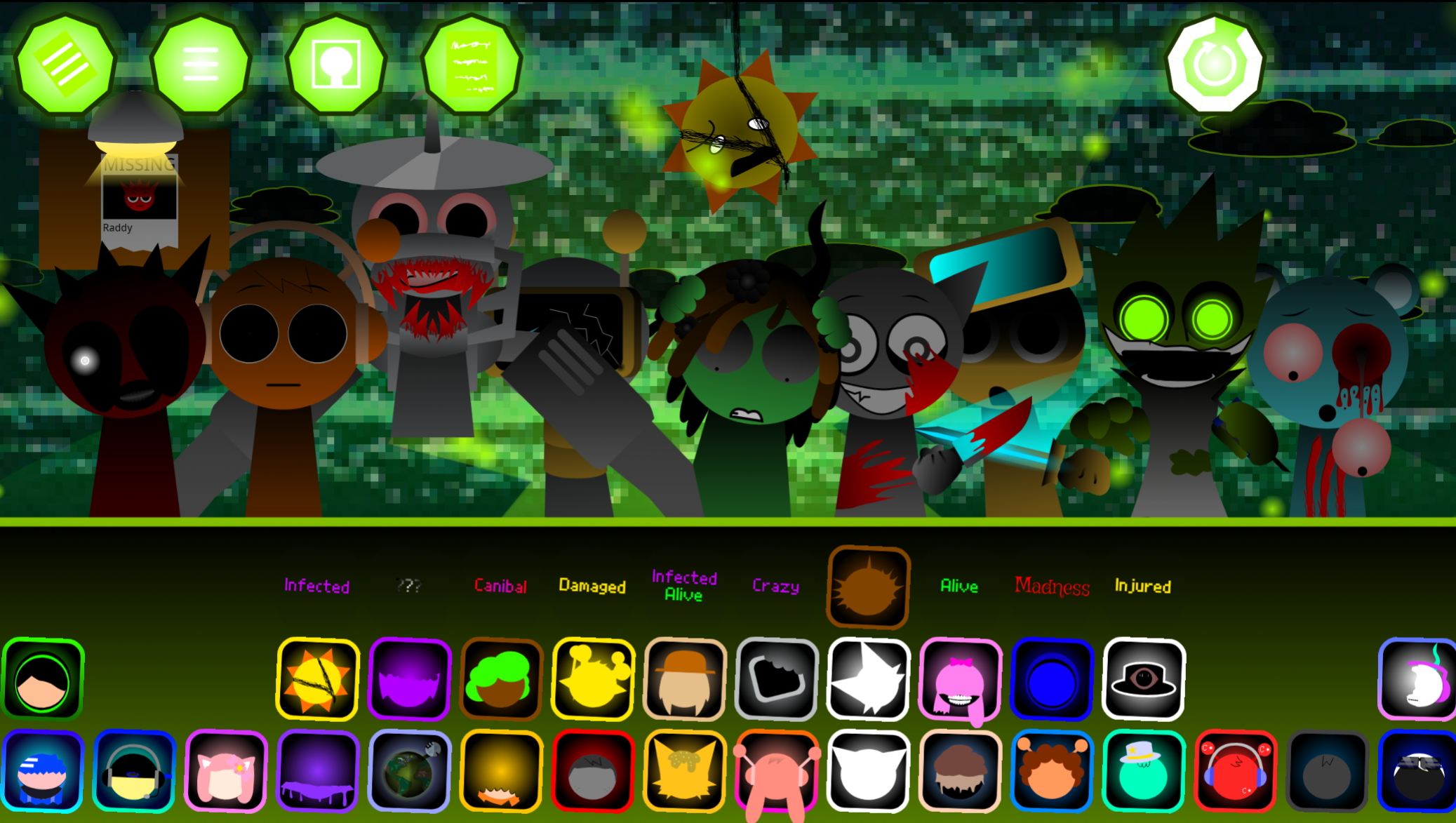
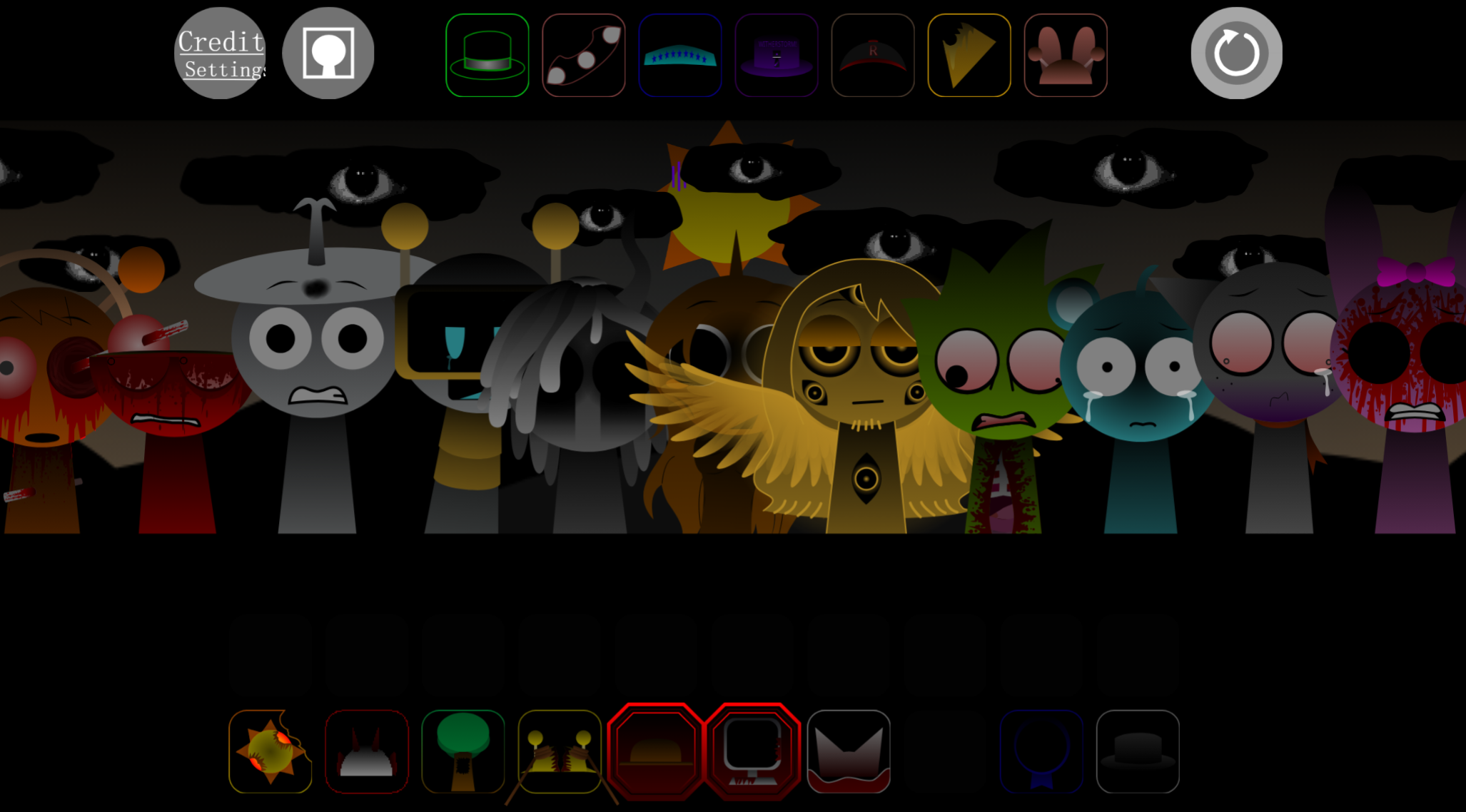
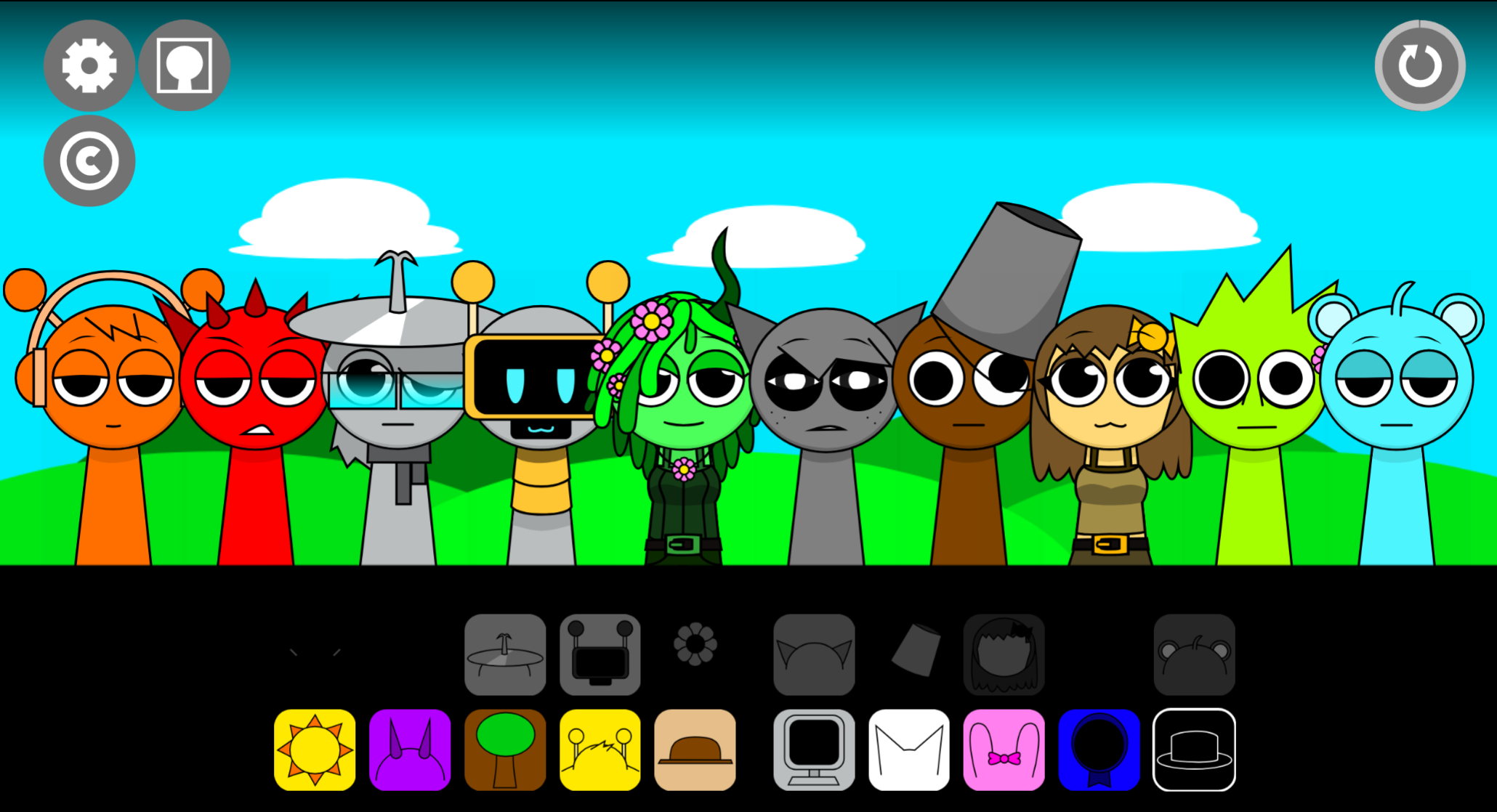
Sprunki Crazy’s Realm Regret is a browser-based music mod that layers sound design onto character-driven mechanics, letting players drag sound icons onto animated figures to build multi-track compositions.
What separates it from generic Sprunki variants is how tightly Key and Sound work together: each character holds a specific audio sample tied to a visual cue, so selecting the right combination unlocks harmonic layers instead of random noise. The mod doesn’t rely on novelty alone—it uses discrete mechanics to guide experimentation, meaning players discover patterns through trial rather than guessing.
This article breaks down the features that make Sprunki Crazy’s Realm Regret feel distinct: how Key assignment structures progression, how Sound layering creates recognizable compositions, and how the underlying mechanics reward intentional choices.
What Is Sprunki Crazy’s Realm Regret?
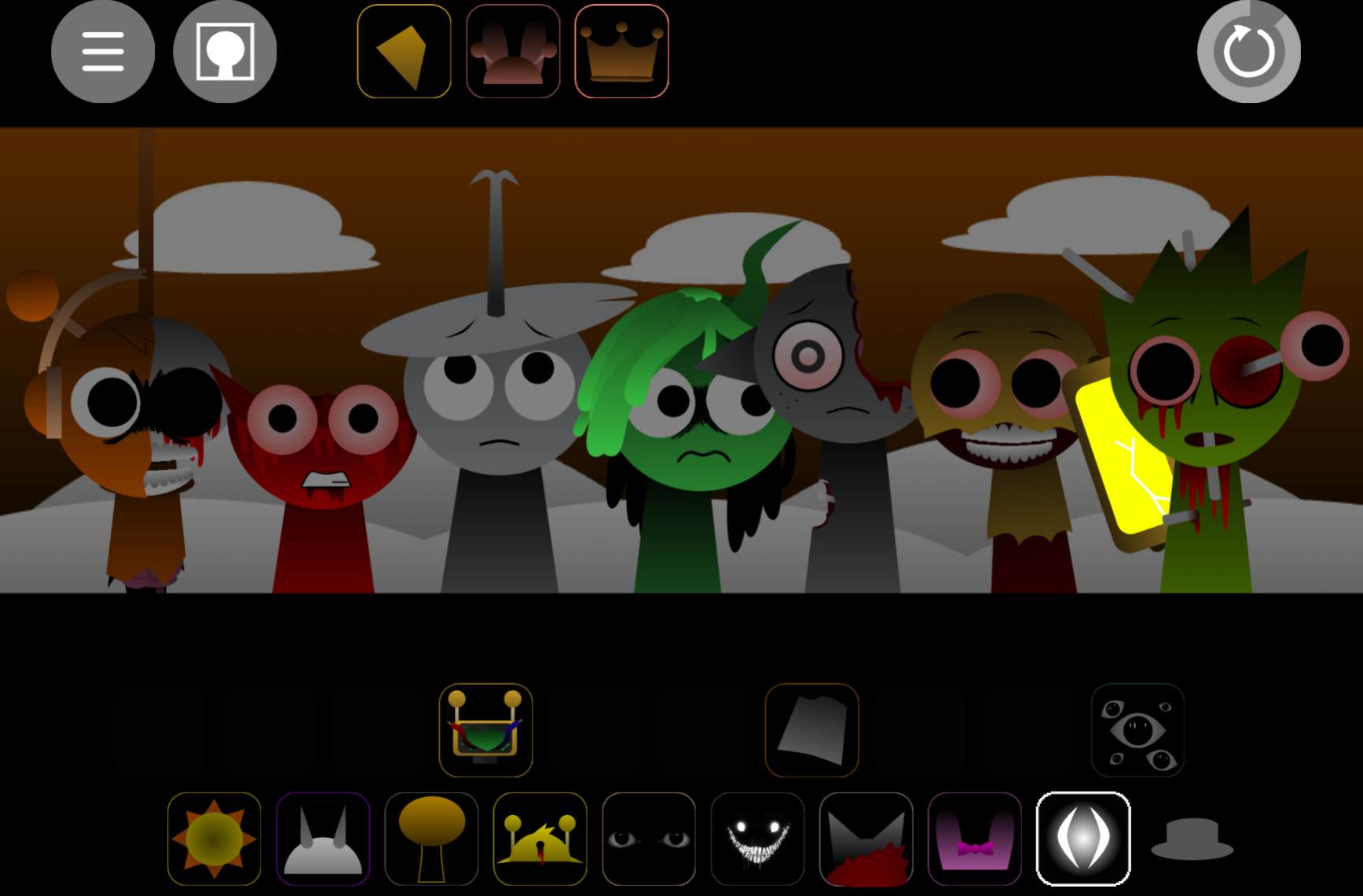
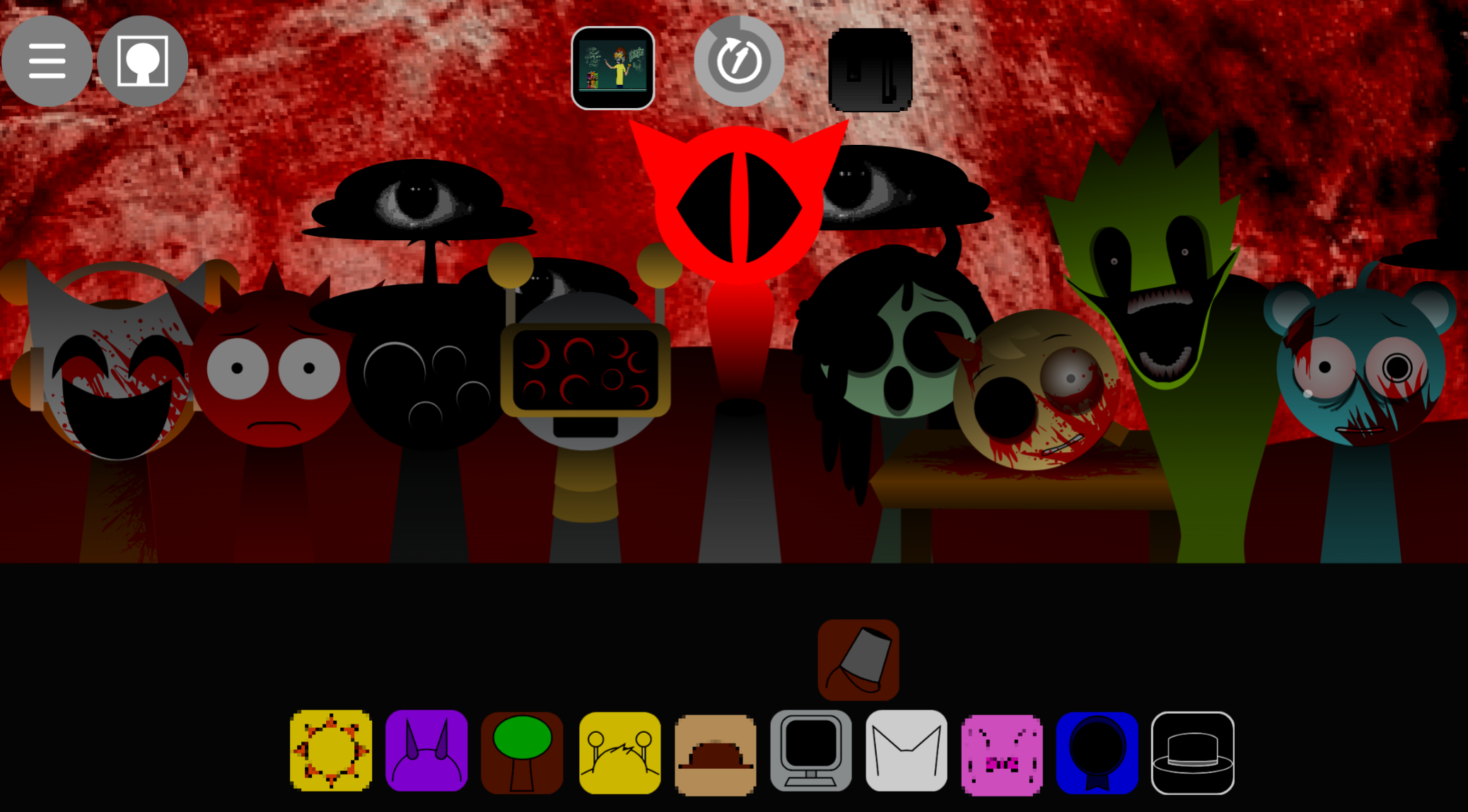
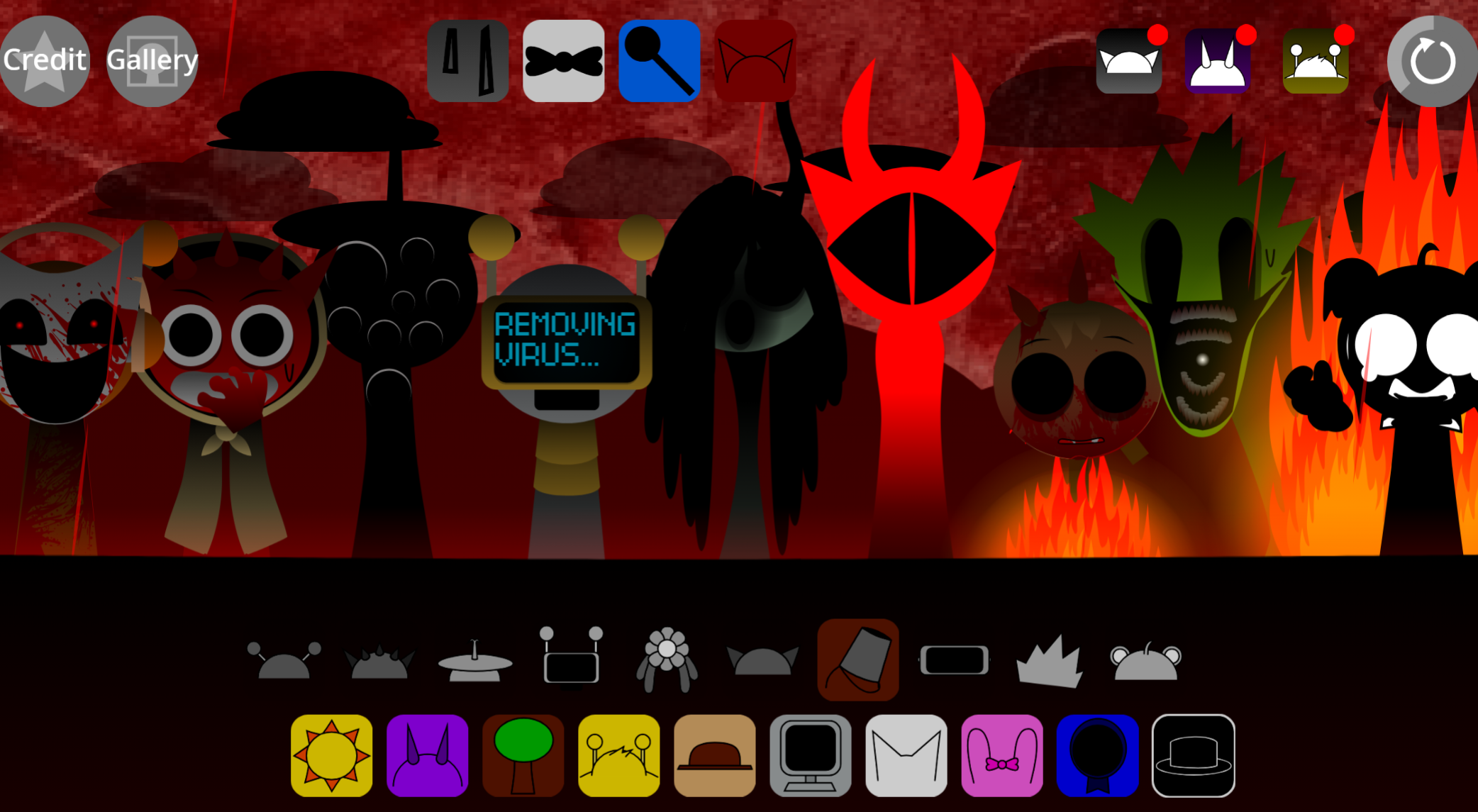
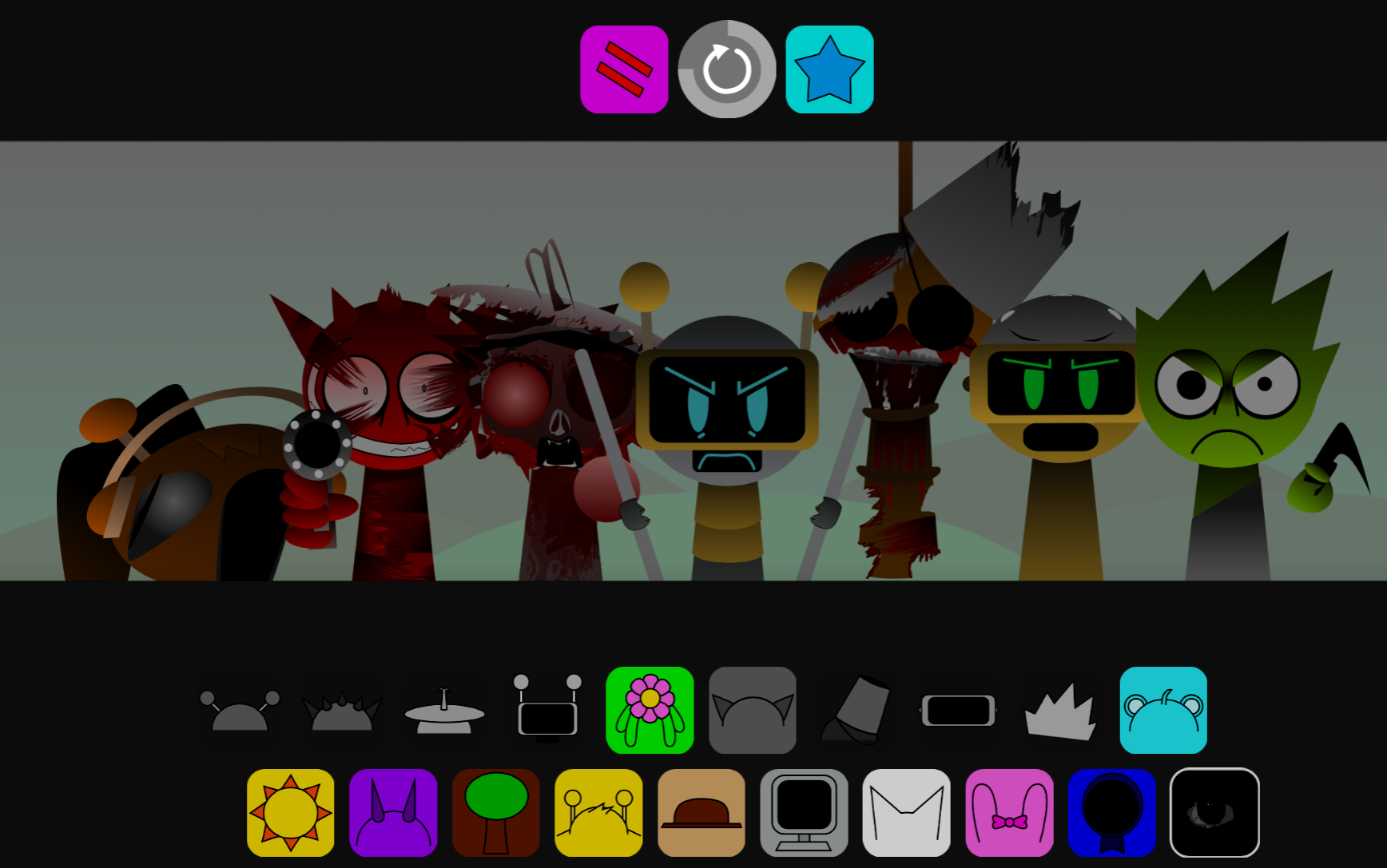
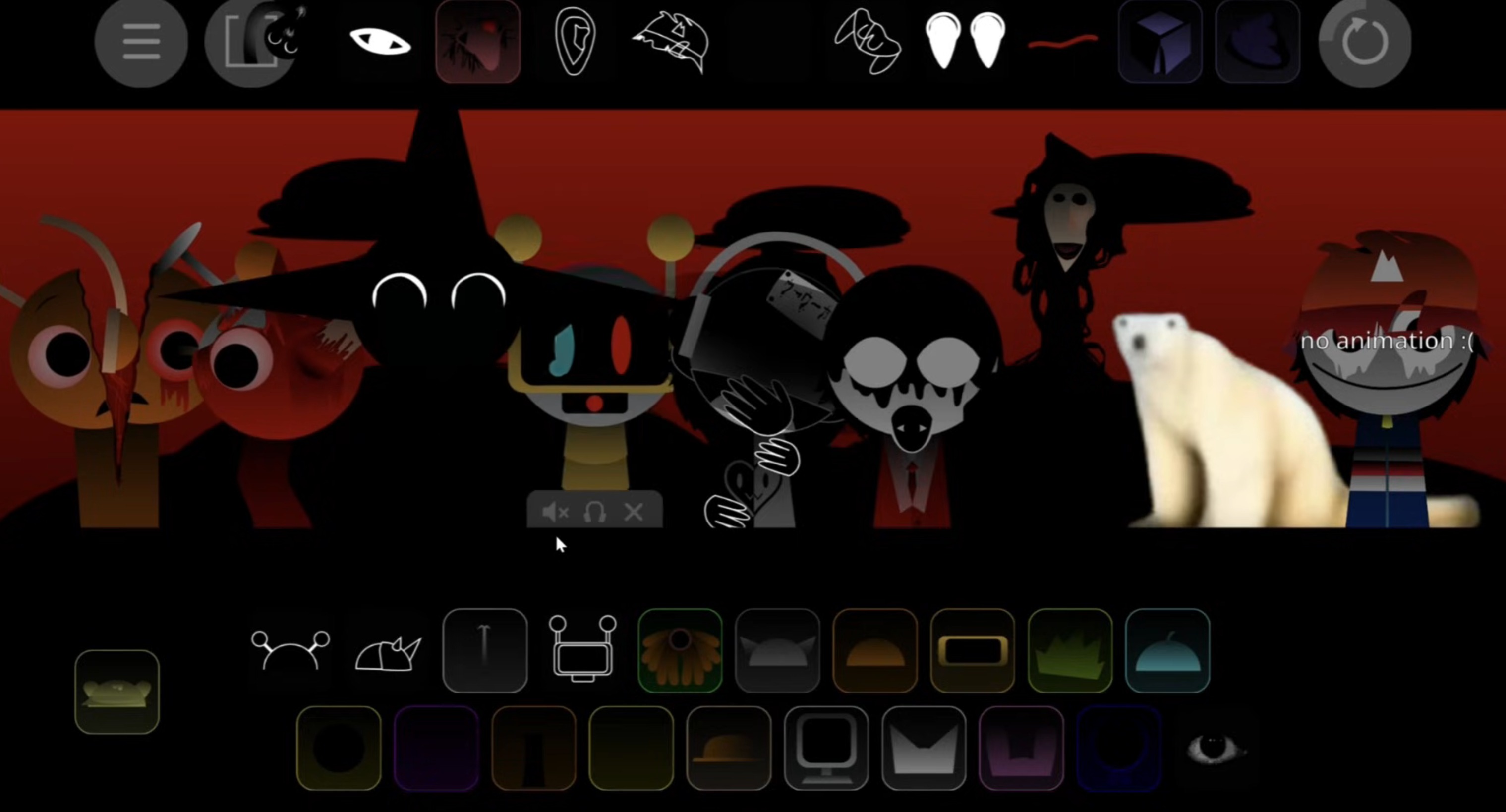
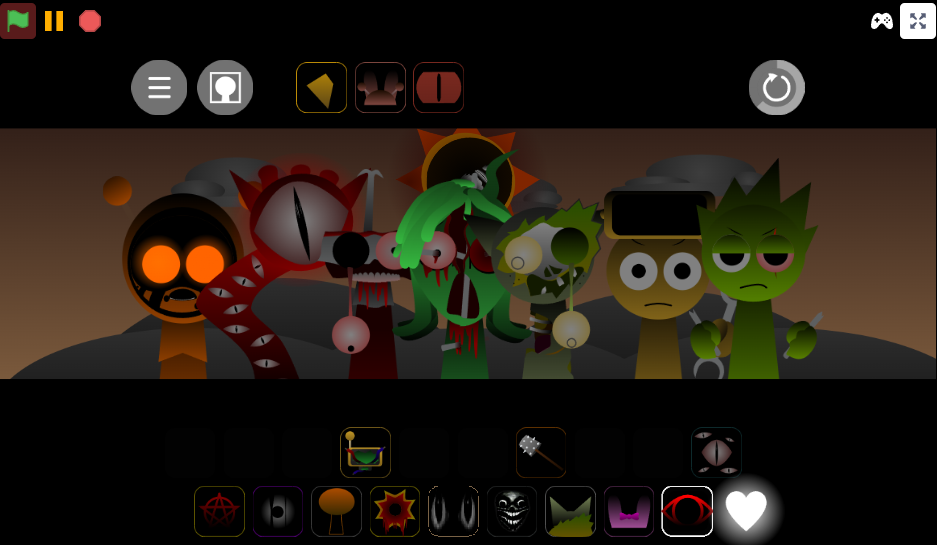
Sprunki Crazy’s Realm Regret is a browser-based music mod where players drag sound icons onto animated characters to build layered tracks. Each character contributes a beat, vocal fragment, effect, or melody loop.
The mod uses a drag-and-drop interface that requires no installation—accessible directly through abgernygames.org—and supports saving and sharing completed compositions with the community.
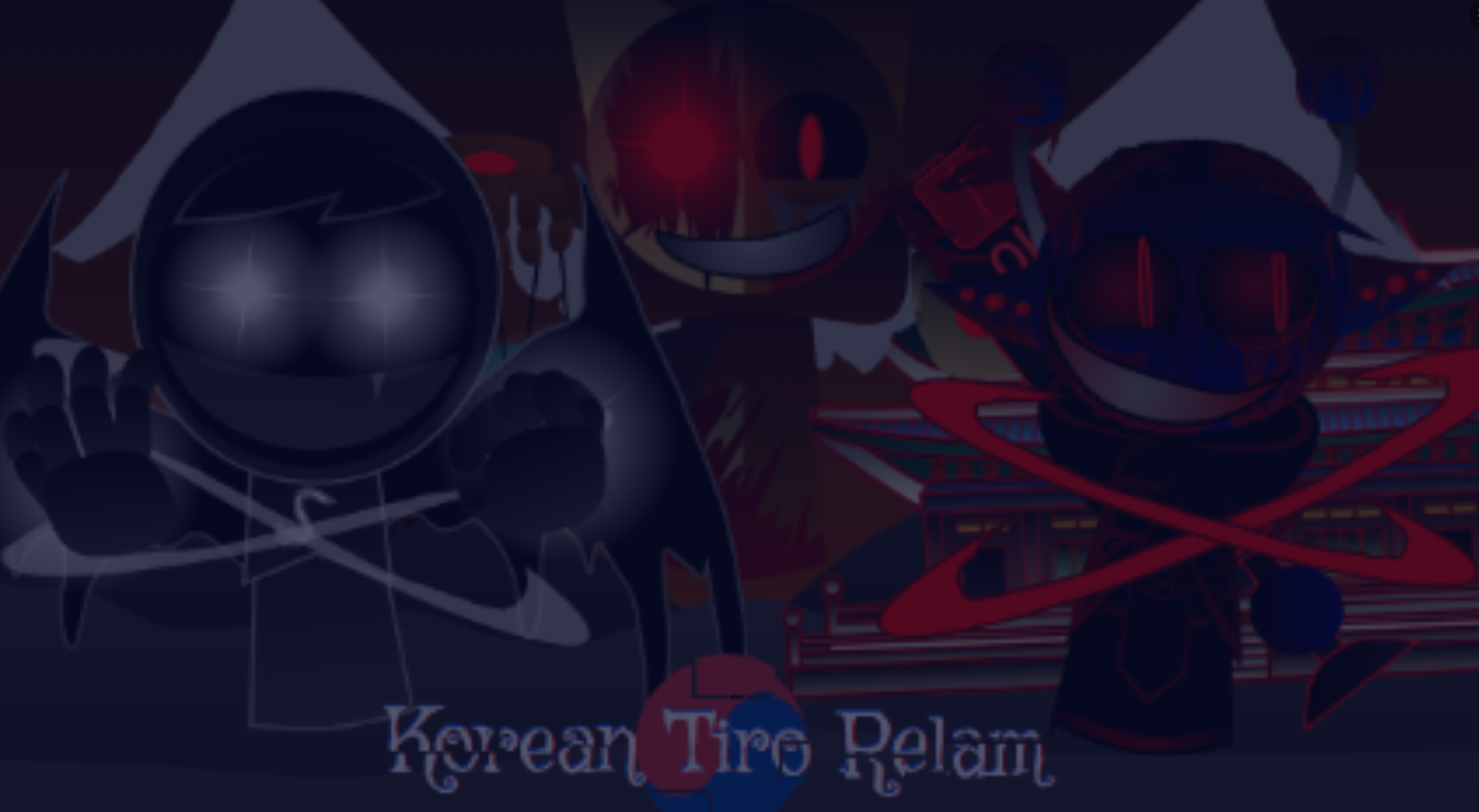
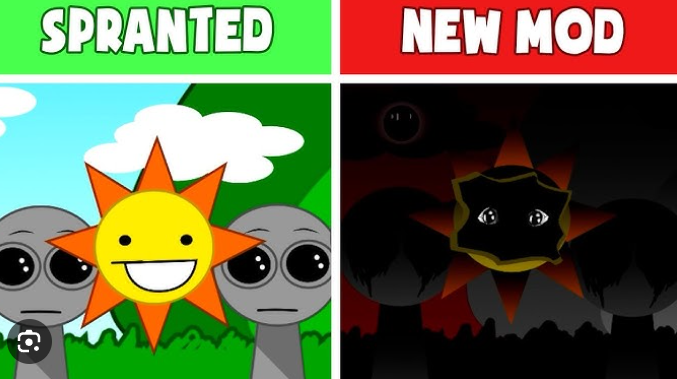
Created by @supermonkeylol (associated with creator Niki), the mod builds on fan projects like Sprunki Crazys Realm Remake Recreation. Its “ALL YOUR FAULT” framing, surreal color palette, and distorted character animations create a more unsettling atmosphere than standard Sprunki sessions. The sound library favors aggressive percussion, clipped voices, and discordant melodies over clean, conventional arrangements.
Player _skiyak captured the experience as “delightfully lost,” adding “where am i.ok but no this is actually really goo”—a reaction that reflects the mod’s disorienting appeal.
Key Features & Sound Mechanics
The mod uses a readable drag-and-drop system. Assign an icon to a character, and that character activates a looping part. Results can become dense and disorienting as more layers enter the arrangement.
-
Character-driven sound layers: Each character changes the track’s texture. A percussion-heavy lineup shifts when vocal stabs or uneasy melodies are introduced. Ciwco and Funbot are frequently associated with unpredictable combinations.
-
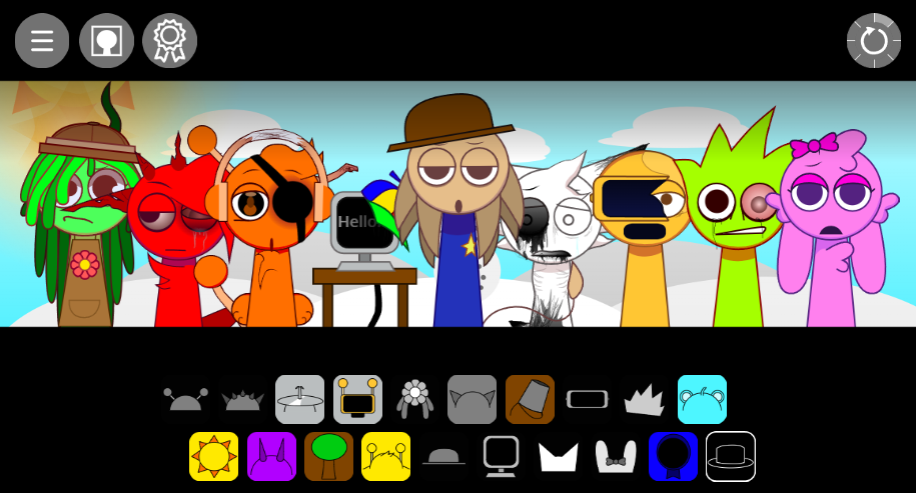
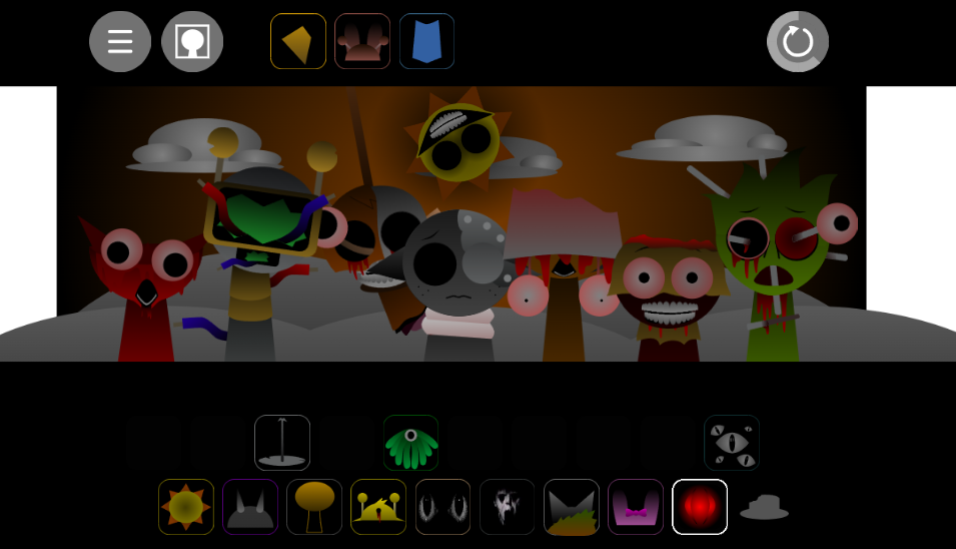
Reactive visual performance: Characters animate when their sounds play, with exaggerated movements and distorted expressions that identify active layers and reinforce the mod’s unstable atmosphere.
-
Beats, effects, vocals, and melodies: The library supports sparse and crowded arrangements. Players can begin with a rhythmic pulse, add aggressive beats, then introduce fractured vocals or sharp effects to disrupt the groove.
-
Mix refinement tools: Volume controls and effects let players reduce overpowering layers or push compositions deeper into discordance. Experimentation through placement, removal, and rearrangement drives the creative process.
-
Saving and sharing: Completed tracks can be saved and shared, allowing players to compare arrangements and build on other creators’ ideas.
How to Play Sprunki Crazy’s Realm Regret
The mod is playable through abgernygames.org in a web browser with no download required.
Choose a character and assign a sound.
Drag a sound icon onto a stage character. The character performs its assigned beat, melody, effect, or vocal loop through distorted animations.
Start with a foundation.
Begin with a rhythm, bass pulse, or repeating loop. Establishing one recognizable pattern makes it easier to hear how later layers alter the track.
Add contrasting layers gradually.
Introduce vocal fragments, sharper effects, or discordant melodies one at a time. Mixes can move quickly from uneasy to chaotic, so gradual layering helps identify which sounds create the strongest tension.
Swap characters and rearrange parts.
Replacing an icon or changing the character lineup can substantially alter the composition’s balance. Ciwco and Funbot pairings generate fractured, less predictable textures.
Refine the mix or embrace the clash.
Adjust volume and effects when a layer dominates, or leave the imbalance intact if it contributes to the intended surreal sound.
Save and share the result.
Once the track reaches a satisfying level of controlled confusion—or deliberate noise—save it and share it with the community.
Tips for Crafting Surreal Rhythms
Effective Crazy’s Realm Regret mixes often use contrast rather than volume. The goal is to make conflicting elements feel purposeful.
Start with an unstable foundation.
Use a forceful beat or repetitive pulse, then resist making every added layer match it neatly. An uneasy vocal fragment against a discordant loop creates the off-balance momentum that defines the mod.
Build in small additions.
Add one sound at a time and listen to the gaps between patterns. Letting a loop linger before another interrupts it often produces a more unsettling result than filling every character immediately.
Use Ciwco and Funbot as experiment points.
Try them alongside a steady rhythm first, then replace one surrounding layer at a time to hear how their contributions reshape the mix.
Treat awkwardness as material.
Clashing pulses, clipped vocals, uneven melodies, and abrupt transitions can all work. The strongest tracks sound intentionally disoriented rather than accidentally overloaded.
Control the density.
Dense arrangements can be effective, but reducing one prominent loop’s volume may reveal hidden details. Alternating between sparse and crowded sections gives a track more movement.
Related Games
- Sprunki Crazys Realm Remake — Explore the direct remake predecessor to compare its surreal character loops and unsettling realm aesthetic with the darker, animation-heavy Regret version.
- Sprunki crazys realm wip — This work-in-progress variant offers a useful look at the same chaotic sound-mixing concept in a less finalized form, highlighting how the Realm’s distorted audio ideas developed.
Why Play Sprunki Crazy’s Realm Regret?
The mod suits players who want to create music without approaching it as a technical production task. Its drag-and-drop design makes it accessible to beginners, while its sound library, volume controls, effects, and character interactions give experienced players room for deliberate layering.
The appeal also comes from the contrast between simple mechanics and unsettling presentation. The animated cast reacts in real time, turning each arrangement into both an audio composition and a visual performance.
Players who enjoy standard Sprunki music creation but want a darker, more surreal variation can use the Realm to explore tracks that are aggressive, fragmented, or oddly cohesive.
Discuss
Loading comments...
Failed to load comments. Please try refreshing the page.