
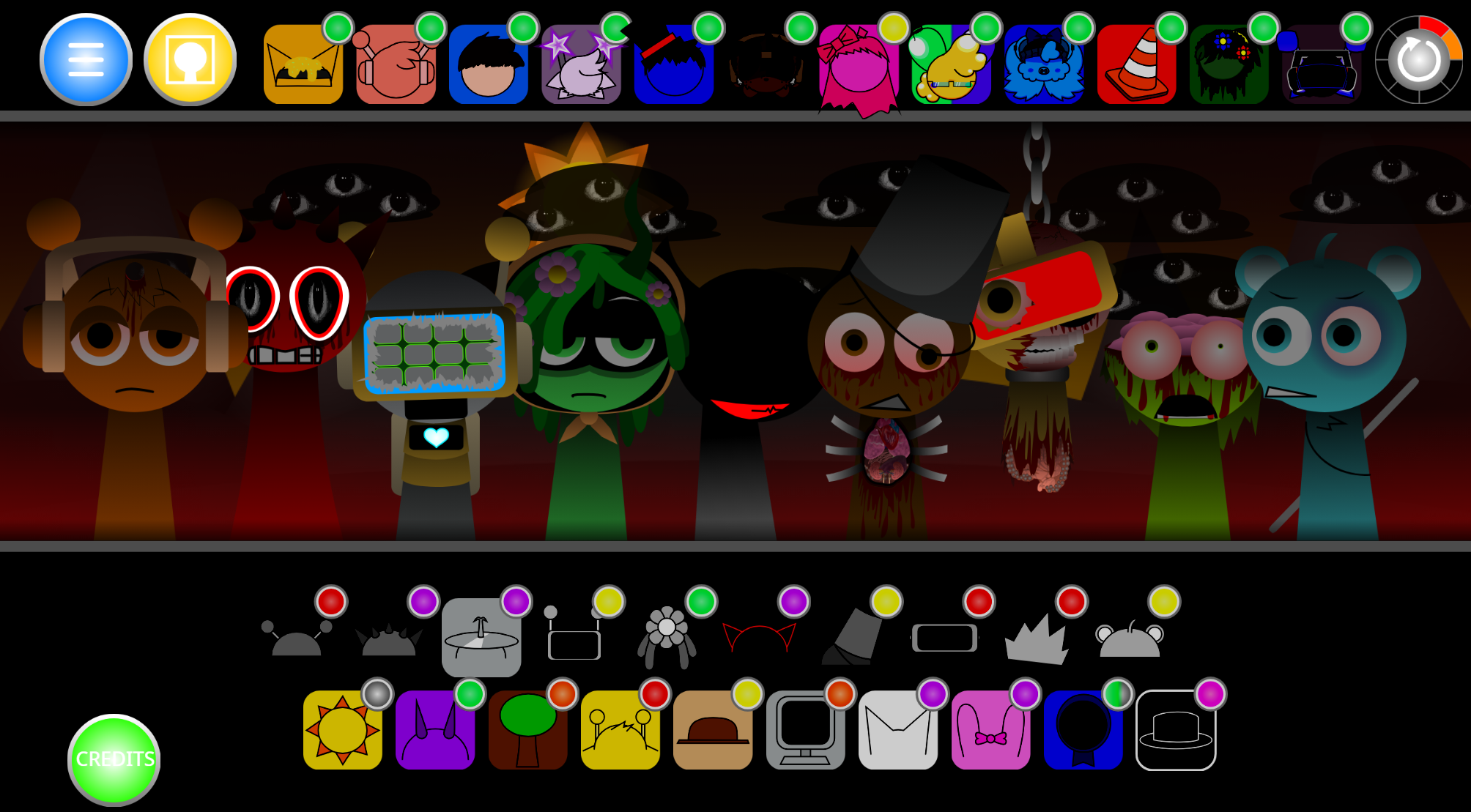
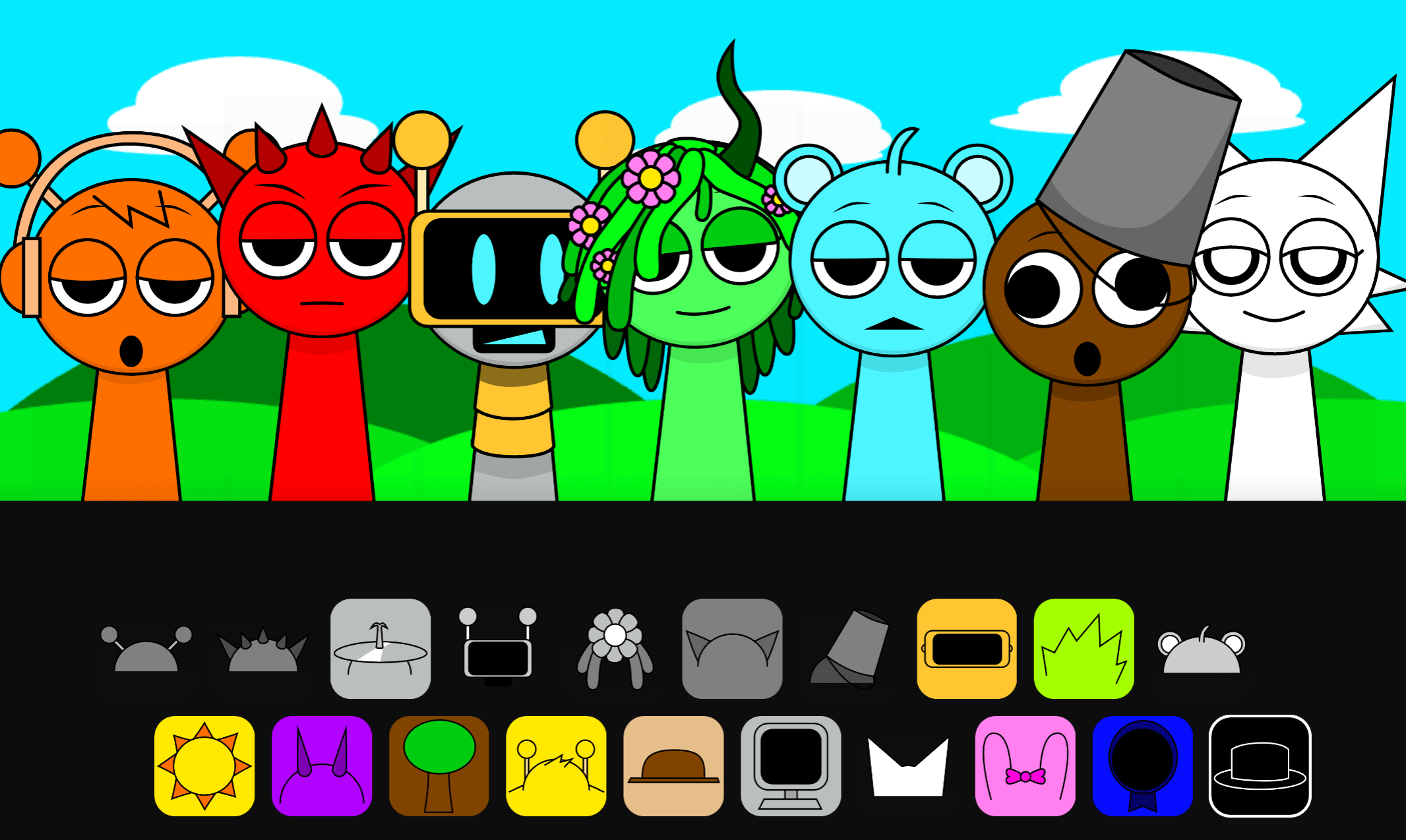
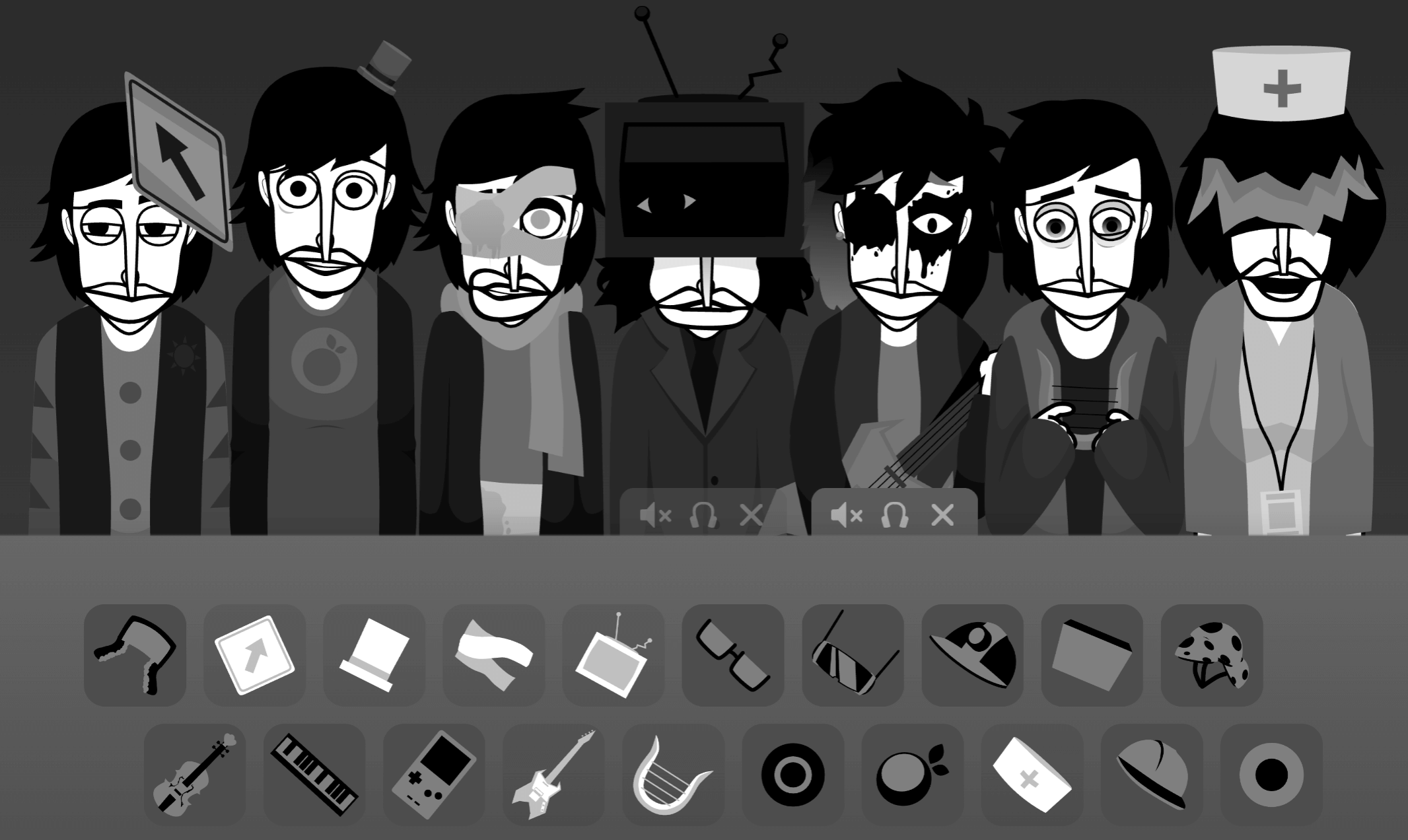
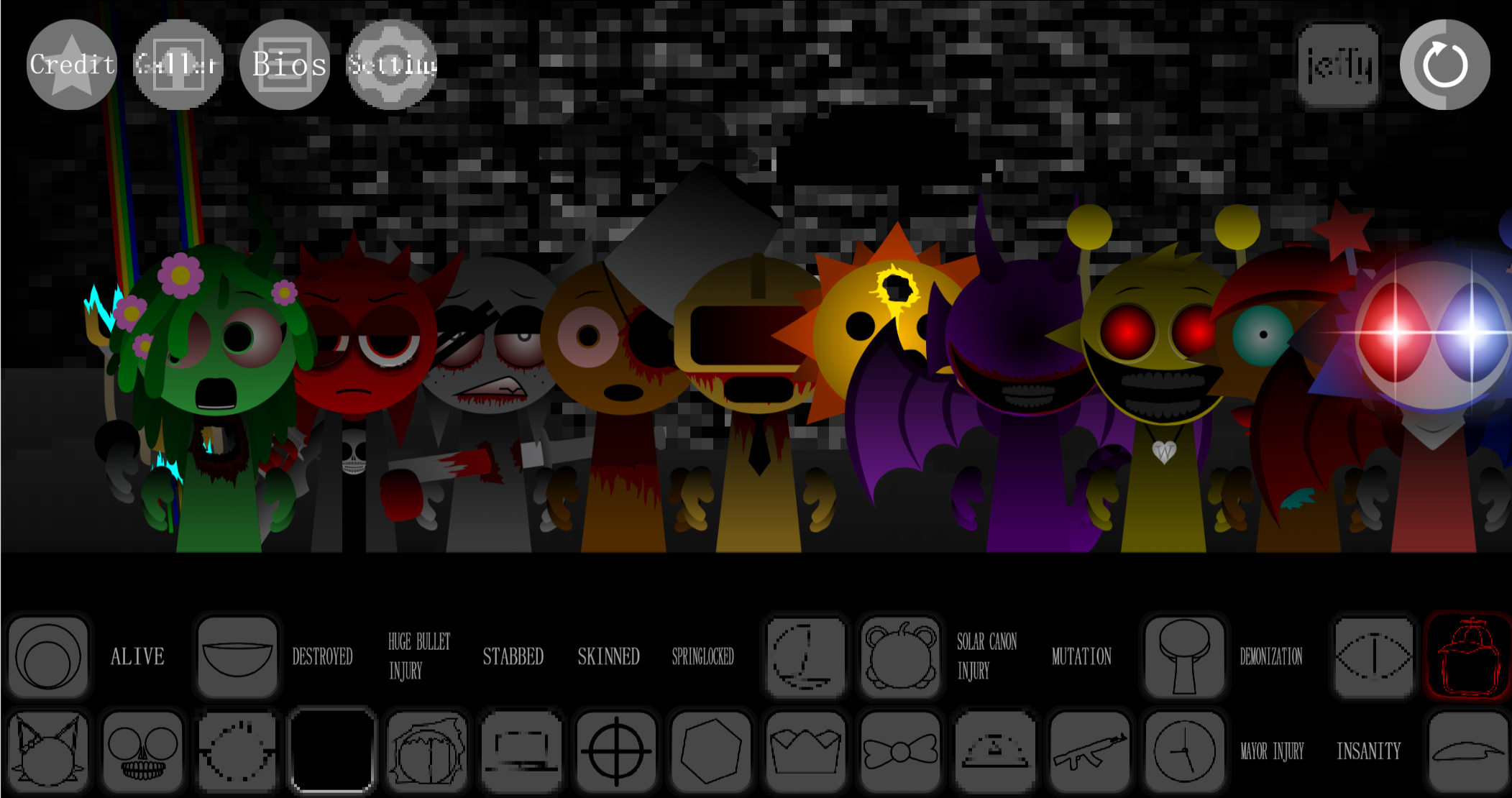
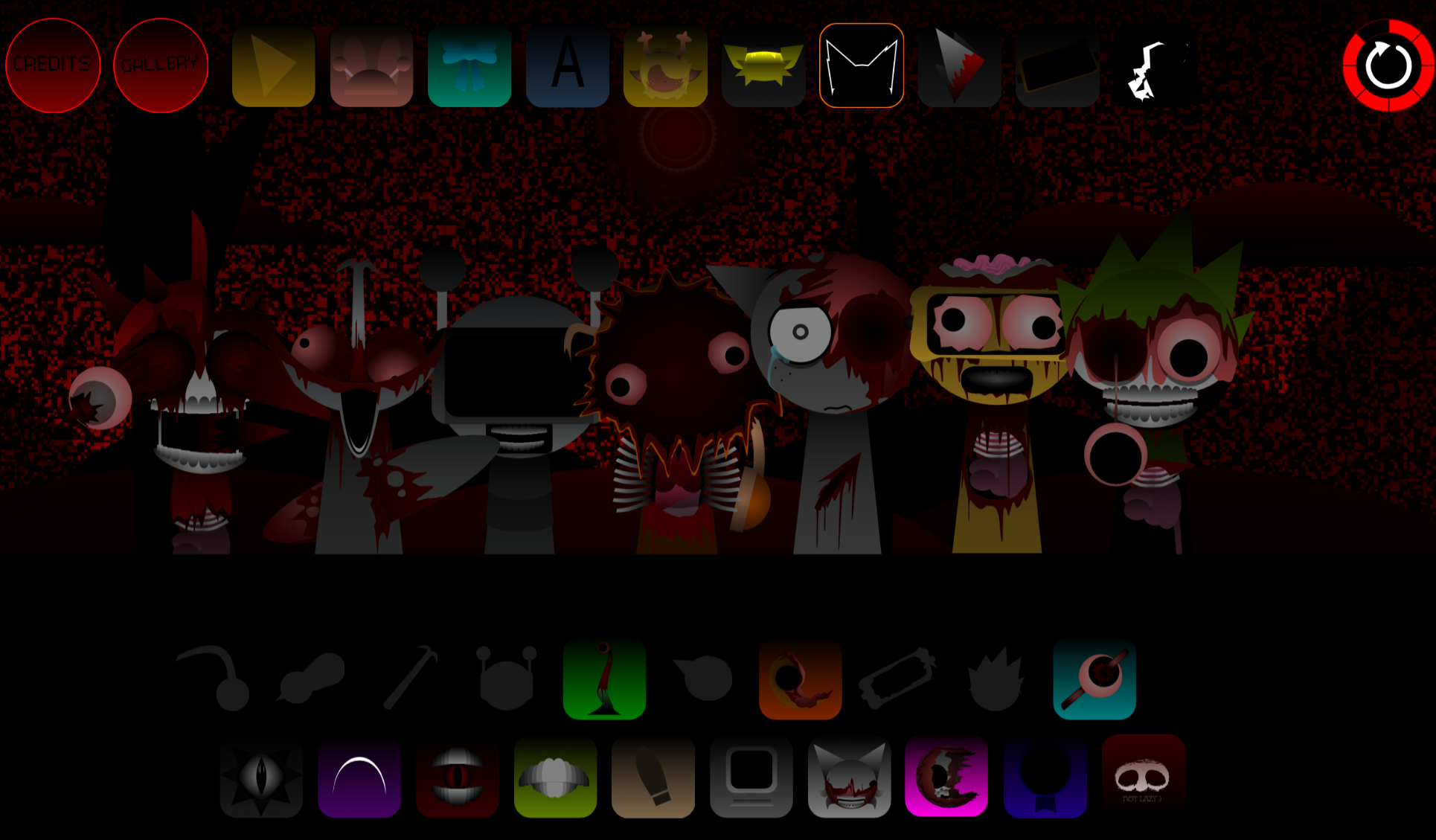
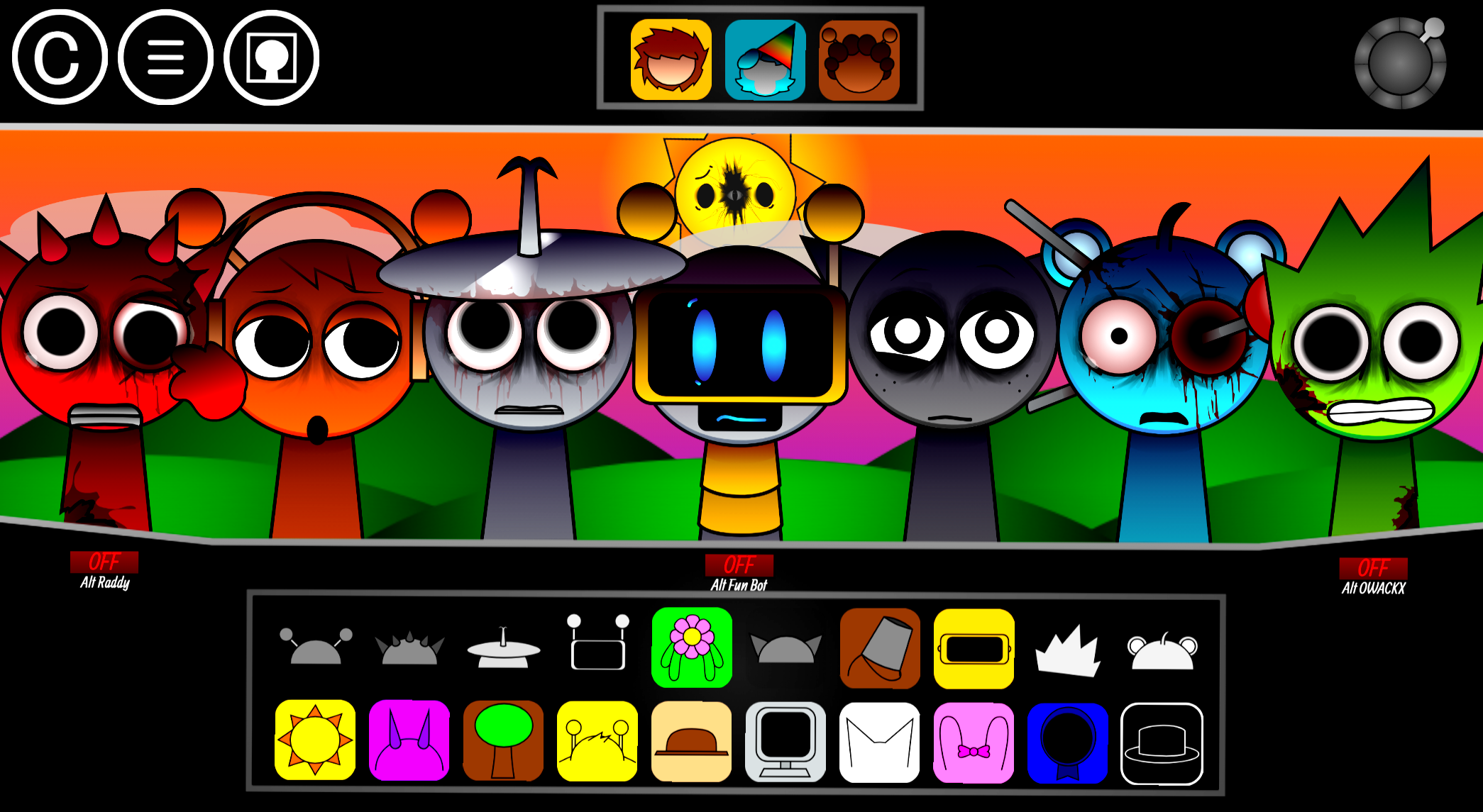
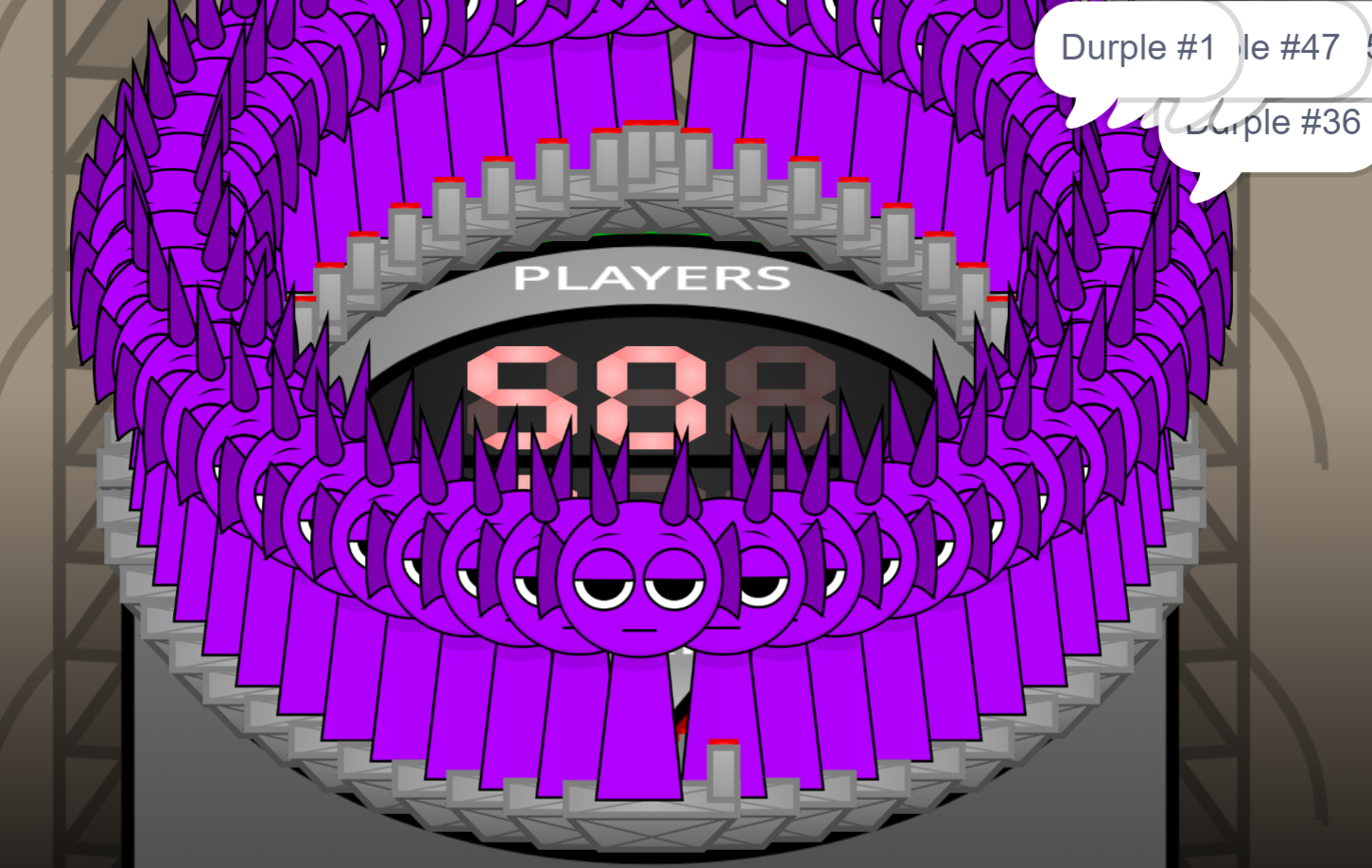
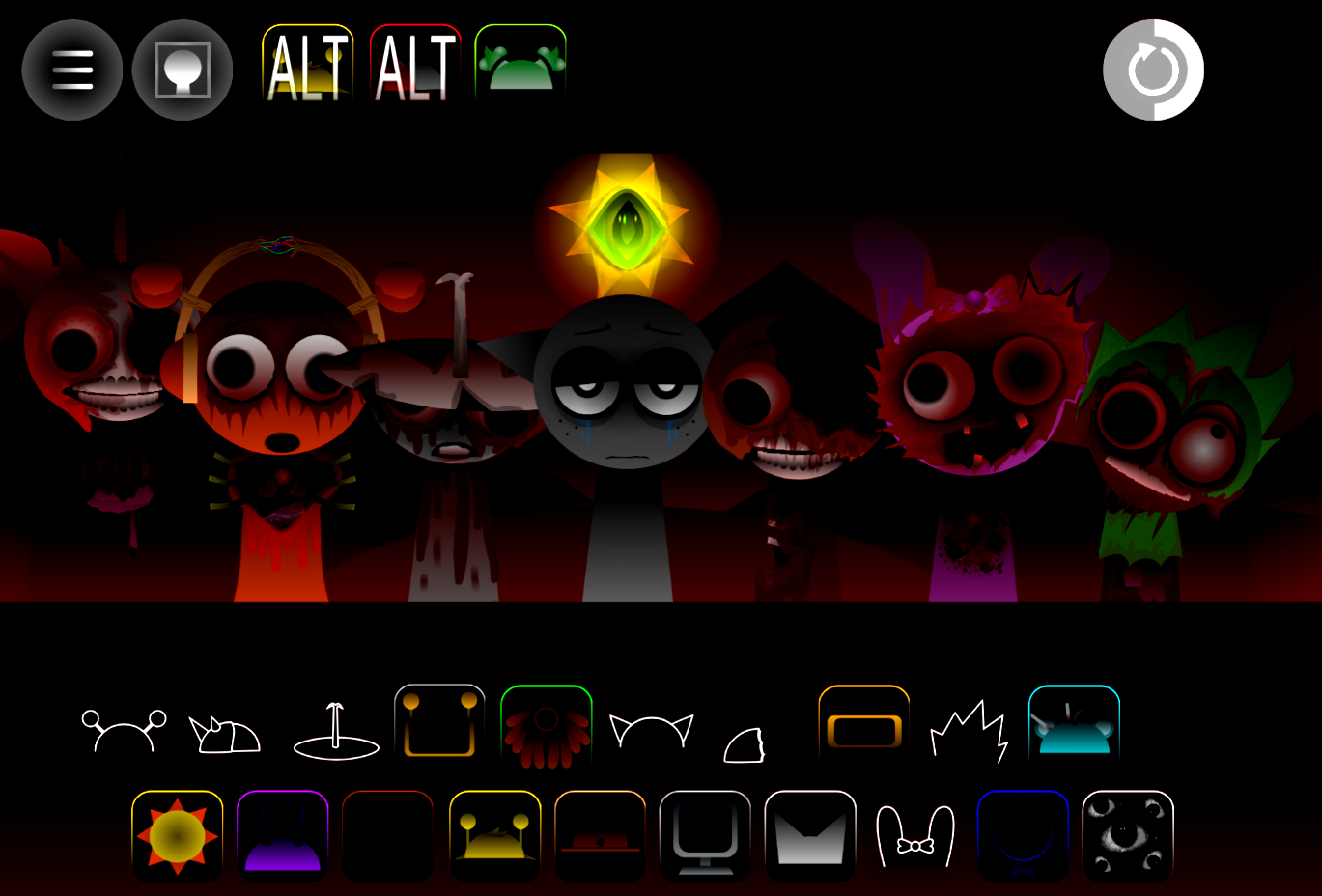
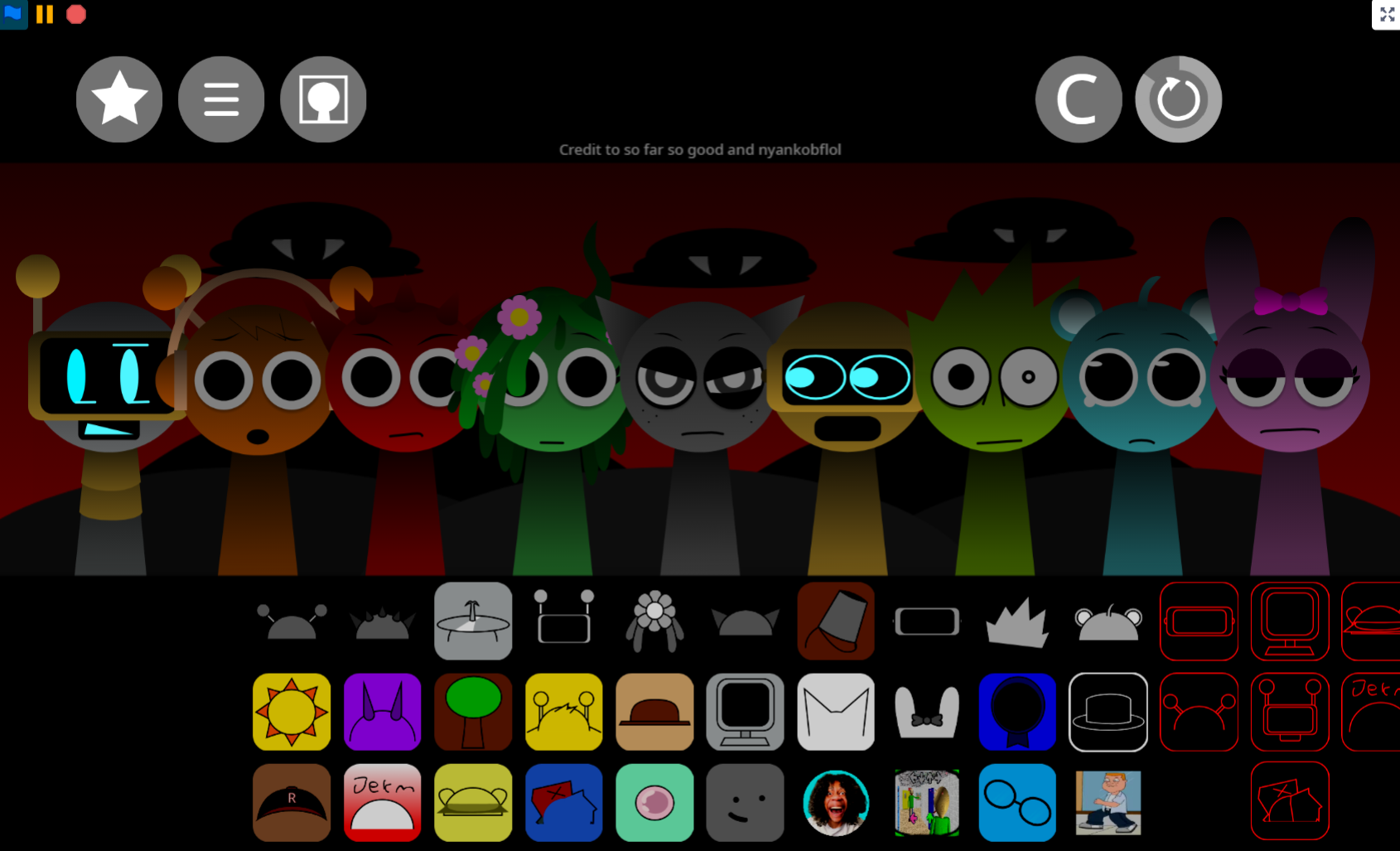
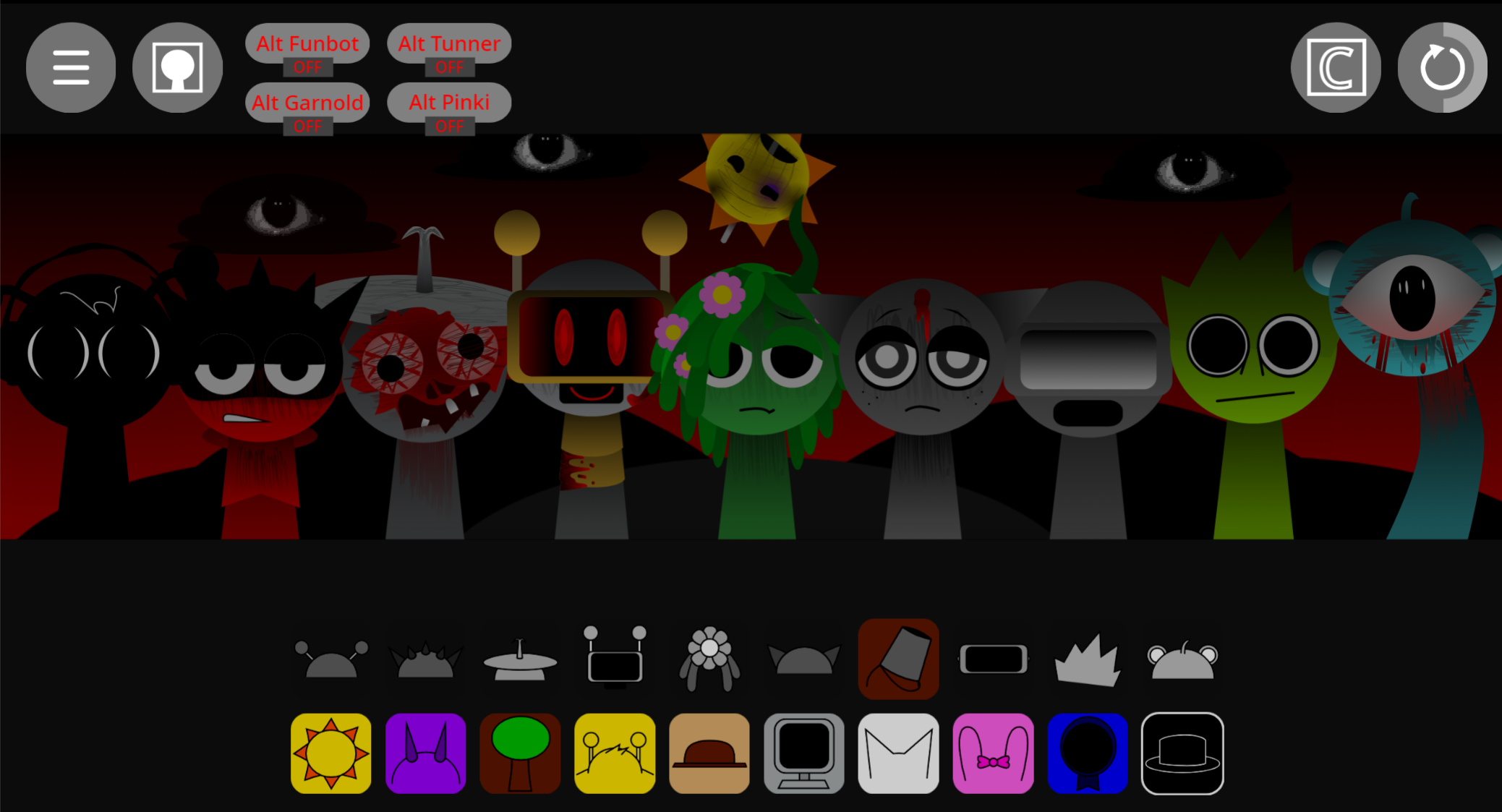
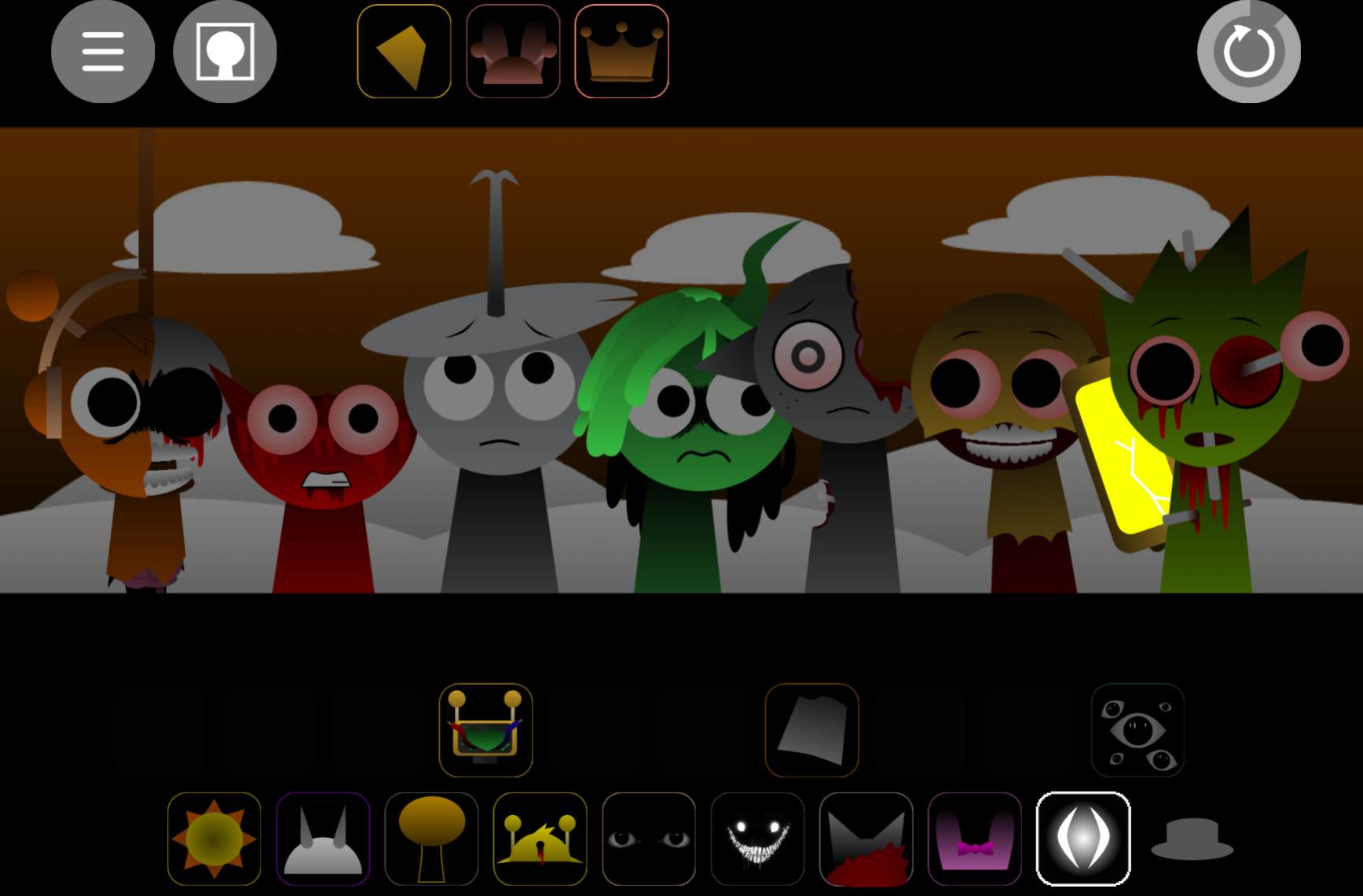


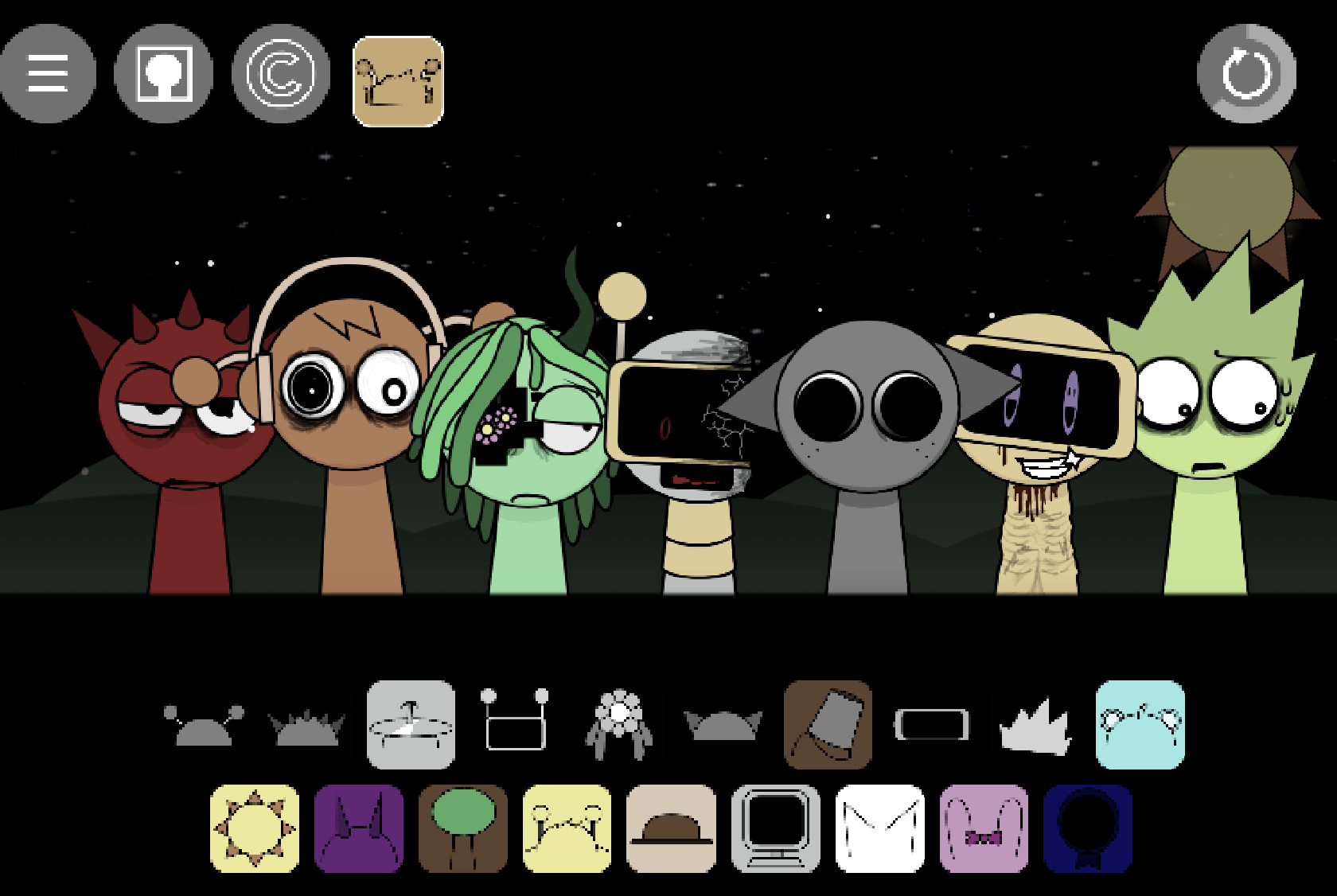
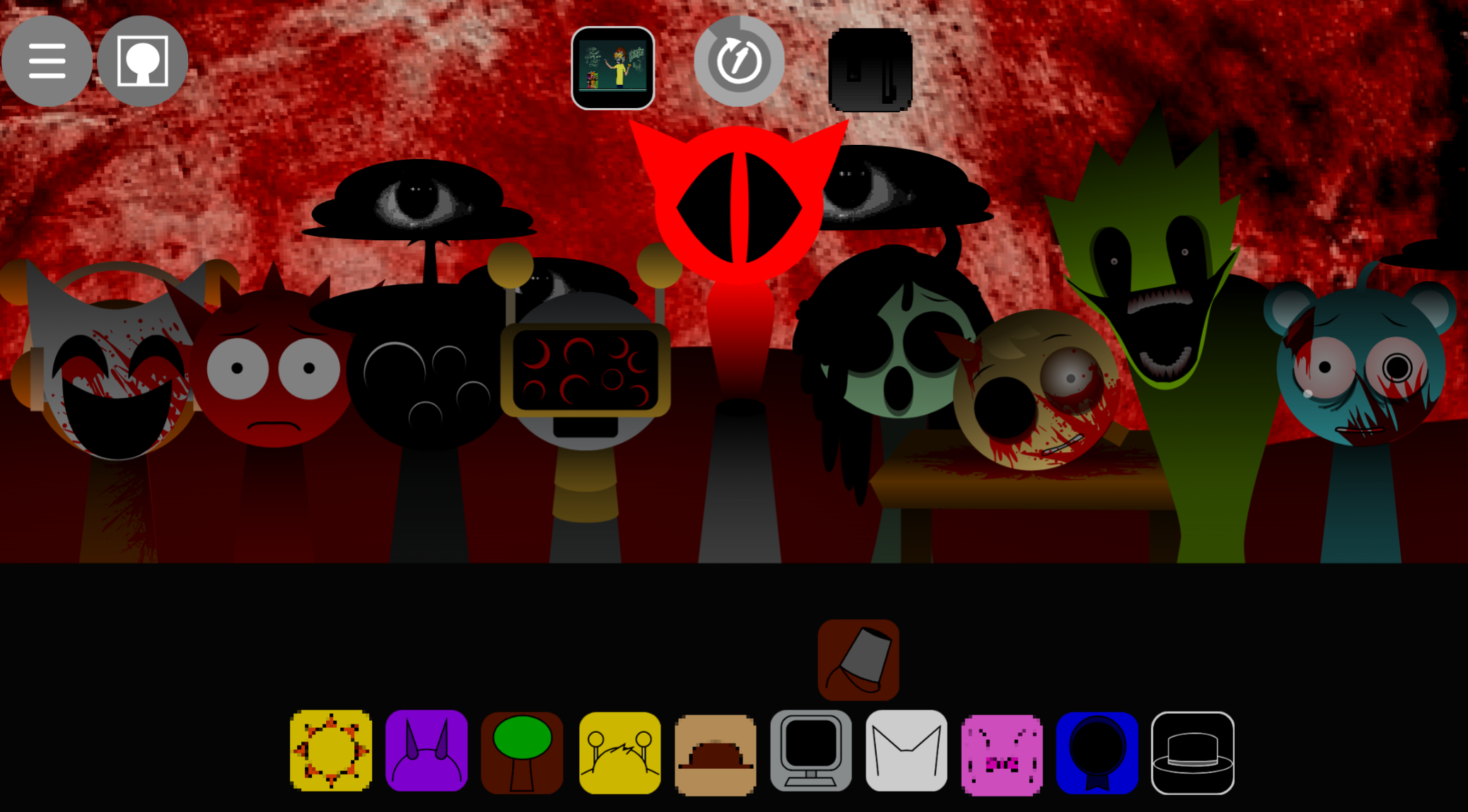
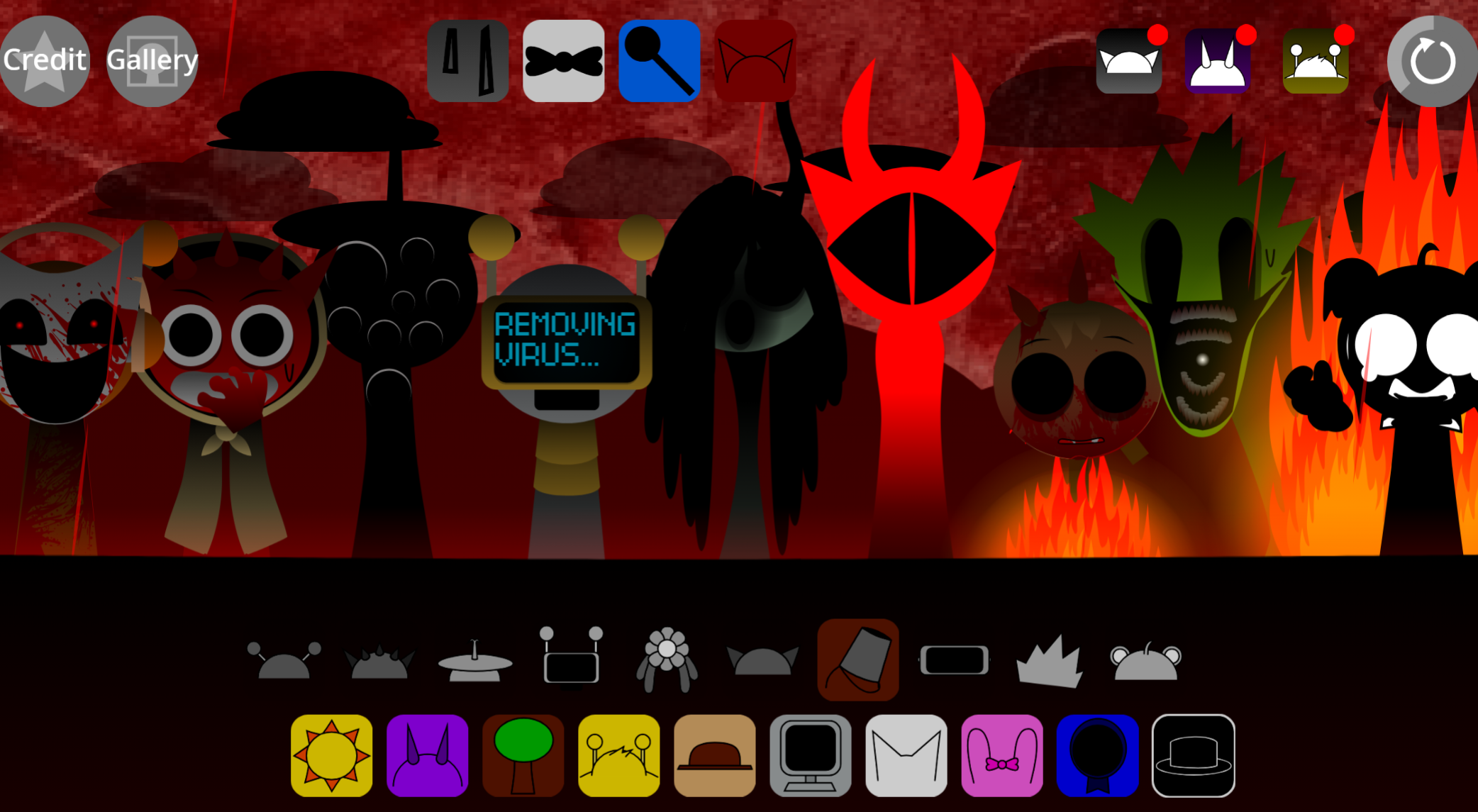
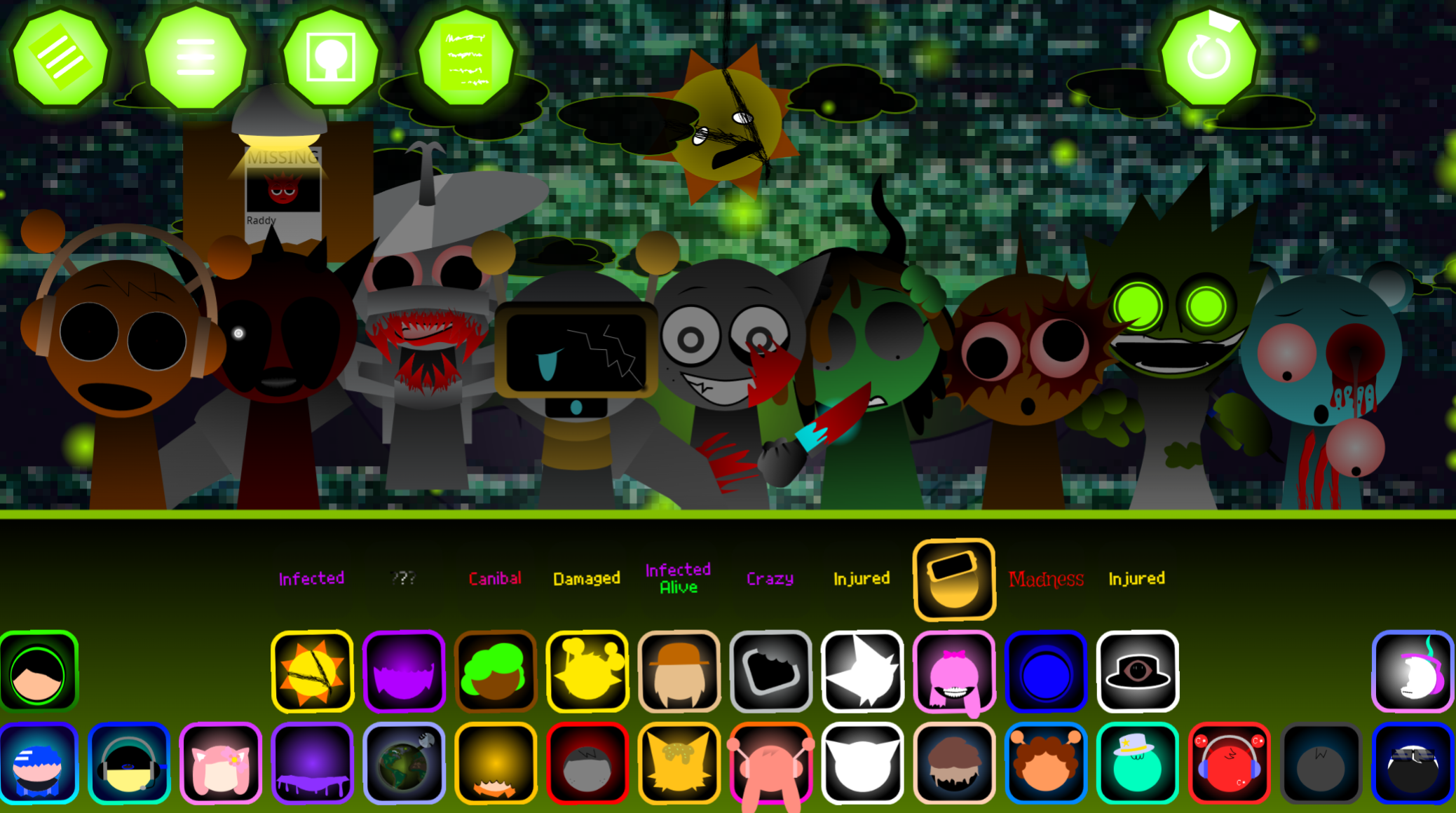
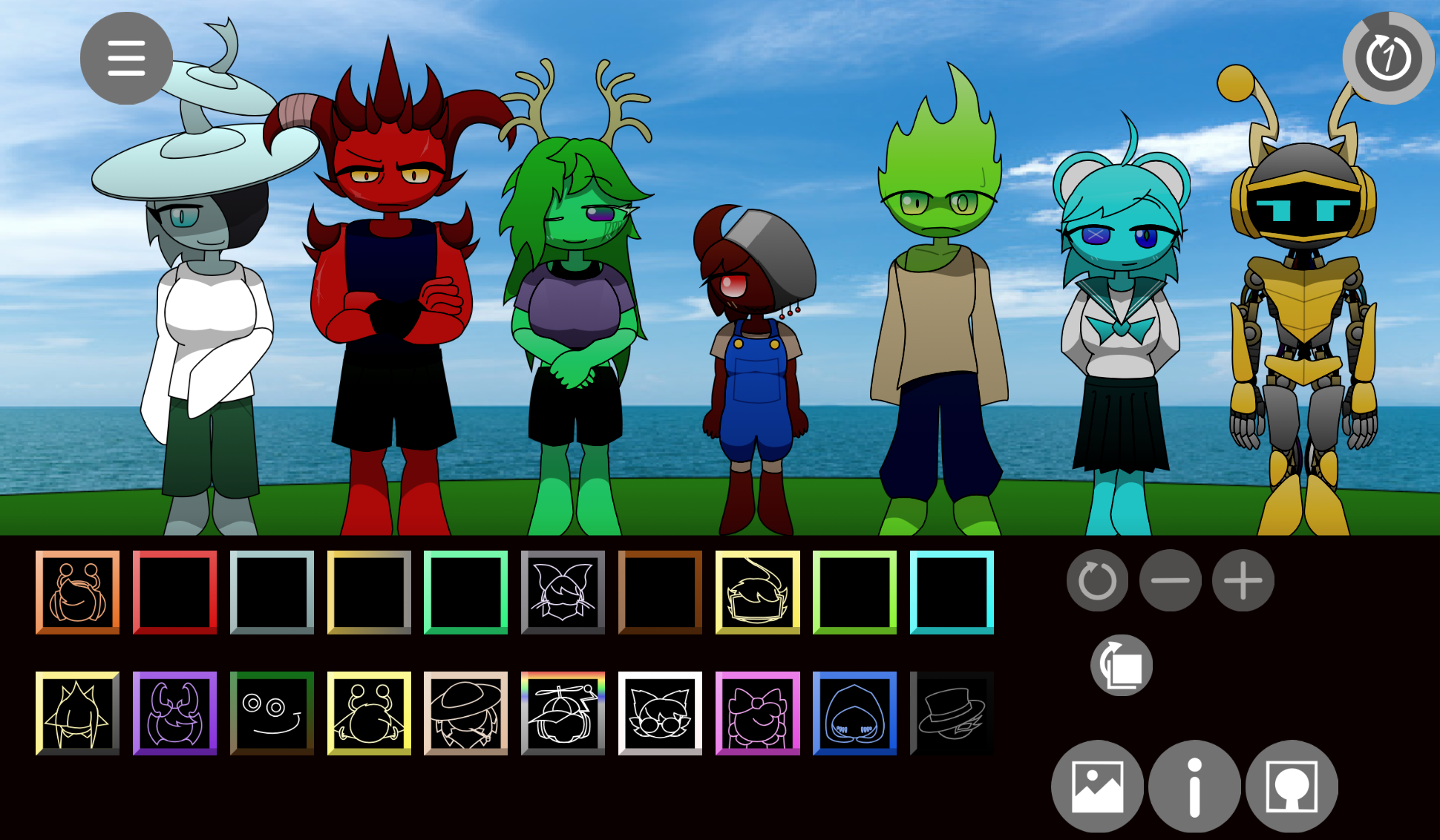
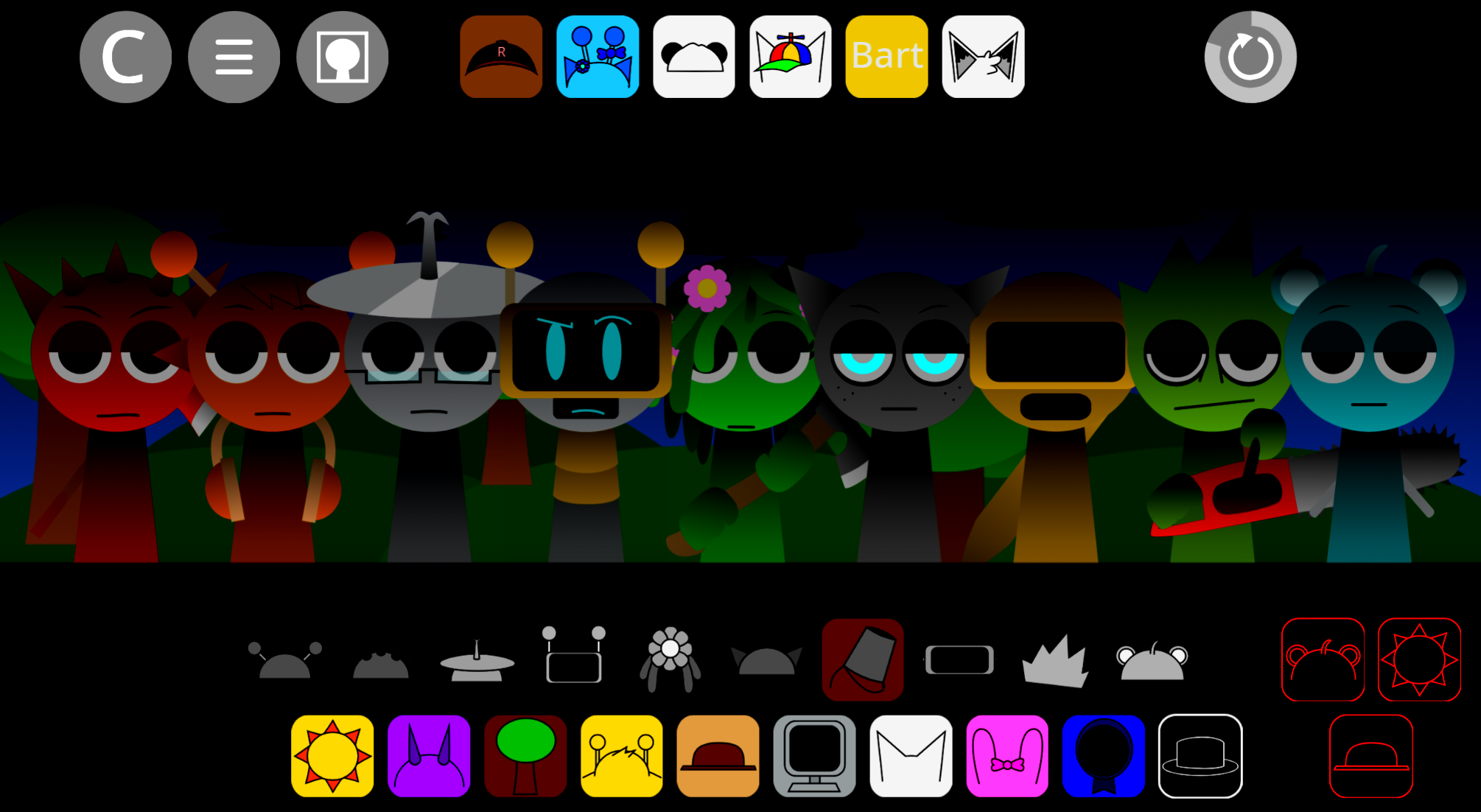
Sprunki Hyperhifted Reborn is a browser-based music remix mod where you drag sound-producing characters onto a stage to layer beats, melodies, vocals, and effects in real time.
You can play it directly in your browser without downloads or installs. You’ll also find practical answers about saving your mixes, adjusting playback, and troubleshooting common audio issues.
The focus is on gameplay specifics and the mechanics that shape how you actually create music in Sprunki Hypershifted Reborn.
Sprunki Hyperhifted Reborn - High-Speed Music Remix Mod
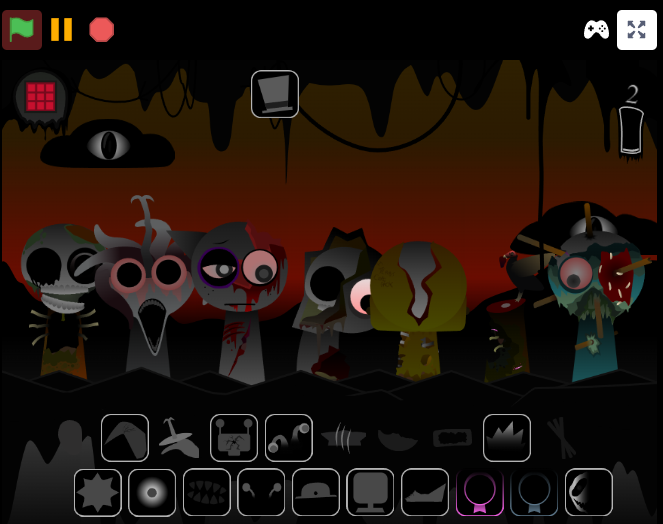
Sprunki Hyperhifted Reborn is a browser-based music remix mod where players drag sound-producing characters onto a stage to layer beats, melodies, vocals, and effects in real time. Each character activates instantly, creating immediate visual and audio shifts. The mod runs at high speed with distorted, rapid-fire loops designed for chaotic, experimental compositions.
This remaster by @AlexOfficial15 builds on the original framework by Mr A. and Footlong Nachos. It introduces the RUPTBOX, a fully automated mode that generates random arrangements, and multiple branches—Hyper Shifted Phase 4, Shifted, and Anti Shifted—each with distinct visual and sonic qualities. Community-submitted to abgernygames.org, the mod supports remix sharing and challenges that encourage players to refine combinations.
How to Play Sprunki Hypershifted Reborn
No download or production experience required. Start with one sound and build outward.
-
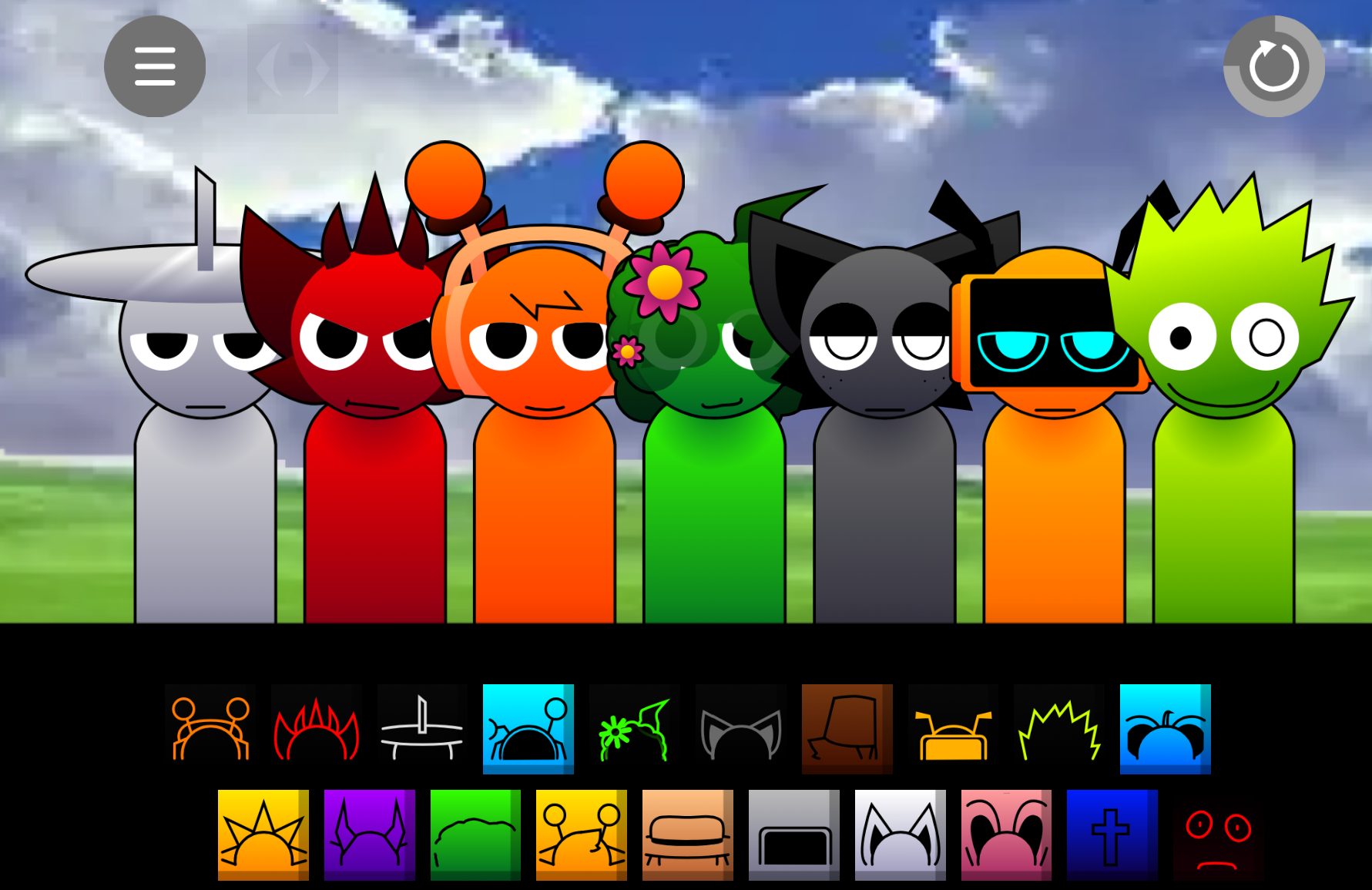
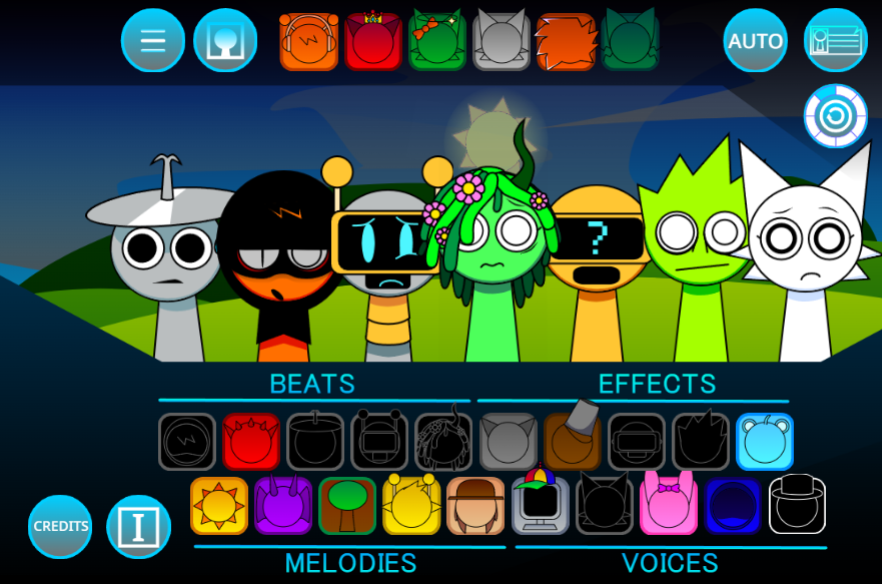
Choose a character. Each fills a role: Oren delivers rapid rhythm, Durple carries melody, Wenda adds sharp vocals, Sky provides atmospheric effects, and Tunner supports multiple parts.
-
Drag characters onto the stage. Each character activates its loop immediately. Layer sounds to build the track.
-
Test combinations and branches. Rearrange the lineup, swap sounds, and explore variations like Hyper Shifted Phase 4, Shifted, and Anti Shifted.
-
Refine or automate. Adjust volume and effects manually, or use automated mode for a random starting point. Save or share when ready.
How to Control the Shift
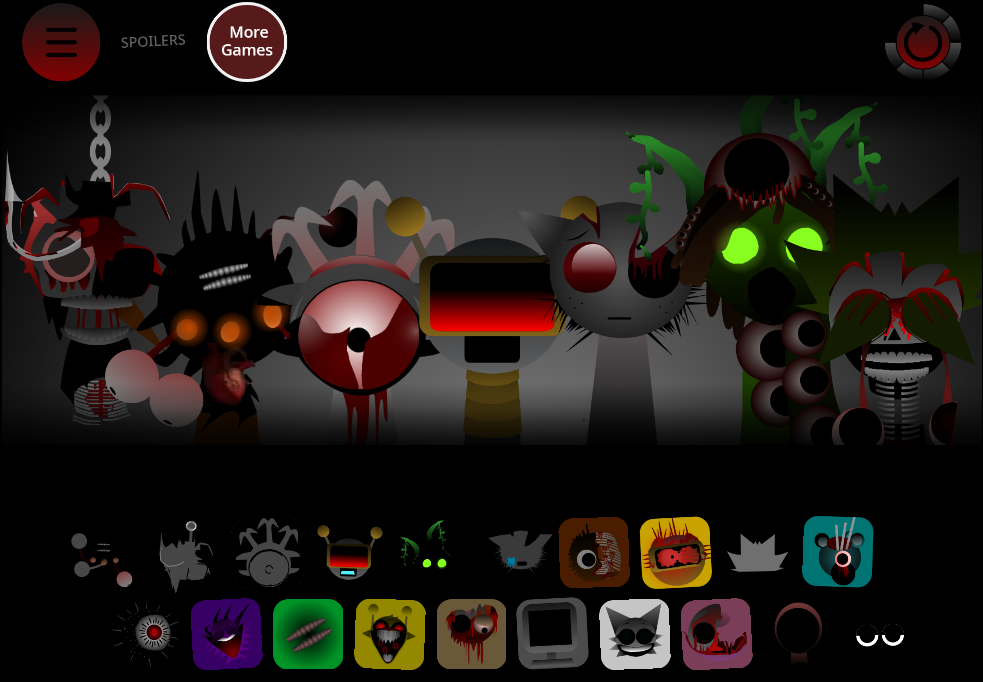
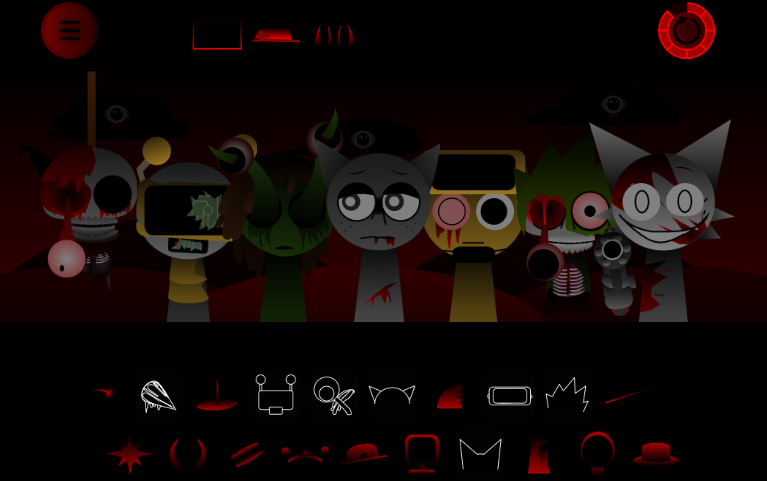
The Shift transitions the performance between Normal Mode and Horror Mode, changing sounds, character appearances, and mood simultaneously. The mod’s 40 sounds are split between these states, so shifting alters the available palette.
Start in Normal Mode to establish a stable beat and melody. Once the foundation is set, shift to Horror Mode. Characters appear as cursed versions with darker visuals and eerie loops. Use this transformation to remove parts that no longer fit, test altered sounds, and push the arrangement into more tense or distorted territory. A deliberate shift creates stronger contrast than stacking every available sound at once.
Related Games
- Sprunki Anti Shifted Phase 4 Hyper Shifted — This directly expands on Hyper Shifted Reborn’s Anti Shifted branch, offering a closely related phase-based twist on its rapid visual and audio transformations.
- Sprunki Hyper Shifted Phase 3 Remastered — Its remastered Hyper Shifted presentation makes it a natural next play for players who want more polished high-speed sound layering and distorted character visuals.
- Sprunki Hyper Shifted Phase 3 Mr Black Treatment — The Mr Black treatment provides a darker, character-focused variation for players interested in exploring how Hyper Shifted mechanics change under a distinct audiovisual theme.
Pro Tips for Clean Mixes
Start with restraint. Let rhythm and melody establish themselves before adding vocals and effects.
- Build one layer at a time. Add a character, listen through a full loop, then decide what the track needs next.
- Give each role space. Pair beat-focused characters with melodic parts before layering effects. Too many busy loops blur the pulse.
- Balance volume. Pull back overpowering sounds. A subtle atmospheric effect can enlarge the central beat without flooding the mix.
- Use small swaps Replace or remove one character at a time and compare results. Small changes often clarify more than full rebuilds.
- Use automation as a sketch tool. Let automated mode generate an unexpected combination, then keep, replace, or reshape the parts that work.
The creator remains active with updates—when player Hoard of Fortune noted that Mr. Tree lacked animation, @AlexOfficial15 confirmed it would be added. Community discussion continues around details like Simon’s unique sound design, flaged by player abdocat.
Discuss
Loading comments...
Failed to load comments. Please try refreshing the page.