
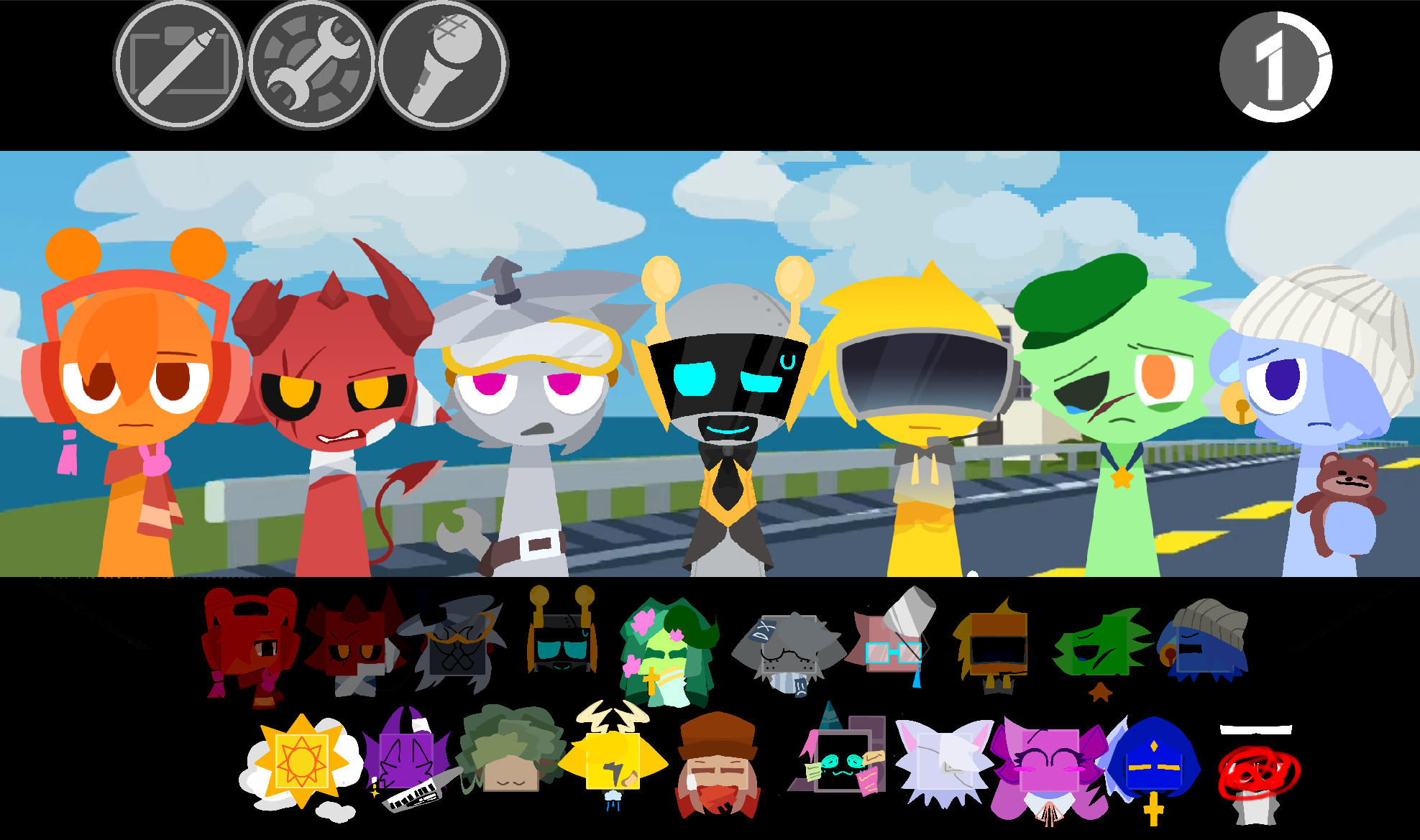
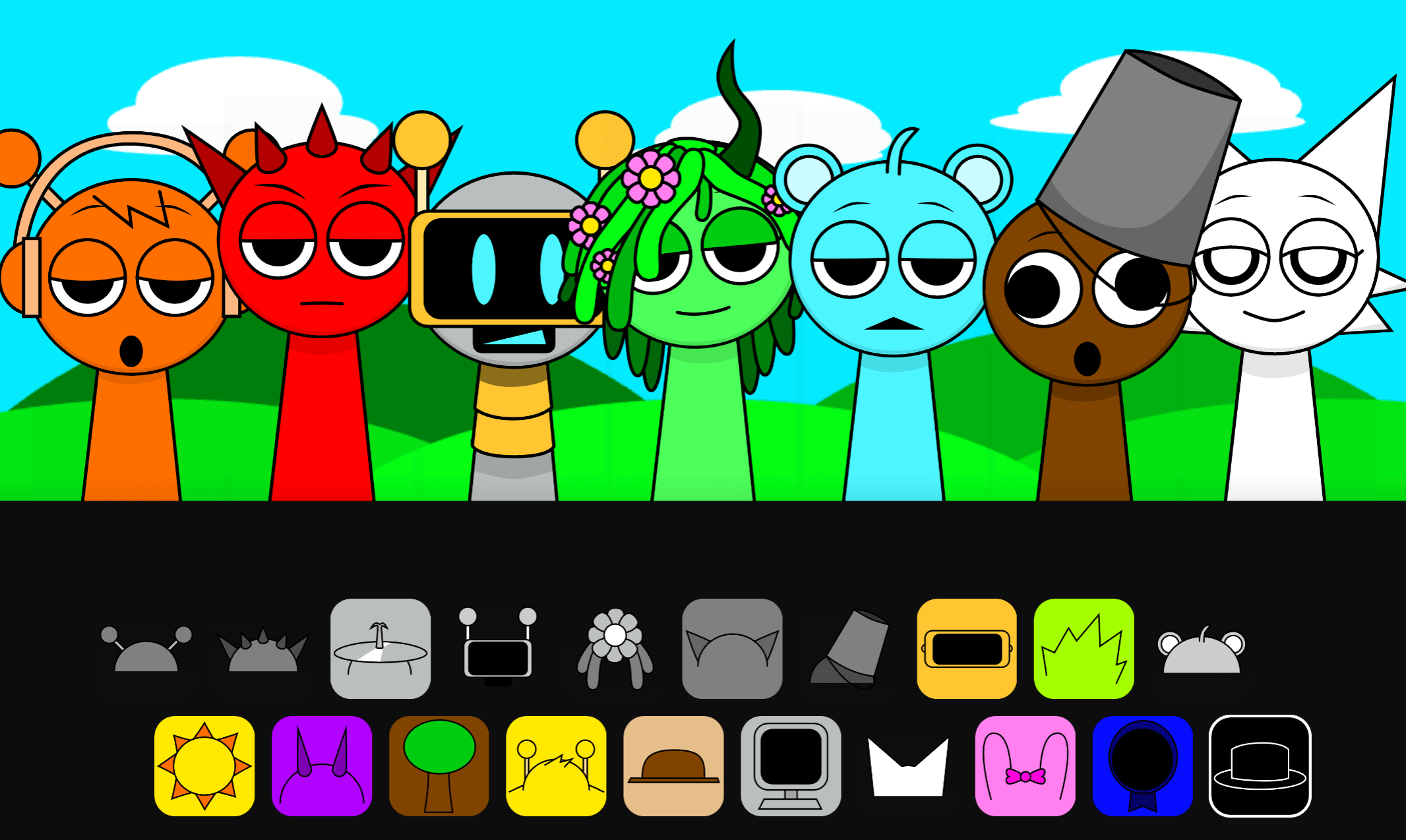
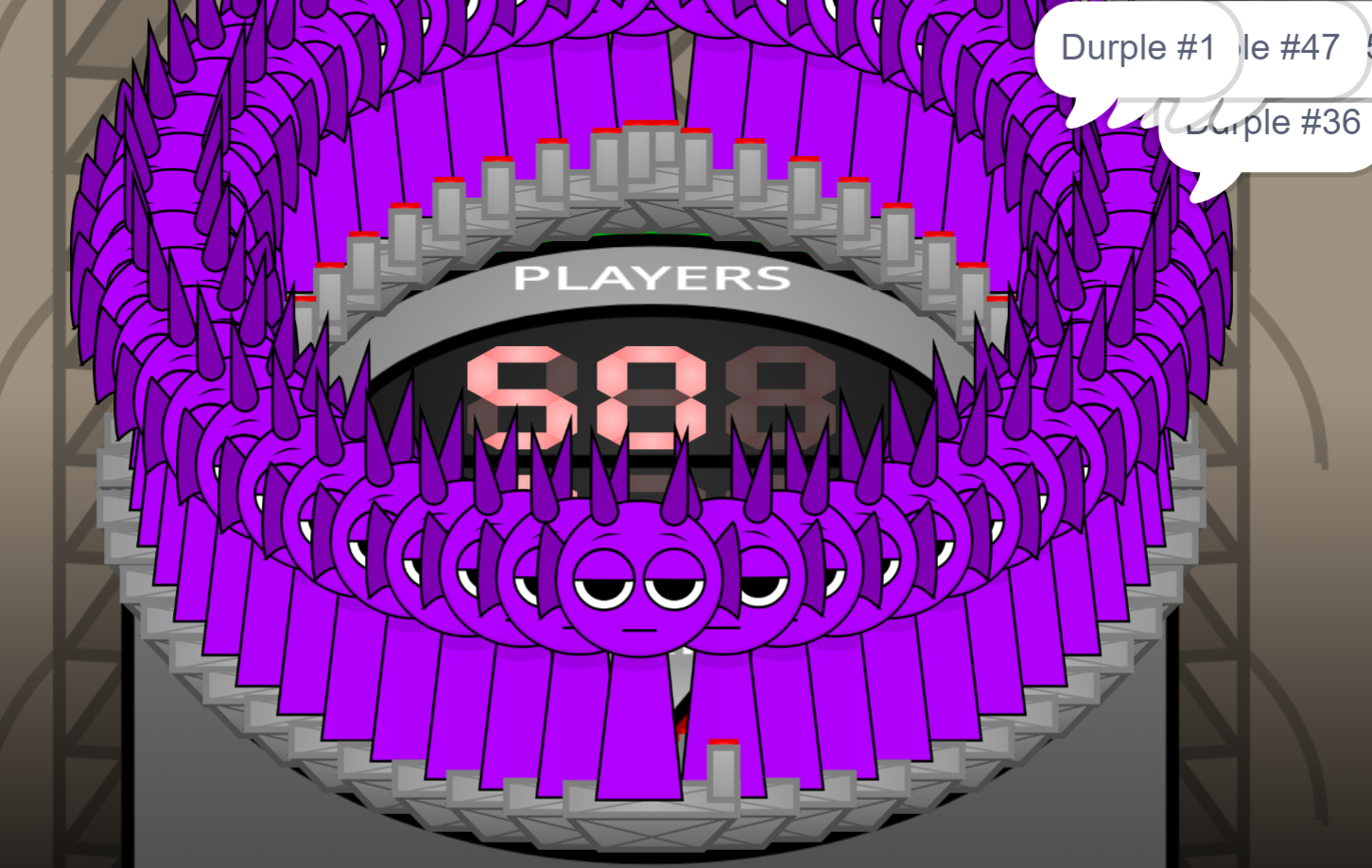


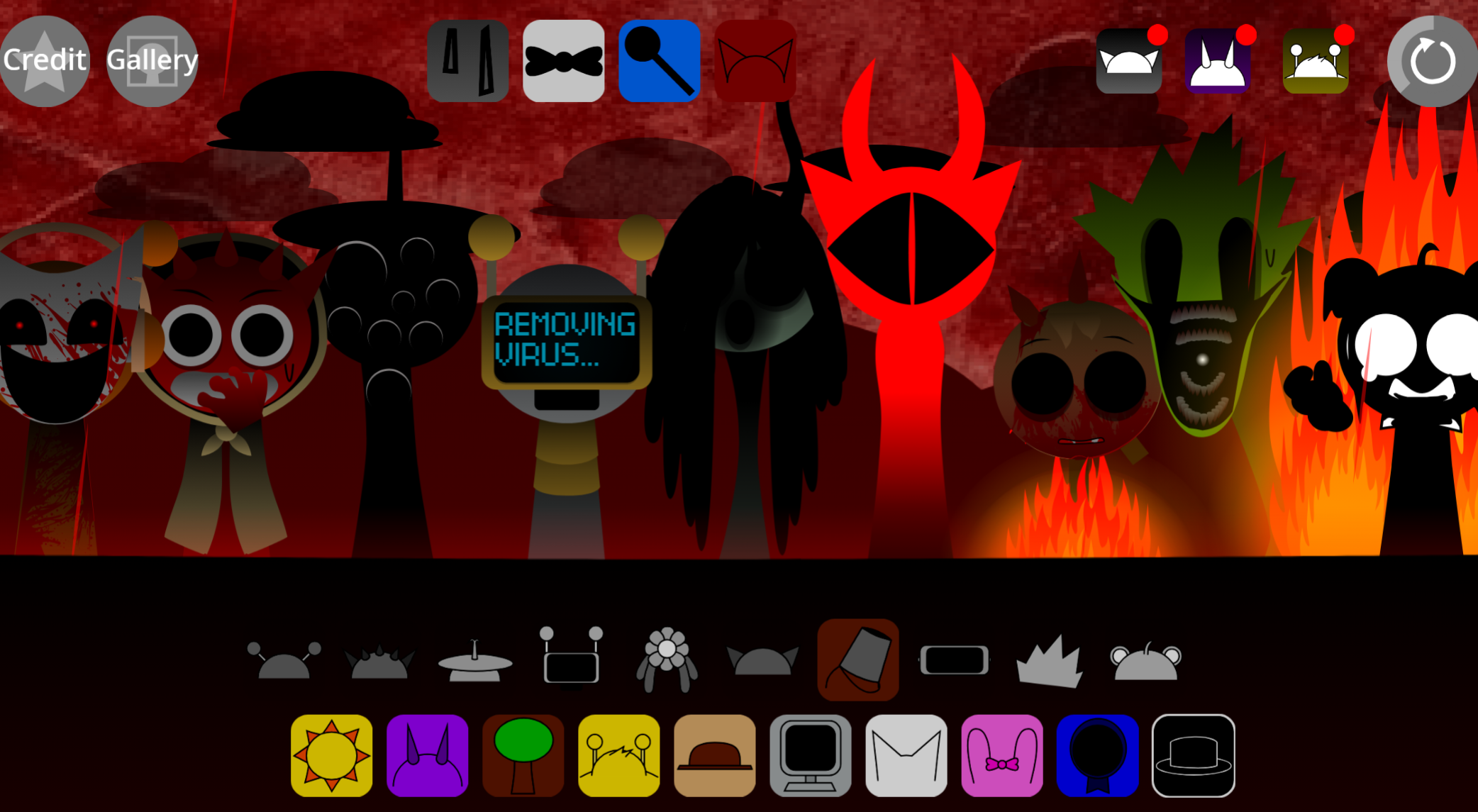
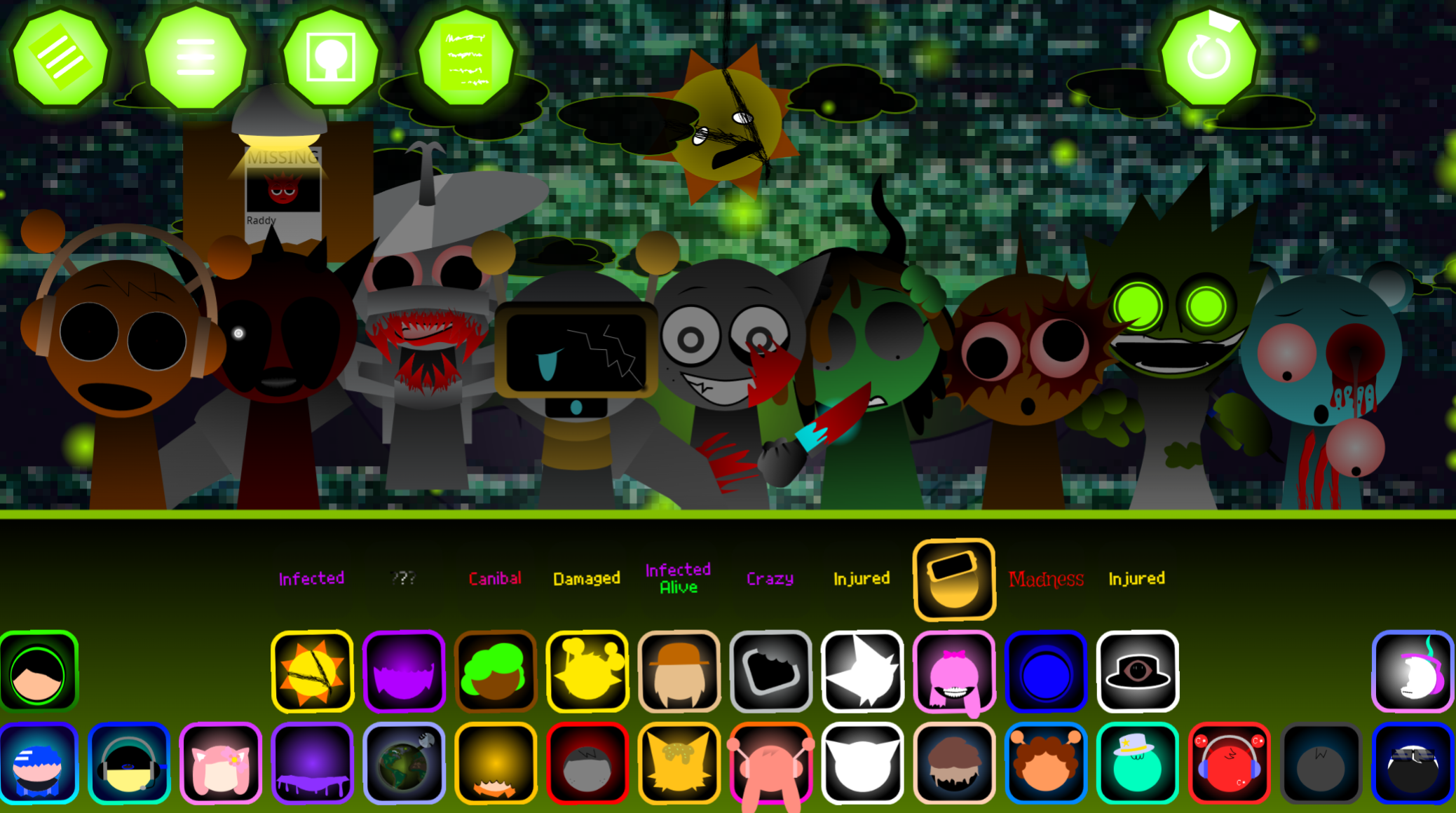
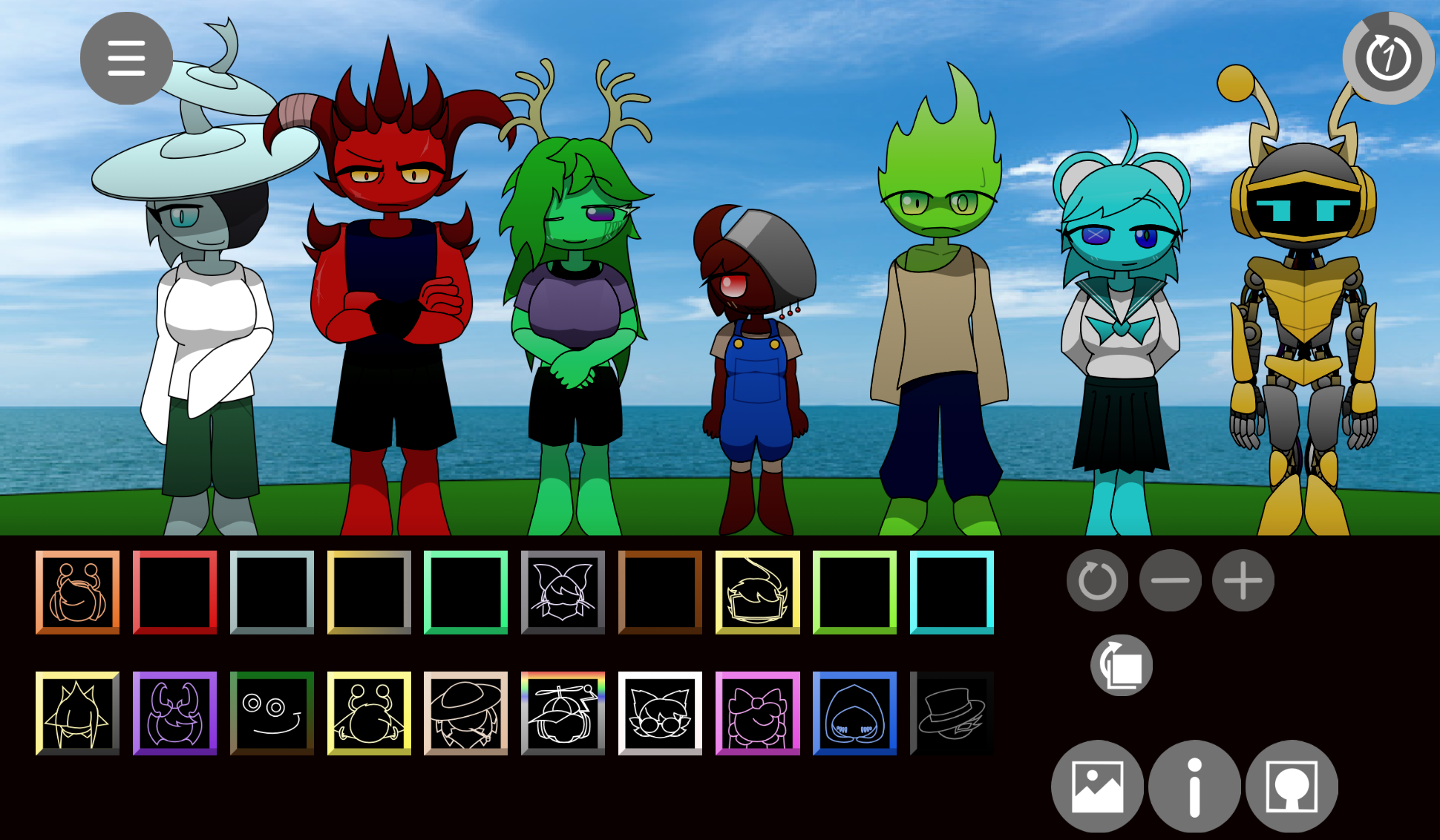
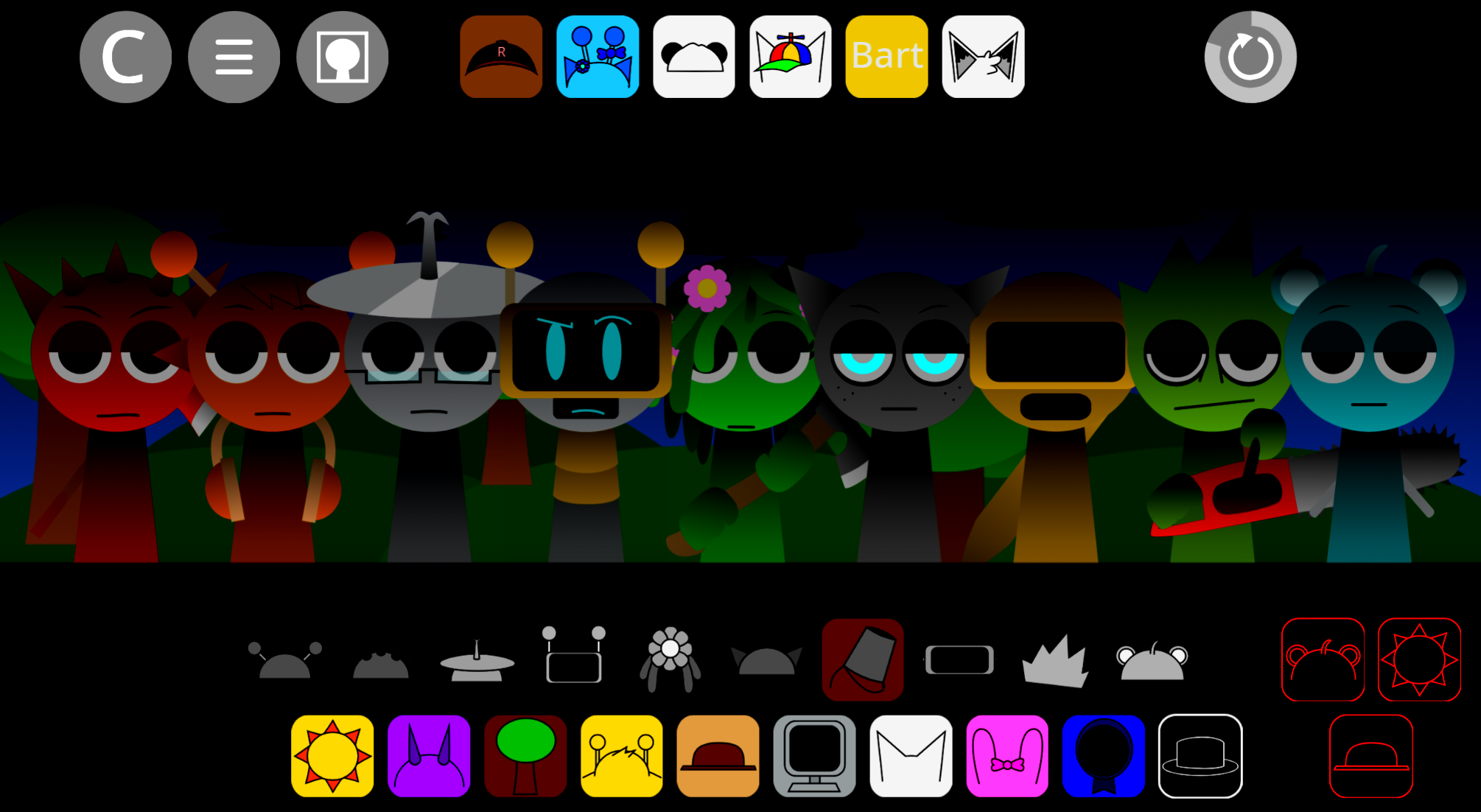
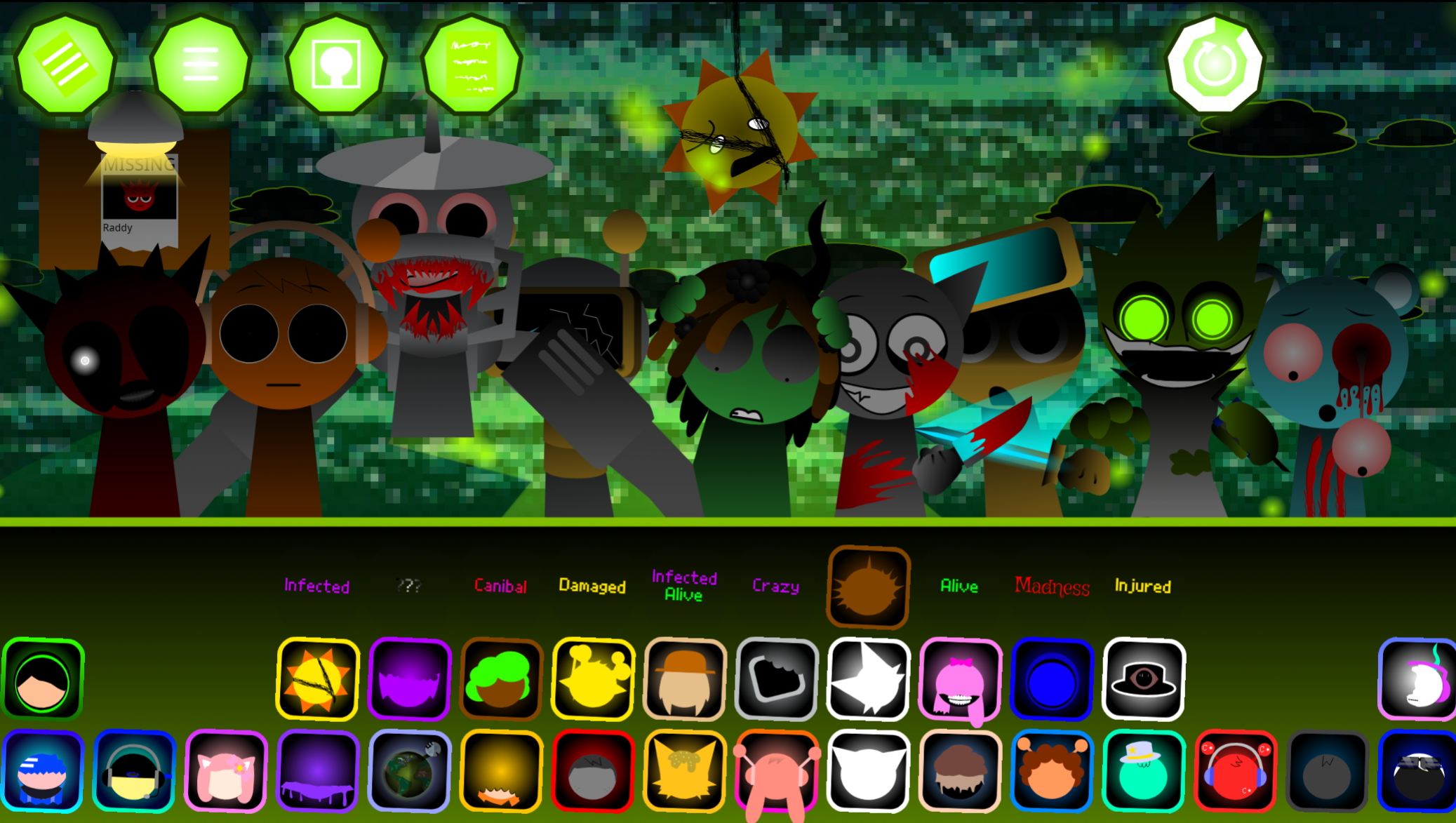
Sprunki Sky and You v10.1 is a fan-made Incredibox mod by @Aqi that layers anime-styled vocals and visual themes over Sprunki’s drag-and-drop music loop system.
Players assign sound loops to Sky-themed characters, building tracks that blend the original Sprunki aesthetic with softer, anime-inspired melodies and harmonies. This article walks through what makes v10.1 distinct from the base Sprunki experience, how the Sky character set reshapes composition choices, and where to play the mod directly in your browser.
The core shift is aesthetic and tonal: Sky characters introduce vocal samples and instrumental loops designed for lighter, more melodic arrangements compared to Sprunki’s heavier sound palette.
Sprunki Sky and You v10.1 — Play the Anime-Style Music Mod
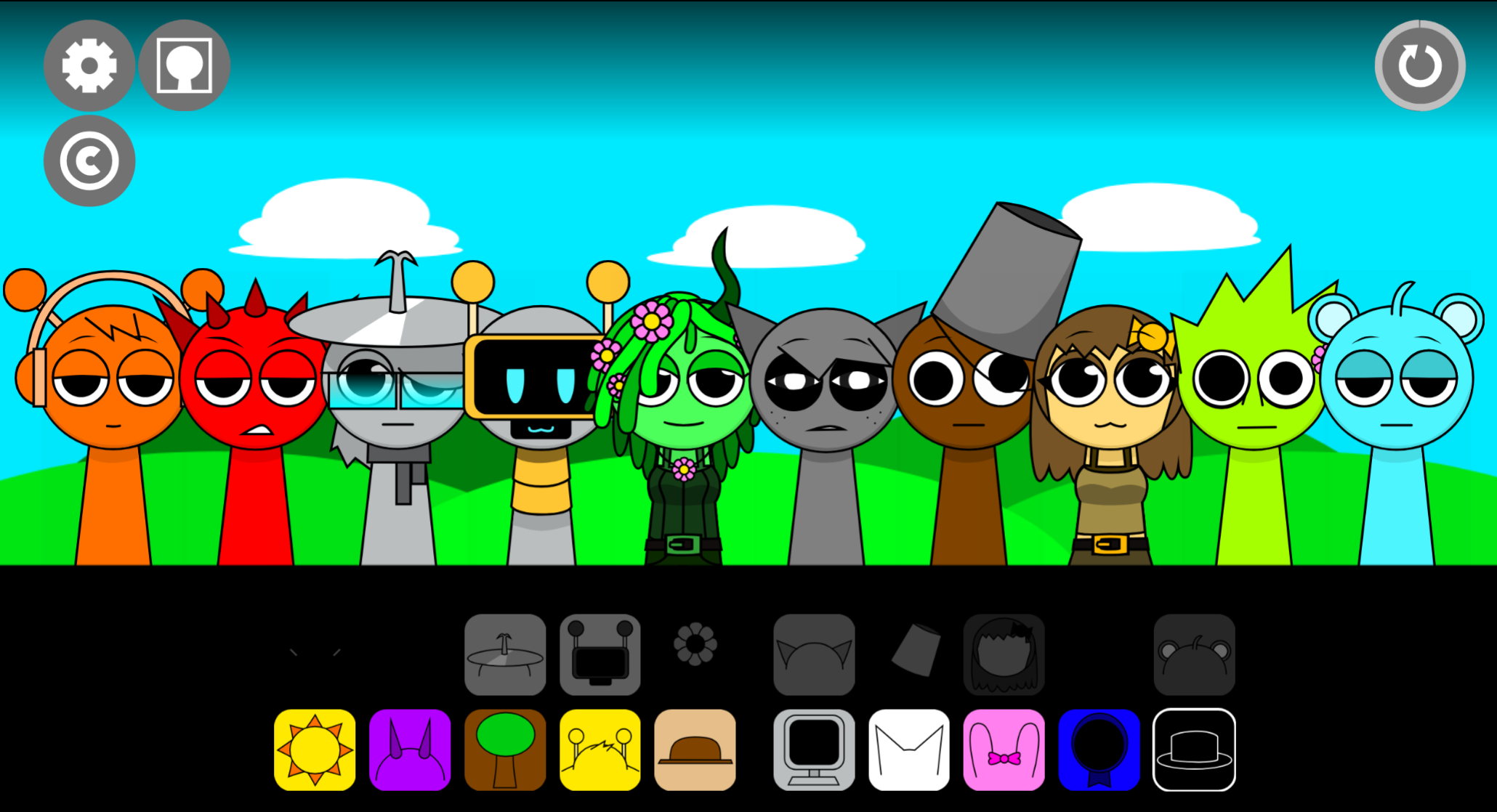
Sprunki Sky and You v10.1 is a fan-made Incredibox-Sprunki music mod by @Aqi that transforms character-loop gameplay into anime-inspired sound playground. Players place Sprunki characters onto a floating pastel-cloud stage and build Tracks by layering gentle beats, bells, warm chords, melodies, vocals, and atmospheric effects. There are no scores or timers—the focus is to Paint with Sound by starting with small musical details and gradually adding layers until the arrangement feels personal.
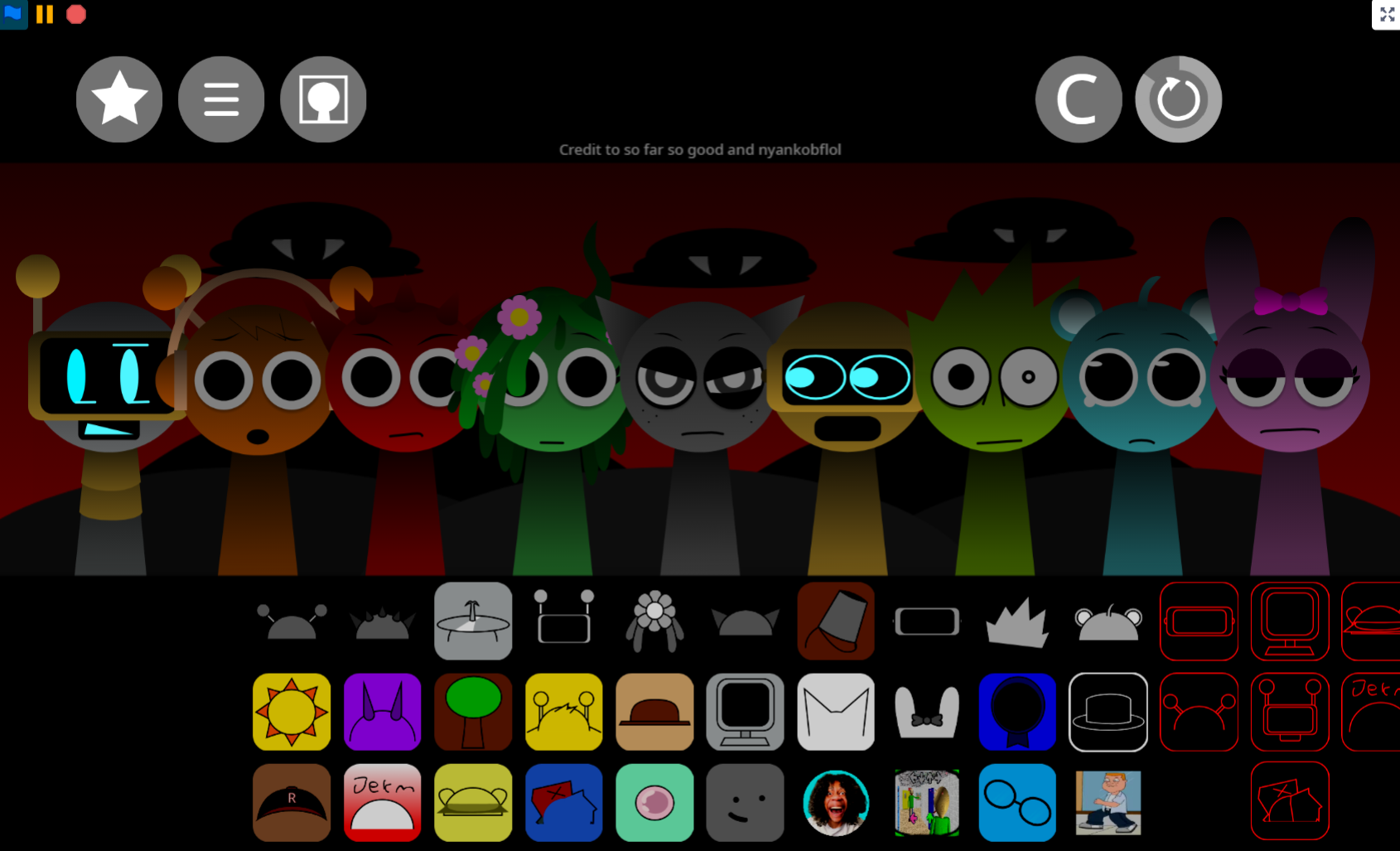
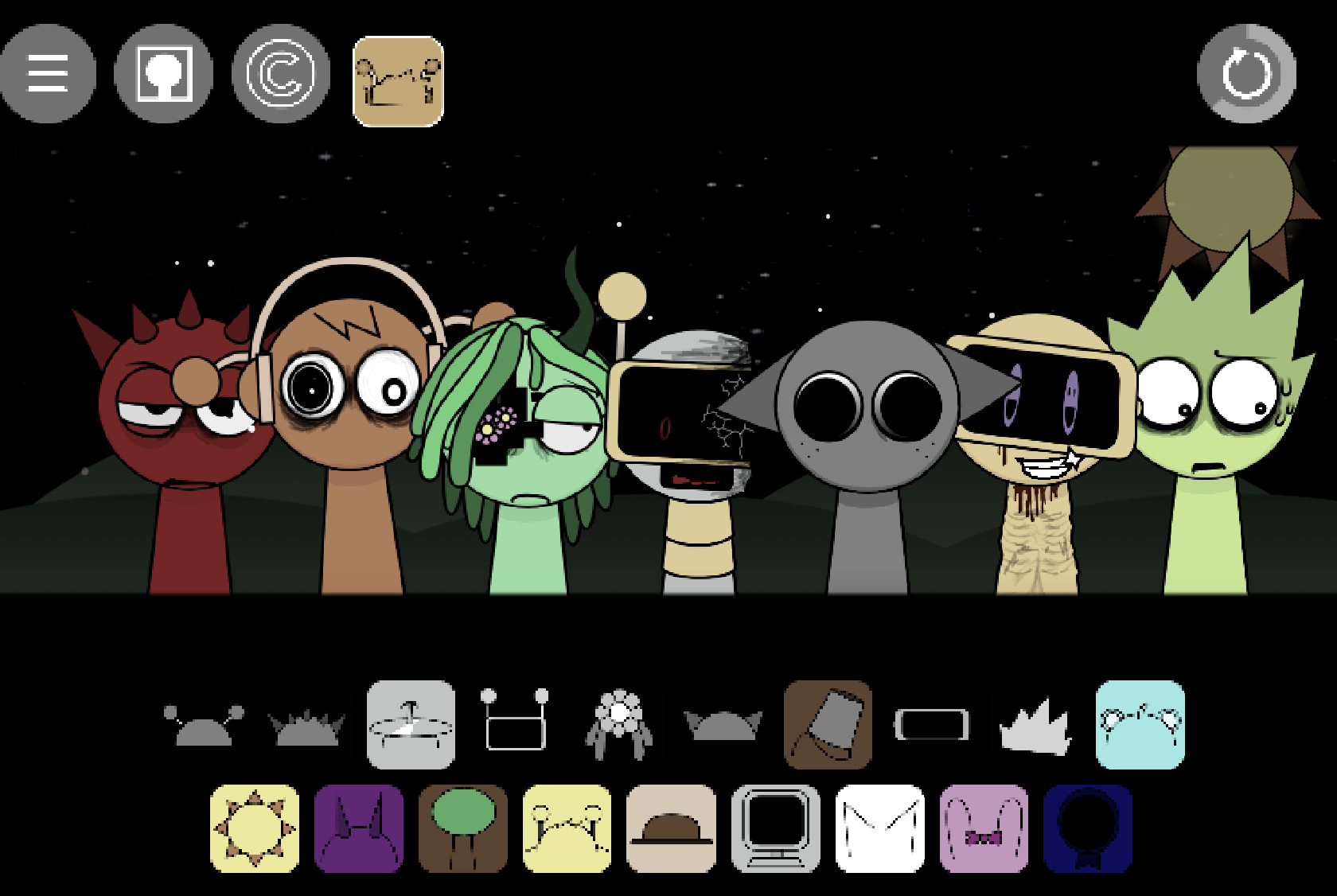
The visual center is Sky, a calm 14-year-old cyan Sprunki with round ears, a single strand of hair, and a fondness for teddy bears that resemble him. His design reflects injuries from an attack in his backstory, though the presentation remains cozy. Sky appears alongside Mr. Sun, an orange character with spiky rays whose sound brings warm chords, plus Tanner, BR, and others. Together, they create a small animated ensemble rather than a conventional music interface. The result can stay light and airy, become warm and rhythmic, or move toward stranger combinations through hidden horror and holiday-themed modes.
What Is Sprunki Sky and You v10.1?
This browser-based community mod follows the Sprunki tradition: Each character represents a musical role—beat, melodic phrase, effect, or vocal layer—and dragging that character into the active mix adds its loop to the Track.
The mod prioritizes experimentation over music theory. A player can make a sparse arrangement with a quiet rhythm and a few bells, or combine more characters for a fuller piece. Because loops can be moved in and out at any time, testing combinations carries little risk.
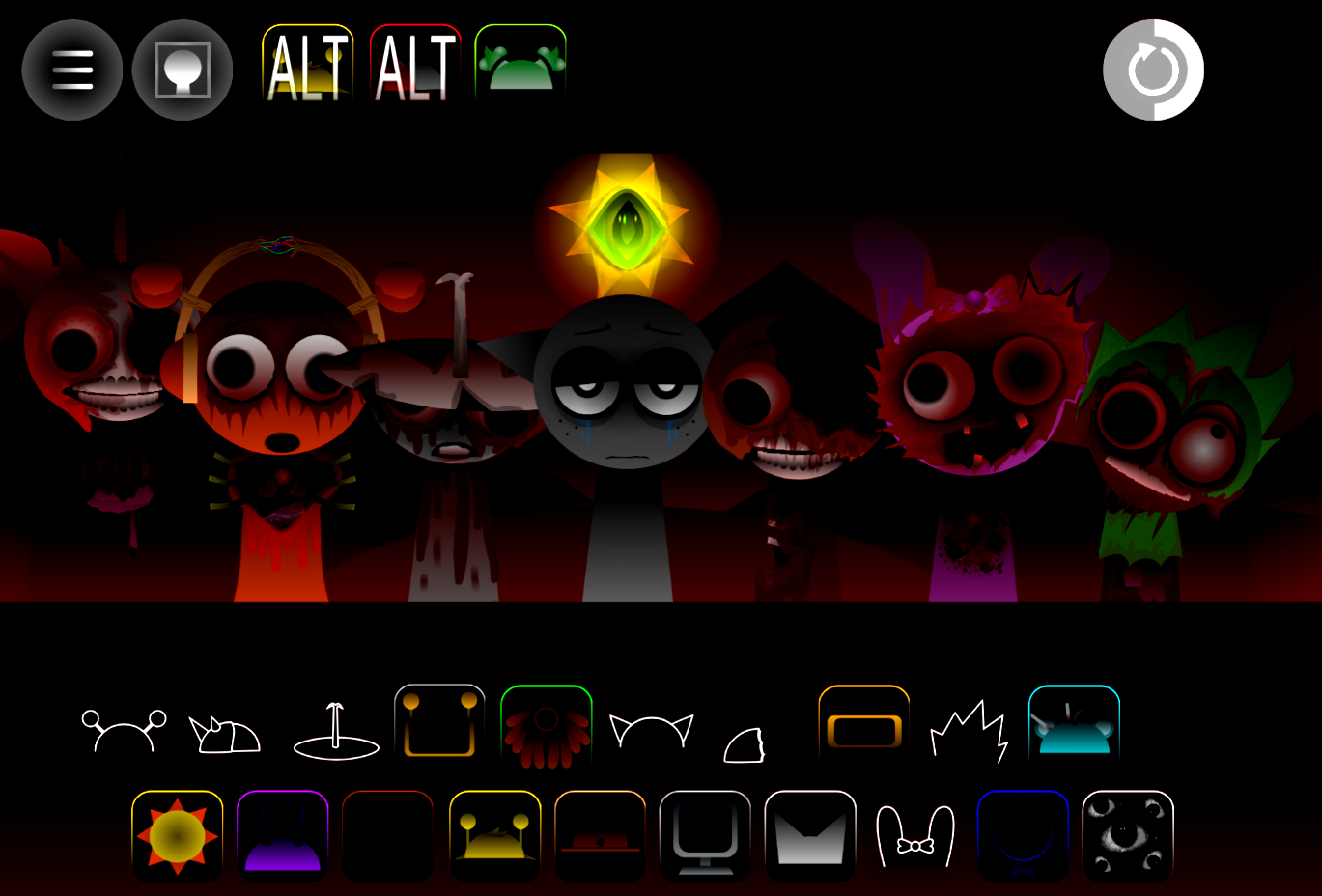
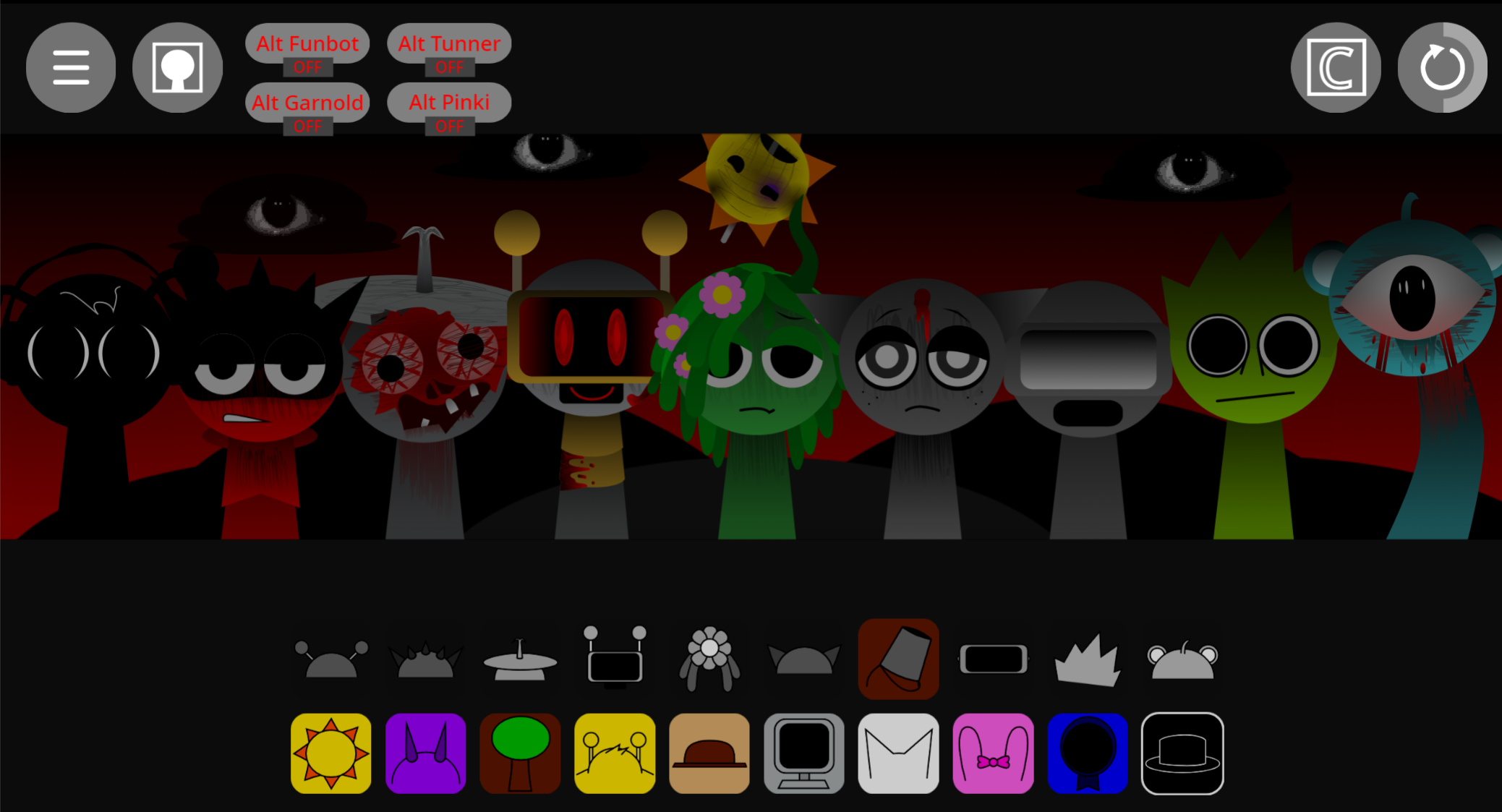
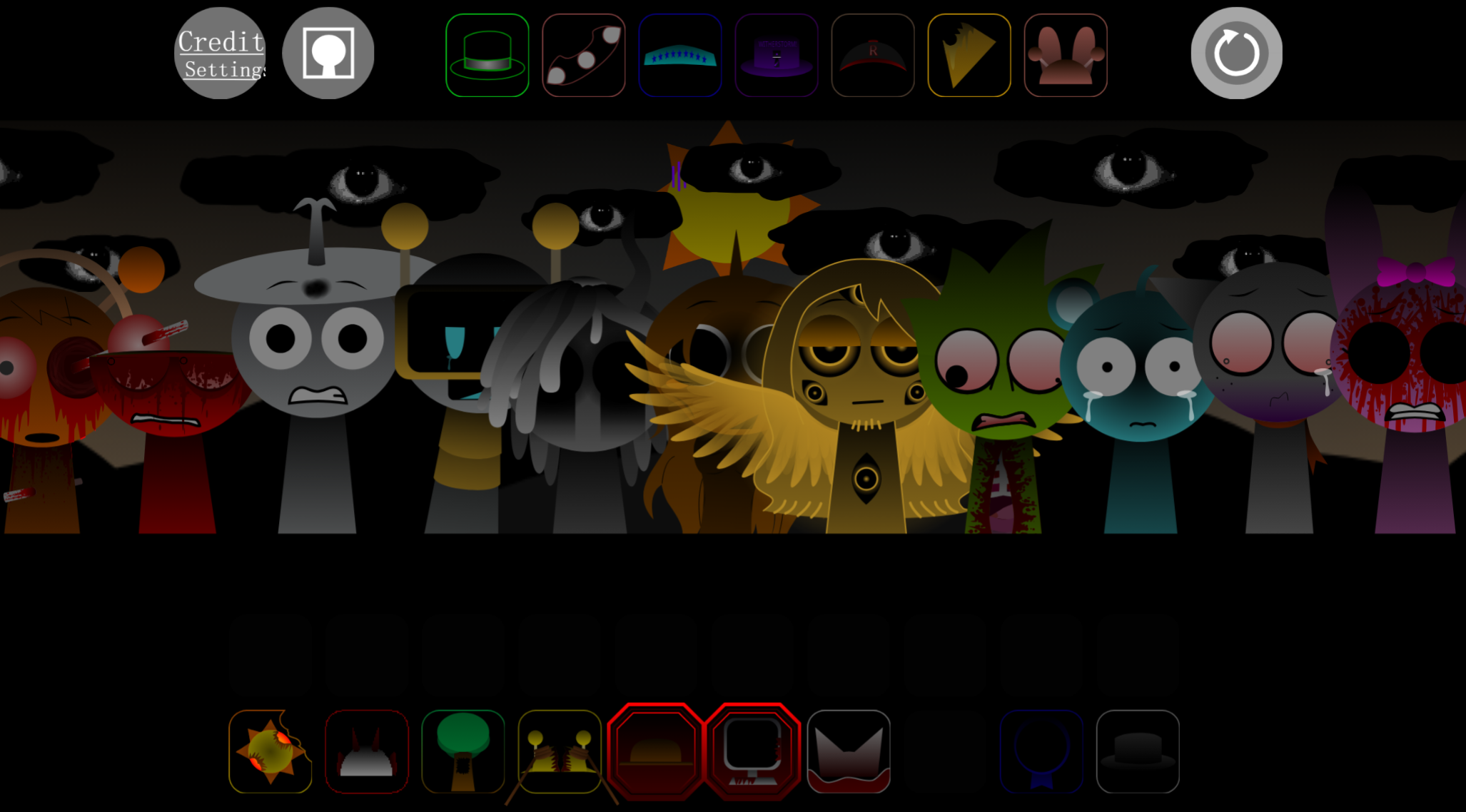
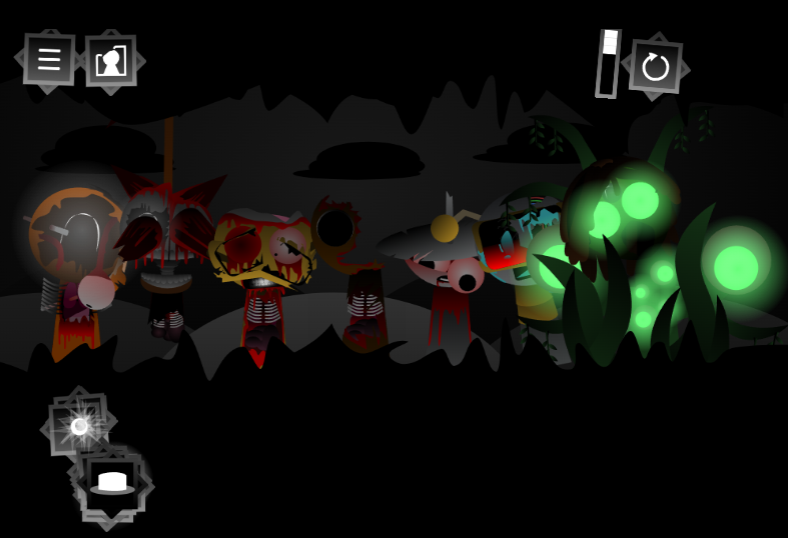
Its main identity is gentle and pastel-toned, but v10.1 also contains hidden horror and holiday variations that let curious players explore different atmospheres while retaining the character-based format.
How to Play Sprunki Sky and You v10.1
Play Sprunki Sky and You v10.1 in a web browser on abgernygames.org without download or installation.
Choose a character sound.
Select a Sprunki character for the beat, melody, vocal, or effect you want to hear.
Drag the character onto the stage.
Once placed, that character joins the active arrangement. Begin with a rhythm or simple melodic loop so the Track has room to develop.
Layer sounds gradually.
Add Sky, Mr. Sun, Tanner, BR, or other characters one at a time. Listening between additions reveals whether the mix needs more warmth, motion, melody, or space.
Swap combinations freely.
Remove a character when the arrangement feels crowded, or replace it with another loop. The lack of a timer makes exploration relaxed.
Use mix controls to refine the Track.
Volume adjustments, effects, mute, and solo controls shape the balance. Mute clears room for quieter parts; solo isolates what one character contributes.
Save or share a creation.
When a mix feels finished, save or share it with the Sprunki community for feedback and inspiration.
How to Paint with Sound in Sprunki Sky
Painting with sound means treating each loop as part of a larger musical picture. Start with one or two elements and pay attention to the space between them.
A steady beat can act as the background. Soft bells or melodies become brighter details, while effects and vocal layers create movement or atmosphere. As each character enters, the Track shifts: a light arrangement can become calm and dreamy, more rhythmic and warm, or deliberately unusual.
Build in short stages:
- Start with a foundation—a beat or chord loop.
- Add one melodic or atmospheric character.
- Listen to the blend before introducing another layer.
- Solo individual parts when a sound is hard to identify.
- Mute or remove anything that competes with the mood you want.
This flexibility is the mod’s main strength. Players can follow what sounds right without needing technical composition skills.
Key Features
- Anime-style Sprunki presentation: A floating pastel-cloud stage and expressive cast give the music interface a gentle animated identity.
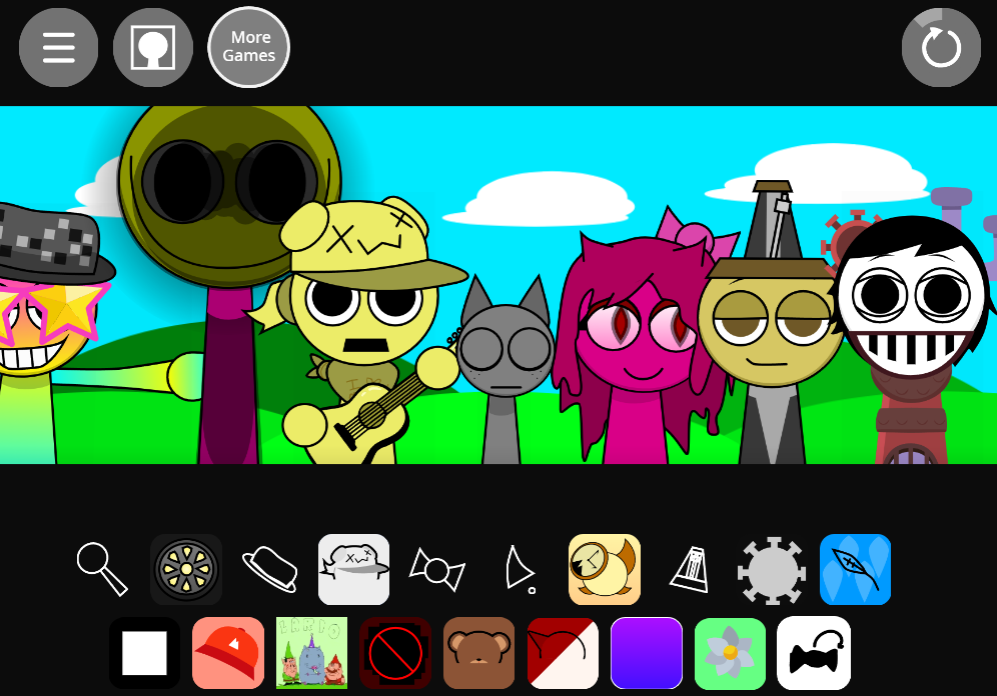
- Character-based sound mixing: Each Sprunki character adds a distinct layer—rhythms, melodies, chord sounds, effects, vocals.
- Sky-centered visual identity: Sky’s cyan design, rounded ears, hair strand, teddy-bear motif, and backstory details make him a memorable focal character.
- Distinct supporting characters: Mr. Sun contributes warm chords through his orange, spiky-rayed design; Tanner and BR expand the cast and sound palette.
- Simple drag-and-drop controls: Build Tracks without prior music-making experience.
- Mute, solo, volume, and effects options: Balance busy mixes with deliberate control.
- Customizable visuals and themed sound sets: Themed variations change the scene and mood.
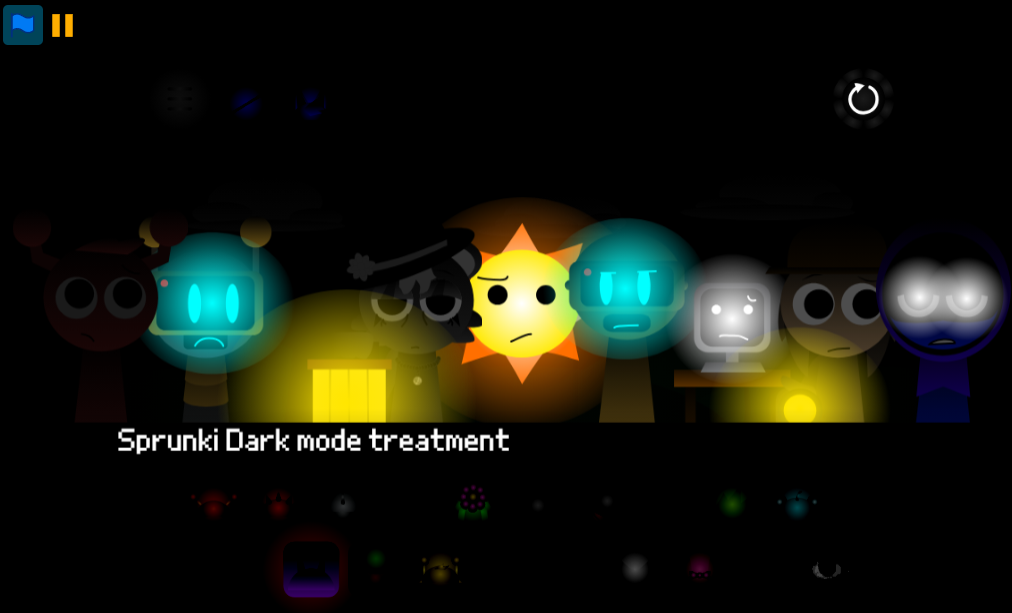
- Hidden horror and holiday content: Alternate variations provide contrast to the peaceful main aesthetic.
- Browser access: Play through a browser with no installation required on Sprunki Sky And You via abgernygames.org.
- Sharing potential: Save or share finished Tracks within the Sprunki community.
Related Games
- Incredibox Sprunki Mr sun treatment original — This Mr. Sun-focused Sprunki music mod is a direct follow-up for players interested in the warm chord character and the darker transformation themes hinted at in Sky and You v10.1.
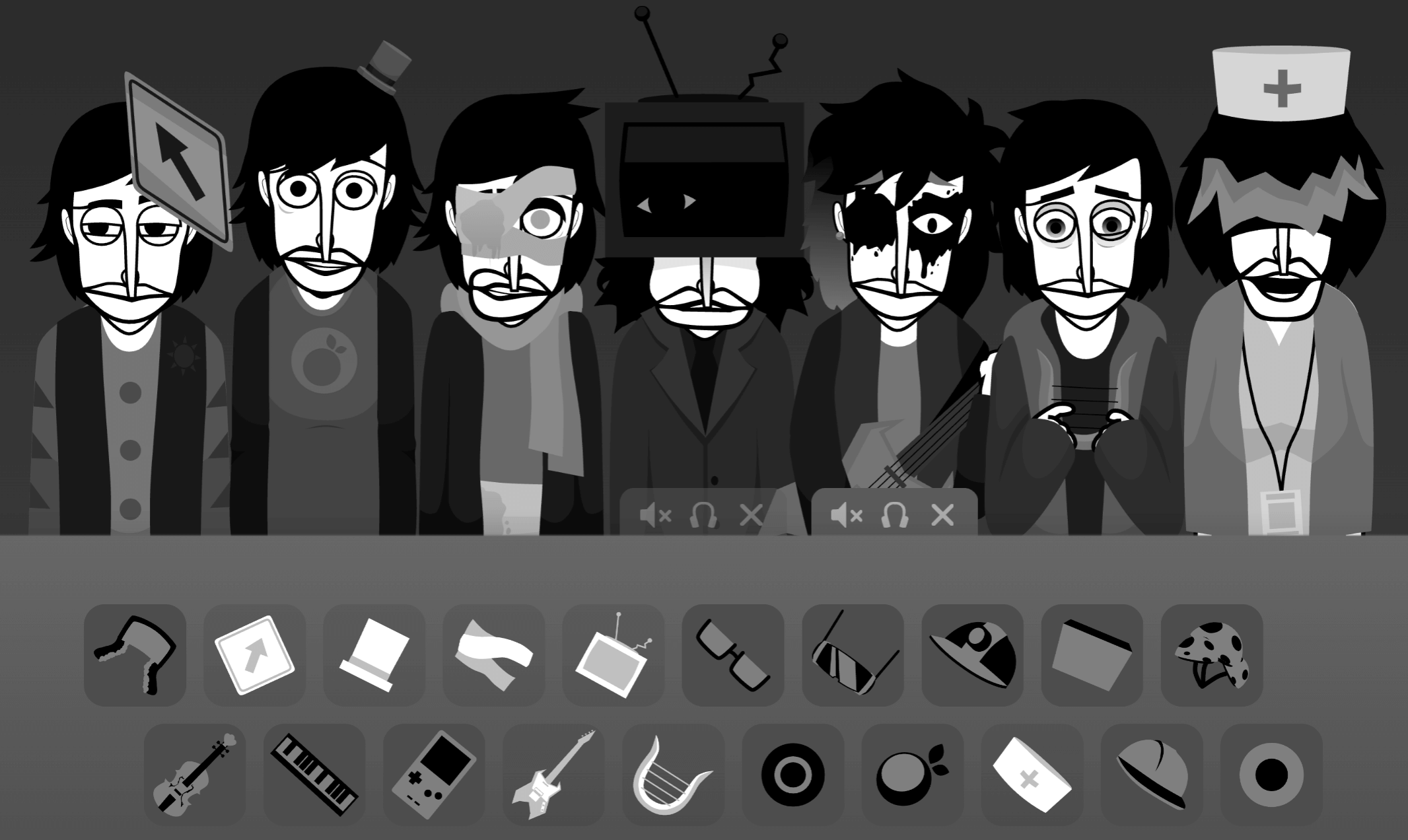
- Sprunki Pramixed Horror Mr Sun — Its horror-centered Mr. Sun variation suits players who want to explore the hidden unsettling mode and altered character presentation beyond the article’s calm pastel soundscape.
Enjoy!
Discuss
Loading comments...
Failed to load comments. Please try refreshing the page.