
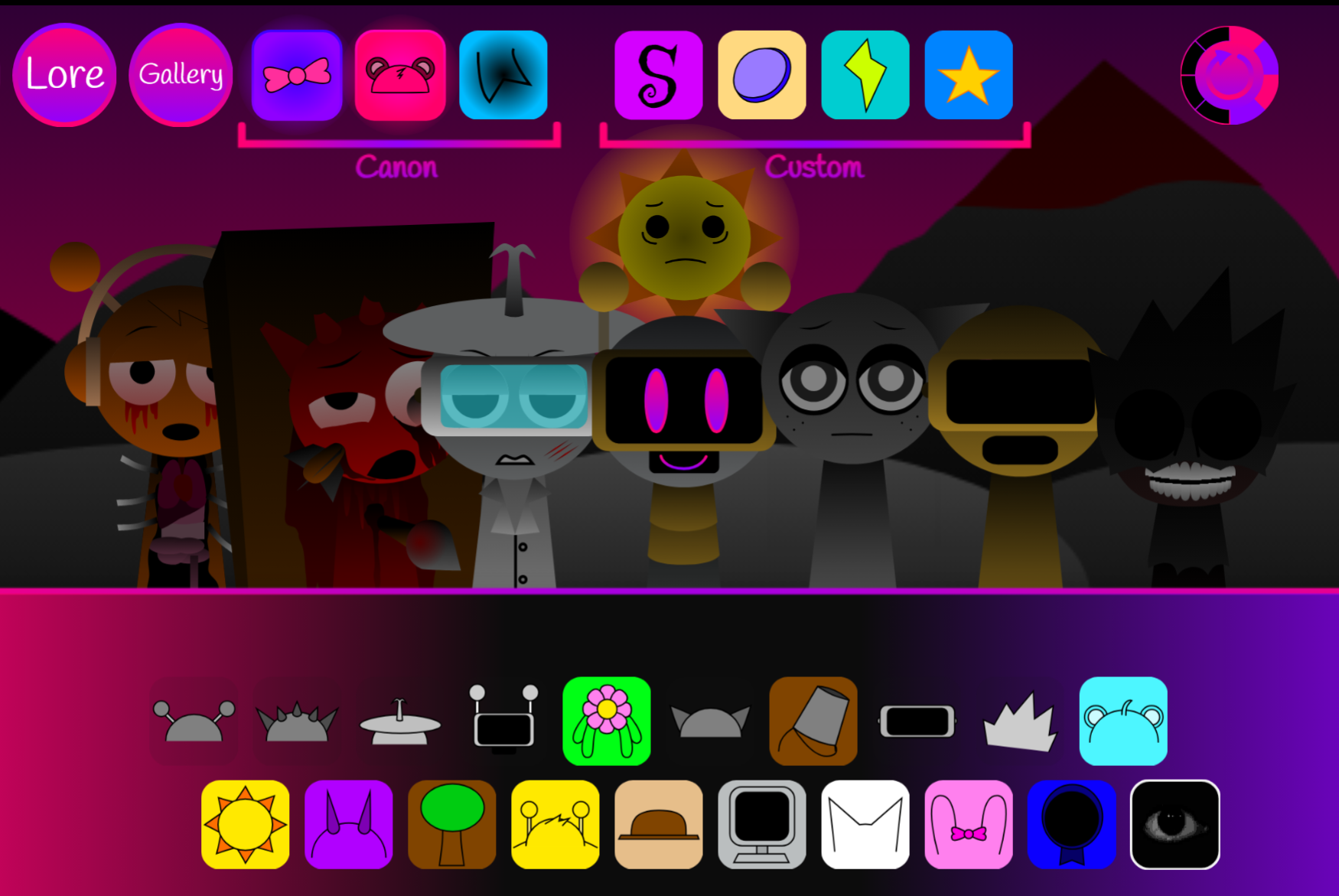
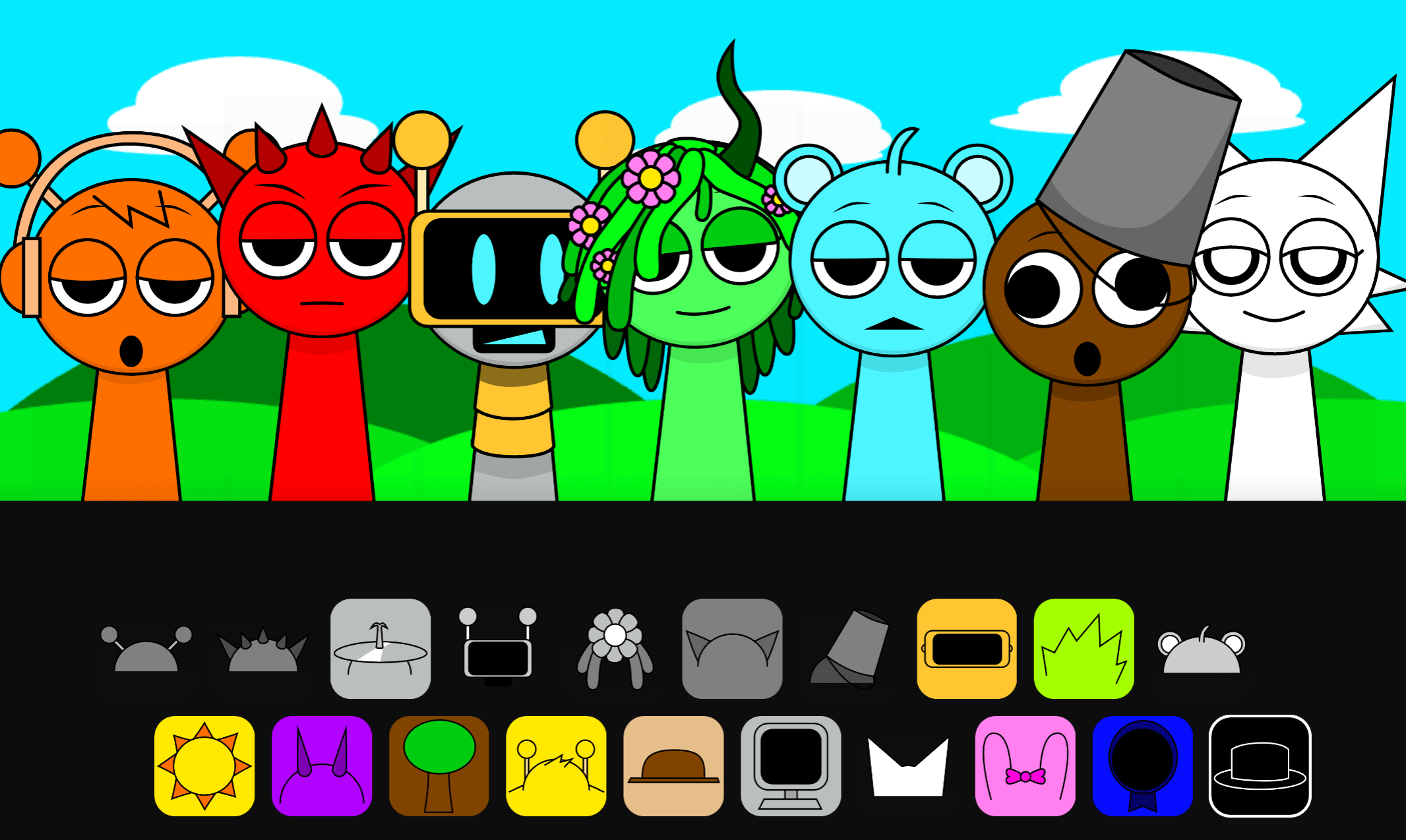
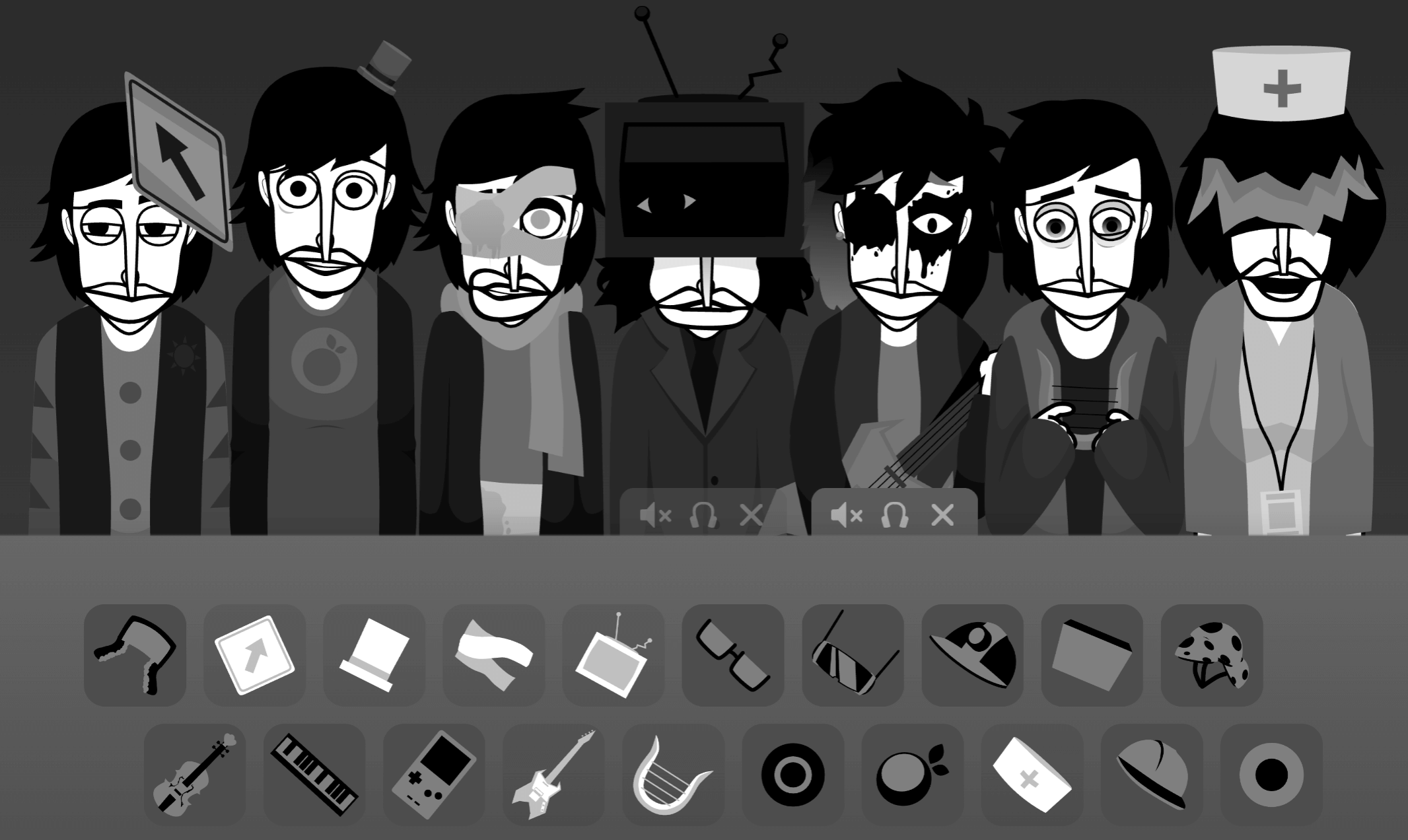
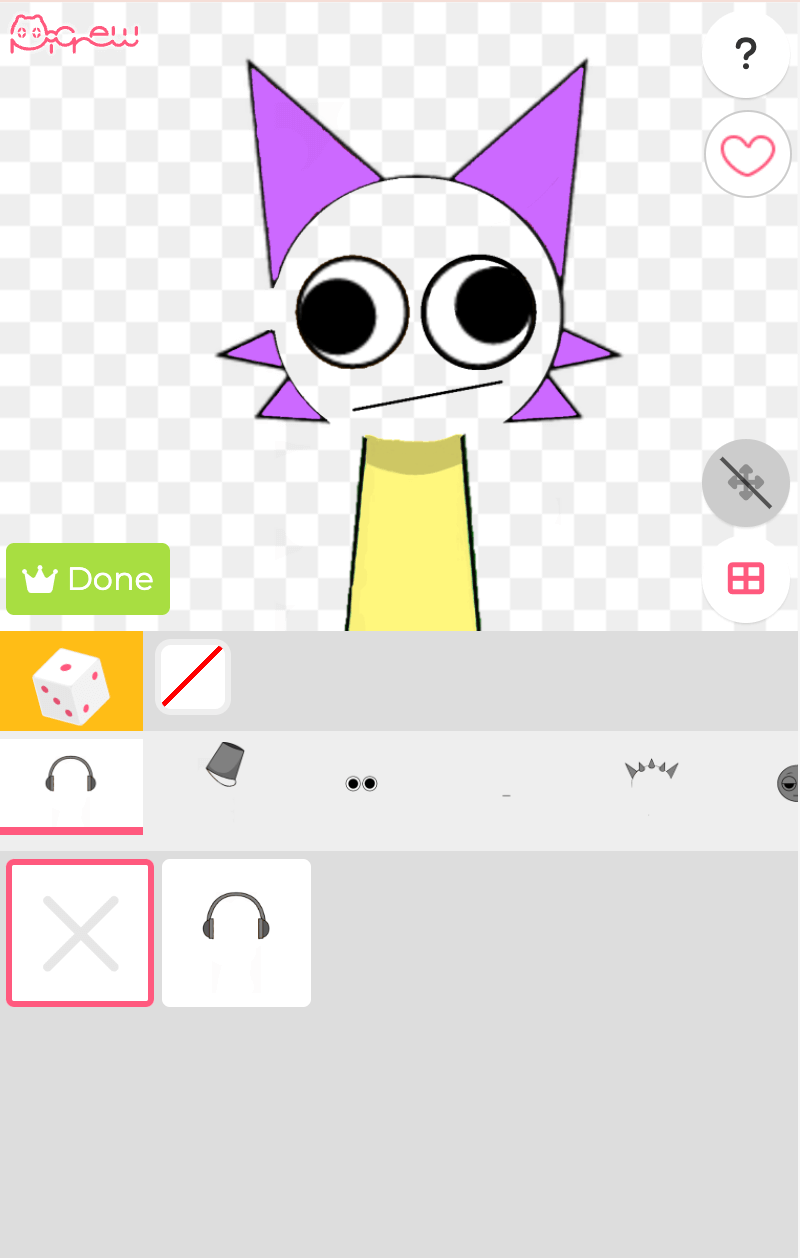


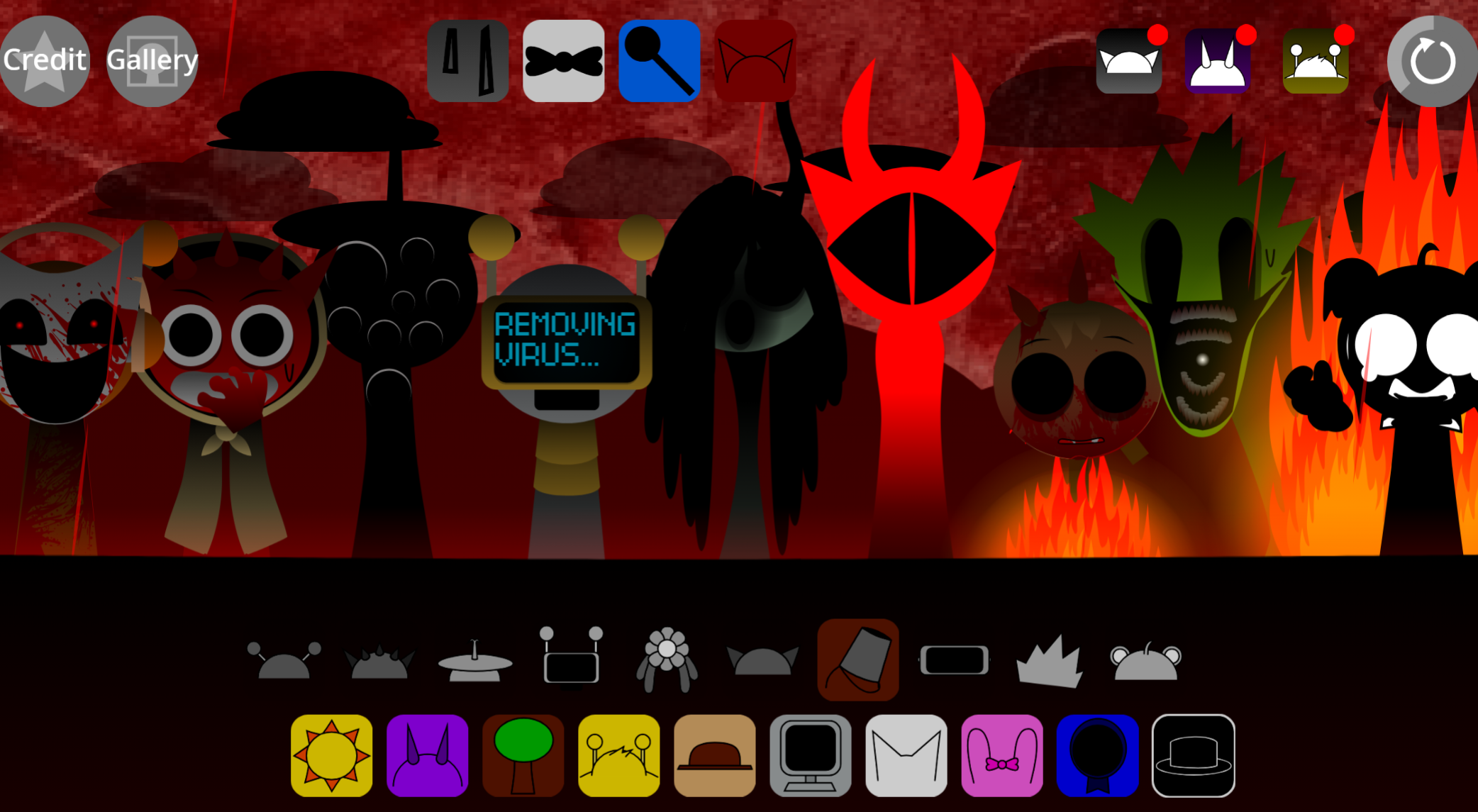
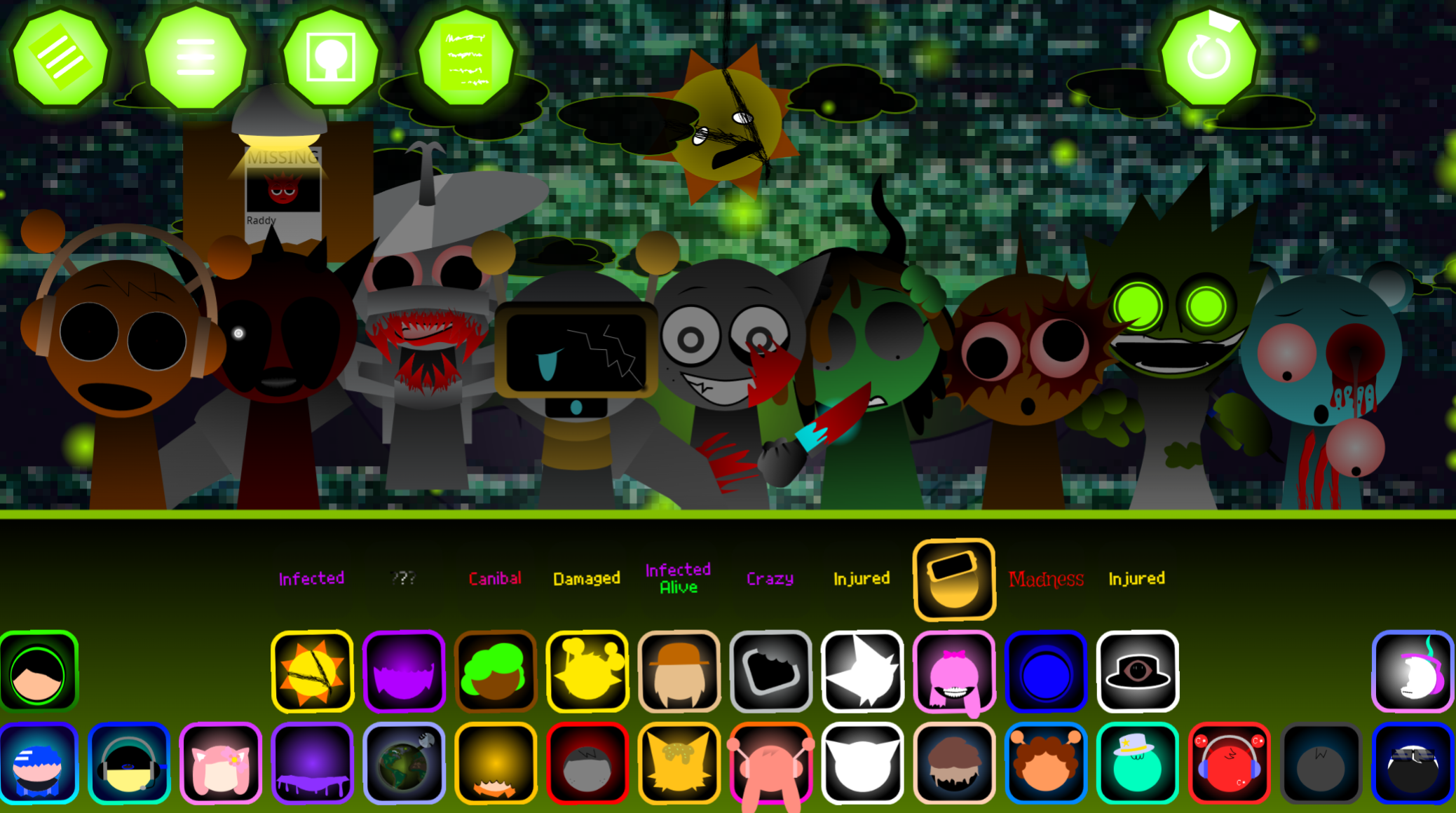
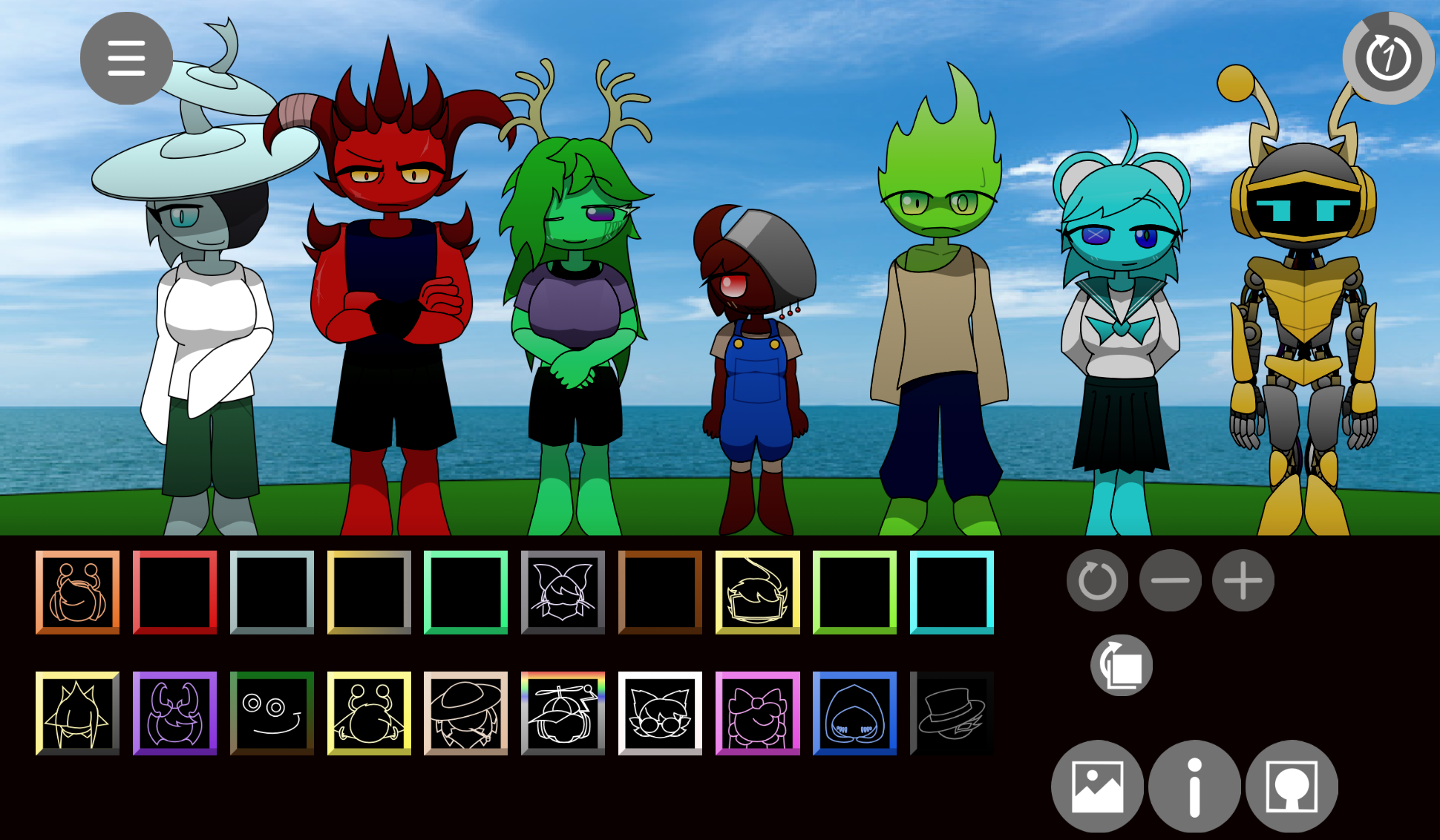
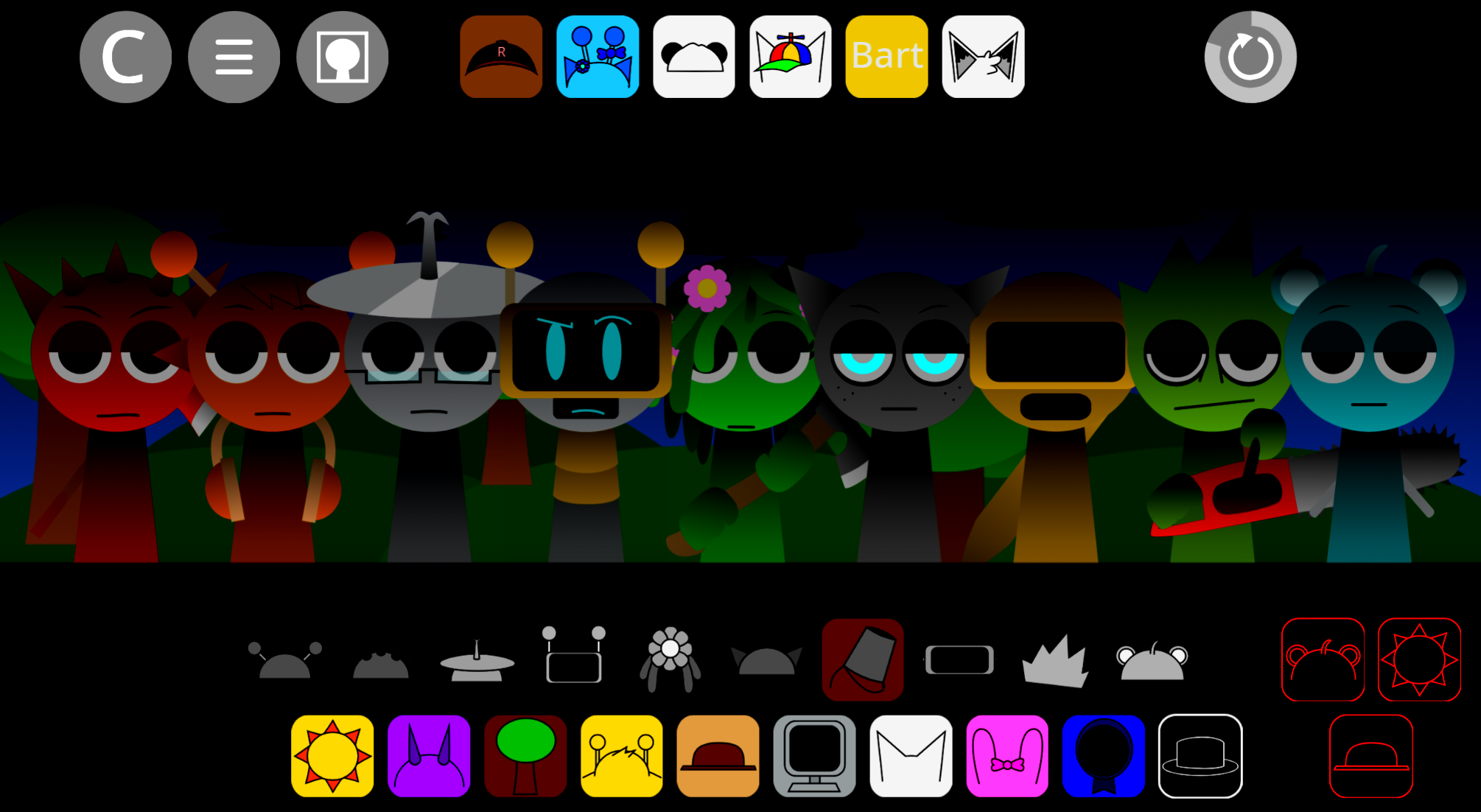
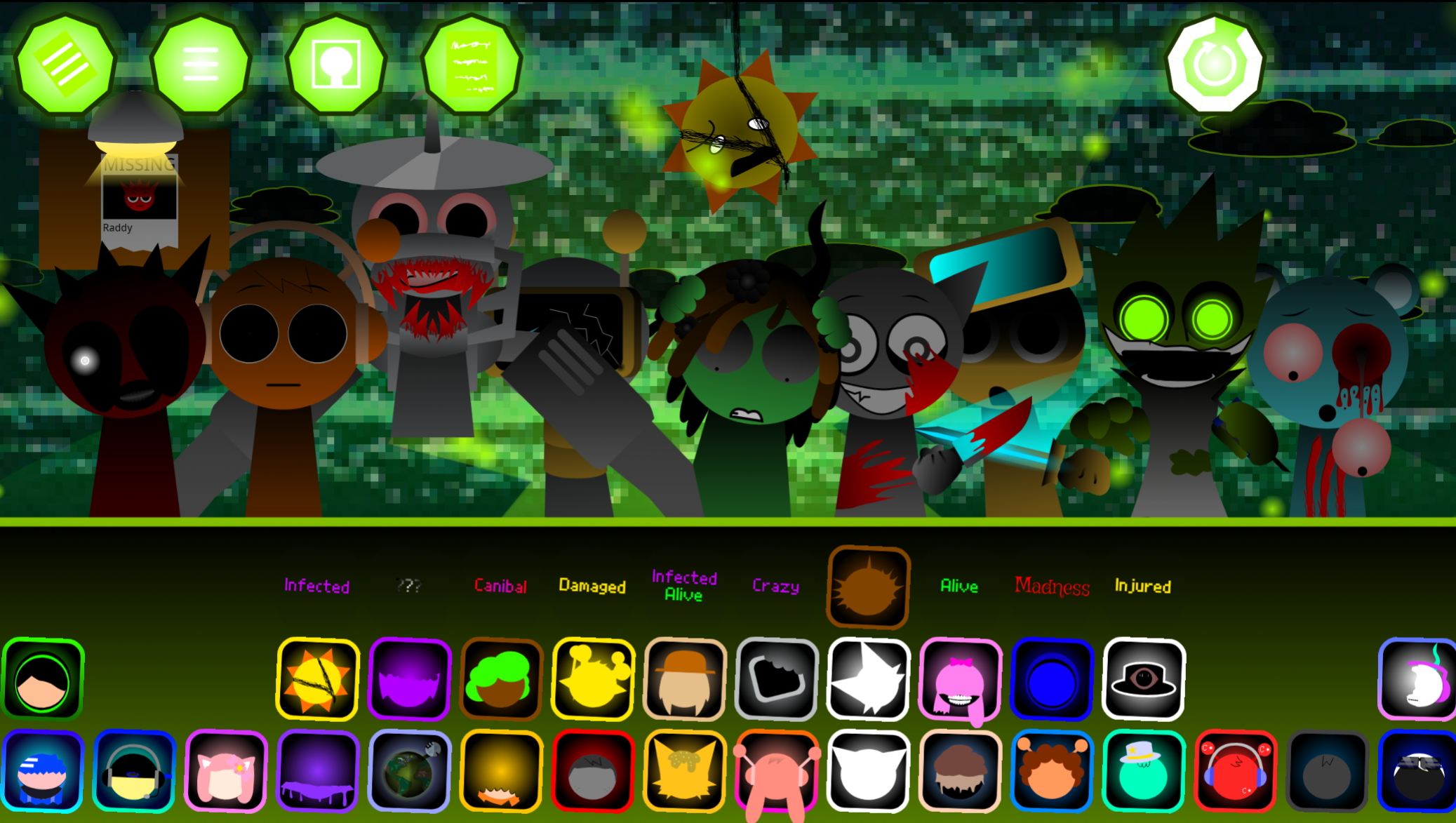
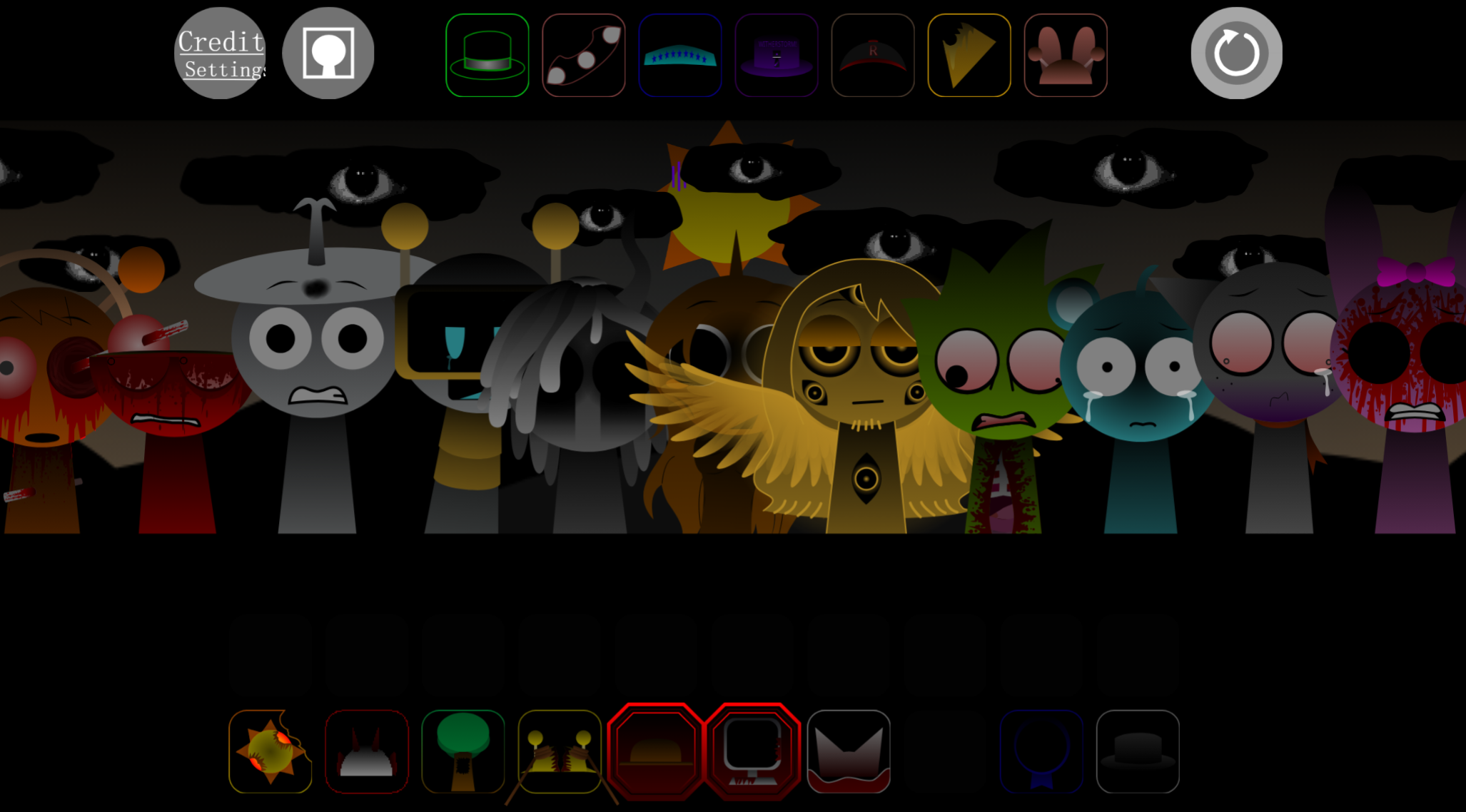
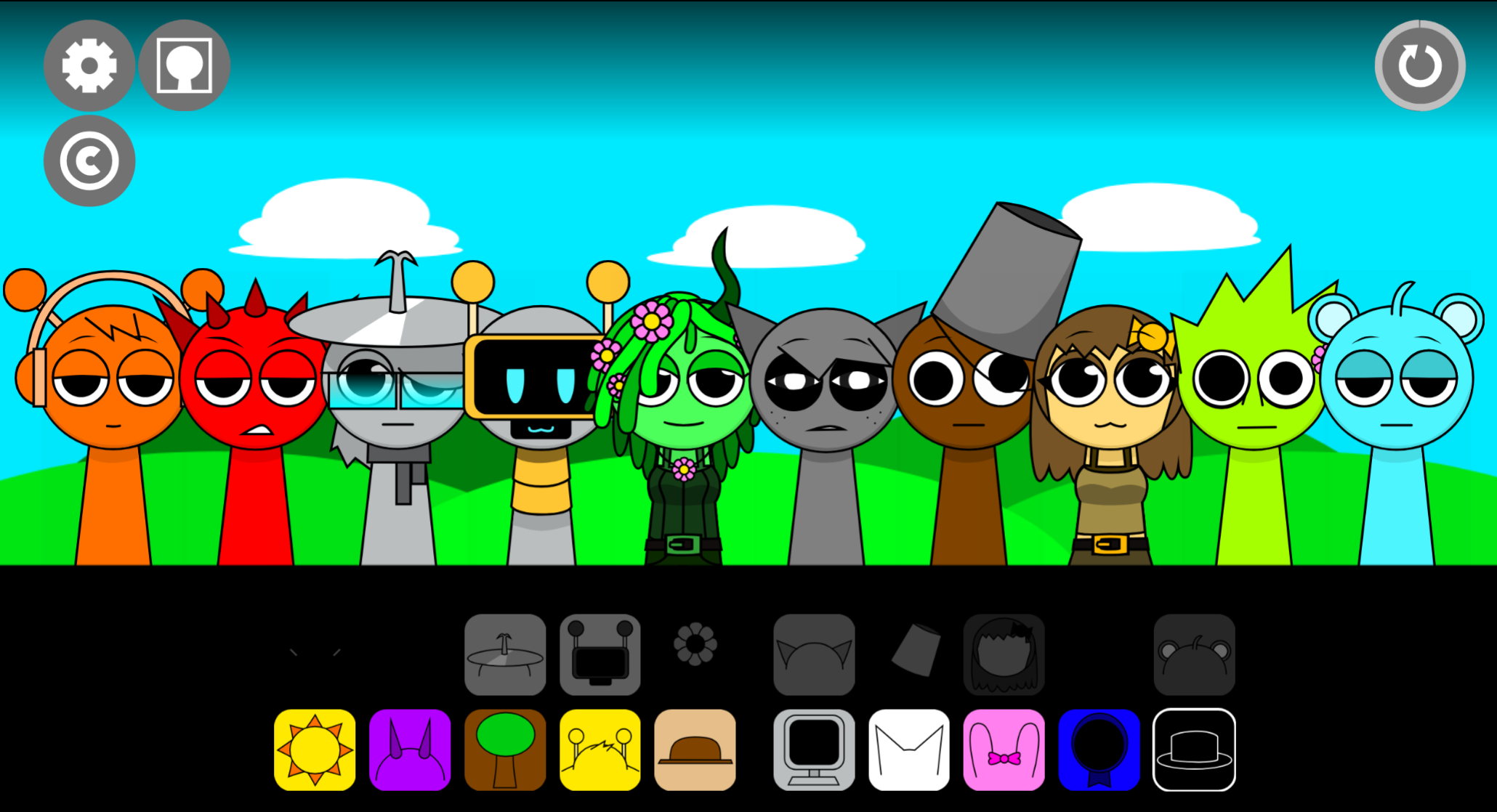
Sprunki Savage Jammy is a browser-based music mixer that layers the original Sprunki formula with two distinct character sets—Savage and Jammy—each bringing custom audio loops and visual styles.
The clearest difference from a basic variant is how these dual character collections reshape the mixing experience: Savage typically offers sharper, more aggressive sound design, while Jammy leans into melodic or rhythmic textures that feel deliberately crafted rather than recycled. This article walks through the features that make Sprunki Savage Jammy feel like more than a palette swap.
You’ll see how the custom audio for each character set changes what kinds of tracks you can build, how the interface handles two distinct modes, and what practical differences players notice when switching between Savage and Jammy lineups.
Features of Sprunki: Savage Jammy
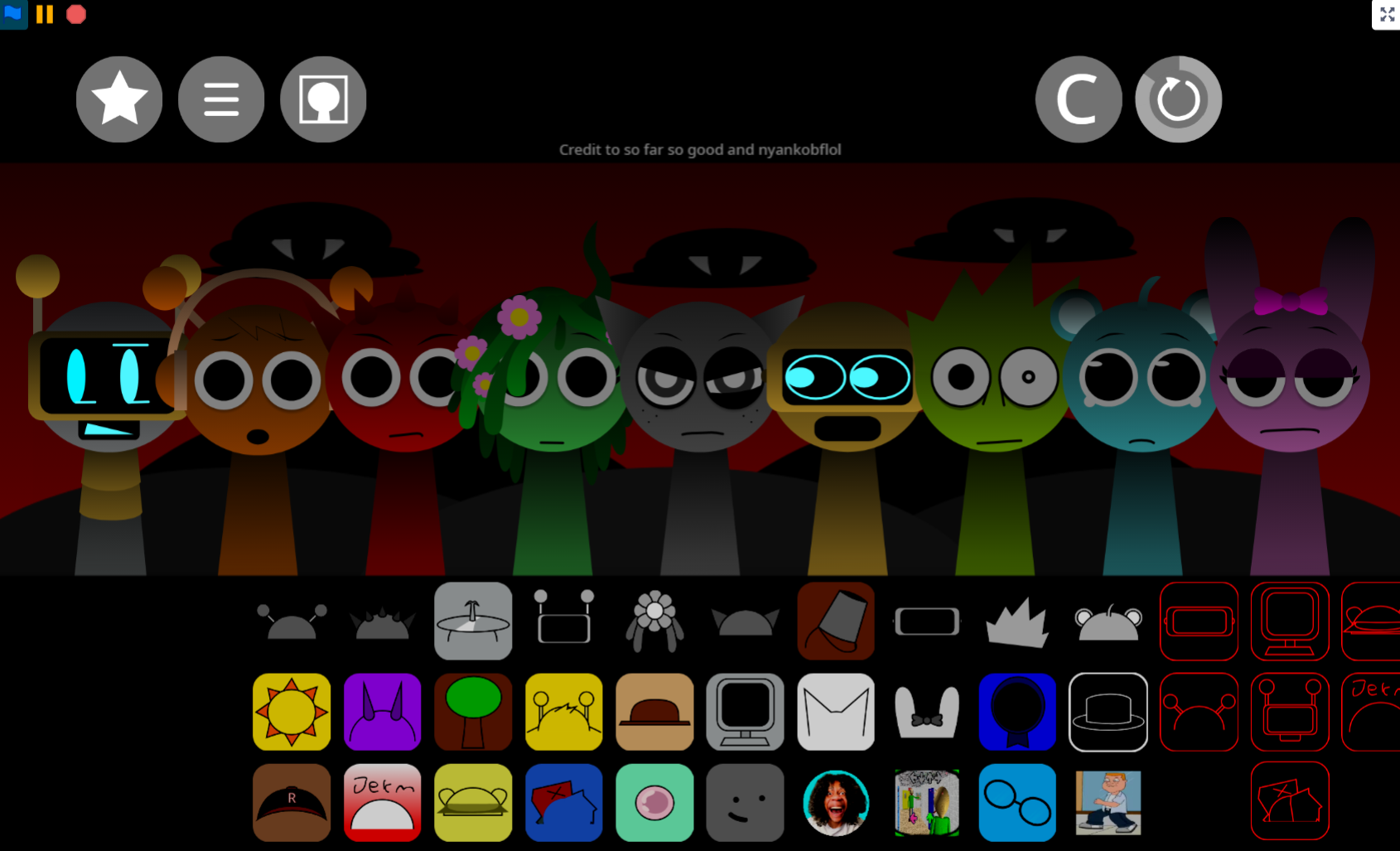
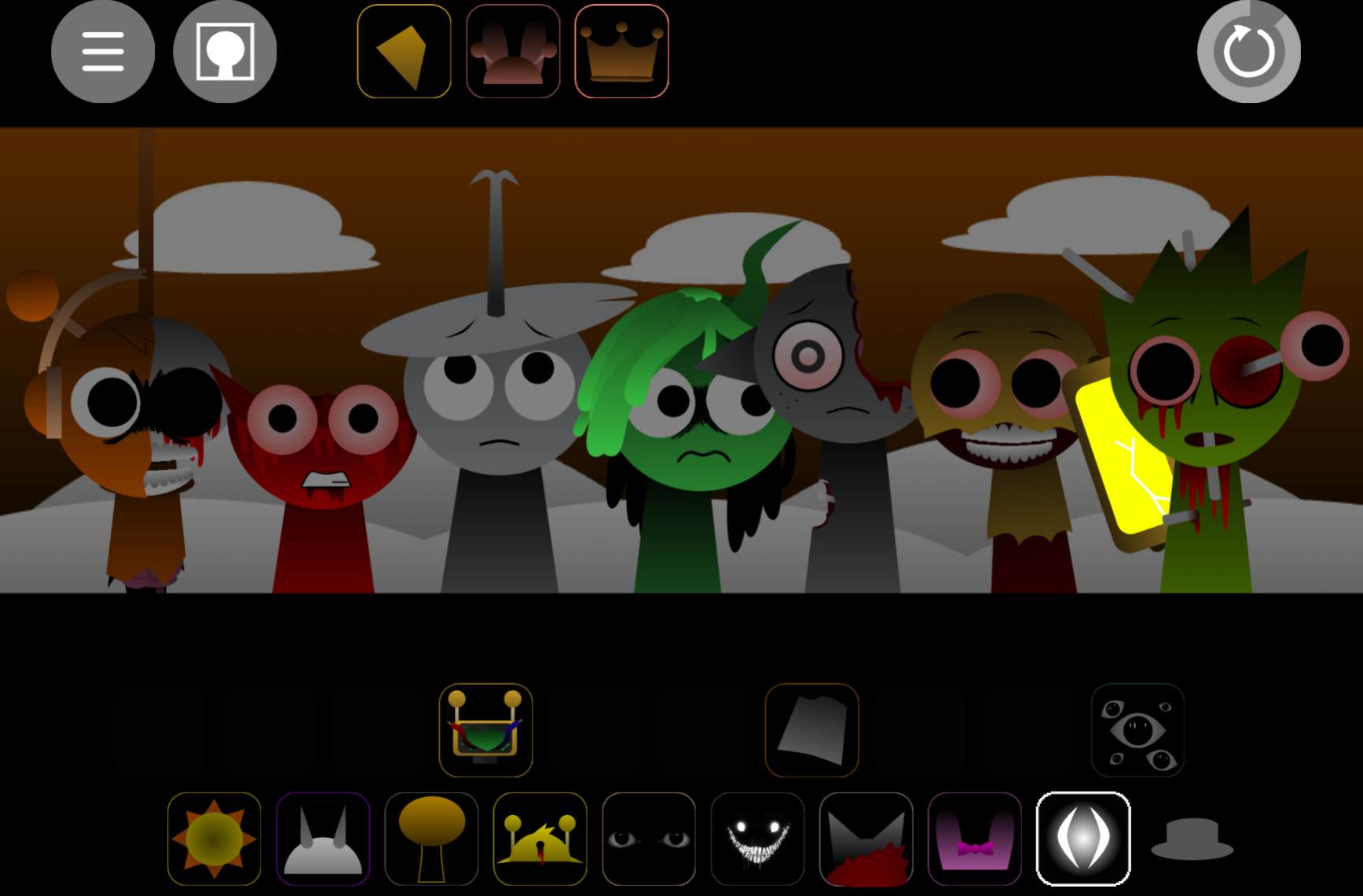
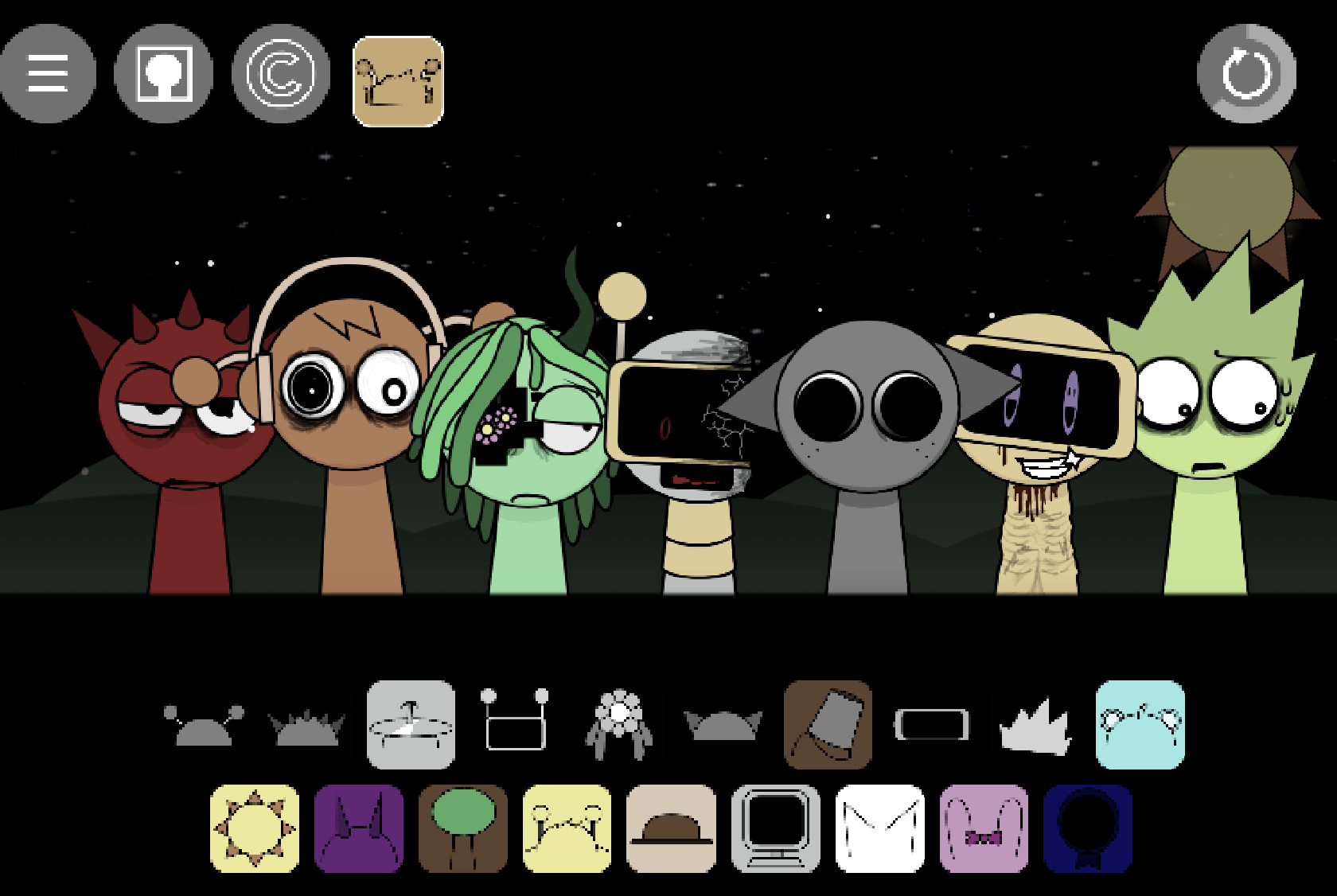
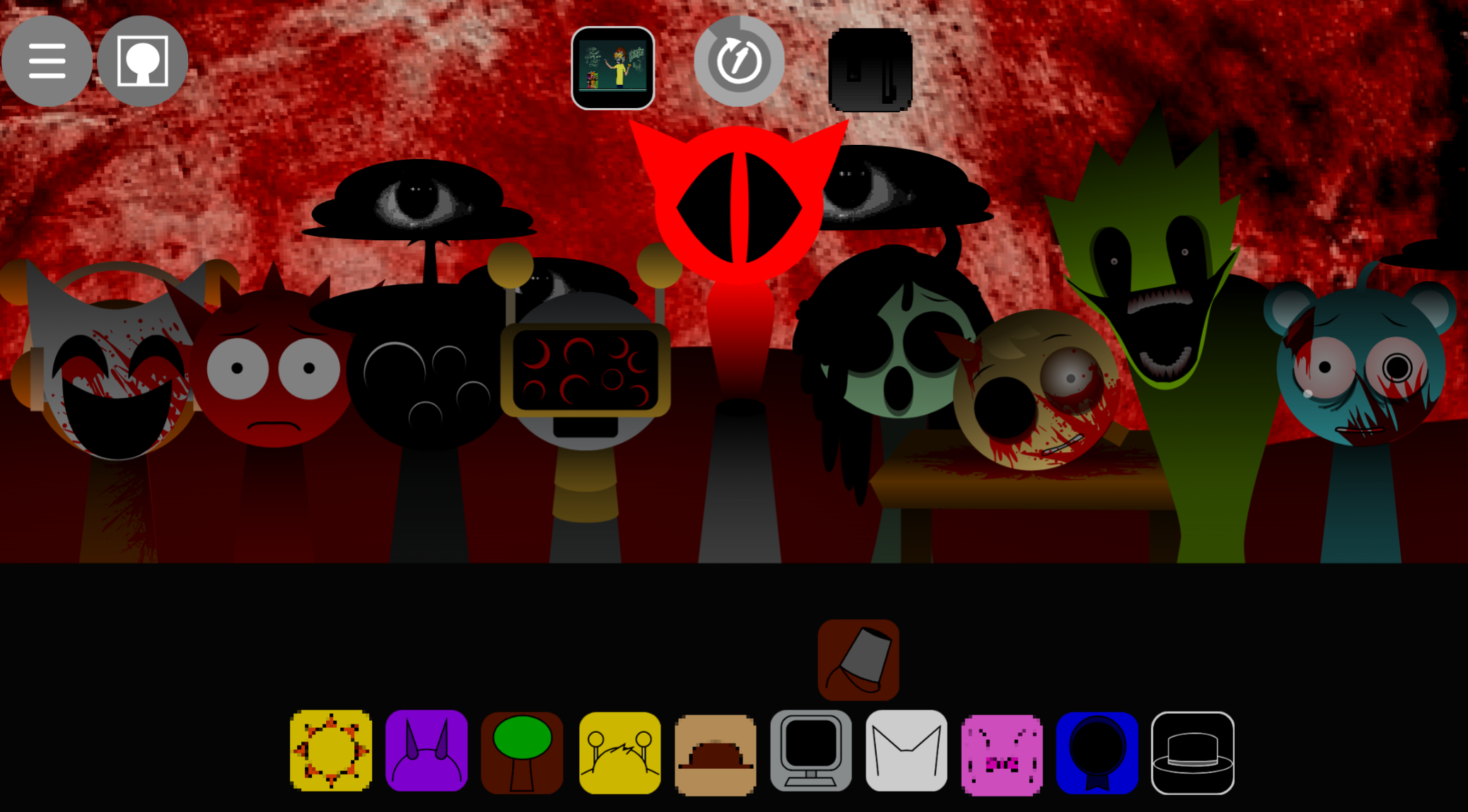
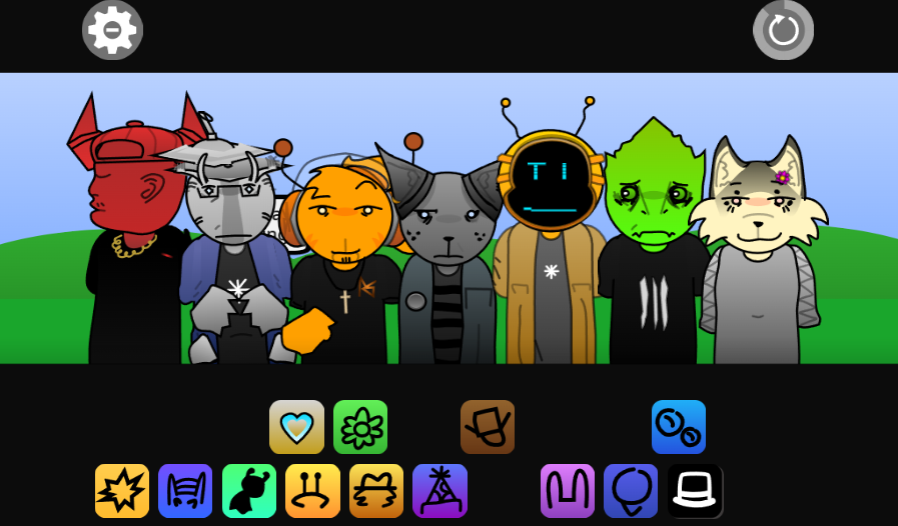
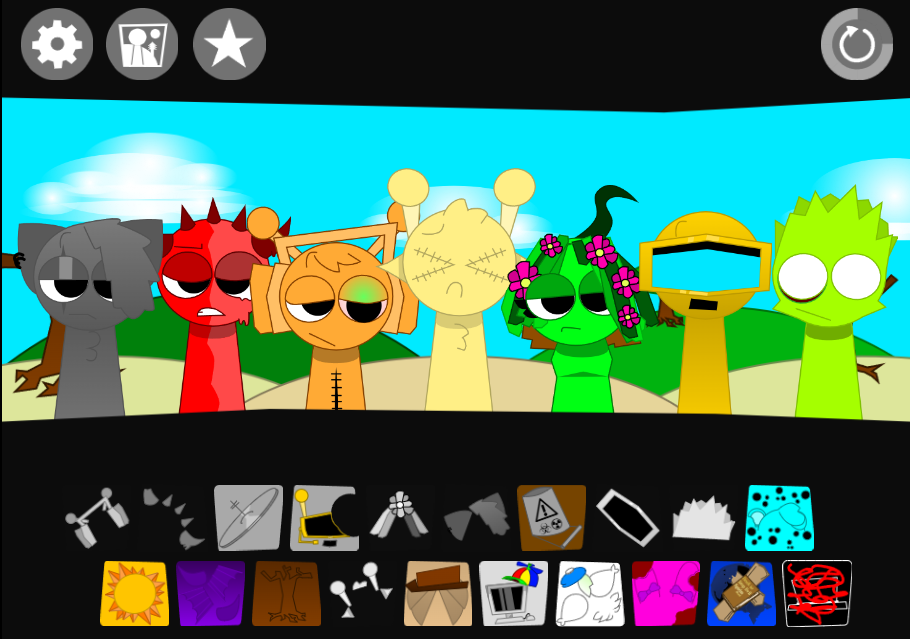
Sprunki: Savage Jammy is a browser-based music mixer where players drag characters onto a stage to build layered tracks. Each character adds one audio element—rhythm, vocal, melody, or effect—along with its own animation.
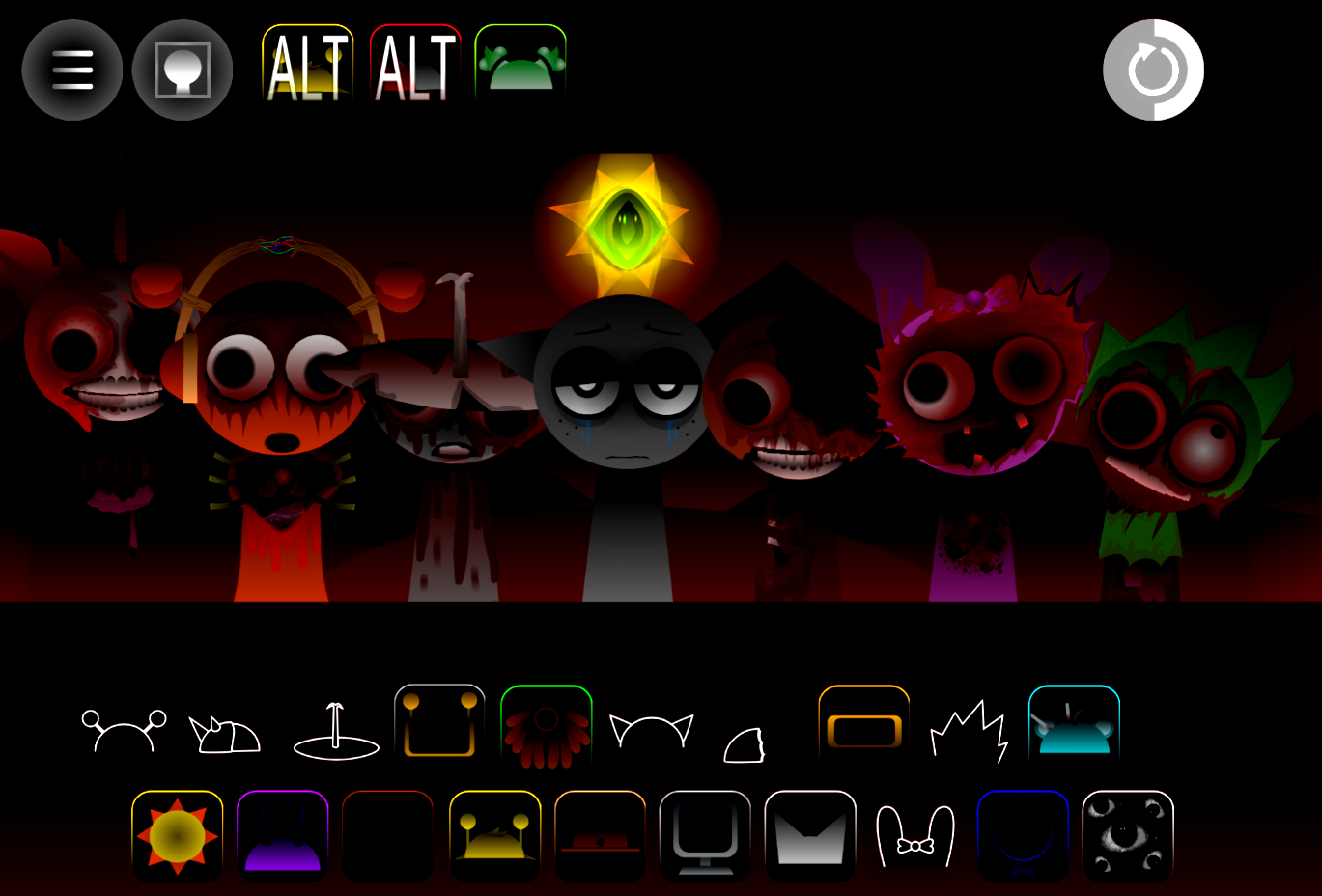
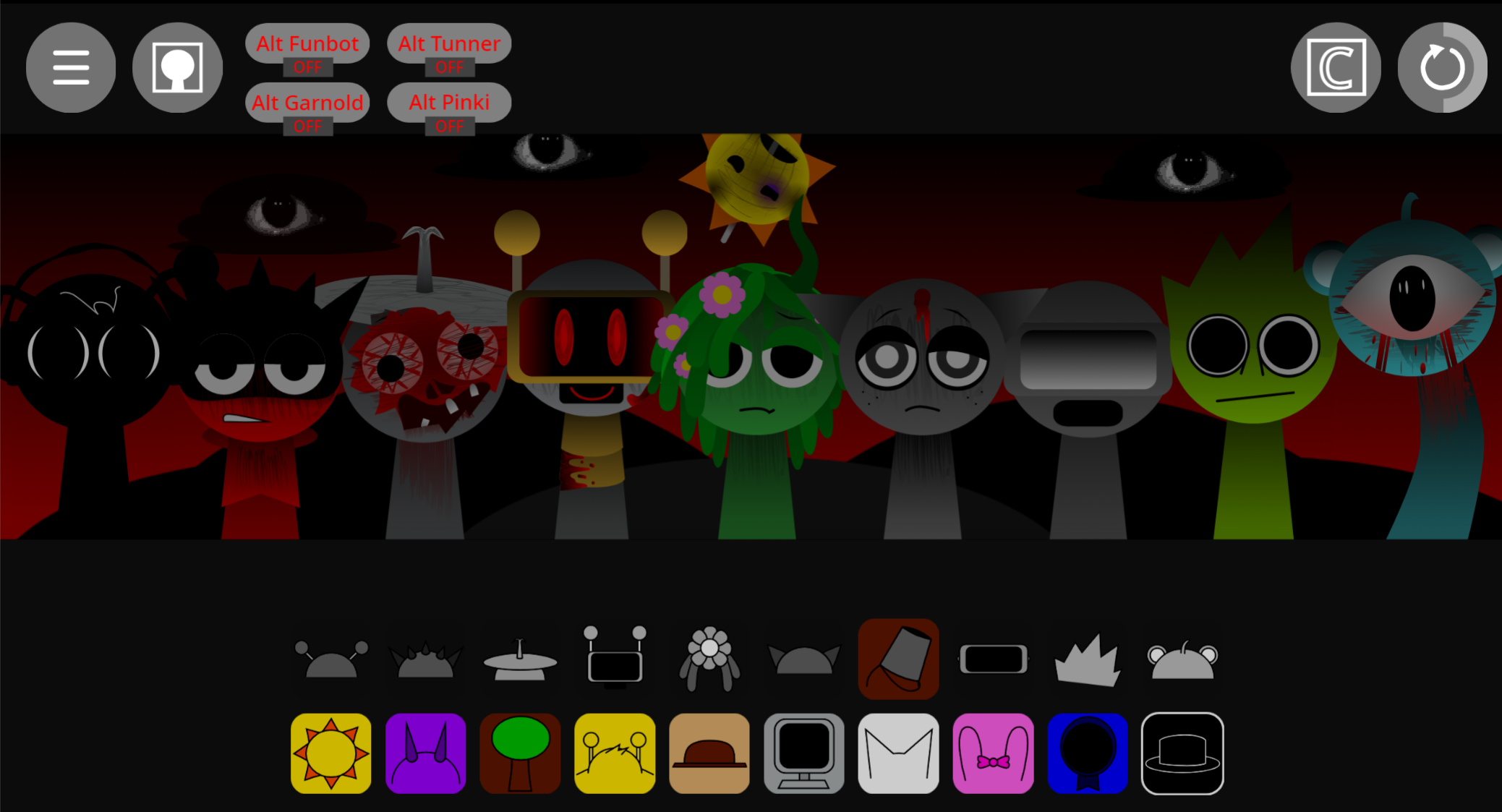
Created by @arthur_blueyboy in version V1.0, the mod uses aggressive soundscapes and character designs that some players recognize from internet animation culture.
Community member Omnipuppets noted “Nice Double Kill references” in the visual cues, while others ask “is that Jack from the tuff gc” when examining character profiles, each with distinct icon, style, gender, age, and sound.
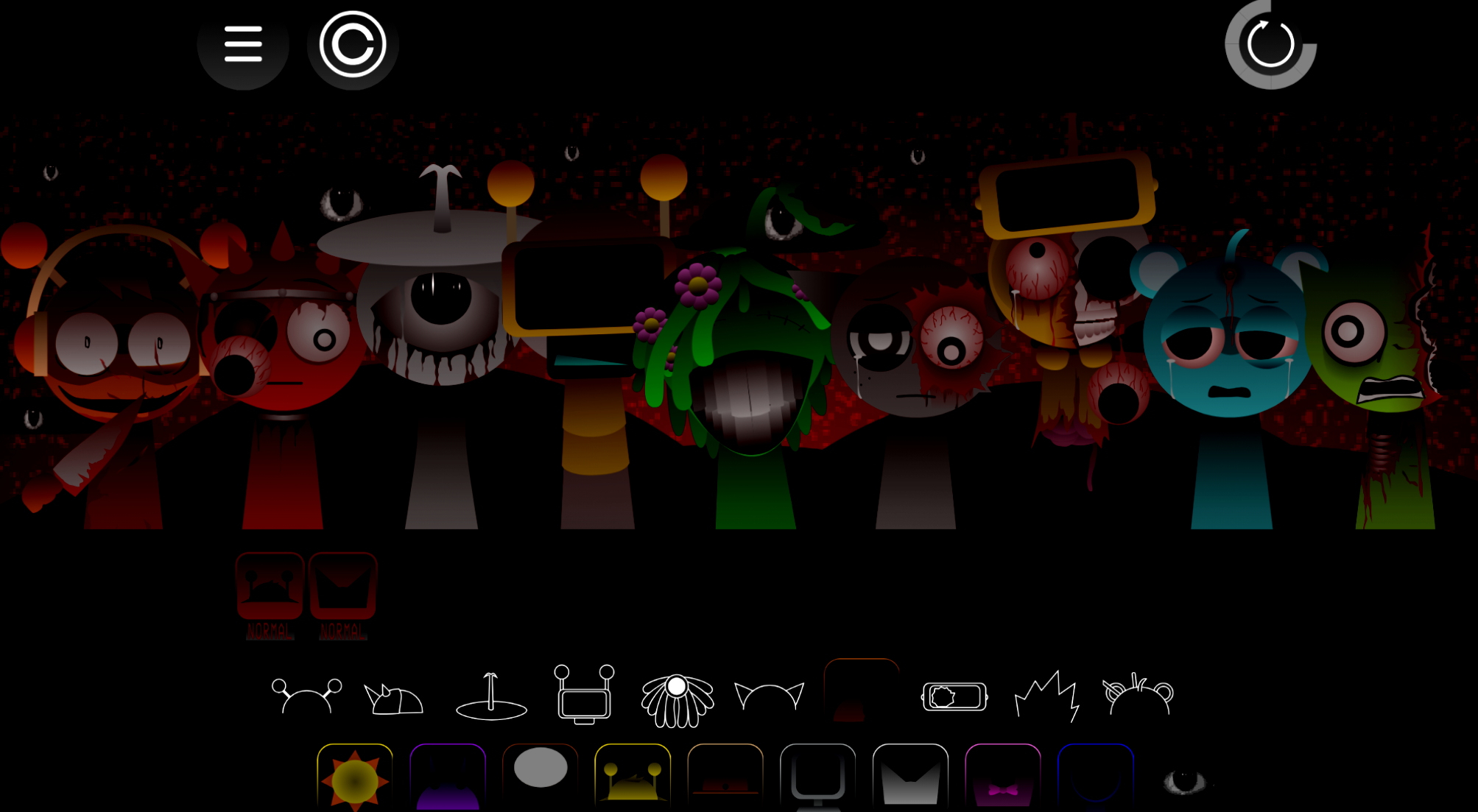
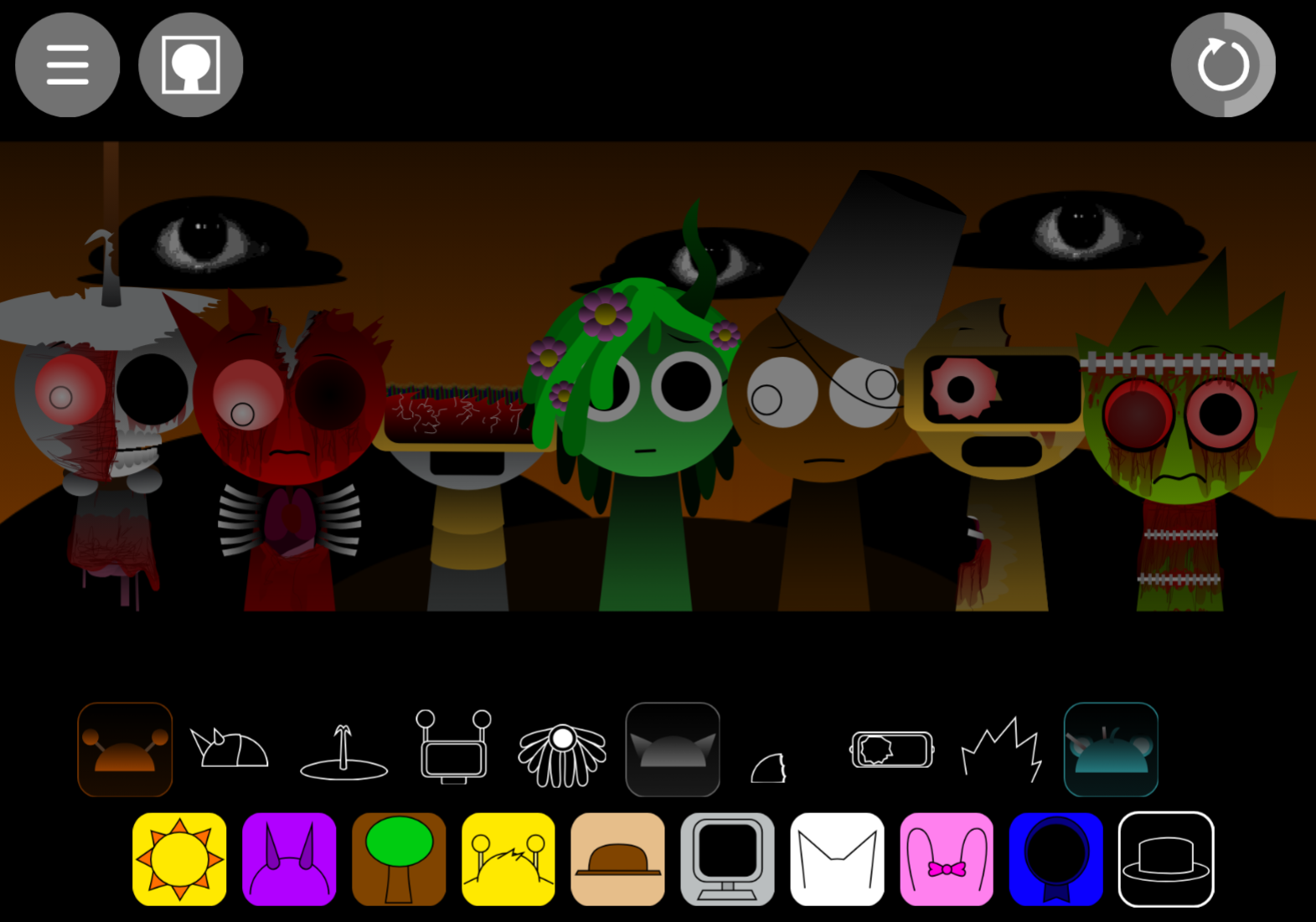
The Custom Audio library provides rough, high-energy sounds that encourage players to stack clashing beats and darker Phase-style layers into deliberately chaotic tracks. Choosing a character affects rhythm, texture, and performance, not just visuals.
Key features:
- Character-based Custom Audio: Each Sprunki character supplies one musical role—beat, vocal, melody, or effect.
- Mix-and-match sound combinations: Swap and layer characters to create different arrangements. Some pairings produce hybrid animations or unlock secret mods and phases.
- Visual stage feedback: Animated character reactions show how the performance develops, making the Grid feel like a live stage show.
- Mix controls: Volume adjustments, mute, solo, and remove controls help isolate layers when heavy Savage beats overwhelm the track.
- Community combo discovery: Fan mixes demonstrate effective layering patterns while leaving room for original pairings.
How to Play Sprunki: Savage Jammy
Open the game at abgernygames.org and drag a character onto the stage to establish the first loop. Add characters gradually, listening to how each beat, melody, effect, or vocal changes the mix.
No single arrangement is correct. Clearest mixes usually start with a rhythm-focused character rather than filling every slot immediately.
- Choose a core beat. Start with the strongest rhythm or most aggressive beat icon.
- Add one supporting layer. Try an effect or secondary rhythm that reinforces the base.
- Test melodies and vocals. Add Jammy-style melodies, offbeat vocals, or strange effects one at a time.
- Swap instead of overcrowding. If the track sounds cluttered or glitchy, remove one layer before adding another.
- Use the Grid controls. Mute or solo characters to identify problem loops, then adjust volume or replace that sound profile.
- Watch for visual changes. Character animations and unusual phase-like details can point toward interesting combinations or community-discussed easter eggs.
Related Games
- Sprunki Crash Out Madness — Its madness-focused presentation is the closest follow-up for players who enjoyed building abrasive, high-energy mixes from Savage Jammy’s aggressive character loops.
- Sprunki Swap Remix of Retake but Sprunki Style — The remix-and-swap concept suits players interested in Savage Jammy’s crossover-like character reinterpretations and hidden-reference hunting.
Mastering the Savage Jammy Grid
The Grid works best when treated like a live mix. Every character fills a role, and the goal is giving the loudest sounds room to land.
A heavy beat can carry the arrangement while a melody, vocal, or Custom Audio effect adds Jammy personality. The strongest “unhinged” mixes balance punchy rhythm with only a few weird accents. Too many competing loops bury the beat and turn intended chaos into accidental noise.
When a mix loses definition, solo the main rhythm and rebuild around it. Lower the volume of any Savage layer swallowing the melody, then test a replacement character rather than forcing every sound into the same arrangement. Community mixes reveal smart layering ideas, but unusual pairings may trigger unexpected animations, secret mods, or darker Phase-style results worth testing.
Discuss
Loading comments...
Failed to load comments. Please try refreshing the page.