
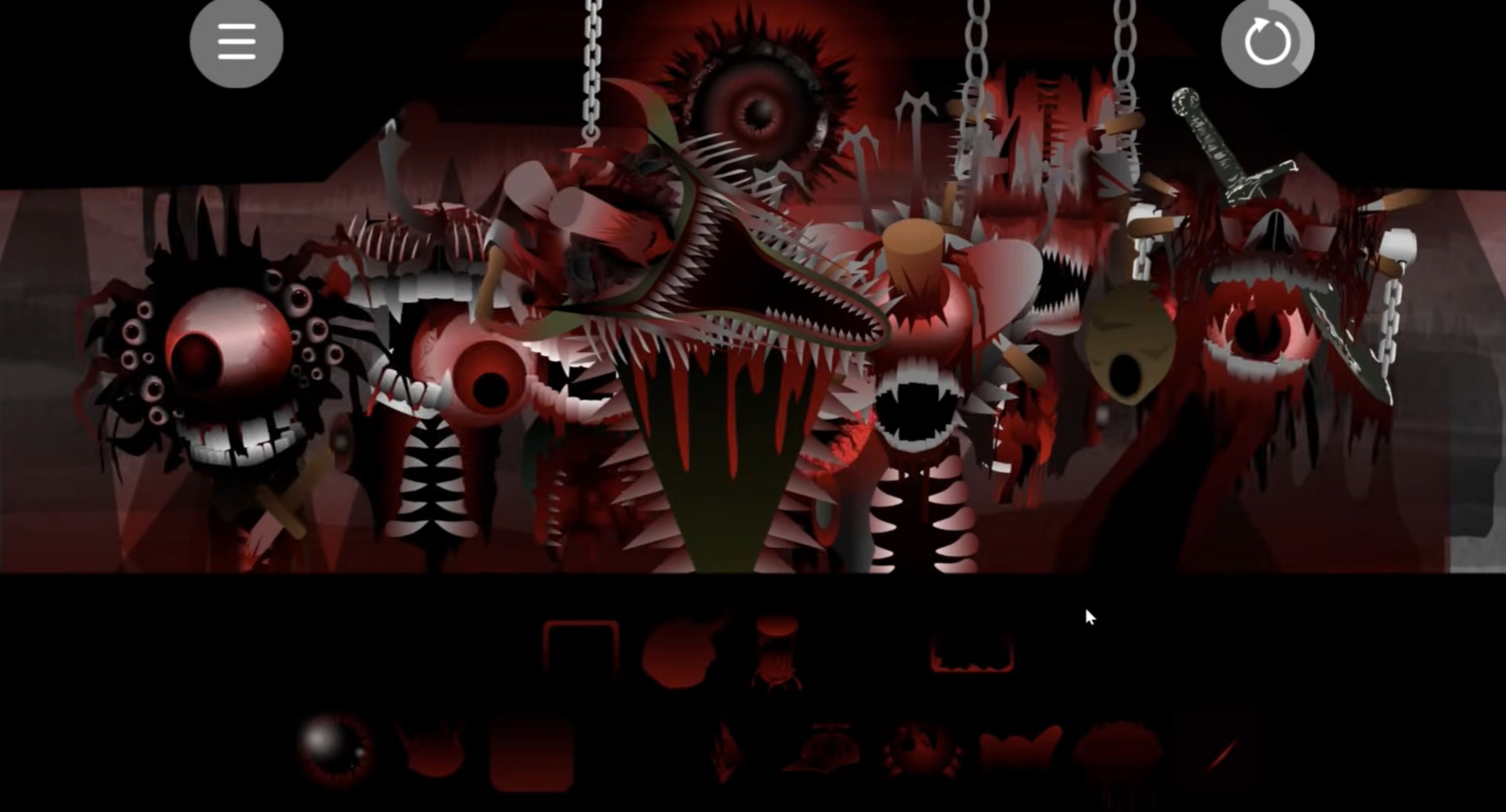
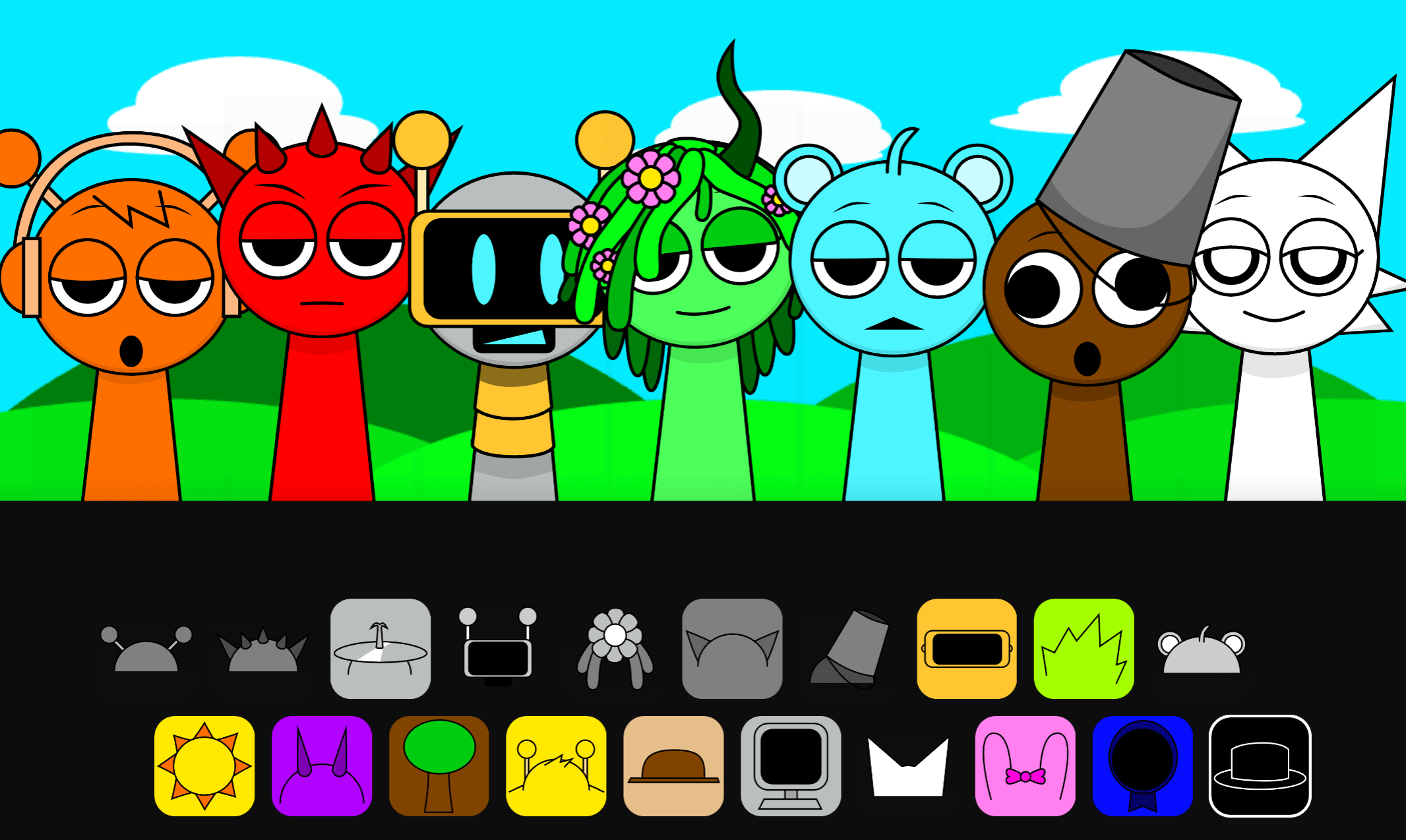
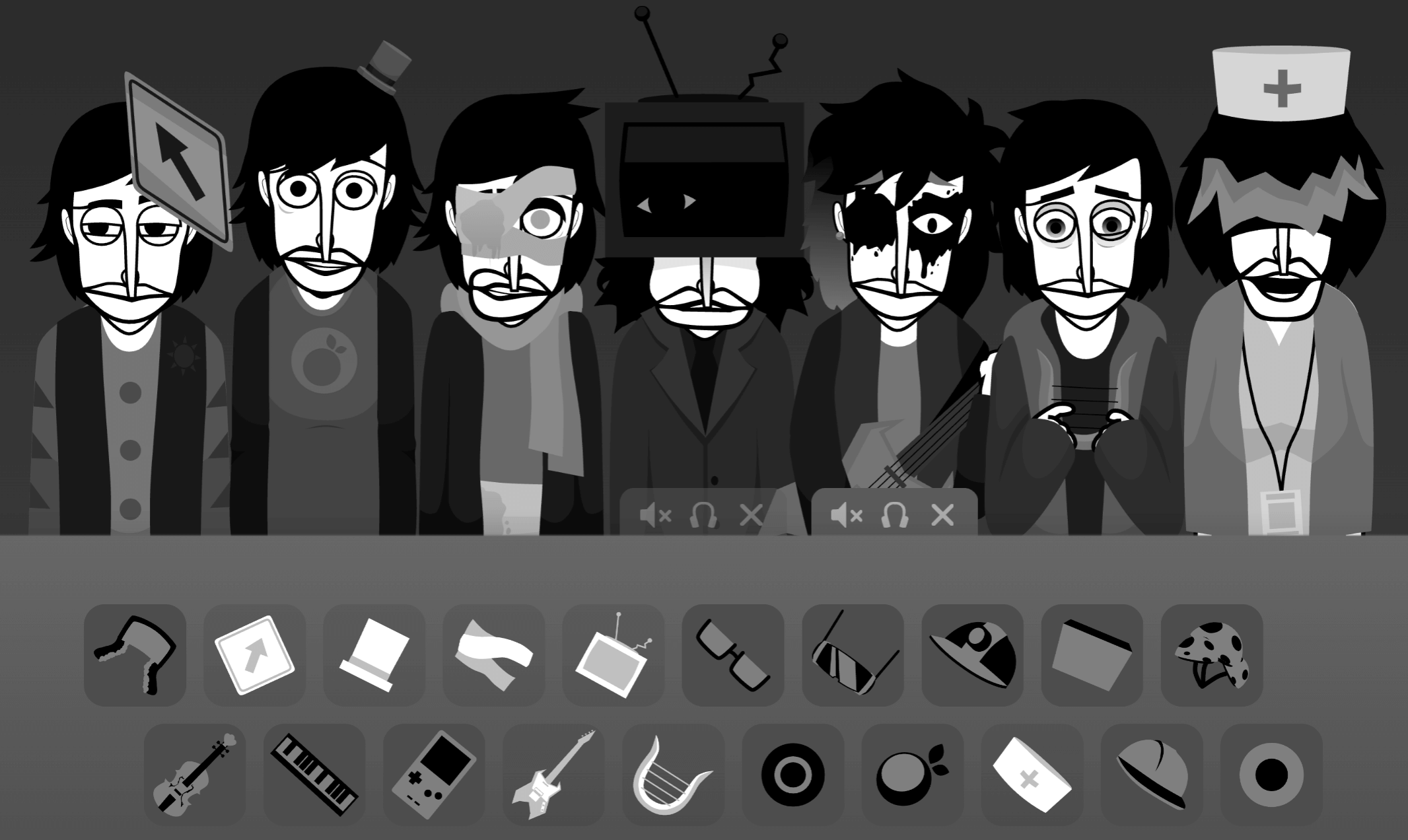
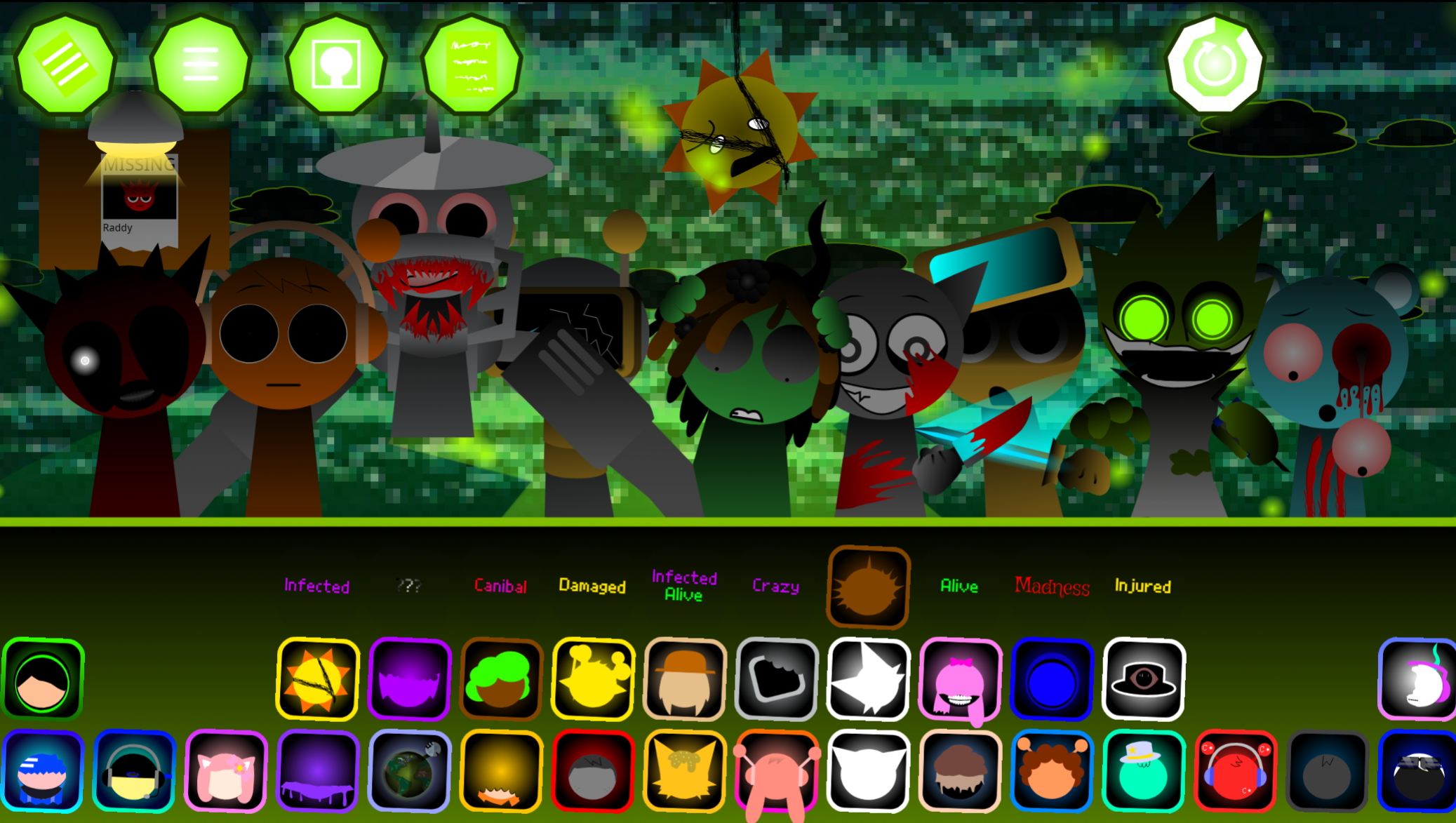
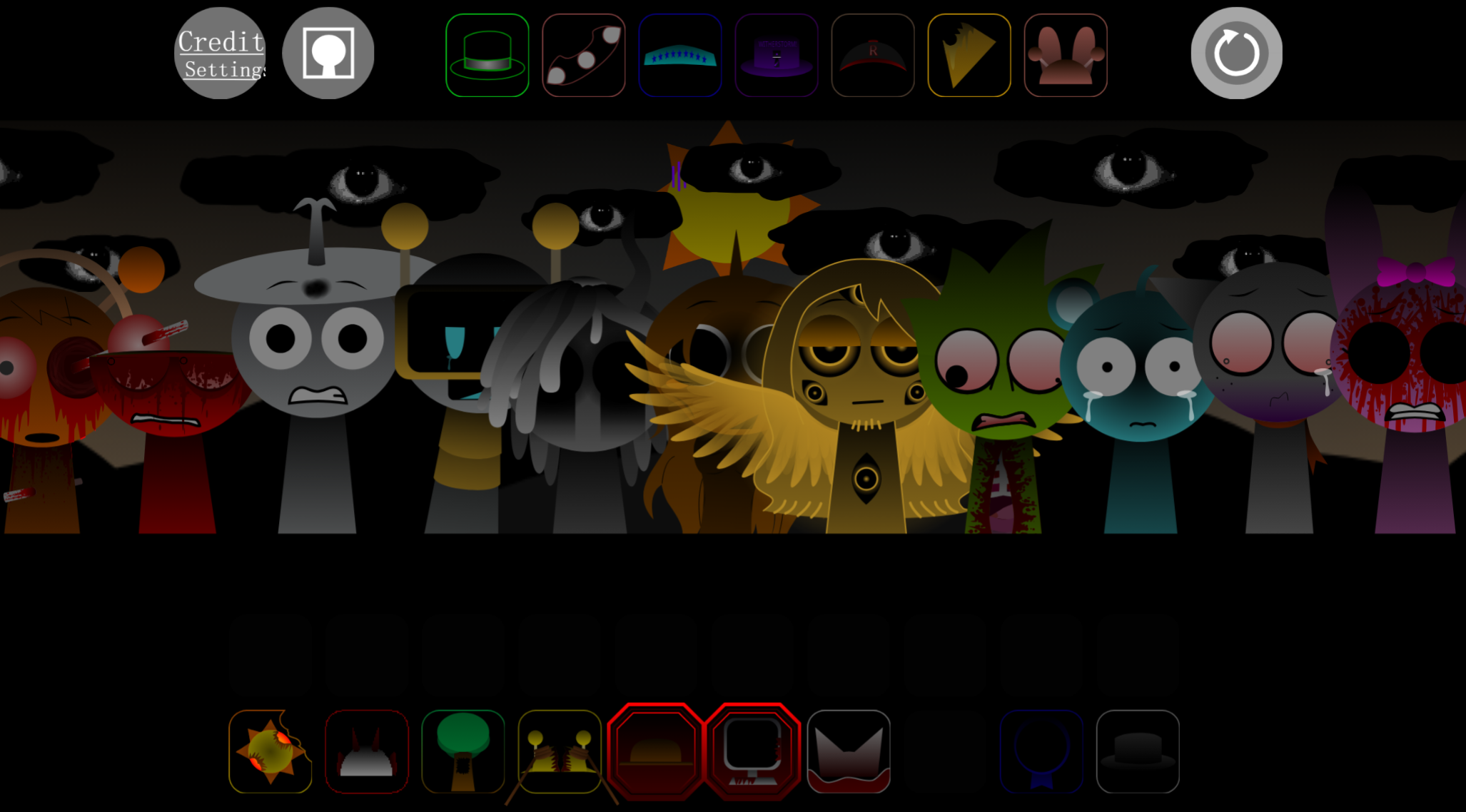
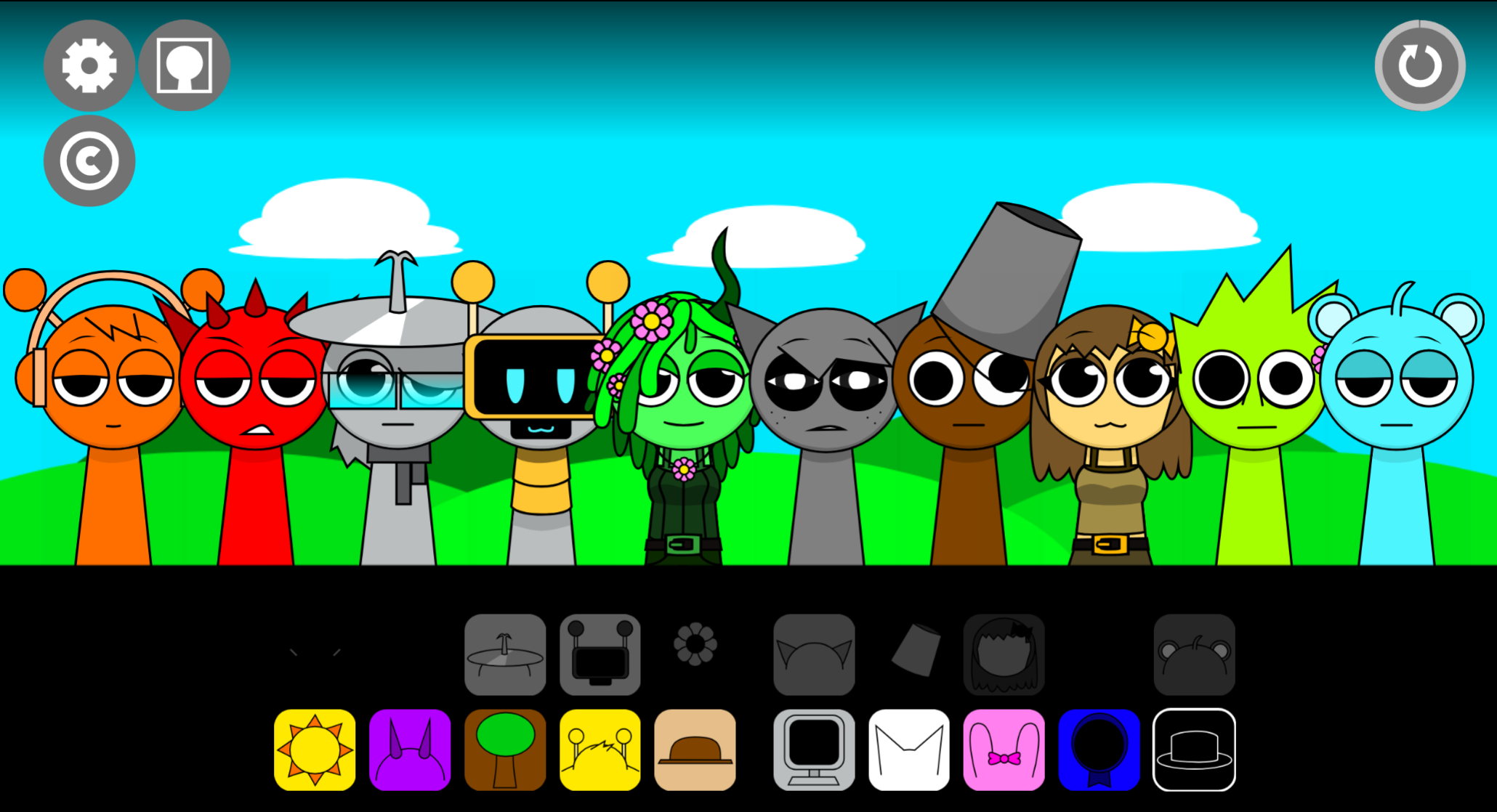
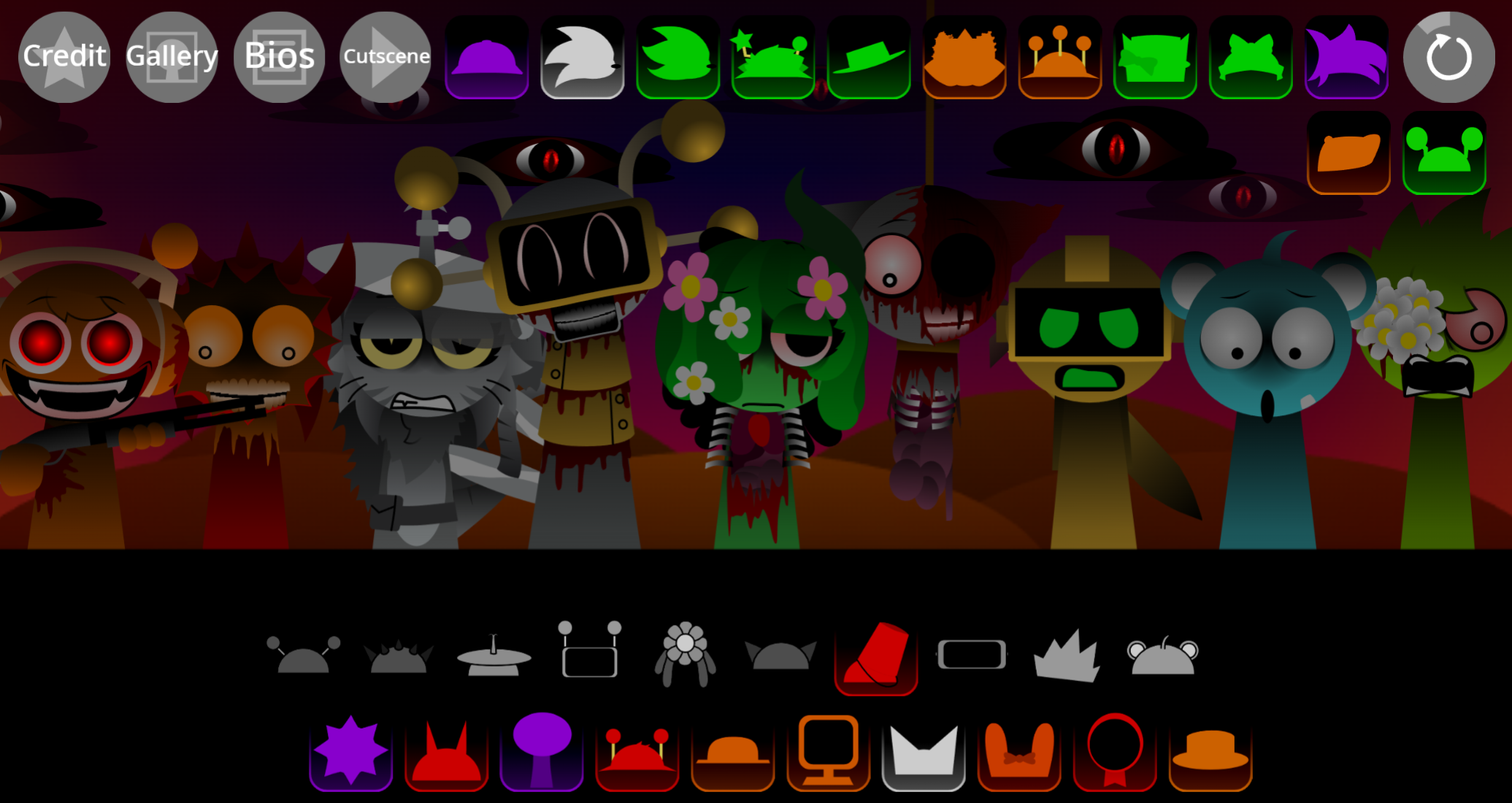
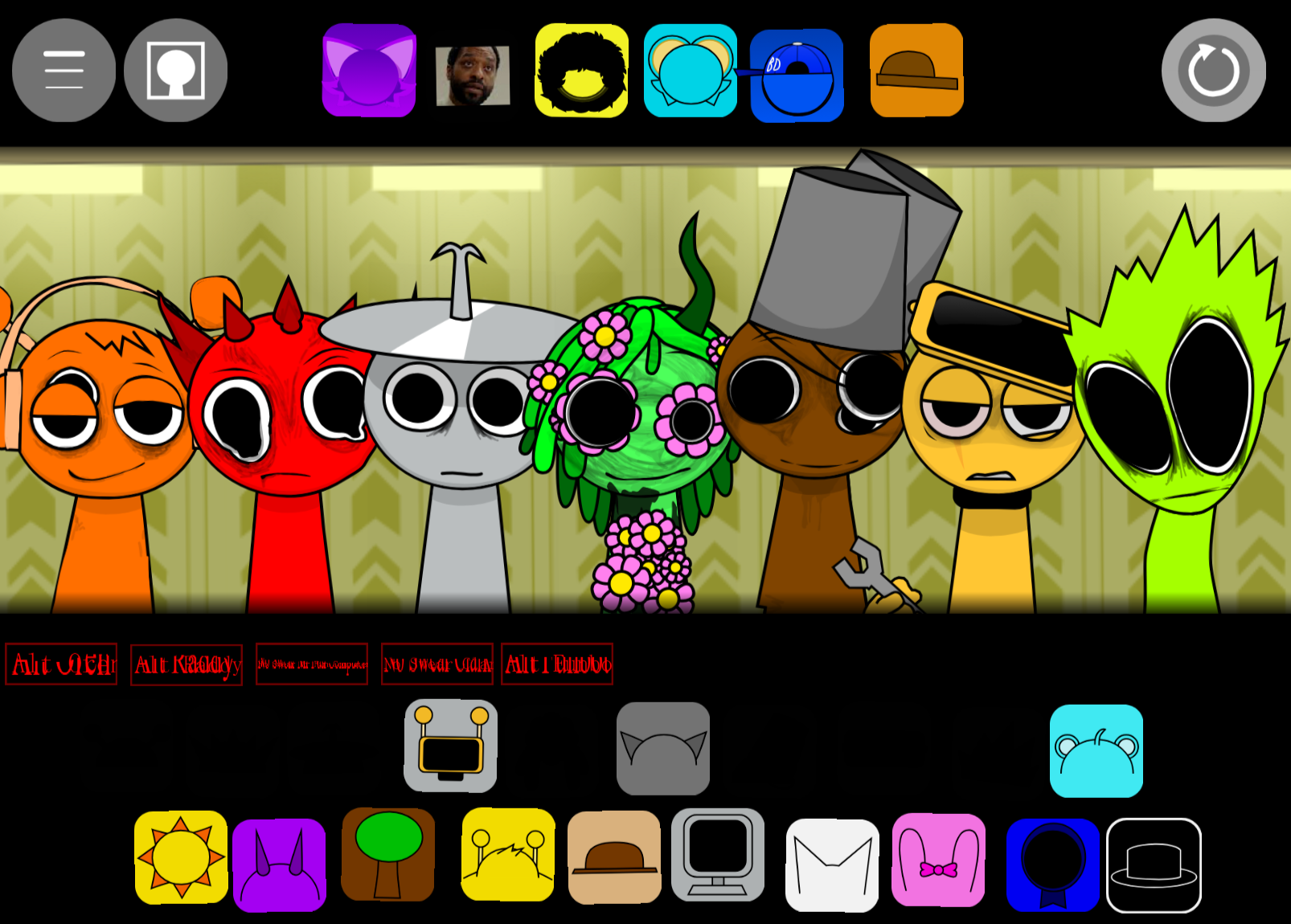
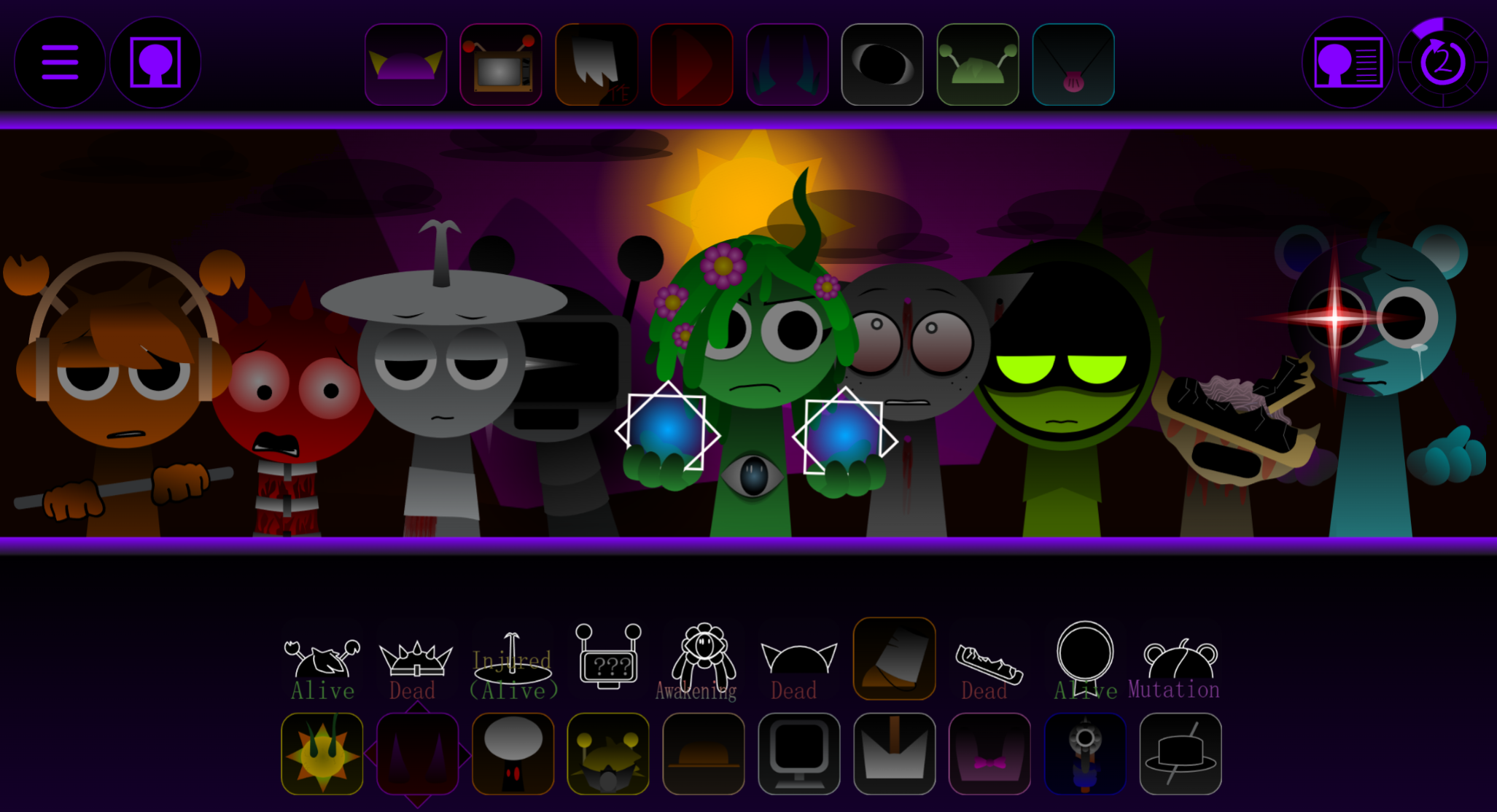
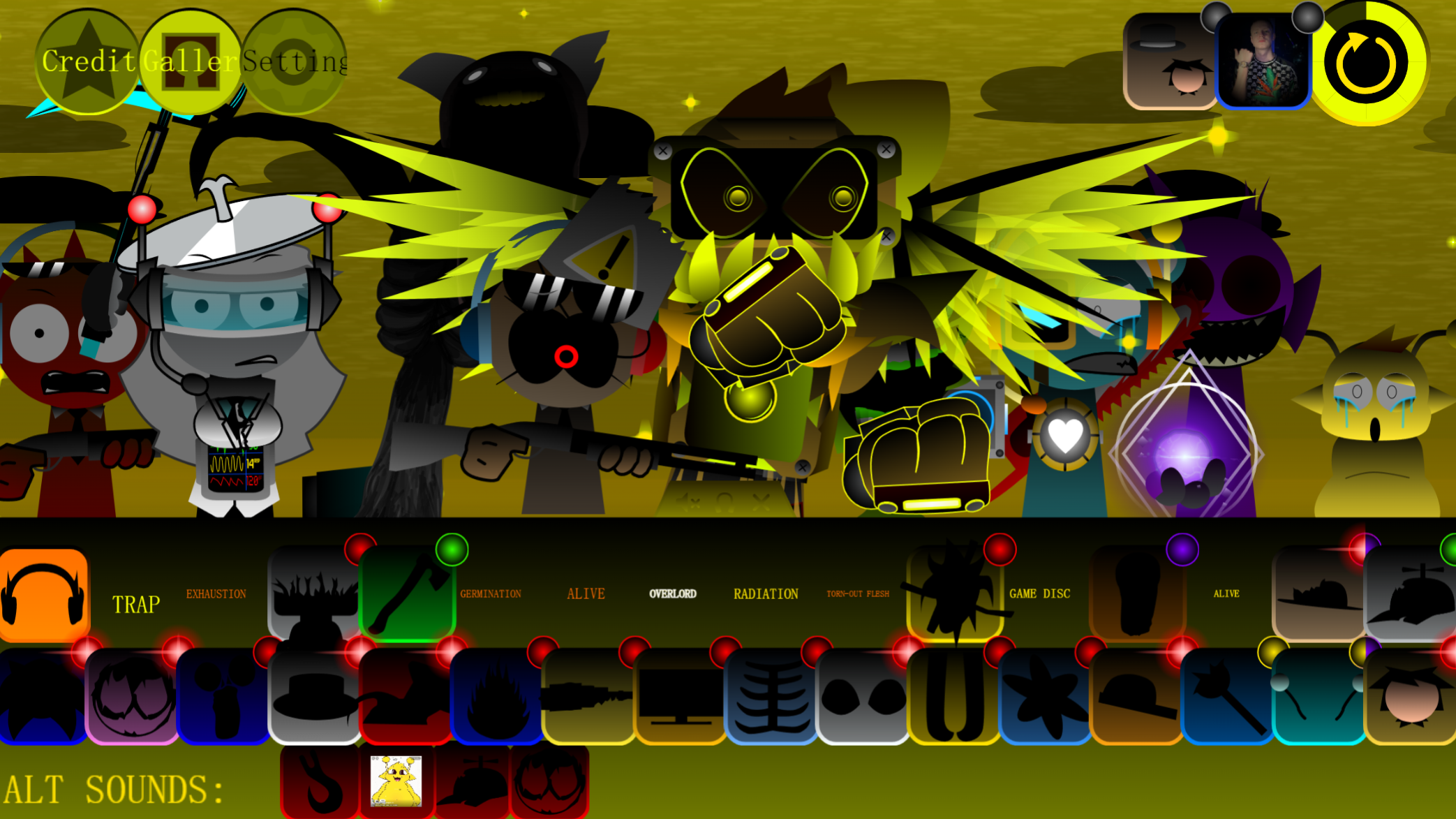
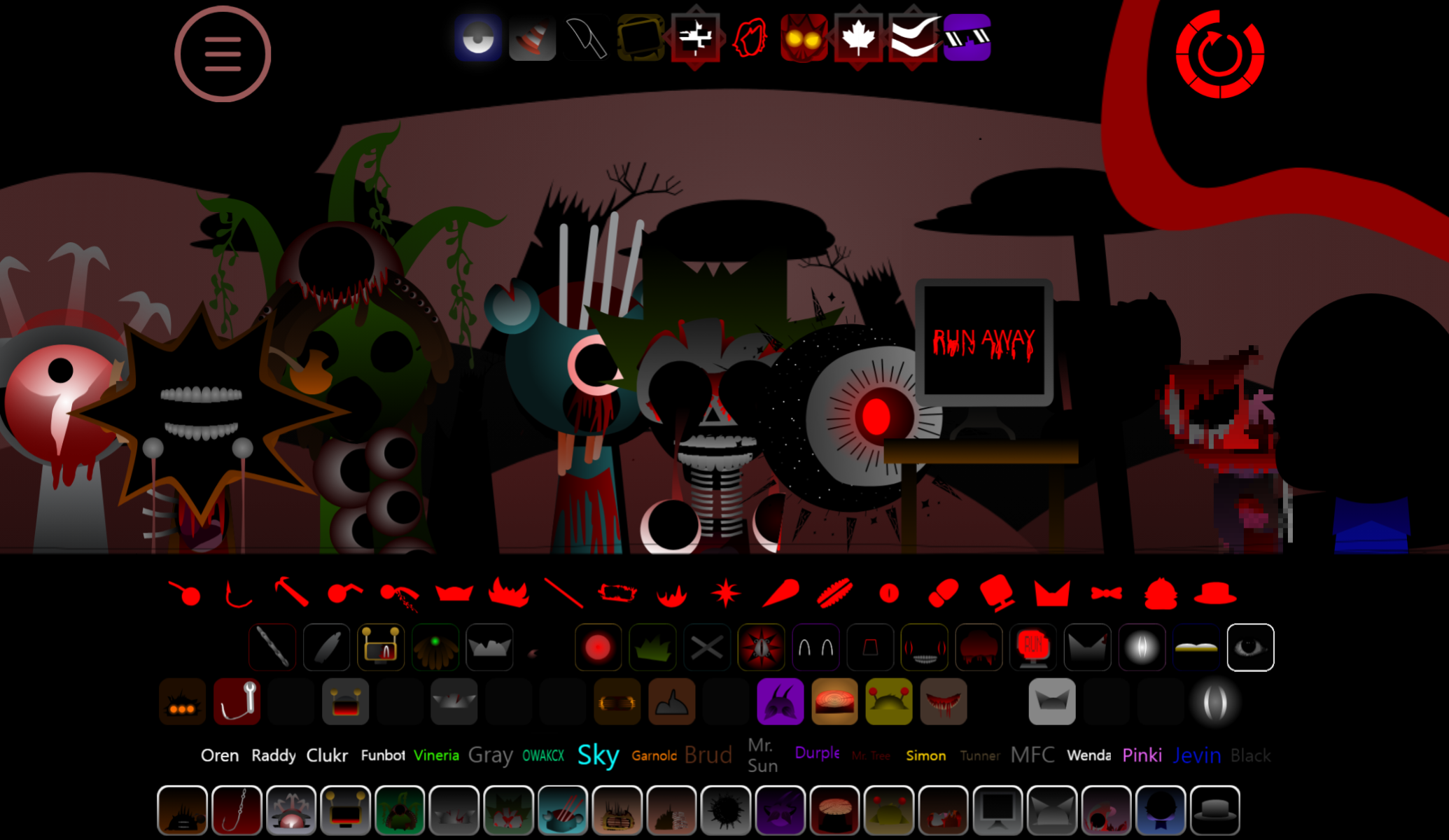
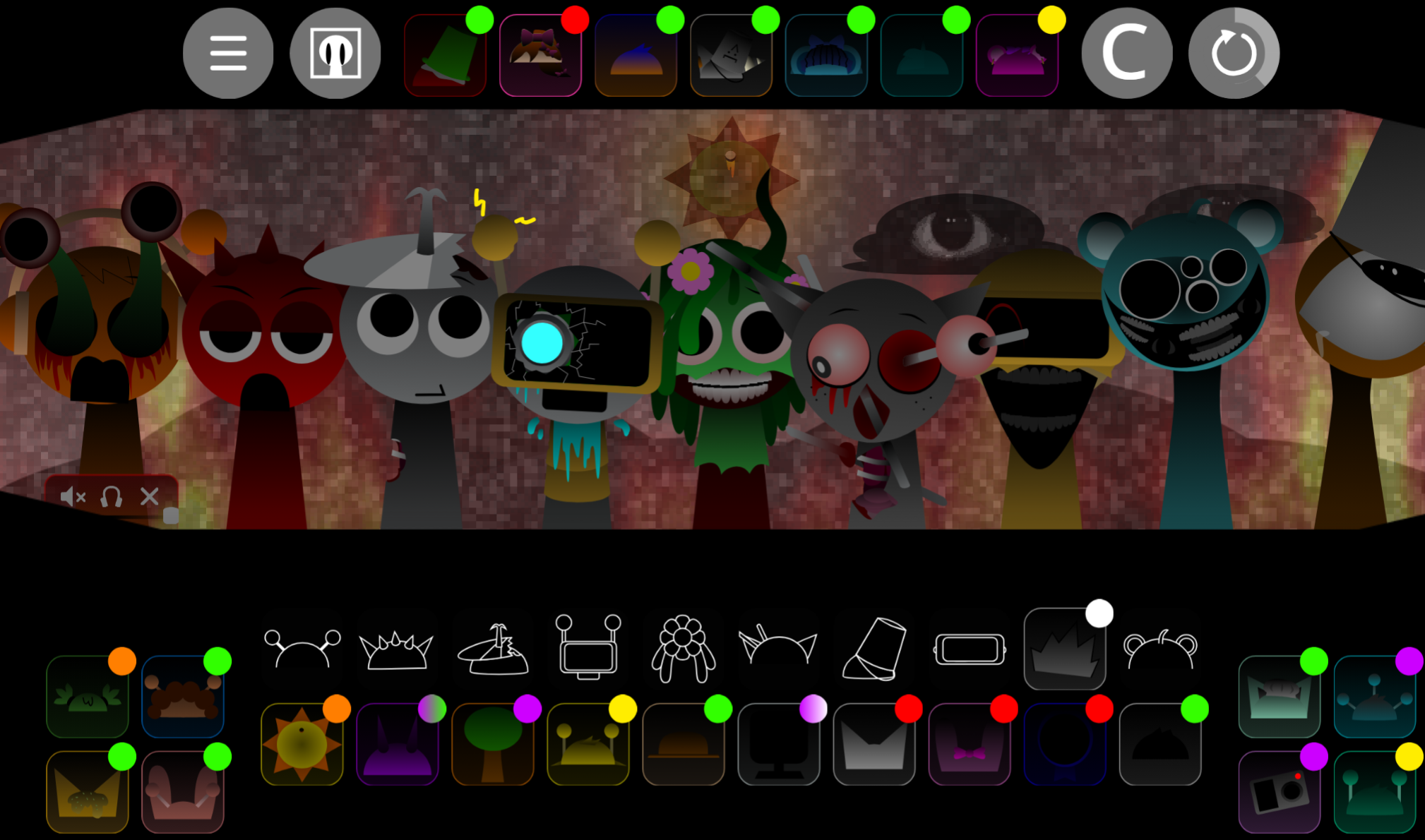
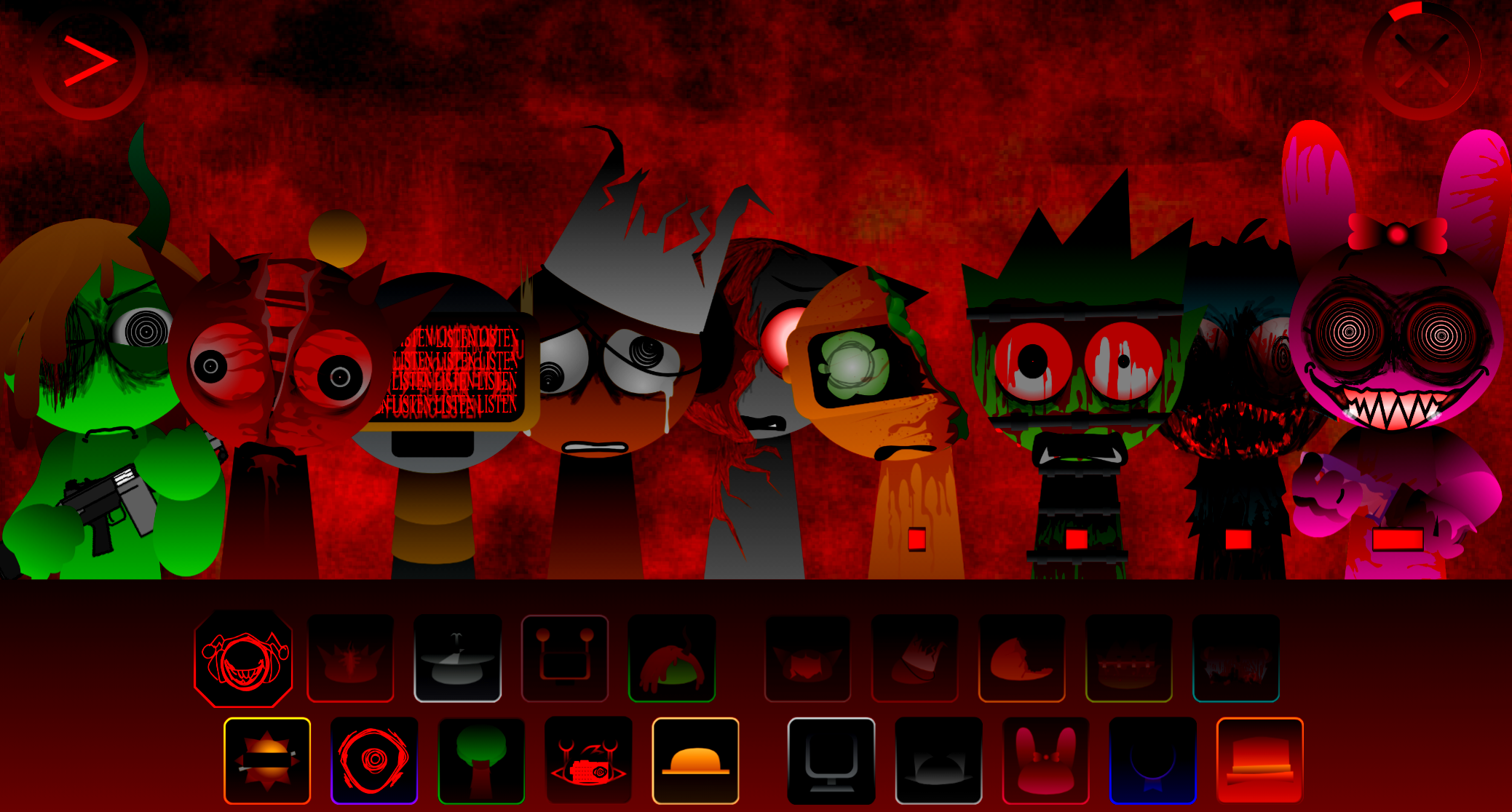
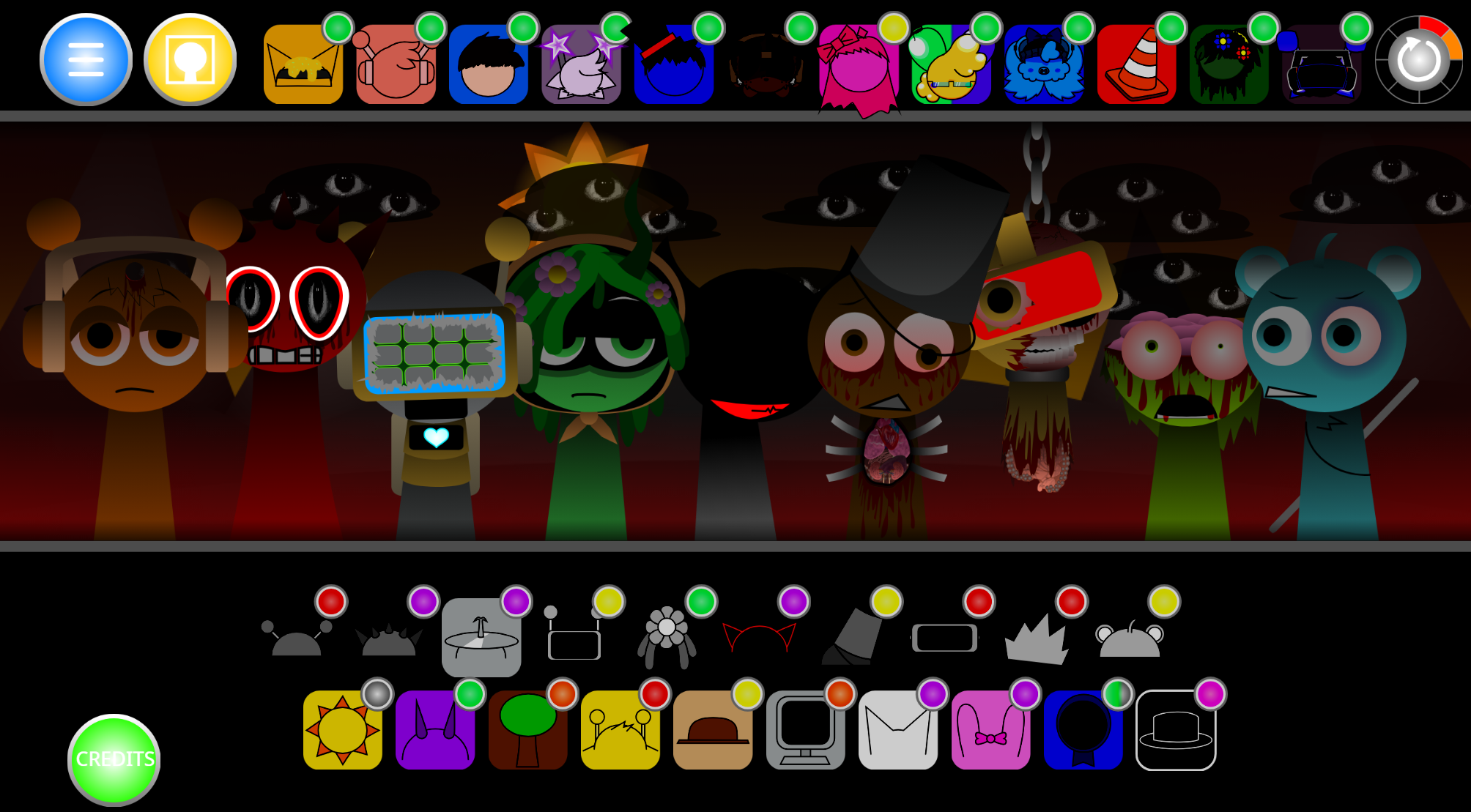
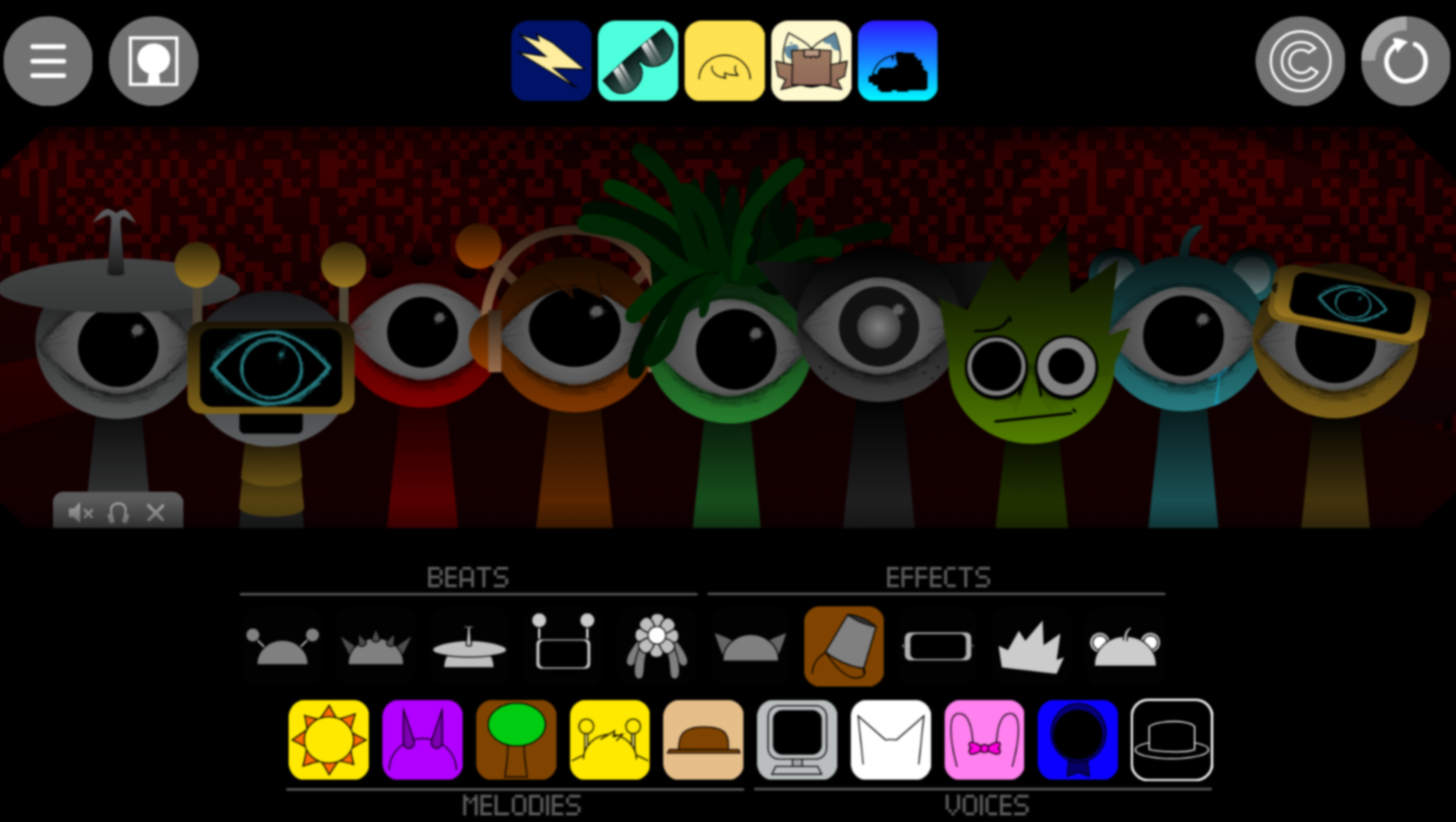
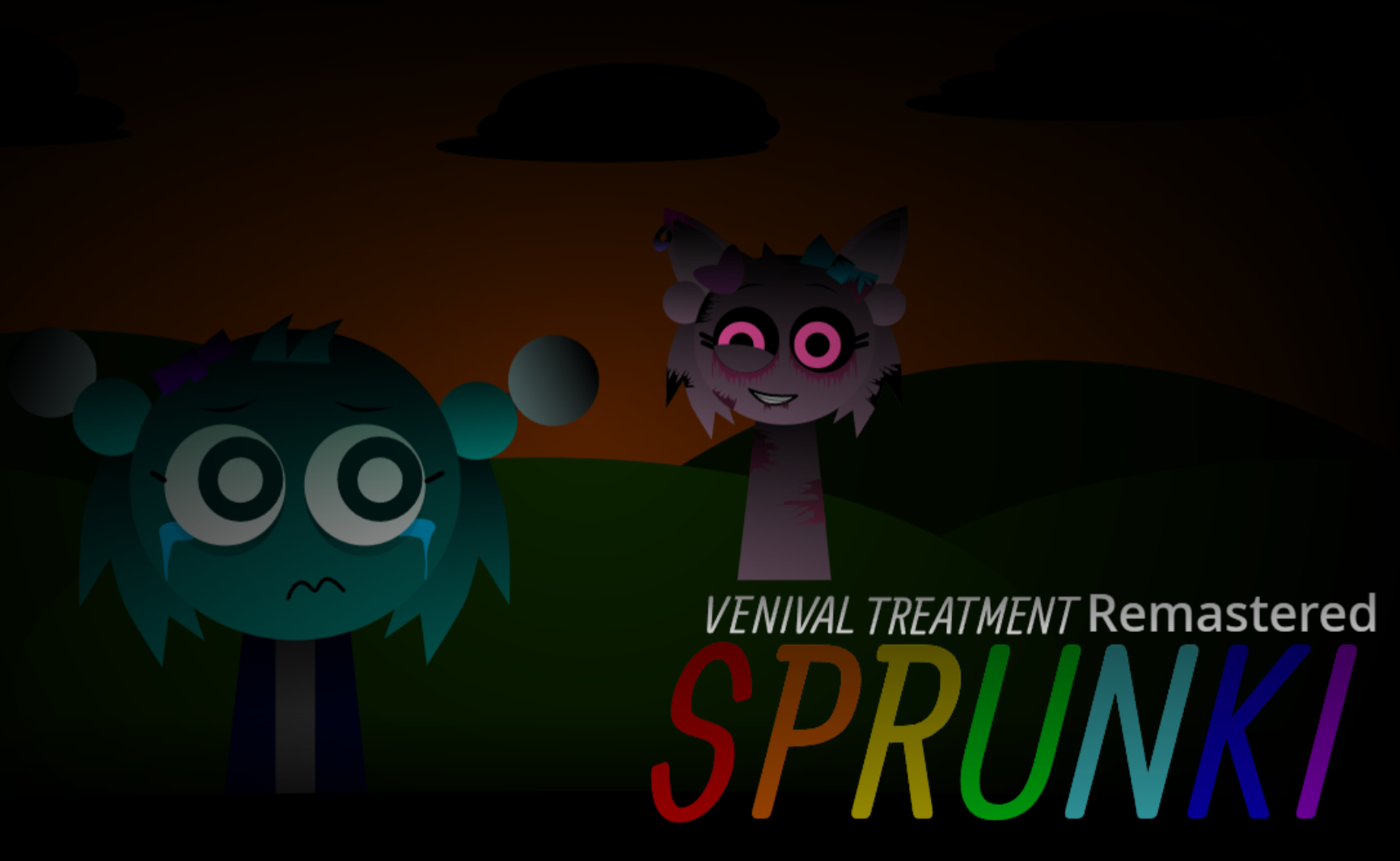
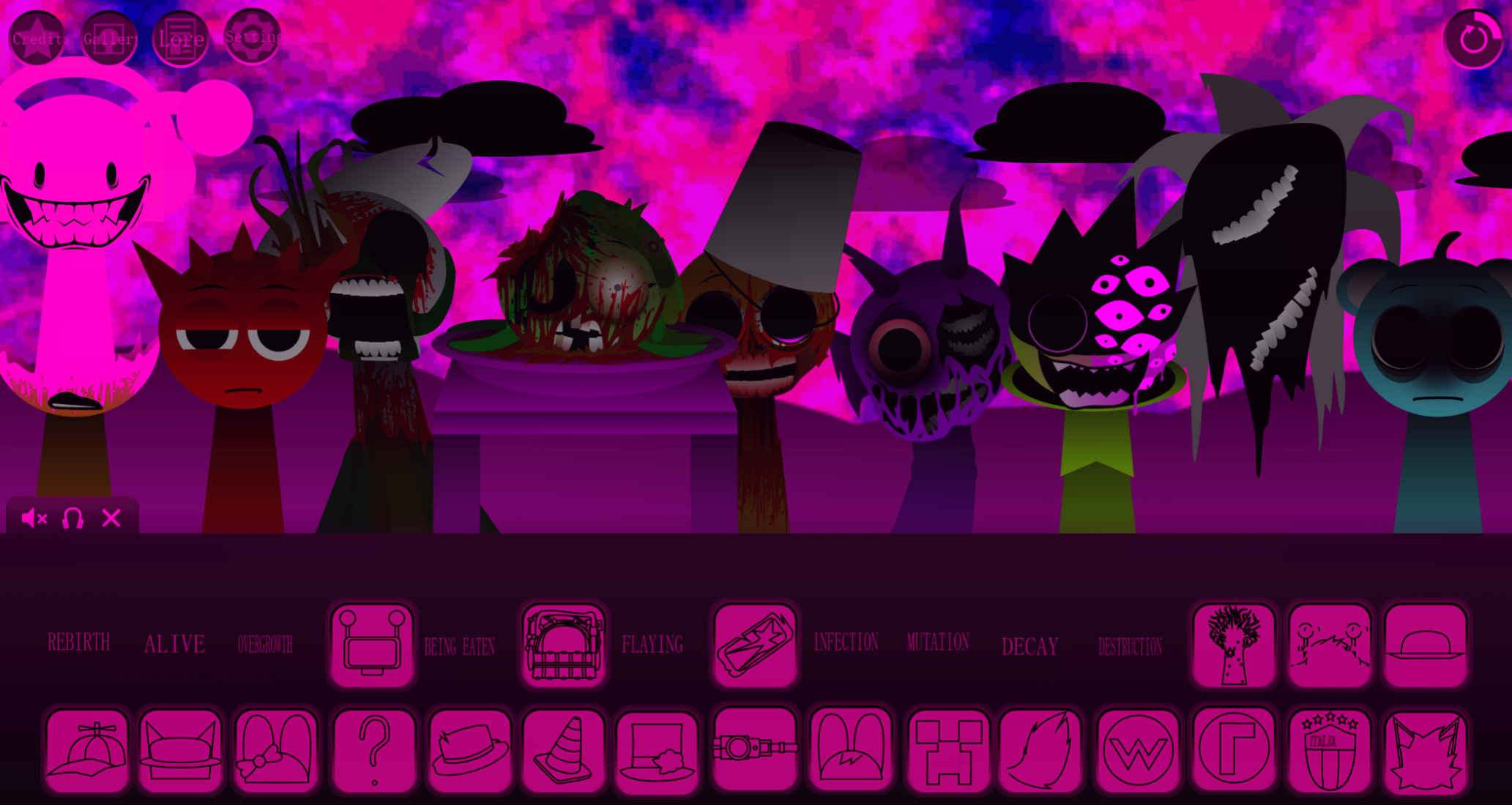
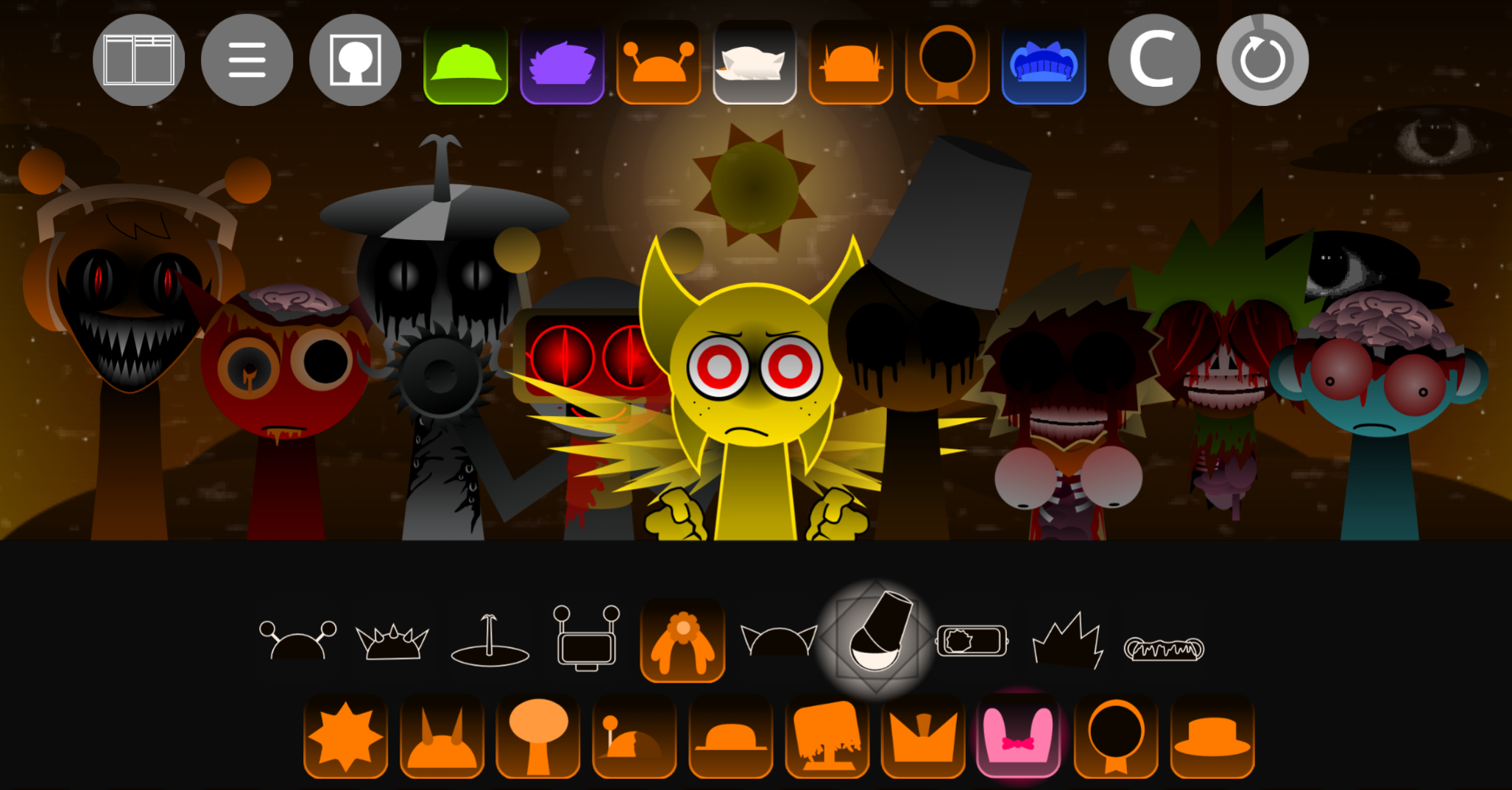
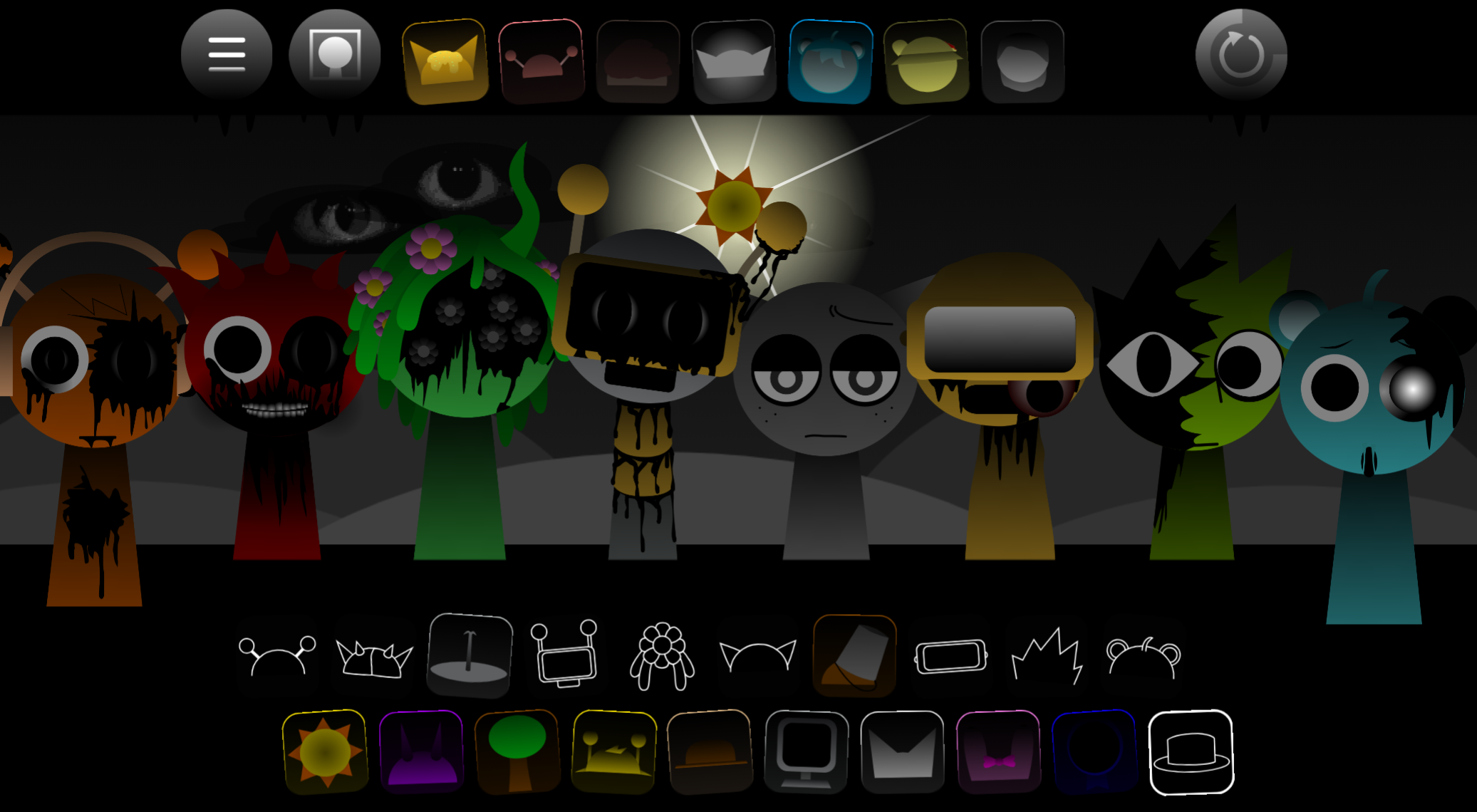
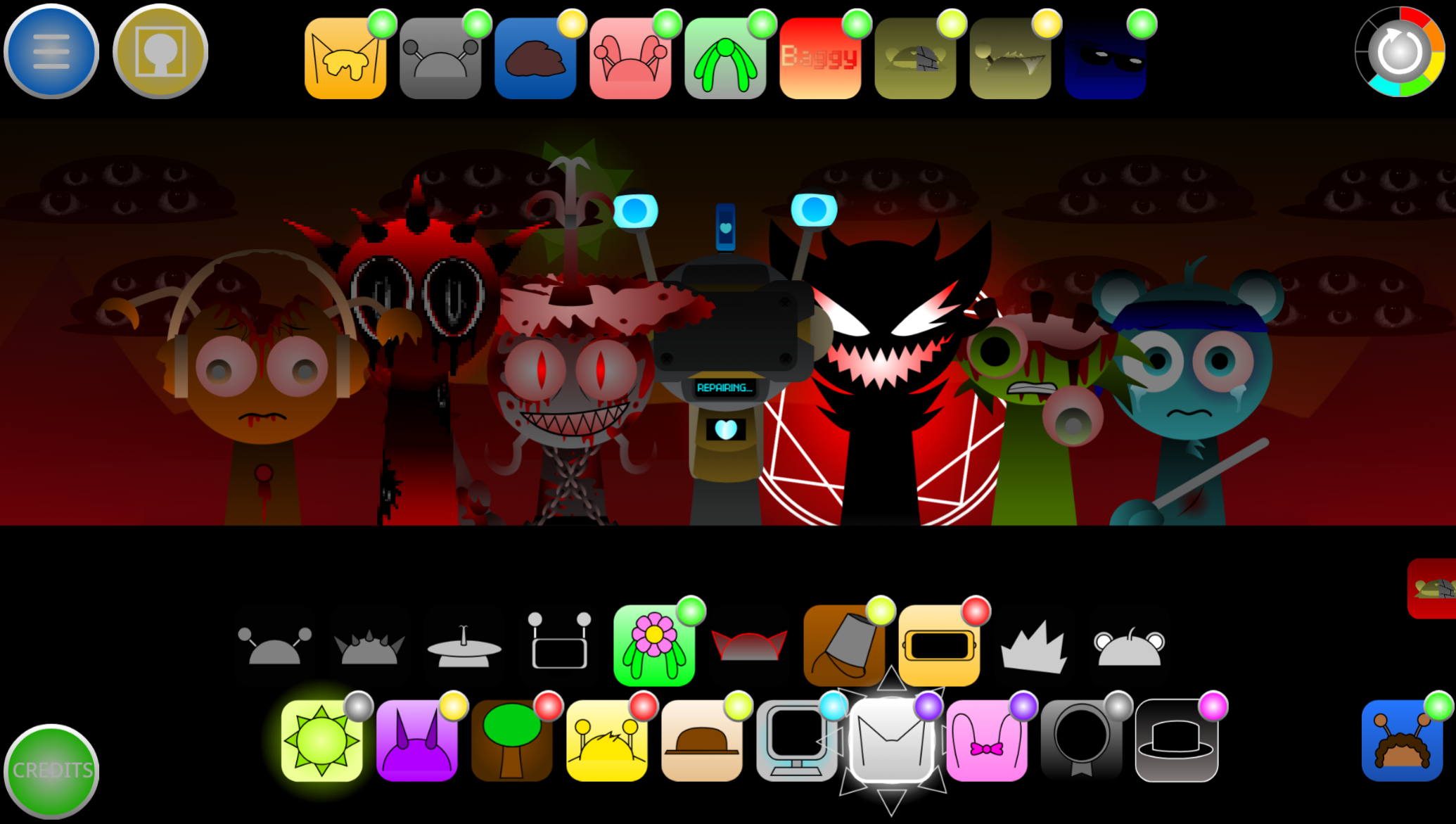
Sprunki Phase 10 Remix** is a fan-made variation of Sprunki Phase 10 that replaces the original’s bright, loop-stacking approach with darker, atmosphere-driven track building.
The core drag-and-drop mechanic remains intact, but the sound library, visual palette, and pacing all push players toward mood-heavy arrangements instead of quick, energetic compositions.
This article breaks down the specific features that separate Phase 10 Remix from other Sprunki variants: the expanded low-end sound set, the dimmed character animations that respond to tonal shifts, and the slower tempo range that rewards layering over speed.
These changes aren’t about adding complexity—they’re about reshaping how players approach the same creative loop.
Features of Sprunki Phase 10 Remix
Sprunki Phase 10 Remix is a fan-made variation of Sprunki Phase 10 that shifts the core drag-and-drop music formula toward darker, more atmospheric track building. Created as a remix of the original project by @GM15TOTdoesCocrea, it keeps the character-based mixing system intact while reworking the audio palette and visual presentation.
The biggest change is not mechanical complexity; it is the way sound, visuals, and pacing push players toward mood-heavy arrangements instead of quick, bright loop stacking. The Phase is set inside a Church/Cathedral environment, which adds a layer of moodiness compared to the void or stage settings in other versions.
A few features define this Remix most clearly:
Character-based mixing still drives the whole game
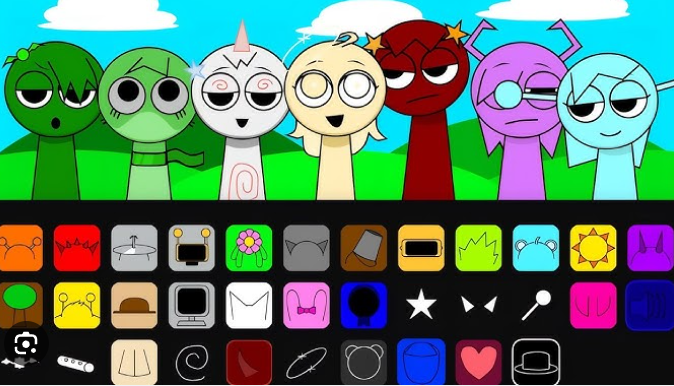
You Play by dragging Sprunki characters into active slots and layering their loops. That makes the system approachable for returning players while leaving room for New combinations.
A darker horror-rhythm presentation
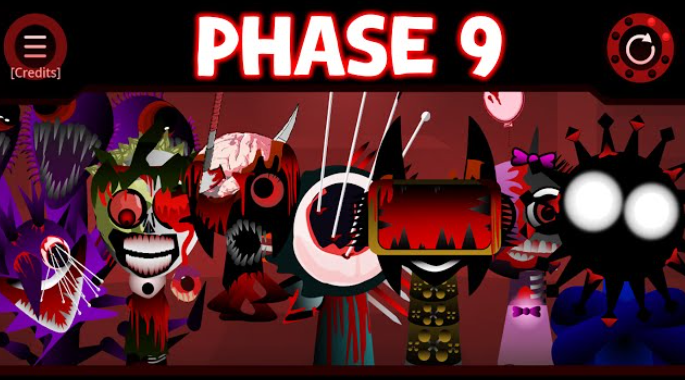
This Phase trades a lighter, casual look for a shadowy, flickering style. The atmosphere changes how every session feels, even when the basic controls remain familiar.
Denser, more cinematic audio design
The soundscape leans into haunting loops, solemn melodies, eerie vocals, distorted bass, metallic percussion, and glitchy textures. Instead of simple rhythm stacking, the Remix encourages slower, more deliberate layering.
More experimental track building
Good results often come from unusual pairings rather than obvious matching sounds. That gives Mixing more depth than a standard clean-loop setup.
Browser-friendly desktop and mobile Play
It runs in browsers with controls that translate well to touchscreens, so quick sessions work on both PC and mobile.
A tighter, more curated structure
The sound layout is organized into recognizable groups: beats, effects, melodies, vocals, bonuses, and a secret character. That structure makes replay and comparison easier than in more scattered versions.
New Sounds and Cathedral Vibe
The strongest identity of Sprunki Phase 10 Remix comes from its audio space. Instead of dry, direct beats, many layers seem to bloom outward. Rhythms feel wider, melodies more solemn, and background textures more immersive, as if the track is resonating through a large interior. That cathedral vibe gives the Phase a mysterious, almost ceremonial tone. It pushes toward horror, but usually through tension and atmosphere rather than chaos.
That matters when you Mix. Small placement changes can reshape the whole mood because the sounds overlap in dense ways. A new vocal or effect line does not just add one more part; it can alter how everything around it feels. Compared with a more standard Sprunki setup, this version is less about instant hooks and more about building an eerie, cinematic space.
Some players will love that mood-first approach immediately. Others may find the ambience slightly murky at first, especially if they prefer bright melodies or sharper rhythmic separation. In this Remix, it helps to pause after each added layer and let the sound settle before adding another.
How to Play Sprunki Phase 10 Remix
The basic loop is simple: choose characters, assign their sounds, and build a layered track until the overall Mix feels balanced, heavy, or unsettling in the way you want.
Pick your sound sources
Each character contributes a different type of layer, such as rhythm, melody, effects, or vocals. Starting with a steady backbone usually makes the rest of the build easier.
Drag characters into active slots
Once placed, their loop joins the arrangement immediately. This is the heart of how you Play: add a part, listen closely, then decide whether the track gained depth or just got crowded.
Build in small steps
In a denser Phase like this one, adding sounds one at a time gives better control. You can hear how beats, textures, and melodic lines blend before the arrangement becomes muddy.
Swap instead of restarting
If the track feels off, remove or replace a single layer first. In many cases, one change fixes the balance faster than rebuilding from scratch.
- Preview, record, and reset as needed
Use the play button to hear the full loop, record when you land on a combination you like, and reset when the arrangement stops working.
How to Mix Phase 10
The best way to approach Mixing in this Phase is to think in roles rather than favorite characters. A readable track usually needs a foundation, a low-end presence, one clearer melodic idea, and one texture or effect layer.
Start with one core loop
Use a beat or bass-heavy part first. Phase 10 can become crowded quickly, so a clean base keeps the Remix easier to shape.
Layer outward with contrast
Add melody, effects, or vocals across multiple characters, but avoid stacking too many dense sounds at once. If the rhythm is already heavy, a thinner atmospheric or melodic layer often works better than another aggressive loop.
Test unusual combinations
Some of the strongest Phase 10 results come from odd pairings. A rough bass under a cleaner rhythm, or metallic hits under a sparse vocal, can produce more character than matching similar sounds together.
Balance the Mix
If one part dominates too hard, lower it or replace it. Good tracks here feel intentional, not overloaded.
Use one-layer changes to find better interactions
Swapping characters often reveals stronger combo patterns or hidden interactions without destroying the entire arrangement.
Mixing Tips
A few practical Tips make Sprunki Phase 10 Remix easier to control:
Build around sound groups
The five main categories matter more than raw character count. A beat, bass or low-end part, melody, and texture layer usually create a fuller loop than simply filling slots with favorites.
Lean into the darker palette
Distorted basslines, eerie vocals, metallic percussion, and glitch textures generally blend better here than playful, lightweight combinations. The tone feels stronger when you work with the Phase instead of against it.
Aim for contrast, not maximum intensity
One aggressive loop paired with one steady support layer often lands harder than several loud parts fighting for space.
Give each layer a moment
Because the Remix is more atmospheric, sounds can feel broader and more echo-heavy. Let each addition settle before deciding whether it belongs.
Change one variable at a time
Trial and error works best when you swap a single character or layer, then listen for what actually improved.
Remix Highlights
Beyond the audio and gameplay, this version also works well as a practical, consolidated way to revisit Phase 10 material.
Archive-style presentation
It feels like a preserved, cleaner way to access a scattered branch of the Sprunki line, especially for players who already understand the core formula.
Clear layer structure for comparison
The organization around beats, effects, melodies, vocals, bonuses, and a secret character makes it easier to study how individual layers reshape the full sound.
Small but defined cast
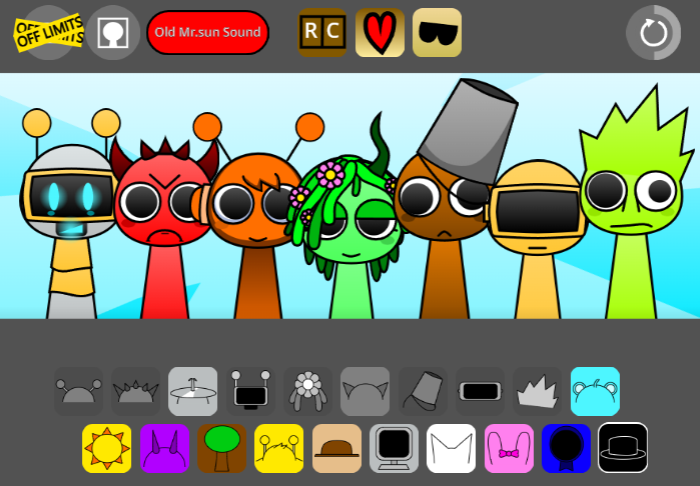
The tighter roster gives the phase a sharper identity, with names like Clukr, Fun Bot, Gray, and Wenda standing out as useful reference points when comparing loops.
Useful extras
Features such as a gallery and sound recreations add value for players who want to compare visuals and audio interpretations side by side.
A clear place in the wider sequence
It also works as an easy comparison point within the broader Sprunki Phase lineup, especially if you want to trace how the sound and presentation evolve across versions.
Related Games
- Sprunki Definitive Phase 10 Original — This is the clearest follow-up because it lets players compare the remix’s cathedral atmosphere, altered timing, and character presence against the core Phase 10 version it reinterprets.
- Sprunki Phase 10 Deaths End Greysons Take — It stays within the same Phase 10 framework while pushing a darker fan-made spin, making it a strong match for anyone who likes how Remix V1.0 reshapes mood without changing the basic mixing loop.
- Sprunki Garnold Treatment New Update — Since Garnold is one of the named characters used to build tracks in this remix, this variant is a useful character-focused follow-up for players interested in how specific roster members affect the sound and tone.
Who Should Try This Remix?
Players who enjoy atmospheric beats and experimental remixes will find this version rewarding. Characters like Gray, Sky, Garnold, brud, and OWAKCX offer specific loops that layer together in ways that suit the cathedral setting.
If you’re looking for a massive story or complex puzzles, this stays true to the core mixing loop without adding narrative layers. Since it’s a community remix, some sound transitions might feel rawer than a full game release, but that also gives it a distinct character compared to the Sprunki Phase 10 base.


Discuss
Loading comments...
Failed to load comments. Please try refreshing the page.