
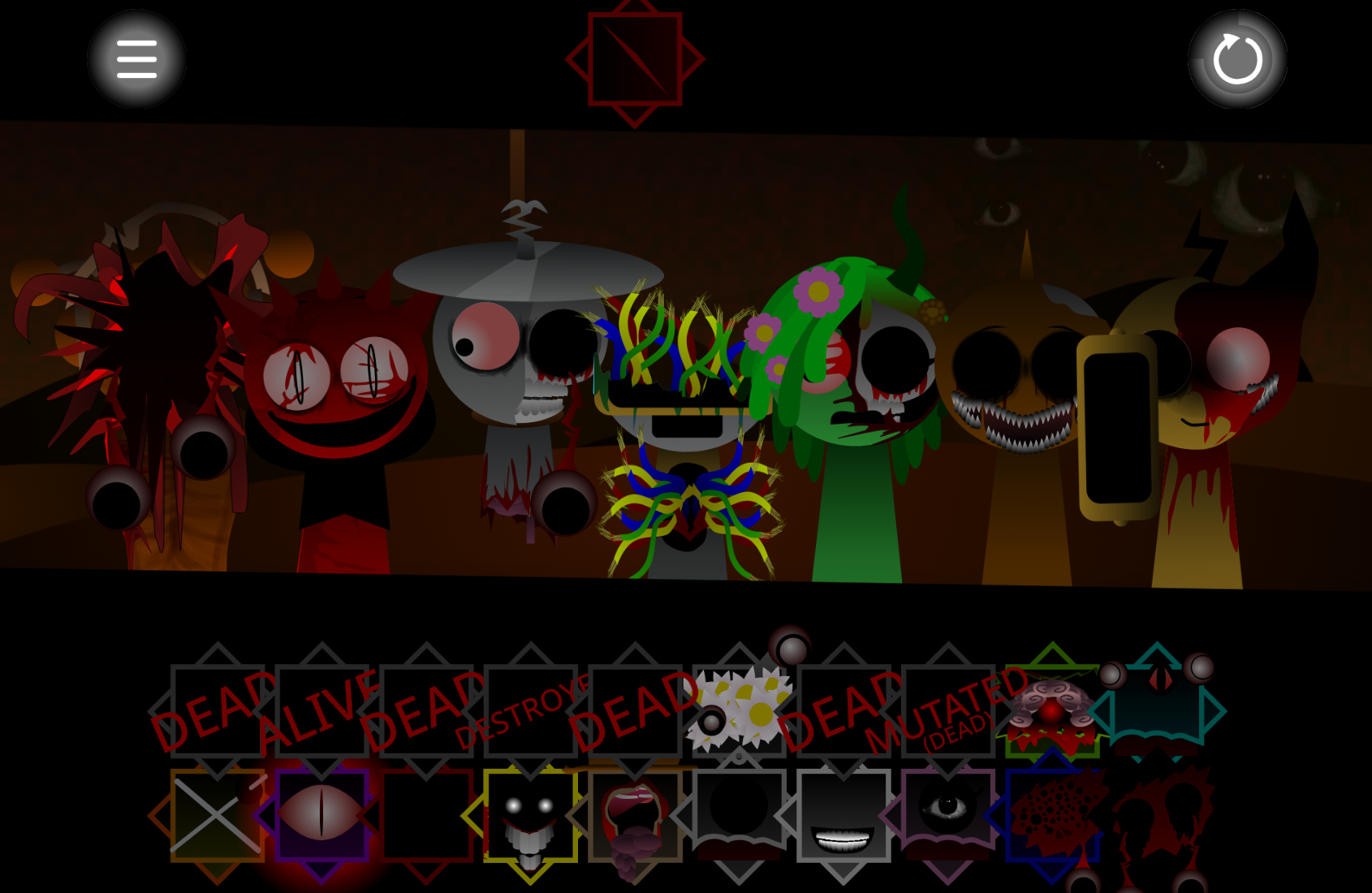
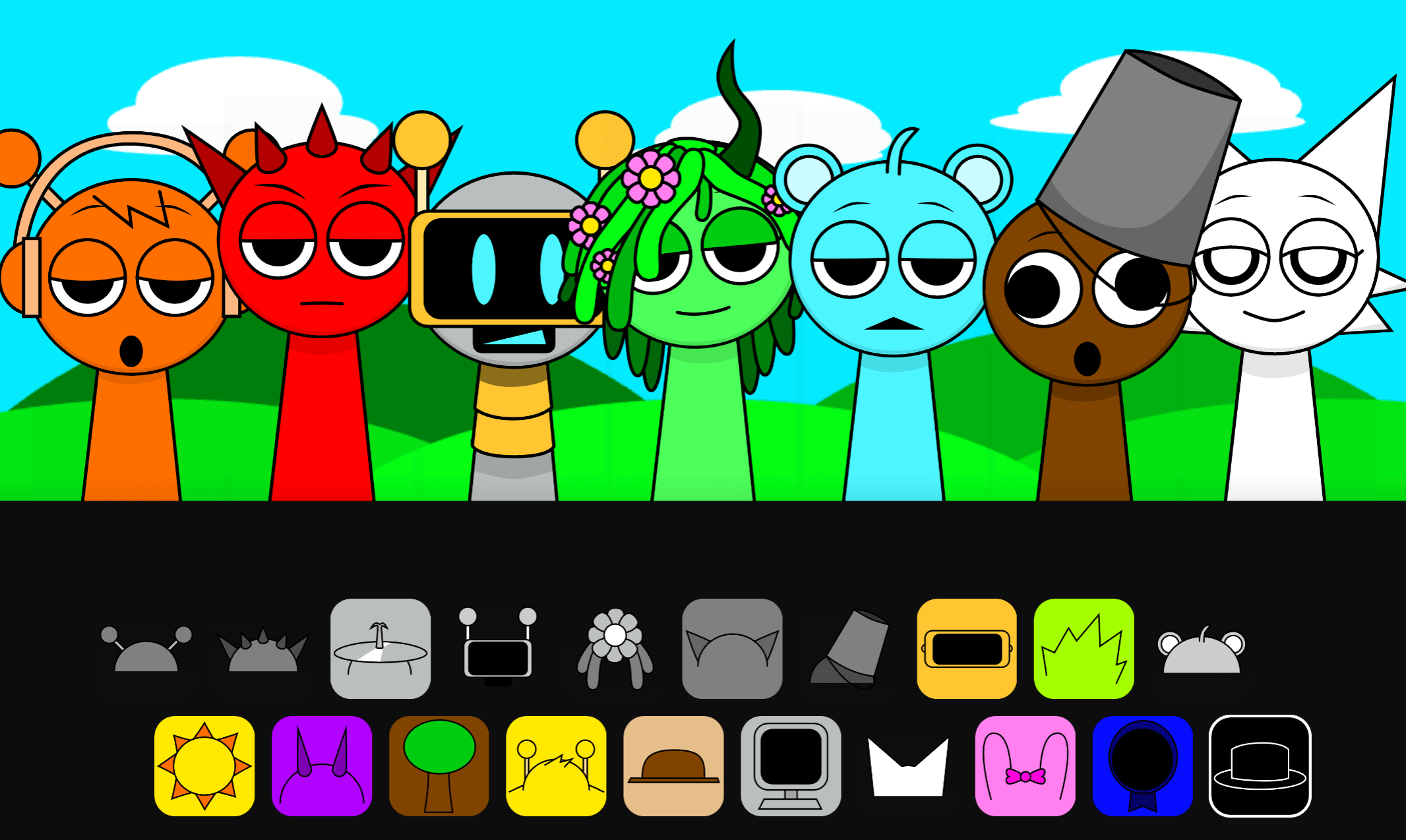
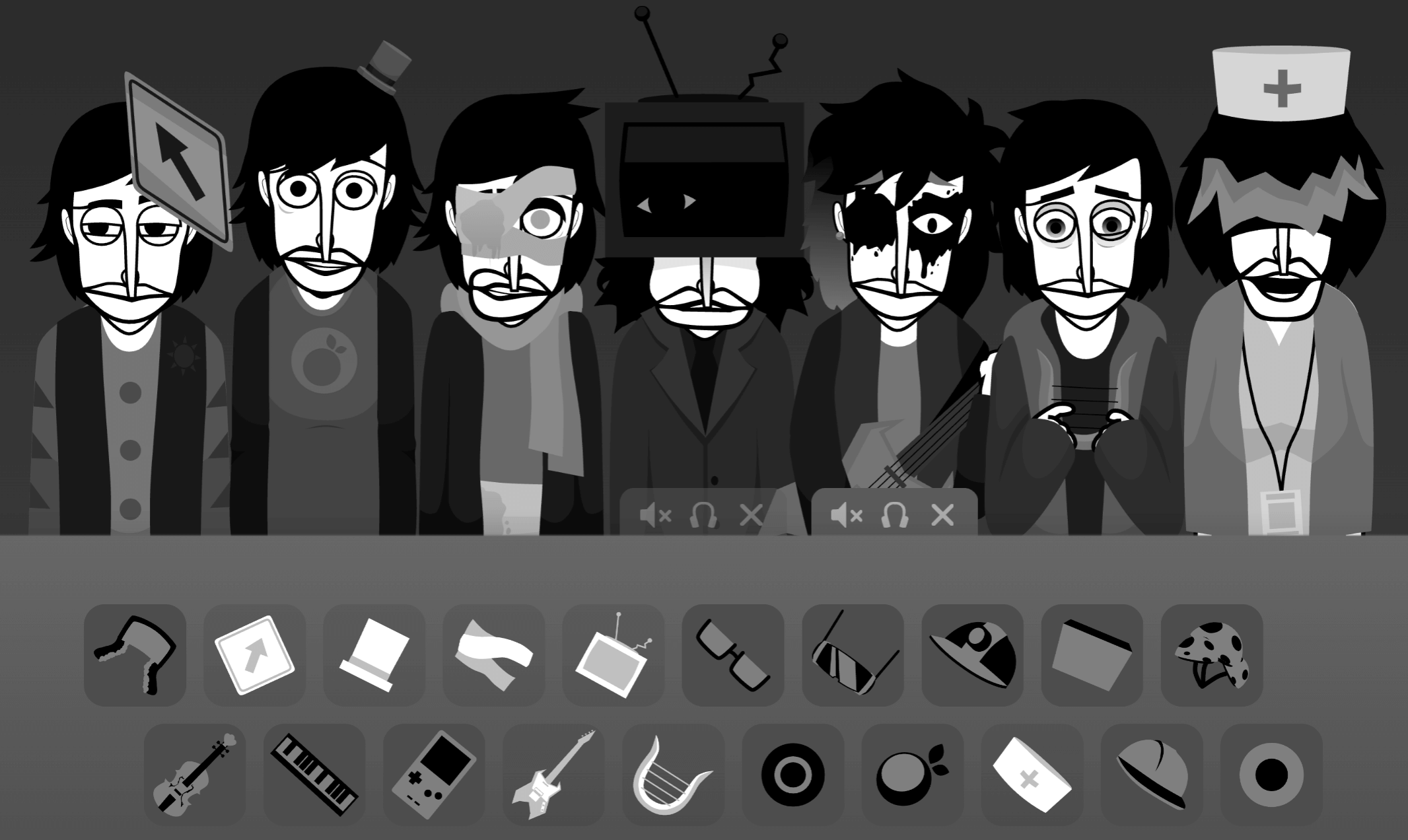
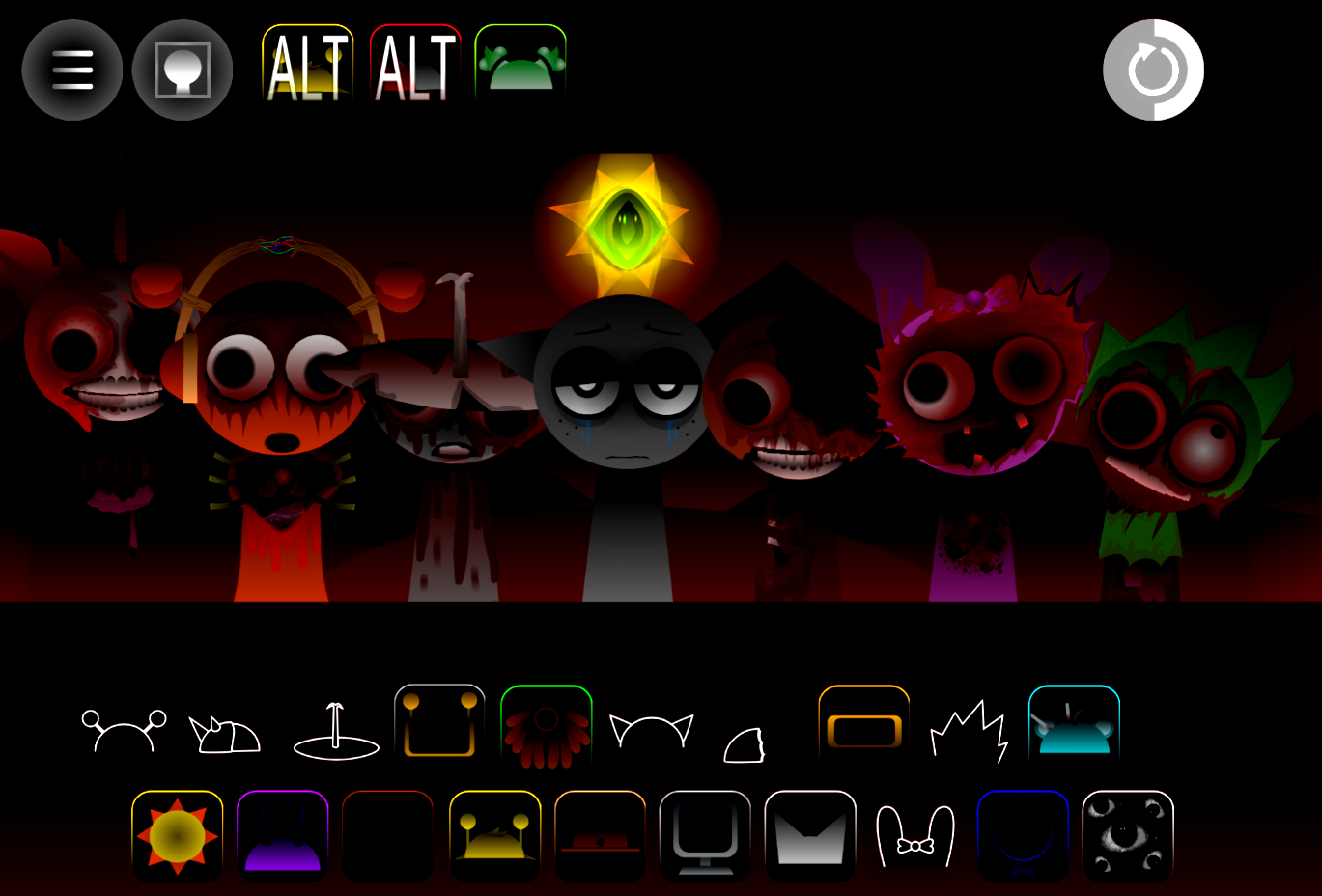
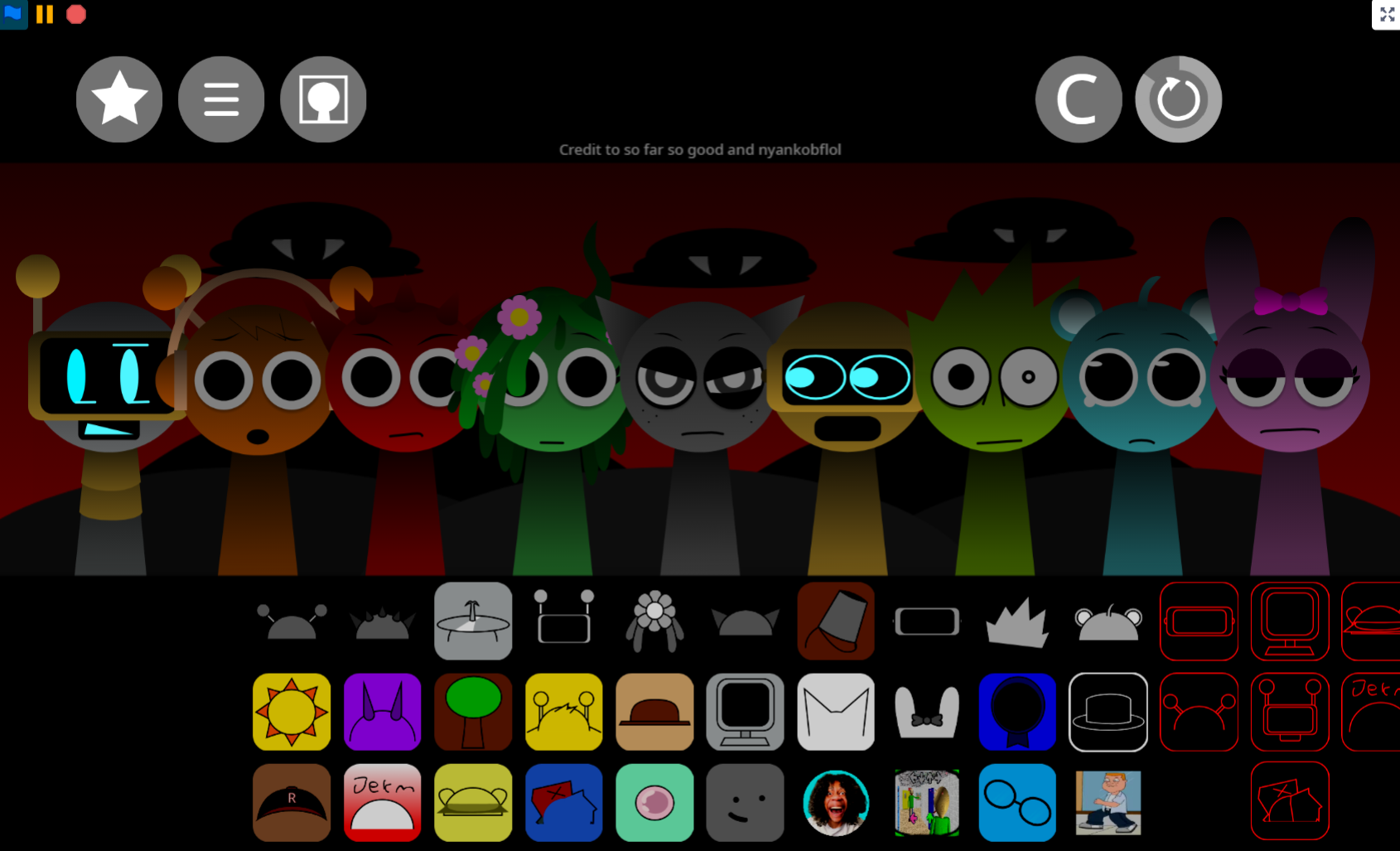
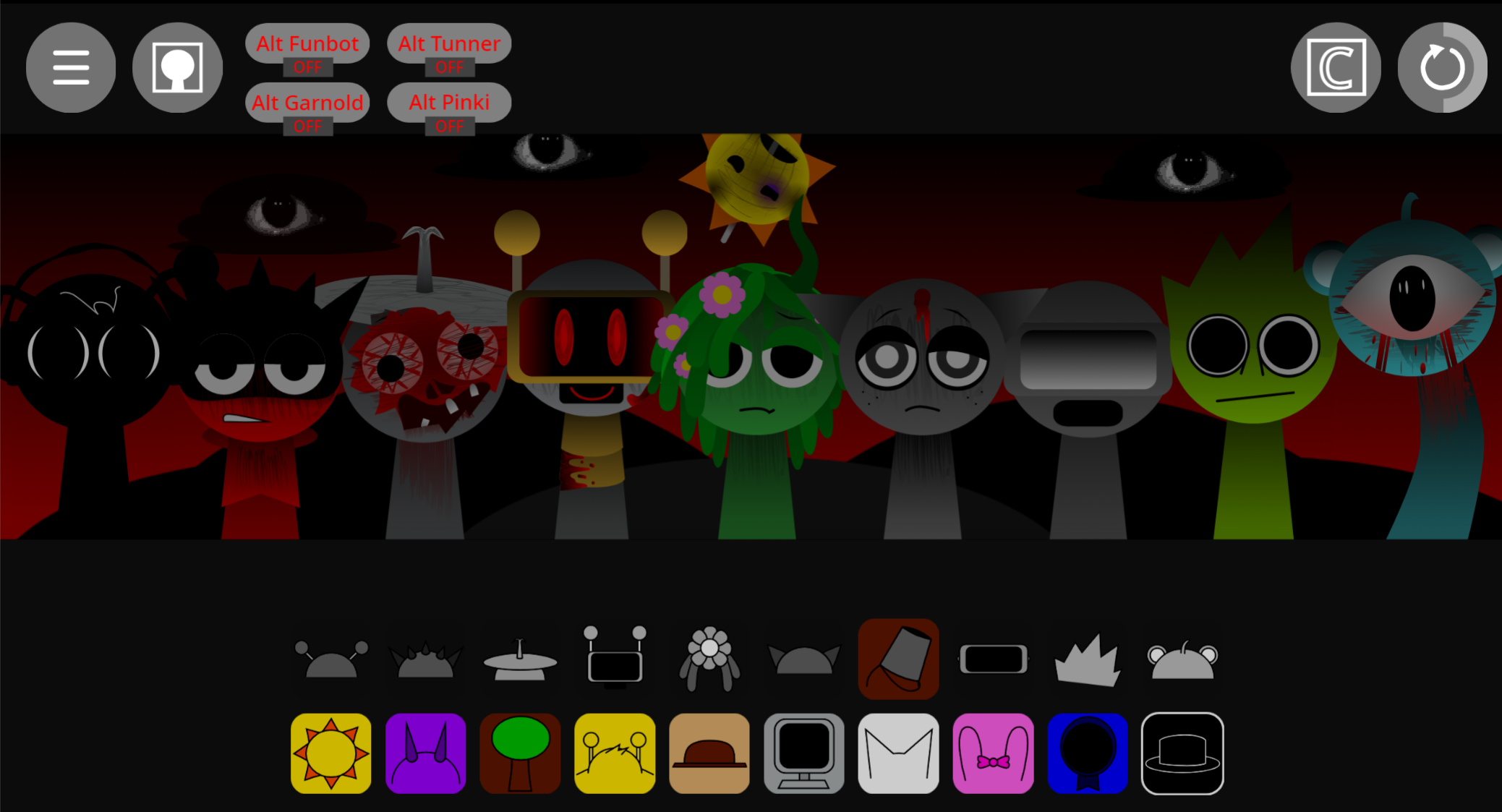
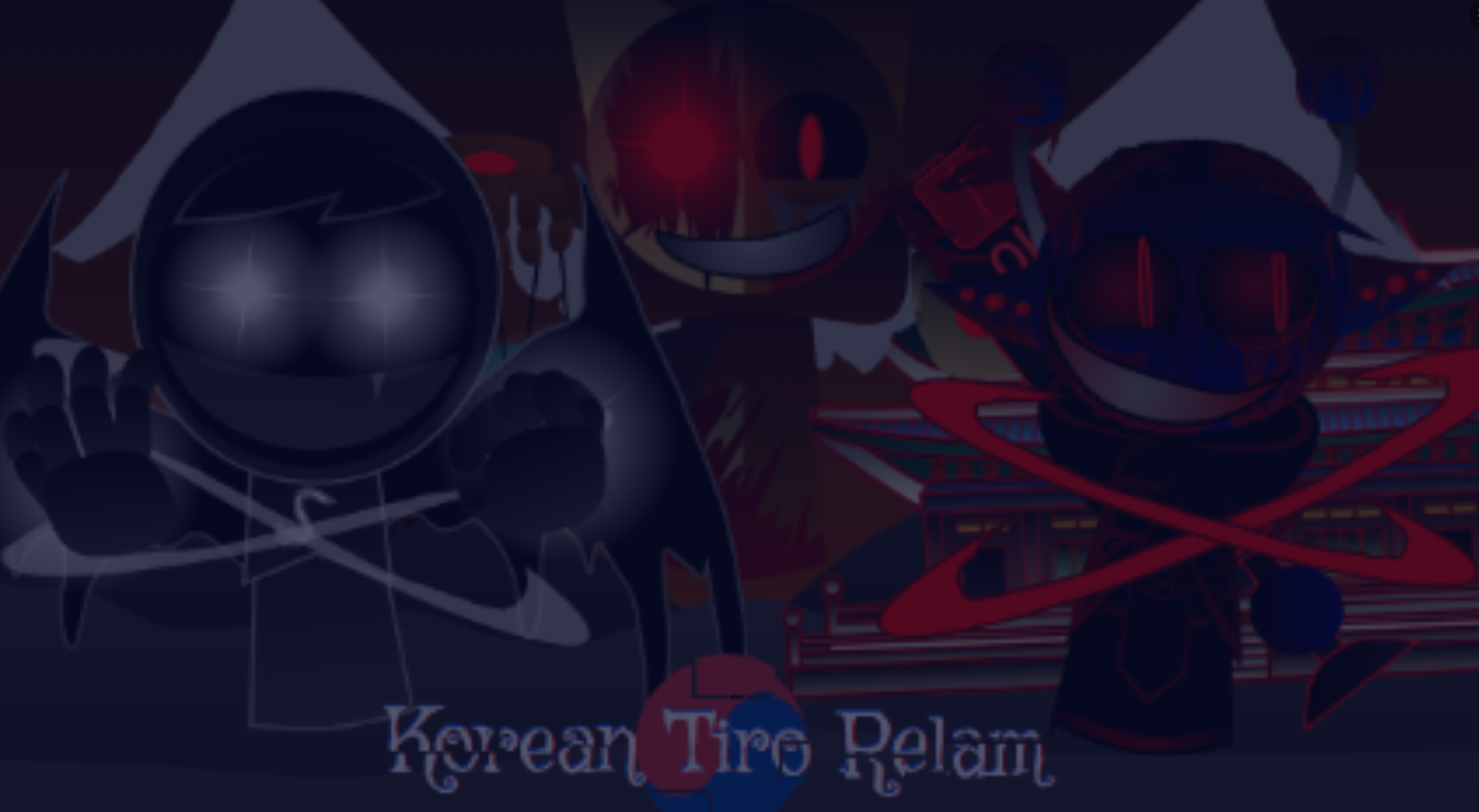
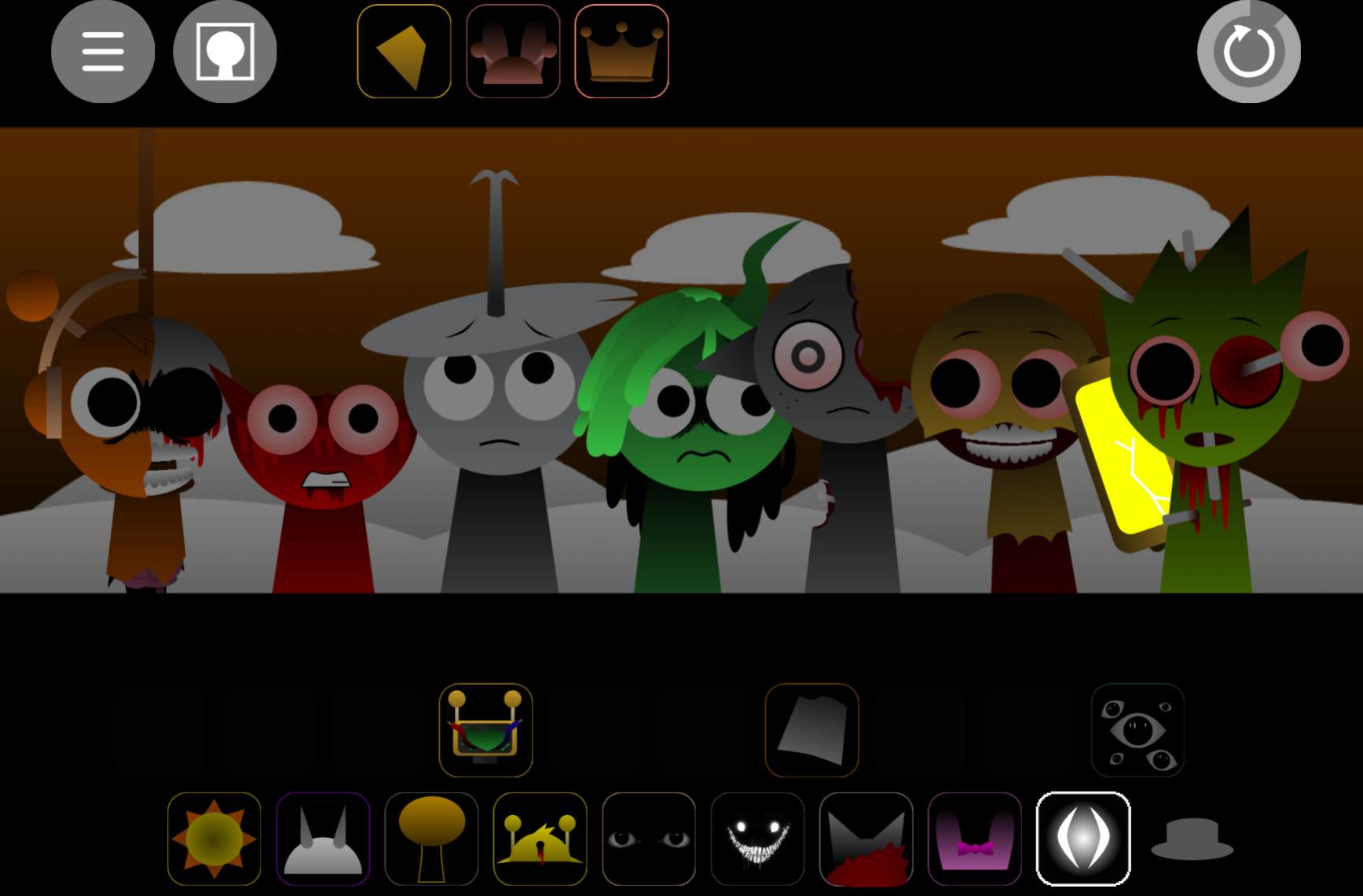


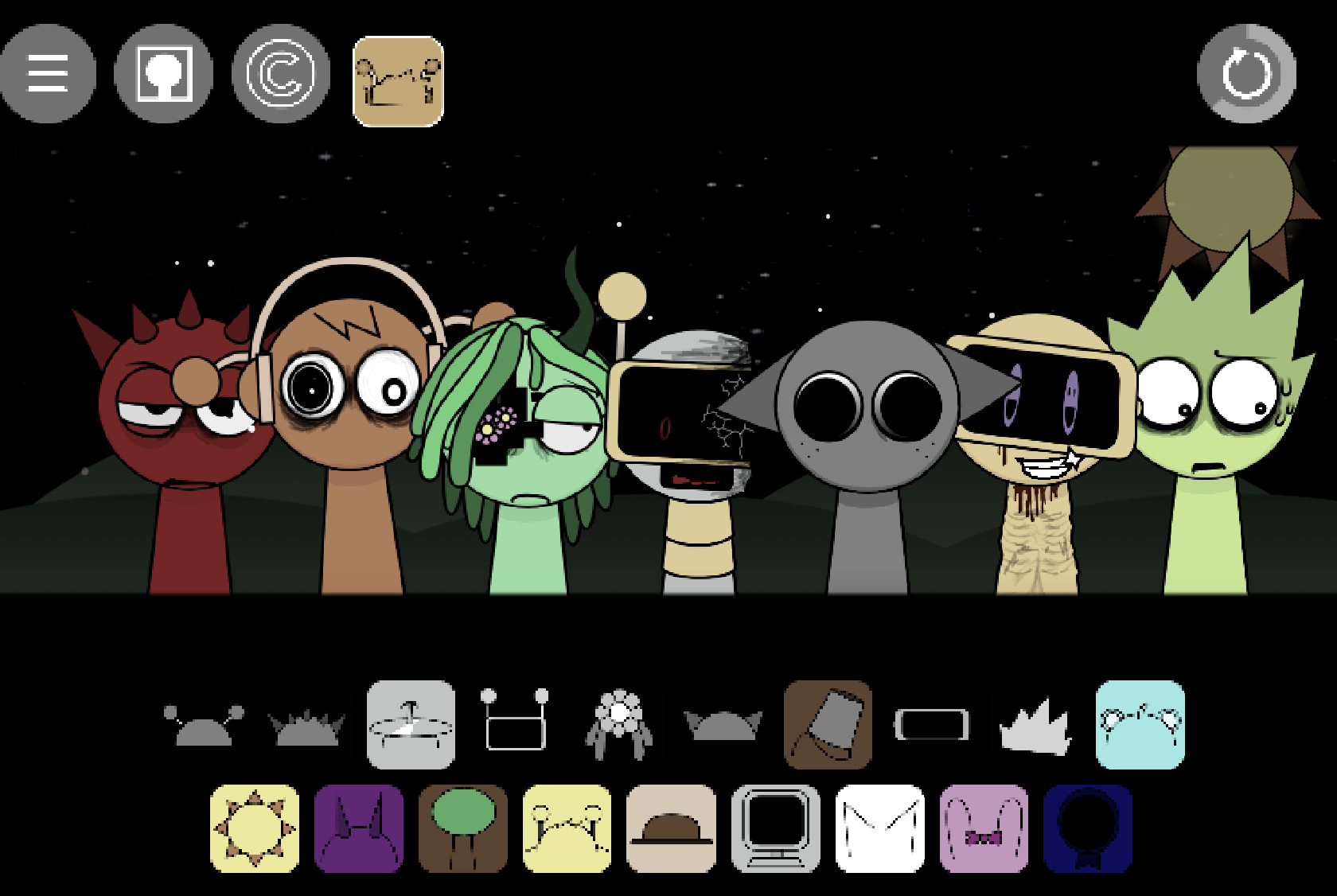
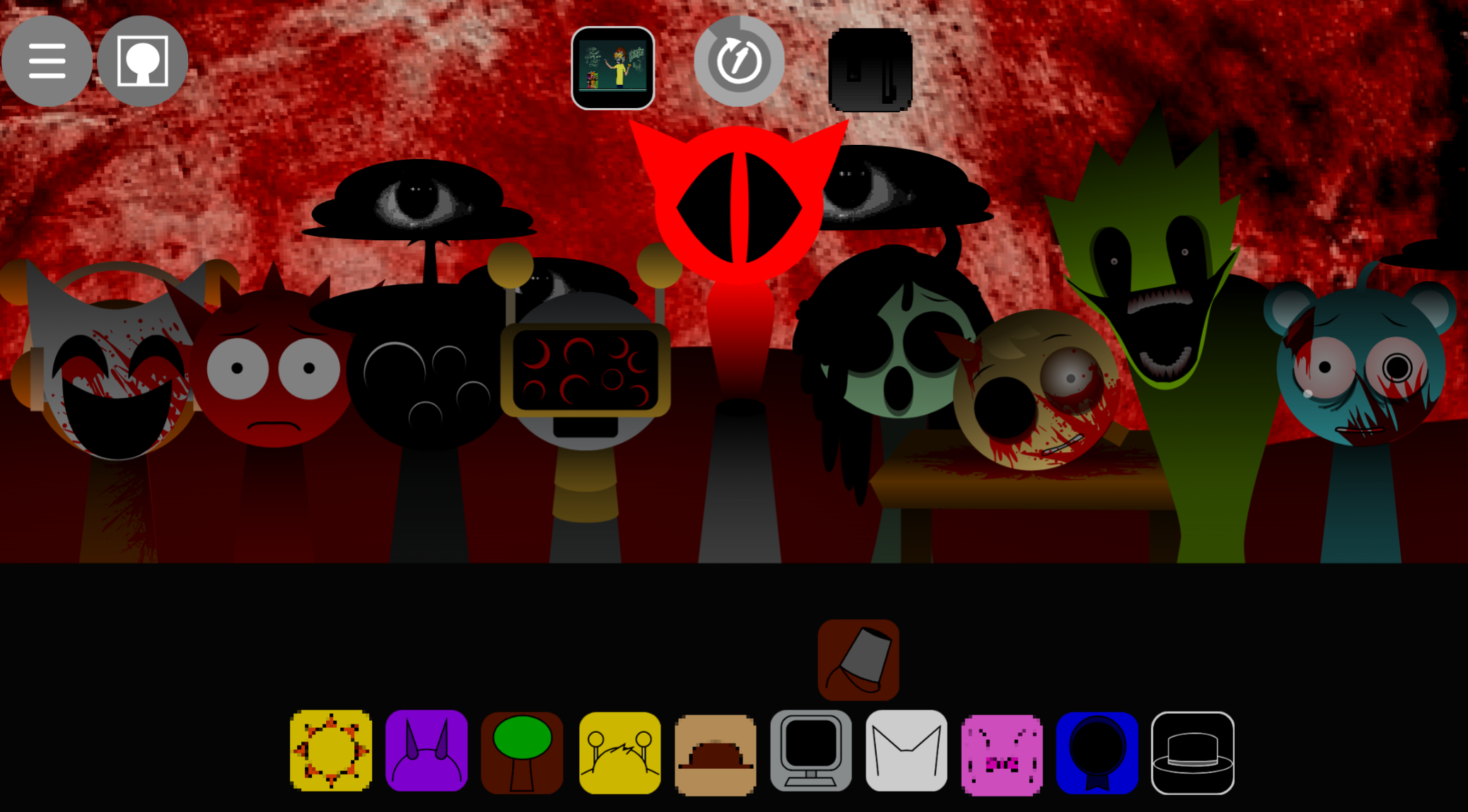
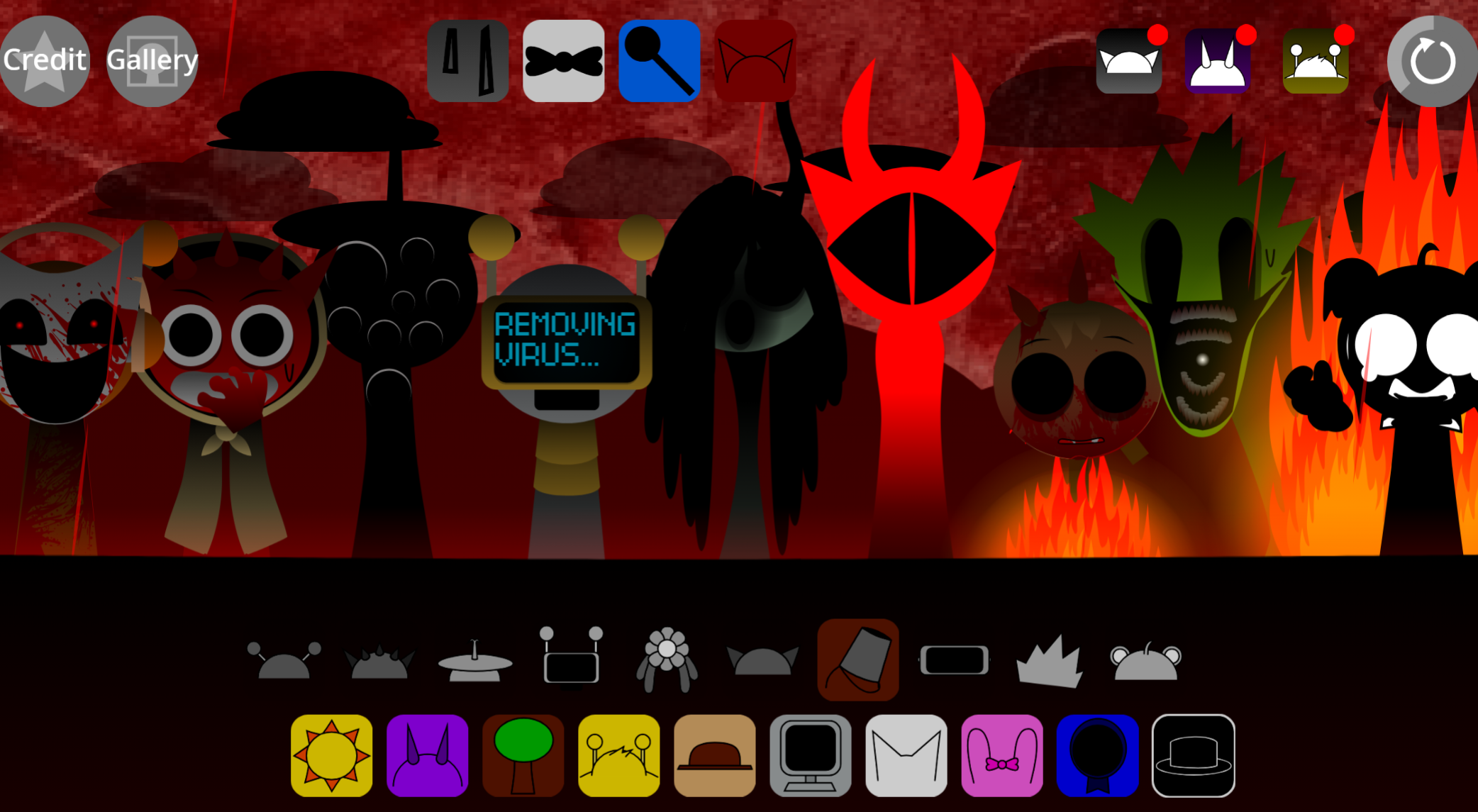
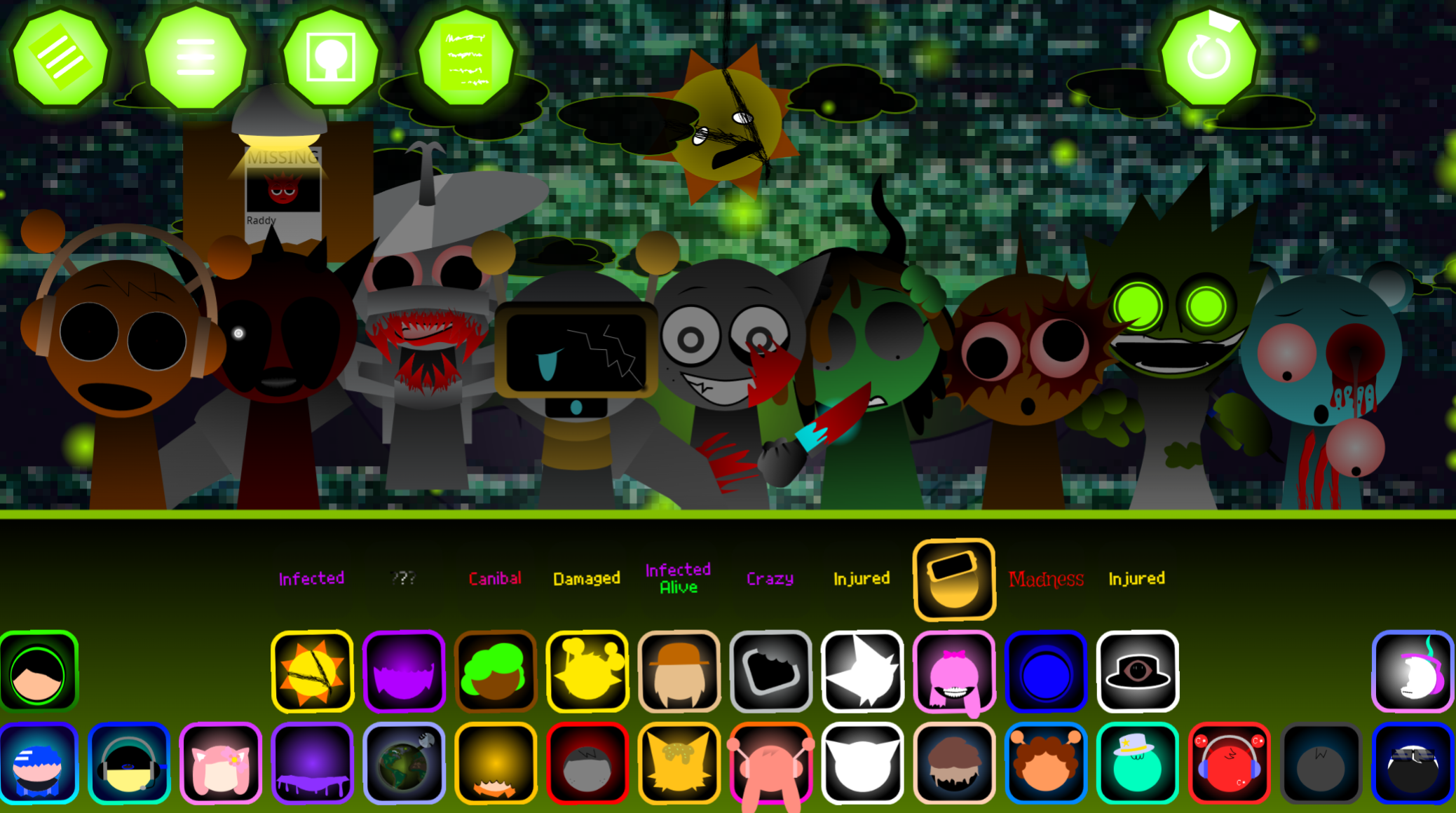
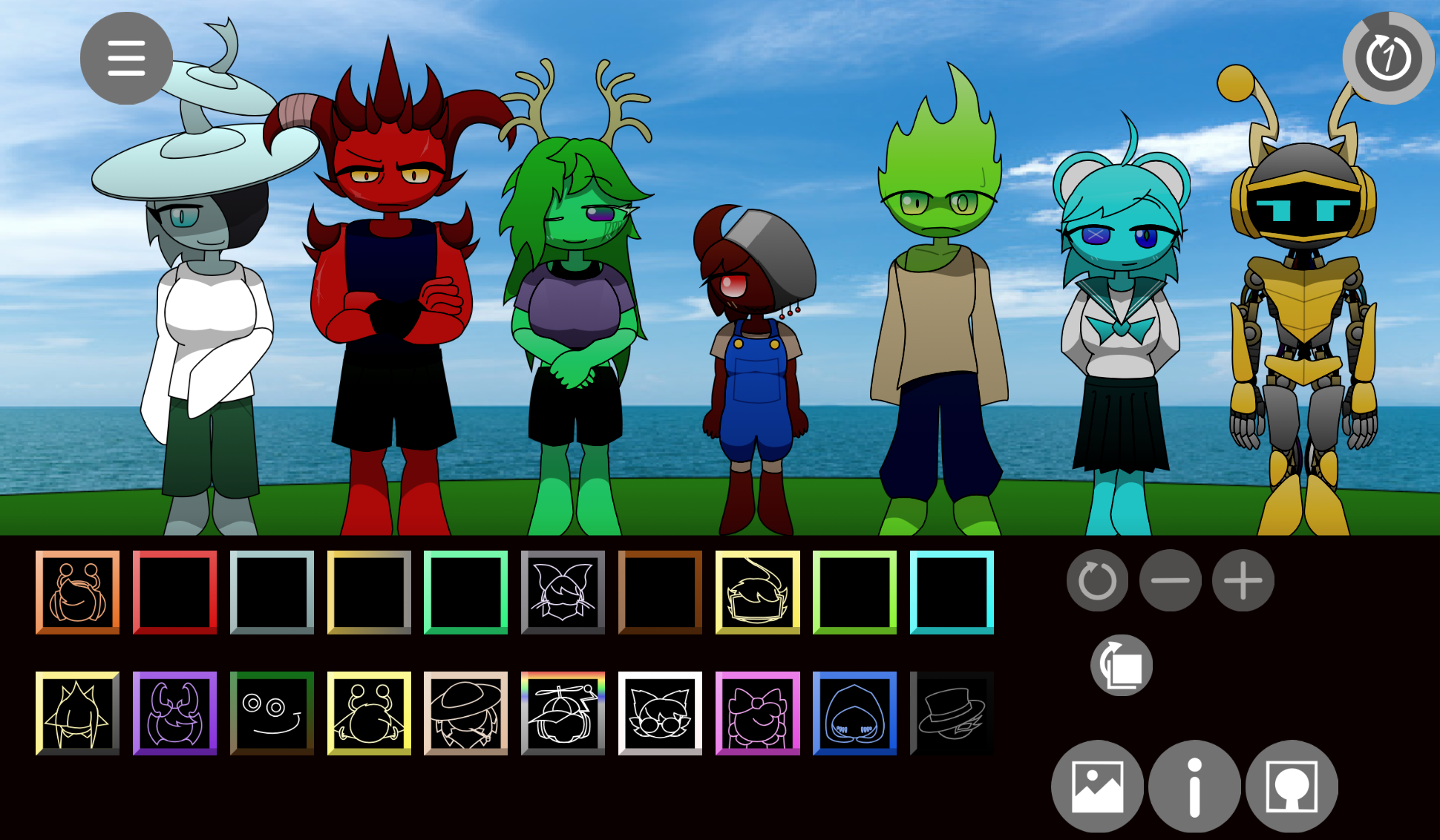
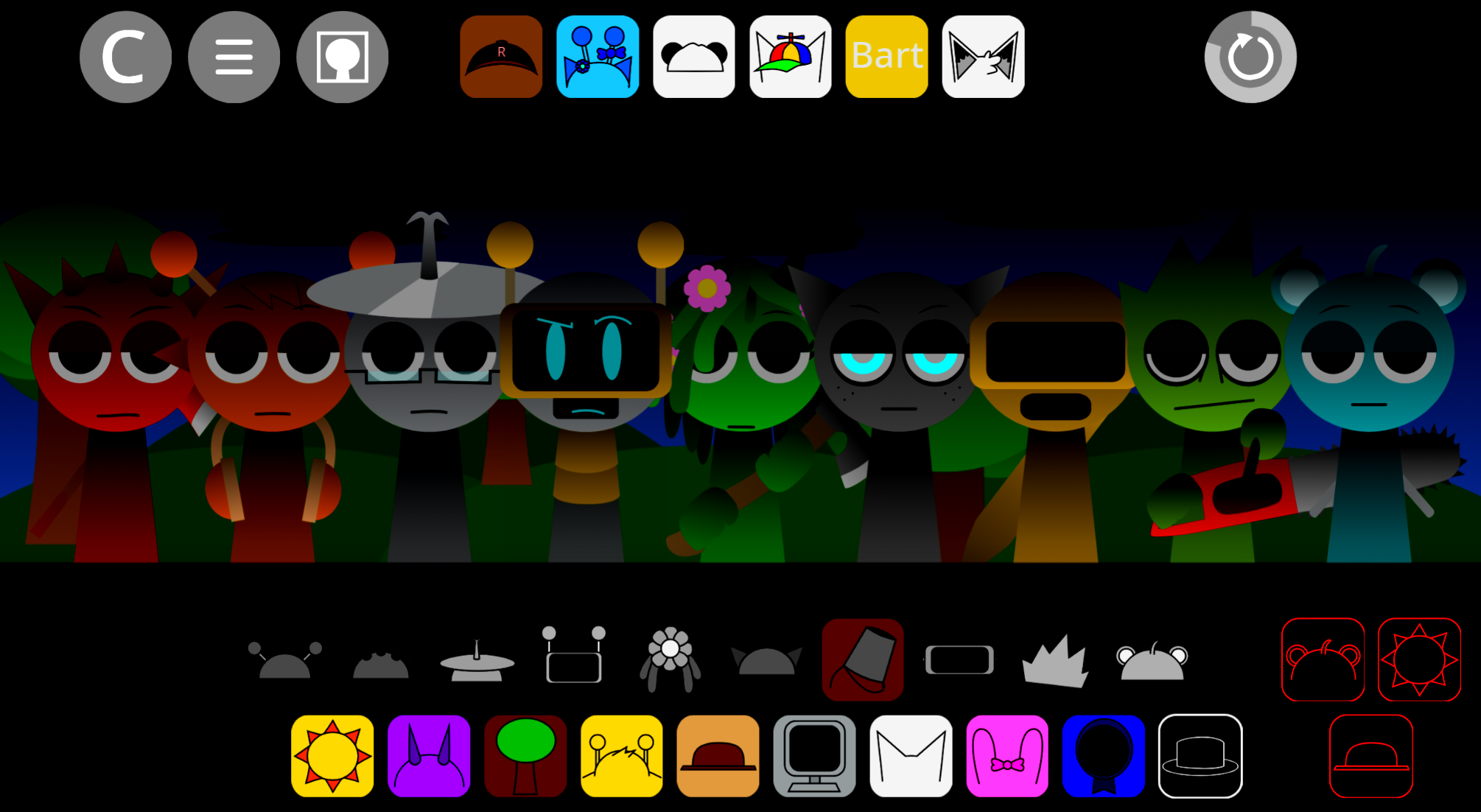
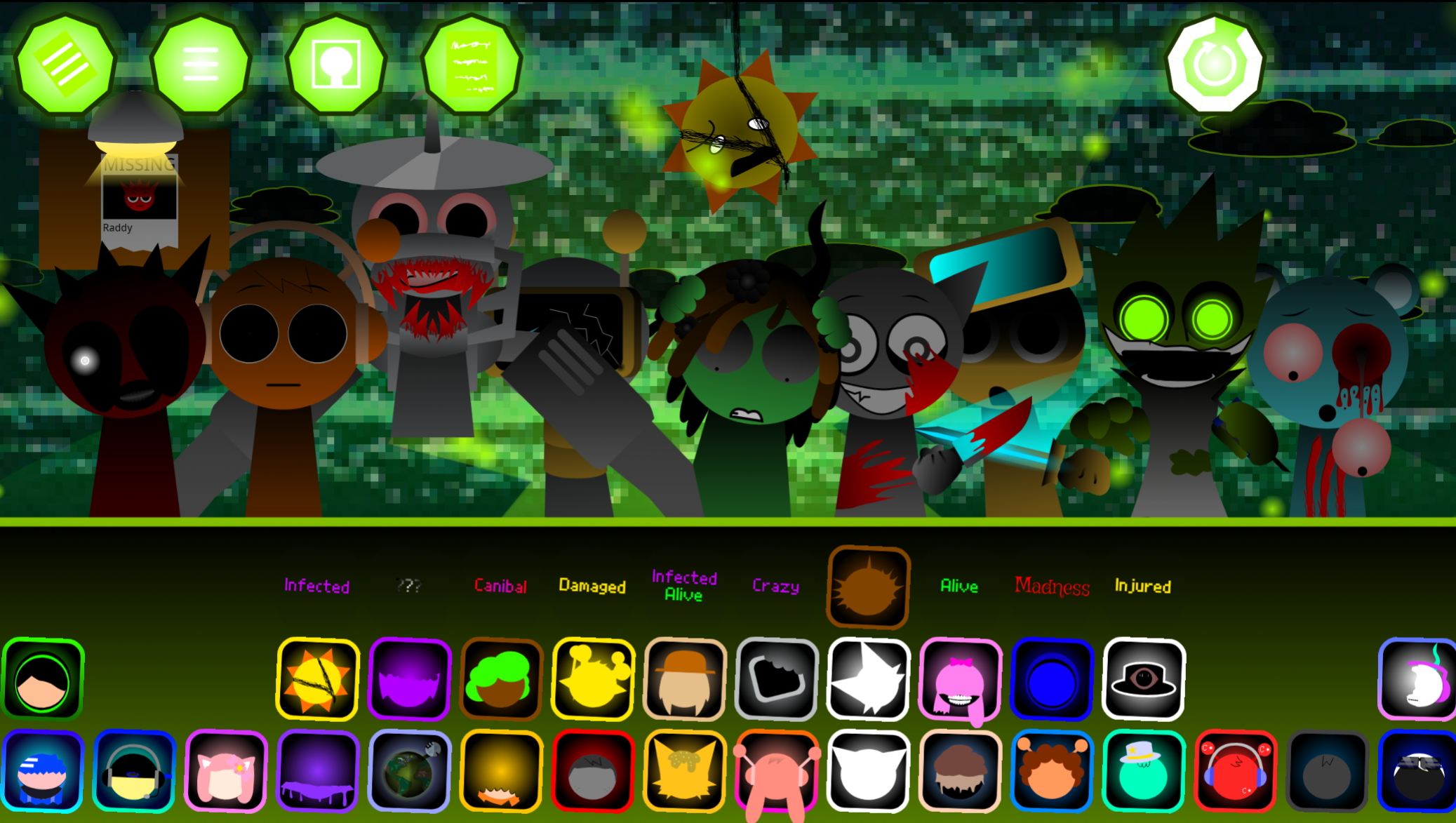
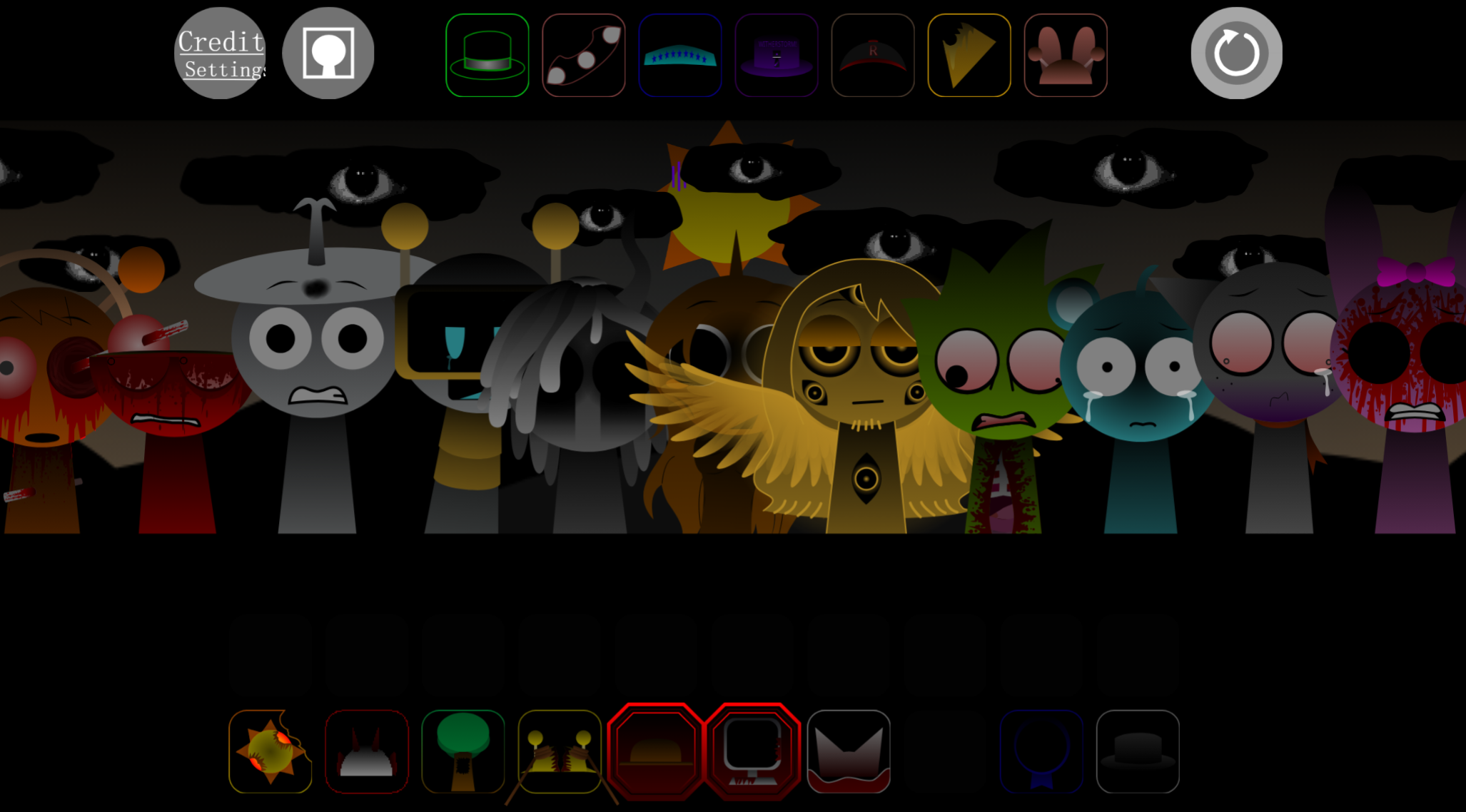
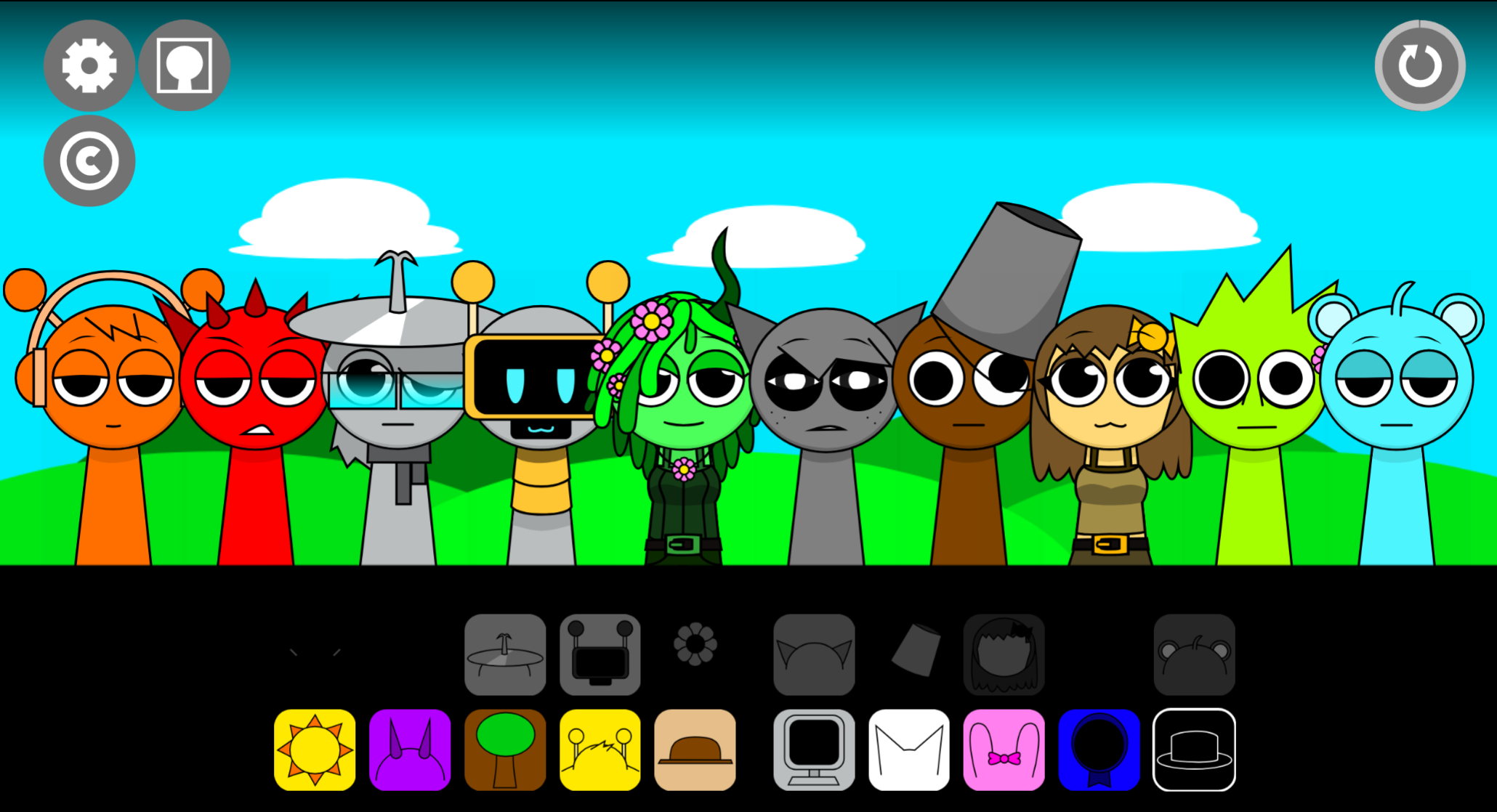
Sprunki Shifted But MSI is a fan-made browser mod that fuses the Shifted gameplay formula with a corrupted, glitch-heavy Msi aesthetic — running entirely in-browser with no download required.
This article covers the mechanics that matter most for actually playing it well: how the Shifted structure affects character placement and sound layering, what the Msi-style glitch effects do to timing cues, and how to keep a mix readable once the corrupted visuals and audio start pushing it off balance.
Sprunki Shifted But Msi
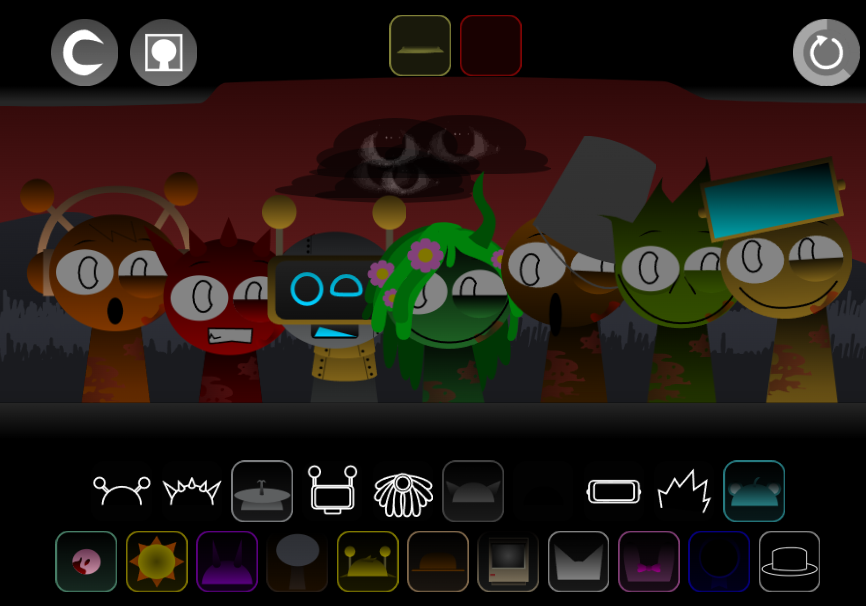
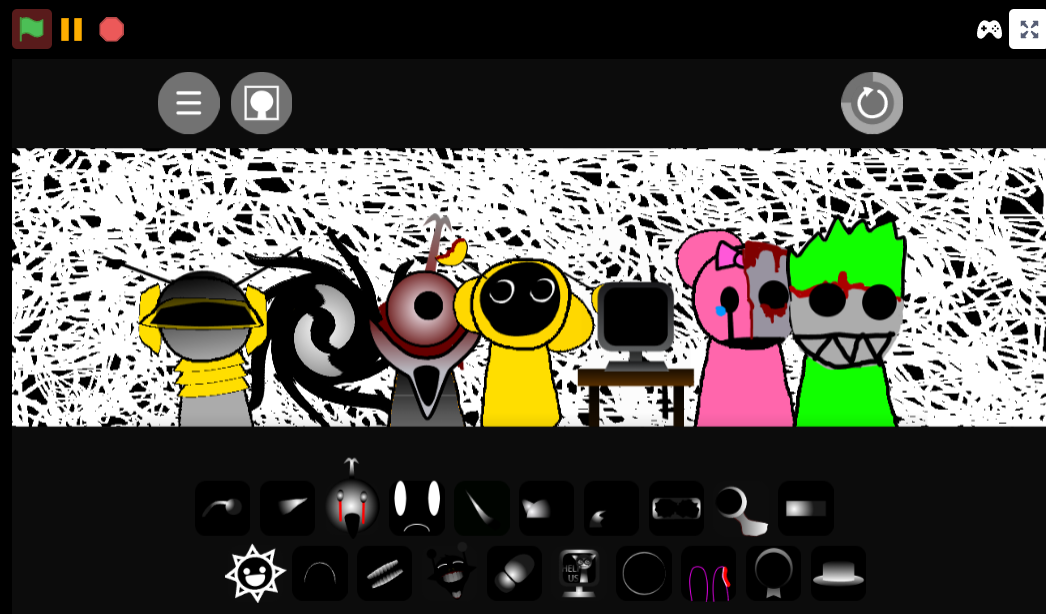
Sprunki Shifted But MSI is a fan-made browser Sprunki mod that layers a corrupted, glitch-heavy Msi style onto the Shifted formula. Its 5-shifted mechanic pushes role reassignment much harder than a standard Shifted variant, so the mix can change feel several times as you build rather than staying in one stable lane.
On abgernygames.org, the page presents it as a browser-playable fan mod by @aan1798. The design is experimental: distorted visuals, unstable beats, pitch bends, warped audio, and arrangements that can turn chaotic with only a few swaps.
The core loop is still readable. You play by dragging sound icons onto characters, with each slot adding a beat, melody, effect, or vocal. The difference is that as Shifted behavior stacks, a layer can change role, clash harder than expected, or destabilize the whole groove.
How to Play Sprunki Shifted But Msi
If you already know standard Sprunki controls, you can Start immediately in your browser with no install step.
Open the mod online.
Load the page linked at the top of this article and start it in your browser.
Build from a simple base.
Start with one beat and one supporting part. A clean opening loop makes it much easier to hear what the Shifted logic is doing once the mix gets busier.
Drag sound icons onto characters.
Each icon adds one loop. Your track grows layer by layer through beats, melody lines, effects, and vocals.
Listen after every placement.
The mod reacts in real time. Glitch effects, pitch bends, and warped audio appear immediately, which is the fastest way to understand the MSI identity.
Swap parts during playback.
Remove a character, add another, and compare without restarting. Quick A/B changes are one of the best ways to learn how this mod behaves.
Keep testing combinations.
This is freeform mixing and discovery. Some combinations only make sense after you hear how the corruption and Shifted behavior interact.
Master the 5-Shifted Phases
The five shifts are best understood as escalating state pressure on your arrangement. You are not just choosing good loops — you are choosing loops that will still work after the next shift changes the feel of the track.
1. Treat your first loop as the anchor
Build your first loop as cleanly as possible. If the base groove is already messy, later shifts will only make it harder to control.
2. Watch for role changes, not just sound changes
A layer that starts as background support may become dominant once Shifted behavior stacks. In Sprunki Shifted But MSI, a “safe” slot can turn awkward later, so judge every addition by function as well as tone.
3. Add layers in small groups
Do not fill the board too fast. The five-shift system creates more variation than a standard Sprunki Shifted session, and overcrowding early makes it harder to hear what broke the mix.
4. Listen for pattern survival
A strong loop here is not just one that sounds good instantly. It is one that still holds together after the next wave of distortion, pitch movement, or audio instability.
5. Edit aggressively
If a new part muddies the beat, buries the melody, or makes the rhythm unreadable, remove it. Controlled subtraction is often more important than clever stacking in MSI-heavy mixes.
Beginner Start Guide
For a Beginner, the easiest way to Start is to build one sound at a time and treat the strange audio as information rather than noise.
- Open the game in your browser so setup does not get in the way.
- Place one or two characters first instead of trying to fill every slot.
- Learn the four basic loop roles: beat, melody, effect, and vocal.
- Listen for immediate corruption cues like glitches, bends, and warping.
- Swap sounds mid-playback to hear exactly what each part contributes.
- Record the mix once it clicks instead of over-editing it into chaos.
A small, readable mix usually teaches more than a full board. Fewer active layers make the Shifted behavior easier to understand.
Pro Mixing Tips
The main Pro Mixing Tips for Sprunki Shifted But Msi are about preserving clarity while using instability deliberately.
Give every slot a job
Before adding a layer, decide whether it is carrying rhythm, melody, texture, or disruption. If two parts do the same job, one is probably unnecessary.
Build around a compact core
Start with two or three parts — usually a beat, one melody line, and one vocal or effect. That gives the groove enough structure to survive later corruption.
Use cleaner sounds as the foundation
Less-processed loops work better as anchors. Save the more broken MSI-style elements for accents, transitions, or tension points.
Avoid stacking similar harsh layers
Two distorted voices or multiple abrasive effect loops can erase the pattern rather than strengthen it. If the rhythm starts to blur, reduce density before adding anything new.
Judge changes instantly
Right after each swap, ask:
- Did the beat stay readable?
- Did the melody survive?
- Did the new layer add contrast or only noise?
If the answer is unclear, cut the layer.
Mix for movement, not fullness
Because Shifted behavior can alter how a part feels over time, leave room in the arrangement. A slightly sparse mix often holds together better than a crowded one once the mod starts pushing it around.
Why Play Sprunki Shifted But Msi
It keeps the basic drag-and-drop Sprunki flow, But changes the audio and visual behavior enough that every small choice carries more weight than in a standard session.
The MSI identity — corrupted sound design, darker presentation, unstable beats — means combinations can move from smooth to tense in a single swap. That makes it suited to players who enjoy active Mixing rather than passive loop stacking. Since it runs in a browser, you can jump in, test ideas quickly, and compare it with other mods on the same platforms without extra setup.
Common Questions
What is Sprunki Shifted But MSI?
A fan-made browser Sprunki mod combining Shifted-style music building with an MSI theme focused on corrupted audio and glitch-heavy presentation.
What does MSI actually change?
It adds distorted visuals, warped sound, pitch bends, and a darker overall tone. That affects how readable and controllable your mix feels, not just how it looks.
Is it hard for a Beginner?
Not mechanically. If you know basic Sprunki drag-and-drop play, you can start fast. The difficulty comes from learning how chaotic layers behave once the Shifted logic starts stacking.
Are the 5-shifted phases separate game modes?
No. They are best understood as repeated Shifted state changes inside the same core concept, not five clean standalone modes.
Where can you play it?
The version discussed here is playable in a web browser through the abgernygames.org page linked at the top.
Related Games
- SPRUNKI MSI but anti shifted phase 3 — This is the closest follow-up because it keeps the MSI identity but flips the shift logic into an anti-shifted Phase 3 setup, letting you compare how reversed character placements change the beat.
- Sprunki Anti Shifted Phase 5 Player Baldis Take — If the five-step shifting twist is what grabbed you, this anti-shifted Phase 5 variant is a strong next click because it pushes the same roster-remapping chaos into a later, more distorted phase.
- Sprunke Phases But In ONE Mod — This works well after Sprunki Shifted But MSI because the article mentions the wider phase scene, and this mod lets you sample multiple phase-style transformations in one place.
Is Sprunki Shifted But MSI Worth Playing?
If you enjoy roster-remapping mods where a stable loop gradually gets distorted by shift logic, Sprunki Shifted But MSI is worth playing. If you want a calmer, cleaner Sprunki variant, it may feel too unstable.




Discuss
Loading comments...
Failed to load comments. Please try refreshing the page.