
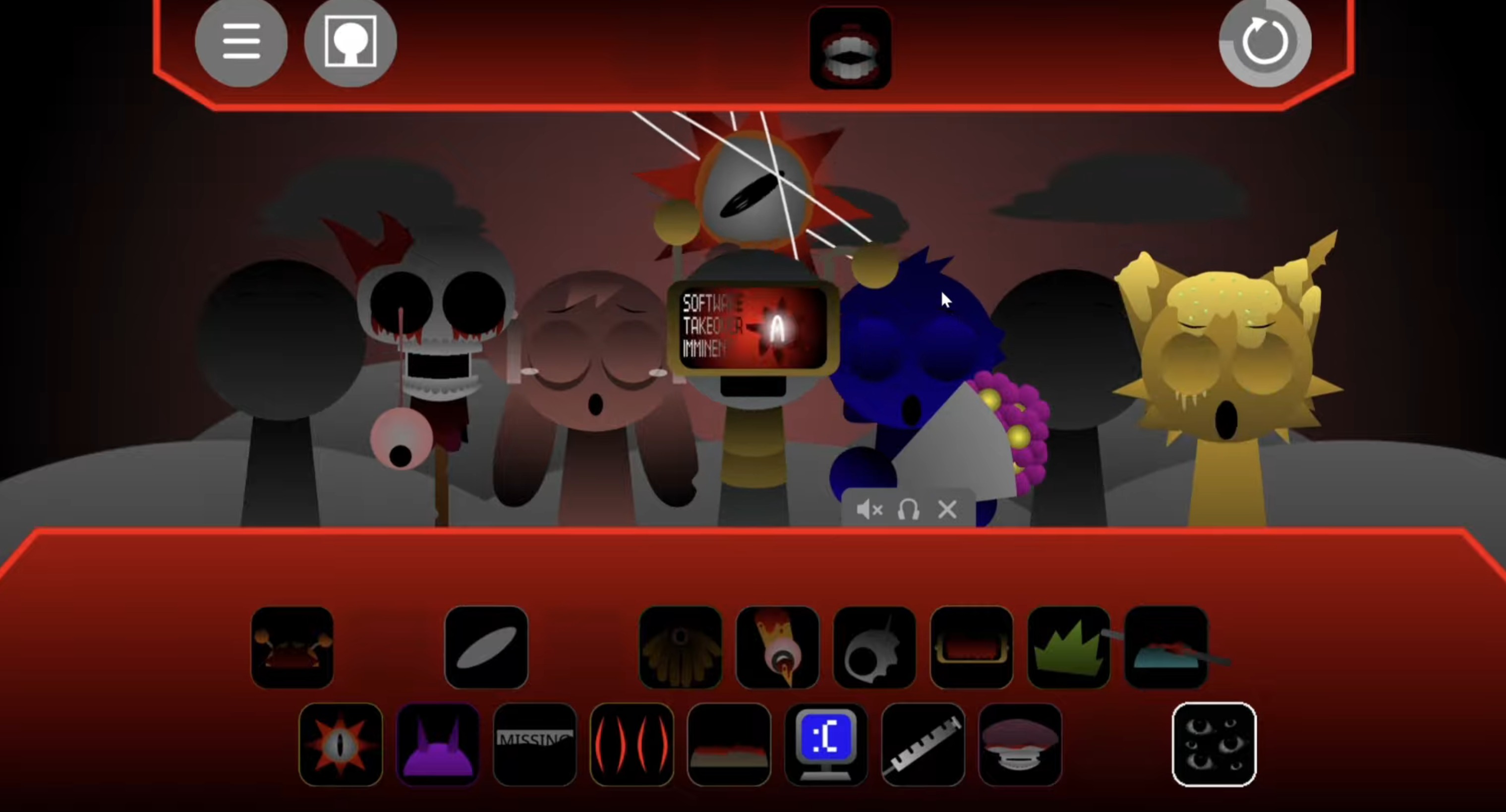
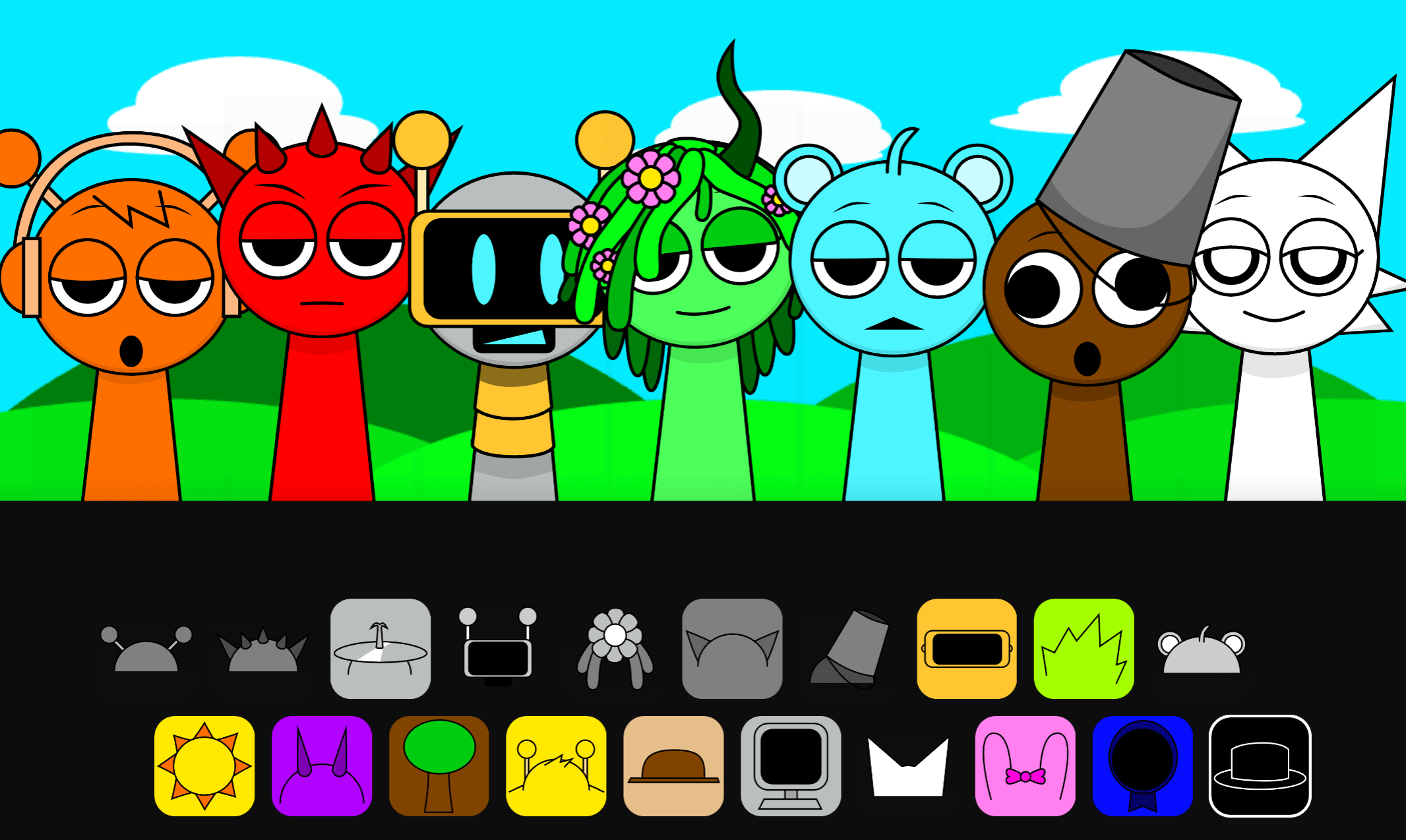
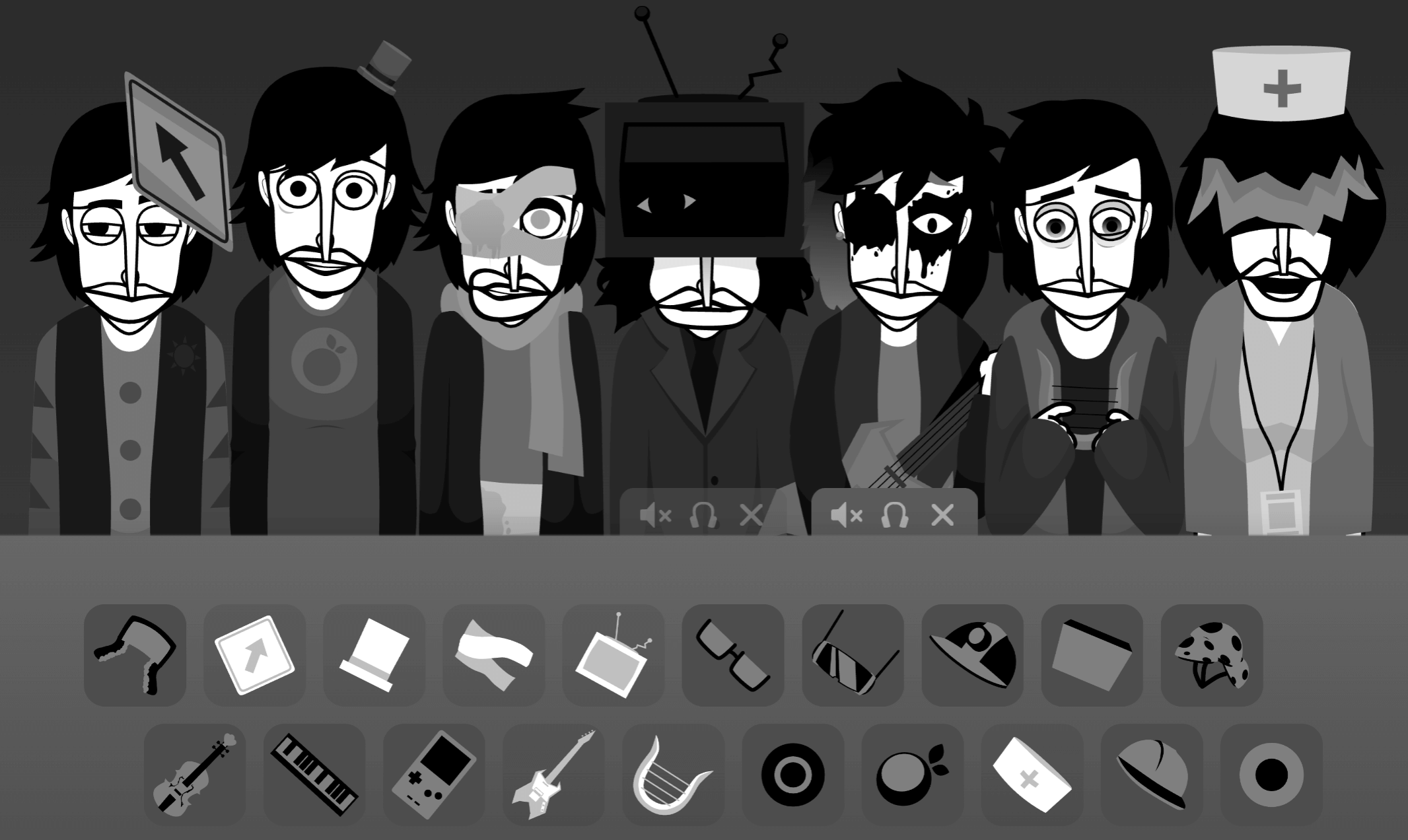
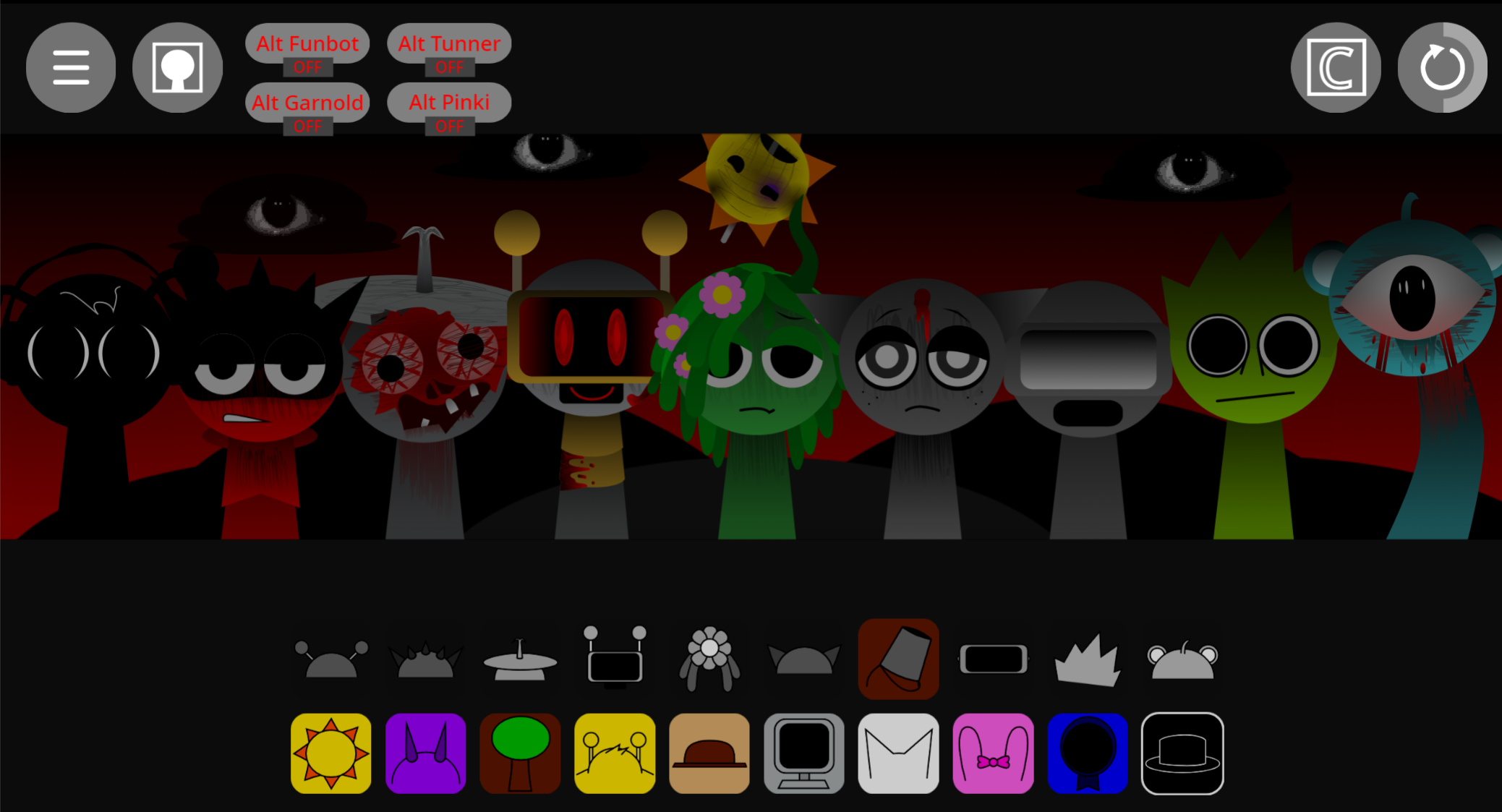
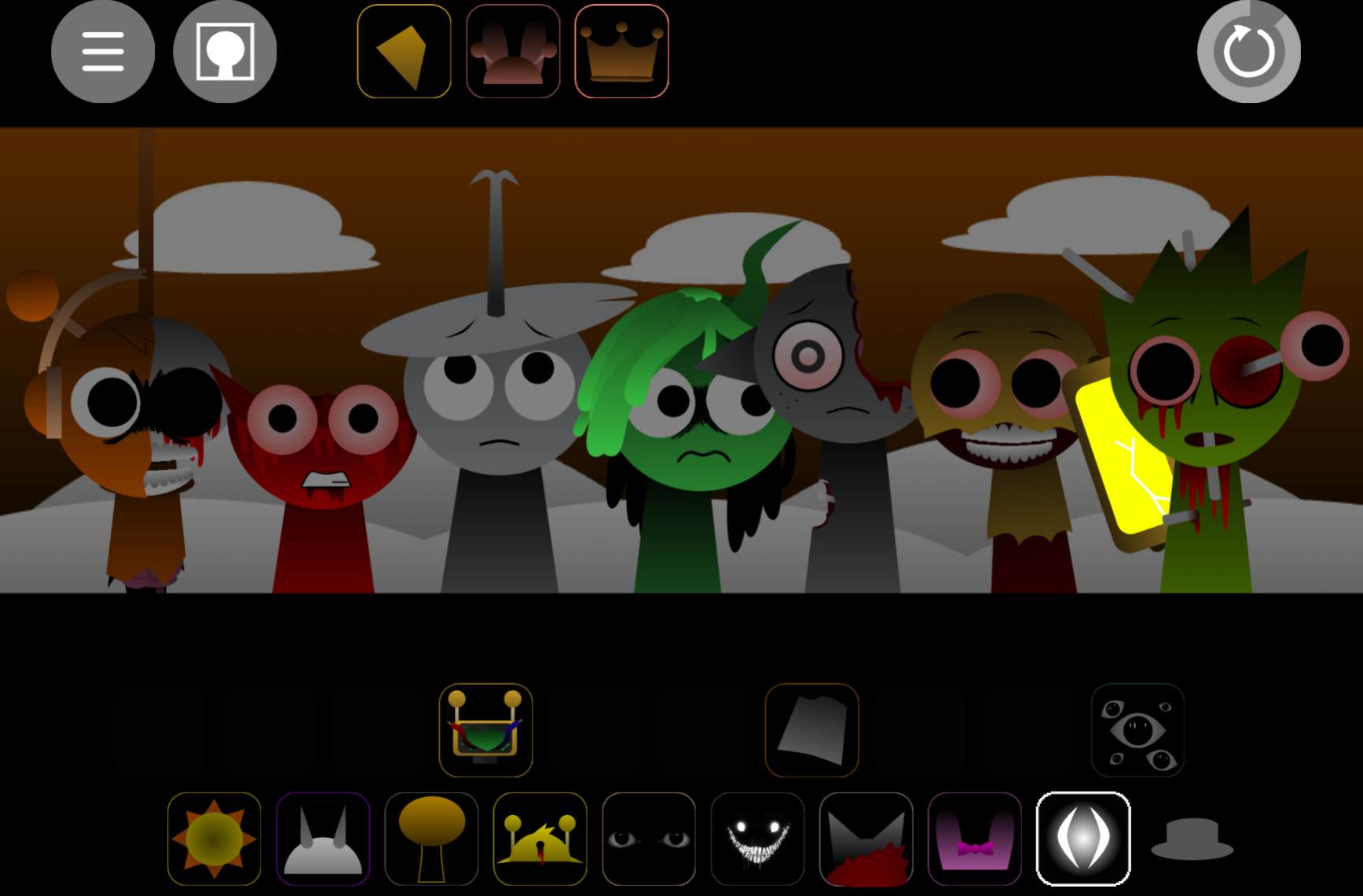


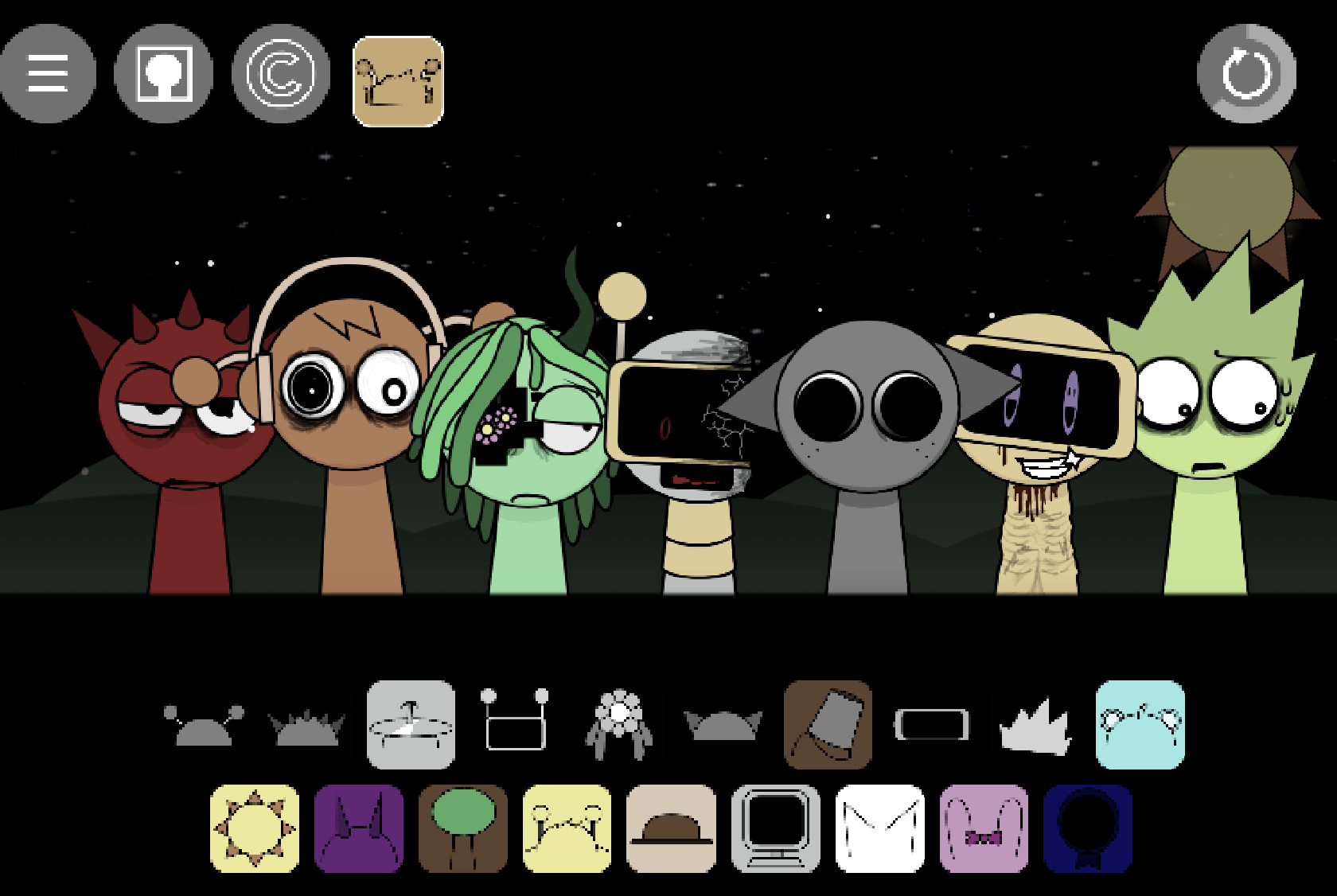
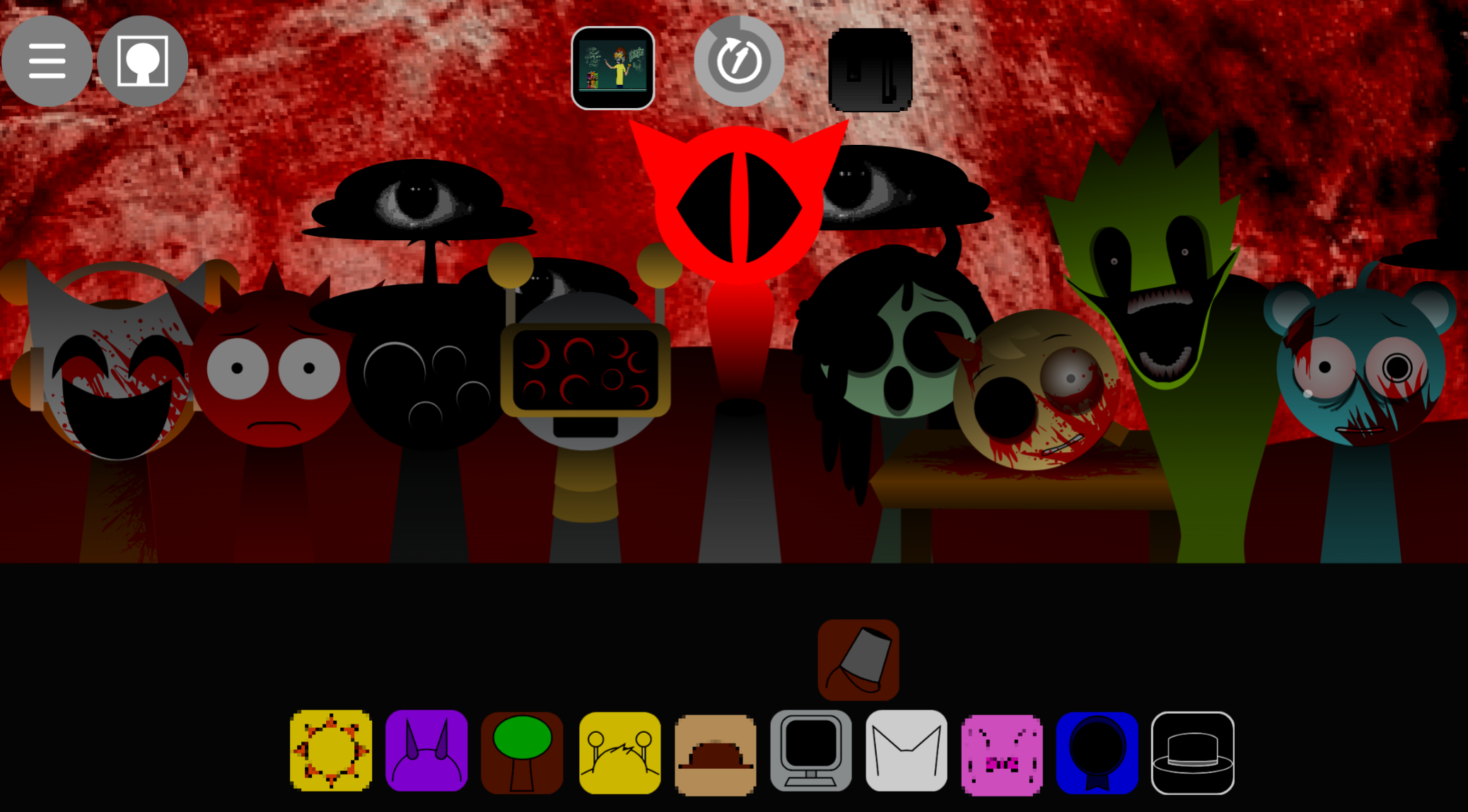
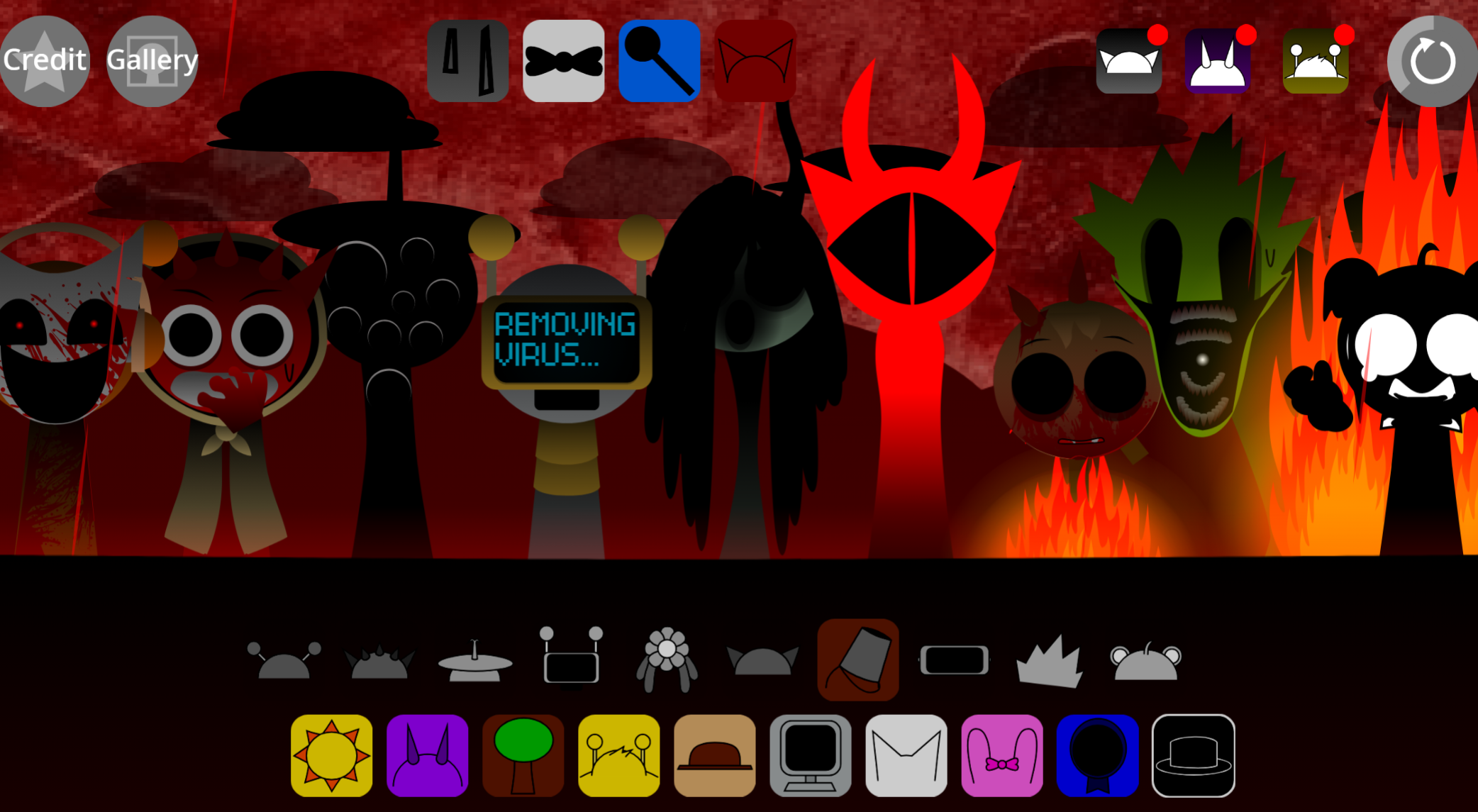
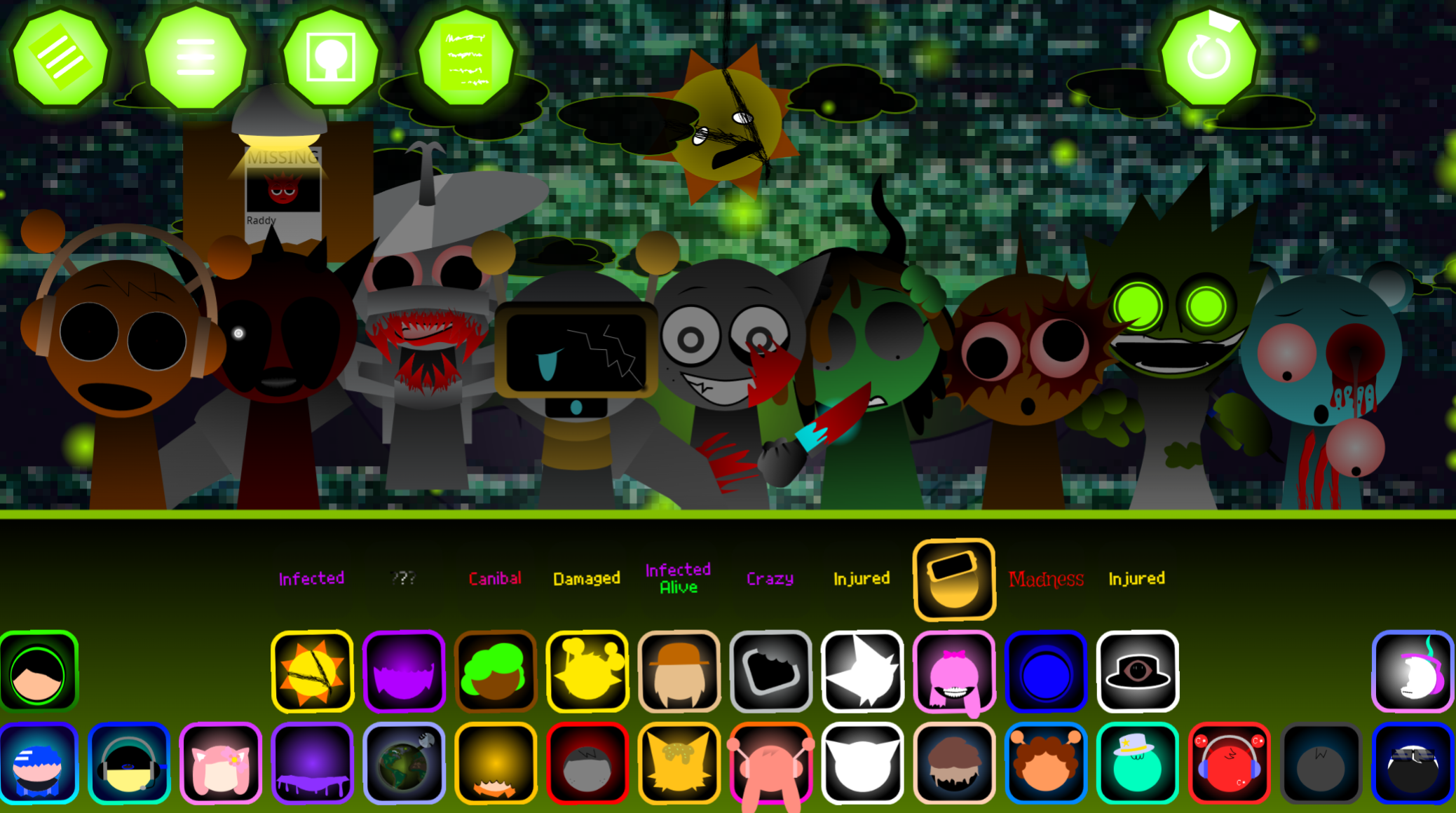
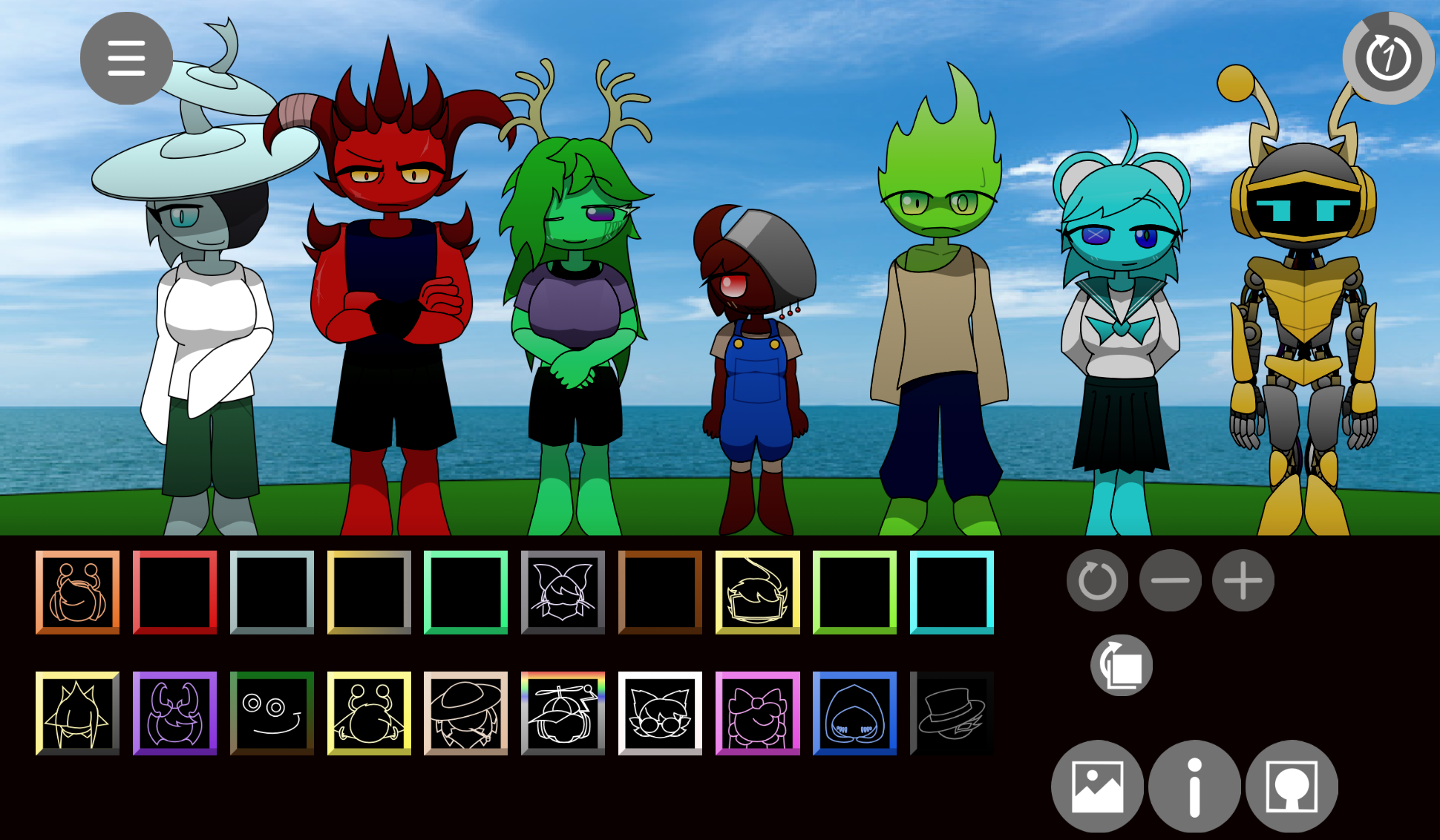
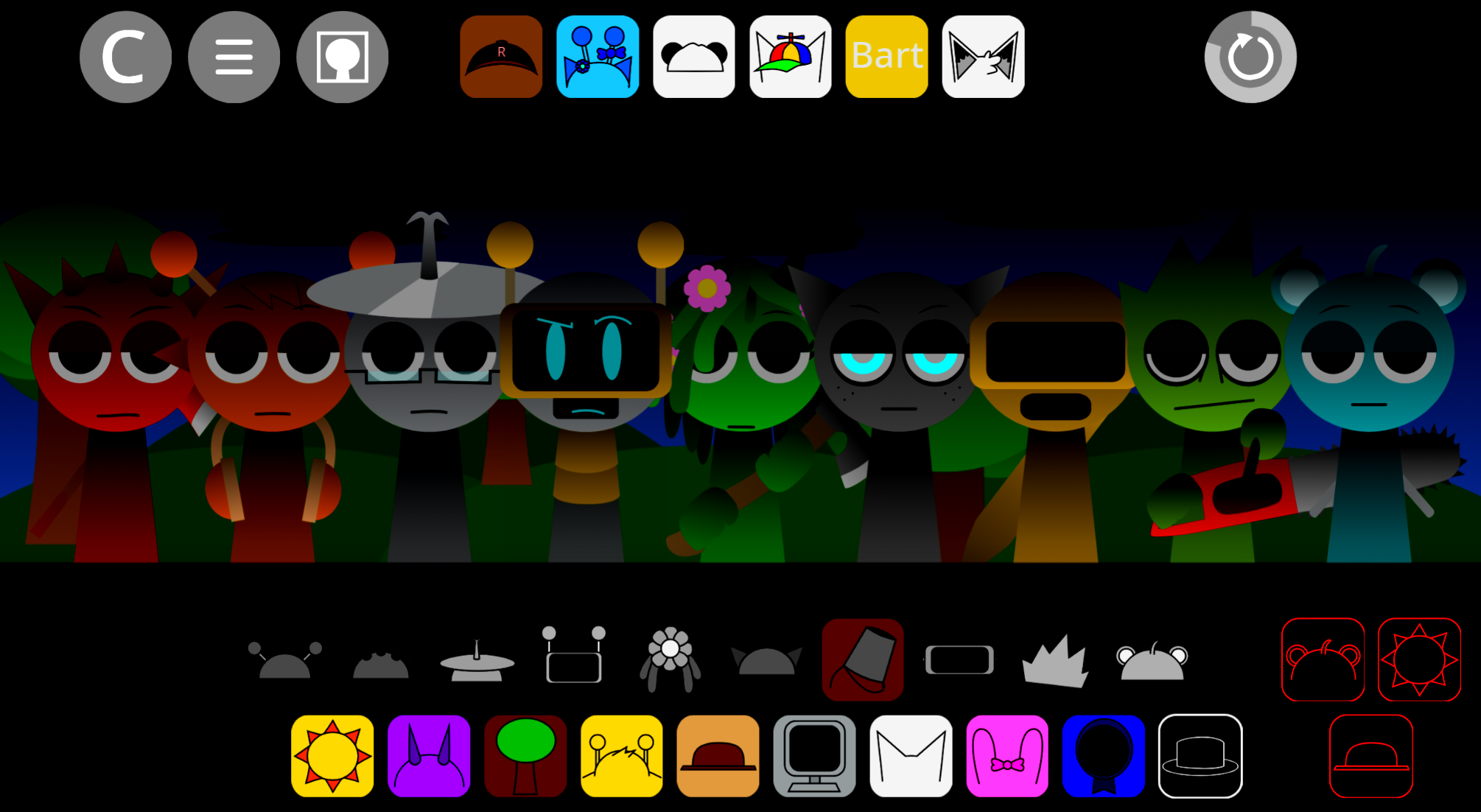
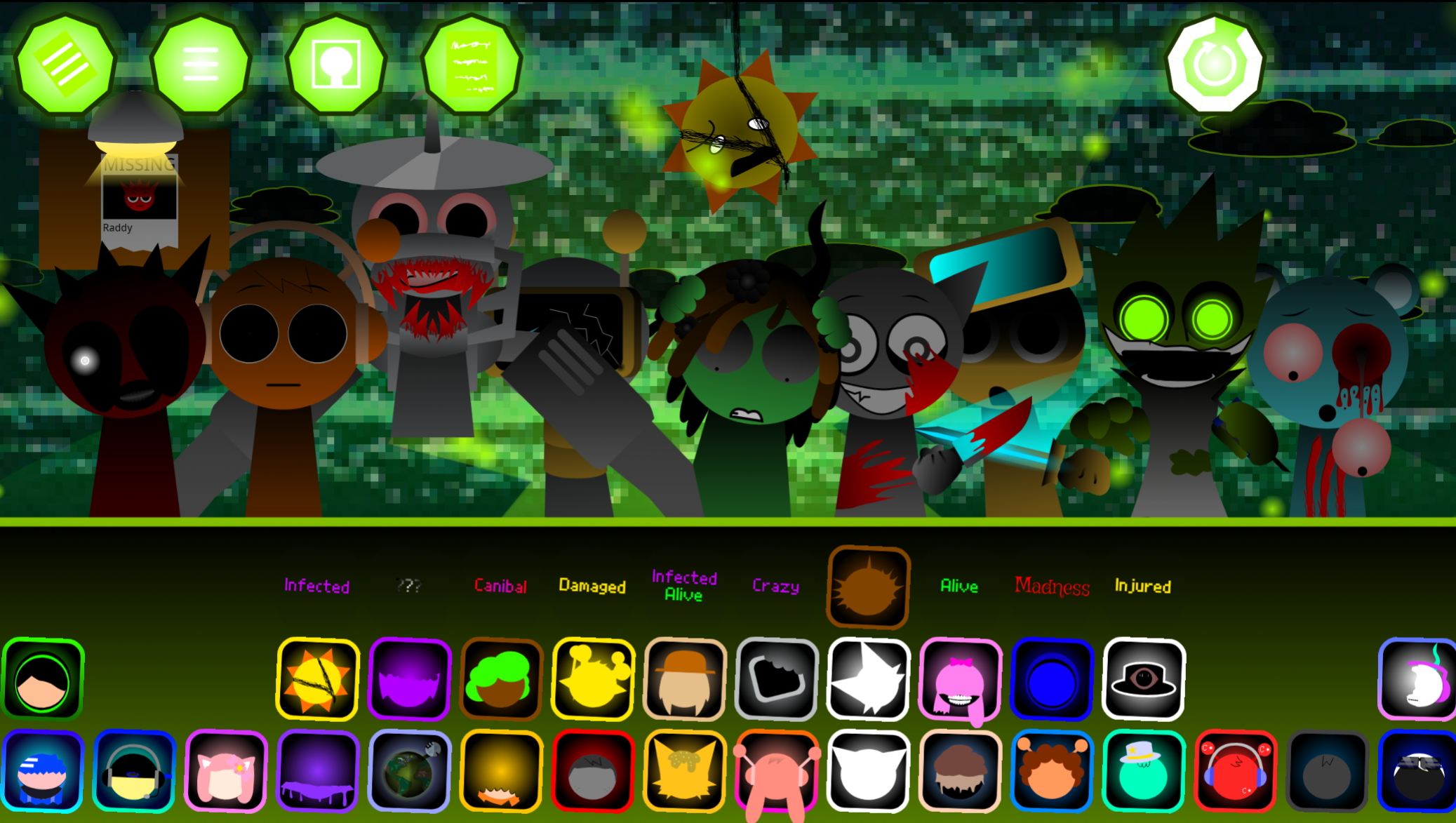
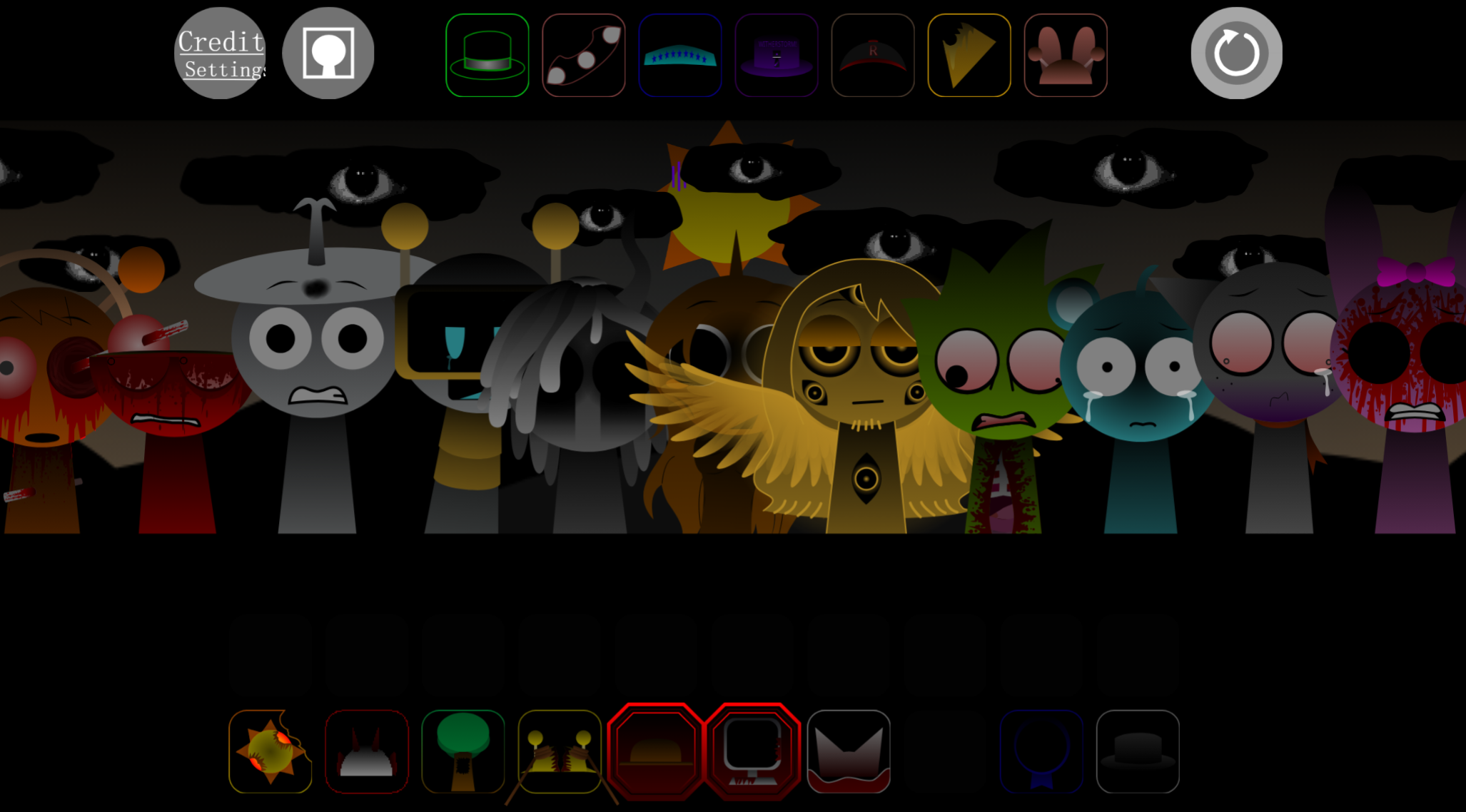
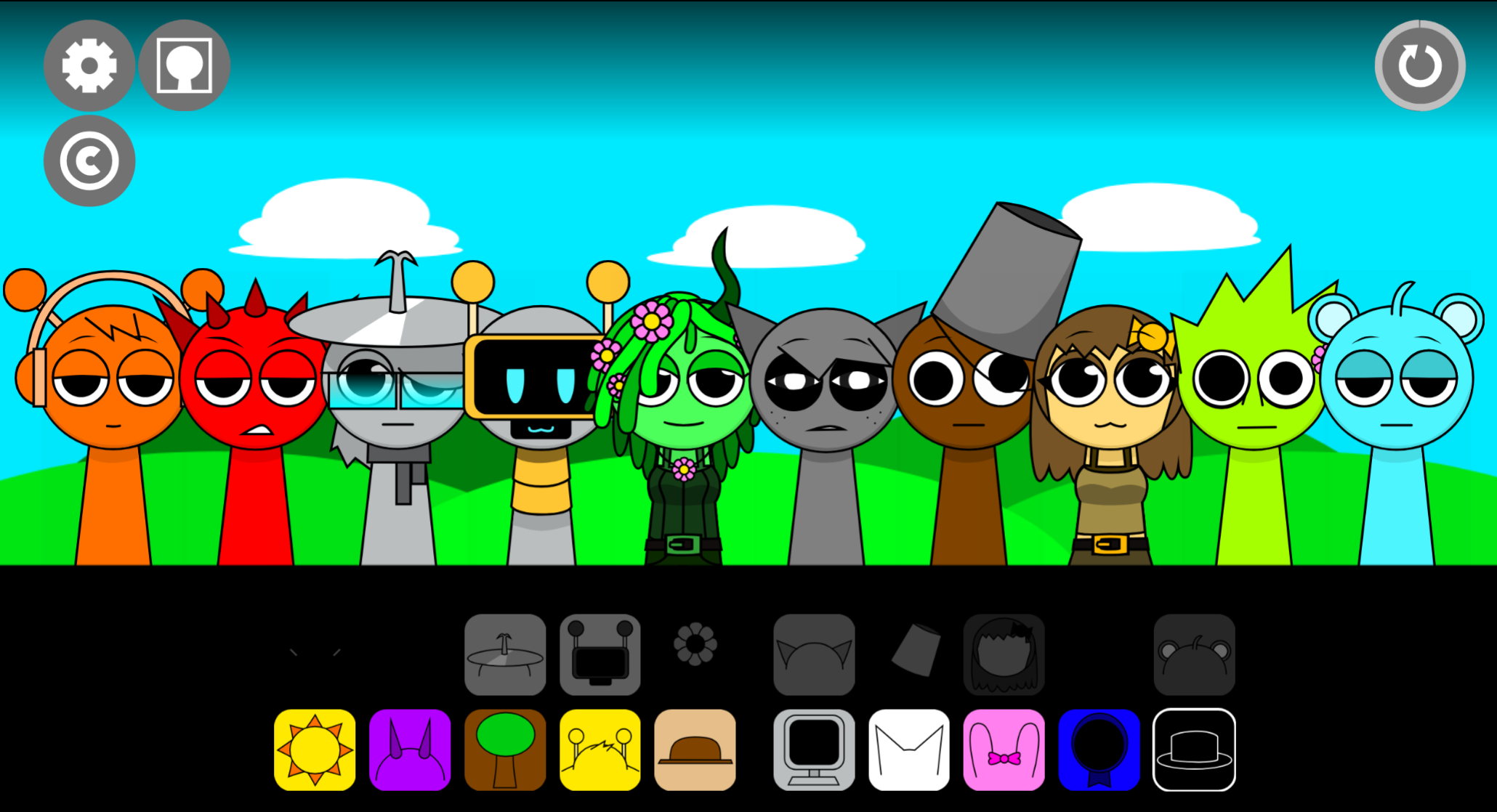
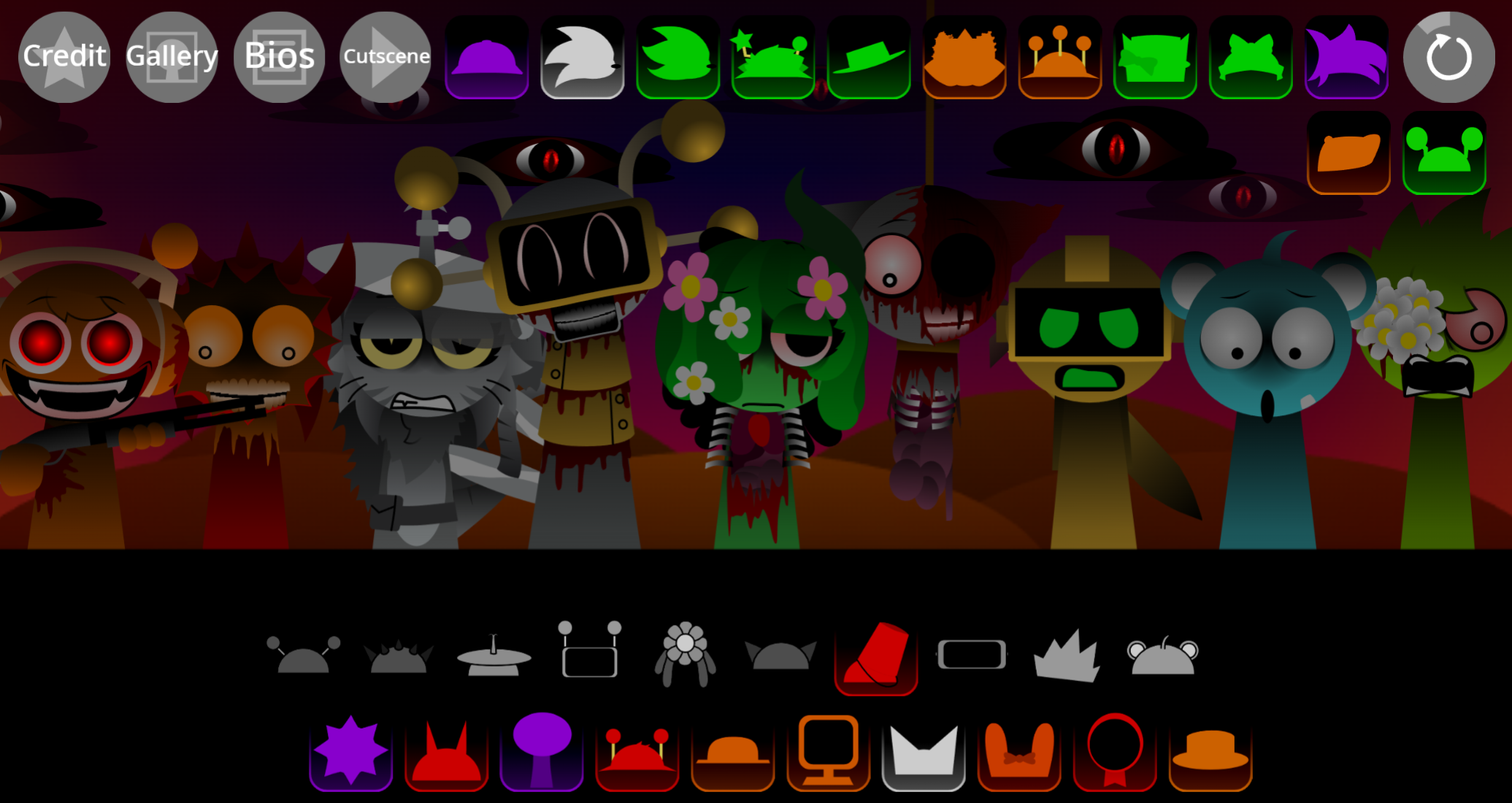
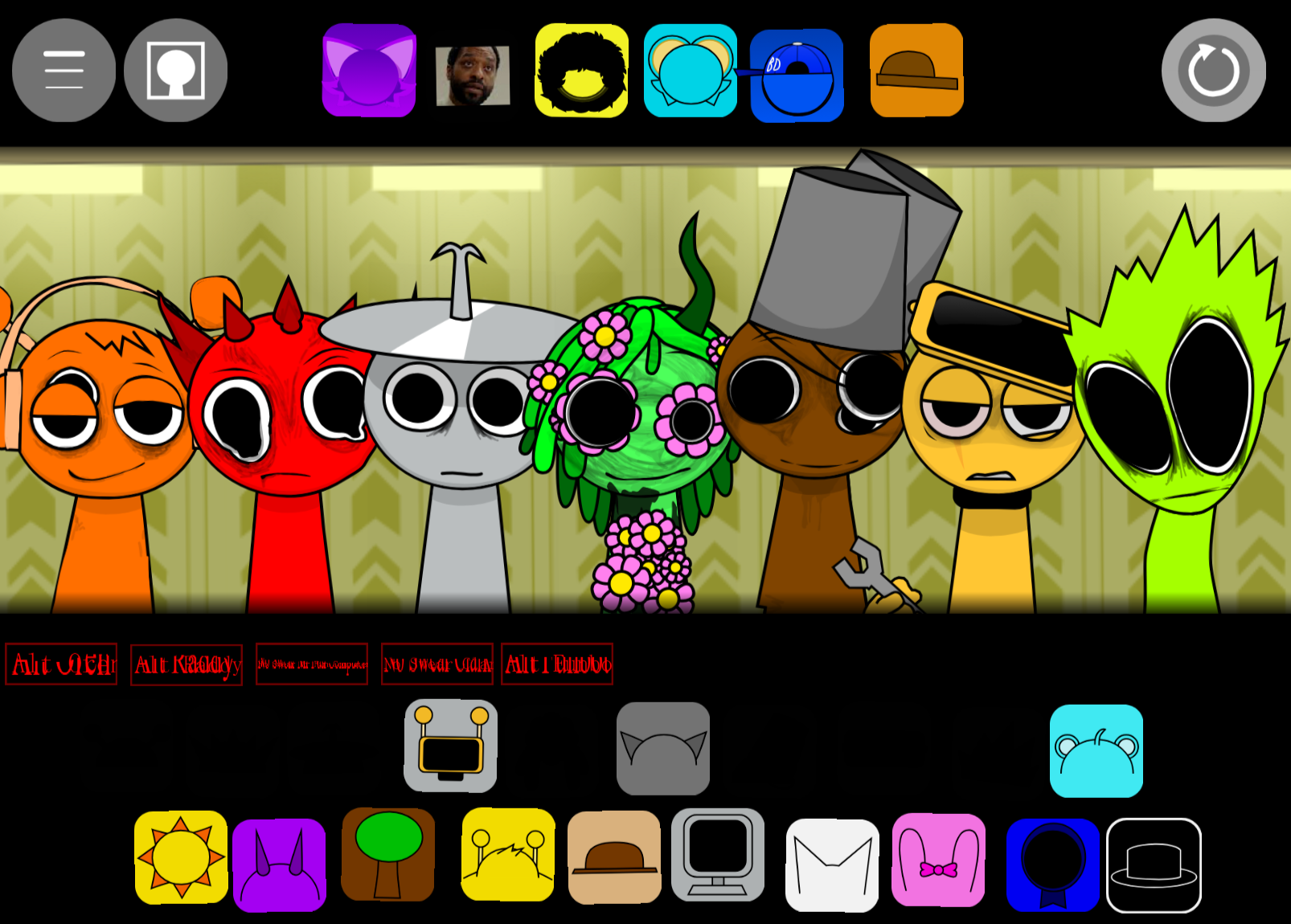
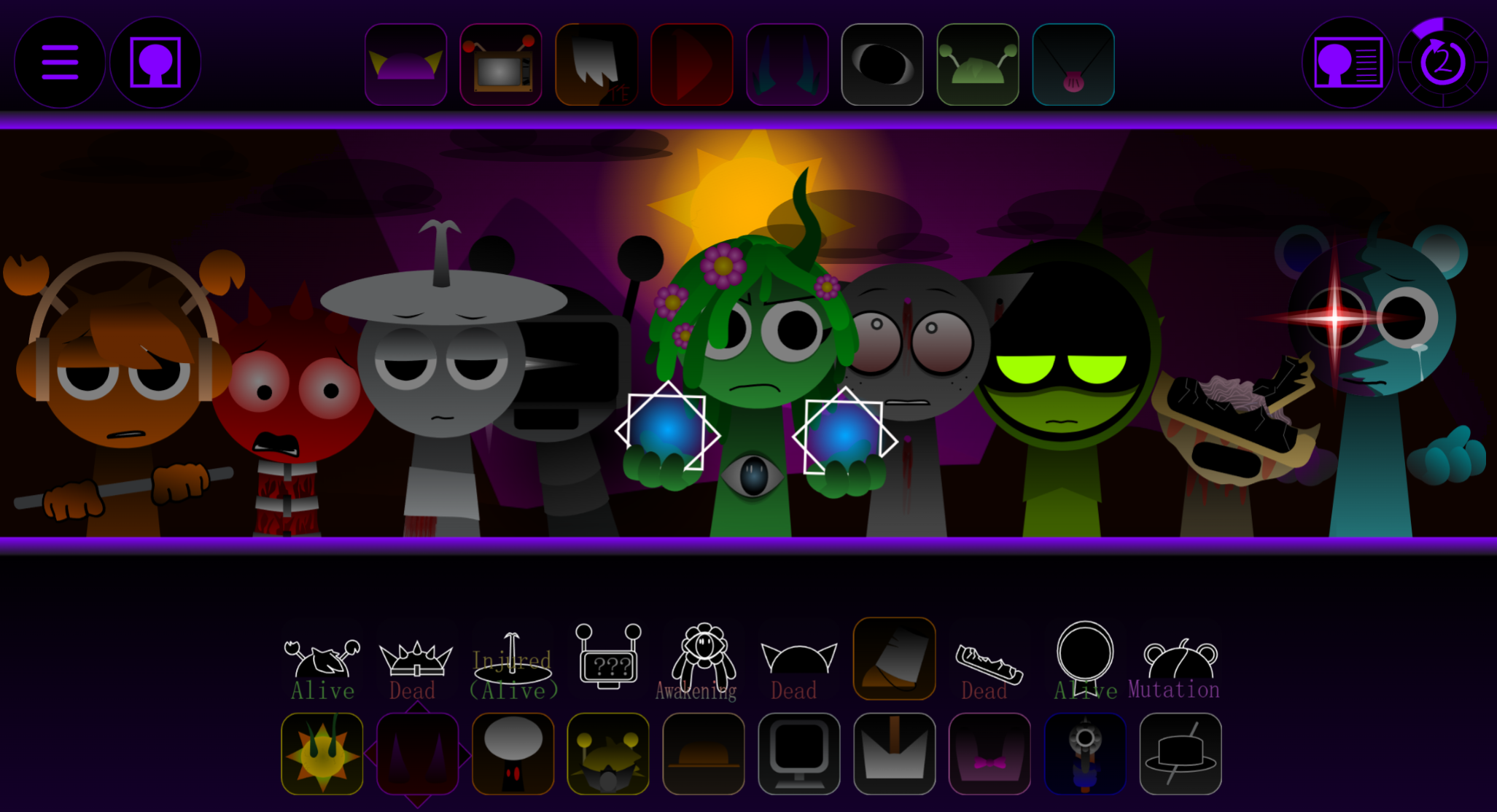
Sprunki Phase 4 Glore Galore is a browser-based horror music mod that replaces cheerful rhythm-building with distorted, industrial soundscapes.
You drag grotesque character sprites onto a stage to layer beats, vocals, effects, and drones into dark arrangements that feel heavier and more unsettling than standard Sprunki phases. You’ll learn how the distorted loop system works, which characters anchor rhythm versus texture, and how to stack layers without creating mudy or chaotic output.
The focus is on practical play answers—what each element does, how progression unlocks new sounds, and which combinations produce the clearest results when you’re working with Glore Galore’s harsher audio palette.
Sprunki Phase 4 Glore Galore
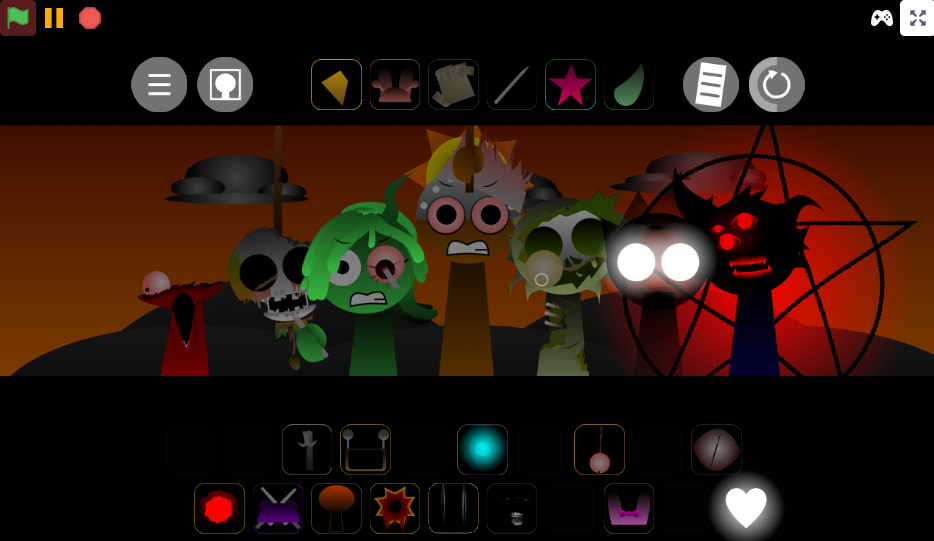
Sprunki Phase 4 Glore Galore is a horror-themed music mod where you drag distorted characters onto a stage to layer sound loops into dark, industrial tracks. Launch it in your browser and stack character-based beats, vocals, effects, and drones into a grotesque arrangement that replaces the usual cheerful Sprunki rhythm with something heavier and more unsettling. The playable release is hosted on Cocrea, though you may also find it through Sprunki mod libraries like Sprunkin.com alongside other fan entries.
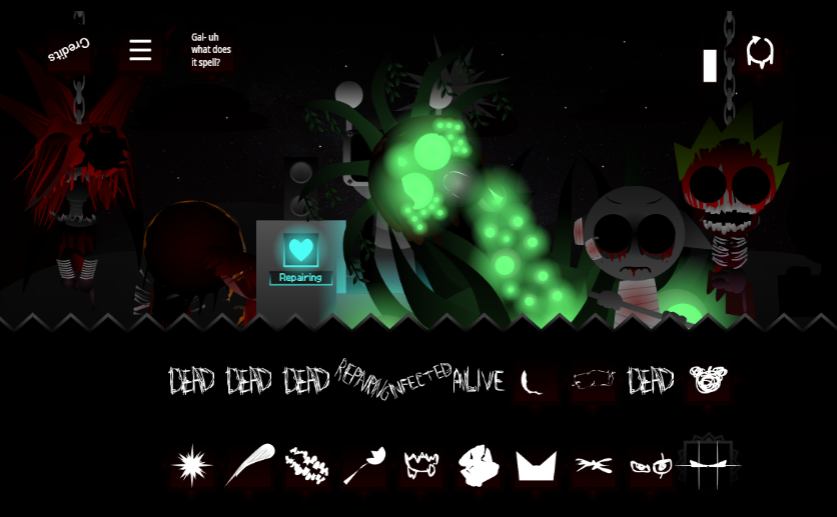
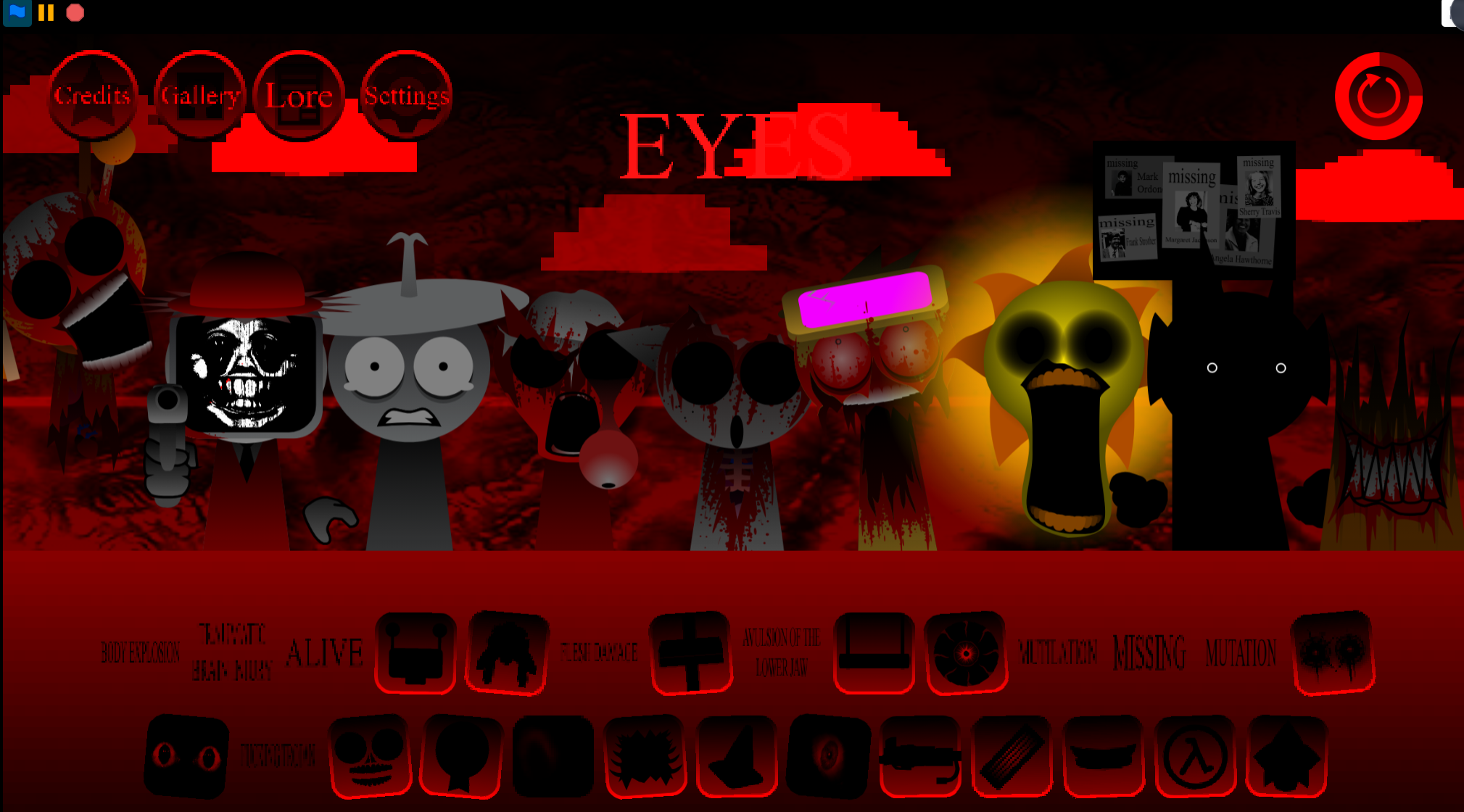
Unlike cleaner mixes, Glore Galore leans into horror texture. Its sound set includes distorted beats, warped melodies, eerie vocals, and bonus layers that twist the usual format into something unstable. Each character acts like a piece of the scene: one adds an industrial pulse, another brings a creepy vocal fragment, while another fills the background with unsettling texture that makes the whole track feel off-balance.
Treat the mix like a haunted performance rather than a normal song. Start with a beat to give the track a spine, add effects to roughen the edges, then bring in melodies or vocals when the atmosphere needs more tension. The visuals matter too: the darker palette, creepy transitions, and Glore-inspired cues make each audio change feel more dramatic. Watch the screen while you layer sounds, because the mood is built through both what you hear and what you see.
Strange combinations often work better here than neat harmony. Aim for pressure, contrast, and uneasy rhythm—the kind of track that feels playful, crepy, and unmistakably Sprunki.
How to Play Sprunki Phase 4 Glore Galore
Sprunki Phase 4 Glore Galore is creative mixing: choose characters, place them into the performance area, and shape a custom horror-style soundtrack in real time.
Open the playable version.
Look for the official Cocrea release page. If you browse through Sprunkin.com, search the mod listings for Phase 4 Glore Galore and launch it directly from the browser.
Choose your first character.
Each icon represents a different loop: beat, vocal, melody, effect, or eerie background layer. Start with one sound so you can hear what it contributes before the mix becomes crowded.
Drag characters into the performance area.
Once a character lands on stage, its loop activates and syncs with the other active sounds. This is where the track starts forming piece by piece.
Layer sounds until the mix takes shape.
Add more characters gradually. Listen for how the Glore palette bends the usual Sprunki flow into something heavier and more atmospheric.
Swap characters to change the mood.
If the soundtrack feels muddy or too busy, remove one performer and test another. A single replacement can turn the mix from chaotic to haunted, or from playful to harsh and industrial.
Keep adjusting in real time.
The fun comes from hearing the atmosphere shift with every drag, drop, and replacement. There is no single correct solution; the goal is to craft a mix that feels tense and crepy.
For a simple starting formula, begin with a dark beat, add one effect or drone, then test a vocal or warped melody on top. If the track starts to lose its shape, strip it back and rebuild from the strongest loop.
Practical Tips for Crafting Creepy Soundtracks
Build around tension rather than melody. The best mixes treat each character as a horror element: one loop adds pressure, another adds distortion, another makes the rhythm feel unstable.
Choose the mood before the rhythm
Before placing characters, decide what kind of darkness you want:
- Slow and haunted: sparse loops, low drones, and erie background textures.
- Sharp and chaotic: broken rhythms, harsher effects, and sudden vocal fragments.
- Industrial and heavy: blunt beats, distorted pulses, and thick atmospheric layers.
A creepy mix works better when it has a clear emotional direction. If you start randomly adding every loud sound, the horror can flatten into noise. If you begin with a mood, each new layer has a purpose.
Layer characters gradually
Drop in one character, listen to the loop, then add another only when the first sound has space to breathe. Careful layering gives strange vocal stabs, broken rhythms, and background effects more impact. In Glore Galore, silence and space can be just as useful as volume.
A good structure:
- Start with a dark beat or drone.
- Add a rough effect to create texture.
- Bring in a melody or vocal fragment for identity.
- Remove anything that masks the strongest creepy details.
Use contrast to make the scare sharper
A creepy soundtrack does not need to be loud from the first second. Try pairing a sparse, unsettling loop with a harsher beat or distorted melody. The contrast makes the track feel like it is shifting instead of staying locked in one predictable pattern.
A thin background texture can feel more disturbing when followed by a thick industrial rhythm. A playful Sprunki-style vocal can become eerie when surrounded by warped effects. This tension between familiar rhythm-game energy and horror sound design is one of the main strengths of Phase 4 Glore Galore.
Fine-tune volume and effects
If the mod gives you volume or effect controls, use them to separate the layers. Do not let one loud sound bury everything else. The best creepy mixes often hide their strongest tension in the background, where small effects, quiet rhythms, and strange textures make the atmosphere feel alive.
If the track feels muddy, try:
- lowering dominant beats,
- removing one busy melody,
- keeping vocals sparse,
- pushing drones or eerie textures slightly behind the main rhythm,
- rebuilding the mix around two or three strong sounds instead of filling every slot.
Step-by-Step Guide to Mixing Dismembered Beats
Mixing dismembered beats means building a track from broken-sounding loops, then shaping the chaos until it feels intentional.
Choose your first sound from the character bar.
Start with one icon instead of flooding the stage. A single loop gives you a pulse to work from, whether it sounds like a cracked drum pattern, a distorted vocal texture, or a low background drone.
Drag the character onto the stage.
Once placed, the character activates its loop. Let it run for a few moments so you can understand its timing, tone, and role in the mix.
Add a second layer for tension.
Choose a sound that changes the atmosphere rather than simply making the track louder. A rough effect, warped melody, or eerie vocal can make the first beat feel more dangerous.
Test combinations by adding and removing characters.
Some loops may sound jagged or grotesque alone but lock together into a surprisingly playable rhythm. Others may collide too aggressively. Keep the combinations that create weight, movement, and pressure.
Build the dismembered groove.
Focus on broken rhythm and uneasy timing. The goal is not always smoothness; it is controlled instability. Let certain sounds feel sharp, damaged, or interrupted as long as the overall track still has a pulse.
Fine-tune the atmosphere.
If the mix turns into random noise, remove the busiest layer. If it feels too empty, add a subtle background sound instead of another dominant beat. Small adjustments can turn chaos into a controlled horror soundtrack.
Save and share the finished track if available.
When the composition feels balanced, unsettling, or chaotic in the right way, save it through the available controls and share it with other players for reactions, feedback, or new combination ideas.
The strongest Sprunki Phase 4 Glore Galore mixes come from experimentation. Swap characters, listen closely, and treat every step of mixing as part of the performance. The more you test combinations, the easier it becomes to turn dismembered sounds into a complete Glore Galore track.
Related Games
- Sprunki Phase 4 Gore Galore — It is the closest match because Sprunki Phase 4 Glore Galore is framed as a darker visual and audio take on the same Phase 4 gore-heavy remix style.
- Sprunki Shifted Partners in Carnage more accurate phase 3 — This is a strong follow-up for players who want the Phase 3 carnage context that Glore Galore directly builds on.
- Sprunki Shifted Partners in Carnage Overhaul 2 — Its expanded carnage-themed overhaul makes it useful for players who enjoy the same grotesque character transformations and chaotic horror-music experimentation.
Enjoy!
Discuss
Loading comments...
Failed to load comments. Please try refreshing the page.