
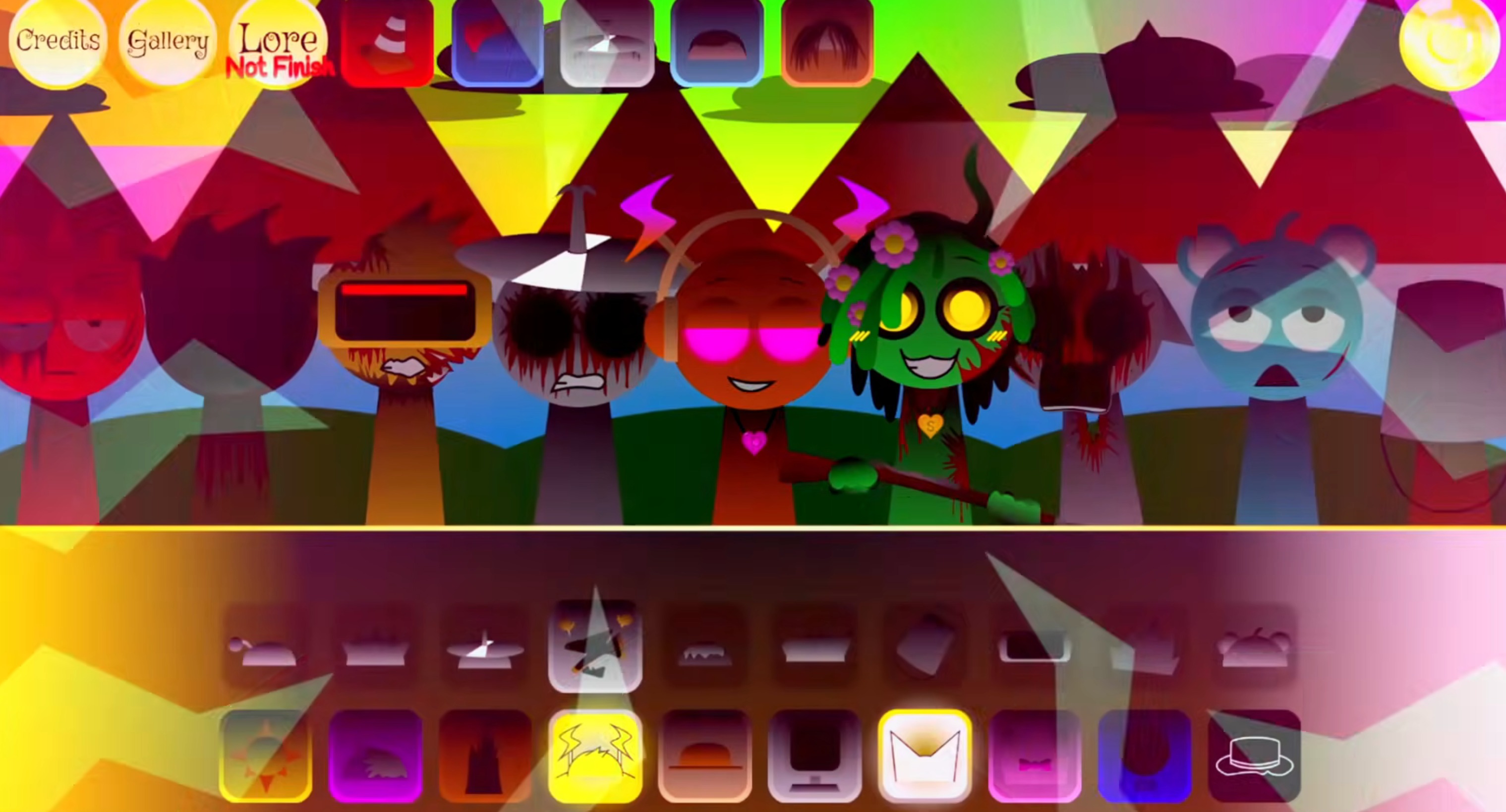
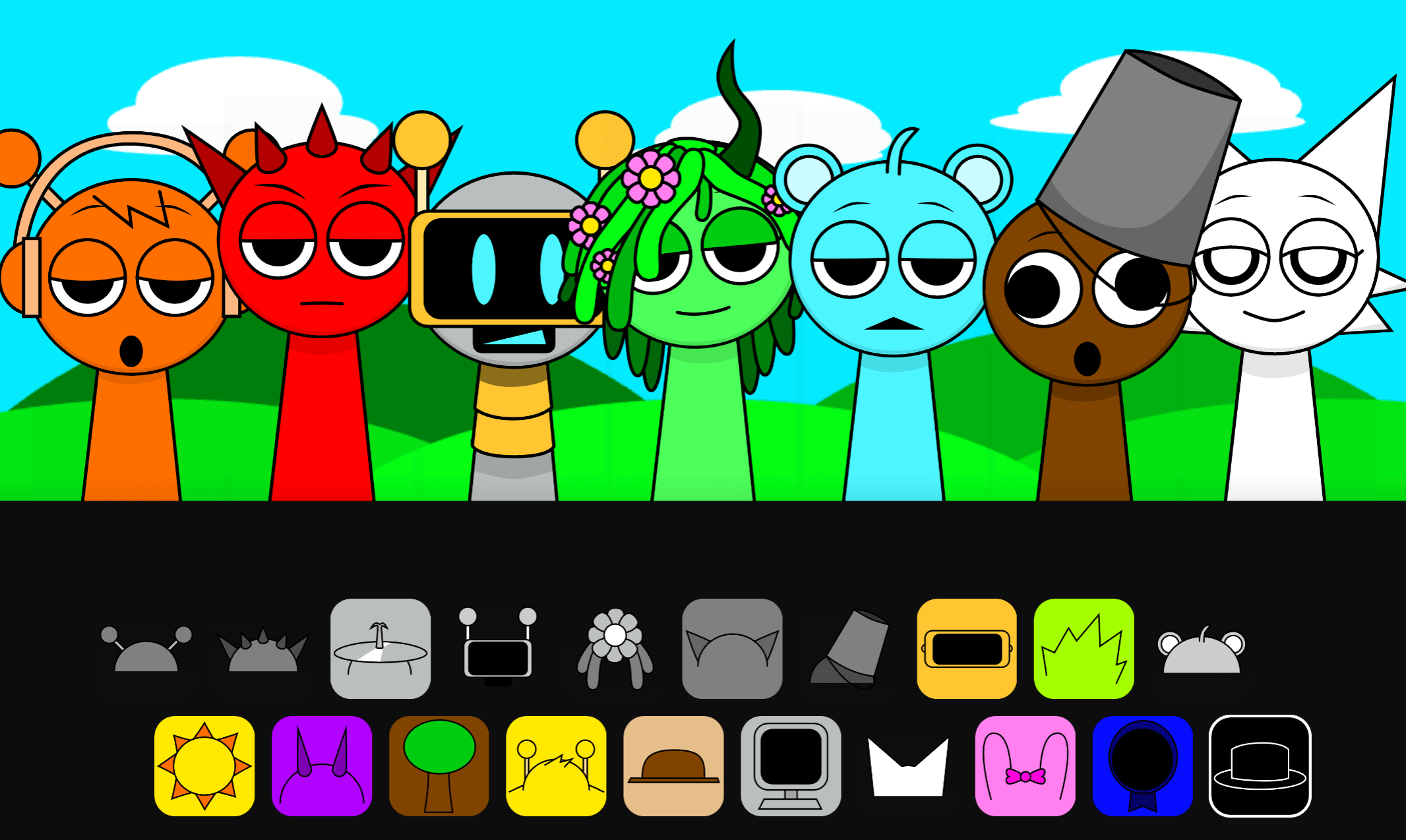
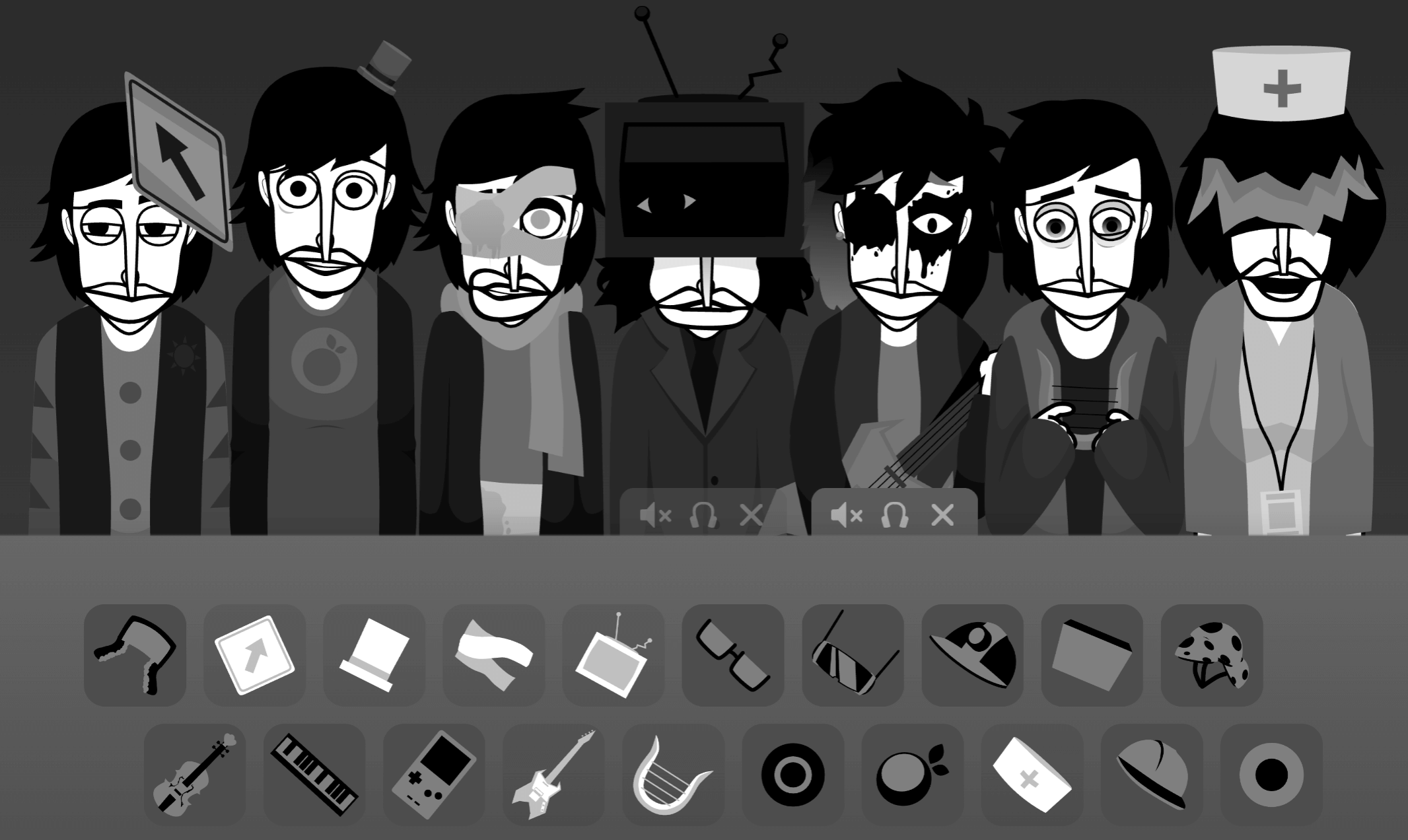
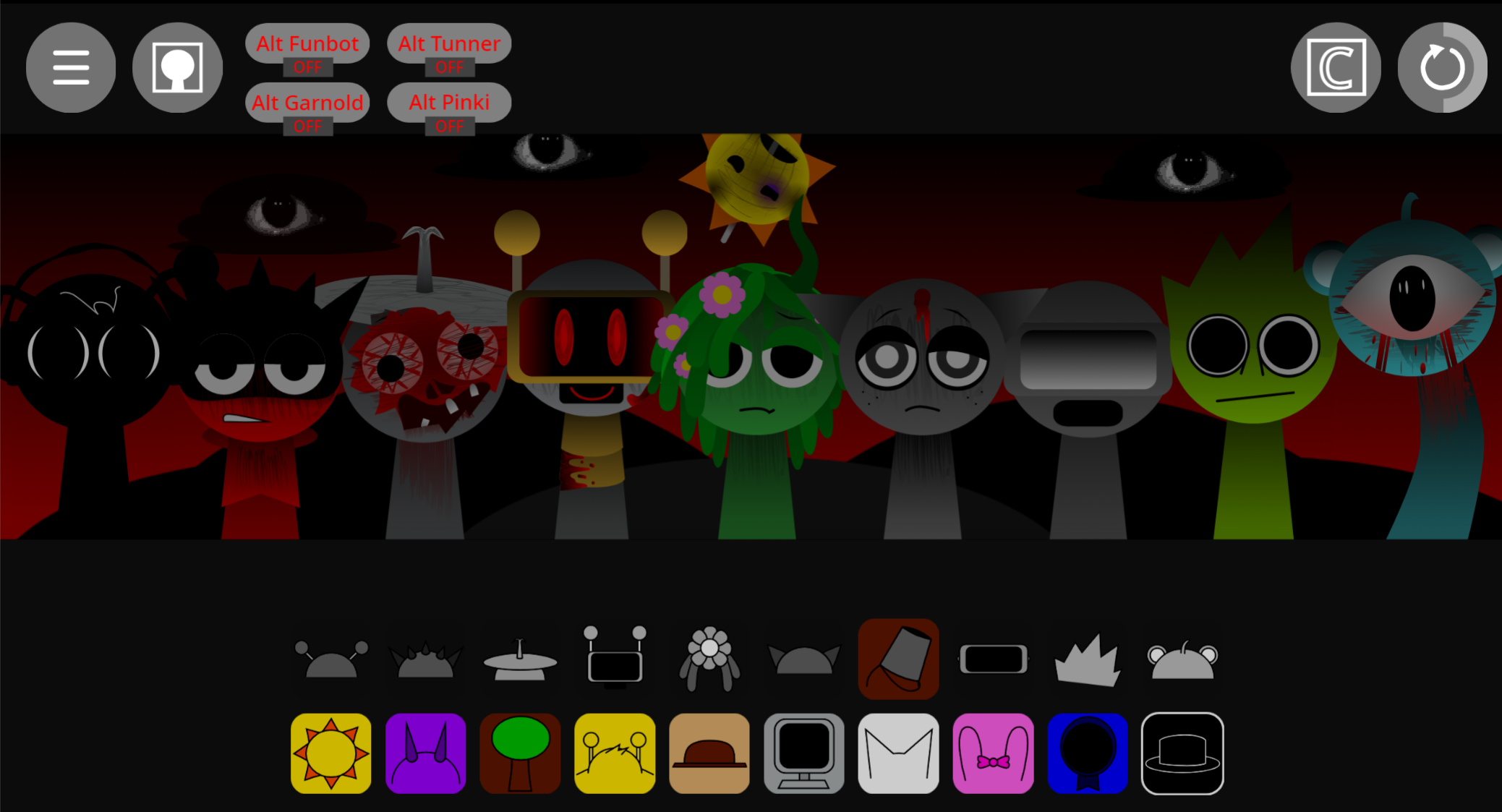
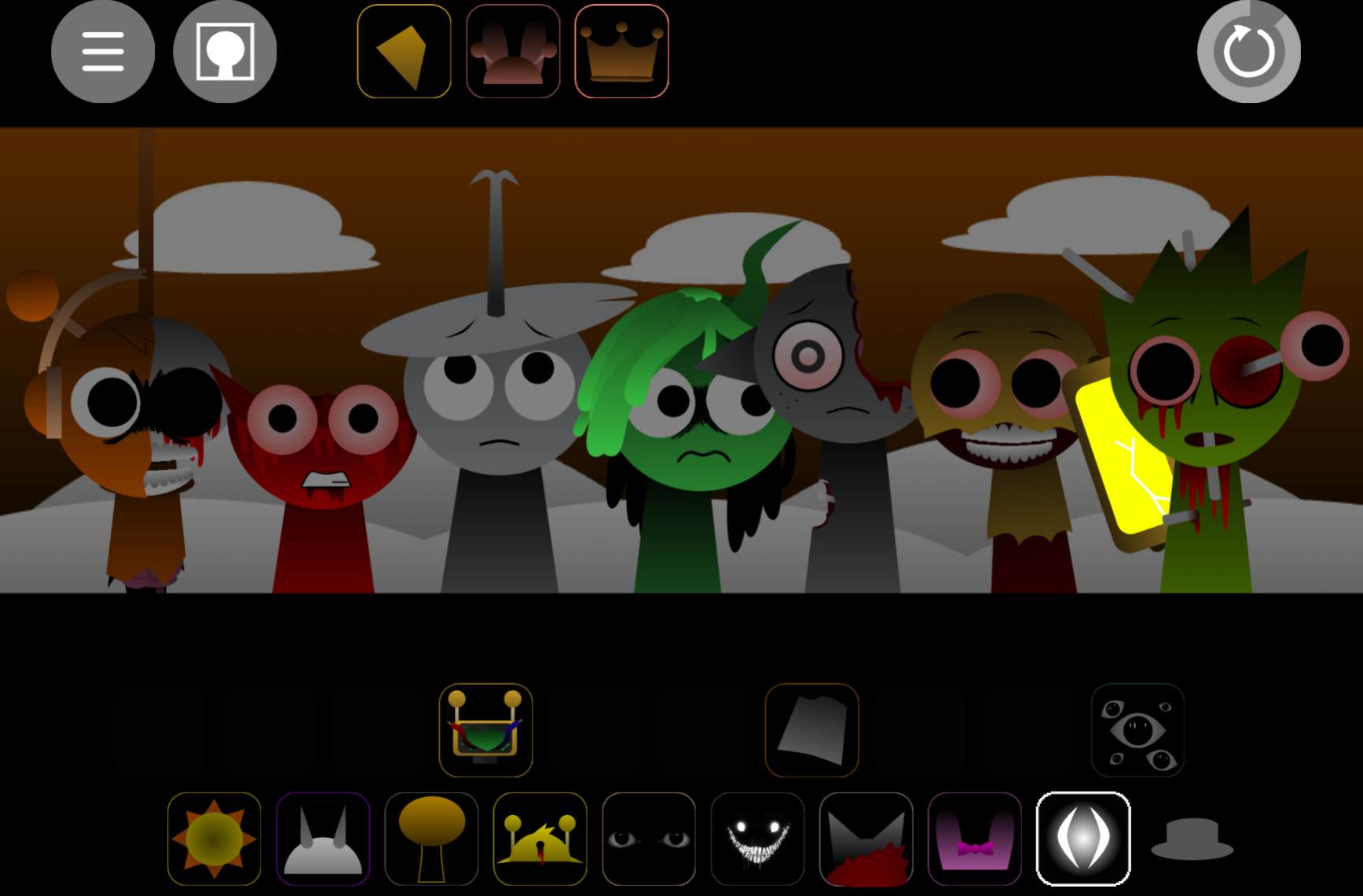


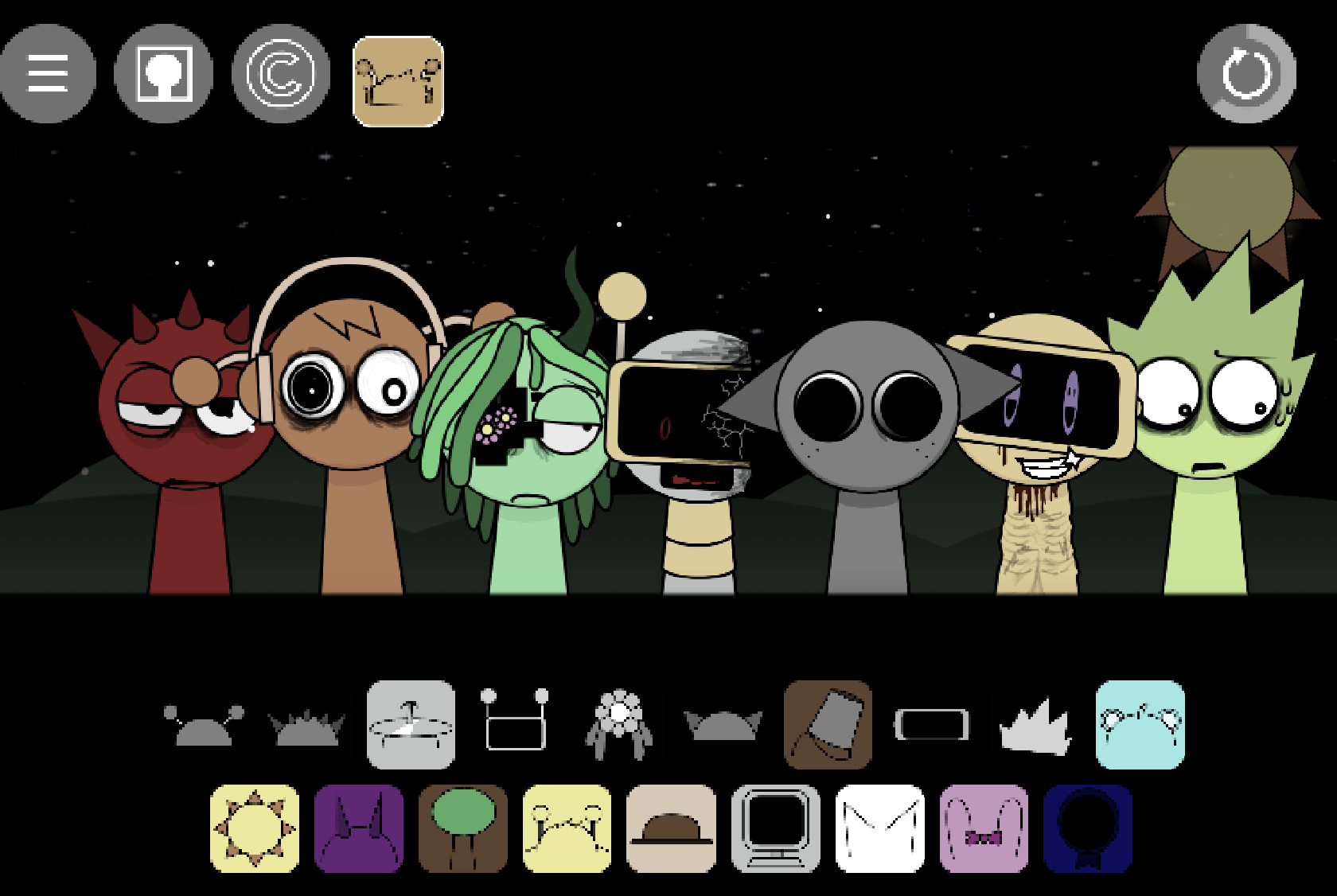
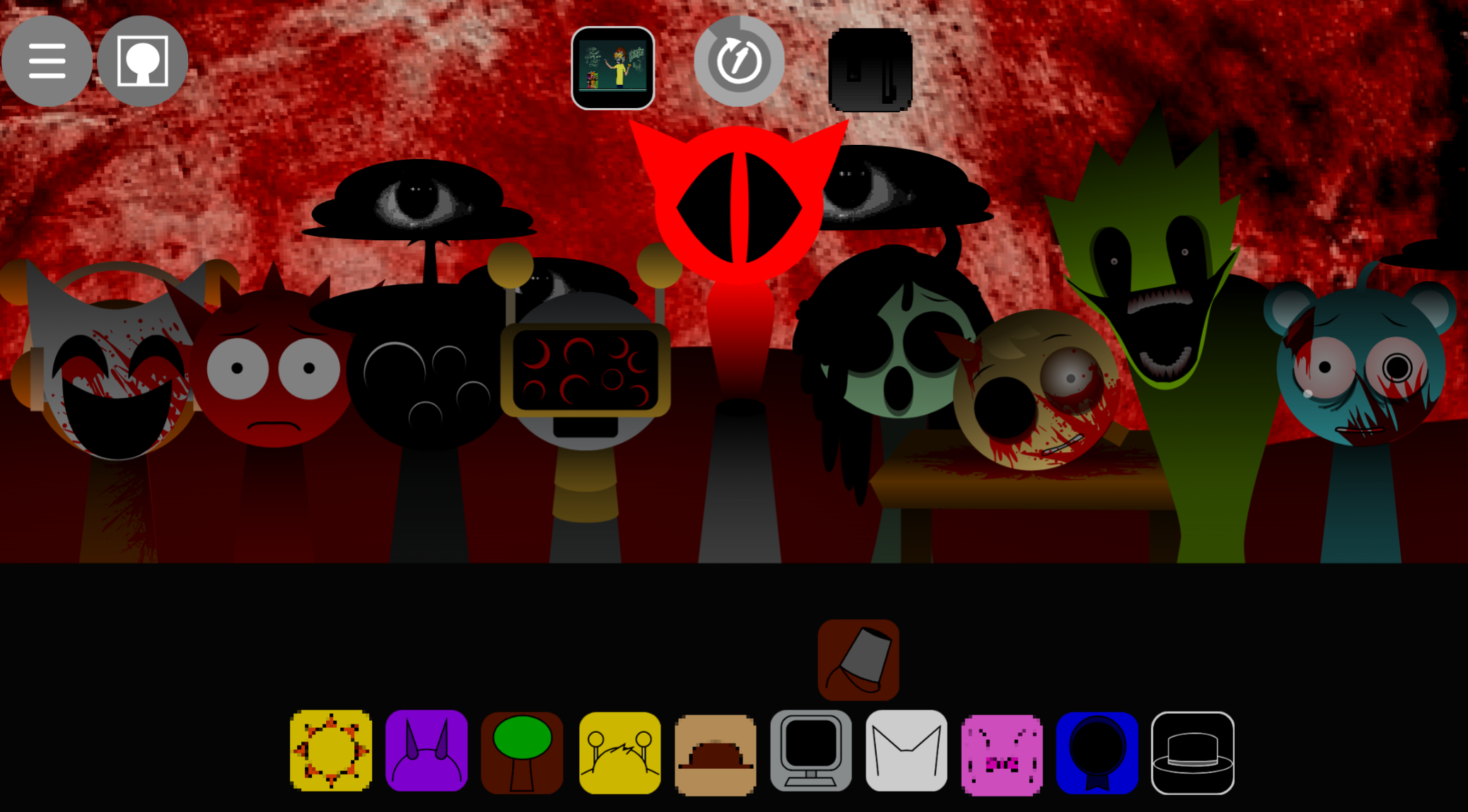
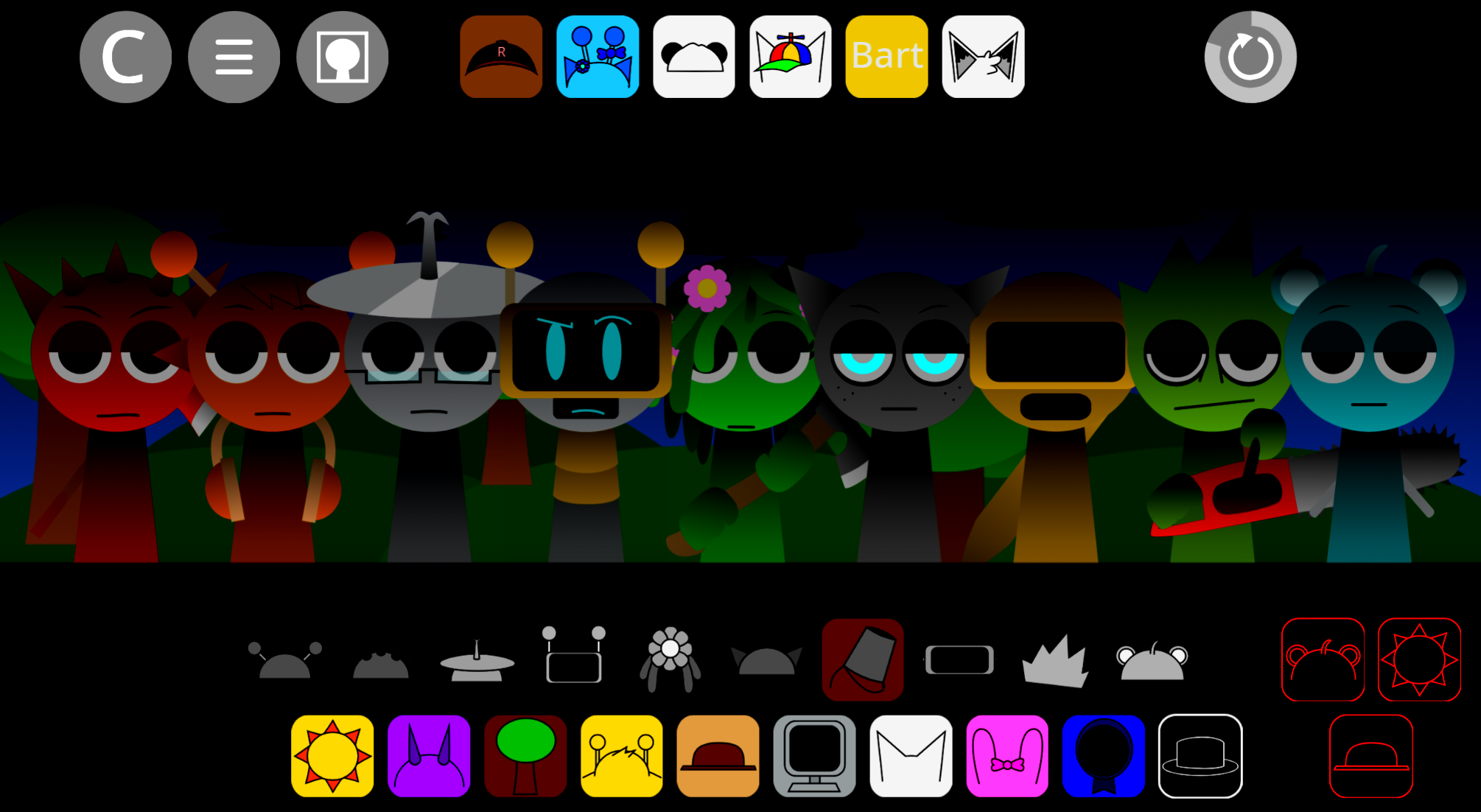
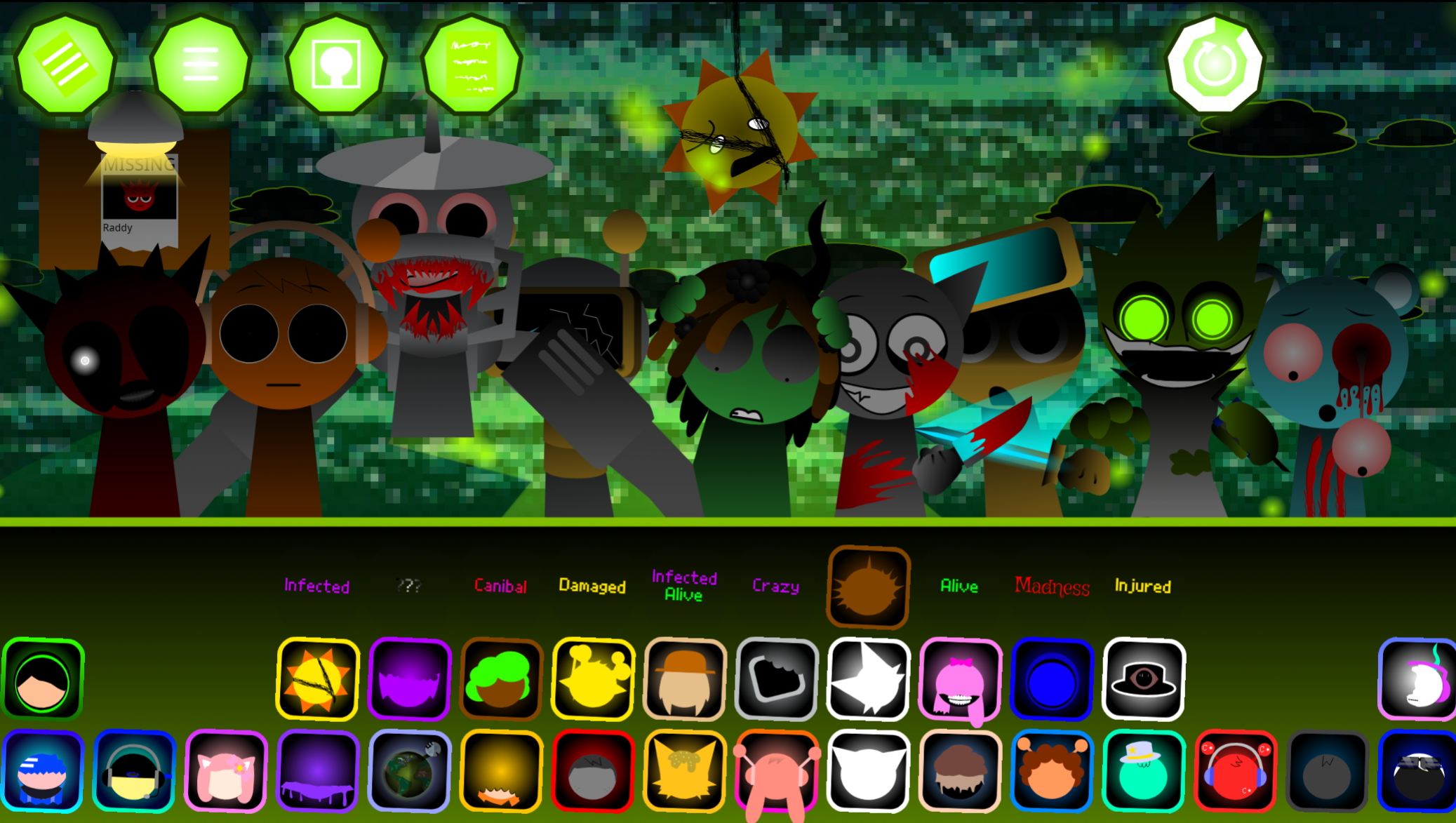
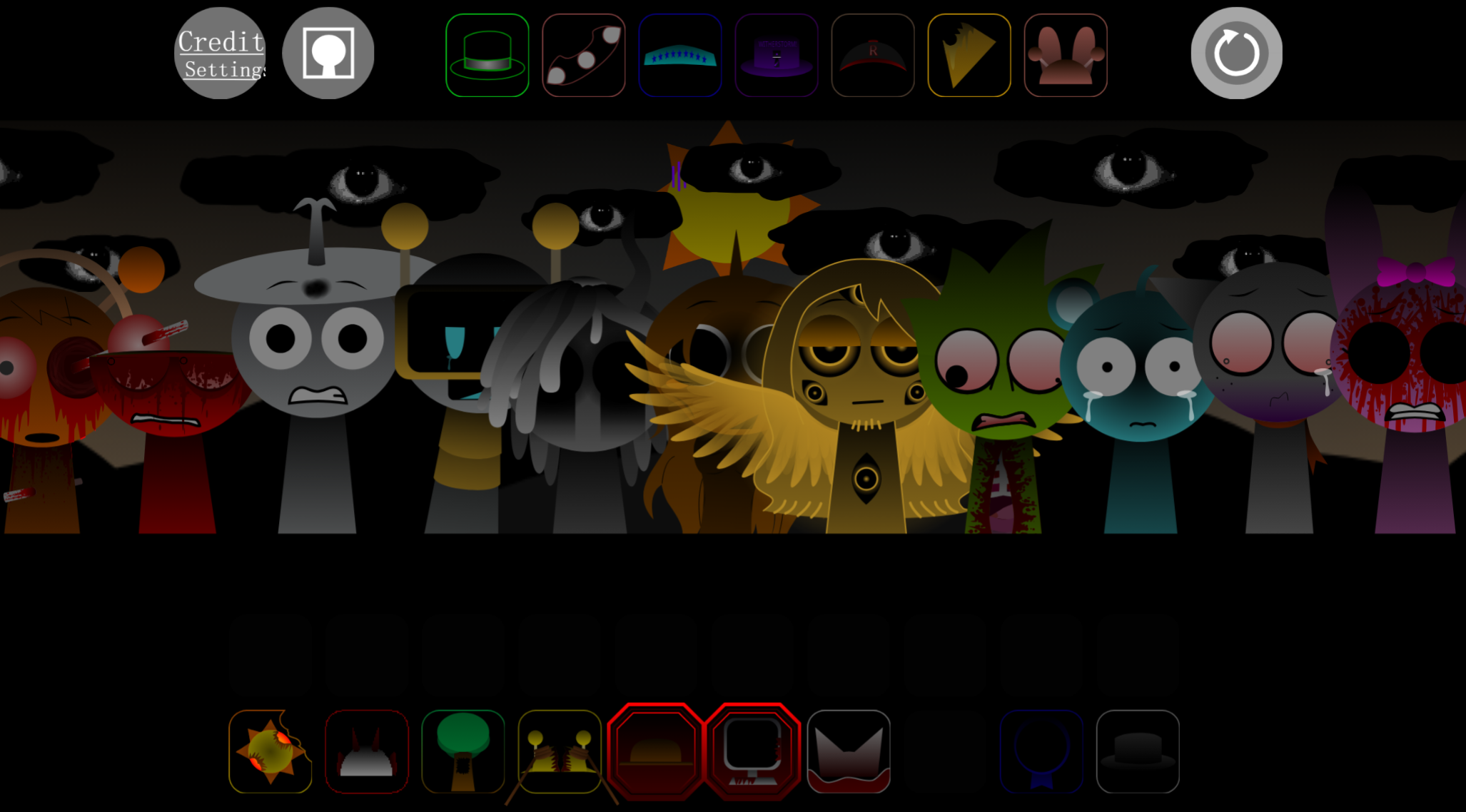
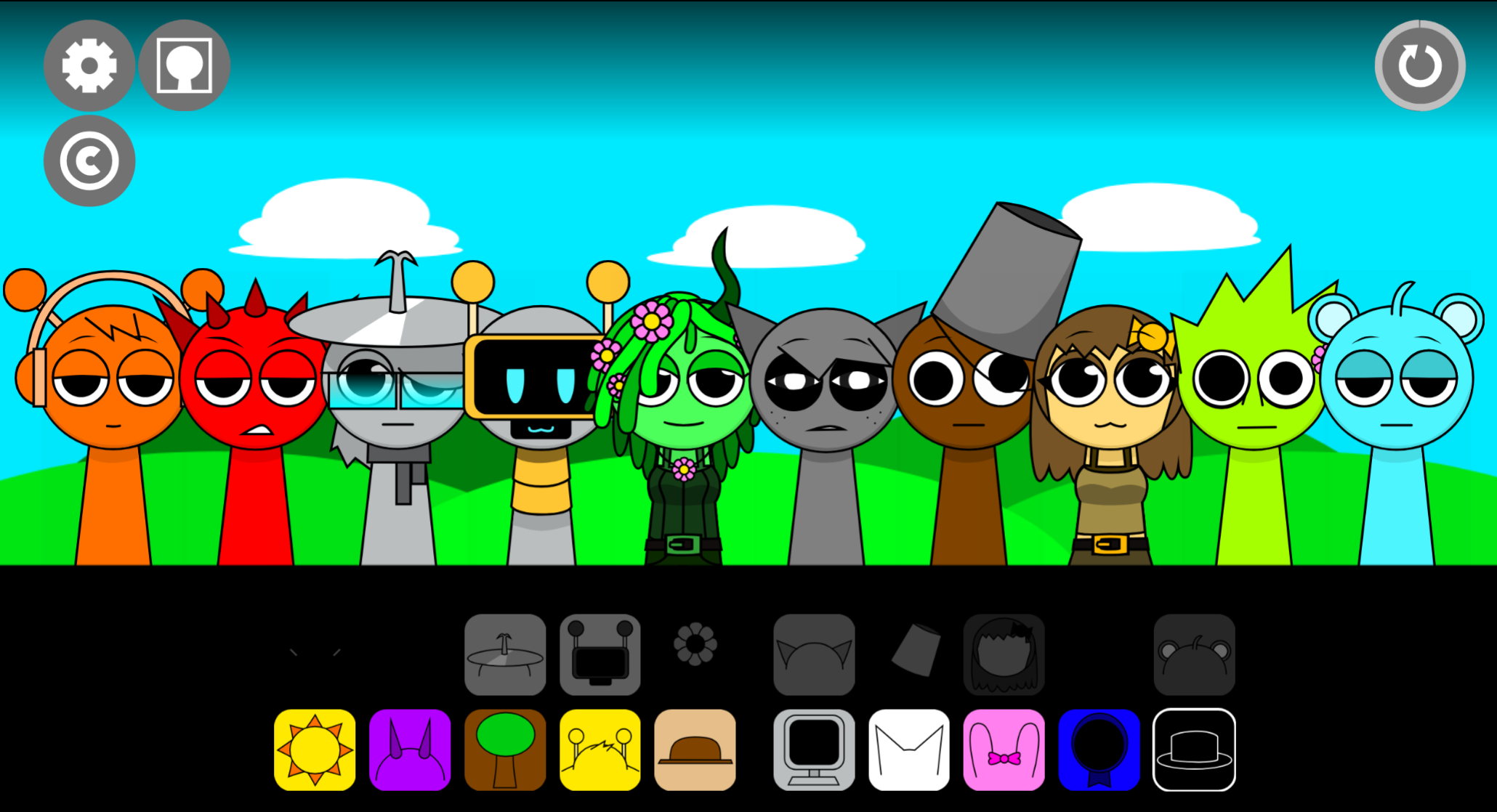
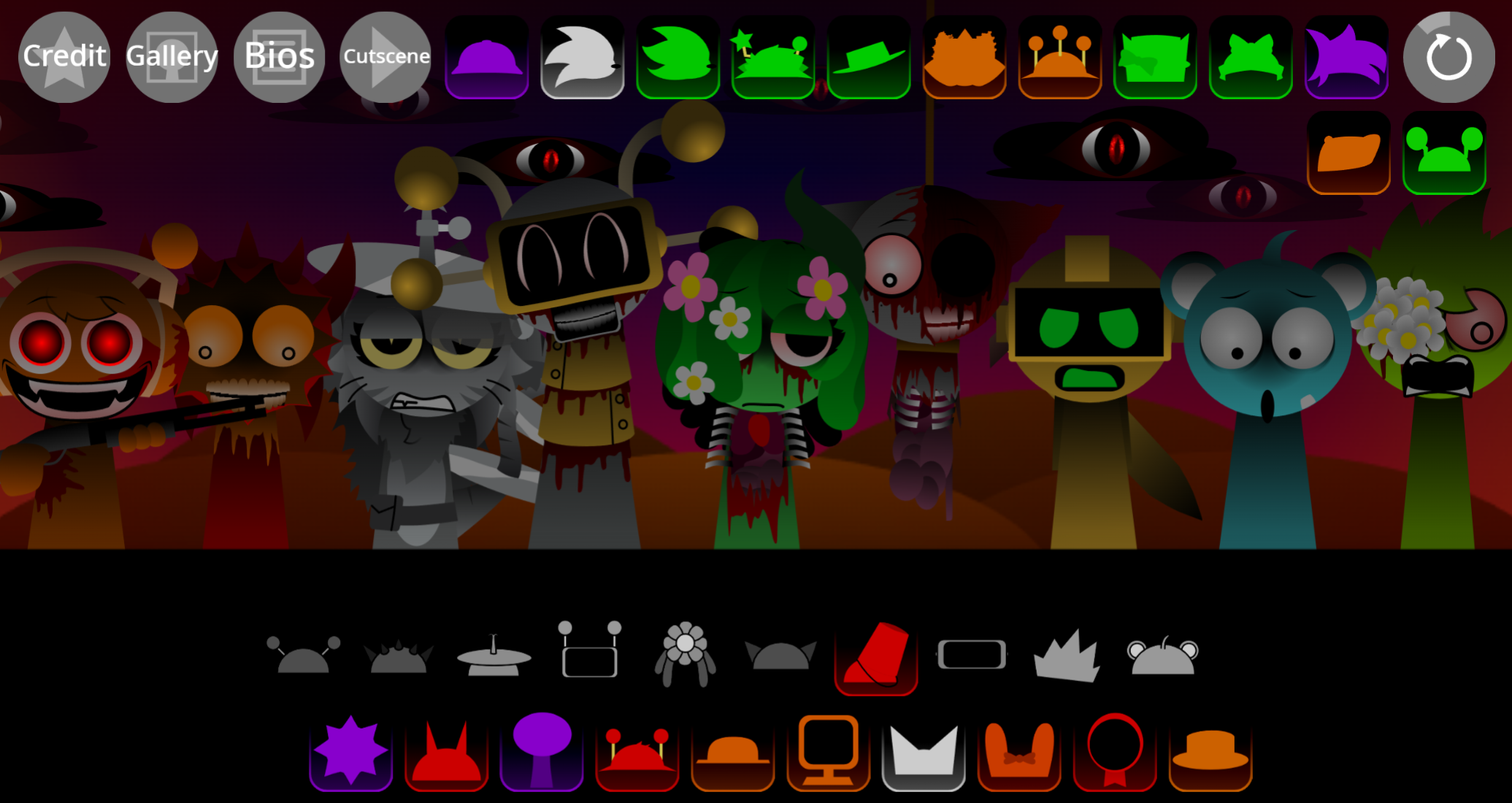
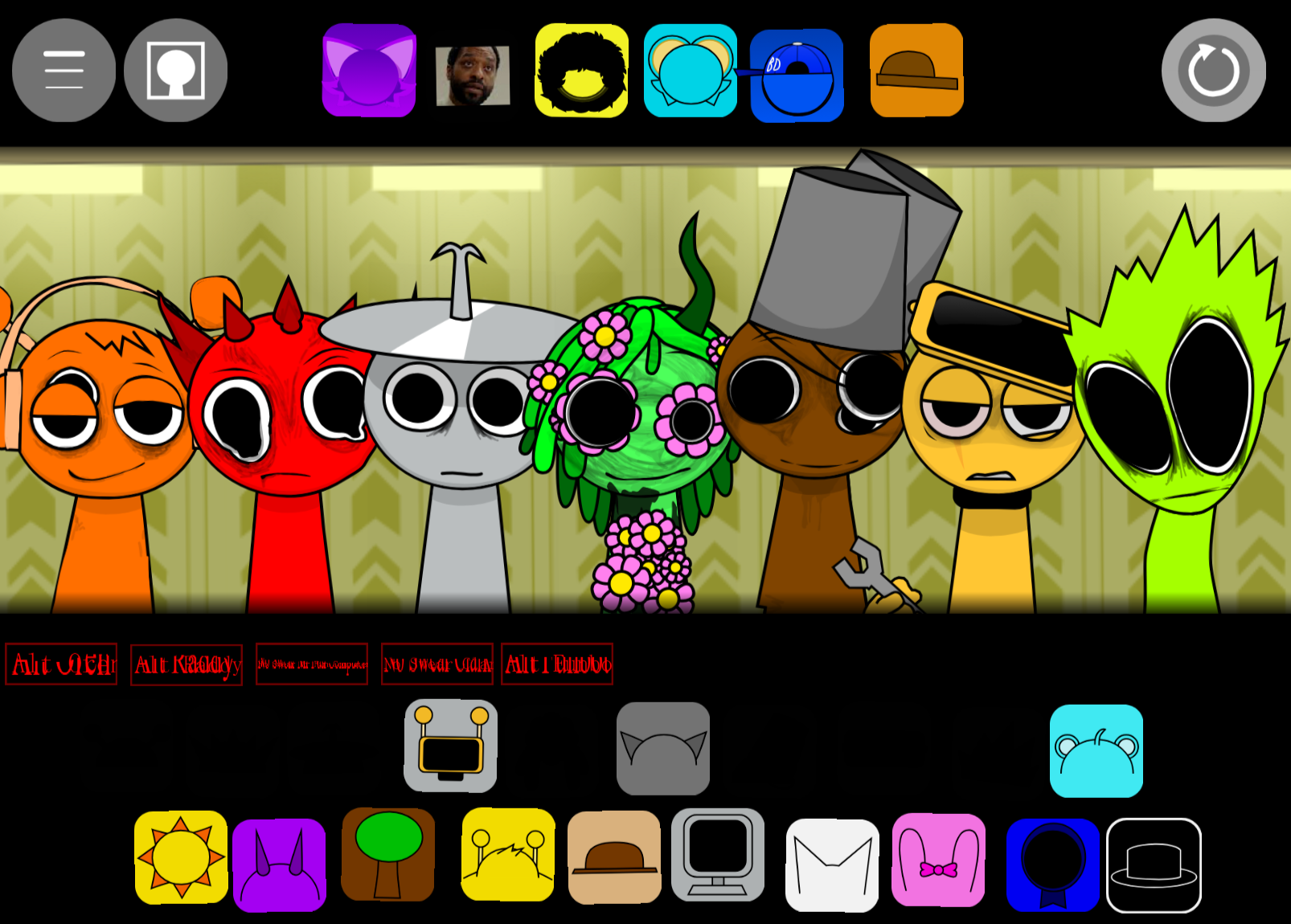
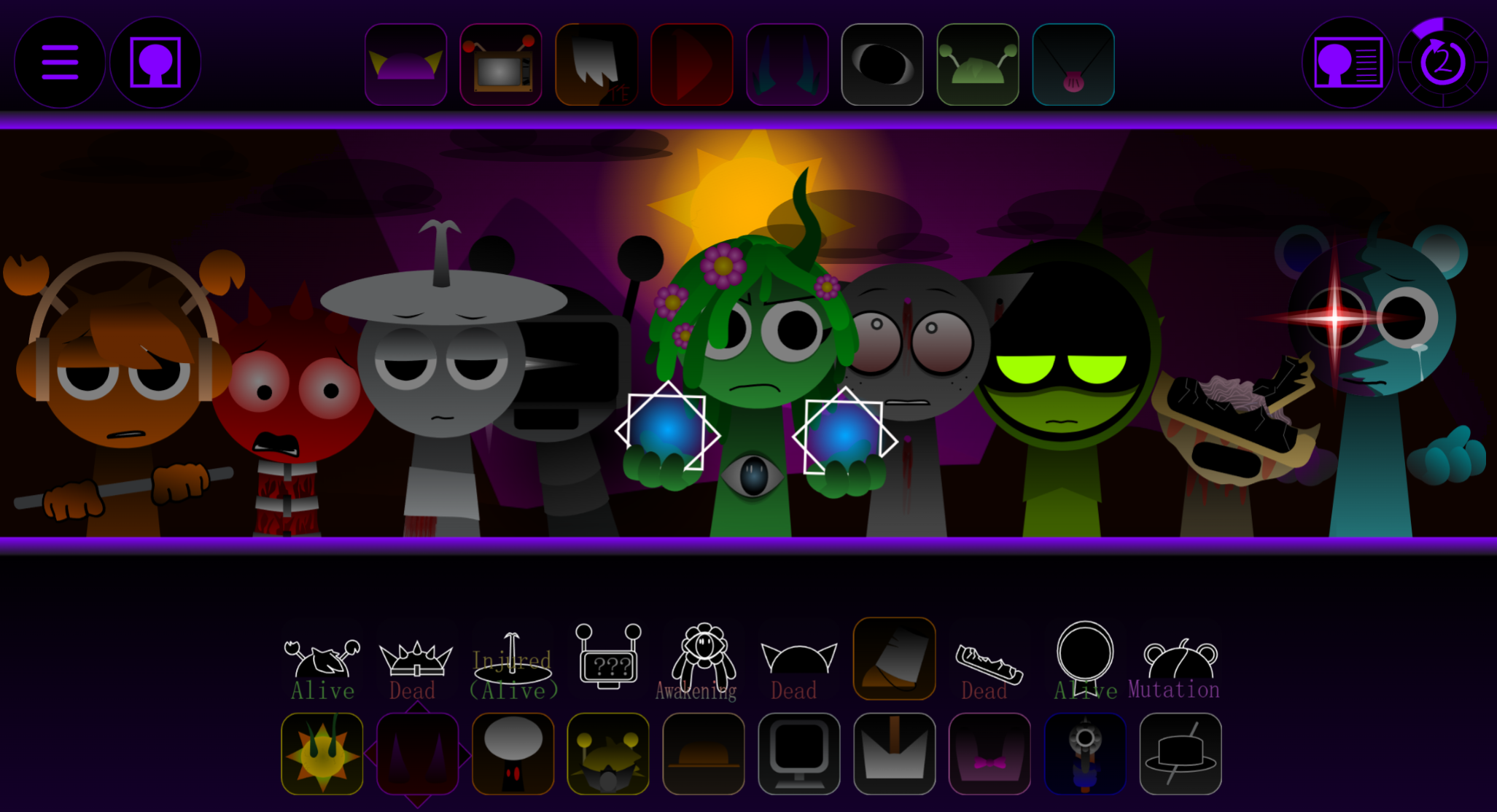
Sprunki Too Cruel is a mod created by @Qwerted00 and @Gus7Towers that replaces the bright Sprunki soundboard with darker visuals and heavier audio.
Instead of the original’s colorful aesthetic, this variant delivers altered characters, grittier backdrops, and bass-driven loops that shift the entire tone of the experience. This article breaks down the visual changes, audio overhauls, and character redesigns that distinguish Sprunki Too Cruel from standard Sprunki mods.
You’ll see which elements were reworked, how the sound palette differs, and what makes this version feel deliberately harsher.
Sprunki Too Cruel Feature
Sprunki Too Cruel is a V8.0 mod created by @Qwerted00 and @Gus7Towers that replaces the bright Sprunki soundboard with darker visuals and heavier audio.
The core mechanic stays the same: drag characters into slots to layer beats, effects, melodies, and vocals. Each character is a sound source, so swapping them changes both the visual arrangement and the music.
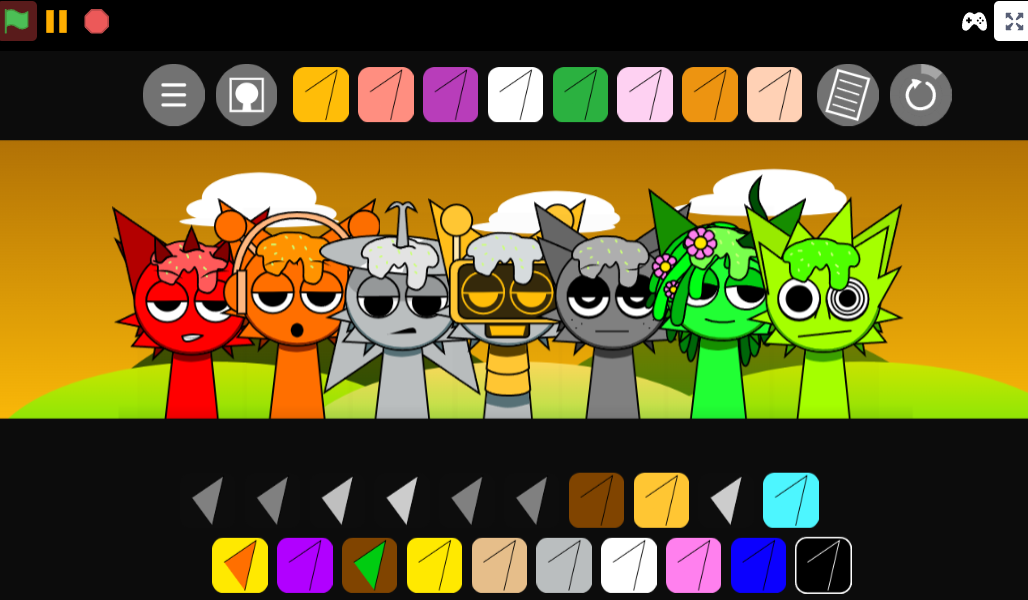
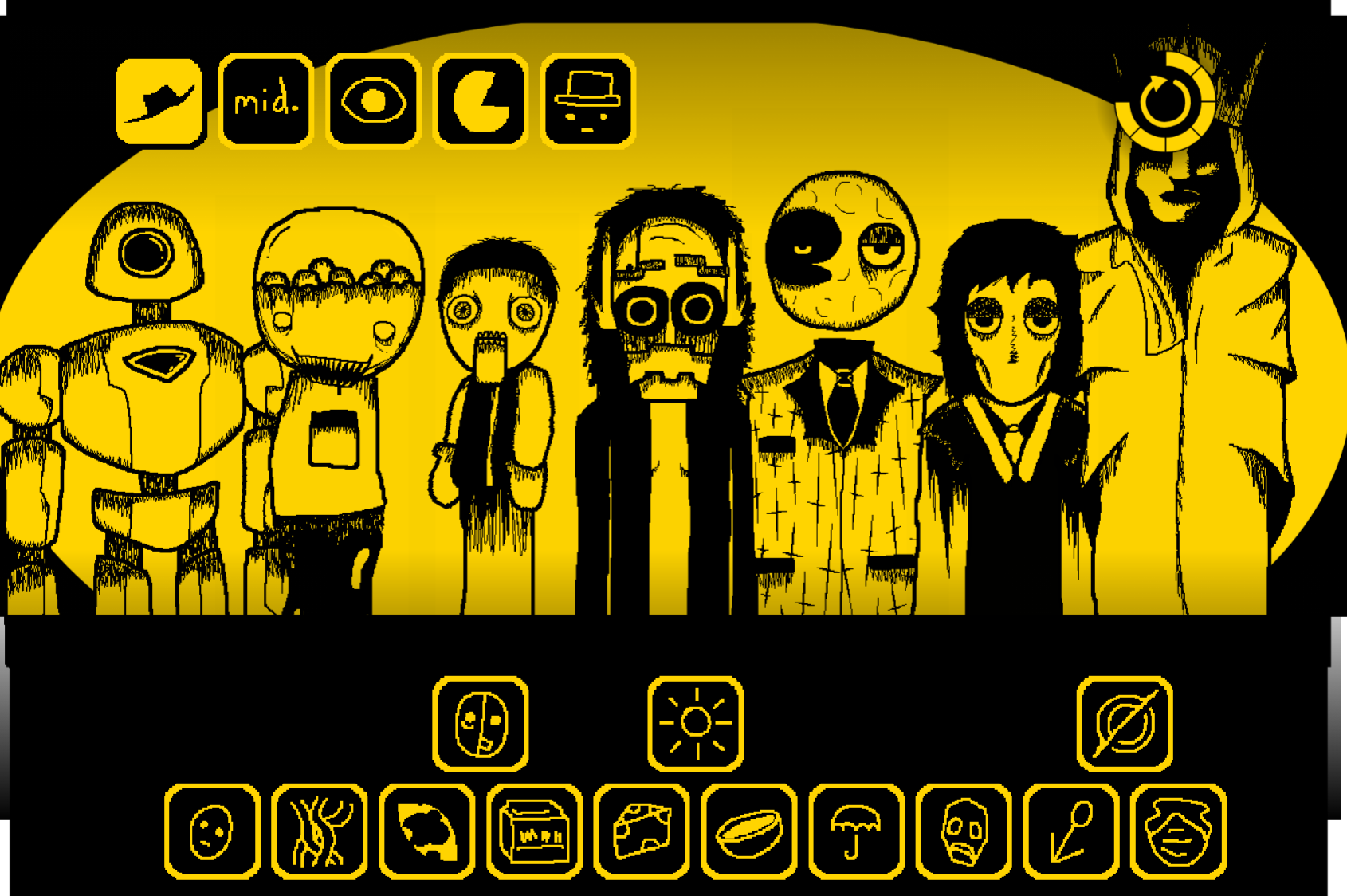
What separates Too Cruel from earlier builds is its deliberate visual overhaul—wider torsos, darkened eyelids, static designs—and a distorted sound palette that forces slower, more careful mixing.
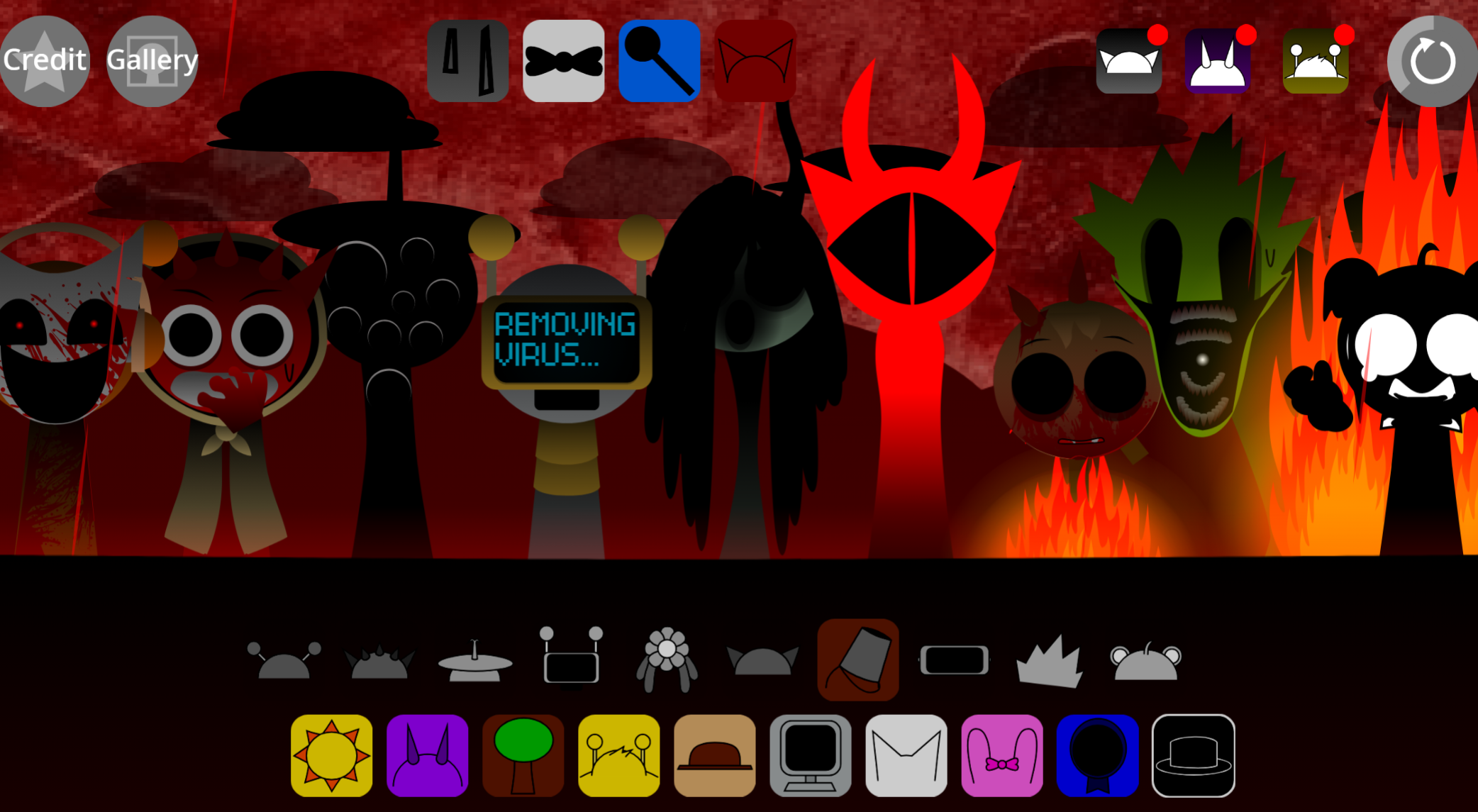
The black hat accessory acts as a phase trigger, shifting the session into crepier territory. You can play it on abgernygames.org. Similar dark mods include Sprunki Cruel Lovers Phase Official and Sprunki Cruel Lovers Phase 5 Shallighs Take.
Because Sprunki characters are not just avatars but active sound sources, the visual redesign matters mechanically. Each character placed on-screen changes both the arrangement you see and the music you hear. In Too Cruel, altered faces, wider shapes, darker details, and cruel-themed styling make the interface feel less cheerful and more hostile, reinforcing the distorted beats and tense loops already playing.
Altered Characters and Visual Features
The altered characters in Sprunki Too Cruel are not cosmetic swaps. Since every Sprunki character represents a musical role, the redesigned visuals help players understand the darker sound layer attached to each performer. A character might carry a sharper effect, a strained vocal loop, a distorted rhythm, or a moody melodic part, and the visual presentation makes those sounds feel connected to the same dark dimension.
The biggest visual shift is weight. Characters feel heavier, less playful, and more unsettling than older Sprunki designs. Darker facial details and eerie styling can make quick recognition harder for players used to bright icons and clear silhouettes. That slower readability changes how the game feels: instead of filling the board quickly, players may pause longer, listen more carefully, and place each character with more caution.
As more characters are added, the screen becomes a built track rather than a simple lineup. The visual design works alongside the soundboard, making the mix feel denser and more atmospheric. This matters in Too Cruel because the darker soundscape can become crowded if players stack loops without listening for how they interact.
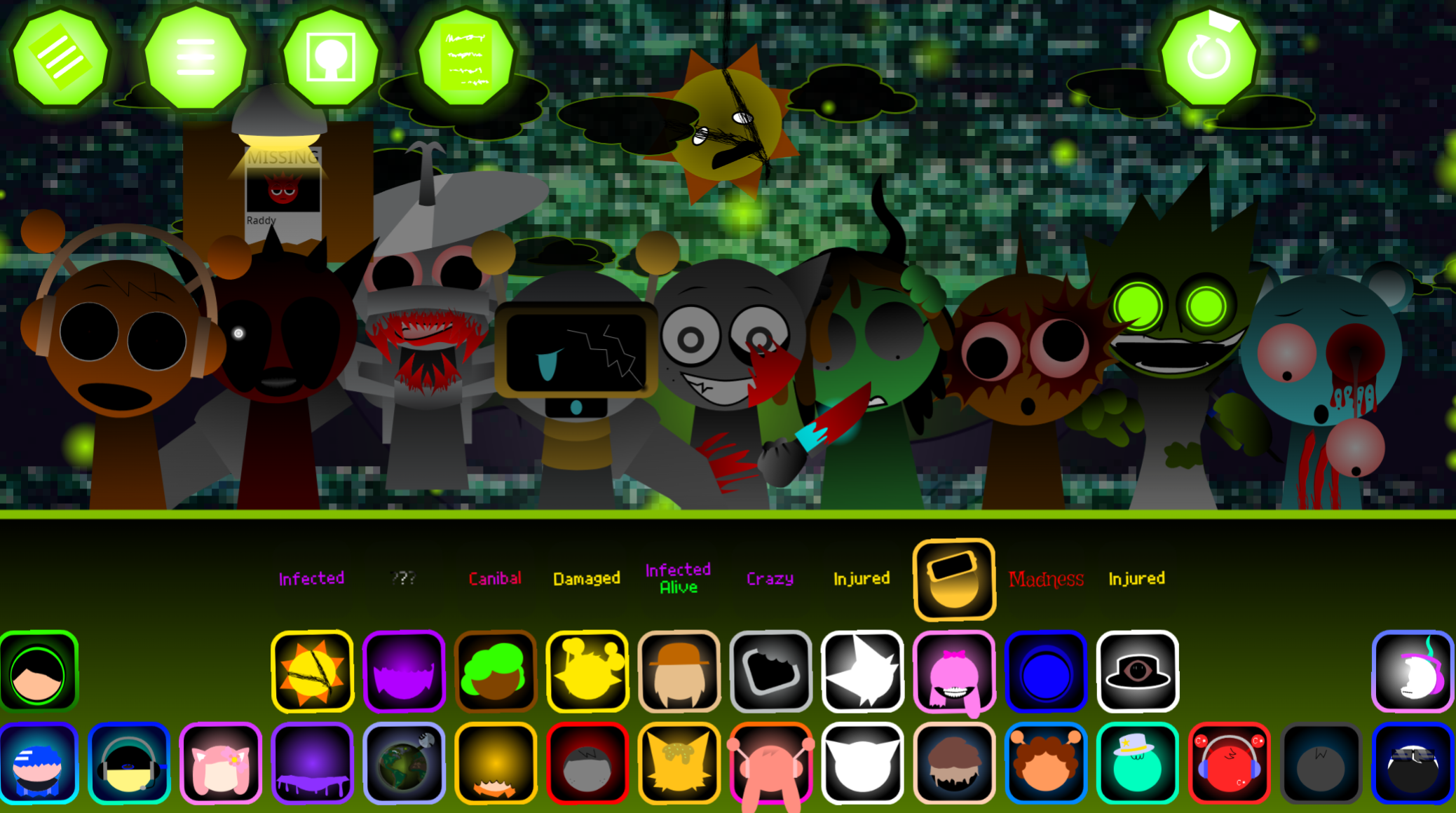
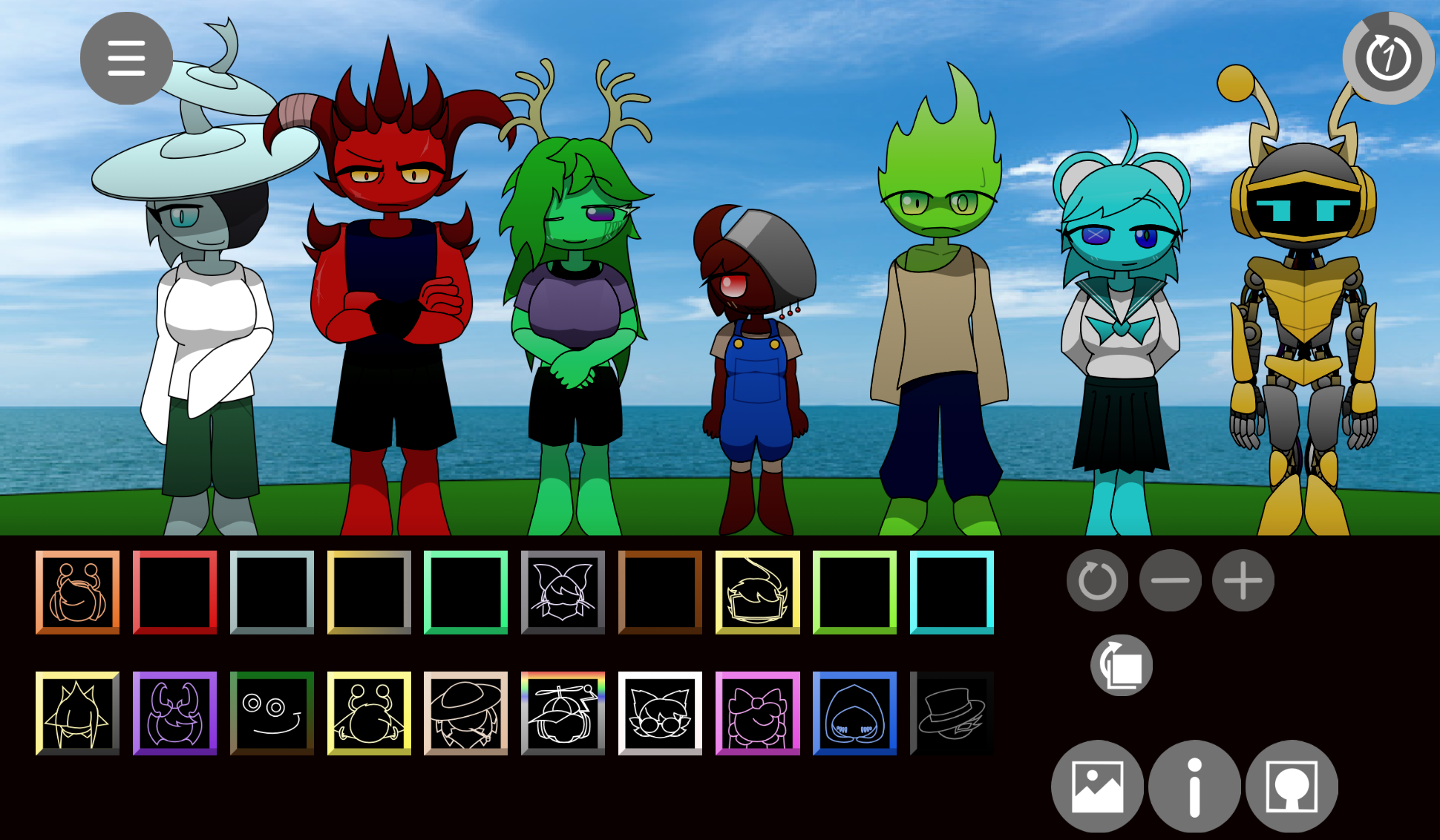
Like other themed Sprunki modes such as Infected or Dandy’s World, Too Cruel uses its altered character set to push a specific mood through both sound and design. Each redesigned character still carries a built-in musical function that reshapes the track as soon as it is placed.
Core Features of Sprunki - Too Cruel
Sprunki - Too Cruel keeps the fast music-creation structure of Sprunki while leaning into darker beats, eerie effects, and more deliberate visual feedback.
- Character-based mixing: Each Sprunki character acts as a sound source. Building a song means choosing which characters appear on-screen and how their loops stack together.
- Redesigned dark presentation: The altered cast gives the game a heavier identity. The visual changes support the sound palette, making beats, effects, vocals, and melodies feel part of one darker world.
- Darker sound options through the black hat: The black hat accessory shifts the session into a creepier mode with different musical possibilities. It lets the same basic mixing system produce heavier and more eerie results.
- Urban-inspired style: The mod keeps a street-art and hip-hop influence, which connects the visual identity to rhythm-heavy, loop-driven compositions.
- Freeform creation and sharing: Players can quickly test combinations and create shareable mixes. Clean layering usually works better than filling every slot at once.
- 2-player support: The multiplayer option lets two players test combinations together instead of building every track solo.
How to Play Sprunki - Too Cruel
Drag characters into the empty slots and listen to how each one changes the loop. Every character adds a different sound, instrument, beat, effect, or vocal layer, so the goal is to test combinations until the track feels balanced.
Start with only a few slots. In Too Cruel, the heavier soundscapes can crowd the mix quickly, so add one character at a time and judge whether the new layer supports the rhythm or makes the loop harder to read. If you are used to faster mixing in other Sprunki games, Too Cruel rewards a slower approach because its atmosphere depends on controlled layering.
Keep swapping, removing, and rearanging characters. Some pairings create a cleaner beat, while others push the track into a more distorted or eerie direction. It is worth experimenting beyond obvious combinations and watching for the hidden secret, which can shift the tone of the track.
Mastering the Dark Soundboard
Mastering the dark soundboard in Sprunki Too Cruel means learning how each loop behaves inside the full mix. The erie tone comes from layering rather than one single scary sound.
Place a stable beat first.
Start with a character that gives the track a clear pulse. This gives melodies, effects, and vocals something to lock onto.
Add one eerie layer at a time.
Test a vocal, distorted effect, or darker melody after the beat is established. Listen for whether it adds tension or simply crowds the board.
Adjust before adding more.
If a sound clashes, remove or swap it before placing another character. Too Cruel works best when each layer has a clear role.
Use volume and effects deliberately.
When the track becomes dense, levels and effects can help separate distorted sounds from melodic parts. The goal is to deepen the dark atmosphere without turning the mix into noise.
This makes Sprunki Too Cruel feel less like a quick loop toy and more like a mood-building interface. The strongest combinations usually come from small adjustments rather than filling the screen immediately.
Practical Mixing Tips for Dark Dimensions
Better mixing in Sprunki Too Cruel starts with restraint. Place sounds one at a time, then judge whether each new layer strengthens the mood or muddies it.
Start with a stable beat.
Choose one character that gives the mix a clear rhythm before adding melodies or vocals. A strong pulse keeps the darker loops from feeling scattered.
Layer for contrast, not volume.
A distorted effect can work well beside a cleaner melody, but two loud, similar parts may flatten the track. Let each sound occupy a different role.
Listen before relying on visuals.
The redesigned characters can be darker and less instantly readable than classic Sprunki designs. Use the visuals as mood cues, but let the sound decide whether a layer stays.
Test unusual pairings carefully.
Some combinations that seem strange at first can create useful tension. Keep them if they add atmosphere without breaking the rhythm.
Avoid filling every slot too early.
Too many heavy loops can blur together. Build a core mix first, then add extra parts only when they improve the track.
Use effects as finishing tools.
Effects should enhance the dark soundboard, not hide weak layering. If the mix feels messy, fix the character combination before covering it with more processing.
Save and share mixes that teach you something.
Sharing a finished track can help reveal which combinations hold up beyond the first listen, especially in a mod where atmosphere depends on balance.
Related Games
- Sprunki CRUEL LOVERS — This is the closest follow-up for players drawn to Too Cruel’s darker “cruel dimension” aesthetic and heavier, eerie loop layering.
- Sprunke Phase 8 Latest Update Revenge — Its Phase 8 revenge angle matches the article’s focus on a harsher V8-style update with more intense visuals and mood.
- Incredibox Sprunki Mr sun treatment original — This is a useful next click for players specifically wondering what happened to Sun because it centers on a darker character-treatment version of that familiar figure.
What Happened to Brud’s Fire and Other Visual Elements?
Some elements, like Brud’s fire, are no longer animated in V8.0. Players have asked whether certain visual features were removed or simplified. The static, heavy designs mark a departure from the bright, animated elements of older builds. Trying to import custom sounds from external apps like FL Studio Mobile is not supported directly in this web build. It is best to stick to the built-in soundboard and the bald-canon designs the creators built for this release.
Discuss
Loading comments...
Failed to load comments. Please try refreshing the page.