
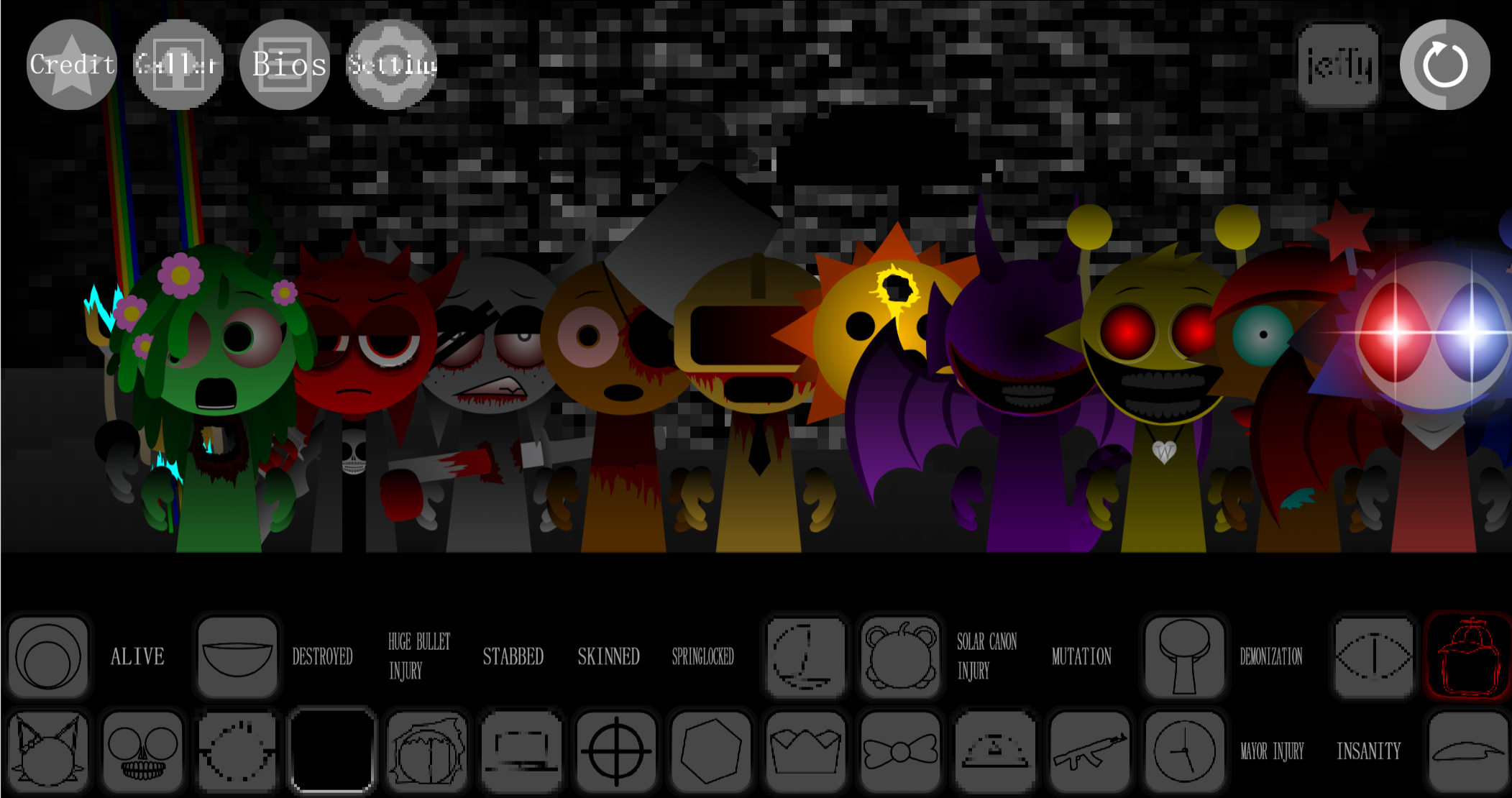
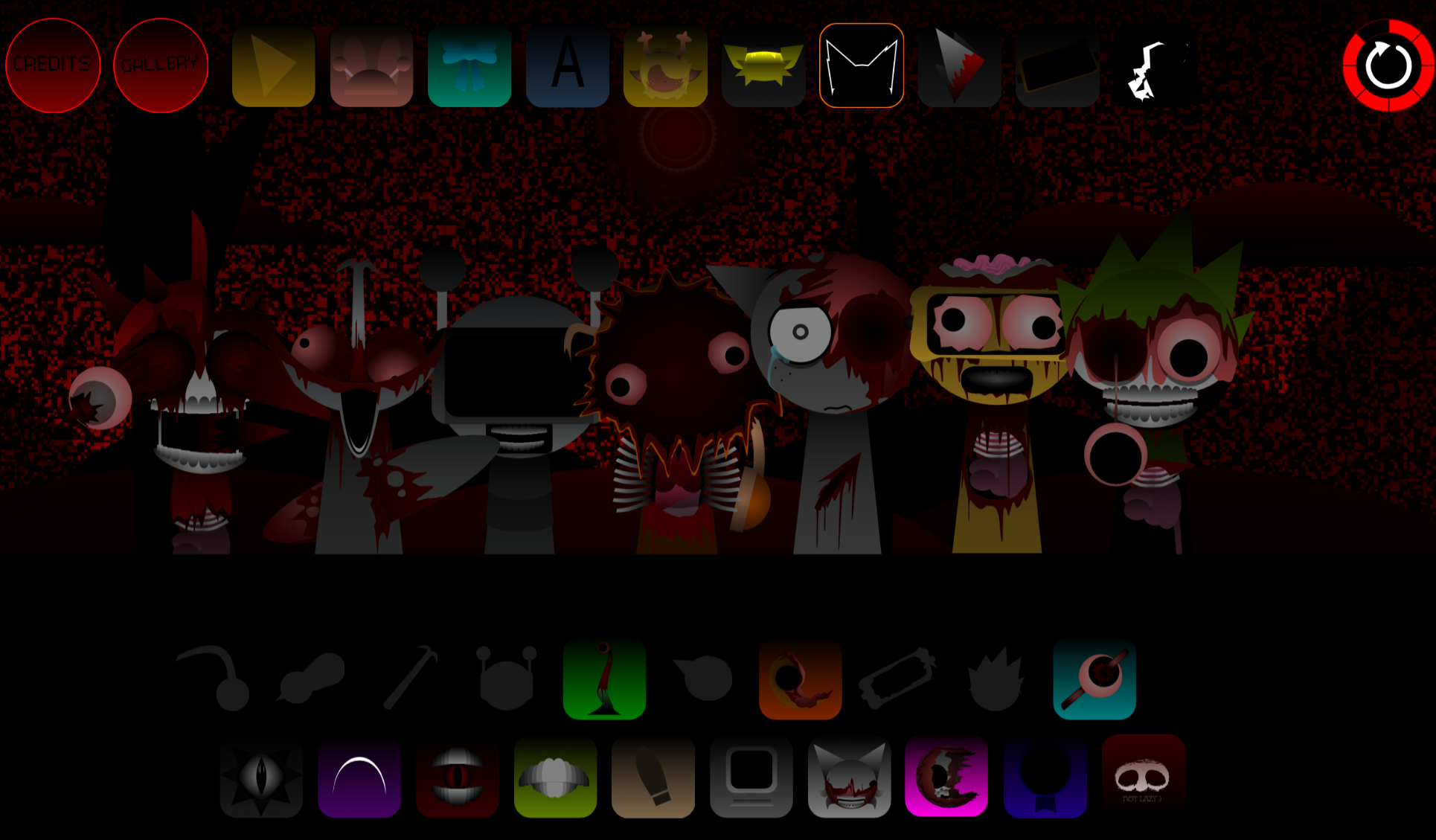
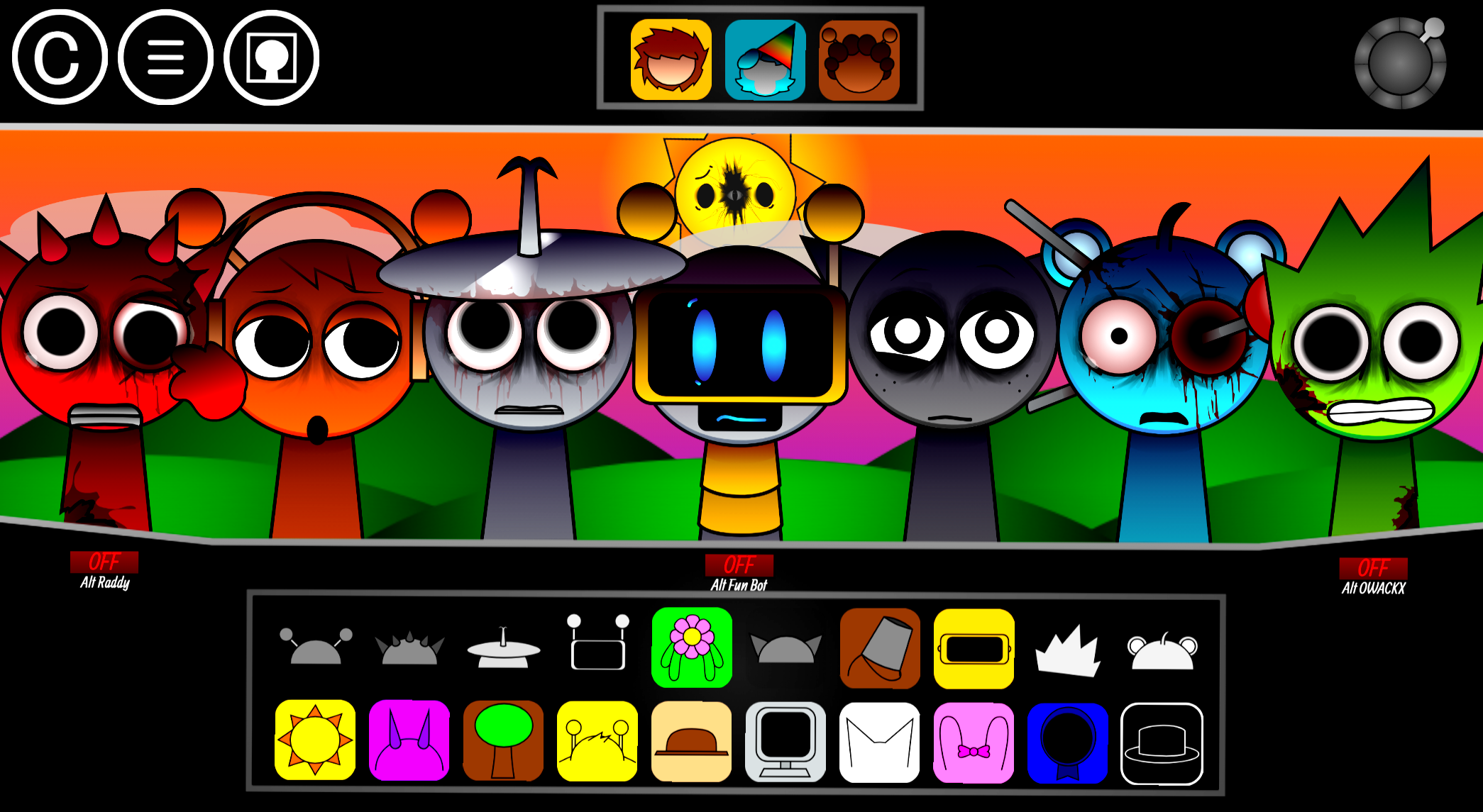
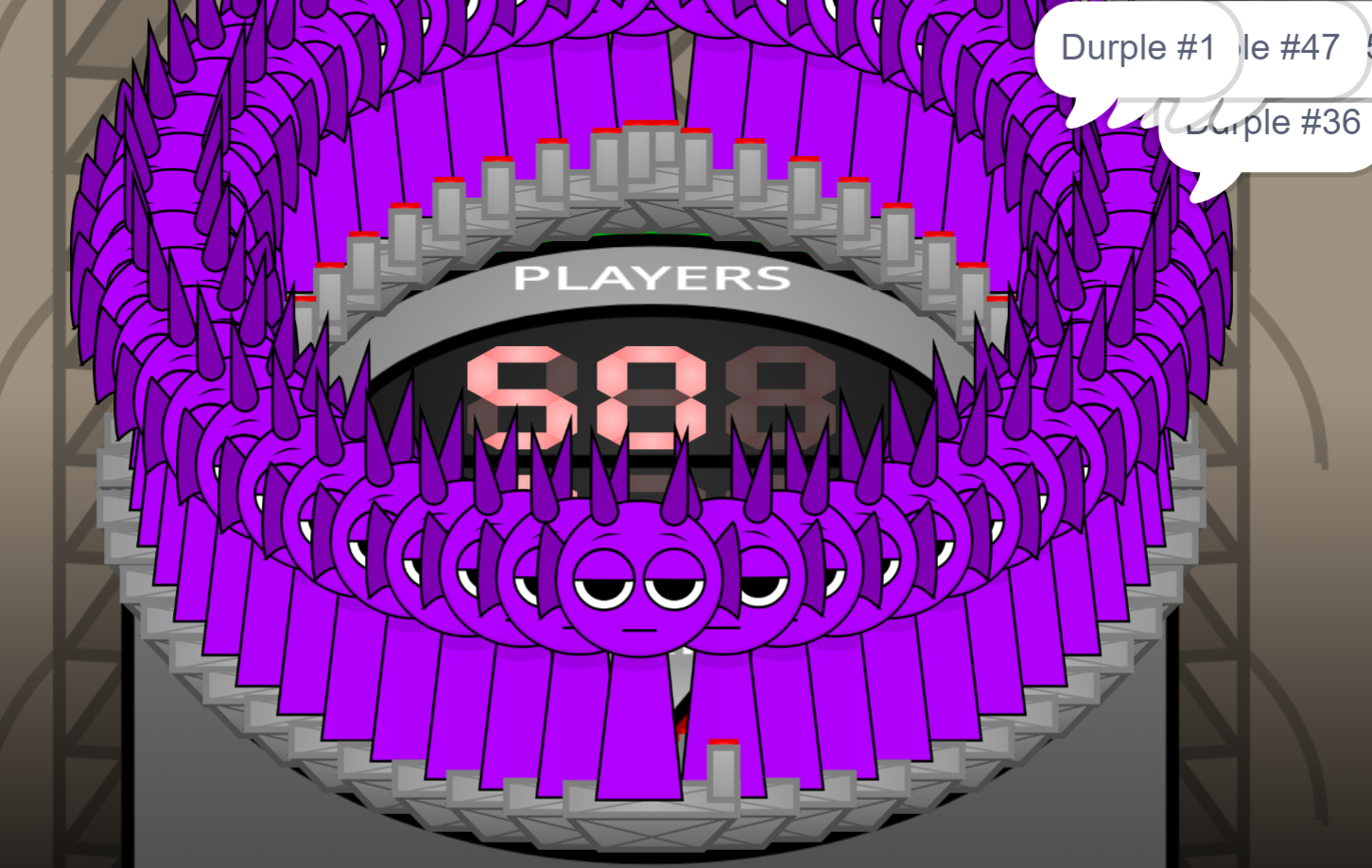


GDBox V1 Stereo Madness is a rhythm-based platformer level that combines precise timing mechanics with stereo audio cues to create a challenging gameplay experience.
This article breaks down what makes Stereo Madness distinct within GDBox V1, covering the play patterns that define the level’s difficulty curve, how the stereo audio system functions as both guide and challenge, and the specific techniques that help players progress through itsrickiest sections.
About GDBox V1: Stereo Madness
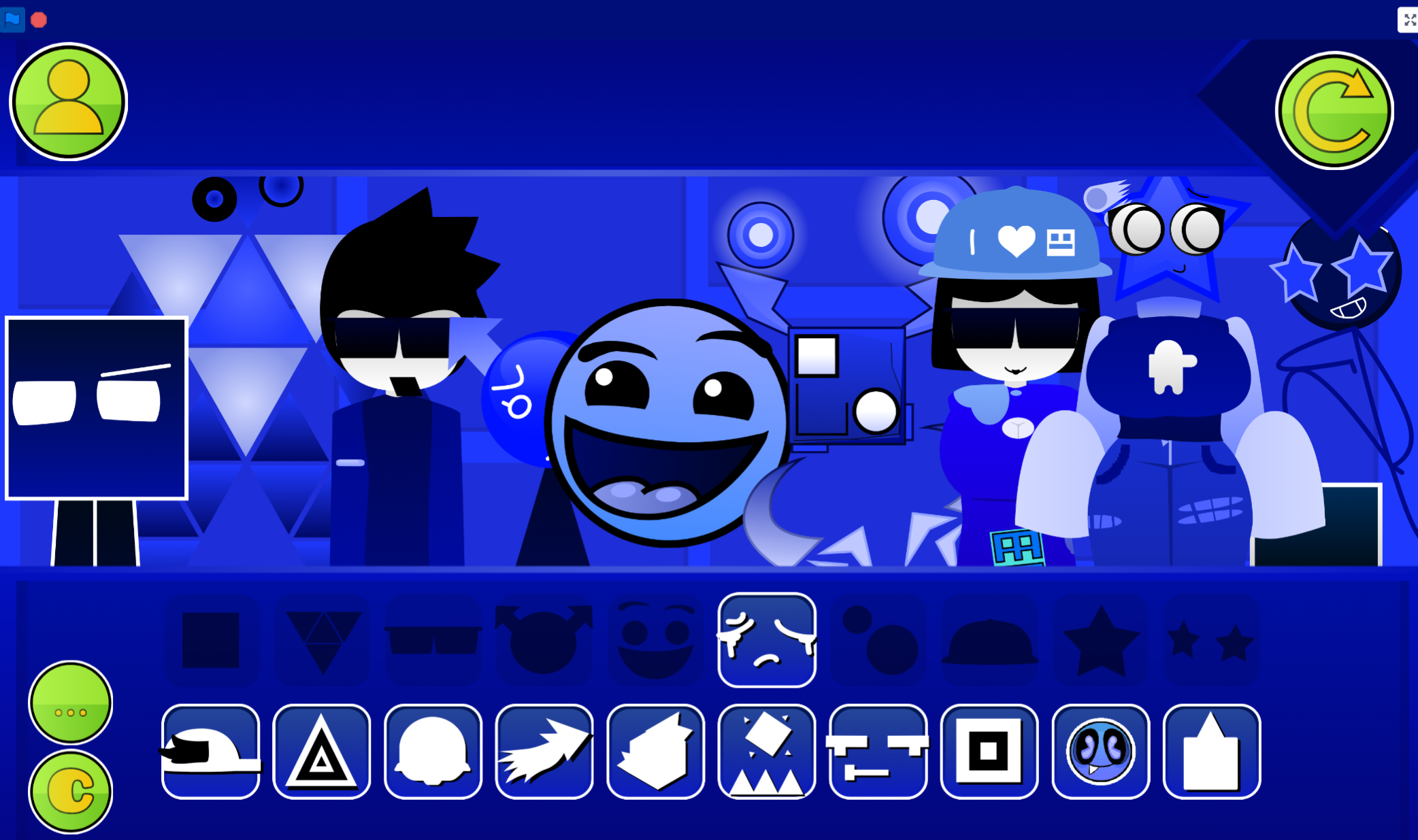
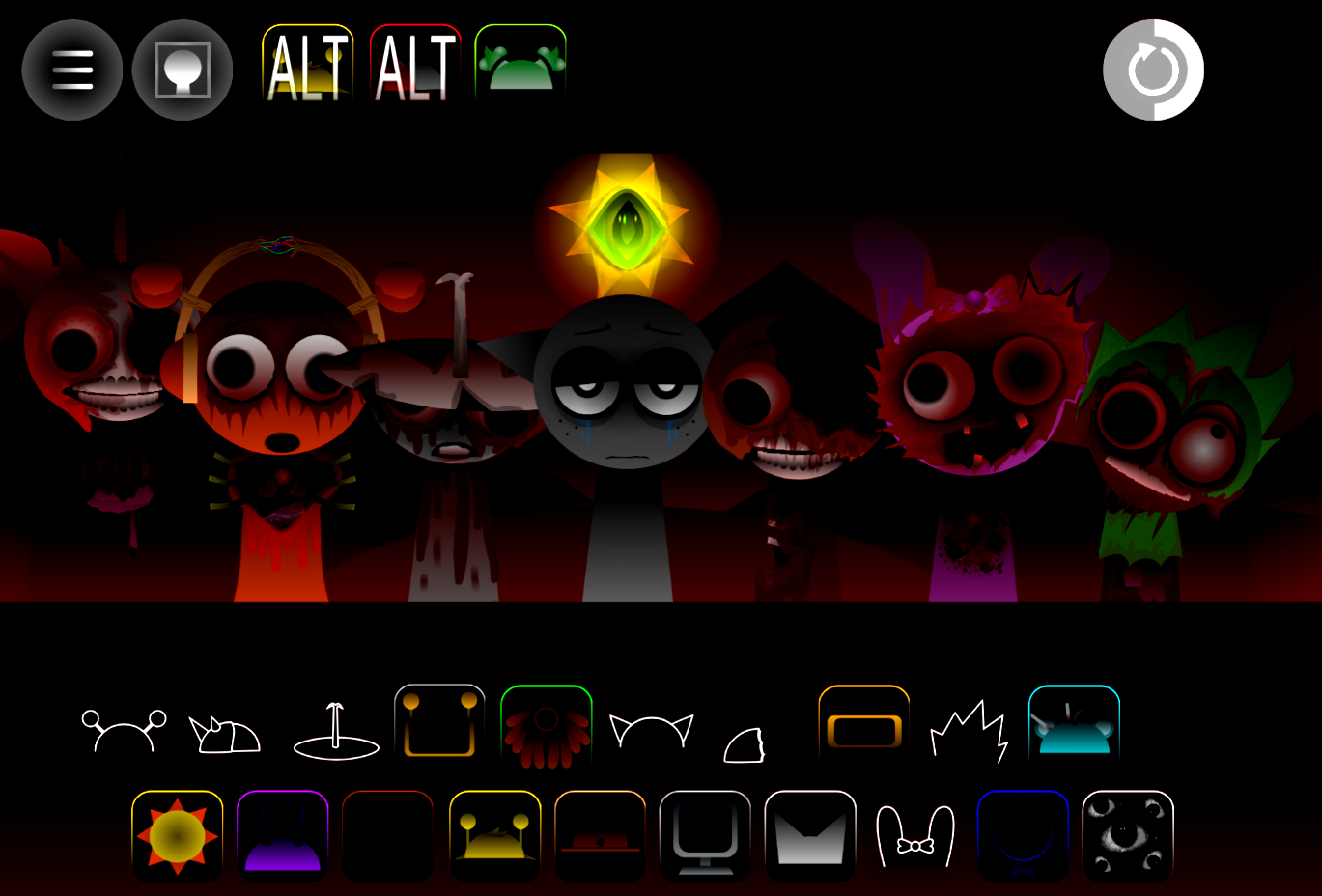
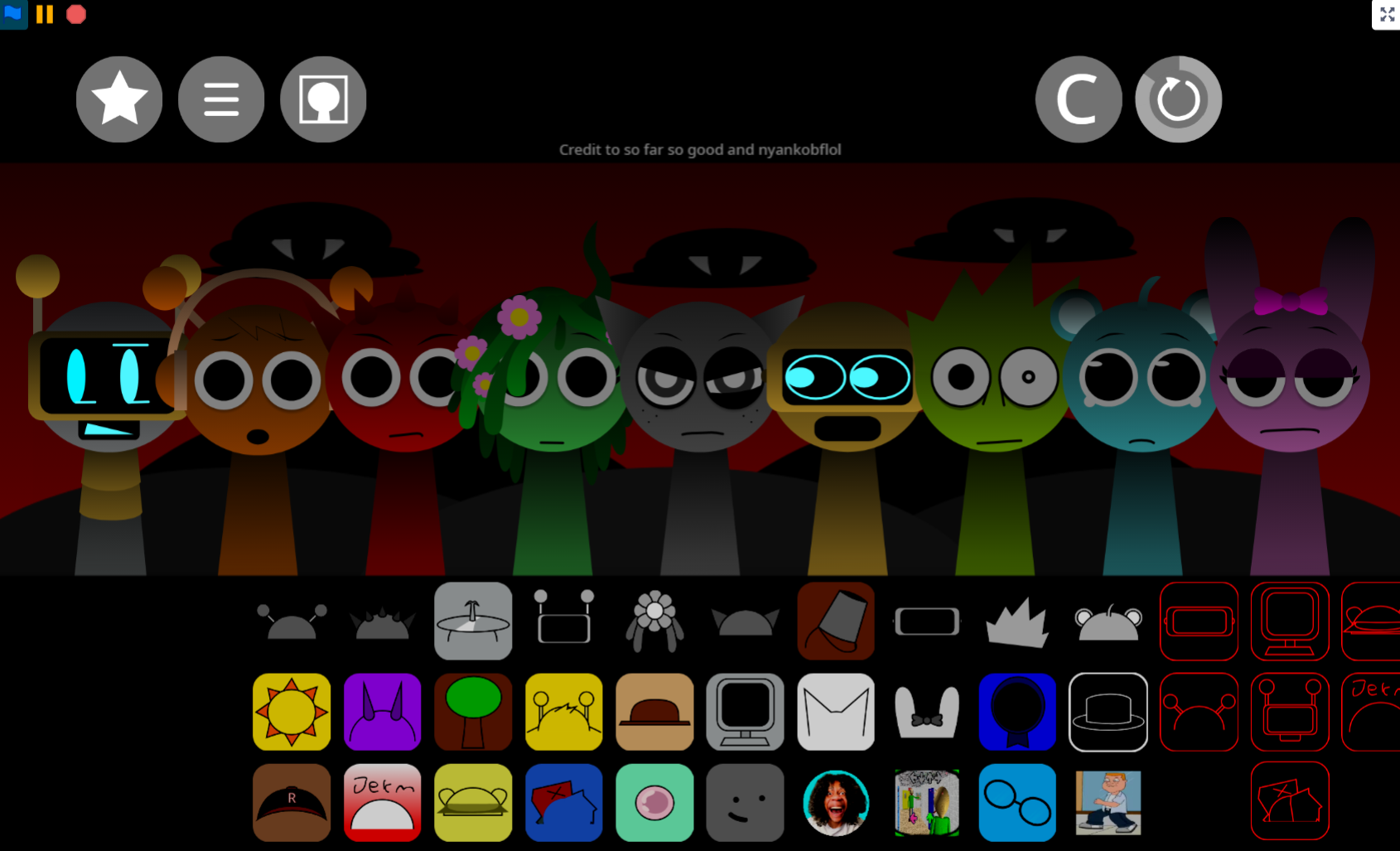
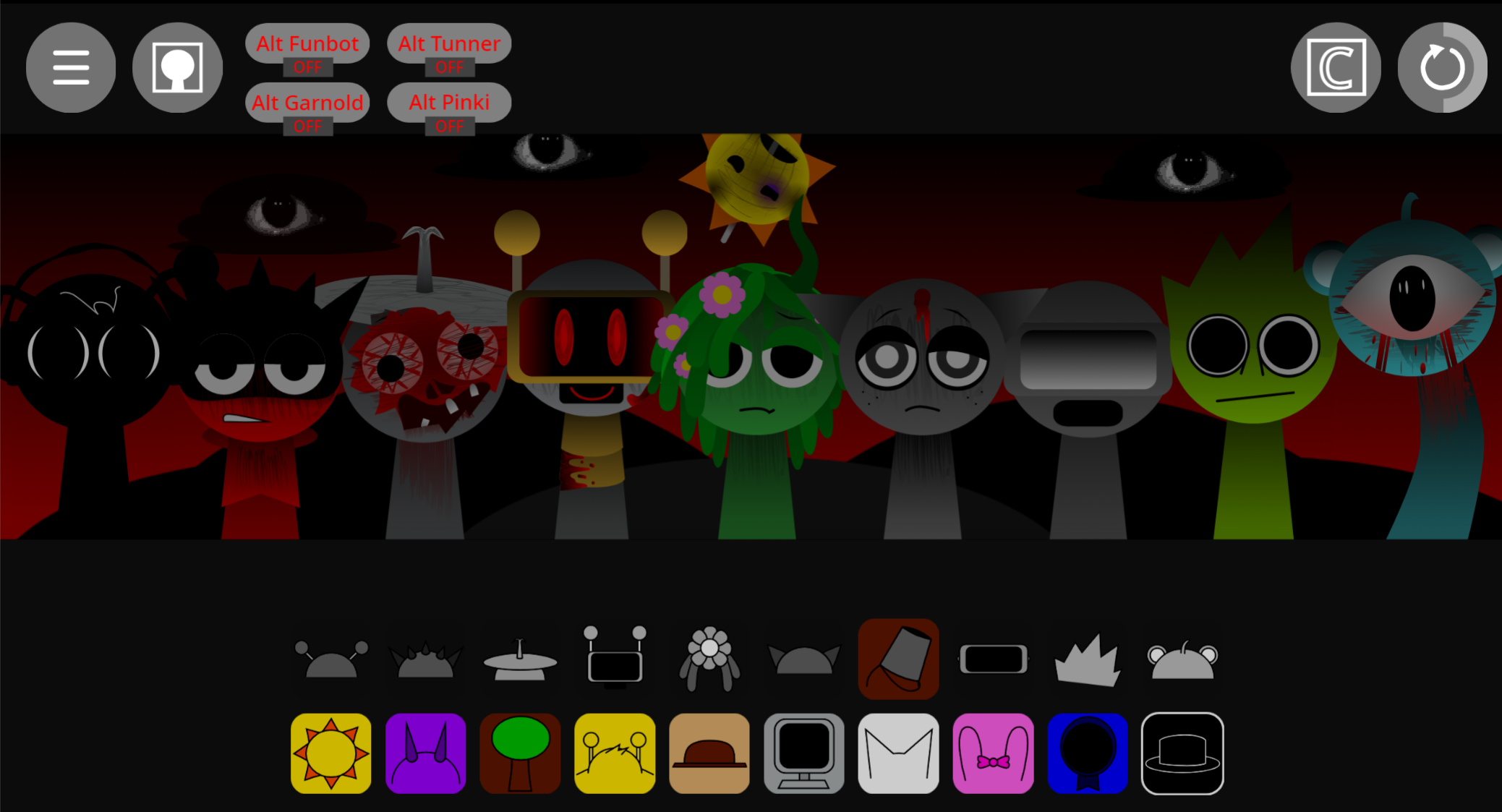
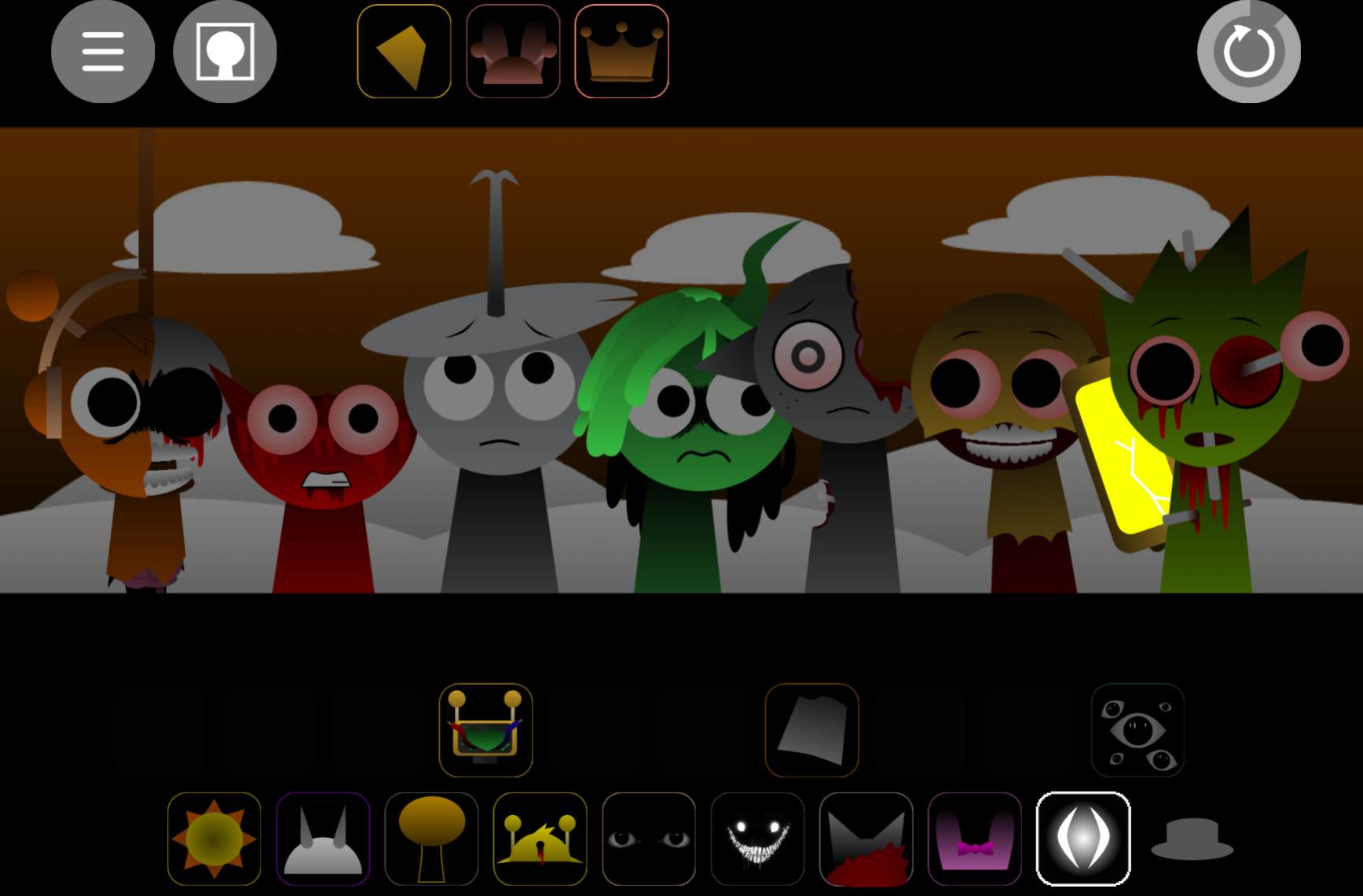
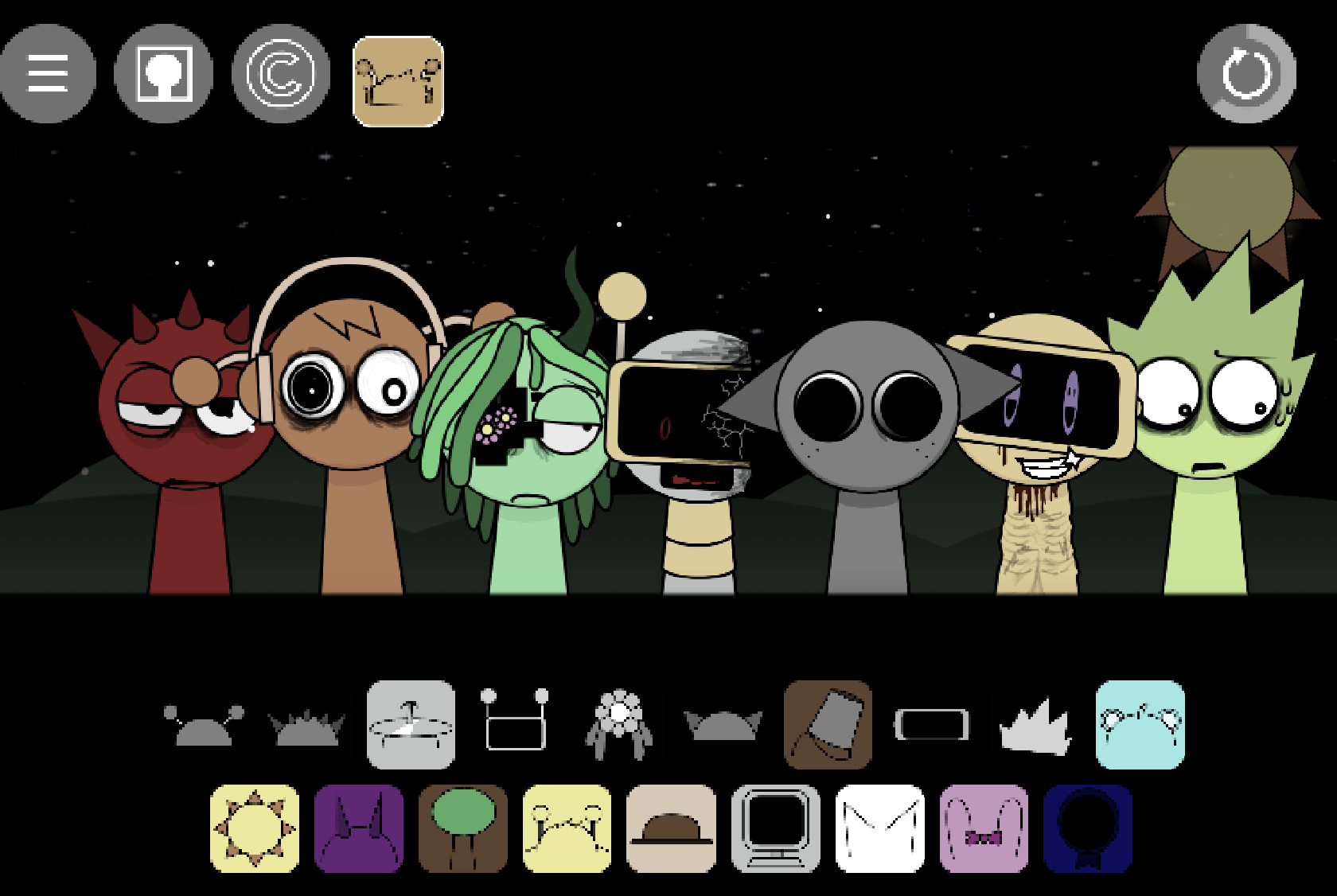
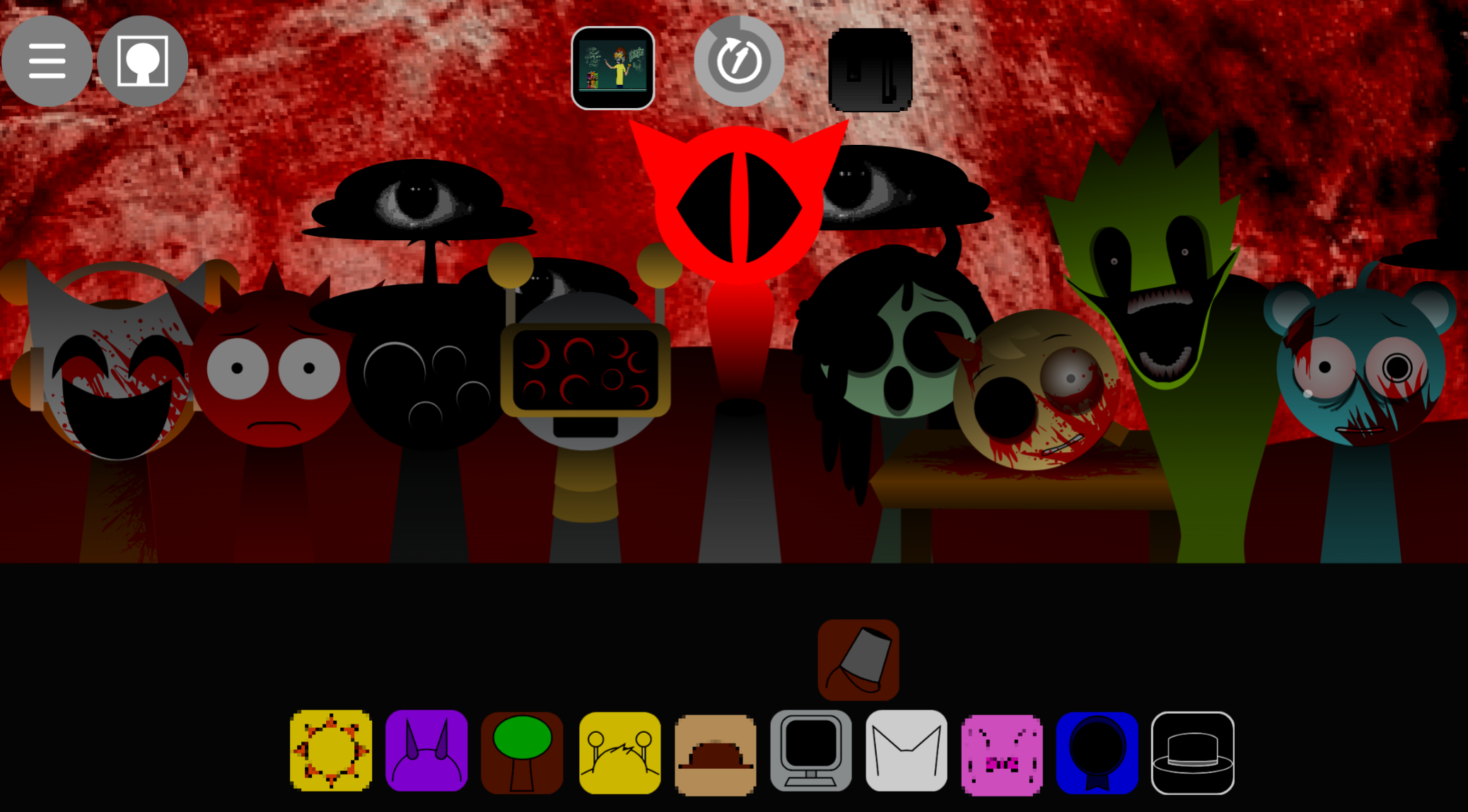
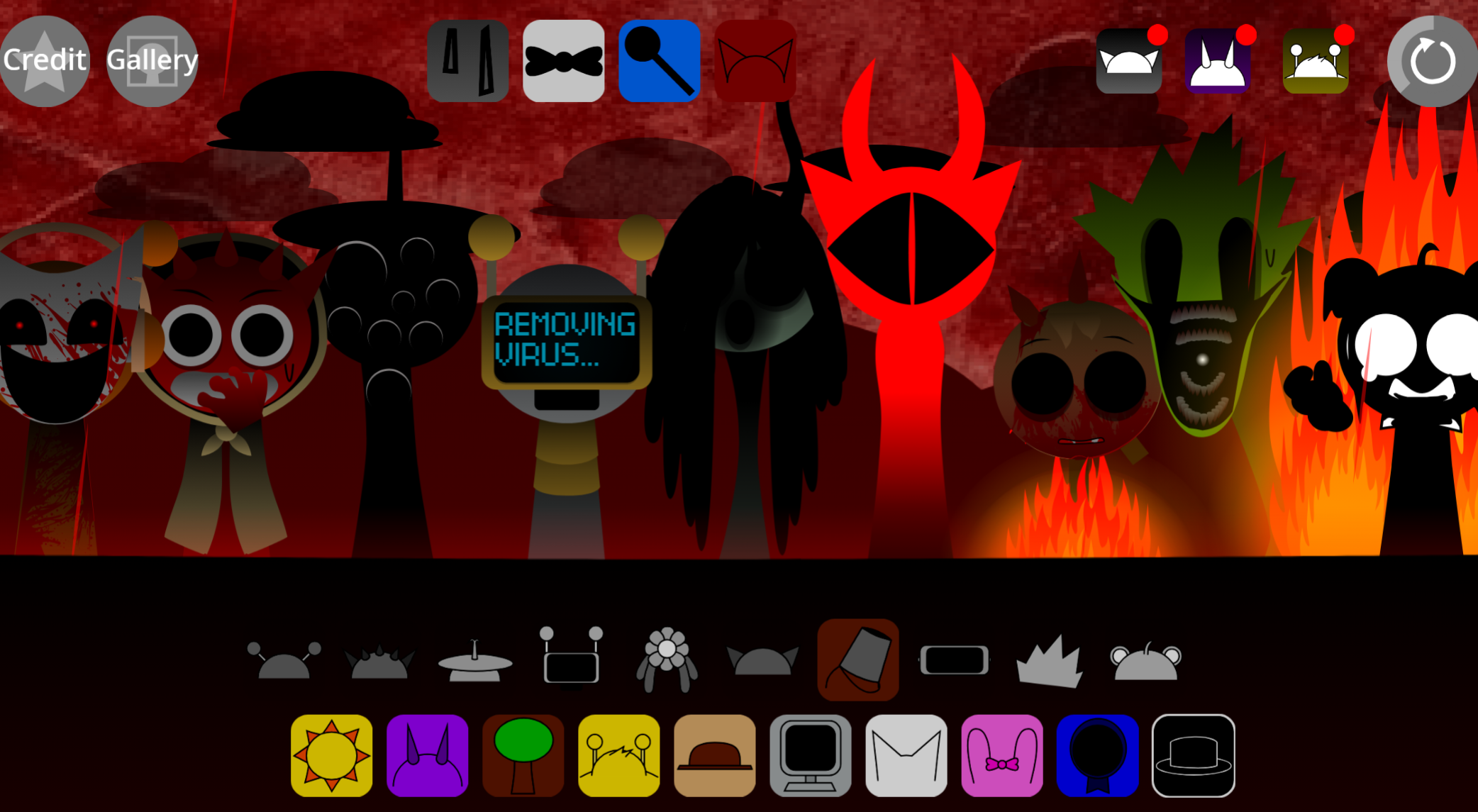
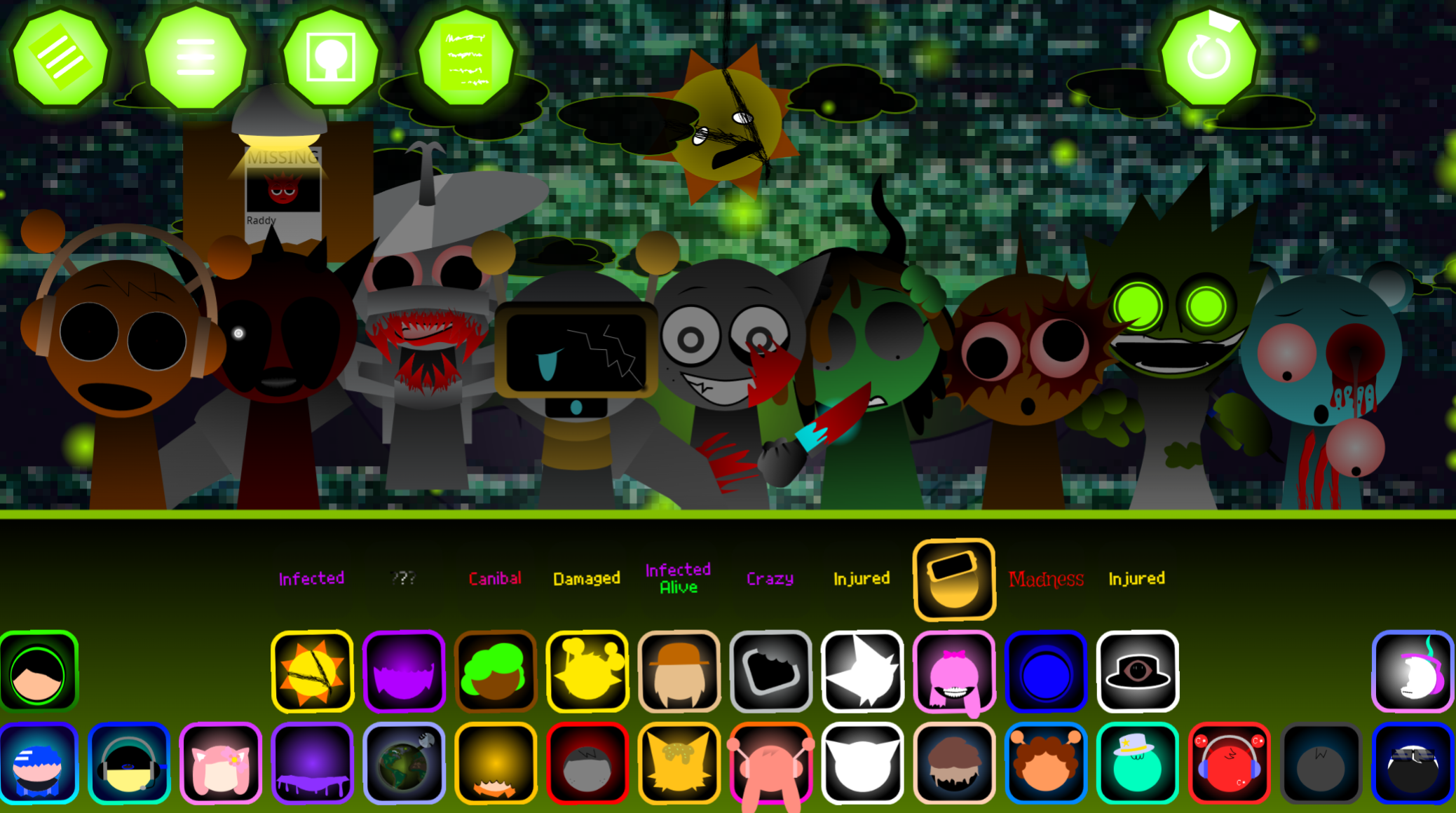
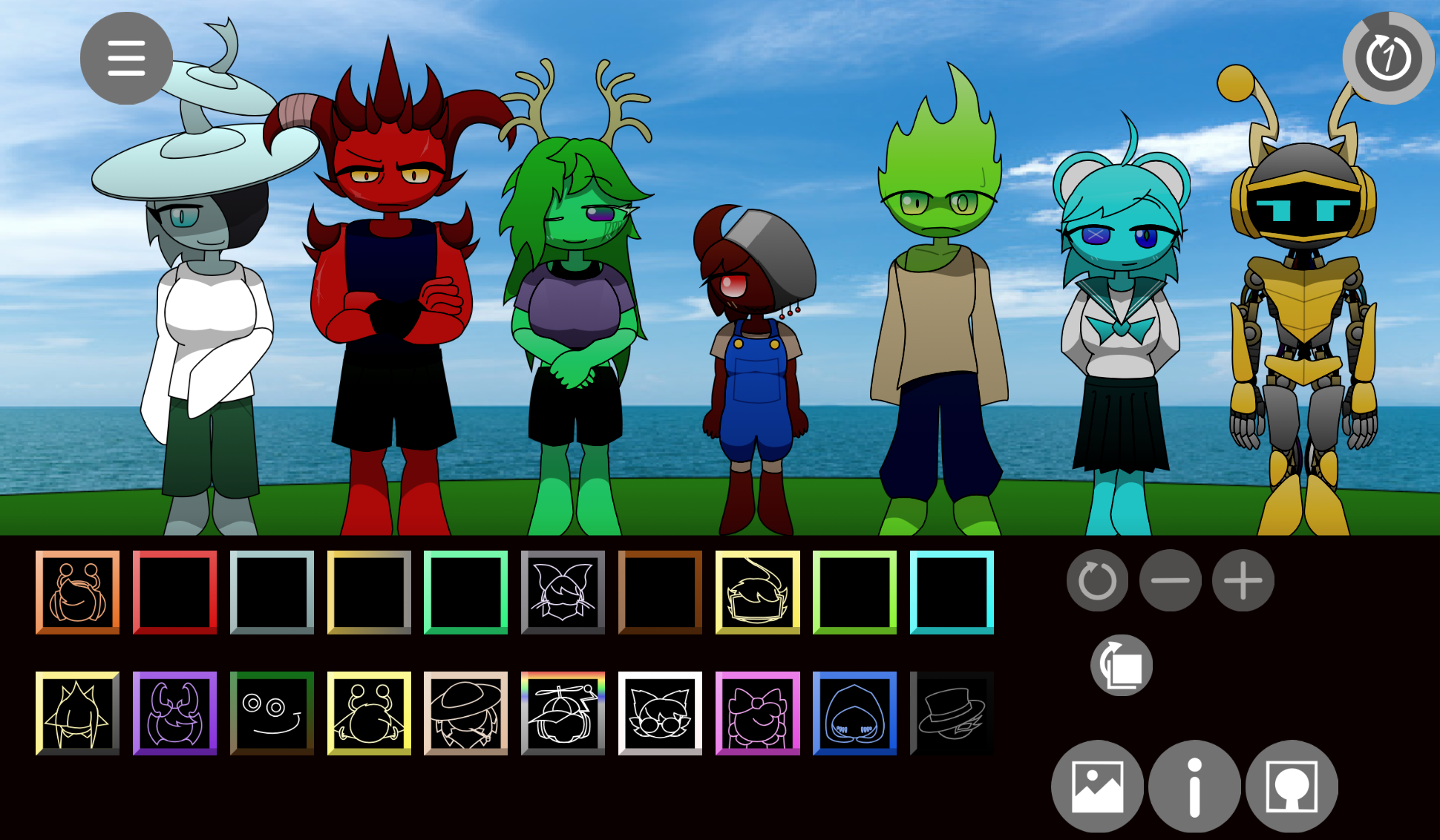
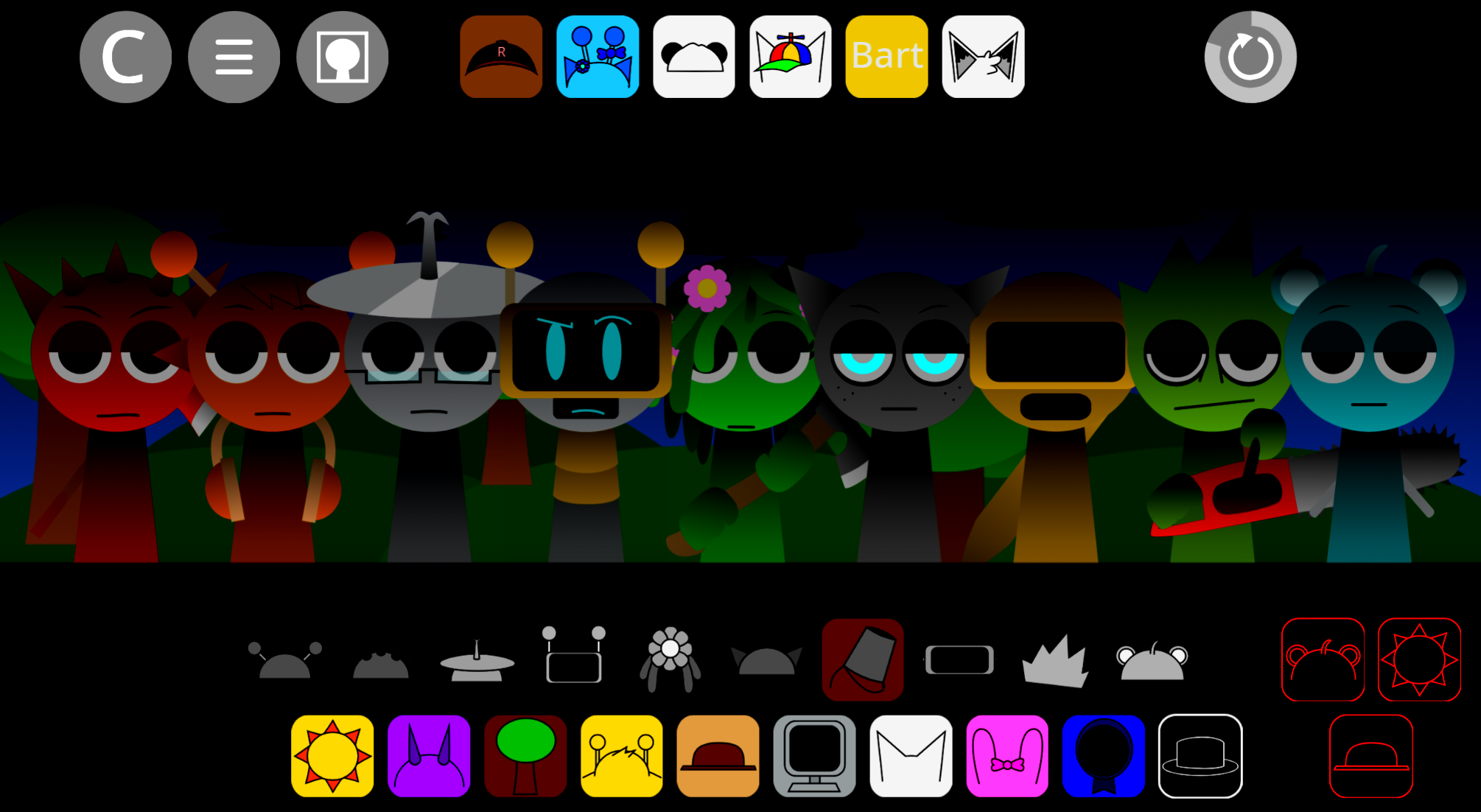
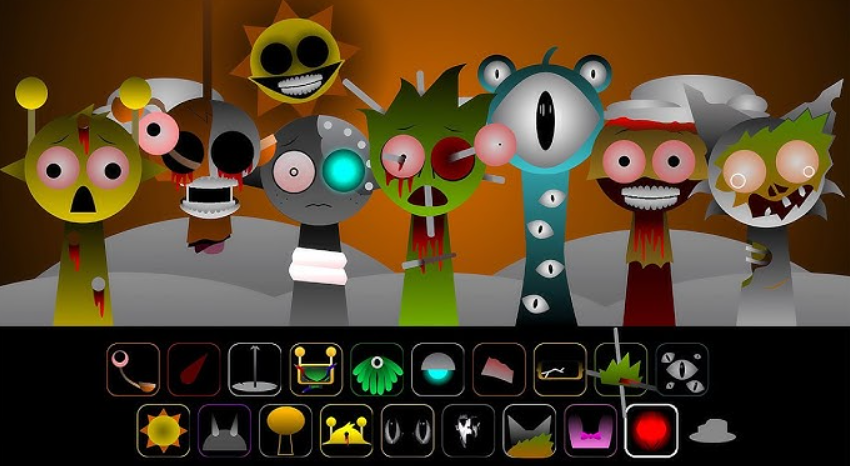
GDBox V1: Stereo Madness is a fan-made Incredibox-style music mixer built around ForeverBound’s Geometry Dash track. Players drag sound icons onto geometric performers—cubes, portals, UFO-inspired designs, and hazards—to build a synchronized remix of the original level one song. Each character contributes a specific loop: drums, effects, melodies, or voices. The result is a player-built arrangement, not a platforming stage.
The mod uses 20 icons divided into Beats, Effects, Melodies, and Voices. Characters transform when assigned sound and play their loop in time with the rest of the mix. The interface pulses and flashes with the BPM, connecting the music-making process to Geometry Dash’s high-contrast visual style.
Hidden text from the project’s itch.io page reads: “In the notepad your fate is written… so welcome to your new edition!” Players interpret this as evidence that the Geometry Dash avatars are trapped in a digital prison, compelled to repeat their musical roles. That idea gives the bright neon aesthetic an unsettling undertone.
How to Play GDBox V1: Stereo Madness
GDBox V1 works as a drag-and-drop mixer. Your goal is to create a complete arrangement by placing sound icons onto performers, then changing layers while the music continues.
-
Choose a sound icon from the bottom menu. The 20 icons are divided into Beats, Effects, Melodies, and Voices.
-
Drag the icon onto an empty character slot. The performer changes into a Geometry Dash-inspired form and immediately plays its loop in time with the rest of the mix.
-
Build the rhythmic base first. Start with Quadruleud (Beat 1) for a punchy 4/4 kick, then add Xetray (Beat 2) for hi-hat and snare detail.
-
Add movement, bass, and melody. Use Reo & Geome-Trik for portal-like swooshes, jump-orb clicks, and heavy digital sub-bass. Add UFOey (Melody 3) for a chiptune lift, or Skyler Flightson (Melody 4) for a smoother arpeggiated synth layer.
-
Bring in vocal texture last. Cuboid (Voice 1) adds robotic vocoder-style chanting. Cubzy (Voice 3) provides the most distinct vocal phrases, including “I break the rules, I break the chains” and “Gasoline, gasoline… we’re fireproof tonight.”
Because the loops remain synchronized, you can remove, replace, and compare parts in real time. A sparse mix emphasizes the kick and bass; a fuller one layers percussion, synths, effects, and voices into a more complete Stereo Madness reinterpretation.
Features of GDBox V1: Stereo Madness
Independent feature documentation is limited, so the following points reflect the available description rather than a verified official list.
-
Geometry Dash visual theme: Sound icons transform performers into cube, portal, UFO, spike, and obstacle-course-inspired designs.
-
Twenty-layer sound selection: The 20 icons are organized into Beats, Effects, Melodies, and Voices, encouraging players to assemble a track in distinct musical roles.
-
Stereo Madness remix focus: The sound palette draws on the kick drums, basslines, synth color, and arcade-electronic energy of ForeverBound’s original track.
-
Reactive presentation: As layers are added, the stage pulses and flashes with the BPM, connecting the music-making interface to Geometry Dash’s rapid, high-contrast visual language.
Character Guide: The Geometric Roster
Each character represents a specific arrangement role. Choosing one changes both the appearance of the stage and the balance of the mix.
Beats: Quadruleud and Xetray
- Quadruleud (Beat 1): The essential punchy 4/4 kick. The most useful starting point when a mix needs the steady forward motion of Stereo Madness.
- Xetray (Beat 2): Syncopated hi-hats and snare detail. Pairing Xetray with Quadruleud creates a fuller, faster electronic drum pattern.
Effects: Reo & Geome-Trik
Reo & Geome-Trik (Effects 1 & 2) supply portal swooshes, jump-orb clicks, and deep digital sub-bass. These parts bridge the drums and melody, adding the sensation of movement and mechanical tension from a fast Geometry Dash run.
Melodies: UFOey and Skyler Flightson
- UFOey (Melody 3): A UFO-form character with a soaring 8-bit chiptune line. Delivers strong early-mobile-Geometry-Dash nostalgia.
- Skyler Flightson (Melody 4): A smooth arpeggiated synth that fills the middle range between bass-heavy effects and sharper high-end melodic parts.
Voices: Cuboid and Cubzy
- Cuboid (Voice 1): Robotic, vocoder-like chanting that works as a supporting layer beneath the main rhythm and melody.
- Cubzy (Voice 3): The standout vocal performer, carrying the quoted lyric fragments. Most effective over a stable Quadruleud–Xetray beat, with UFOey used carefully so the melody doesn’t overwhelm the vocal hook.
Related Games
- Incredibox Lionbox V1 The Multiverse — Its V1 Incredibox format offers another character-driven music-mixing mod for players who want to build loops beyond GDBox’s Geometry Dash-themed roster.
- Incredibox Sprunki Pyramixed v1.1 — Pyramixed v1.1 is a natural follow-up for experimenting with layered beats, effects, melodies, and voices in the same drag-and-drop remix style.
Enjoy!
Discuss
Loading comments...
Failed to load comments. Please try refreshing the page.