
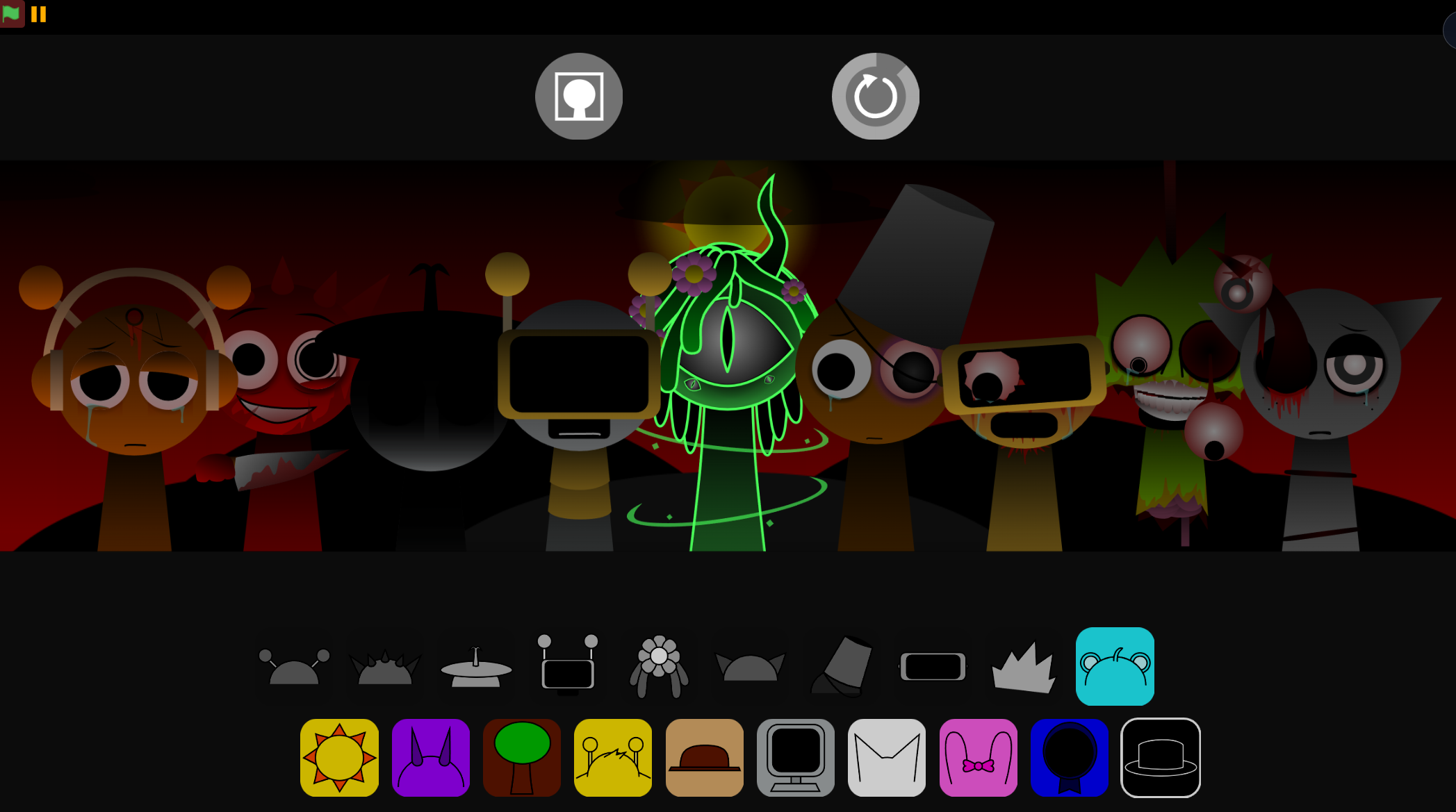
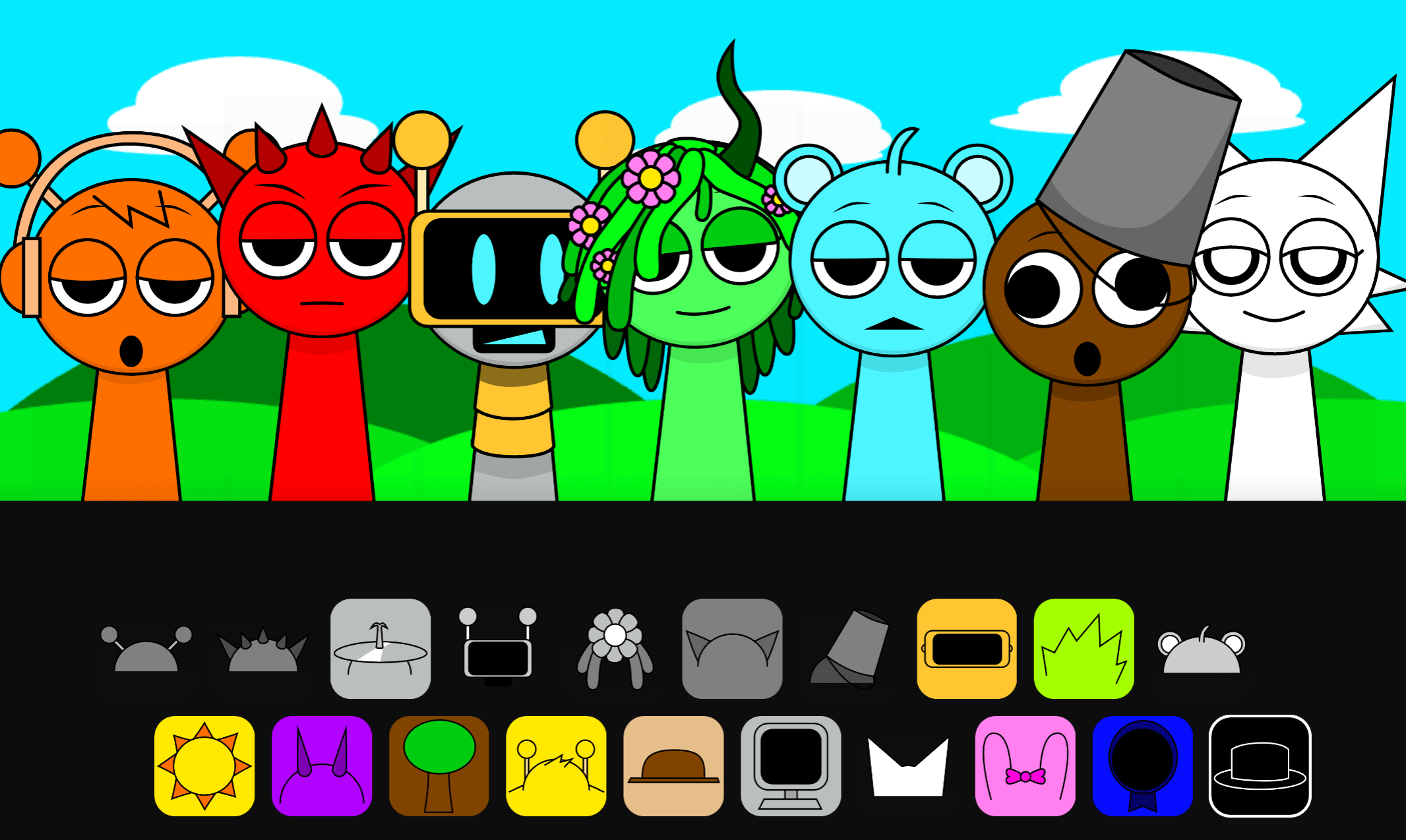
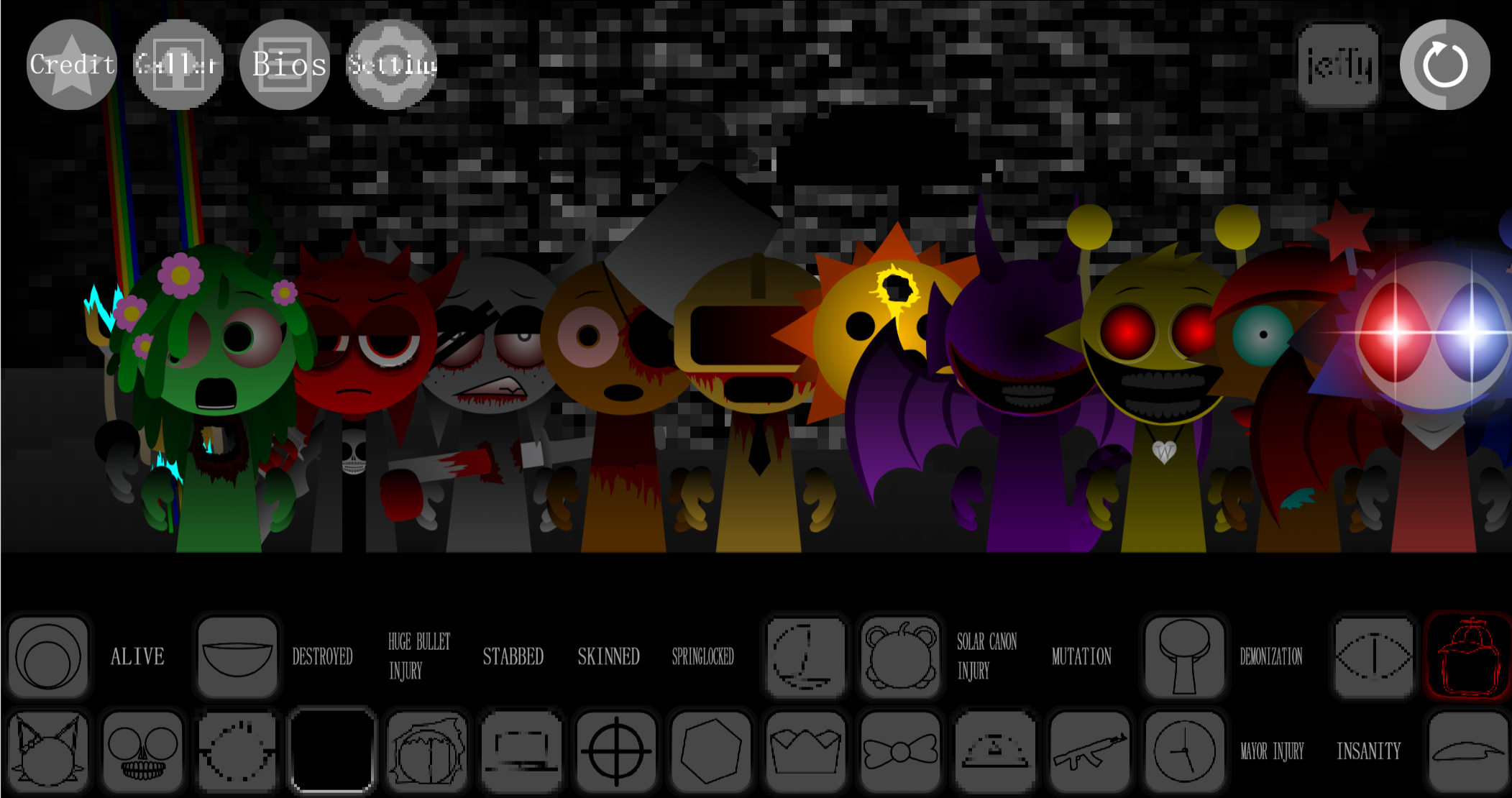
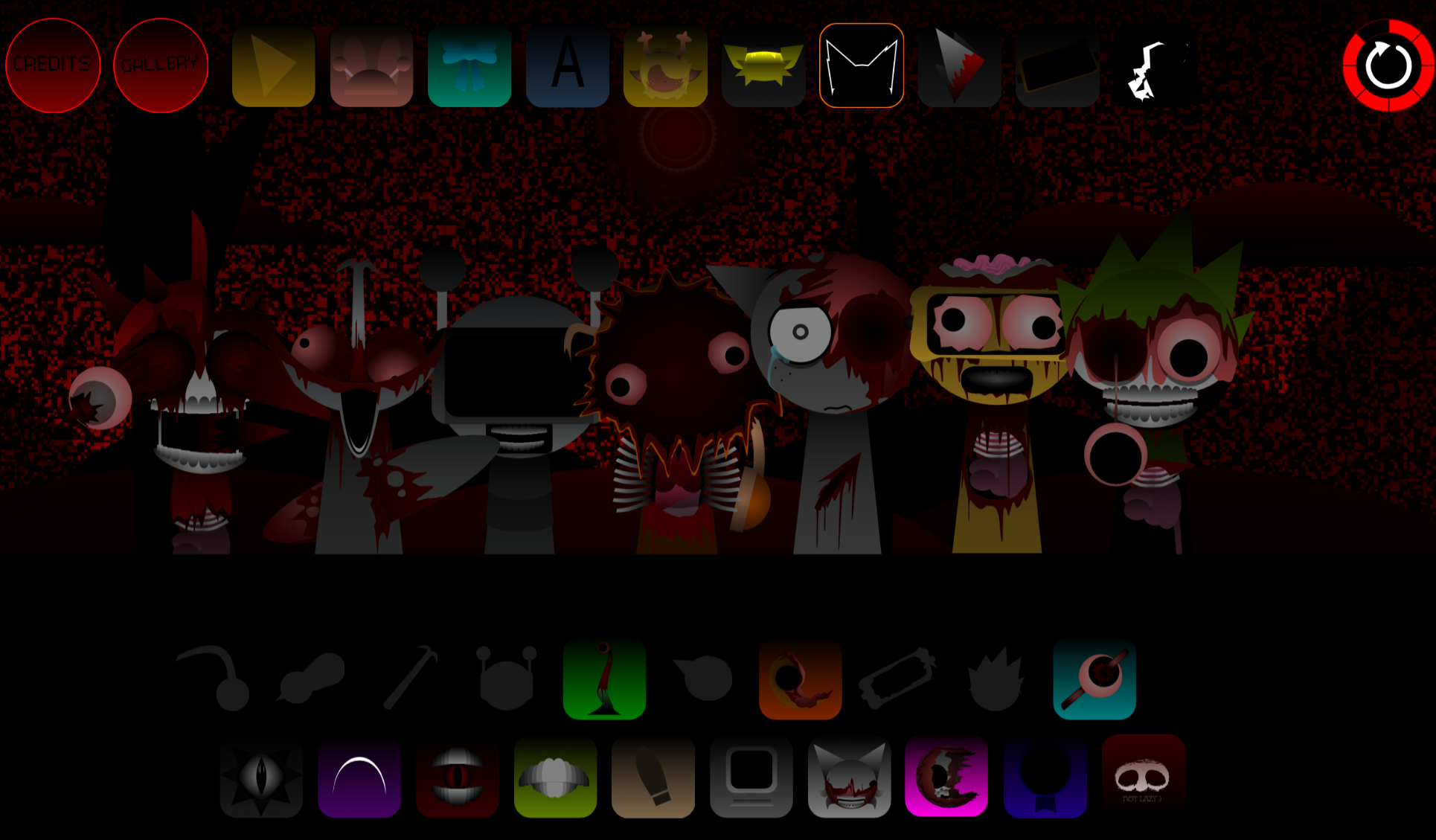
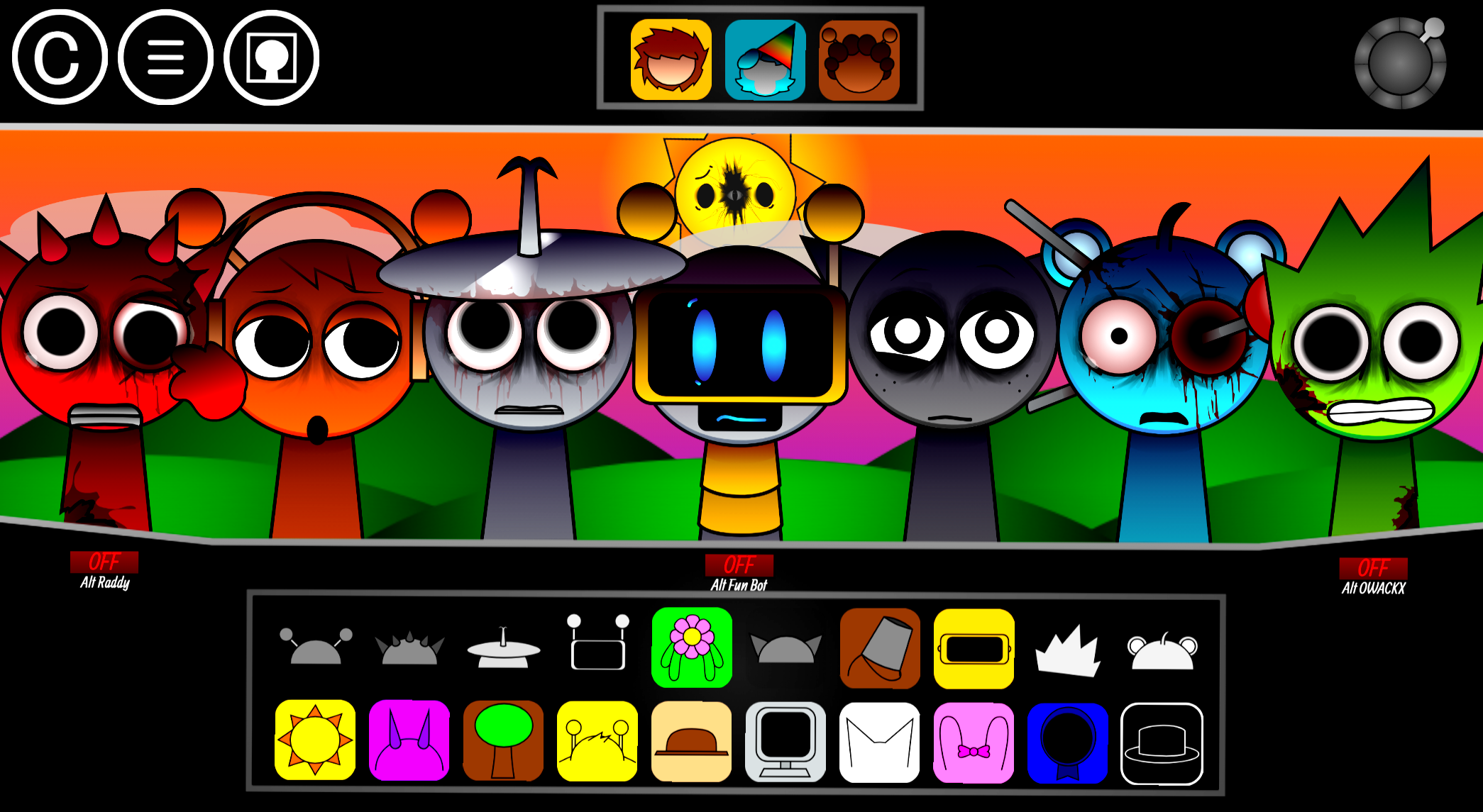
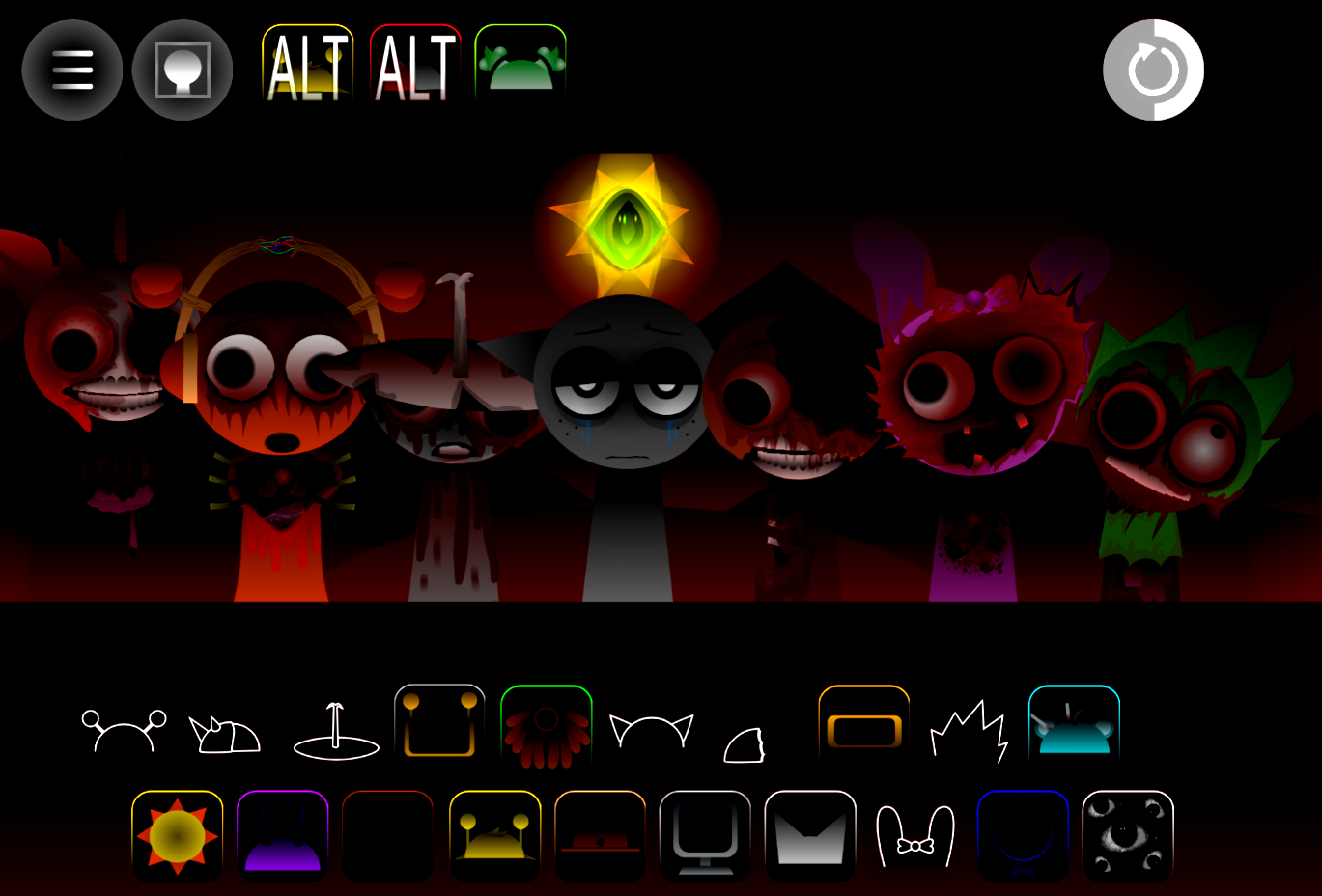
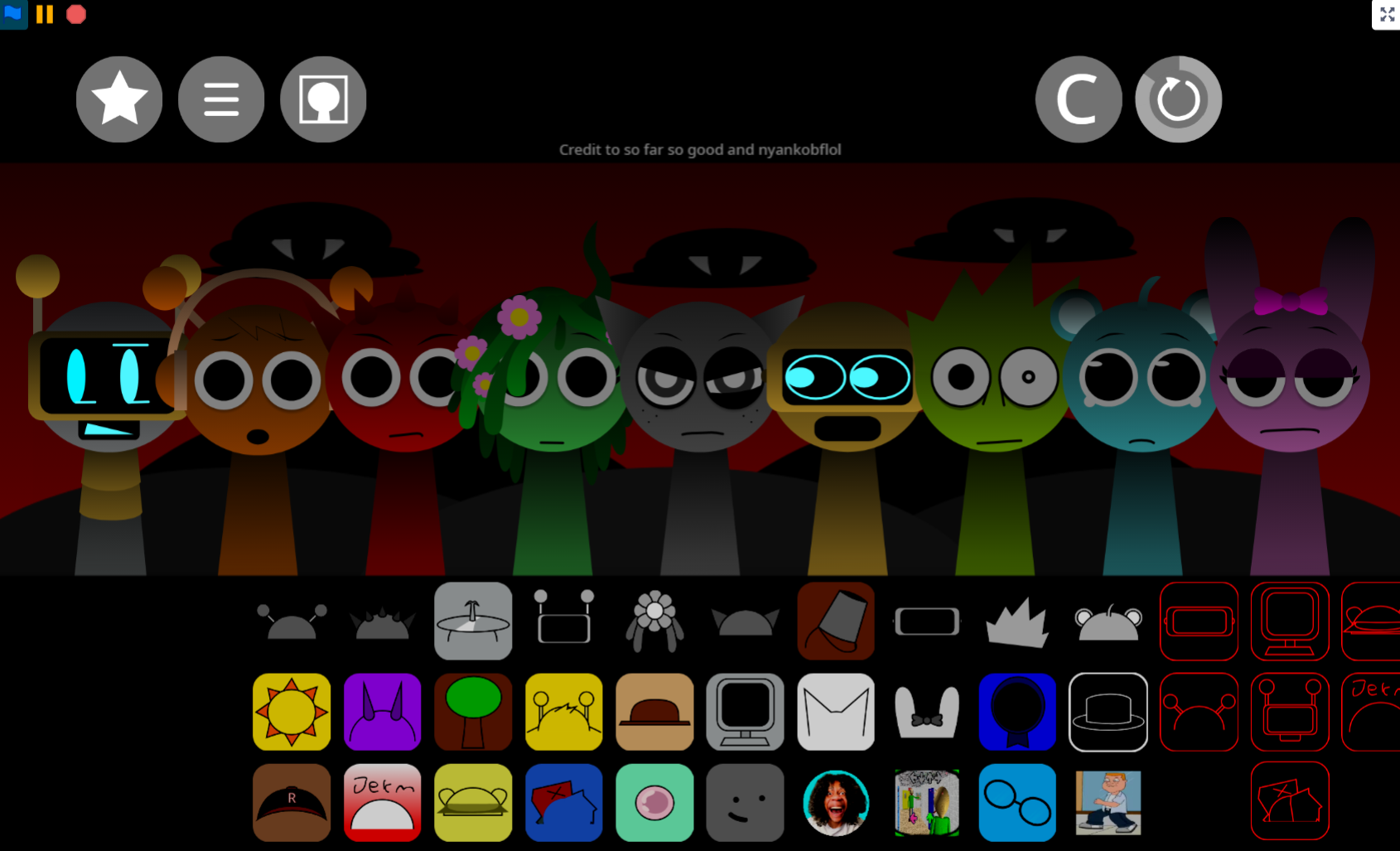
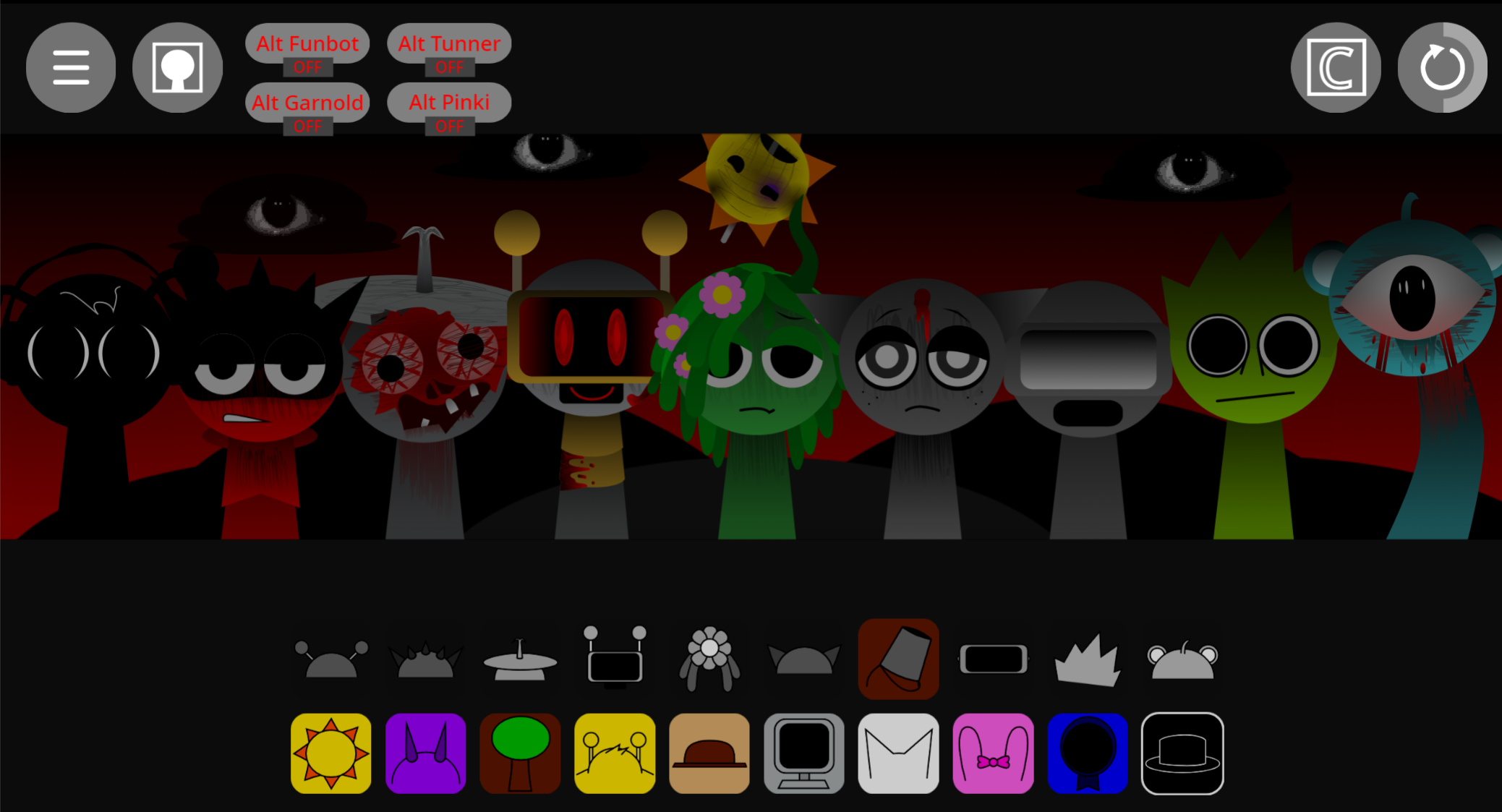
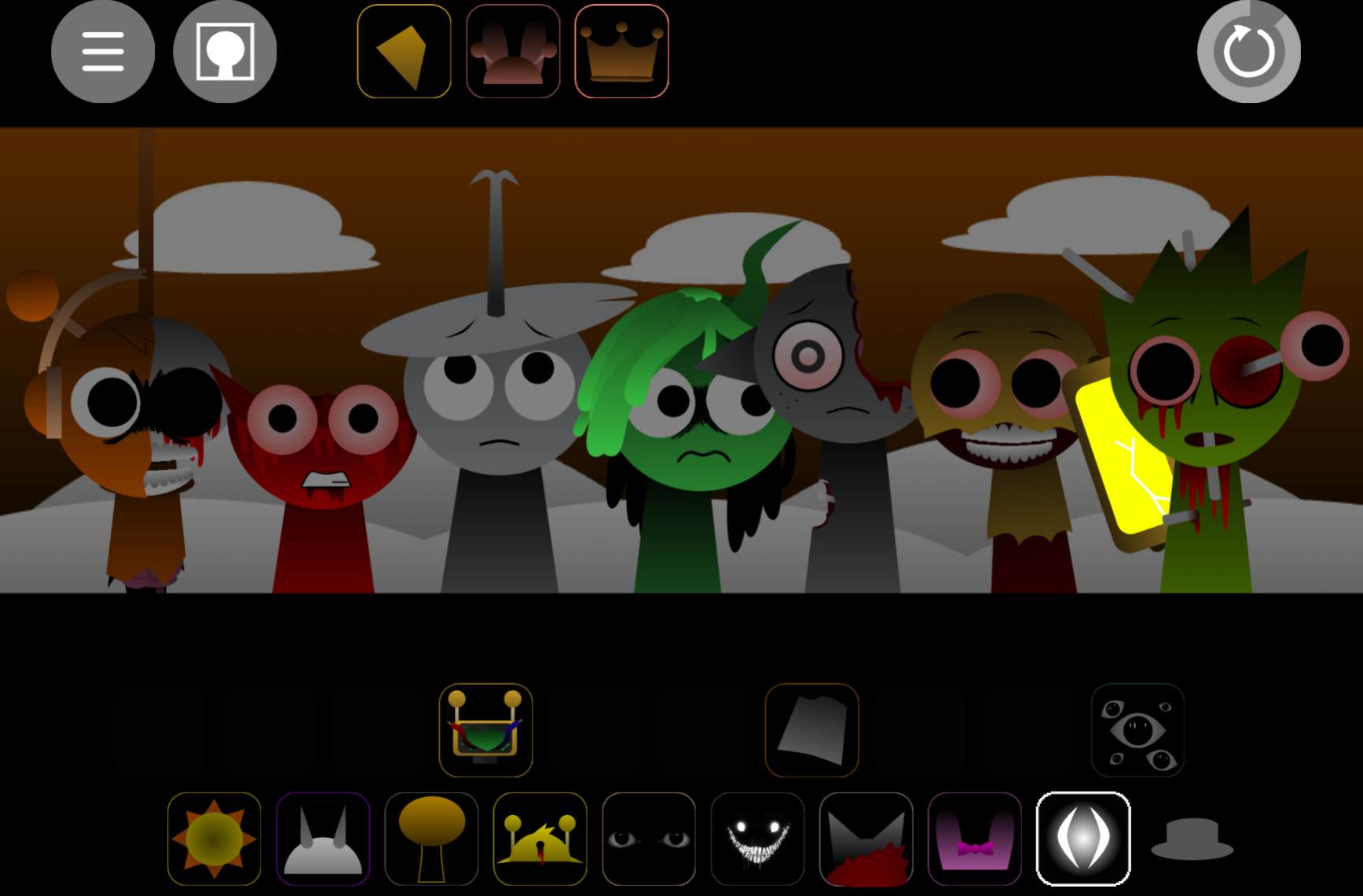


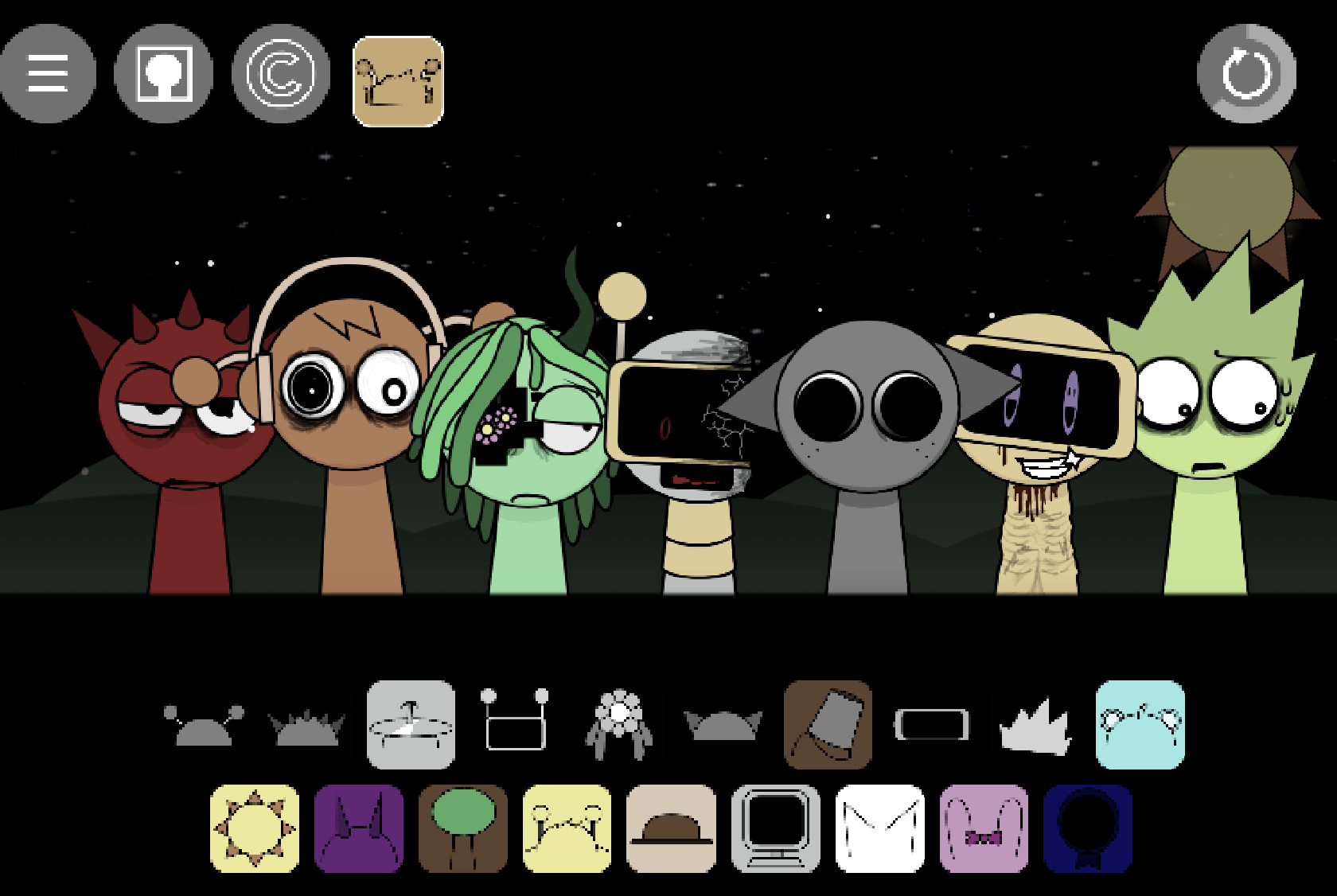
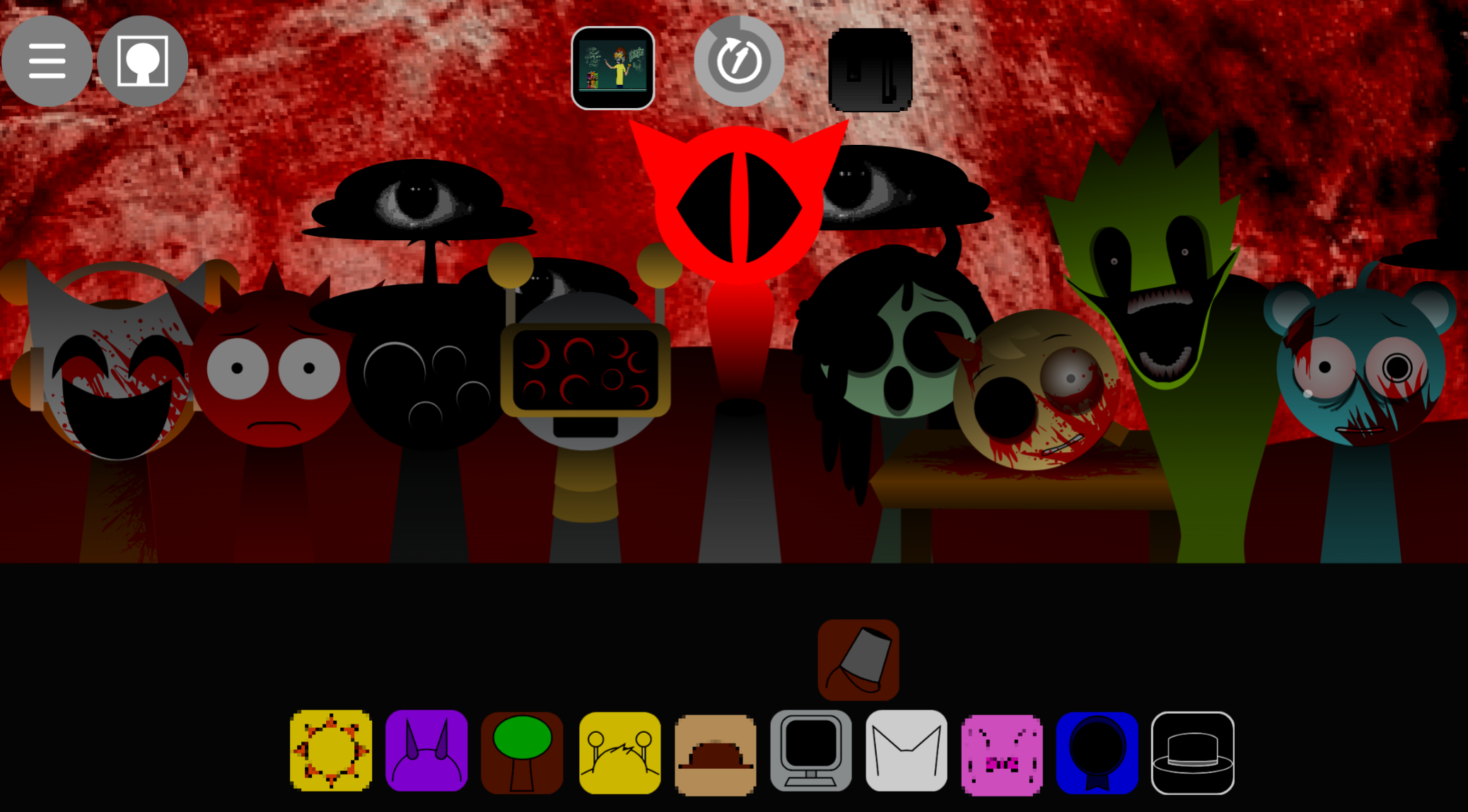
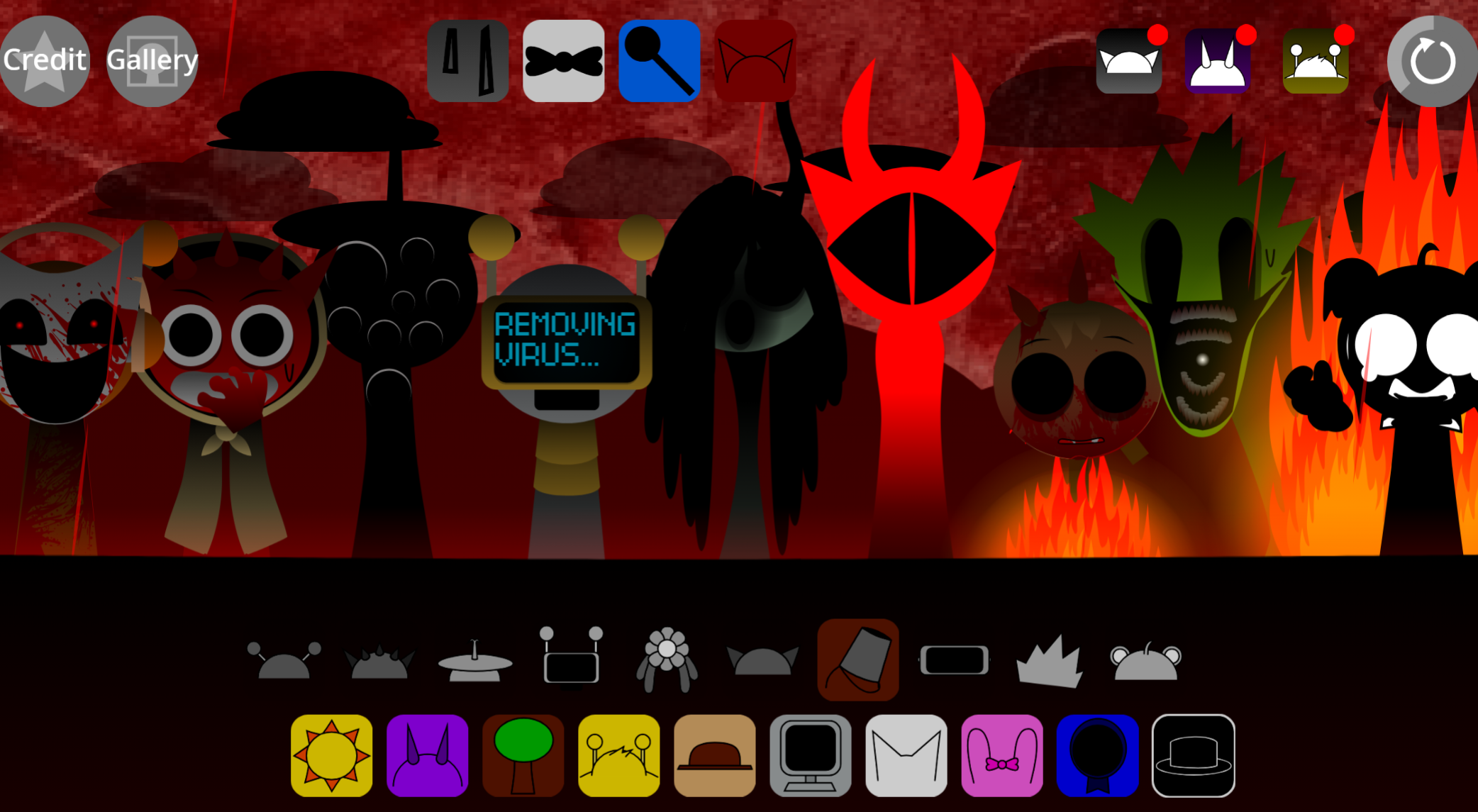
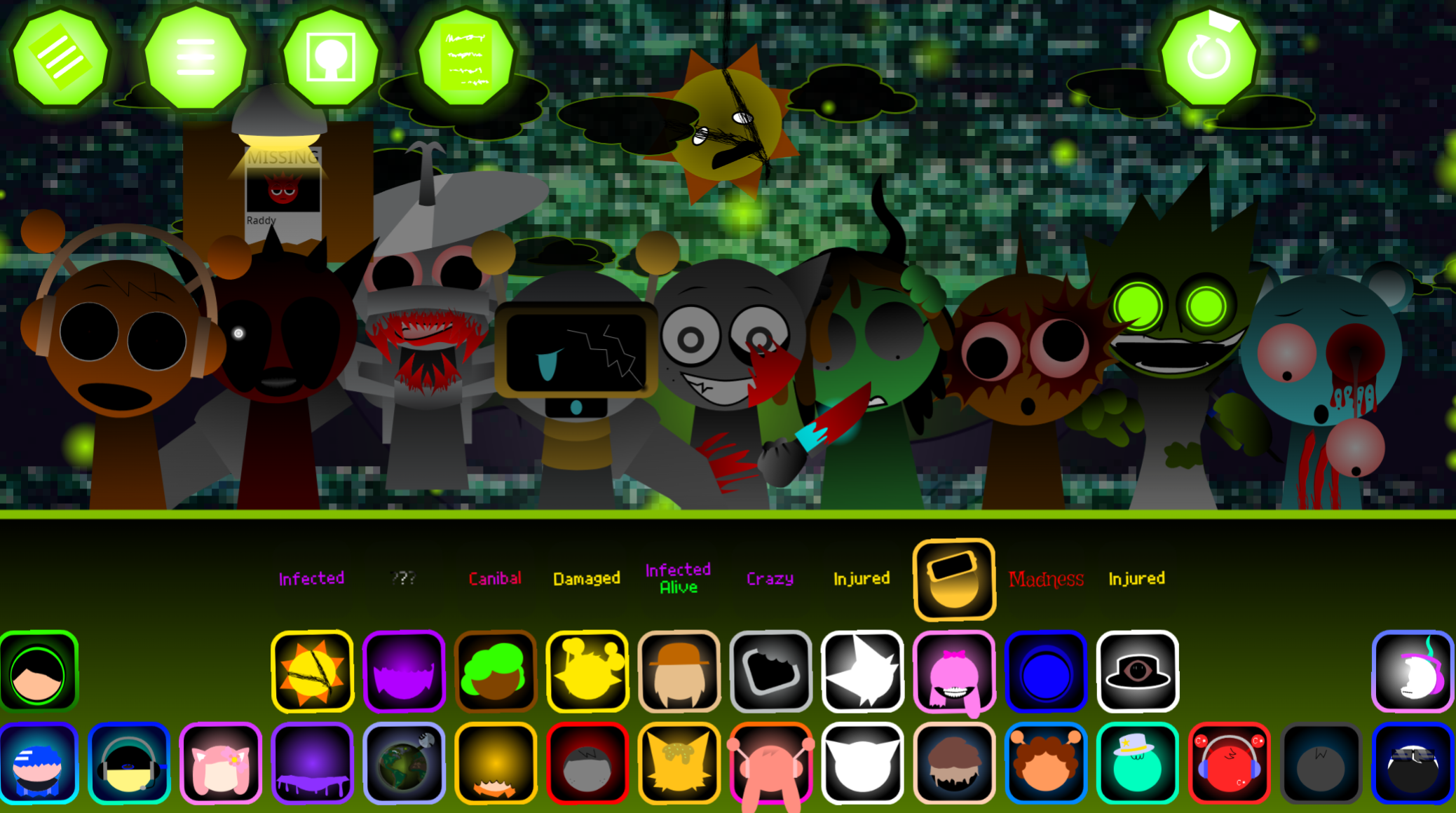
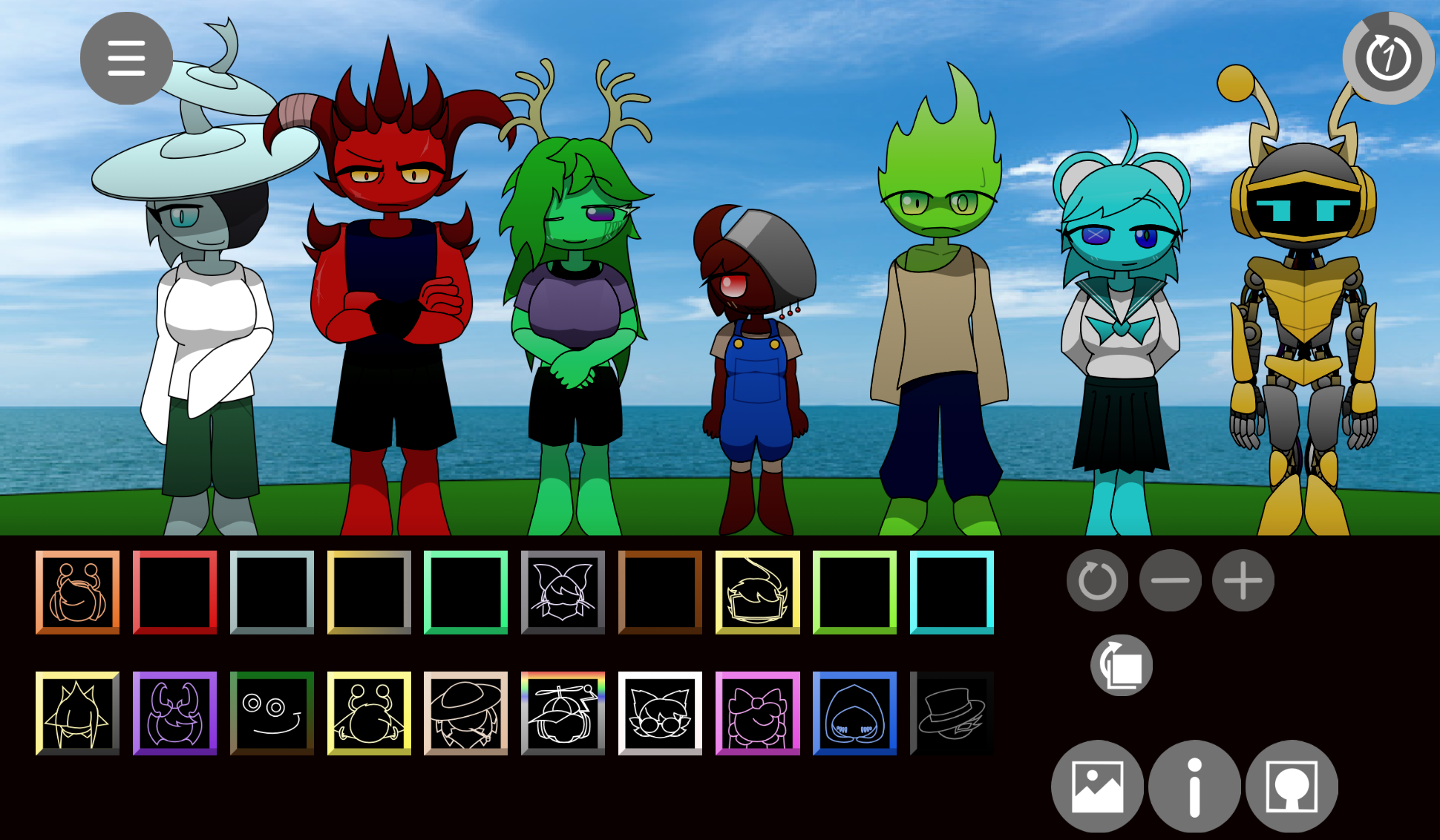
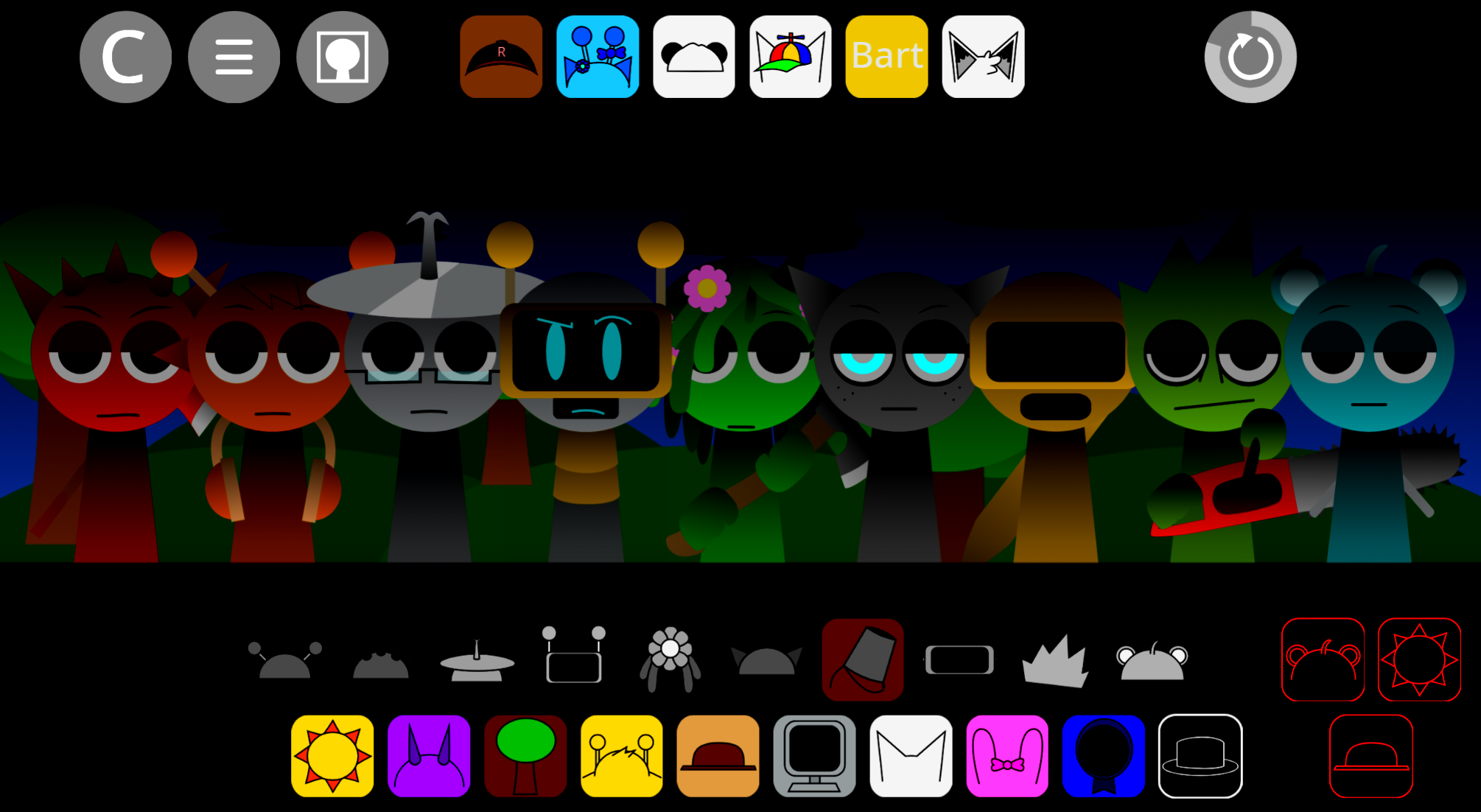
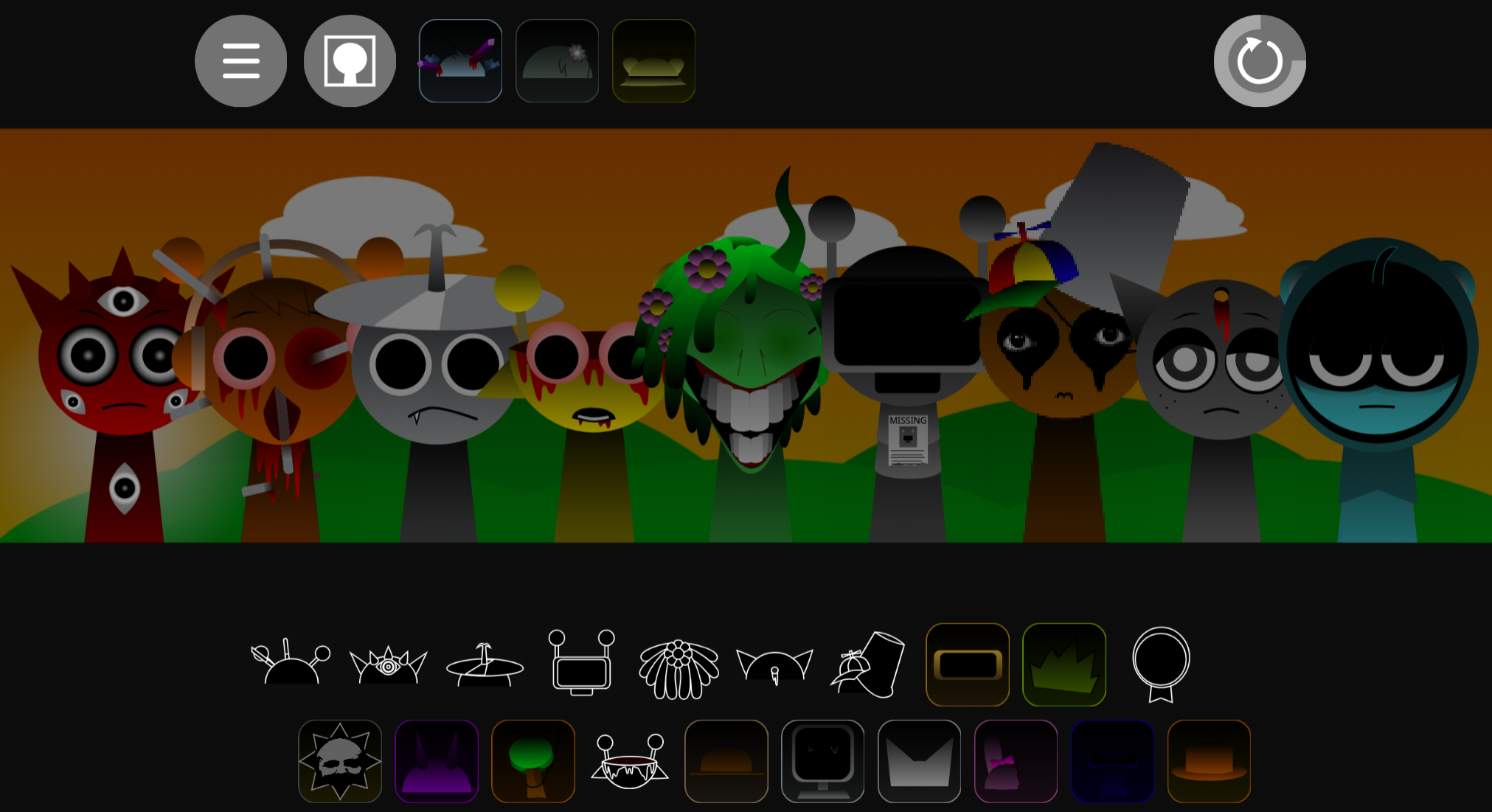
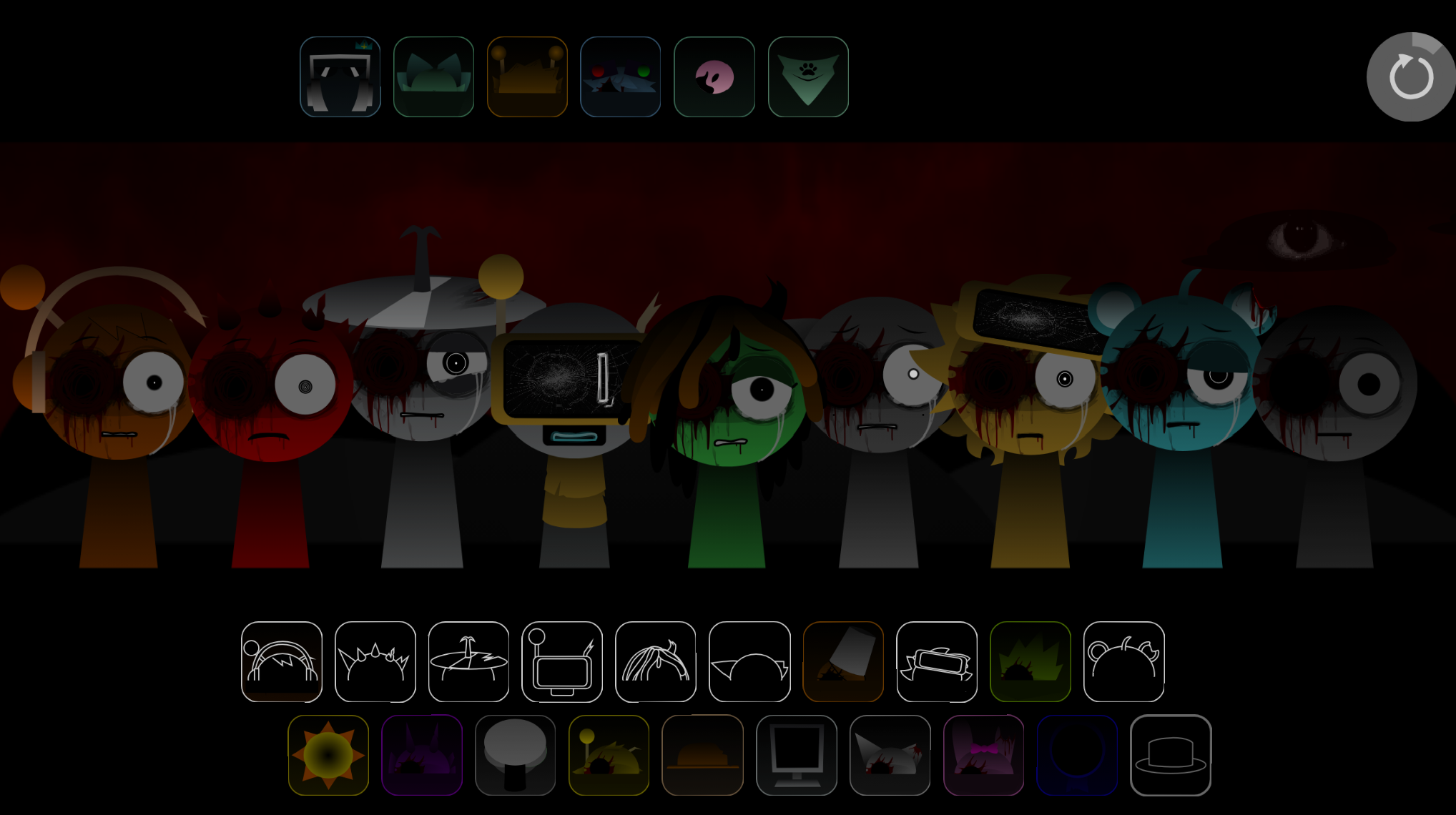
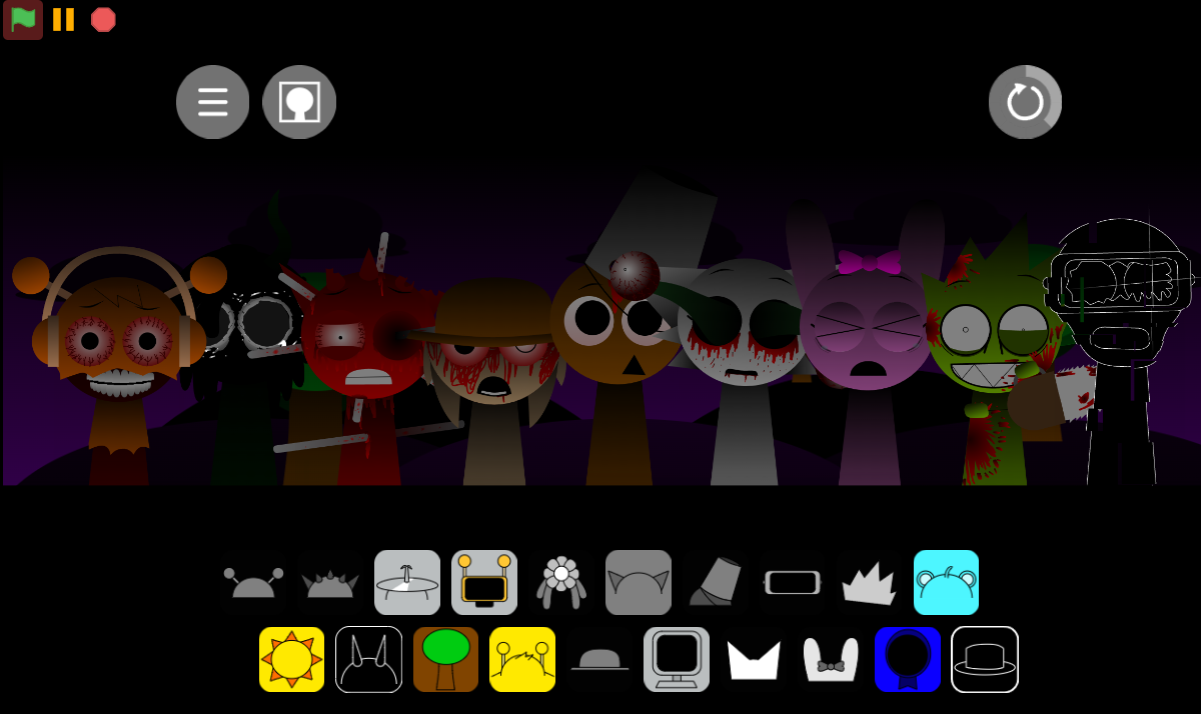
Incredibox Sprunki Remastered 5 is a Phase mod that refines the original Sprunki experience with sharper visuals, clearer Character animations, and a sound library that pushes harder into distorted, atmospheric territory.
Unlike earlier Phases that lean on horror aesthetics or minimal designs, Remastered 5 uses upgraded visual performance traits and layered audio profiles to make each Character’s contribution to the mix more distinct during playback. This article breaks down the features that separate Remastered 5 from generic variants: how the sound design balances warped melodies with steady rhythm anchors, why contrast matters more than chasing a single “correct” arrangement, and how visual cues signal hidden interactions.
You’ll also see why avoiding dense stacks of bass, distortion, and vocal effects keeps mixes clear instead of blurring into static, and how replacing one Character at a time helps you hear exactly what each layer adds.
Features of Incredibox - Sprunki Remastered (5)
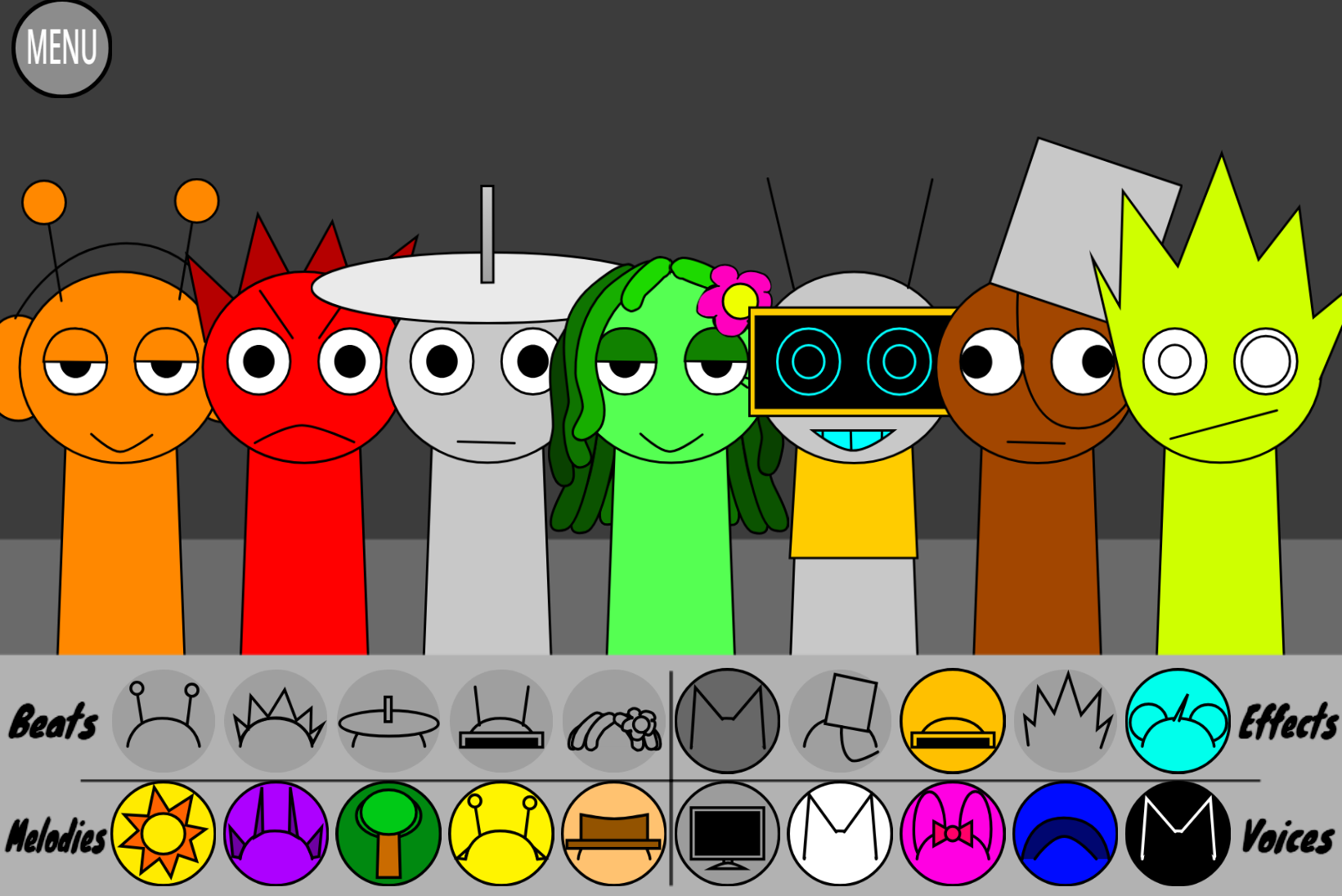
Incredibox Sprunki Remastered 5 revisits Sprunki Phase 5 with a Roleswap concept that scrambles the roster’s musical assignments. Characters still supply beats, melodies, vocals, and effects through the standard drag-and-drop interface, but the performer you expect to deliver rhythm may instead produce a warped vocal fragment, while another introduces an unsettling melody or glitch effect. This makes every placement part of the discovery process rather than a search for one correct lineup.
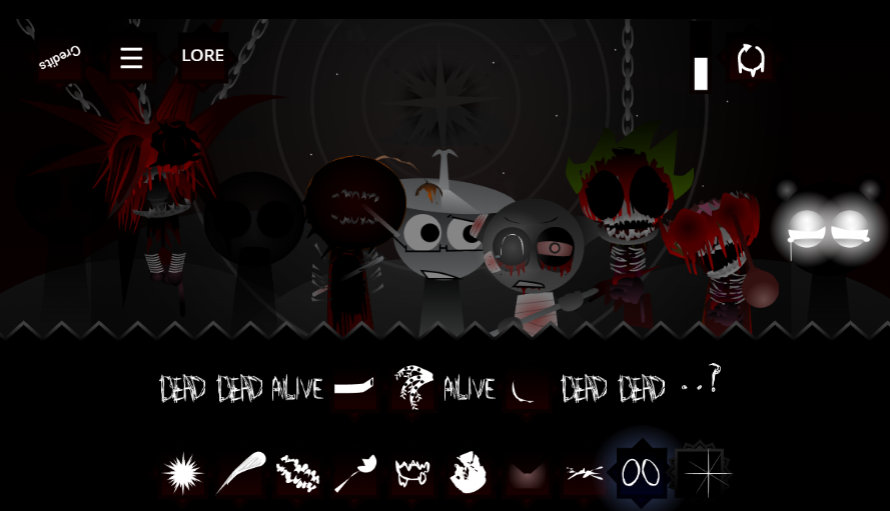
The remaster polishes visuals and expands the horror-leaning soundscape. Updated illustrations, animation, and interface elements give the roster a sharper presentation, while heavy rhythms, distorted vocals, and glitched loops create a denser mix than straightforward beat-building. The Phase 5 atmosphere leans into tension and surprise, rewarding gradual layering and odd combinations that might trigger special animations or performance details.
Core mechanics remain accessible: drag sound icons onto Characters, stack loops, mute or replace parts, and test different arrangements. The smother presentation makes it easier to follow rhythm carriers, melodic layers, and vocal colors on screen, while the Roleswap structure encourages contrast over predictability—sparse tracks, sudden drops, and “cursed” pairings often produce the most effective results.
Key Roleswap Features and Character Profiles
The Roleswap twist disrupts familiar expectations by placing Characters into unexpected musical roles. A performer suited to rhythm may supply a glitch effect instead, while another delivers bass where melody was anticipated. This makes Character Profiles less about memorizing fixed assignments and more about testing how each swap shifts the balance.
Building around contrast works better than chasing a single “correct” arrangement:
- Anchor the track with a steady beat
- Layer a warped melody or vocal loop to shift mood
- Replace one Character at a time to hear how the mix changes
- Avoid stacking too many high-intensity sounds at once—dense bass, distortion, and vocal effects can blur into static
- Watch for special animations and visual performance traits that signal hidden interactions
The stronger visuals make individual Profiles more distinct during playback, helping players track which layers are contributing rhythm, atmosphere, or noise.
Master the Swapped Beats
Treat every Character drop as a test. Because Roleswap disrupts familiar patterns, listen to what a new sound actually changes—whether it strengthens the pulse, alters atmosphere, or overwhelms the existing mix.
Start with a single clean rhythmic loop. Add a second part, let both play for a few bars, and judge the pairing before introducing another layer. Heavy bass and distorted vocals create effective slow-burning tension, but too many intense loops at once turn the arrangement mudy.
Swap one element at a time when refining a track. Removing a loop before replacing it makes the effect of the new Character easier to hear. This slower process helps catch hidden details and successful combinations, especially with the expanded audio palette where special animations can signal that a particular lineup has unlocked more than an ordinary stack.
How to Play Incredibox - Sprunki Remastered (5)
- Start with one rhythm. Drag a sound icon onto a Character to introduce a beat or bassline.
- Stack sounds gradually. Add melodies, vocals, and effects one at a time. The Phase 5 sound palette favors tense, glitchy textures, so gradual layering keeps the mix clear.
- Test Roleswap combinations. Swap Characters, mute a layer, or remove a sound to create a break. Unexpected pairings are often the most interesting.
- Look for special interactions. Certain lineups reveal hidden effects, animations, or distinctive performance moments. Let combinations run long enough to catch the full result.
- Save or share the mix. Once the arrangement has the balance and mood you want, keep it or share it with other players.
Related Games
- Sprunki Upside Down — Its inverted-universe premise makes it a natural follow-up for players drawn to Remastered 5’s scrambled character roles and unsettling alternate-reality presentation.
- Sprunki Phase 4 REMASTERED Footlong’s Take — This remastered Phase 4 reinterpretation offers another fan-made sound-mixing overhaul for players who want to compare how different creators reshape Sprunki’s darker phases.
Frequently Asked Questions About the Remaster
What is new in Incredibox Sprunki Remastered 5?
The remaster refreshes visuals, Character animation, and sound presentation around the familiar drag-and-drop format. Its distorted backdrop and fuller layers make Phase 5 feel denser and more immersive, with the Roleswap structure placing Characters in scrambled musical roles.
Does it play differently from the original Phase 5?
Not radically. The basic process—placing sounds, testing combinations, and arranging a track—remains the same. The smoother presentation and Roleswap structure emphasize hearing how unexpected parts work together rather than following fixed assignments.
Is it beginner-friendly?
Yes. Begin with one beat and add one loop at a time. A slower build helps new players hear individual sounds clearly before experimenting with heavier vocal, bass, and glitch layers.
Is this an official Incredibox release?
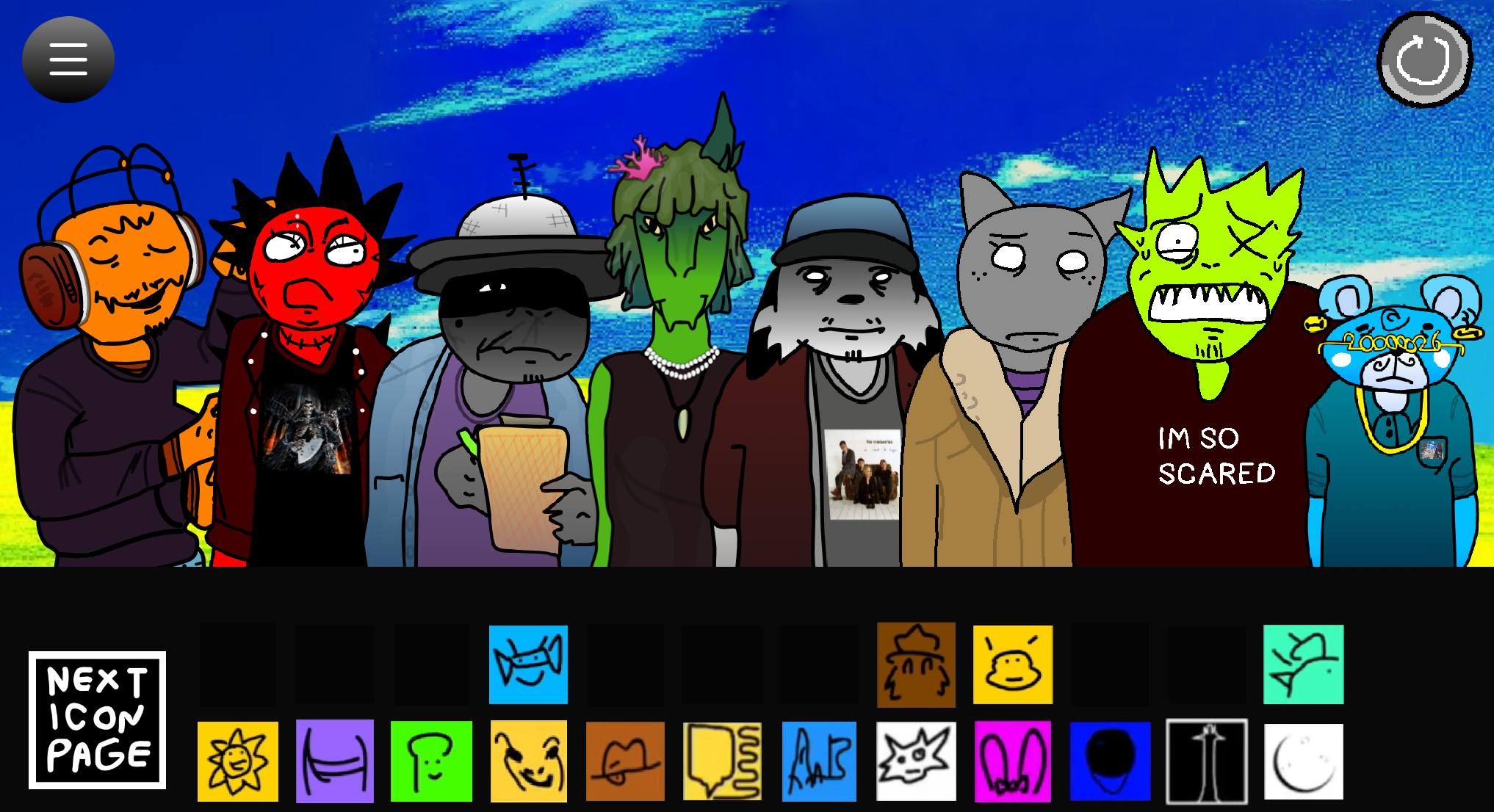
No. Incredibox Sprunki Remastered 5 is a community-made project rather than an official Incredibox expansion, developed by @EVIL oren with inspiration from other fan projects like Vortex Shifted and various roleswap concepts.
Discuss
Loading comments...
Failed to load comments. Please try refreshing the page.