
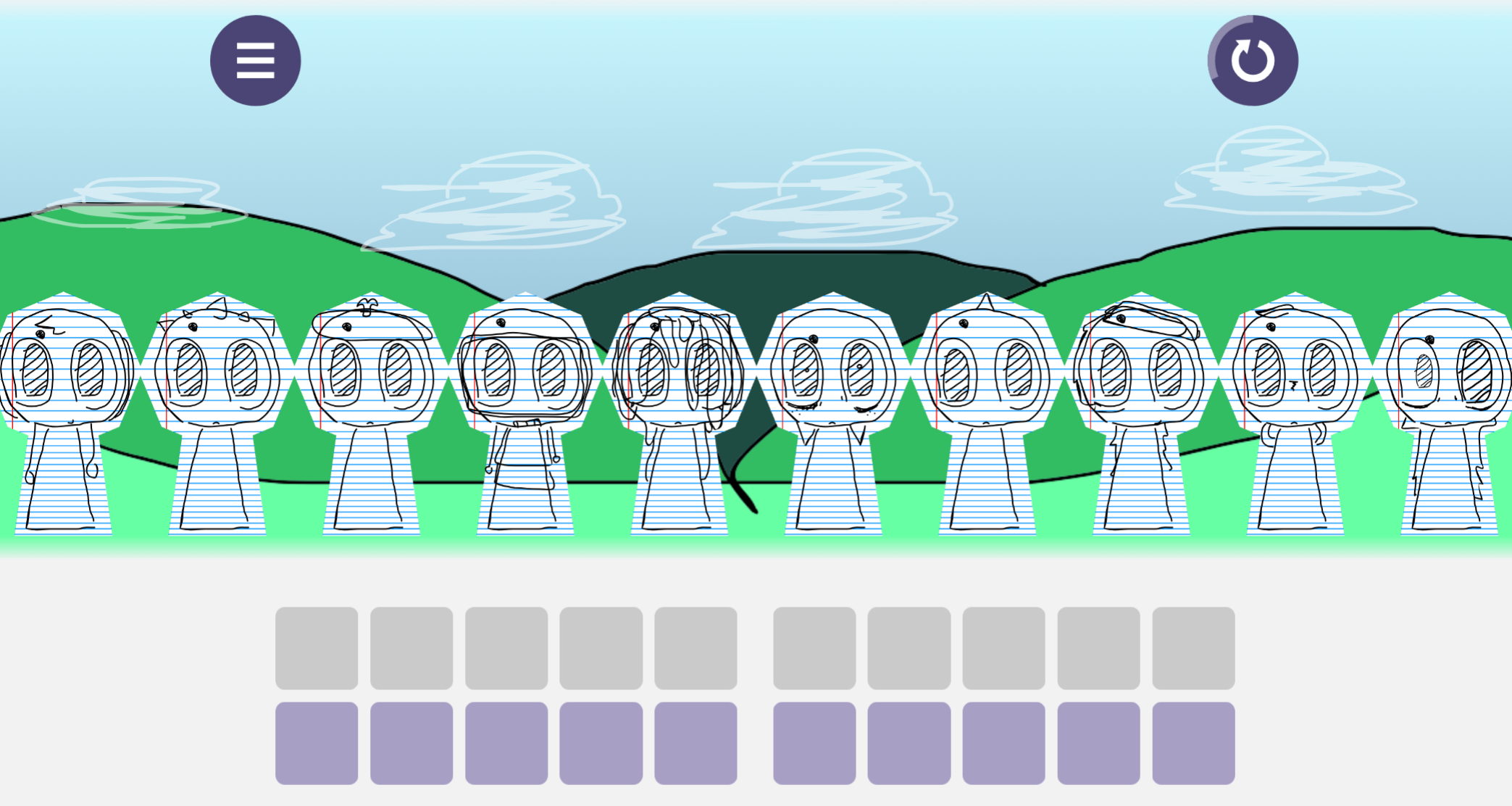
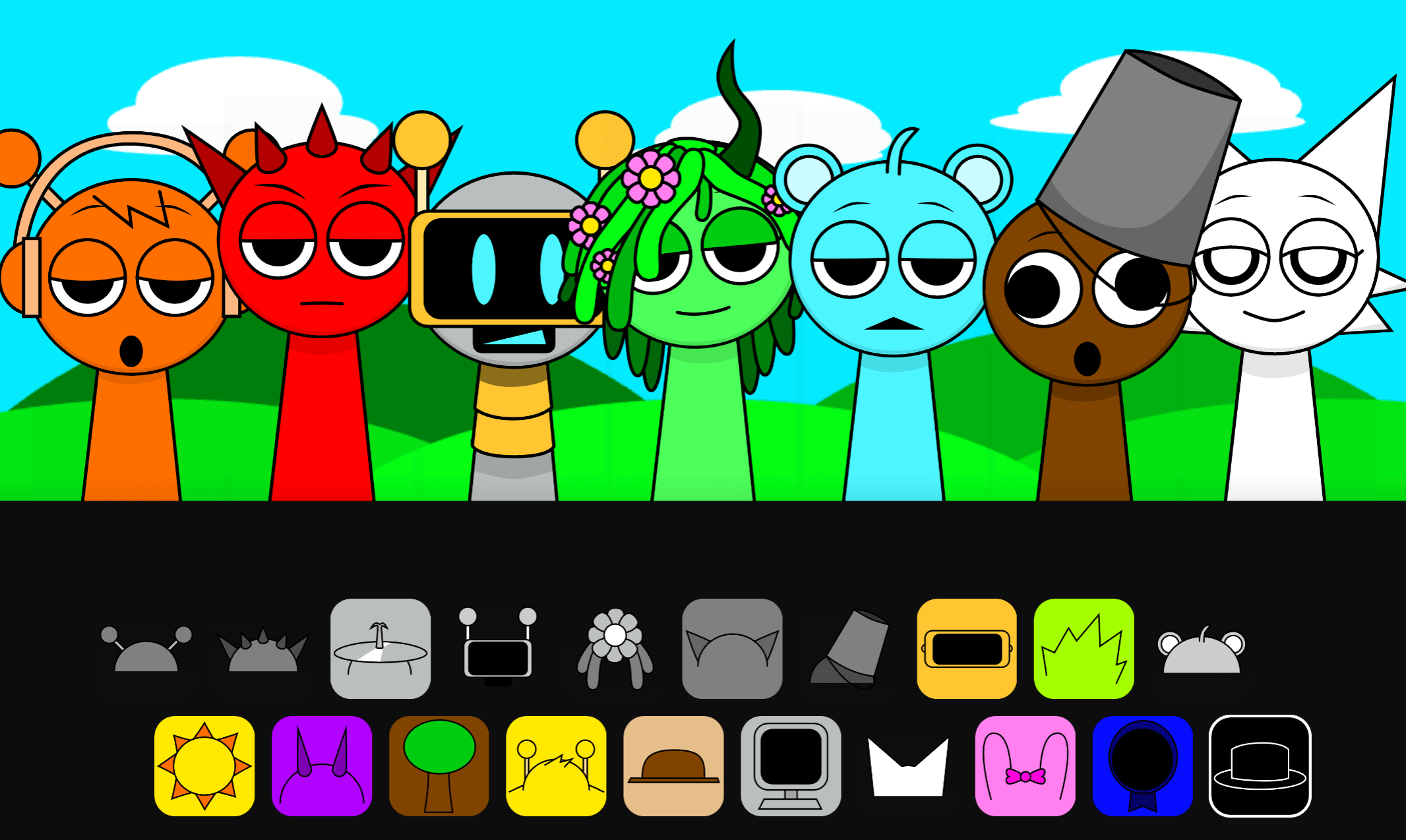
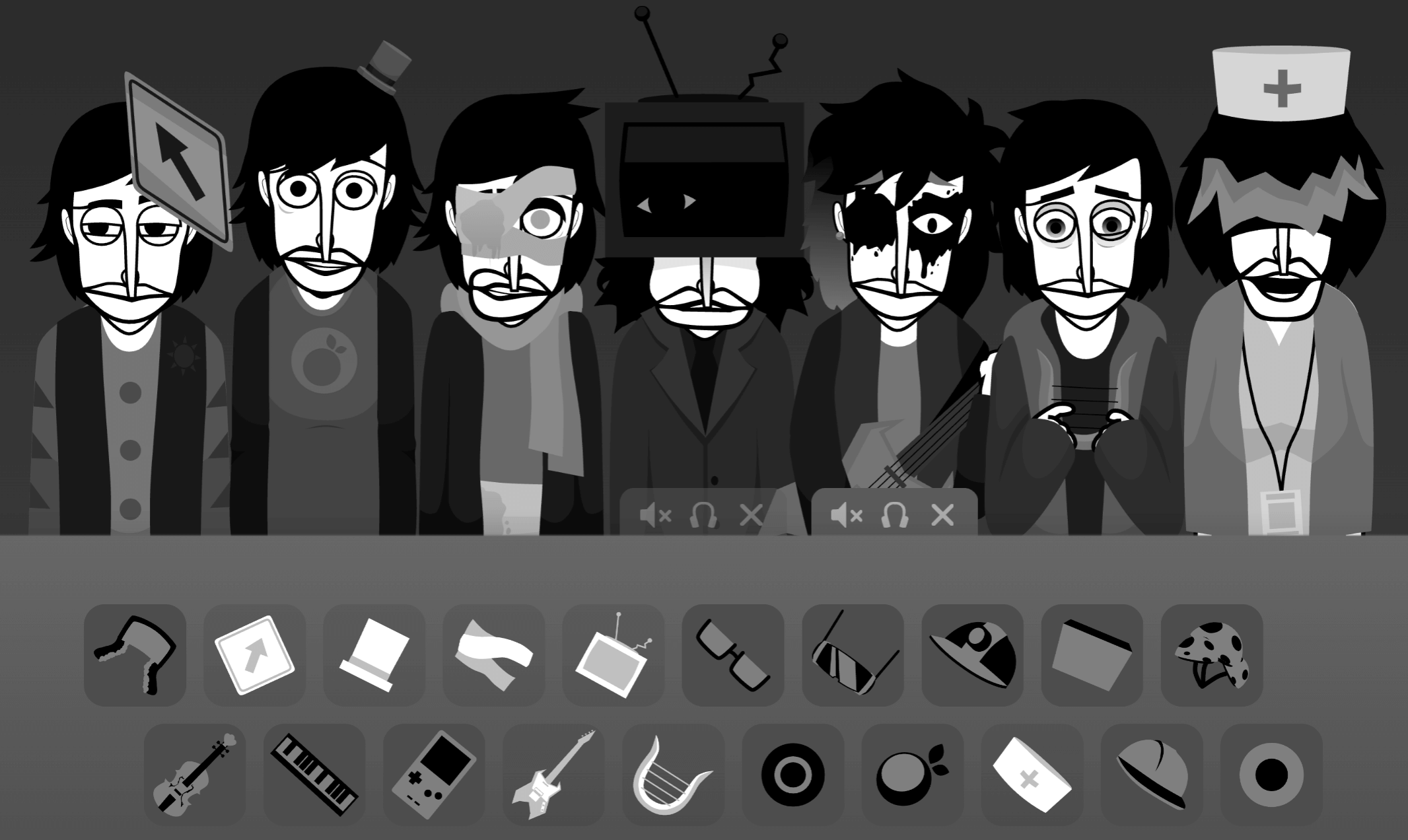
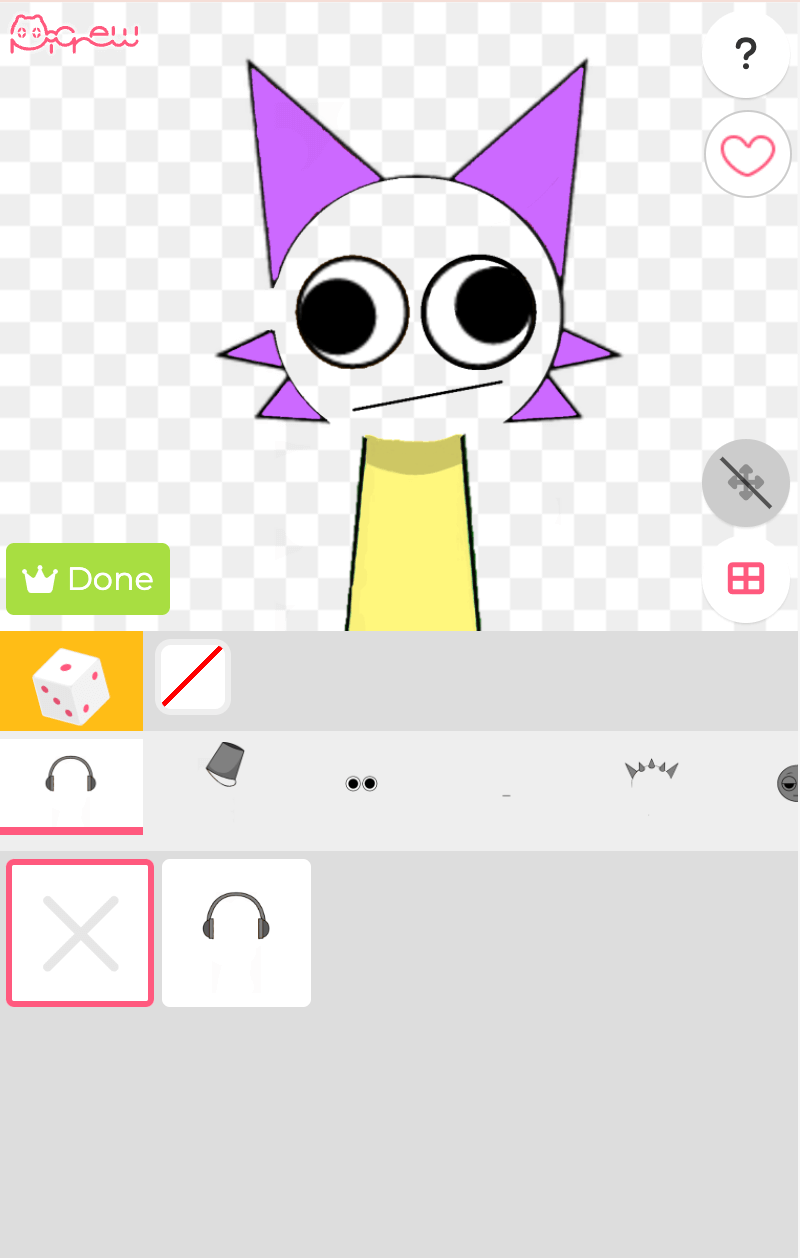
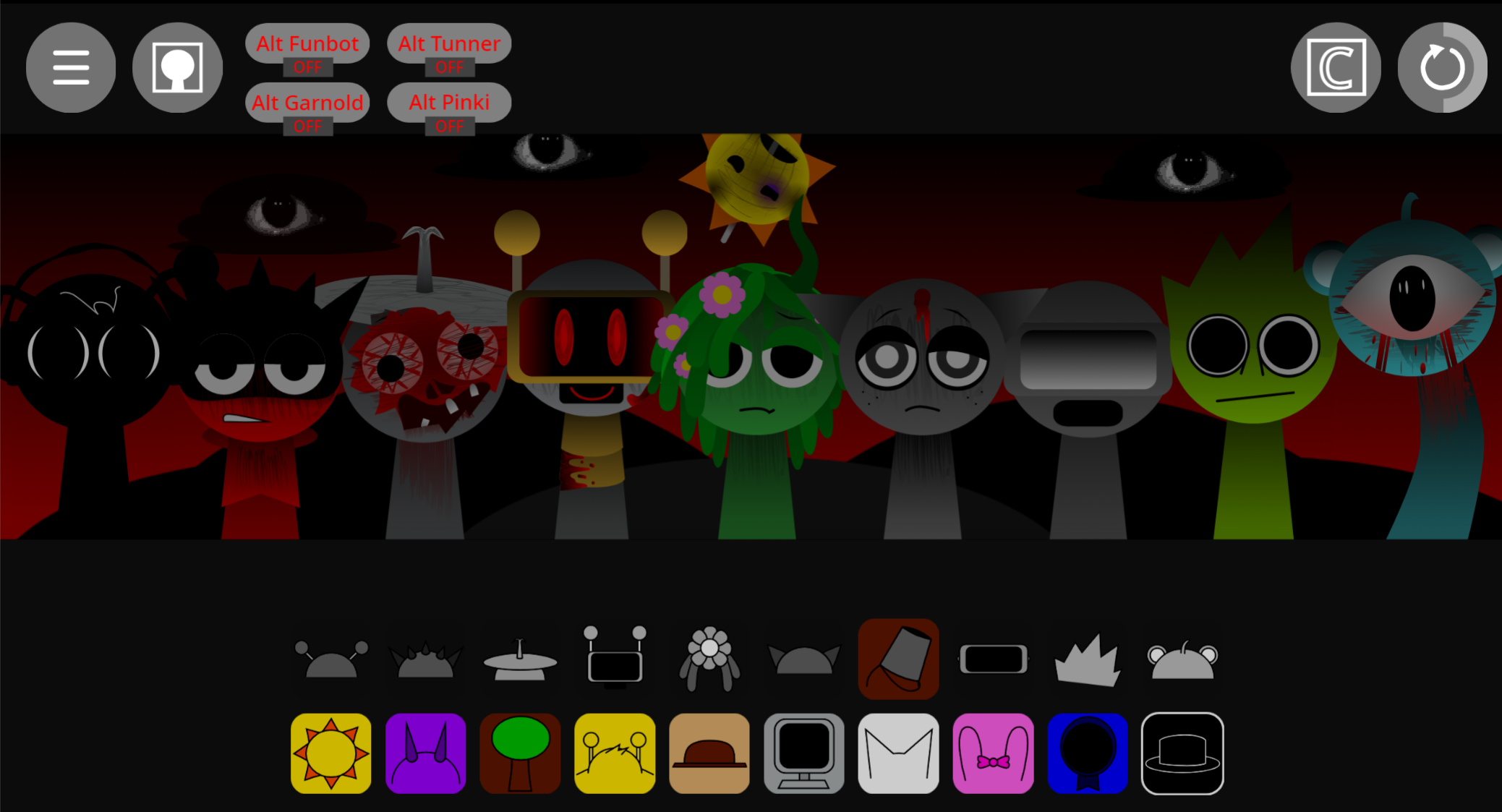
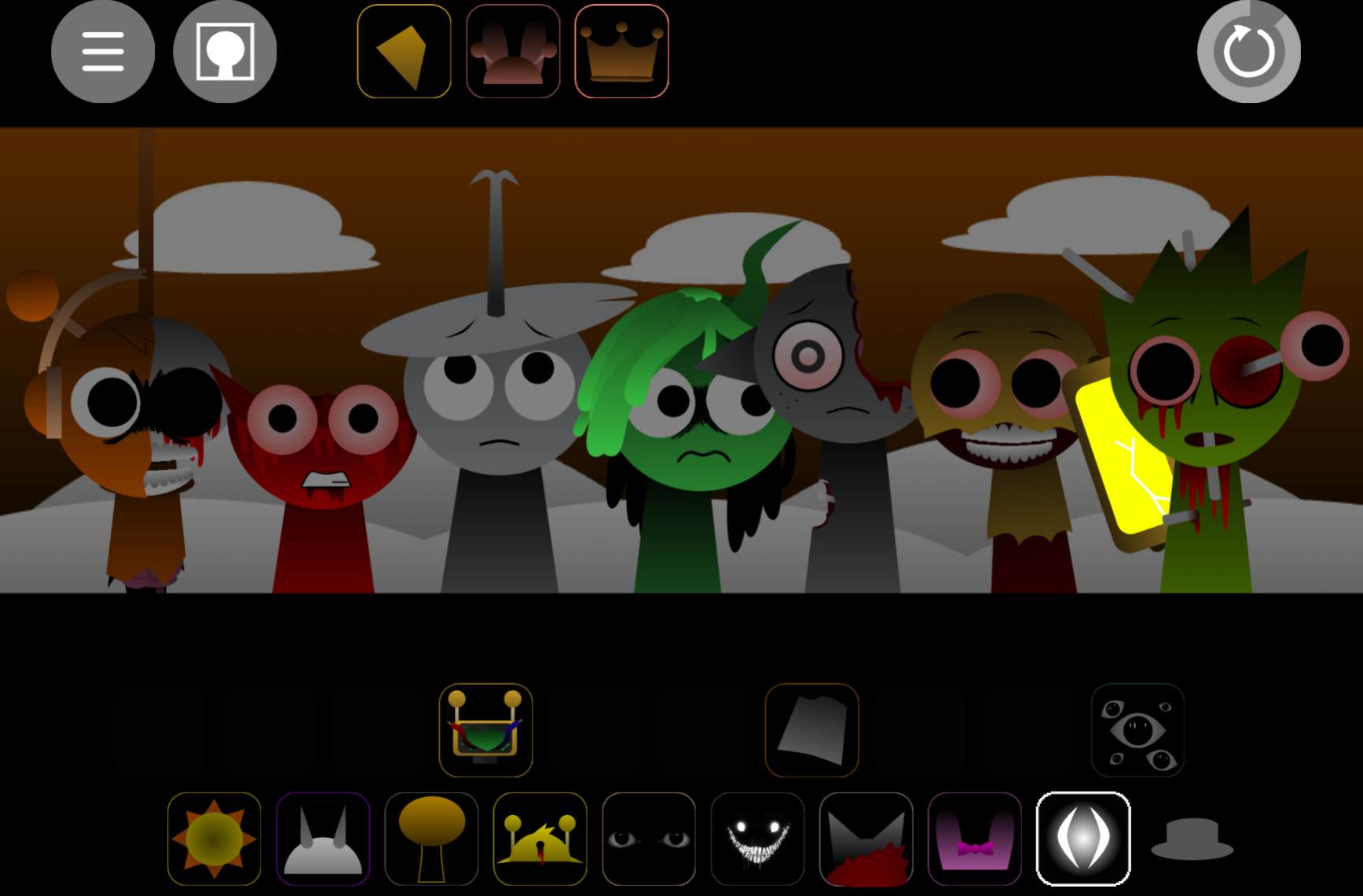


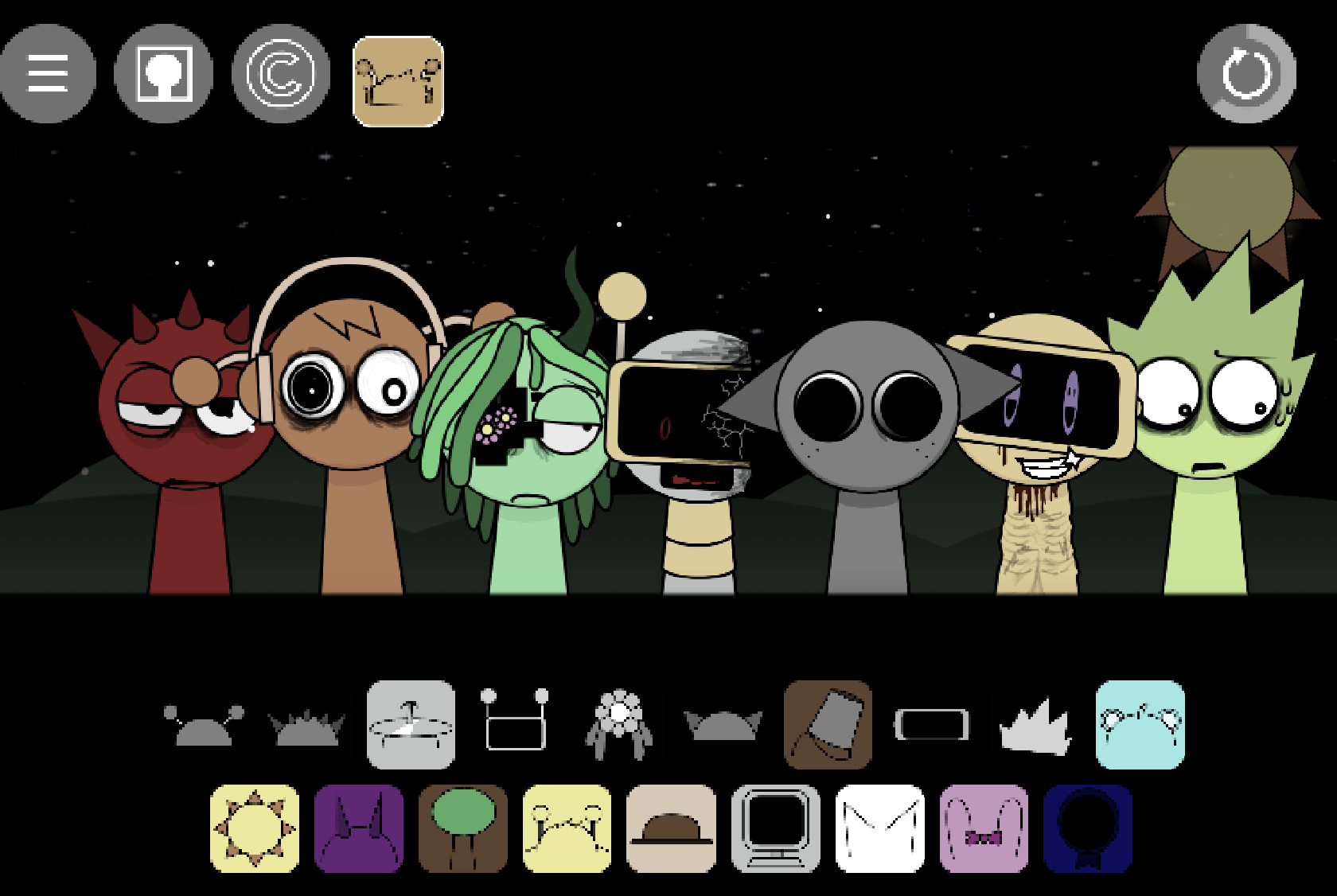
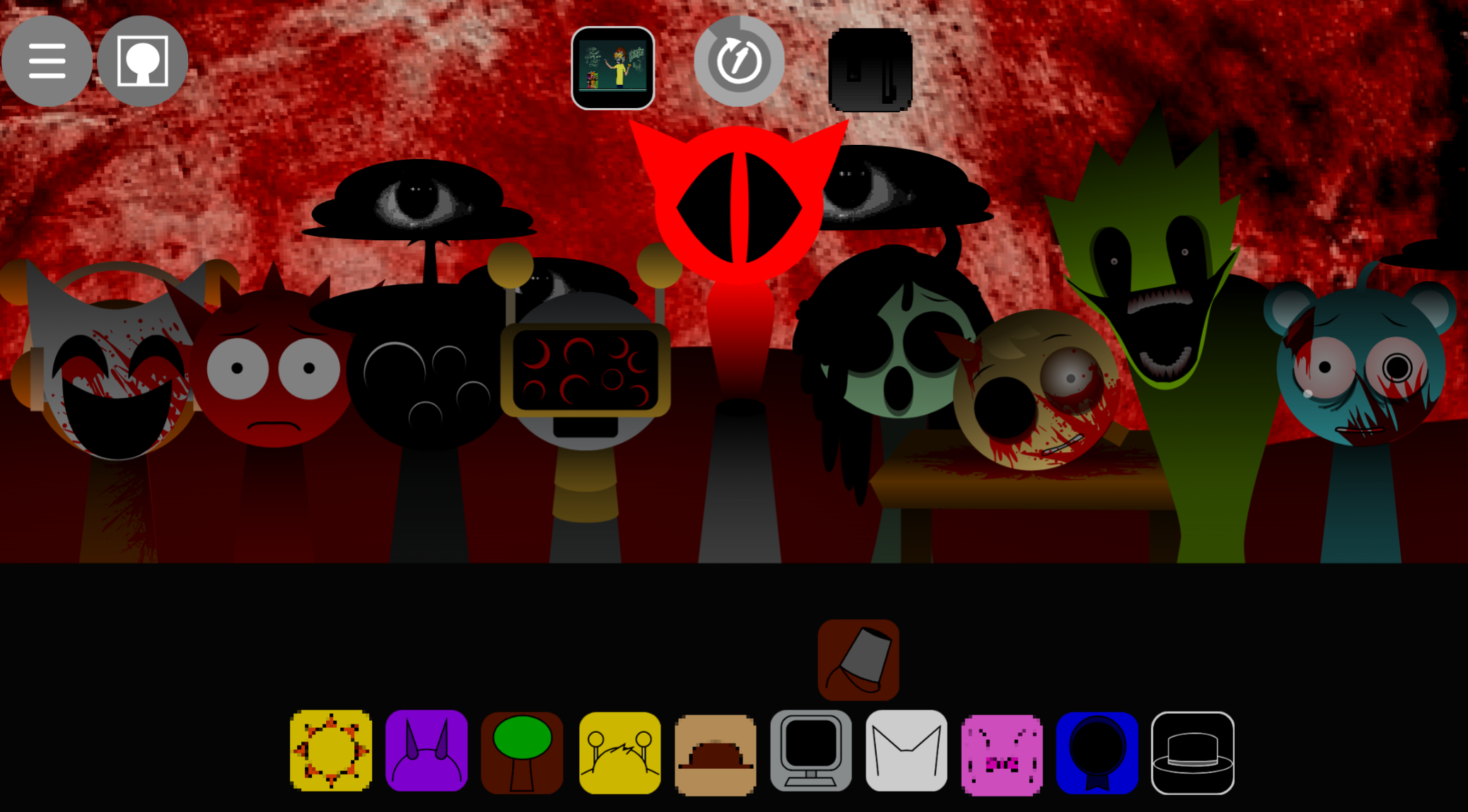
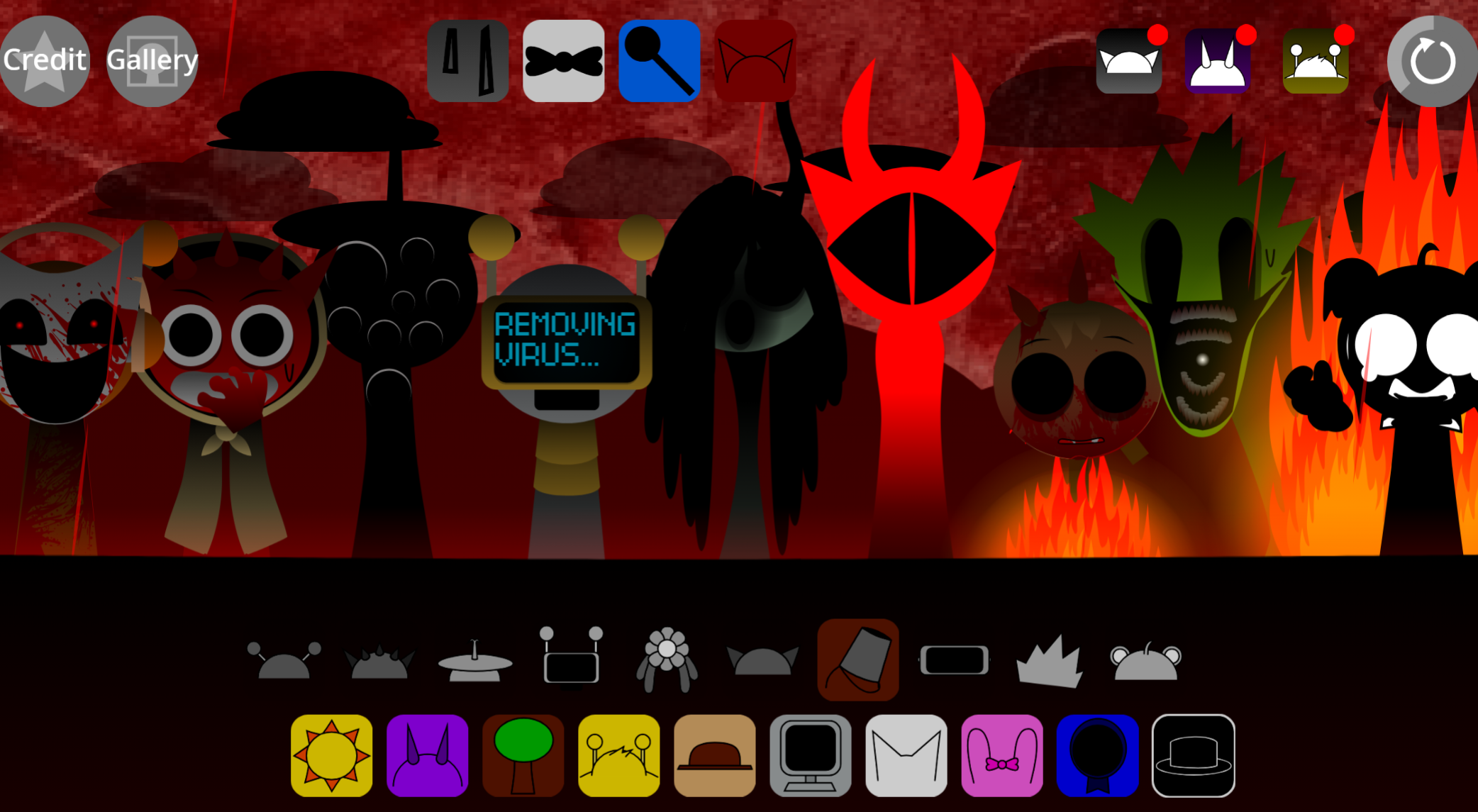
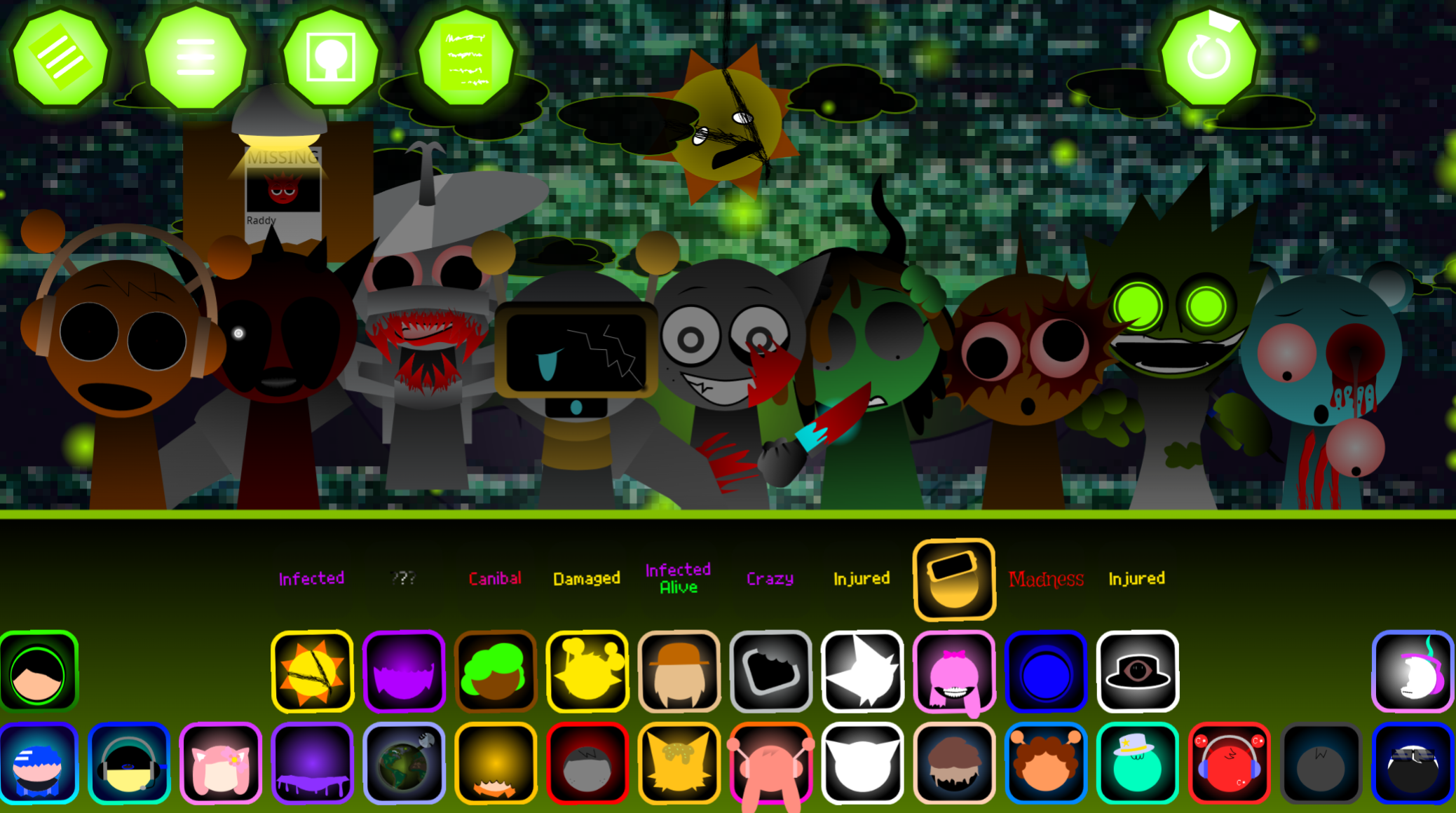
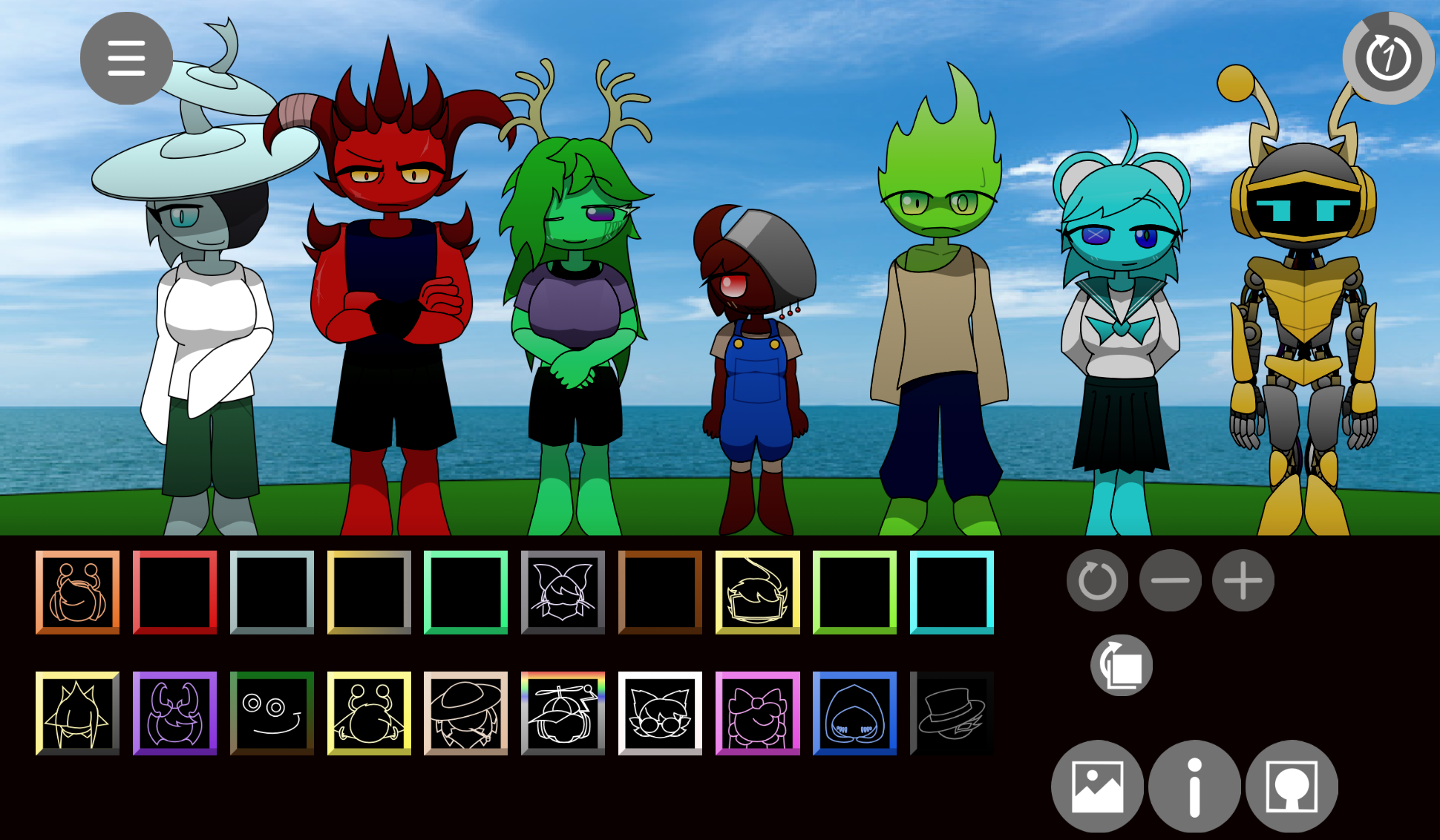
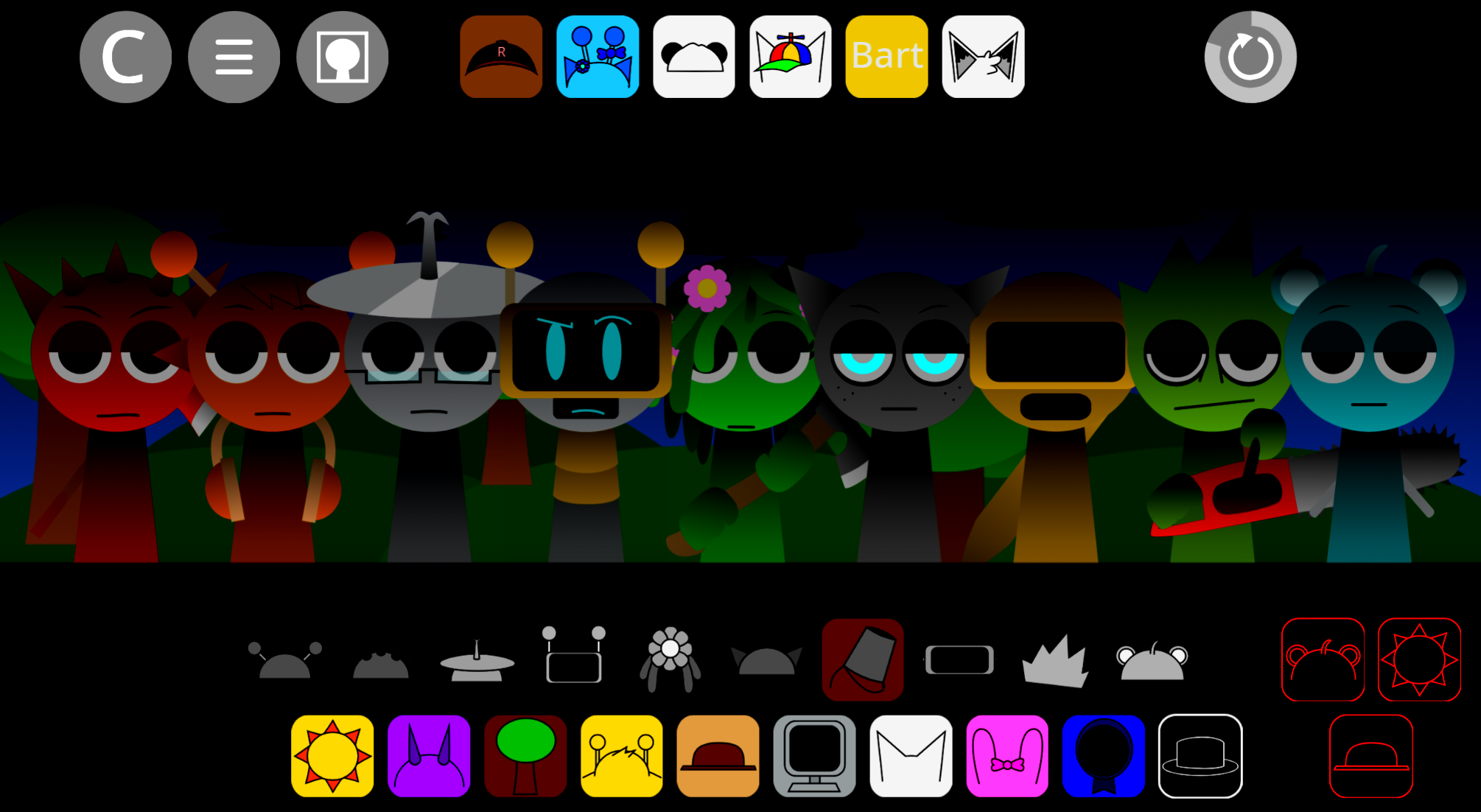
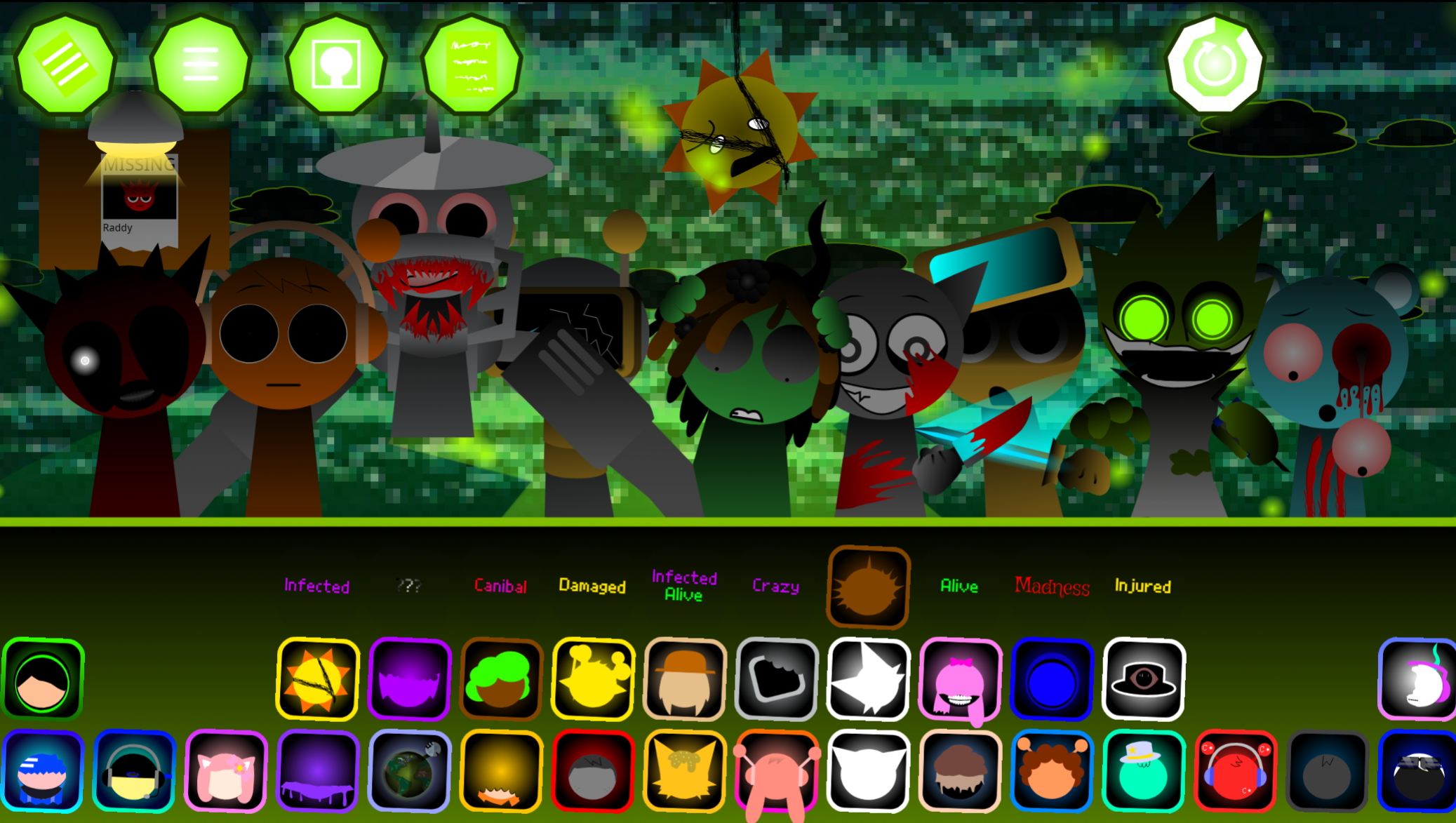
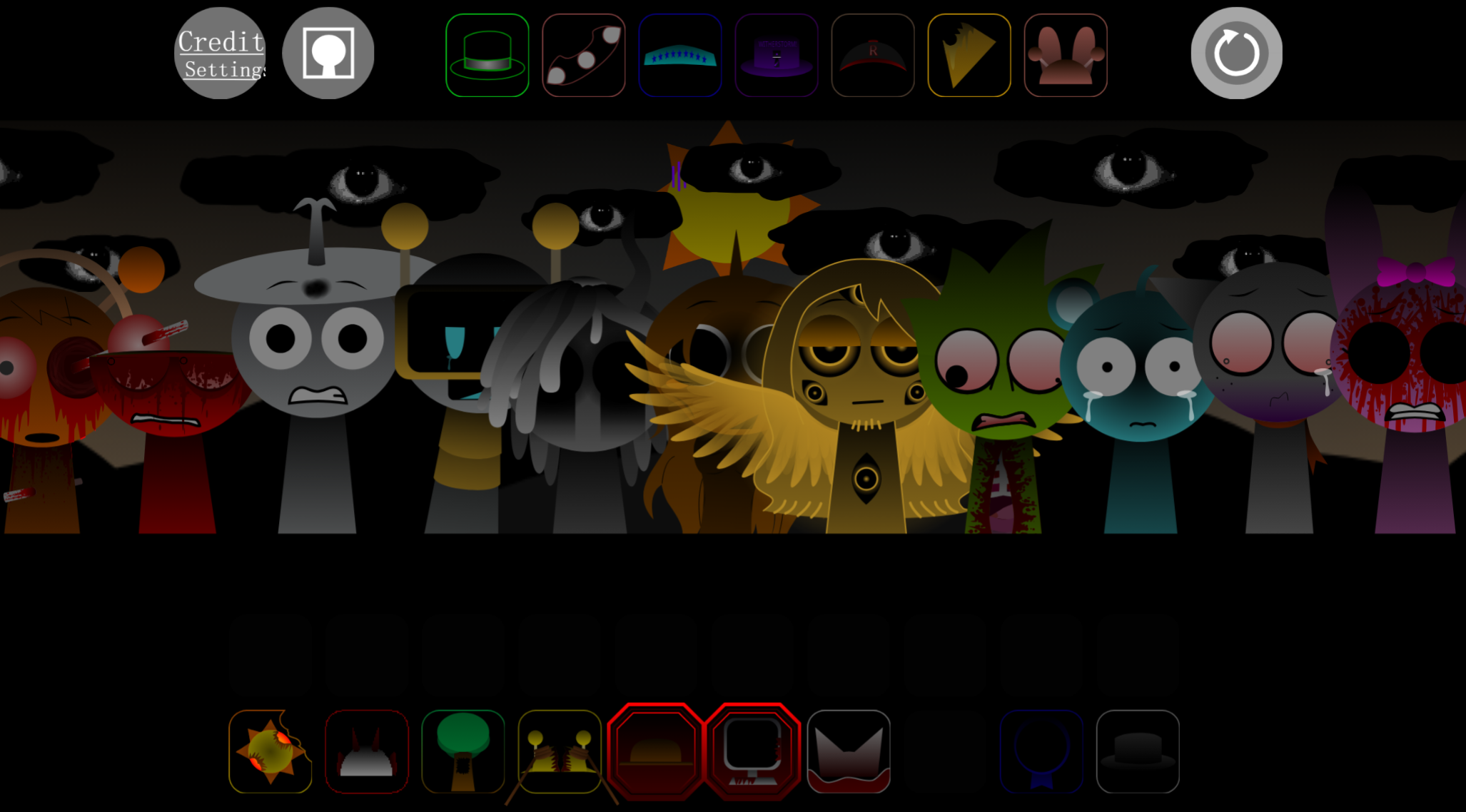
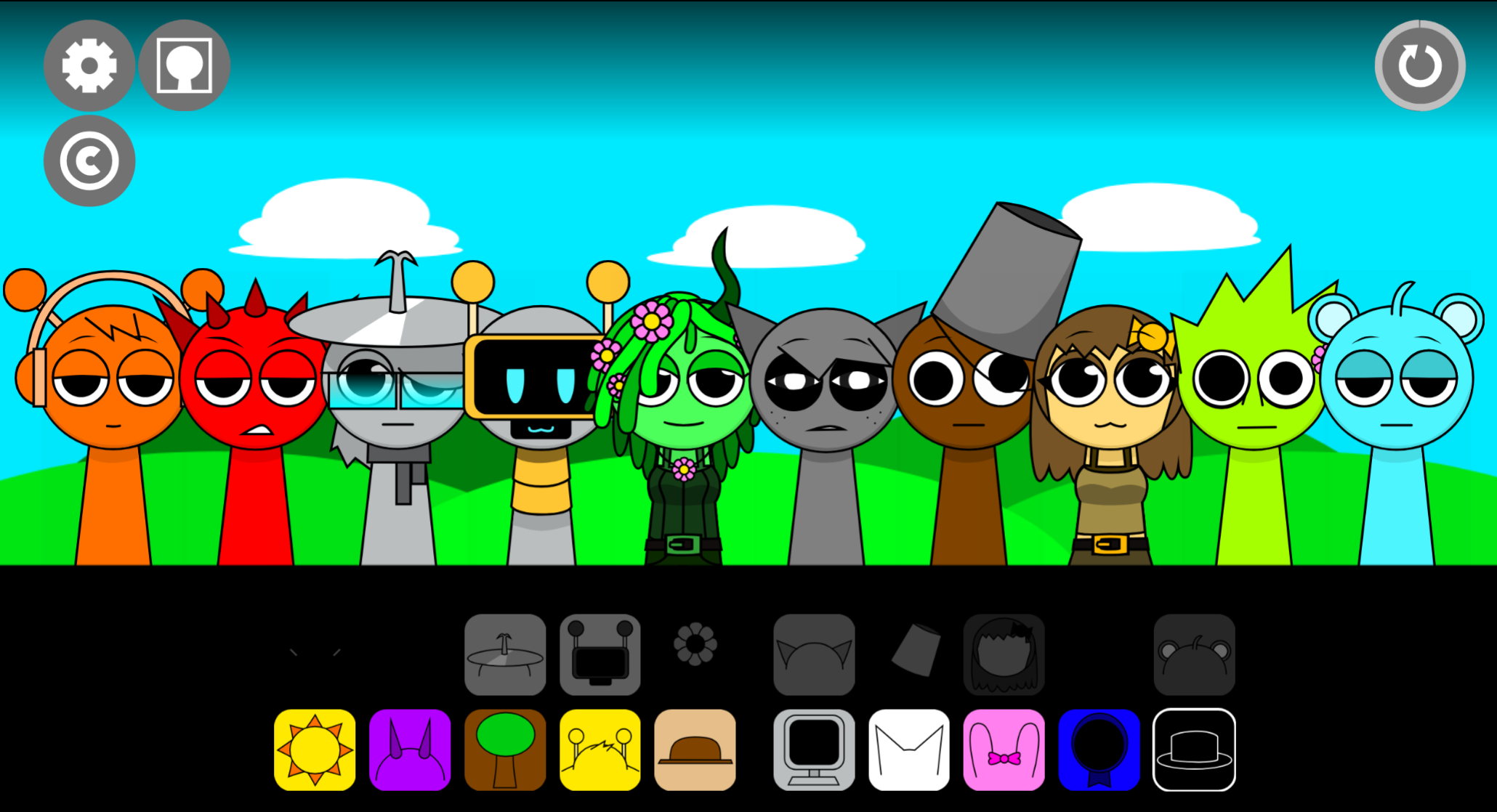
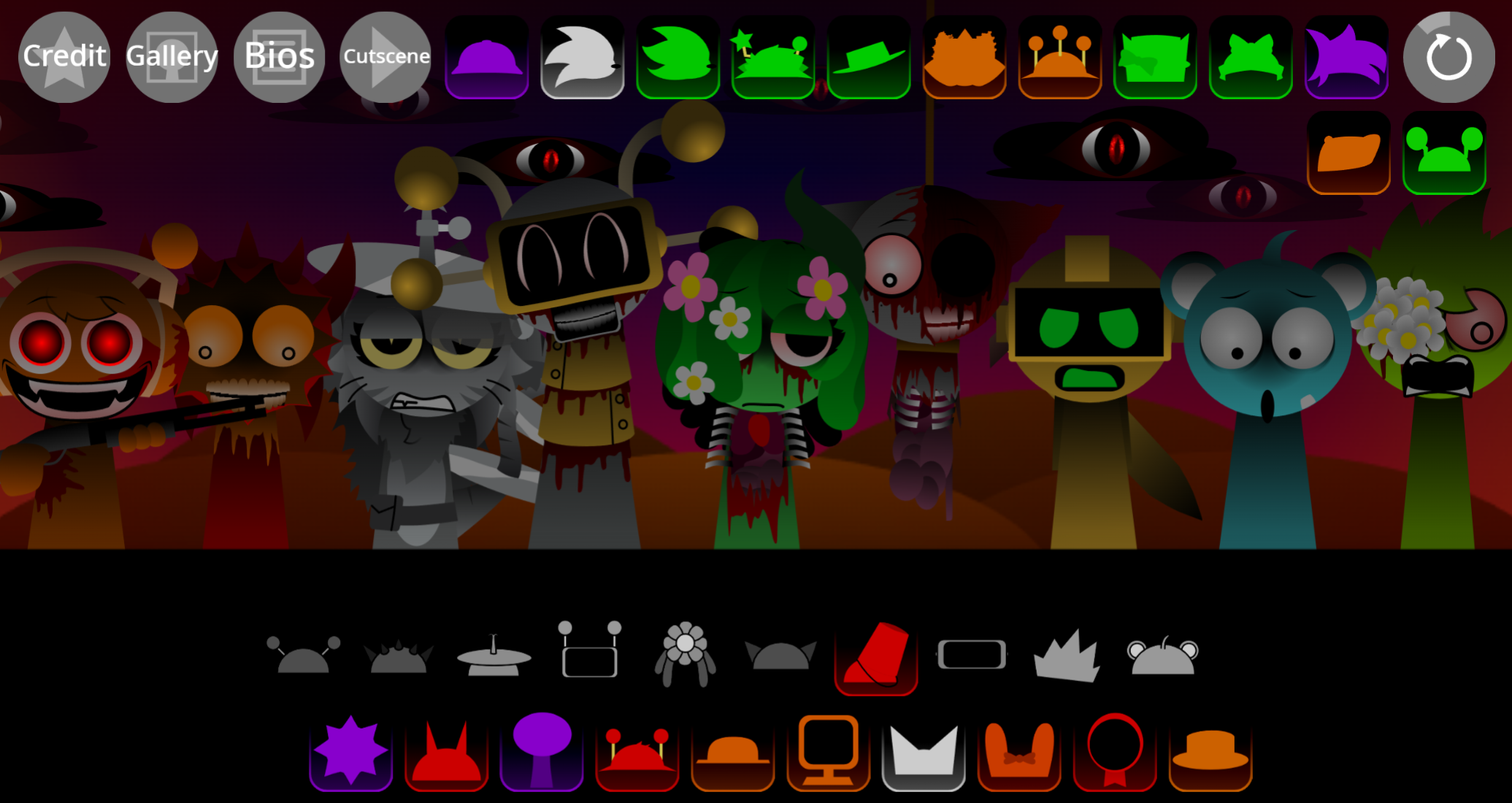
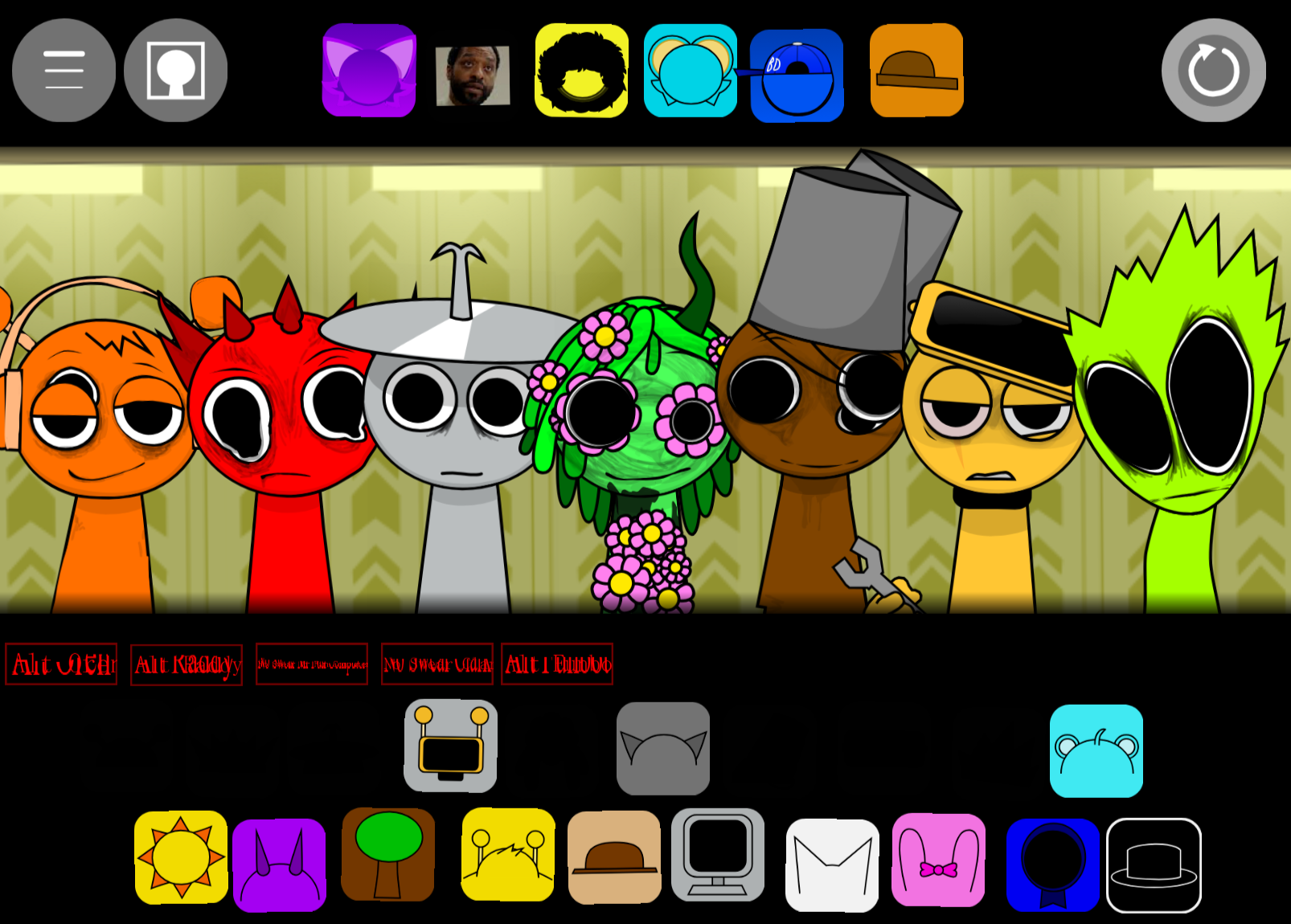
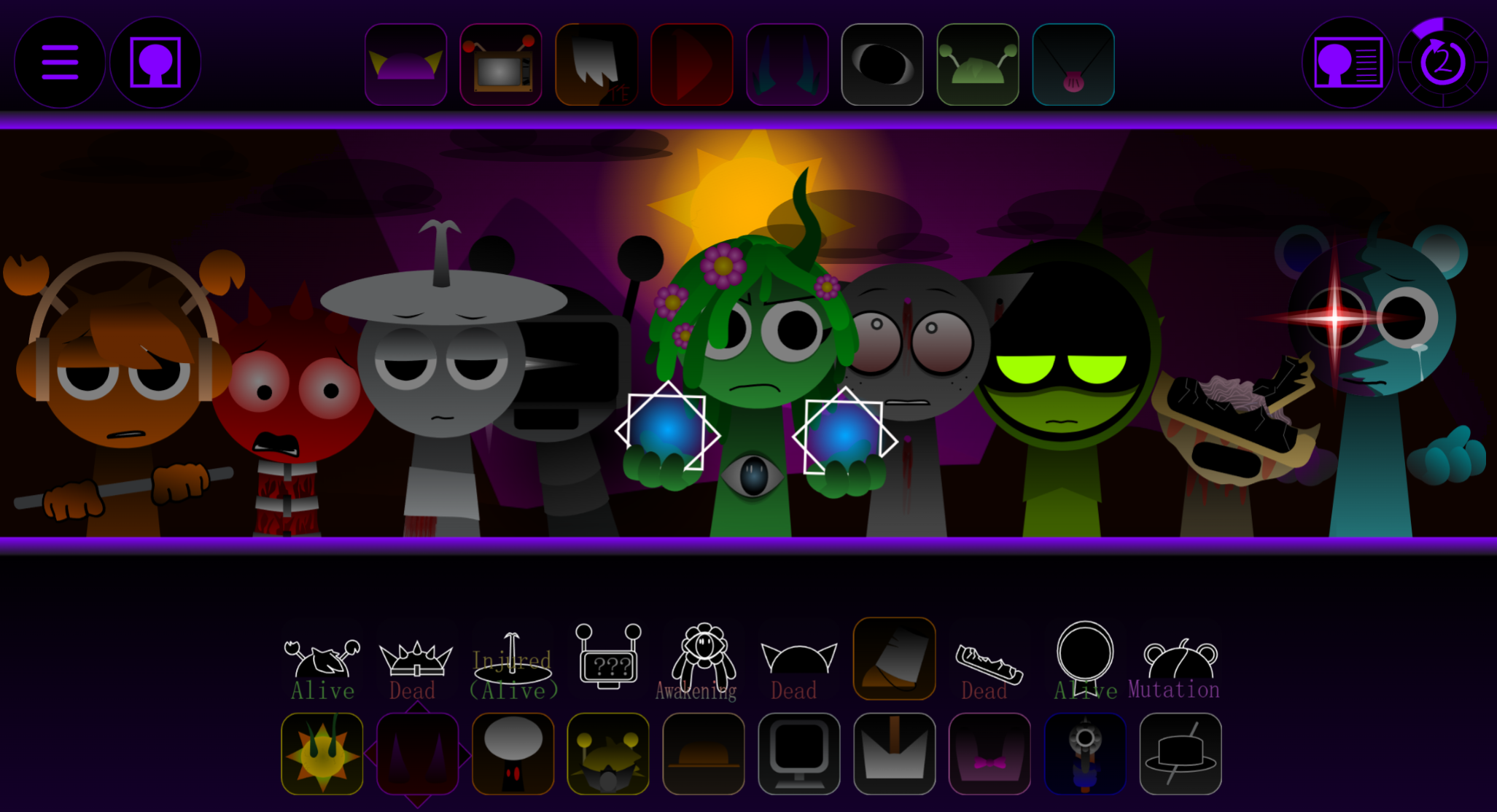
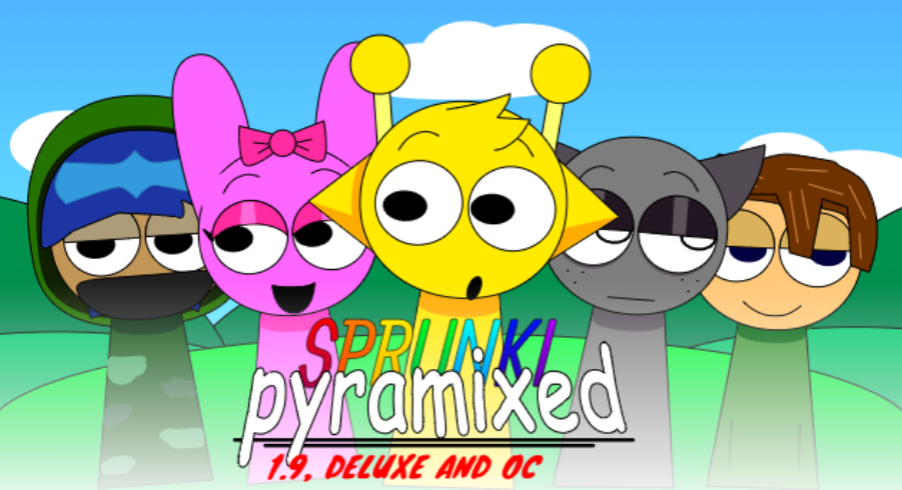
SherlaBox Sprunki Doodle is a fan-made Sprunki mod created by @sherlas that transforms the music-mixing interface into a hand-drawn notebook aesthetic.
This article covers what makes the mod distinct, how the doodle layer changes the play experience, and where to access it so you can decide if the notebook vibe fits your Sprunki workflow.
What Is SherlaBox - [ Sprunki : Doodle ]?
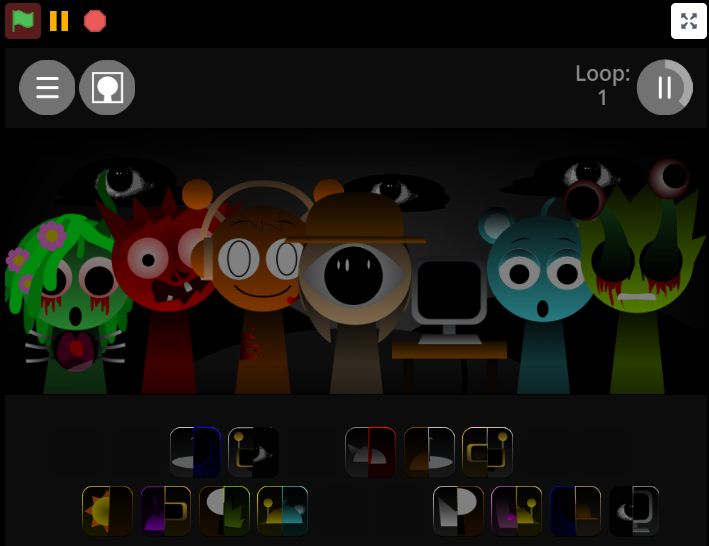
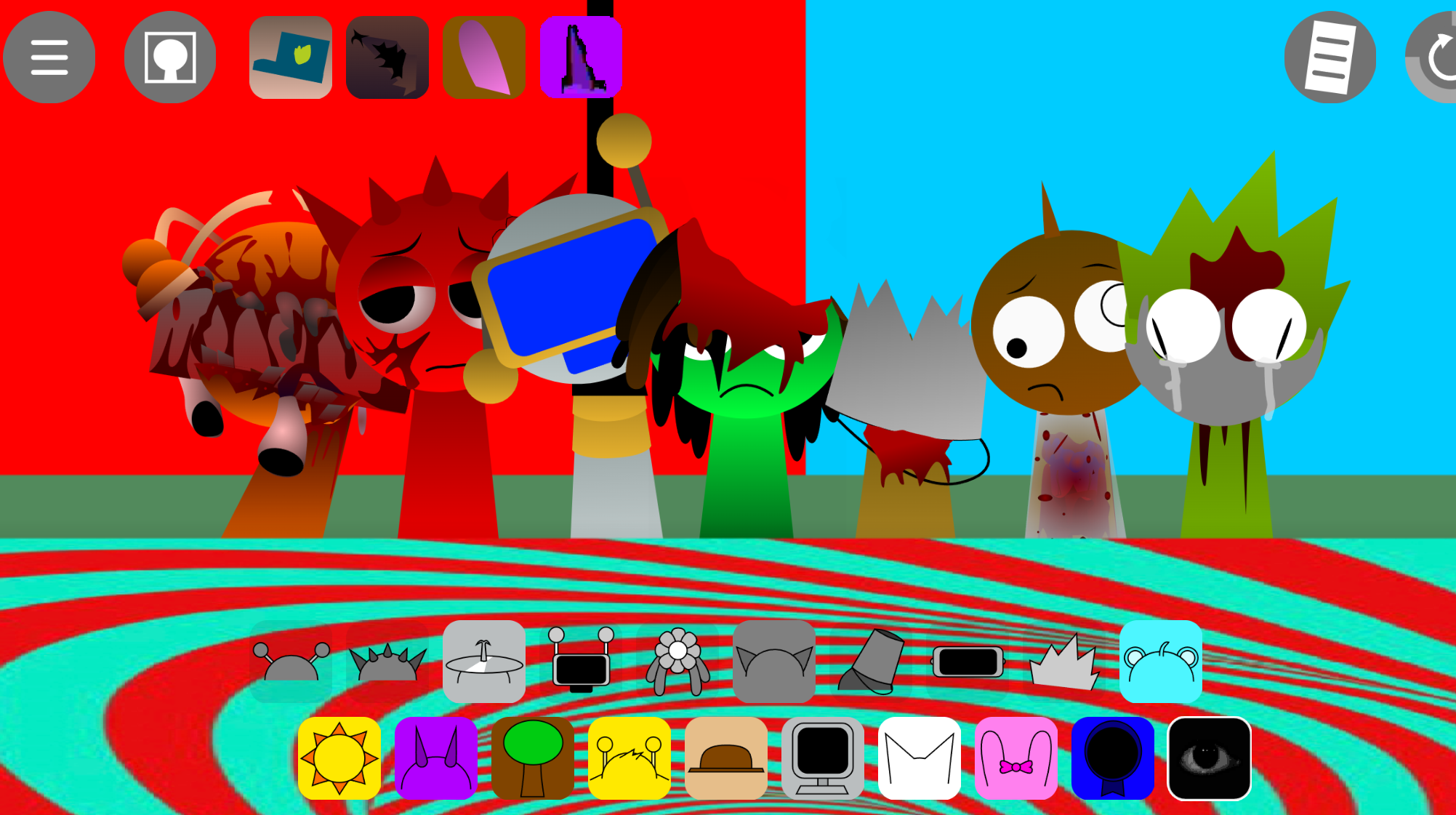
SherlaBox Sprunki Doodle is a fan-made Sprunki mod by @sherlas that replaces the usual clean interface with hand-drawn notebook aesthetics. Paper textures, scribled characters, scratchy vocals, and distorted beats define the experience. The rough Doodle style is intentional—creator @sherlas noted “the details are small cuz I didn’t want to redo the stupid paper thing” when explaining the visual approach.
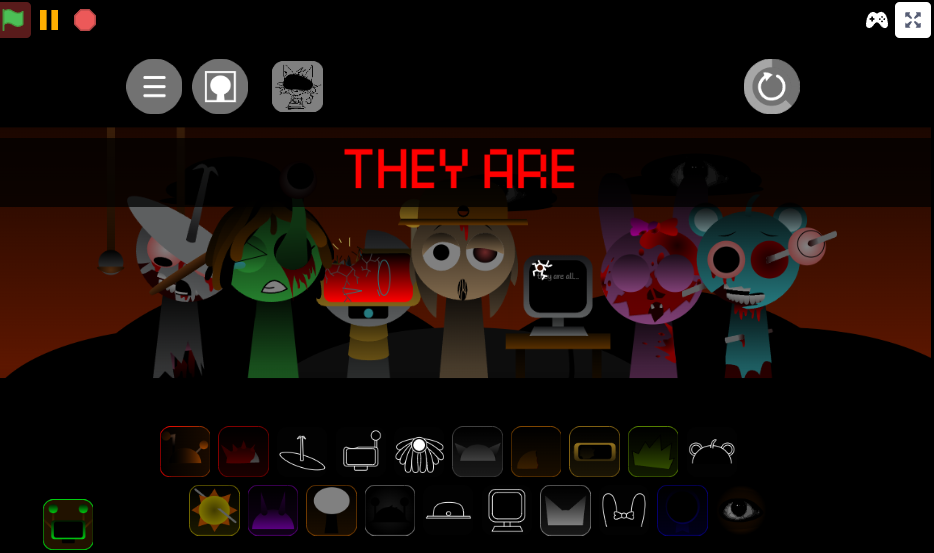
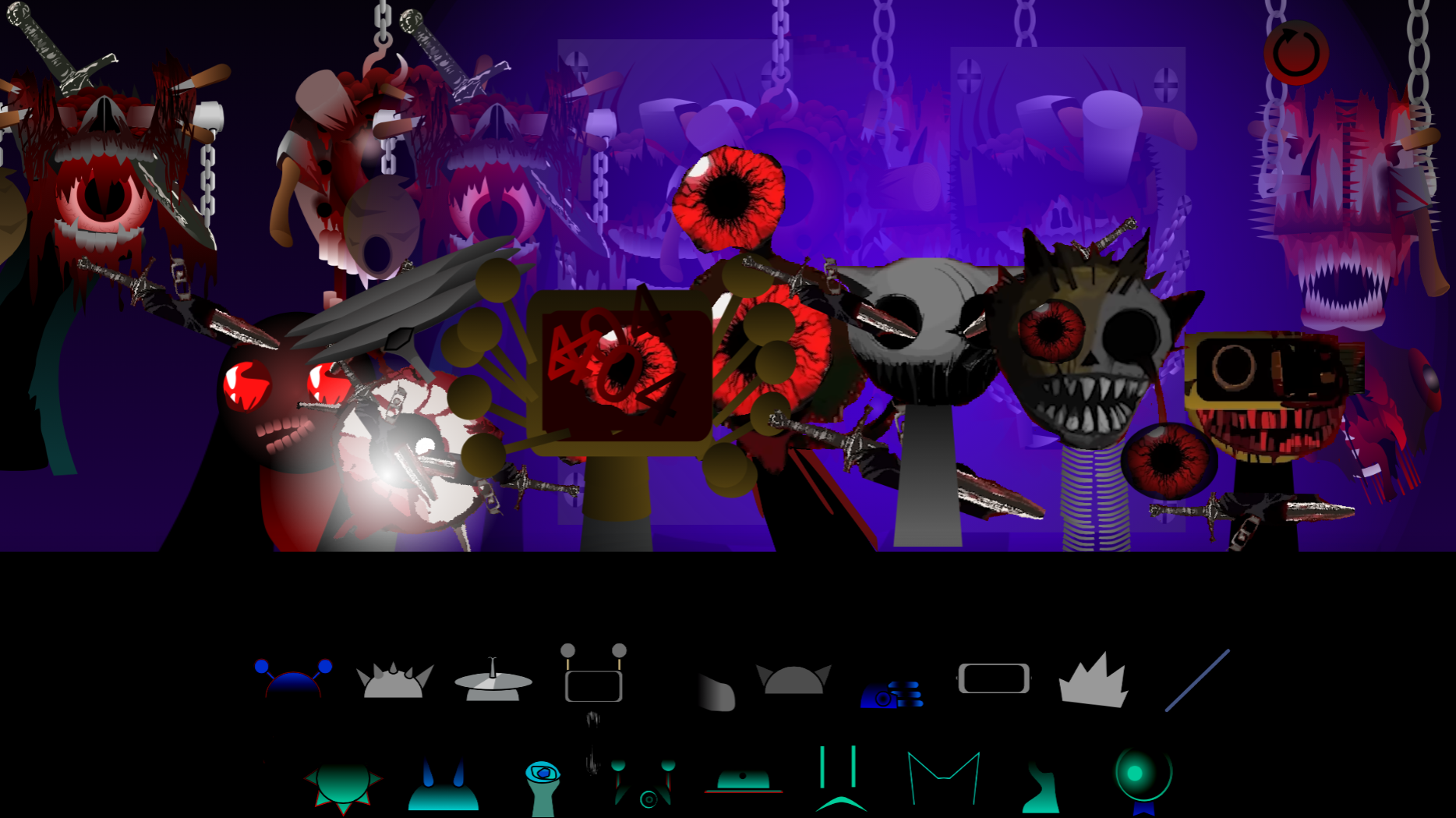
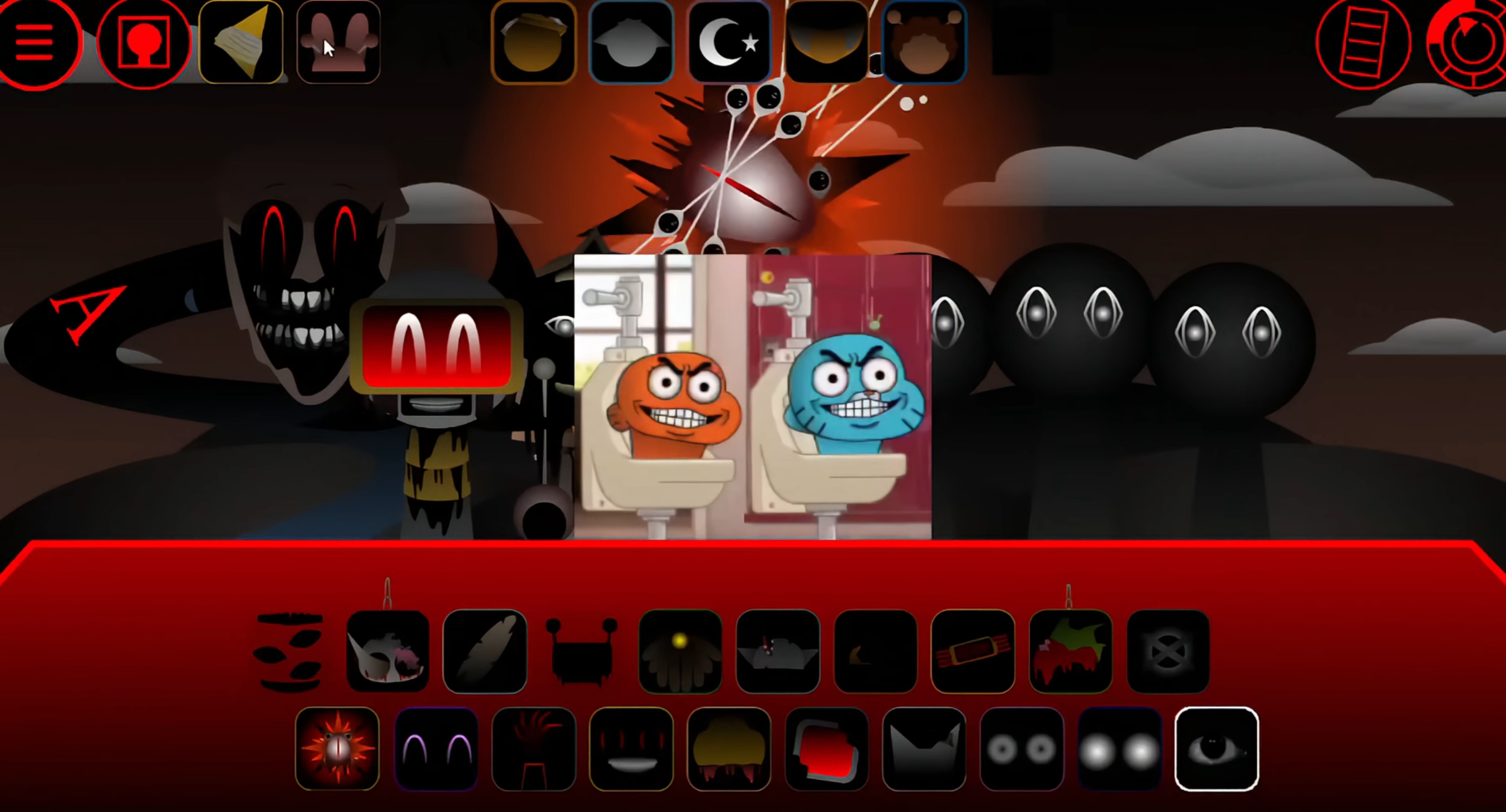
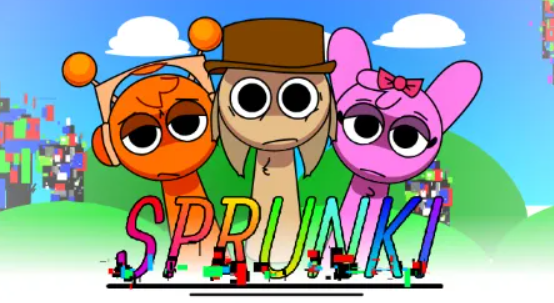
The notebook-page visuals and rough loops start playful but become increasingly damaged and unsettling as You layer sounds. Familiar Sprunki characters appear warped and sketchy, like classroom-margin drawings making crepy music. There is no hidden trigger to unlock—the mesy presentation is the core design.
How to Play SherlaBox - [ Sprunki : Doodle ]
Drag a paper-textured character onto the stage to start Its loop, then build the mix gradually:
- Start with a distorted beat to anchor the rhythm
- Add characters one at a time, listening to how each shifts the mood
- Experiment with rough combinations—strange, noisy arrangements often fit Doodle better than polished ones
The chaotic layout is part of The experience. Rearrange loops freely rather than chasing a clean arrangement.
Related Games
- Sprunkocaine but the sounds match — Its emphasis on sound-to-character matching makes it a fitting follow-up for players who enjoyed building a cohesive mix from SherlaBox’s distorted doodle loops.
- Sprunki Wenda Treatment Dandys World Style — This stylized Wenda remix offers another visual reimagining of Sprunki’s unsettling side, appealing to players drawn to the article’s damaged, horror-tinged character designs.
Beginner Guide & Sketch Mod Tips
For a Beginner, place one basic paper-textured character, listen to Its loop, and add only one new sound at a time. Distorted beats work well as a foundation; scratchy vocals are usually more effective after the rhythm is established.
SherlaBox works as an experimental sound sandbox rather than a precision tool. The visual and audio design both favor raw, handmade chaos. Let the damaged, doodled mood guide the mix instead of forcing it into a conventional Sprunki arrangement. Available on abgernygames.org, it suits players who enjoy weird, unpolished fan projects over hyper-polished mods.
Discuss
Loading comments...
Failed to load comments. Please try refreshing the page.