
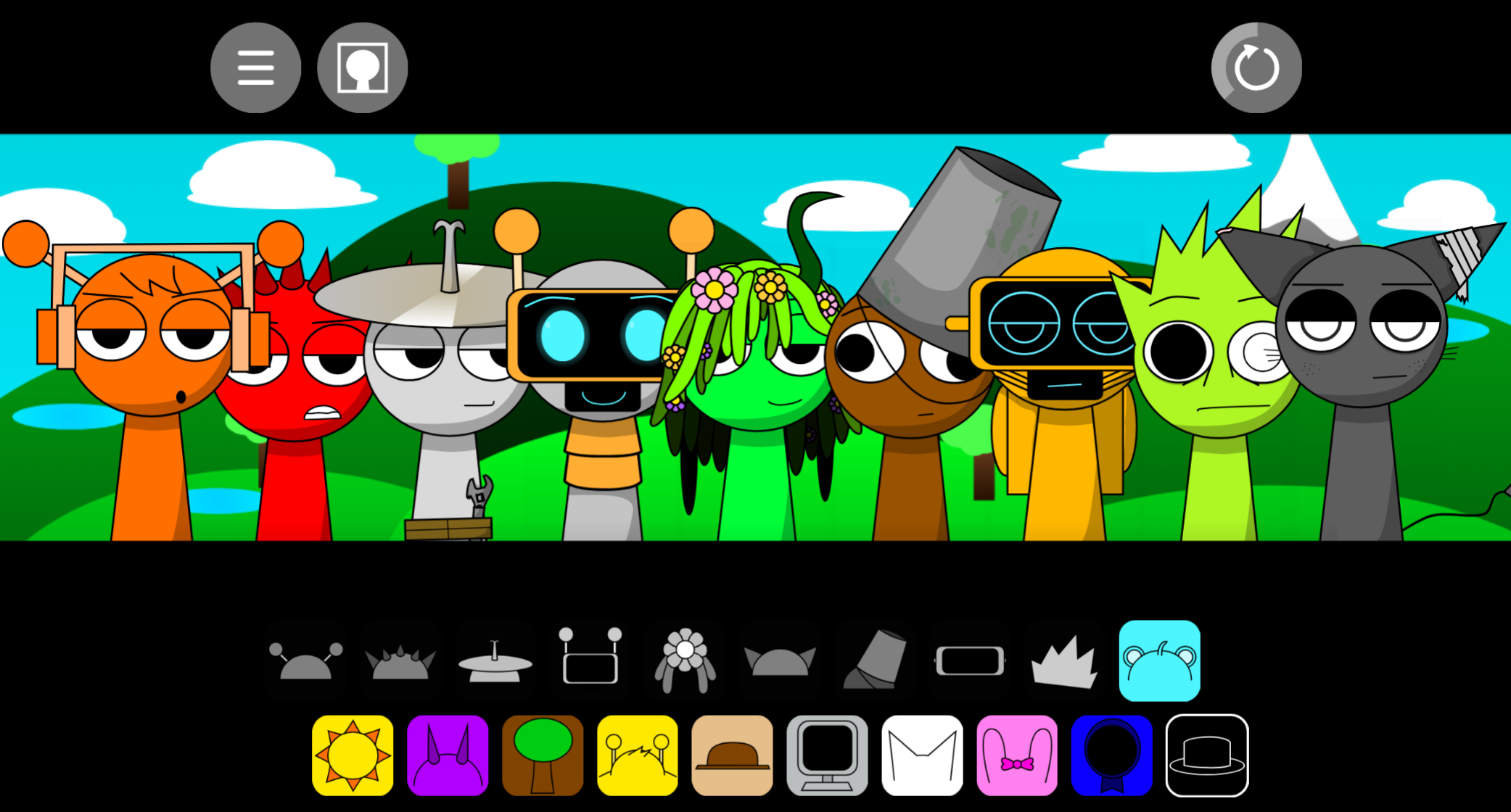
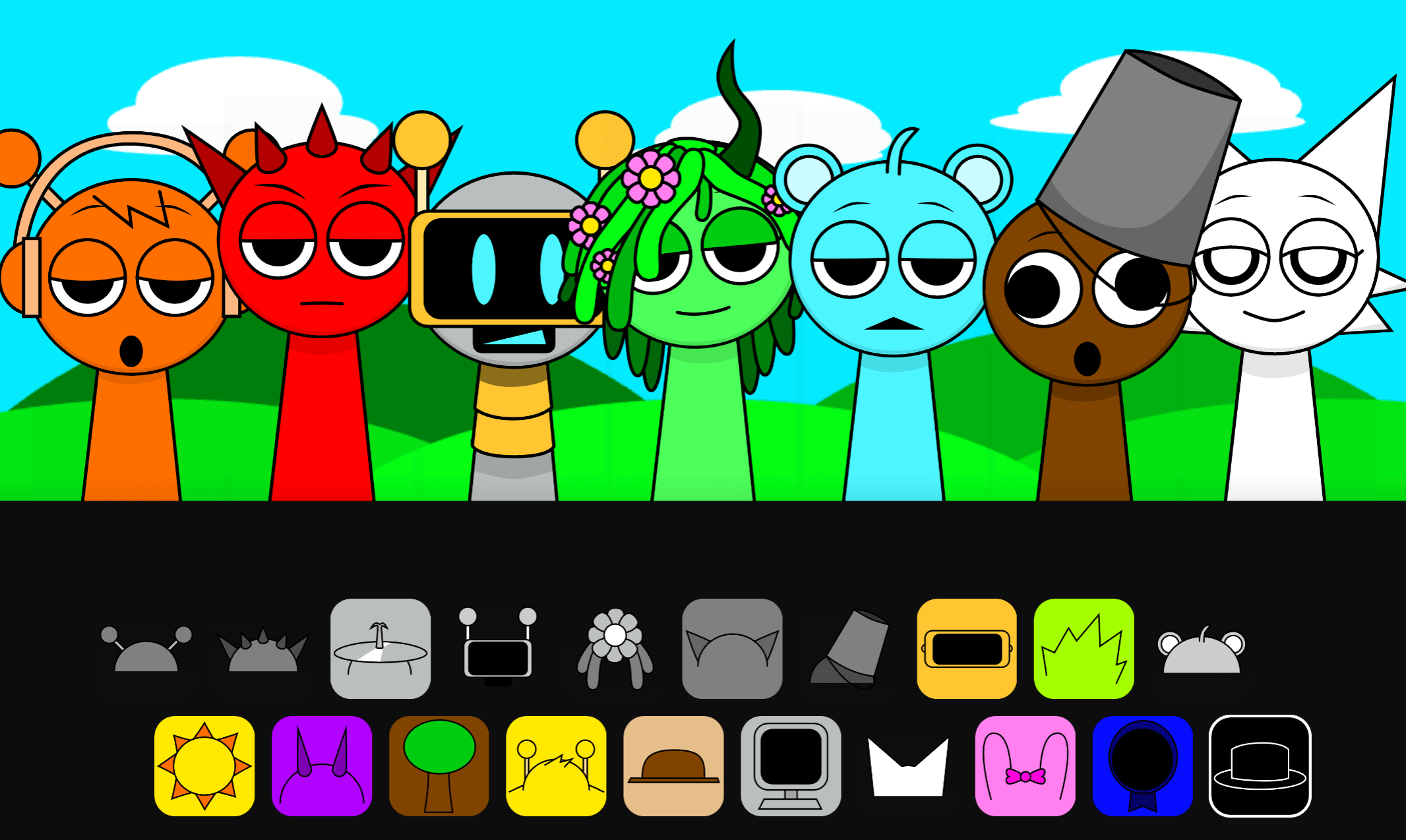
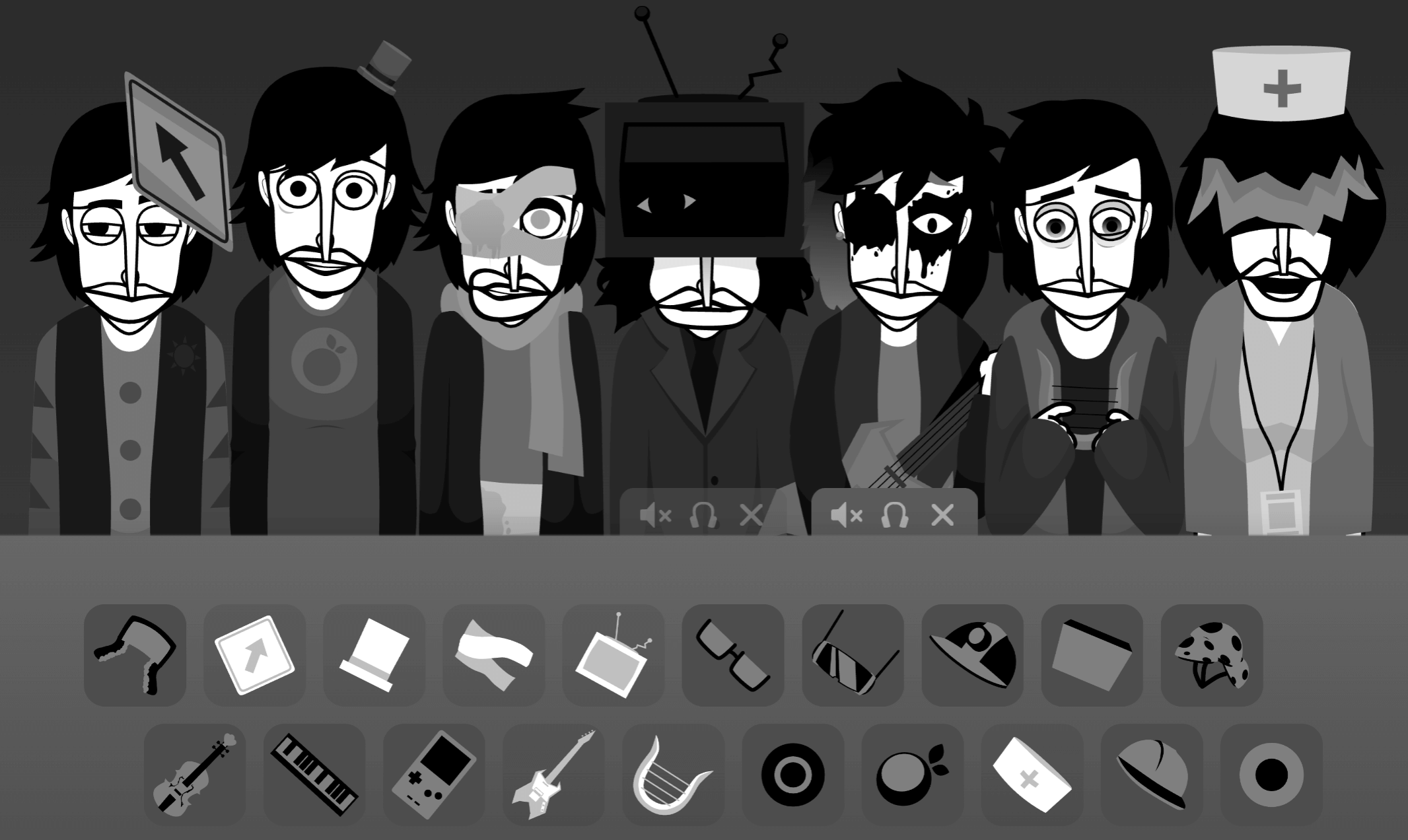
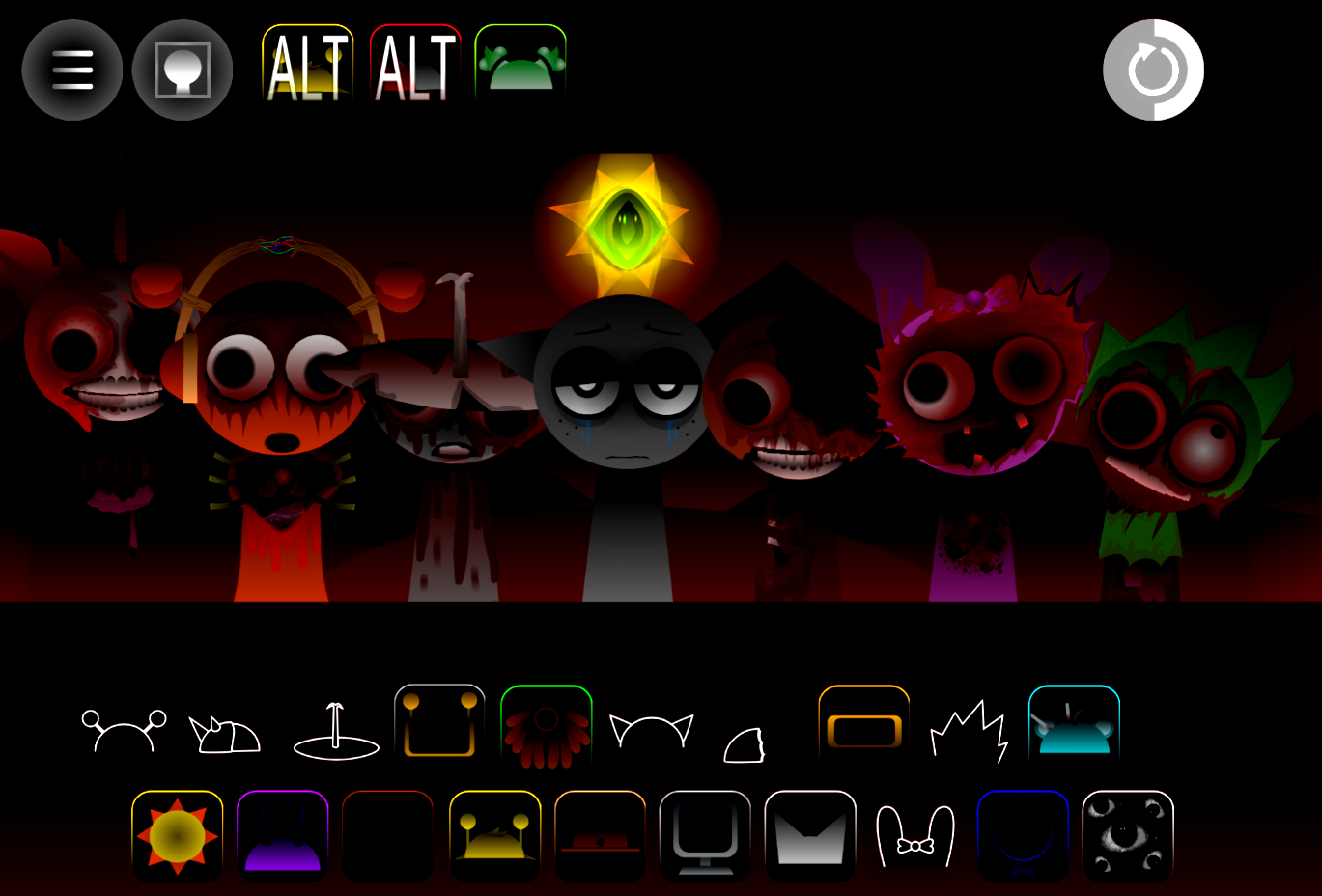
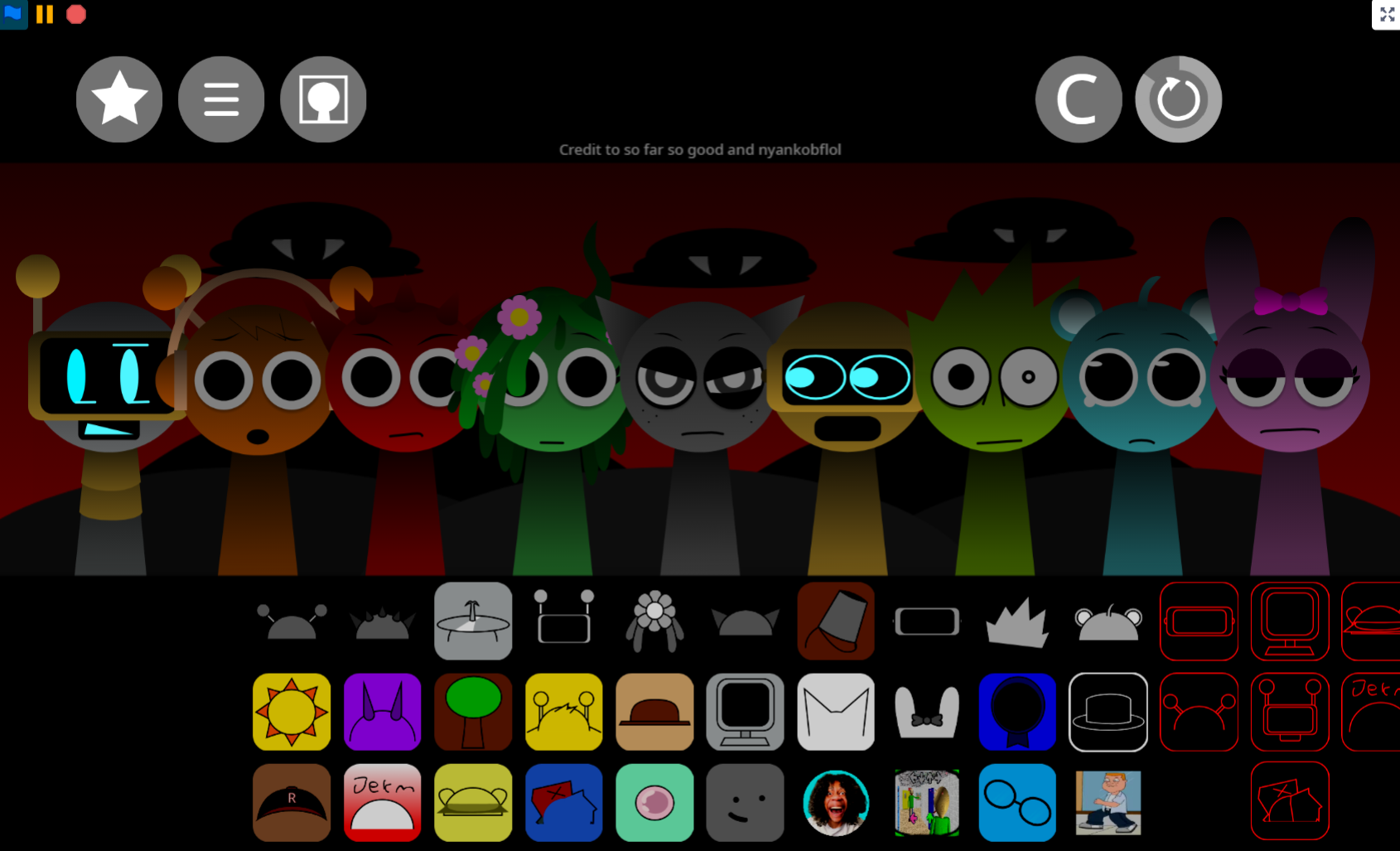
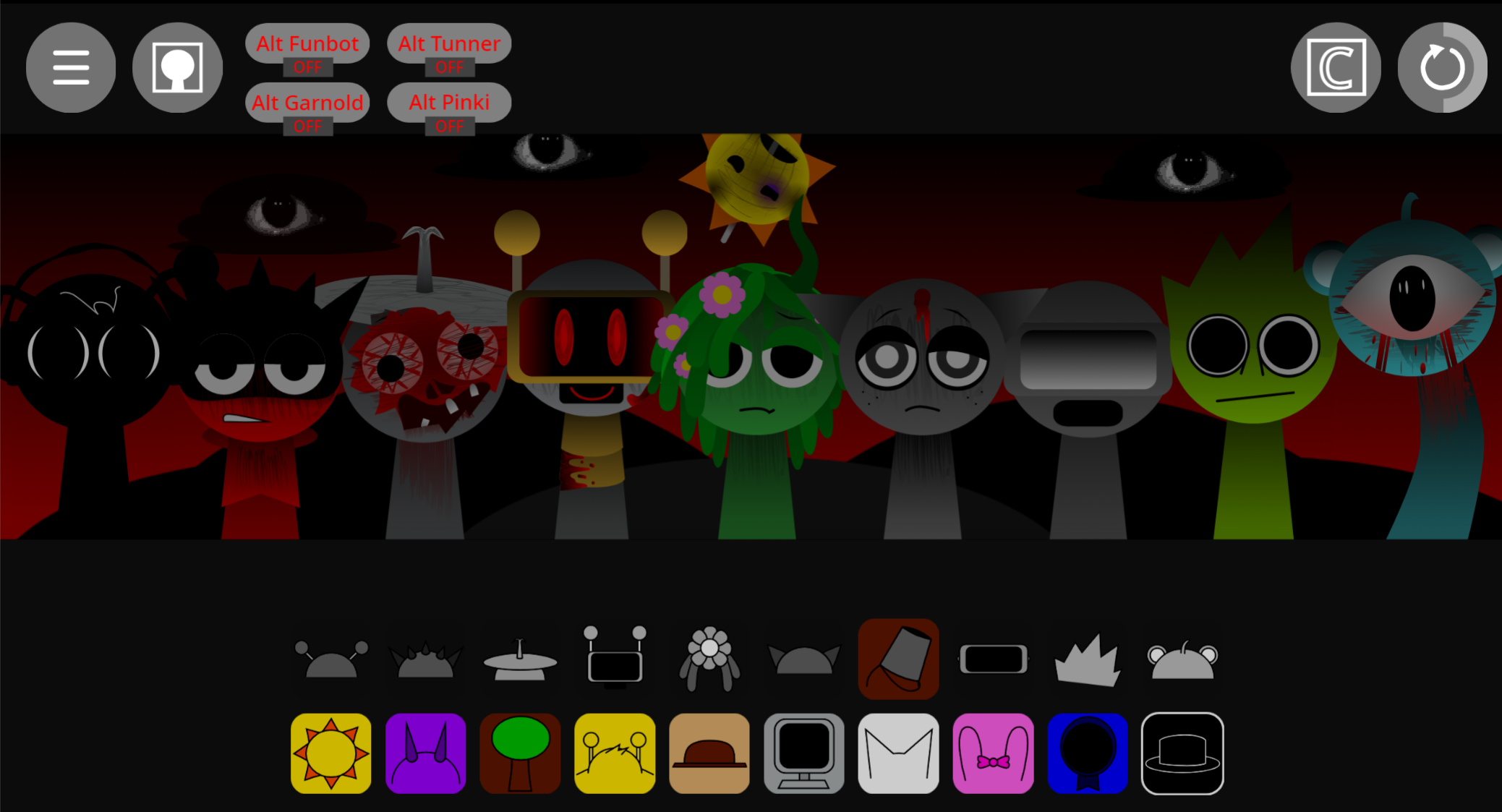
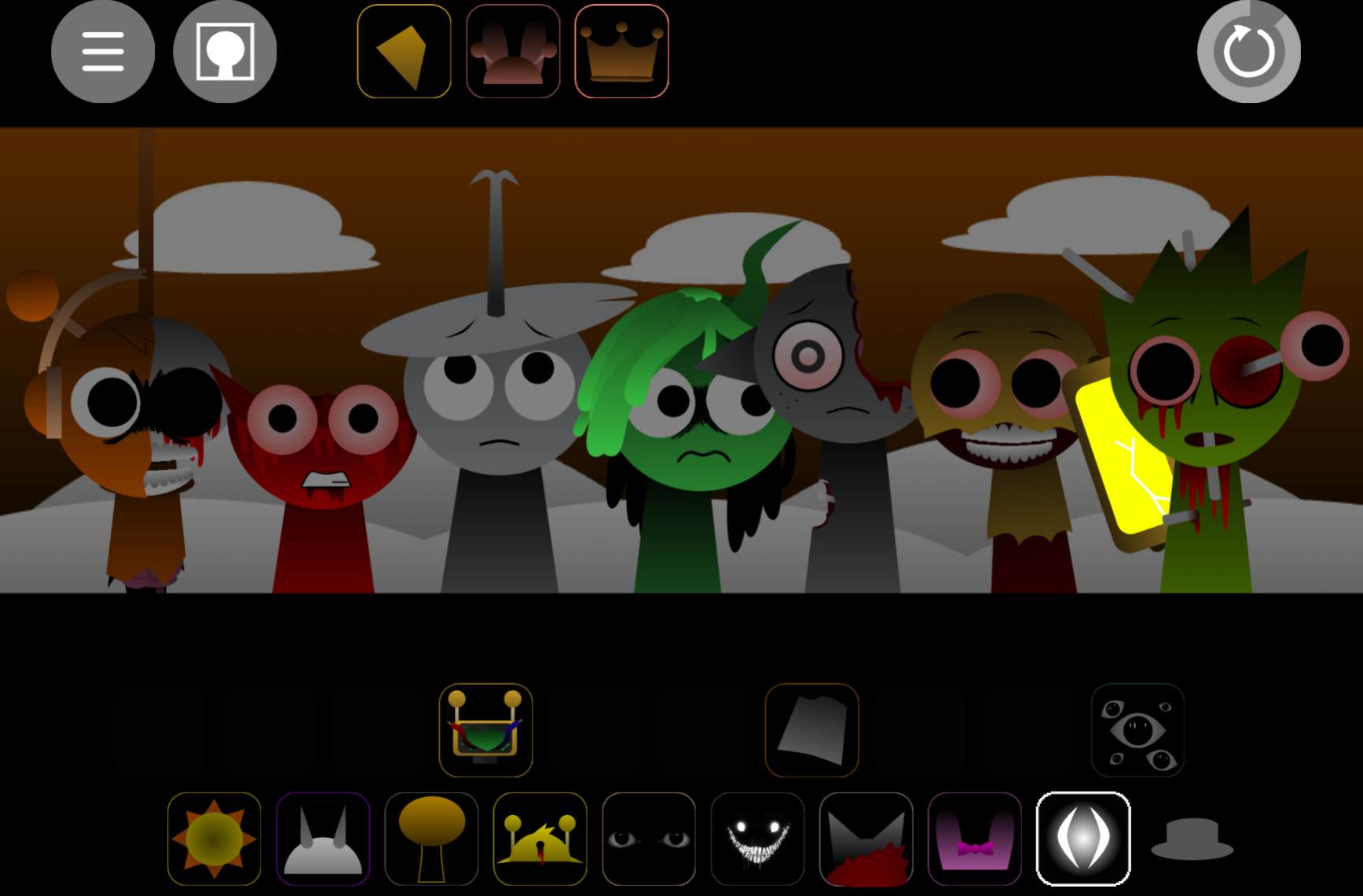


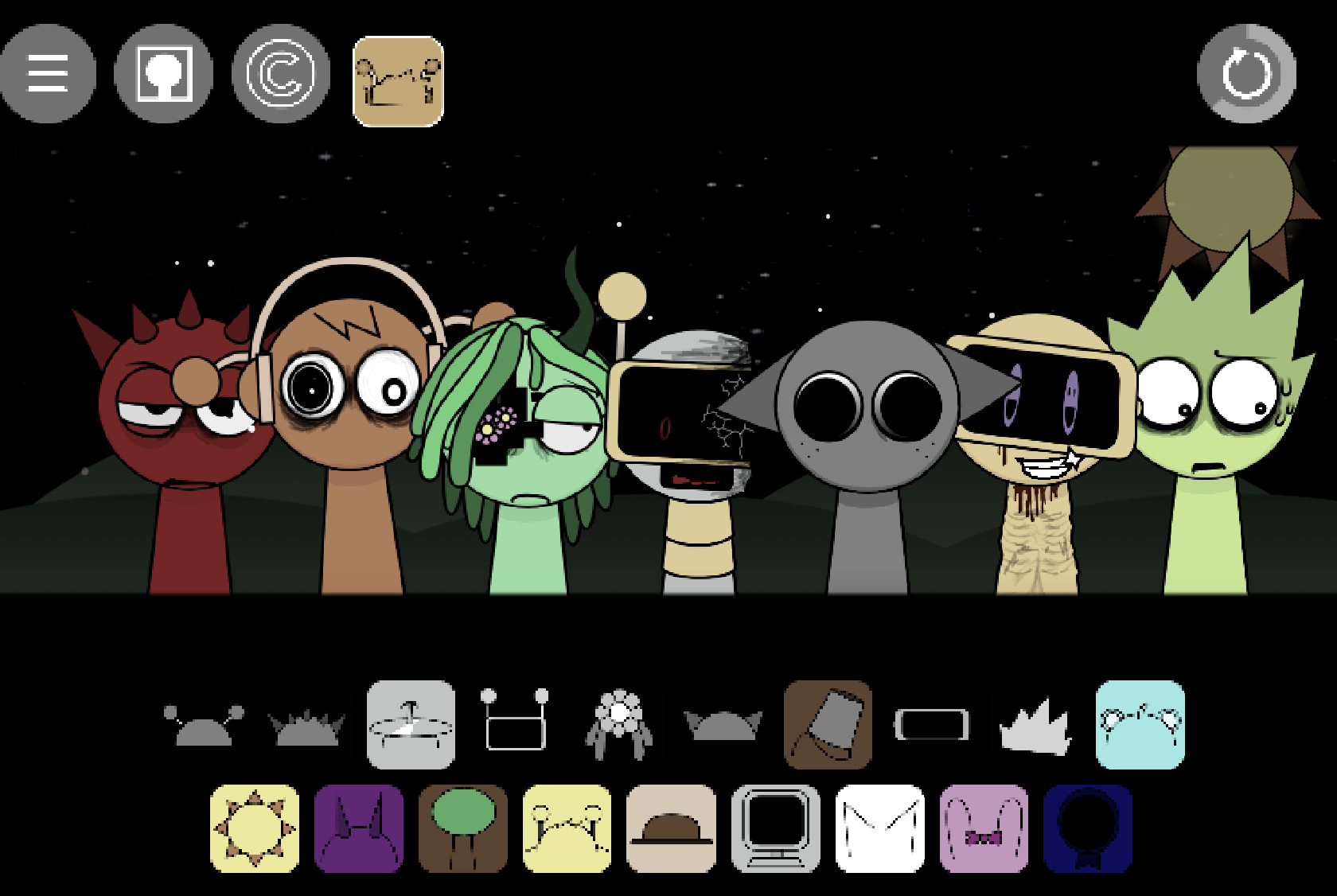
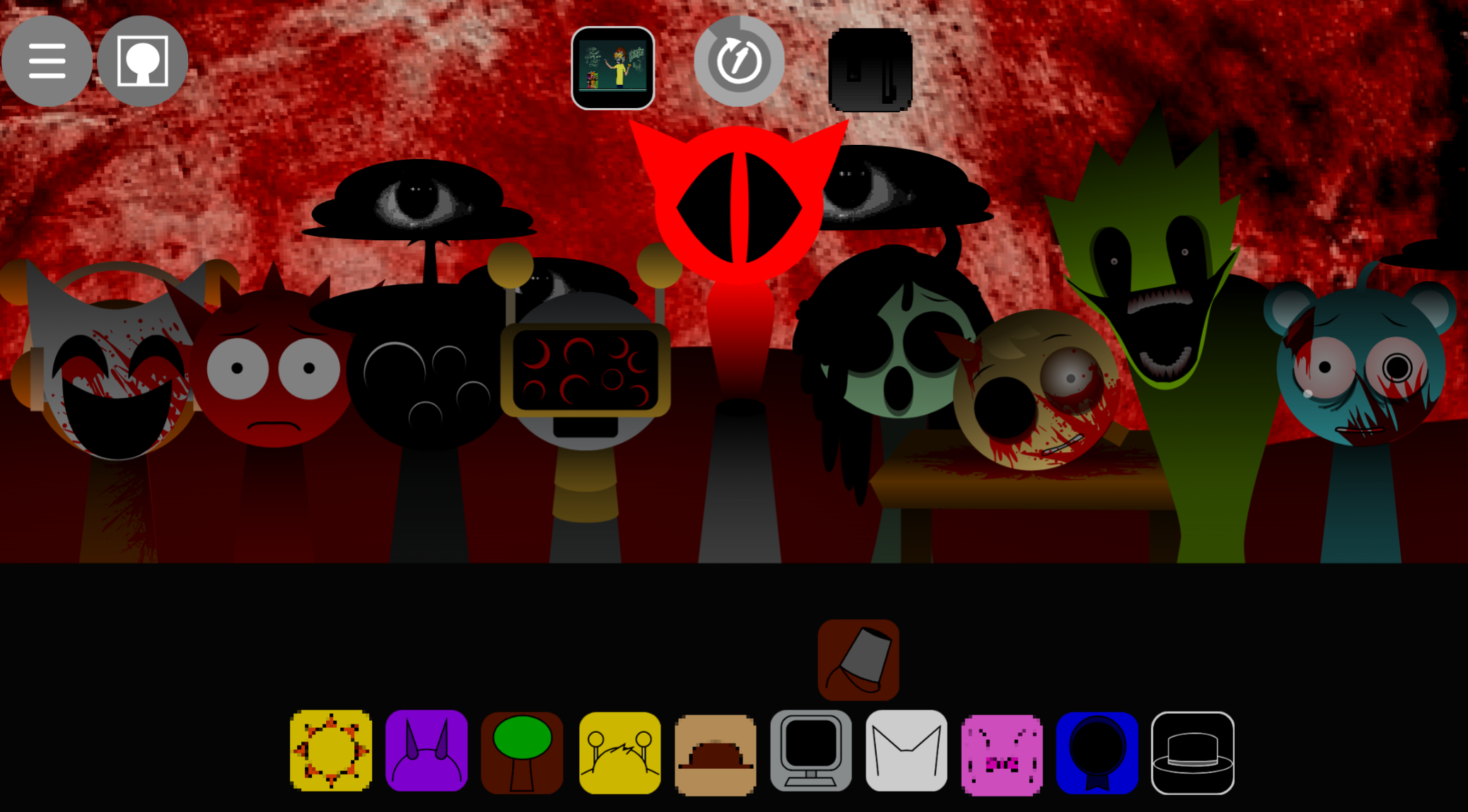
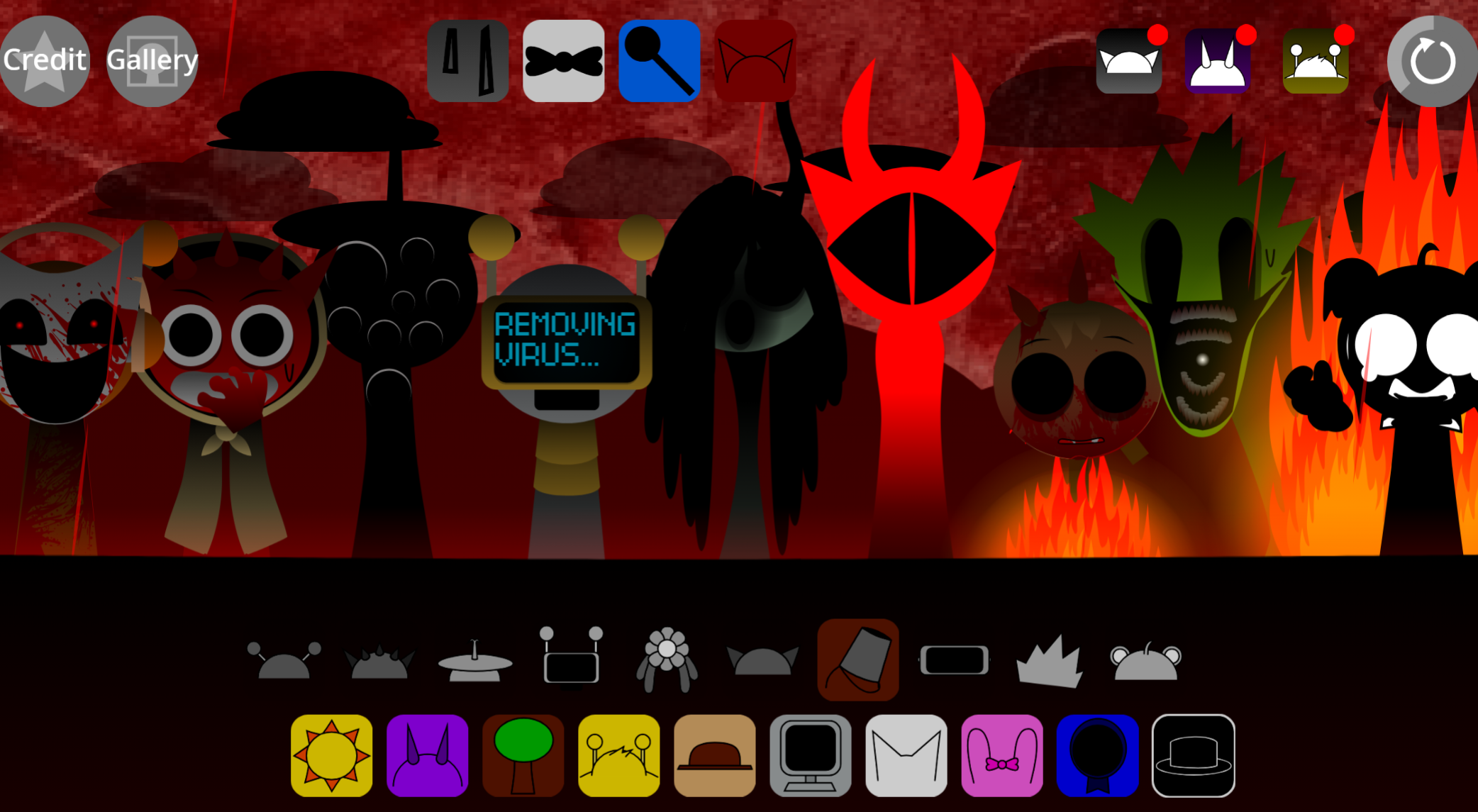
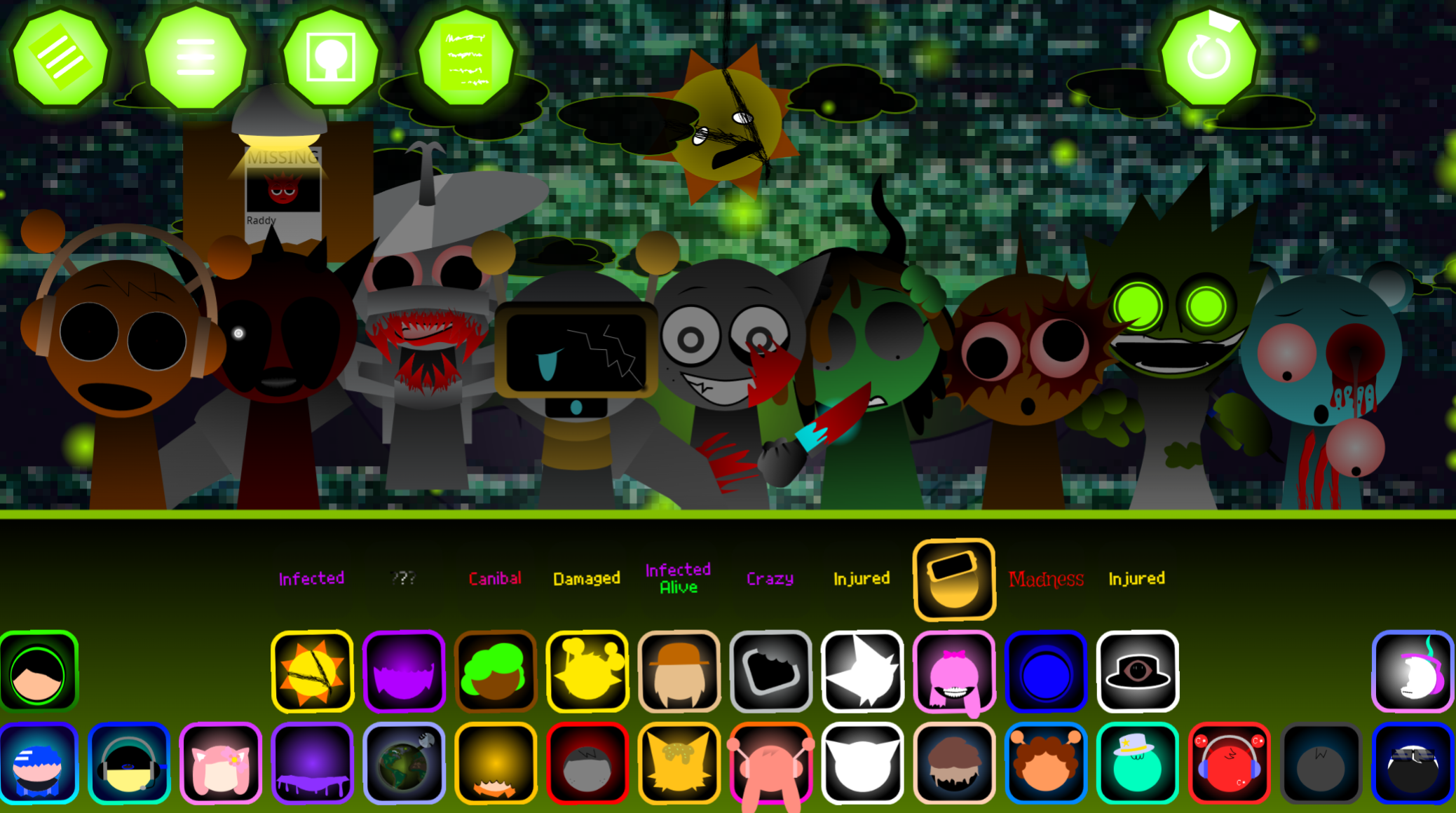
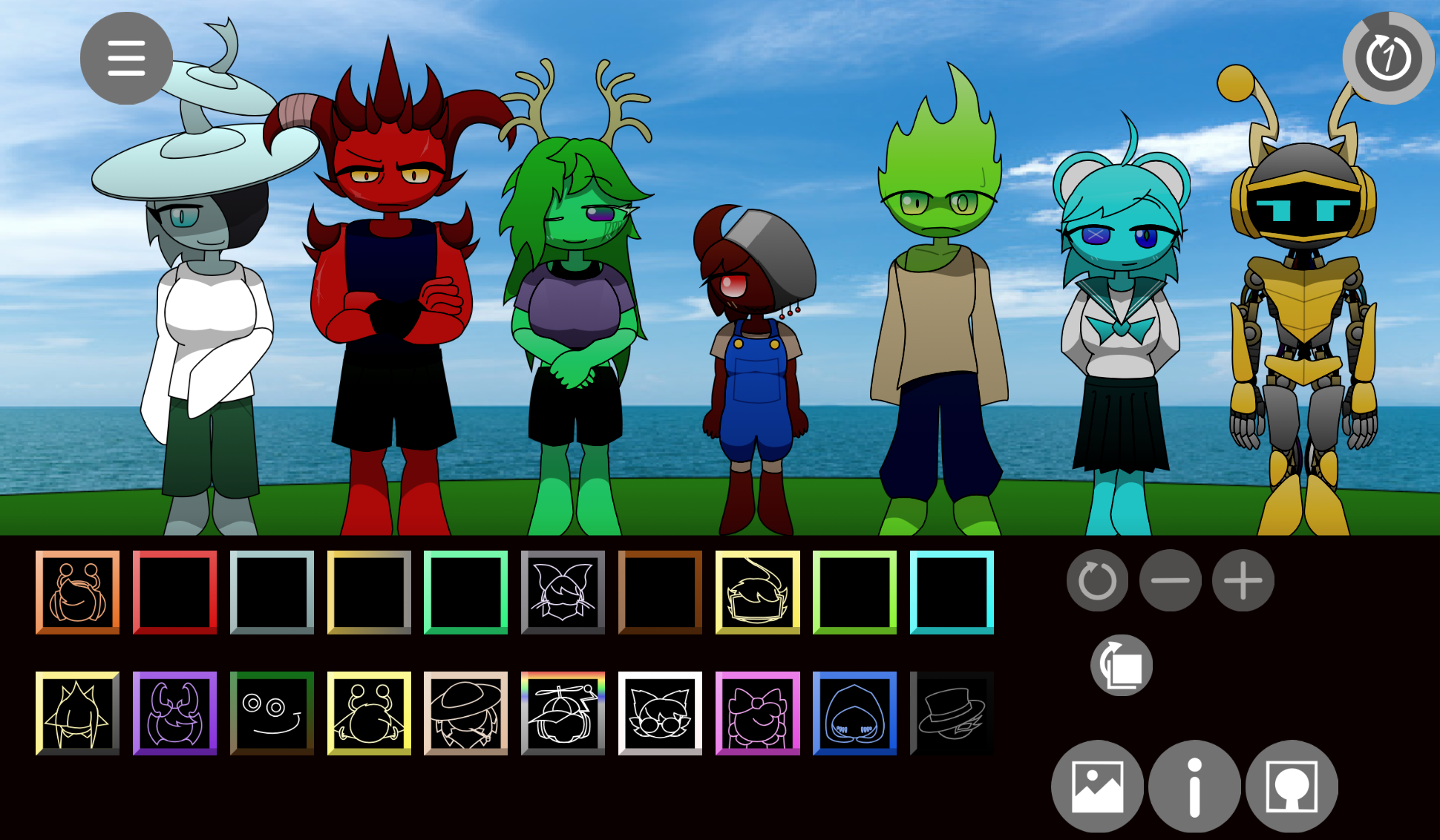
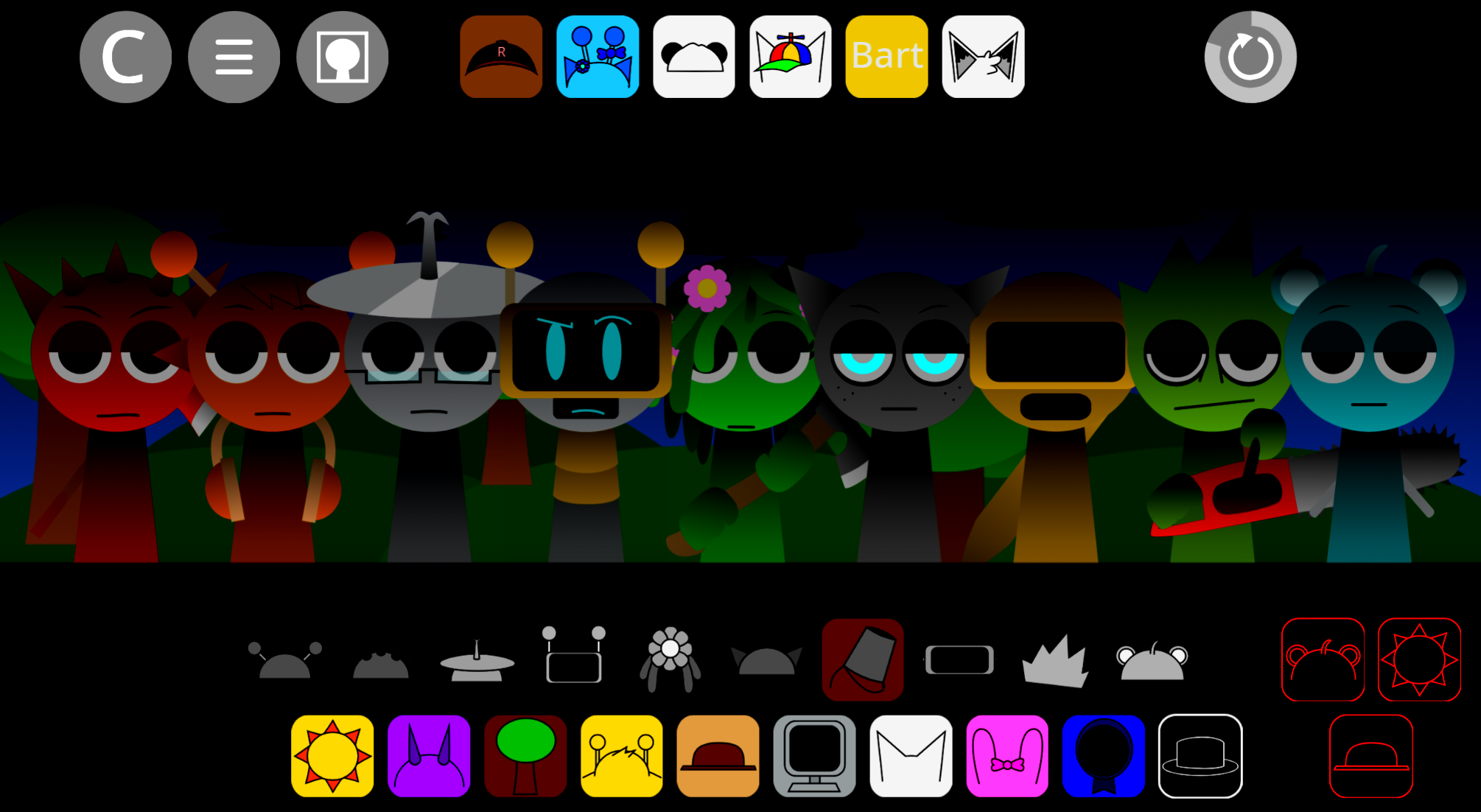
Incredibox Sprunki KB3s Take The Sequel expands the original mod’s music-mixing framework by giving players broader creative control over their sound arrangements and character interactions.
This sequel builds on the Sprunki mod’s foundation within Incredibox, letting you layer beats, melodies, and effects with more flexibility than the first iteration offered. The core gameplay loop remains intuitive: drag characters onto the stage to activate their sounds, then rearrange them until you’ve built a track that works.
What sets this sequel apart is the expanded roster of sound elements and the refined mixing interface that responds more fluidly to your choices.
What Is Incredibox Sprunki: KB3’s Take: The Sequel?
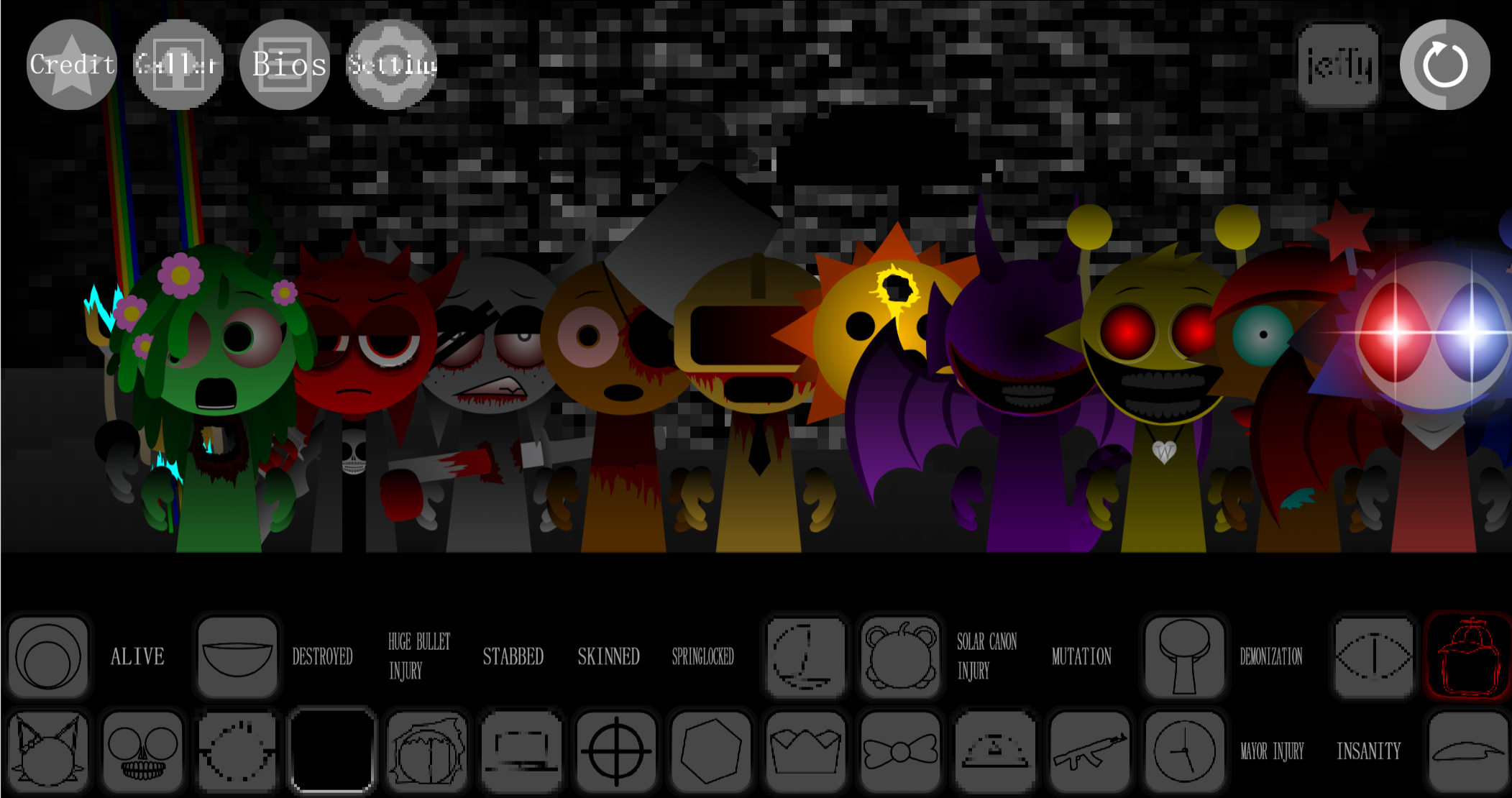
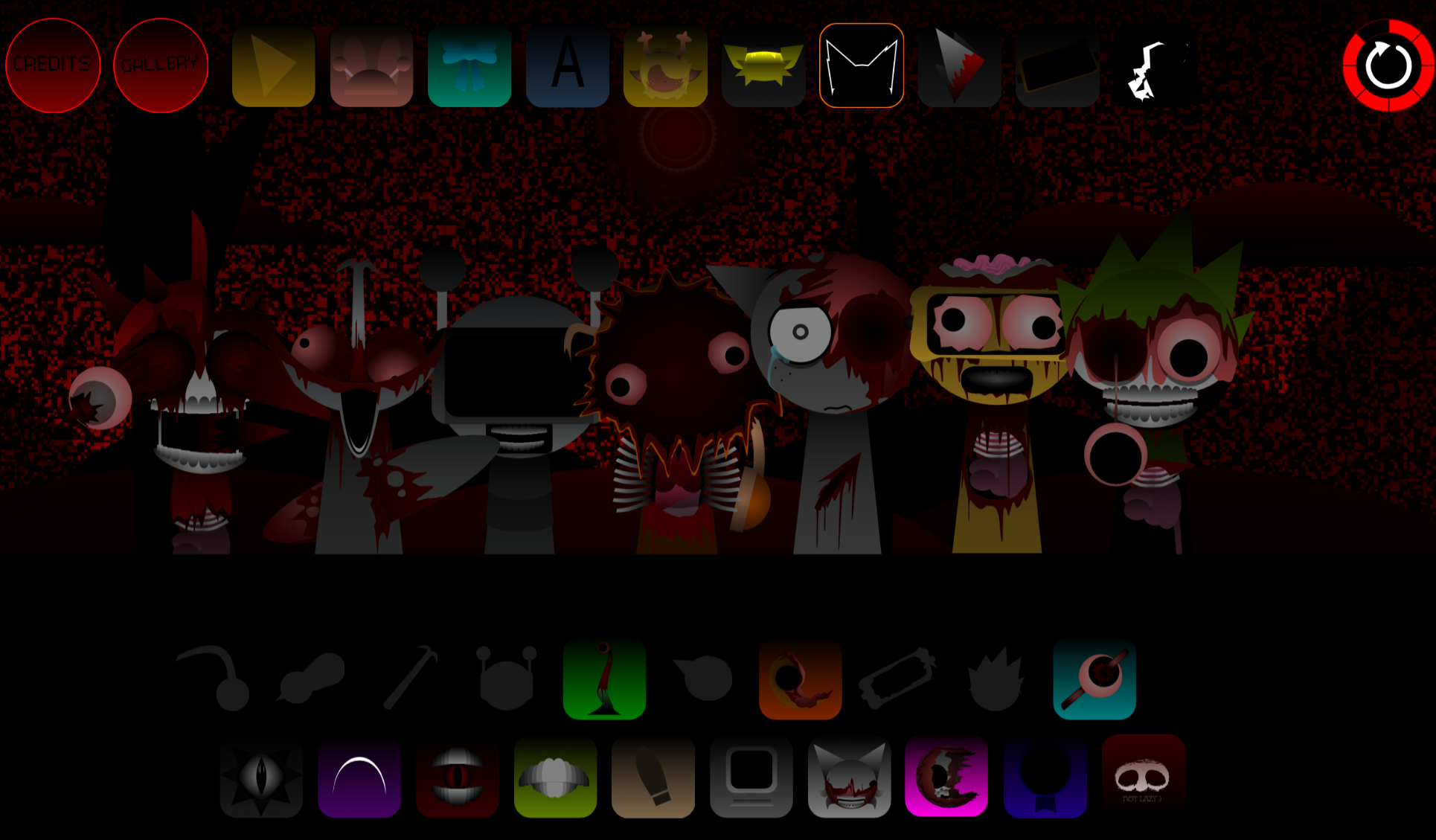
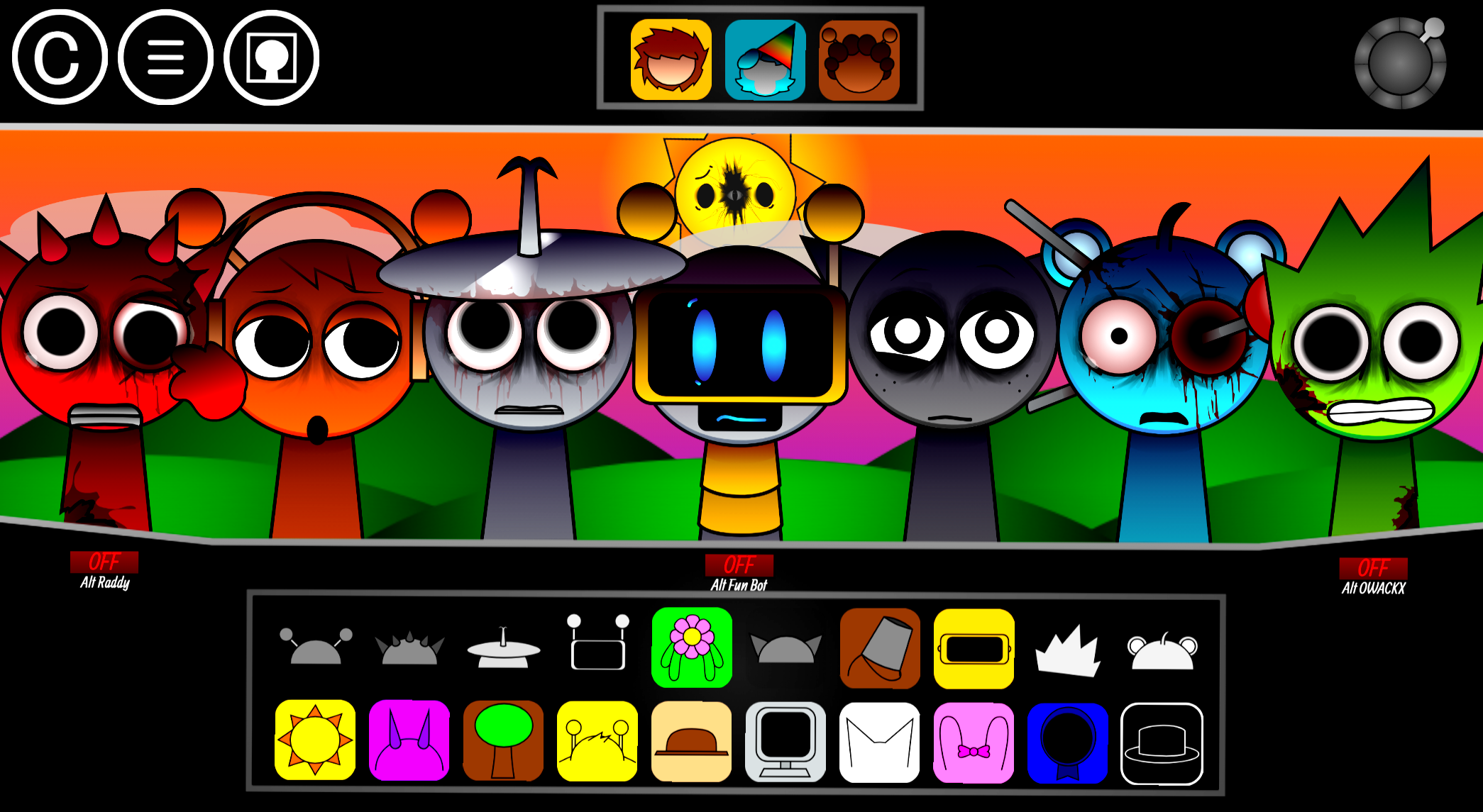
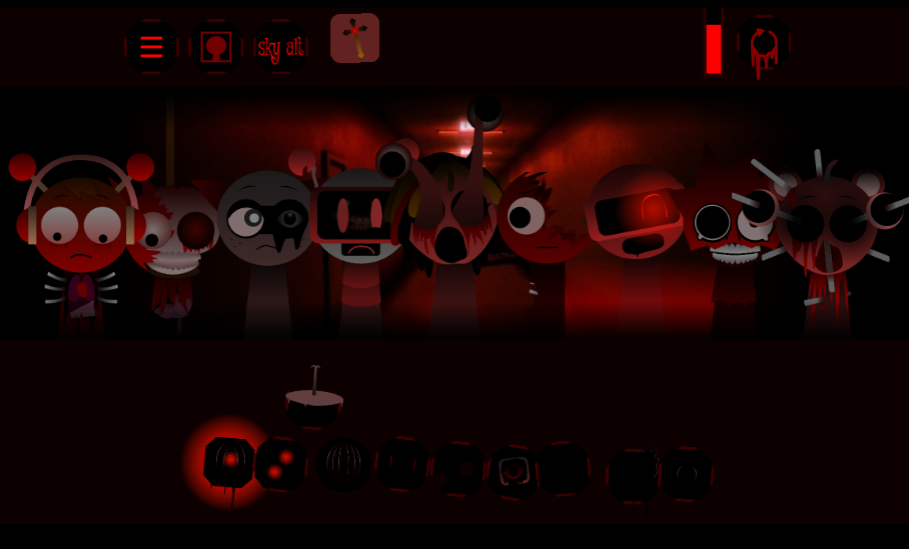
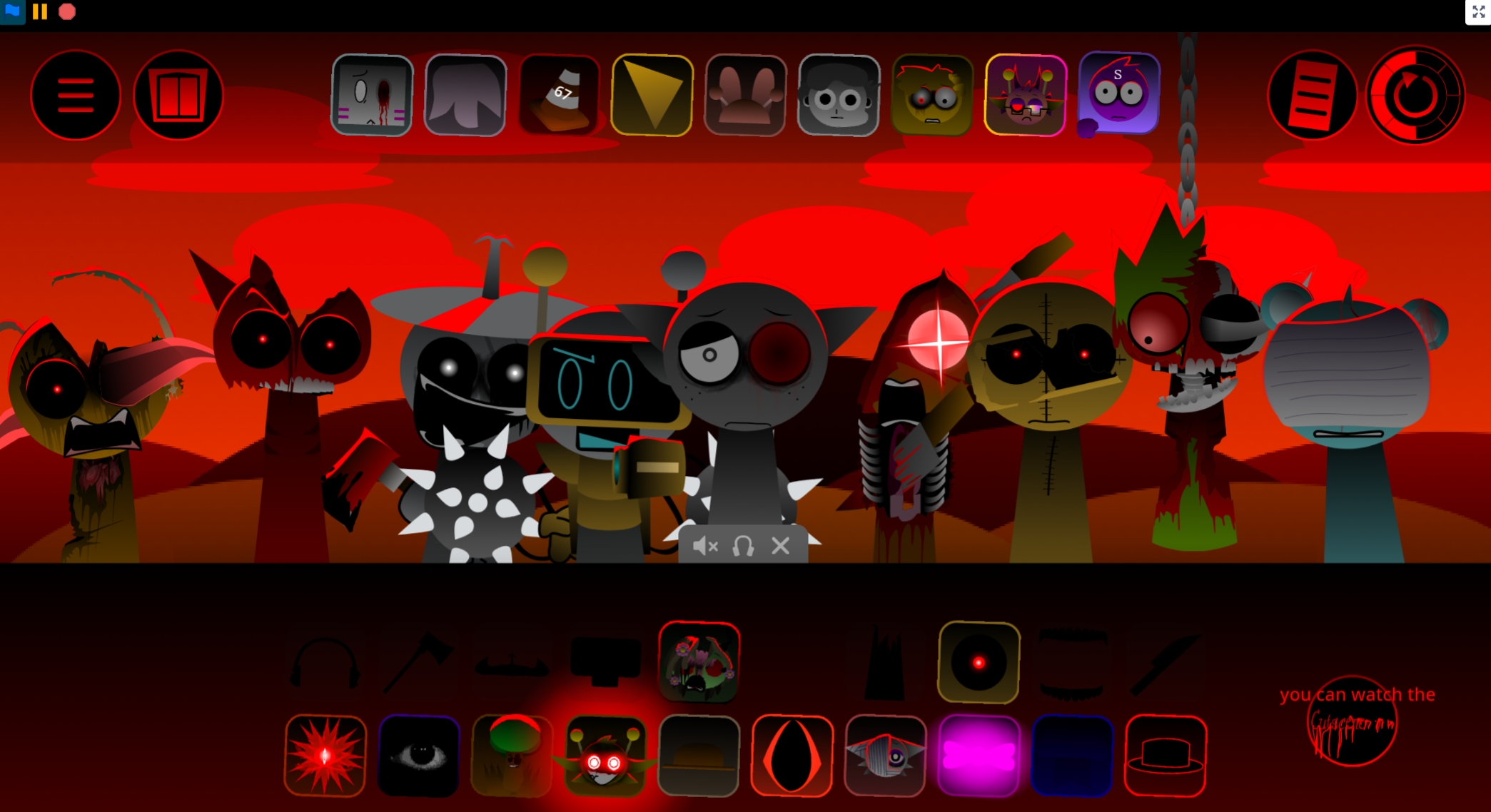
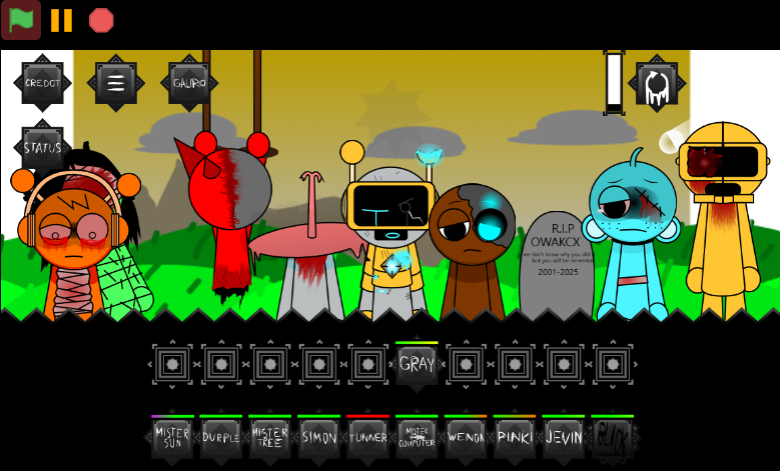
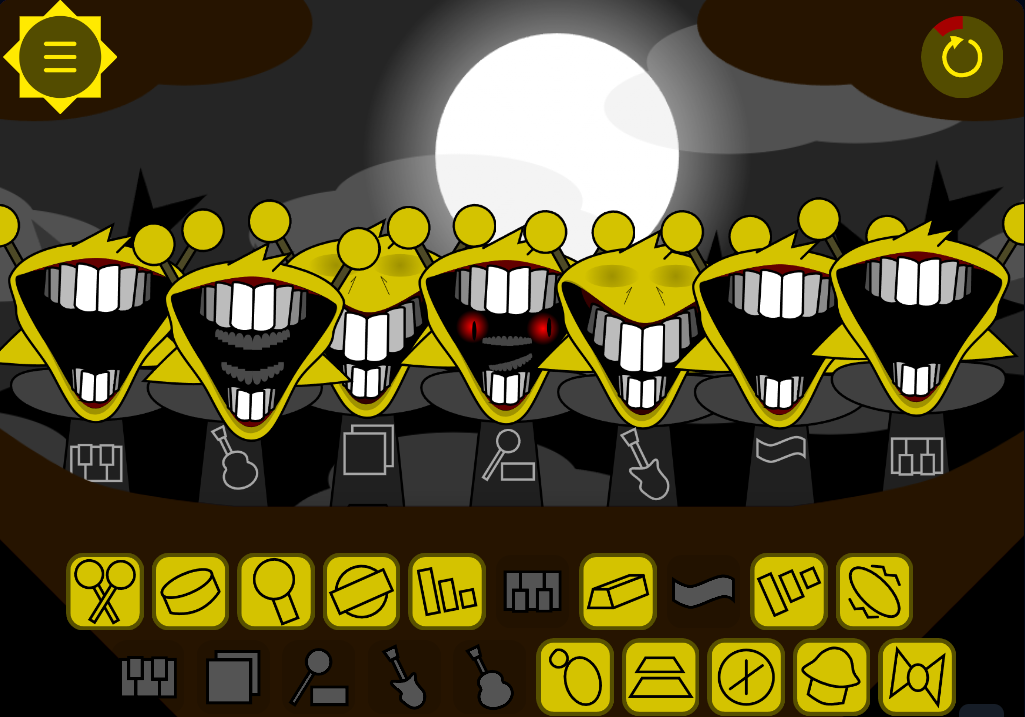
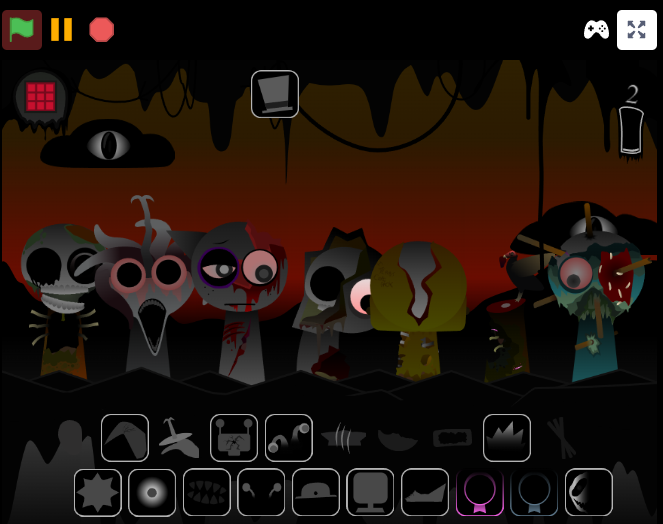
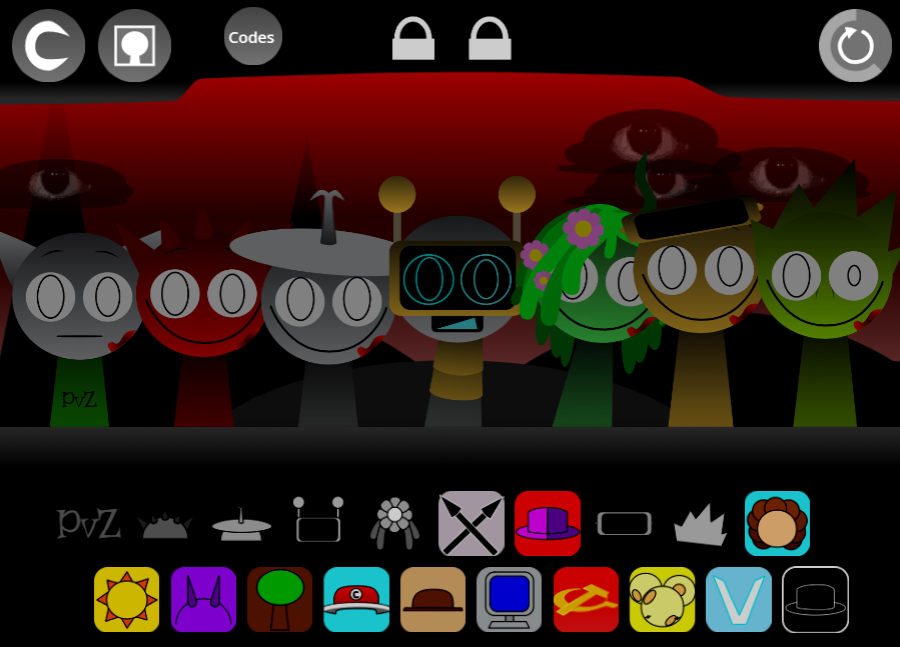
Incredibox Sprunki: KB3’s Take: The Sequel is KB3orsthidrk’s official remake of their main Sprunki mod, repositioning Gray as the phase’s central figure. Players drag sound icons onto Gray and other canon characters to activate separate musical stems—beats, basslines, melodies, vocal chops, percussion, and effects—then layer them into an evolving arrangement.
The available sounds are built around Gray’s eerie atmosphere and implied storyline, helping even unusual combinations feel connected to the same phase.
The browser version runs on abgernygames.org without requiring a download. New players can build a small, coherent mix quickly, while experienced users can refine transitions, test dense combinations, and develop more narrative-driven soundscapes.
The familiar Incredibox formula remains intact, but the framing differs: the loop design encourages arrangements that support Gray’s darker mood rather than functioning as disconnected soundboard clips.
How to Play Incredibox Sprunki: KB3’s Take: The Sequel
Drag a sound icon onto Gray or another character to activate its loop. Each character slot becomes one part of the arrangement, so the objective is not necessarily to fill every slot but to make the active stems work together.
Begin with rhythm and low end.
Add a beat or bass-oriented loop first. This establishes the tempo and gives melodies, vocals, and effects a stable foundation.
Add one melodic or vocal layer.
Introduce a melody, chorus, or vocal chop and listen to how it changes the mood. Gray’s central role makes surrounding sounds function as support for the phase’s atmosphere.
Build gradually rather than filling every slot.
A beat, bassline, and one melody or vocal can already form a satisfying starter mix. Let each loop settle before adding another, especially when learning how the sounds interlock.
Use effects to shape transitions.
Effects can connect percussion and melody, add space to a vocal layer, or make a sparse track feel more complete. They work best after the main rhythmic and melodic structure is in place.
Swap sounds freely.
If a loop makes the mix too busy, remove it or replace it with another icon. Each change affects the track’s energy, balance, and implied story.
A useful beginner approach is to change only one sound at a time. Comparing one vocal, effect, or melody against the same beat-and-bass foundation makes it easier to hear which choices strengthen the arrangement.
Features of Incredibox Sprunki: KB3’s Take: The Sequel
-
Gray-focused musical storytelling: Gray anchors the phase’s identity. Beats, melodies, vocal layers, and effects are arranged around a shared erie mood.
-
Classic Incredibox drag-and-drop play: Sound icons activate musical stems on Gray and other canon characters. Players combine rhythm, bass, melody, vocals, and effects through a simple visual interface.
-
Structured creative freedom: There is no single required combination, but the loop design encourages coherent results. Beginers can work with a small set of layers; returning players can explore denser mixes and subtler transitions.
-
Character slots as arrangement pieces: Each active character contributes to overall balance. A bassline may ground an expressive vocal, while an effect may smooth the move from melody into percussion.
-
Browser-based access: The project runs on abgernygames.org without an extra download.
Why Play the Sequel?
The sequel is suited to players who want a more character-led version of the Sprunki and Incredibox mixing format. Its Gray-centered structure gives experimentation clearer direction: changing a single sound can alter the tension, pacing, and atmosphere of the entire arrangement.
It also works at different skill levels. Someone new to Incredibox can start with a beat, bassline, and vocal, then learn the role of each musical stem by swapping layers. More experienced players can pursue unusual canon-character combinations, control how effects enter the mix, and develop a fuller track without losing the phase’s cohesive tone.
As an official remake of KB3orsthidrk’s main mod, the project revisits and polishes an existing creative idea rather than presenting a disconnected variation.
Related Games
- Sprunki 6 Shifted Official Remake Update — Its official-remake focus makes it a natural follow-up for players interested in how Sprunki creators revisit and refine an earlier musical phase.
- Sprunki Anti Shifted Phase 6 Mark Take Remake — This alternate “take” remake suits readers who want another character- and atmosphere-driven reinterpretation of familiar Sprunki sound-mixing ideas.
- Sprunki Phase 5 MY Take — Its personal reworking of a Sprunki phase appeals to players who enjoy comparing creator-led versions, loop arrangements, and distinctive musical storytelling.
Are PMP Files Available for the Sequel?
No PMP files are currently available for Incredibox Sprunki: KB3’s Take: The Sequel. In community use, “PMP files” can refer to materials for preserving, editing, or sharing a music project, such as an arrangement setup or its underlying sound elements. In an Incredibox-style project, those elements would include the stems used in a mix: beats, percussion, basslines, effects, melodies, choruses, and vocal chops.
The missing PMP option primarily matters to advanced modders who want to inspect, modify, or access the project’s underlying structure. It does not prevent regular players from using the sequel. The browser version still supports the central experience: placing icons on characters, testing layer combinations, refining a mix, and using the platform’s available sharing tools.
Discuss
Loading comments...
Failed to load comments. Please try refreshing the page.