


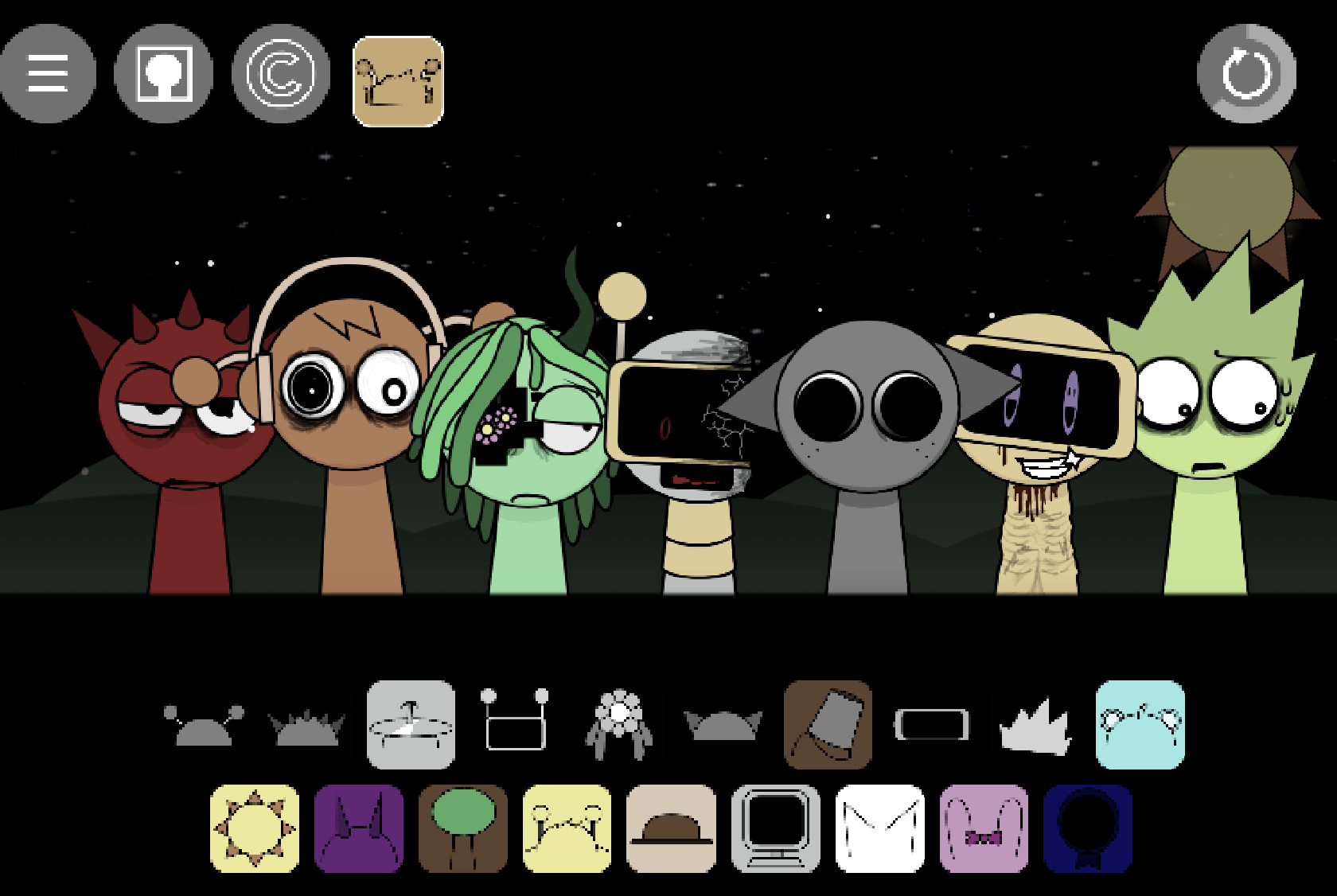
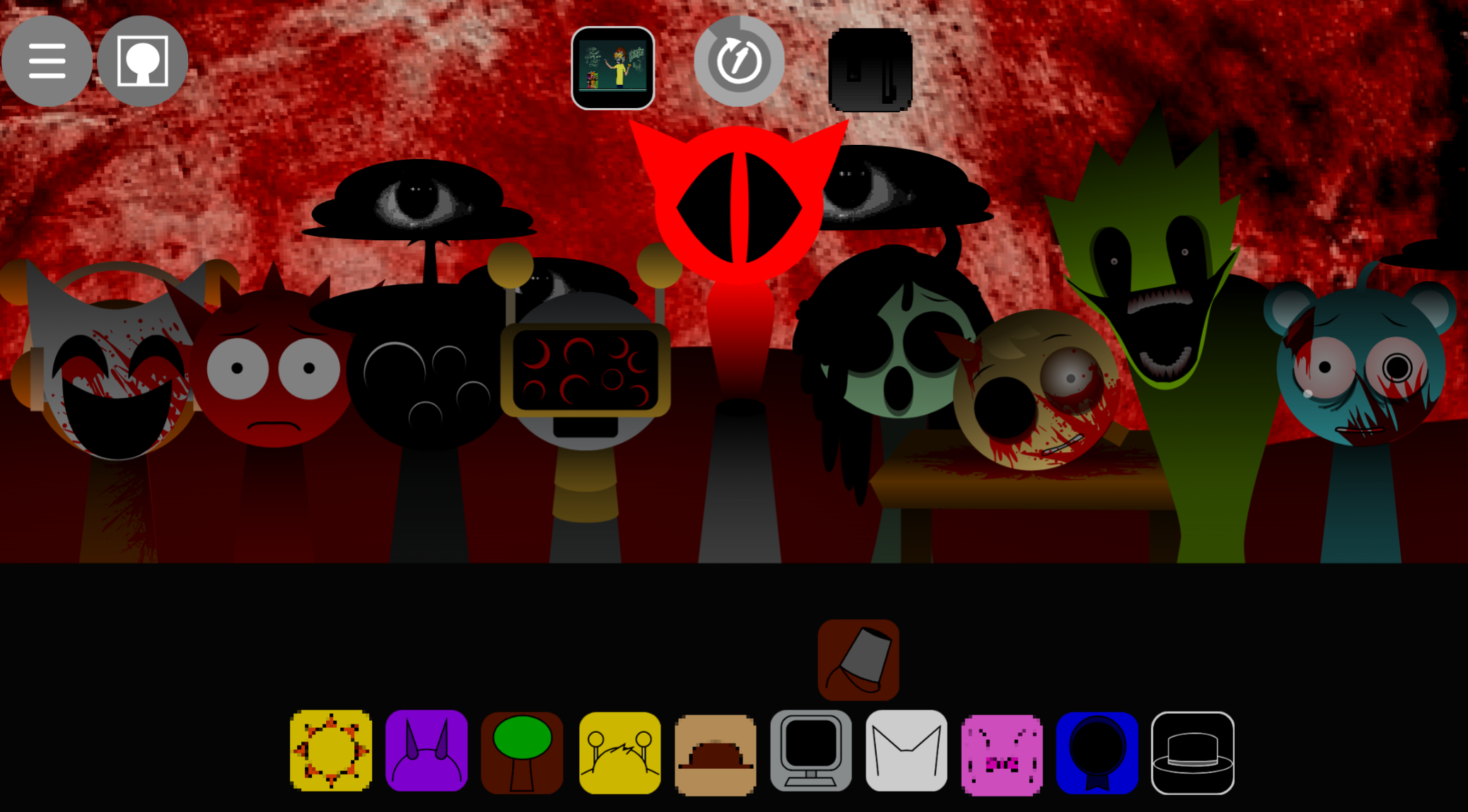
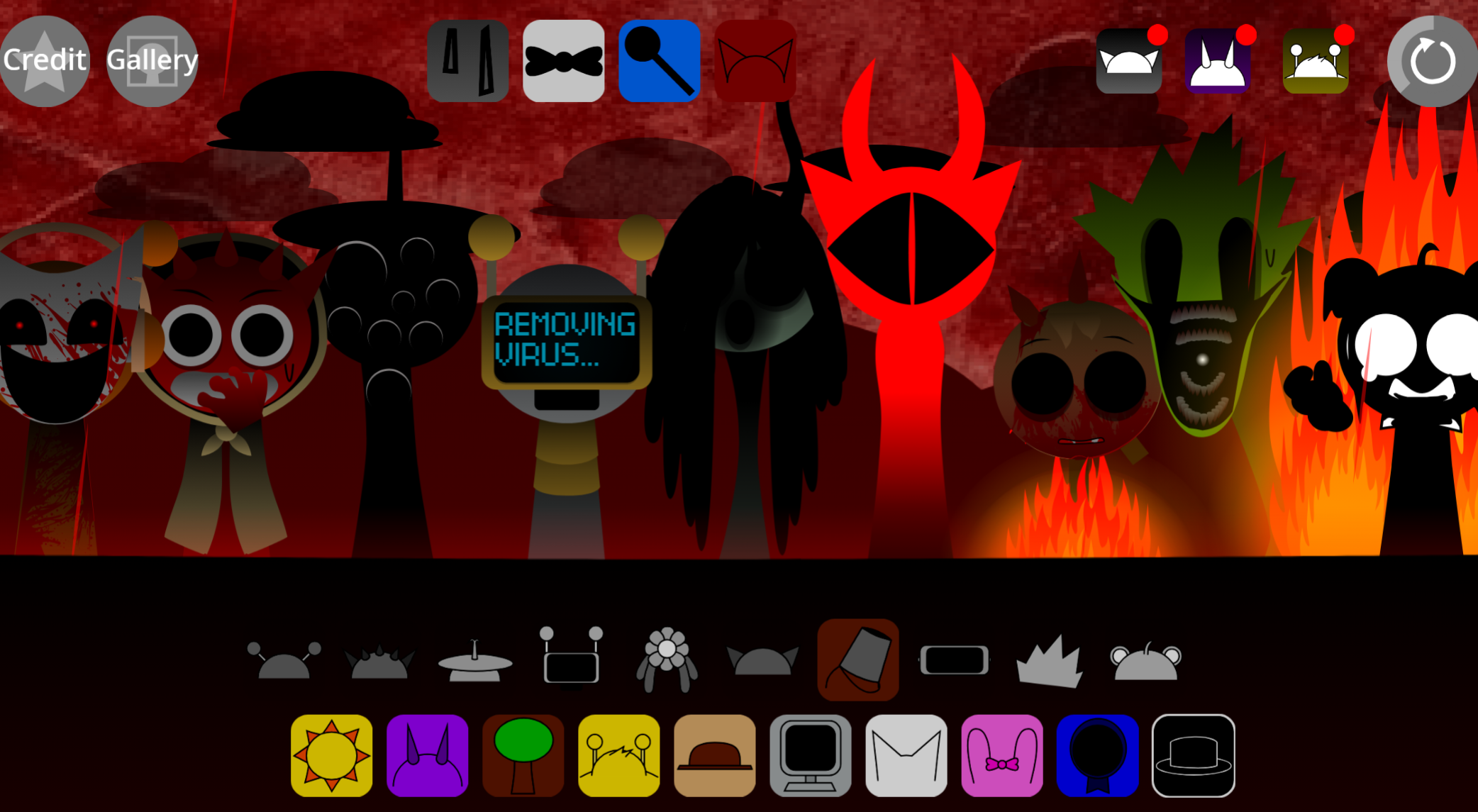
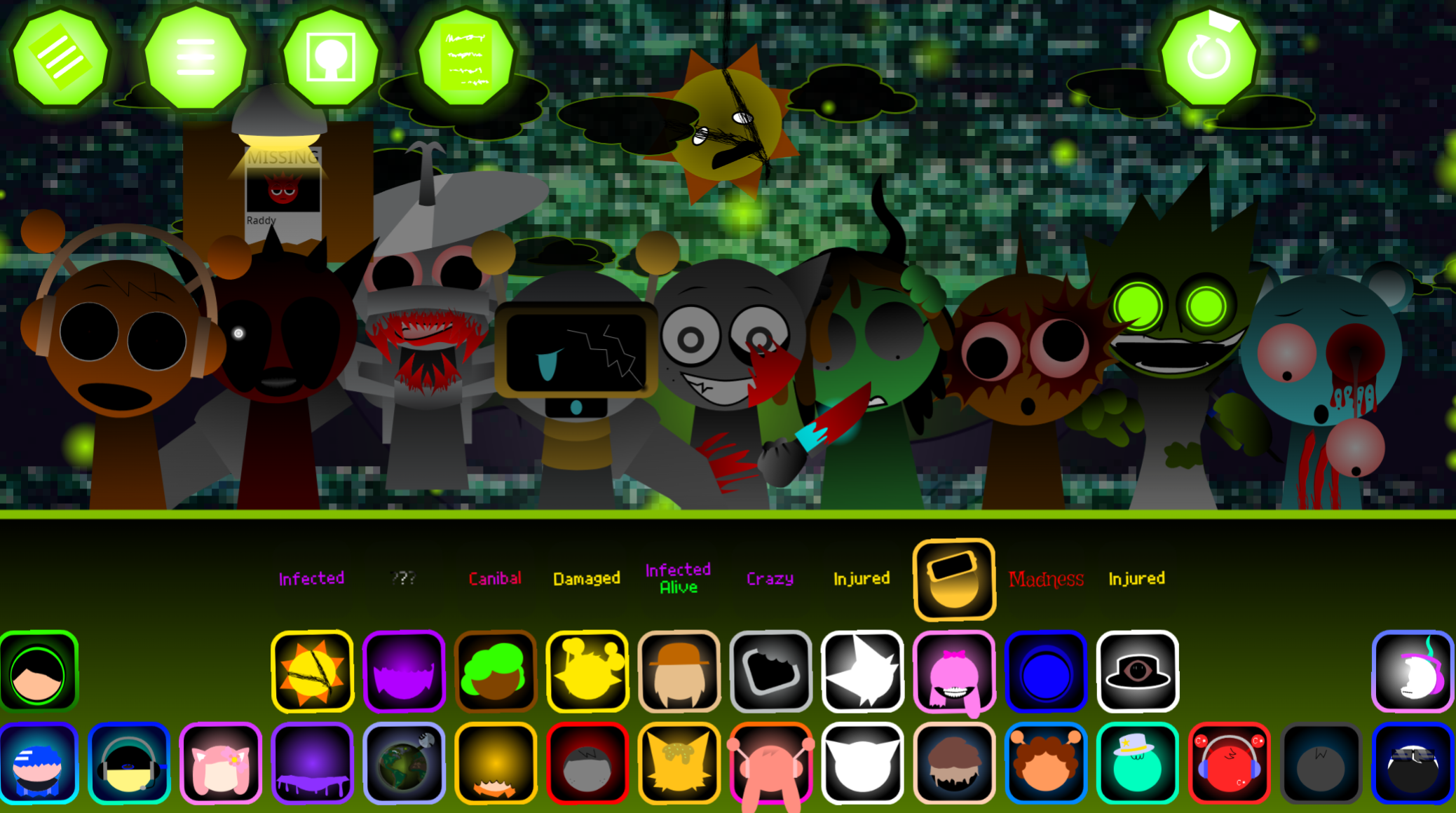
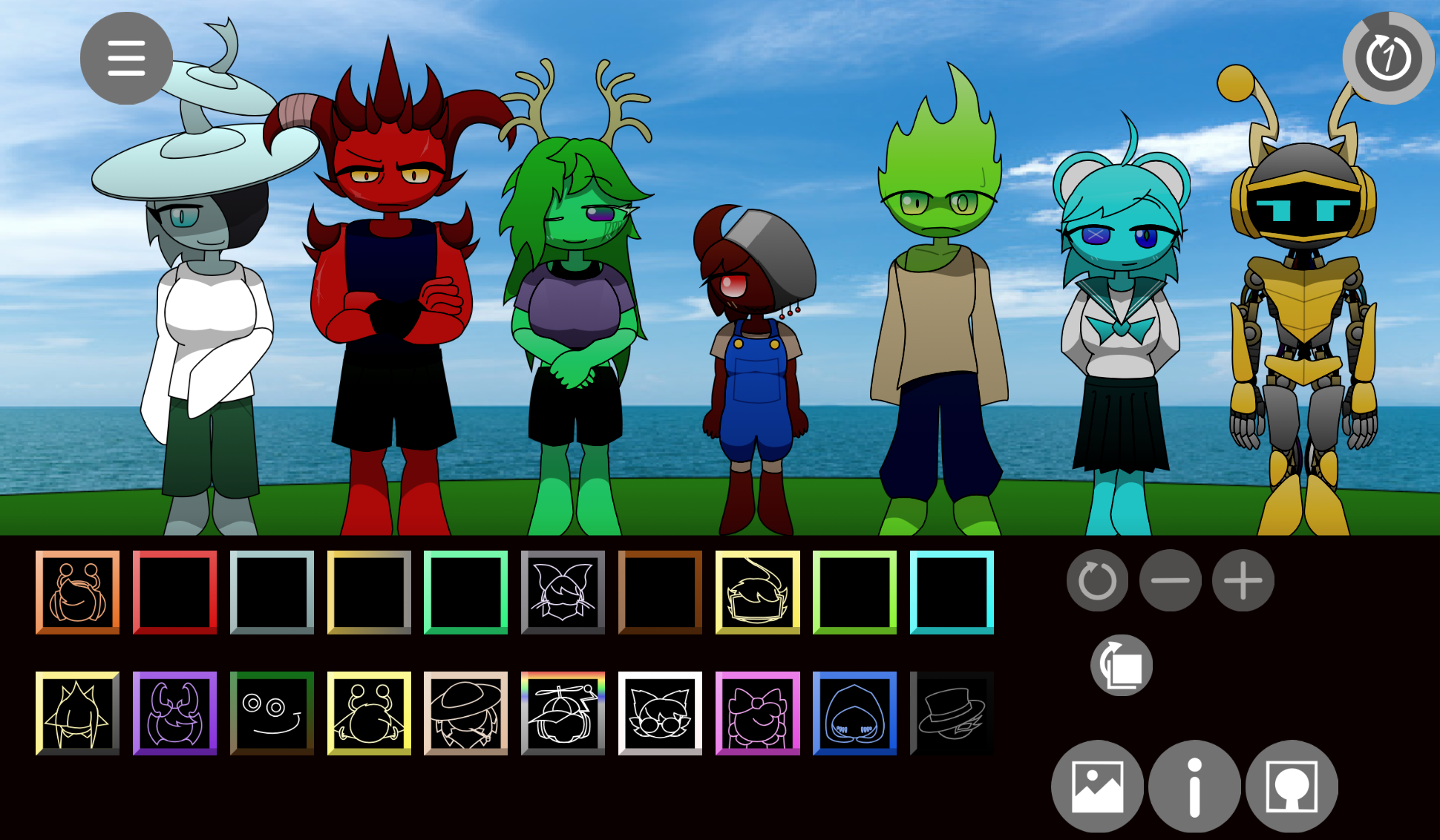
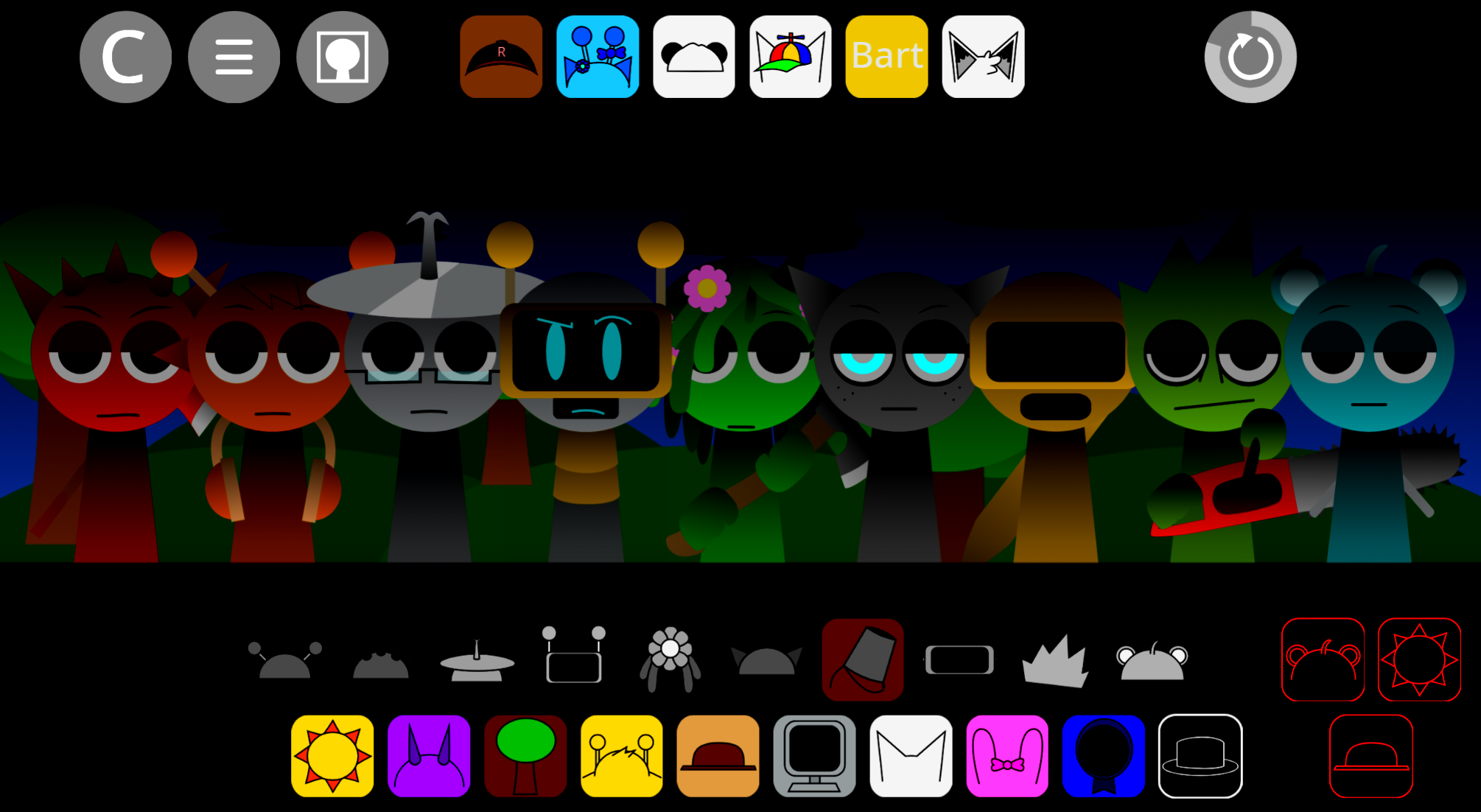
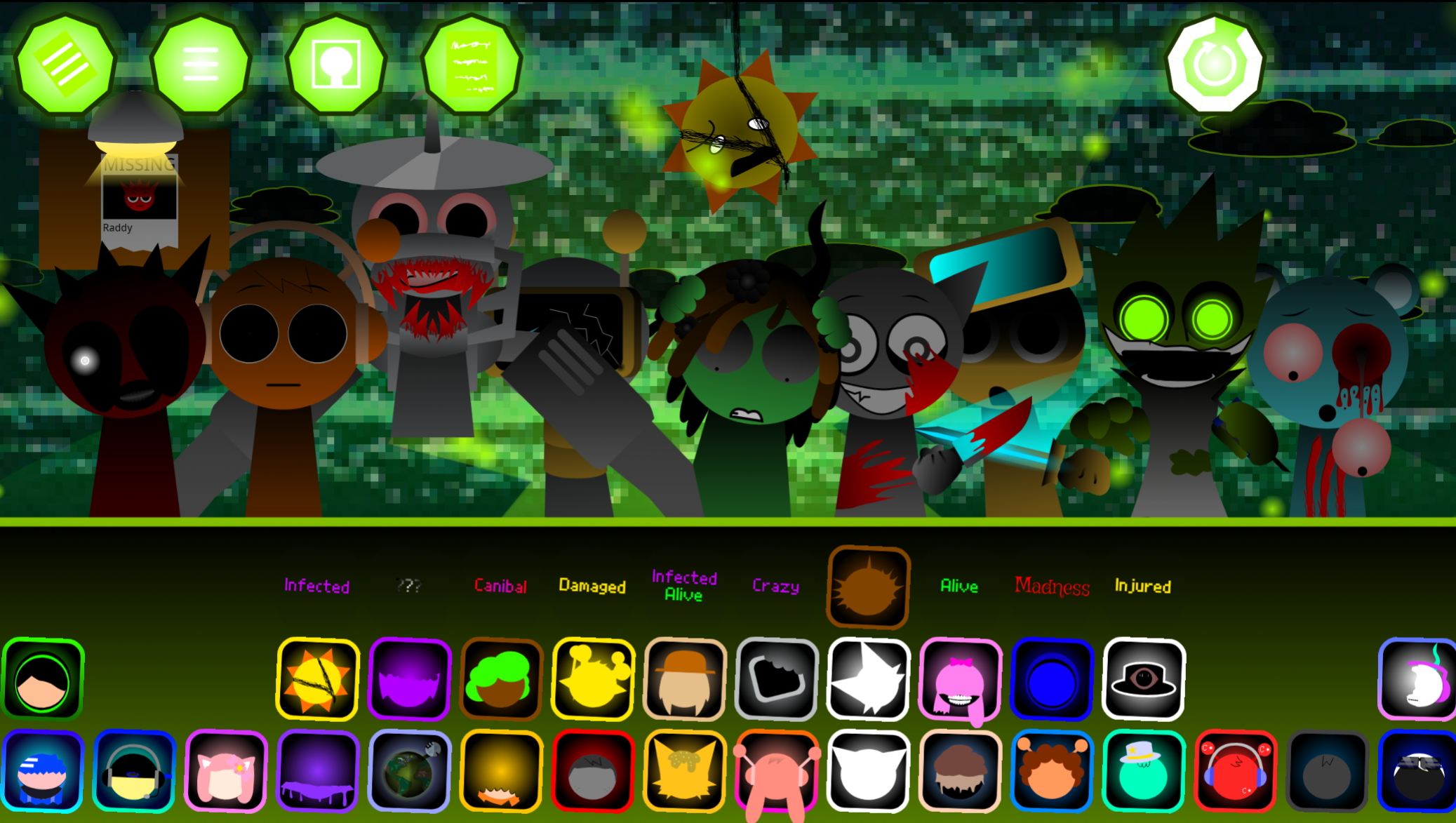
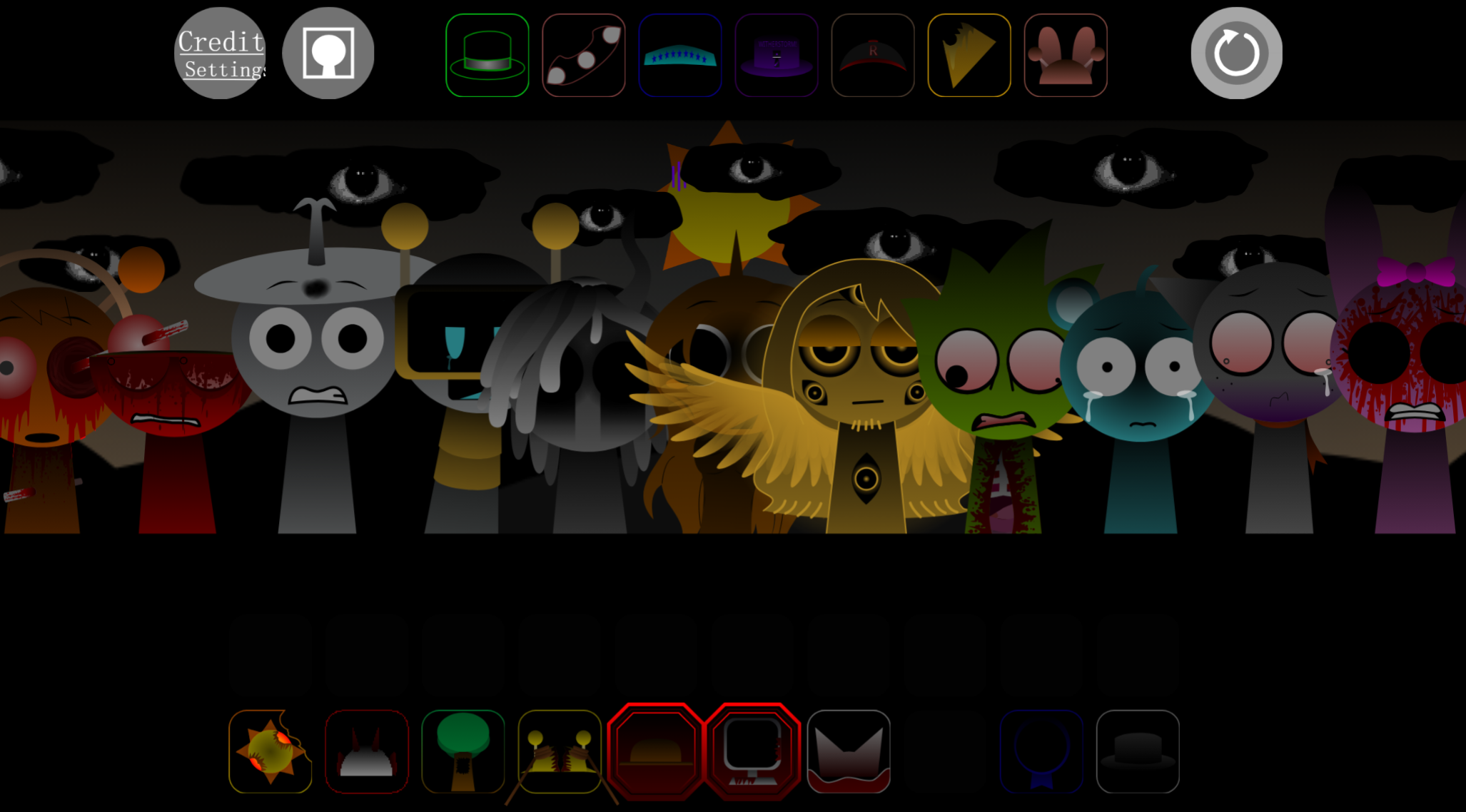
Sprunki Definitive Phase 17 Spacters Take refines the drag-and-drop music creation format with cleaner presentation and more deliberate layer design.
This article covers the most practical gameplay mechanics—how the layer system works, how to record and review your takes, and which details matter when you’re building or tweaking a track.
Sprunki Definitive Phase 17 (Spacter’s Take)
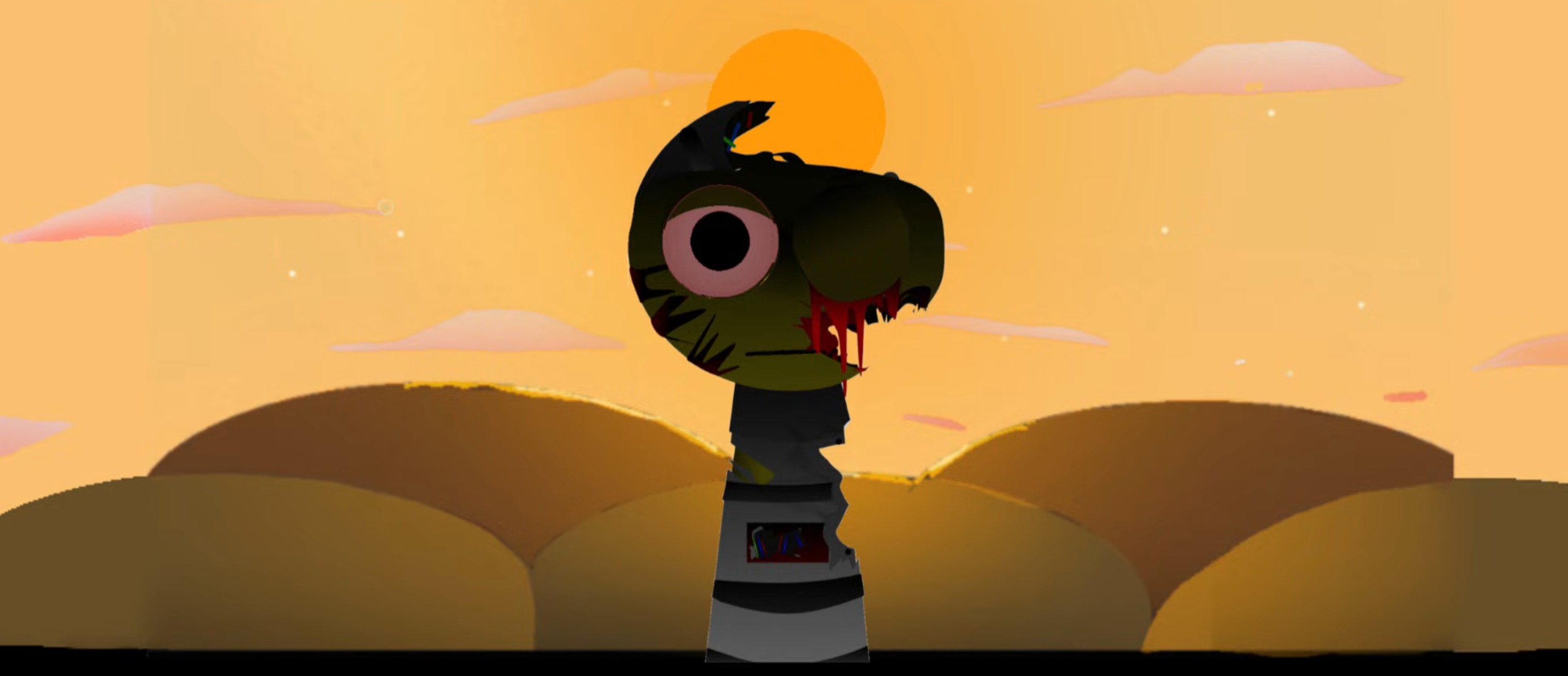
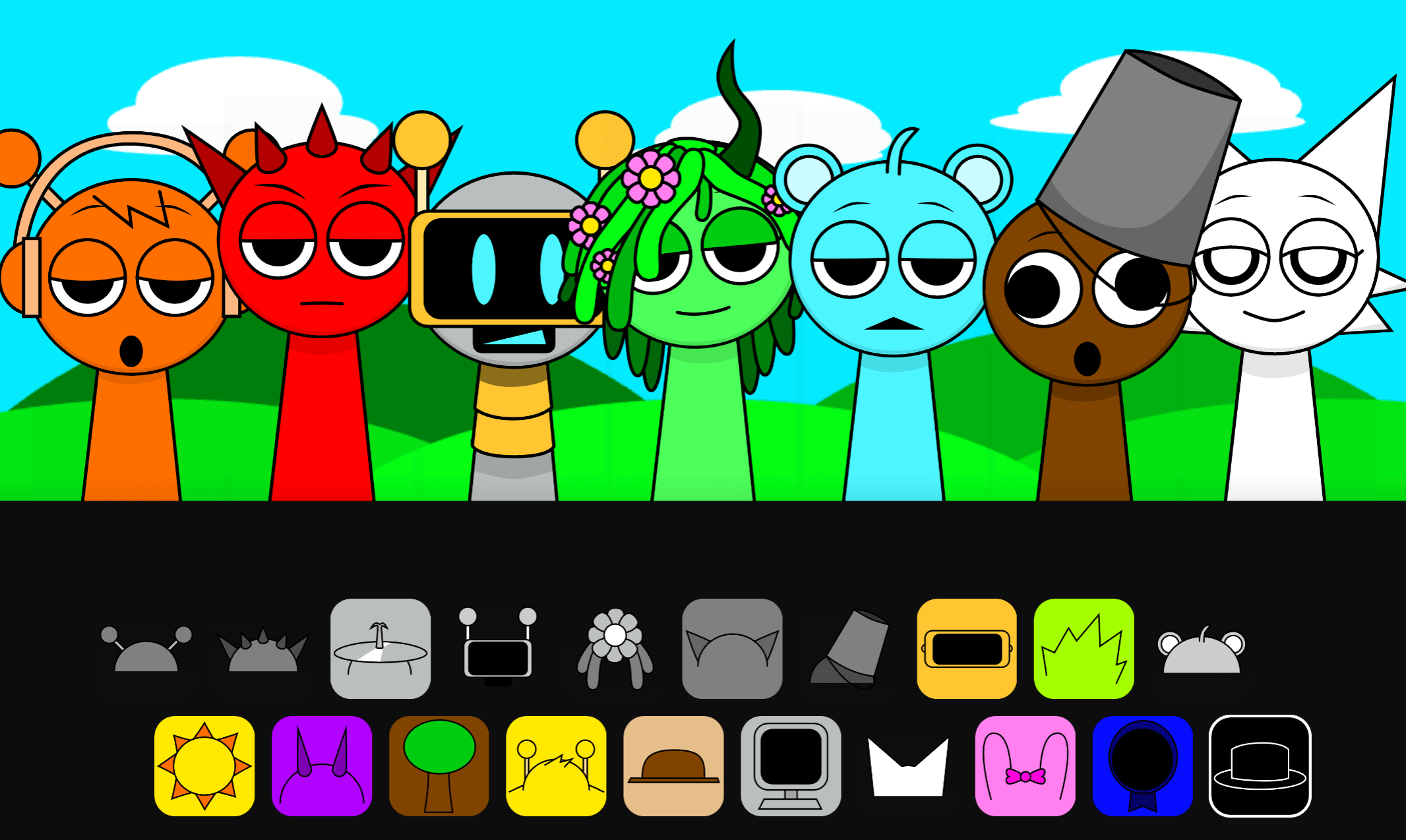
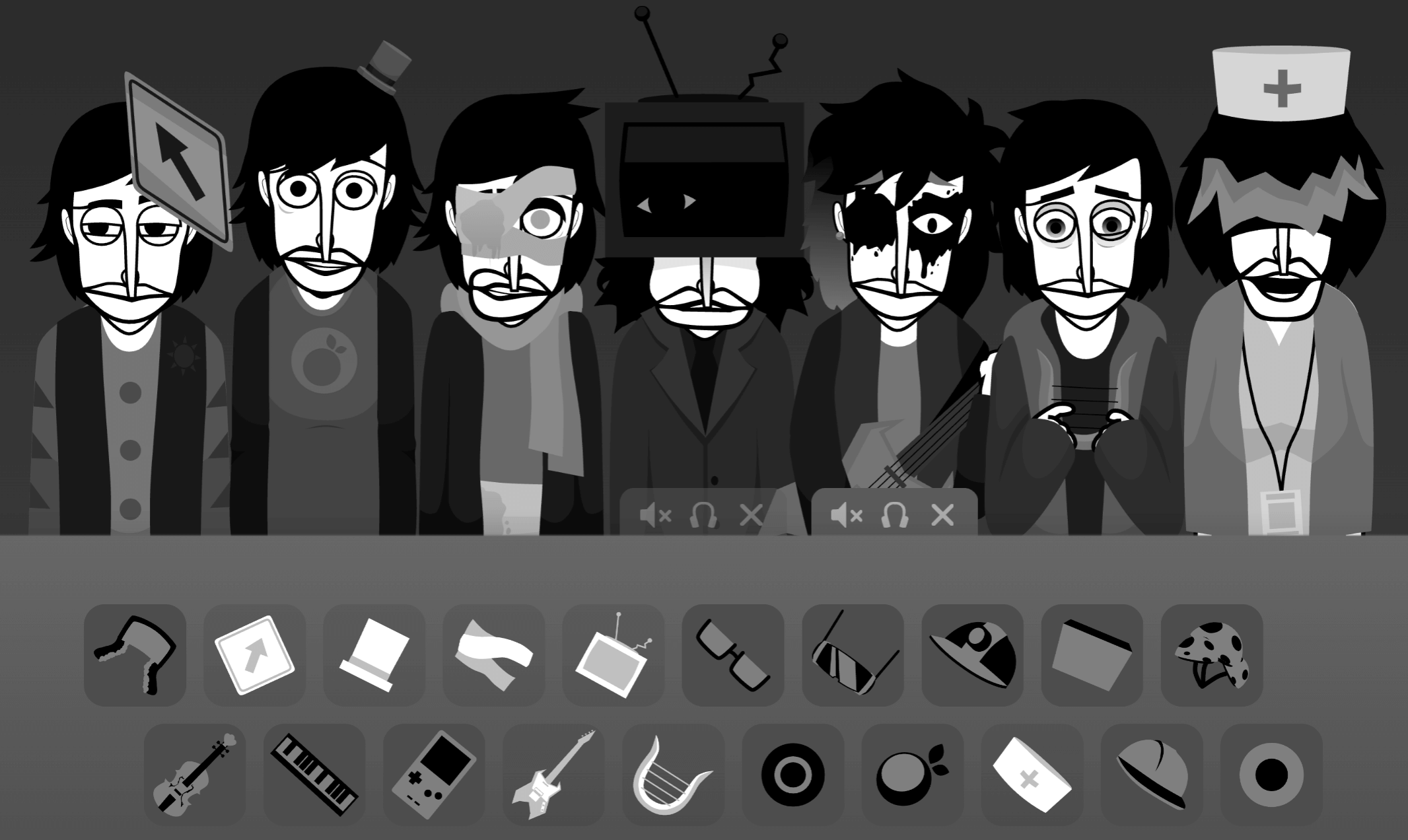
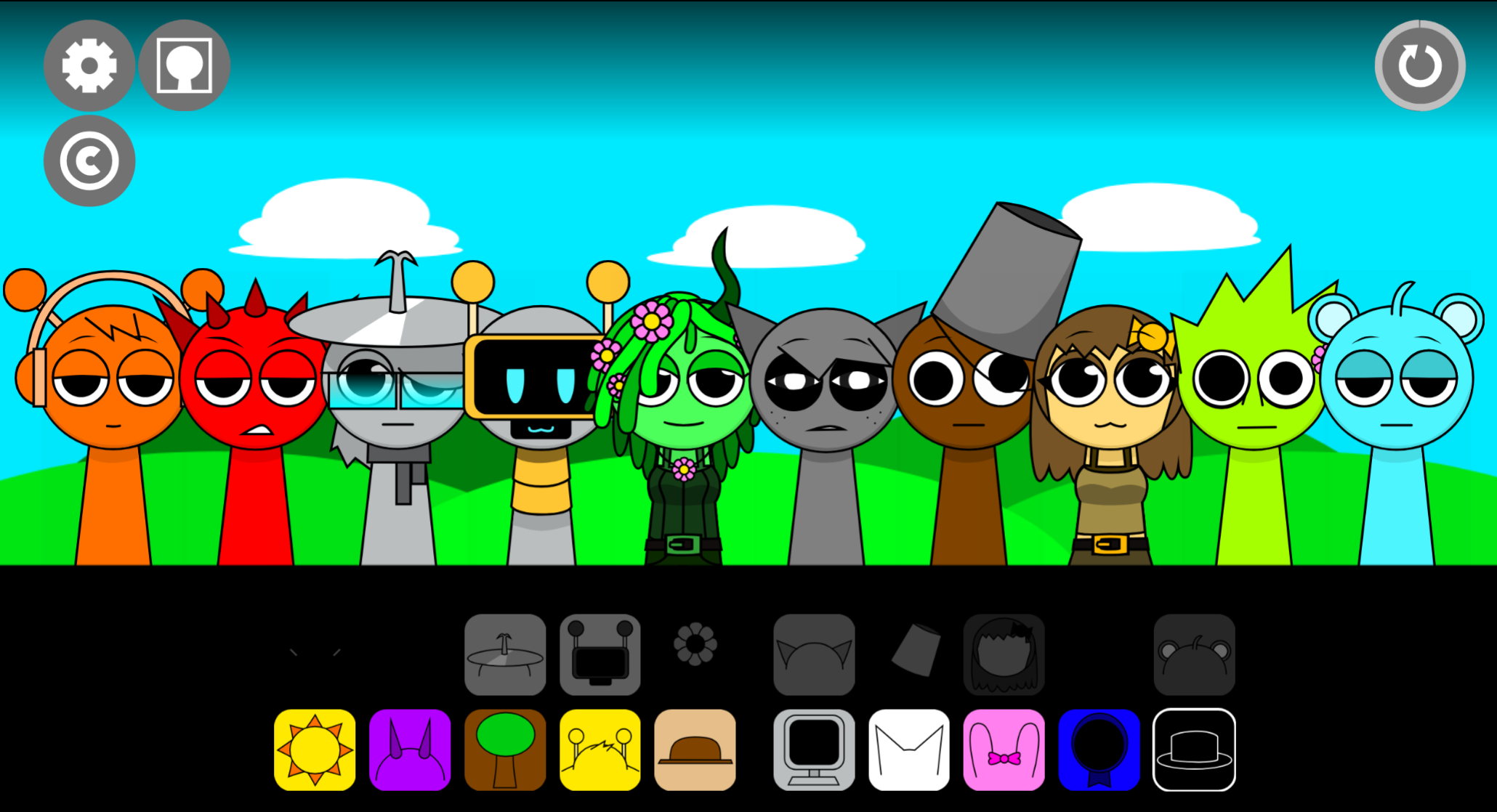
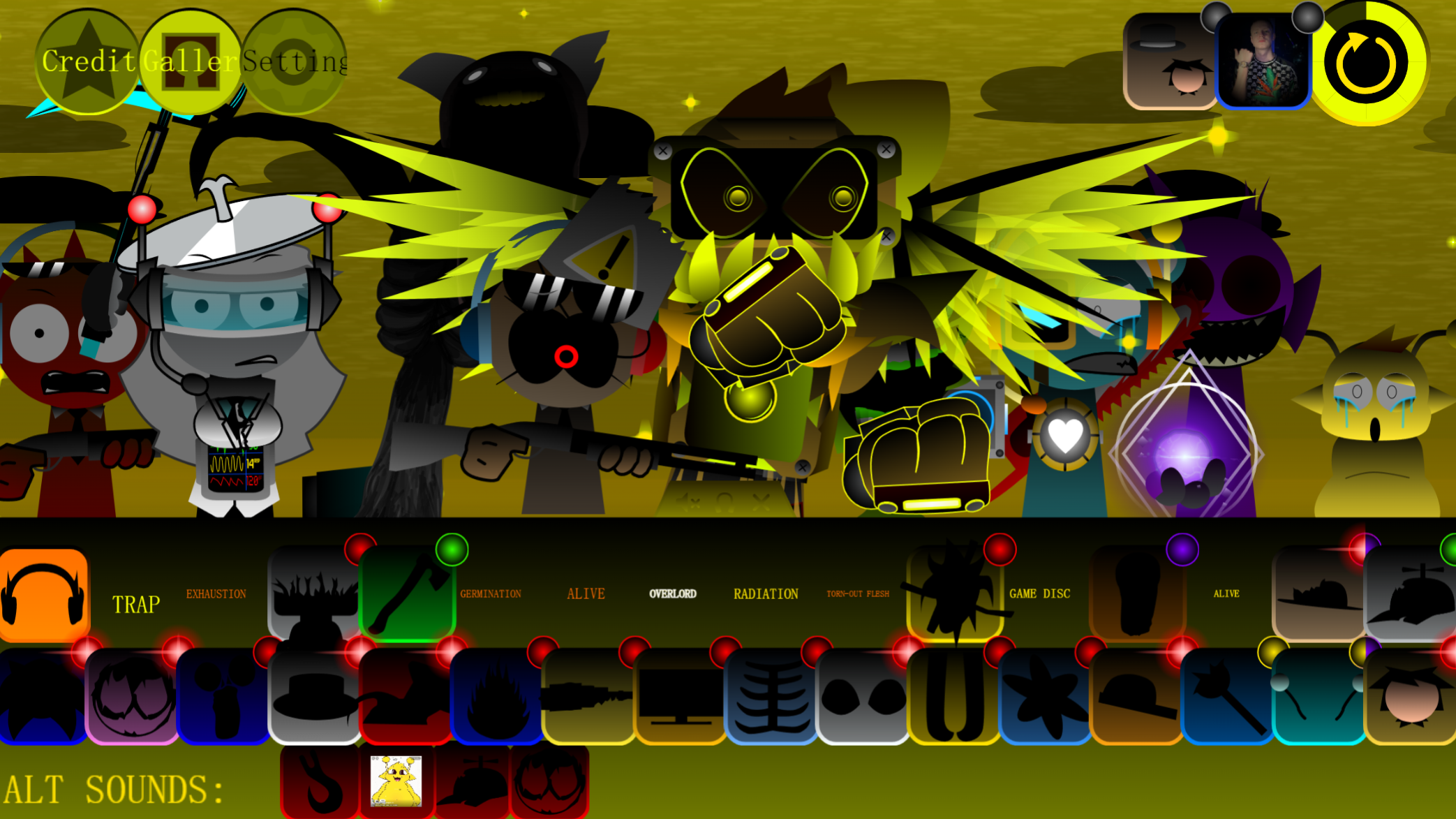
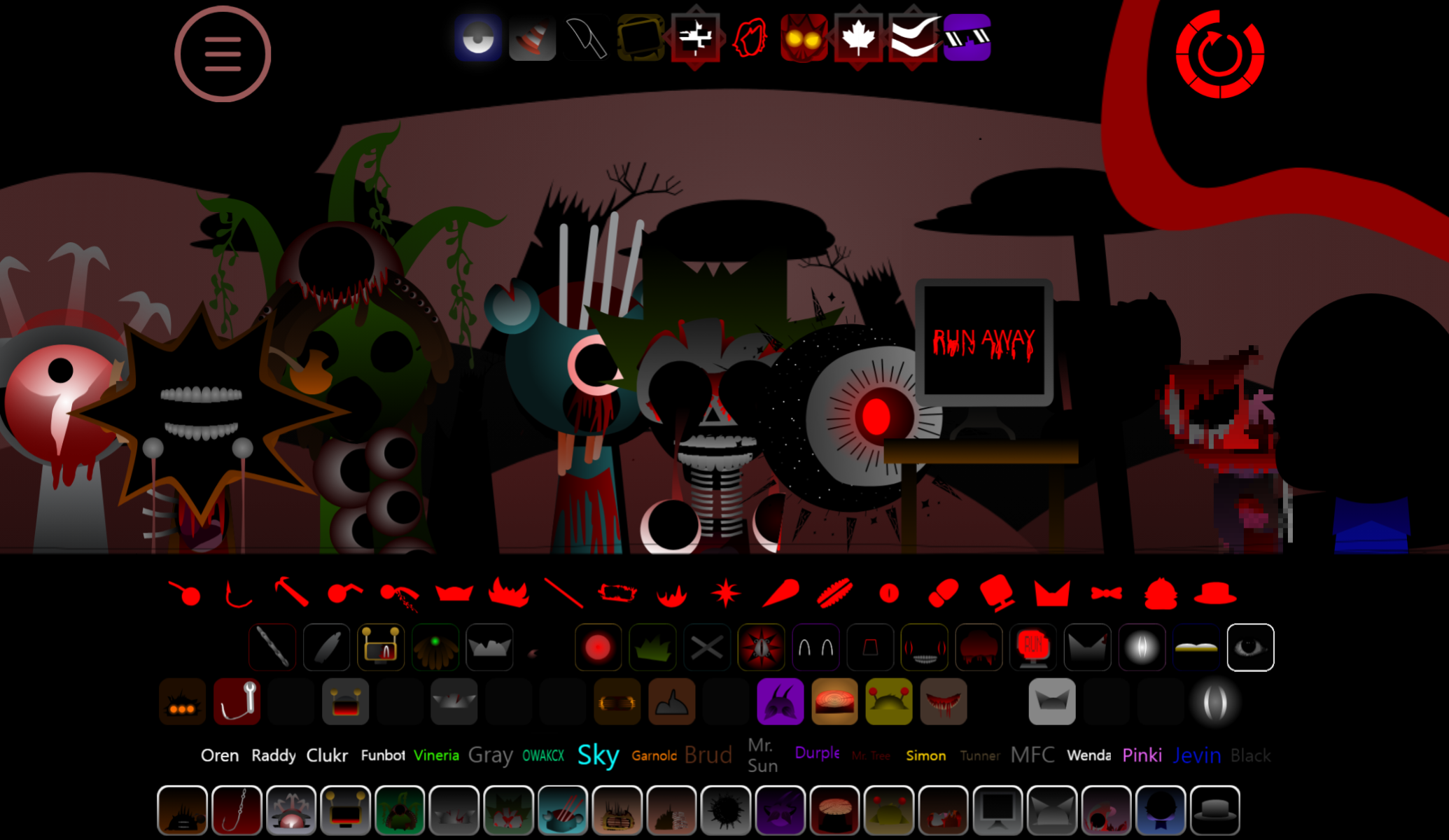
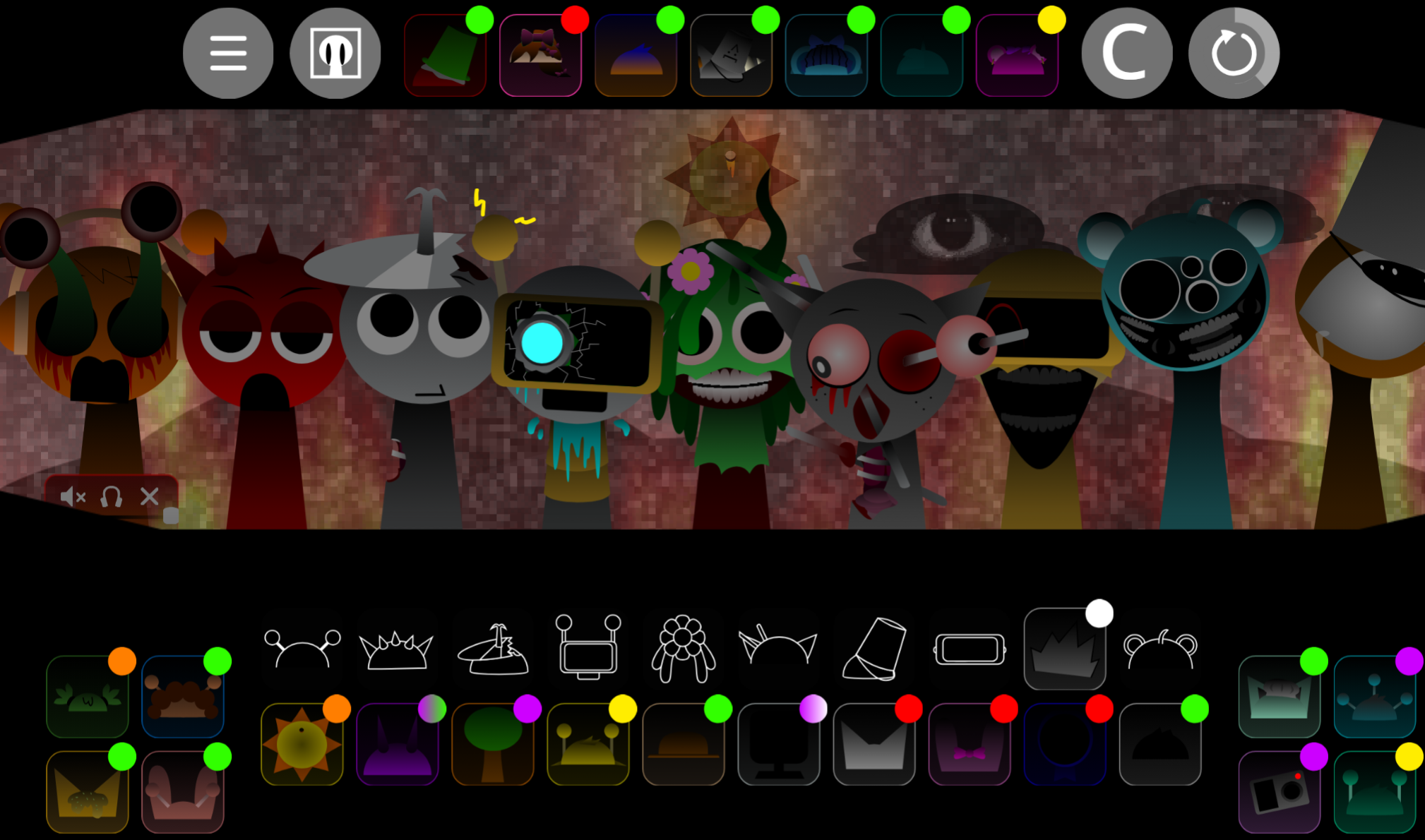
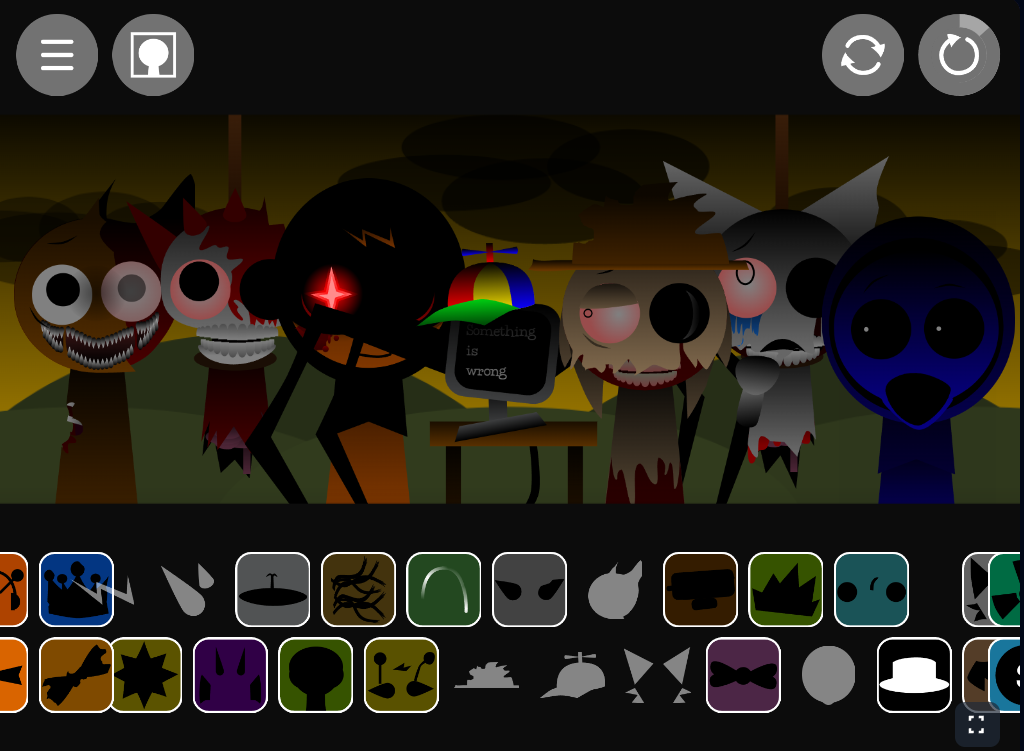
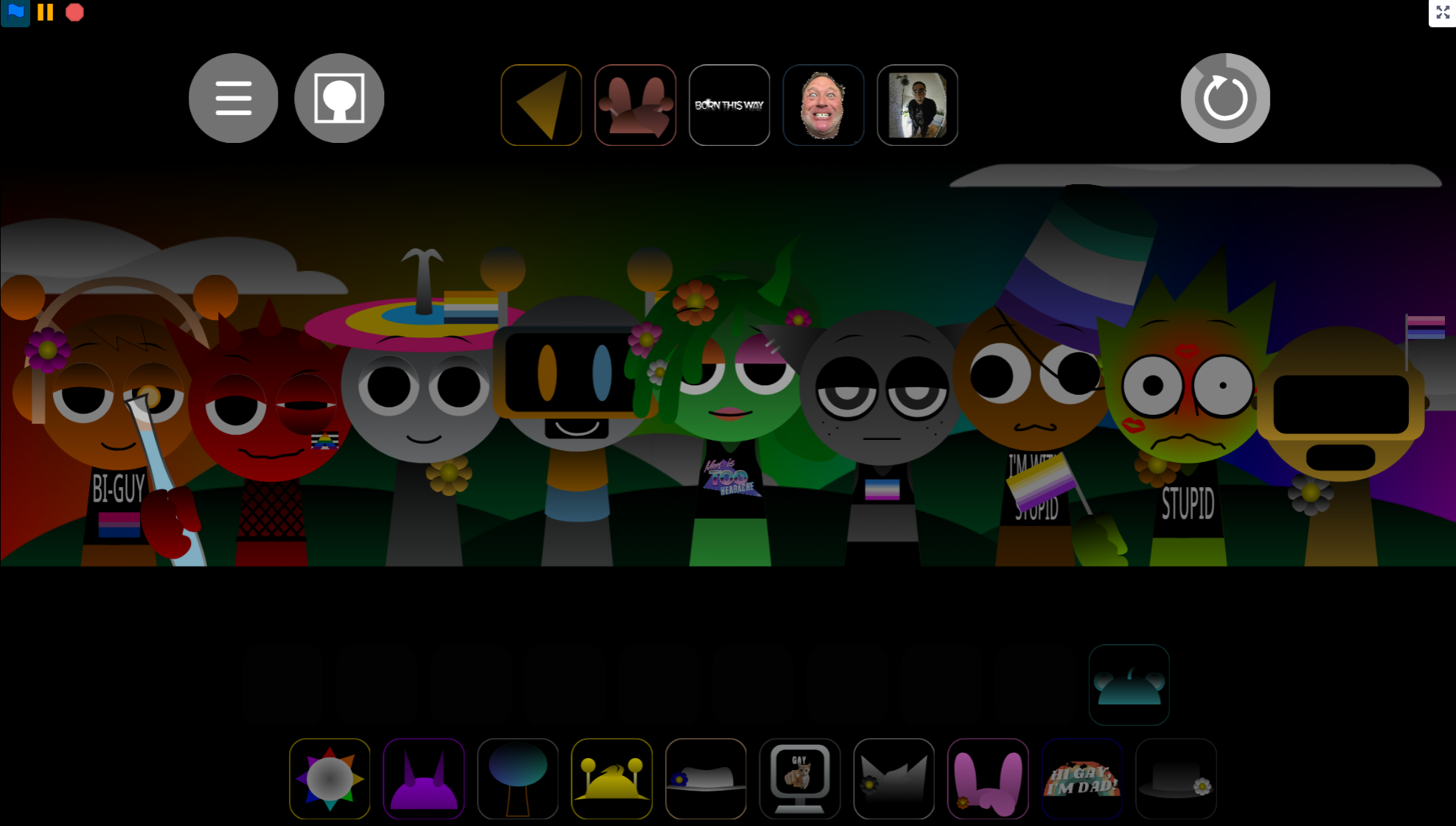
Sprunki Definitive Phase 17 (Spacter’s Take) V1.0 is a fan-made mod ported by @Wactory, based on @spacterguy’s Phase 17 design. It’s built on the Sprunki Phase 6 (spru9nix version) structure but delivers a different visual and audio style. The core loop stays the same: drag icons onto the stage, activate sound layers, and build tracks by mixing beats, effects, melodies, and vocals.
For beginners, start small. Add one sound, listen to the loop, then place another character to test the blend. If the rhythm feels crowded, remove a layer before adding more. There’s no win condition—just mix, listen, adjust, and explore the upgraded Phase 17 presentation.
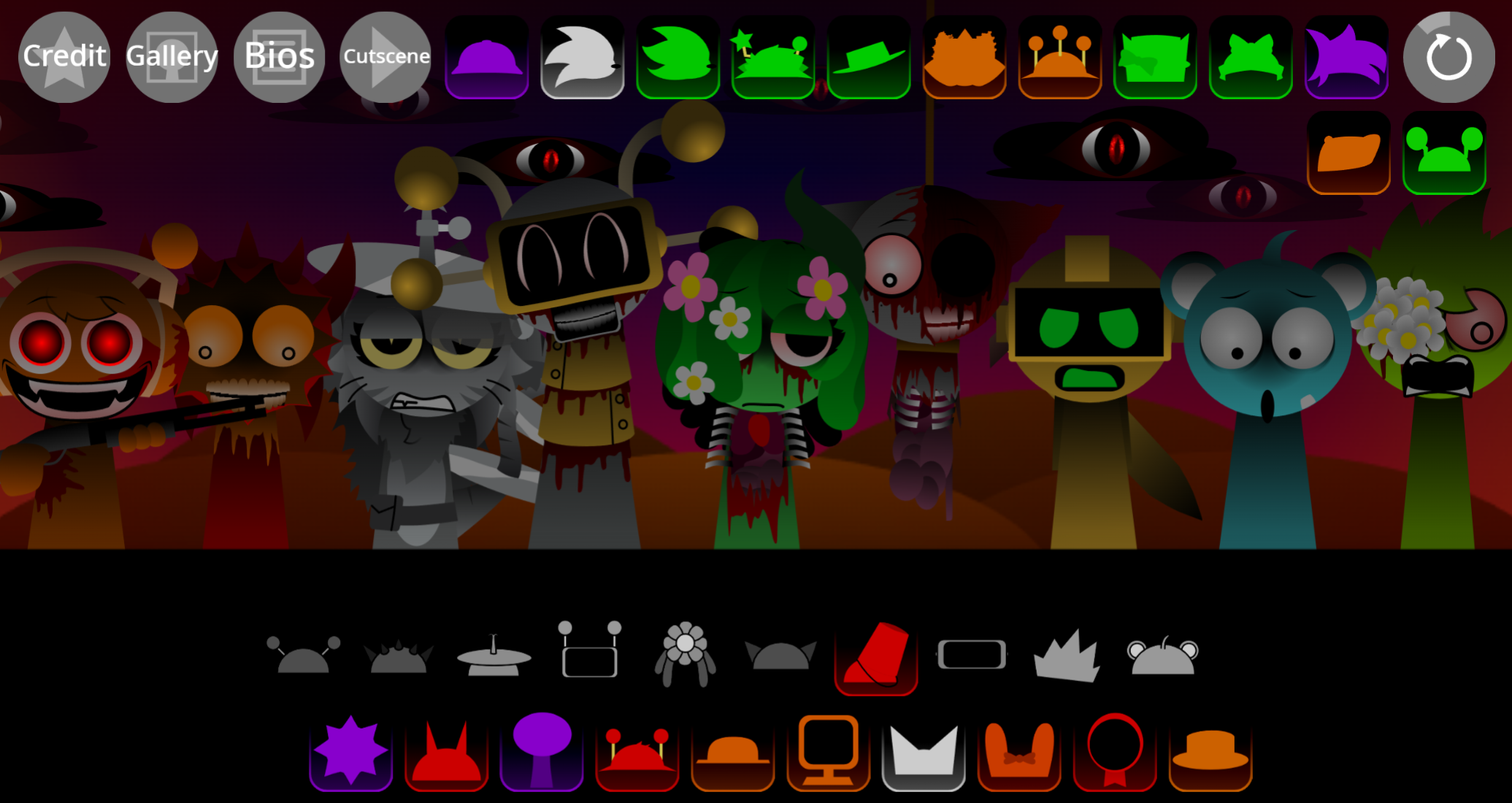
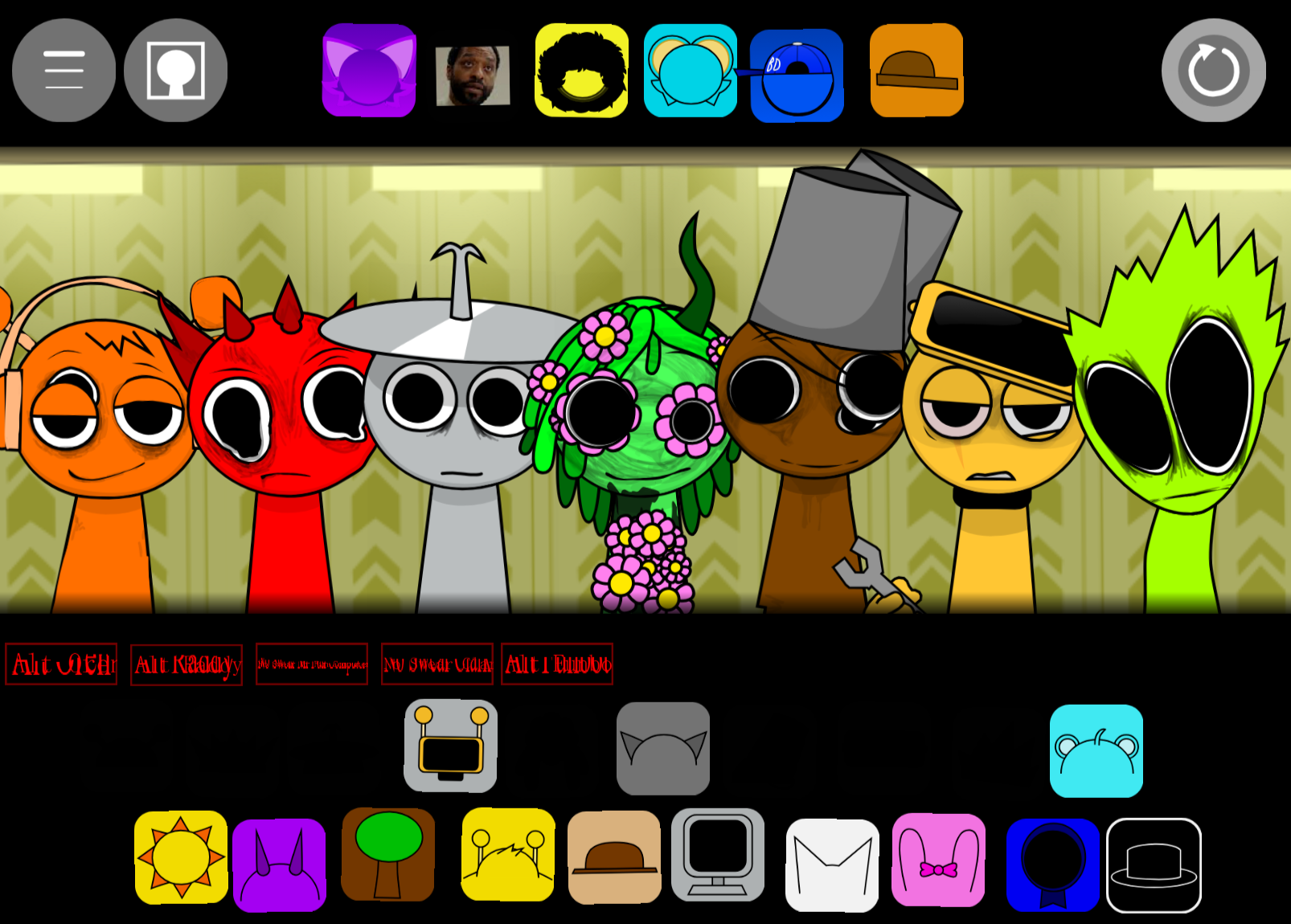
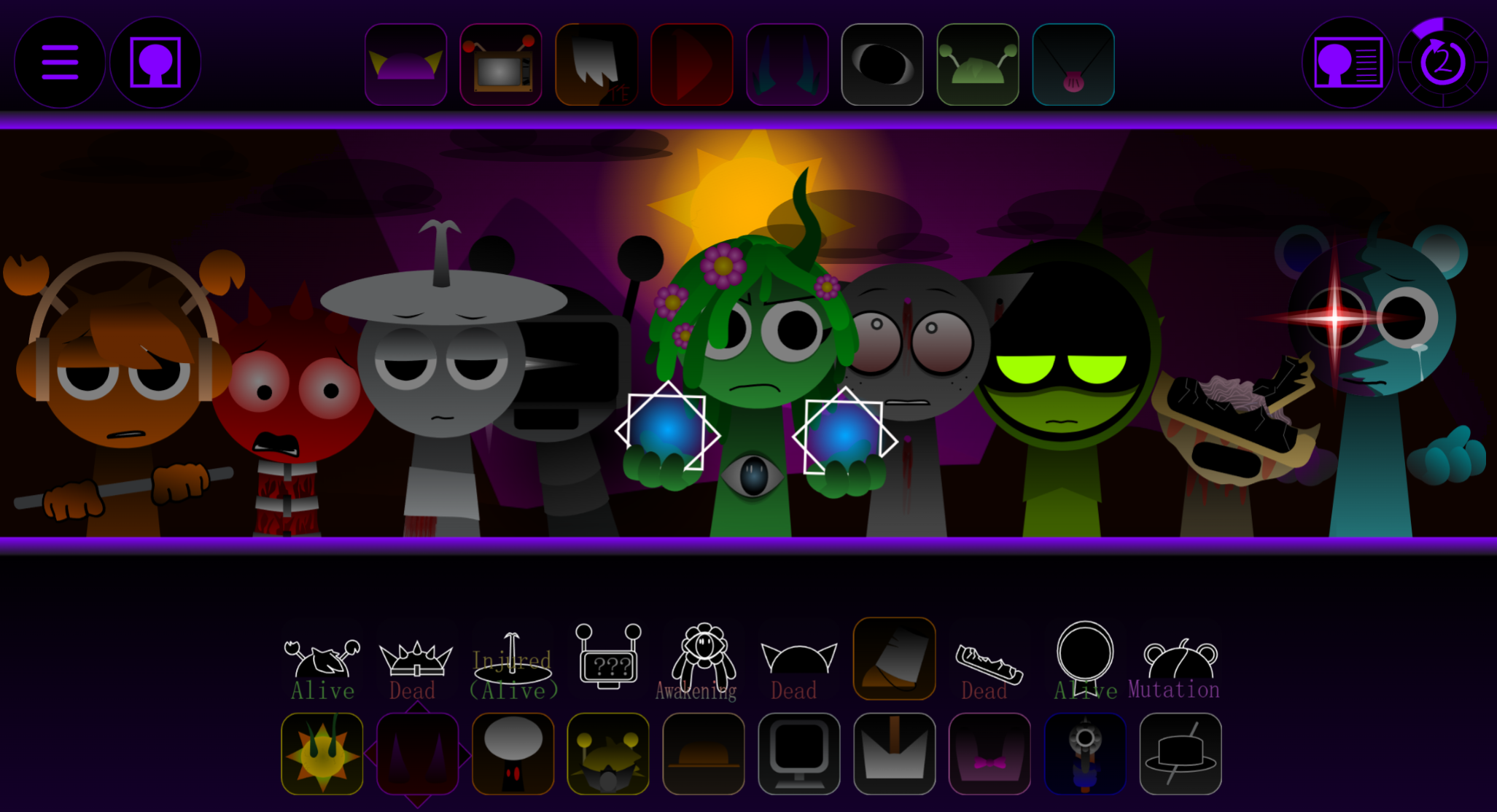
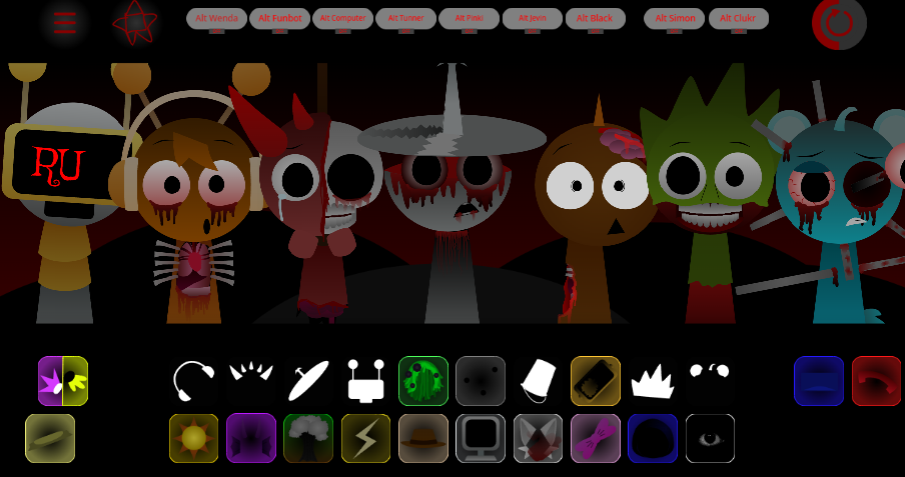
This version stands out through cleaner audio, sharper visuals, smoother animations, and a more intentional stage feel. Character animations give quick feedback, helping you notice when loops sync or clash.
How to Play Sprunki Definitive Phase 17 (Spacter’s Take)
Drag icons onto the stage and let each character perform its loop. Add, remove, and swap characters until the track feels balanced.
- Start with a beat. Choose one strong rhythm as the base.
- Add melody or vocals. Layer in a sound that supports the groove without overpowering it.
- Test effects carefully. Effects add style but can mudy the track when overused.
- Swap clashing characters. If a loop feels off, pull it away and try another.
- Watch the animations. Stage reactions and character movement help you sense when the mix is locking in.
Some setups may trigger combo moments, synced effects, or glitchy surprises, adding energy while keeping the drag-and-drop freedom.
Pro Mixing Tips
Focus on clean layering instead of placing every sound at once. The loops work best when each beat, vocal, and effect has space.
- Start with a solid groove. Build around one main rhythm before adding support sounds. If the track feels too full, remove a layer.
- Match characters by sound role. Some carry the beat, others add melody, texture, vocals, or effects. Combining complementary roles keeps the mix tighter.
- Use combos like transitions. Save combo moments for drops or swaps so the visuals and synced effects feel intentional.
- Watch the UI cues. Stage reactions, lighting, and animations help you time entries more cleanly.
- Record and review takes. Play back your mix and tweak the structure. Small timing changes can smooth out the whole track.
Related Games
- Sprunki The Definitive Phase 12 Me and Spaceters Take — This is the closest follow-up because it shares the “Definitive Phase” format and a Spacter-related take, making it ideal for players who want another fan-made remix with a similar creative angle.
- Sprunki Definitive Phase 9 New — It fits well for players who enjoyed Phase 17’s familiar drag-and-drop music mixing but want to compare its sound palette with another refreshed definitive phase.
- Sprunki The Definitive Phase 7 Better Sound But Remix — This is a strong next pick because its “better sound” remix focus directly appeals to players interested in how Sprunki phases change through alternate audio textures and presentation.
Why Play This Version?
Sprunki Definitive Phase 17 (Spacter’s Take) offers a polished Phase 17 experience without losing the creative chaos of Sprunki mods. It keeps the accessible drag-and-drop gameplay but upgrades the presentation so each layer feels more deliberate.
Characters look sharper, animations move better, and the stage feels more refined, making each combo hit harder. The remastered loops also make it easier to hear how beats, vocals, and effects fit together.
For returning fans, it’s a fresh take on a known Phase formula. For new players, it’s an easy entry point: start with a simple rhythm, build slowly, follow the visual cues, and experiment until the mix feels right. You can play it in your browser on abgernygames.org.
Discuss
Loading comments...
Failed to load comments. Please try refreshing the page.