


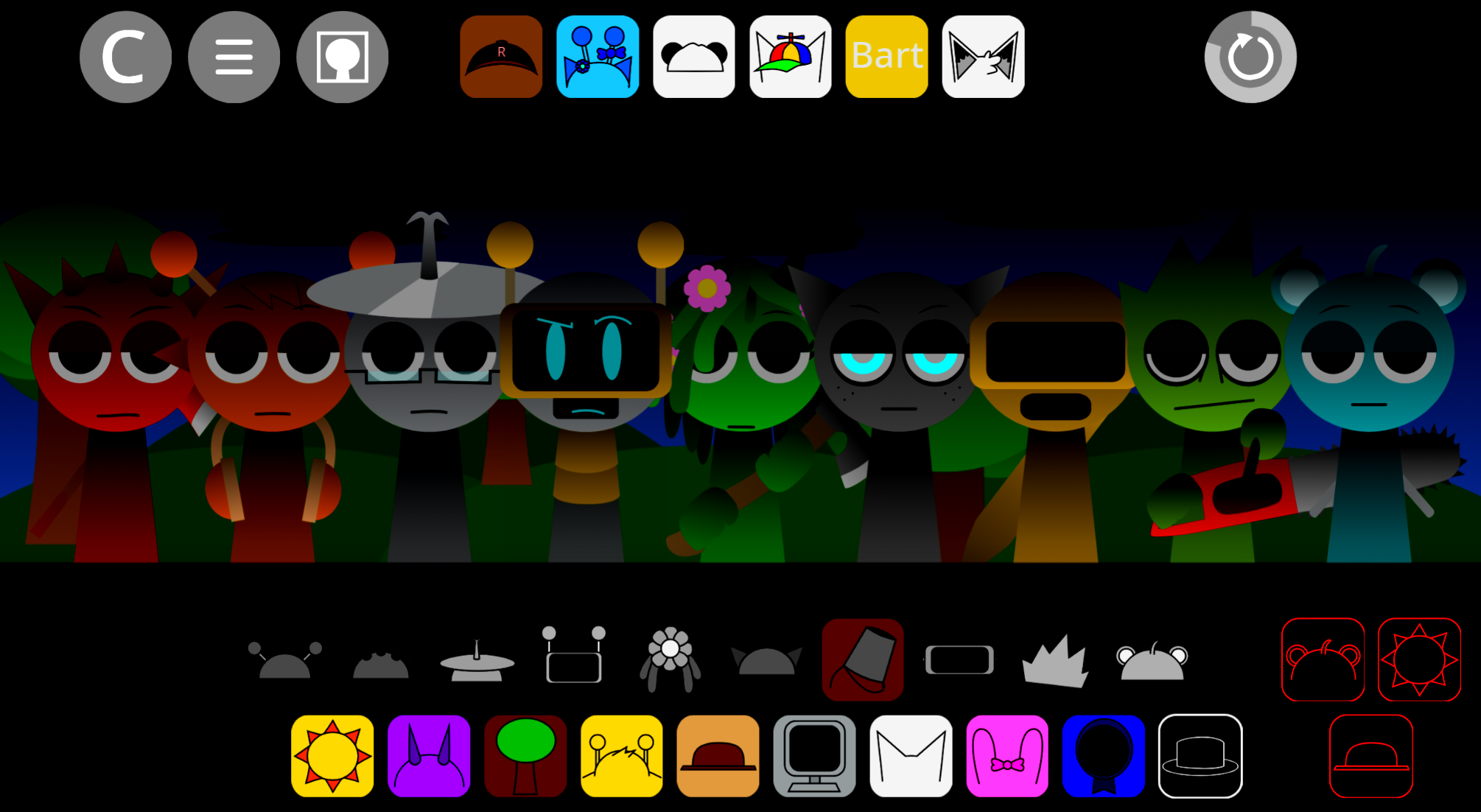
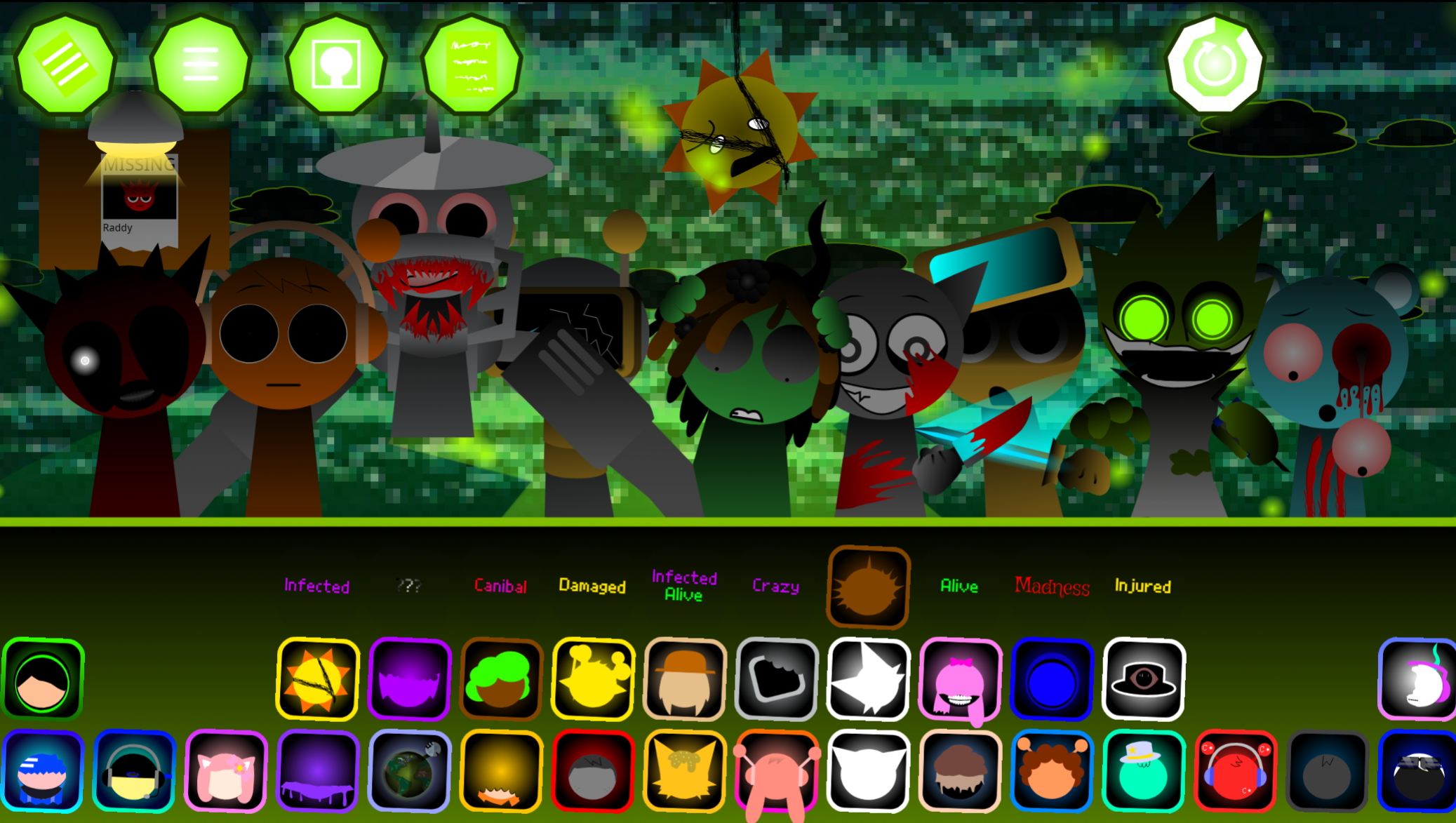
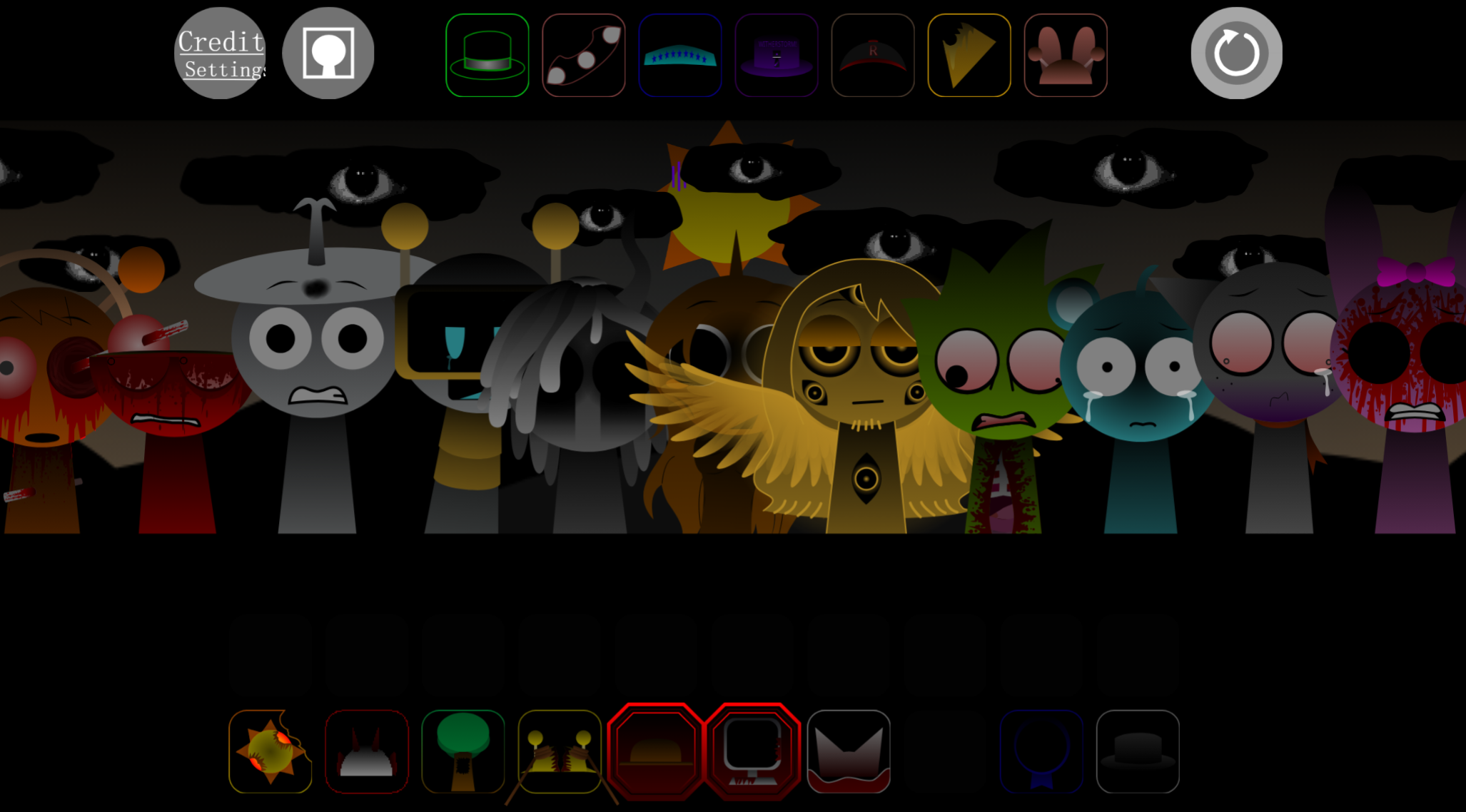
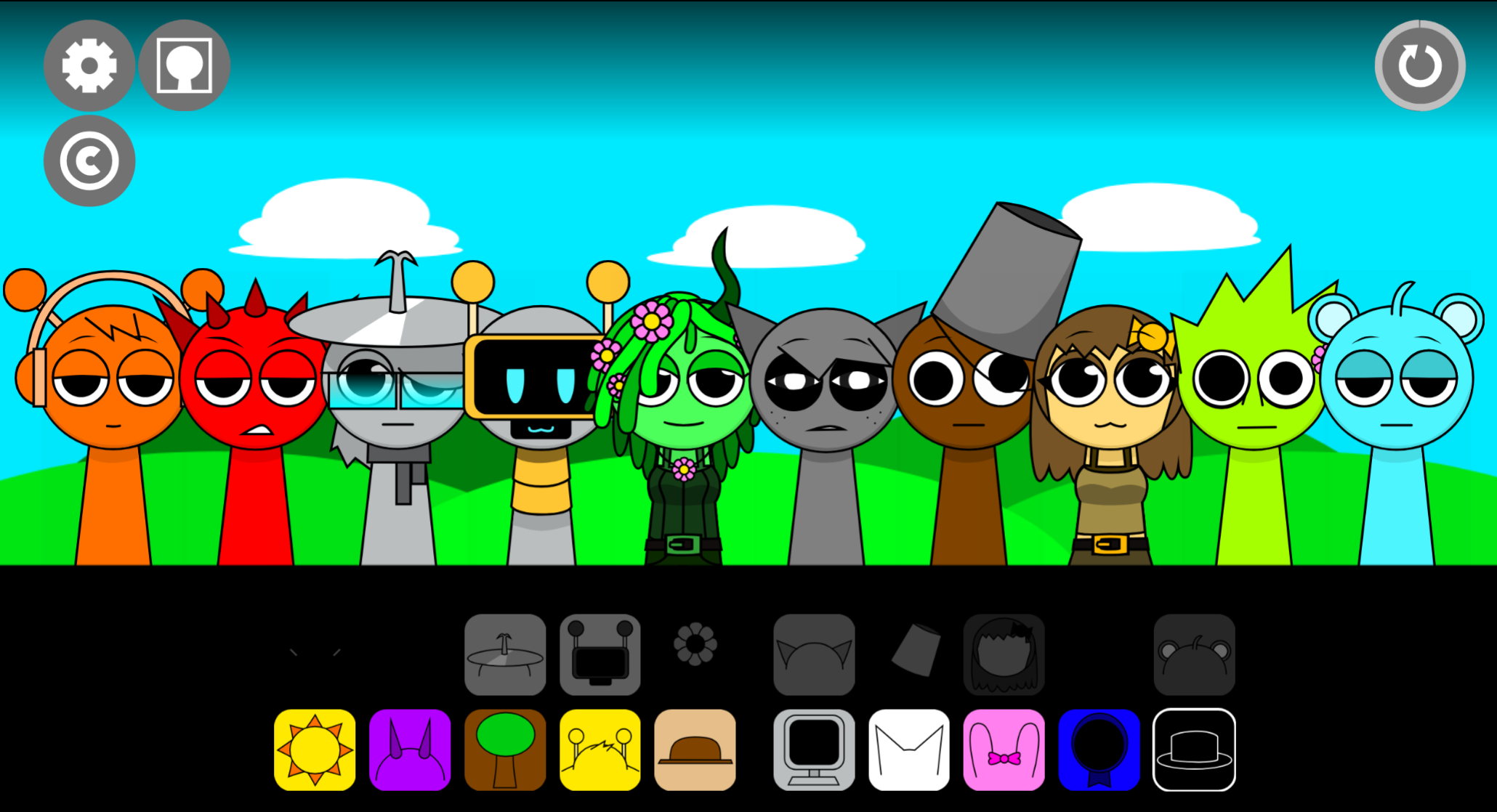
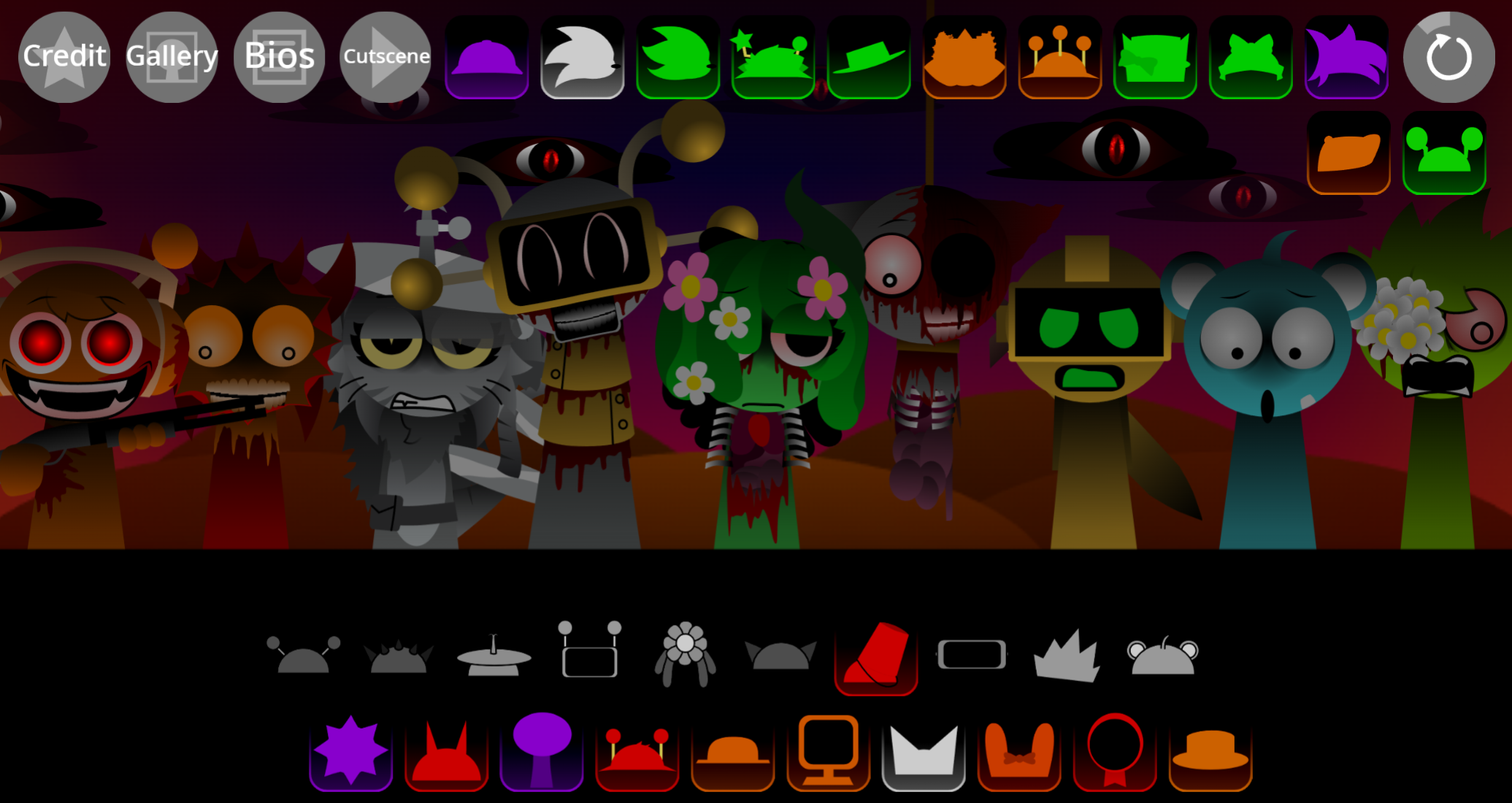
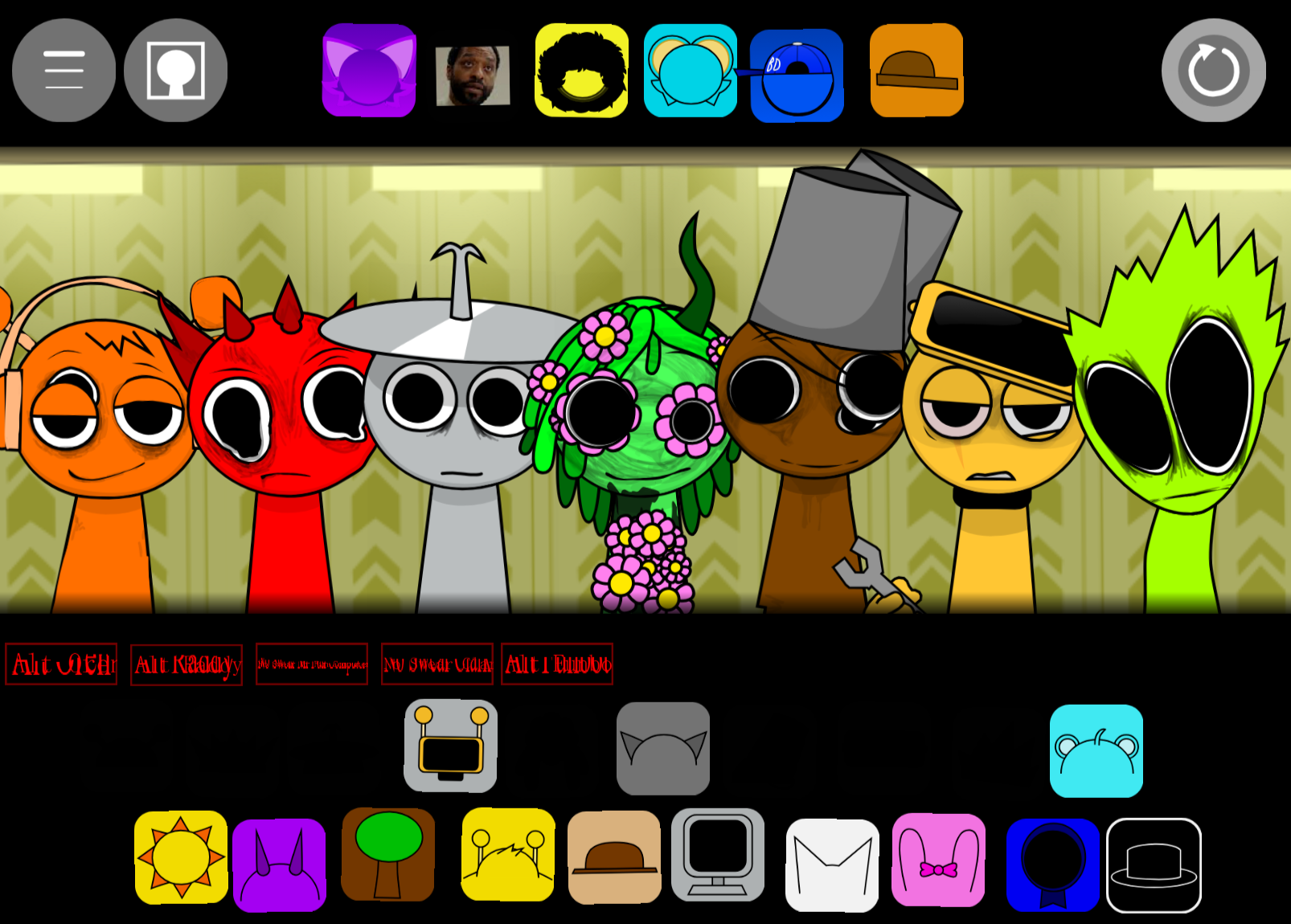
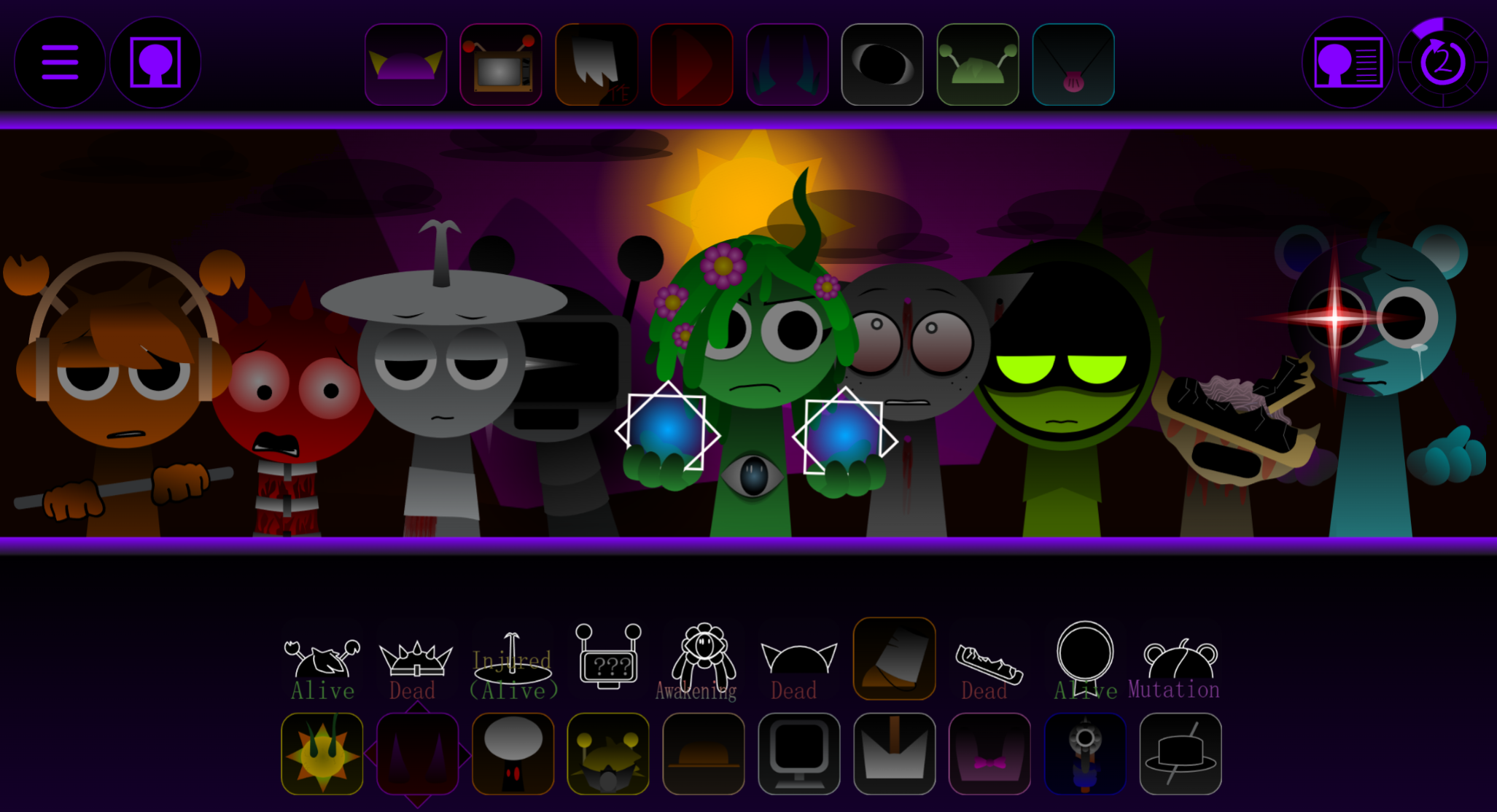
Sprunilestia 2026 Demo is a music-mixing game where you click characters to layer sounds and build tracks.
The demo shifts key UI elements to the top of the screen—a layout change that affects how you navigate menus and access controls during play. This article walks through the most useful gameplay mechanics, explains how the new layout works in practice, and covers tips that help you mix sounds more efficiently.
You’ll find answers to common questions about character selection, sound layering, and how to work with the repositioned interface.
Sprunilestia 2026 Demo Guide: Tips, UI Layout & How to Play
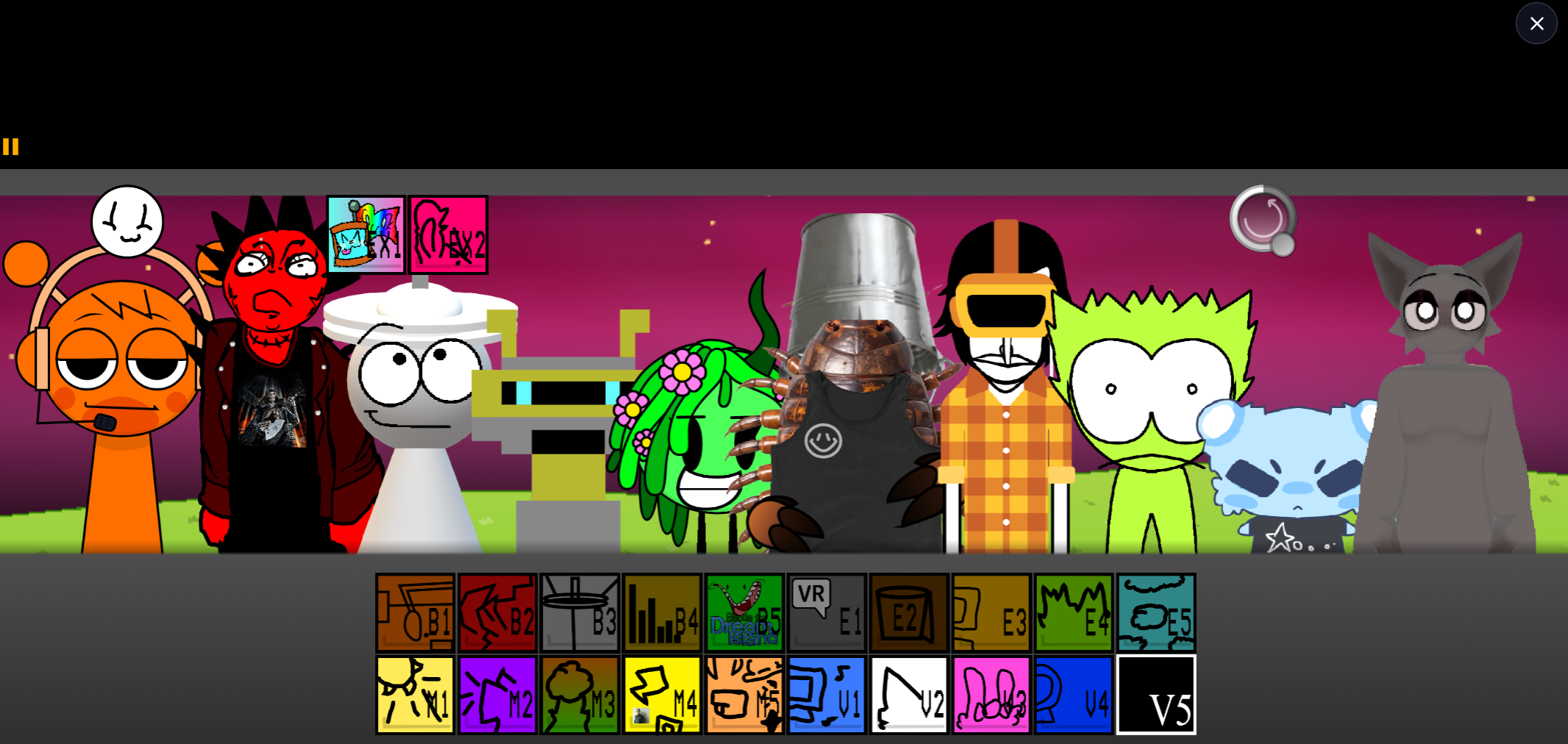
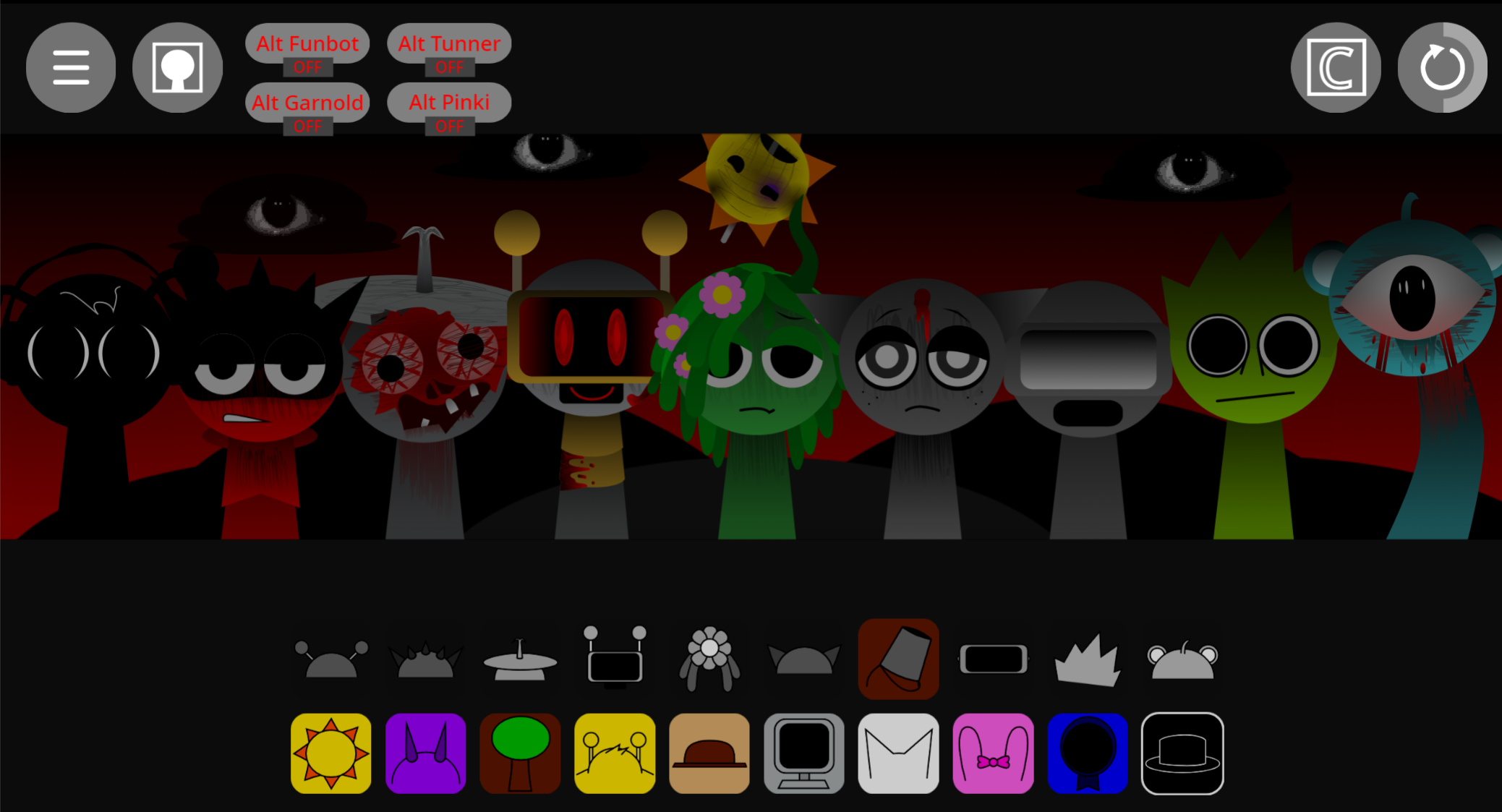
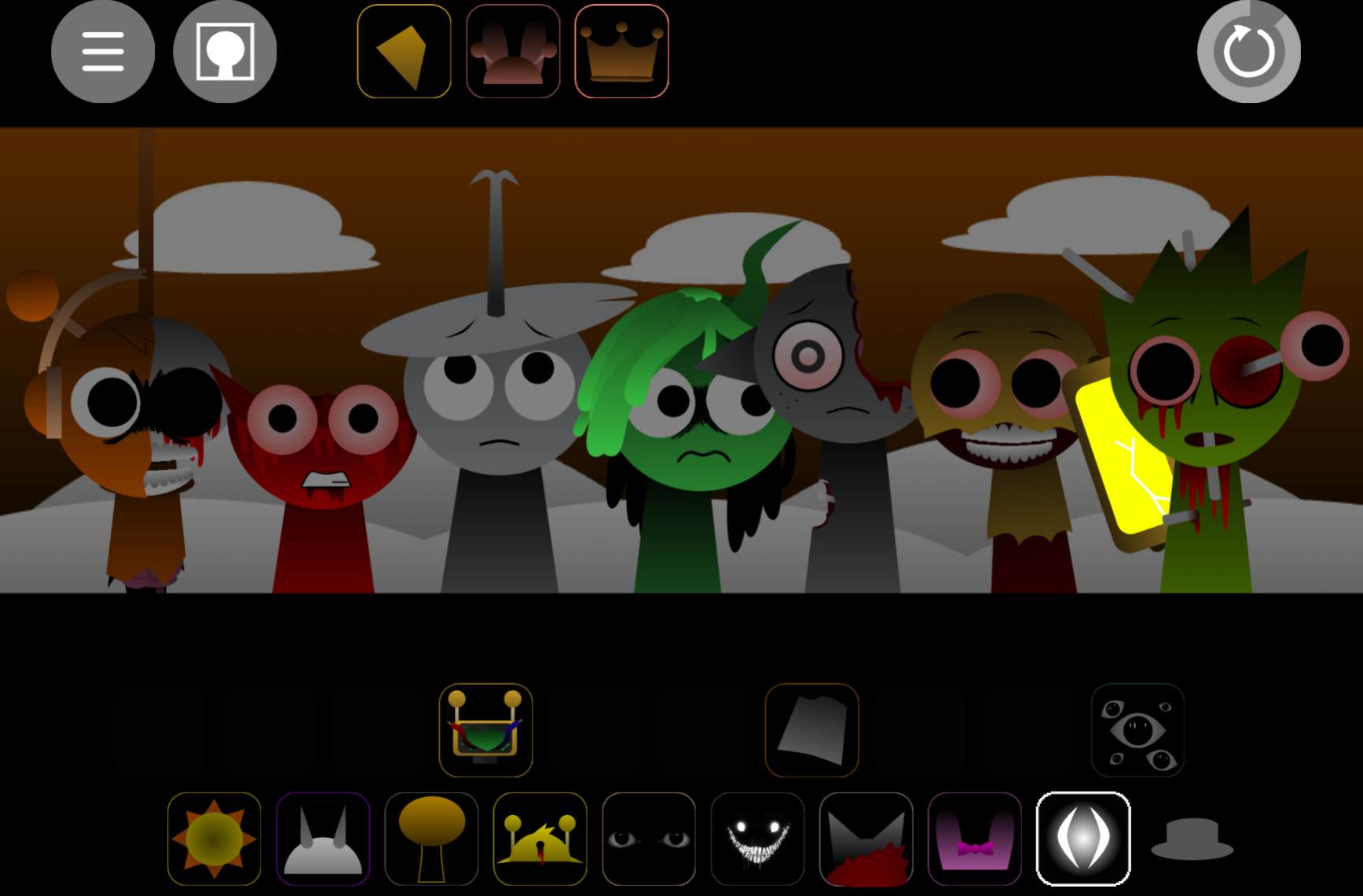
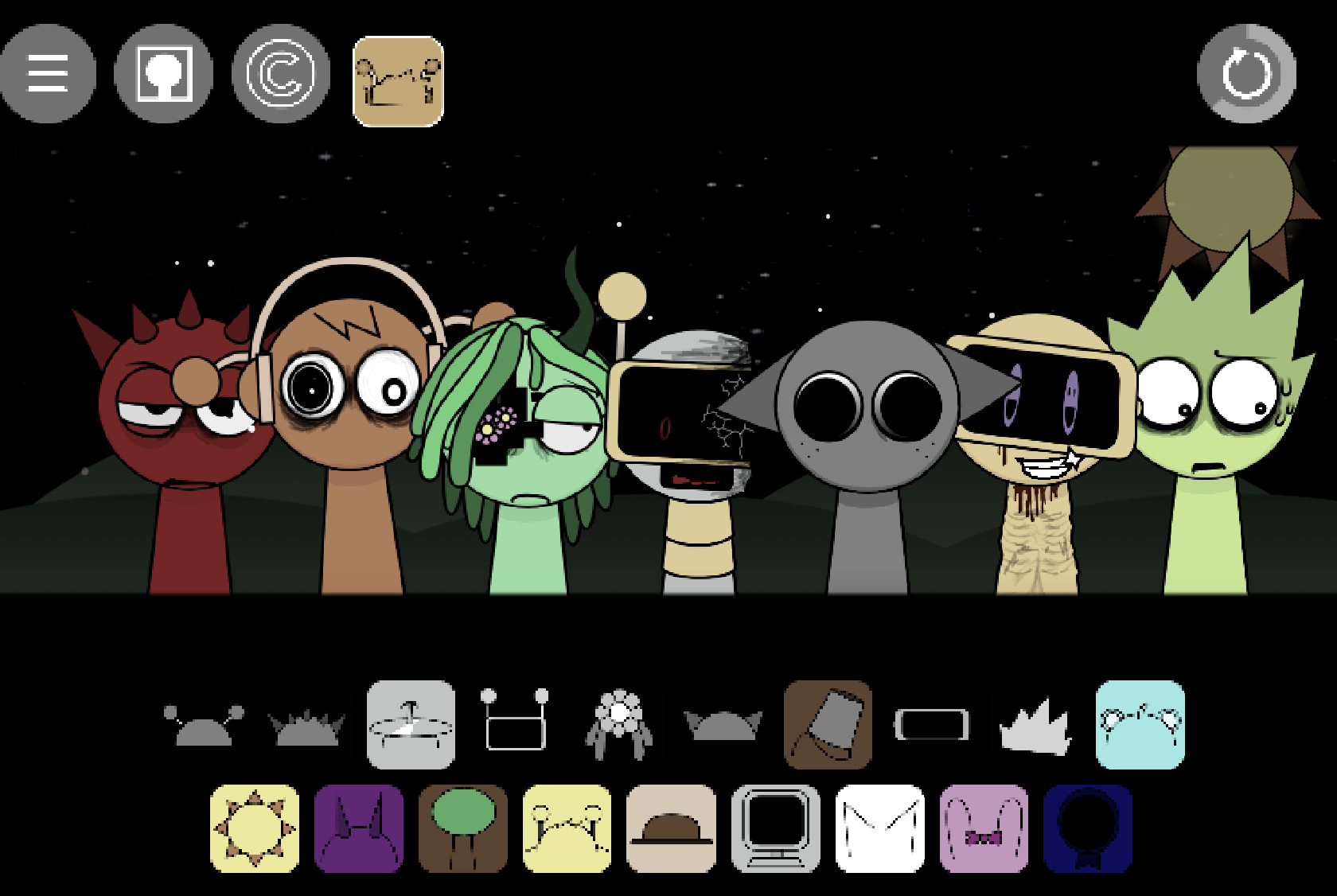
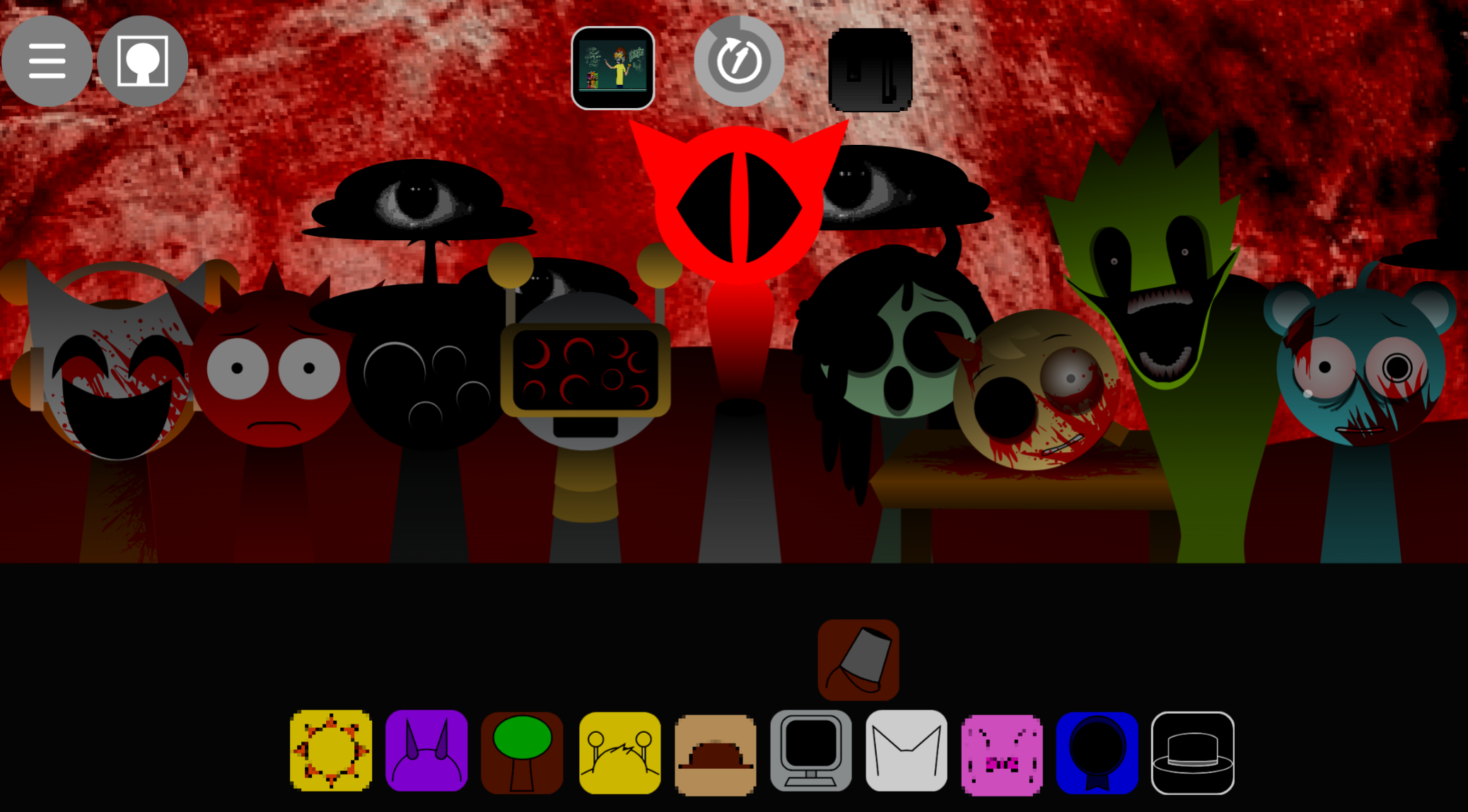
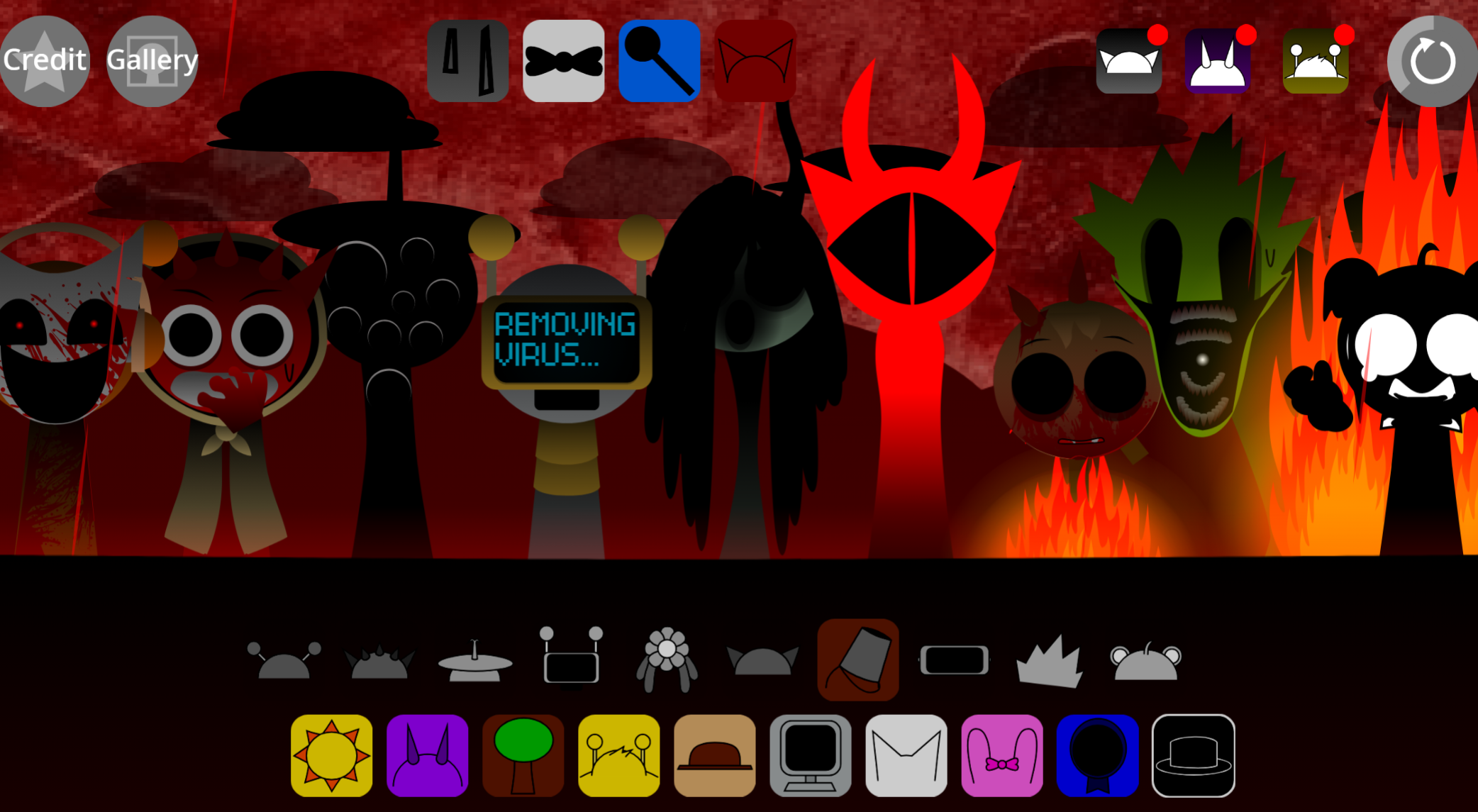
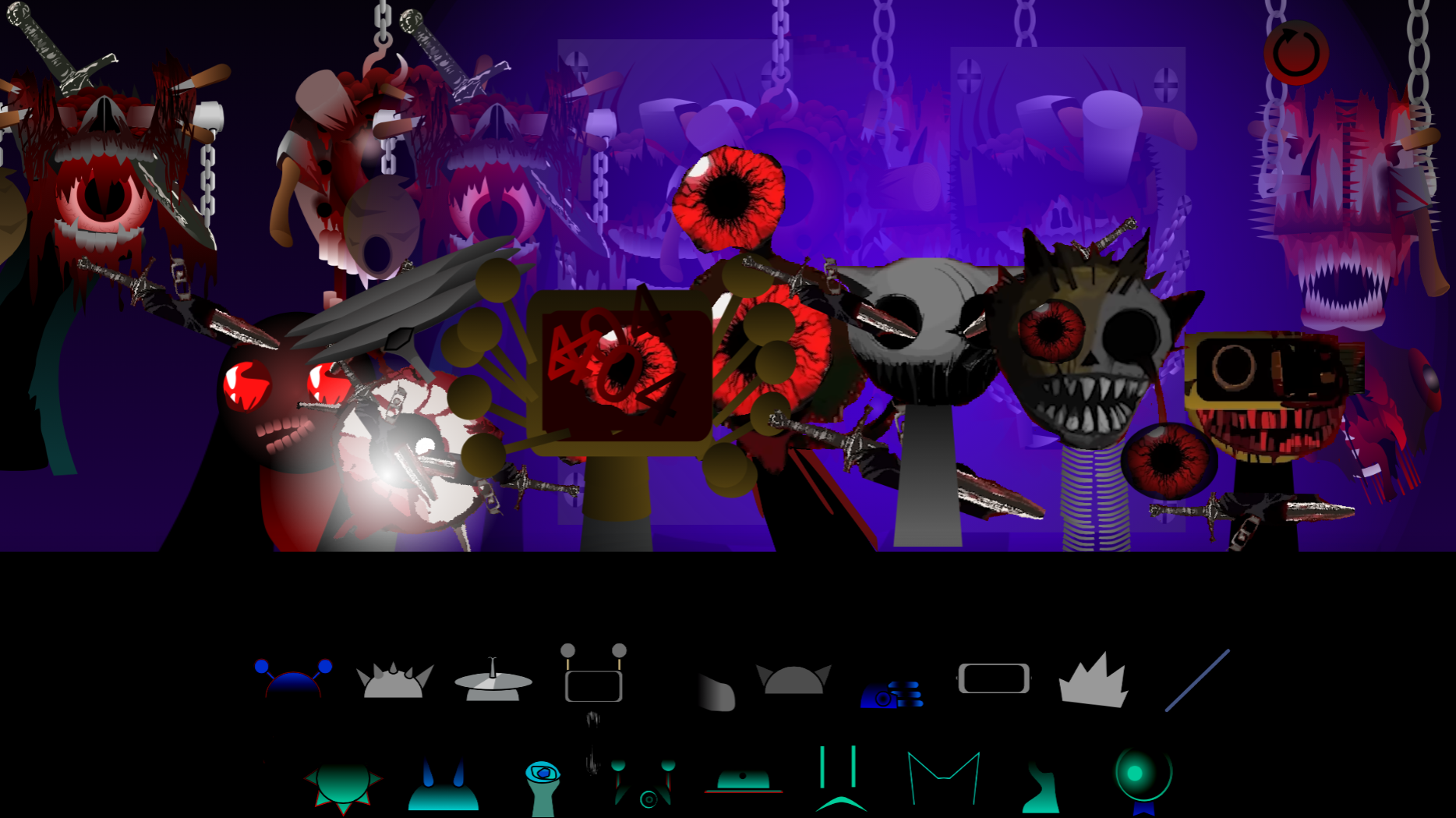
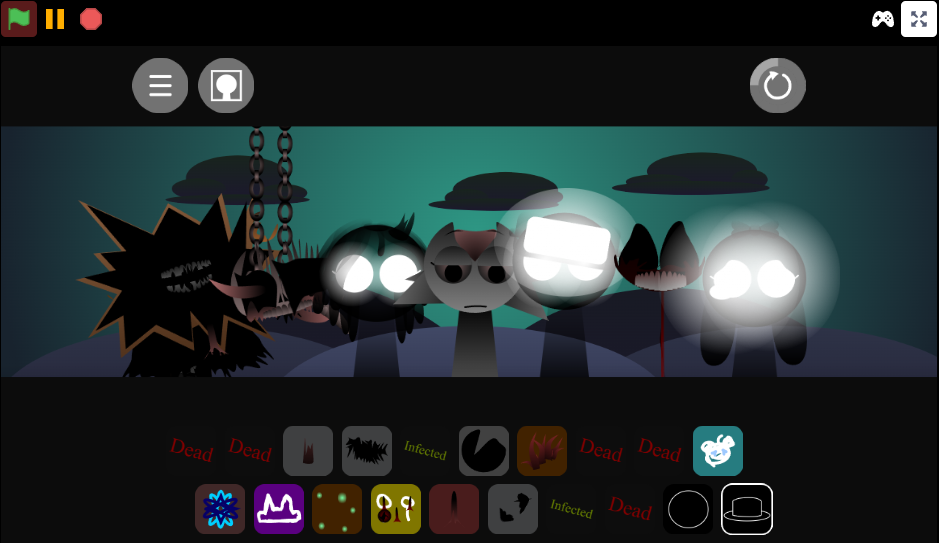
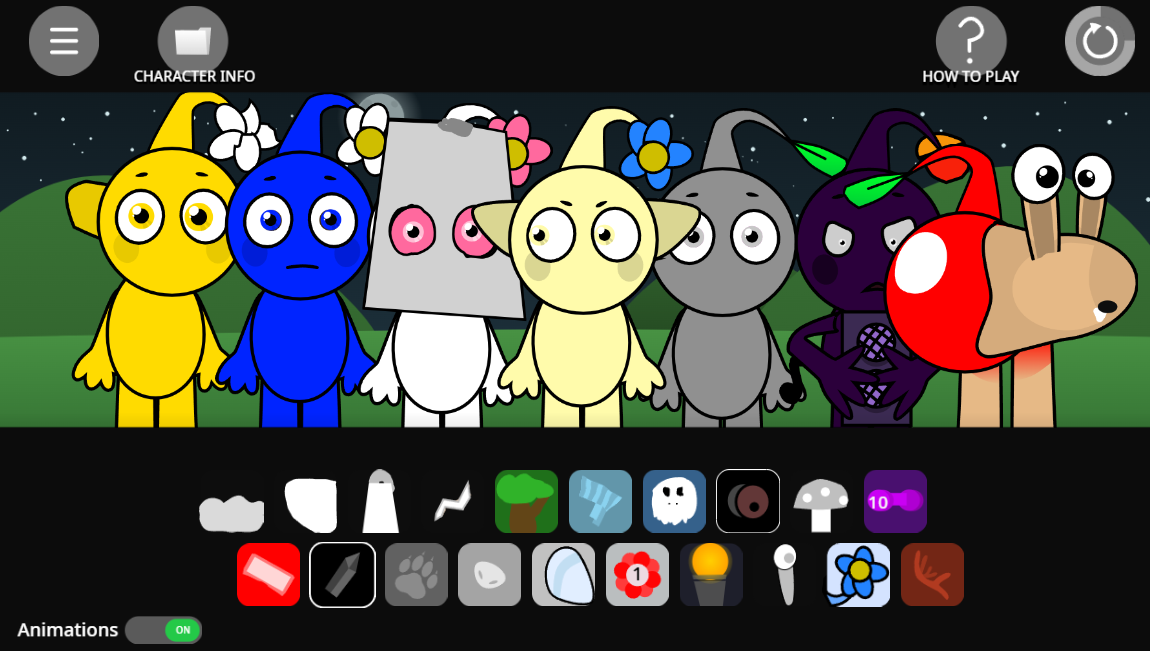
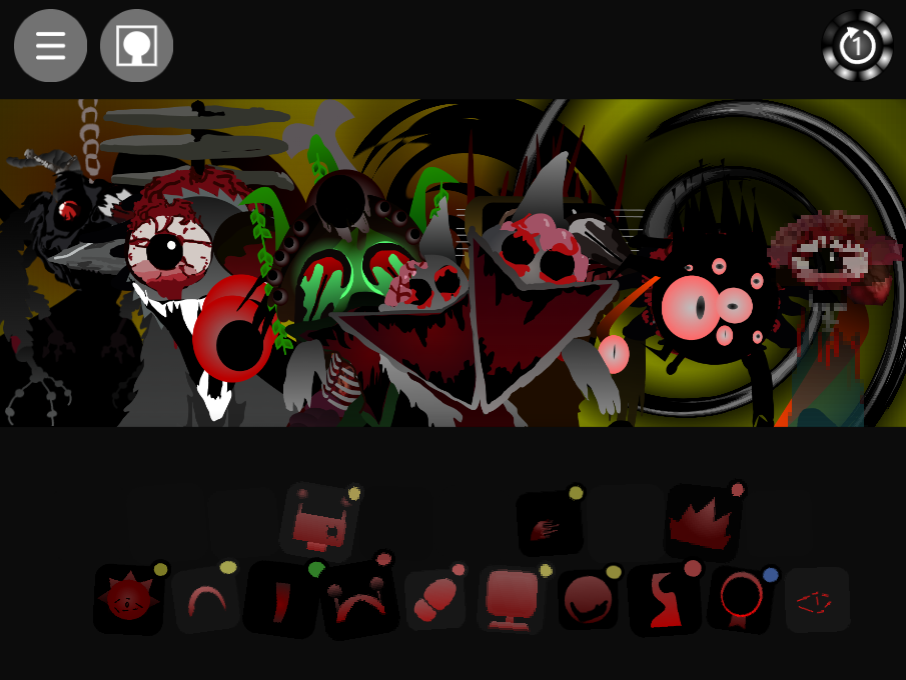
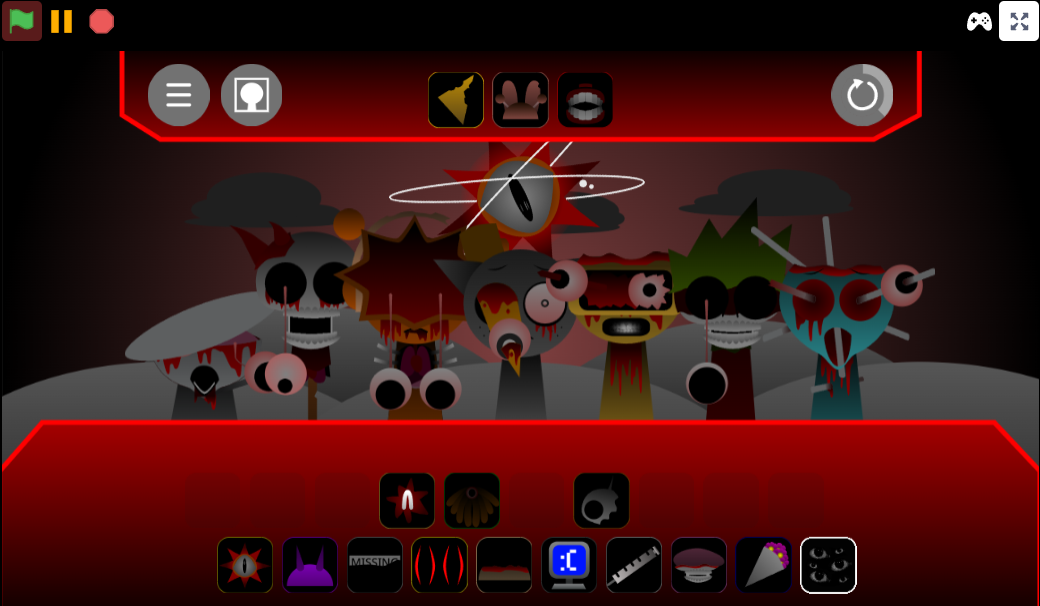
To play the Sprunilestia 2026 Demo, use mouse clicks to select characters and layer their sounds into a mix. The main thing to learn early is the Layout: extra and gallery icons sit at the top of the screen, which shifts them from their usual placement and can cover part of the character area below. This design choice by creator Hisro gives quick access to extra features, but it takes a moment to adjust if you’re used to a cleaner layout.
Start simple. Pick one or two character sounds, then add more layers once you hear how the rhythm fits. Build from the beat upward and use mute and solo controls to isolate individual parts before stacking a full mix. Watch the pause button—players have noted it behaves more like a stop button, resetting loops instead of freezing them. Test it early so you don’t lose a beat you spent time building.
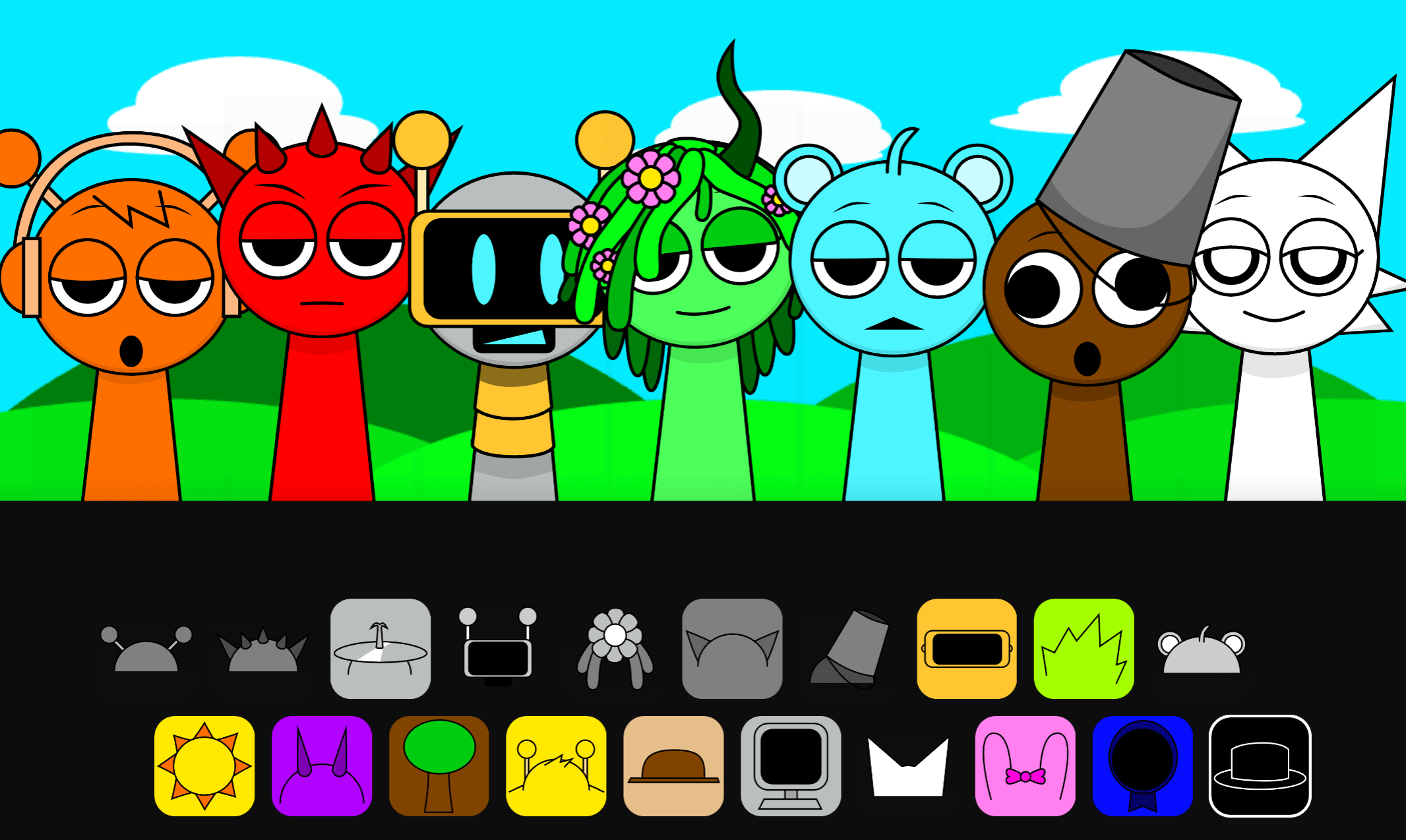
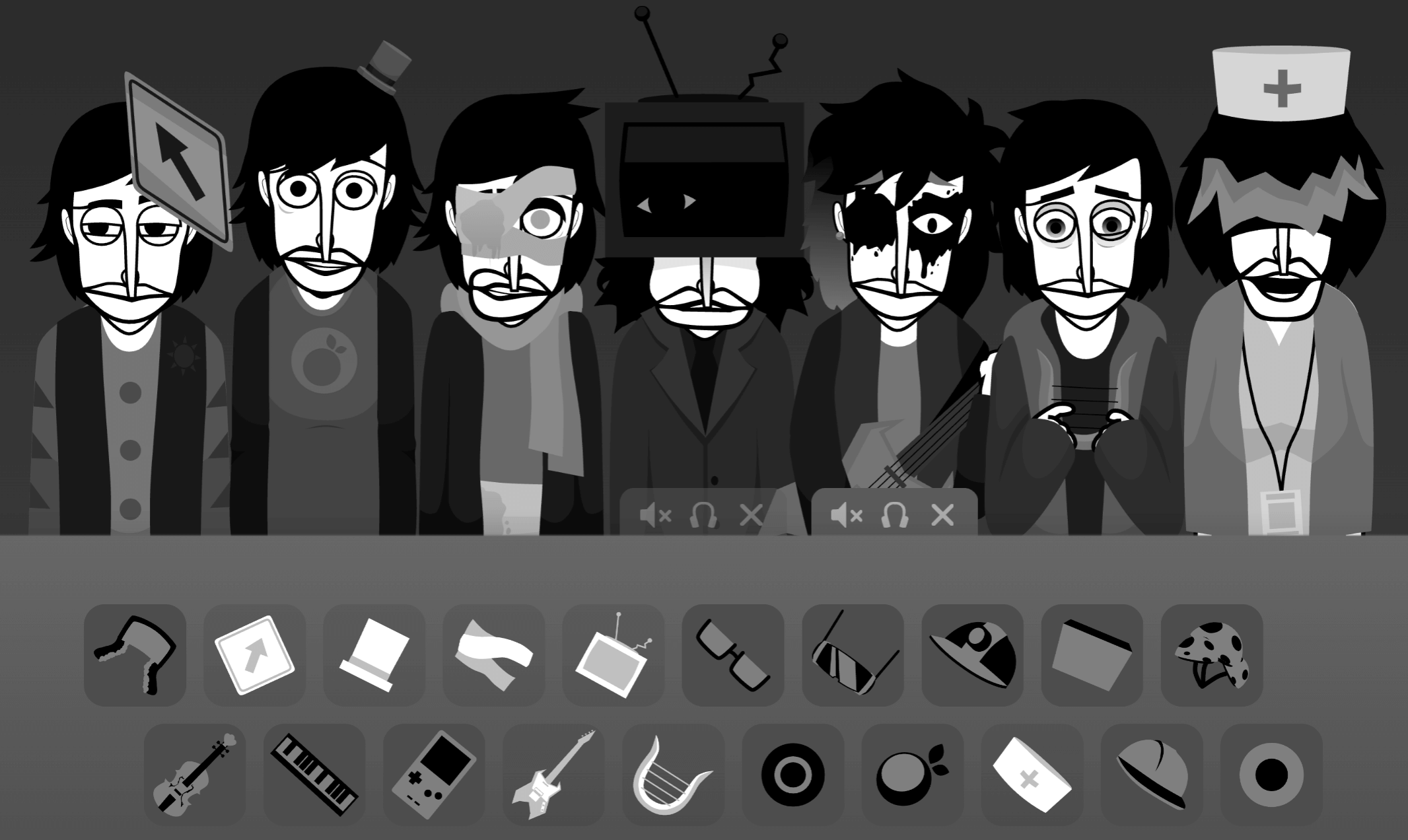
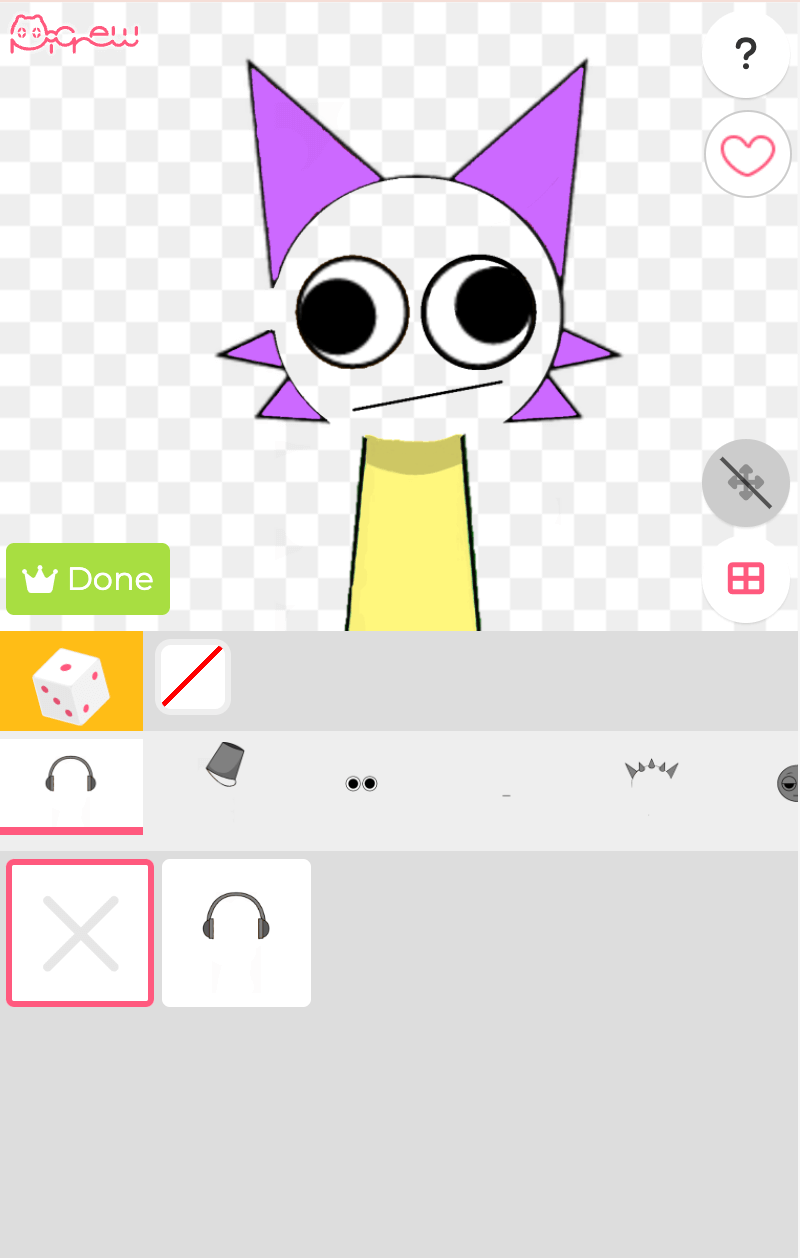
This fan-made extension fits into the Sprunki universe, which started as a music-mixing ecosystem inspired by Incredibox. Fans create mods that introduce new phases, custom character designs, and unique themes that expand on the original drag-and-drop formula. This version focuses on innovative character designs and clean musical arrangements, letting players experiment with new soundscapes on abgernygames.org.
The demo dropped days after the popular Sprunilestia Chriss Overhaul. While it shares some thematic DNA, this version stands out for its fresh aesthetic and smooth sound transitions. Some players, like Dorkfishie, have pointed out that the top-heavy icon placement can make it tricky to drop characters cleanly. Despite this UI quirk, fans have praised the demo’s vibe and arrangements.
Expect some performance hiccups. Players have noted that loading the project can cause page lag, so keep this in mind as you build mixes. The creator is still working on updates.
How to Play Sprunilestia 2026 Demo
Open the demo in your web browser—it runs as an HTML5 game, so no install is needed.
- Give the page a moment to load. If it feels laggy at first, wait rather than refreshing immediately.
- Start building your mix. Use the drag-and-drop flow: place sound icons onto characters to trigger beats, voices, and effects. Add one sound at a time so you can hear what each part does before stacking a full mix.
- Watch the top UI. The extra and gallery icons sit near the top and can overlap with on-screen elements. Learn where those buttons sit before moving fast.
- Test the pause button early. It may reset your loop instead of freezing the track, so check its behavior before you risk losing a beat.
- Remember it’s a demo. The creator has indicated more content is planned, so expect changes, fixes, and additions over time.
Pro Tips for Smooth Play
- Run it in your browser and give it a moment. Loading can feel uneven depending on your device or tab setup. If the page stutters, close extra tabs.
- Move slowly when dragging sounds. The top icons can get in the way of the character area, so avoid rushing your placements.
- Expect rough audio edges. If a voice, beat, or transition sounds slightly uneven, that’s part of the current demo state.
Beginner Guide & First Steps
- Check the top UI first. The extra and gallery icons can overlap visually with the polos below. Drag around the icons to see how they respond before stacking beats.
- Add sounds one layer at a time. Drop one beat, voice, or effect onto a character, then listen for how it fits. The mix works better when you build slowly.
- Use mute and solo while experimenting. Isolate characters to hear each part clearly. This helps you spot which sound carries the rhythm, which adds atmosphere, and which might be clashing.
- Watch the pause button. It resets loops instead of freezing them, so test it before you land on a beat you want to keep.
- Expect some loading lag. If the page stutters, give the demo a moment. Performance hiccups are part of the current experience.
Related Games
- Sprunki All Survives If — A sensible related pick if you want another version that overlaps with the same core appeal.
- Sprunki Beat Up Durple — A sensible related pick if you want another version that overlaps with the same core appeal.
- Sprunki The Beat Em Up Game Official release — A sensible related pick if you want another version that overlaps with the same core appeal.
Why Play Sprunilestia 2026 Demo?
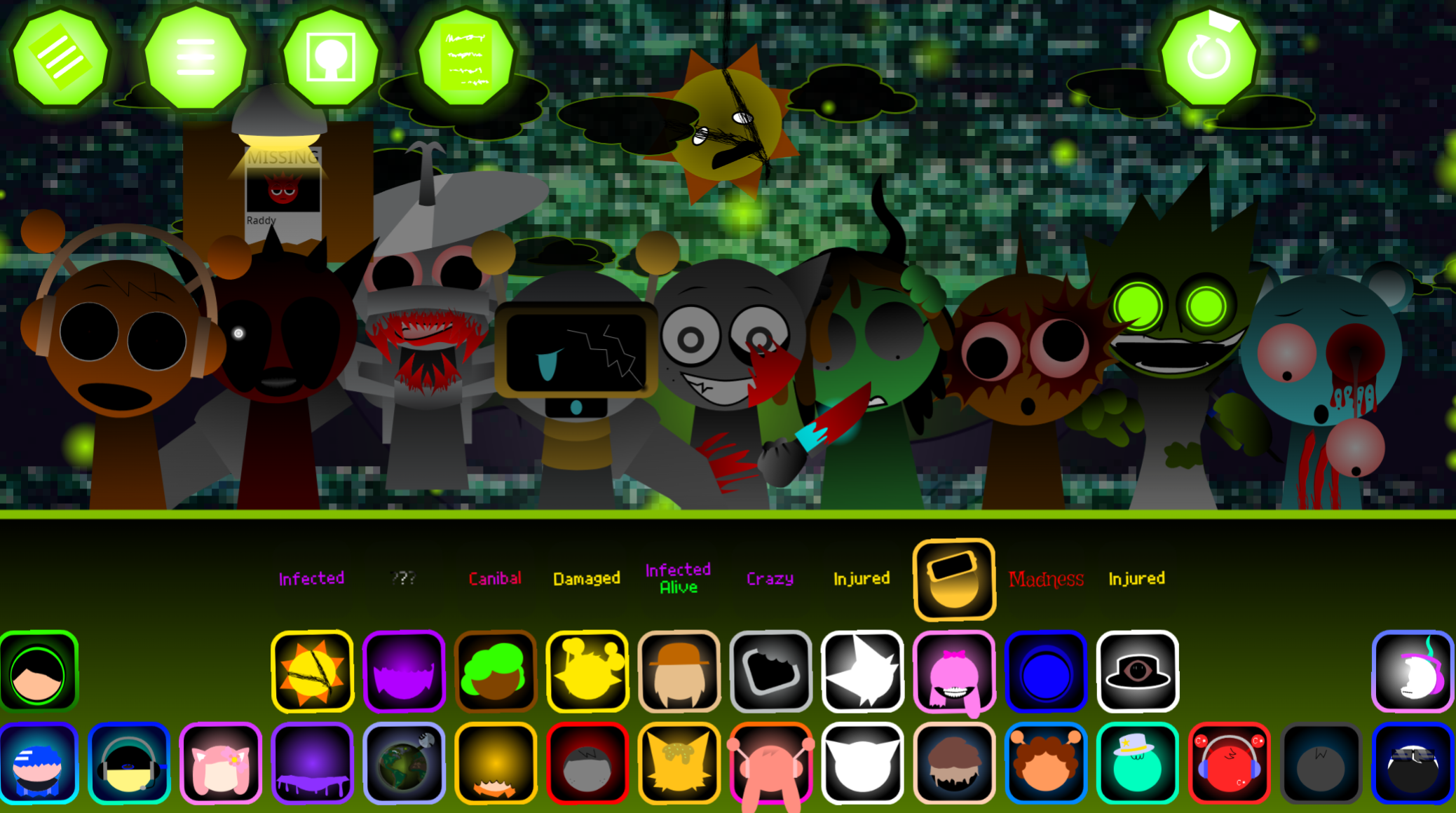
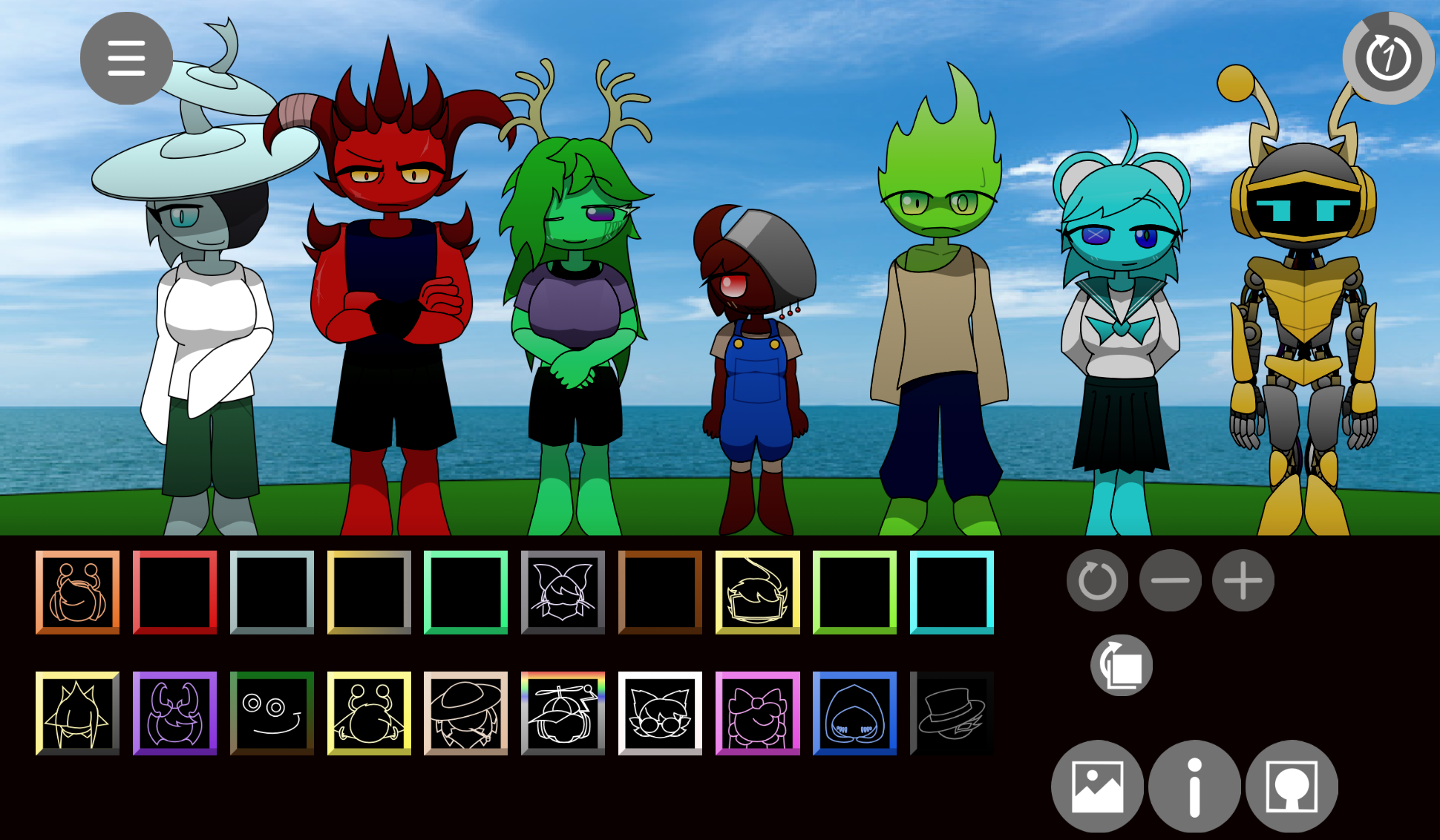
The demo delivers a standout music experience. Players describe the soundtrack as powerful and emotional, even in its unfinished state. It gives Sprunki a fresh visual identity by reimagining each character in a different style, making the mod feel more original than a standard reskin.
Playing now lets you experience the project early, before the creator adds more content during future updates. The mod has earned strong praise from fans, with many calling it one of the best Sprunki mods available. It’s worth trying if you enjoy fan-made music games and want a version that feels polished enough to be fun but still has room to grow.

Discuss
Loading comments...
Failed to load comments. Please try refreshing the page.