

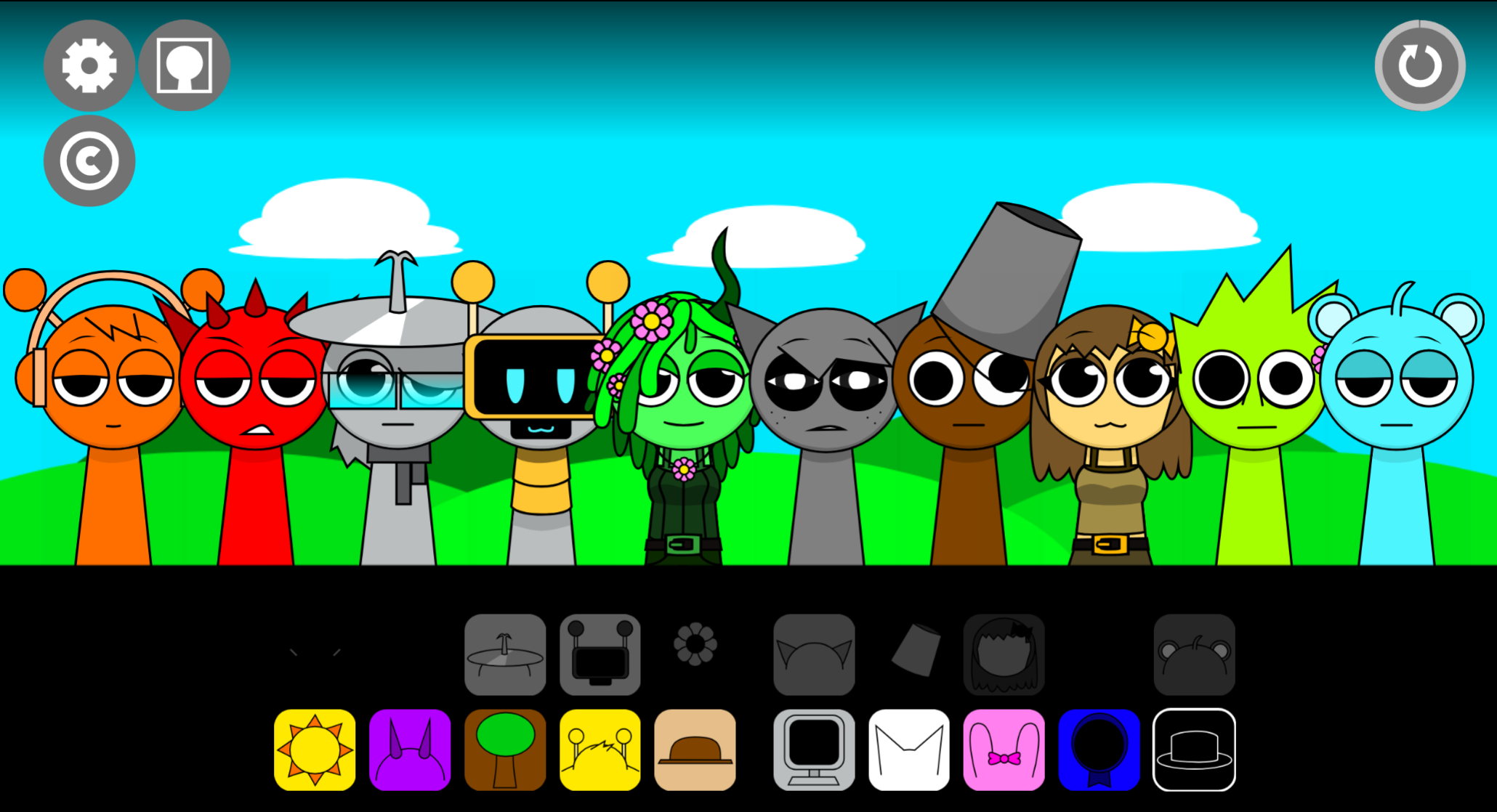
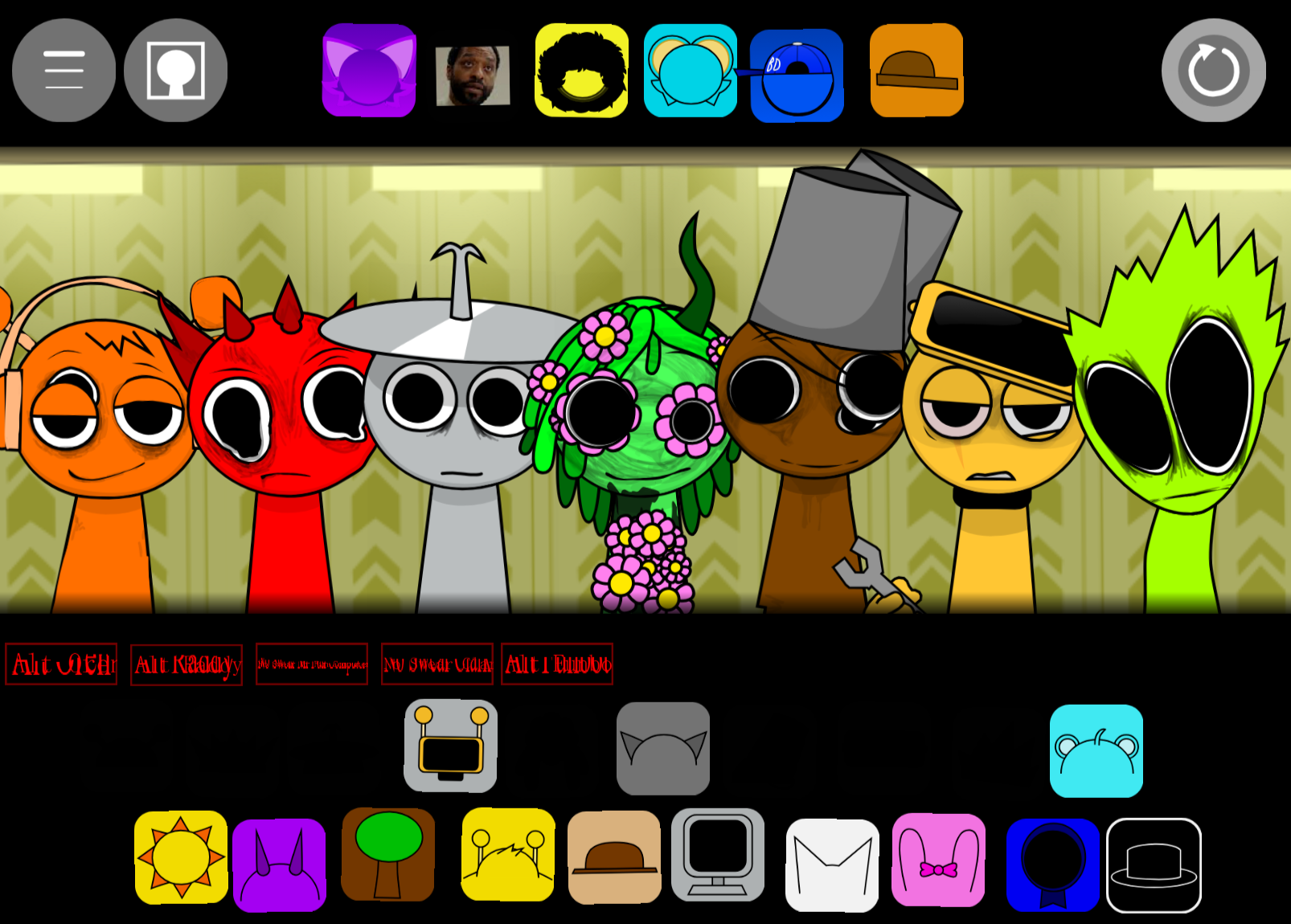
Sprunki Toxiified is a fan-made music creation mod linked to @Toxikkk that expands the Sprunki framework with 19 distinct sound samples and a seven-character performance limit.
The game lets players drag animated sound characters onto a stage to layer looping tracks, building compositions through visual experimentation rather than traditional music notation. This breakdown examines the specific features that separate Toxiified from generic Sprunki variants—the character roster design, the sample variety across those 19 slots, how the seven-performer cap shapes composition choices, and the visual feedback that guides mixing decisions.
Instead of surface-level descriptions, we focus on the mechanical differences that change how players interact with the mod, from sound layering behavior to interface adjustments that reflect Toxikk’s design priorities.
What Is Sprunki Toxified?
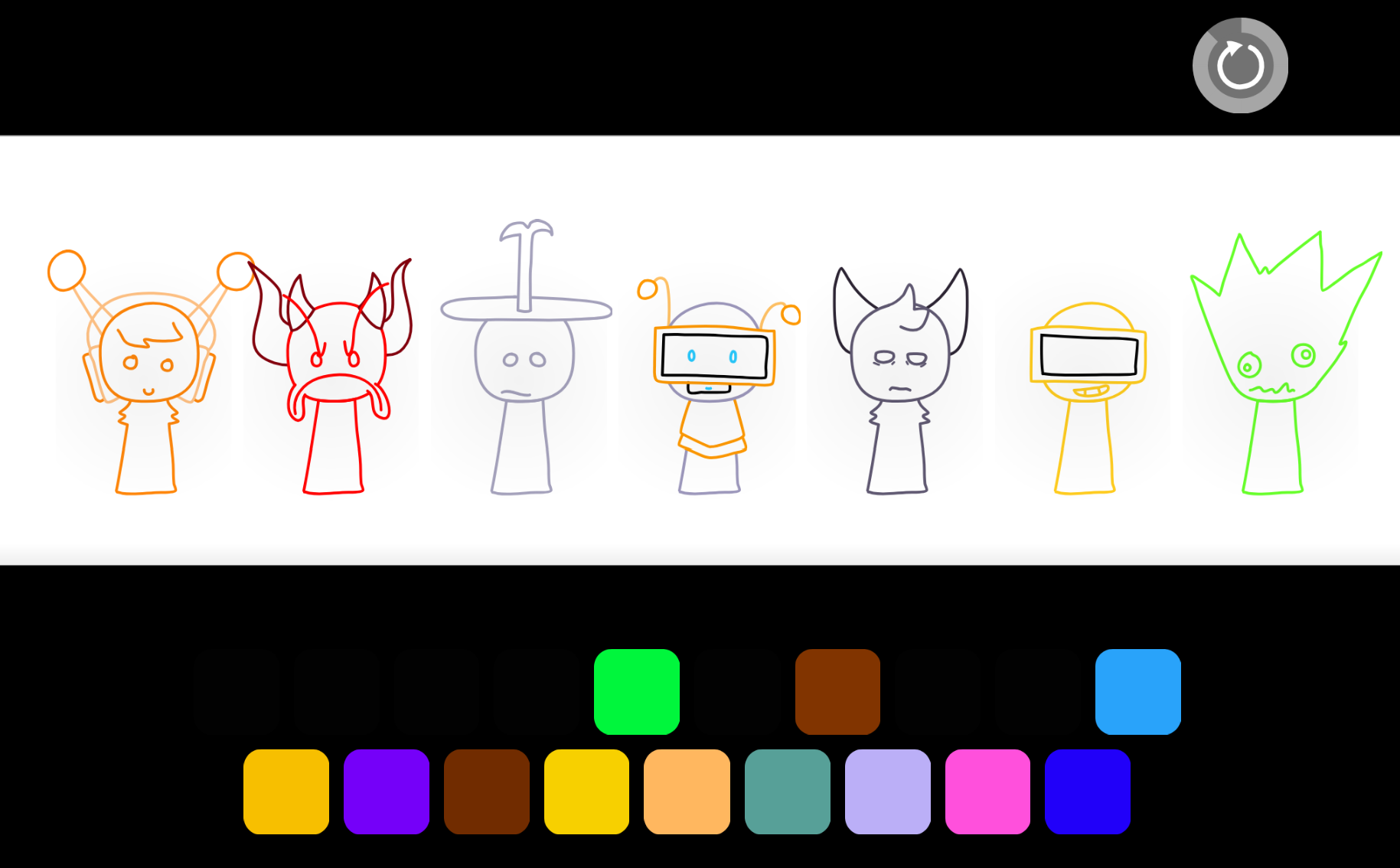
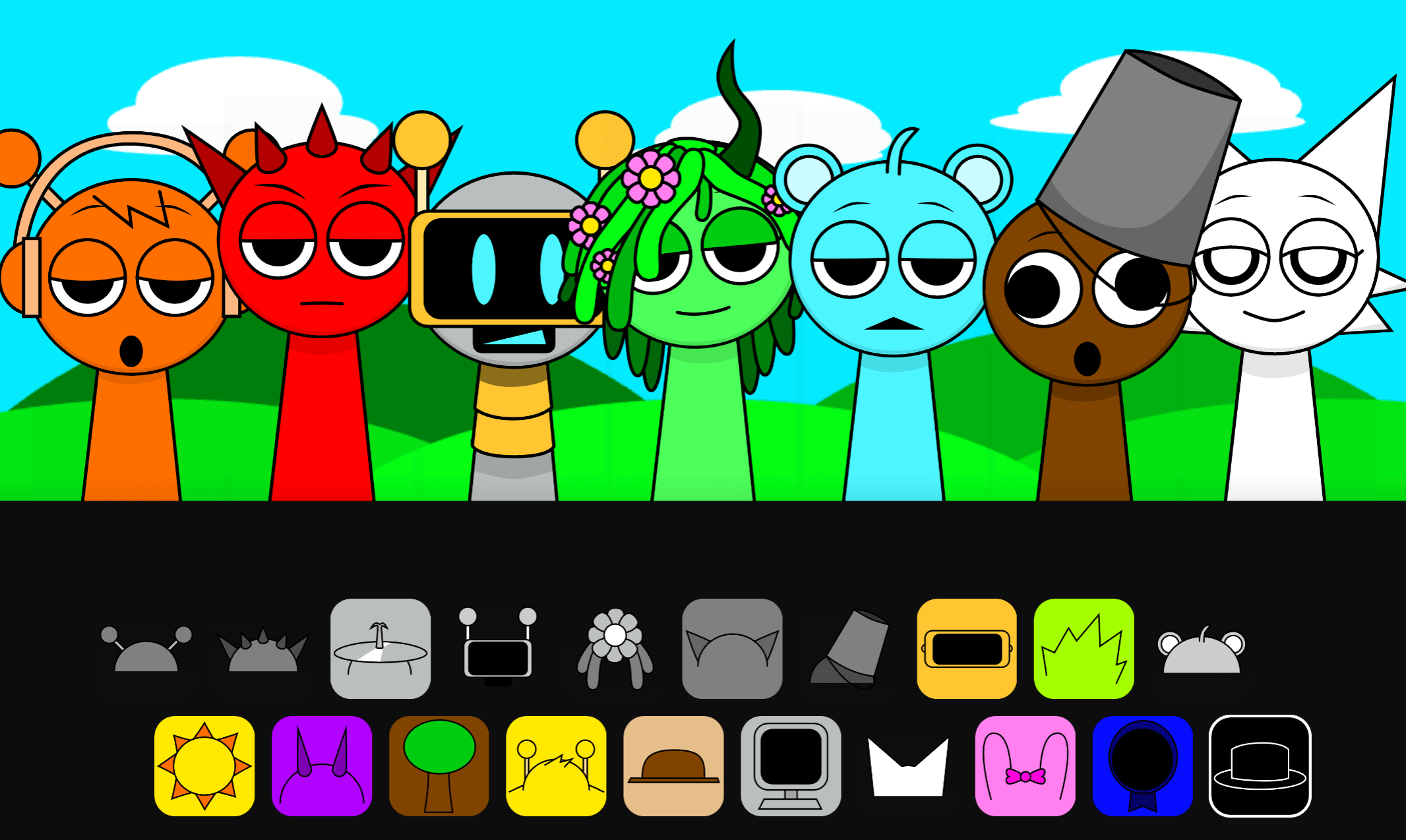
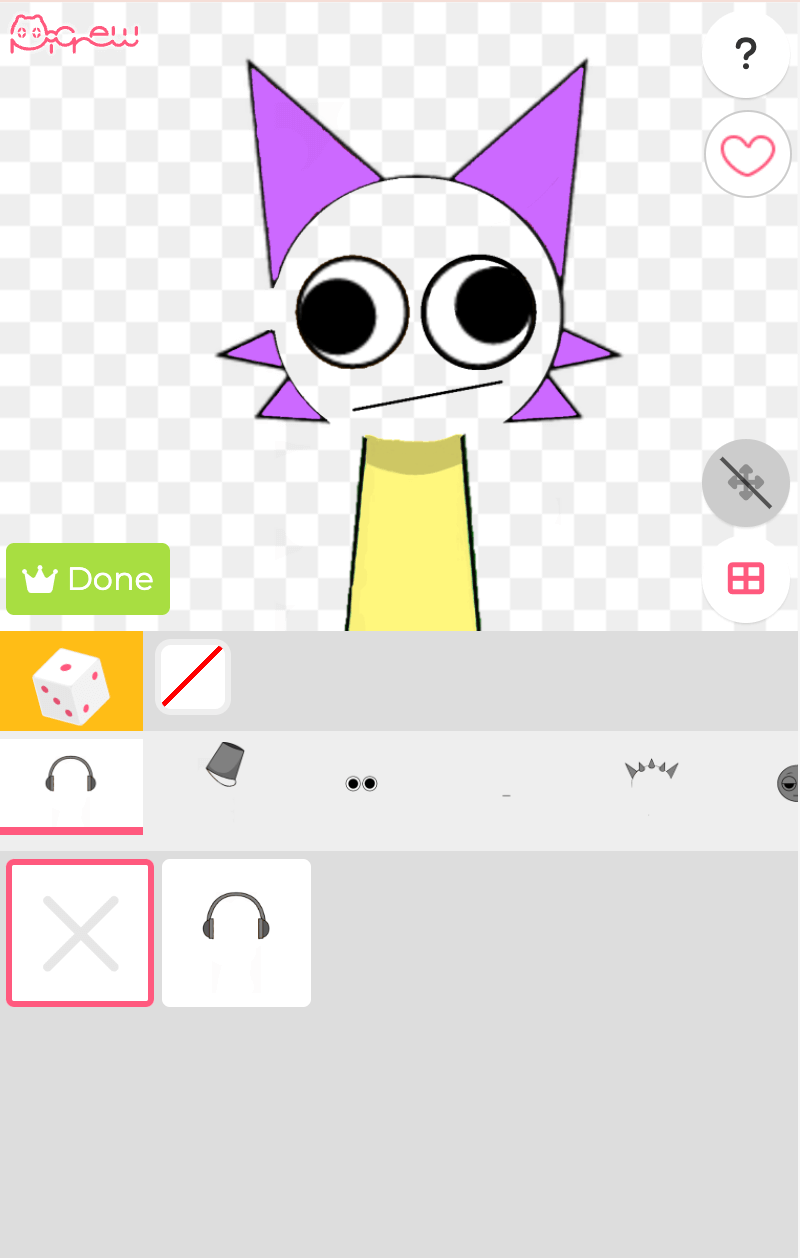
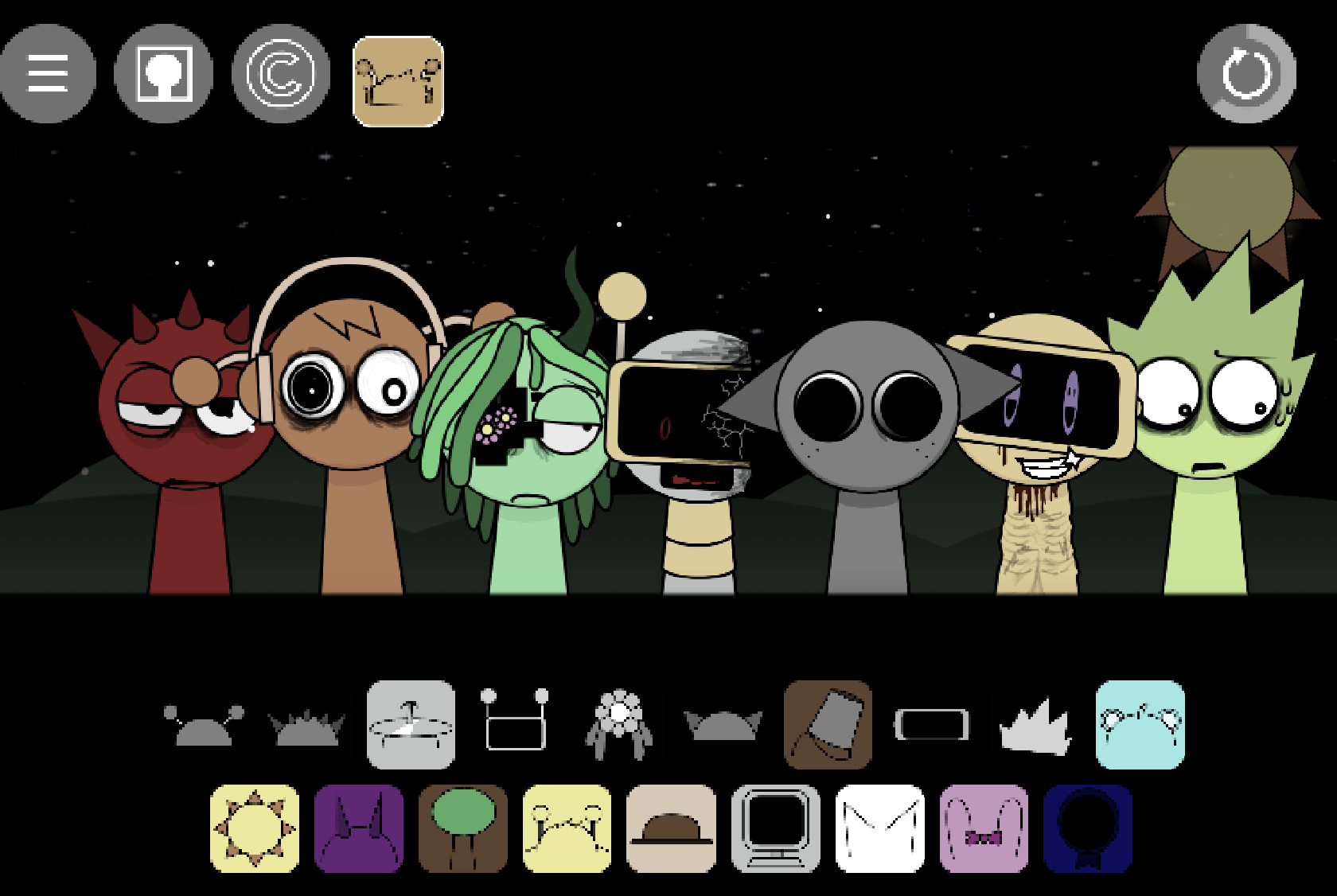
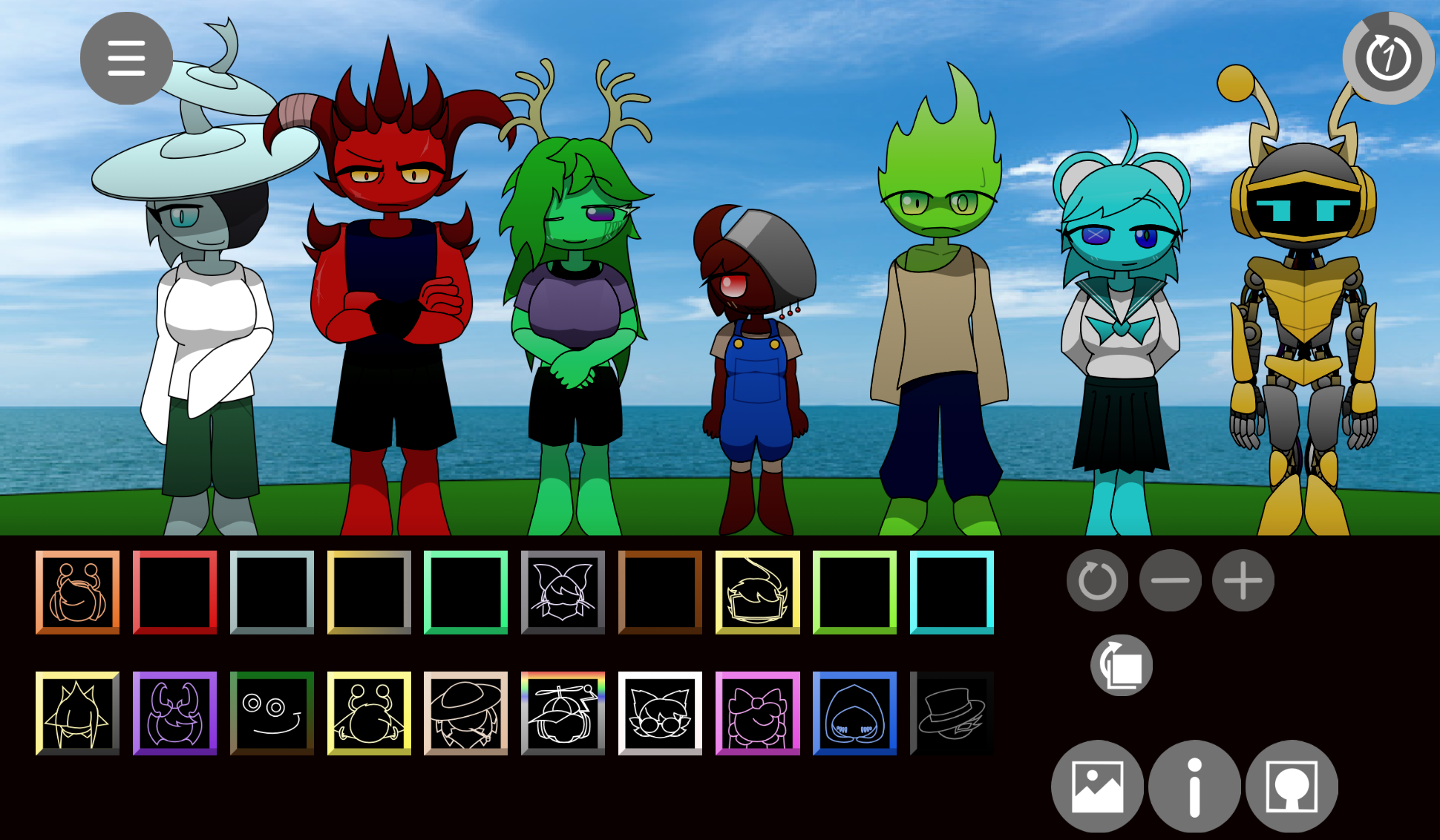
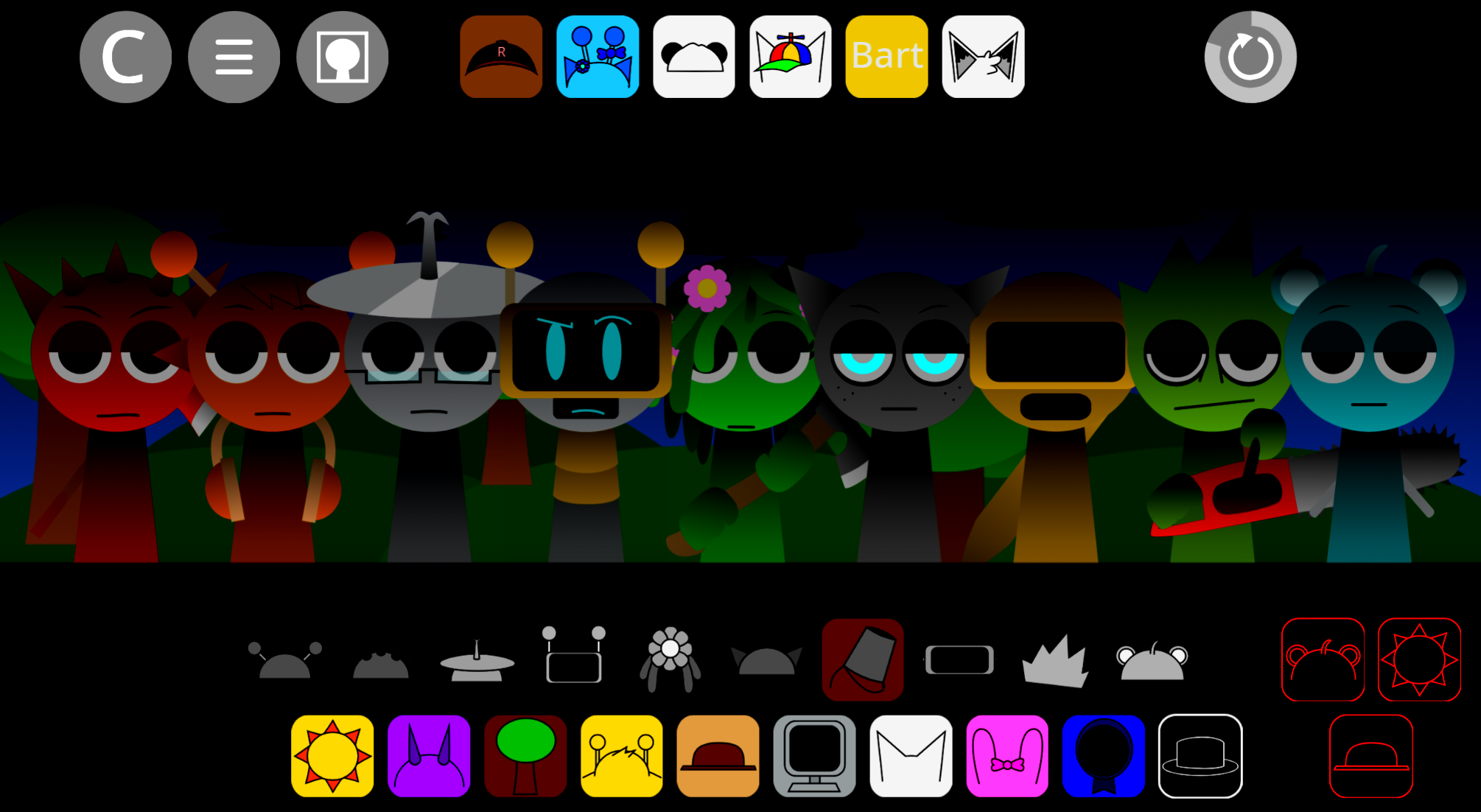
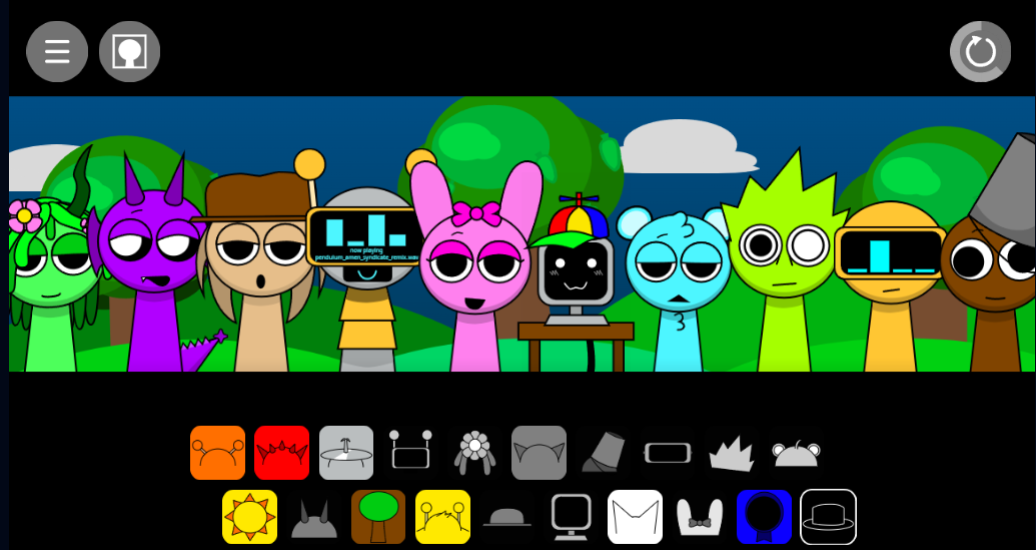
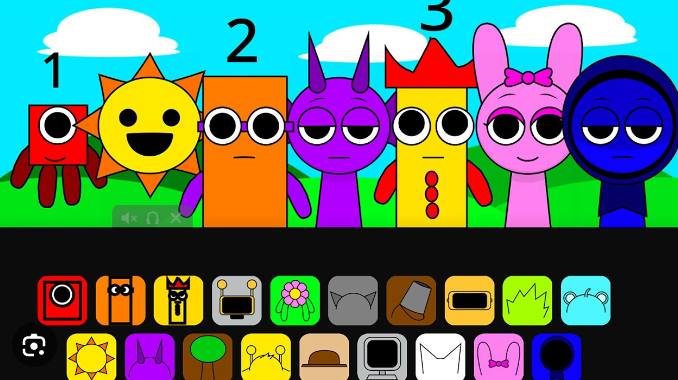
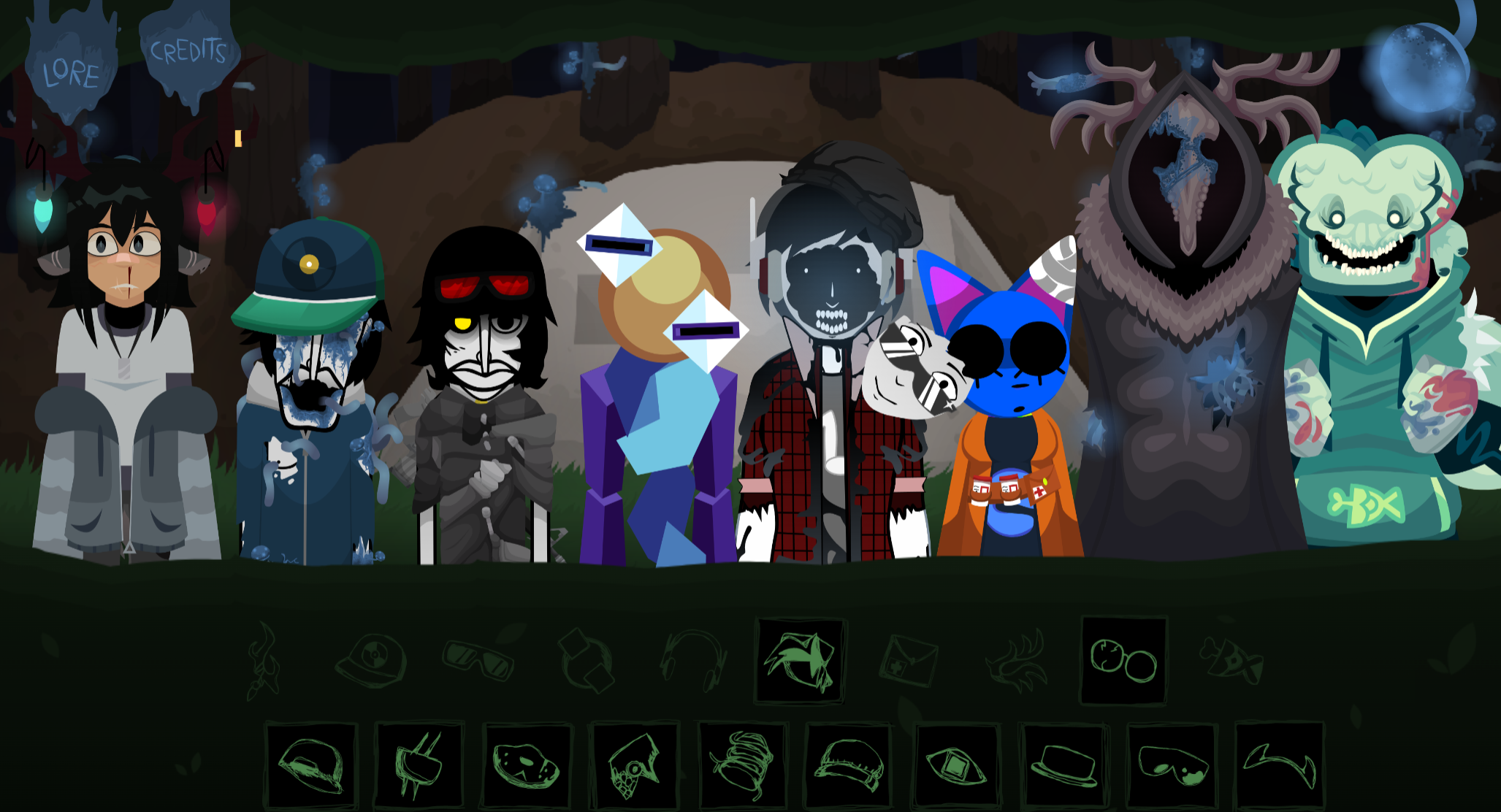
Sprunki Toxiified is a fan-made music mod associated with @Toxikkk. Players drag animated sound characters onto a stage to build looping tracks from 19 distinct sound samples, with up to seven characters performing simultaneously. Characters like Mr Sun, Mr Tree, and Derpal give the standard mode a colorful, cartoon aesthetic, producing what players describe as “somewhat calming melody” in early arrangements.
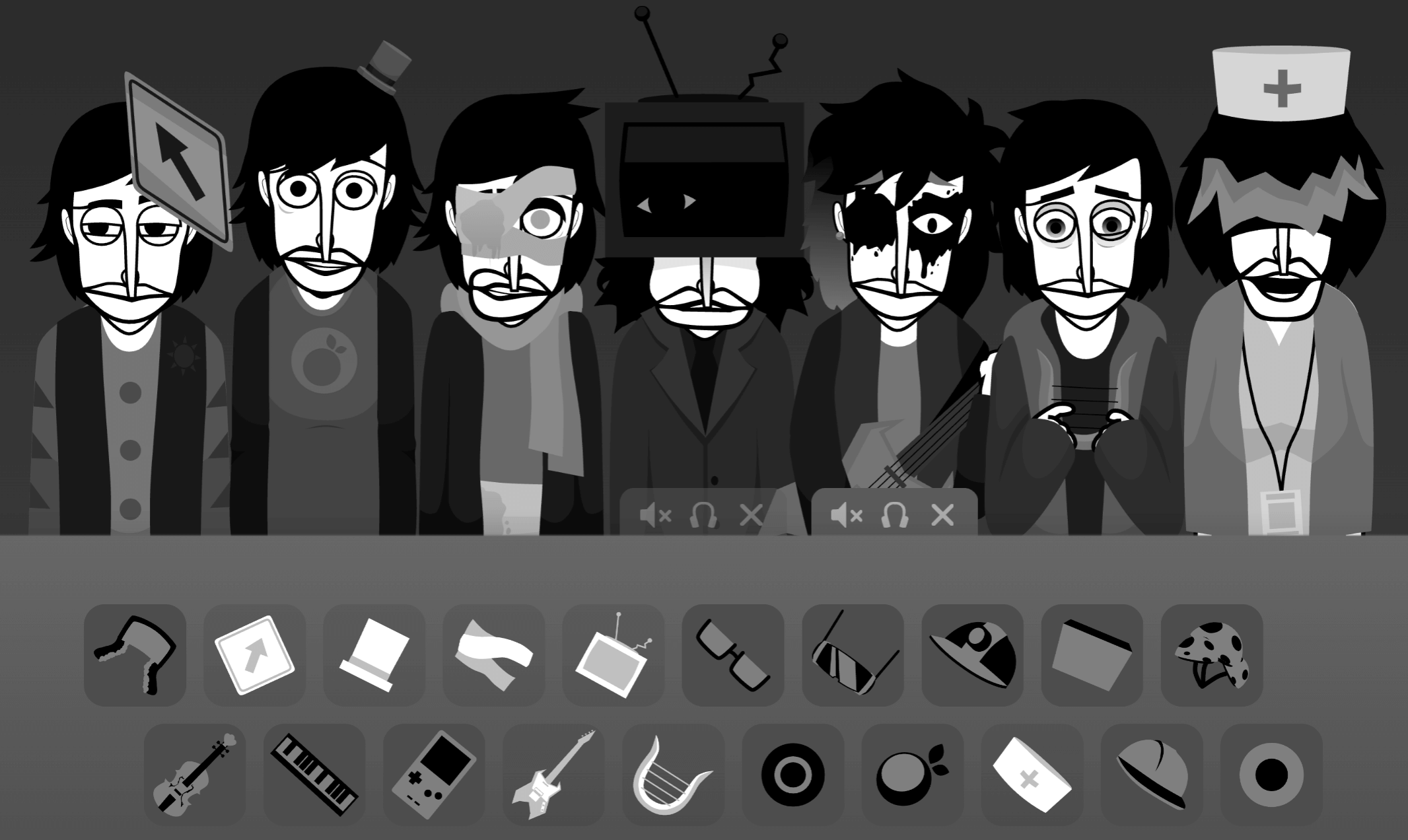
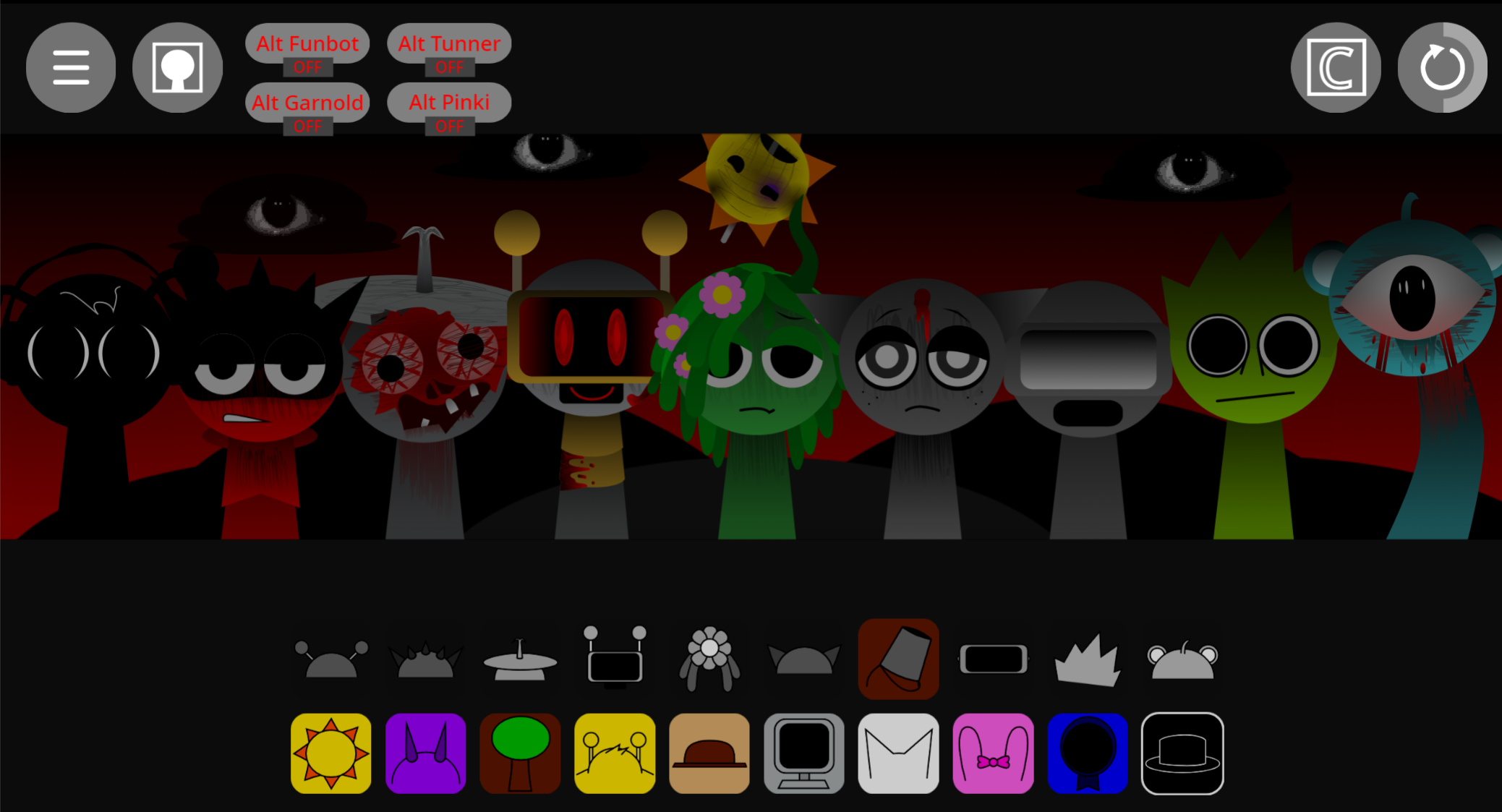
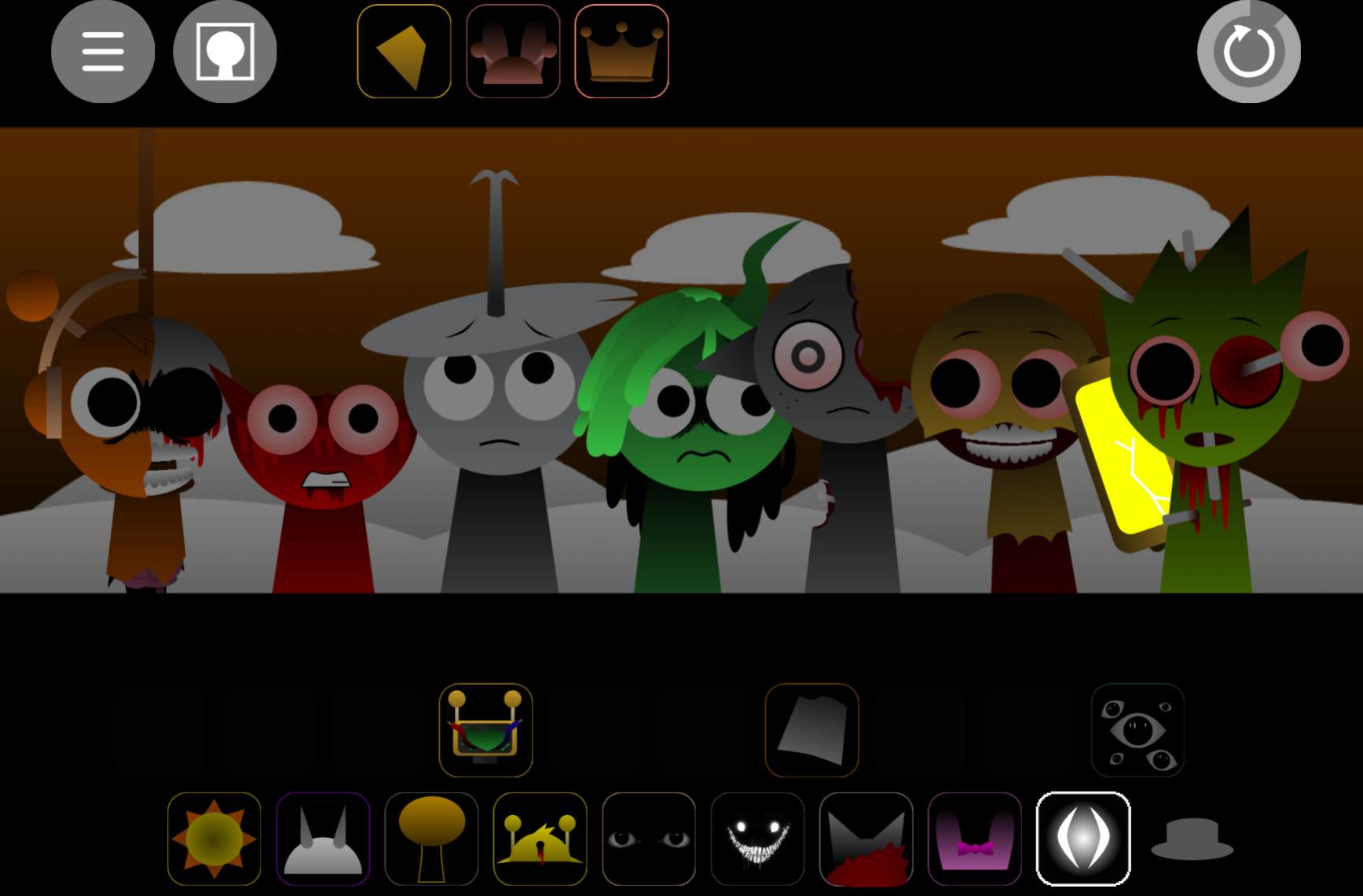
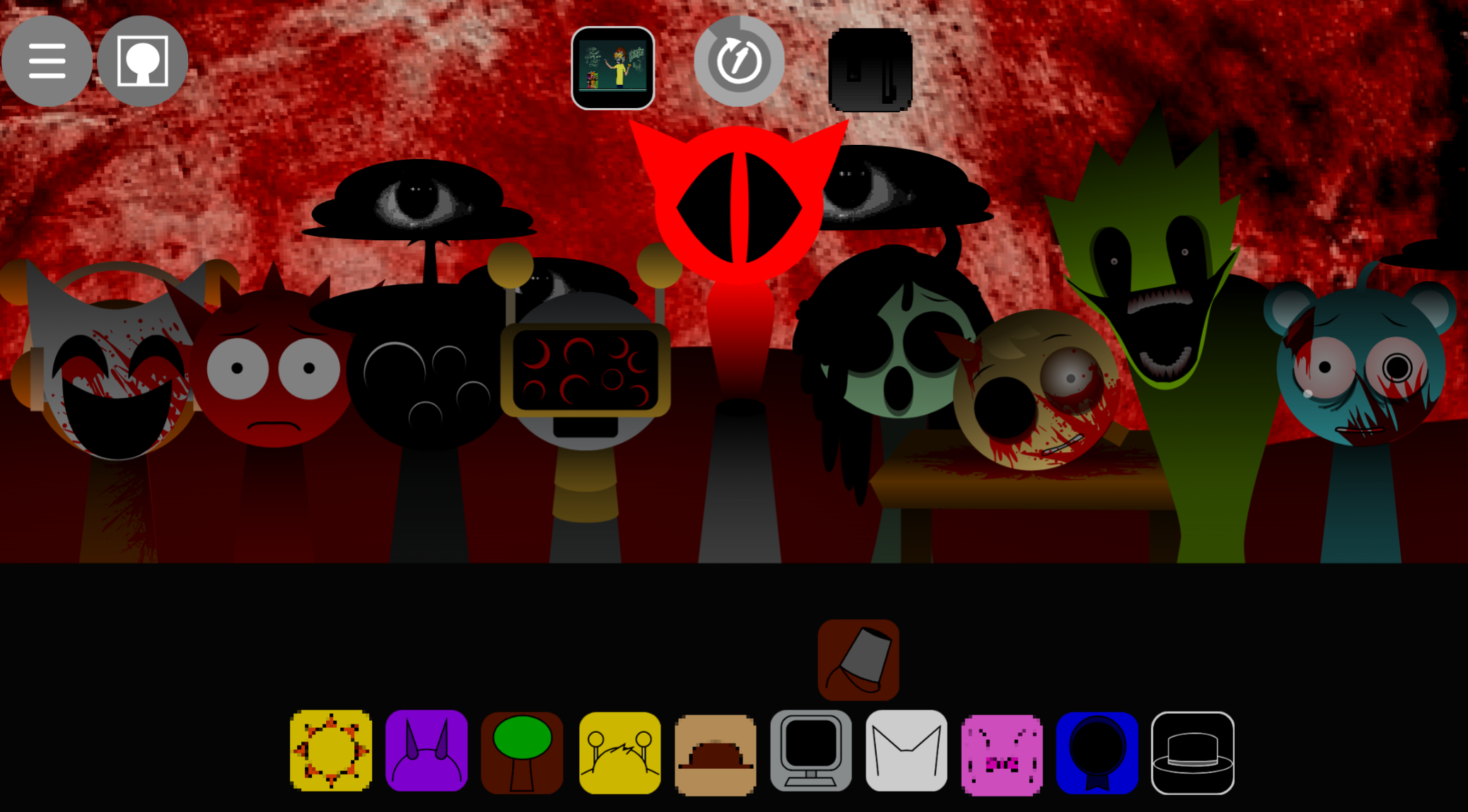
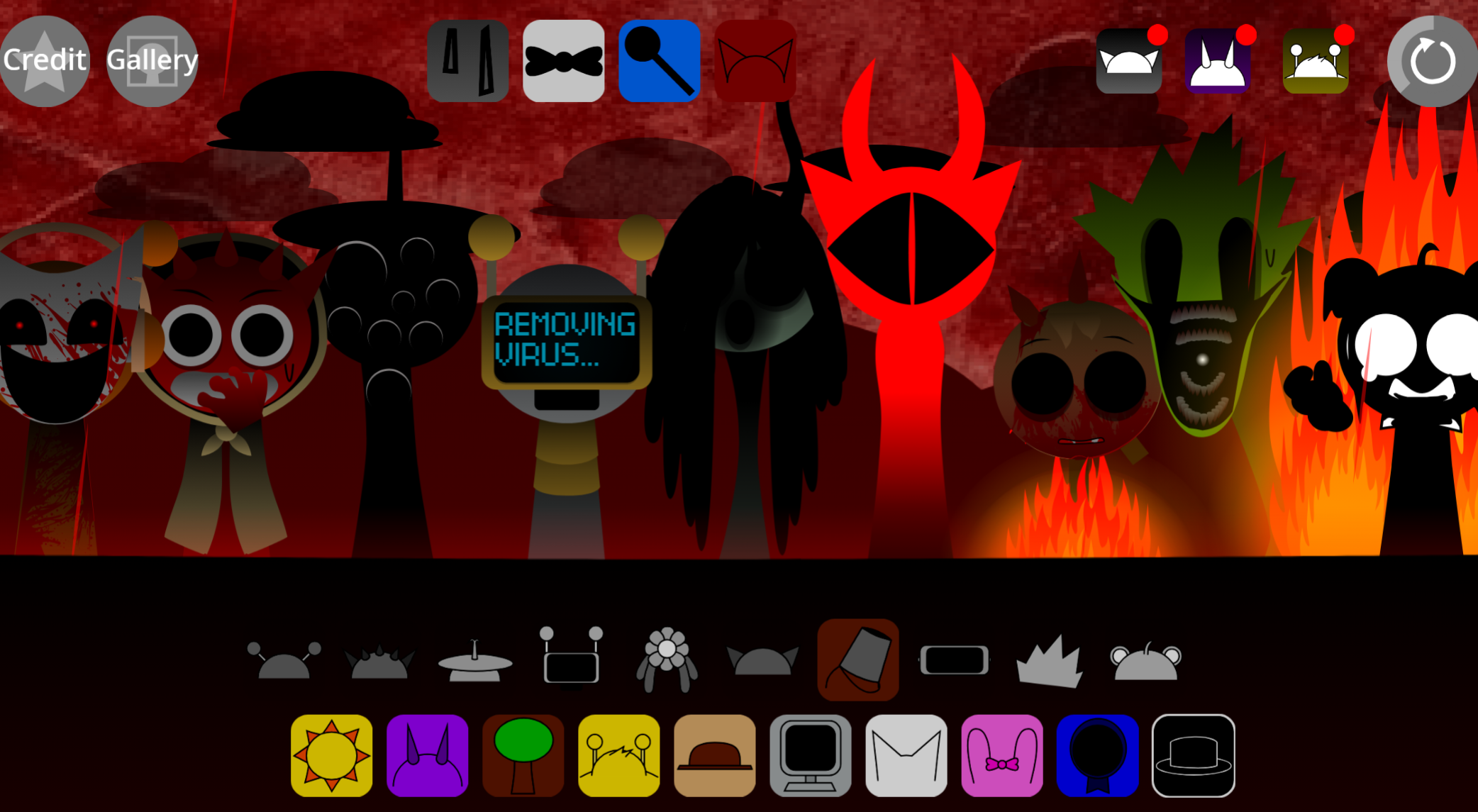
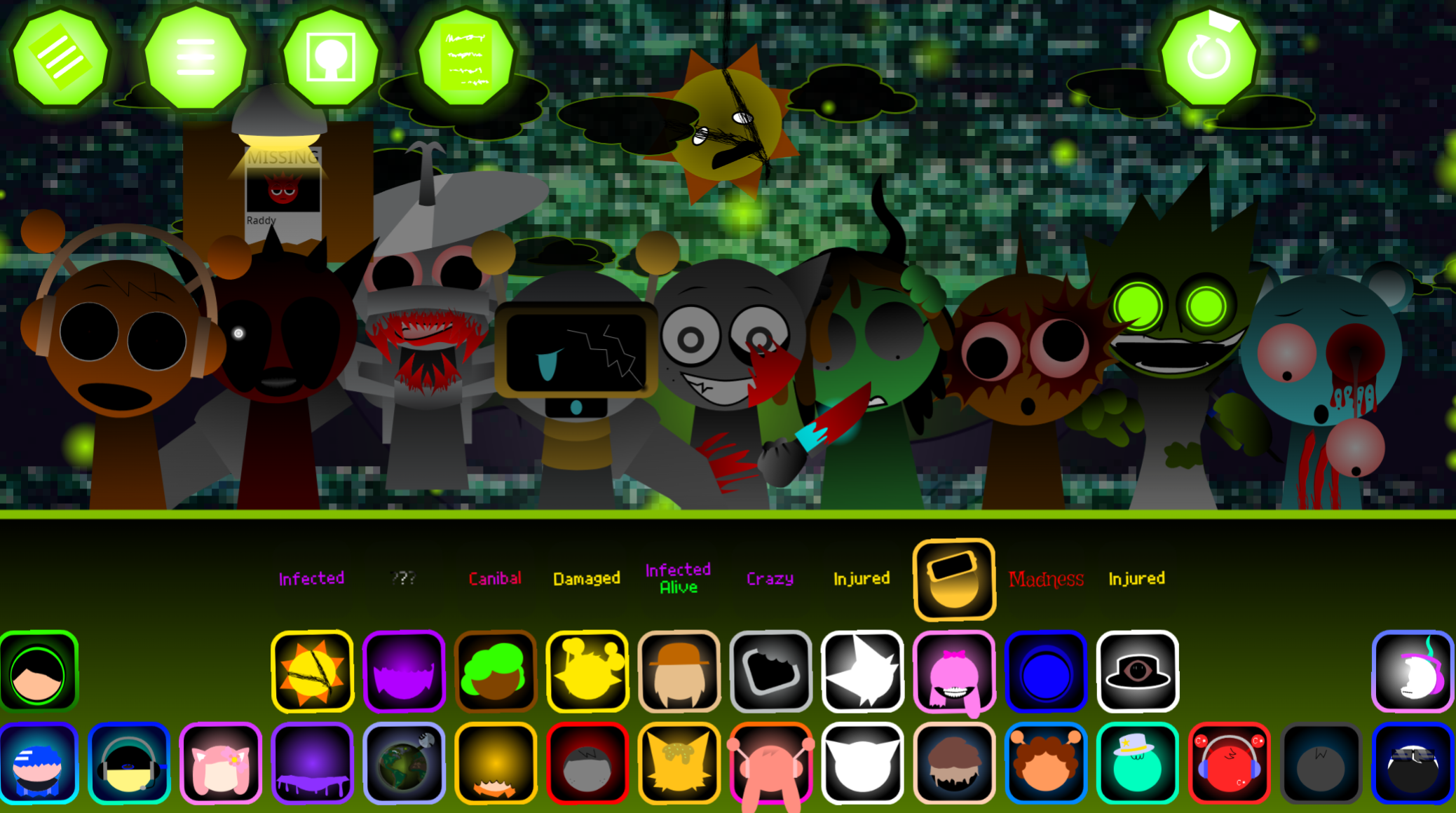
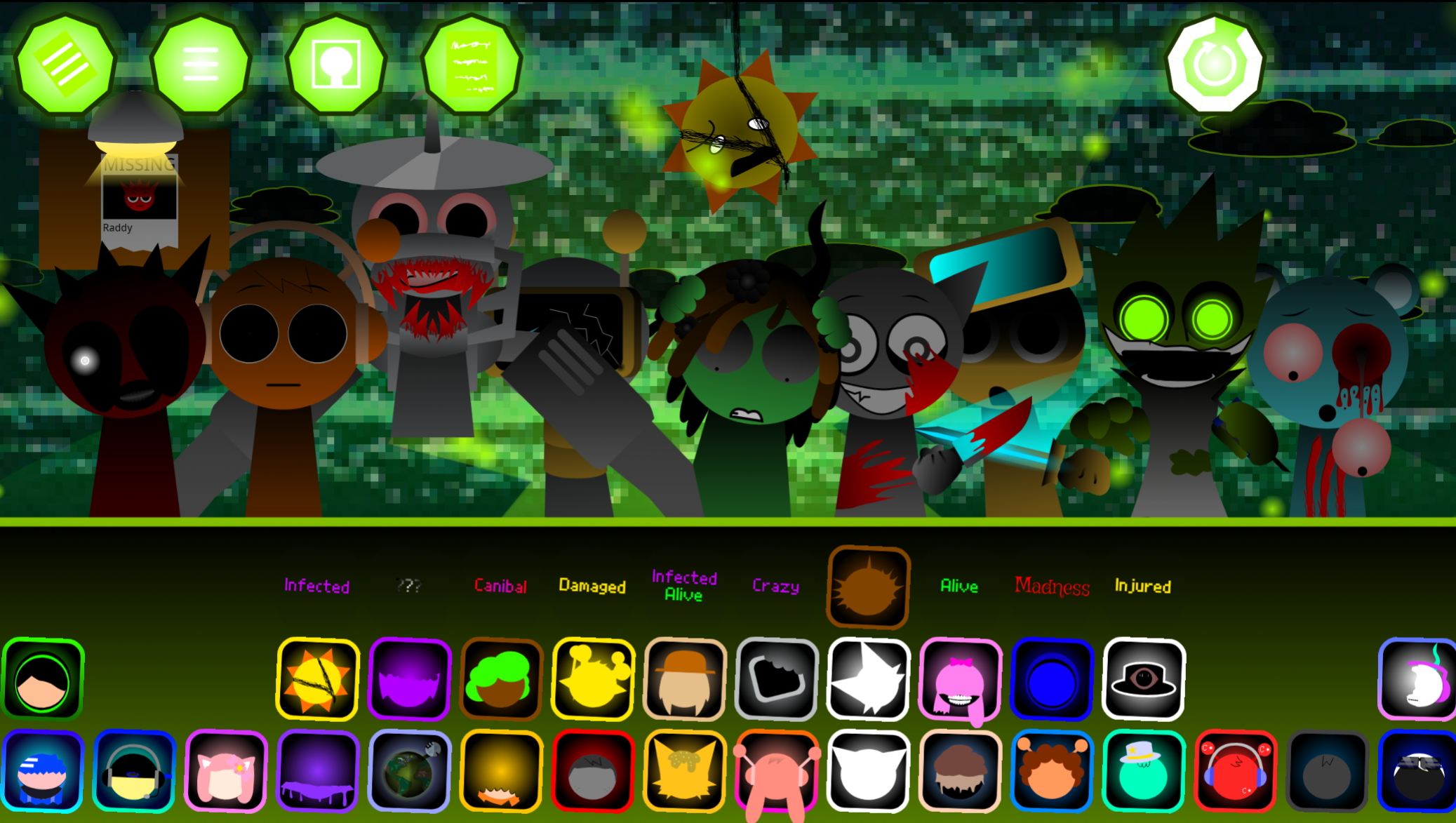
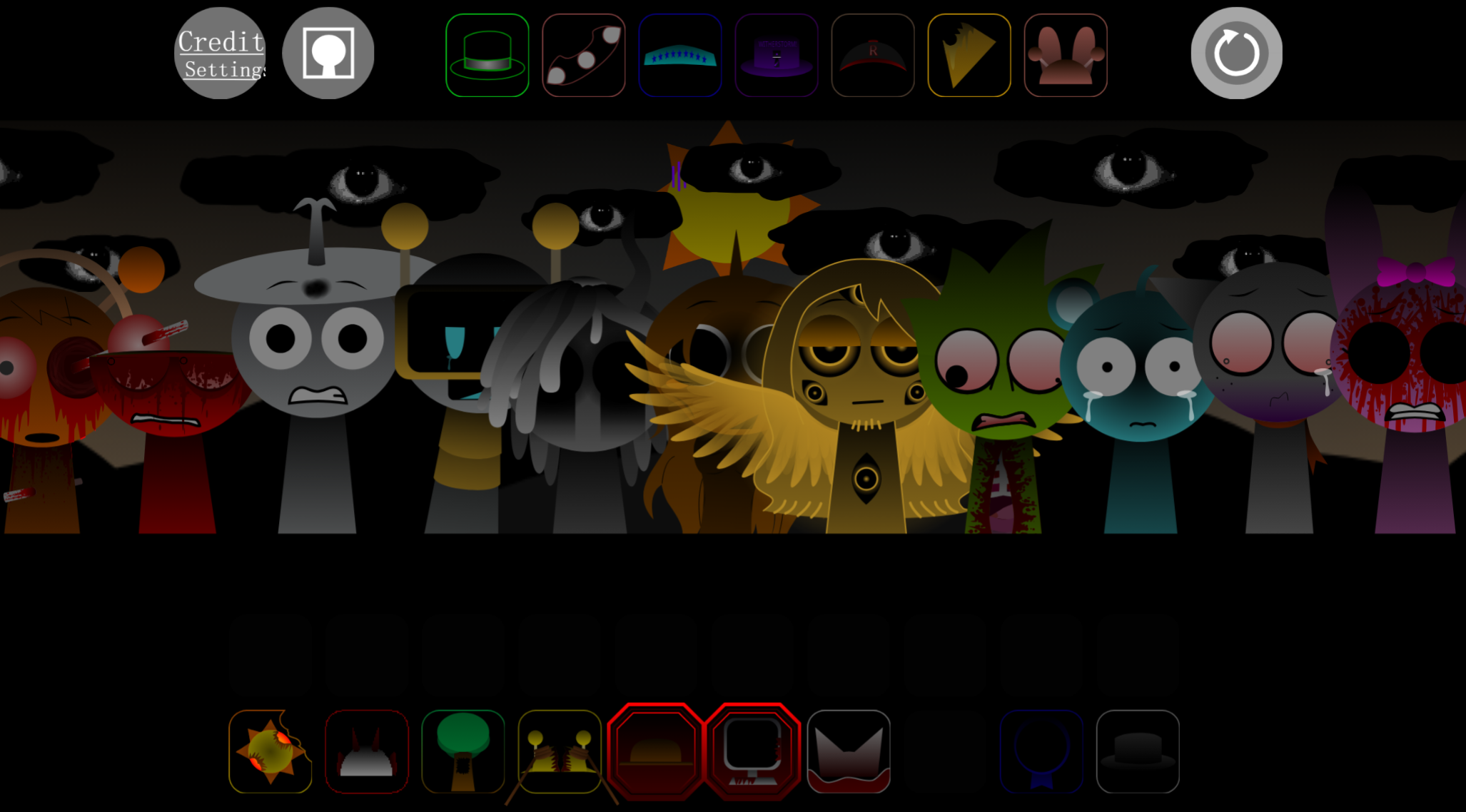
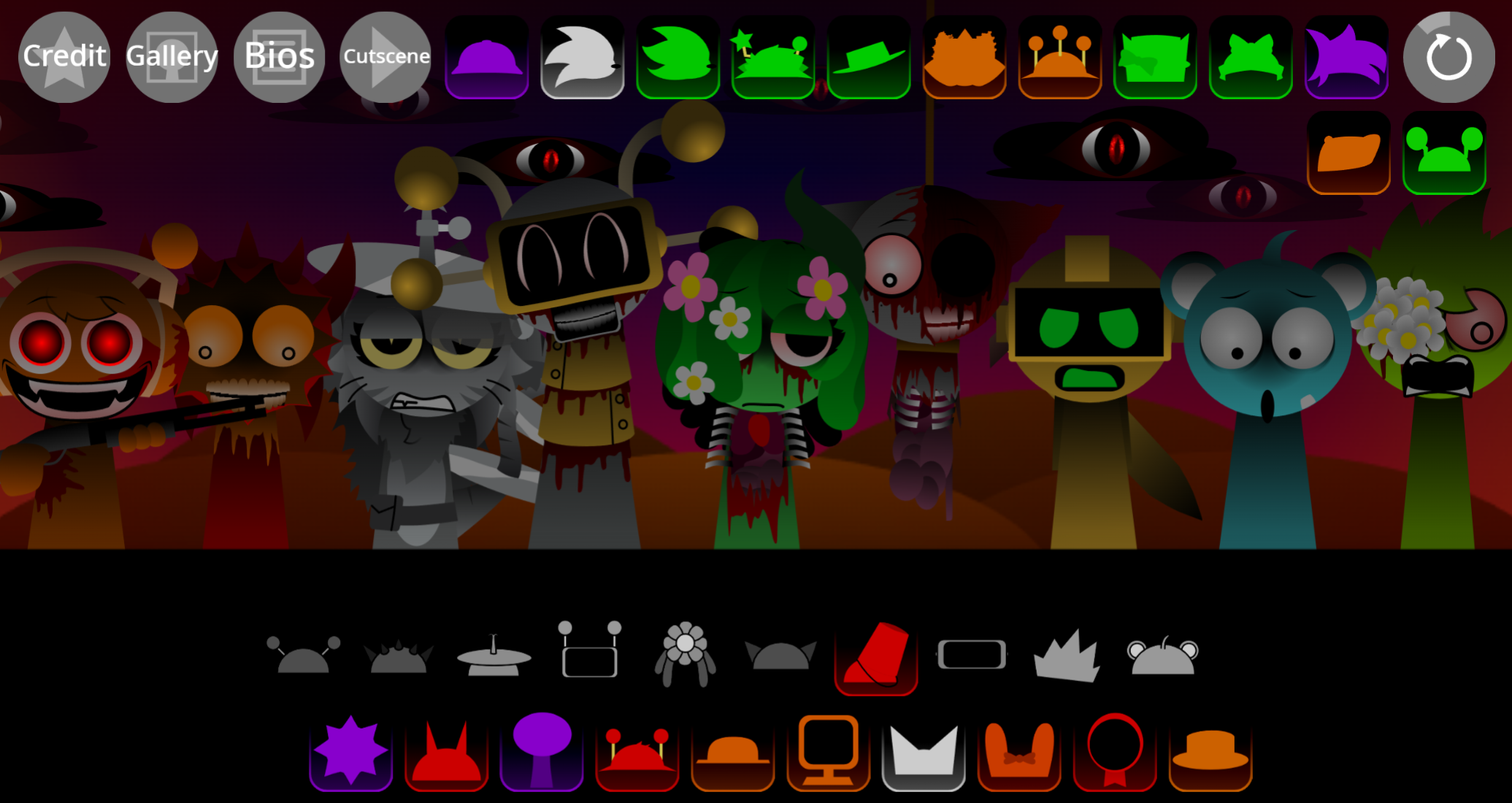
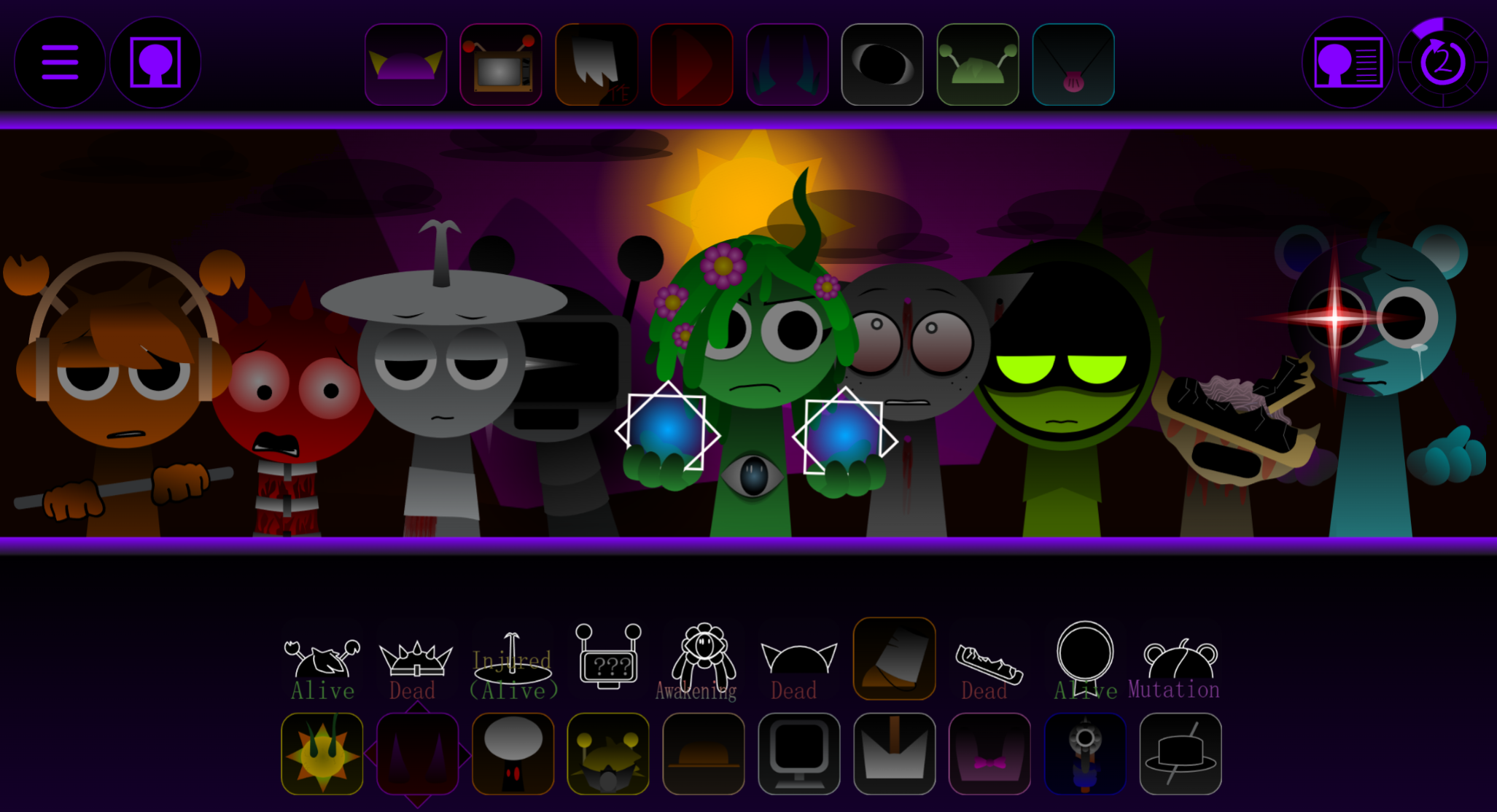
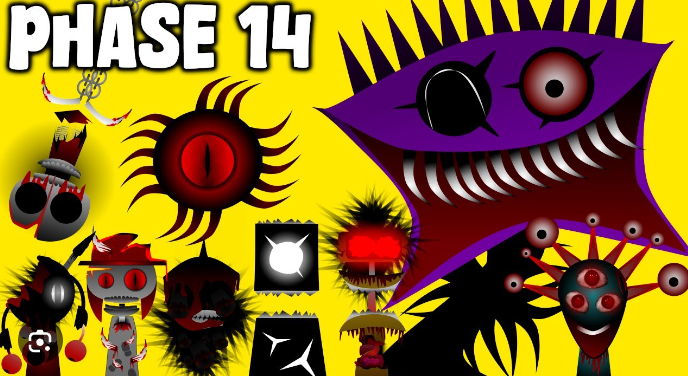
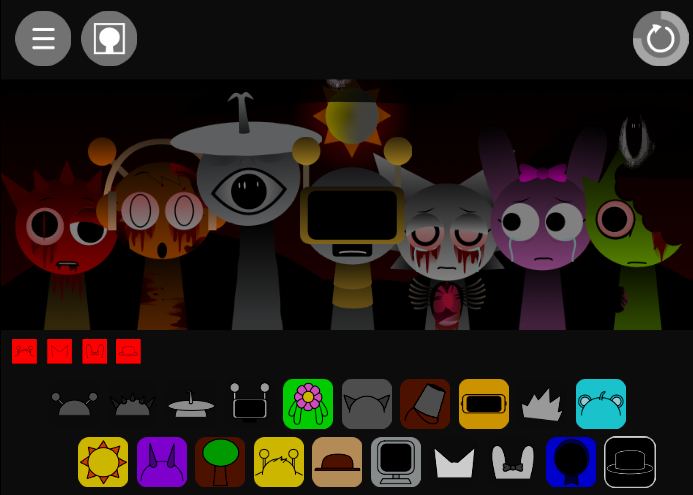
The defining mechanic is a permanent transformation. One black sound sample triggers Horror mode, replacing the bright stage with shadowy, glitched visuals and swapping clean loops for screeching, distorted audio. This contrast—playful creativity one side, unsettling tension on the other—shapes the core experience.
The community-submitted game is available to play online through abgernygames.org.
Core Mechanics
The interaction is simple: select from19 samples and place up to seven characters on stage. Each contributes a loping musical part and matching animation, letting players layer rhythm, melody, and effects. The seven-character limit forces deliberate choices rather than using every sample at once.
In standard mode, vibrant designs and synchronized animations make it easy to track which parts are active. The black sound sample isn’t a normal layer—it permanently shifts the game into Horror mode, warping cheerful designs and introducing jarring textures. Toxiified rewards deciding whether to preserve a colorful composition or deliberately uncover its darker side.
Characters and Sound Effects
The 19-character roster supplies musical variety. Each provides a different repeating sample: beat-like foundations, melodic notes, or unusual effects. On-stage animations act as visual cues for active parts.
Because only seven characters perform simultaneously, individual choices shape the track. A rhythmic loop establishes pulse; melodic or effect-based samples add contrast. Swapping one character can shift the feel without restarting.
Horror mode transforms both presentation layers:
- Characters: Bright performers become dark, damaged, shadowy, or glitched forms.
- Sound: Clean loops are replaced by screeching, distorted, abnormal audio.
- Mood: Playful arrangements turn tense through the same drag-and-drop system.
The visual changes reinforce the altered sound and atmosphere—characters aren’t merely decorative avatars.
How to Play Sprunki Toxified
Choose and place characters.
Select from 19 available samples and drag characters into the active lineup. Up to seven perform at once.
Build the mix in layers.
Start with one or two loops, then add rhythm, melody, or effects. Listen to how repeating samples interact before crowding the arrangement.
Swap sounds to refine the beat.
Remove or replace characters to adjust pulse, texture, and balance. The game rewards experimentation over fixed sequencing.
Use the black sound sample deliberately.
Adding this sample activates Horror mode permanently. Visuals distort and audio shifts from calmer loops toward harsher effects, so treat it as an intentional mood change rather than accidental addition.
Avoid the black sample to keep the stage in its standard colorful state, or use it to explore the darker Toxiified version.
Tips for Creating Beats
Start with a clean core loop.
Establish a steady rhythmic or melodic base before adding more characters. A sparse beginning clarifies what each new sound contributes.
Don’t fill all seven slots immediately.
Available space is useful, but a full lineup isn’t always better. Swap samples and compare combinations instead of layering every sound at once.
Test the 19 samples in different roles.
A sound that feels distracting in one arrangement may work as an accent when paired with a different beat or melody. Let loops repeat long enough to identify clashes, gaps, and useful contrasts.
Use arrangement changes to create movement.
Bringing characters in and out reshapes a beat without rebuilding the entire track. Small substitutions often produce more noticeable results than adding another layer.
Treat Horror mode as a composition choice.
Build a stable standard-mode arrangement first if you want the black sound sample’s transformation to feel dramatic. Its distorted visuals and effects contrast most effectively against the brighter original stage.
Related Games
- Sprunki Pramixed Horror Mr Sun — Its horror-focused take on Mr Sun directly complements Toxiified’s corrupted-stage transformation and offers a character-specific follow-up to one of its central performers.
- Sprunki Kats Horror Mode — Players who enjoy triggering Toxiified’s glitched visuals and abrasive sound changes can continue with another Sprunki mod built around a dedicated horror-mode atmosphere.
- Sprunki dark mode treatment — The darkened visual treatment makes it a natural next click for readers interested in how Sprunki’s cheerful music-mixing presentation can be recast with a more ominous style.
Enjoy!
Discuss
Loading comments...
Failed to load comments. Please try refreshing the page.