
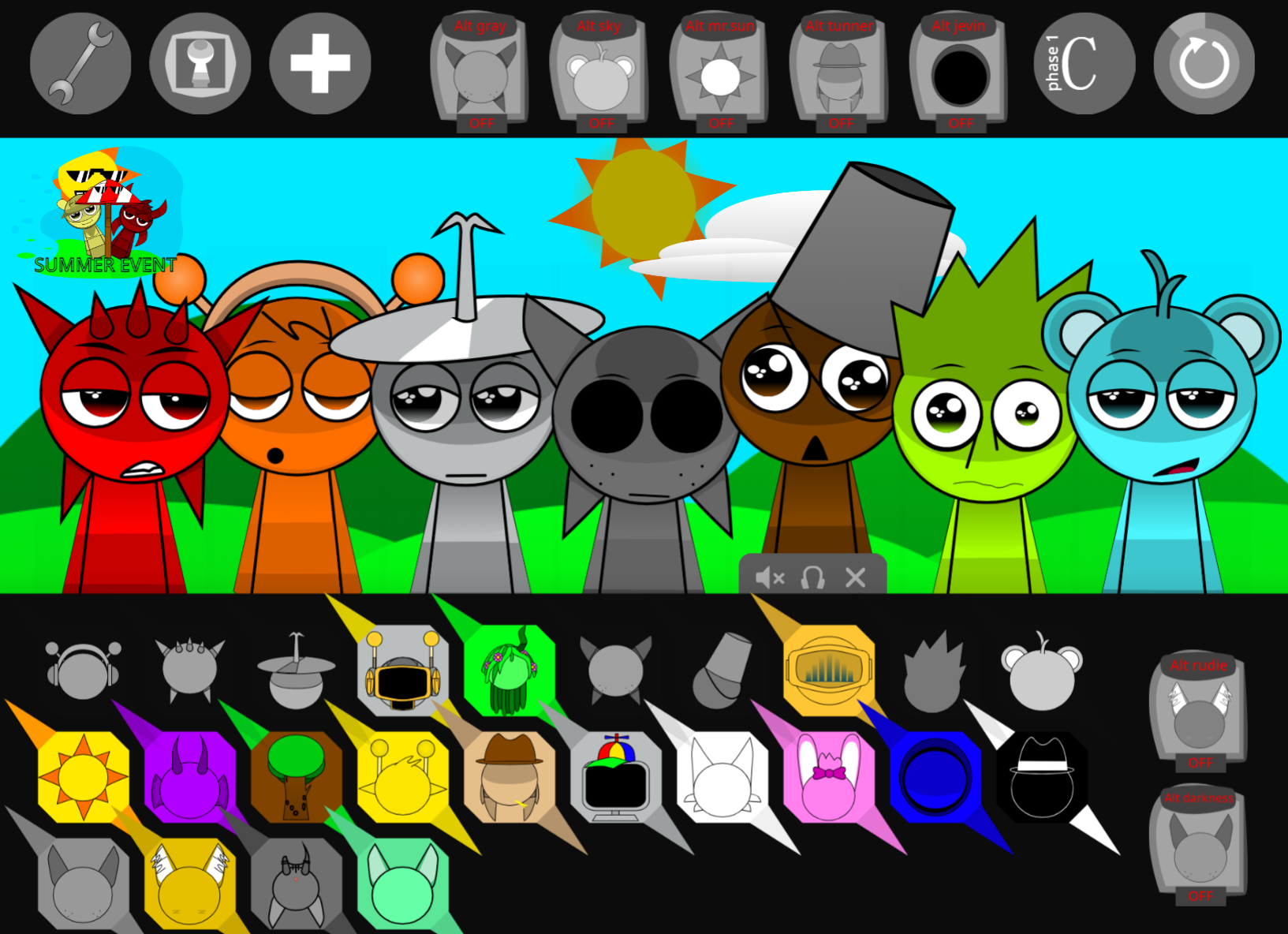
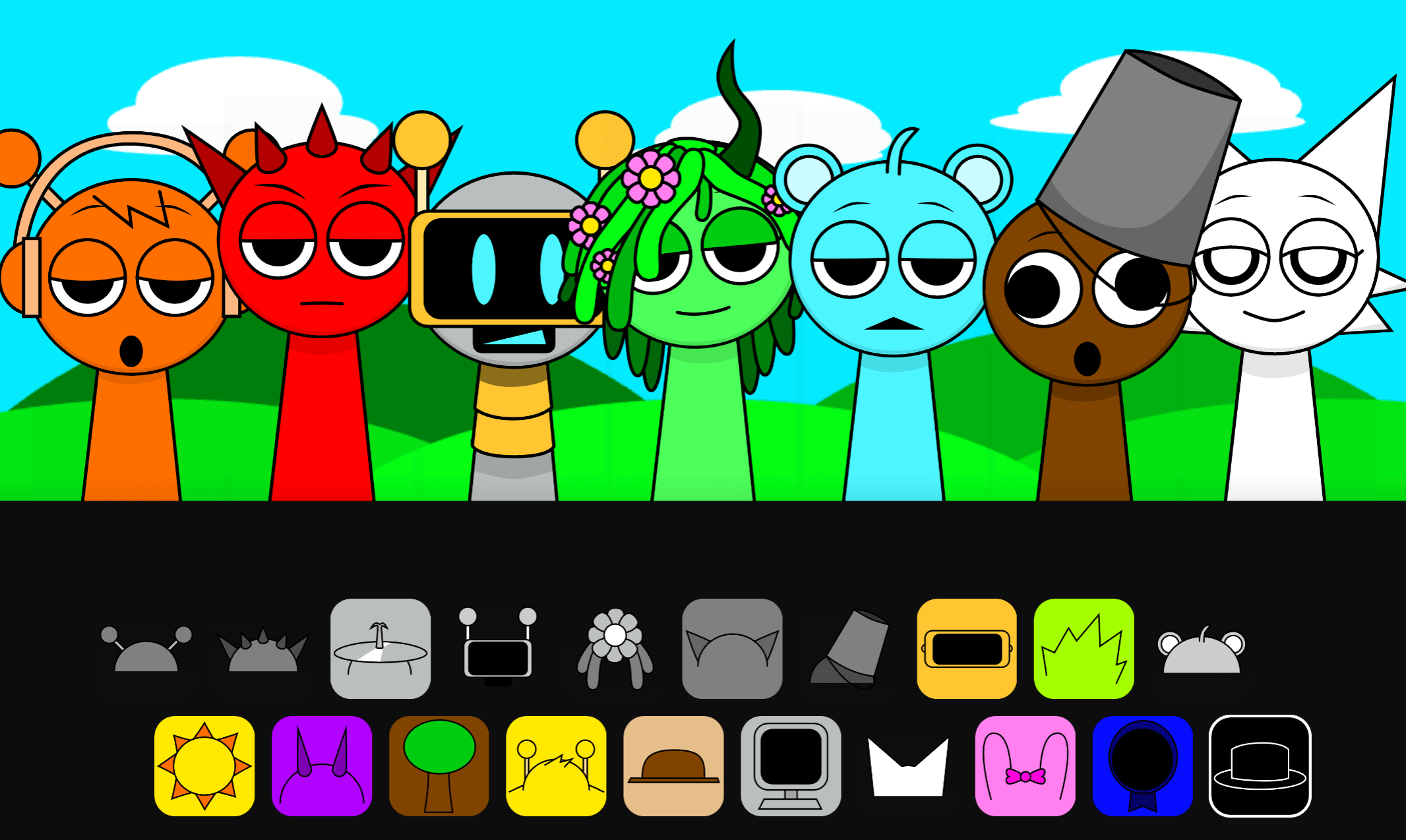
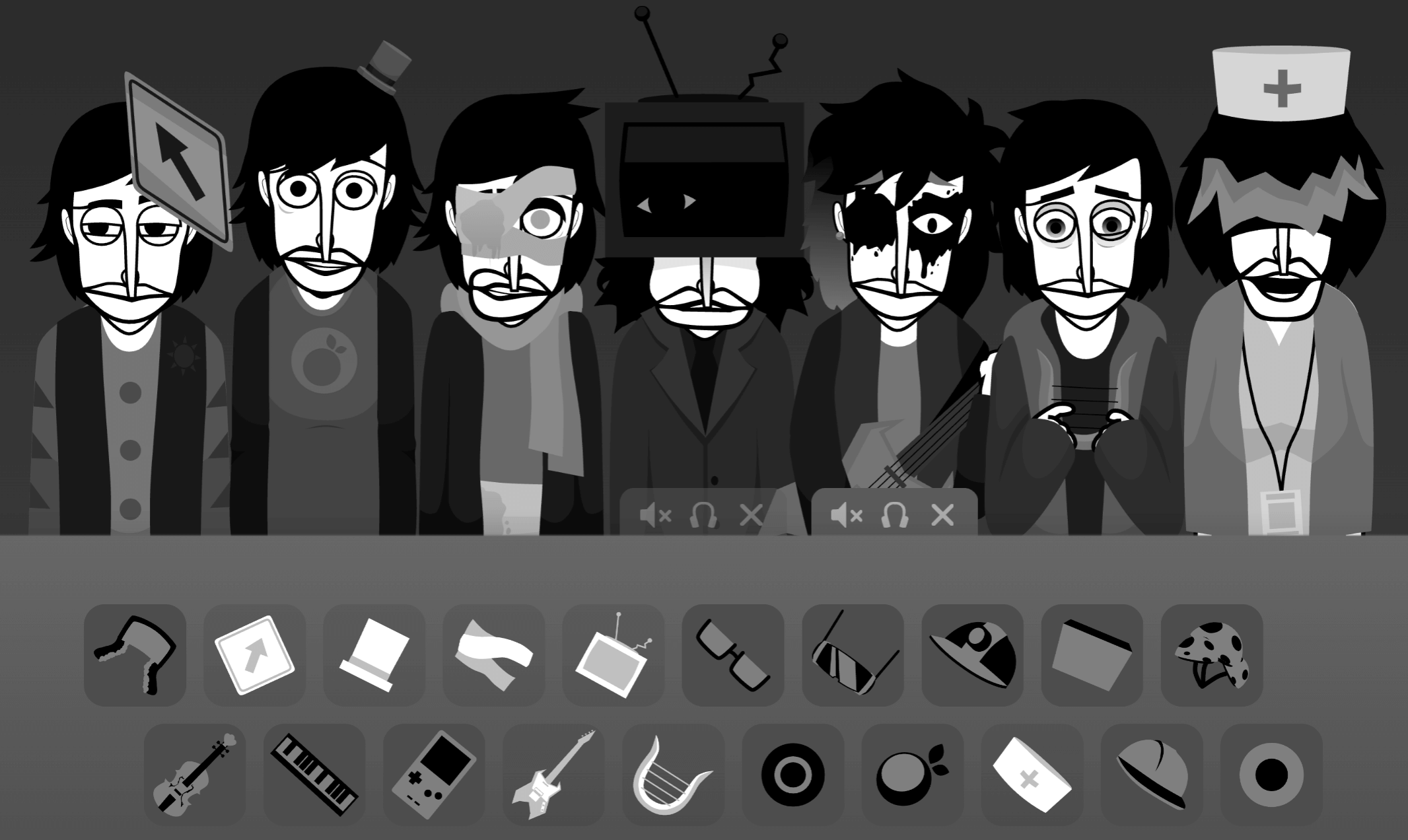
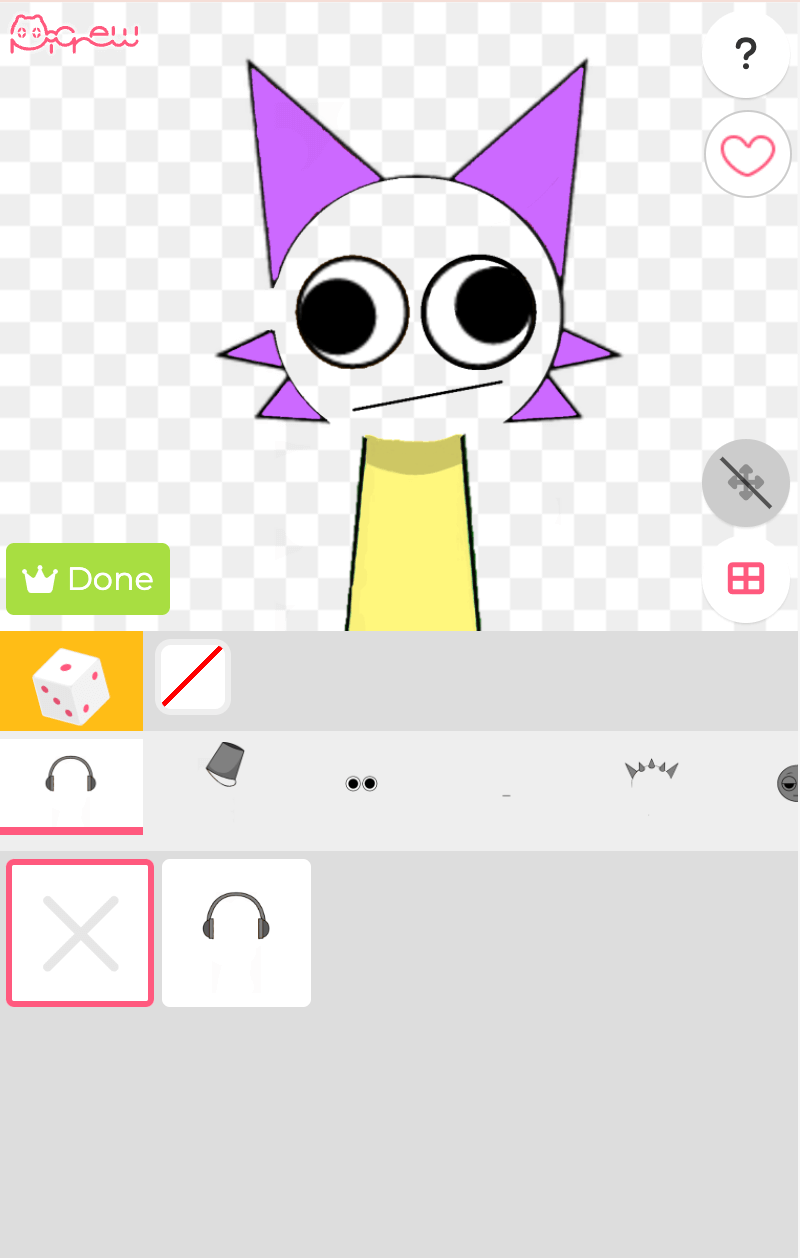
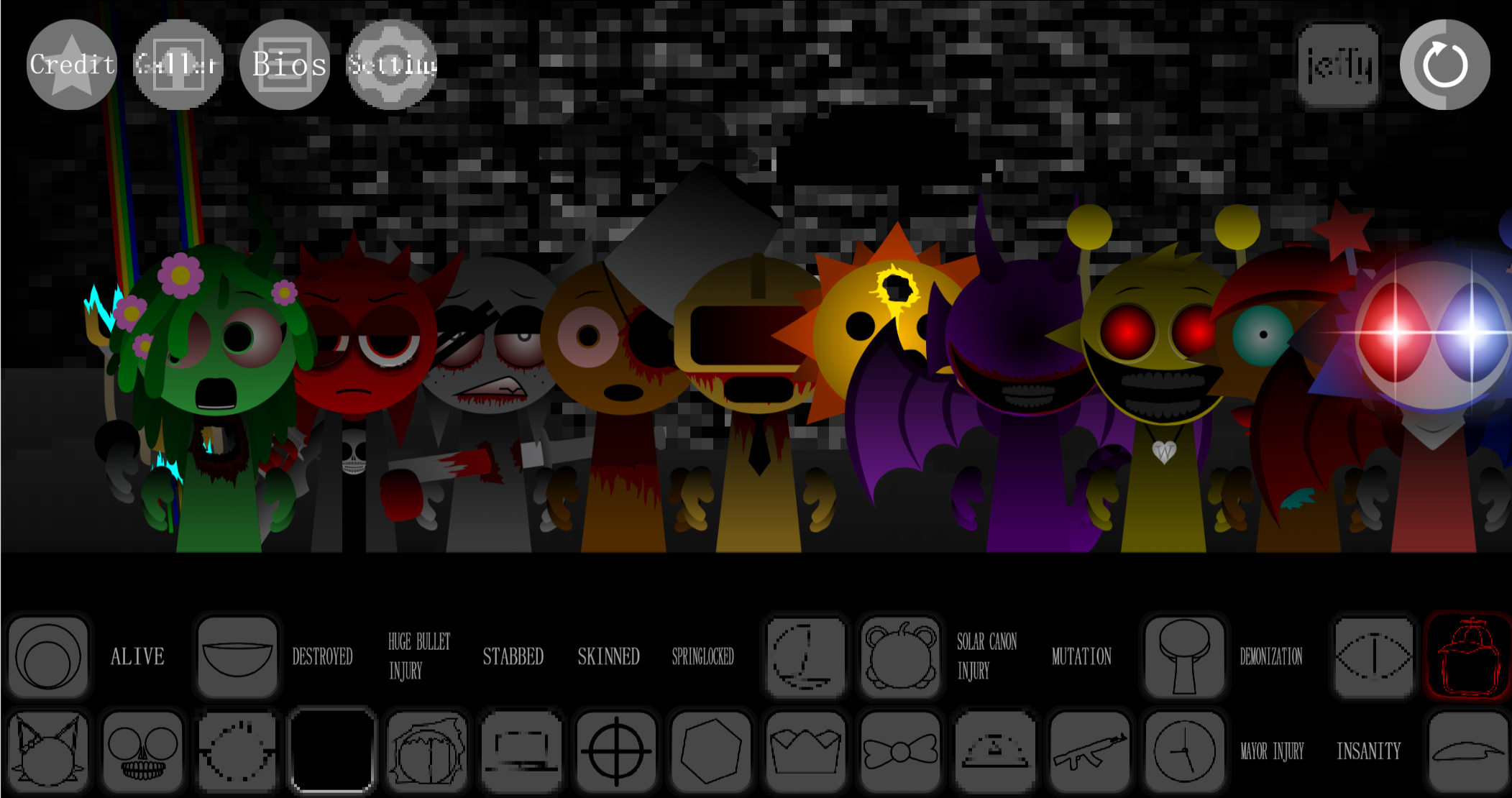
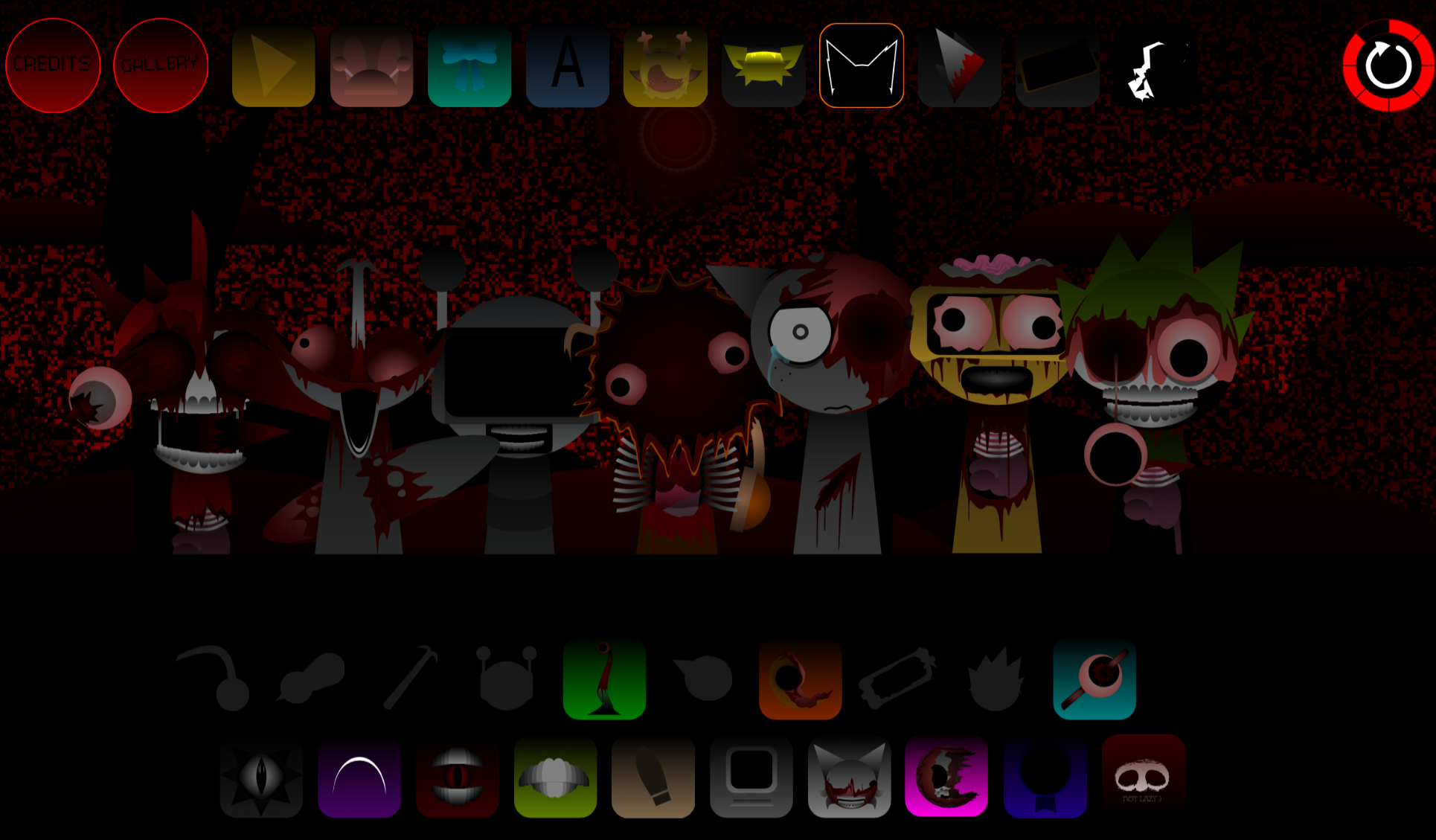
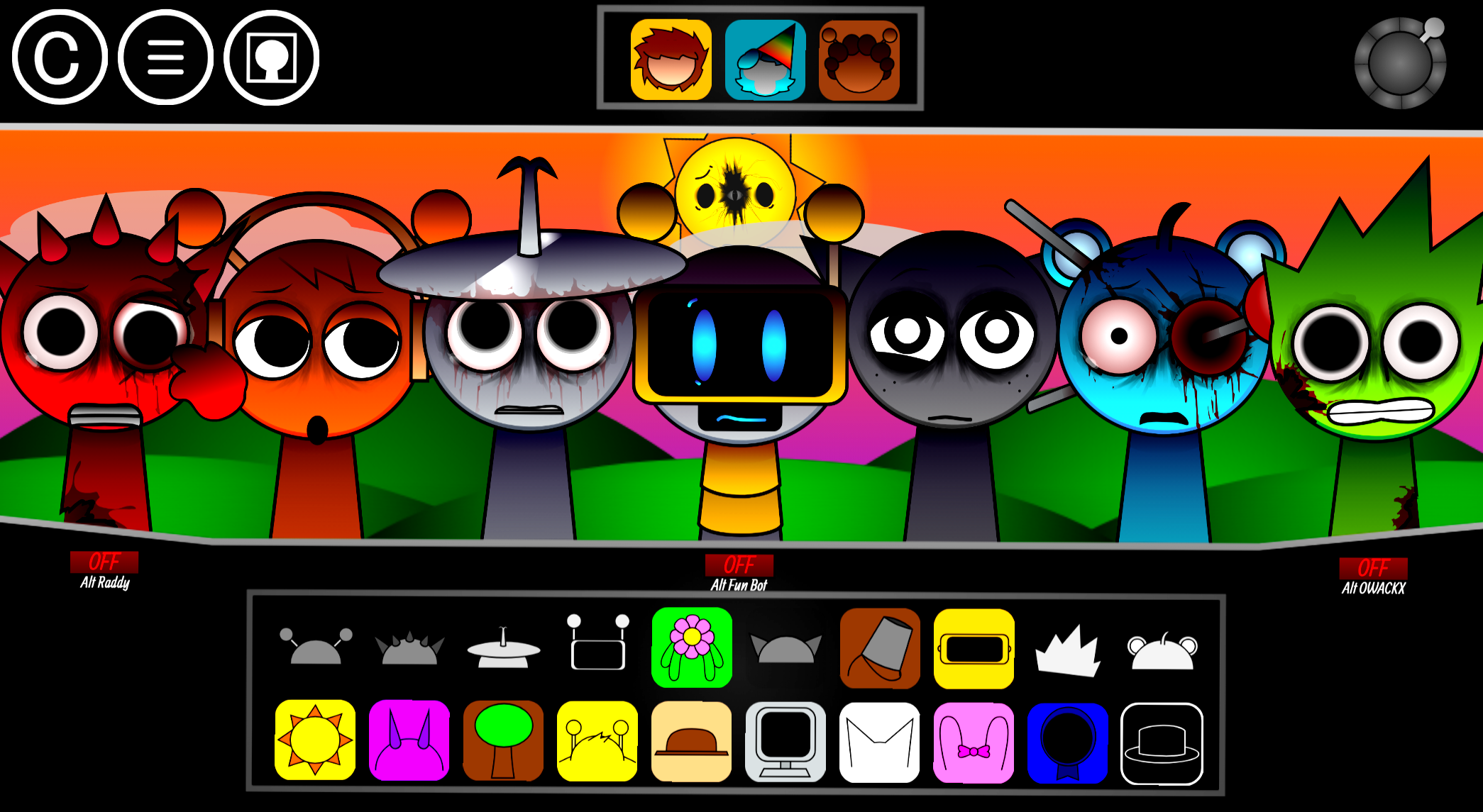
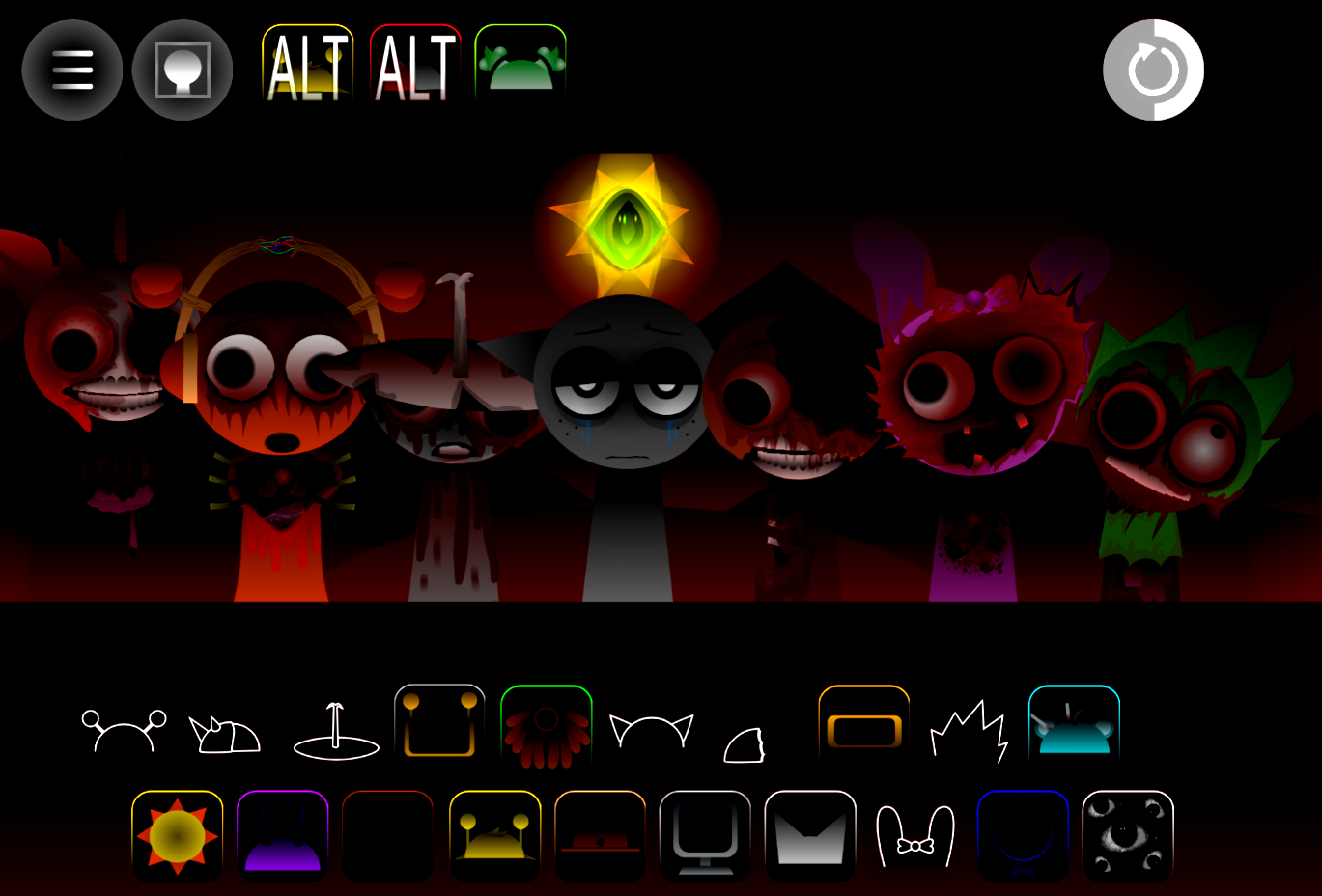
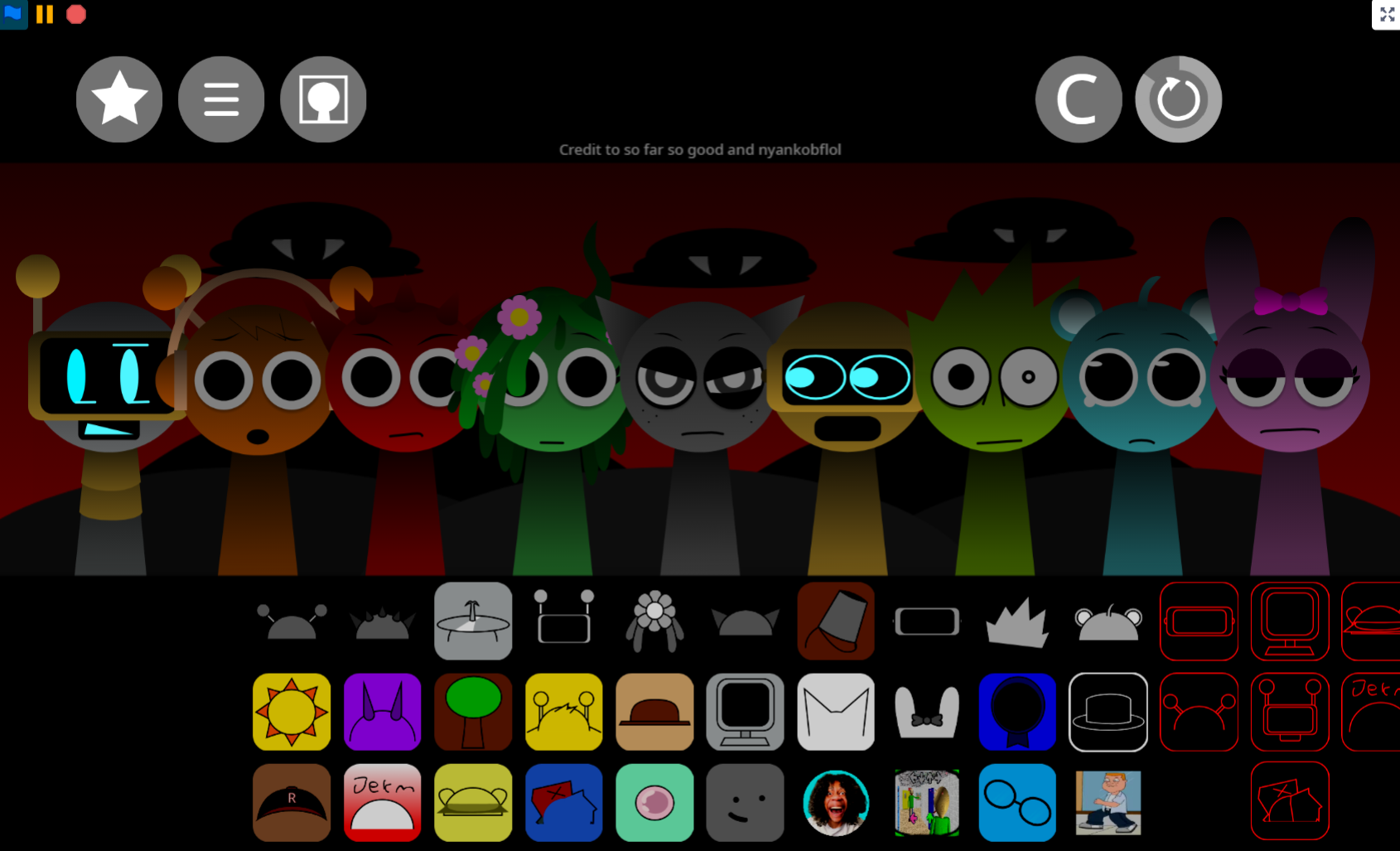
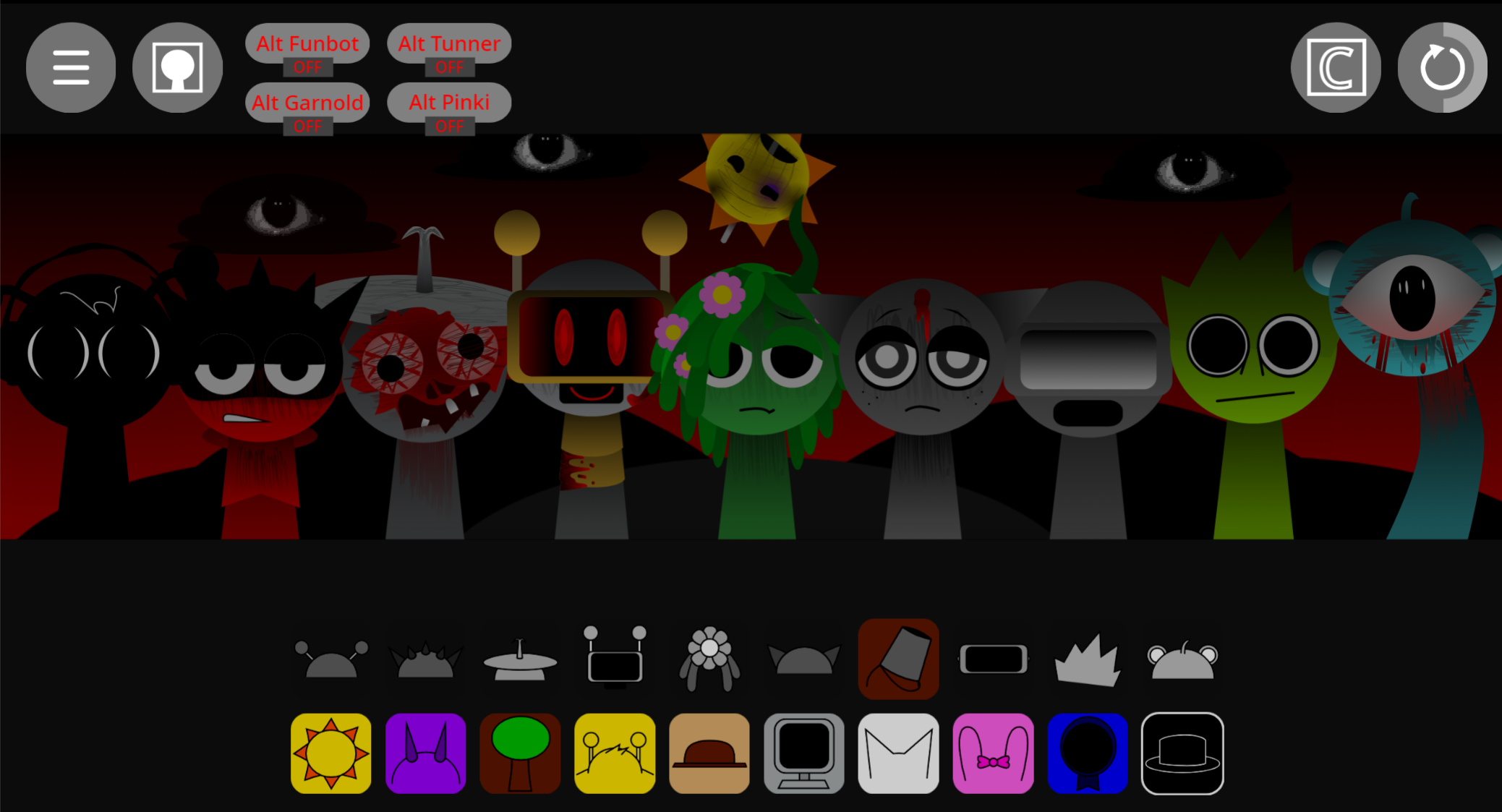
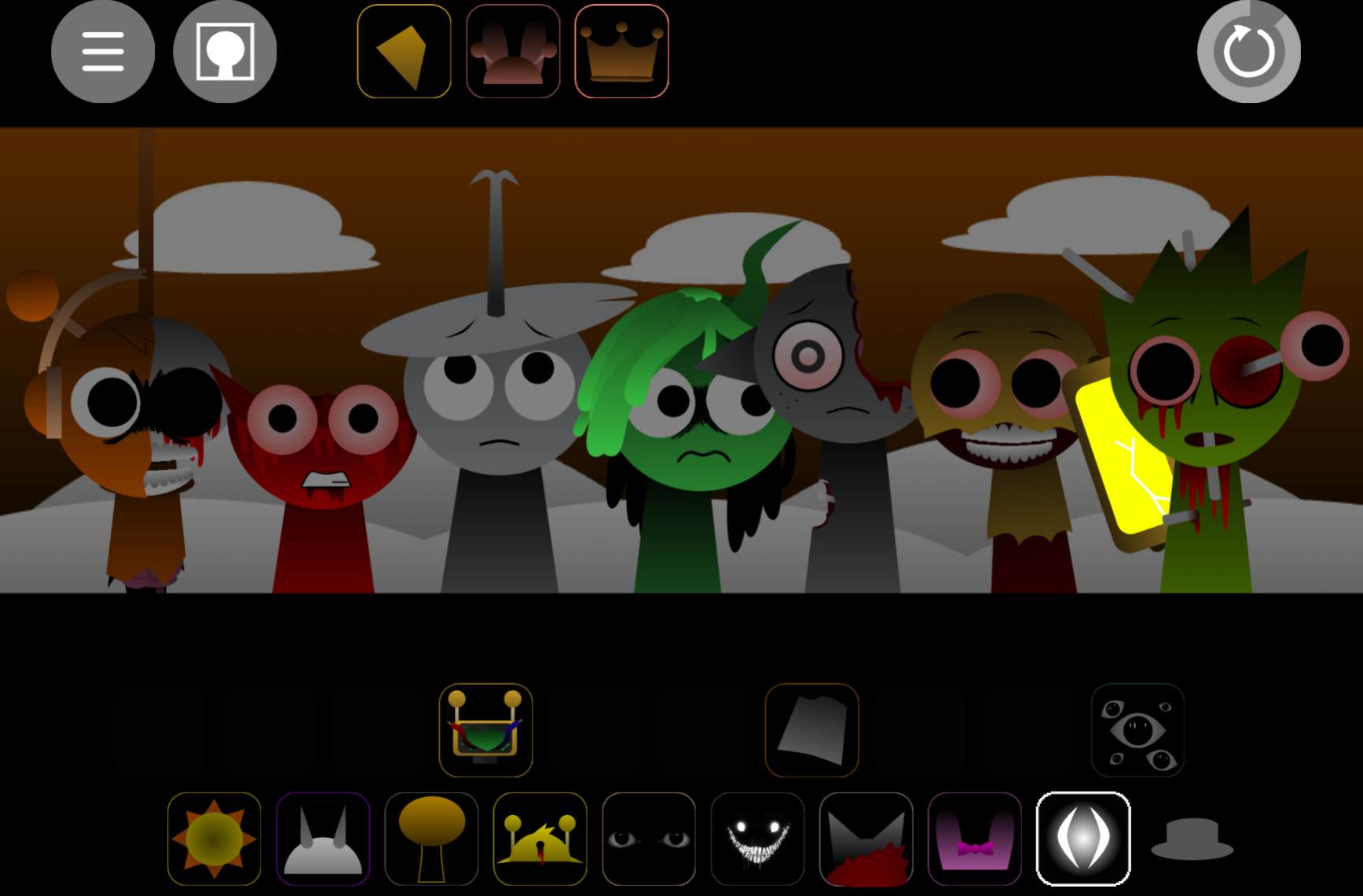


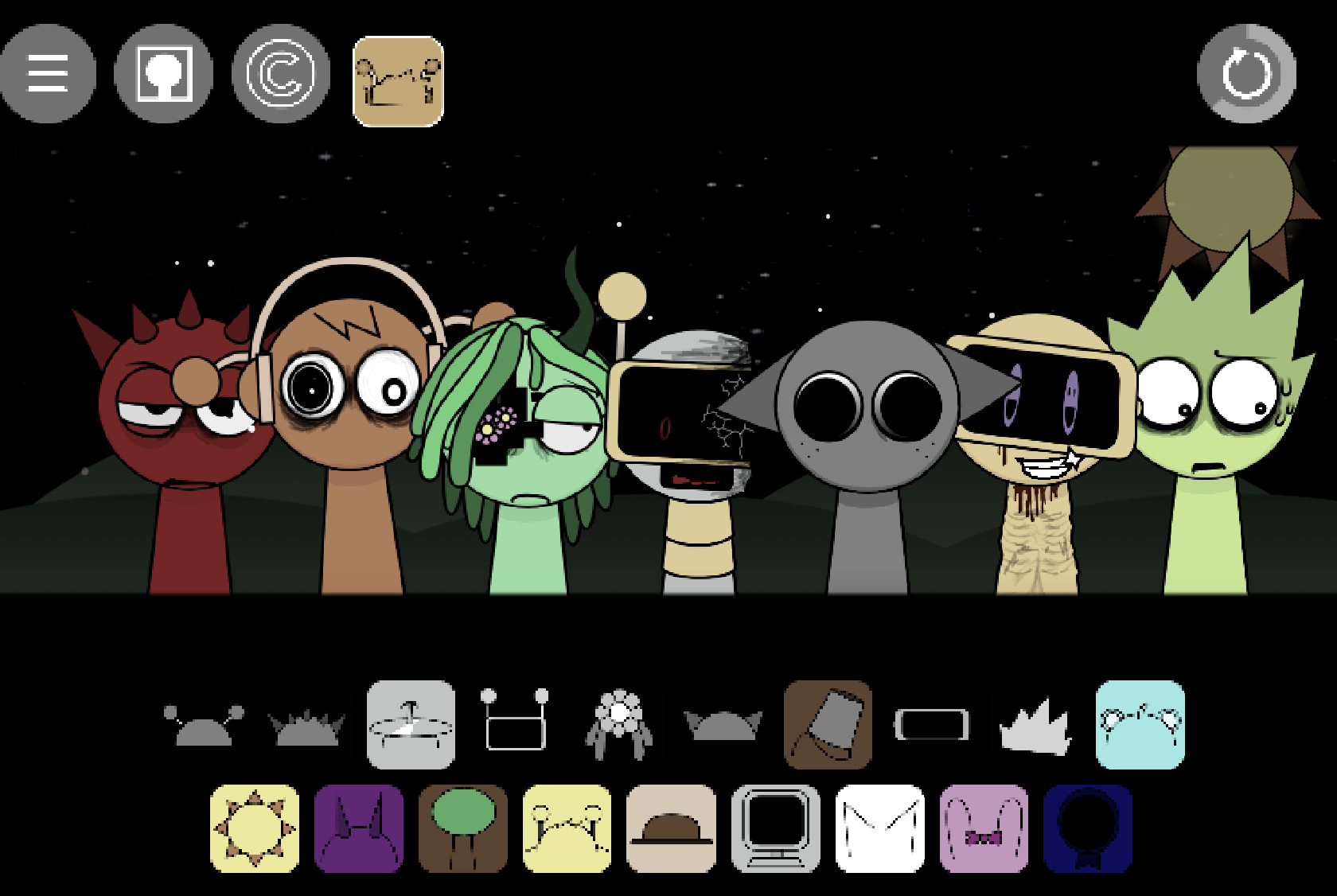
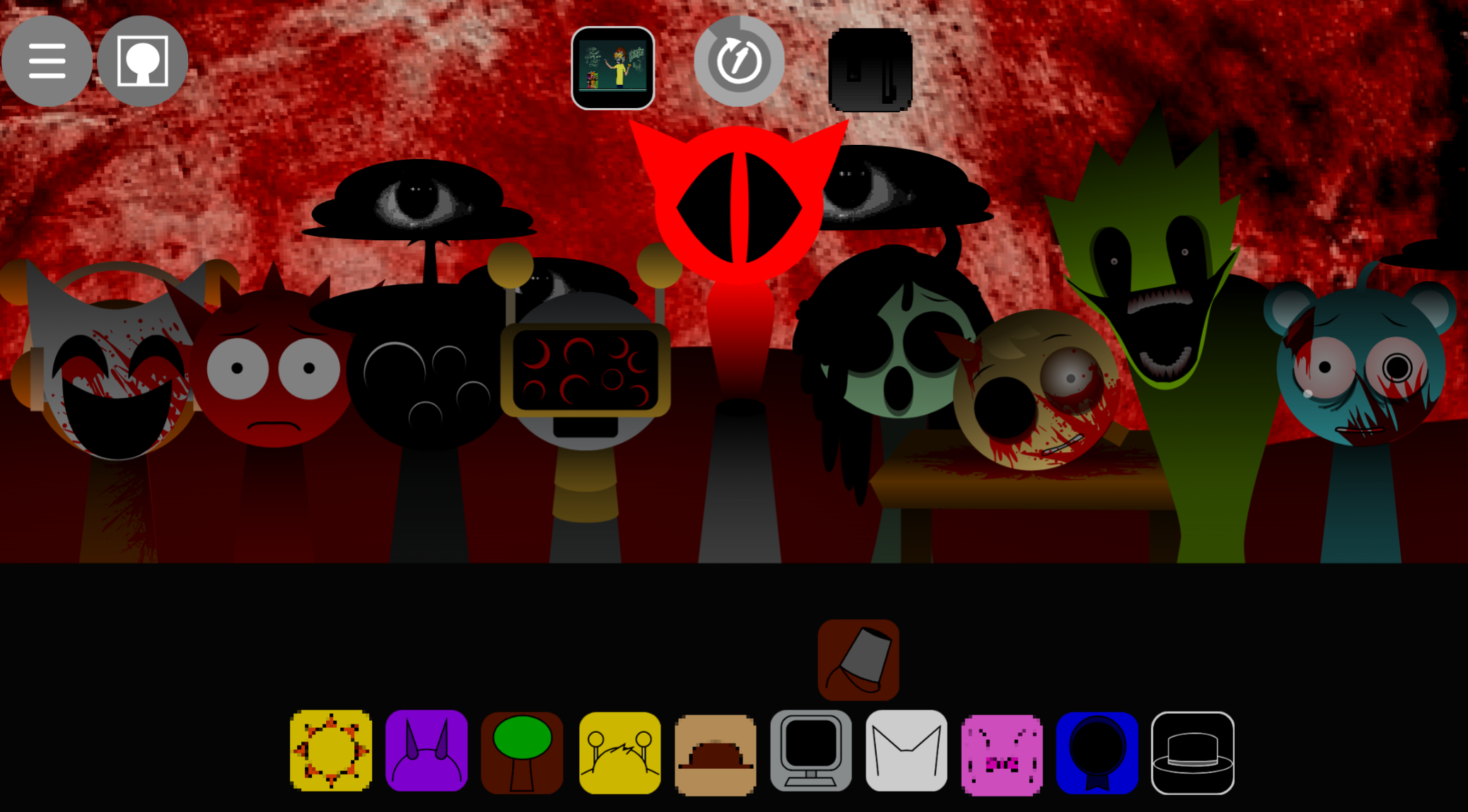
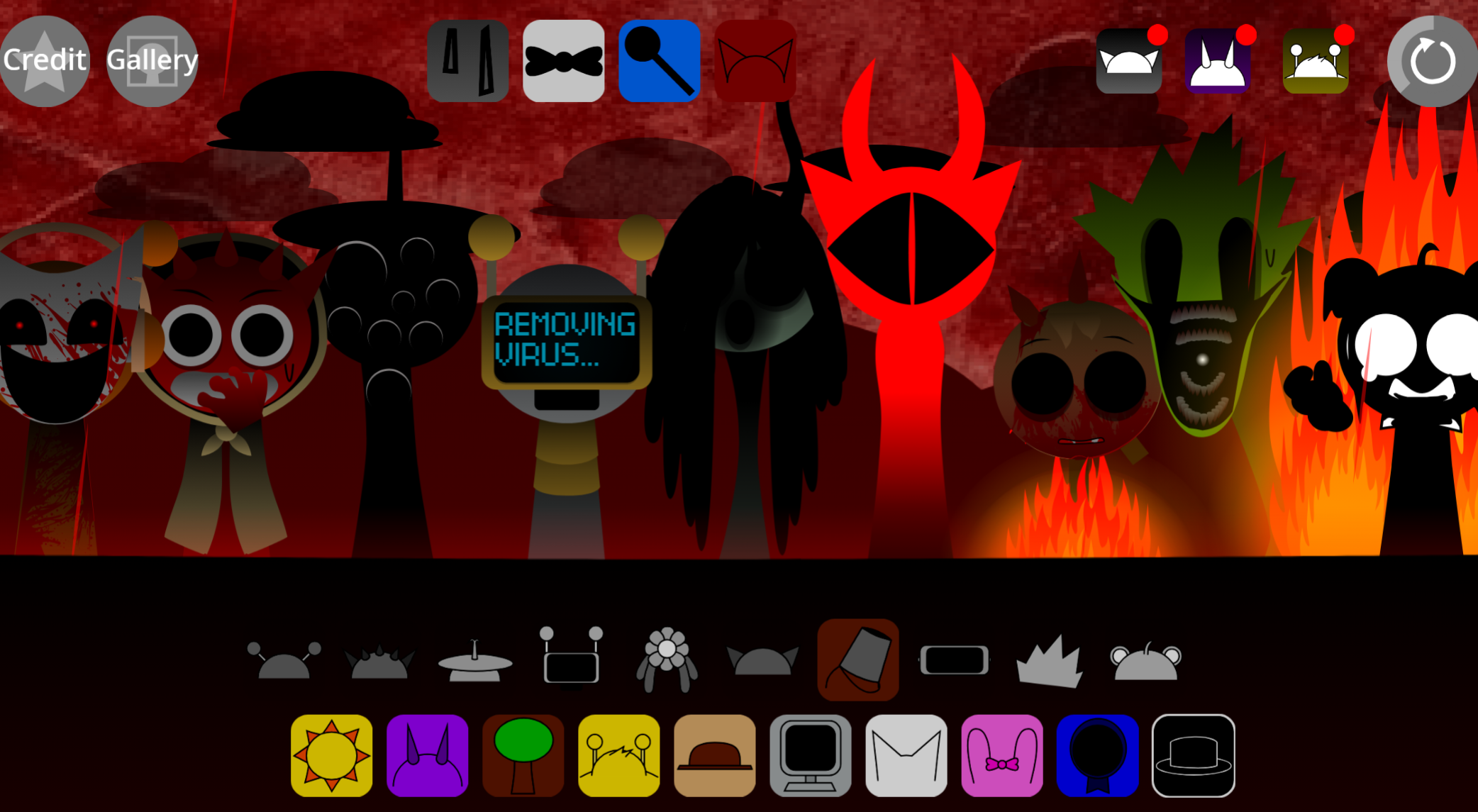
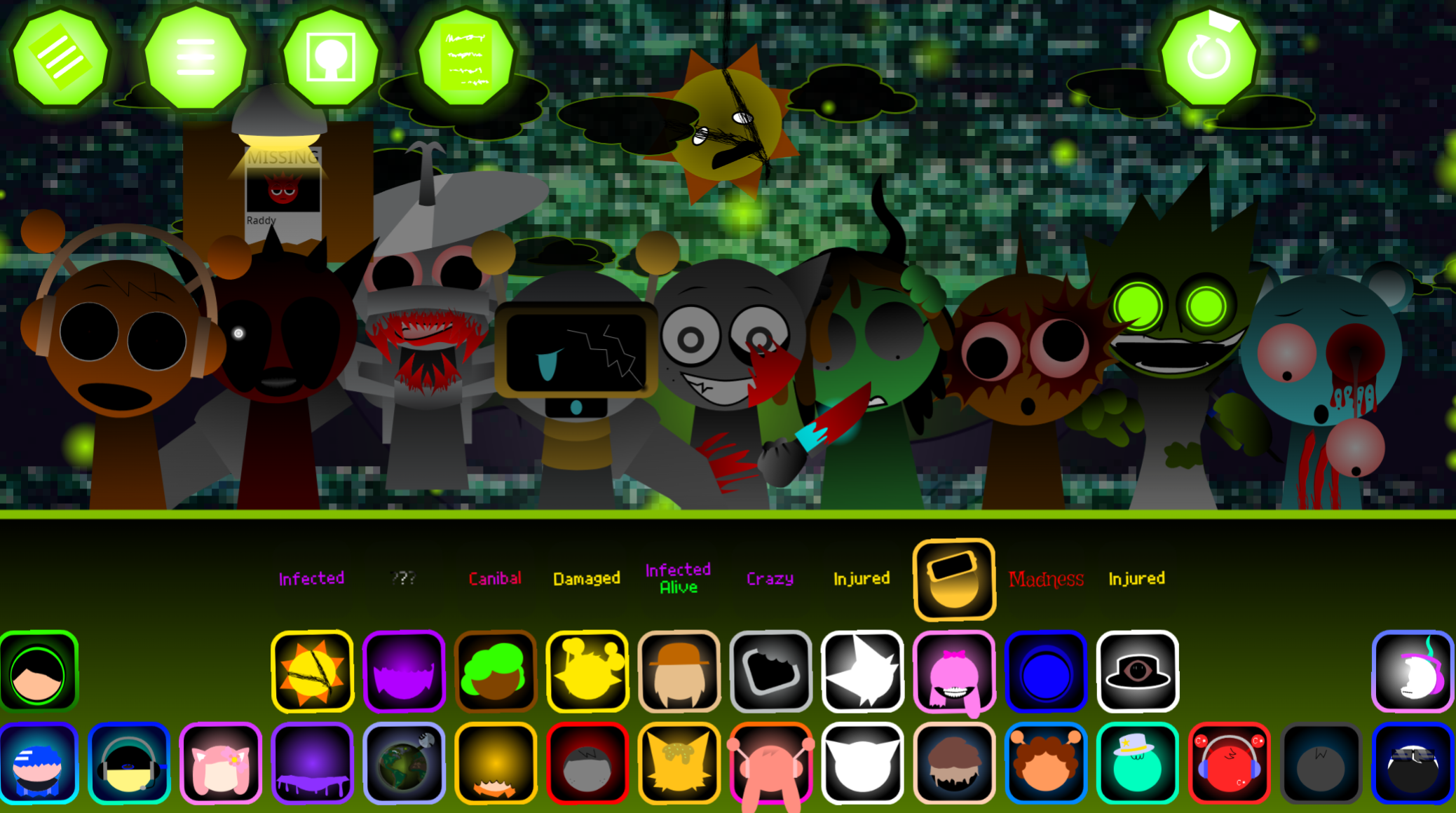
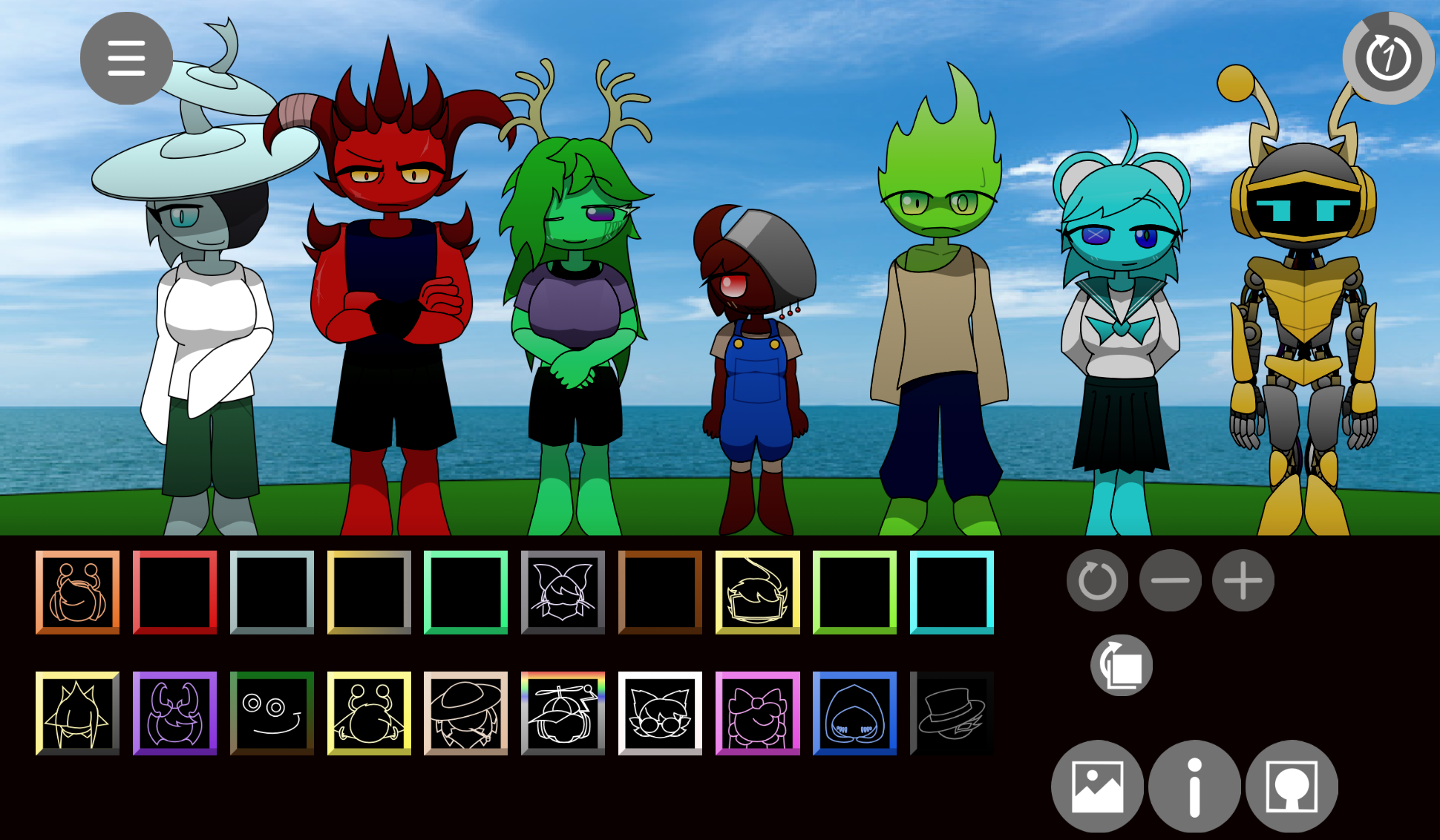
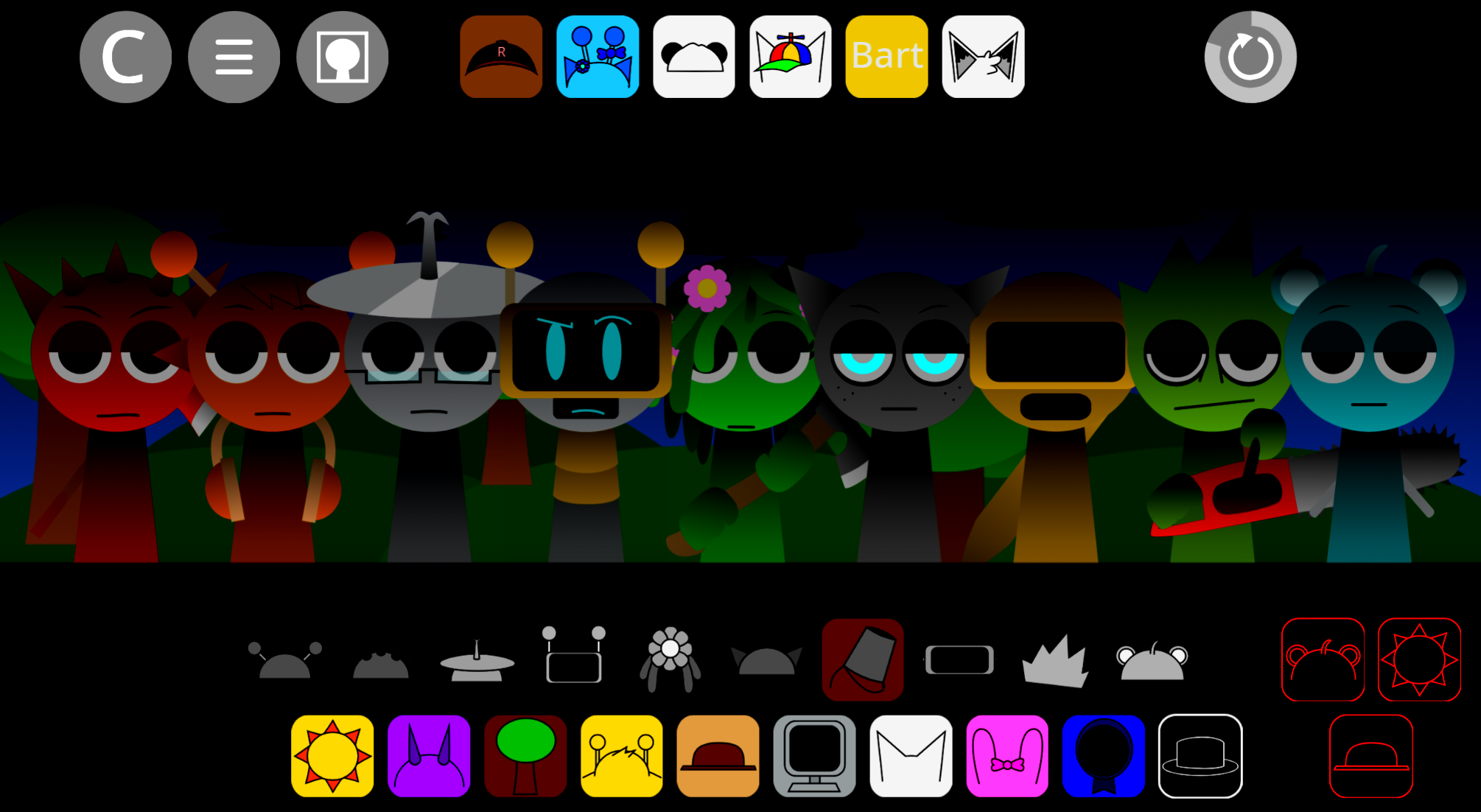
Sprunki Beta New Version V1.1 is a community-made mod developed by @shadowthehedgehog75 and available through abgernygames.org that maintains the drag-and-drop format of layering drums, melodies, vocals, and effects while introducing experimental visual and audio shifts.
Unlike generic mods that reshuffle sounds or palette-swap characters, Sprunki Beta New Version V1.1 builds a tonal arc into each session—compositions can evolve from playful musical experimentation into erie, distortion-heavy soundscapes depending on which Soundbearers you activate.
Sprunki Beta New Version V1.1 Feature Breakdown
Sprunki Beta New Version V1.1 is a community-made mod available through abgernygames.org that keeps the core Sprunki format—dragging sound-based characters to layer drums, melodies, vocals, and effects—while adding experimental visual shifts and character variations.
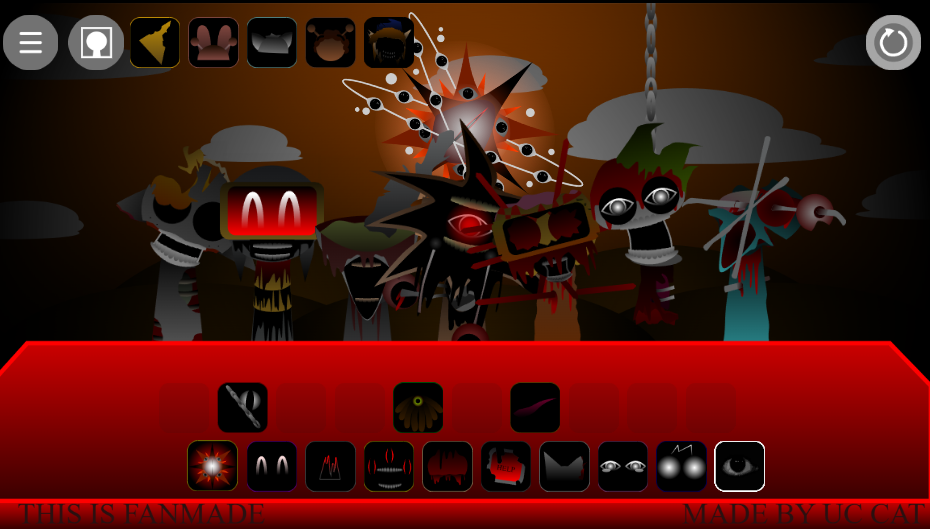
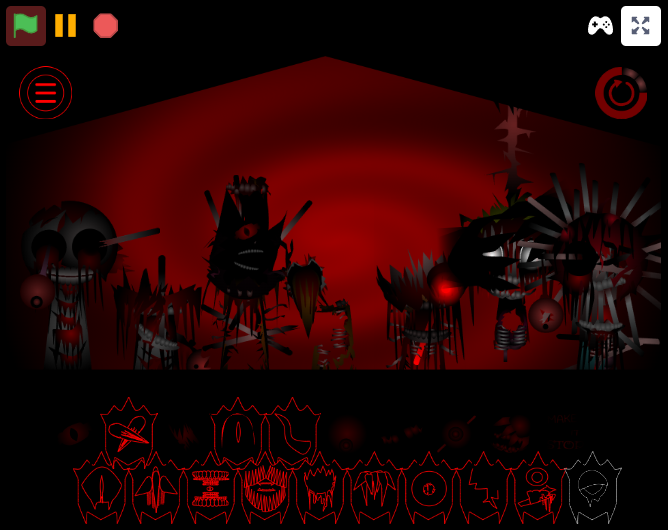
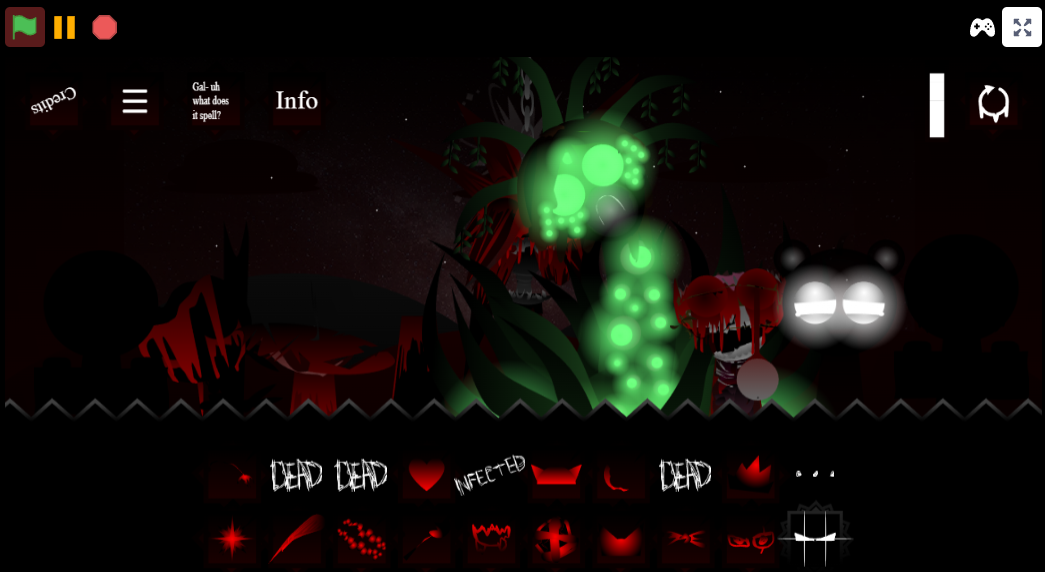
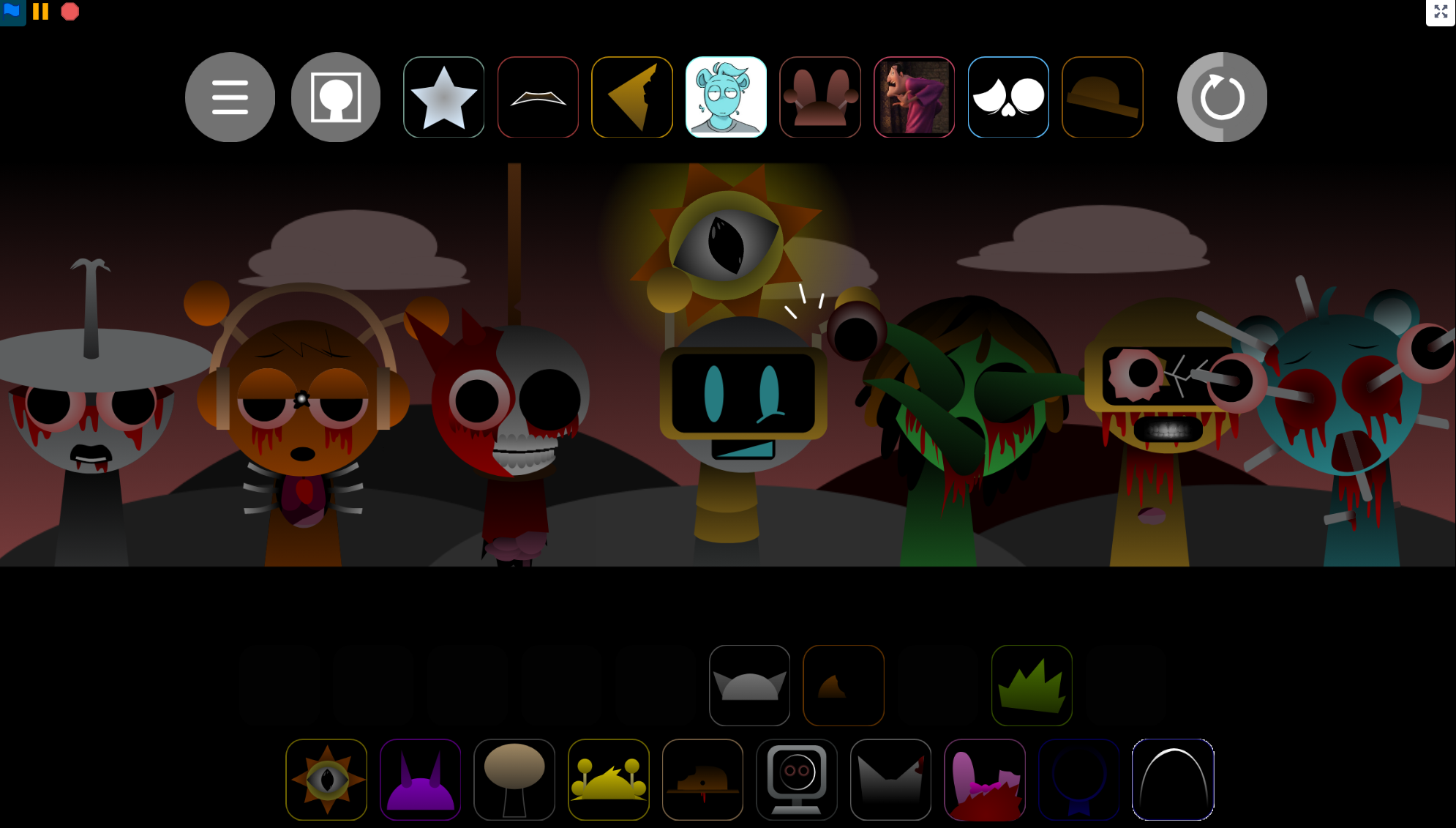
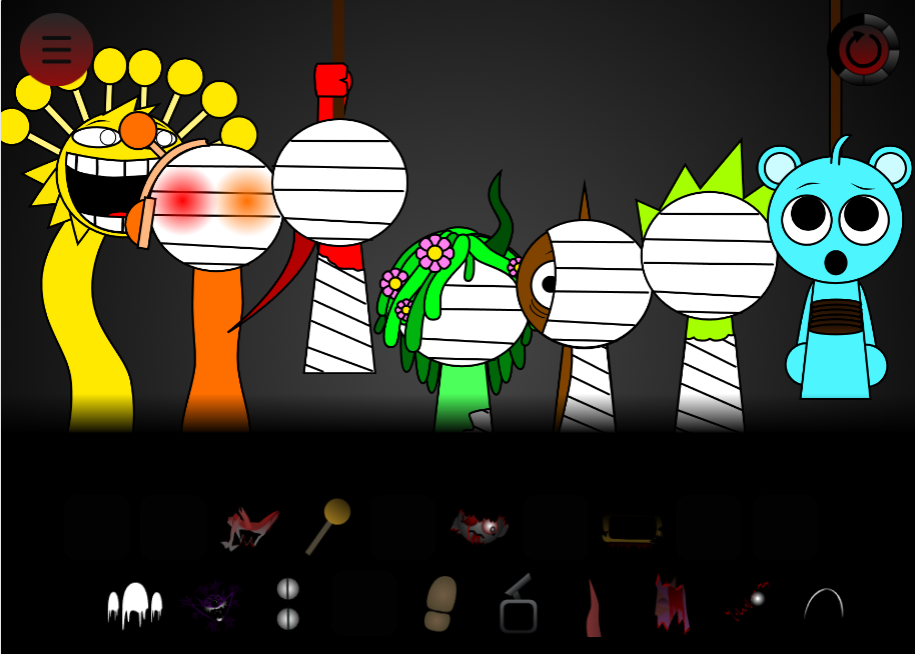
Developed by @shadowthehedgehog75, it features 20 Soundbearers and a defining atmospheric transformation: sessions begin with bright, cartoon-style musical play, then can pivot toward darker horror visuals with distorted audio and eerie effects as the composition develops.
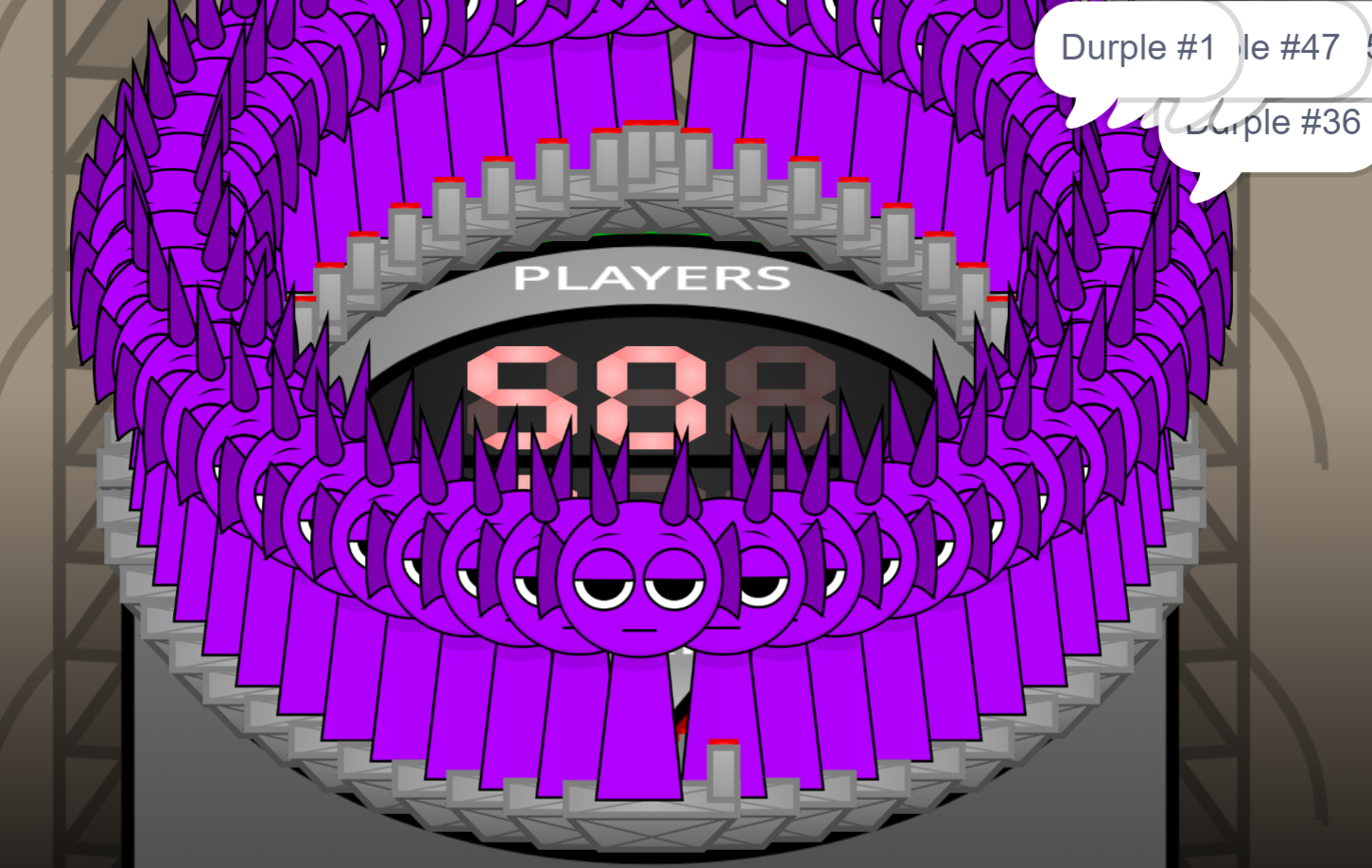
The mod has evolved through numerous updates, adding skip buttons, updated cloud visuals, new original characters, phase-specific code buttons, and character variations including Phase 1 Gray, Phase 2 Durple, and Rady’s alt version.
Key Features of The New Beta
Bright-to-Horror Atmosphere Shift
The strongest feature is the shift between two identities: a colorful, cartoon-style stage built around playful sound layering, and a darker horror state with grim visuals, distorted audio, and eerie effects. Players do not only hear the track change; they see the world around the mix react as the mood mutates.
Updated Gallery and Phase Code Buttons
The updated gallery provides a clearer view of changed content, character details, and visual additions. The phase-specific code buttons suggest certain features or scenes may be tied to different states or hidden sections, giving players who enjoy testing secrets a reason to explore beyond the main mixing screen.
Interface Improvements
V1.1 includes skip buttons for smoother navigation, updated cloud visuals, and working interactive elements that make the beta feel more responsive.
Character Variations and Animation Changes
Character content has expanded notably. Named additions and variations include:
- Phase 1 Gray
- Phase 2 Durple
- Rady’s alt version
- New original characters
- Fresh animations for Simon and Pinki
- Summer-themed updates
These changes show the beta’s evolution as an ongoing project, affecting not just sound slots but how characters appear, animate, and fit into the shifting tone.
Beta V1.10 Evolution and Platform History
The wider Beta line includes Beta V1.10, developed by @Gethere3899, which pushed toward a more story-driven direction. Originally appearing on Cocrea before moving to abgernygames.org, V1.10 became browser-playable without downloads.
It’s defined by community-made design, clearer narrative framing, and stronger attention to mood and progression. Together with V1.1, it demonstrates how Sprunki projects can grow through better structure, easier access, and more deliberate atmosphere.
How to Play Sprunki Beta New Version V1.1
Open the project on abgernygames.org and launch directly in the browser:
- Open the beta on abgernygames.org
- Explore the updated gallery to see characters, visuals, and presentation changes
- Choose Soundbearers and build a mix by dragging characters to layer audio
- Test phase-specific code buttons to explore different states or hidden content
- Watch for tonal shifts as the bright stage bends toward horror through altered sound and visuals
Because V1.1 is still a beta, approach it as a testing ground rather than a finished experience.
How to Mix and Mutate Your Beats
Choose sound-based characters and place them into the performance area. Each character adds a layer—rhythm, melody, vocal, effect, or atmosphere—and the track changes as those layers combine.
Basic process:
- Start with a steady drum or rhythm part
- Add melodic loops for musical surface
- Layer vocals or effects for texture
- Swap one character at a time to hear how the track changes
- Introduce darker sounds to push toward horror
The “mutate” aspect comes from how each sound choice transforms the full arrangement. Clean loops can become unstable when paired with low, unsettling effects; playful melodies can feel strange surrounded by distorted textures. The browser-based setup allows fast experimentation.
Tips for Aspiring Sound Creators
Start With the Gallery
The updated gallery shows available sound and visual pieces before layering, helping identify which elements feel bright, catchy, strange, grim, seasonal, or horror-oriented.
Build Contrast Into the Mix
The central sound identity of V1.1 comes from contrast. Try pairing clean melodies with darker effects, upbeat loops with heavier textures, or familiar Sprunki rhythms with distorted horror tones. Listen for the moment when the track starts to feel unstable—that’s where the bright-to-dark design becomes most effective.
Use Phase Buttons as Learning Tools
The phase-specific code buttons can reveal how sound, visuals, or mood shift between states, helping creators understand how Sprunki’s playful surface can suddenly bend toward something more unsettling.
Change One Layer at a Time
If the mix becomes too crowded, remove or swap one element instead of rebuilding everything. Small changes make it easier to hear what each Soundbearer contributes.
Treat Imperfect Results as Part of the Beta
Because this is an evolving beta, trial and error is expected. Some combinations may feel unfinished or strange, but that unfinished edge is what makes the version interesting—players are exploring a Sprunki project while its ideas are still developing.
Related Games
- Durple Sprunki Horror — This is the strongest follow-up for players interested in the darker phase shifts and Durple-focused horror variations highlighted in Sprunki Beta New Version V1.1.
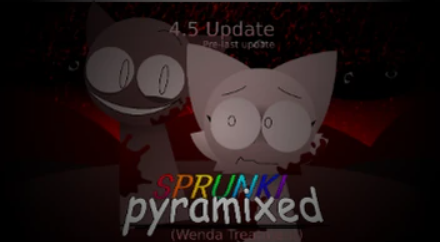
- Sprunki Pyramixed FNF arrow Horror Updated — Its updated horror presentation and rhythm-based structure make it a useful next click for readers drawn to the beta’s mix of music creation and unsettling visual/audio turns.
- Sprunki The Definitive Phase 7 Better Sound But Remix — This fits players who want another Sprunki remix centered on improved sound design and phase-style reinterpretation rather than a totally different gameplay premise.
What Makes This Beta Worth Exploring?
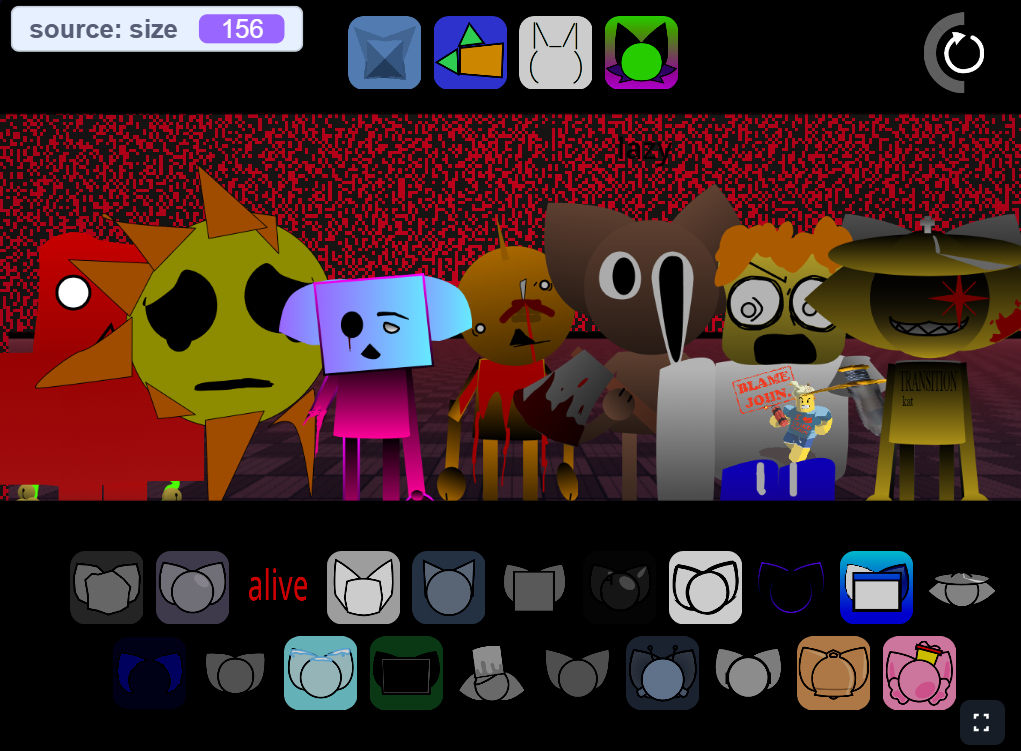
Community reaction has been notably engaged. Players have humorously pointed out that when horror elements activate, certain characters sound like they are “screaming like a coward.” The creator’s work has drawn attention from fellow modders, with some asking to hire @shadowthehedgehog75 for external projects—though the developer remains focused on building their own expanding universe of mods. If you enjoy alternative takes on the Sprunki format, Sprunki Regretful V1 offers another distinct community perspective.
Discuss
Loading comments...
Failed to load comments. Please try refreshing the page.