
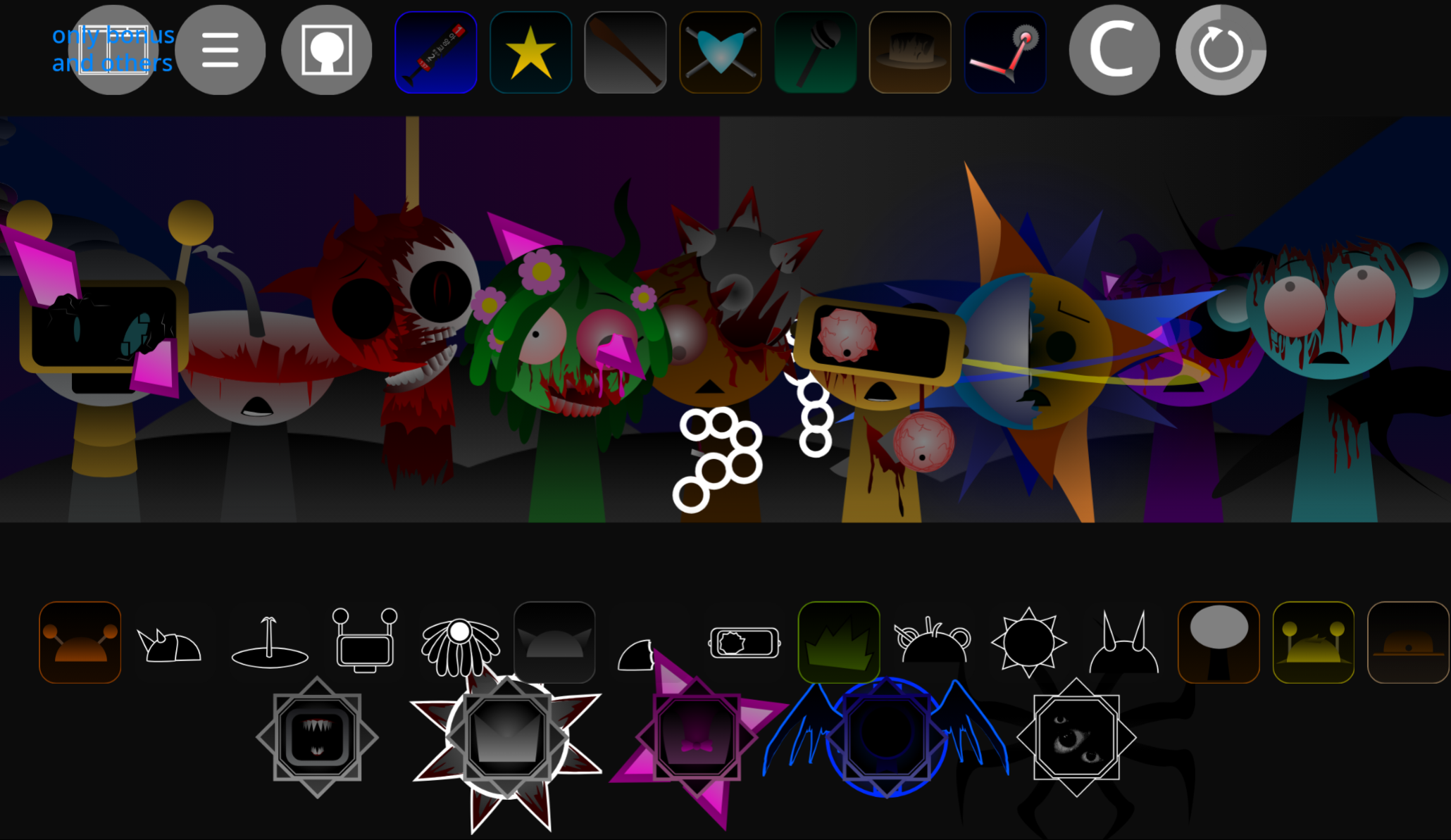
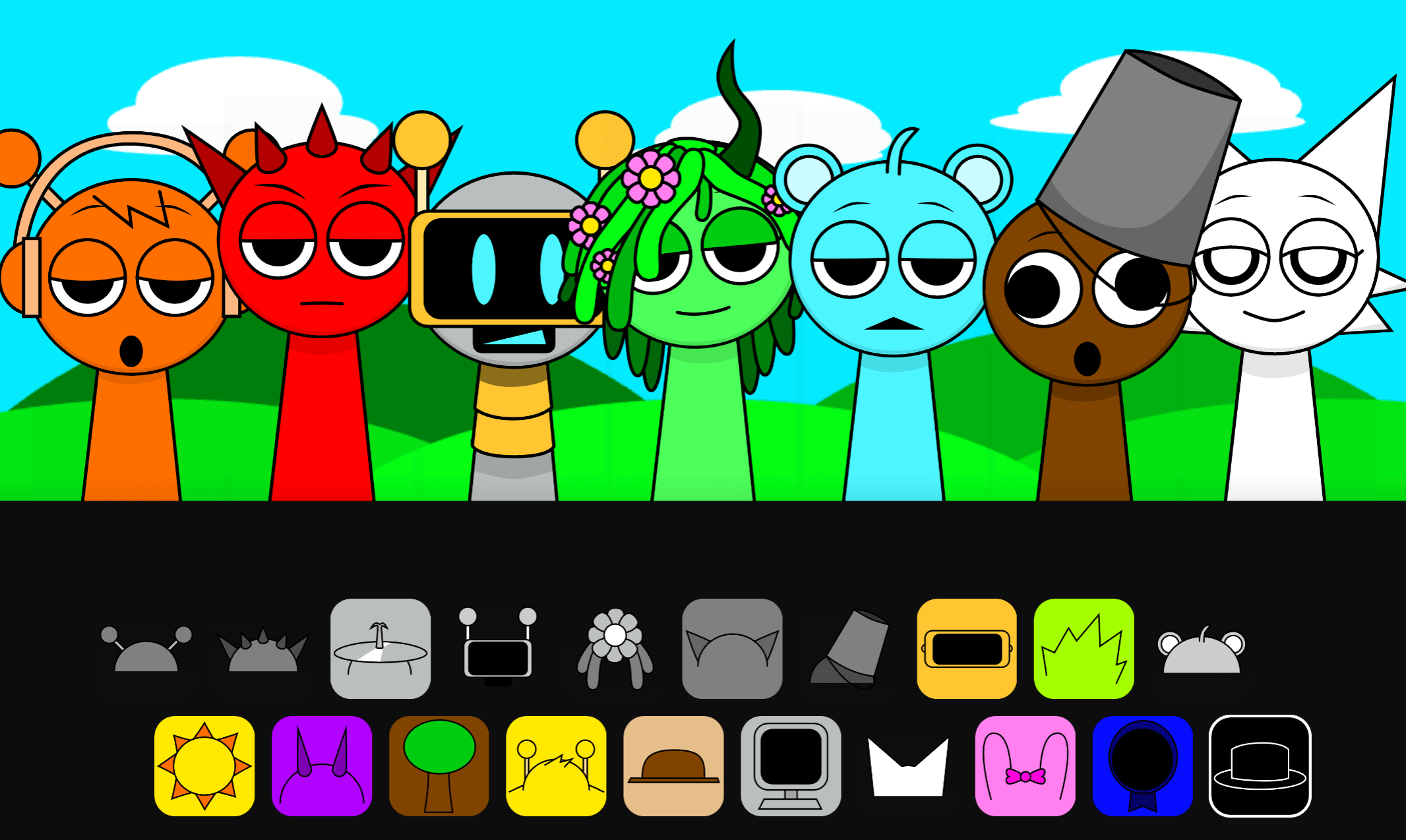
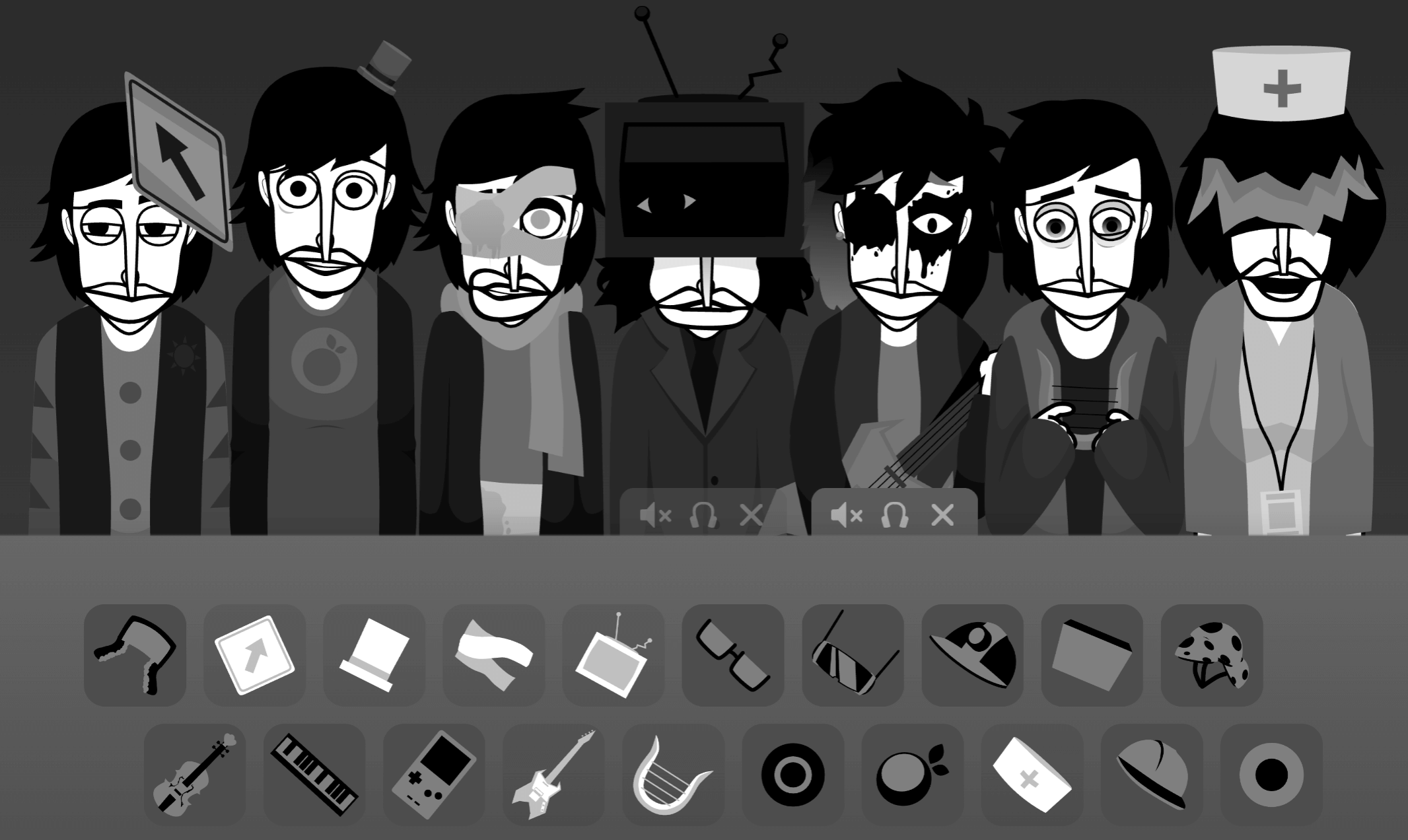
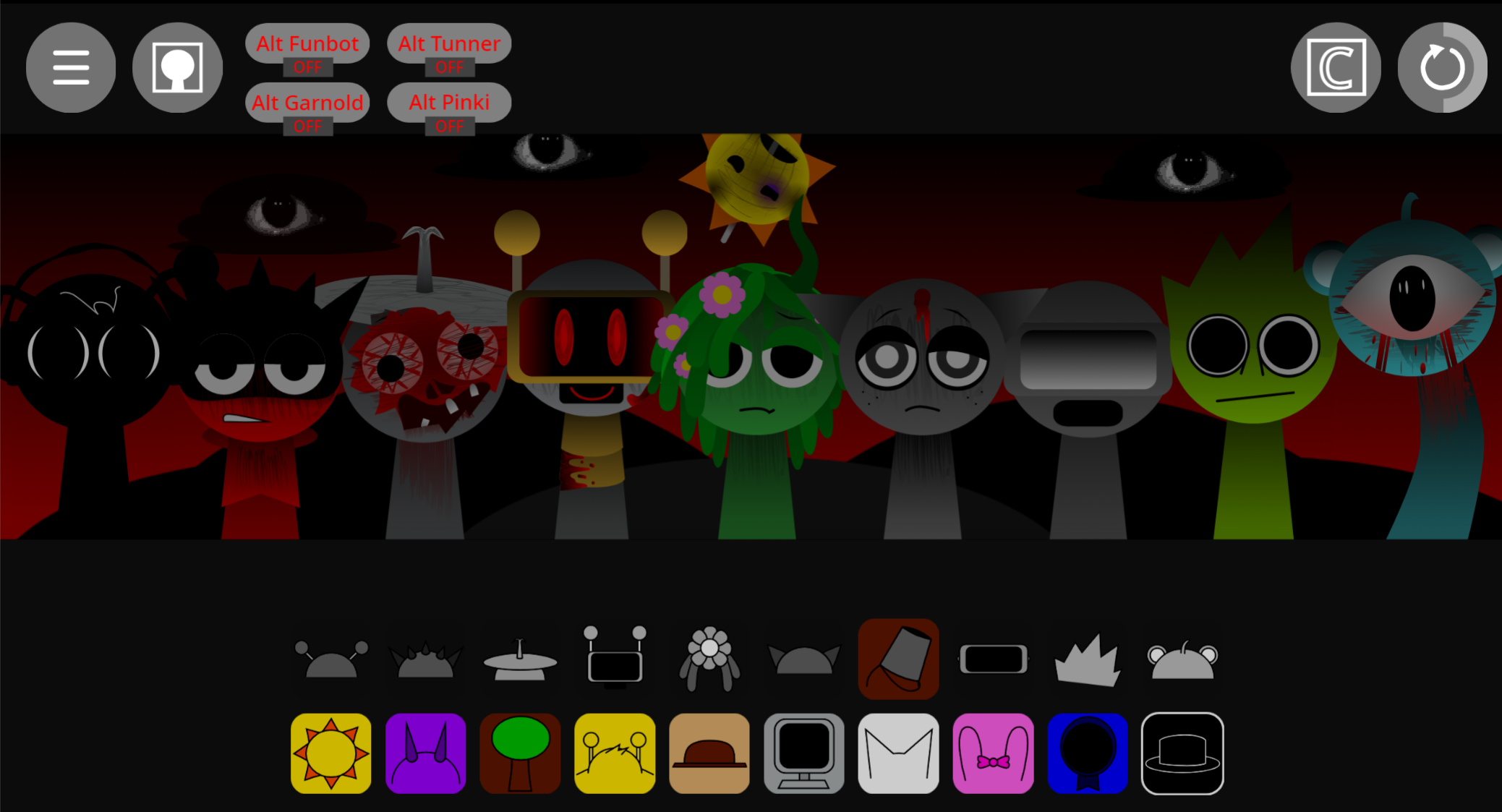
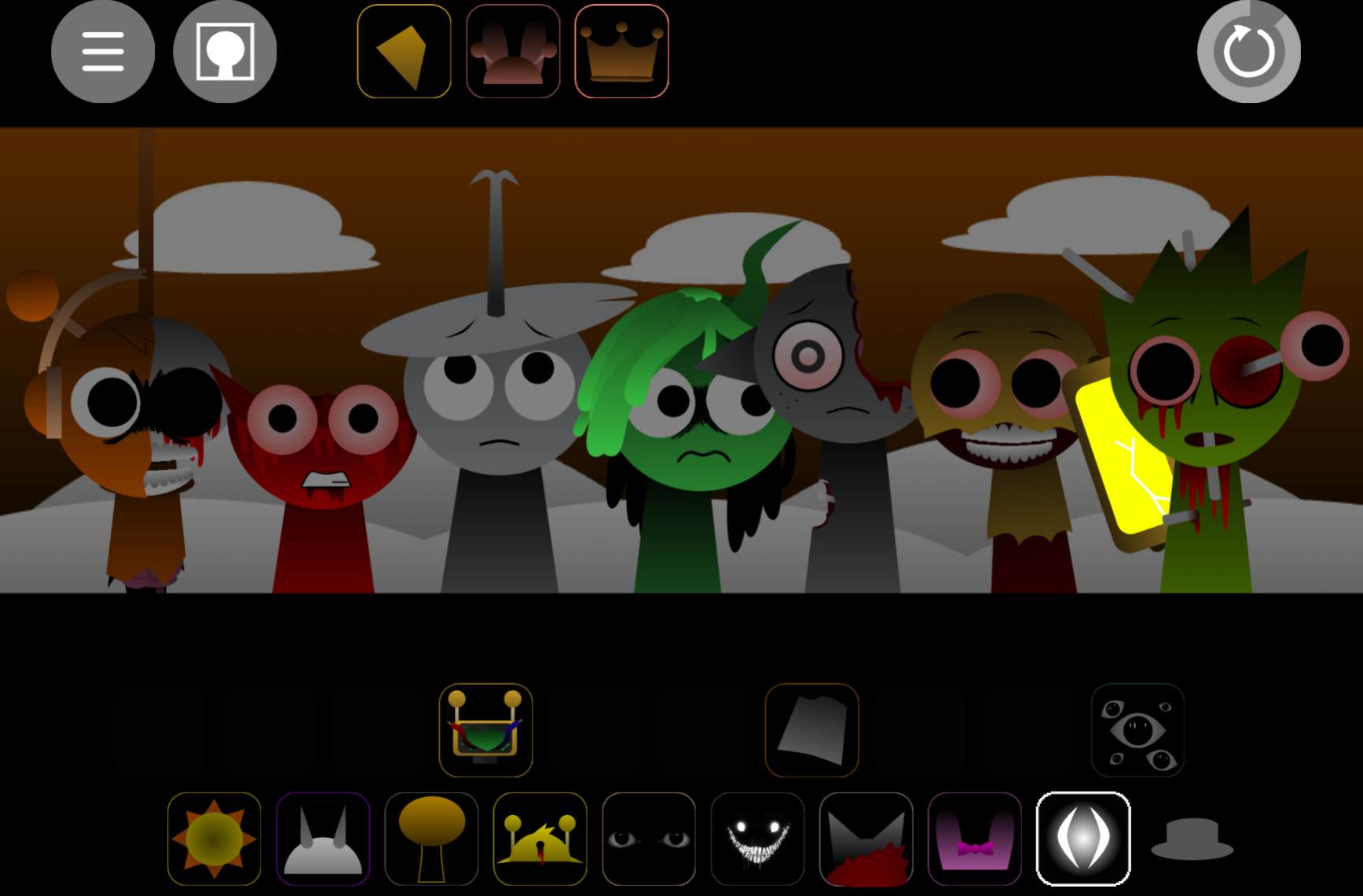


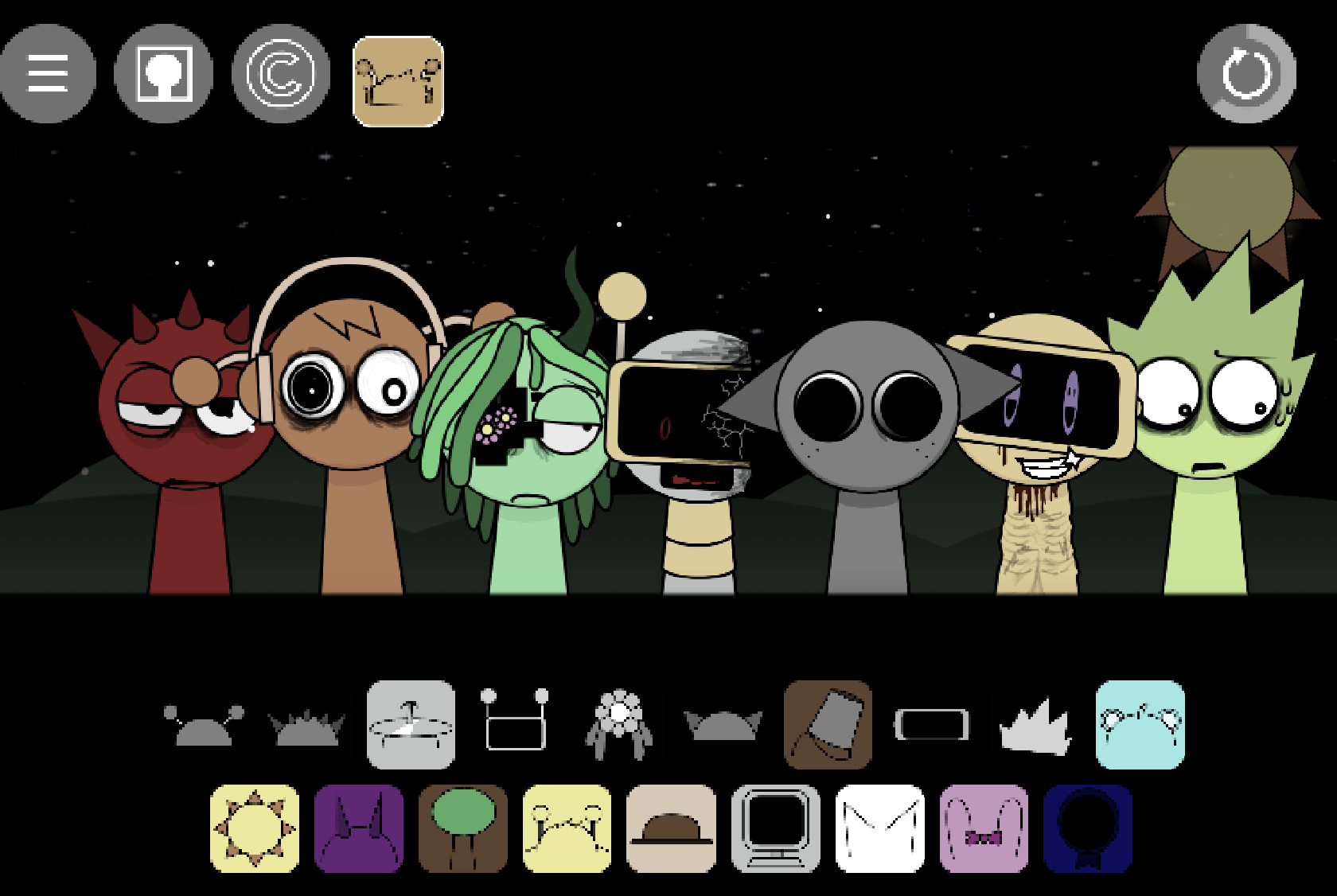
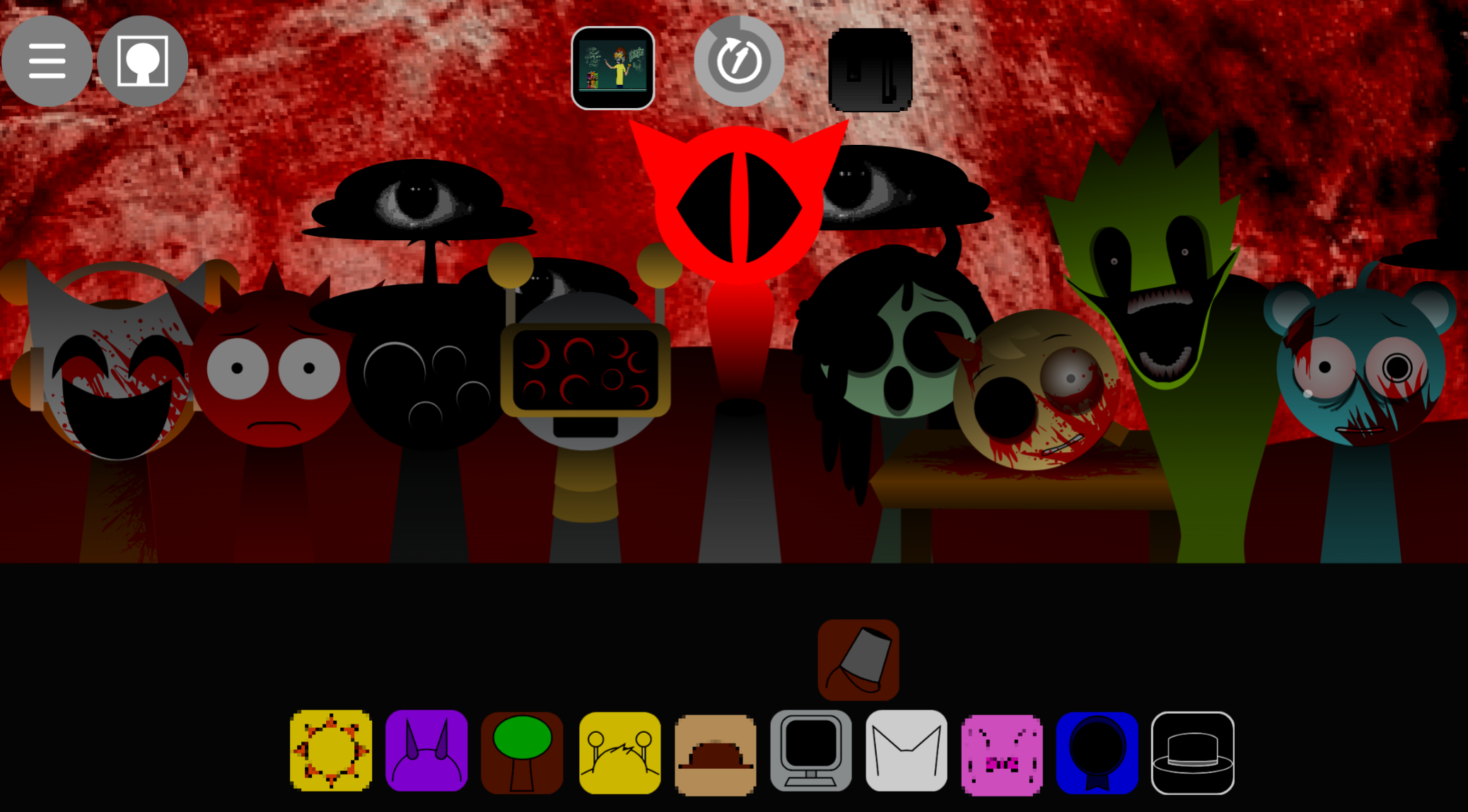
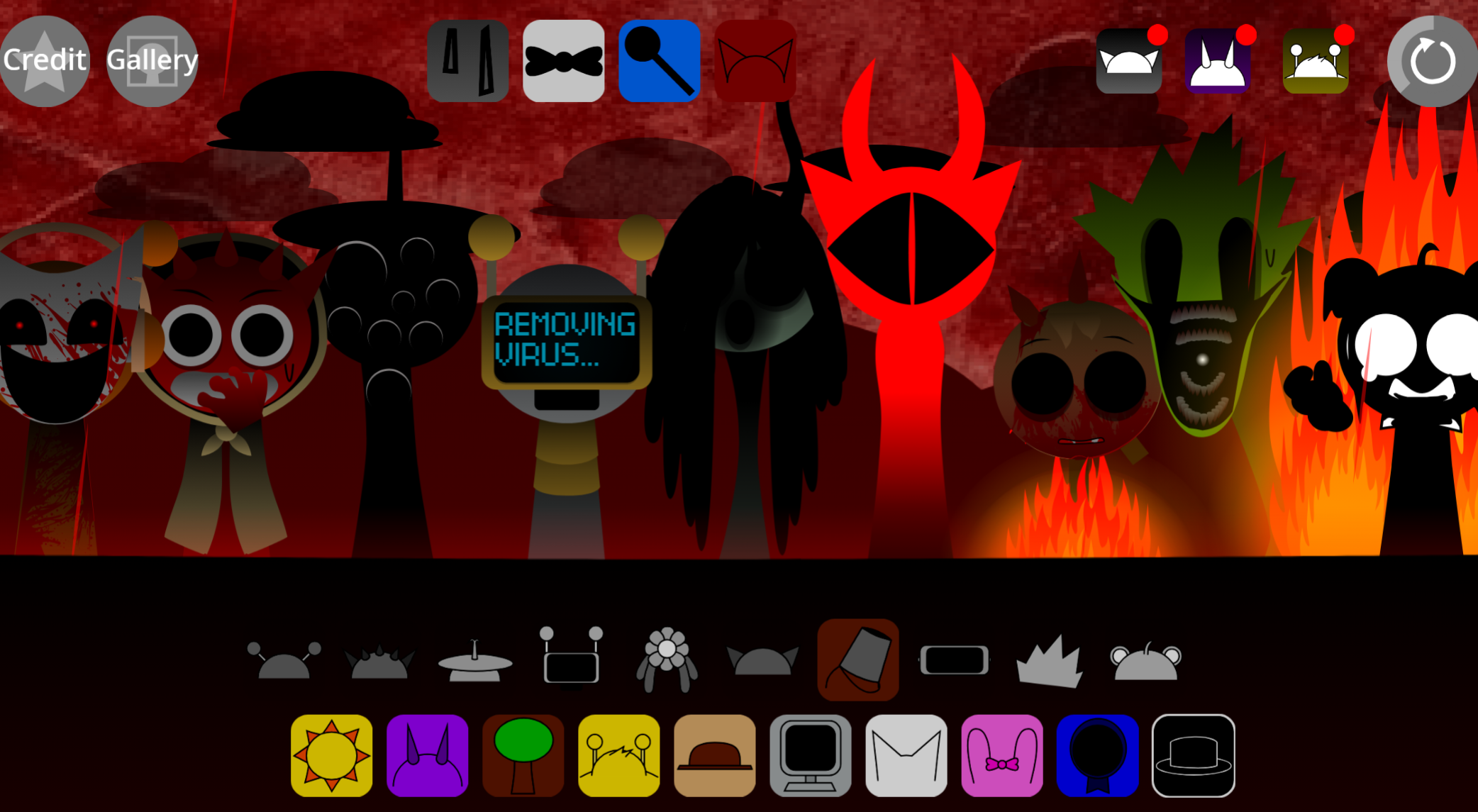
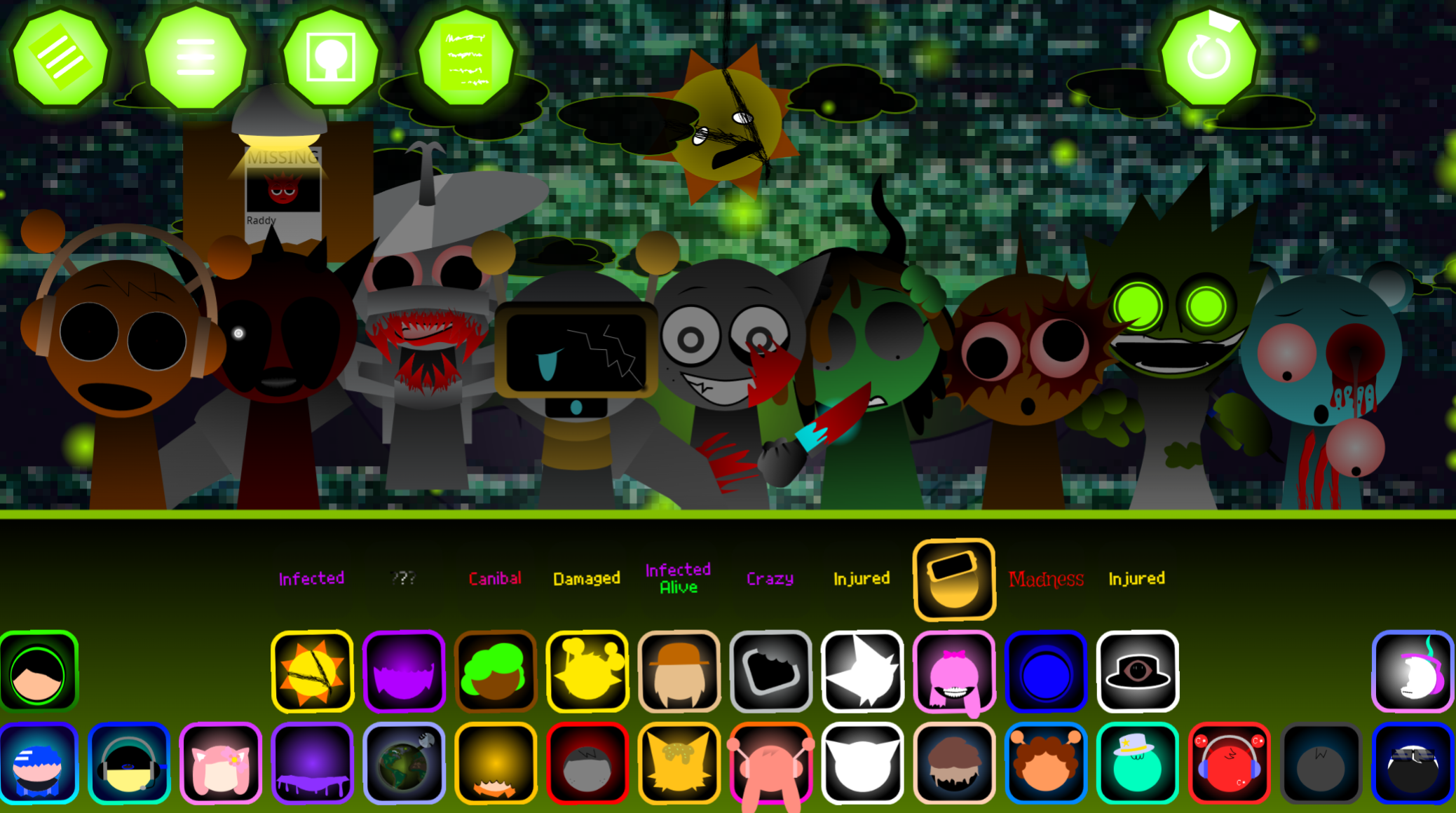
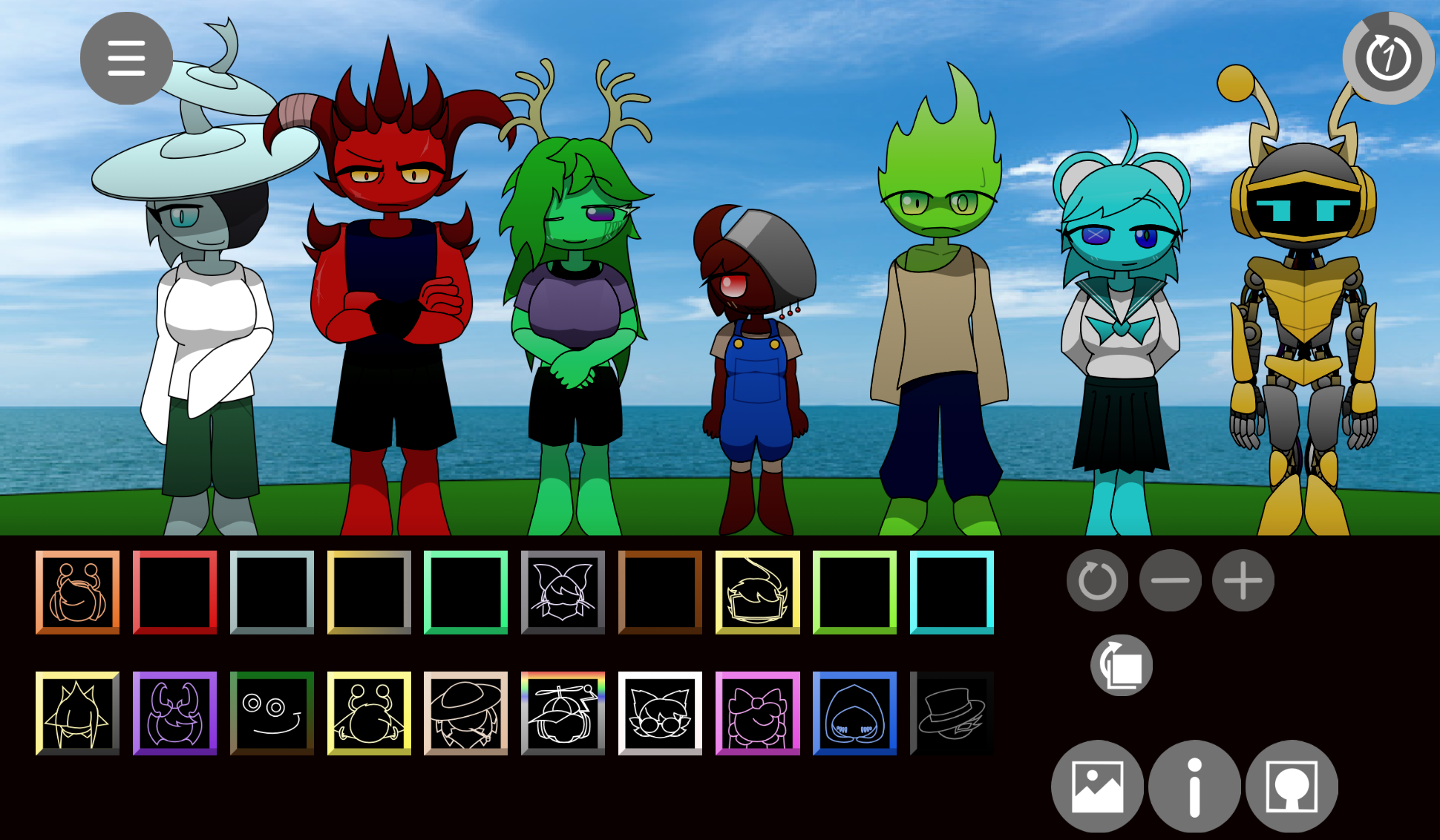
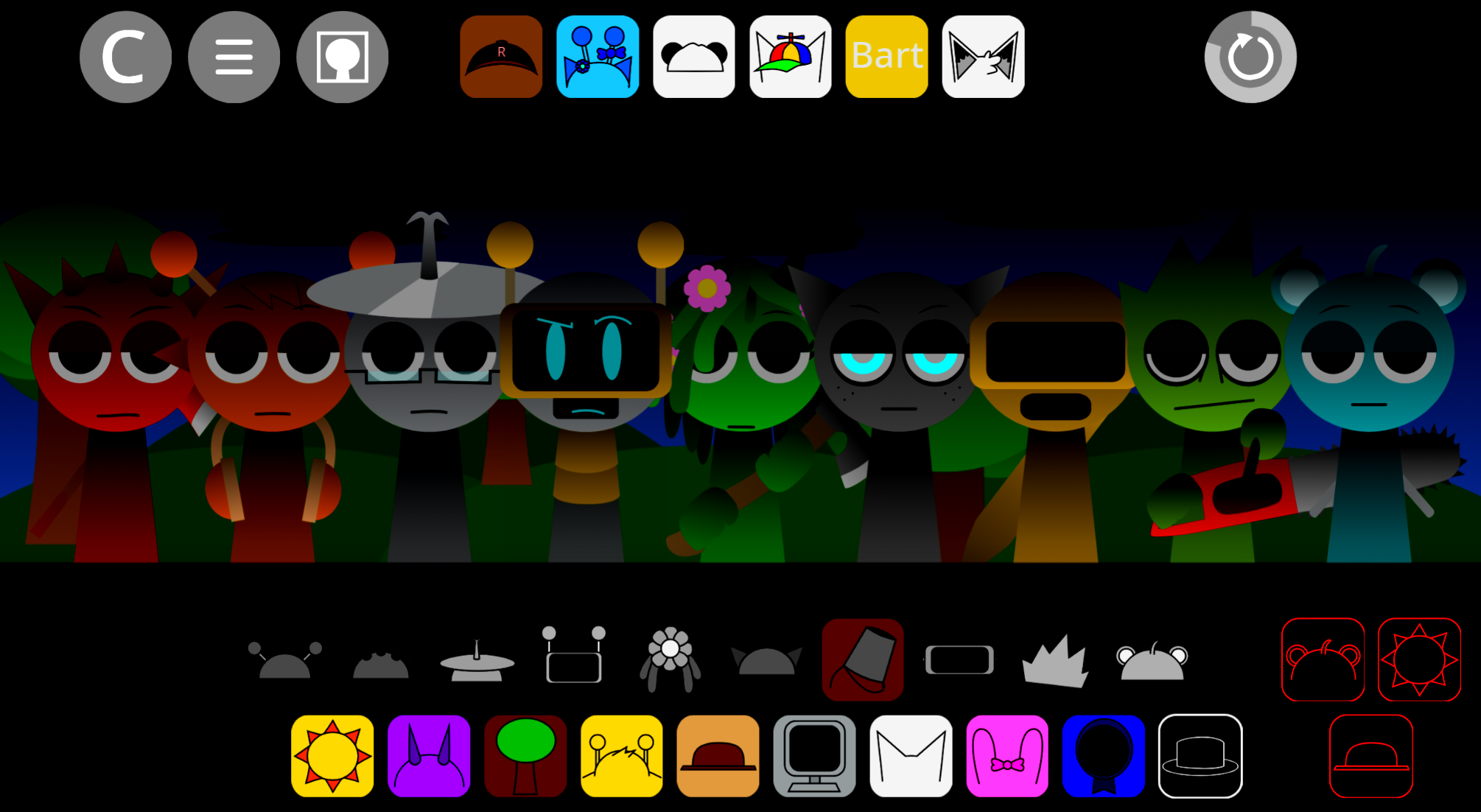
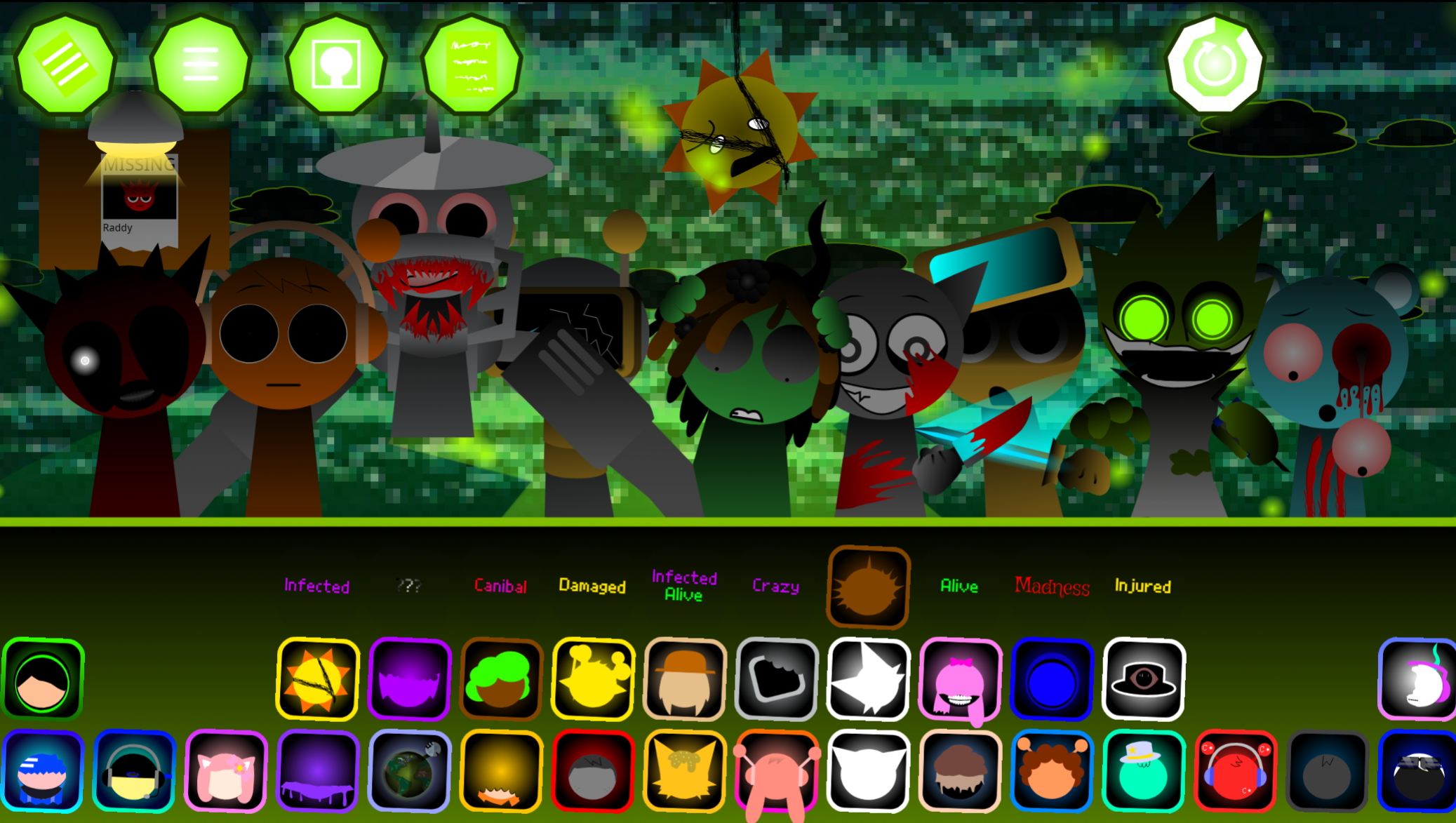
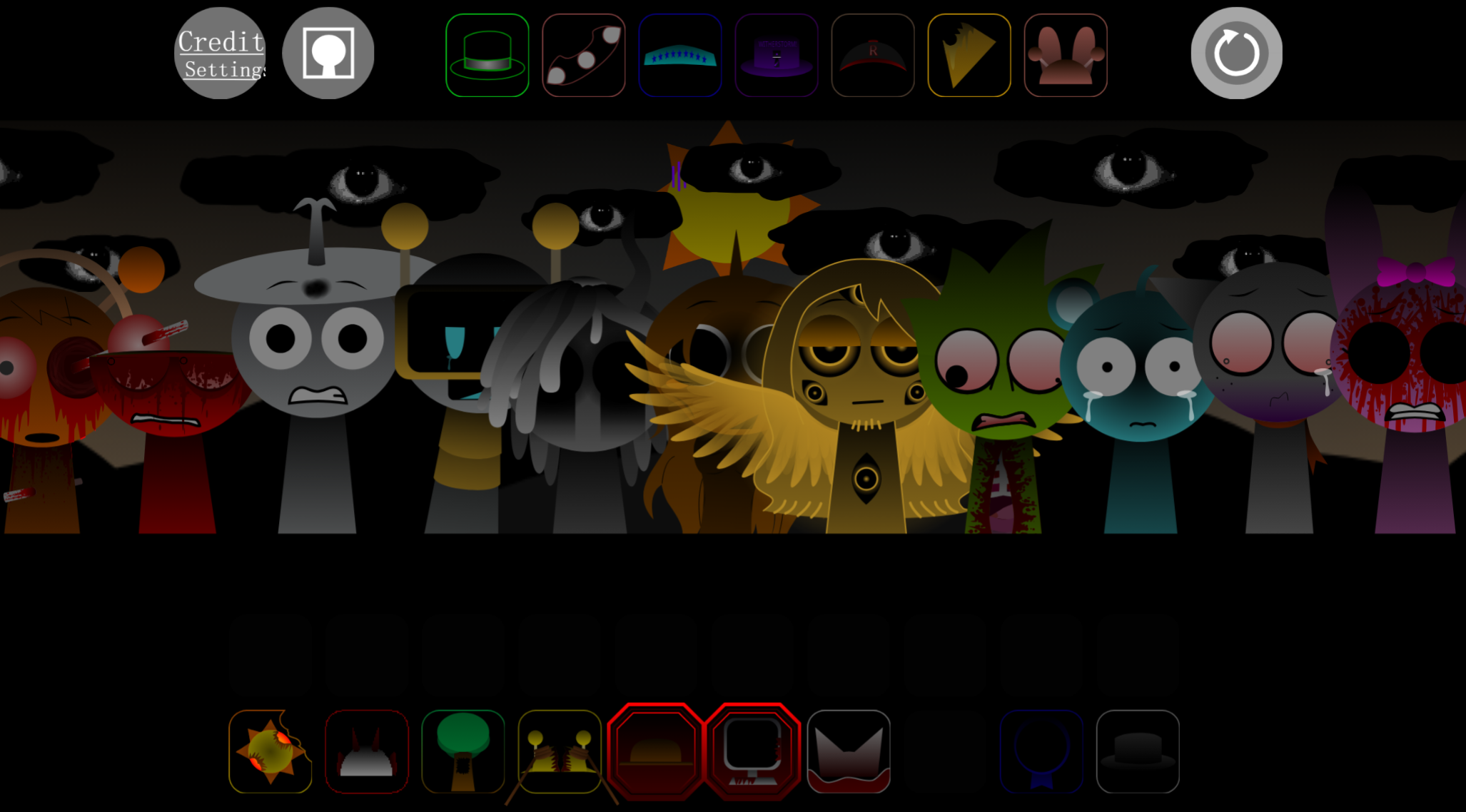
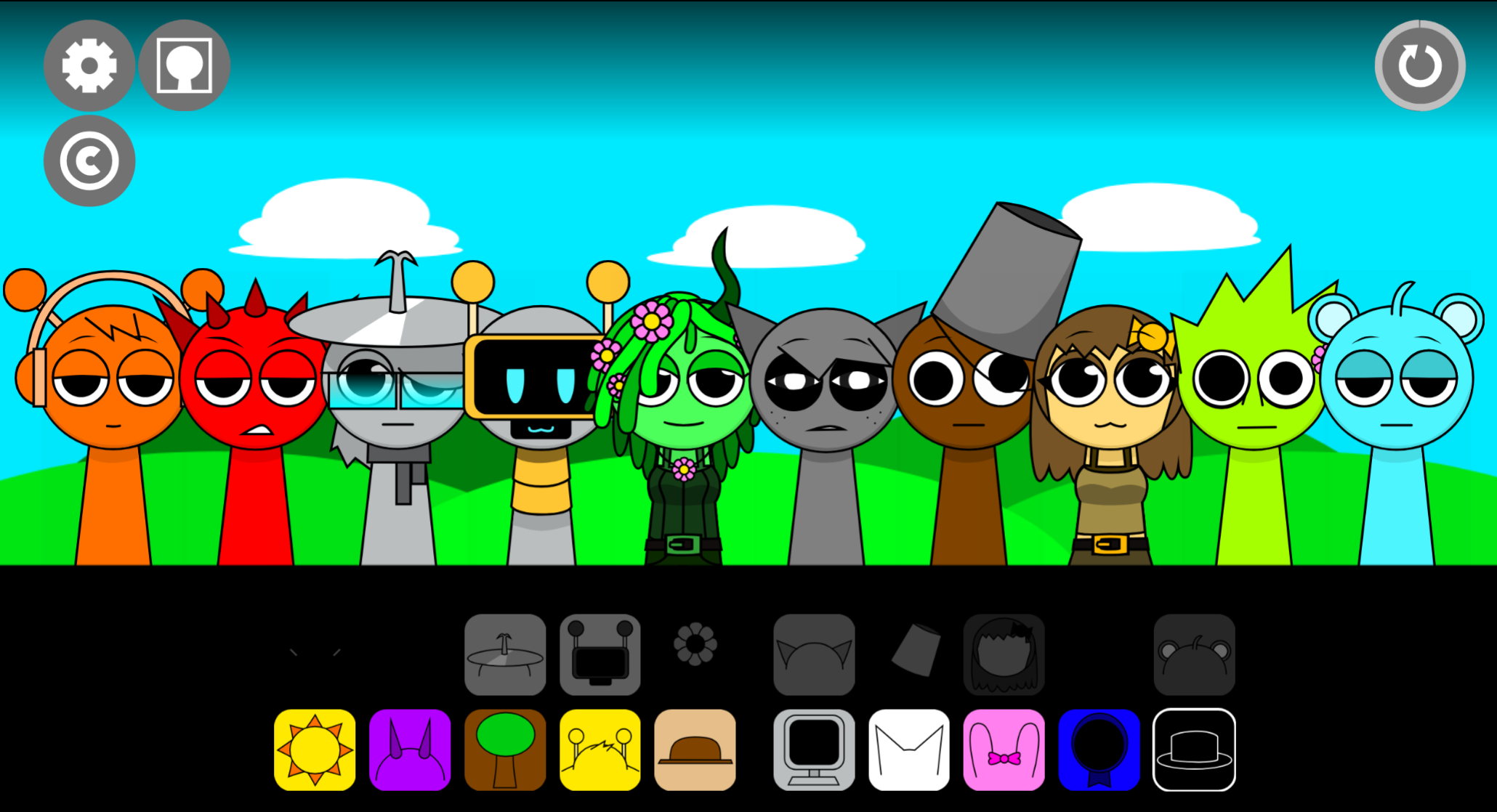
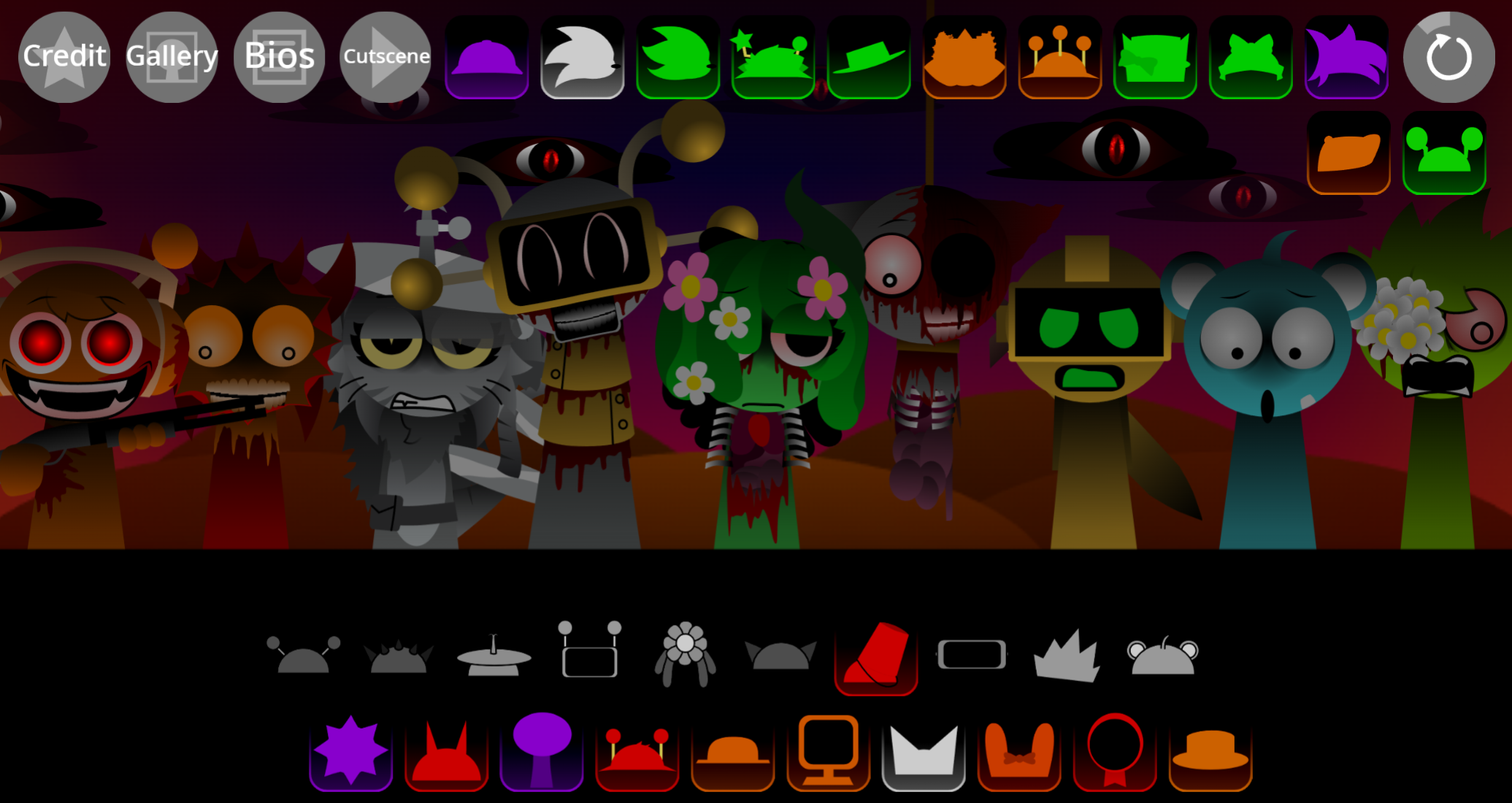
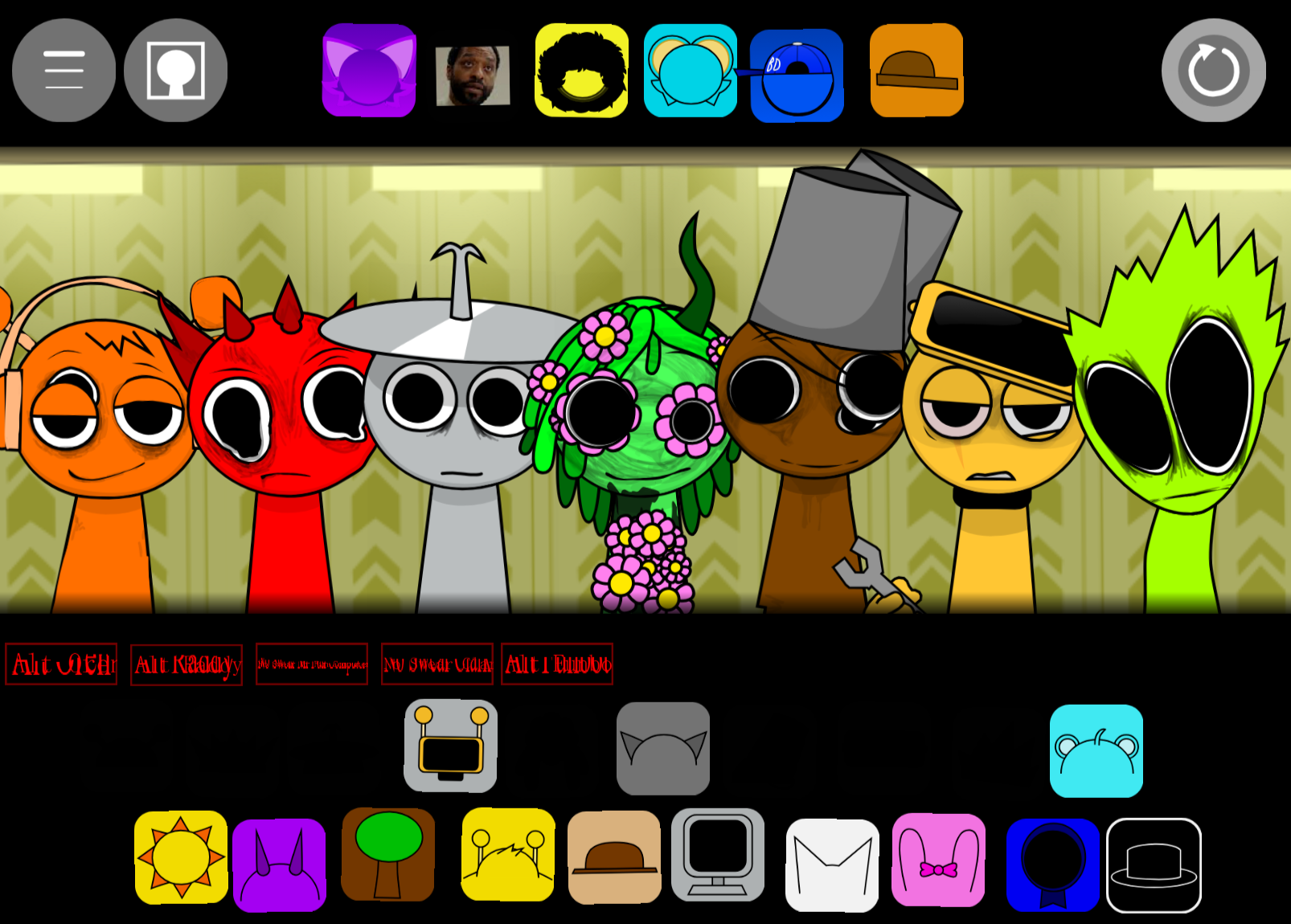
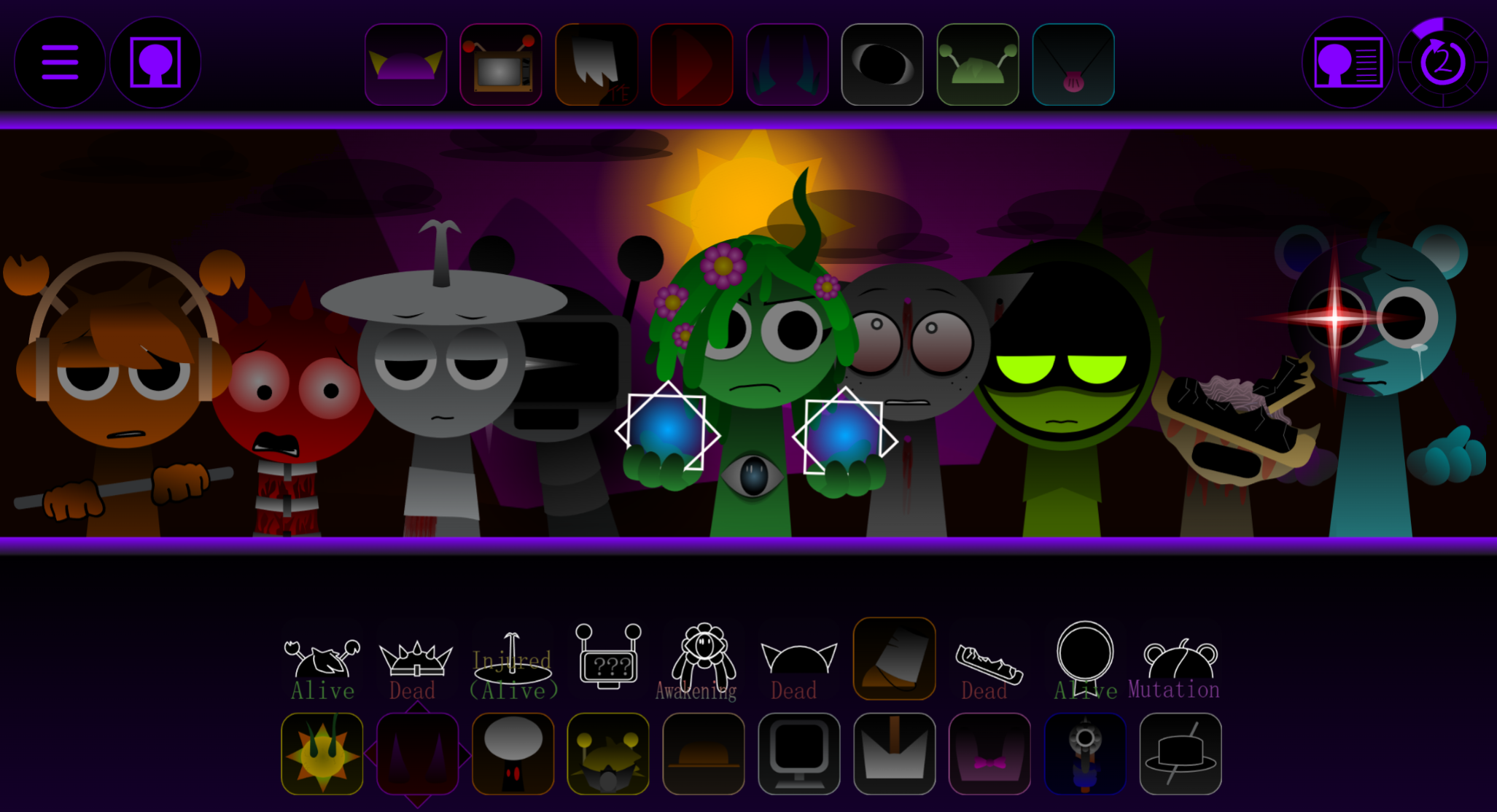
Sprunki Vocal Attack is a fan-made horror music mod that lets you layer distorted vocals, glitched beats, and aggressive sound effects using drag-and-drop Incredibox-style controls.
Unlike standard Sprunki mods that encourage clean, balanced compositions, Vocal Attack pushes you toward chaotic, abrasive mixes where vocals dominate and overwhelm the track. This article explains how the core mechanics work, which sound combinations produce the strongest vocal-heavy results, and how to trigger hidden sequences that amplify the mod’s horror aesthetic.
You’ll find practical answers on managing the distortion-heavy sound design, identifying which character slots control vocal intensity, and understanding why certain drag patterns unlock bonus animations.
Sprunki Vocal Attack Guide: How to Mix Dark Horror Beats
Sprunki Vocal Attack is a fan-made horror music mod that lets you layer distorted vocals, glitched beats, and aggressive sound effects using drag-and-drop Incredibox-style controls. Built on the Sprunki universe created by NyankoBfLol, this V6.0 release focuses on corrupted audio layers and dark visual feedback.
Characters like Cardinal and Berry bring warped vocal loops that shift your Mix from rhythmic synthwave to chaotic noise depending on which icons you combine. The goal is not to fill every slot—it’s to balance impact with atmosphere so the horror mood stays clear instead of collapsing into noise.
Start with a heavy drum, rogue beat, or deep bass sound. This gives the track a pulse so the warped vocals and attack-style effects have something to clash against. If you begin with random effects or the loudest corrupted sounds, the mix can become messy before it becomes scary.
Once the base is locked in, add vocal layers one at a time. Some vocals feel haunting, while others are glitched-out, sharp, or aggressive. Drop it in, listen to how it changes the rhythm, then decide whether the track needs more pressure or more space.
The best mixes balance impact with atmosphere. Pair distorted characters with softer melodies, strange background effects, or cleaner loops so the heavier layers have contrast. If every slot is screaming at full force, the horror mood can disappear into noise.
Silence and swaps matter too. Mute a layer, remove a sound, or change icons mid-test to create tension. A short break before a heavy beat returns can make the drop feel darker and more intense.
How to Play Sprunki Vocal Attack
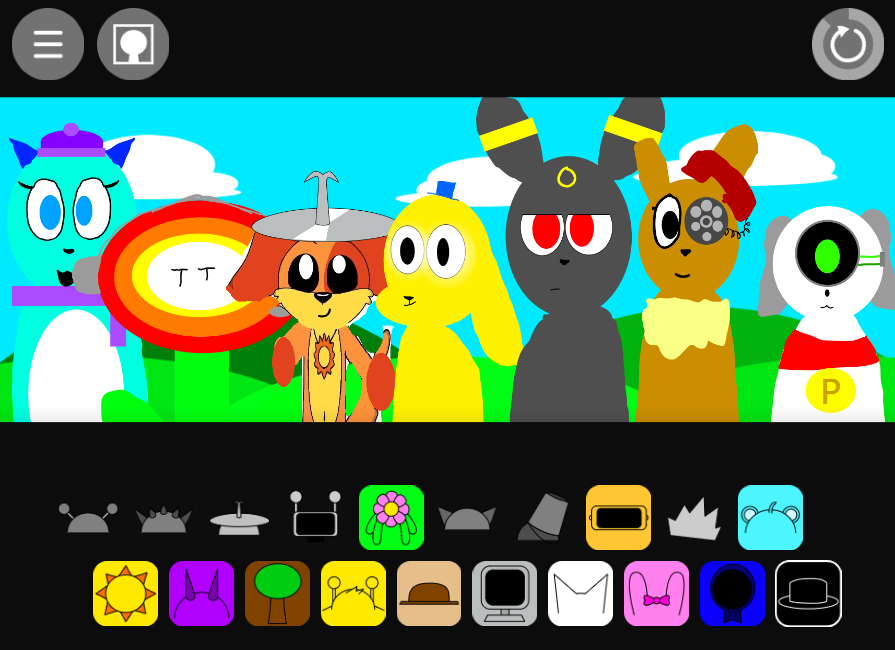
You Play by dragging sound icons onto characters to build a live music mix. The controls are simple, but the challenge is learning how each sound changes the track.
Choose your first sound icon.
Start with a rhythm, bass, or simple vocal loop. A clear base makes it easier to hear what every later sound is doing.
Drop icons onto the characters.
Place an icon on a character, and that character begins performing its assigned sound. Each new layer can add vocals, effects, melodies, or warped beats.
Listen before adding more.
Do not stack sounds blindly. Let each new layer play for a moment so you can hear whether it blends, clashes, or overwhelms the mix.
Watch for rogue beat characters.
Some characters bring harsher, corrupted percussion instead of clean rhythm parts. These are useful for making the track feel intense and crepy, but too many can overpower the vocals and melodies.
Balance the Attack.
Pair aggressive beats with cleaner vocals or atmospheric effects. If the sound gets too packed, remove or swap one layer and listen to how the mix opens up again.
Experiment until it clicks.
Test strange combinations and look for moments where the glitched-out chaos locks into a strong groove. Start low on volume, especially with headphones, because the distorted layers can hit hard quickly.
Beginner’s Guide to Vocal Attack
For a Beginner, the safest approach is to build slowly. Set your base first with a beat or bass-style character. Every added character changes the audio layer, so a stable foundation helps you understand what each new sound contributes.
Add one vocal sound, then stop and listen. Ask whether it makes the track darker, busier, sharper, or more chaotic. If it strengthens the mood, keep it. If it swallows the rhythm, swap it out or support it with a cleaner sound.
Use contrast to control the attack. Aggressive, corrupted vocals work better when something stable sits underneath them. If the mix becomes too harsh, remove one layer or replace it with a less busy effect or melody.
Do not treat every slot as mandatory. Sprunki Vocal Attack rewards active mixing: mute, swap, rebuild, and test combinations until the track feels dangerous without collapsing into a wall of noise.
Pro Tips for Distorted Beats
The strongest Pro Tips for Distorted Beats come down to controlled collapse. Your Beats should feel aggressive, broken, and slightly out of control, but they still need structure.
Start with a controlled pattern, then corrupt it on purpose. Drop in a steady beat so your ears have something to follow, then add harsher percussion that bends the rhythm into something unstable. If everything is chaotic from the first second, the distortion can feel random instead of intense.
Lean into heavy distortion when the track calls for it. The best distorted layers sound warped, glitched-out, and destructive, not just slightly rough. If a beat feels like it has gone rogue, test it against different vocals and effects until it starts pushing the whole mix forward.
Use horror energy as part of the rhythm design. Sharp hits, corrupted pulses, and sudden vocal stabs can make the track feel like a survival chase. Let the percussion create tension while the vocal loops add panic on top.
Do not max everything out immediately. Add one aggressive layer, listen, then remove or swap another slot to hear what changes. The most effective distorted beats usually come from building something solid, breaking it carefully, and letting the chaos hit with purpose.
Features of Sprunki Vocal Attack
Sprunki Vocal Attack takes the familiar Incredibox drag-and-drop music style and pushes it into a darker, more aggressive direction.
Incredibox-style controls:
Place sound icons onto characters to trigger loops. The basic flow is easy to understand, while the depth comes from testing which vocals, effects, and rhythm layers work together.
Vocal-heavy sound design:
Expect warped chants, sharp vocal loops, glitchy chops, and intense sound waves that feel more dramatic than standard backing parts.
Aggressive Attack energy:
Many layers feel loud, forceful, and unstable, so adding one new icon can suddenly make the mix darker or more overwhelming.
Dark visual feedback:
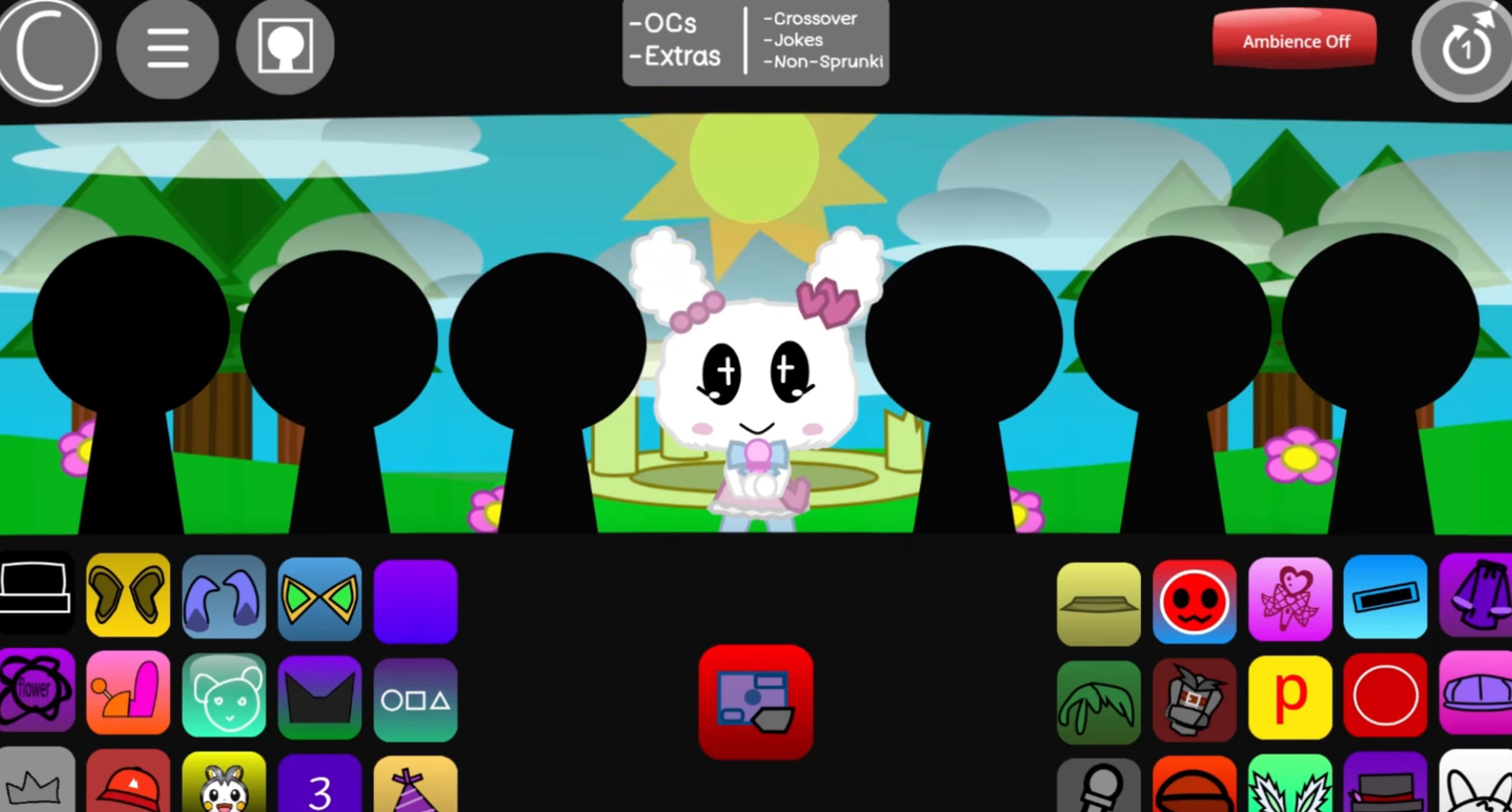
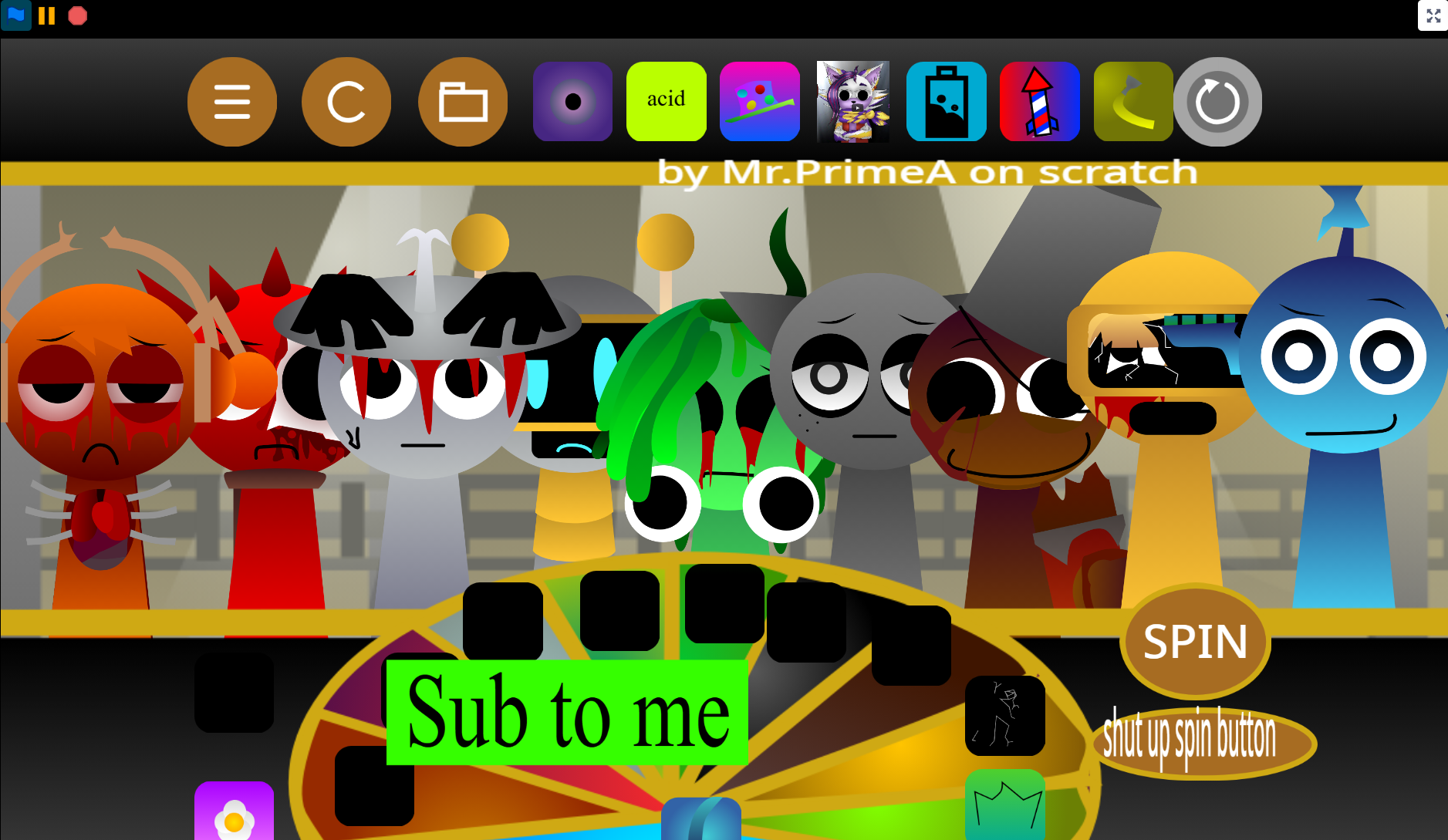
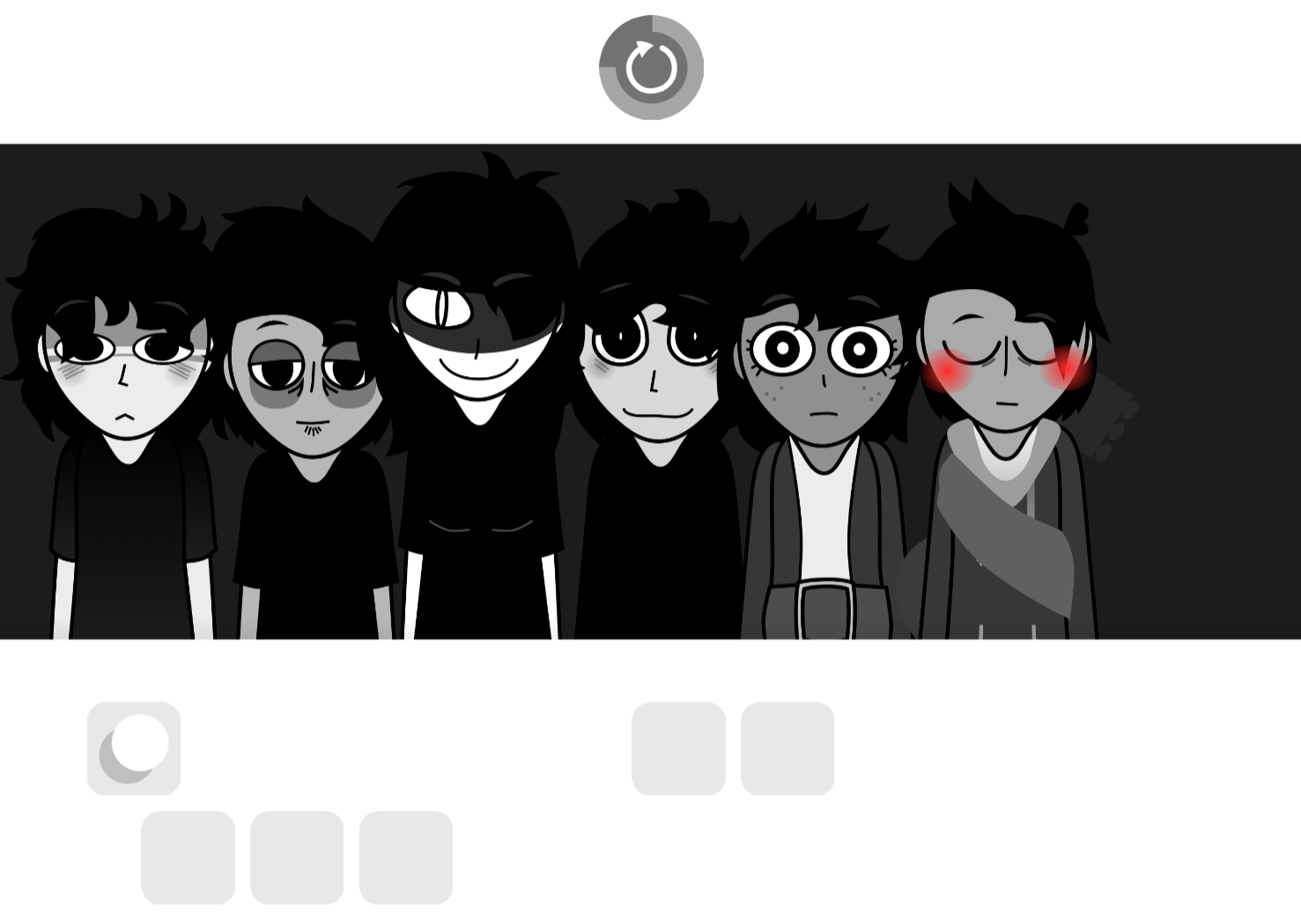
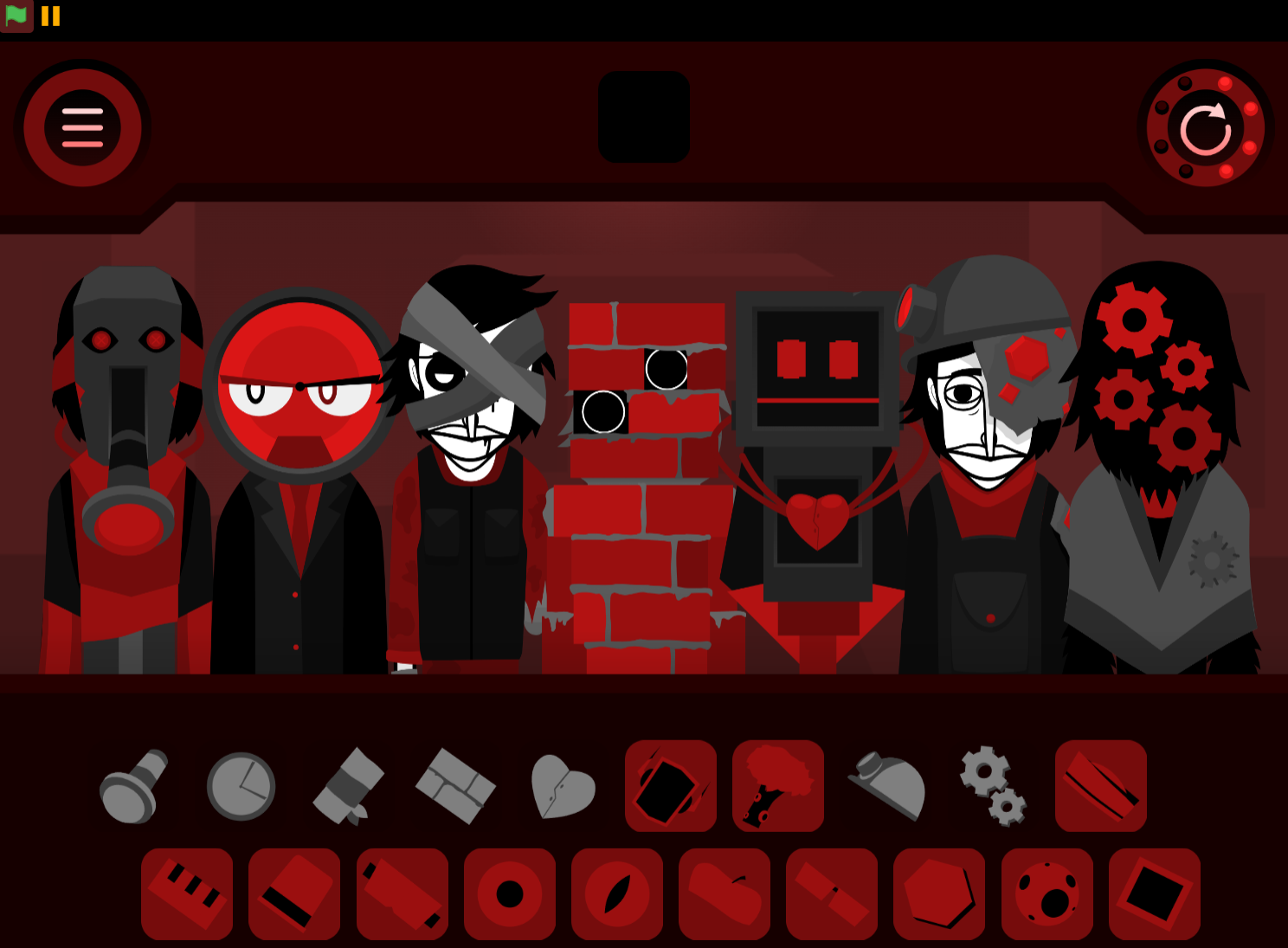
Characters react with horror-themed animations and corrupted designs that match the audio. As the track gets heavier, the visuals help sell the creepy, glitched-out atmosphere.
Extra discovery value:
The mod includes hidden lore, gallery secrets, and an official BigB appearance, giving curious players more to uncover through experimentation.
Related Games
- Incredibox Sprunki Starymixed Horror Mod — Its horror-remix style and Incredibox-style layering make it a natural follow-up for players who enjoyed building creepy, distorted tracks in Sprunki Vocal Attack.
- Sprunki dark mode treatment — This fits the same dark presentation angle, giving players another Sprunki mix where gloomy visuals and unsettling sound combinations shape the mood.
- Sprunki Beat Attack Phase 3 Retrayners Take — Its “Beat Attack” focus matches the aggressive rhythm-building side of Sprunki Vocal Attack, especially for players who want heavier, more intense loop combinations.
Why Play Sprunki Vocal Attack?
Play Sprunki Vocal Attack if you want a Sprunki mod that feels less like building a clean song and more like trying to control a musical outbreak. The fun comes from pushing vocal layers and aggressive attack-style beats until the track feels unstable, then pulling it back before it becomes total noise.
You are not just stacking sounds because they match—you are testing how corrupted beats, vocal loops, melodies, and effects fight for space. One intense layer can make the whole mix darker, louder, or more chaotic in seconds.
It is also a strong pick if you enjoy Sprunki mods with secrets beyond the basic music loop. Hidden lore, gallery-style discoveries, and the official BigB appearance give you reasons to try different combinations instead of stopping after one decent track.
The controls are easy to enter but harder to master. Drag, drop, listen, swap, and rebuild. The real challenge is balancing the warped audio layers so the mix stays dark, glitched-out, and powerful without becoming pure noise. Since there is no download needed, you can start mixing right in your browser on abgernygames.org—though players who prefer cheerful, lighthearted melodies may find the aggressive screeches and distorted vocals too intense.

Discuss
Loading comments...
Failed to load comments. Please try refreshing the page.