
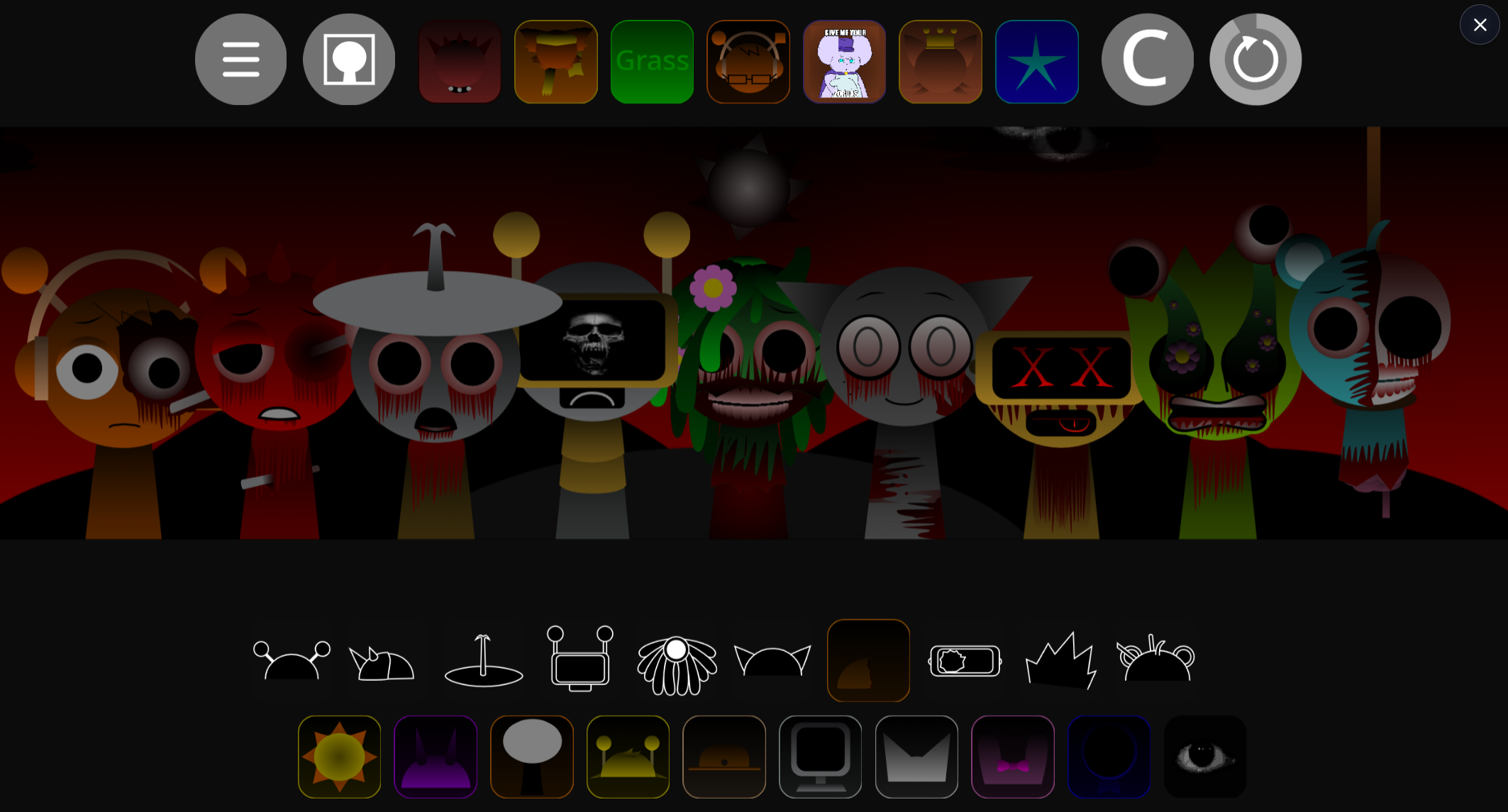
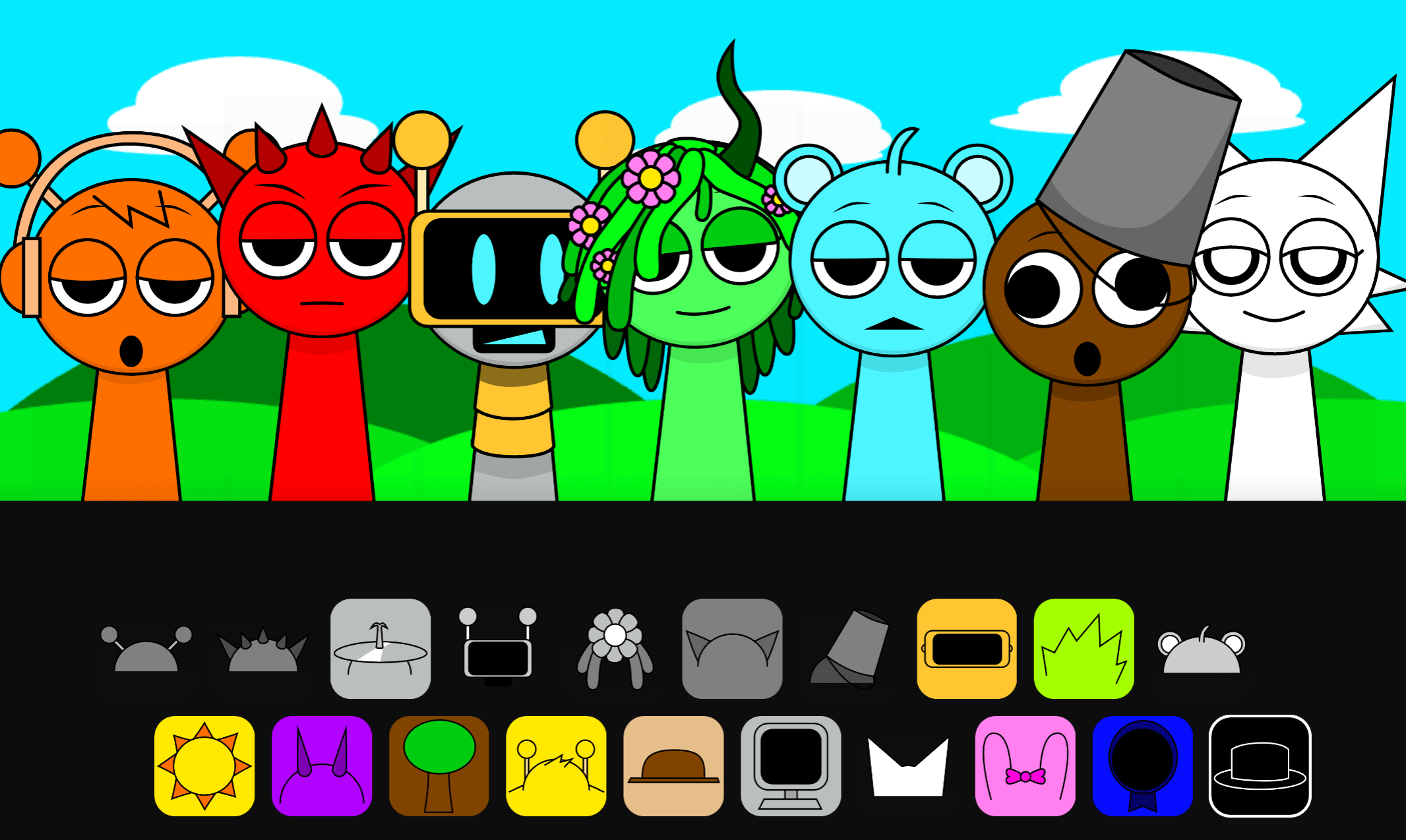
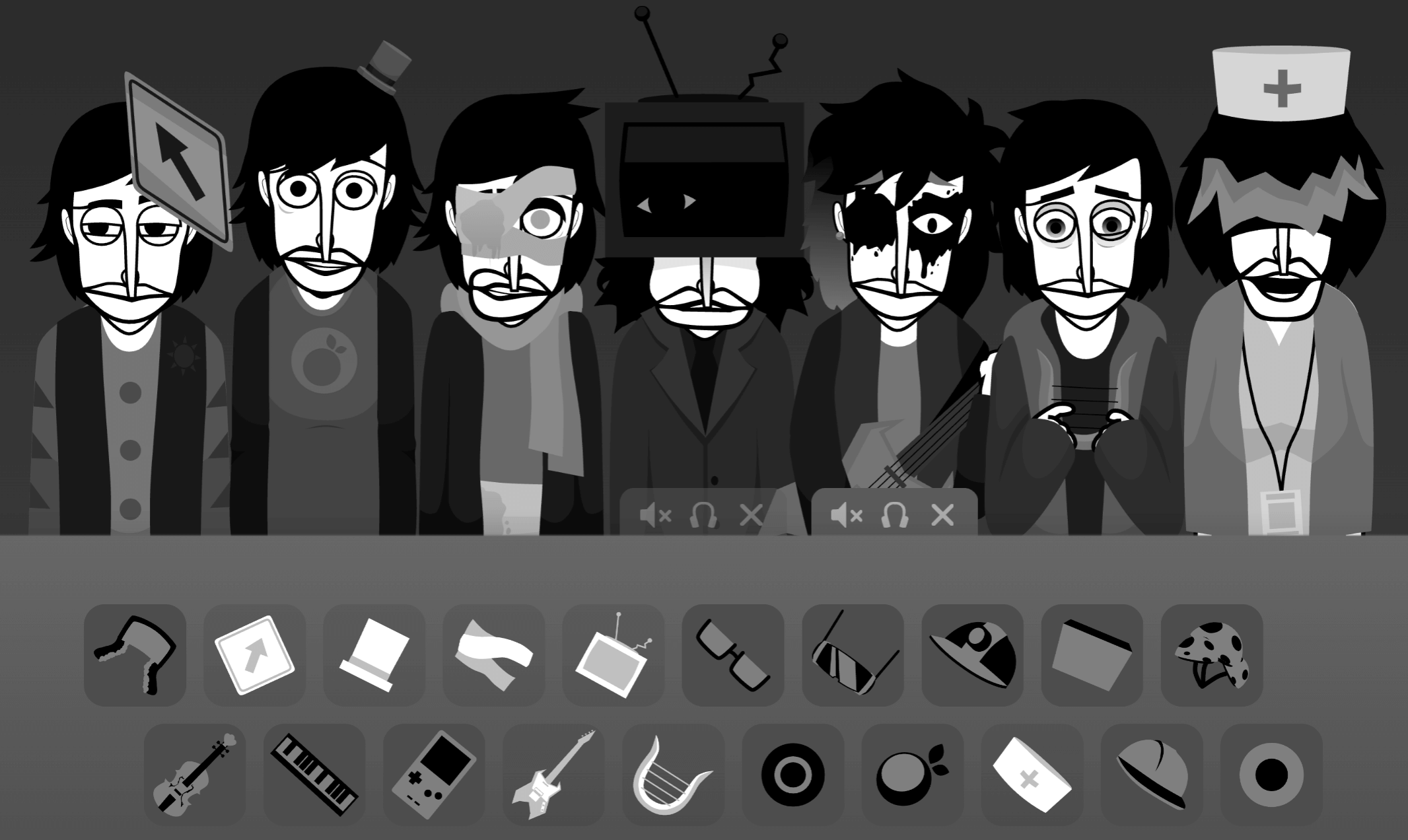


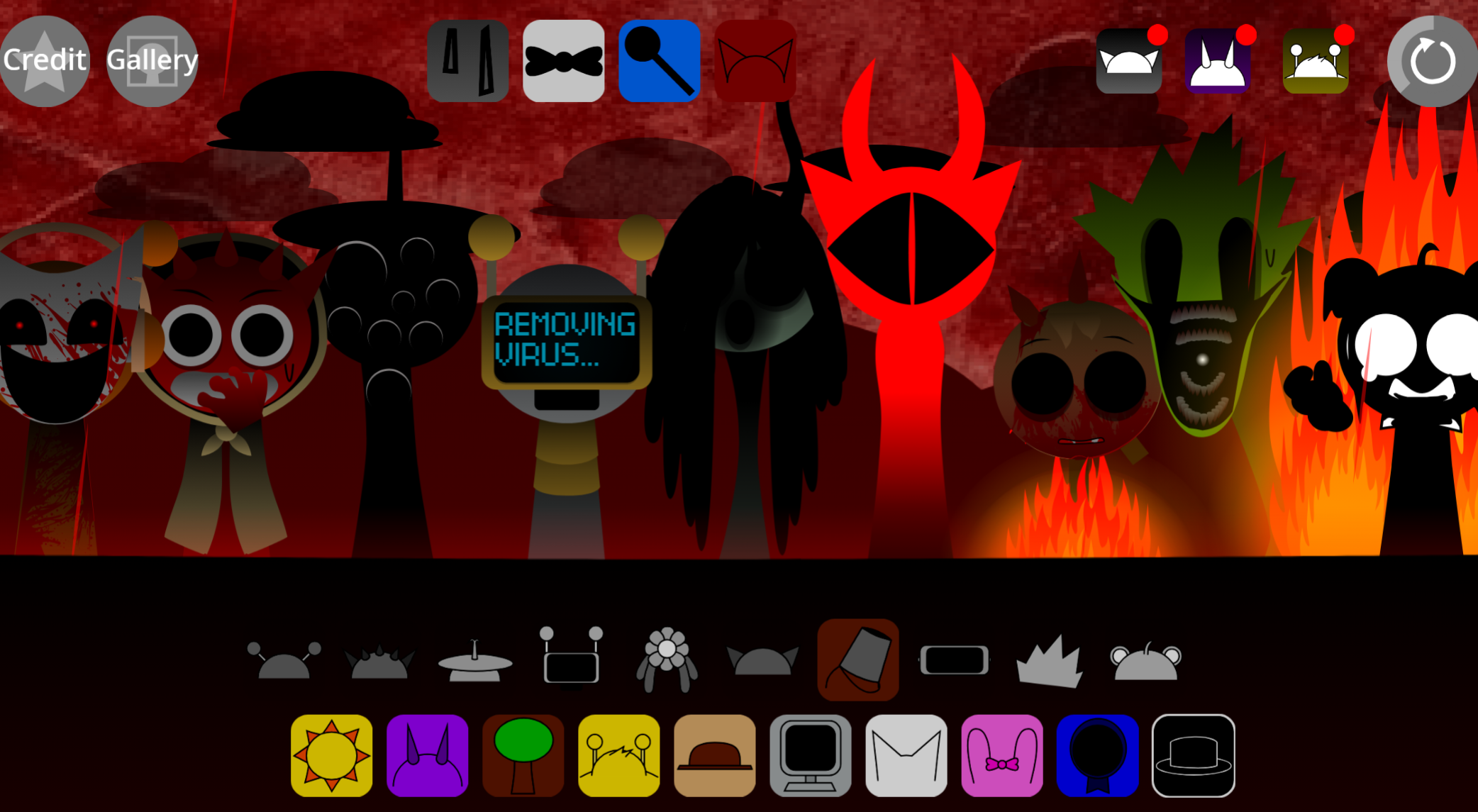
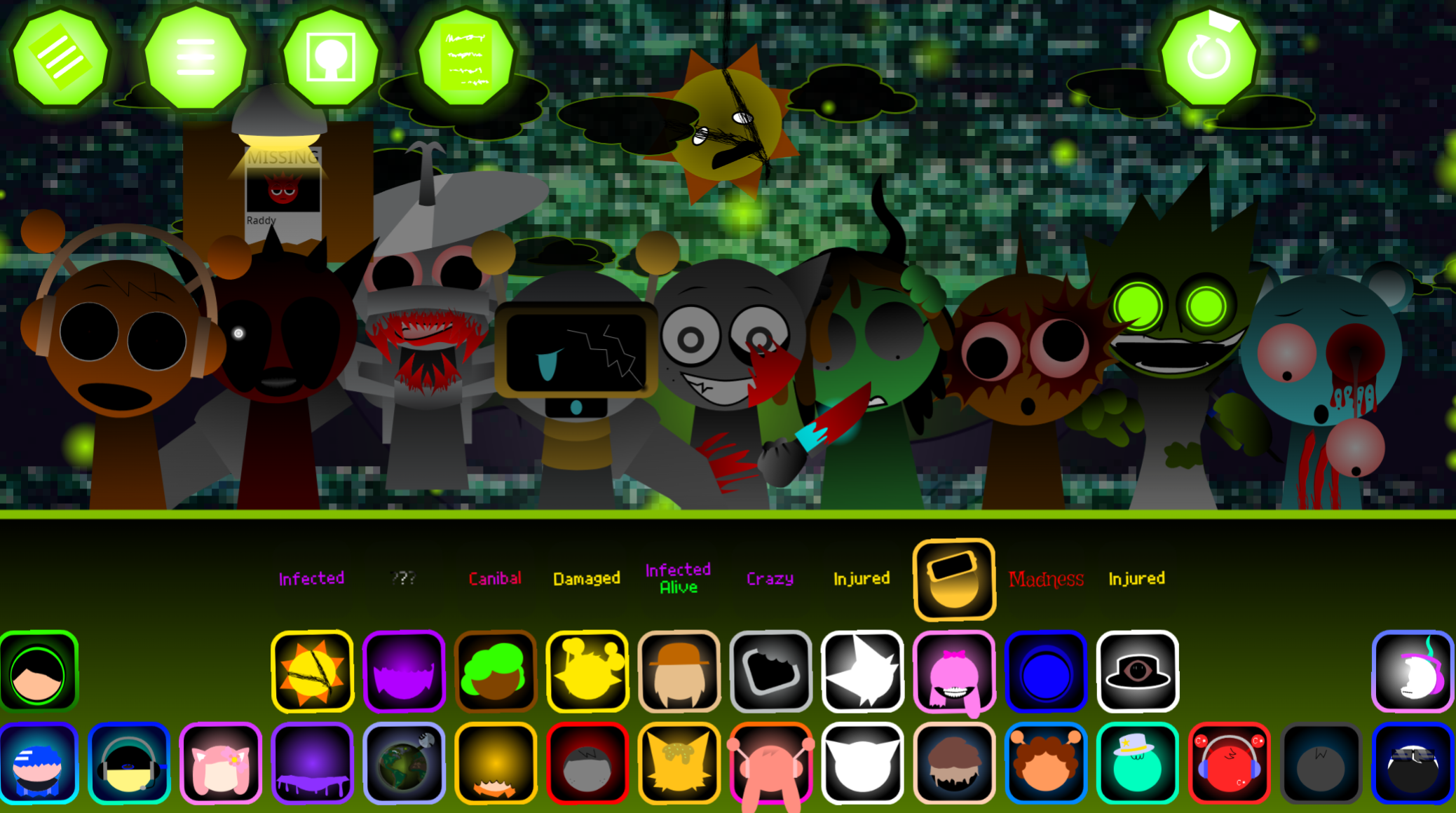
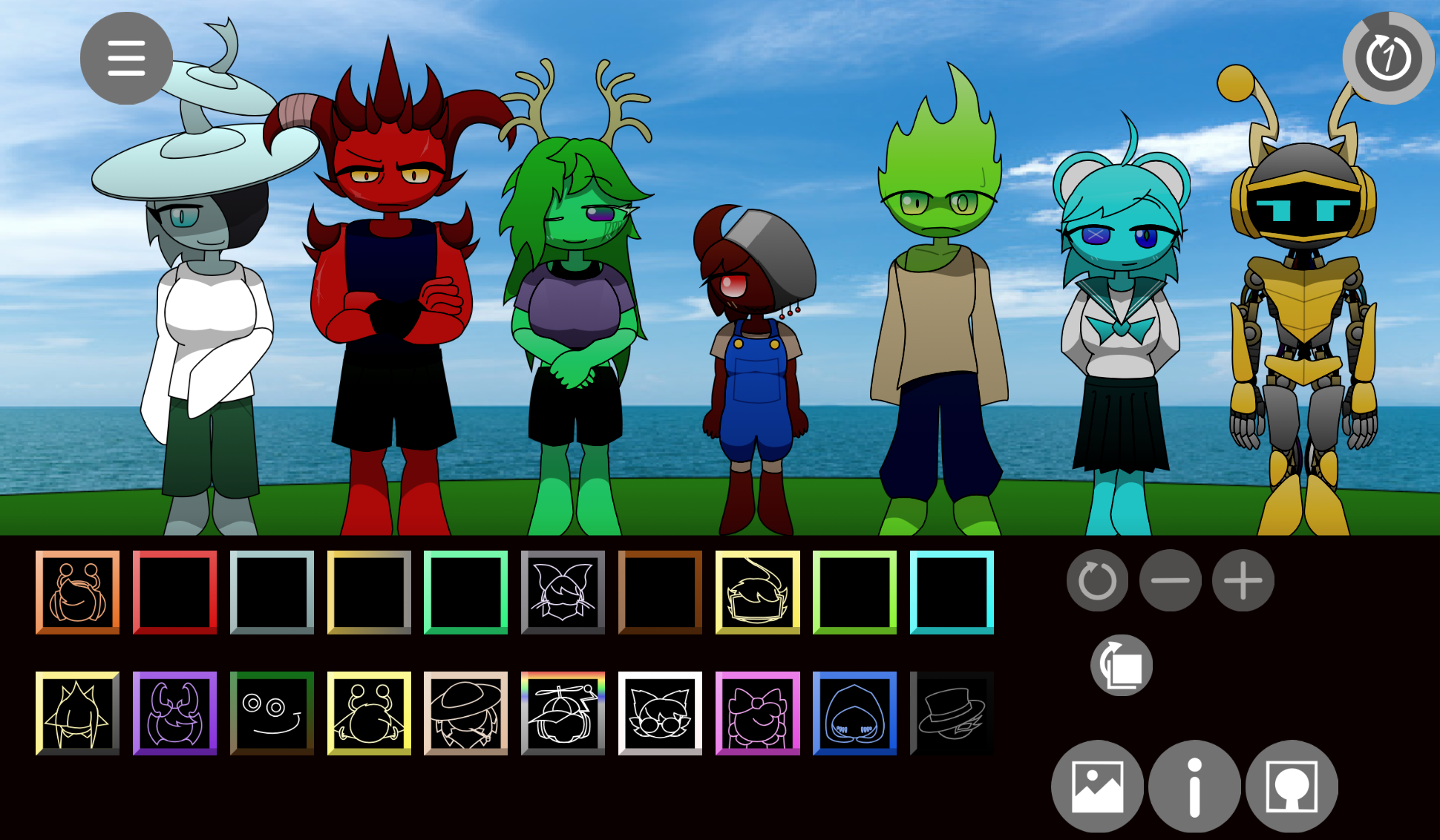
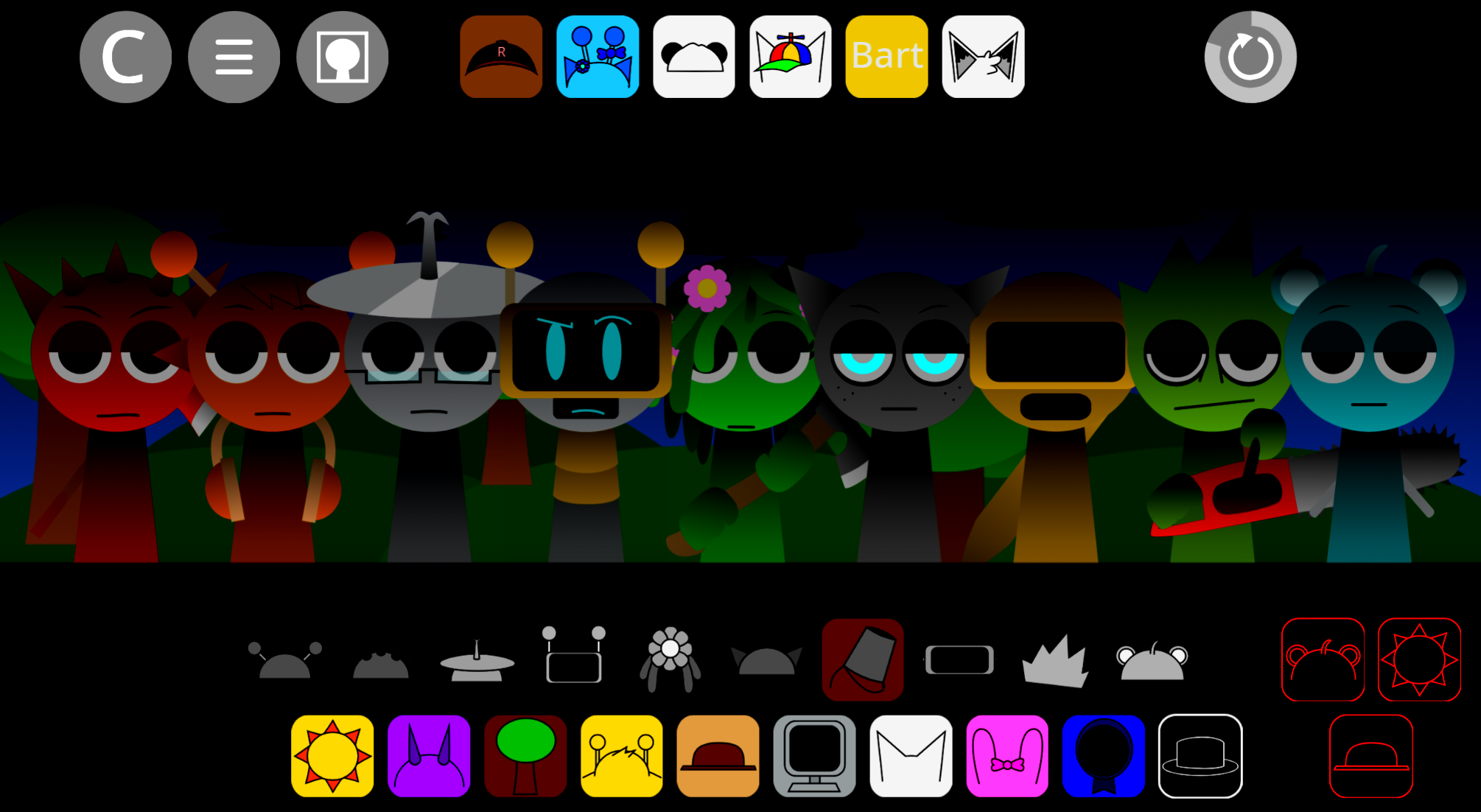
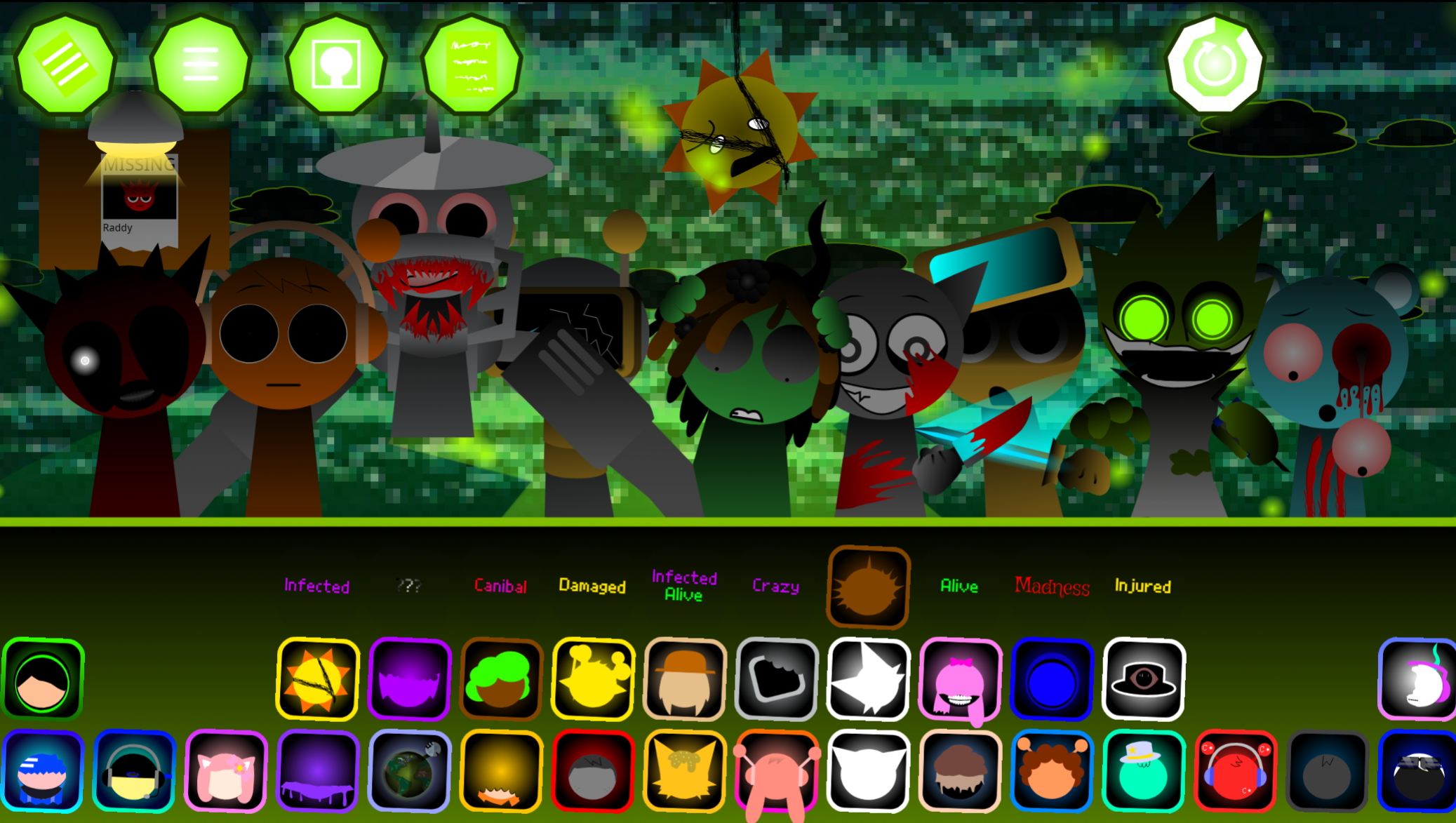
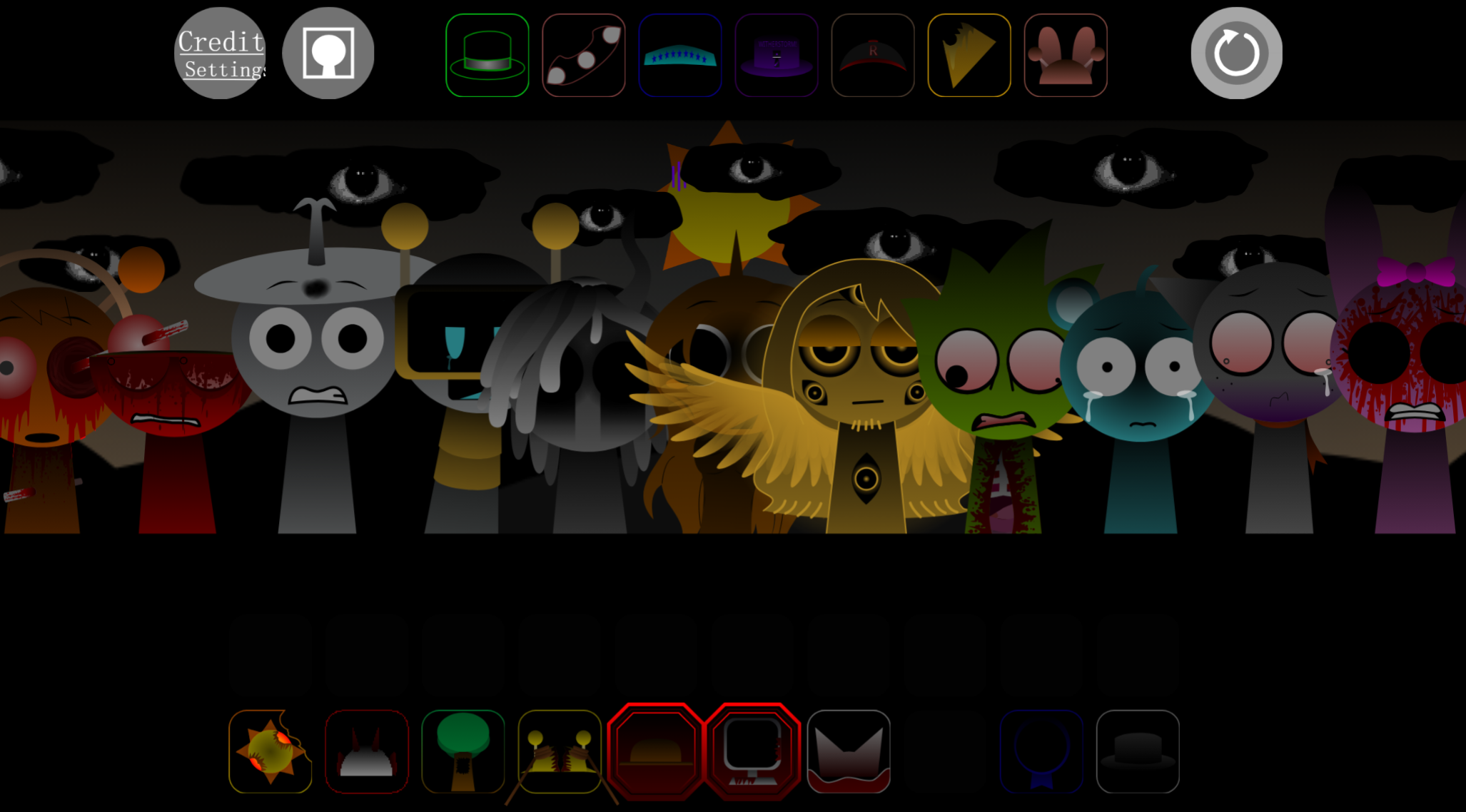
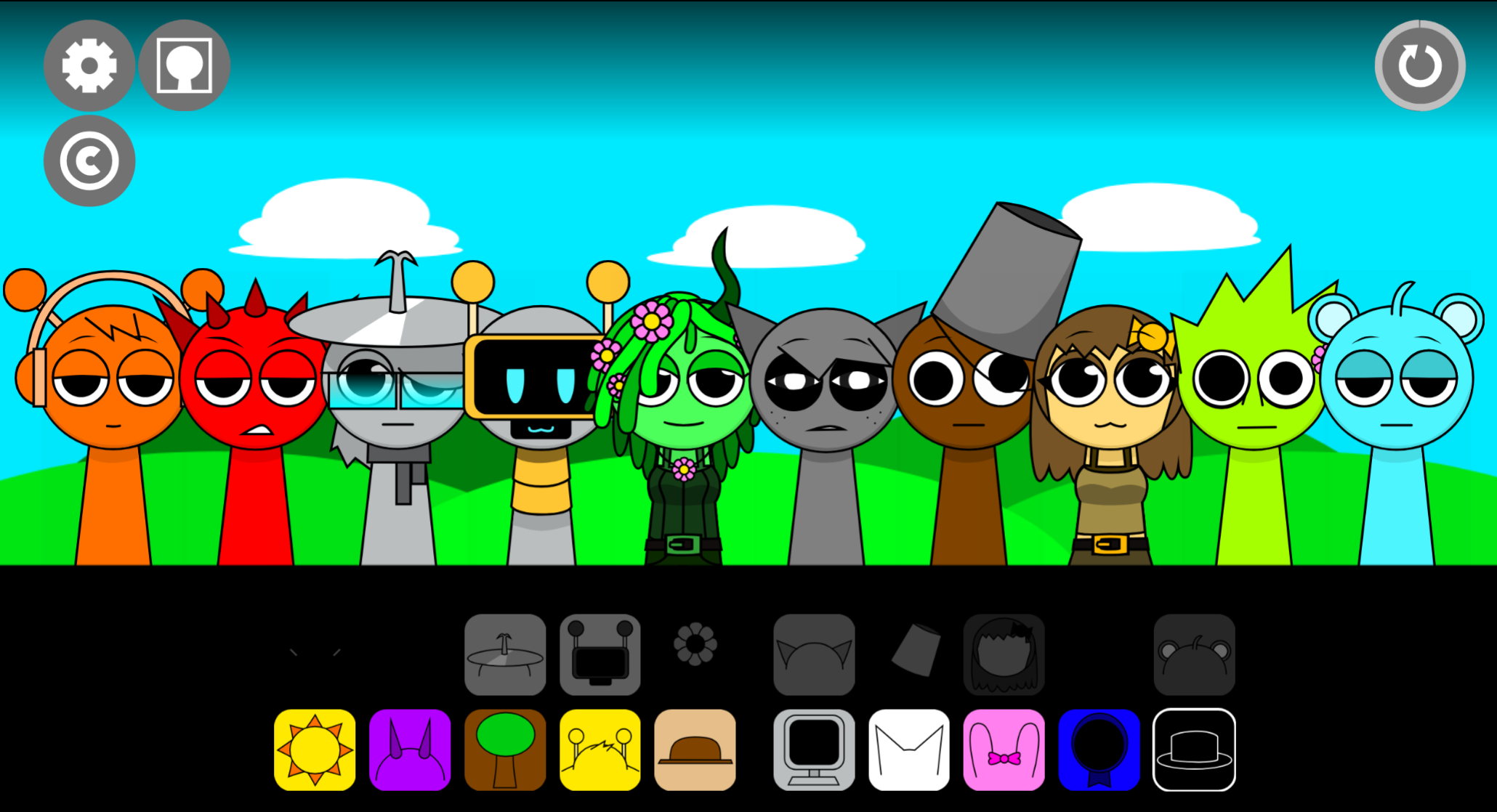
Sprunki Swapped Rafas Takes is a mod variant that replaces standard character roles with Key and Rafa, creating a noticeably different sound palette and visual identity compared to typical Sprunki builds.
The swap isn’t cosmetic—Key and Rafa bring their own rhythmic patterns and vocal textures, which shift how familiar loops layer together and how the overall mix feels when you’re stacking beats. This breakdown walks through the features that make Swapped Rafas Takes feel distinct: the character roster (Raddy, Oren, Vineria, Gray, Simon, Wenda, Pinki, Kiki & Bouba, Zack, Garnold, Mr Sun, Durple, Tunner, Lario, Geo, Rose, Geno, Mr Fun Computer, and Jevin), how Key and Rafa alter the core loop mechanics, and what that swap means for composing in practice.
If you’ve been playing standard Sprunki and want to know what actually changes when Rafas Takes enters the rotation, this covers the specifics.
Sprunki Swapped (Rafa’s Takes)
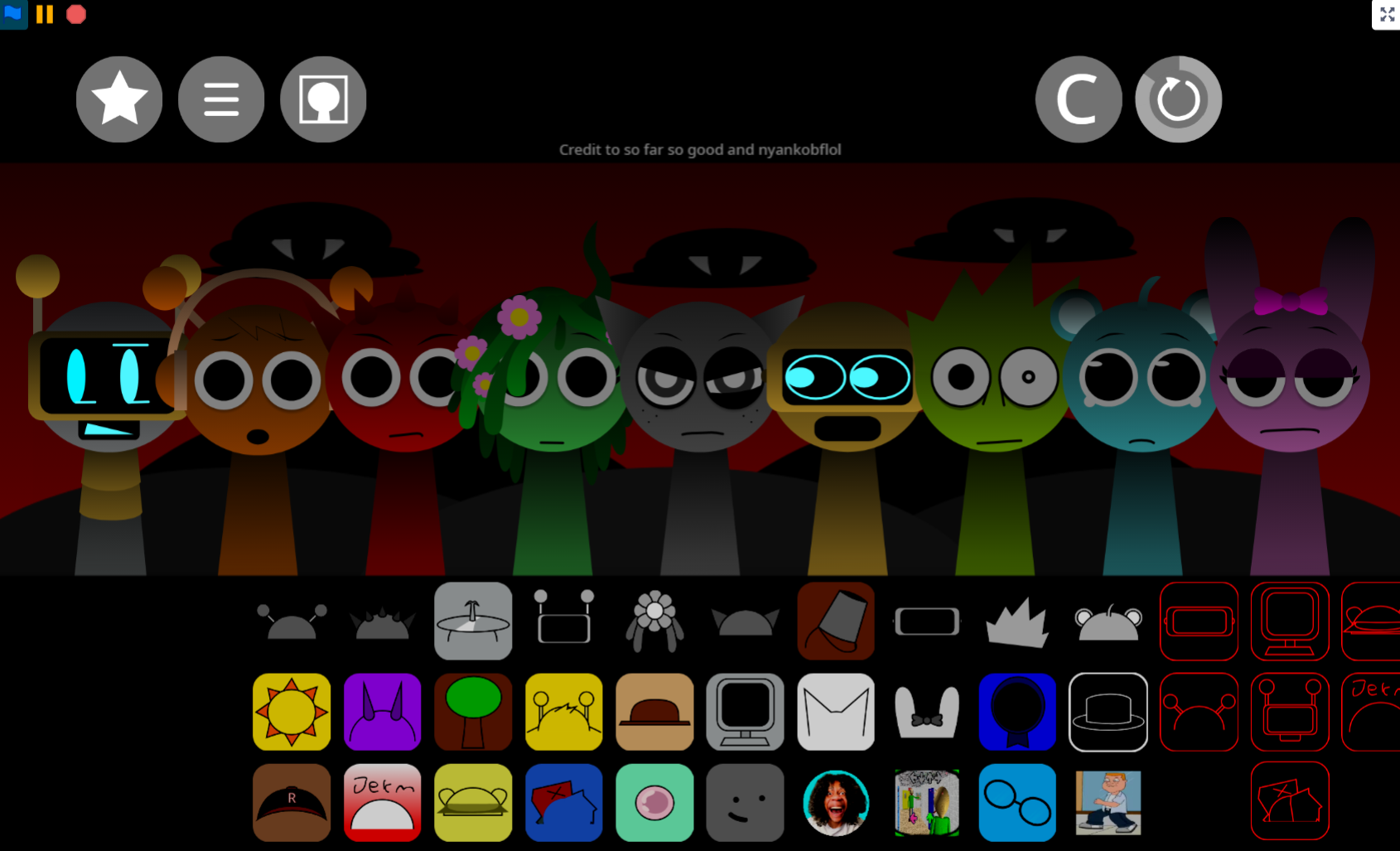
Sprunki Swapped (Rafa’s Takes) V1.0 lets you arrange over twenty reimagined characters on a rhythm bar to build custom musical loops. This fan-made mod draws on the original Swapped concept by @Americium, with V1.0 sound design completed by @HoodedStarBoi and @touchgrass.
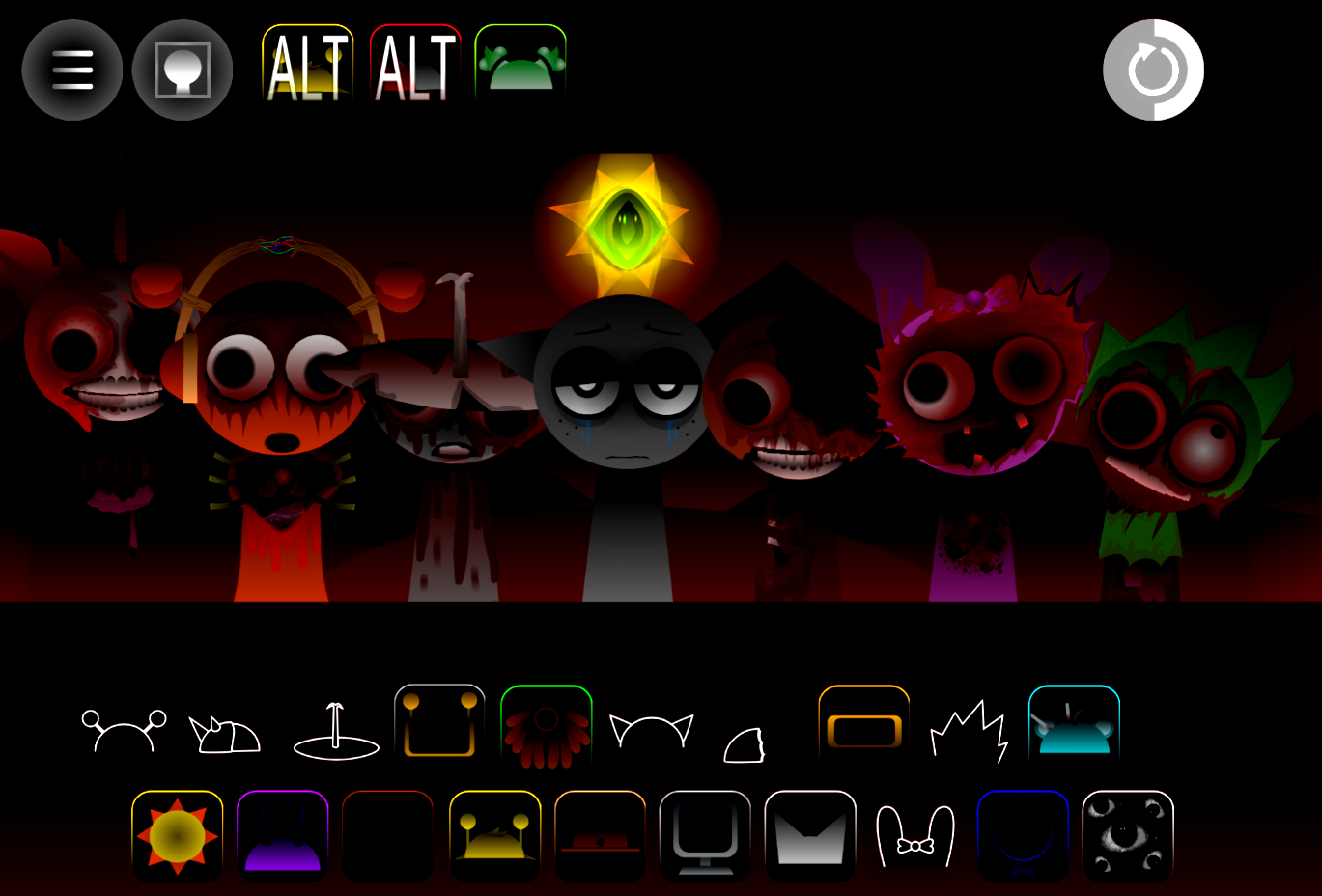
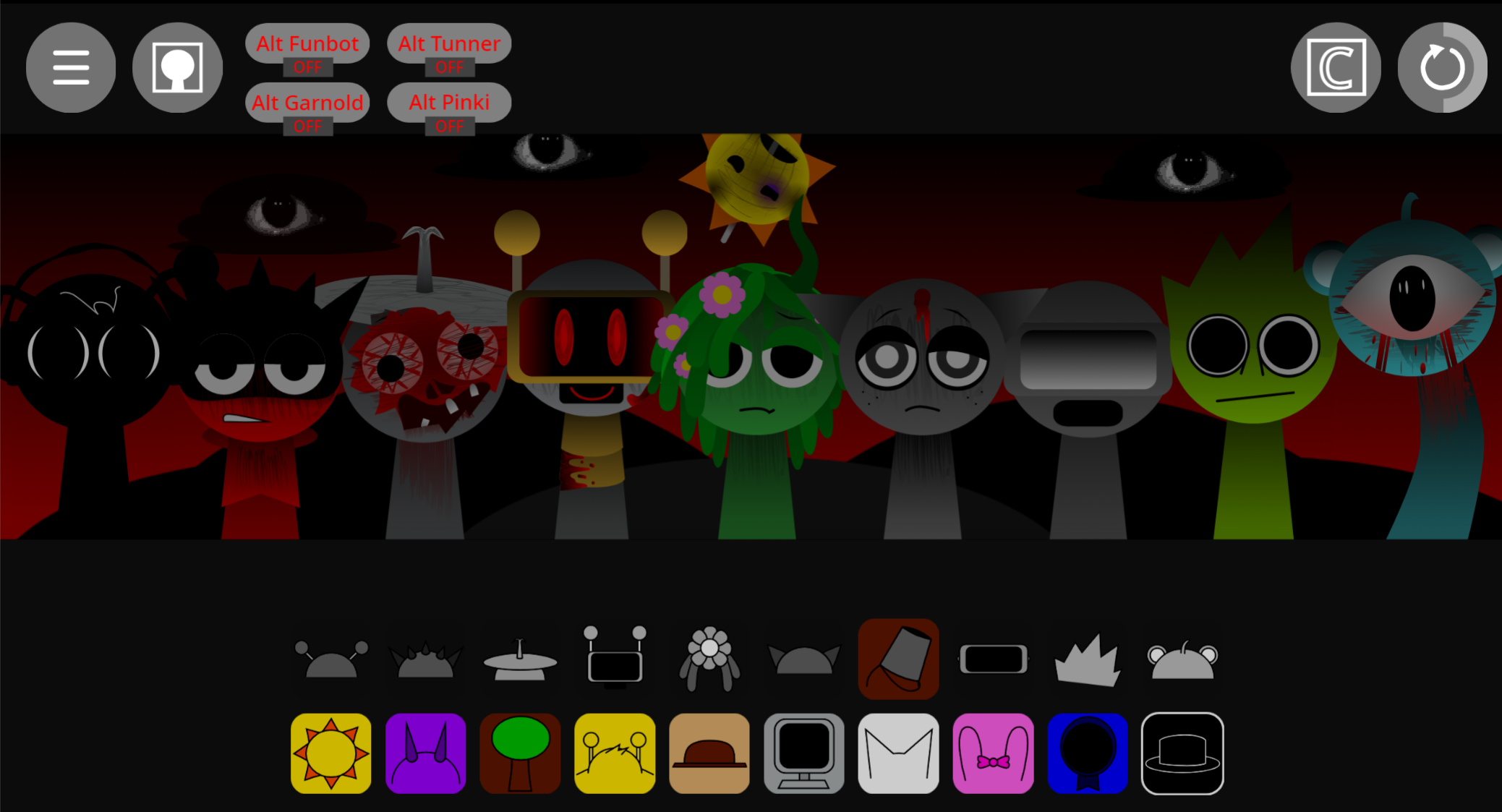
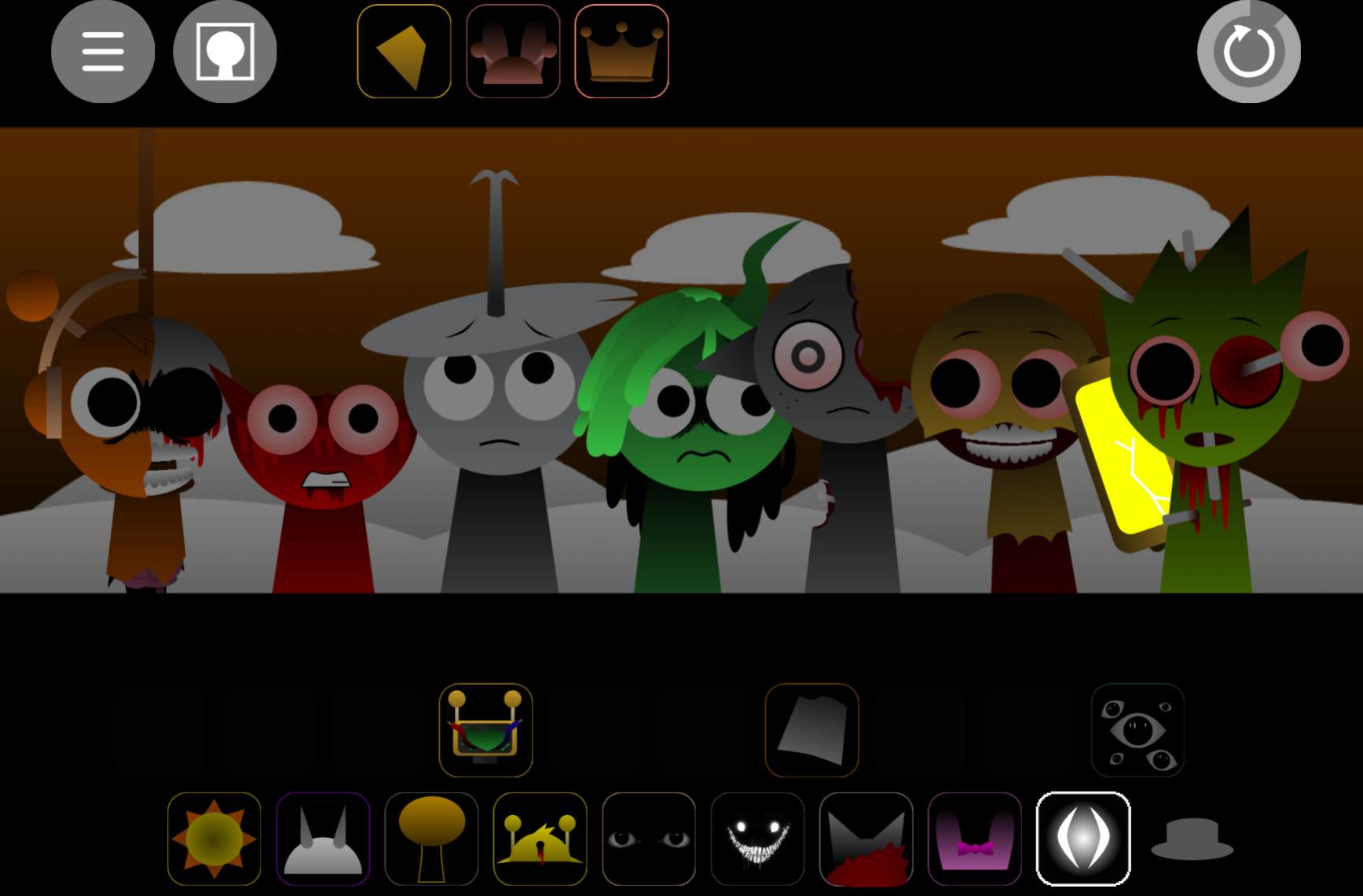
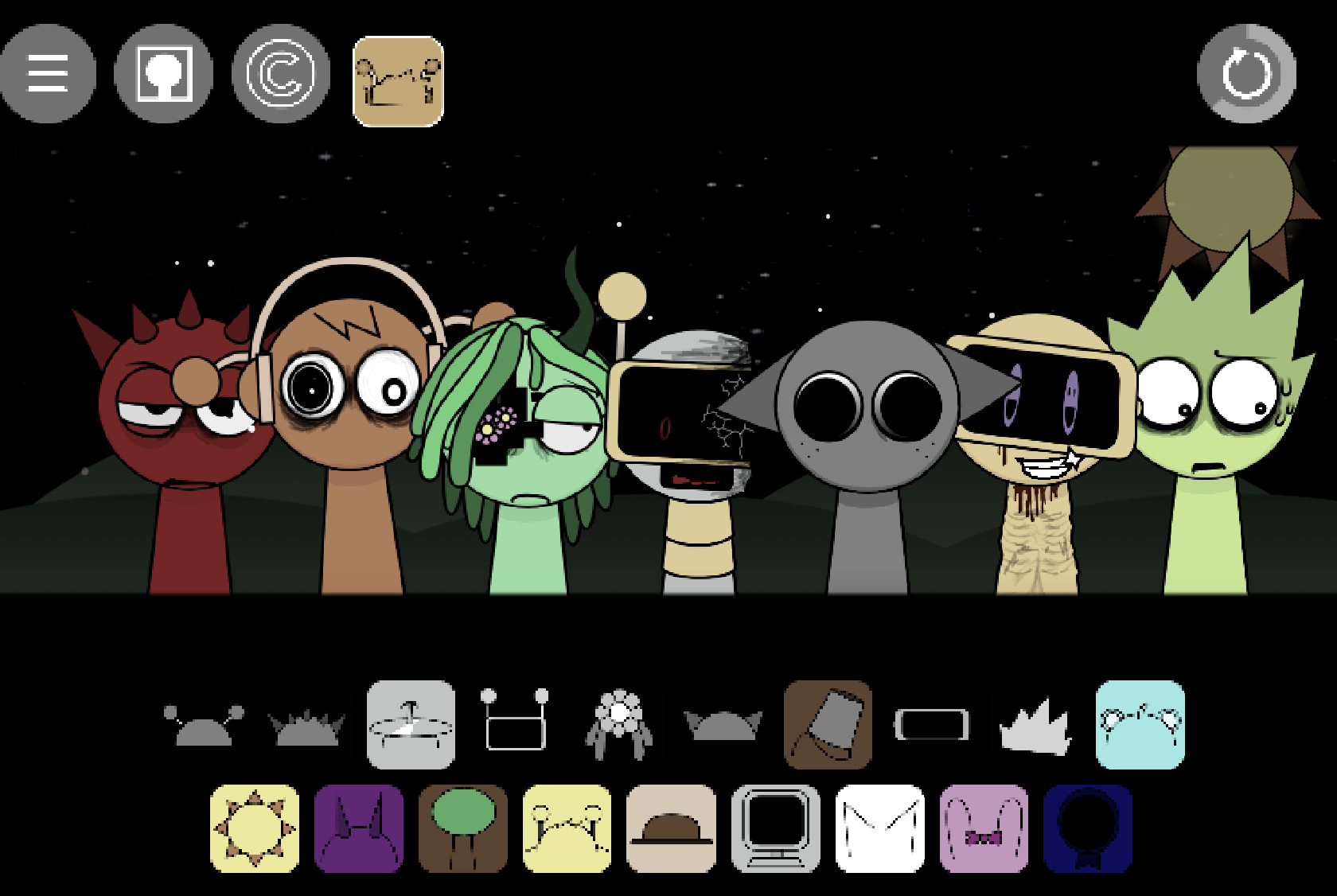
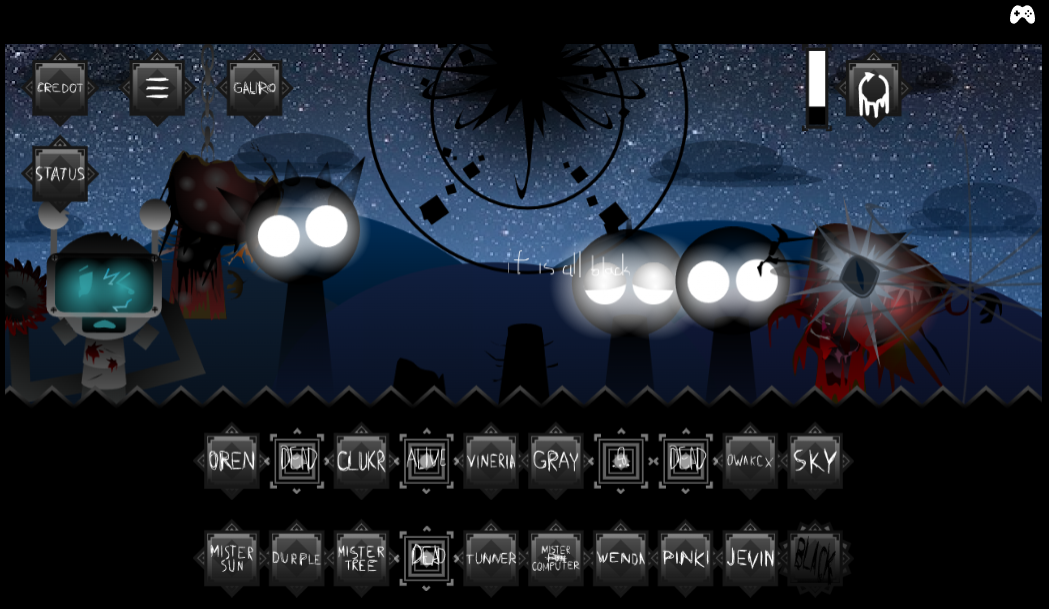
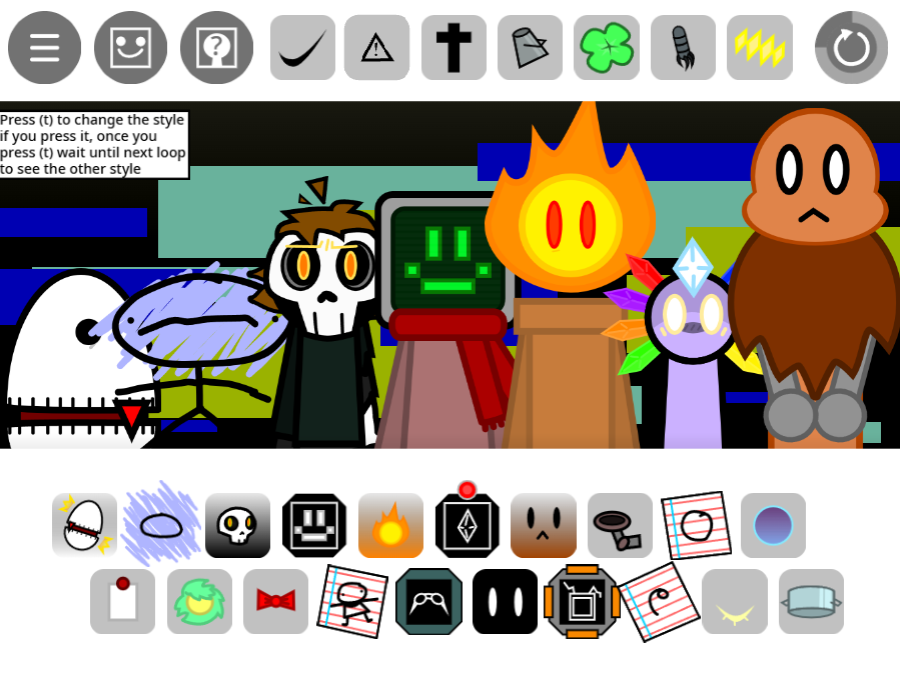
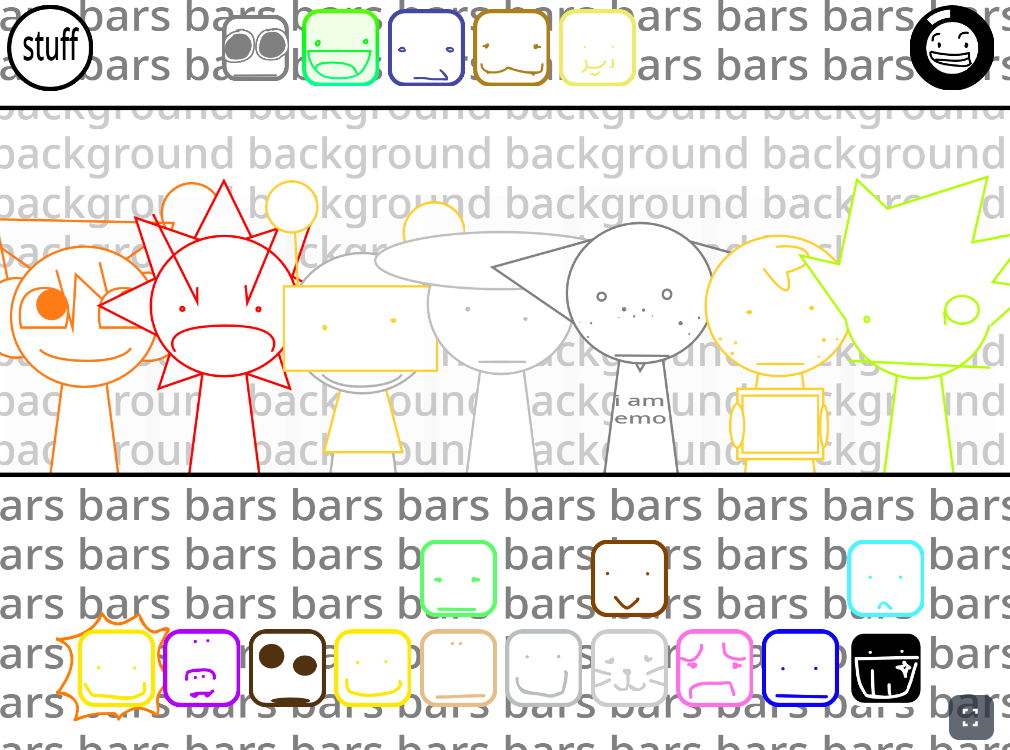
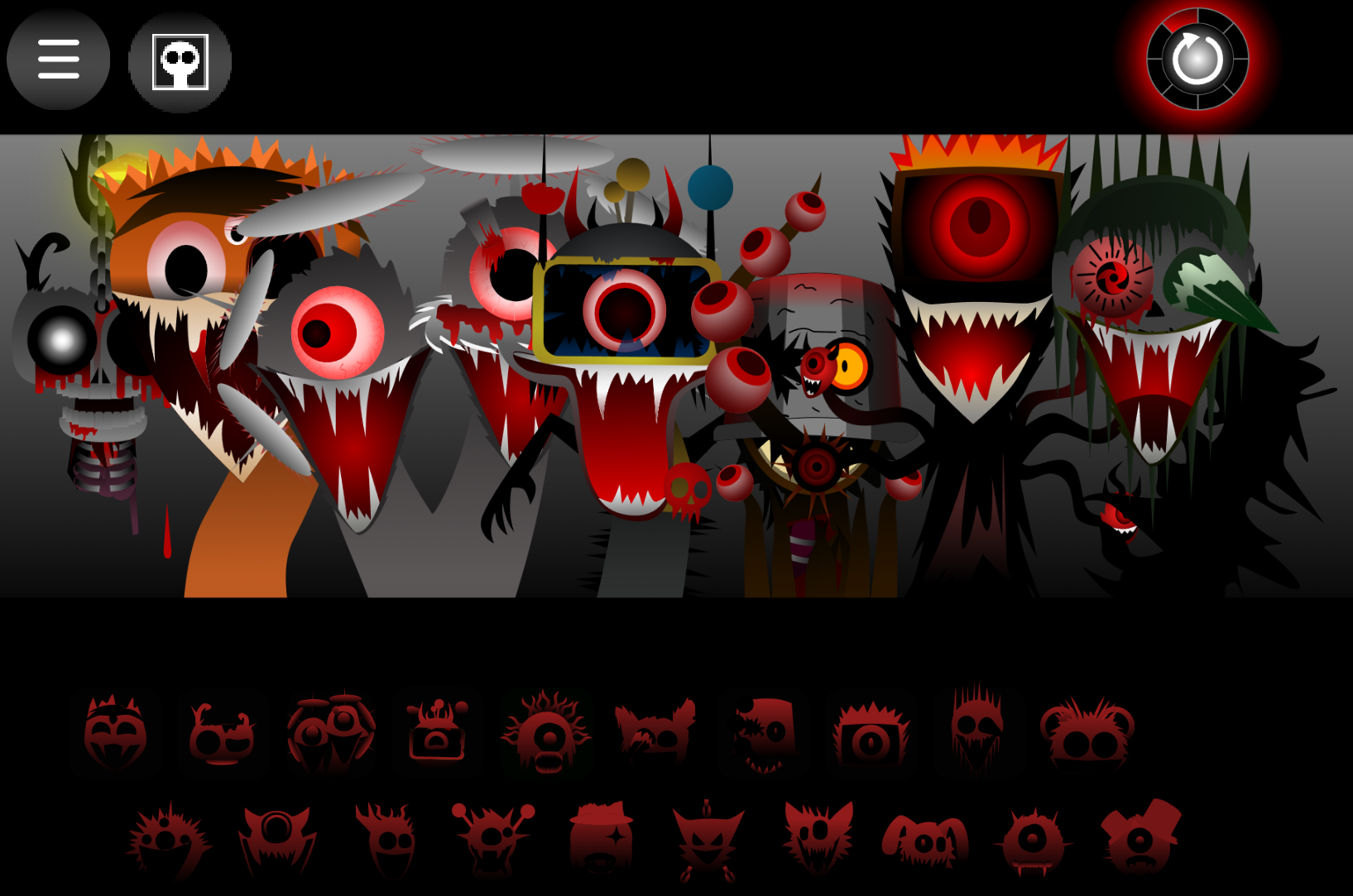
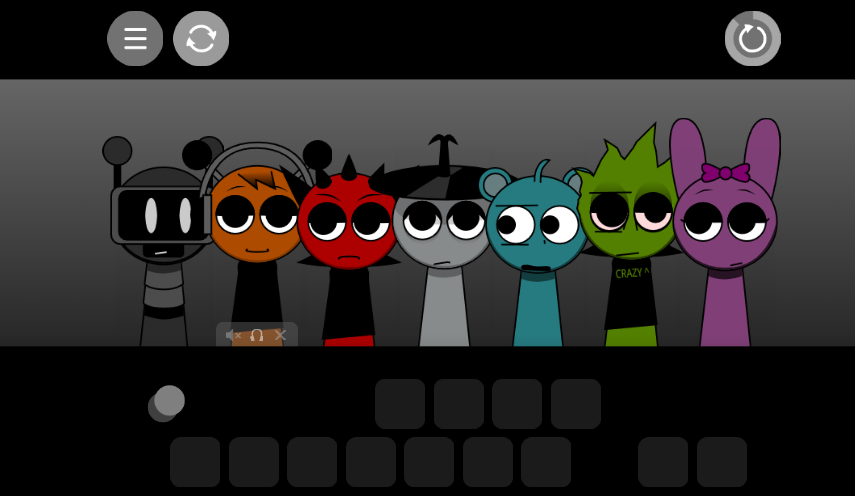
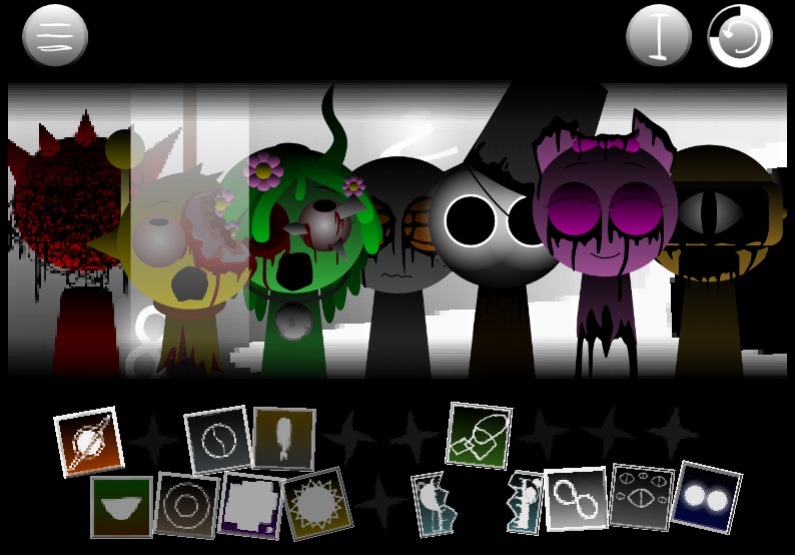
The playable cast includes Raddy, Oren, Vineria, Gray, Simon, Wenda, Pinki, Kiki & Bouba, Zack, Garnold, Mr Sun, Durple, Tunner, Lario, Geo, Rose, Geno, Mr Fun Computer, and Jevin, each contributing a distinct beat, melody, voice, or effect. You can toggle between a bright, cartoon presentation and a horror mode that transforms characters into “death” variants with low-frequency audio and jumpscare effects.
The mod centers on testing character combinations and hearing how their parts interact. Swapping one performer changes both the musical texture and the visual stage.
Where supported, you can adjust BPM and loop length to tailor the tempo for playful melodies or tense soundscapes. Rafa’s Takes is playable on platforms such as abgernygames.org, where you can preview and share Your Mix.
Key Features of Rafa’s Takes
- 20+ arrangeable characters: Build tracks by combining character loops. Each performer adds a different sound and visual element, making the cast the foundation of both audio and stage presentation.
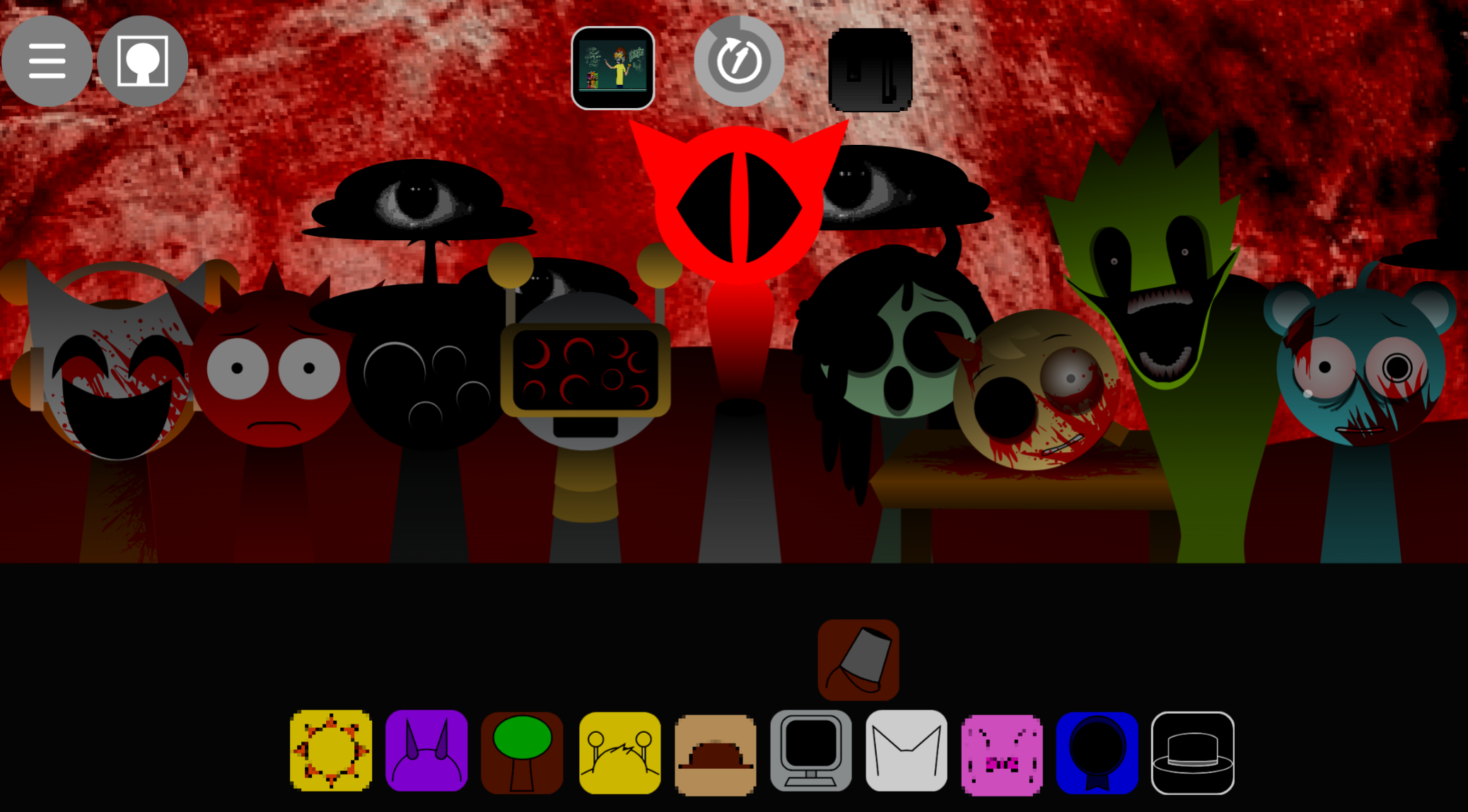
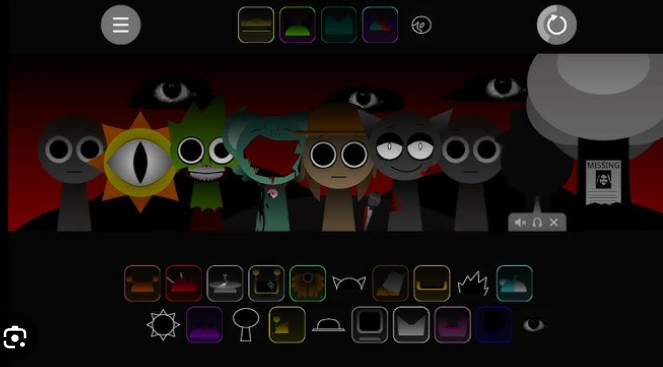
- Normal and horror presentations: Begin with a colorful, playful mix, then switch to horror mode for darker visuals, lower frequencies, and jumpscare-style rhythm punctuation. Characters shift into death variants when the mode changes.
- Mix-focused play: The experience centers on experimenting with character combinations rather than following a score. Changing one performer alters the track’s texture and look.
- Tempo and loop options: Where available, adjust BPM and loop length to create quick, bouncy arrangements or slower, spacious horror soundscapes. Controls vary by platform or build.
How to Play Sprunki Swapped (Rafa’s Takes)
Select swapped characters, place them into the arrangement, and listen as their loops combine. Start with a simple rhythm, then shape the track around the mood you want.
- Choose characters: Explore swapped versions of Raddy, Oren, Vineria, Gray, Simon, Wenda, Pinki, Garnold, Durple, Tunner, and others. Each selection contributes a distinct part
- Arrange and preview: Place performers on the rhythm bar, listen to the result, and revise the lineup. A few carefully chosen parts often create a clearer track than filling every slot immediately.
- Experiment with variants: Swapped characters alter the balance of percussion, melody, voices, and effects while reshaping the stage.
- Save or share: Use platform options to save or share Your Mix once the arrangement feels complete.
How to Create Your Mix
- Start with a foundation. Choose a steady rhythmic character first—Garnold, Tunner, Lario, Geo, Rose, Geno, or Mr Fun Computer work well. This gives the track a pulse before additional sounds compete for space.
- Add melody and texture. Introduce vocal, melodic, or effect-based parts one at a time. Preview after each addition to tell whether the new loop supports the beat or crowds the mix.
- Shape the timing. If BPM and loop-length controls are available, use them before adding too many layers. Faster settings suit playful tunes; slower loops leave room for sustained, unsettling sounds.
- Toggle the mood. Switch to horror mode to transform a bright arrangement into a tense one. Visual death variants, low-frequency audio, and occasional jumpscare effects work best when the underlying rhythm remains easy to follow.
- Preview and refine. Remove any loop that distracts from the main pattern, then make final adjustments before sharing.
Tips for Crafting Loops
- Build in layers: Begin with one dependable beat, then add melodic and atmospheric elements. A deliberate arrangement is usually more effective than an overloaded one.
- Change one thing at a time: Swap a character, alter tempo, or adjust loop length individually to hear what improves—or weakens—Your Mix.
- Use character contrast carefully: Bright loops make horror-mode changes more dramatic, while darker sounds add tension to playful tracks. Let contrast support the rhythm instead of burying it.
- Keep a clear pulse: Whether Crafting Loops for a lively normal presentation or an eerie horror arrangement, give listeners a recognizable rhythmic anchor.
- Explore the roster: Testing different combinations is part of the experience. The varied swapped designs and roles are as important to the mod’s identity as the final sound.
Related Games
- Sprunki Garnold Time PHASE 4 — Garnold’s prominent role in Rafa’s Takes makes this phase-focused follow-up a natural pick for players who want to explore another character-centered Sprunki remix.
- Sprunki Mr Sun Takes Over Phase 3 — Its takeover premise and later-phase framing suit listeners looking for another darker, more transformed Sprunki experience after activating Rafa’s Takes’ horror mode.
Enjoy!

Discuss
Loading comments...
Failed to load comments. Please try refreshing the page.