

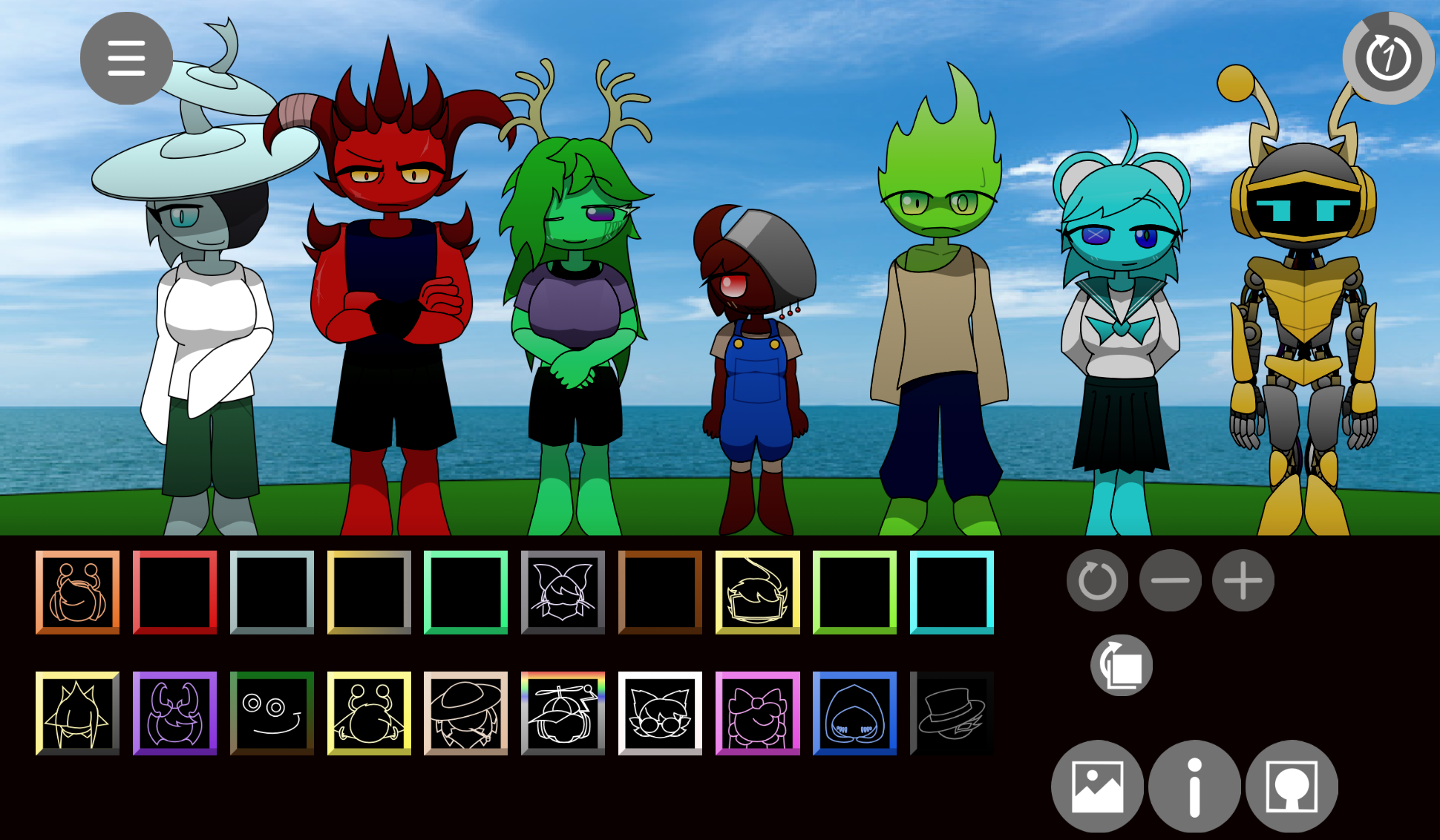
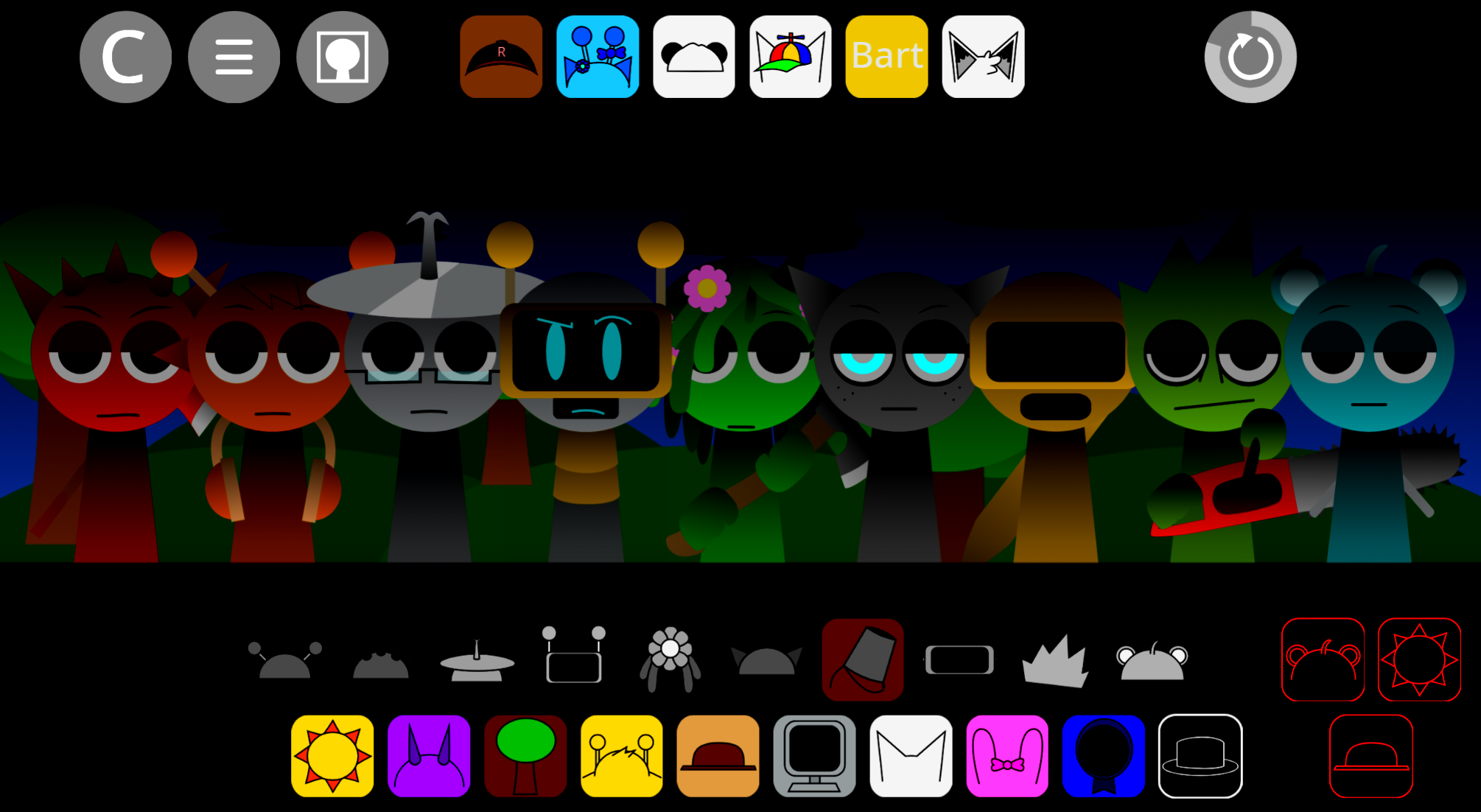
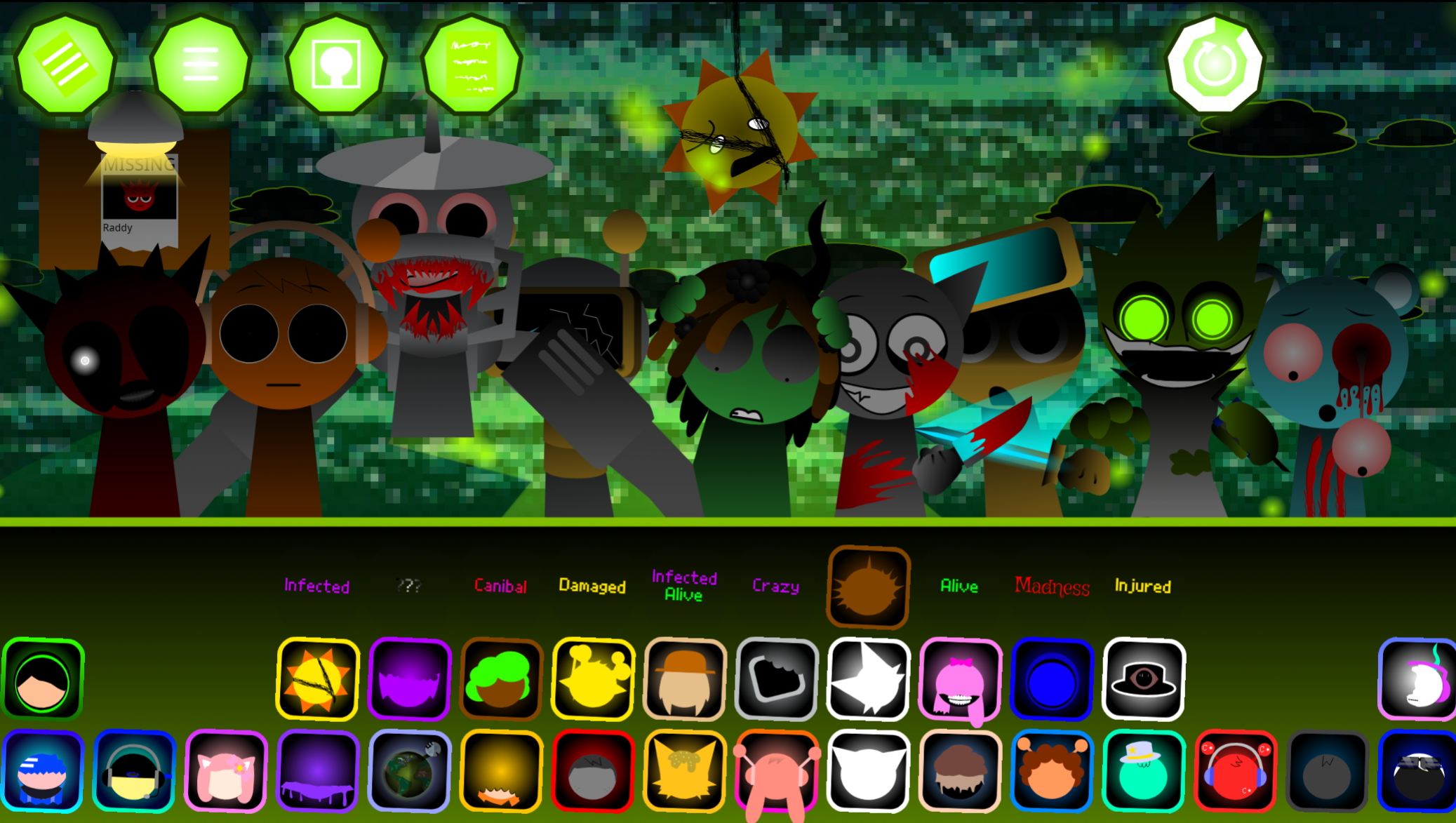
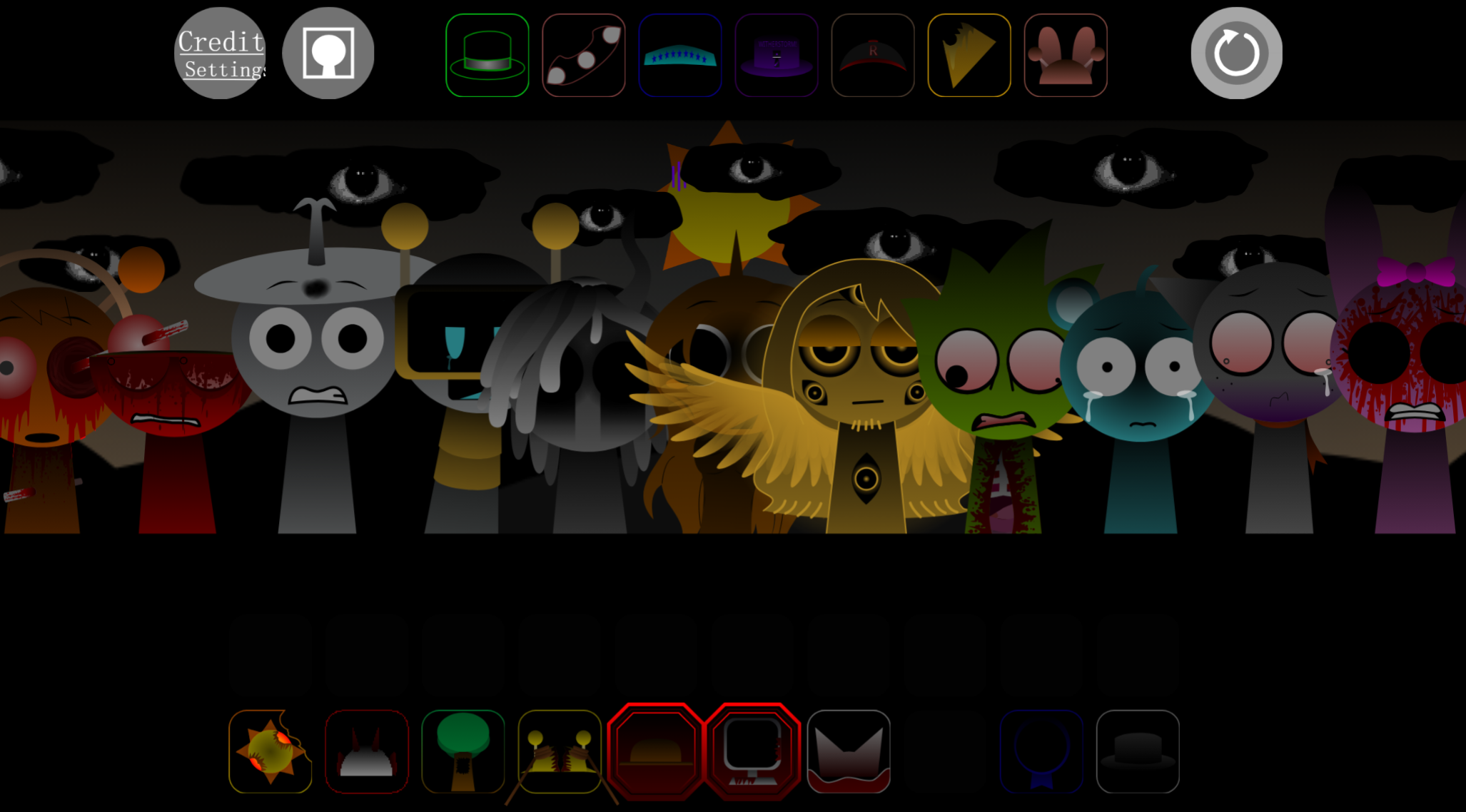
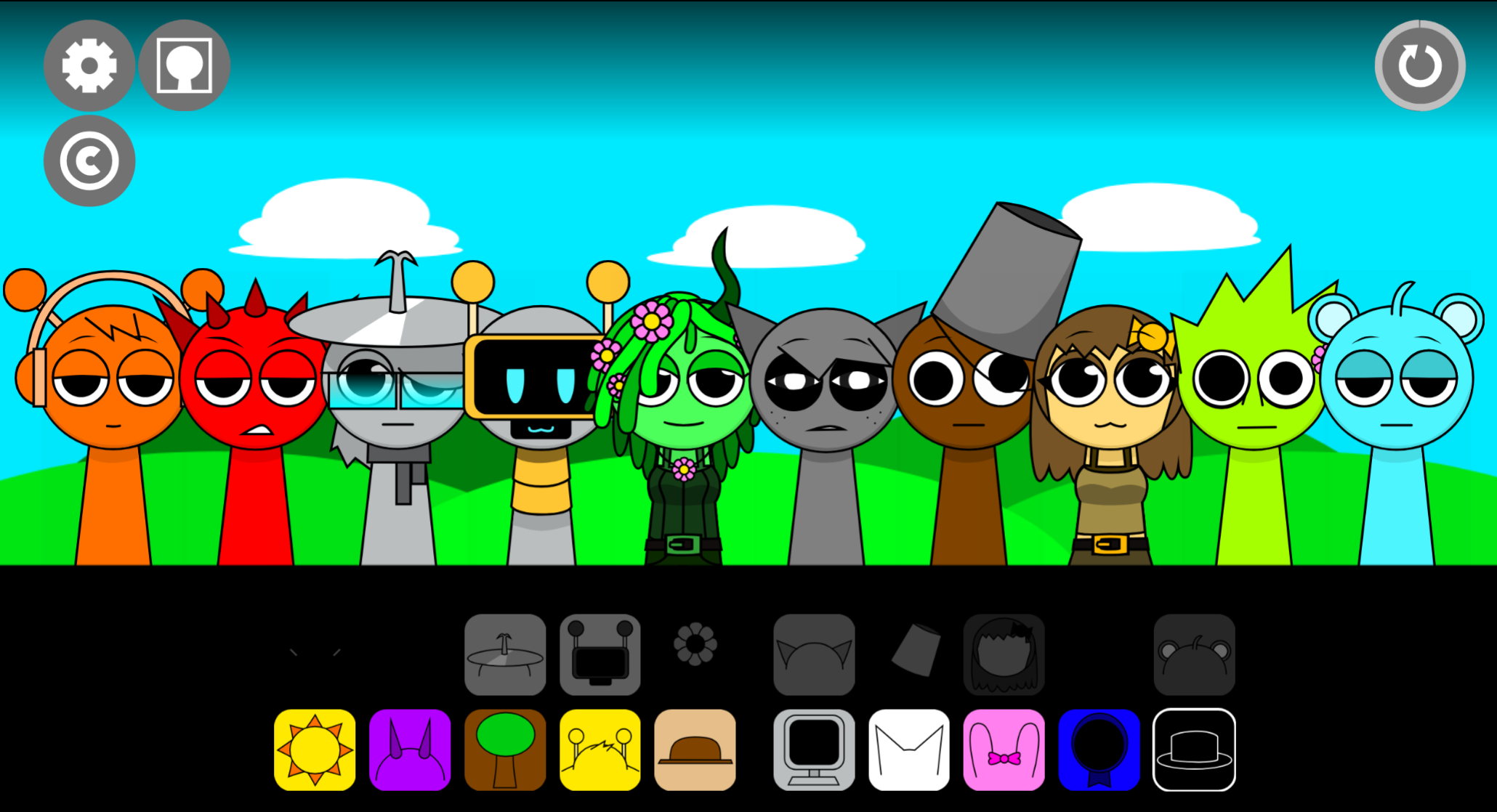
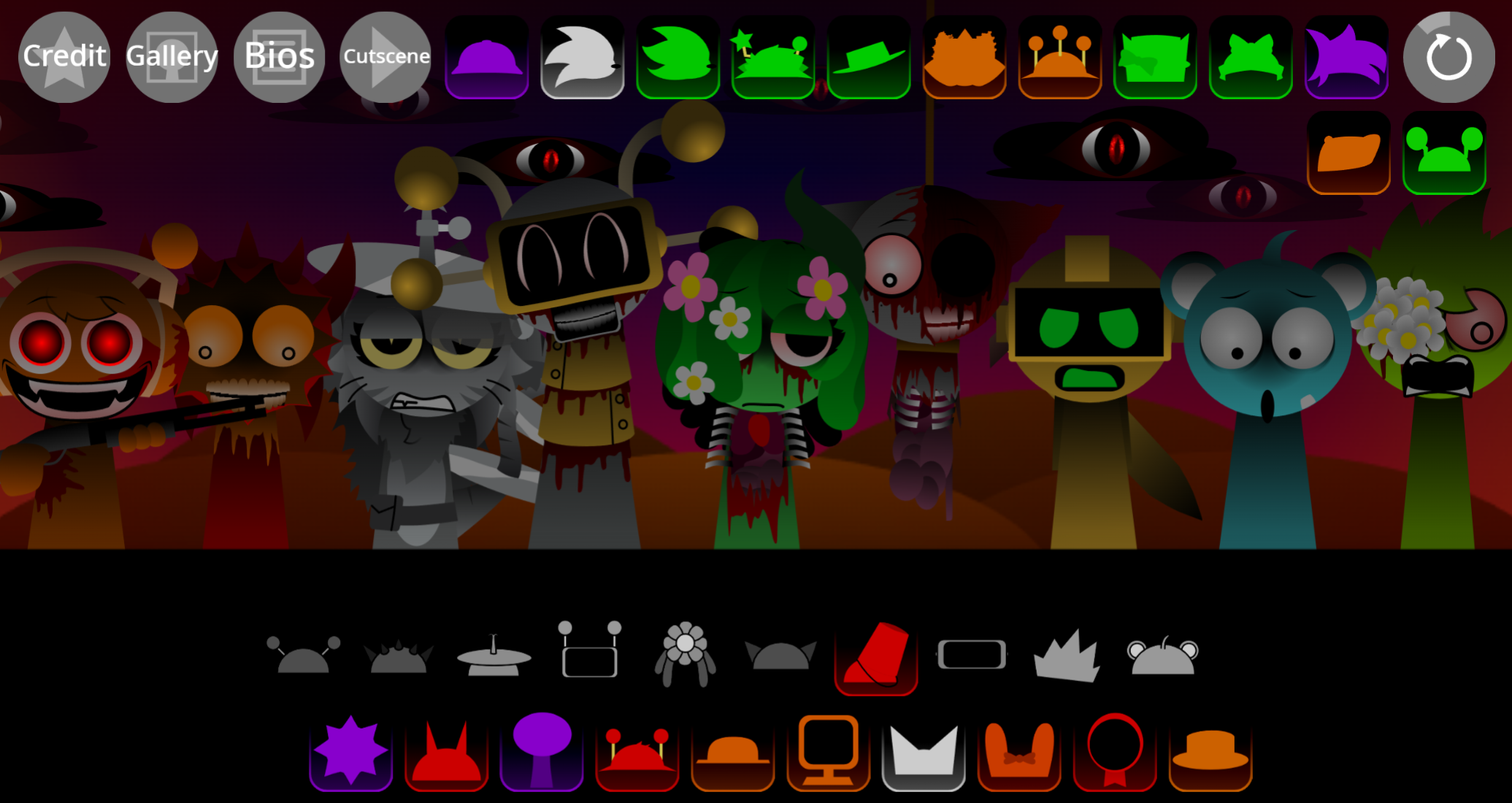
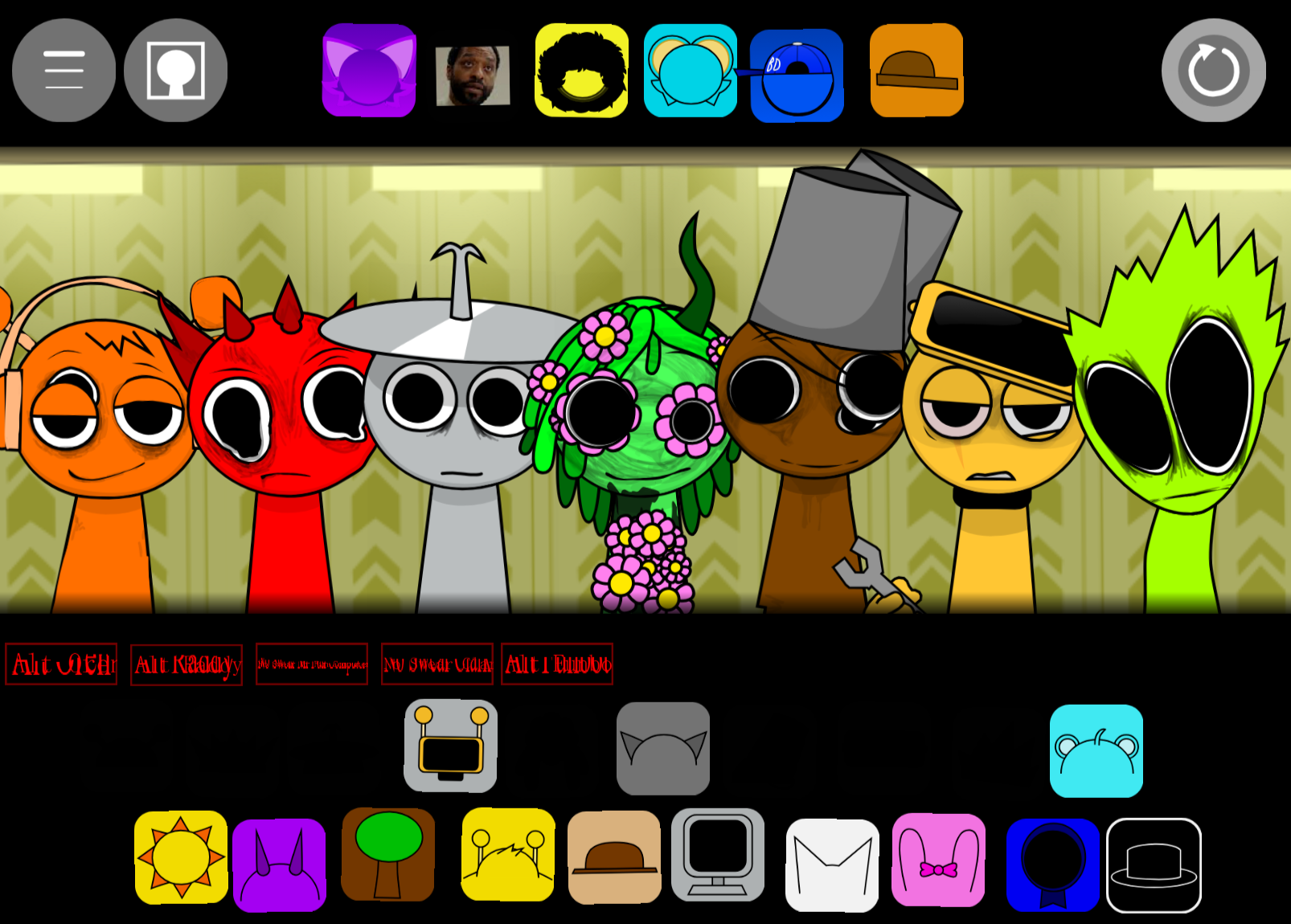
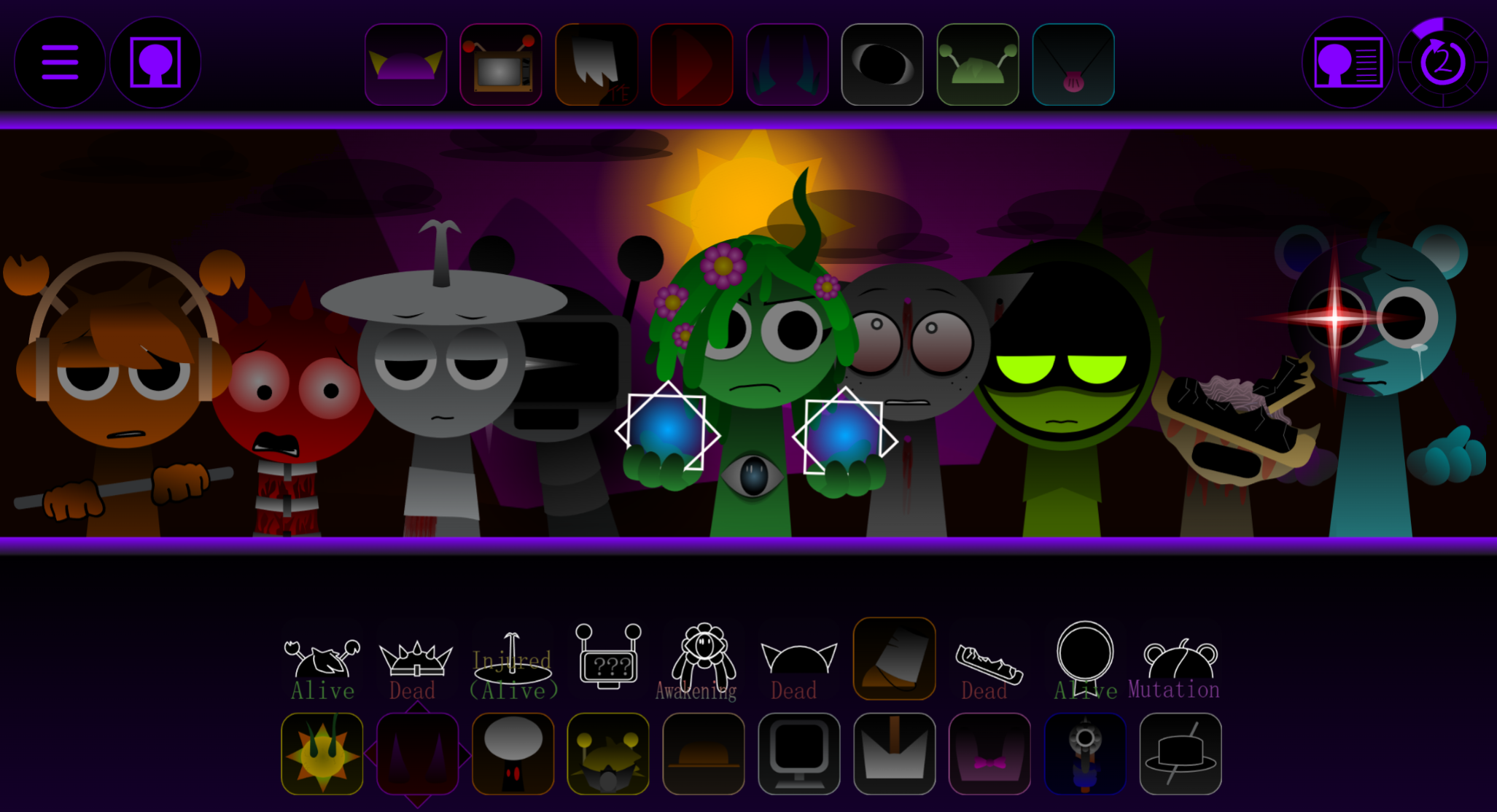
Sprunki Sleepy is a browser-based Sprunki Mod inspired by Incredibox where you drag sound icons onto drowsy characters to layer loped beats and melodies.
You’ll learn the core mechanics, explore the relaxed audio palette, and understand how to choose sounds that complement the mod’s laid-back aesthetic without trial-and-error guesswork.
What Is Sprunki Sleepy?
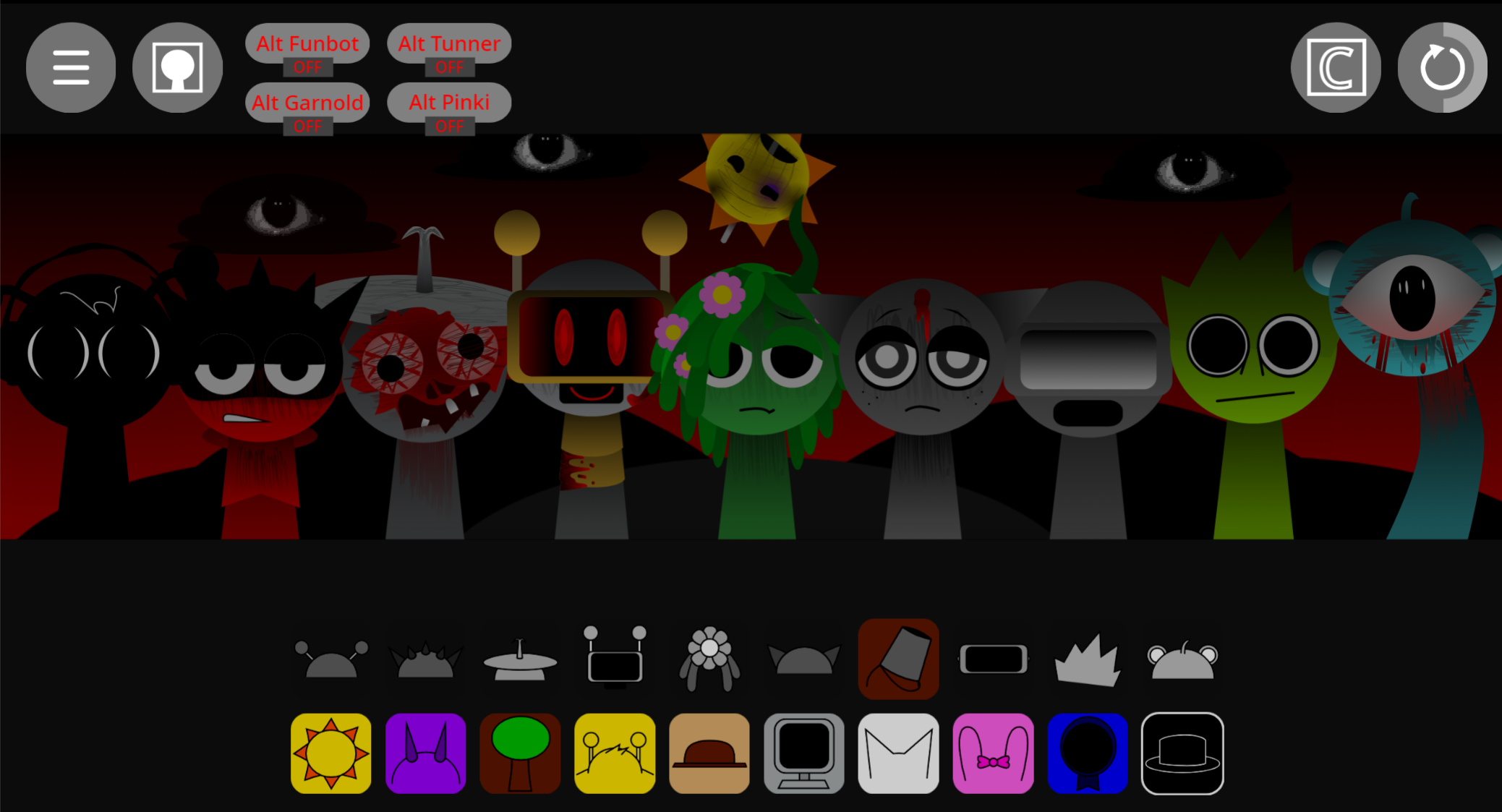
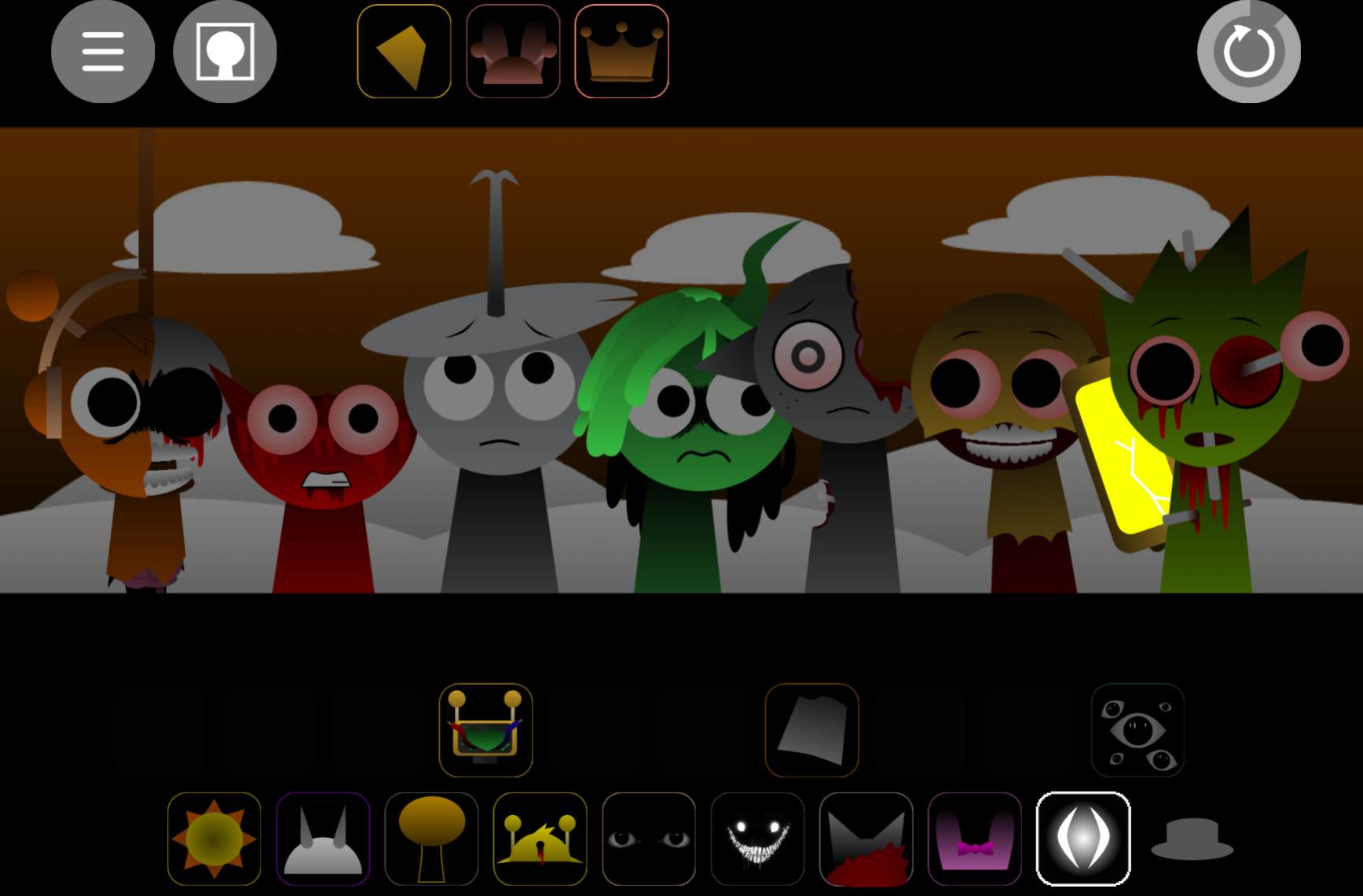
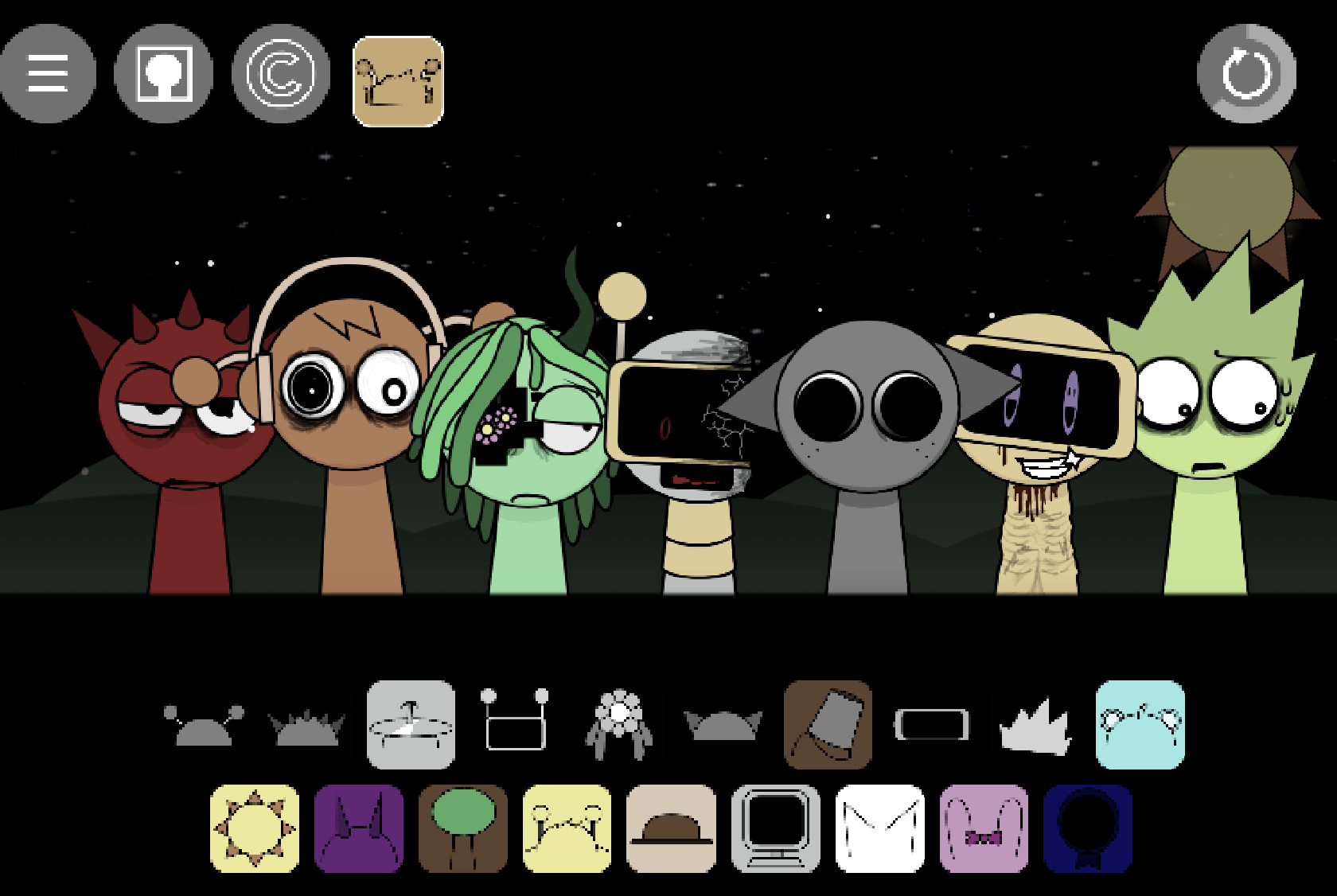
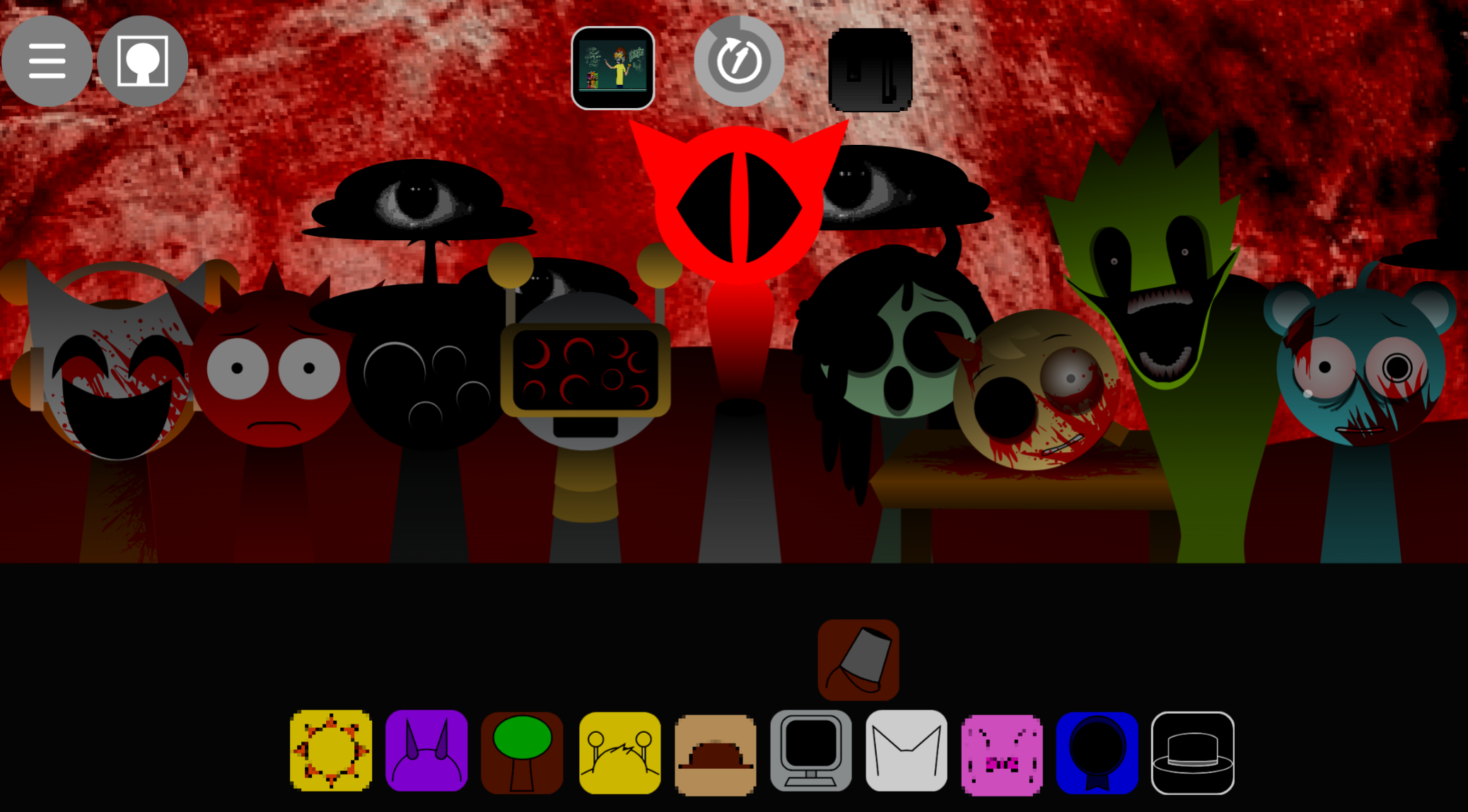
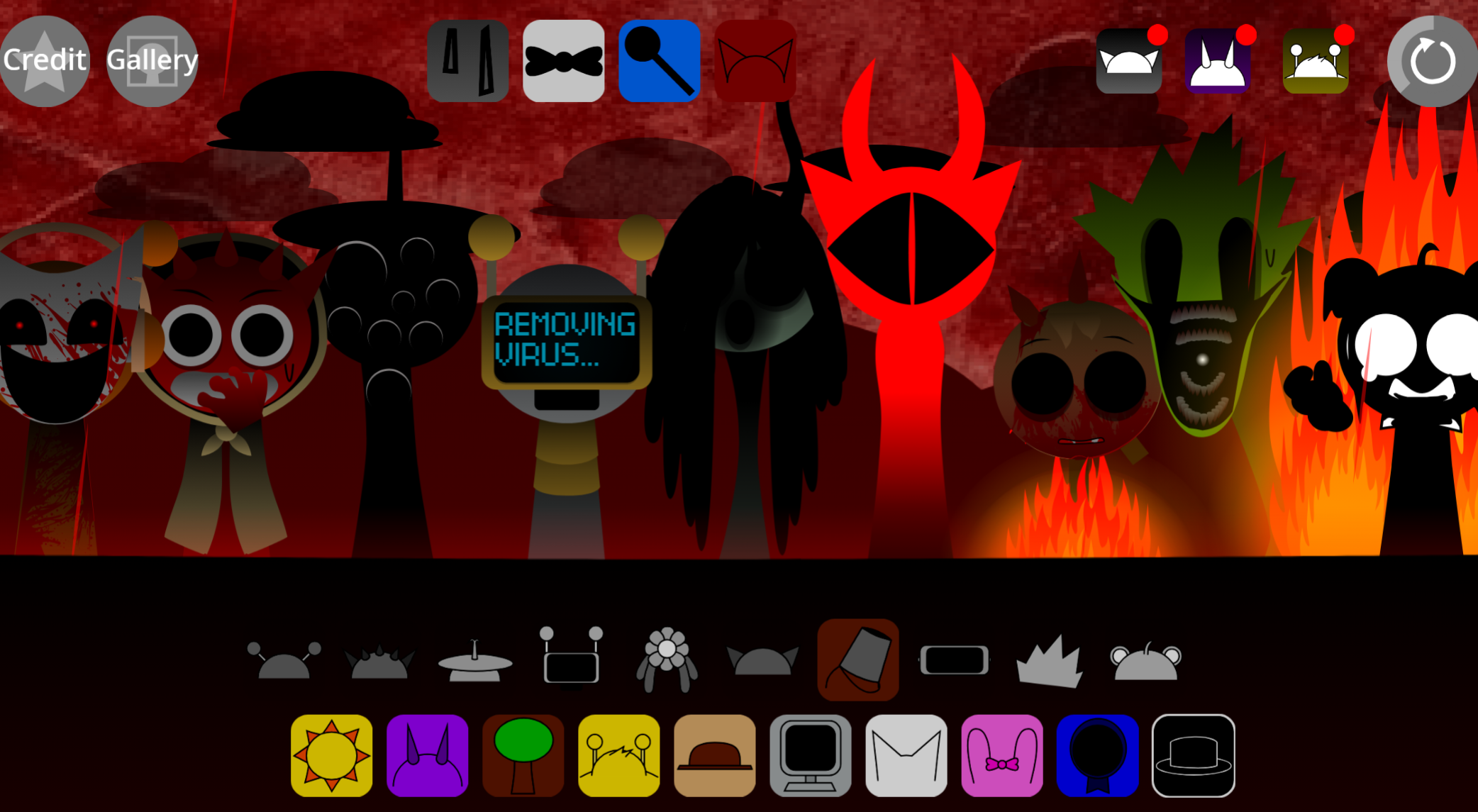
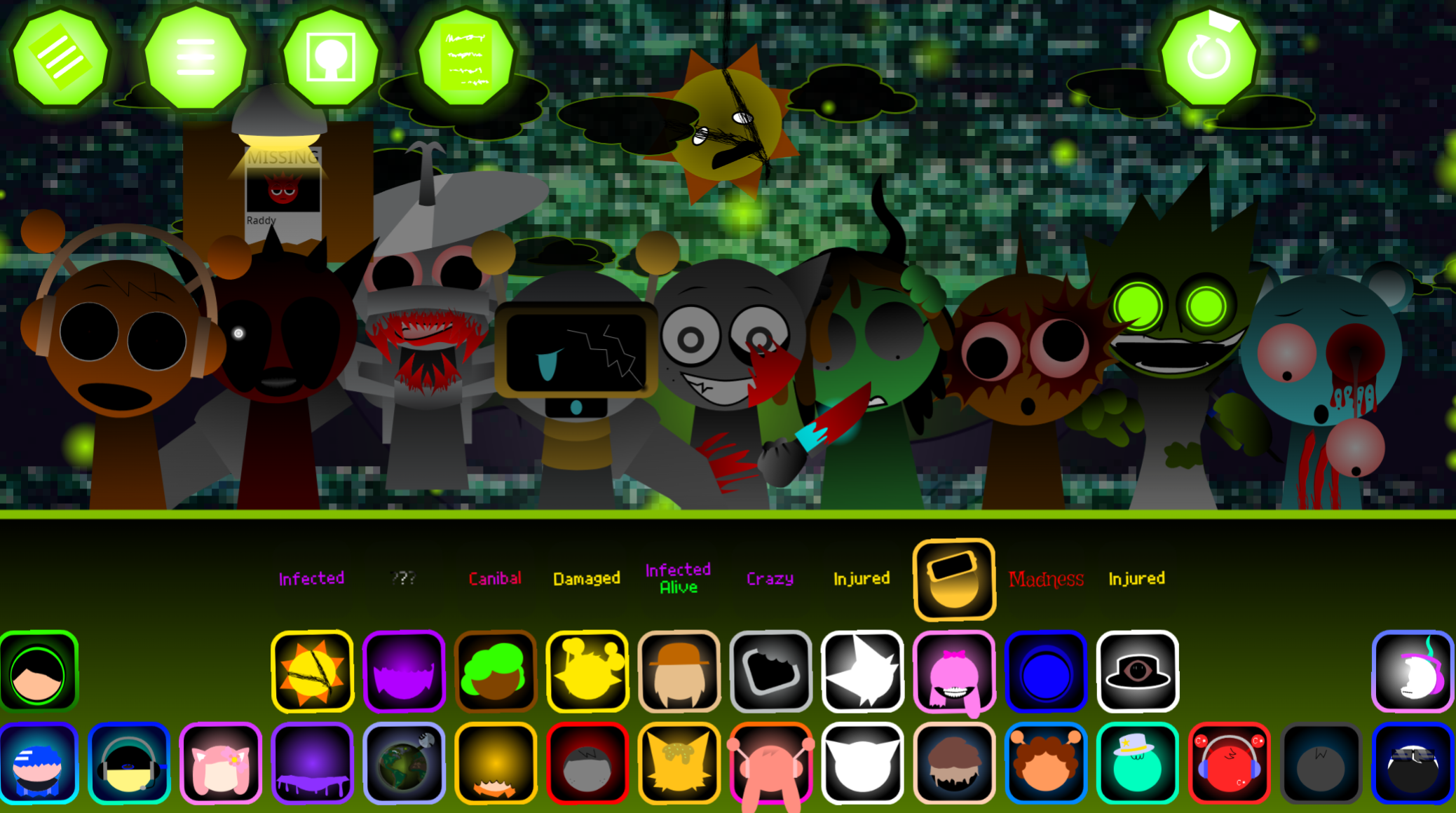
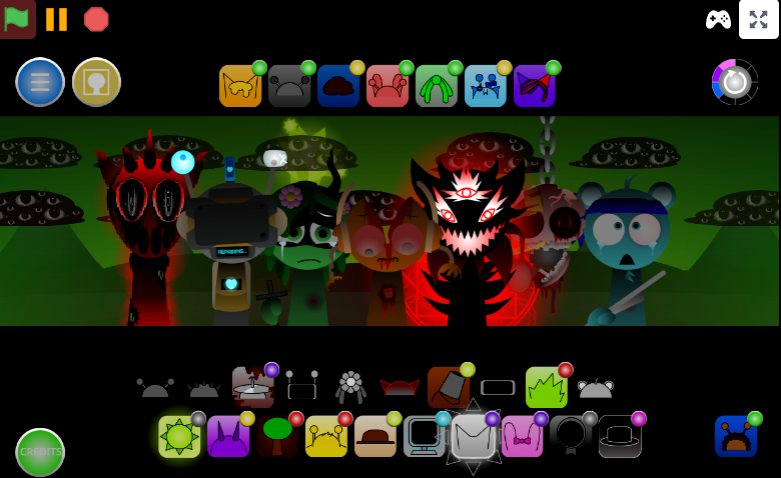
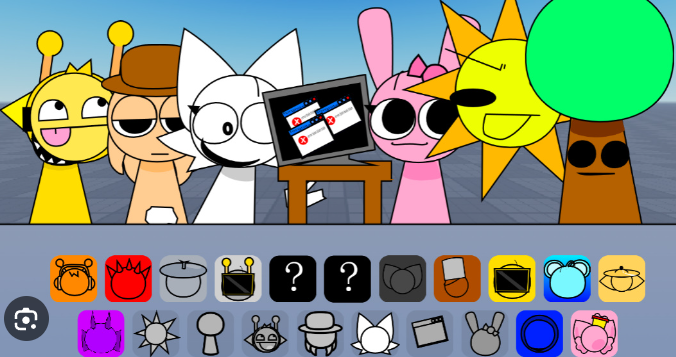
Sprunki Sleepy is a browser-based Sprunki Mod inspired by Incredibox, where you drag sound icons onto characters to layer loops. This version trades the usual fan-mod energy for a slower, drowsier mood with muffled beats, ambient hums, whisper-like voices, uneven rhythms, and tired character designs.
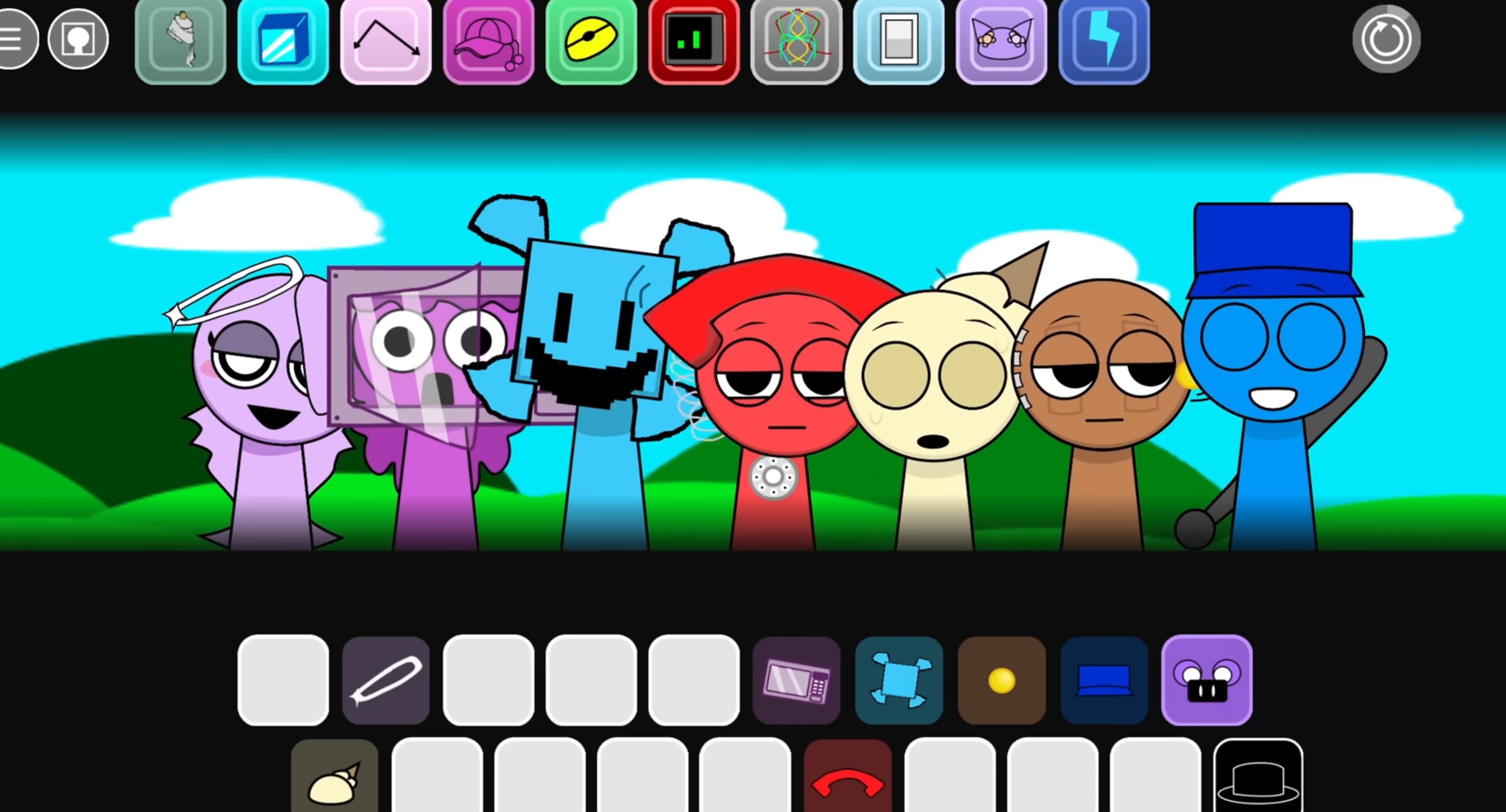
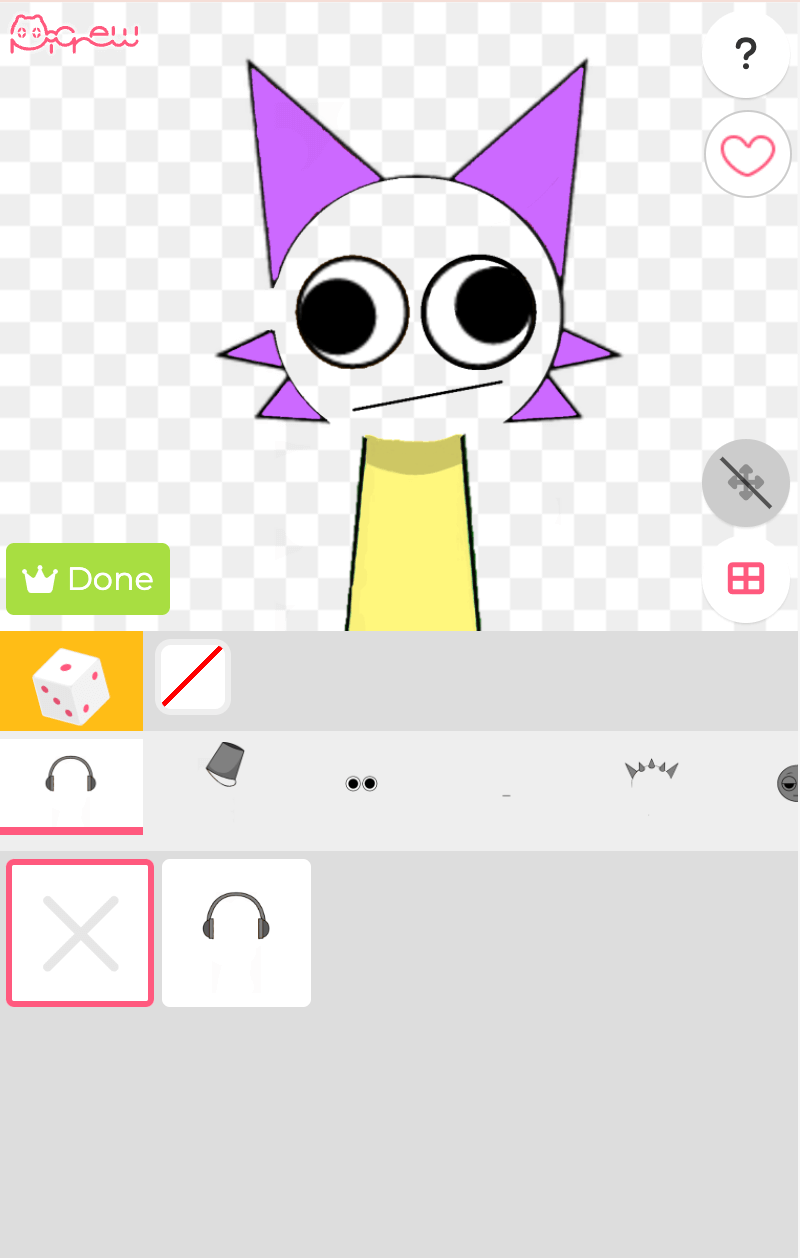
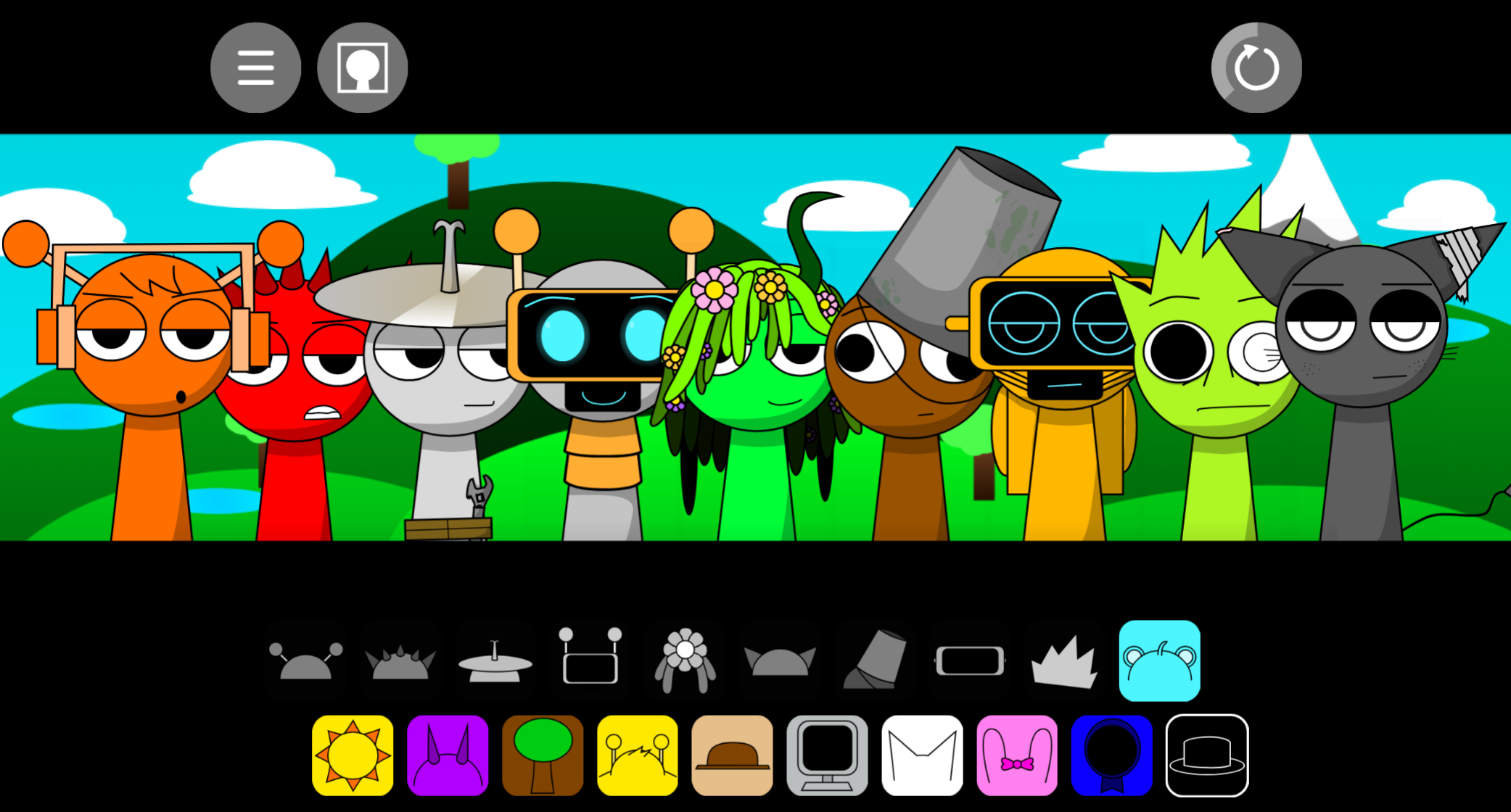
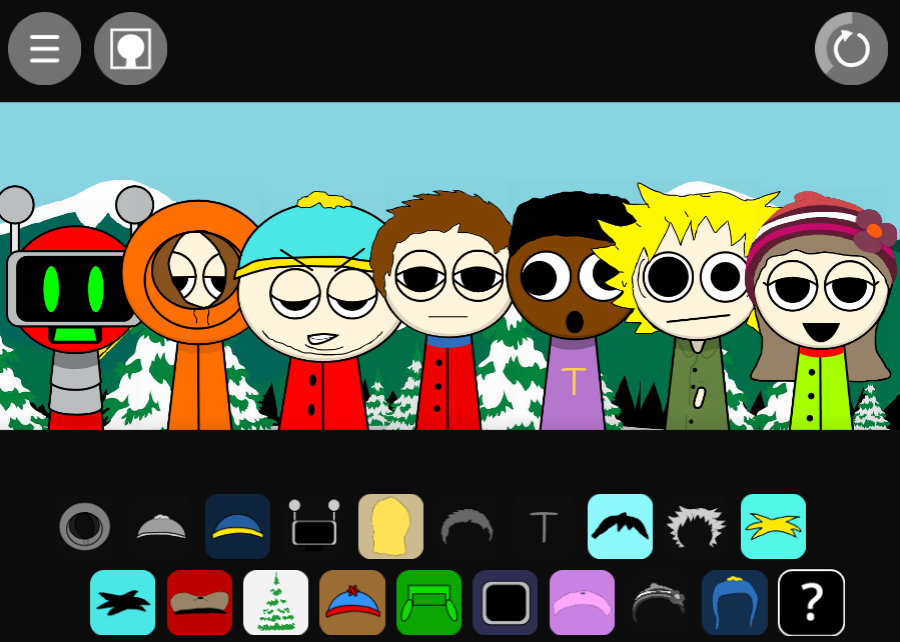
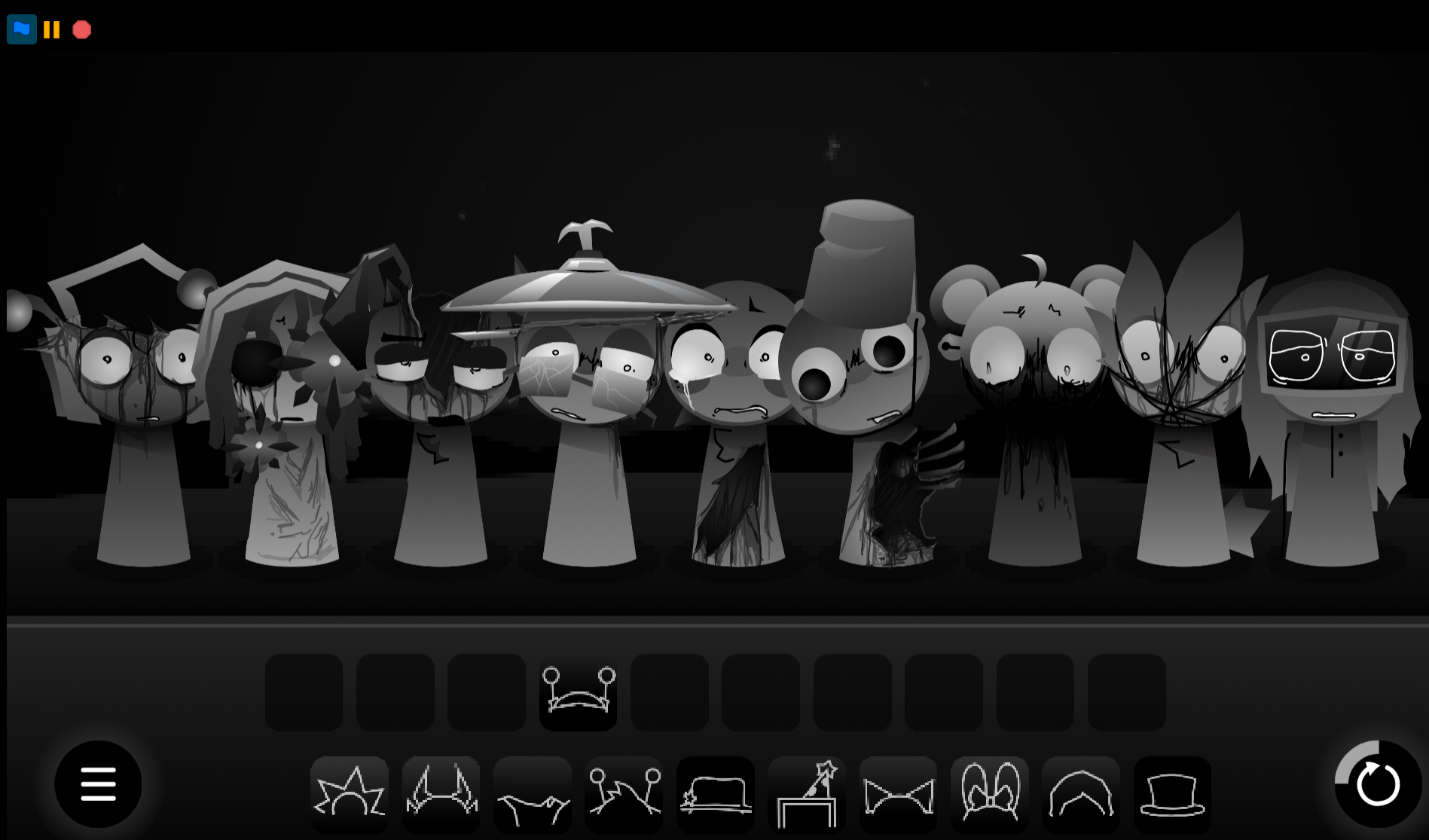
The biggest difference is its Minimalist, no-animation presentation. Created by @Oren-By-Long, who openly noted they were “lazy make animation,” screen shows a fixed lineup with no movement or visual feedback. That may feel bare-bones compared to animated phases, but the stillness becomes part of the atmosphere: hazy, tired, slightly glitchy, and uneasy. Gray anchors the visual lineup alongside other familiar faces like Oren, all completely static as you drag them onto the stage.
Why Play Sprunki Slepy?
Play Sprunki Sleepy if you want a quieter remix experience that leans into atmosphere over spectacle. The drowsy theme shifts the usual loop-stacking formula into something darker and more subdued, where the goal is shaping a tired, surreal soundscape rather than building energy.
The drag-and-drop structure keeps it approachable. You do not need complex music tools; you combine beats, effects, melodies, and vocal-style layers until the arrangement feels right. The static environment also helps beginers focus entirely on how audio layers fit together without distraction from flashing lights.
The tradeoff is that this Mod can feel too stripped back. The lack of animated parts means you rely entirely on your ears to know which loop is active. It works best if you want a quiet, distraction-free mixing session on abgernygames.org.
How to Play Sprunki Sleepy
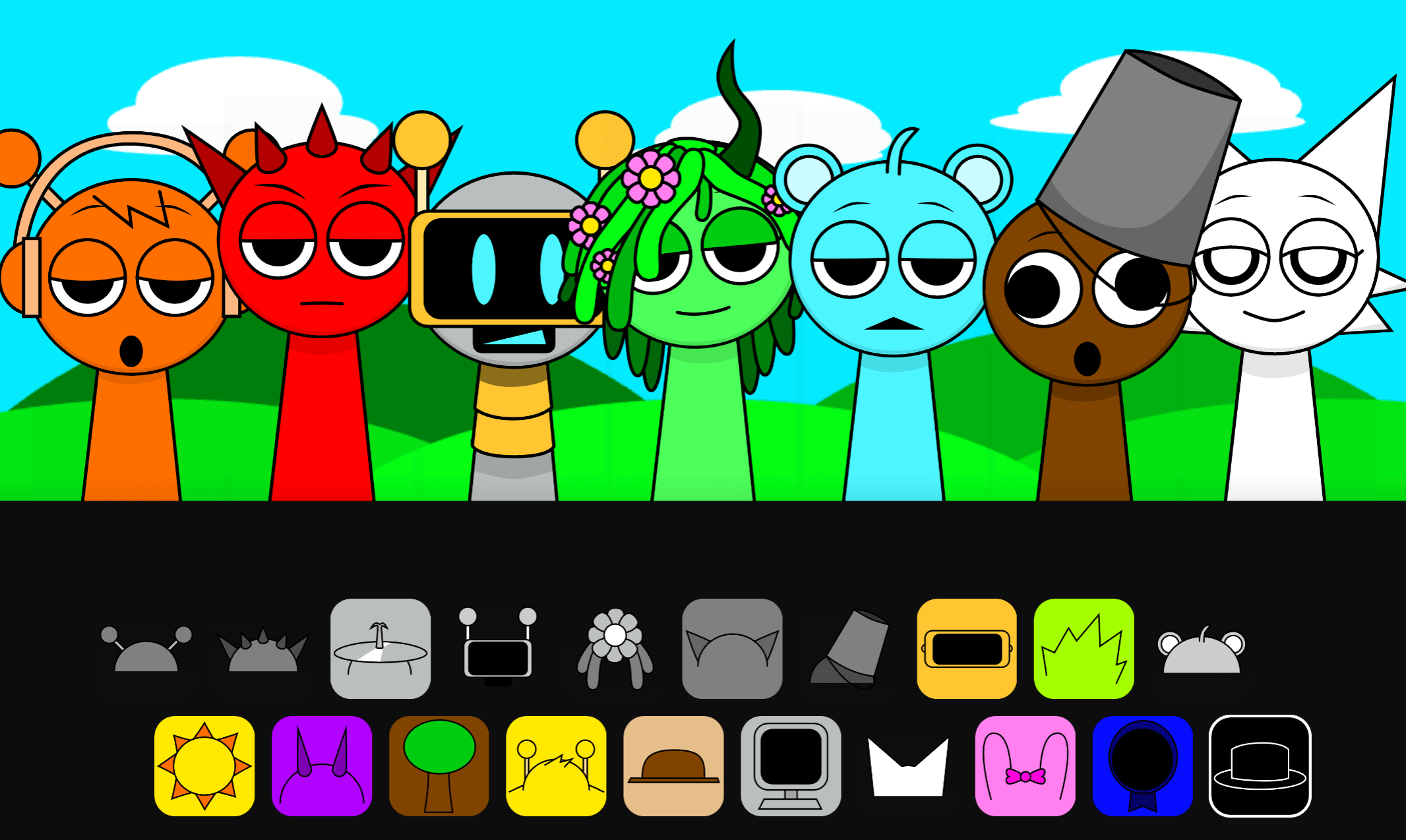
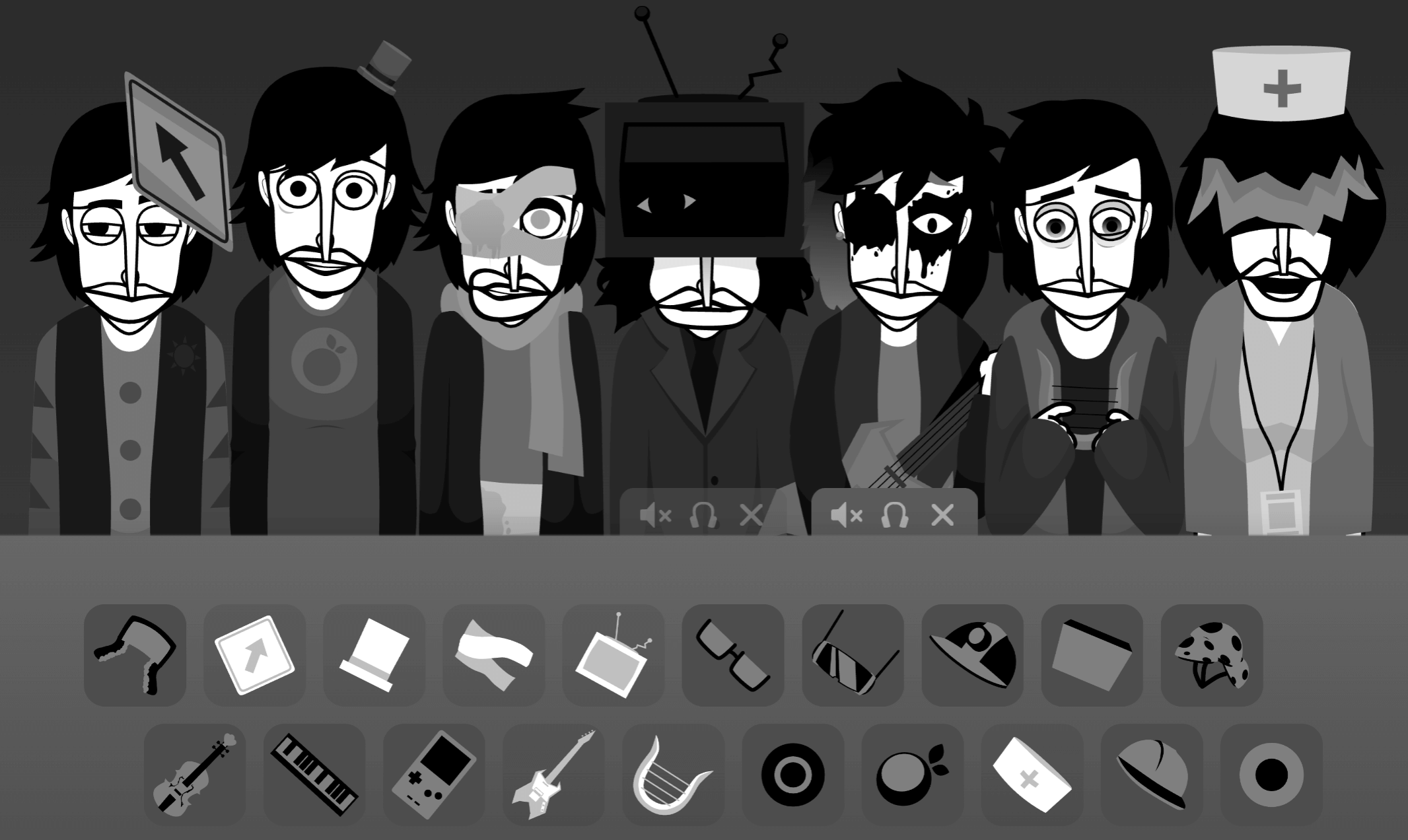
To Play Sprunki Slepy, Choose a colored icon from the soundboard, then drag it onto a character slot to activate that loop. Each icon adds a different sound. The audio remains unchanged from the original game; only the visual tweaks like black icon removal differ.
Choose a sound icon
Start with any colored piece. The familiar drag-and-drop setup makes the flow easy to understand.
Place it on a character
Dropping an icon onto a character adds that part to the arrangement. Layer more icons to build a fuller beat, or remove and rearrange them if the track feels crowded.
Use muting when needed
Mute characters before placing them if you want Sleepy visuals in the lineup without adding sound.
Experiment carefully
Some icons or characters may respond oddly. Listen closely, swap pieces around, and treat the static layout as a testing space rather than expecting every action to feel polished.
Related Games
- Sprunki Swapped No Animation v1.5 — Its no-animation presentation makes it the closest follow-up for players who liked Sprunki Sleepy’s static, distraction-free mixing style.
Does the Static Style Work?
The core appeal of Sprunki Sleepy is its stripped-back atmosphere. Exhausted character designs, glitchy distortion, and an eerie sound palette make it feel less like a performance and more like a sleep-deprived loop builder.
Because there is little or no animation, the experience depends entirely on sound layering. Muffled percussion can sit under ambient hums, whisper-like textures can add tension, and uneven rhythms can make the mix feel unstable. When the pieces work together, the result is a hazy, overtired remix that stands apart from brighter Sprunki sessions.
This works best for players who want a slower, more atmospheric mod and do not mind minimal visual feedback. The stillness is not just a limitation; it is the main part of the mood.
Discuss
Loading comments...
Failed to load comments. Please try refreshing the page.