
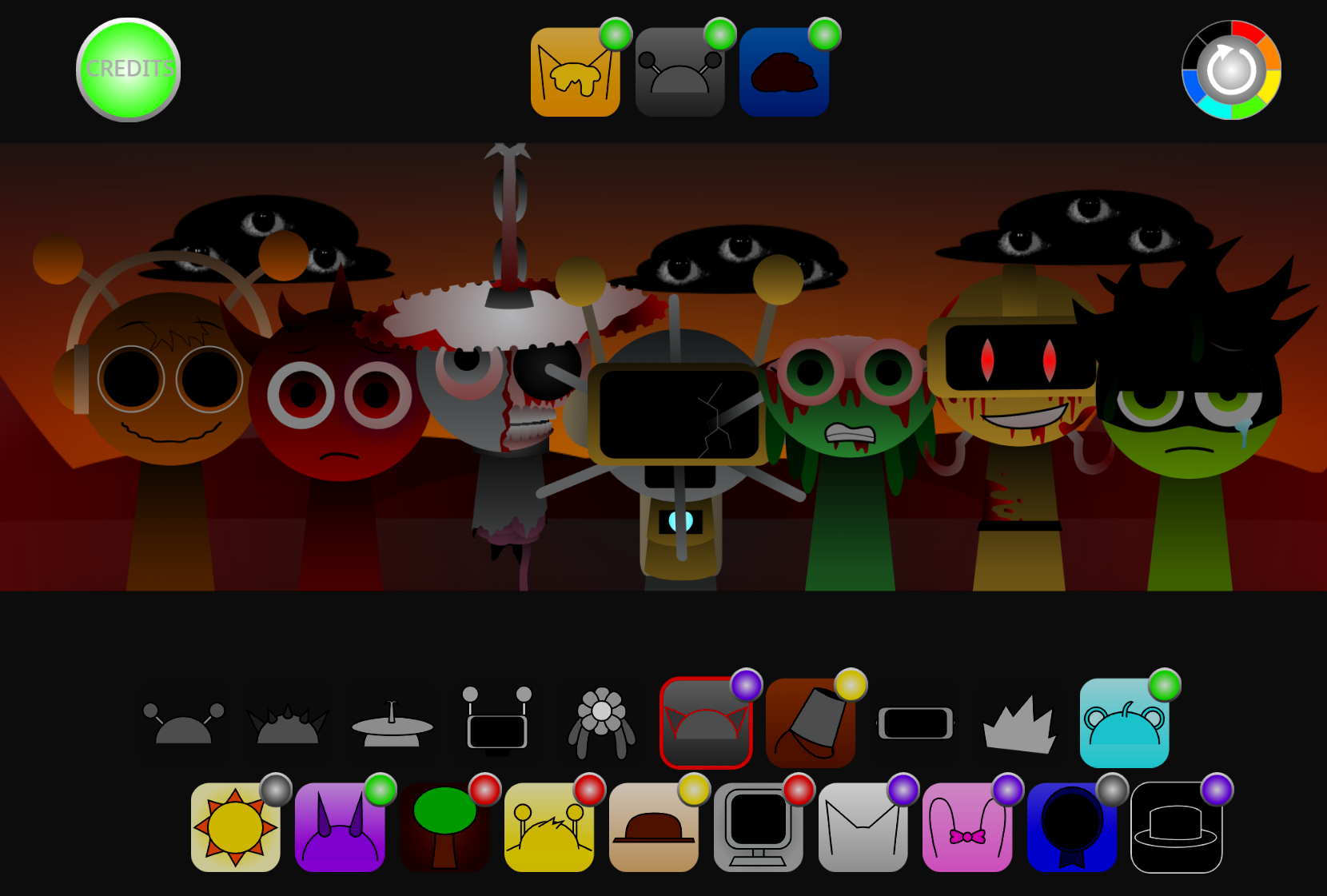
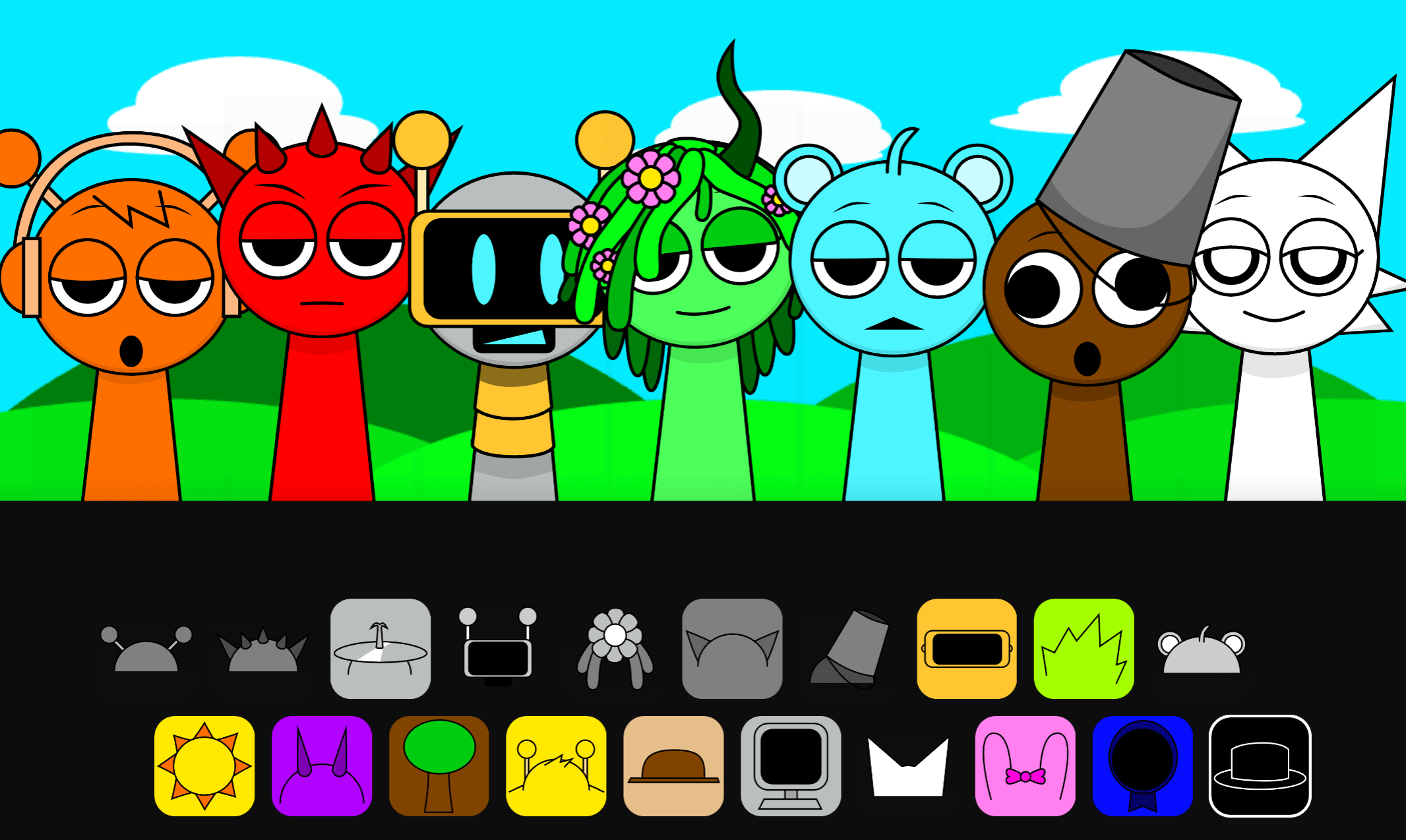
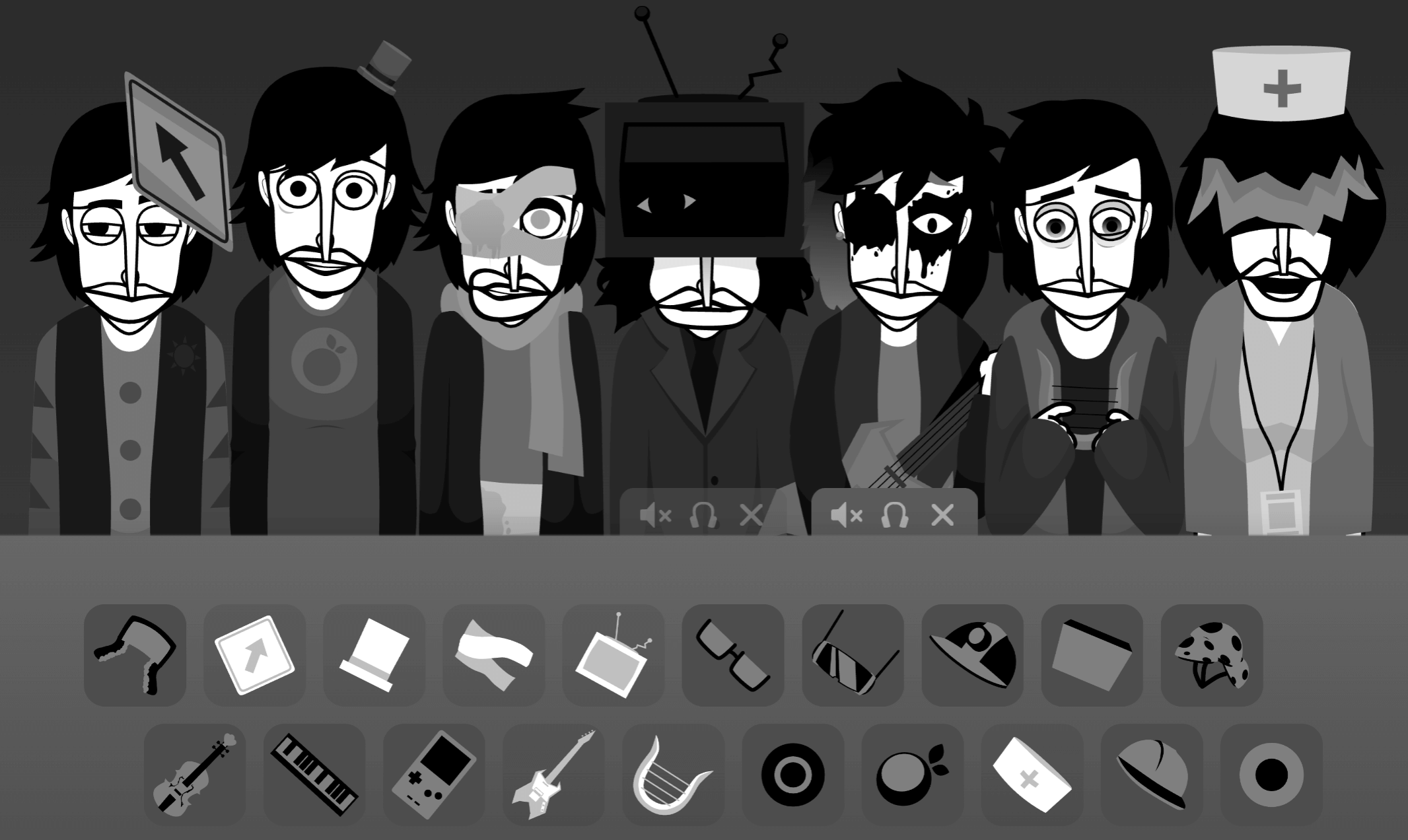
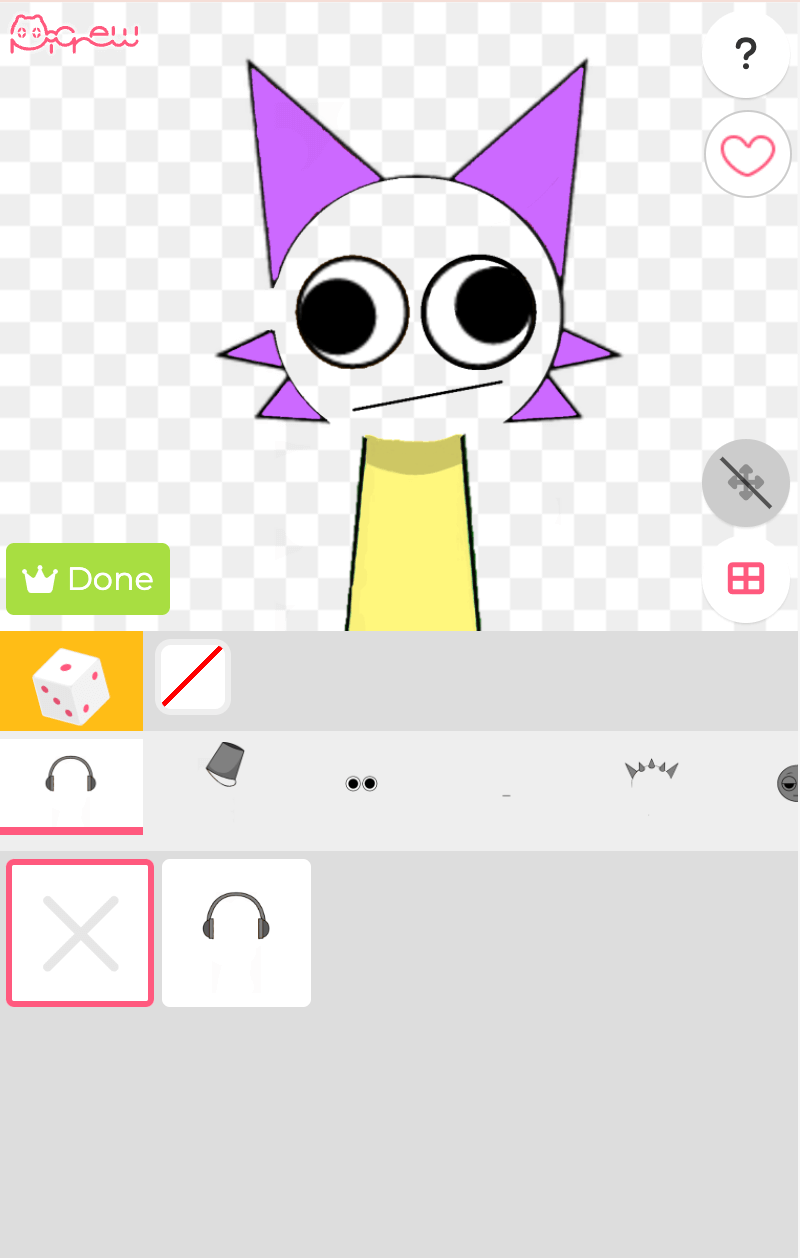
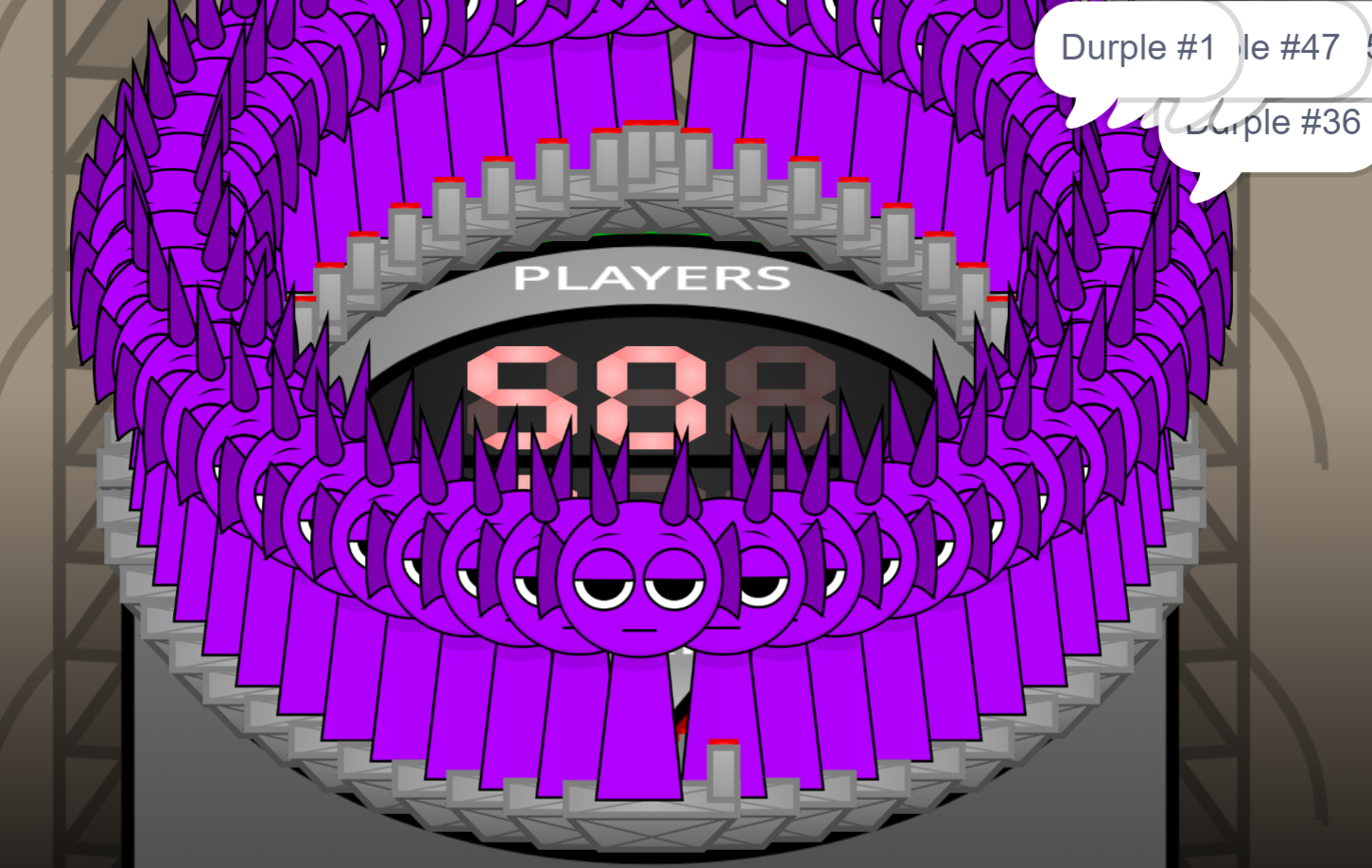
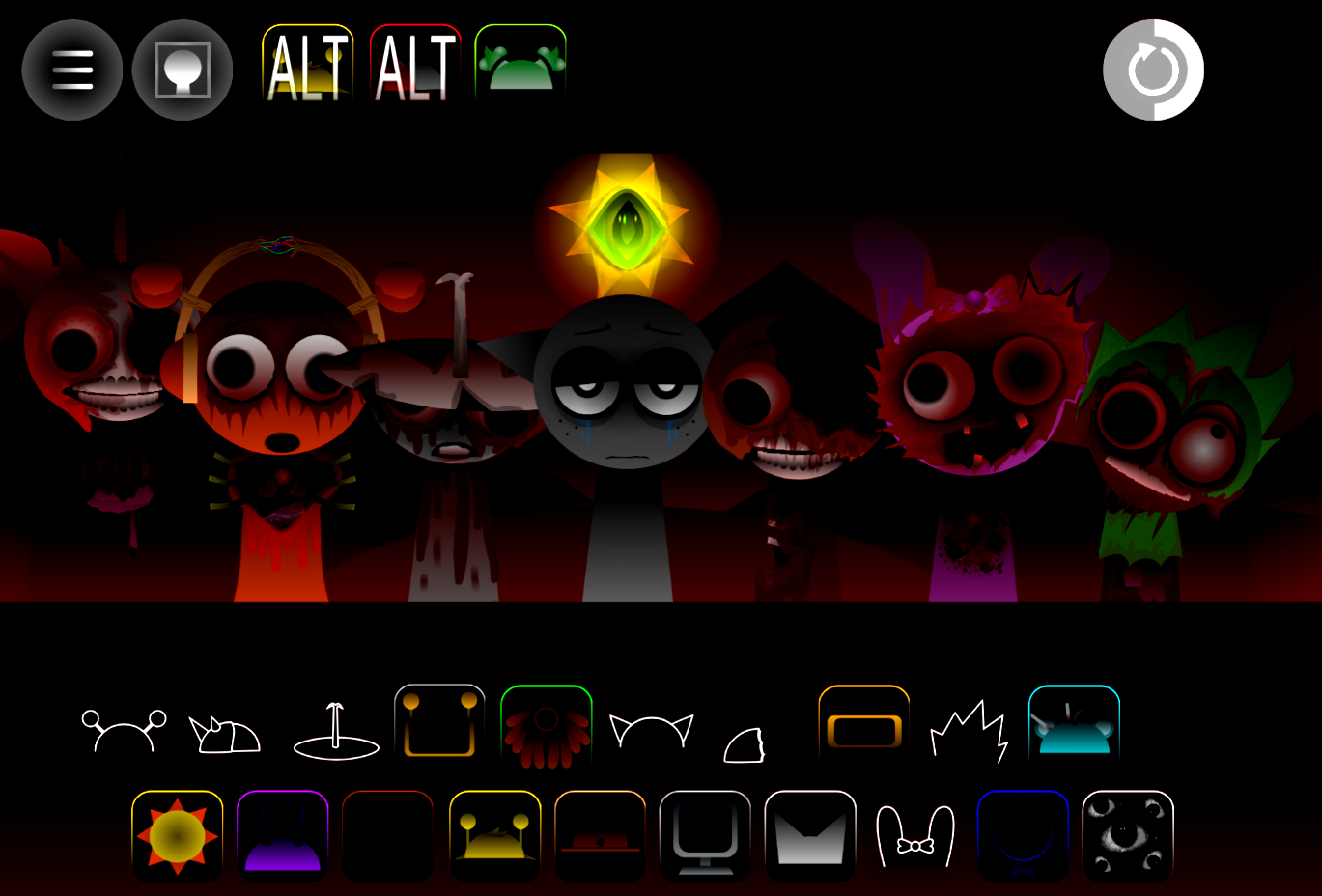
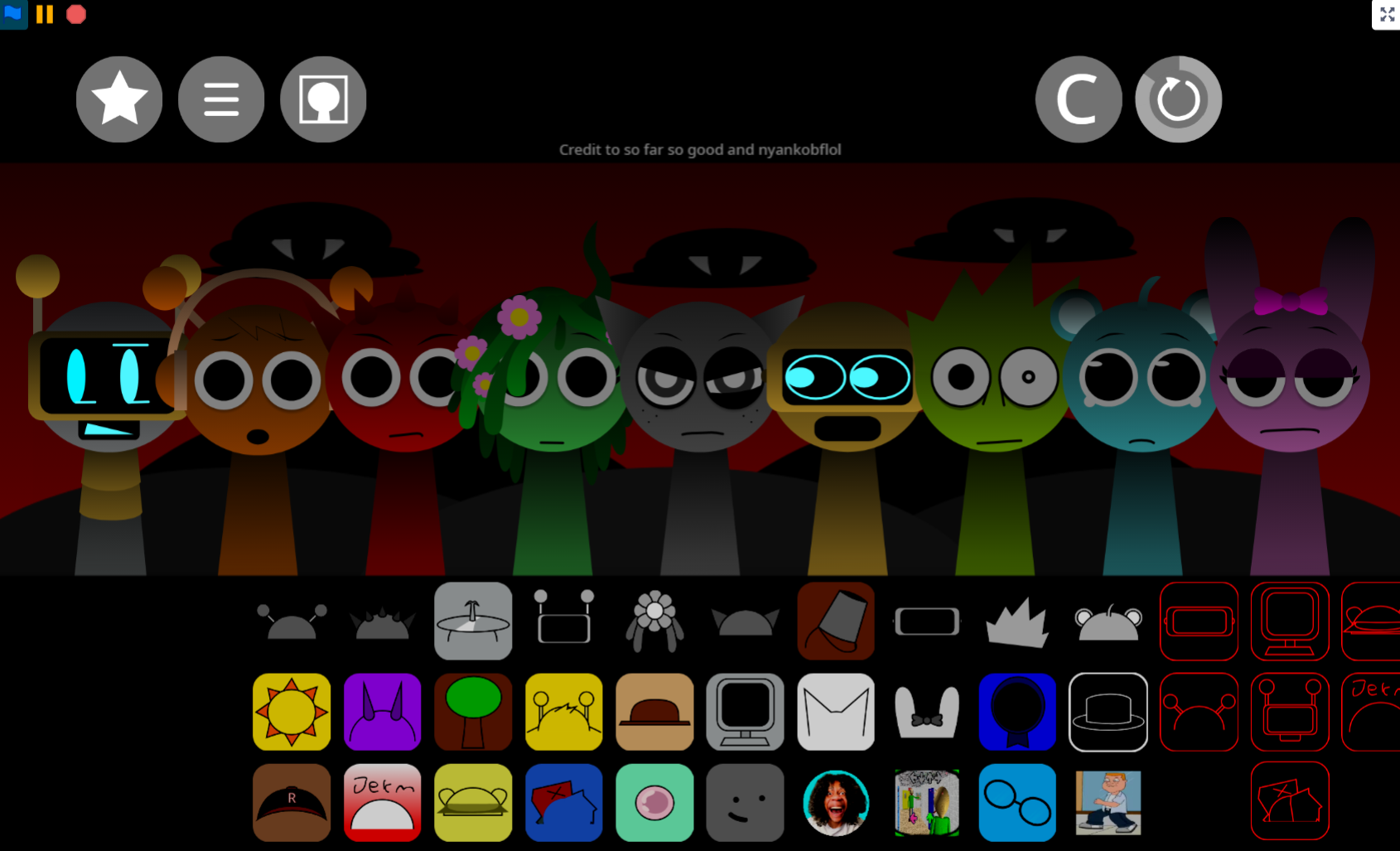
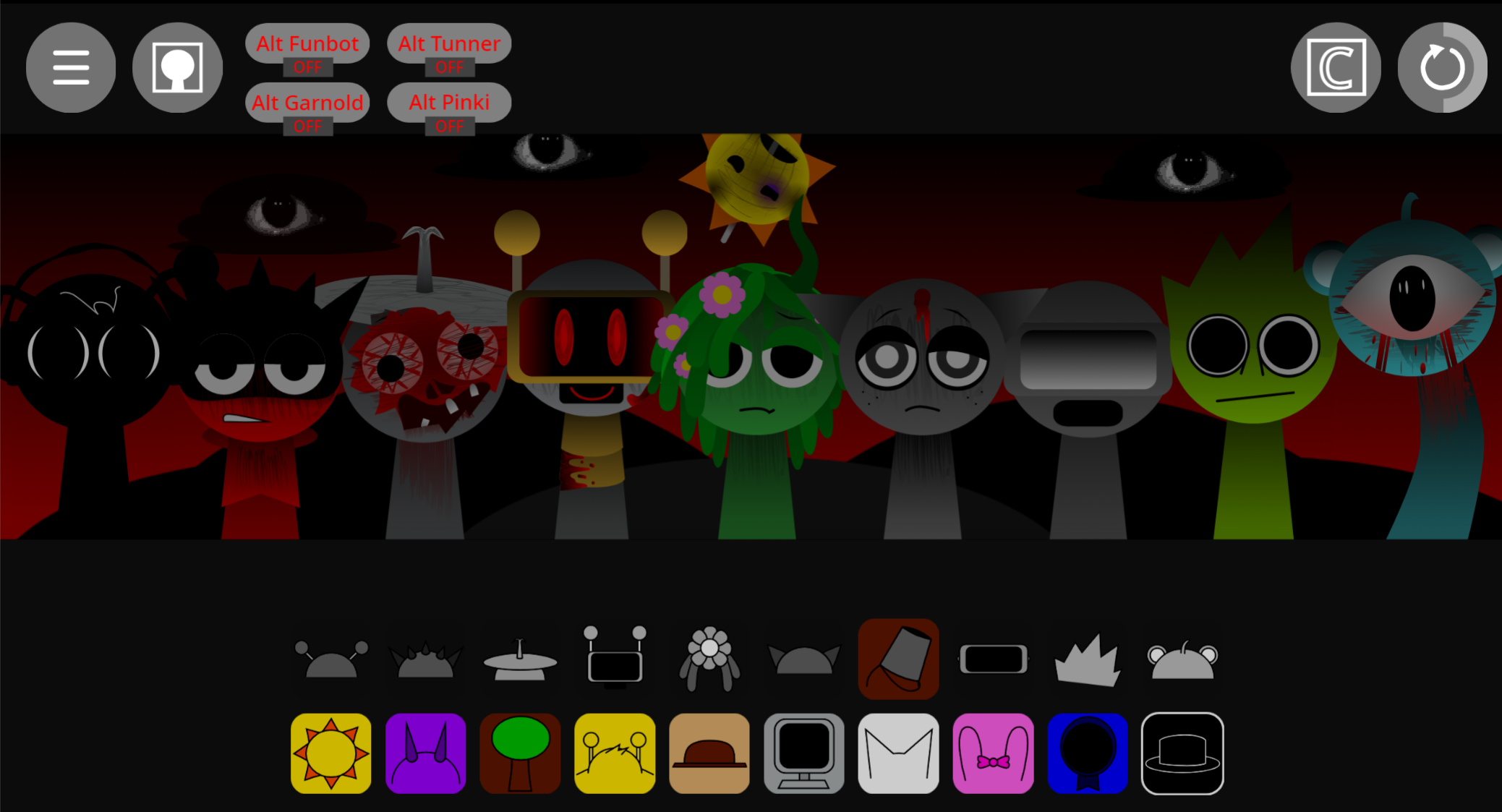


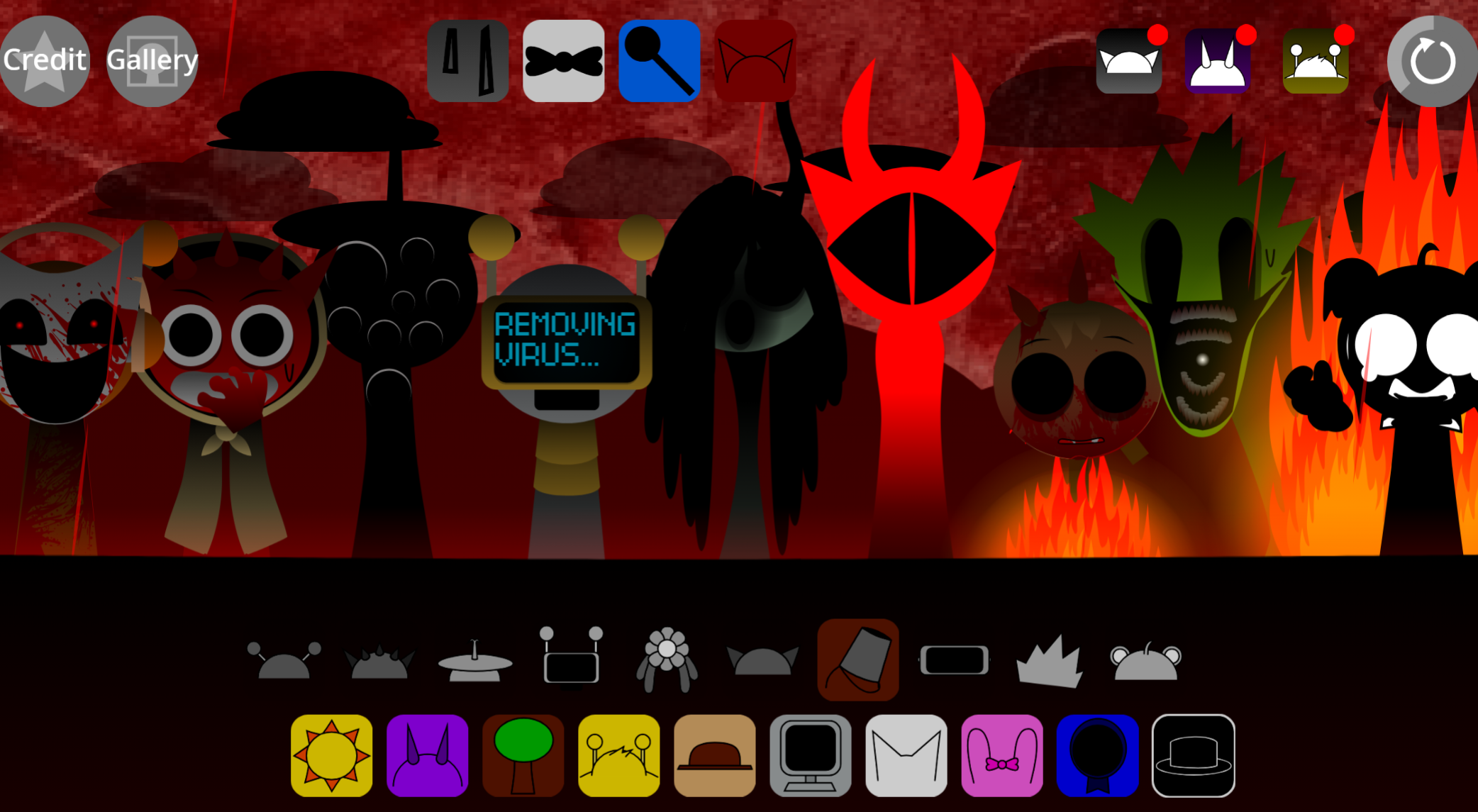
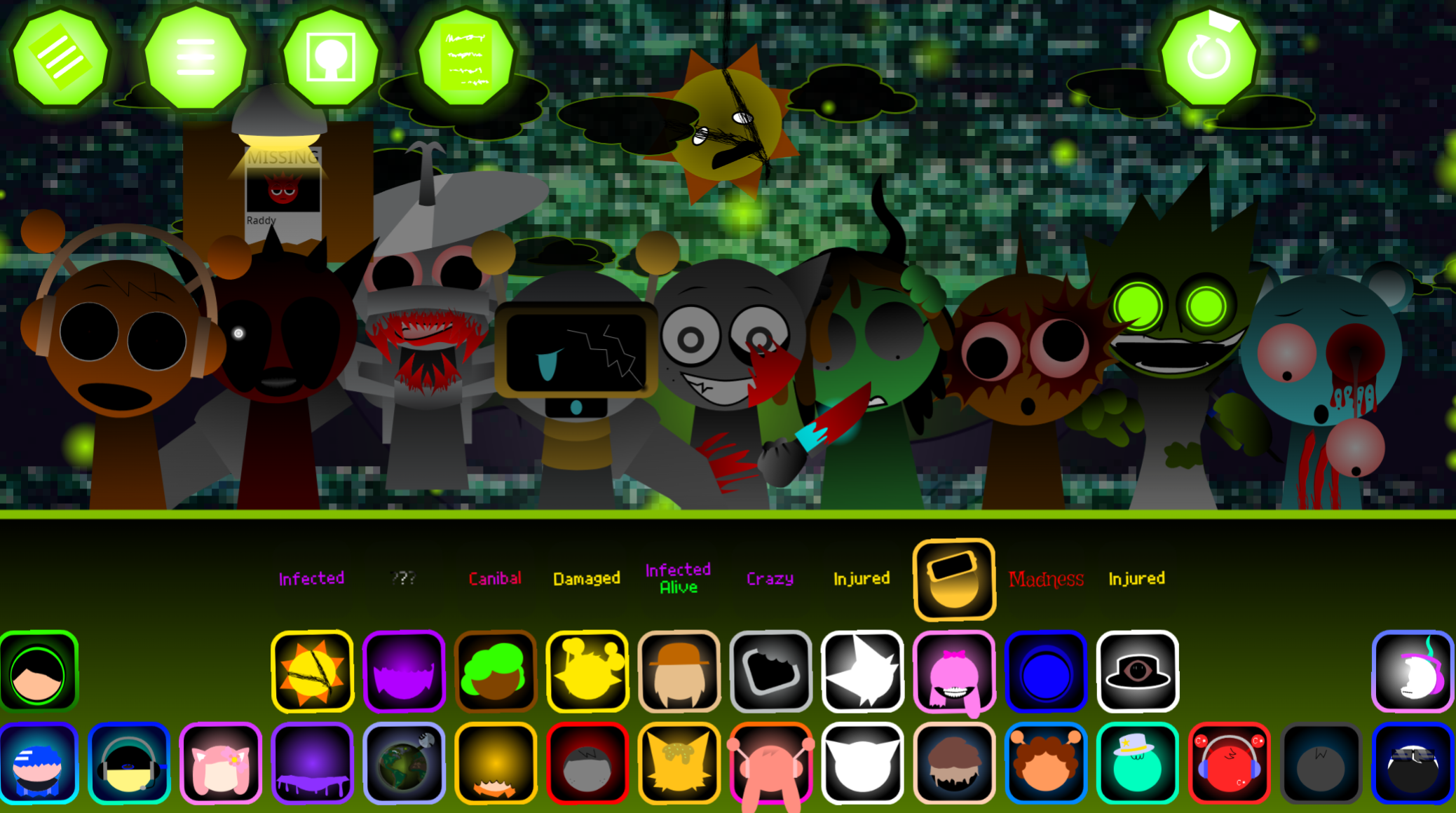
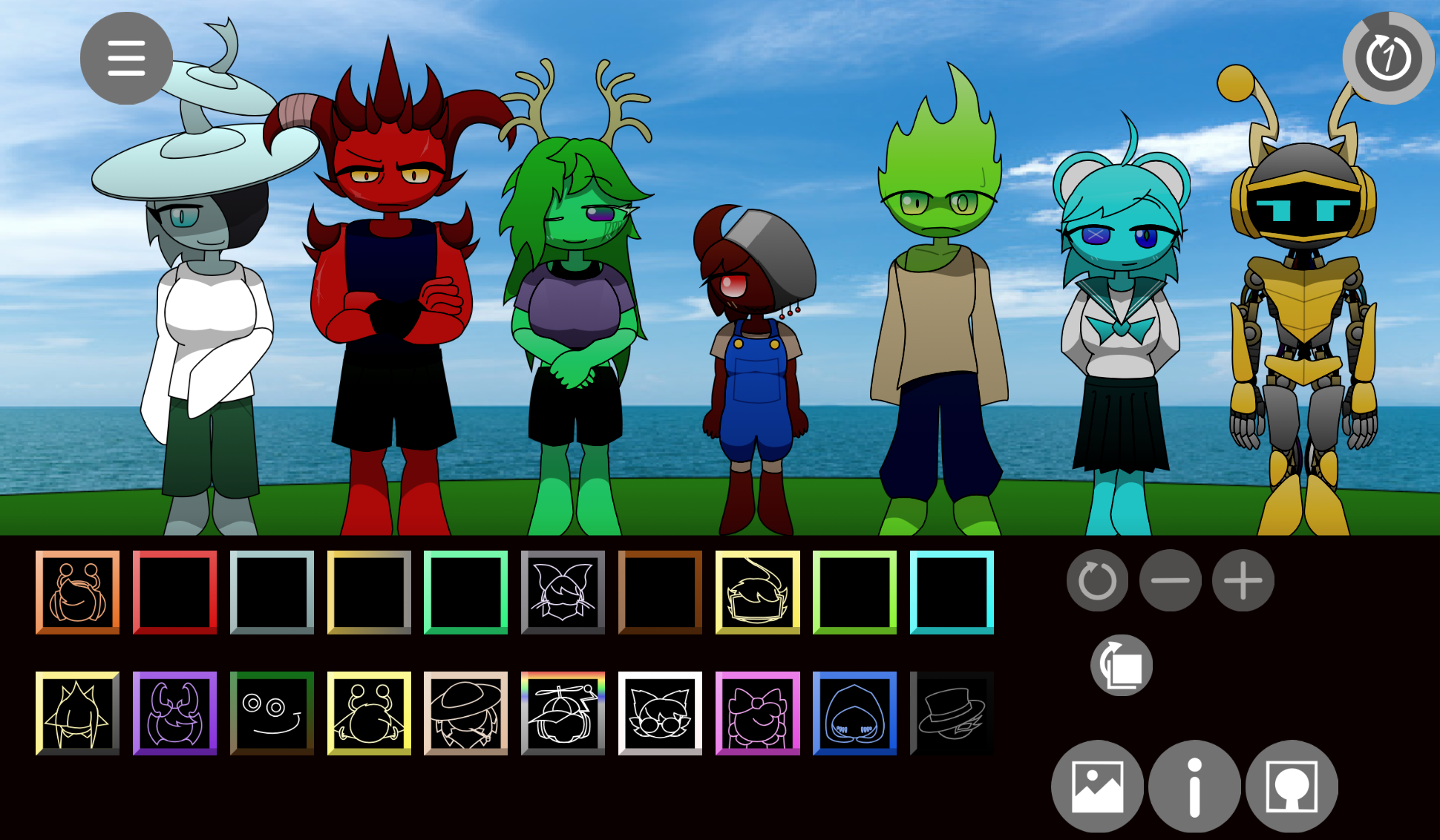
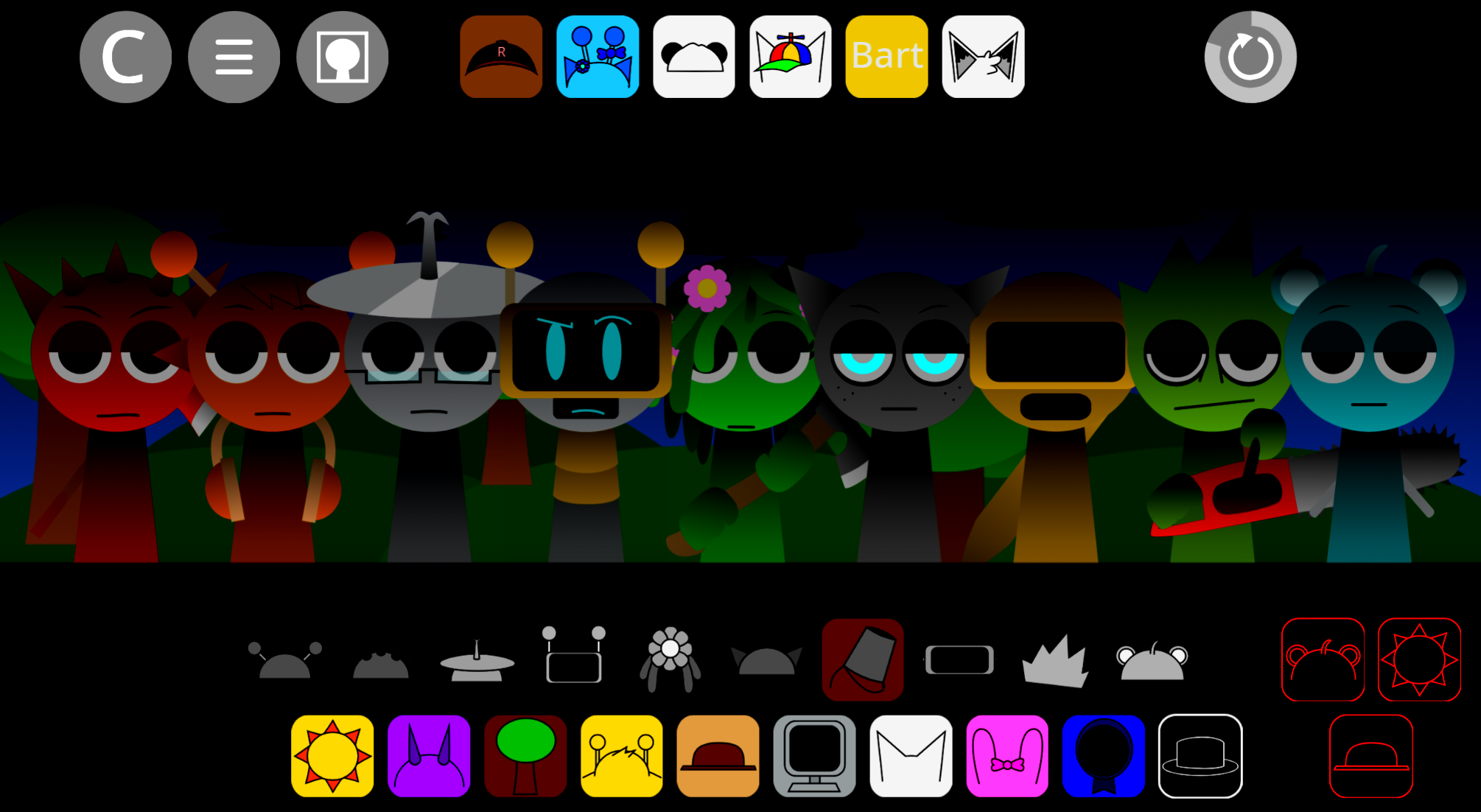
Hypershifted But Swapped Bezies Take is a mod that randomizes character assignments in Sprunki’s music-building interface, creating unpredictable sound combinations from familiar building blocks.
Players who enjoy Sprunki’s accessible drag-and-drop format but want less predictable results will find this mod reshuffles which sounds map to which character slots, forcing fresh experimentation with each session. The core mechanics stay identical—you still drag characters onto the stage to layer loops—but the Hypershifted swap means you can’t rely on muscle memory or standard arrangements.
This article covers what makes the swapped version distinct from base Sprunki, how the randomization affects playability, and whether the trade-off between accessibility and predictability suits your preferences.
Hypershifted But Swapped (Bezie’s Take)
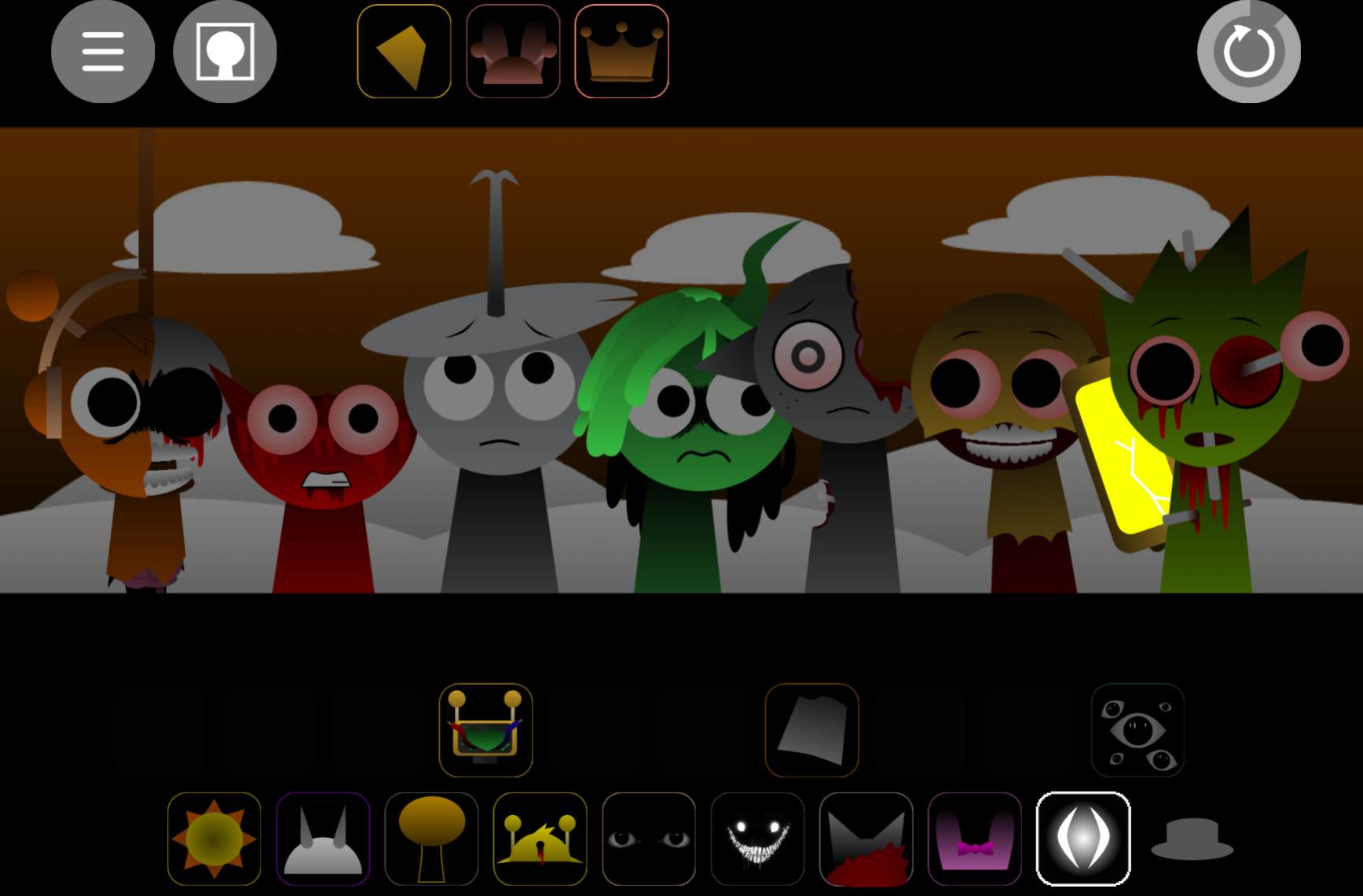
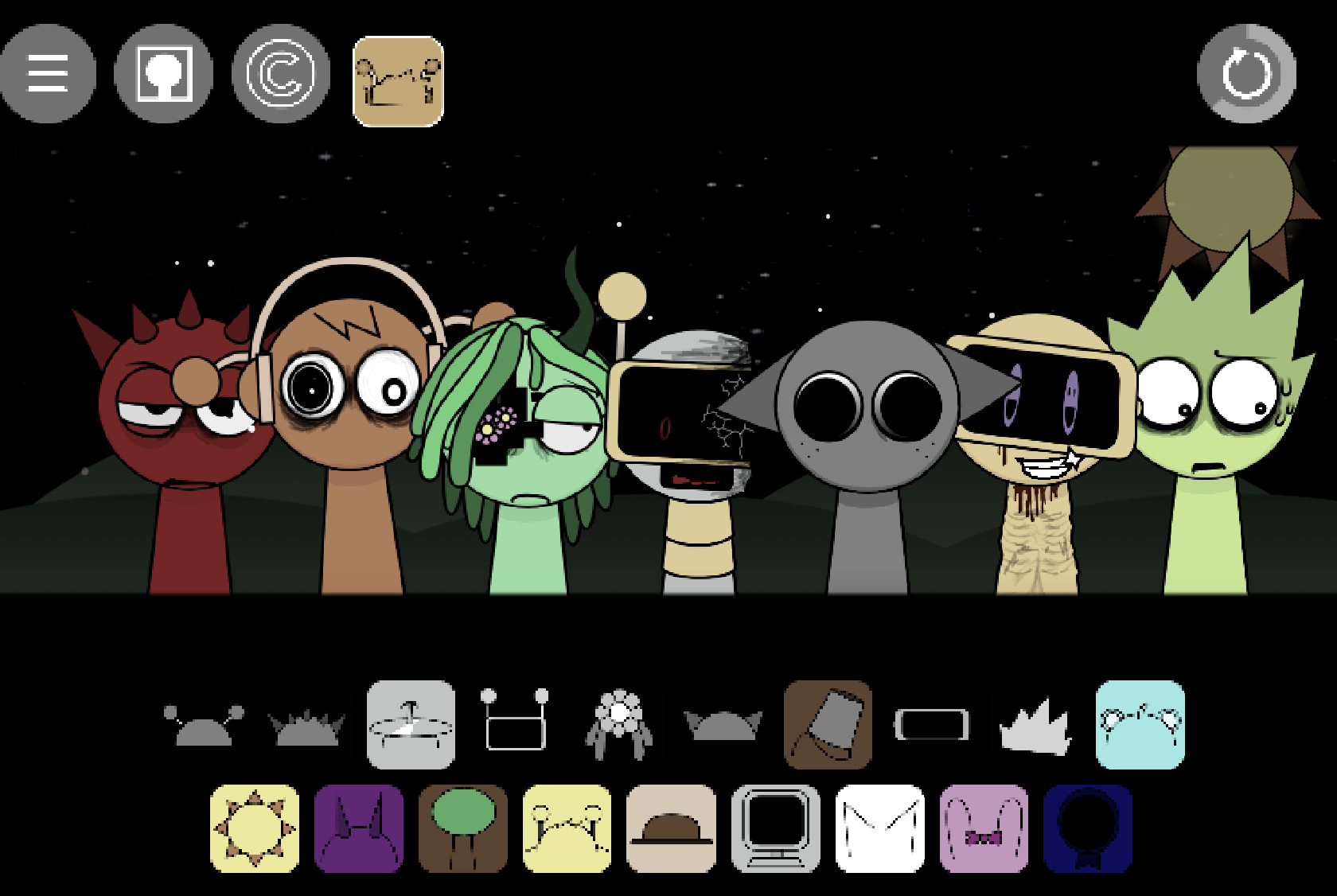
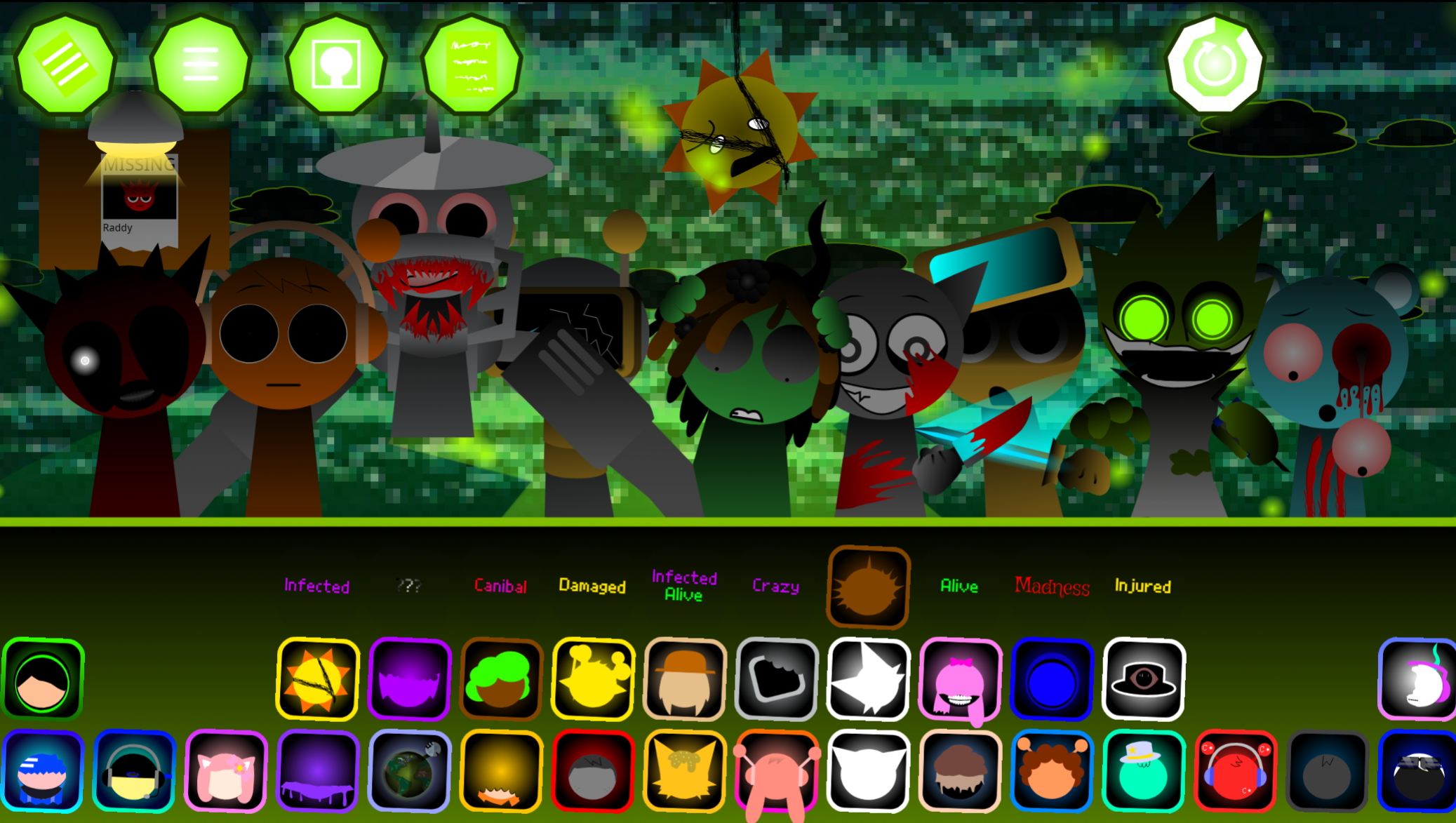
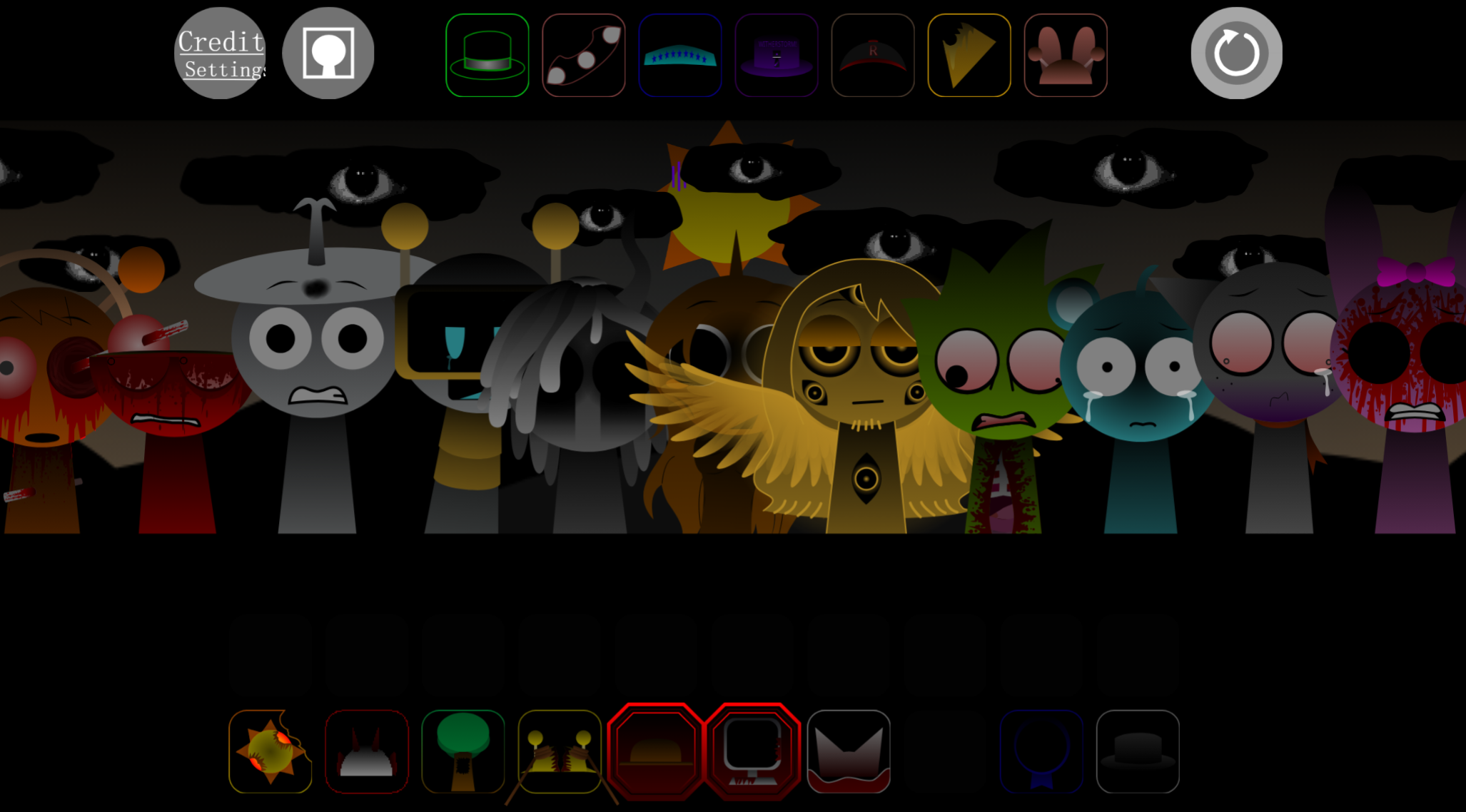
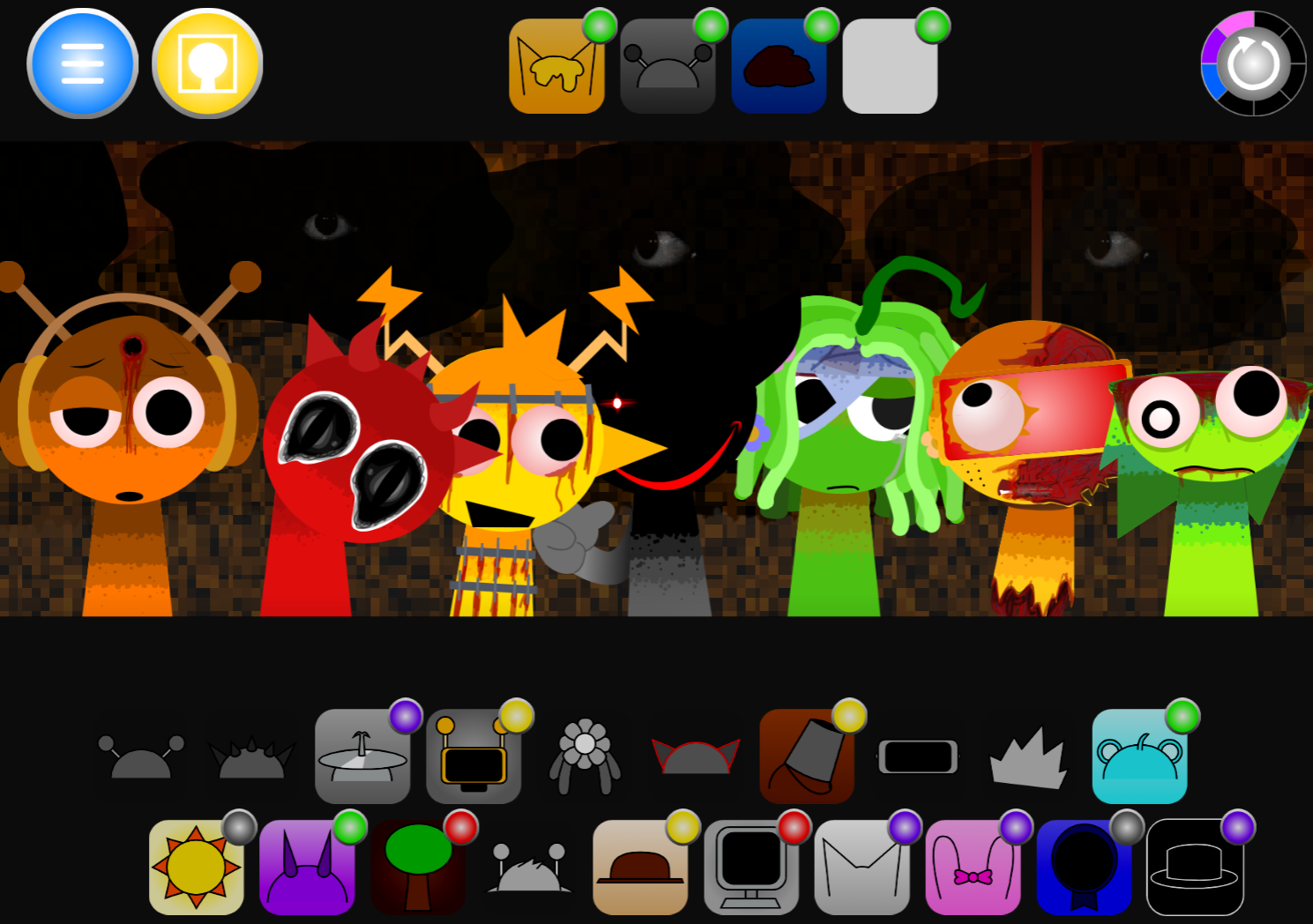
Hypershifted But Swapped (Bezie’s Take) is a fan-made Sprunki mod that reworks the Hyper Shifted formula around character and sound-role exchanges. It retains the drag-and-drop music-making structure, but familiar performers no longer reliably provide their usual musical parts. A character associated with one role may suddenly carry a different drum loop, vocal phrase, or melodic layer after a swap.
Created by @arigaribezie-alt, the mod builds on Yoofy’s (Antuneter’s) original Sprunki Shifted concept. Its design combines rapid visual rearrangement with fractured electronic loops, drawing on breakcore, drum & bass, and hyperpop energy. You can play it directly in a browser on abgernygames.org without installation.
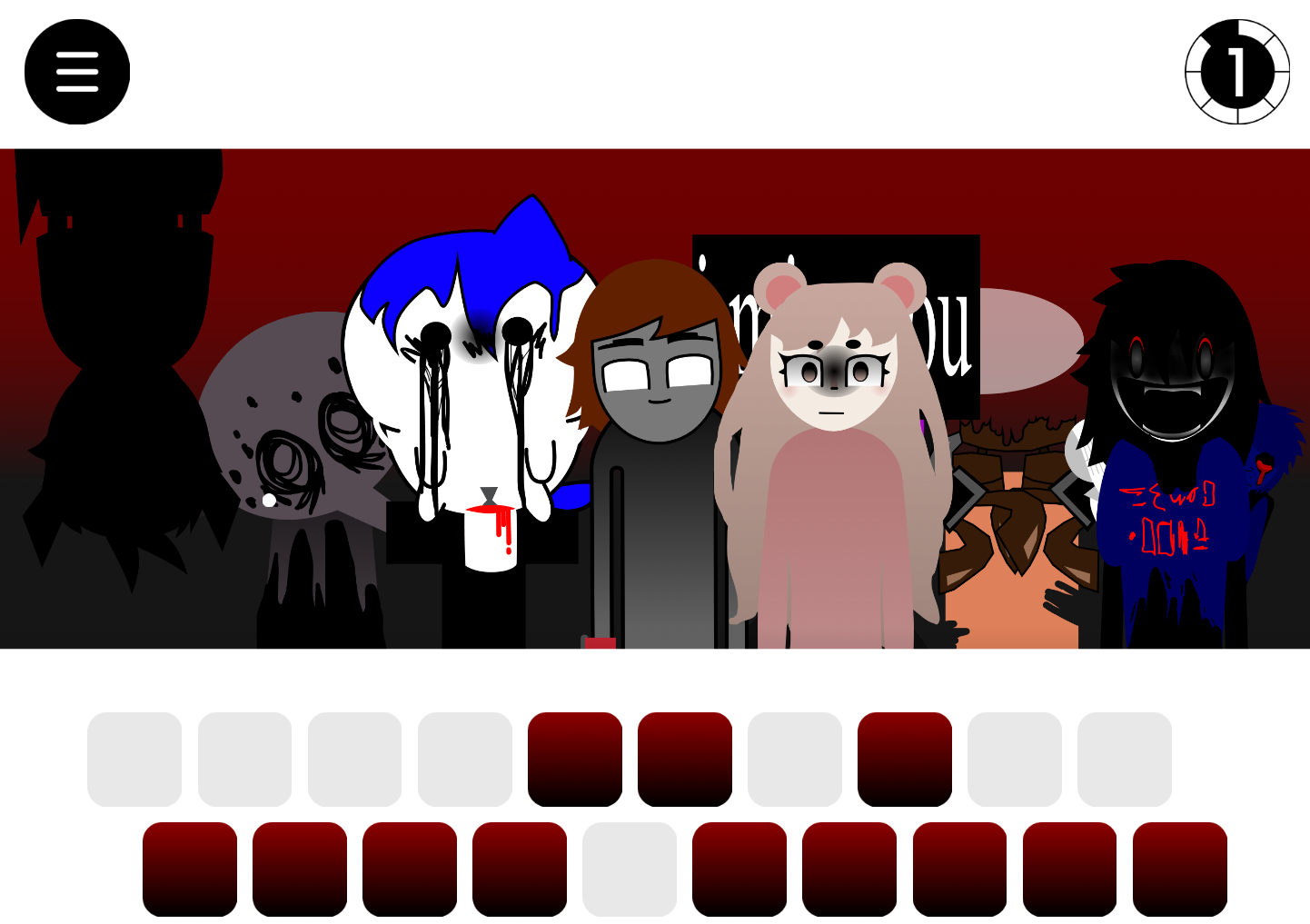
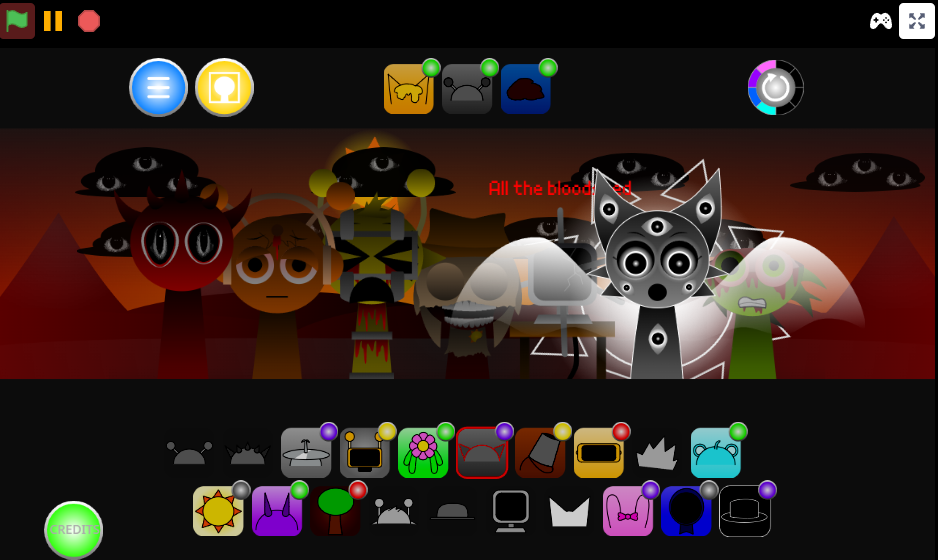
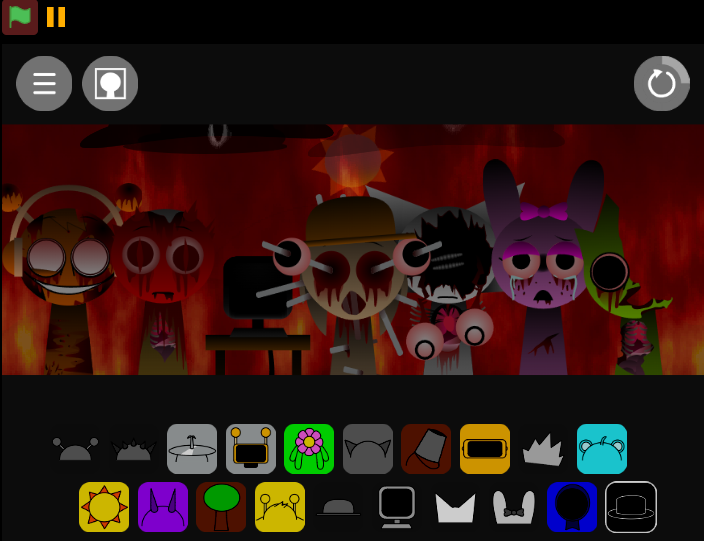
The instability is central to the experience. Mismatched faces, altered expressions, warped silhouettes, and exchanged traits make the stage feel deliberately out of alignment, reinforcing the need to listen closely and reassess each performer’s current contribution.
How to Play Hypershifted But Swapped (Bezie’s Take)
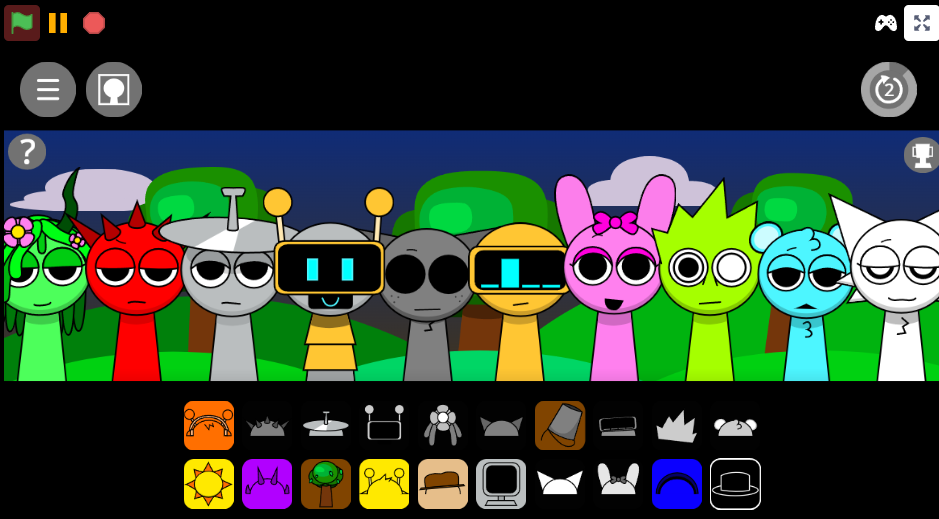
Press Play and choose a sound icon.
Icons represent different layers: rhythm, percussion, melody, or vocals.
Drag the icon onto a performer.
The character immediately joins the loop, changing both the audio and the visual stage.
Listen before adding another layer.
Swaps can reroute familiar character functions, so the sound matters more than appearance.
React to swap and Hypershifted effects.
When performers shift places or their tracks change, reassess the arrangement rather than forcing the previous combination.
Experiment with unusual combinations.
Less obvious icon pairings can produce different rhythmic textures, animations, and possible bonus effects.
The objective is not to fill every slot. A controlled mix with a clear beat, one or two supporting textures, and a distinct vocal or melodic hook is often easier to manage than a crowded arrangement.
Features of Hypershifted But Swapped (Bezie’s Take)
Swapped character roles and sounds
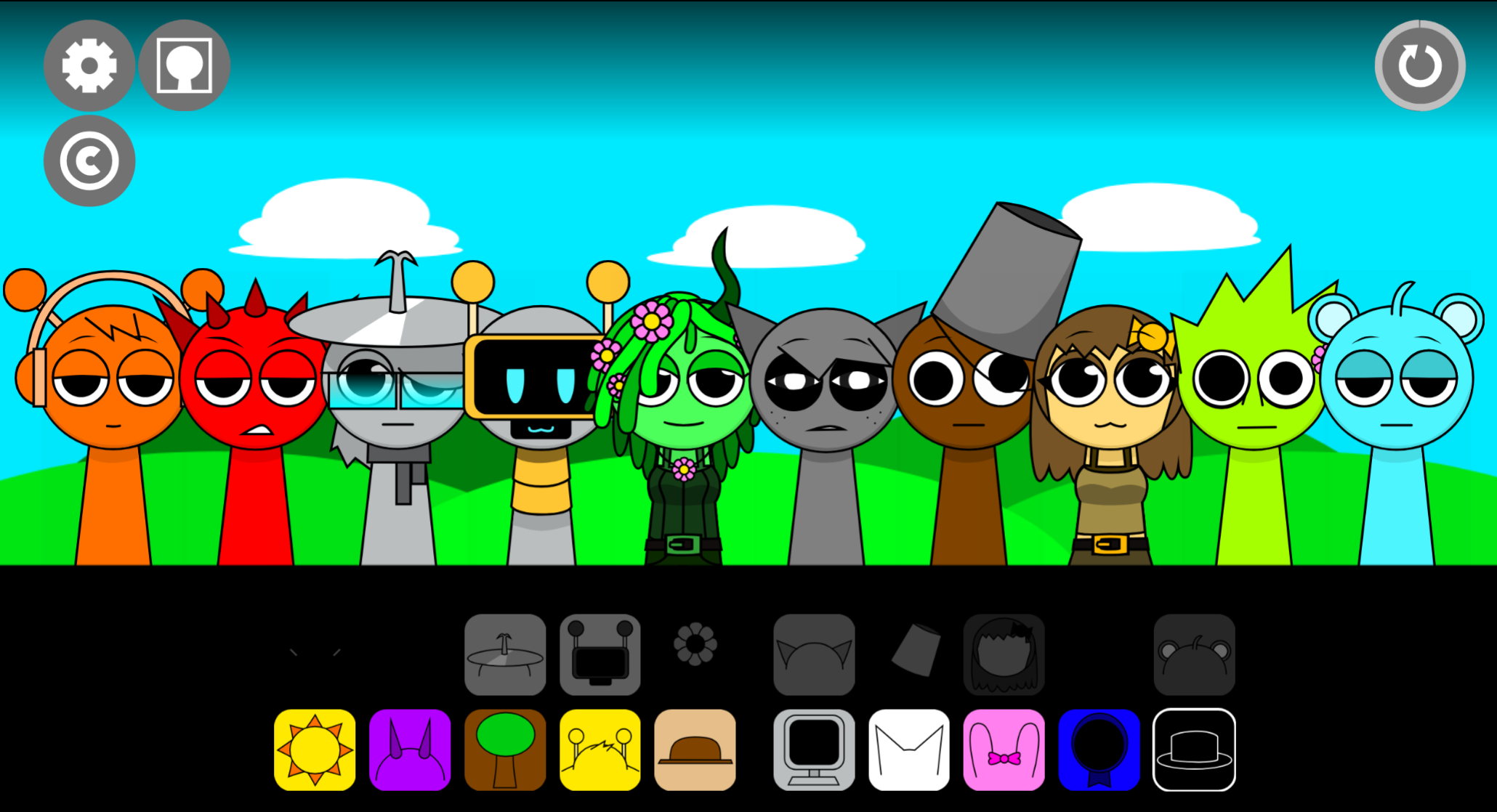
Characters can trade positions and audio functions. Oren, Raddy, Wenda, and Pinki remain recognizable reference points, but their contributions may be rerouted by the active swap.
Drag-and-drop loop building
Place icons on performers, hear the layer enter the track, then adjust the mix through additional placements.
Hypershifted visual design
Flashing neon blocks, distorted expressions, rearranged figures, and warped silhouettes create a digital stage that looks as unstable as it sounds.
Fast, fragmented electronic energy
The soundtrack emphasizes rapid rhythmic movement and fractured textures associated with breakcore, drum & bass, and hyperpop.
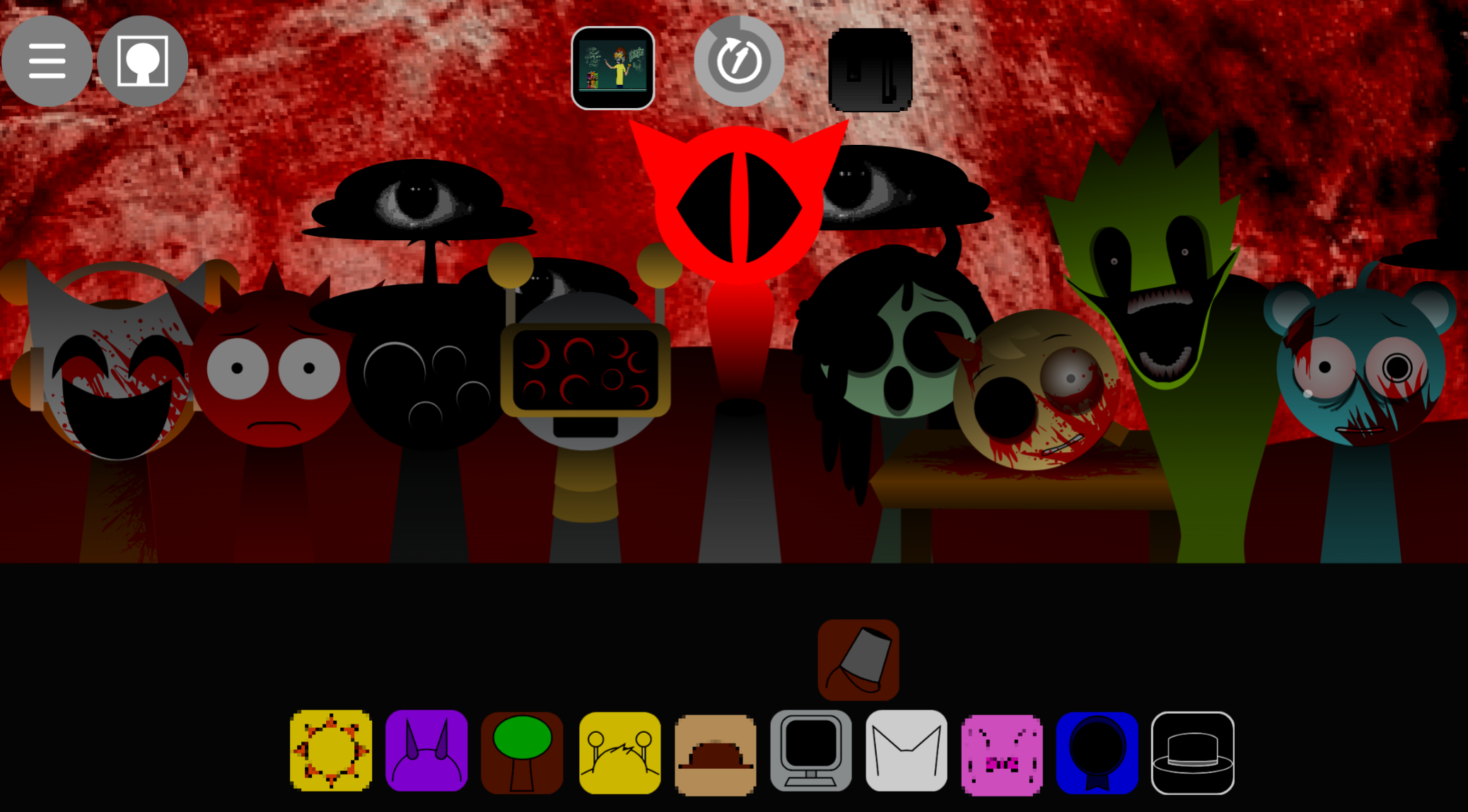
Hyper Horror mode
This intensified mode adds inverted colors, screen shake, and aggressive noise effects for players who want the mix to become deliberately disorienting.
Tips for Managing Sonic Chaos
The swaps, flashing colors, and distorted character designs challenge recognition, but the loop still provides a rhythmic structure you can follow.
Build from a dependable foundation.
Start with the clearest rhythmic layer before adding percussion, vocals, or melody. Once the beat is established, it’s easier to tell what a swap has changed.
Add one layer at a time.
Pause after each placement and identify whether the new sound supports, competes with, or overwhelms the existing loop.
Listen to roles, not appearances.
A swapped character may look familiar while producing an unexpected sound. Judge each performer by what is currently audible rather than their usual Sprunki identity.
Treat visual shifts as prompts to reassess.
When the lineup rearranges or the animation changes sharply, check the mix again. A new visual state may signal that the audio relationships have changed as well.
Keep Hyper Horror arrangements simple at first.
In Hyper Horror mode, screen shake, inverted colors, and noise can make dense tracks hard to parse. Use a small number of reliable layers as an anchor, then add complexity once the rhythm is clear.
Related Games
- Sprunki Hyper Shifted Phase 4 But Swap Double — Its doubled swap premise makes it the closest follow-up for players who want even more rapid character-position changes and scrambled sound combinations after Bezie’s hypershifted mix.
- Sprunki Swapped Maple Take — This alternate Swapped take offers another character-and-audio exchange remix for experimenting with the same core mechanic in a different creator’s style.
- Sprunki Hypershifted Demonic Date Hypershifted Ozirus Take — Its hypershifted demonic framing is a strong next click for players drawn to the article’s intense Hyper Horror presentation and distorted audiovisual chaos.
Why Play This Mod?
The mod suits players who enjoy the accessible music-building format of Sprunki but want less predictable results. Its main appeal is that the swaps affect the actual composition process: a visual change can also mean that the part you expected to be melody has become percussion, or that a familiar voice now occupies a different role in the loop.
That makes replaying worthwhile. Each arrangement asks you to test how altered performers fit together rather than repeating a known lineup. The rapid pacing and neon-heavy presentation support that uncertainty, turning simple drag-and-drop choices into a continuing exercise in listening, timing, and adjustment.
If you enjoy this character-swapping gameplay, you might also explore Sprunki Swapped Rafas Takes for another take on the format.
Discuss
Loading comments...
Failed to load comments. Please try refreshing the page.